Cracking a skill-specific interview, like one for Scientific Software and Tools, requires understanding the nuances of the role. In this blog, we present the questions you’re most likely to encounter, along with insights into how to answer them effectively. Let’s ensure you’re ready to make a strong impression.
Questions Asked in Scientific Software and Tools Interview
Q 1. Explain the difference between compiled and interpreted languages in the context of scientific computing.
The core difference between compiled and interpreted languages lies in how the code is executed. Compiled languages, like C++ or Fortran, translate the entire source code into machine-readable instructions (binary code) before execution. This process is done by a compiler. This results in faster execution speeds because the machine directly understands the instructions. Interpreted languages, like Python or R, execute the code line by line, using an interpreter to translate each instruction on-the-fly. This makes development faster, with quicker feedback loops during debugging, but typically leads to slower runtime performance.
In scientific computing, this choice is critical. If you’re dealing with computationally intensive simulations or large datasets (e.g., climate modeling, genomic analysis), a compiled language’s speed advantage is crucial for acceptable runtime. However, for exploratory data analysis or prototyping where rapid development is prioritized, an interpreted language might be preferred. Often, a hybrid approach is used: prototyping in Python and then optimizing performance-critical sections in C++.
Example: Imagine you’re running a weather simulation. A compiled language like C++ would be faster for the core calculations, while Python could handle data input/output and visualization.
Q 2. Describe your experience with version control systems (e.g., Git) in a collaborative scientific project.
Version control, specifically Git, is indispensable in collaborative scientific projects. I have extensive experience using Git for managing code, data, and documentation in large-scale projects. I’m proficient in branching, merging, resolving conflicts, and using pull requests to ensure code quality and maintainability. In one project involving the development of a climate model, Git allowed multiple team members to work concurrently on different aspects of the model without interfering with each other’s work. We used feature branches for new developments, merging them back into the main branch after thorough testing and code review. This approach ensured traceability, facilitated collaboration, and prevented accidental overwrites or data loss. The ability to revert to previous versions was also invaluable in troubleshooting and debugging.
Furthermore, I’m familiar with various Git platforms like GitHub and GitLab which provide additional features such as issue tracking and continuous integration/continuous deployment (CI/CD) pipelines, streamlining the development process.
Q 3. What are the advantages and disadvantages of using different programming languages (e.g., Python, C++, R) for scientific applications?
The choice of programming language significantly impacts the efficiency and feasibility of a scientific application. Each language has its strengths and weaknesses:
- Python: Excellent for rapid prototyping, data analysis, and visualization due to its rich ecosystem of libraries (NumPy, SciPy, Pandas, Matplotlib). However, it can be slower than compiled languages for computationally intensive tasks.
- C++: Powerful and efficient for performance-critical applications, offering fine-grained control over memory management. However, it has a steeper learning curve and requires more development time.
- R: Primarily used for statistical computing and data analysis, particularly strong in areas like data visualization and statistical modeling. Similar to Python, it can be slower for heavy computations.
Example: A machine learning project might start with Python for rapid experimentation and model building, then transition to C++ for deployment on resource-constrained devices. A statistical analysis project would likely be primarily done in R, leveraging its statistical functionalities. A high-performance computing simulation would likely utilize C++ or Fortran for its speed and efficiency.
Q 4. How would you optimize a computationally expensive algorithm for improved performance?
Optimizing a computationally expensive algorithm requires a systematic approach. The strategies employed depend on the nature of the algorithm and the underlying hardware. Here’s a breakdown of common techniques:
- Algorithmic Optimization: This involves changing the algorithm itself to reduce the number of operations. For example, switching from a brute-force search to a more efficient algorithm like binary search significantly reduces execution time.
- Data Structures: Choosing appropriate data structures is critical. Using a hash table instead of a linear search for frequent lookups can drastically improve performance.
- Profiling: Tools like
gprof(for C++) or Python’s built-in profiling capabilities help pinpoint performance bottlenecks in the code. This allows you to focus optimization efforts on the most impactful areas. - Vectorization/Parallelization: Utilizing vectorized operations (SIMD instructions) or parallel computing (OpenMP, MPI) can significantly speed up computations by performing multiple operations simultaneously. Libraries like NumPy in Python already provide vectorized functions.
- Memory Management: Efficient memory allocation and usage are crucial, especially when dealing with large datasets. Avoid unnecessary copying or duplication of data.
- Code Optimization: Compiler optimizations (like loop unrolling or function inlining) can further enhance performance.
Example: If profiling reveals that a nested loop is the bottleneck, one could explore vectorization using NumPy or parallelizing it using OpenMP.
Q 5. Explain your experience with parallel computing techniques (e.g., MPI, OpenMP).
I have substantial experience with parallel computing techniques, particularly MPI (Message Passing Interface) and OpenMP (Open Multi-Processing). MPI is used for distributed-memory parallelism, where different processes run on separate nodes in a cluster. OpenMP, on the other hand, is for shared-memory parallelism, where multiple threads execute within a single process.
In a project involving large-scale fluid dynamics simulations, I used MPI to distribute the computational load across multiple cores in a high-performance computing cluster. This significantly reduced the simulation runtime. For another project, I used OpenMP to parallelize a computationally intensive loop within a single program, resulting in speedups on multi-core processors. The choice between MPI and OpenMP depends on the nature of the problem and the available hardware. MPI is more suitable for problems that can be easily decomposed into independent tasks, while OpenMP is more efficient for tasks that share data frequently. I am also familiar with hybrid approaches, combining MPI and OpenMP for enhanced scalability and performance.
Example: A climate model might use MPI to distribute the calculations across a cluster of machines, while OpenMP could parallelize smaller tasks within each node.
Q 6. Describe your experience with debugging and profiling scientific software.
Debugging and profiling are essential skills for developing robust and efficient scientific software. I am proficient in using debuggers like gdb (GNU Debugger) for C++ and Python’s built-in debugger for identifying and resolving errors in my code. My debugging process typically involves:
- Reproducing the error: Understanding the conditions that lead to the error is crucial.
- Using print statements strategically: To track variable values and program flow.
- Leveraging the debugger: Setting breakpoints, stepping through the code, and inspecting variables.
- Analyzing stack traces: Understanding the call stack to identify the origin of the error.
Profiling helps pinpoint performance bottlenecks. I regularly use profiling tools to identify sections of the code that consume the most time or resources. This information guides optimization efforts. Tools like valgrind (for memory leak detection) and performance counters are also part of my debugging and profiling toolkit. A disciplined approach to testing and code review is equally important in preventing and identifying bugs early in the development cycle.
Q 7. How familiar are you with different scientific computing libraries (e.g., NumPy, SciPy, Pandas)?
I’m highly familiar with NumPy, SciPy, and Pandas, the cornerstone libraries for scientific computing in Python.
- NumPy: Provides efficient support for numerical operations on arrays and matrices, forming the foundation for many scientific computing tasks.
- SciPy: Builds upon NumPy, offering a vast collection of algorithms and functions for scientific and technical computing, covering areas like optimization, linear algebra, signal processing, and more.
- Pandas: Provides powerful tools for data manipulation and analysis, enabling easy data cleaning, transformation, and exploration using DataFrames.
I routinely use these libraries in my work for tasks ranging from data preprocessing and analysis to numerical simulations and visualizations. My proficiency extends to leveraging these libraries for efficient matrix operations, statistical analysis, signal processing, and creating high-quality scientific visualizations. I understand the underlying data structures and algorithms used by these libraries, which allows me to effectively optimize my code and select the appropriate tools for the task at hand. For instance, I leverage NumPy’s vectorized operations to perform fast calculations on large arrays, improving performance significantly. I frequently use Pandas to efficiently manipulate and clean datasets, and I utilize SciPy for statistical testing and numerical optimization.
Q 8. What are your experiences with high-performance computing clusters and job schedulers (e.g., Slurm, PBS)?
High-performance computing (HPC) clusters are groups of interconnected computers working together to solve complex computational problems. Job schedulers like Slurm and PBS are crucial for managing the workload on these clusters, ensuring efficient resource allocation. My experience involves submitting, monitoring, and managing jobs across hundreds of nodes using both Slurm and PBS.
For instance, during a climate modeling project, I used Slurm to submit numerous simulations, each requiring significant memory and processing power. The Slurm configuration allowed me to specify resource requests (CPU cores, memory, runtime) and dependencies between jobs, ensuring optimal execution and avoiding conflicts. I regularly monitored job status using Slurm’s command-line tools and web interface, identifying and resolving any issues promptly. Similarly, I’ve worked with PBS on other projects, leveraging its features for queuing, resource management, and accounting. Understanding resource allocation strategies and efficiently using job array features were key to my success in these projects.
Furthermore, I’m adept at troubleshooting issues like node failures, network bottlenecks, and job scheduling conflicts, using logs and monitoring tools to pinpoint the root cause and implement effective solutions.
Q 9. Describe your experience working with large datasets and big data technologies.
Working with large datasets requires a blend of technical skills and strategic thinking. My experience includes handling datasets in the terabyte range, leveraging technologies like Hadoop, Spark, and Dask to process and analyze them efficiently.
Imagine analyzing a petabyte-scale genomic dataset. Directly loading this into memory is impossible. Instead, I utilize distributed computing frameworks like Spark to process the data in parallel across a cluster. This allows me to perform complex analyses, like variant calling or phylogenetic tree construction, in a reasonable timeframe. I’m proficient in using Spark’s RDD (Resilient Distributed Datasets) or DataFrames to manage data partitioning, transformations, and aggregation. I also have experience with cloud-based storage solutions like AWS S3 and Azure Blob Storage for managing datasets of this scale.
Beyond the technological aspects, effective data management practices are crucial. This includes careful data organization, metadata management, and robust data validation strategies to ensure data quality and reproducibility. Choosing the right data storage format (e.g., Parquet, ORC) also plays a significant role in optimizing I/O performance.
Q 10. How do you handle errors and exceptions in your scientific software?
Robust error handling is paramount in scientific software, as unexpected errors can lead to incorrect results or even complete failure of simulations. My approach involves a multi-layered strategy combining exception handling, logging, and assertions.
At the lowest level, I use try-except blocks in Python (or equivalent constructs in other languages) to gracefully handle anticipated errors. For example, I might catch FileNotFoundError exceptions when attempting to open input files. Furthermore, I incorporate detailed logging, recording relevant information like timestamps, function calls, and error messages. This helps in debugging and identifying the root cause of unexpected behaviour. Assertions are used to check for internal consistency and assumptions within the code, raising exceptions if these are violated. For instance, I might assert that an input array is not empty before performing calculations.
Finally, for mission critical applications, I implement mechanisms for monitoring and alerting. This could involve integrating with external monitoring systems or setting up automated email alerts for critical errors.
Q 11. Explain your approach to unit testing and software quality assurance in scientific applications.
Unit testing is a cornerstone of software quality assurance, especially crucial for scientific applications where accuracy and reproducibility are paramount. My approach follows the principles of Test-Driven Development (TDD) wherever feasible, where tests are written before the code itself.
I typically use a testing framework like pytest or unittest in Python to write unit tests. These tests verify the correctness of individual functions and modules in isolation. For example, if I have a function that calculates the mean of an array, I would write tests to check its behavior with various inputs, including empty arrays, arrays with single elements, and arrays with both positive and negative numbers. Moreover, I strive for high test coverage to ensure that every part of my code is thoroughly tested.
Beyond unit testing, I also employ integration testing to verify the interaction between different modules and components, and even system-level testing for the entire application. This multi-layered testing strategy helps ensure that the software functions as intended and produces reliable results.
Q 12. Describe your experience with different data visualization tools (e.g., Matplotlib, Seaborn, Tableau).
Data visualization is essential for communicating scientific findings effectively. My experience spans a range of tools, each suited to different tasks and datasets.
Matplotlib and Seaborn are my go-to libraries for creating static plots in Python. They provide excellent control over plot aesthetics and are ideal for generating publication-quality figures. For instance, I’ve used Seaborn to create informative box plots comparing experimental results across different treatment groups, or Matplotlib to generate contour plots illustrating the spatial distribution of a physical quantity.
For more interactive visualizations, or when working with extremely large datasets, I often use tools like Tableau. Tableau excels at creating interactive dashboards and exploring data interactively. This is particularly useful for exploratory data analysis or for creating user-friendly interfaces to access and interact with scientific results.
Q 13. How would you design a database schema for storing and managing scientific data?
Designing a database schema for scientific data requires careful consideration of data structure, relationships, and querying needs. A relational database (like PostgreSQL or MySQL) is often a suitable choice, particularly for well-structured data.
A sample schema for storing experimental data might include tables for experiments (with metadata like date, researcher, and experimental parameters), samples (with details about each sample used), and measurements (containing the actual quantitative measurements). Relationships between these tables (e.g., one-to-many relationships between experiments and samples, and samples and measurements) would be established using foreign keys. Careful consideration of data types is critical to optimize storage and querying efficiency. For example, spatial data might require the use of specialized spatial data types.
For less structured data, NoSQL databases (like MongoDB) can be more appropriate. The optimal choice depends on the specific requirements of the scientific data.
Q 14. Explain your experience with cloud computing platforms (e.g., AWS, Azure, GCP) for scientific workloads.
Cloud computing platforms like AWS, Azure, and GCP provide scalable and cost-effective solutions for managing and processing scientific workloads. My experience involves leveraging these platforms for computationally intensive tasks and large-scale data storage.
For example, I’ve utilized AWS EC2 to create virtual machines for running computationally expensive simulations. The scalability of EC2 allows me to dynamically adjust the number of instances based on the computational demands of the project. I’ve also used AWS S3 for storing and managing large datasets, taking advantage of its durability and scalability. Similarly, I’ve worked with Azure and GCP using their equivalent services for compute and storage.
Beyond compute and storage, cloud platforms offer managed services like databases, machine learning platforms, and data analytics tools that streamline the workflow. I’m familiar with utilizing these services to build efficient and scalable scientific workflows in the cloud.
Q 15. What are some common challenges you face when working with scientific data and how do you overcome them?
Working with scientific data presents numerous challenges. Data volume is often immense, requiring efficient storage and processing techniques. Data quality can be inconsistent, with missing values, errors, and inconsistencies requiring careful cleaning and validation. Another hurdle is data heterogeneity – datasets often come from different sources, in varying formats, and with different units, making integration complex. Finally, the sheer complexity of many scientific problems can lead to difficulty in interpreting and visualizing the results.
To overcome these, I employ several strategies. For large datasets, I leverage parallel processing techniques and distributed computing frameworks like Apache Spark or Dask. Data quality issues are addressed using data validation tools and pipelines, often incorporating techniques like outlier detection and imputation. I use standardized data formats like NetCDF and HDF5 to handle heterogeneous data, and develop robust data transformation scripts to ensure compatibility. Finally, effective visualization using tools like Matplotlib and Seaborn, coupled with robust statistical analysis, helps in insightful interpretation of even complex results. For instance, in a climate modeling project, I used Dask to efficiently process terabytes of climate data and applied robust statistical methods to identify significant trends, despite missing data points in some locations.
Career Expert Tips:
- Ace those interviews! Prepare effectively by reviewing the Top 50 Most Common Interview Questions on ResumeGemini.
- Navigate your job search with confidence! Explore a wide range of Career Tips on ResumeGemini. Learn about common challenges and recommendations to overcome them.
- Craft the perfect resume! Master the Art of Resume Writing with ResumeGemini’s guide. Showcase your unique qualifications and achievements effectively.
- Don’t miss out on holiday savings! Build your dream resume with ResumeGemini’s ATS optimized templates.
Q 16. Explain your experience with different types of scientific simulations.
My experience encompasses a range of scientific simulations, including computational fluid dynamics (CFD), molecular dynamics (MD), and finite element analysis (FEA). In CFD, I’ve worked with simulations of airflow over aircraft wings, using solvers like OpenFOAM, to optimize aerodynamic performance. This involved mesh generation, setting boundary conditions, running the simulations, and post-processing the results to extract meaningful insights like lift and drag coefficients. In MD, I’ve simulated protein folding using software like Gromacs, analyzing protein dynamics and interactions. This included parameterization of force fields, running the simulations, and employing trajectory analysis techniques to understand protein behavior. My FEA experience includes structural analysis of engineering components, using software like Abaqus, to predict stress and strain distributions under various loading conditions. Each simulation type demands specialized knowledge of the underlying physics, appropriate numerical methods, and efficient use of computational resources.
Q 17. How do you select appropriate algorithms for solving specific scientific problems?
Algorithm selection is crucial for efficient and accurate solutions. I consider several factors: the nature of the problem (linear, non-linear, stochastic, etc.), the size and type of data, computational resources, accuracy requirements, and the algorithm’s scalability. For instance, for solving a system of linear equations, I might choose Gaussian elimination for smaller systems and iterative methods like conjugate gradient for large sparse systems. For optimization problems, the choice depends on the problem’s characteristics. If the problem is convex, gradient descent or Newton’s method are good options, whereas for non-convex problems, simulated annealing or genetic algorithms may be more appropriate. I always evaluate algorithm performance through benchmarking and profiling to ensure optimal performance and resource utilization. The selection process is iterative; I may need to experiment with different algorithms before finding the most suitable one.
Q 18. How familiar are you with scientific data formats (e.g., NetCDF, HDF5)?
I’m very familiar with NetCDF and HDF5, two widely used formats for scientific data. NetCDF (Network Common Data Form) is excellent for representing multi-dimensional array data, often used in climate science, oceanography, and meteorology. Its self-describing nature ensures data portability and interoperability. I’ve extensively used NetCDF libraries in Python (like xarray) to efficiently read, write, and process NetCDF files. HDF5 (Hierarchical Data Format 5) is more versatile, capable of handling complex data structures beyond simple arrays, including metadata and annotations. Its hierarchical organization makes it suitable for very large datasets, as encountered in genomics and astronomy. I’ve used HDF5 libraries in various languages (including C++ and Python’s h5py) to manage and access large, complex scientific datasets.
Q 19. Describe your experience with software design patterns applicable to scientific software development.
My experience encompasses several software design patterns relevant to scientific software. The Model-View-Controller (MVC) pattern helps in separating concerns, improving code organization, and facilitating testing. I’ve employed this in projects involving complex data visualization and user interfaces. The Factory pattern is useful for creating different types of objects dynamically, which is handy when working with various data formats or simulation algorithms. The Observer pattern enables efficient event handling and updates, crucial in applications requiring real-time data visualization or simulation progress updates. The Command pattern aids in implementing undo/redo functionality in interactive scientific applications. Applying these patterns results in more robust, maintainable, and extensible scientific software.
Q 20. How do you ensure the reproducibility of your scientific results?
Reproducibility is paramount in scientific research. I achieve this through meticulous documentation, version control, and standardized workflows. I utilize version control systems like Git to track all code changes, ensuring that every step of the process is documented. I create detailed documentation of the experimental setup, including data sources, preprocessing steps, algorithms used, and parameters. I employ containerization technologies like Docker to create reproducible computing environments, ensuring consistent execution across different machines and operating systems. Finally, I strive to use open-source software and freely available datasets wherever possible, enhancing the transparency and replicability of my work. In essence, I aim to create a complete and self-contained record of my analysis, allowing others to reproduce my results.
Q 21. Explain your understanding of software security considerations in scientific applications.
Software security is a critical consideration, especially when dealing with sensitive scientific data or applications used in critical infrastructure. Common security concerns include data breaches, unauthorized access, and injection attacks (like SQL injection). I mitigate these risks through several practices: I use secure coding practices to prevent vulnerabilities; I employ secure authentication and authorization mechanisms to control access to sensitive data; I regularly update software dependencies to patch known security flaws; and I utilize encryption to protect data both at rest and in transit. For applications handling sensitive data, I follow established security standards and guidelines, and may incorporate security audits to identify and address potential weaknesses. I always prioritize security best practices throughout the software development lifecycle to protect the integrity and confidentiality of scientific data and applications.
Q 22. Discuss your experience with working in a collaborative scientific software development environment.
Collaborative scientific software development requires a strong emphasis on communication, version control, and a well-defined workflow. My experience involves working on several large-scale projects, often employing Agile methodologies like Scrum. We used tools like Jira for task management and daily stand-up meetings to ensure everyone was on the same page.
For example, in one project involving climate modeling, our team of five researchers, each specializing in different aspects of the model (e.g., atmospheric dynamics, ocean currents), used Git for version control, allowing us to merge our individual contributions efficiently. We established clear coding standards and regularly reviewed each other’s code to maintain consistency and quality, leading to a much smoother integration process.
Furthermore, we held weekly code reviews to discuss new features, address bugs, and ensure code quality, significantly reducing integration conflicts down the line. This collaborative approach fostered a sense of shared ownership and resulted in a robust and well-maintained software package.
Q 23. How would you approach the integration of different scientific software tools and libraries?
Integrating different scientific software tools and libraries necessitates a thoughtful approach that considers data formats, communication protocols, and dependency management. The key is to create a well-defined interface, often using standardized formats like NetCDF or HDF5 for data exchange.
For instance, consider a project involving image processing, machine learning, and data visualization. I would employ a modular design, treating each component (image processing, machine learning model, visualization library) as a separate module. These modules would interact through well-defined APIs, perhaps using a message-passing system or a shared memory space if performance is critical. Dependency management tools like conda or pip are crucial to ensure all dependencies are handled correctly and consistently across different environments.
To ensure robust integration, I advocate for thorough testing at each stage, including unit tests for individual modules and integration tests for the entire system. This helps to identify and address compatibility issues early on, preventing cascading problems during later stages of development.
Q 24. What is your experience with containerization technologies (e.g., Docker, Kubernetes)?
Containerization technologies like Docker and Kubernetes are invaluable for reproducible scientific computing. Docker allows us to package software and its dependencies into isolated containers, ensuring consistent execution across different environments – a crucial aspect when sharing code with collaborators or deploying software on different computing clusters.
I have extensive experience using Docker to create reproducible research environments. For example, I’ve built Docker images containing specific versions of scientific libraries (e.g., NumPy, SciPy), compilers, and other system dependencies, enabling colleagues to replicate my results easily. This eliminates the ‘it works on my machine’ problem that frequently plagues scientific projects.
Kubernetes extends this by providing orchestration capabilities, allowing us to manage and scale multiple Docker containers. This is especially useful for large-scale simulations or data processing tasks that require significant computational resources. I’ve used Kubernetes to deploy and manage computationally intensive scientific workflows across clusters of machines, maximizing efficiency and scalability.
Q 25. How would you implement version control for a scientific project involving multiple researchers?
Version control is paramount in collaborative scientific projects. Git is the de-facto standard, providing a robust system for tracking changes, managing different versions of the code, and facilitating collaboration among multiple researchers. It’s essential to establish a clear branching strategy, such as Gitflow, to separate development, testing, and release branches.
For a multi-researcher project, I would recommend a centralized Git repository (e.g., GitHub, GitLab, Bitbucket). Researchers would fork the main repository, create feature branches for their individual work, and then submit pull requests for code review and integration into the main branch. Regular commits with descriptive messages are essential for maintaining a clear history of changes. The use of a collaborative code review tool helps maintain code quality and consistency.
To prevent merge conflicts, frequent integration is vital. This might involve a strategy of daily or weekly merges of individual branches into the main branch, fostering seamless collaboration and minimizing integration issues.
Q 26. Describe your experience with automated testing and continuous integration/continuous delivery (CI/CD) pipelines.
Automated testing and CI/CD pipelines are essential for maintaining the quality and reliability of scientific software. Automated testing involves writing unit tests to verify the correctness of individual components and integration tests to validate the interaction between different components.
In my experience, we use tools like pytest (Python) or similar frameworks for unit testing. These tests are automatically run as part of the CI/CD pipeline. This pipeline typically involves using tools like Jenkins, GitLab CI, or GitHub Actions to automate the build, test, and deployment processes.
For example, every time a developer pushes code to the Git repository, the CI/CD pipeline automatically builds the software, runs the tests, and reports the results. If the tests pass, the new code can be automatically deployed to a testing or production environment. This ensures that any bugs are caught early, minimizing the risk of deploying faulty software.
Q 27. Explain your experience using a specific scientific software package or tool (e.g., MATLAB, R, or a specific simulation software).
I have extensive experience using MATLAB for signal processing and data analysis. I’ve used it to develop algorithms for analyzing time-series data from various scientific instruments. MATLAB’s rich set of toolboxes, particularly the Signal Processing Toolbox and the Image Processing Toolbox, have proven invaluable.
For example, I developed a MATLAB script to analyze EEG data to identify specific brainwave patterns associated with a particular neurological condition. The script involved filtering the raw EEG data, performing spectral analysis (e.g., Fast Fourier Transform), and applying machine learning techniques for classification. MATLAB’s built-in functions for signal processing, along with its excellent visualization capabilities, greatly simplified the development process.
Furthermore, MATLAB’s ability to generate publication-quality figures directly from the code streamlines the process of creating reports and presentations. This seamless integration from analysis to visualization significantly accelerated the research workflow.
Q 28. How familiar are you with the principles of software architecture and design within the scientific domain?
I am very familiar with software architecture and design principles within the scientific domain. Understanding these principles is crucial for creating maintainable, scalable, and robust scientific software. Key concepts include modularity, separation of concerns, and design patterns.
For instance, the Model-View-Controller (MVC) pattern is commonly used to separate the data model, user interface, and control logic. This makes it easier to maintain and extend the software over time. In scientific applications, a well-defined data model is especially important, ensuring data integrity and consistency. Choosing the appropriate data structures (e.g., arrays, linked lists, trees) is a critical part of designing efficient and scalable algorithms.
I also have experience with microservices architecture, useful for large-scale scientific applications that may involve different teams working on different parts of the system. A clear understanding of these principles, coupled with practical experience, allows me to design and develop scientific software that is not only functional but also maintainable and extensible.
Key Topics to Learn for Scientific Software and Tools Interview
- Programming Languages: Mastering Python, R, MATLAB, or other relevant languages is crucial. Understand data structures, algorithms, and efficient coding practices within the scientific computing context.
- Data Analysis & Visualization: Practice data manipulation, cleaning, and analysis techniques. Familiarize yourself with popular libraries like NumPy, Pandas (Python), or similar tools for your chosen language. Gain proficiency in creating insightful visualizations using libraries like Matplotlib, Seaborn (Python), or equivalent tools.
- Version Control (Git): Demonstrate a strong understanding of Git for collaborative coding, version management, and code sharing. Be prepared to discuss branching strategies, merging, and resolving conflicts.
- Scientific Computing Libraries & Frameworks: Develop expertise in relevant libraries specific to your field (e.g., SciPy, Biopython, TensorFlow/PyTorch for machine learning). Understand their functionalities and applications in solving scientific problems.
- High-Performance Computing (HPC): If applicable to the role, familiarize yourself with parallel programming concepts and tools for handling large datasets and computationally intensive tasks. Understanding concepts like parallelization and distributed computing is beneficial.
- Databases & Data Management: Gain experience working with databases (SQL, NoSQL) to store, manage, and query scientific data. Understand data organization, querying, and efficient data retrieval techniques.
- Software Development Best Practices: Be prepared to discuss software design principles, testing methodologies (unit testing, integration testing), and debugging strategies. Understanding agile methodologies is a plus.
- Problem-Solving & Algorithm Design: Practice designing algorithms and solving problems related to data analysis, simulation, modeling, or other relevant scientific tasks. Be able to articulate your thought process and explain your approach clearly.
Next Steps
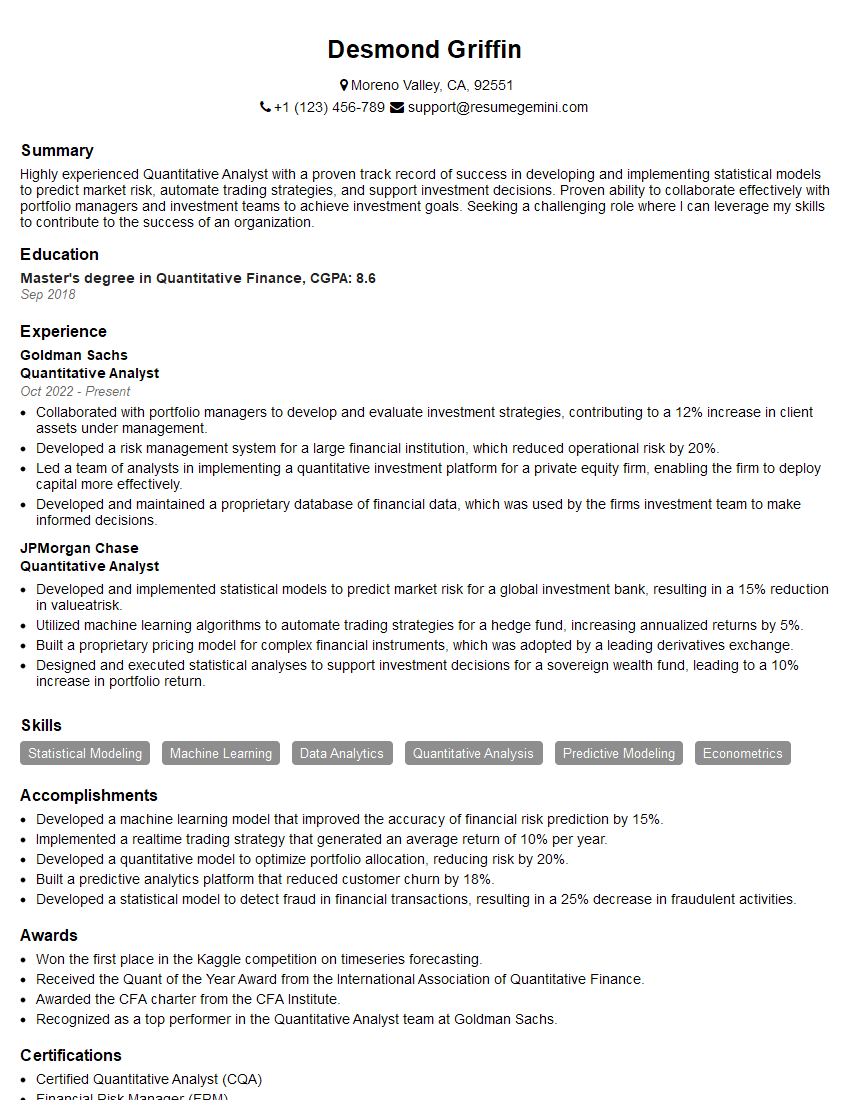
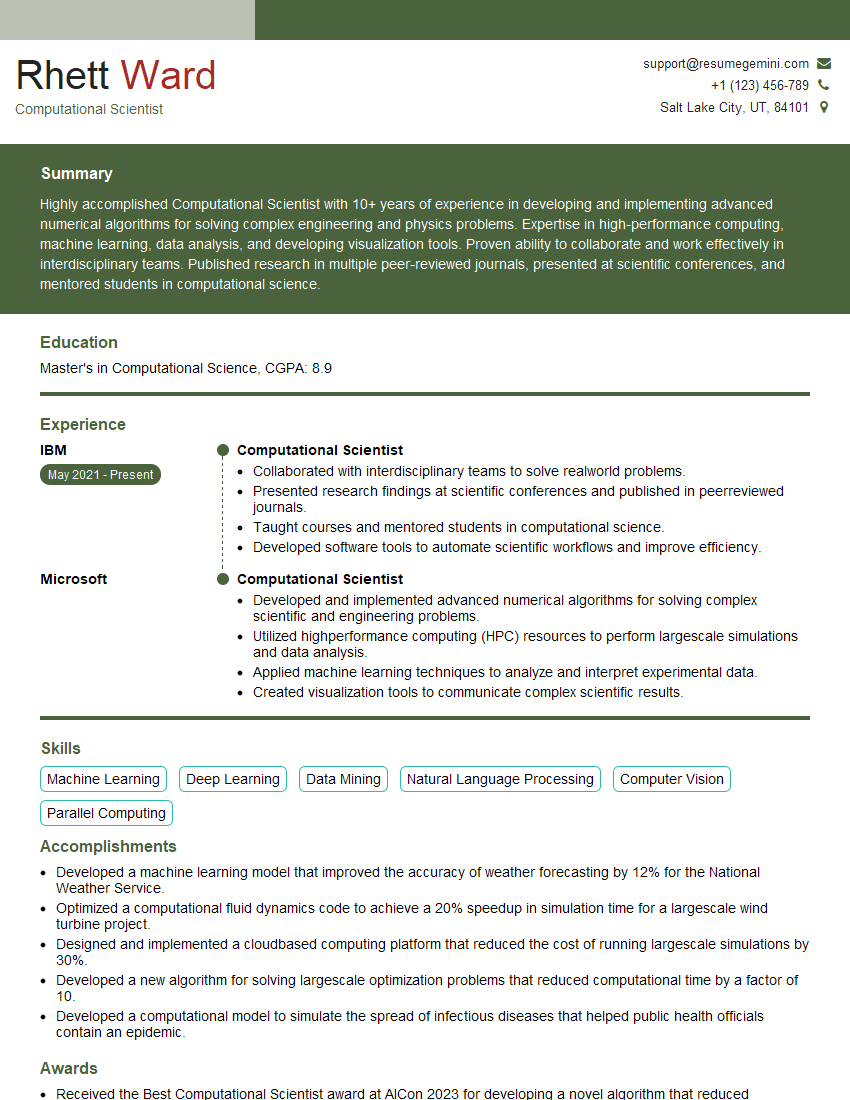
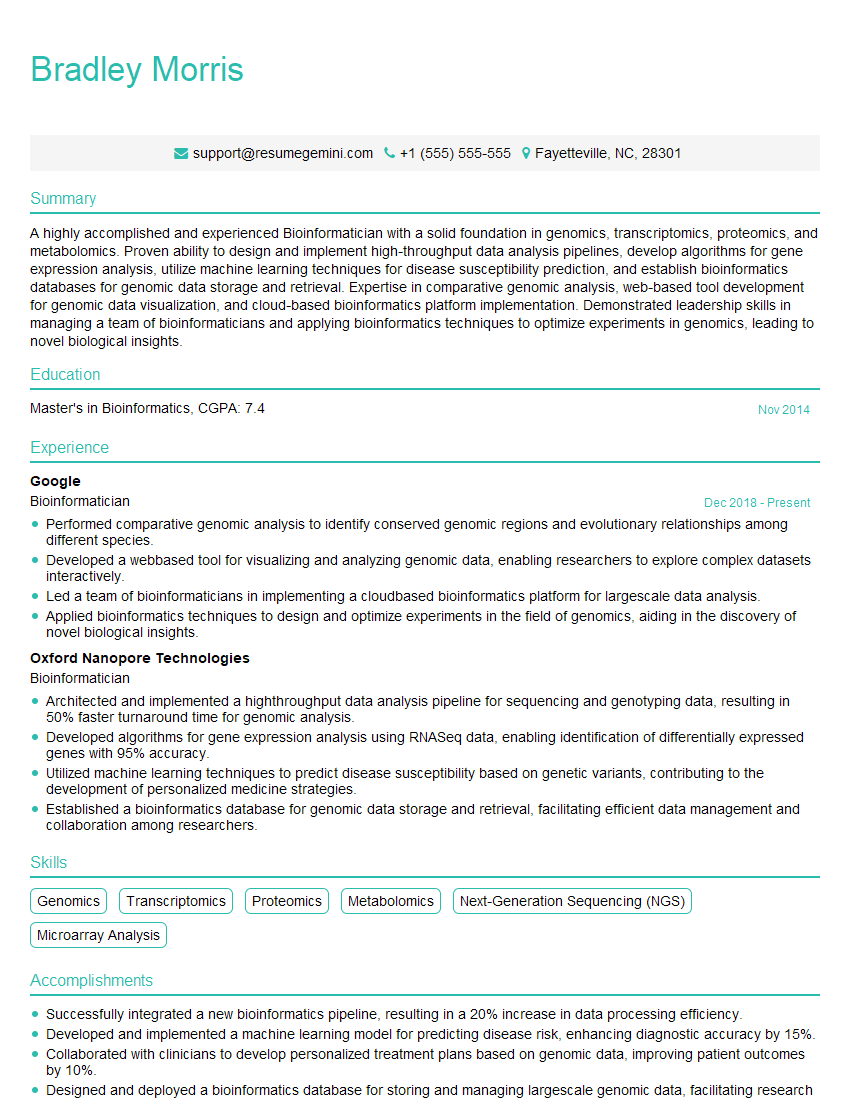
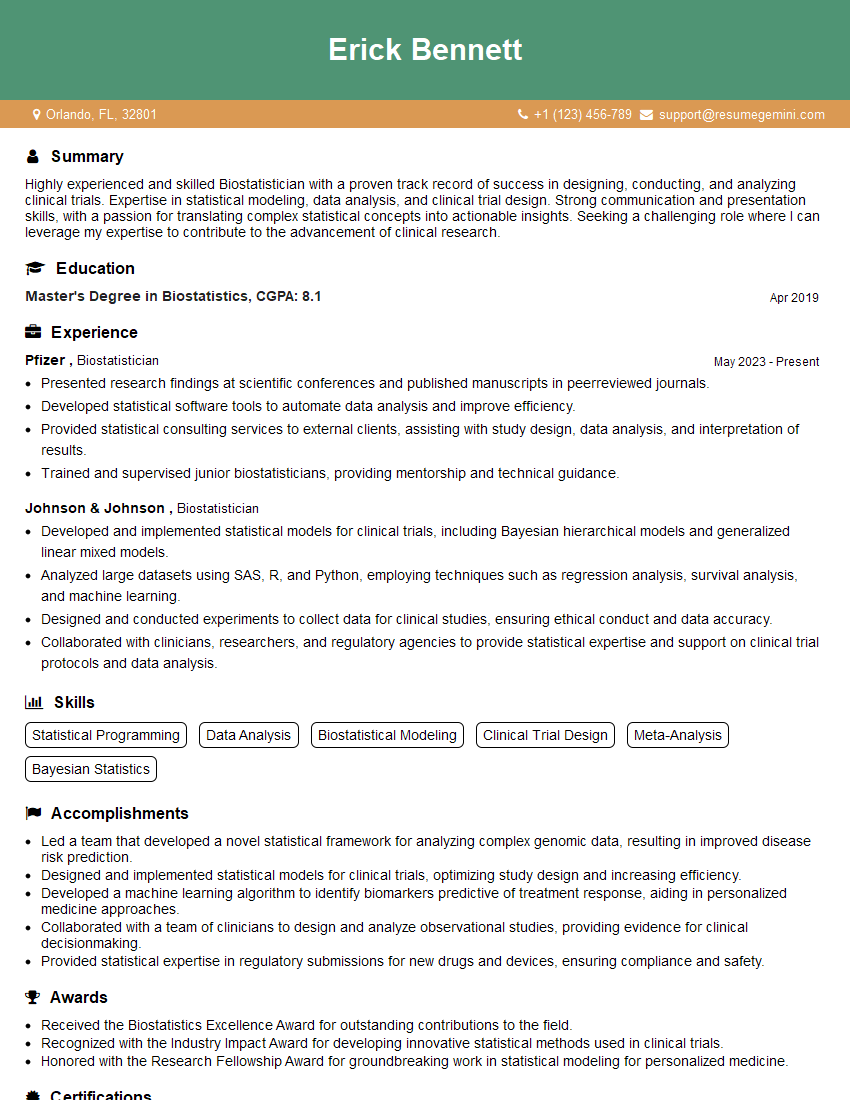
Mastering Scientific Software and Tools is essential for a successful and fulfilling career in scientific research, development, and related fields. It opens doors to exciting opportunities and allows you to contribute significantly to advancing scientific knowledge. To maximize your job prospects, create an ATS-friendly resume that highlights your skills and experience effectively. We highly recommend using ResumeGemini to build a professional and impactful resume. ResumeGemini provides valuable resources and examples of resumes tailored to the Scientific Software and Tools field, giving you a significant advantage in your job search.

Explore more articles
Users Rating of Our Blogs
Share Your Experience
We value your feedback! Please rate our content and share your thoughts (optional).
What Readers Say About Our Blog
To the interviewgemini.com Webmaster.
Very helpful and content specific questions to help prepare me for my interview!
Thank you
To the interviewgemini.com Webmaster.
This was kind of a unique content I found around the specialized skills. Very helpful questions and good detailed answers.
Very Helpful blog, thank you Interviewgemini team.