Feeling uncertain about what to expect in your upcoming interview? We’ve got you covered! This blog highlights the most important Using Technology in Group Work interview questions and provides actionable advice to help you stand out as the ideal candidate. Let’s pave the way for your success.
Questions Asked in Using Technology in Group Work Interview
Q 1. What are your preferred collaboration tools and why?
My preferred collaboration tools depend on the project’s needs, but generally, I favor a combination of tools to leverage their strengths. For example, I often use Microsoft Teams for real-time communication, including chat, video conferencing, and file sharing. Its integrated nature makes it incredibly efficient for quick questions and spontaneous brainstorming. For project management, I prefer Asana or Trello depending on the project’s complexity. Asana’s more robust features suit larger, more intricate projects with many dependencies, whereas Trello’s Kanban board approach is excellent for visualizing workflow and managing simpler tasks. Finally, for document collaboration, Google Workspace (specifically Google Docs, Sheets, and Slides) provides seamless co-editing and version control, crucial for maintaining a single source of truth.
The reasoning behind this multi-tool approach is that forcing everything into a single platform can be restrictive and inefficient. By combining tools, we can tailor our approach to the specific needs of each project, optimizing productivity and team collaboration.
Q 2. Describe your experience using project management software (e.g., Asana, Trello, Jira).
I have extensive experience with Asana, Trello, and Jira, using each in diverse project settings. My experience with Asana has been largely positive, particularly in managing complex projects with multiple teams and stakeholders. Its subtask management and dependency tracking features are invaluable. Trello, with its simple Kanban board interface, proved perfect for smaller projects requiring visual workflow management and quick task updates. Its ease of use makes it ideal for teams less familiar with project management software. Jira, while more technical and powerful, has been instrumental in managing agile development projects. Its robust issue tracking, sprint management, and reporting capabilities are unmatched for software development and similar complex endeavors.
For instance, in a recent project using Asana, we successfully tracked over 50 individual tasks across three teams, leveraging custom fields to capture specific project requirements and deadlines. This allowed for effective progress monitoring and facilitated proactive problem-solving.
Q 3. How do you ensure effective communication within a virtual team?
Effective communication in a virtual team hinges on proactive strategies, clear communication channels, and consistent engagement. First, I establish clear communication protocols early on, specifying which tool is best for what type of communication (e.g., Teams for quick questions, email for formal updates, Asana for task-related discussions). Secondly, I encourage frequent, short check-in meetings to foster a sense of team cohesion and address any roadblocks. These can be informal, focusing on progress updates and open discussion.
Regular, structured communication avoids information silos and ensures everyone is on the same page. Additionally, utilizing tools like screen sharing during virtual meetings facilitates better understanding of complex tasks or data. I also prioritize active listening and empathetic communication styles to ensure everyone feels heard and valued, fostering a more collaborative and positive environment.
Q 4. What strategies do you use to manage conflicts arising from using different technologies?
Conflicts arising from different technology preferences are addressed through open dialogue and collaborative decision-making. I start by understanding the reasons behind the preferences—is it about functionality, ease of use, or familiarity? Then, we discuss the pros and cons of each platform in relation to our specific project needs, ultimately prioritizing efficiency and team productivity. Sometimes, a hybrid approach works best, where we use different tools for different tasks.
For instance, if one team member is strongly attached to a specific tool, we might integrate that tool into our overall workflow where it adds value rather than forcing a complete switch. The key is to find a solution that respects individual preferences while achieving project goals.
Q 5. Explain your approach to onboarding new team members to collaborative technologies.
Onboarding new team members involves a structured approach to ensure a smooth transition. First, I provide a clear overview of the collaborative technologies we’re using, explaining their purpose and functionality. This usually includes short training sessions or readily accessible tutorial videos. Second, I assign a buddy or mentor to guide the new member, answering any questions and providing hands-on assistance during the initial phase.
Finally, we set up a trial project or task to allow the new member to practice using the tools in a low-pressure environment. This practical experience is invaluable in building confidence and familiarity. This phased approach, combining formal training with personalized support, ensures new team members feel comfortable and productive quickly.
Q 6. How do you handle technical difficulties that disrupt group work?
Handling technical difficulties requires a proactive and organized approach. First, I ensure we have backup plans in place—for example, alternative communication channels in case of video conferencing failures. Secondly, we document common technical problems and their solutions to create a troubleshooting guide easily accessible to everyone. This makes problem-solving efficient.
When a problem occurs, we follow a structured approach. I start by identifying the nature and scope of the issue, documenting it clearly. We then explore potential solutions collectively, escalating to IT support if necessary. Clear communication and collaborative problem-solving are key to minimizing downtime and maintaining team momentum.
Q 7. How do you ensure data security and privacy when using shared technology platforms?
Data security and privacy are paramount. We adhere strictly to company policies on data handling, leveraging the security features provided by our chosen platforms. This includes utilizing strong passwords, multi-factor authentication where available, and regularly reviewing user access permissions to ensure only authorized individuals have access to sensitive information. We also provide training to team members on best practices for data security, emphasizing the importance of avoiding phishing scams and protecting personal information.
Regular audits of our data usage and security measures are essential to identify and address vulnerabilities proactively. Treating data security as a collective responsibility fosters a culture of vigilance and safeguards our collective work.
Q 8. What experience do you have with version control systems (e.g., Git)?
Version control systems, like Git, are essential for collaborative projects. They track changes to files over time, allowing multiple people to work on the same project simultaneously without overwriting each other’s work. Think of it like a collaborative document with a detailed history of every edit.
My experience with Git spans several years and numerous projects. I’m proficient in using Git commands such as git clone, git add, git commit, git push, and git pull. I’ve used Git extensively for managing codebases in software development, but also for collaborative writing projects where each team member could contribute to different sections of a document simultaneously, ensuring that everyone’s contributions are tracked and integrated smoothly. I am also comfortable working with branching strategies, resolving merge conflicts, and utilizing platforms like GitHub and GitLab for repository hosting and collaboration.
Q 9. How do you utilize technology to facilitate brainstorming and idea generation within a group?
Facilitating brainstorming and idea generation using technology requires leveraging tools that encourage participation and capture ideas effectively. I’ve found that combining asynchronous and synchronous methods yields the best results.
- Asynchronous Tools: Tools like Google Docs or Microsoft SharePoint allow team members to contribute ideas at their own pace, avoiding the pressure of real-time brainstorming. Members can add comments, suggest edits and make additions independently.
- Synchronous Tools: For real-time sessions, Miro or Mural are excellent choices. These digital whiteboards allow for visual brainstorming, using sticky notes, mind maps, and other visual aids to capture and organize ideas collectively. We can use features like real-time collaborative editing and voting functions to refine concepts and reach consensus efficiently.
For example, in a recent project, we used Miro to brainstorm solutions to a complex design challenge. Each team member had a digital sticky note to write their ideas, and we used the voting feature to prioritize the most promising concepts. This process was transparent, engaging, and significantly more efficient than traditional brainstorming sessions.
Q 10. Describe your experience using video conferencing tools for team meetings.
Video conferencing tools are indispensable for team meetings, especially in geographically dispersed teams. I have extensive experience using Zoom, Google Meet, and Microsoft Teams. My experience goes beyond simply attending meetings; I actively leverage features such as screen sharing for presentations and demonstrations, breakout rooms for smaller group discussions, and recording functionality for those who couldn’t attend or for later review.
Beyond the basic functionalities, I’ve utilized features like live transcriptions for better accessibility and ensuring everyone can follow the conversation. I also know how to set up virtual backgrounds for a more professional appearance and to minimize distractions.
For instance, during a project with an international team, we heavily relied on Zoom’s breakout room functionality to tackle different aspects of the project concurrently. This allowed for focused discussions and quicker problem-solving. The recording feature ensured that everyone was kept informed even if they missed a session.
Q 11. How do you track progress and measure the effectiveness of technology usage in group projects?
Tracking progress and measuring the effectiveness of technology usage in group projects requires a multifaceted approach. It’s not just about quantifying usage but understanding its impact on outcomes.
- Project Management Software: Tools like Asana, Trello, or Jira allow us to track task assignments, deadlines, and progress visually. This provides clear indicators of individual and team performance.
- Version Control Metrics: Git provides metrics on commits, branches, and merges. These provide insight into the collaboration process and identify potential bottlenecks. For example, an unusually high number of merge conflicts might indicate a need for improved communication or workflow changes.
- Surveys and Feedback: Gathering feedback from team members on their experience using specific technologies helps identify areas for improvement and ensure the tools are enhancing, not hindering, the workflow.
For example, in a recent project, we tracked our progress using Jira, which allowed us to visualize our workflow, identify potential delays, and re-allocate resources effectively. Regularly reviewing our Git history also helped us understand the pace of development and pinpoint areas needing more attention.
Q 12. What are the limitations of relying solely on technology for group work?
While technology offers significant advantages for group work, relying solely on it has limitations. Over-reliance on technology can hinder crucial aspects of collaboration.
- Reduced Communication: Constant reliance on digital communication can lead to misunderstandings and a lack of nuanced communication that often occurs in face-to-face interactions. The lack of non-verbal cues can also lead to misinterpretations.
- Technical Issues: Software glitches, internet outages, or hardware failures can disrupt workflows and lead to delays. The dependency on technology creates a single point of failure if the system goes down.
- Digital Divide: Unequal access to technology or digital literacy skills can exclude some team members, hindering inclusivity and collaboration.
- Lack of Spontaneity: Technology-driven communication can lack the spontaneity and flexibility of in-person interactions, potentially inhibiting creative problem-solving.
It’s crucial to balance technology use with face-to-face interactions and other forms of communication to ensure effective and inclusive teamwork.
Q 13. How do you ensure inclusivity and accessibility for all team members when using technology?
Ensuring inclusivity and accessibility for all team members when using technology is paramount. This requires careful consideration of various factors.
- Accessible Tools: Choosing tools with features such as screen readers, keyboard navigation, and adjustable text sizes is essential for members with disabilities.
- Diverse Communication Styles: Offering multiple communication channels (e.g., video conferencing, instant messaging, email) allows team members to participate in ways that best suit their preferences and abilities.
- Cultural Sensitivity: Being mindful of time zones and communication styles across cultures is crucial for fostering inclusive participation. Scheduling meetings at times convenient for all members and avoiding culturally insensitive language or imagery are important steps.
- Clear Communication Protocols: Establishing clear communication guidelines, ensuring everyone understands expectations and how to contribute, is critical.
For example, in a recent project, we used captioning and transcription services during video calls to accommodate team members with hearing impairments and those who preferred to follow along in text. We also ensured that all documents were available in accessible formats.
Q 14. Describe a time you had to troubleshoot a technology issue that impacted your team’s workflow.
During a critical phase of a software development project, our team encountered a significant issue with our version control system (Git). A corrupted repository resulted in the loss of several days’ worth of code changes. This immediately impacted our workflow, creating uncertainty and potential delays.
My approach to troubleshooting involved the following steps:
- Assessment: I first identified the extent of the damage by checking the repository logs and comparing it to backups.
- Collaboration: I immediately communicated the issue to the team, ensuring transparency and minimizing panic. I collaborated with other developers to identify potential causes and solutions.
- Data Recovery: We attempted to recover the lost data from backups and, where possible, from individual developer’s local copies of the code.
- Prevention: After recovering the lost data, we implemented more robust backup procedures, including regular automated backups and a more reliable version control strategy to avoid future incidents.
The experience highlighted the importance of having a well-defined strategy for dealing with technical difficulties and underscored the importance of proactive measures to avoid future disruptions.
Q 15. How do you choose the right technology for a specific group project?
Choosing the right technology for a group project hinges on understanding the project’s needs and your team’s capabilities. It’s not a one-size-fits-all approach. Consider these factors:
- Project Type: A simple brainstorming session might only need a shared online whiteboard, while a complex software development project would require a sophisticated version control system like Git and a collaborative coding platform.
- Team Size and Location: A small, co-located team might thrive with simple shared document editing, whereas a large, geographically dispersed team would benefit from a robust platform with features like real-time co-editing, communication tools, and task management.
- Technical Skills: Choose technology your team is comfortable using. Introducing a complex new tool can be counterproductive if it takes too long to learn.
- Project Goals: What are you trying to achieve? Does the technology facilitate clear communication, efficient workflow, and easy access to information?
- Budget and Resources: Some platforms are free, while others require subscriptions or licenses. Consider the overall cost and availability of resources.
Example: For a group writing a research paper, Google Docs is an excellent choice because it allows for real-time co-authoring, version history, and easy sharing. For a software project, a platform like GitHub, along with a project management tool like Jira, would be more appropriate.
Career Expert Tips:
- Ace those interviews! Prepare effectively by reviewing the Top 50 Most Common Interview Questions on ResumeGemini.
- Navigate your job search with confidence! Explore a wide range of Career Tips on ResumeGemini. Learn about common challenges and recommendations to overcome them.
- Craft the perfect resume! Master the Art of Resume Writing with ResumeGemini’s guide. Showcase your unique qualifications and achievements effectively.
- Don’t miss out on holiday savings! Build your dream resume with ResumeGemini’s ATS optimized templates.
Q 16. What are some best practices for managing shared documents and files?
Managing shared documents and files effectively requires a systematic approach focusing on organization, accessibility, and version control. Here are some best practices:
- Establish a Clear Naming Convention: Use consistent and descriptive file names to avoid confusion (e.g., ProjectName_Date_Version.docx).
- Use a Centralized Repository: Store all project files in a single, easily accessible location like a shared cloud drive (Google Drive, OneDrive) or a version control system (Git).
- Implement Version Control: Track changes to documents and code using version control systems like Git. This allows you to revert to previous versions if needed and see the evolution of the project.
- Regular Backups: Regularly back up your files to prevent data loss due to accidents or technical issues.
- Access Control: Set appropriate permissions to control who can view, edit, and download files.
- Clear File Organization: Create folders and subfolders to organize files logically. Use a consistent structure so everyone can easily find what they need.
Example: Instead of emailing documents back and forth, store them all in a shared Google Drive folder, using clear folder names and version numbers. This maintains a single source of truth and prevents version conflicts.
Q 17. How familiar are you with cloud-based collaboration platforms (e.g., Google Workspace, Microsoft 365)?
I’m highly familiar with cloud-based collaboration platforms like Google Workspace and Microsoft 365. I’ve extensively used their various applications, including:
- Google Workspace: Google Docs, Sheets, Slides, Meet, Drive, Gmail, Calendar.
- Microsoft 365: Word, Excel, PowerPoint, Teams, OneDrive, Outlook, SharePoint.
My experience encompasses utilizing these platforms for document creation and editing, project management, communication, video conferencing, file sharing, and task assignment. I understand their strengths and weaknesses and can leverage their features to optimize collaborative workflows. I’m comfortable training team members on using these tools effectively.
Q 18. How do you facilitate effective feedback and revision processes using technology?
Effective feedback and revision processes are crucial for successful group projects. Technology can significantly streamline this process. Here’s how:
- Utilize Commenting Features: Platforms like Google Docs and Microsoft Word allow direct commenting on documents, facilitating specific feedback and threaded discussions.
- Version History: Track changes made to documents, allowing easy comparison of revisions and identification of who made specific changes.
- Incorporate Feedback Tools: Use dedicated feedback platforms that allow for structured reviews, ratings, and feedback aggregation.
- Asynchronous Communication: Utilize platforms like Slack or Microsoft Teams to share feedback and conduct discussions outside of real-time meetings.
- Screen Recording and Video Feedback: Record screencasts to demonstrate processes or provide more visual feedback on designs or presentations.
Example: Instead of sending multiple email attachments, I’d use the commenting feature in Google Docs to provide detailed feedback directly on the document. This ensures everyone is working from the same version and avoids confusion.
Q 19. What methods do you use to ensure that your team utilizes technology efficiently?
Ensuring efficient technology use within a team involves clear communication, training, and establishing best practices. My strategies include:
- Training and Onboarding: Provide initial training on the chosen technologies and offer ongoing support.
- Establish Clear Guidelines: Create and share guidelines for document naming, file organization, and communication protocols.
- Regular Check-ins: Hold regular meetings to discuss challenges, address questions, and provide feedback on technology use.
- Promote Best Practices: Share resources and tips on efficient technology use, encouraging team members to adopt them.
- Monitor Usage and Provide Feedback: Track technology usage to identify areas for improvement and provide constructive feedback to the team.
- Choose User-Friendly Tools: Opt for tools that are intuitive and easy to learn to minimize the learning curve.
Example: If a team is struggling with a specific software, I’ll schedule a short training session to address the issues and reinforce best practices. I would also encourage the team to share tips and tricks with each other to build collective expertise.
Q 20. Describe your experience with using technology for knowledge sharing within a team.
I have extensive experience using technology to facilitate knowledge sharing within teams. My approach often involves:
- Creating a Centralized Knowledge Base: Using platforms like a shared wiki (Confluence, Notion) or a dedicated internal portal to store documents, tutorials, FAQs, and best practices.
- Using Project Management Software: Platforms like Asana or Trello can document project processes, decisions, and outcomes, serving as a repository of knowledge.
- Facilitating Knowledge Transfer through Video and Screen Recordings: Creating video tutorials and screen recordings to demonstrate complex processes or software usage.
- Leveraging Internal Communication Channels: Using platforms like Slack or Microsoft Teams to share information, ask questions, and facilitate discussions.
- Regular Knowledge Sharing Sessions: Organizing regular team meetings for knowledge sharing, peer learning, and best practice discussions.
Example: In a previous project, we created a shared Confluence page to document our project methodology, technical specifications, and troubleshooting tips. This ensured everyone had access to the same information, reducing redundancy and improving efficiency.
Q 21. How do you assess the impact of technology on team productivity and morale?
Assessing the impact of technology on team productivity and morale requires a multifaceted approach. I use a combination of quantitative and qualitative methods:
- Quantitative Metrics: Track project completion times, task turnaround speeds, and the number of bugs or errors to measure efficiency gains.
- Qualitative Feedback: Conduct regular team surveys, interviews, or focus groups to gather feedback on technology usage, its impact on workflow, and team morale.
- Observational Studies: Observe team interactions and communication patterns to identify areas where technology enhances or hinders collaboration.
- Analyze Communication Data: Examine communication data from platforms like Slack or email to identify patterns and assess the effectiveness of technology-mediated communication.
Example: After implementing a new project management tool, I’d track project completion times and compare them to previous projects. I’d also conduct team surveys to gauge satisfaction with the new tool and its impact on their work experience. This comprehensive approach allows for a nuanced understanding of technology’s impact.
Q 22. What are some potential risks associated with using technology for group work?
Using technology for group work presents several potential risks. One major concern is technical difficulties. Network outages, software glitches, or incompatible devices can disrupt workflow and lead to frustration. Imagine a crucial online meeting disrupted by a sudden internet failure – it’s a major setback. Another risk is over-reliance on technology, potentially hindering face-to-face communication skills and creating a dependence on digital tools that might not always be available. For instance, relying solely on online messaging might stifle the spontaneous brainstorming sessions that often occur during in-person interactions. Security breaches are also a significant risk. Sensitive project information shared via online platforms could be vulnerable to hacking or data leaks. Finally, equity issues can arise if team members lack access to reliable technology or the necessary digital literacy skills.
- Example: A group project relying heavily on a specific software platform could fail if one team member doesn’t have access to it or sufficient training.
Q 23. How do you balance technology use with face-to-face interaction in group work?
Balancing technology use with face-to-face interaction requires careful planning and mindful execution. It’s not about choosing one over the other, but integrating them effectively. For instance, we can use online collaboration tools like shared documents for asynchronous work, while scheduling regular virtual or in-person meetings for brainstorming and problem-solving. Regular check-ins – even brief ones – are crucial to gauge team morale and address potential issues early on. This blended approach fosters a sense of community while leveraging the benefits of technology. Consider it a recipe: Technology provides the tools and infrastructure, while face-to-face interaction adds the human touch and strong interpersonal dynamics necessary for truly effective teamwork.
- Example: A software development team might use a project management tool like Jira for task tracking and progress updates but hold daily stand-up meetings to maintain personal connections and ensure smooth communication.
Q 24. What is your experience with using specific technologies for different project methodologies (e.g., Agile, Waterfall)?
My experience spans various project methodologies and technologies. In Agile projects, I’ve extensively used tools like Jira, Trello, and Slack to facilitate iterative development and close collaboration. These tools support Agile’s emphasis on flexibility and rapid feedback loops, enabling seamless task management, sprint planning, and daily stand-ups. For Waterfall projects, which are more structured and linear, I’ve employed tools like Microsoft Project for detailed task scheduling and progress tracking. These provide a clear visual overview of the project timeline and dependencies. The choice of technology is critical – it needs to align with the project’s methodology to maximize efficiency and effectiveness.
- Example: In an Agile project, using a Kanban board in Trello allows for a visual representation of workflow, enabling easy re-prioritization of tasks based on evolving requirements.
Q 25. How do you address potential cultural or language barriers in virtual teams?
Addressing cultural and language barriers in virtual teams requires proactive measures. First, establish clear communication protocols, ensuring everyone understands the preferred communication channels and response times. Using translation tools when necessary is important. It is also critical to be mindful of cultural differences in communication styles. Direct communication might be perfectly acceptable in one culture, while indirect communication might be the norm in another. Furthermore, fostering a culture of inclusivity and respect is paramount. Encouraging open dialogue, active listening, and empathy creates a supportive environment where everyone feels comfortable contributing their ideas.
- Example: Using a project management tool with built-in translation features, or employing a human translator for crucial meetings, can overcome language barriers.
- Example: Scheduling meetings at times convenient for all time zones shows consideration for cultural differences.
Q 26. Describe your approach to training team members on new collaborative technologies.
My approach to training team members on new collaborative technologies is multi-faceted. I start with a clear explanation of the tool’s purpose and its benefits for the team. Then, I provide hands-on training, using a combination of demonstrations, interactive exercises, and practical scenarios relevant to their roles. Providing readily-accessible documentation and tutorials is crucial for reinforcement and self-paced learning. I believe in a blend of formal instruction and informal support, allowing space for questions and feedback throughout the learning process. Post-training follow-up and ongoing support are also essential to ensure long-term proficiency.
- Example: A structured training session followed by a collaborative project using the new tool solidifies understanding and improves retention.
Q 27. How do you ensure the long-term sustainability of technology solutions in group work?
Ensuring the long-term sustainability of technology solutions in group work requires careful planning. Choosing solutions that are scalable, easily maintainable, and adaptable to future needs is crucial. Regular review of the chosen technologies and their effectiveness is also essential. This includes assessing user satisfaction, identifying areas for improvement, and ensuring compatibility with other systems. Budgeting for upgrades, maintenance, and potential training needs ensures continued functionality and relevance over time. Finally, choosing tools with strong community support and reliable vendor support reduces the risk of obsolescence or technical difficulties.
- Example: Regularly updating software, ensuring sufficient storage, and maintaining backup systems prevent disruption and data loss.
Q 28. What are your thoughts on the future of technology in group work?
The future of technology in group work is incredibly exciting. I foresee an even greater integration of AI, offering features like intelligent task assignment, real-time translation, and automated meeting summarization. Virtual and augmented reality will likely play a greater role, offering immersive collaborative experiences that transcend geographical limitations. We can anticipate a rise in personalized learning platforms, adapting training to individual needs and skill levels. However, it is also vital to focus on responsible technology adoption, addressing ethical concerns and promoting digital equity to ensure that these advances benefit all team members.
Key Topics to Learn for Using Technology in Group Work Interview
- Collaboration Platforms: Understanding the strengths and weaknesses of various platforms (e.g., Google Workspace, Microsoft Teams, Slack) for different project needs. This includes file sharing, communication strategies, and task management features.
- Project Management Tools: Practical application of tools like Trello, Asana, or Jira for task assignment, progress tracking, and deadline management within a group setting. Focus on efficient workflow and conflict resolution.
- Communication & Etiquette: Mastering effective online communication, including email etiquette, virtual meeting protocols, and strategies for clear and concise messaging to avoid misunderstandings.
- Version Control & Document Management: Understanding the importance of version control systems (like Git) for collaborative projects and implementing best practices for managing shared documents to avoid conflicts and ensure clarity.
- Data Analysis & Visualization: Utilizing technology for data analysis (spreadsheets, databases) and presenting findings effectively through visualizations (charts, graphs) within a team context. Consider data interpretation and collaborative decision-making.
- Problem-Solving & Troubleshooting: Addressing technical challenges within a group, identifying solutions collaboratively, and utilizing resources efficiently to overcome obstacles during a project.
- Accessibility & Inclusivity: Designing and implementing technology solutions that are accessible and inclusive for all team members, regardless of abilities or technological limitations.
- Security & Privacy: Understanding and adhering to best practices for data security and privacy when working collaboratively online, including appropriate password management and responsible data sharing.
Next Steps
Mastering the effective use of technology in group work is crucial for success in today’s collaborative work environments. It demonstrates essential skills valued by employers, including teamwork, communication, problem-solving, and technological proficiency. To increase your chances of landing your dream job, create an ATS-friendly resume that highlights these skills. ResumeGemini is a trusted resource to help you build a professional and impactful resume. Examples of resumes tailored to showcasing expertise in Using Technology in Group Work are available to help guide you.

Product Manager Resume Sample
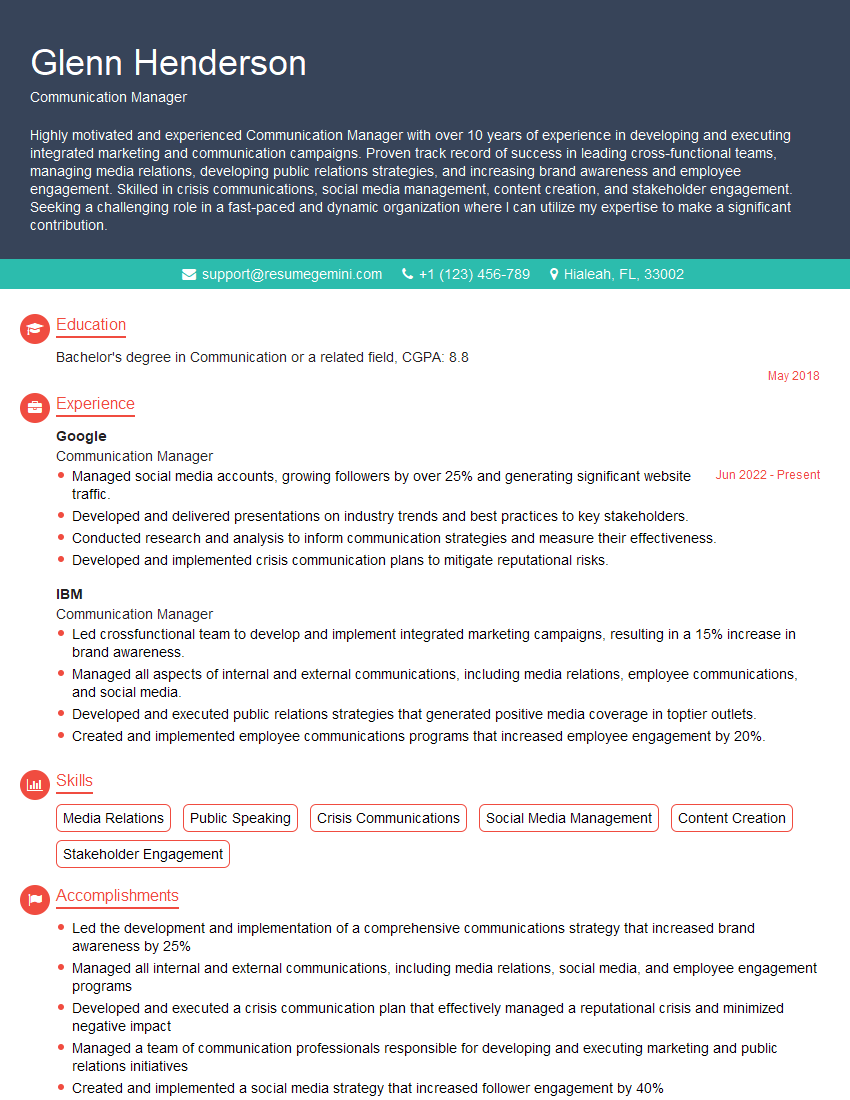
Communication Manager Resume Sample

Knowledge Manager Resume Sample
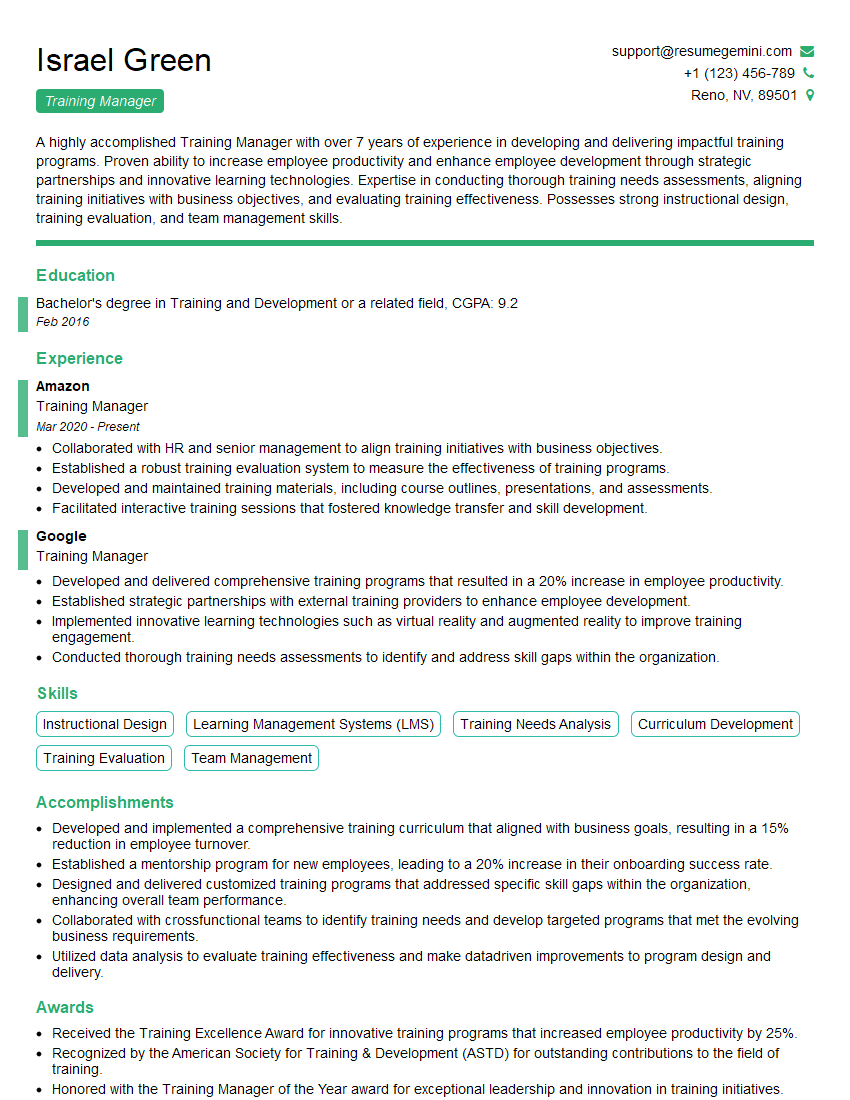
Training Manager Resume Sample

Project Manager Resume Sample

Business Analyst Resume Sample

Technical Project Manager Resume Sample

Information Architect Resume Sample

System Administrator Resume Sample

IT Project Manager Resume Sample
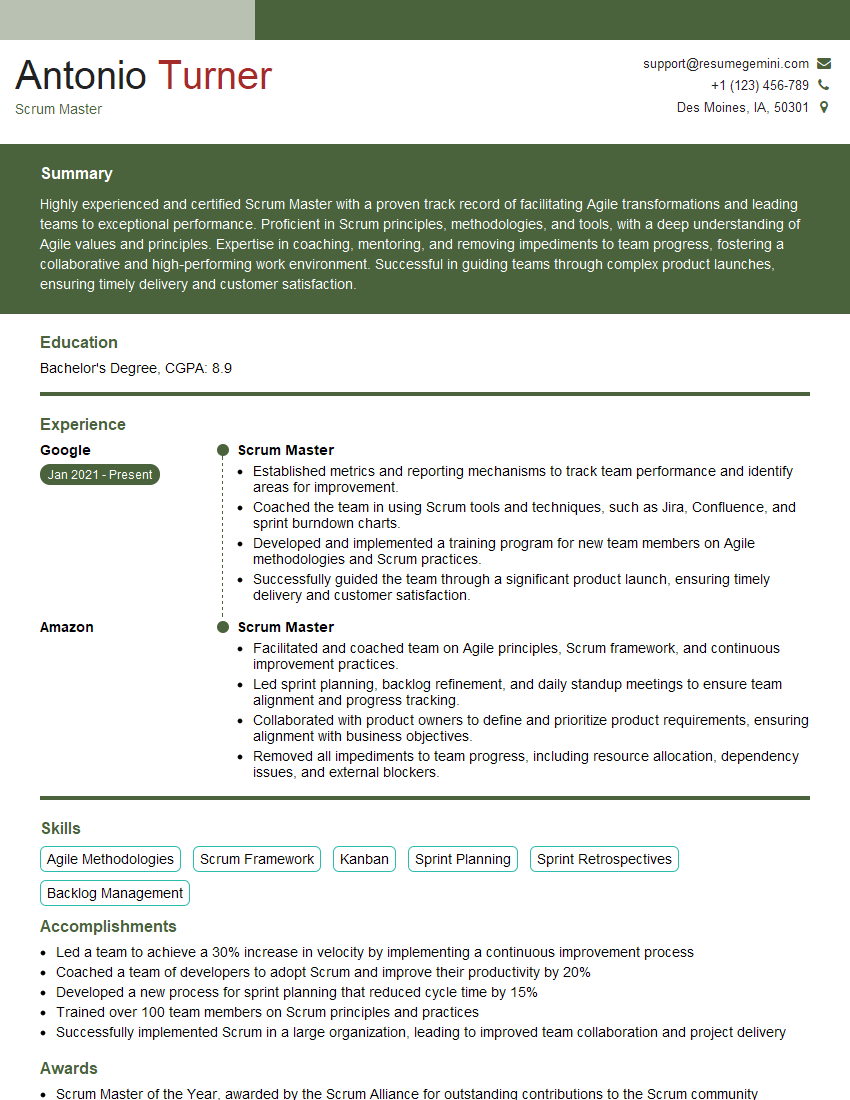
Scrum Master Resume Sample

Instructional Designer Resume Sample
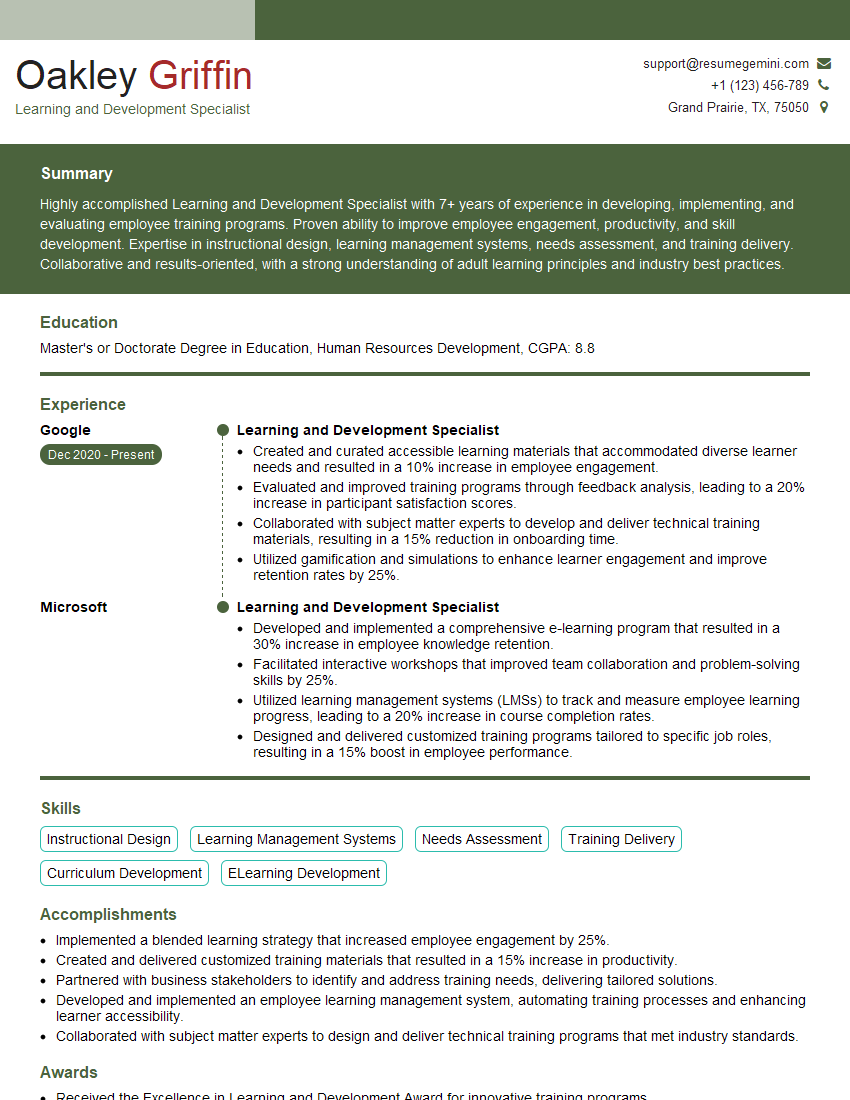
Learning and Development Specialist Resume Sample
Explore more articles
Users Rating of Our Blogs
Share Your Experience
We value your feedback! Please rate our content and share your thoughts (optional).
What Readers Say About Our Blog
To the interviewgemini.com Webmaster.
Very helpful and content specific questions to help prepare me for my interview!
Thank you
To the interviewgemini.com Webmaster.
This was kind of a unique content I found around the specialized skills. Very helpful questions and good detailed answers.
Very Helpful blog, thank you Interviewgemini team.