Feeling uncertain about what to expect in your upcoming interview? We’ve got you covered! This blog highlights the most important Proficient in using technology for assessment and intervention interview questions and provides actionable advice to help you stand out as the ideal candidate. Let’s pave the way for your success.
Questions Asked in Proficient in using technology for assessment and intervention Interview
Q 1. Explain your experience with different types of educational assessment technologies.
My experience encompasses a wide range of educational assessment technologies, from traditional Computerized Adaptive Testing (CAT) systems to more modern platforms leveraging artificial intelligence. I’ve worked extensively with tools that administer multiple-choice, essay, and performance-based assessments. For example, I’ve used platforms like ExamSoft for high-stakes testing, ensuring secure administration and reliable scoring. I’m also proficient with online quizzing tools like Moodle Quizzes and Google Forms, offering flexibility for formative assessment. Furthermore, I have experience integrating various response systems, like clickers, for immediate feedback during lectures and interactive sessions. This diverse experience allows me to select the most appropriate technology for various assessment needs, considering factors such as budget, accessibility requirements, and desired level of detail in feedback.
Q 2. Describe your experience with implementing and managing Learning Management Systems (LMS).
My experience with Learning Management Systems (LMS) includes implementation, configuration, and ongoing management of both Moodle and Canvas. I’ve managed the entire lifecycle, from initial setup and user training to ongoing maintenance, including updating courses, managing user access, and integrating other assessment and communication tools. For instance, in a previous role, I migrated an entire university department from a legacy LMS to Canvas, coordinating the process with faculty, ensuring data integrity, and providing comprehensive training to bridge the technology gap. I’m also proficient in using the LMS to create and deliver online courses, track student progress, and generate reports for data-driven decision-making. Beyond basic functionality, I’ve customized LMS settings for enhanced usability and accessibility, integrating features like screen readers and alternative text for images.
Q 3. What experience do you have with adaptive learning platforms?
I have significant experience with adaptive learning platforms, specifically those that use AI to personalize the learning experience based on student performance. I’ve worked with platforms that adjust the difficulty level of questions and content in real-time, providing targeted support for struggling learners and enrichment for high-achievers. One project involved implementing an adaptive reading platform that provided individualized support for students with dyslexia. The system tracked student performance on various reading skills and adjusted the reading level, font size, and other parameters to optimize the learning experience. This resulted in significant improvements in student reading comprehension and engagement. The ability of these platforms to provide immediate feedback and adjust the learning pathway helps maximize learning efficiency and improve student outcomes.
Q 4. How familiar are you with different data visualization tools used in educational assessment?
I am highly familiar with various data visualization tools used in educational assessment. This includes using spreadsheets (Excel, Google Sheets) to organize and analyze raw data, and employing more sophisticated tools like Tableau and Power BI for creating interactive dashboards and reports. For instance, I’ve used Tableau to create dashboards showing student performance trends over time, broken down by various demographic factors and learning objectives. These visualizations allow for a clear and concise representation of complex data sets, making it easier to identify areas of strength and weakness in instruction and pinpoint specific student needs. I can also generate reports that present data in various formats including charts, graphs, and tables for different stakeholders such as teachers, administrators, and parents.
Q 5. Describe your process for analyzing student performance data to inform instructional interventions.
My process for analyzing student performance data to inform instructional interventions involves a systematic approach. First, I start by cleaning and organizing the data, identifying any outliers or missing data points. Then, I explore the data using descriptive statistics and data visualization techniques to identify trends and patterns. For example, I might analyze the average scores on specific assessment items to pinpoint misconceptions or areas where students are struggling. Next, I delve into more advanced analysis to identify correlations between student characteristics and performance. Finally, I use these insights to inform instructional interventions. This might involve adjusting teaching strategies, providing targeted support to struggling students, or differentiating instruction to meet the needs of diverse learners. This data-driven approach ensures that interventions are focused, effective, and tailored to the specific needs of the students.
Q 6. What experience do you have with assistive technologies for students with disabilities?
I have extensive experience with assistive technologies for students with disabilities. This includes working with screen readers (JAWS, NVDA), text-to-speech software, alternative input devices (e.g., switch access), and learning management systems configured for accessibility. I’ve worked directly with students with visual, auditory, motor, and cognitive impairments, adapting assessments and instructional materials to meet their individual needs. For example, I helped design an online exam that included audio descriptions for images, alternative text for charts and graphs, and extended time accommodations for students with processing disabilities. This is crucial for ensuring equitable access to education and ensuring all students have the opportunity to demonstrate their knowledge and skills.
Q 7. How would you design an online assessment to ensure accessibility and integrity?
Designing an accessible and secure online assessment requires careful planning and consideration of several factors. For accessibility, I would ensure the assessment platform is compatible with assistive technologies, and includes features such as alternative text for images, adjustable font sizes, and keyboard navigation. I would also use clear and concise language and avoid complex sentence structures. To maintain integrity, I would utilize proctoring software or other monitoring techniques to reduce the risk of cheating. I would also employ question randomization and utilize question banks to prevent the easy sharing of answers. Furthermore, I would incorporate various assessment question types to measure a breadth of learning objectives and reduce the likelihood of students relying on memorization alone. Finally, I would implement robust security measures to protect the assessment data from unauthorized access and tampering. This layered approach ensures the assessment is both fair and reliable.
Q 8. Explain your understanding of learning analytics and how it informs teaching practice.
Learning analytics is the measurement, collection, analysis, and reporting of data about learners and their contexts, for purposes of understanding and optimizing learning and the environments in which it occurs. It’s essentially using data to improve teaching and learning. Think of it as a teacher’s dashboard providing insights into student progress and understanding.
In practice, learning analytics informs teaching by providing evidence-based insights. For instance, analyzing quiz scores can reveal common misconceptions, allowing teachers to adjust their instruction. Tracking student engagement with online materials can highlight topics that require more attention or alternative teaching methods. Imagine a scenario where a learning analytics dashboard shows a significant drop-off in student engagement during a particular module. This could indicate the need for more interactive activities, clearer explanations, or perhaps a different learning modality.
- Identifying struggling learners: Early identification of students falling behind allows for timely interventions.
- Personalizing learning paths: Tailoring learning experiences to individual student needs and learning styles.
- Improving curriculum design: Identifying areas in the curriculum that need revision or improvement based on student performance.
Q 9. How would you integrate technology to enhance student engagement in a specific subject?
To enhance student engagement in, say, history, I’d integrate technology in several ways. Interactive simulations and virtual field trips can bring the past to life, making learning more immersive. For example, students could virtually explore ancient Rome or experience the events leading up to the American Revolution. Interactive timelines, online quizzes with immediate feedback, and collaborative projects using Google Docs or other platforms can foster active learning and peer interaction.
Furthermore, incorporating gamification elements like points, badges, and leaderboards (used judiciously) can motivate students. I’d also leverage educational apps and platforms tailored to history, offering diverse learning resources and activities. Regular use of polls and quizzes can gauge comprehension and provide instant feedback, keeping students actively involved in the learning process. Finally, flipped classroom strategies, where students engage with pre-recorded lectures or readings before class, allow for richer in-class discussions and collaborative activities.
Q 10. What are your preferred methods for providing personalized feedback to students based on assessment data?
My preferred methods for providing personalized feedback involve a blend of automated and personalized approaches. Automated feedback, such as that provided by intelligent tutoring systems or online grading tools, can offer immediate feedback on objective aspects of assignments, freeing up time for more in-depth, personalized feedback. For example, a grammar checker can provide immediate feedback on writing assignments. This immediate feedback helps students correct errors instantly.
However, I believe that personalized, written feedback is crucial for addressing higher-order thinking skills and providing guidance on areas for improvement. This type of feedback allows me to tailor my comments to the specific needs and learning style of each student. I strive to make my feedback specific, actionable, and encouraging, focusing on both strengths and areas for growth. I also use various communication channels such as email, video feedback, or even individual conferences to ensure that feedback is effectively delivered and received. I regularly incorporate rubrics and checklists to provide consistent and transparent evaluation criteria, and to further improve feedback efficiency.
Q 11. Describe your experience with developing or utilizing formative and summative assessments.
Formative assessments are ongoing evaluations designed to monitor student learning and guide instruction, while summative assessments provide a final evaluation of student learning at the end of a unit or course. I have extensive experience with both. Formative assessments I regularly use include: exit tickets, quick checks, online quizzes, and informal class discussions. These give me real-time feedback on student understanding and allow me to adapt my teaching accordingly.
Summative assessments include: end-of-unit tests, projects, presentations, and research papers. These provide a comprehensive evaluation of student learning. In developing assessments, I ensure alignment with learning objectives, using a variety of assessment types to cater to different learning styles and assess diverse skills. I also prioritize clear and concise instructions, providing ample opportunities for students to practice and receive feedback before the final assessment.
For example, in a science class, formative assessments might include short lab reports providing immediate feedback, while a summative assessment could be a larger-scale experiment requiring data analysis and a formal report.
Q 12. How do you stay current with the latest trends in educational technology?
Staying current in educational technology is crucial. I regularly attend professional development workshops and conferences focused on educational technology. I actively participate in online communities and forums dedicated to educational technology, engaging in discussions and sharing best practices with other educators. I subscribe to relevant journals and newsletters, and I consistently explore and experiment with new educational technologies and software.
Furthermore, I follow key influencers and organizations in the field of educational technology on social media platforms. This allows me to quickly learn about emerging technologies and trends. Continuous professional development is a priority for me. It ensures I’m equipped to use the best tools and techniques available to enhance student learning.
Q 13. What experience do you have with using data to track student progress and identify at-risk learners?
I have significant experience tracking student progress and identifying at-risk learners using data from various sources. This includes learning management systems (LMS), classroom response systems, and assessment data. I utilize data visualization tools to create dashboards that provide a clear picture of individual student progress and overall class performance. These dashboards allow me to easily identify students who are consistently below grade level or showing signs of disengagement.
For example, if a student consistently scores low on quizzes, struggles with online assignments, or demonstrates low participation in class discussions, this data would trigger further investigation. I would then use this information to implement targeted interventions, such as providing additional support, tutoring, or adjusting instruction to better meet the student’s needs. I also use data to track the effectiveness of interventions, allowing me to refine my strategies over time.
Q 14. Describe your approach to troubleshooting technical issues related to assessments and interventions.
My approach to troubleshooting technical issues begins with identifying the problem. I systematically investigate the issue by asking questions like: what specific technology is failing? What steps were taken before the error occurred? Who else is experiencing the problem? This helps to narrow down the possibilities.
Next, I attempt common troubleshooting steps, such as checking internet connectivity, restarting the device, or updating software. If these basic steps don’t resolve the issue, I utilize available resources such as online help documentation, technical support, and community forums. I might also consult with colleagues or technology specialists for assistance. If the problem is complex, I document the steps taken and escalate the issue to relevant technical support teams. Throughout the process, I maintain clear and concise documentation of the troubleshooting steps and outcomes to facilitate future problem-solving and minimize disruptions to learning.
Q 15. Explain your experience with different types of intervention strategies based on student needs.
My experience encompasses a wide range of intervention strategies tailored to diverse student needs. I’ve worked with students requiring support in various areas, including reading comprehension, math skills, and executive functioning. For students struggling with reading comprehension, I’ve implemented interventions using assistive technologies like text-to-speech software and visual aids. For students with math difficulties, I’ve utilized adaptive learning platforms that provide personalized feedback and adjust difficulty based on performance. With students needing help with executive functioning, I’ve incorporated organizational tools and time management apps to improve their planning and task completion skills. My approach always begins with a thorough assessment to identify specific learning gaps, followed by the selection of evidence-based interventions. For instance, a student exhibiting difficulties in phonics might benefit from a multi-sensory approach, utilizing online games and interactive activities alongside traditional methods. The key is flexibility and data-driven adjustments; I continuously monitor student progress and modify interventions as needed.
- Example 1: A student struggling with algebra benefitted significantly from an adaptive learning platform that provided targeted practice on specific concepts, leading to a 20% improvement in test scores within two months.
- Example 2: For students with ADHD, implementing a timer app for task completion and utilizing digital organizational tools drastically reduced task avoidance behaviors and improved overall academic performance.
Career Expert Tips:
- Ace those interviews! Prepare effectively by reviewing the Top 50 Most Common Interview Questions on ResumeGemini.
- Navigate your job search with confidence! Explore a wide range of Career Tips on ResumeGemini. Learn about common challenges and recommendations to overcome them.
- Craft the perfect resume! Master the Art of Resume Writing with ResumeGemini’s guide. Showcase your unique qualifications and achievements effectively.
- Don’t miss out on holiday savings! Build your dream resume with ResumeGemini’s ATS optimized templates.
Q 16. How would you design a technology-based intervention for a specific learning challenge?
Designing a technology-based intervention begins with a clear understanding of the learning challenge. Let’s say we are addressing a student’s difficulty in mastering multiplication facts. I’d start by conducting a thorough assessment to identify the specific areas of weakness (e.g., specific multiplication tables, understanding the concept of multiplication). Then, I’d select a technology that aligns with the student’s learning style and the identified needs. This might involve using a gamified app that makes learning multiplication fun and engaging, offering immediate feedback and adaptive difficulty levels. For instance, an app that incorporates visual representations, interactive exercises, and progress tracking would be ideal. The design would incorporate elements of spaced repetition, ensuring the student revisits previously learned facts at increasing intervals to enhance retention. Regular progress monitoring through in-app data would allow for ongoing adjustments to the intervention strategy. Furthermore, I would integrate the app with a learning management system (LMS) to provide a centralized platform for assignments, progress tracking, and communication with parents and educators. The successful implementation hinges on ensuring the technology is user-friendly, accessible, and motivating for the student.
Q 17. What is your experience with integrating technology into differentiated instruction?
Integrating technology into differentiated instruction is crucial for meeting the diverse needs of learners. I have extensive experience using technology to provide customized learning experiences. For example, I’ve used learning platforms that allow me to create different learning paths for students based on their individual readiness levels. Students ready for more challenging concepts access advanced materials and activities, while those needing more support receive targeted instruction and scaffolding. I utilize online tools that offer various learning modalities (visual, auditory, kinesthetic), catering to diverse learning preferences. For visual learners, interactive simulations and videos are beneficial. Auditory learners might benefit from podcasts or audio-based lessons. Kinesthetic learners may respond well to interactive simulations or virtual manipulatives. Furthermore, technology enables me to provide timely and individualized feedback, a critical element of differentiated instruction. I use formative assessment tools to continuously monitor student understanding and adjust my instruction accordingly. This allows me to provide just-in-time support for students who are struggling and to challenge those who are ready for more.
Q 18. What are the ethical considerations related to using technology for assessment and intervention?
Ethical considerations are paramount when using technology for assessment and intervention. Data privacy is a major concern. I strictly adhere to relevant data protection regulations (like FERPA in the US) and ensure that all student data is collected, stored, and used responsibly and ethically. Transparency is also essential; students and parents need to understand how data is being collected and used. Another ethical consideration is ensuring equitable access to technology and digital literacy training. Not all students have equal access to technology at home or possess the same digital skills, creating potential inequities. It’s my responsibility to address this by providing equitable access to resources and offering training to bridge the digital divide. Algorithmic bias is another important ethical consideration. I carefully evaluate the algorithms used in assessment and intervention tools to ensure they are fair and do not perpetuate existing biases. Finally, maintaining student well-being is crucial. The use of technology should enhance, not hinder, the learning process and students’ overall well-being.
Q 19. Describe your experience with using technology to support collaborative learning.
Technology significantly enhances collaborative learning. I’ve utilized various tools to facilitate group projects and discussions. Online collaborative platforms like Google Docs and Slides allow students to work together on projects simultaneously, regardless of location. These tools provide features for real-time feedback, version control, and seamless collaboration. I’ve also used discussion forums and online chat rooms to encourage peer interaction and knowledge sharing. These platforms foster a sense of community and allow students to engage in meaningful discussions with their peers. Furthermore, I utilize interactive simulations and virtual labs that require teamwork and problem-solving. These activities challenge students to work together, leverage each other’s strengths, and develop collaborative skills. The success of technology-supported collaborative learning hinges on establishing clear guidelines for participation, monitoring interactions, and providing constructive feedback. The technology must be user-friendly, reliable, and designed to foster positive interactions among students.
Q 20. How familiar are you with various types of assessment software (e.g., ProctorU, Respondus)?
I am familiar with various assessment software, including ProctorU and Respondus. ProctorU provides remote proctoring services, ensuring the integrity of online assessments. I understand its features, including identity verification, screen monitoring, and recording capabilities. Similarly, I’m proficient in using Respondus Lockdown Browser, which restricts access to other applications during an exam, thus enhancing the assessment security. I’m also experienced with other assessment platforms offering different functionalities for creating, administering, and analyzing assessments such as Quizizz, Kahoot!, and Google Forms. My experience extends to using these platforms to tailor assessments to specific learning objectives and providing effective feedback to students. My choice of software depends on the specific assessment requirements, student needs, and technological infrastructure available.
Q 21. How do you ensure data privacy and security when using technology for assessment?
Ensuring data privacy and security when using technology for assessment is critical. I follow strict protocols, including utilizing secure platforms and employing strong passwords. I adhere to all relevant data privacy regulations and ensure that all student data is encrypted and stored securely, in accordance with guidelines set by institutions and governing bodies. I limit access to student data to authorized personnel only and regularly review security protocols to mitigate any potential risks. Data minimization is another key practice – I only collect the necessary data for assessment and intervention purposes. When working with external platforms, I thoroughly vet them to confirm their adherence to privacy standards and security protocols. Regular security audits and staff training on data privacy best practices help ensure ongoing compliance and responsible data management. Open communication with students and parents about data privacy policies is also essential in building trust and promoting responsible technology use.
Q 22. What are your strategies for supporting teachers in effectively using technology for assessment and instruction?
Supporting teachers in effectively using technology for assessment and instruction requires a multi-faceted approach. It’s not just about providing tools; it’s about building capacity and fostering a culture of innovation.
Professional Development: I design and deliver engaging professional development workshops tailored to teachers’ specific needs and existing tech skills. These workshops move beyond simple tutorials, focusing on pedagogical approaches that leverage technology’s strengths. For instance, I’ve led workshops on using formative assessment tools like Google Forms to provide immediate feedback and adjust instruction, and on integrating interactive simulations to enhance engagement in science and math.
Coaching and Mentoring: I offer one-on-one coaching and mentoring, providing individualized support and guidance as teachers integrate new technologies into their classrooms. This includes hands-on assistance with specific tools, troubleshooting technical issues, and collaboratively designing technology-enhanced lesson plans. I recently mentored a teacher who was struggling to use a learning management system effectively, helping her create engaging assignments and streamline her grading processes.
Collaborative Lesson Planning: I facilitate collaborative lesson planning sessions where teachers work together to design technology-rich lessons that align with curriculum standards and address diverse learning needs. This collaborative environment encourages peer learning and the sharing of best practices. For example, we might work together to create a blended learning unit incorporating online resources, interactive activities, and project-based assessments.
Technology Integration Planning: I help schools develop a comprehensive technology integration plan, ensuring that technology is strategically used to enhance teaching and learning, rather than simply being an add-on. This includes identifying appropriate technologies, providing ongoing technical support, and aligning technology use with school-wide goals. This plan considers the various stages of technology integration, from initial exploration to effective integration into the curriculum.
Q 23. Explain your understanding of Universal Design for Learning (UDL) and its application in technology integration.
Universal Design for Learning (UDL) is a framework for creating inclusive learning environments that cater to the diverse needs of all learners. It emphasizes providing multiple means of representation, action and expression, and engagement. In technology integration, UDL means selecting and using technology that offers flexibility and choice to students.
Multiple Means of Representation: This involves providing information in various formats (text, audio, video, interactive simulations) to cater to different learning styles and preferences. For example, using closed captioning in videos, providing text-to-speech software, and offering interactive diagrams alongside textual explanations.
Multiple Means of Action and Expression: This allows students to demonstrate their understanding in different ways. Technology can provide tools for students to create presentations, write essays, build models, code programs, or record podcasts, offering choices based on individual strengths and preferences. Examples include using digital storytelling tools or offering students choices in assignment formats (e.g., written report, presentation, video project).
Multiple Means of Engagement: This focuses on tapping into students’ interests and motivations to keep them actively involved in learning. Technology can help personalize learning experiences, provide immediate feedback, and offer opportunities for collaboration and self-directed learning. Game-based learning, interactive simulations, and personalized learning platforms are good examples.
UDL ensures that technology is a tool for inclusivity, not exclusion. It removes barriers and empowers all students to succeed. It is crucial to consider the accessibility features of any technology implemented in order to ensure full compliance with UDL principles.
Q 24. Describe your experience with using technology to build professional learning communities.
I’ve extensive experience using technology to build vibrant professional learning communities (PLCs). Technology serves as a powerful tool to connect educators, facilitate collaboration, and share best practices.
Online Forums and Discussion Boards: I’ve utilized platforms like Google Groups or dedicated online forums to create spaces for teachers to discuss pedagogical approaches, share resources, and collaborate on projects. This allows for asynchronous communication, enabling teachers to participate at their convenience.
Video Conferencing and Webinars: I’ve leveraged tools like Zoom or Google Meet to conduct virtual meetings, facilitating real-time discussions, presentations, and collaborative problem-solving among teachers. Webinars allow for large-scale professional development events.
Shared Document and Resource Repositories: Platforms like Google Drive or Microsoft OneDrive enable teachers to share lesson plans, assessment materials, and other resources collaboratively. This fosters a culture of sharing and continuous improvement.
Learning Management Systems (LMS): LMS platforms like Canvas or Moodle can be used to structure and manage PLC activities, distribute materials, and track progress. They provide a central hub for all PLC communication and resources.
Using technology for PLCs strengthens collaboration, provides opportunities for ongoing professional development, and promotes a school-wide culture of continuous improvement.
Q 25. How do you measure the effectiveness of technology-based interventions?
Measuring the effectiveness of technology-based interventions requires a multifaceted approach that goes beyond simply looking at student scores. It involves collecting data from multiple sources and employing a variety of assessment methods.
Quantitative Data: This includes analyzing changes in student test scores, grades, and participation rates. For example, comparing pre- and post-intervention test scores to determine the impact of a specific technology-based intervention on student learning outcomes.
Qualitative Data: This involves gathering feedback through surveys, interviews, focus groups, and classroom observations to understand students’ and teachers’ experiences and perspectives on the technology-based intervention. This can provide insights into the effectiveness of the intervention in terms of engagement, motivation, and skill development.
Student Engagement Metrics: Analyzing student interaction data from online platforms, such as time spent on tasks, completion rates, and participation in online discussions, provides valuable insights into student engagement levels.
Teacher Feedback: Collecting feedback from teachers through surveys or interviews can help to understand the usability and effectiveness of the technology from an instructor’s perspective. This feedback can help to improve the implementation of the intervention.
A robust evaluation plan uses a combination of quantitative and qualitative data to gain a comprehensive understanding of the intervention’s effectiveness. This data-driven approach allows for continuous improvement and informed decision-making.
Q 26. What experience do you have with integrating virtual reality or augmented reality into education?
I have experience integrating both virtual reality (VR) and augmented reality (AR) into educational settings. These technologies offer immersive and engaging learning experiences.
Virtual Reality (VR): I’ve used VR headsets and software to create immersive field trips, allowing students to explore historical sites, natural environments, or even the human body in a virtual setting. This offers an engaging alternative to traditional learning, and caters especially well to visual learners.
Augmented Reality (AR): I’ve incorporated AR apps into science lessons, allowing students to overlay digital information onto real-world objects. For example, students can use an app to view a 3D model of a cell superimposed on a microscope slide, making abstract concepts more concrete and easier to understand. I’ve also used AR apps to create interactive scavenger hunts around the school, encouraging active learning and exploration.
The key to successful VR/AR implementation is to ensure that the technology enhances learning, rather than simply being a distraction. Careful planning and consideration of the learning objectives are crucial. It’s also important to address potential accessibility issues related to VR/AR technology.
Q 27. Describe your experience using technology to promote student self-directed learning.
Technology plays a crucial role in promoting student self-directed learning. It provides tools and resources that empower students to take ownership of their learning journey.
Personalized Learning Platforms: Platforms that adapt to individual student needs and pace, such as Khan Academy or IXL, allow students to work independently at their own speed and focus on areas where they need support. These platforms often include progress tracking and analytics that students can utilize for self-assessment.
Digital Resource Libraries: Providing access to online libraries, databases, and research tools empowers students to conduct research, explore topics of interest, and curate their own learning experiences. This helps students develop critical research skills. Libraries like JSTOR and EBSCOhost are excellent examples.
Project-Based Learning Tools: Tools that support collaborative project work, such as Google Workspace or Microsoft Teams, enable students to work together, share ideas, and create projects that reflect their learning. This promotes self-directed learning through collaboration and active participation.
Digital Portfolios: Digital portfolios allow students to collect and showcase their work, reflecting on their progress and celebrating their achievements. This fosters metacognition and self-reflection, promoting student agency.
Empowering students to take ownership of their learning is crucial for developing independent learners. Technology serves as a powerful tool to facilitate this process.
Q 28. How do you address issues of digital equity when implementing technology for assessment and intervention?
Addressing digital equity is paramount when implementing technology for assessment and intervention. It’s not enough to provide technology; we must ensure equitable access and support for all students.
Needs Assessment: Conduct a thorough assessment to understand the digital literacy levels and access to technology among students. This helps tailor support and resources to meet individual needs.
Device Provision: Provide devices (laptops, tablets) and internet access for students who lack them. This might involve partnerships with community organizations or school-sponsored programs.
Digital Literacy Training: Offer digital literacy training to students and families, focusing on essential skills like using online platforms, accessing information, and staying safe online. It is crucial to tailor the training to different levels of digital literacy.
Flexible Assessment Options: Offer multiple assessment formats to accommodate diverse learning styles and technical capabilities. This includes allowing for offline assignments or alternative methods for submitting work. For instance, offering paper-based alternatives alongside online assessments ensures accessibility to all students.
Technical Support: Provide adequate technical support to students and teachers to address any technology-related issues promptly. This might include setting up help desks or providing online tutorials.
Digital equity is not just about access to technology; it’s about ensuring equitable opportunities for all students to learn and succeed. Addressing this issue proactively is essential for creating an inclusive learning environment.
Key Topics to Learn for Proficient in using technology for assessment and intervention Interview
- Assessment Technologies: Understanding various technological tools used for assessments (e.g., online testing platforms, adaptive assessments, learning management systems). Explore their strengths, weaknesses, and appropriate applications in different contexts.
- Data Analysis & Interpretation: Mastering the analysis of assessment data generated by technology. This includes understanding metrics, identifying trends, and drawing meaningful conclusions to inform intervention strategies.
- Intervention Strategies & Technologies: Familiarize yourself with technology-based intervention methods, such as personalized learning platforms, adaptive learning tools, and digital resources for supporting student needs. Discuss how to select and implement these effectively.
- Ethical Considerations & Data Privacy: Understand the ethical implications of using technology for assessment and intervention, including data privacy, security, and bias mitigation. Be prepared to discuss best practices in this area.
- Accessibility & Inclusivity: Explore how to ensure that technology used for assessment and intervention is accessible and inclusive for all learners, considering diverse needs and learning styles.
- Technical Troubleshooting & Problem-Solving: Develop your ability to troubleshoot technical issues that may arise during assessments or interventions. Be ready to discuss your approach to problem-solving in these situations.
- Integration with Existing Systems: Discuss your experience (or understanding) of integrating new technologies with existing educational systems and workflows. Highlight your ability to manage change and facilitate adoption.
Next Steps
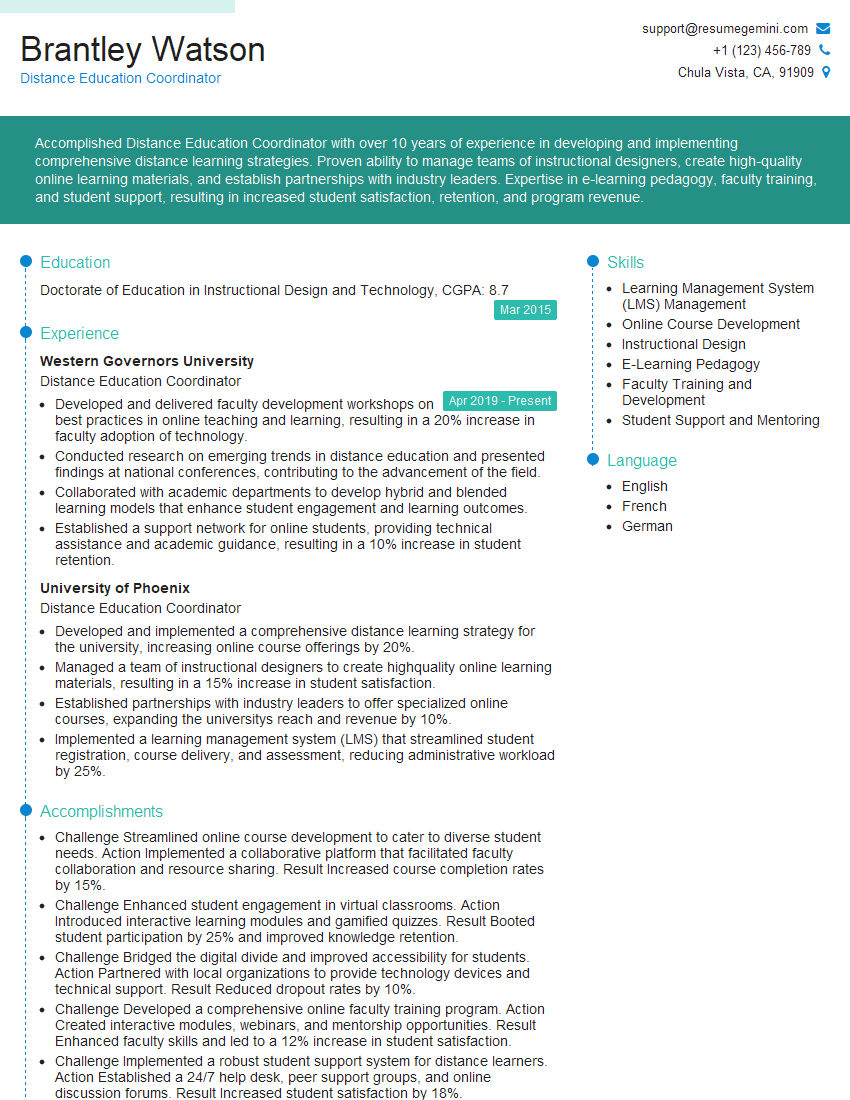
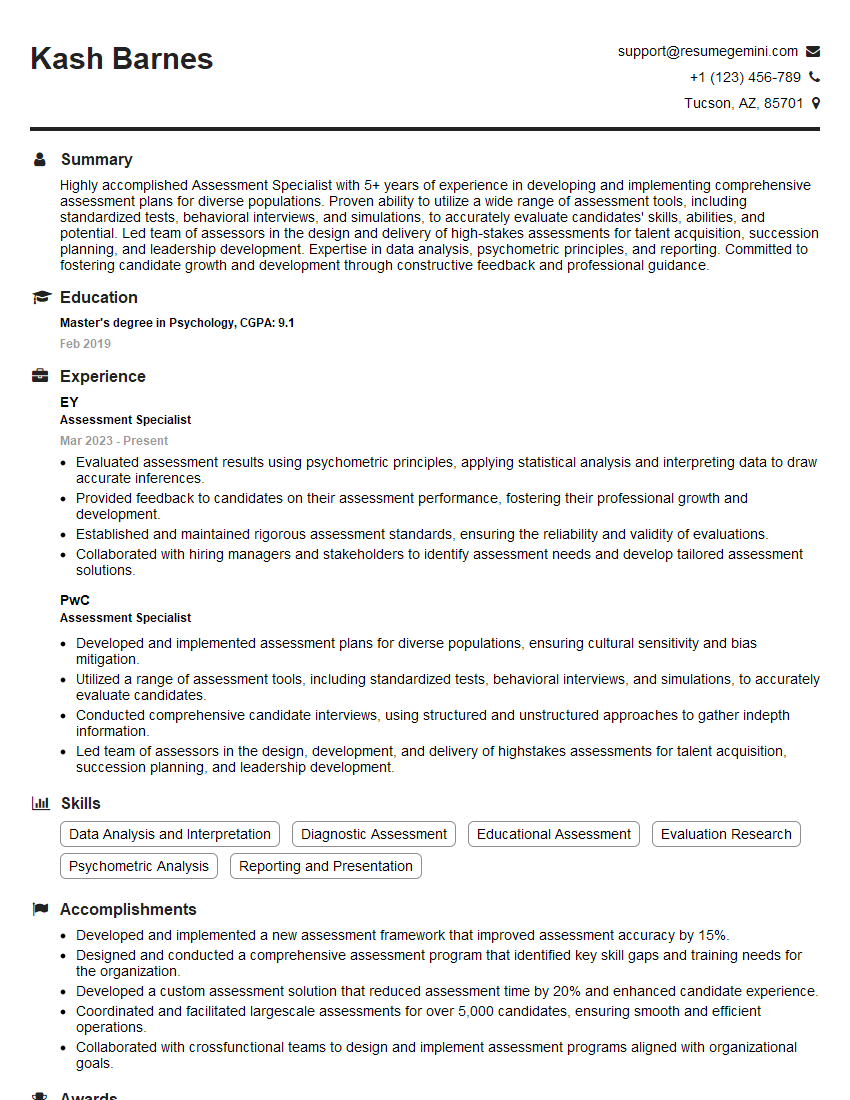
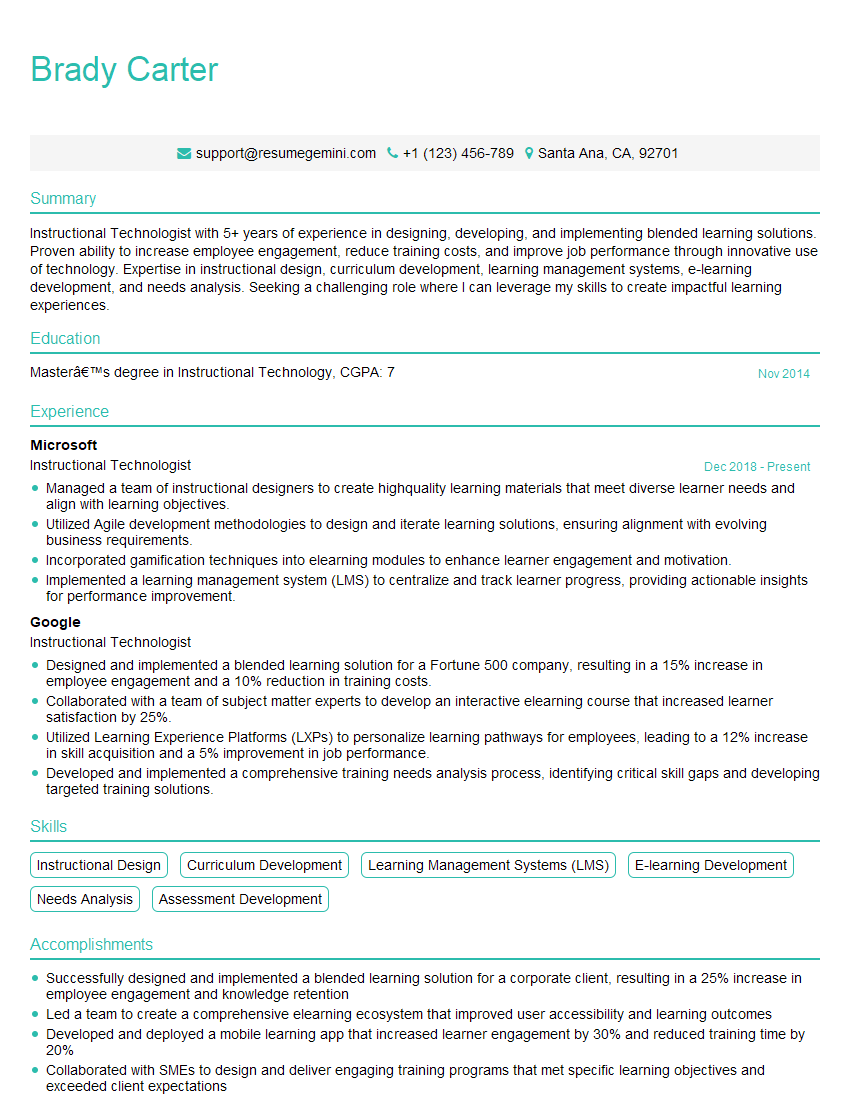
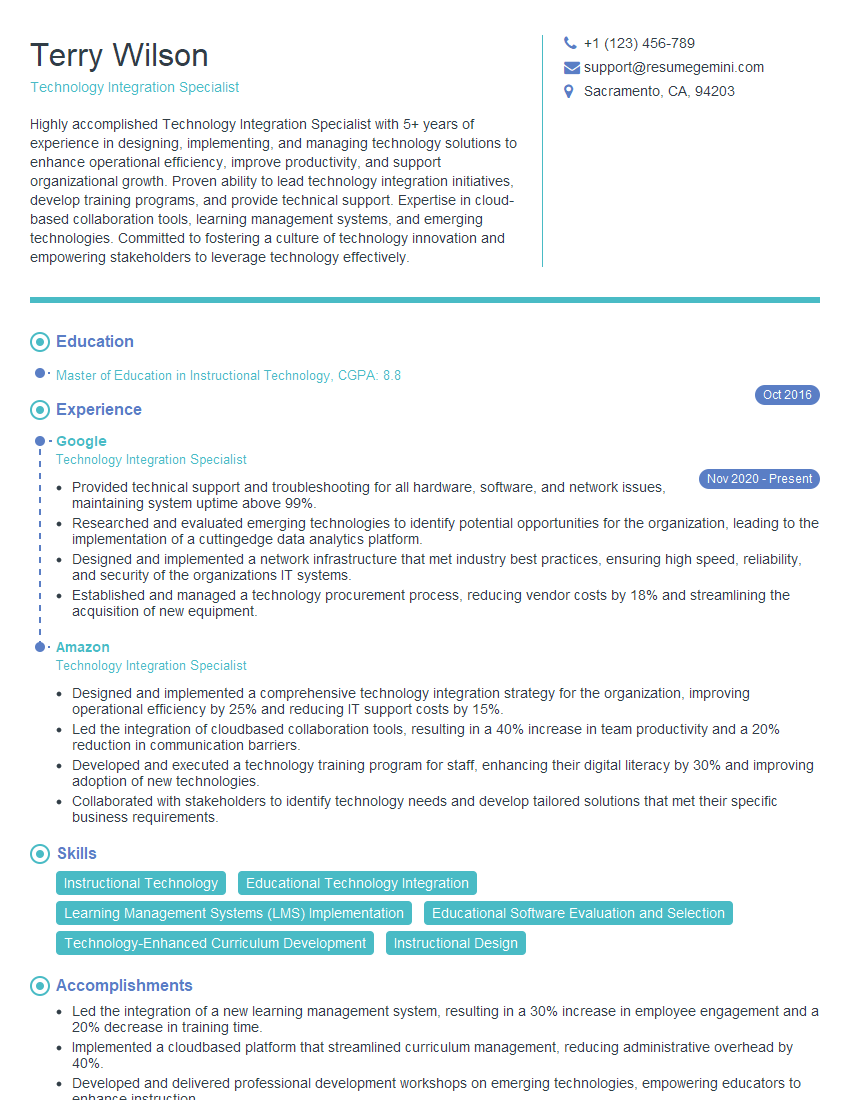
Mastering proficiency in using technology for assessment and intervention is crucial for career advancement in education and related fields. It demonstrates your ability to leverage technology to enhance learning outcomes and adapt to the evolving educational landscape. To maximize your job prospects, create an ATS-friendly resume that effectively highlights your skills and experience. ResumeGemini is a trusted resource that can help you build a compelling and professional resume. Examples of resumes tailored to showcasing expertise in “Proficient in using technology for assessment and intervention” are available to guide you.



Explore more articles
Users Rating of Our Blogs
Share Your Experience
We value your feedback! Please rate our content and share your thoughts (optional).
What Readers Say About Our Blog
To the interviewgemini.com Webmaster.
Very helpful and content specific questions to help prepare me for my interview!
Thank you
To the interviewgemini.com Webmaster.
This was kind of a unique content I found around the specialized skills. Very helpful questions and good detailed answers.
Very Helpful blog, thank you Interviewgemini team.