The right preparation can turn an interview into an opportunity to showcase your expertise. This guide to Knowledge of Python interview questions is your ultimate resource, providing key insights and tips to help you ace your responses and stand out as a top candidate.
Questions Asked in Knowledge of Python Interview
Q 1. Explain the difference between lists and tuples in Python.
Lists and tuples are both used to store sequences of items in Python, but they differ fundamentally in their mutability—that is, whether their contents can be changed after creation. Lists are mutable, meaning you can add, remove, or modify elements after the list is created. Tuples, on the other hand, are immutable; once a tuple is created, its contents cannot be changed.
Think of a list as a shopping list you can constantly update—adding items, removing items, or changing quantities. A tuple, however, is more like a set of instructions that cannot be altered once finalized, such as the steps in a recipe.
- Lists: Defined using square brackets
[]. Example:my_list = [1, 2, 'apple', 3.14] - Tuples: Defined using parentheses
(). Example:my_tuple = (1, 2, 'apple', 3.14)
The choice between a list and a tuple depends on your needs. If you need a collection that can be modified, use a list. If you need a collection whose values should remain constant, use a tuple. Tuples are generally slightly more memory-efficient than lists and can be used as keys in dictionaries (lists cannot).
Q 2. What are the different ways to iterate through a list in Python?
Python offers several ways to iterate through a list. The most common approaches are using a for loop, iterators, and list comprehensions (which we’ll cover separately).
forloop: The simplest and most readable method. Example:my_list = [1, 2, 3, 4, 5] for item in my_list: print(item)This iterates through each element in the list, assigning it to the variableitemin each iteration.enumerate(): Useful when you need both the index and the value of each item. Example:my_list = ['apple', 'banana', 'cherry'] for index, item in enumerate(my_list): print(f'Item at index {index}: {item}')whileloop with indexing: Provides more control over iteration, but requires manual index management. Example:my_list = [10, 20, 30] i = 0 while i < len(my_list): print(my_list[i]) i += 1
The best approach depends on the specific task. For simple iteration, a for loop is usually sufficient. enumerate() is ideal when you need both index and value. A while loop offers greater control but requires more careful handling of the index.
Q 3. Explain the concept of list comprehensions.
List comprehensions provide a concise way to create lists in Python. They allow you to generate a new list by applying an expression to each item in an existing iterable (like a list, tuple, or range), optionally filtering items based on a condition. They're incredibly powerful and often make code more readable and efficient compared to traditional for loops.
Basic Structure: new_list = [expression for item in iterable]
Example: Let's say we want to create a list of squares of numbers from 1 to 5. A traditional for loop would look like this:
squares = [] for i in range(1, 6): squares.append(i**2) print(squares) # Output: [1, 4, 9, 16, 25]
Using a list comprehension, we can achieve the same result in a single line:
squares = [i**2 for i in range(1, 6)] print(squares) # Output: [1, 4, 9, 16, 25]
List comprehensions with conditions: You can also add a conditional statement to filter items. For example, to create a list of even squares:
even_squares = [i**2 for i in range(1, 6) if i % 2 == 0] print(even_squares) # Output: [4, 16]
List comprehensions improve code readability and often enhance performance, especially for larger datasets, making them a valuable tool in a Python developer's arsenal.
Q 4. How do you handle exceptions in Python?
Exception handling in Python uses the try-except block. This allows you to gracefully handle errors that might occur during program execution, preventing crashes and providing more user-friendly error messages.
Basic Structure:
try: # Code that might raise an exception # ... except ExceptionType as e: # Handle specific exception type # ... except ExceptionType2 as e: # Handle another exception type # ... except: # Catch any other exception # ... finally: # Code that always executes (optional) # ...
Example: Let's say we want to handle a potential ZeroDivisionError:
try: result = 10 / 0 except ZeroDivisionError as e: print(f'Error: {e}') else: print(f'Result: {result}') finally: print('This always executes')The else block is optional and executes only if no exceptions occur within the try block. The finally block, also optional, ensures that certain cleanup actions (e.g., closing files) always happen, regardless of whether an exception occurred.
Proper exception handling is crucial for building robust and reliable Python applications, allowing you to handle errors gracefully and prevent unexpected program termination.
Q 5. What are generators in Python and why are they useful?
Generators in Python are a special type of iterator that produces values on demand, rather than generating all values at once and storing them in memory. They're defined using functions with the yield keyword instead of return.
Why are they useful? Generators are incredibly memory-efficient when dealing with large datasets. Imagine you need to process a file containing millions of lines. A regular function would load the entire file into memory, potentially leading to crashes. A generator, however, would read and process one line at a time, significantly reducing memory usage.
Example:
def my_generator(n): for i in range(n): yield i**2
This generator yields the squares of numbers from 0 to n-1. Each time you call next() on the generator object, it produces the next value without generating the entire sequence upfront.
gen = my_generator(5) print(next(gen)) # Output: 0 print(next(gen)) # Output: 1 print(next(gen)) # Output: 4 #and so on...
Generators are commonly used in data processing, working with large files, and situations where memory efficiency is critical.
Q 6. Explain the difference between `==` and `is` in Python.
Both == and is are comparison operators in Python, but they perform different checks:
==(Equality operator): Checks if the values of two objects are equal. It compares the contents of the objects.is(Identity operator): Checks if two variables refer to the same object in memory. It compares the memory addresses.
Example:
list1 = [1, 2, 3] list2 = [1, 2, 3] list3 = list1 print(list1 == list2) # Output: True (values are equal) print(list1 is list2) # Output: False (different objects) print(list1 is list3) # Output: True (same object)
In the example, list1 and list2 have the same values, so == returns True. However, they are distinct objects in memory, hence is returns False. list3 is assigned the same object as list1, so is returns True.
Use == to compare the contents of objects and is to check if two variables refer to the exact same object in memory. Misunderstanding this distinction can lead to unexpected behavior in your code.
Q 7. What are decorators in Python and how do they work?
Decorators in Python are a powerful and expressive feature that allows you to modify or enhance functions and methods in a clean and readable way without modifying their core functionality. They're a form of metaprogramming, where you write code that manipulates other code.
How they work: A decorator is a function that takes another function as input and returns a modified version of that function. It's applied using the @ symbol before the function definition.
Example: Let's create a decorator to measure the execution time of a function:
import time def elapsed_time(func): def f_wrapper(*args, **kwargs): t_start = time.time() result = func(*args, **kwargs) t_elapsed = time.time() - t_start print(f'Execution time: {t_elapsed*1000:.4f}ms') return result return f_wrapper @elapsed_time def base_function(n): time.sleep(n) print(f'This is base_function with n = {n}') base_function(2)Here, elapsed_time is a decorator. It wraps base_function, adding timing functionality without changing the core logic of base_function. Decorators promote code reusability and improve readability by separating concerns.
Decorators are frequently used for logging, access control, instrumentation (like timing), and other cross-cutting concerns in software development.
Q 8. Explain the concept of polymorphism in Python.
Polymorphism, meaning "many forms," is a powerful concept in object-oriented programming (OOP) where objects of different classes can be treated as objects of a common type. This allows you to write code that can work with objects of various classes without needing to know their specific type at compile time. Think of it like having a universal remote that can control different brands of TVs – you don't need to know the specific model to change the channel.
In Python, polymorphism is achieved through inheritance and method overriding. If multiple classes inherit from a common base class and override methods defined in the base class, you can call those methods on objects of any of the derived classes, and the appropriate method will be executed based on the object's actual type.
Example:
class Animal: def speak(self): print("Generic animal sound")
class Dog(Animal): def speak(self): print("Woof!")
class Cat(Animal): def speak(self): print("Meow!")
animals = [Dog(), Cat(), Animal()]
for animal in animals: animal.speak() # Polymorphic behavior – each animal speaks differently
This code demonstrates polymorphism. The speak() method is called on different animal objects, and each object responds differently depending on its class. This flexibility is crucial for writing maintainable and reusable code.
Q 9. What are the different types of inheritance in Python?
Python supports several types of inheritance, allowing you to create new classes based on existing ones, inheriting their attributes and methods. This promotes code reusability and reduces redundancy.
- Single Inheritance: A class inherits from only one parent class. This is the simplest form of inheritance.
- Multiple Inheritance: A class inherits from multiple parent classes. This allows for combining functionalities from different classes, but can lead to complex class hierarchies if not managed carefully. Python uses Method Resolution Order (MRO) to determine which method to call when there are conflicts (e.g., C3 linearization algorithm).
- Multilevel Inheritance: A class inherits from another class which itself inherits from another class, creating a hierarchy of inheritance. This allows for creating more specialized classes built upon increasingly general ones.
- Hierarchical Inheritance: Multiple classes inherit from a single parent class. This is a common pattern for creating a family of related classes.
- Hybrid Inheritance: A combination of multiple inheritance and multilevel inheritance. This offers maximum flexibility but requires careful design to avoid ambiguity.
Example (Multiple Inheritance):
class Flyer: def fly(self): print("Flying...")
class Swimmer: def swim(self): print("Swimming...")
class FlyingFish(Flyer, Swimmer): pass
f = FlyingFish()
f.fly()
f.swim()
Here, FlyingFish inherits from both Flyer and Swimmer, demonstrating multiple inheritance.
Q 10. Explain the difference between shallow copy and deep copy.
The difference between shallow and deep copy lies in how they handle nested objects (objects within objects). Shallow copy creates a new object, but it populates it with references to the elements of the original object. This means that changes made to a nested object in the copied object will also affect the original object and vice-versa, because they both point to the same memory location.
Deep copy, on the other hand, creates a completely independent copy of the original object and all its nested objects. Changes made to a nested object in the copied object will not affect the original object, and vice versa.
Example:
import copy
list1 = [[1, 2, 3], [4, 5, 6]]
# Shallow copy
list2 = copy.copy(list1)
list2[0][0] = 10 # Affects both list1 and list2 because of the shallow copy
print(list1)  # Output: [[10, 2, 3], [4, 5, 6]]
print(list2)  # Output: [[10, 2, 3], [4, 5, 6]]
# Deep copy
list3 = copy.deepcopy(list1)
list3[0][0] = 20 # Only affects list3
print(list1)  # Output: [[10, 2, 3], [4, 5, 6]]
print(list3)  # Output: [[20, 2, 3], [4, 5, 6]]
This illustrates that shallow copies share references, while deep copies create entirely independent copies, which is crucial when working with mutable objects to avoid unintended side effects.
Q 11. How do you work with files in Python?
Python offers robust file handling capabilities. You typically use the built-in functions open(), read(), write(), and close(), but the with statement is highly recommended for efficient and safe file management (discussed in the next answer).
Opening a file: The open() function takes the file path and a mode ('r' for reading, 'w' for writing, 'a' for appending, 'x' for exclusive creation, 'b' for binary mode, 't' for text mode, etc.) as arguments. It returns a file object.
file = open("my_file.txt", "r")Reading a file: You can read the entire file content using read(), read line by line using readline(), or iterate through lines using a loop.
content = file.read()
line = file.readline()
for line in file: print(line)
Writing to a file: Use write() to write strings to the file. Remember to open the file in 'w' or 'a' mode.
file.write("This is some text.")Closing a file: Always close the file using close() to release resources.
file.close()It's best practice to use the with statement to ensure files are closed automatically, even if errors occur.
Q 12. Explain the use of the `with` statement in Python.
The with statement in Python is a powerful construct for managing resources, particularly files. It ensures that resources are properly acquired and released, even if exceptions occur. This eliminates the need for explicit try...finally blocks for resource cleanup, resulting in more readable and less error-prone code.
Example:
with open("my_file.txt", "r") as file: content = file.read() # File is automatically closed here, even if errors occur print(content)Here, the file is automatically closed when the with block finishes, regardless of whether an exception occurs within the block. This prevents resource leaks and simplifies error handling. The with statement works with any object that supports the context management protocol (having __enter__ and __exit__ methods).
Q 13. What are modules and packages in Python?
Modules and packages are fundamental to Python's modularity and code organization. They allow you to break down your code into smaller, manageable units, promoting reusability and maintainability.
Modules: A module is simply a Python file (with a .py extension) containing Python definitions and statements. It can define functions, classes, and variables. You can import modules into your code using the import statement.
import math # Imports the math module print(math.sqrt(25))Packages: A package is a way of organizing related modules into a directory hierarchy. A package directory must contain a file named __init__.py (can be empty). This signals to Python that the directory should be treated as a package. You can import modules from packages using dot notation.
import mypackage.mymodule # Imports mymodule from the mypackage package from mypackage.mymodule import myfunction # Imports a specific functionPackages provide a structured way to organize larger projects and avoid naming conflicts. They make code more maintainable, understandable, and easier to reuse across different projects.
Q 14. How do you create and use a custom class in Python?
Creating and using custom classes is central to object-oriented programming in Python. Classes are blueprints for creating objects, encapsulating data (attributes) and methods (functions) that operate on that data.
Creating a class:
class Dog: def __init__(self, name, breed): self.name = name self.breed = breed def bark(self): print("Woof!")
fido = Dog("Fido", "Golden Retriever") print(fido.name)  # Accessing attributes fido.bark()  # Calling methods
The __init__ method is a constructor, called when you create an object (instance) of the class. It initializes the object's attributes. Methods operate on the object's attributes.
Using a class: You create instances of the class and interact with them through their attributes and methods. Encapsulation protects data integrity by controlling access to attributes.
Example with methods and attributes:
class BankAccount: def __init__(self, account_number, balance=0): self.account_number = account_number self.balance = balance def deposit(self, amount): self.balance += amount def withdraw(self, amount): if self.balance >= amount: self.balance -= amount else: print("Insufficient funds") def get_balance(self): return self.balanceThis BankAccount class demonstrates encapsulation and methods that manipulate the account's balance. It showcases practical application of custom classes for managing data and operations.
Q 15. Explain the concept of object-oriented programming (OOP) in Python.
Object-Oriented Programming (OOP) is a programming paradigm that organizes code around objects, which contain data (attributes) and methods (functions) that operate on that data. Think of it like building with LEGOs – each brick is an object with specific properties (color, size) and actions (connecting to other bricks). In Python, OOP allows for creating reusable, modular, and maintainable code. Key principles include:
- Encapsulation: Bundling data and methods that operate on that data within a class, hiding internal details and protecting data integrity. This is like having a sealed LEGO brick; you see the outside, but not the internal structure.
- Inheritance: Creating new classes (child classes) from existing classes (parent classes), inheriting attributes and methods. This allows for code reuse and creating specialized versions of existing objects. Imagine having a basic LEGO brick (parent class) and then creating specialized bricks like a window brick (child class) that inherits the basic properties but adds its own.
- Polymorphism: The ability of objects of different classes to respond to the same method call in their own specific way. Think of a LEGO car and a LEGO plane – both can have a 'move' method, but the implementation of that method will be different for each.
- Abstraction: Hiding complex implementation details and showing only essential information to the user. This is like only seeing the finished LEGO model, not the individual steps involved in building it.
Example:
class Dog: def __init__(self, name, breed): self.name = name self.breed = breed def bark(self): print("Woof!")my_dog = Dog("Buddy", "Golden Retriever")my_dog.bark()Career Expert Tips:
- Ace those interviews! Prepare effectively by reviewing the Top 50 Most Common Interview Questions on ResumeGemini.
- Navigate your job search with confidence! Explore a wide range of Career Tips on ResumeGemini. Learn about common challenges and recommendations to overcome them.
- Craft the perfect resume! Master the Art of Resume Writing with ResumeGemini's guide. Showcase your unique qualifications and achievements effectively.
- Don't miss out on holiday savings! Build your dream resume with ResumeGemini's ATS optimized templates.
Q 16. What are lambda functions in Python?
Lambda functions, also known as anonymous functions, are small, single-expression functions defined without a name. They are particularly useful for short, simple operations that don't require a full function definition. They are often used with higher-order functions like map, filter, and reduce.
Syntax:
lambda arguments: expressionExample:
add = lambda x, y: x + yprint(add(5, 3)) # Output: 8In this example, we define a lambda function that adds two numbers. It's concise and easily integrated into other code without the need for a separate, named function definition.
Q 17. How do you use map, filter, and reduce functions in Python?
map, filter, and reduce are higher-order functions that operate on iterables (like lists or tuples). They are powerful tools for functional programming in Python.
map(function, iterable): Applies a given function to each item in an iterable and returns an iterator with the results. Think of it as applying a transformation to every element.filter(function, iterable): Filters items from an iterable based on a given function. The function should returnTruefor items to keep andFalsefor items to discard. This is like selecting specific elements based on a criterion.reduce(function, iterable): Applies a function cumulatively to the items of an iterable, reducing it to a single value. This is like combining all elements into a single result.
Examples:
numbers = [1, 2, 3, 4, 5]squared = list(map(lambda x: x**2, numbers)) # [1, 4, 9, 16, 25]even_numbers = list(filter(lambda x: x % 2 == 0, numbers)) # [2, 4]from functools import reduceproduct = reduce(lambda x, y: x * y, numbers) # 120Note that reduce is in the functools module and needs to be imported.
Q 18. What are docstrings and why are they important?
Docstrings (documentation strings) are multiline strings used to document Python code. They are written within triple quotes ("""Docstring""") and are placed at the beginning of modules, classes, functions, and methods. They are crucial for code readability and maintainability.
Importance:
- Explain Functionality: Docstrings clearly explain what a piece of code does, its parameters, return values, and any exceptions it might raise.
- Improve Readability: They make it easier for others (and your future self) to understand your code without needing to delve into the implementation details.
- Enable Documentation Generation: Tools like Sphinx can automatically generate documentation from docstrings.
- Interactive Help: The
help()function and IDEs use docstrings to provide interactive help.
Example:
def my_function(a, b): """This function adds two numbers. Args: a: The first number. b: The second number. Returns: The sum of a and b. """ return a + bQ 19. Explain the concept of garbage collection in Python.
Garbage collection in Python is the automatic process of reclaiming memory occupied by objects that are no longer referenced by the program. It prevents memory leaks and ensures efficient memory management. Python uses a cycle-detecting garbage collector based on reference counting.
Reference Counting: Each object keeps track of how many references point to it. When the reference count drops to zero, meaning no part of the program is using the object anymore, the garbage collector deallocates the memory used by that object.
Cyclic Garbage Collection: The reference counting mechanism can't handle circular references (where objects refer to each other in a cycle). Python's garbage collector employs a cyclic garbage collection mechanism to detect and deallocate these circular references.
Benefits:
- Automatic Memory Management: Developers don't need to manually manage memory allocation and deallocation.
- Prevention of Memory Leaks: It prevents programs from consuming excessive memory.
- Improved Efficiency: By automatically reclaiming unused memory, it contributes to efficient resource utilization.
Q 20. How do you handle concurrency in Python?
Concurrency in Python refers to the ability to execute multiple tasks seemingly at the same time. This doesn't necessarily mean true parallelism (multiple tasks running simultaneously on multiple cores), but rather the ability to switch between tasks quickly, creating the illusion of parallelism. Python offers several approaches for handling concurrency:
threadingmodule: Allows creating and managing threads. Threads share the same memory space, making communication easy but prone to issues like race conditions if not handled carefully. Suitable for I/O-bound tasks (tasks that spend a lot of time waiting, like network requests).multiprocessingmodule: Creates and manages processes. Processes have their own memory space, eliminating race conditions but introducing inter-process communication overhead. Ideal for CPU-bound tasks (tasks that heavily utilize the CPU).asynciolibrary: Provides an event loop-based approach for asynchronous programming. Allows writing concurrent code usingasyncandawaitkeywords, making code easier to read and manage for complex concurrent operations.
Example (threading):
import threadingimport timedef task(name): print(f"Starting task {name}") time.sleep(2) print(f"Finishing task {name}")threads = []for i in range(3): thread = threading.Thread(target=task, args=(i,)) threads.append(thread) thread.start()for thread in threads: thread.join()Q 21. What are threads and processes in Python?
In Python, both threads and processes are ways to achieve concurrency, but they differ significantly:
- Threads: Lightweight units of execution within a process. They share the same memory space, making communication fast but potentially leading to race conditions if not properly synchronized. Think of threads as multiple workers in the same room, sharing the same tools (memory).
- Processes: Independent, heavyweight units of execution. Each process has its own memory space, eliminating race conditions but introducing inter-process communication overhead. Processes are like multiple workers in separate rooms, each with their own set of tools.
Choosing between Threads and Processes:
- I/O-bound tasks (waiting for network requests, disk I/O): Threads are usually more efficient due to their low overhead.
- CPU-bound tasks (heavy computation): Processes are generally preferred to leverage multiple CPU cores effectively, overcoming the Global Interpreter Lock (GIL) limitation in CPython.
The threading and multiprocessing modules provide tools for managing threads and processes, respectively.
Q 22. Explain the difference between synchronous and asynchronous programming.
Synchronous programming executes tasks one after another. Imagine a single-lane road: only one car can pass at a time. Once a task is started, it must complete before the next task begins. This is simple to understand and debug, but it can be incredibly inefficient if one task takes a long time, like waiting for a network request.
Asynchronous programming, on the other hand, allows multiple tasks to run concurrently. Think of a multi-lane highway: multiple cars can travel simultaneously. While one task waits (e.g., for a network response), the program can proceed with other tasks. This dramatically improves efficiency, especially for I/O-bound operations. Python's asyncio library provides excellent support for this paradigm.
Example: Imagine downloading multiple files. Synchronous code would download one file completely before starting the next. Asynchronous code would initiate all downloads concurrently, and the program would continue to execute other code while waiting for the downloads to complete. This results in a significant reduction in overall download time.
Q 23. What are some common Python libraries and their uses?
Python boasts a rich ecosystem of libraries. Here are a few common ones:
- NumPy: Fundamental for numerical computation, offering powerful N-dimensional array objects and tools for working with them. Essential for scientific computing, data analysis, and machine learning.
- Pandas: Provides high-performance, easy-to-use data structures and data analysis tools. Think of it as Excel on steroids, allowing for efficient data manipulation, cleaning, and analysis.
- Requests: Simplifies making HTTP requests. It handles the complexities of interacting with web APIs, making it a cornerstone for web scraping and interacting with online services.
- Scikit-learn: A comprehensive machine learning library providing various algorithms for classification, regression, clustering, and dimensionality reduction. A go-to for building machine learning models.
- Matplotlib: Used for creating static, interactive, and animated visualizations in Python. It's incredibly versatile and allows you to generate a wide range of plots and charts.
- Django/Flask: Popular web frameworks for building web applications. Django provides a more structured, full-featured approach, while Flask offers a more minimalist and flexible alternative.
Q 24. Describe your experience with version control systems like Git.
I have extensive experience using Git for version control. I'm proficient in branching strategies (like Gitflow), merging, resolving conflicts, and using remote repositories like GitHub and GitLab. I regularly use commands such as git clone, git add, git commit, git push, git pull, git branch, and git merge. I understand the importance of writing clear and concise commit messages to maintain a well-documented project history. In team environments, I actively participate in code reviews and utilize pull requests to ensure code quality and collaboration.
For example, on a recent project, we used Git's branching capabilities to develop new features in parallel without interfering with the main codebase. This allowed for continuous integration and prevented conflicts.
Q 25. Explain your approach to debugging Python code.
My debugging approach is systematic and involves several steps:
- Reproduce the bug: I start by carefully documenting the steps to reproduce the error consistently. This is crucial for isolating the problem.
- Use the Python debugger (
pdb): Setting breakpoints usingpdballows me to step through the code line by line, inspect variables, and identify the source of the error. - Print statements (
print()): For simpler debugging tasks, strategically placedprint()statements help track the values of variables at different points in the code. - Logging: For larger projects, I utilize Python's logging module to record detailed information about the program's execution, which is invaluable for later analysis.
- Use a debugger in my IDE: My IDE (usually VS Code or PyCharm) provides advanced debugging features that integrate seamlessly with the code, offering powerful tools for inspecting variables, call stacks, and more.
- Read error messages carefully: Error messages often provide valuable clues about the nature of the problem. I thoroughly examine them for hints.
I prefer a methodical approach, gradually narrowing down the possibilities until I pinpoint the root cause. I also value writing clean, well-documented code to minimize the frequency of bugs in the first place.
Q 26. How do you write unit tests in Python?
I write unit tests using the unittest module (or the pytest framework, which I also find very powerful). The key is to create small, isolated tests that verify individual units of code (functions or classes) function as expected. Each test should have a clear purpose and assert specific outcomes.
Example using unittest:
import unittest

def add(x, y):
    return x + y

class TestAdd(unittest.TestCase):
    def test_add_positive(self):
        self.assertEqual(add(2, 3), 5)
    def test_add_negative(self):
        self.assertEqual(add(-2, 3), 1)

if __name__ == '__main__':
    unittest.main()
This code defines a simple add function and then uses unittest to test it with two different test cases. The assertEqual method asserts that the function returns the expected results.
Q 27. What are your preferred Python development tools and IDEs?
My preferred Python development tools are:
- VS Code: A highly customizable and versatile code editor with excellent Python support through extensions. I appreciate its extensibility, allowing me to tailor the environment to my specific needs.
- PyCharm: A powerful IDE that offers advanced features like intelligent code completion, debugging tools, and integrated version control. It's particularly useful for larger projects.
- Jupyter Notebook: Excellent for exploratory data analysis, prototyping, and sharing code and results. It allows for interactive coding and visualization, making it ideal for data science tasks.
My choice of IDE often depends on the project's size and complexity. For smaller projects, VS Code's speed and flexibility are appealing; for larger, more complex projects, PyCharm's comprehensive features prove advantageous.
Q 28. Describe a challenging Python project you've worked on and what you learned.
One challenging project involved building a real-time data processing pipeline using Kafka and Python. The goal was to ingest, process, and analyze high-volume streaming data from multiple sources. The challenge lay in ensuring low latency, high throughput, and fault tolerance.
We used Python's multiprocessing capabilities along with Kafka's consumer and producer APIs to create a distributed system. We implemented error handling and retry mechanisms to ensure data integrity and robustness. We also used tools like Prometheus and Grafana to monitor the system's performance and identify bottlenecks.
This project taught me the importance of designing robust and scalable systems, handling asynchronous operations effectively, and the practical applications of distributed computing. I gained valuable experience with message queues, data streaming, and real-time data analysis techniques.
Key Topics to Learn for Your Python Interview
Ace your Python interview by mastering these fundamental concepts and practical applications. Remember, the key is not just knowing the *what*, but also the *why* and *how*.
- Core Data Structures: Understand lists, tuples, dictionaries, and sets; their strengths, weaknesses, and when to use each. Practice manipulating these structures efficiently.
- Object-Oriented Programming (OOP): Grasp the principles of classes, objects, inheritance, polymorphism, and encapsulation. Be prepared to discuss how you've applied OOP in your projects.
- Data Handling & Manipulation: Become proficient with libraries like Pandas and NumPy for data cleaning, transformation, and analysis. Practice working with different data formats (CSV, JSON, etc.).
- Algorithm Design & Problem Solving: Practice designing efficient algorithms and data structures to solve common programming problems. Focus on understanding time and space complexity.
- Python Libraries & Frameworks: Familiarize yourself with commonly used libraries such as Requests (for HTTP requests), and at least one framework (e.g., Django or Flask) depending on the job description. Understand their purpose and practical applications.
- Testing and Debugging: Demonstrate a strong understanding of testing methodologies (unit testing, integration testing) and debugging techniques. Be ready to discuss your approach to writing clean and testable code.
- Version Control (Git): Showcase your familiarity with Git for collaborative coding and version management. Understand branching, merging, and resolving conflicts.
Next Steps: Level Up Your Career with Python
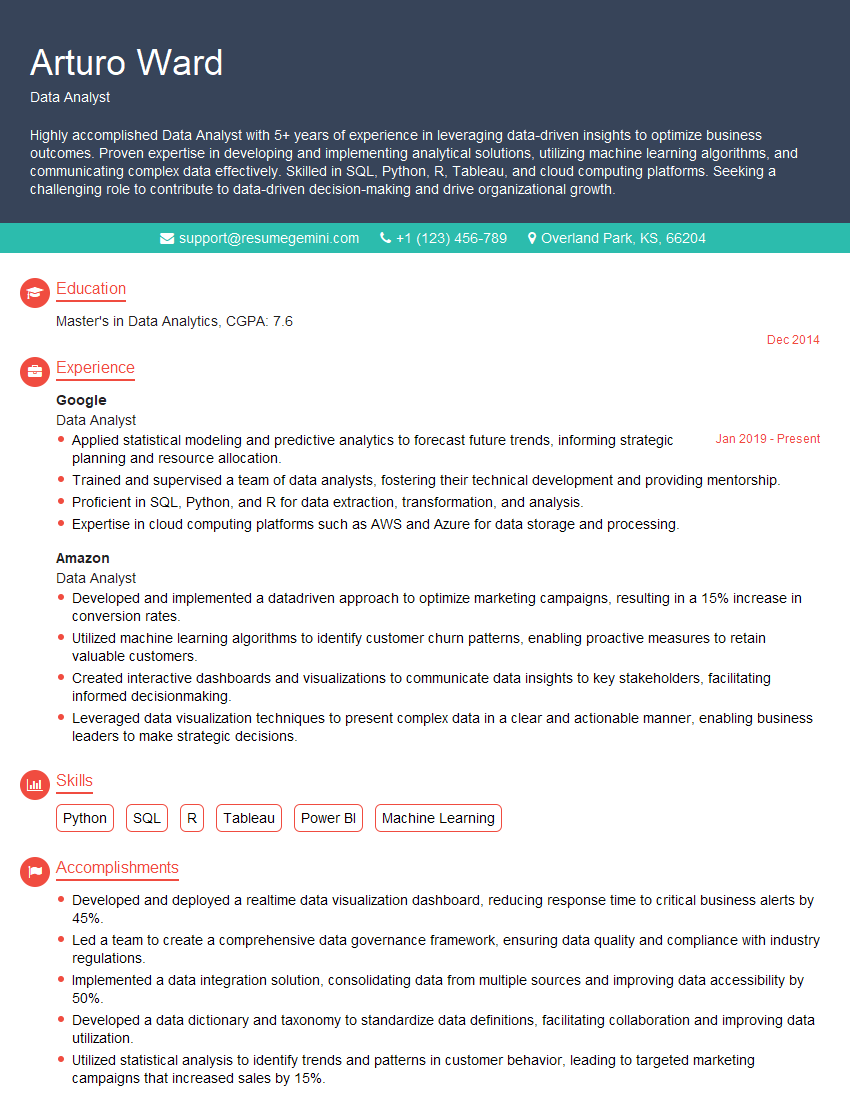
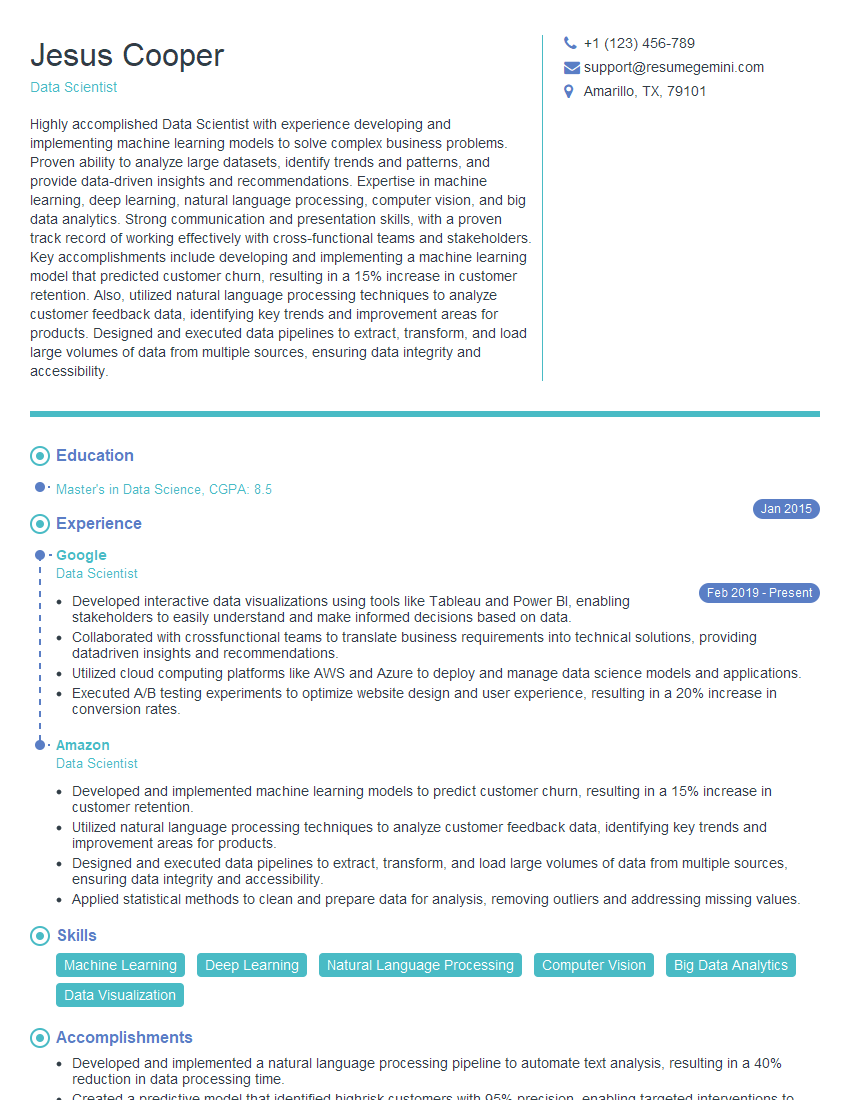
Mastering Python opens doors to exciting opportunities in various fields. To maximize your chances of landing your dream role, invest time in crafting a strong, ATS-friendly resume that highlights your Python skills and accomplishments. ResumeGemini is a trusted resource to help you build a professional and effective resume. We provide examples of resumes tailored to Python programming roles, ensuring your application stands out from the crowd.
Explore more articles
Users Rating of Our Blogs
Share Your Experience
We value your feedback! Please rate our content and share your thoughts (optional).
What Readers Say About Our Blog
To the interviewgemini.com Webmaster.
Very helpful and content specific questions to help prepare me for my interview!
Thank you
To the interviewgemini.com Webmaster.
This was kind of a unique content I found around the specialized skills. Very helpful questions and good detailed answers.
Very Helpful blog, thank you Interviewgemini team.