Interviews are opportunities to demonstrate your expertise, and this guide is here to help you shine. Explore the essential Technical Presentation Skills interview questions that employers frequently ask, paired with strategies for crafting responses that set you apart from the competition.
Questions Asked in Technical Presentation Skills Interview
Q 1. Describe your approach to designing a technical presentation for a non-technical audience.
Designing a technical presentation for a non-technical audience requires a shift from jargon and complex details to clear, concise communication focusing on the big picture and impact. My approach begins with identifying the key takeaway – what single, crucial message do I want the audience to remember? Then, I build the presentation around that message, using analogies, real-world examples, and visuals to explain complex concepts simply.
For example, if I’m presenting on a new algorithm, instead of diving into the mathematical details, I’d focus on how it improves speed or accuracy compared to the existing method. I might use an analogy like comparing a faster algorithm to a more efficient highway system. Visual aids such as charts comparing performance metrics, or even a short, engaging video demonstrating the algorithm’s application, would further enhance comprehension.
Crucially, I always anticipate questions a non-technical audience might have and proactively address them in the presentation. I use simple language, avoiding technical jargon unless absolutely necessary, and I carefully consider the overall narrative flow to ensure a compelling and easy-to-follow story.
Q 2. How do you tailor your presentation style to different audiences (e.g., executives, engineers, clients)?
Tailoring a presentation to different audiences involves understanding their specific needs and priorities. Executives are typically interested in high-level summaries, ROI, and strategic implications. My presentation for executives would focus on the key business outcomes and strategic alignment, minimizing technical details. I would use compelling visuals and data to highlight the value proposition.
Engineers, on the other hand, would appreciate the technical depth and underlying mechanisms. My presentation for engineers would include more technical details, diagrams, and possibly even code snippets, focusing on the design, implementation, and challenges overcome. I’d be prepared to discuss technical specifications and answer detailed questions.
Clients, meanwhile, are concerned about the practical benefits and how the technology solves their specific problems. My presentation for clients would emphasize the value proposition from their perspective, showing how the technology addresses their needs and improves their business. I would use case studies, testimonials, and focus on practical applications and demonstrable results.
Q 3. Explain your process for creating visually compelling technical slides.
Creating visually compelling technical slides is crucial for engagement and understanding. I follow a principle of ‘less is more’. I prioritize clarity and simplicity over visual complexity. My process begins by identifying the key message of each slide and choosing the most effective visual to convey that message. This might be a chart, a diagram, a photograph, or even a simple icon.
I use high-quality images and graphics, ensuring they’re consistent in style and branding. I avoid cluttered slides with too much text; bullet points are used sparingly, focusing on key concepts. I use a consistent color palette and font to maintain a professional and cohesive look. Tools like Adobe Illustrator or PowerPoint’s SmartArt features are invaluable in creating professional-looking diagrams and charts.
For example, instead of a dense paragraph describing system architecture, I’d use a clean, well-labeled diagram showing the different components and their interactions. Data visualizations should be clear, easy to understand, and accurately reflect the data.
Q 4. How do you handle unexpected questions or challenges during a technical presentation?
Handling unexpected questions or challenges during a presentation requires a combination of preparedness, composure, and problem-solving skills. First and foremost, I always anticipate potential questions and prepare answers beforehand. This includes researching common misconceptions and preparing concise, informative responses.
If a question arises that I don’t immediately know the answer to, I acknowledge the question, stating that I’ll look into it and provide a response later. This demonstrates honesty and professionalism. I might also try to rephrase the question to ensure complete understanding before answering, and if necessary, I might break down a complex question into smaller, more manageable parts.
If a technical glitch occurs, I handle it calmly and professionally. I might have a backup plan (e.g., a printed copy of the slides) ready. I use humour and positive language to diffuse any anxiety and maintain a positive atmosphere. My objective is to maintain audience engagement and demonstrate professionalism, even under pressure.
Q 5. What software or tools do you use to create and deliver effective technical presentations?
I use a variety of software and tools to create and deliver effective technical presentations. For slide creation, I primarily use Microsoft PowerPoint and Adobe Illustrator. PowerPoint offers a user-friendly interface for creating engaging slides, while Illustrator provides more advanced graphic design capabilities. For data visualization, I utilize tools like Tableau and Excel. Tableau excels at creating interactive and insightful data visualizations, while Excel remains a reliable option for simpler charts and graphs.
For presentation delivery, I use PowerPoint’s presentation mode for straightforward presentations. For webinars or virtual presentations, I use tools like Zoom or Microsoft Teams. These tools enable screen sharing, interaction with the audience through Q&A sessions, and recording of the presentation for future use. Prezi is also a helpful tool for creating dynamic, non-linear presentations.
Q 6. Describe your experience using data visualization techniques to enhance technical presentations.
Data visualization is an integral part of my approach to enhancing technical presentations. I believe strongly that a picture is worth a thousand words, especially when dealing with complex technical data. Instead of presenting lengthy tables of numbers, I transform data into visually engaging charts and graphs that highlight trends, patterns, and key insights.
For instance, if I’m presenting performance data for a software algorithm, I might use a line chart to compare execution times across different datasets, or a bar chart to compare accuracy metrics. I carefully choose the type of visualization that best represents the data and is most easily understood by the audience. I avoid using too many charts or overwhelming the audience with information; each visualization should tell a specific story.
Tools like Tableau, Power BI, and even Excel’s charting capabilities are instrumental in creating effective data visualizations. I always ensure the visualizations are accurate, clearly labeled, and easy to interpret.
Q 7. How do you ensure your technical presentation is clear, concise, and engaging?
Ensuring a clear, concise, and engaging technical presentation involves a multi-faceted approach. Clarity is achieved through simple language, well-structured content, and avoiding jargon. I break down complex ideas into smaller, more manageable chunks, using clear headings and subheadings to guide the audience. Conciseness is achieved through careful selection of content; only including information essential to the key message.
Engagement is fostered through storytelling, interactive elements, and visual aids. I incorporate anecdotes, real-world examples, and analogies to make the presentation relatable and memorable. I might include interactive polls or Q&A sessions to encourage audience participation. Visuals, such as charts, diagrams, and videos, break up the monotony of text and help maintain audience attention.
Throughout the process, I constantly practice and refine the presentation, seeking feedback to ensure it achieves its objectives effectively. A well-rehearsed and well-structured presentation will greatly improve clarity, conciseness, and engagement, ensuring a positive and impactful experience for the audience.
Q 8. How do you incorporate audience interaction into your technical presentations?
Incorporating audience interaction is crucial for an engaging and effective technical presentation. It transforms a passive lecture into a dynamic conversation, fostering understanding and memory retention. I achieve this through a variety of methods, tailored to the audience and context.
Polls and Quizzes: Using tools like Mentimeter or even simple hand-raising, quick polls can gauge understanding and reveal areas needing further clarification. For example, I might ask, “How many of you are familiar with Python’s list comprehension?” before diving into a complex coding example.
Open-Ended Questions: Strategically placed open-ended questions encourage deeper engagement. Instead of simply explaining a concept, I might ask, “What are some potential challenges you foresee in implementing this algorithm?” This encourages critical thinking and active participation.
Interactive Demonstrations: Live coding, interactive simulations, or even a small group activity can significantly increase engagement. For instance, if presenting on machine learning, I might have participants vote on which model best suits a specific dataset.
Q&A Sessions: Dedicated Q&A periods, interspersed throughout or at the end, allow for direct feedback and clarification. I encourage questions by actively soliciting them and ensuring a safe and welcoming environment.
The key is to plan interaction strategically; avoid disrupting the flow unnecessarily. A well-placed question or activity can be far more effective than a constant barrage of interruptions.
Q 9. How do you manage your time effectively during a technical presentation?
Time management is paramount in technical presentations. Going over time disrupts the schedule and can lose your audience’s attention. My approach involves careful planning and execution.
Detailed Outline: I create a detailed outline allocating specific time slots for each section. This outline isn’t just a list of topics; it includes estimated speaking times for each slide and segment.
Rehearsals: Multiple rehearsals are vital. I practice with a timer to ensure I stay within the allotted time. This helps identify sections that require condensing or expanding.
Prioritization: I ruthlessly prioritize key concepts. If time is short, I focus on the most critical information, acknowledging that some details might need to be omitted. For example, instead of covering every single detail about a specific algorithm, I might concentrate on the core functionality and applications.
Visual Aids: Well-designed slides act as a visual guide, preventing rambling and helping me stick to the schedule. I avoid overwhelming slides with too much text, relying instead on visuals, bullet points and concise statements.
Contingency Planning: I always build in a few minutes of buffer time to account for unexpected delays or questions. This prevents me from rushing through the content.
Effective time management isn’t about cramming more information; it’s about delivering the most impactful content within the allocated timeframe.
Q 10. How do you handle difficult or challenging questions from the audience?
Handling difficult questions is a skill that comes with experience. My approach is built on respect, honesty, and a commitment to clarity.
Acknowledge the Question: First, I always acknowledge and restate the question to ensure everyone understands it and to buy myself a moment to formulate a response.
Honest Answers: If I don’t know the answer, I admit it. Instead of bluffing, I might say, “That’s a great question, and I don’t have the complete answer offhand, but I can research it and get back to you.” This honesty builds trust.
Break Down Complex Answers: For complex questions, I break down the answer into smaller, digestible parts. This prevents overwhelming the audience and ensures they understand the response.
Redirect if Necessary: If a question is tangential to the presentation’s focus, I might politely redirect, saying something like, “That’s a very interesting point, and we could discuss that further, but to stay on track, let’s address X first.”
Manage Difficult Individuals: In case of aggressive or disruptive questions, I address the question calmly and firmly, often stating “I appreciate your enthusiasm, but let’s keep the discussion focused on the topic at hand.”
Handling difficult questions professionally showcases expertise and composure, solidifying your credibility as a speaker.
Q 11. Describe a time you had to adapt your presentation on the fly due to unexpected circumstances.
During a presentation on cloud infrastructure security, the internet connection unexpectedly failed halfway through a live demo. This was certainly an unexpected circumstance, but I had a plan for such situations.
Instead of panicking, I acknowledged the issue, stating, “It seems we’ve experienced a temporary network interruption.” I then transitioned smoothly to a pre-prepared backup slide which showed the key steps of the demo using screenshots. I explained the rest of the process verbally, emphasizing the critical aspects and maintaining audience engagement.
I then used the situation to highlight the importance of redundancy and failover mechanisms in cloud architectures—something directly relevant to the presentation’s topic. This unexpected interruption ultimately enhanced the message, showcasing the importance of disaster preparedness. After the presentation, I apologized for the technical glitch but received positive feedback on my handling of the situation.
Q 12. What are your preferred methods for gathering feedback on your technical presentations?
Gathering feedback is crucial for continuous improvement. I employ a multi-pronged approach.
Post-Presentation Surveys: I use online tools like SurveyMonkey or Google Forms to distribute brief surveys with questions about clarity, content, and engagement. These surveys are often anonymous to encourage honest feedback.
Informal Feedback: I engage in informal conversations with attendees after the presentation, seeking feedback on aspects they found particularly helpful or confusing. This allows for a more detailed and nuanced understanding of their experience.
Peer Reviews: If possible, I arrange for colleagues or peers to attend the presentation and provide constructive criticism. This external perspective offers valuable insights I might miss.
Recording and Self-Review: Recording the presentation allows for self-reflection. I review recordings to identify areas where I can improve my delivery, clarity, or pacing.
By combining these methods, I gain a comprehensive understanding of my presentation’s strengths and weaknesses, guiding my improvements for future presentations.
Q 13. How do you identify and address potential technical problems or glitches before a presentation?
Preventing technical glitches is as important as delivering excellent content. My approach is proactive and methodical.
Test Run: I always conduct a thorough test run in the actual presentation environment—same projector, laptop, microphone, etc.—a day or two before. This identifies compatibility issues or unexpected problems before the actual presentation.
Backup Plans: I prepare backup plans for common problems: a printed copy of the presentation, a USB drive with presentation files, alternative presentation methods (e.g., a simplified version), and pre-saved versions of my presentation software.
Hardware Check: I check all hardware—laptop battery, projector bulb, microphone, cables—to ensure everything is functioning correctly. Bringing spares can be a life-saver.
Software Check: I ensure all software (presentation software, drivers) is updated and that any required apps are installed and functioning on the presentation machine.
Network Check: If internet access is needed, I test the internet connection beforehand and explore backup options if it relies on an unstable network.
This proactive approach significantly reduces the risk of technical issues disrupting the presentation flow.
Q 14. How do you ensure the accuracy and validity of the information presented in your technical presentations?
Accuracy and validity are paramount in technical presentations. Compromising these can severely damage credibility. I ensure accuracy through several steps.
Source Verification: I meticulously cite all sources, using reputable journals, books, and websites. I avoid using unverified or biased information.
Peer Review (where possible): Before finalizing the presentation, I get feedback from colleagues or subject matter experts to review the accuracy and completeness of the information. This provides another layer of quality control.
Data Validation: For any data presented (charts, graphs, statistics), I validate it using multiple sources. This helps eliminate any inaccuracies or misrepresentations.
Fact-Checking: I thoroughly fact-check all claims and statements to ensure their accuracy and eliminate any potential errors. This might involve cross-referencing information or consulting subject matter experts.
Transparency: If uncertainties exist, I clearly state them, acknowledging potential limitations or areas needing further research. This emphasizes transparency and intellectual honesty.
By following these steps, I strive to ensure the highest level of accuracy and validity in all my technical presentations.
Q 15. Explain your process for practicing and rehearsing a technical presentation.
My process for practicing and rehearsing a technical presentation is iterative and focuses on both content mastery and delivery refinement. It’s not just about memorizing slides; it’s about internalizing the message.
- Content Review and Refinement: I begin by thoroughly reviewing the content, ensuring clarity, accuracy, and logical flow. I look for areas that might be confusing and simplify them, using analogies or relatable examples.
- Structure and Storyboarding: I then storyboard the presentation, outlining the key points and the narrative arc. This helps visualize the presentation’s structure and ensures a smooth transition between sections.
- First Rehearsal (with Notes): The first rehearsal is done with detailed notes, focusing on getting comfortable with the material and ensuring the flow works. I time myself to identify potential pacing issues.
- Second Rehearsal (reduced notes): The second rehearsal uses minimal notes or cue cards. The emphasis is on refining the delivery and practicing smooth transitions. I pay close attention to body language and voice modulation.
- Third Rehearsal (mock audience): Ideally, a third rehearsal with a small, trusted audience provides invaluable feedback. This allows me to identify areas that need further clarification or adjustment based on audience reception. Their questions are crucial in pinpointing potential areas of confusion.
- Final Review & Adjustment: Finally, I review the feedback and make any necessary adjustments to the content or delivery. I also run a final ‘tech check’ ensuring all equipment works correctly.
This multi-stage approach ensures that I’m not just presenting information, but effectively communicating it.
Career Expert Tips:
- Ace those interviews! Prepare effectively by reviewing the Top 50 Most Common Interview Questions on ResumeGemini.
- Navigate your job search with confidence! Explore a wide range of Career Tips on ResumeGemini. Learn about common challenges and recommendations to overcome them.
- Craft the perfect resume! Master the Art of Resume Writing with ResumeGemini’s guide. Showcase your unique qualifications and achievements effectively.
- Don’t miss out on holiday savings! Build your dream resume with ResumeGemini’s ATS optimized templates.
Q 16. Describe your experience using different presentation formats (e.g., slideshows, demos, webinars).
I’ve had extensive experience using various presentation formats, adapting my approach to suit the audience and the message. Each format has its own strengths and weaknesses.
- Slideshows (PowerPoint, Google Slides): These are ideal for conveying structured information, highlighting key concepts, and providing visual support. I strive to use visuals sparingly, focusing on impactful images and minimal text.
- Live Demos: Live demos are incredibly powerful for showcasing functionality and engaging the audience directly. However, they demand meticulous planning and a backup plan to handle technical glitches. I always prepare for potential problems and have alternative methods ready.
- Webinars: Webinars offer broad reach, allowing interaction with a geographically dispersed audience. Engaging features like Q&A sessions and polls are crucial for maintaining audience interest and participation. I ensure the platform is user-friendly and accessible, providing support during the session.
My choice of format depends on the specific needs of the presentation. A complex technical subject might benefit from a combination of a slideshow and a live demo, while a broad overview might be best served by a webinar.
Q 17. How do you incorporate storytelling techniques to make your technical presentations more engaging?
Incorporating storytelling techniques transforms a technical presentation from a dry recitation of facts into a compelling narrative. It helps connect with the audience on an emotional level, making the information more memorable and relevant.
- Establish a relatable context: I begin by setting the scene, explaining the problem or challenge that the technology addresses, often with a real-world example.
- Create engaging characters: Even in technical presentations, ‘characters’ can emerge – the user, the system, the problem being solved. This humanizes the subject matter.
- Build suspense and anticipation: By strategically revealing information, I create anticipation and maintain audience engagement. I might start with a challenge, then present the solution step by step.
- Use emotional language: This doesn’t mean being overly dramatic, but incorporating words that evoke feelings of excitement, satisfaction, or relief can resonate strongly. For example, instead of saying ‘This algorithm improved efficiency,’ I might say, ‘This algorithm revolutionized how we tackled this bottleneck, freeing up valuable resources and leading to significant cost savings.’
- Provide a satisfying conclusion: The story’s conclusion should leave the audience with a clear understanding of the takeaway message and its significance.
For example, when explaining a complex algorithm, instead of just describing the steps, I might tell the story of how the algorithm solves a real-world problem – perhaps optimizing traffic flow in a city or improving medical diagnostics.
Q 18. How do you choose the right visual aids (e.g., charts, graphs, diagrams) for a technical presentation?
Choosing the right visual aids is crucial for clear communication in technical presentations. The key is to use visuals that enhance understanding, not overwhelm the audience.
- Clarity and Simplicity: Visual aids should be clear, concise, and easy to understand. Avoid excessive detail or clutter. Less is more.
- Relevance to the message: Each visual should directly support a specific point. Don’t include visuals just for the sake of it.
- Appropriate Chart/Graph Type: Select the most effective chart or graph type for the data being presented. For example, use a bar chart for comparing categories, a line chart for showing trends over time, and a scatter plot for showing correlations.
- High-Quality Images and Diagrams: Use high-resolution images and professionally drawn diagrams that are visually appealing and easy to interpret.
- Accessibility Considerations: Ensure that visuals are accessible to everyone, including those with visual impairments (alt text for images).
For example, if presenting data on network performance, a line graph showing latency over time would be more effective than a table of numbers. A clear diagram can significantly improve comprehension of a complex system architecture. I always make sure my visuals are easily understandable regardless of the audience’s prior knowledge.
Q 19. How do you ensure your presentation is accessible to all audience members, including those with disabilities?
Ensuring accessibility is paramount. My presentations are designed to be inclusive and cater to all audience members, including those with disabilities.
- Alternative Text for Images: Every image should have descriptive alternative text, so screen readers can convey the image’s content to visually impaired individuals.
- Color Contrast: Sufficient color contrast between text and background is essential for readability, particularly for those with visual impairments. I use tools to check color contrast ratios.
- Font Size and Style: Choose a clear, legible font in a size large enough for easy reading. Avoid overly stylized fonts that can be difficult to read.
- Captions and Transcripts: For videos and audio content, provide captions and transcripts to benefit those with hearing impairments.
- Simplified Language: Avoid jargon and use clear, concise language to improve understanding for everyone.
- Accessible Presentation Software: I utilize presentation software with built-in accessibility features, and check for compatibility with assistive technologies.
By proactively addressing accessibility needs, I ensure that everyone in the audience can fully engage with and benefit from my presentation. It’s a matter of inclusivity and respect for all participants.
Q 20. Describe a time you had to present complex technical information in a simple and understandable way.
I once had to present a complex algorithm for optimizing database queries to a non-technical audience of executives. The challenge was to communicate its value without getting bogged down in technical details.
Instead of diving into the algorithm’s intricacies, I started with the problem – slow database queries resulting in delays and frustrated users. I then used an analogy, comparing the algorithm to a well-organized traffic system: instead of random cars causing congestion, the algorithm directs queries efficiently, avoiding bottlenecks and speeding up the overall process. I used visual aids like a simple diagram showing the before and after state of the query process and charts displaying the improvement in response times. I focused on quantifiable results like ‘X% improvement in query speed’ and ‘Y% reduction in response time’, making the impact clear and tangible. The presentation was well-received because the executives understood the value proposition without requiring a deep technical understanding.
Q 21. How do you balance technical depth with audience comprehension in your presentations?
Balancing technical depth with audience comprehension requires a nuanced understanding of your audience and the context of the presentation. It’s about tailoring your approach to ensure both accuracy and engagement.
- Audience Analysis: Thoroughly research your audience’s technical expertise beforehand. This informs the level of detail you include.
- Layering Information: Present information in layers. Begin with an overview, then gradually introduce more technical details for those who want to delve deeper. Q&A sessions are useful here.
- Analogies and Metaphors: Use simple analogies and metaphors to explain complex concepts. These make abstract ideas more concrete and easier to grasp.
- Visual Aids: Effective visuals simplify technical information. A well-designed diagram can often replace pages of text.
- Interactive Elements: Incorporate interactive elements like quizzes or polls to gauge understanding and keep the audience engaged.
- Summary and Key Takeaways: Conclude with a concise summary of key takeaways, reinforcing the main points of the presentation.
The goal isn’t to dumb down the content, but to make it accessible and relevant. By adapting your approach to the audience, you can deliver a presentation that is both technically accurate and engaging to everyone.
Q 22. What is your approach to handling audience skepticism or disagreement during a presentation?
Addressing audience skepticism requires a proactive and respectful approach. It’s not about dismissing their concerns but acknowledging them and demonstrating a willingness to engage in a constructive dialogue. My strategy involves several key steps:
- Acknowledge and Validate: Begin by acknowledging the skepticism directly. For example, ‘I understand your concern about X, and it’s a valid point to raise.’ This shows you’re listening and value their input.
- Address the Concerns Directly: Provide clear, concise, and evidence-based responses to their concerns. Use data, statistics, or real-world examples to support your claims. If you don’t have a definitive answer, be transparent and say, ‘That’s a great question; I’ll need to do some further research on that, and get back to you.’
- Leverage Visual Aids: Charts, graphs, and diagrams can be powerful tools for illustrating your points and overcoming skepticism. A visual representation can often speak louder than words.
- Maintain a Calm and Professional Demeanor: Even if the audience is highly critical, remain calm, respectful, and professional. A defensive posture will only escalate the situation.
- Encourage Further Discussion: Frame the disagreement as an opportunity for learning and growth. Encourage further questions and engage in a respectful exchange of ideas.
For instance, in a presentation on a new software deployment, if the audience expresses concern about the security implications, I’d address those concerns directly by presenting details about the security measures in place, perhaps even displaying a security audit report or relevant certifications.
Q 23. How do you incorporate real-world examples or case studies into your technical presentations?
Real-world examples and case studies are crucial for making technical presentations relatable and impactful. They transform abstract concepts into tangible realities, making it easier for the audience to grasp complex information. My approach focuses on:
- Relevance: I carefully select examples that directly relate to the topic at hand and are relevant to the audience’s background and experience.
- Clarity: I keep the examples concise and easy to understand, avoiding unnecessary technical jargon. I ensure the connection between the example and the technical point is clearly established.
- Visuals: I often supplement the examples with visuals like diagrams, charts, or screenshots to enhance understanding and engagement.
- Variety: I try to use a variety of examples – from personal anecdotes to published case studies – to keep the presentation dynamic and interesting.
For example, while discussing network optimization, I might showcase a real-world example of a company that improved its network performance by implementing a specific technique. I’d highlight the specific challenges they faced, the solution they implemented, and the positive results they achieved. This makes the technical concept much more tangible and persuasive.
Q 24. How do you ensure your presentation aligns with the overall objectives and goals?
Aligning the presentation with overall objectives and goals is paramount. Before I even begin creating slides, I have a clear understanding of the desired outcomes. This involves:
- Defining Clear Objectives: Working closely with stakeholders to define specific, measurable, achievable, relevant, and time-bound (SMART) objectives for the presentation. For example, instead of a vague objective like ‘to inform the audience about X’, a SMART objective might be ‘to have 80% of the audience able to explain the three key features of X by the end of the presentation’.
- Audience Analysis: Understanding the audience’s existing knowledge, their needs, and their expectations. This shapes the content and delivery style.
- Content Mapping: Structuring the presentation’s content to directly address the objectives and progressively build towards the desired outcomes. Each slide and section should contribute to the overall message.
- Consistent Messaging: Ensuring that the message delivered throughout the presentation is consistent with the overall objectives and the organization’s communication strategy.
For example, if the goal is to secure buy-in for a new project, the presentation will focus on the project’s value proposition, addressing potential challenges and showcasing a clear path to success. The call to action would be directly related to securing approval or investment.
Q 25. What metrics do you use to measure the success of your technical presentations?
Measuring the success of a technical presentation requires a multi-faceted approach, going beyond simply whether the audience was engaged. I use a combination of qualitative and quantitative metrics:
- Audience Feedback: Surveys, questionnaires, and informal feedback sessions to gauge audience understanding, satisfaction, and the presentation’s impact.
- Post-Presentation Actions: Tracking the actions taken by the audience after the presentation. For example, did they download relevant materials, schedule a follow-up meeting, or implement the discussed solutions?
- Knowledge Retention Tests (if applicable): Pre- and post-presentation quizzes to assess knowledge gain.
- Engagement Metrics (for online presentations): Tracking metrics such as views, watch time, and audience interaction (e.g., questions asked).
- Achievement of Objectives: Did the presentation achieve its predefined SMART objectives? This is the ultimate measure of success.
For instance, if the goal was to increase adoption of a new software, the success would be measured by the number of employees actively using the software after the presentation.
Q 26. How do you handle nerves or anxiety before delivering a technical presentation?
Nerves are normal, especially before a high-stakes presentation. My strategy involves a combination of preparation and mental techniques:
- Thorough Preparation: Rehearsing the presentation multiple times, both alone and in front of a test audience, helps build confidence and familiarity with the material. This reduces uncertainty and allows for refinement.
- Positive Self-Talk: Focusing on positive affirmations and replacing negative thoughts with constructive ones. Instead of ‘I’m going to mess this up’, I focus on ‘I’ve prepared well, and I’m confident in my ability to deliver this presentation.’
- Visualization: Mentally rehearsing the presentation, visualizing a successful delivery, helps reduce anxiety and build confidence.
- Mindfulness and Relaxation Techniques: Practicing deep breathing exercises, meditation, or other relaxation techniques can calm the nerves before the presentation.
- Proper Sleep and Nutrition: Ensuring adequate sleep and a healthy diet on the day of the presentation contributes to overall well-being and reduces stress.
I find that a thorough practice run, perhaps even recording myself, helps immensely in identifying areas for improvement and boosting confidence.
Q 27. Describe your experience with presenting to large or diverse audiences.
I have significant experience presenting to both large and diverse audiences. My approach adapts to the specific context, recognizing that different audiences have different needs and expectations.
- Large Audiences: For large audiences, I utilize visual aids effectively, ensuring the content is easily visible and understandable from all parts of the room. I also use a clear and commanding vocal delivery, maintaining eye contact and engaging different sections of the audience.
- Diverse Audiences: When presenting to a diverse audience, I tailor the language and examples to be inclusive and avoid jargon or culturally specific references that might not resonate with everyone. I also build in opportunities for audience participation and questions to make the experience interactive and engaging for all.
- Technology: For both large and diverse audiences, I leverage technology appropriately – using microphones, projectors, and online platforms as needed to ensure clarity and reach everyone effectively.
For example, during a large-scale conference presentation, I used visual aids like high-quality images, graphs, and animations to convey complex information. When addressing a mixed audience of technical and non-technical professionals, I used analogies and simplified explanations to bridge the knowledge gap.
Q 28. How do you effectively use Q&A sessions to engage with your audience?
The Q&A session is a crucial part of any presentation, providing an opportunity to address audience concerns, clarify misunderstandings, and engage more deeply with the material. My approach focuses on:
- Preparation: Anticipating potential questions and preparing concise and informative answers in advance helps manage the session effectively.
- Active Listening: Listening carefully to each question, ensuring I understand the intent before formulating a response. Restating or paraphrasing the question can confirm understanding and show respect for the questioner.
- Clear and Concise Answers: Providing clear, concise, and easy-to-understand answers, avoiding technical jargon unless absolutely necessary. Keeping answers focused on the question prevents the Q&A from derailing.
- Managing Difficult Questions: Addressing challenging questions diplomatically and honestly. If you don’t know the answer, admit it gracefully and offer to follow up with the information later.
- Time Management: Allocating sufficient time for the Q&A and politely managing the time if necessary. For instance, if questions become too numerous or stray off-topic, I might politely summarize the answers to ensure I can address the main concerns effectively.
I might end the Q&A session by summarizing key takeaways and reiterating the main points to reinforce learning. I also ensure I capture audience contact information if further offline discussion or follow-up is needed.
Key Topics to Learn for Technical Presentation Skills Interview
- Structuring your Presentation: Learn to craft a compelling narrative, including a strong introduction, clear main points, and a memorable conclusion. Consider different presentation structures (e.g., problem-solution, chronological).
- Visual Aids & Storytelling: Master the art of using visuals (charts, graphs, diagrams) to enhance understanding and engagement. Practice weaving a compelling story around your technical content.
- Audience Engagement Techniques: Explore strategies for maintaining audience attention, such as incorporating interactive elements, posing questions, and using varied communication styles.
- Handling Q&A Sessions: Develop techniques for confidently answering questions, clarifying complex concepts, and gracefully handling unexpected inquiries. Practice anticipating potential questions.
- Nonverbal Communication: Understand the impact of body language, eye contact, and vocal tone on your presentation’s effectiveness. Practice projecting confidence and enthusiasm.
- Technical Content Delivery: Learn to explain complex technical concepts in a clear, concise, and accessible manner, tailored to your audience’s level of understanding.
- Practice & Rehearsal: The importance of thorough preparation and rehearsal cannot be overstated. Practice delivering your presentation multiple times to refine your delivery and timing.
Next Steps
Mastering technical presentation skills is crucial for career advancement. The ability to clearly communicate complex technical information is highly valued across all industries. To maximize your job prospects, it’s essential to create an ATS-friendly resume that showcases your skills effectively. ResumeGemini is a trusted resource to help you build a professional and impactful resume. We provide examples of resumes tailored to highlight Technical Presentation Skills to help you get started. Take the next step in your career journey by crafting a resume that truly reflects your abilities.

Product Manager Resume Sample
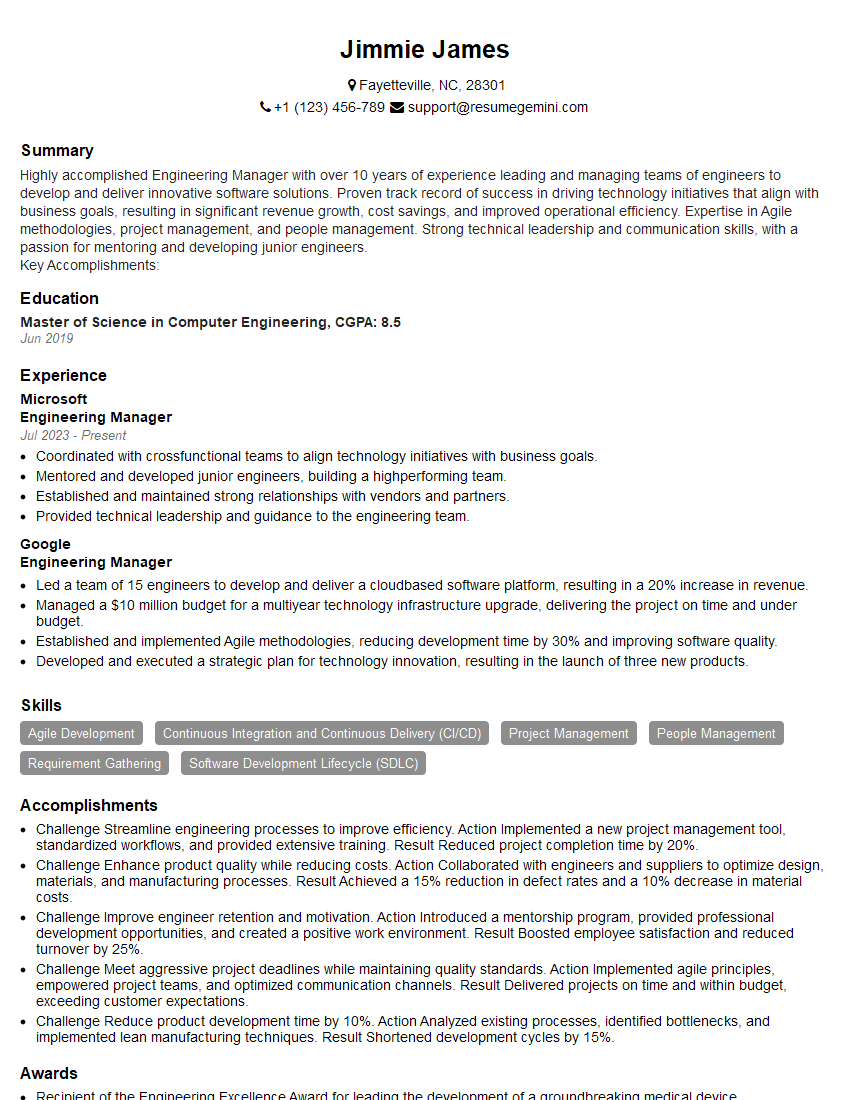
Engineering Manager Resume Sample

Business Analyst Resume Sample
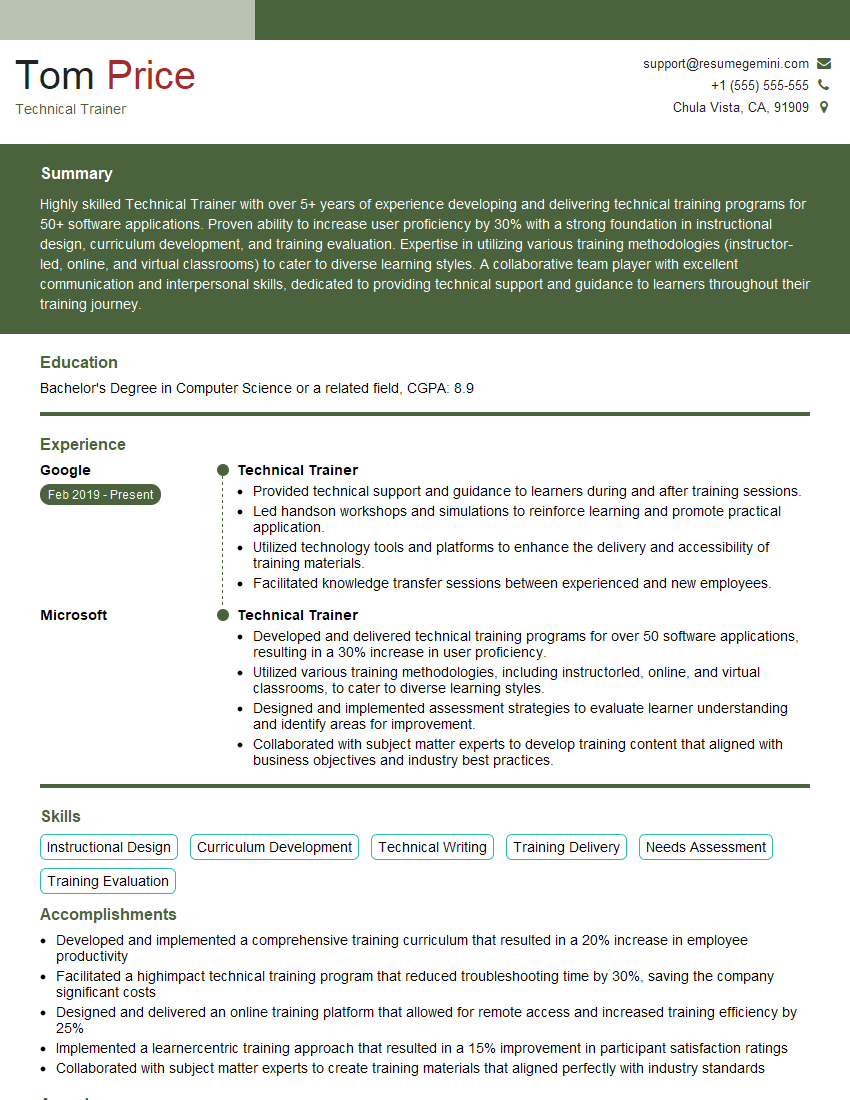
Technical Trainer Resume Sample

Training Specialist Resume Sample

Security Engineer Resume Sample

Systems Analyst Resume Sample

Solutions Architect Resume Sample

Senior Software Engineer Resume Sample
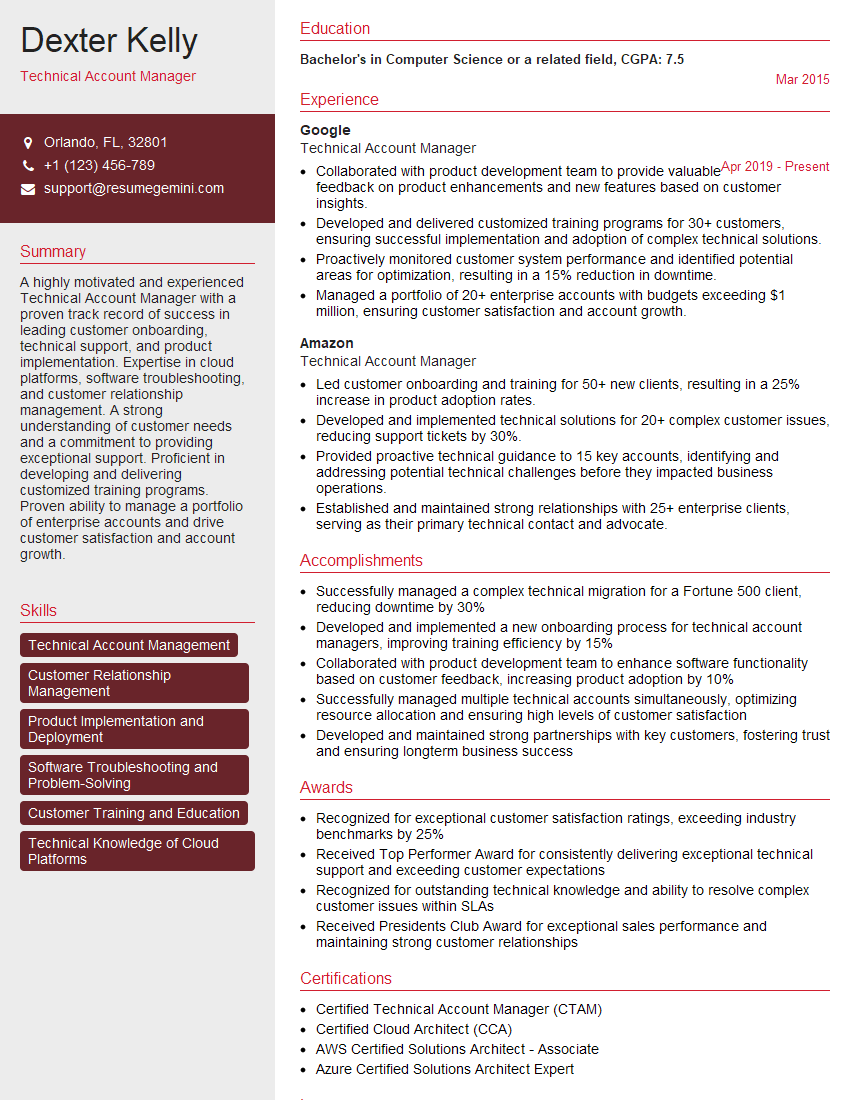
Technical Account Manager Resume Sample

IT Project Manager Resume Sample

Instructional Designer Resume Sample

Technical Writer Resume Sample

DevOps Engineer Resume Sample
Explore more articles
Users Rating of Our Blogs
Share Your Experience
We value your feedback! Please rate our content and share your thoughts (optional).
What Readers Say About Our Blog
To the interviewgemini.com Webmaster.
Very helpful and content specific questions to help prepare me for my interview!
Thank you
To the interviewgemini.com Webmaster.
This was kind of a unique content I found around the specialized skills. Very helpful questions and good detailed answers.
Very Helpful blog, thank you Interviewgemini team.