Are you ready to stand out in your next interview? Understanding and preparing for Statistical Software (SPSS, R, Stata) interview questions is a game-changer. In this blog, we’ve compiled key questions and expert advice to help you showcase your skills with confidence and precision. Let’s get started on your journey to acing the interview.
Questions Asked in Statistical Software (SPSS, R, Stata) Interview
Q 1. Explain the difference between a t-test and an ANOVA.
Both t-tests and ANOVAs (Analysis of Variance) are used to compare means, but they differ in the number of groups being compared. A t-test compares the means of two groups. Think of it like weighing two bags of apples to see if they have significantly different weights. An ANOVA, on the other hand, compares the means of three or more groups. Imagine comparing the weights of apples from three different orchards to see if there are significant differences among them.
Specifically, a one-sample t-test compares a sample mean to a known population mean. A two-sample t-test (independent or paired) compares the means of two independent or paired samples. ANOVA comes in different flavors too: a one-way ANOVA compares means across multiple groups based on one factor (e.g., orchard type), while a two-way ANOVA considers two or more factors (e.g., orchard type and fertilizer used).
In essence, ANOVA is a more generalized approach; a t-test can be considered a special case of ANOVA when comparing only two groups. If you were to perform a t-test when you actually need an ANOVA, you run the risk of making a Type I error (false positive) more often. Using an ANOVA for more than two groups gives you more statistical power and controls for these errors better.
Q 2. Describe the assumptions of linear regression.
Linear regression models the relationship between a dependent variable (the outcome you’re trying to predict) and one or more independent variables (predictors). Several assumptions underpin a valid linear regression analysis:
- Linearity: The relationship between the dependent and independent variables is linear. A scatter plot can help visually assess this. If the relationship is clearly curved, transformations might be needed.
- Independence of Errors: The errors (residuals – the differences between the observed and predicted values) are independent of each other. This is often violated in time-series data, requiring specialized techniques.
- Homoscedasticity (Constant Variance): The variance of the errors is constant across all levels of the independent variable(s). A residual plot can detect heteroscedasticity (non-constant variance), often indicated by a funnel-shaped pattern.
- Normality of Errors: The errors are normally distributed. While moderate deviations from normality are often acceptable, especially with larger sample sizes, significant departures can affect the validity of inferences.
- No Multicollinearity: Independent variables are not highly correlated with each other. High multicollinearity can inflate standard errors and make it difficult to interpret the individual effects of predictors.
- No Autocorrelation: In time series data, this implies that observations from different time periods are independent of each other. Violations usually manifest themselves in a pattern in the residuals plotted against time.
Violation of these assumptions can lead to inaccurate or misleading results. Diagnostic plots and tests (e.g., Durbin-Watson test for autocorrelation) are crucial for assessing the validity of the model.
Q 3. How do you handle missing data in SPSS, R, and Stata?
Handling missing data is crucial for maintaining data integrity and avoiding biased results. The optimal approach depends on the nature and extent of the missing data, as well as the specific analytical goals.
SPSS: Offers various options, including listwise deletion (removing entire cases with any missing data), pairwise deletion (using available data for each analysis), and imputation methods (replacing missing values with estimated values). SPSS provides tools for mean, median, or regression imputation.
R: Packages like mice (Multiple Imputation by Chained Equations) are widely used for multiple imputation, a powerful method that creates multiple plausible datasets with imputed values. Other approaches involve removing cases with missing data (similar to listwise deletion in SPSS) or using specific functions for handling missing data within particular analyses (e.g., using na.omit() or specifying the na.action argument in modeling functions).
Stata: Similar to R, Stata offers multiple imputation using commands like mi impute and various methods for handling missing data, including listwise deletion and imputation using replace or dedicated functions within specific statistical commands.
The choice of method depends on the context. If missing data is minimal and random, listwise deletion might be acceptable. However, for larger amounts of missing data or if the data is not missing completely at random, imputation techniques (like multiple imputation) are generally preferred to mitigate bias and maintain statistical power.
Q 4. What are the strengths and weaknesses of each software (SPSS, R, Stata)?
Each software has its strengths and weaknesses:
- SPSS: Strengths: User-friendly interface, good for beginners, extensive documentation. Weaknesses: Relatively expensive, limited programming capabilities compared to R or Stata.
- R: Strengths: Powerful, flexible, open-source (free), vast community support, extensive libraries for statistical modeling and data visualization. Weaknesses: Steeper learning curve, less user-friendly interface than SPSS.
- Stata: Strengths: Excellent for longitudinal data analysis and econometrics, relatively user-friendly, powerful command-line interface, efficient for large datasets. Weaknesses: More expensive than R, smaller community compared to R.
The best choice depends on individual needs and priorities. Researchers familiar with programming might prefer R for its flexibility and open-source nature. Those prioritizing ease of use might opt for SPSS, while Stata is well-suited for specialized analyses such as those involving panel data.
Q 5. How would you perform a logistic regression in R?
Performing a logistic regression in R involves using the glm() function with the family = binomial argument. Here’s an example:
# Load necessary library if needed # library(your_library) #if you need to load any specific package # Sample data (replace with your own) data <- data.frame( outcome = factor(c(0, 1, 0, 1, 0, 1, 0, 1, 1, 0)), predictor1 = c(1, 2, 3, 4, 5, 6, 7, 8, 9, 10), predictor2 = c(10, 9, 8, 7, 6, 5, 4, 3, 2, 1) ) # Fit the logistic regression model model <- glm(outcome ~ predictor1 + predictor2, data = data, family = binomial) # Summarize the model summary(model) # Make predictions predictions <- predict(model, type = 'response') # type = 'response' gives probabilities
This code first creates a sample dataset. glm() fits the model, with outcome as the binary dependent variable and predictor1 and predictor2 as the independent variables. family = binomial specifies a logistic regression. summary(model) provides model coefficients, p-values, and other statistics. predict() generates predicted probabilities of the outcome.
Q 6. Explain the concept of p-values and their interpretation.
A p-value is the probability of observing results as extreme as, or more extreme than, the results actually obtained, assuming the null hypothesis is true. The null hypothesis is a statement of no effect or no difference. For example, in a t-test comparing two groups, the null hypothesis would be that there’s no difference in the means of the two groups.
A small p-value (typically below a significance level of 0.05, or 5%) suggests that the observed results are unlikely to have occurred by chance alone, leading us to reject the null hypothesis. In simpler terms, it provides evidence against the null hypothesis.
Interpretation:
- p < 0.05: Statistically significant. We reject the null hypothesis. There is sufficient evidence to suggest a real effect or difference.
- p ≥ 0.05: Not statistically significant. We fail to reject the null hypothesis. There is insufficient evidence to suggest a real effect or difference. This doesn’t mean the null hypothesis is true, just that we don’t have enough evidence to reject it.
It’s crucial to consider p-values alongside effect size and other relevant factors when interpreting results. A small p-value might be obtained with a tiny effect size, especially with very large sample sizes. Always consider the practical significance of your findings.
Q 7. What is the difference between correlation and causation?
Correlation measures the association or relationship between two or more variables. It quantifies the strength and direction of the linear relationship. A correlation coefficient (like Pearson’s r) ranges from -1 to +1, with 0 indicating no linear relationship, +1 indicating a perfect positive relationship, and -1 indicating a perfect negative relationship.
Causation implies that one variable directly influences or causes a change in another variable. Causation implies a cause-and-effect relationship.
The crucial difference: Correlation does not equal causation. Two variables can be correlated without one causing the other. A correlation might be due to a third, unmeasured variable (confounder), or it could be purely coincidental. For example, ice cream sales and crime rates might be positively correlated (both increase during summer), but ice cream sales don’t cause crime, and vice versa. The underlying factor is the weather (summer heat).
Establishing causation requires much stronger evidence, often involving controlled experiments, longitudinal studies, or sophisticated causal inference techniques. Observational studies can show correlation but usually can’t definitively prove causation.
Q 8. How do you identify and handle outliers in your dataset?
Identifying and handling outliers is crucial for maintaining the integrity of your analysis. Outliers are data points that significantly deviate from the rest of the data, potentially skewing results. I use a multi-pronged approach. First, I visually inspect the data using box plots, histograms, and scatter plots in SPSS, R, or Stata, depending on the context. This gives me a quick sense of the data distribution and highlights potential outliers. Then, I employ statistical methods. Common techniques include calculating z-scores (values beyond a certain threshold, like ±3, are often flagged) and the Interquartile Range (IQR) method. The IQR method identifies outliers as points falling below Q1 – 1.5*IQR or above Q3 + 1.5*IQR, where Q1 and Q3 are the first and third quartiles respectively. Once identified, handling outliers depends on the context. If they represent genuine extreme values and are not errors, I might consider transforming the data (e.g., using logarithmic transformation) to reduce their influence. However, if they are due to errors or data entry issues, I’ll investigate the source and correct them if possible; otherwise, I may exclude them from the analysis, but only after careful consideration and documentation. Always be cautious about blindly removing outliers—understand *why* they’re outliers first.
For example, in a study of house prices, a mansion priced significantly higher than all others might be a genuine outlier. Conversely, a house priced at $0 likely indicates an error. The appropriate action depends on this distinction.
Q 9. Describe your experience with data visualization in SPSS, R, or Stata.
Data visualization is essential for understanding patterns, identifying outliers, and communicating findings effectively. In SPSS, I frequently use the chart builder to create a wide range of visualizations including histograms, scatter plots, bar charts and box plots. SPSS provides easy-to-use interfaces for creating these, making it ideal for exploratory data analysis and report generation. R, on the other hand, offers unparalleled flexibility and customization using packages like ggplot2. ggplot2 allows me to create sophisticated and highly customizable graphs. The grammar of graphics framework provides a structured way to build complex visuals from layers of geometric objects and aesthetic mappings. For example, I can easily create interactive plots using packages like plotly or create beautiful publication-ready figures. Stata’s graphical capabilities are also robust, providing various plot types easily generated via commands. I frequently use Stata’s graph commands for quick visualizations and its ability to integrate graphics within the output of statistical analyses. The choice of software depends on the specific needs of the project; SPSS is great for quick visualizations and reporting, while R offers unmatched flexibility for highly tailored graphics.
#Example ggplot2 code in R
ggplot(data, aes(x = variable1, y = variable2)) + geom_point() + labs(title = "Scatter Plot")
Q 10. How do you perform data cleaning and preprocessing in your preferred software?
Data cleaning and preprocessing are fundamental steps before any analysis. In my preferred software (R, for its flexibility), I typically start by inspecting the data for missing values using functions like is.na(). I handle missing data strategically—it depends on the amount of missing data, the pattern of missingness, and the nature of the variable. For small amounts of missing data, I might use imputation techniques such as mean/median imputation for numerical variables or mode imputation for categorical variables. More sophisticated methods like multiple imputation using the mice package handle missing data in a more statistically rigorous way. I also check for inconsistencies in data entry, such as incorrect data types or duplicate entries using functions like duplicated(). Data transformations are often needed to meet the assumptions of statistical tests; for example, I might log-transform skewed variables to improve normality. For categorical variables, I often recode them into more manageable formats. Finally, I always create detailed documentation to track every data cleaning and preprocessing step I take, ensuring reproducibility and transparency.
Q 11. Explain different sampling techniques and their applications.
Sampling techniques are crucial for selecting a representative subset from a larger population to make inferences about that population. Different techniques have varying strengths and weaknesses.
- Simple Random Sampling: Every member of the population has an equal chance of being selected. This is easy to implement but might not represent subgroups within the population well.
- Stratified Sampling: The population is divided into strata (groups) and a random sample is taken from each stratum. This ensures representation of subgroups, important when those subgroups have meaningful differences.
- Cluster Sampling: The population is divided into clusters (e.g., geographic areas), and some clusters are randomly selected. Then, all individuals within the selected clusters are sampled. This is efficient for large, geographically dispersed populations but might have higher sampling error.
- Systematic Sampling: Every kth element is selected from the population after a random starting point. Simple but can be problematic if there’s a pattern in the data.
- Convenience Sampling: Selecting readily available participants. This is easy but highly prone to bias and should be avoided whenever possible in formal research.
The choice of sampling technique depends on the research question, resources, and the characteristics of the population. For example, in a survey on customer satisfaction, stratified sampling by demographics (age, gender, location) might be preferable to simple random sampling to ensure all customer groups are represented.
Q 12. What is the difference between parametric and non-parametric tests?
Parametric and non-parametric tests differ primarily in their assumptions about the data. Parametric tests assume the data follows a specific distribution (usually normal) and have certain properties (e.g., equal variances). Non-parametric tests are distribution-free; they make fewer assumptions about the underlying data distribution.
- Parametric tests (e.g., t-tests, ANOVA, linear regression) are generally more powerful if their assumptions are met. This means they are more likely to detect a true effect when one exists.
- Non-parametric tests (e.g., Mann-Whitney U test, Wilcoxon signed-rank test, Kruskal-Wallis test) are robust to violations of parametric assumptions, particularly non-normality and unequal variances. They are less powerful than parametric tests if the parametric assumptions hold, but more reliable when these assumptions are violated.
Choosing between parametric and non-parametric tests involves assessing the data’s distribution. If the data is approximately normal and other assumptions are met, a parametric test is preferred for its higher power. Otherwise, a non-parametric test offers a more reliable analysis.
Q 13. How would you perform a chi-square test of independence in Stata?
To perform a chi-square test of independence in Stata, you analyze the association between two categorical variables. Let’s say we have variables gender (male/female) and smoking_status (smoker/non-smoker). The command is straightforward:
tabulate gender smoking_status, chi2This command creates a contingency table showing the frequencies of each combination of gender and smoking status and performs the chi-square test. The output will include the chi-square statistic, degrees of freedom, p-value, and expected cell counts. A significant p-value (typically below 0.05) indicates a statistically significant association between the two variables; that is, the proportions in one variable are different depending on the level of the other variable. You can further explore the nature of the association using standardized residuals to pinpoint which cells contribute most to the association. For example, you might add the option row to the command to calculate row percentages.
Q 14. What are the different types of regression models and when would you use each?
Regression models predict the value of a dependent variable based on one or more independent variables. Different types cater to different data characteristics and research questions.
- Linear Regression: Predicts a continuous dependent variable using one or more independent variables. Assumes a linear relationship between the variables. It’s widely used to model relationships between variables and predict outcomes.
- Logistic Regression: Predicts a binary or categorical dependent variable (e.g., success/failure, presence/absence). It models the probability of the outcome, which is often expressed as a logit. Useful for predicting the likelihood of events.
- Polynomial Regression: Models non-linear relationships between variables by including polynomial terms (e.g., x², x³) of the independent variables. Suitable when the relationship isn’t strictly linear.
- Poisson Regression: Models count data (e.g., number of events). Assumes the dependent variable follows a Poisson distribution. Used for modeling count data in many applications such as epidemiology.
- Multiple Regression: Extends linear regression to include multiple independent variables. Allows assessment of the independent effect of each variable on the dependent variable.
The choice of regression model depends heavily on the nature of the dependent variable and the anticipated relationship between the variables. For instance, to predict house prices (a continuous variable), linear regression is appropriate. To predict whether a customer will click on an ad (binary outcome), logistic regression is the better choice.
Q 15. Explain your experience with time series analysis.
Time series analysis involves analyzing data points collected over time to identify trends, seasonality, and other patterns. My experience encompasses various techniques, from simple moving averages to sophisticated ARIMA models and exponential smoothing. I’ve used these methods extensively in forecasting sales, predicting stock prices, and analyzing climate data. For instance, in a project analyzing website traffic, I used ARIMA modeling in R to forecast future traffic based on historical data, enabling the client to optimize resource allocation. Another project involved identifying seasonal trends in retail sales using SPSS, which helped the company optimize inventory management and marketing campaigns. I am proficient in handling issues like stationarity, autocorrelation, and model diagnostics in all three software packages (SPSS, R, and Stata).
My approach typically involves:
- Data Exploration: Visualizing the time series data using plots (e.g., time series plots, ACF, PACF plots) to identify trends, seasonality, and potential outliers.
- Model Selection: Choosing appropriate models based on the data characteristics and the forecasting objective. This often involves comparing the performance of different models using metrics like AIC, BIC, and RMSE.
- Model Fitting and Diagnostics: Fitting the chosen model to the data and evaluating its goodness-of-fit using diagnostic tests to ensure the model assumptions are met.
- Forecasting and Evaluation: Generating forecasts and evaluating their accuracy using appropriate metrics (e.g., MAPE, RMSE).
Career Expert Tips:
- Ace those interviews! Prepare effectively by reviewing the Top 50 Most Common Interview Questions on ResumeGemini.
- Navigate your job search with confidence! Explore a wide range of Career Tips on ResumeGemini. Learn about common challenges and recommendations to overcome them.
- Craft the perfect resume! Master the Art of Resume Writing with ResumeGemini’s guide. Showcase your unique qualifications and achievements effectively.
- Don’t miss out on holiday savings! Build your dream resume with ResumeGemini’s ATS optimized templates.
Q 16. How would you perform cluster analysis in R?
Cluster analysis groups similar data points together. In R, I would typically use the kmeans() function for partitioning around medoids (PAM) clustering or hierarchical clustering methods. The choice depends on the data and the desired outcome. kmeans() is efficient for large datasets, while hierarchical clustering provides a visual representation of the cluster hierarchy. Let’s consider a practical example: Suppose we have customer data with variables like age, income, and purchase frequency. We can perform cluster analysis to segment customers into distinct groups with similar characteristics, aiding targeted marketing strategies.
# Example using kmeans in R
data <- data.frame(Age = rnorm(100, 40, 10), Income = rnorm(100, 50000, 15000), PurchaseFrequency = rpois(100, 5))
set.seed(123) # for reproducibility
kmeans_result <- kmeans(data, centers = 3, nstart = 25)
plot(data[,1:2], col = kmeans_result$cluster, main = "Customer Segmentation")
This code snippet first generates sample data, then applies kmeans with three clusters and multiple random starts (nstart) for better results. The plot visualizes the clusters based on age and income.
Beyond kmeans(), R offers packages like cluster for various other clustering algorithms like hierarchical clustering (hclust()), DBSCAN, and more. The selection depends on the data structure and the desired interpretation.
Q 17. Describe your experience with factor analysis.
Factor analysis is a statistical method used to reduce a large number of variables into a smaller set of underlying factors. My experience involves applying factor analysis in SPSS, R, and Stata to identify latent constructs in survey data, psychological assessments, and market research. For example, in a study assessing customer satisfaction, I used factor analysis to identify underlying factors contributing to overall satisfaction. Initially, many individual questions measured different aspects of satisfaction; however, factor analysis revealed a few key latent factors like product quality, customer service, and pricing, simplifying the analysis and providing a clearer understanding of the drivers of customer satisfaction.
The process typically involves:
- Determining Factorability: Assessing if the data is suitable for factor analysis using tests like the Bartlett’s test of sphericity and the Kaiser-Meyer-Olkin (KMO) measure of sampling adequacy.
- Choosing a Method: Selecting a suitable extraction method (e.g., principal component analysis, maximum likelihood). The choice depends on the assumptions about the data and the research question.
- Determining the Number of Factors: Using criteria such as eigenvalues greater than 1 (Kaiser’s criterion), scree plot analysis, or parallel analysis.
- Rotation: Rotating the factors to improve interpretability (e.g., varimax, promax). This process makes the factor loadings easier to understand.
- Interpretation: Examining the factor loadings to understand the meaning of each factor and name them accordingly.
Q 18. How do you assess the goodness of fit of a statistical model?
Assessing the goodness-of-fit of a statistical model involves evaluating how well the model fits the observed data. The methods used vary depending on the type of model. For linear regression, we might use R-squared, adjusted R-squared, and residual plots to check assumptions. For generalized linear models (GLMs), we can use deviance, AIC, and BIC. In more complex models, like structural equation models (SEM), we examine chi-square tests, comparative fit indices (CFI), Tucker-Lewis Index (TLI), and Root Mean Square Error of Approximation (RMSEA). Each metric provides different information about the model’s fit, and it’s crucial to consider multiple metrics together for a comprehensive evaluation. A high R-squared, for example, doesn’t necessarily indicate a good model if the assumptions are violated.
For instance, if the residuals in a linear regression model show a clear pattern, it suggests the model isn’t capturing the relationship adequately. Low values of AIC and BIC indicate better model fit, penalizing for model complexity. The interpretation of goodness-of-fit indices is context-dependent; for instance, CFI and TLI values above 0.95 generally suggest a good fit in SEM, while RMSEA values below 0.05 usually indicate a close fit. In essence, a good model not only fits the data well but also adheres to its underlying assumptions.
Q 19. What are your preferred methods for model selection?
Model selection involves choosing the best model from a set of candidate models. My preferred methods include:
- Information Criteria: AIC (Akaike Information Criterion) and BIC (Bayesian Information Criterion) are widely used. They balance model fit with model complexity, penalizing models with many parameters. I generally prefer BIC as it tends to select simpler models with better generalizability.
- Cross-validation: This technique involves dividing the data into training and testing sets. The model is trained on the training set and evaluated on the testing set. This helps to assess the model’s ability to generalize to unseen data and mitigates overfitting. k-fold cross-validation is particularly useful.
- Stepwise Regression (for linear models): This involves iteratively adding or removing variables from the model based on statistical significance. However, I use this cautiously, as it can be susceptible to overfitting and may not always find the best model.
- Regularization techniques (e.g., LASSO, Ridge regression): These techniques add penalties to the model parameters to prevent overfitting, particularly useful when dealing with high-dimensional data or multicollinearity.
The choice of method depends on the specific context, the complexity of the model, and the size of the dataset. In practice, I often combine several methods for a more robust model selection process. For example, I might use AIC to compare several models initially, then employ cross-validation to assess the generalization performance of the top-performing models.
Q 20. Explain your experience with creating and interpreting confidence intervals.
Confidence intervals provide a range of plausible values for a population parameter. My experience involves constructing and interpreting confidence intervals for various parameters (e.g., means, proportions, regression coefficients) using all three software packages. For example, I’ve used confidence intervals to estimate the average customer satisfaction score and to quantify the uncertainty associated with this estimate. A 95% confidence interval for the mean satisfaction score of, say, 75 ± 5, implies that if we were to repeat the study many times, 95% of the resulting confidence intervals would contain the true population mean satisfaction score.
Constructing confidence intervals usually involves:
- Estimating the parameter: Calculating the point estimate (e.g., sample mean, sample proportion).
- Calculating the standard error: Estimating the standard deviation of the sampling distribution of the estimator.
- Determining the critical value: Finding the value from the appropriate probability distribution (e.g., t-distribution, z-distribution) corresponding to the desired confidence level.
- Calculating the margin of error: Multiplying the standard error by the critical value.
- Constructing the interval: Adding and subtracting the margin of error from the point estimate.
It’s crucial to understand that the confidence level refers to the long-run frequency with which the intervals will contain the true parameter, not the probability that the true parameter lies within a particular interval.
Q 21. How would you handle multicollinearity in a regression model?
Multicollinearity occurs when predictor variables in a regression model are highly correlated. This can lead to unstable coefficient estimates and inflated standard errors, making it difficult to interpret the individual effects of the predictors. My approach to handling multicollinearity involves several strategies:
- Assess the severity: Check for high correlation coefficients between predictors (e.g., using correlation matrices) or calculate variance inflation factors (VIFs). A VIF above 5 or 10 (depending on the context) often suggests problematic multicollinearity.
- Remove redundant variables: If two variables are highly correlated, consider removing one of them, choosing the one that is theoretically less important or more difficult to measure accurately.
- Combine variables: Create new variables by averaging or combining highly correlated predictors (e.g., creating an index).
- Use regularization techniques (Ridge or Lasso regression): These methods shrink the coefficients towards zero, reducing the impact of multicollinearity.
- Principal Component Analysis (PCA): This can be used to create uncorrelated linear combinations of the original variables, which can then be used as predictors in the regression model.
The best approach depends on the specific situation and the nature of the data. For example, if theoretical considerations suggest that two variables should be included, regularization techniques might be preferable to removing one variable entirely. Carefully considering the impact on the model’s interpretation is crucial when addressing multicollinearity.
Q 22. Describe your experience with statistical programming using loops and conditional statements.
Loops and conditional statements are fundamental to any statistical programming. They allow you to automate repetitive tasks and implement logic within your analysis. In SPSS, you’d use loops within macros, while R and Stata offer more flexible looping constructs.
Example (R): Let’s say I need to calculate the mean of several variables in a dataset. Instead of manually calculating each mean, I’d use a loop:
# R code
variables <- c("variable1", "variable2", "variable3")
means <- numeric(length(variables))
for (i in 1:length(variables)) {
  means[i] <- mean(mydata[[variables[i]]], na.rm = TRUE)
}
print(means)
This loop iterates through the list of variables, calculates the mean for each, and stores it in the ‘means’ vector. ‘na.rm = TRUE’ handles missing values. Conditional statements (‘if-else’) control the flow based on certain conditions. For instance, I might only calculate the mean if the number of observations exceeds a certain threshold.
Example (Stata): A similar loop in Stata:
* Stata code
local varlist var1 var2 var3
foreach var of local varlist {
  summarize `var'
  display r(mean)
}
This Stata code achieves the same result using a foreach loop. These examples demonstrate how I leverage loops and conditionals for efficiency and robust analysis, significantly reducing the risk of manual errors and ensuring consistency across analyses.
Q 23. How familiar are you with data manipulation using dplyr in R or similar packages?
dplyr in R is a cornerstone of my data manipulation workflow. Its grammar of data manipulation, using functions like select(), filter(), mutate(), and summarize(), provides an elegant and efficient approach to data wrangling. I’ve used it extensively for tasks ranging from simple data cleaning to complex data transformations.
Example: Imagine cleaning a dataset with many variables containing missing values. Using dplyr, I can:
# R code using dplyr
library(dplyr)
cleaned_data <- mydata %>%
  select(variable1, variable2, variable3) %>%  # Select relevant variables
  filter(!is.na(variable1) & !is.na(variable2)) %>% # Remove rows with NA in variable1 or variable2
  mutate(new_variable = variable1 + variable2) # Create a new variable
This concise code snippet selects specific variables, removes rows with missing data in critical columns, and creates a new variable based on a calculation. This is far more readable and maintainable than base R code. Similar functionality exists in Stata (using commands like keep, drop, generate) and SPSS (through syntax similar to R’s `dplyr` functionality).
Q 24. Explain your approach to creating effective data visualizations for communication.
Effective data visualization is crucial for clear communication. My approach centers on choosing the right chart type for the data and the intended message. I always prioritize clarity, accuracy, and aesthetic appeal. I avoid chartjunk (unnecessary elements that distract from the data) and use appropriate labels, titles, and legends.
I start by considering the type of data and the message I want to convey. For example, a bar chart is excellent for comparing categories, while a scatter plot is ideal for showing relationships between two continuous variables. Line charts are well-suited for trends over time. I often use color strategically to highlight patterns or groups. For instance, if I’m comparing performance across different groups, I’d use distinct colors for each group. Finally, I ensure accessibility: colorblind-friendly palettes and clear labels are crucial.
In R, I primarily use ggplot2 which provides a powerful and flexible framework for creating publication-quality graphics; Stata offers excellent built-in graphing capabilities; and SPSS provides various chart options to visualize data effectively. I would always tailor the visualization technique to the specific dataset and intended audience.
Q 25. How would you generate a publication-ready table in Stata or R?
Generating publication-ready tables requires careful attention to detail. In Stata, the estout package is invaluable; In R, packages like xtable, stargazer, and kableExtra provide flexible options for creating customizable tables.
Stata Example: estout offers extensive control over table formatting, allowing you to specify column headers, footnotes, and statistical significance indicators.
* Stata code
eststo myresults: regress y x1 x2 x3
esttab myresults, cells(b(star) se(par))
This code runs a regression and then creates a table using esttab showing coefficients (b), standard errors (se), and significance stars (star).
R Example (stargazer):
# R code
library(stargazer)
model <- lm(y ~ x1 + x2 + x3, data = mydata)
stargazer(model, type = "latex", title="Regression Results", notes.align = "l")
This R code fits a linear model and then uses stargazer to produce a LaTeX table (easily converted to other formats). The key is specifying appropriate options for formatting, including column headings, significance levels, and notes. For both Stata and R, I’d always review the documentation to ensure accuracy and consistent formatting.
Q 26. Describe your experience with creating reproducible research workflows.
Reproducible research is paramount. My workflow emphasizes version control (using Git), creating scripts (rather than relying on point-and-click interfaces), and thorough documentation. I use project management tools to organize my data, code, and output. This ensures that my analyses are transparent, verifiable, and easily replicated by others (or myself in the future!).
For instance, I always begin a new project by creating a Git repository. All my code is written in scripts, which are committed to the repository along with the data. My scripts include comments explaining the steps involved. The output (tables, figures, reports) is generated automatically from the scripts. This approach minimizes errors and ensures consistency. I frequently utilize R Markdown or Jupyter Notebooks to combine code, results and narrative descriptions into a single document, thus making the entire analytical process reproducible and transparent.
Q 27. What are some common pitfalls to avoid in statistical analysis?
Several common pitfalls plague statistical analysis. One is p-hacking (exploring many analyses until finding a statistically significant result). This inflates Type I error rates. Another is data dredging, where numerous hypotheses are tested without pre-registered hypotheses, leading to spurious findings. Overfitting models to the training data often results in poor generalization to unseen data. Ignoring assumptions of statistical tests (like normality or independence) can lead to inaccurate inferences. Confounding variables can bias results, leading to incorrect conclusions about causal relationships. Lastly, using the wrong statistical test is a common error. I always pre-register my analyses, perform appropriate diagnostics, and use visualizations to help me check the assumptions. Careful data cleaning is equally important.
Q 28. What are your strategies for debugging code in your preferred statistical software?
Debugging is an integral part of programming. My strategy involves a combination of techniques. First, I carefully read the error messages. They often pinpoint the line causing the problem. Second, I use print statements strategically to inspect intermediate results. This helps me identify where the unexpected behavior occurs. Third, I employ interactive debugging tools (RStudio’s debugger or Stata’s debugging commands) to step through my code line by line, inspecting variables and the program’s flow. Fourth, I frequently test small parts of the code independently to isolate the source of error. Finally, I search online forums and documentation for solutions. Collaboration with colleagues can also be beneficial for resolving challenging debugging situations.
Key Topics to Learn for Statistical Software (SPSS, R, Stata) Interview
- Data Import and Cleaning: Mastering techniques to import data from various sources (CSV, Excel, databases) and effectively clean it, handling missing values and outliers. Practical application: Demonstrate your ability to preprocess real-world datasets for analysis in your chosen software.
- Descriptive Statistics: Understand and be able to calculate and interpret measures of central tendency, dispersion, and distribution. Practical application: Explain how to generate descriptive statistics and visually represent them using histograms, box plots, etc. in SPSS, R, or Stata.
- Inferential Statistics: Grasp hypothesis testing, confidence intervals, and regression analysis (linear, logistic, etc.). Practical application: Explain the steps involved in conducting a t-test, ANOVA, or regression analysis and interpret the results in the context of a research question.
- Data Visualization: Create clear and informative visualizations (scatter plots, bar charts, line graphs) to communicate findings effectively. Practical application: Showcase your skills in generating insightful visualizations using the graphical capabilities of your chosen software.
- Model Building and Evaluation: Understand model selection criteria (AIC, BIC), model diagnostics, and techniques for assessing model fit and prediction accuracy. Practical application: Explain how to build and evaluate different statistical models to answer specific research questions.
- Programming Fundamentals (R & Stata): For R and Stata users, demonstrate proficiency in basic programming concepts (loops, conditional statements, functions) and data manipulation using packages like `dplyr` (R) or similar commands in Stata. Practical application: Show how you can automate tasks and perform complex data manipulations efficiently.
- SPSS Syntax (SPSS): For SPSS users, demonstrate understanding of SPSS syntax for efficient data management and analysis. Practical application: Show how you can write and execute syntax to perform complex statistical procedures.
- Reproducible Research: Understand the principles of reproducible research and demonstrate your ability to create clear and well-documented analyses. Practical application: Explain how you would document your analysis to ensure others can understand and reproduce your findings.
Next Steps
Mastering statistical software like SPSS, R, and Stata is crucial for a successful career in data analysis, research, and many other related fields. It opens doors to a wide range of exciting opportunities and allows you to contribute significantly to data-driven decision-making. To maximize your job prospects, crafting an ATS-friendly resume is essential. ResumeGemini is a trusted resource to help you build a professional and impactful resume that highlights your skills and experience effectively. Examples of resumes tailored to showcasing expertise in SPSS, R, and Stata are available to guide you.

Research Associate Resume Sample

Business Analyst Resume Sample
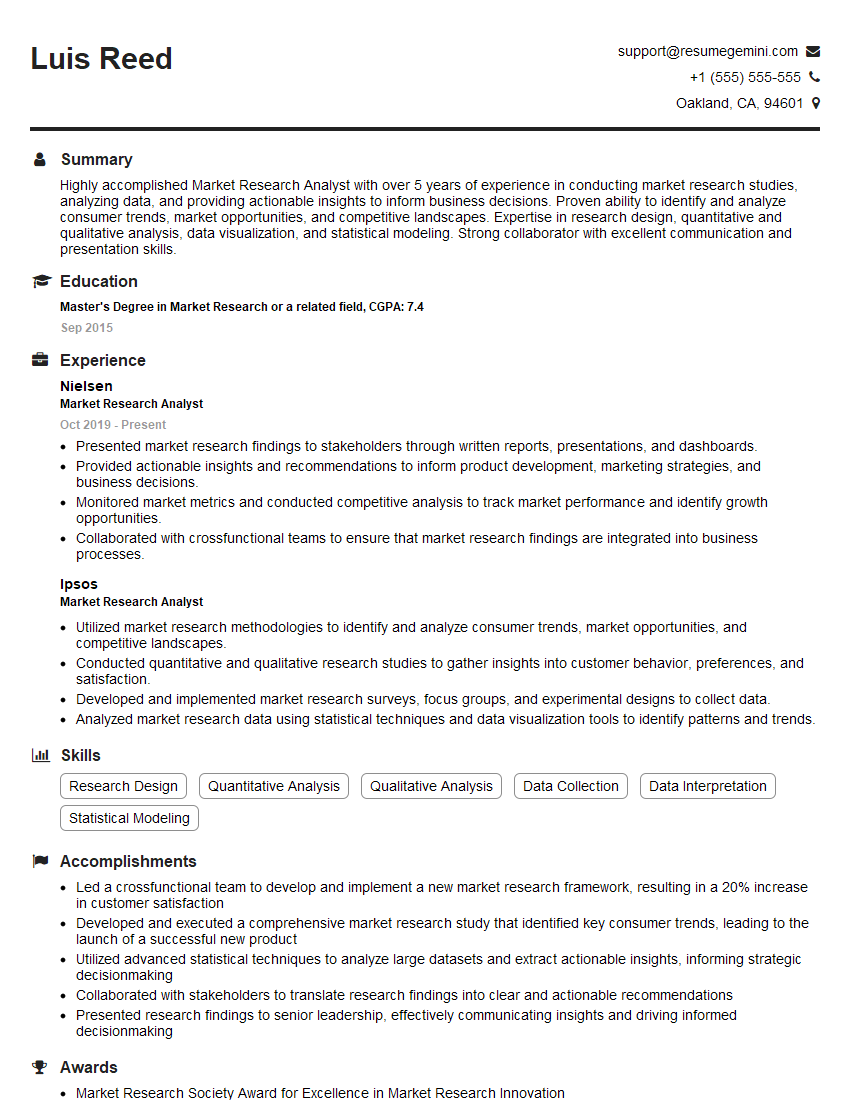
Market Research Analyst Resume Sample
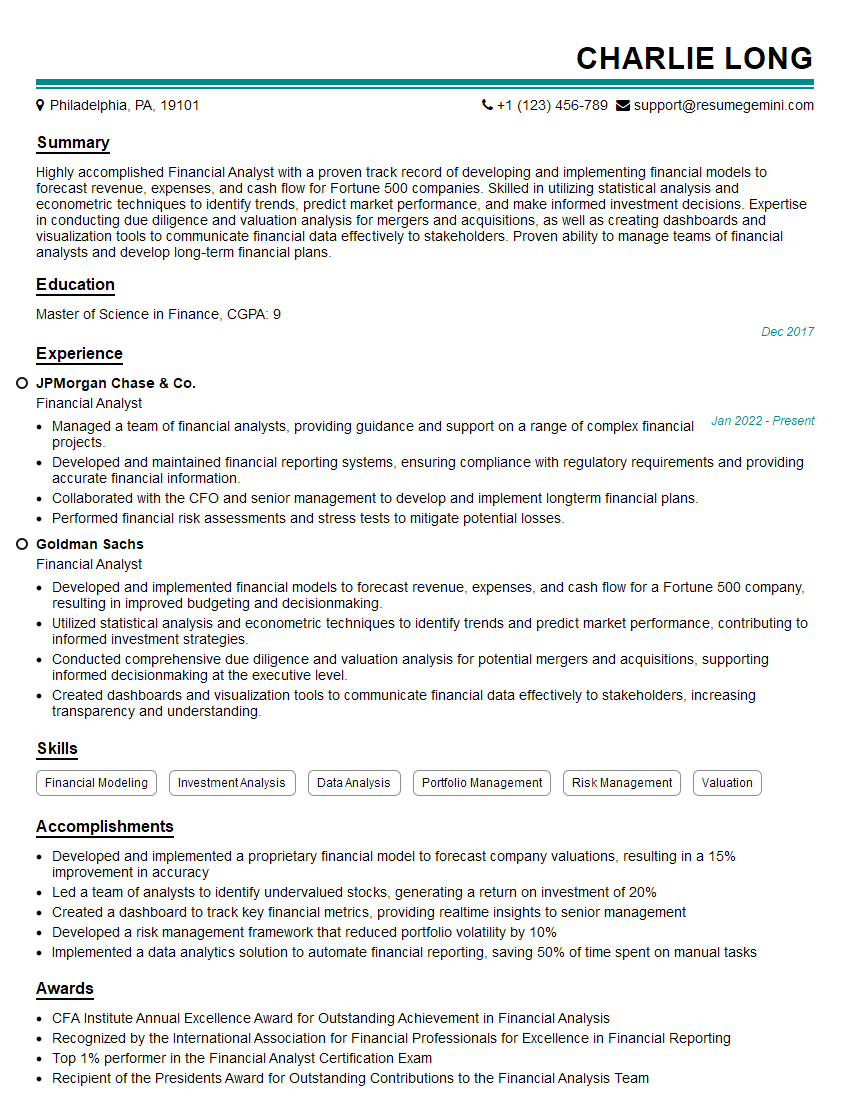
Financial Analyst Resume Sample

Risk Analyst Resume Sample

Data Analyst Resume Sample
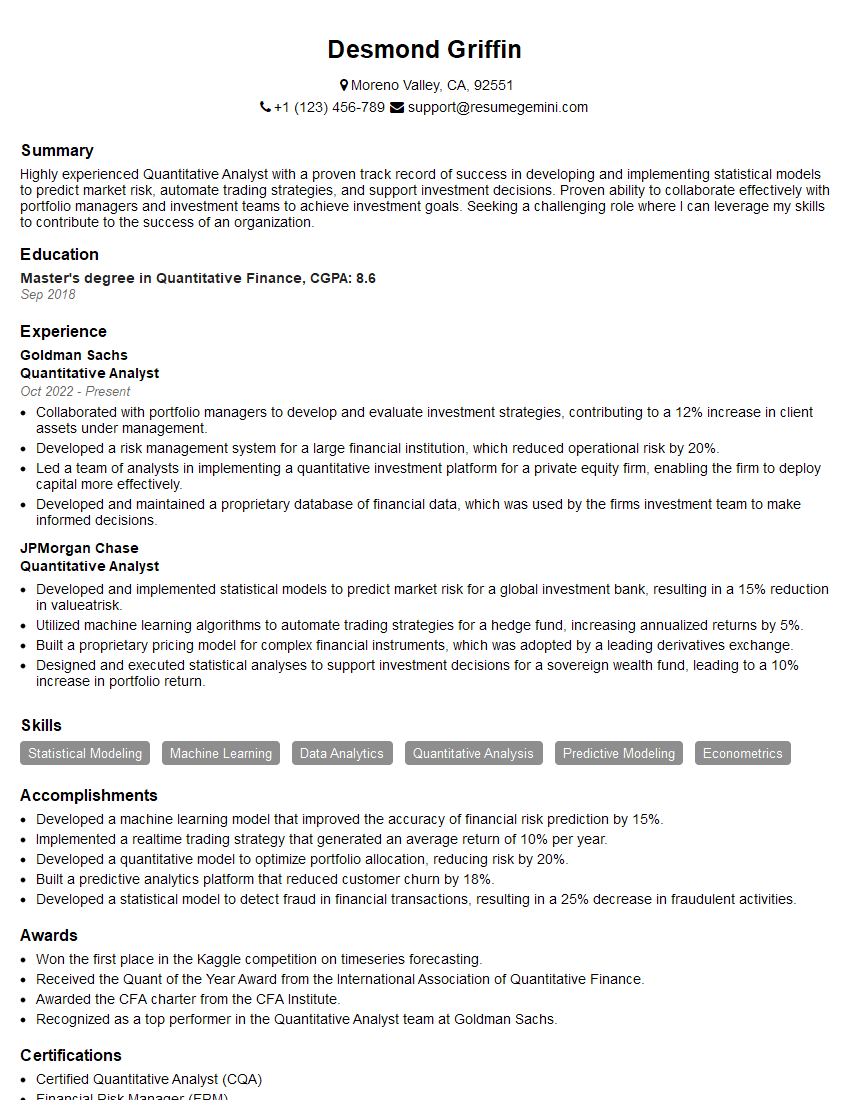
Quantitative Analyst Resume Sample

Data Scientist Resume Sample

Research Scientist Resume Sample

Actuary Resume Sample
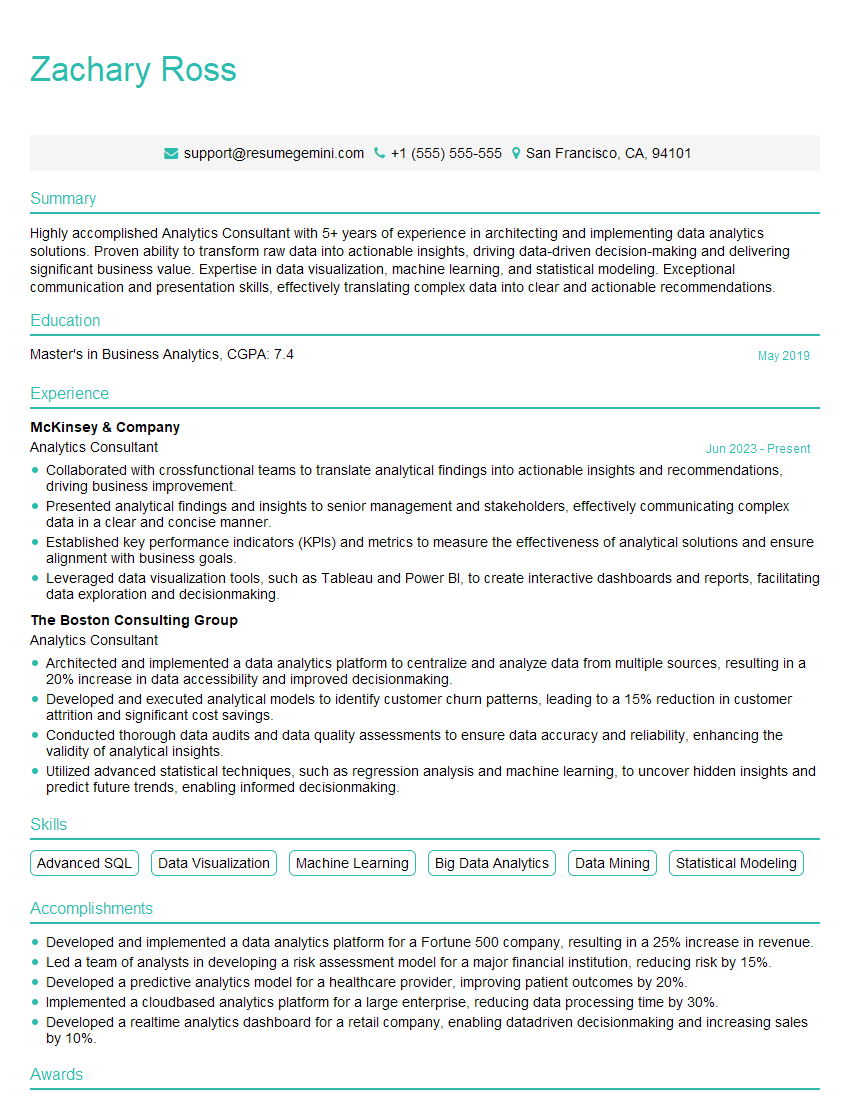
Analytics Consultant Resume Sample

Operations Research Analyst Resume Sample
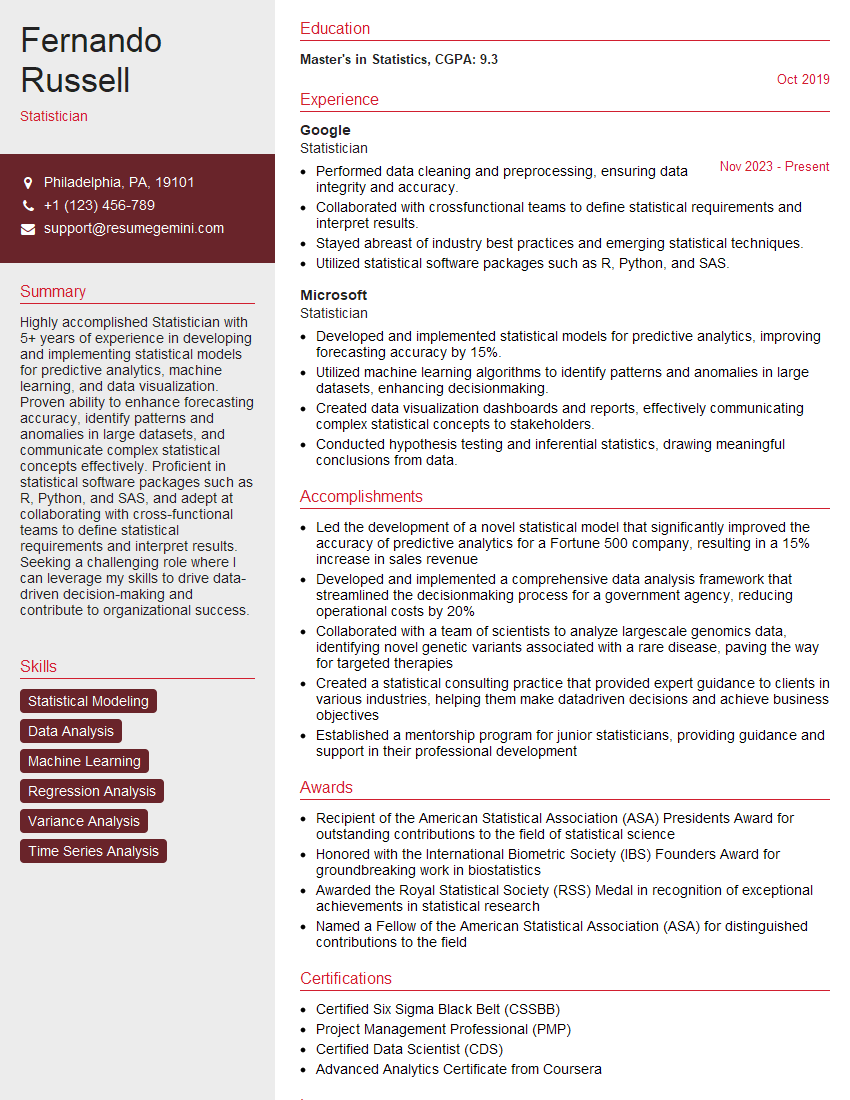
Statistician Resume Sample
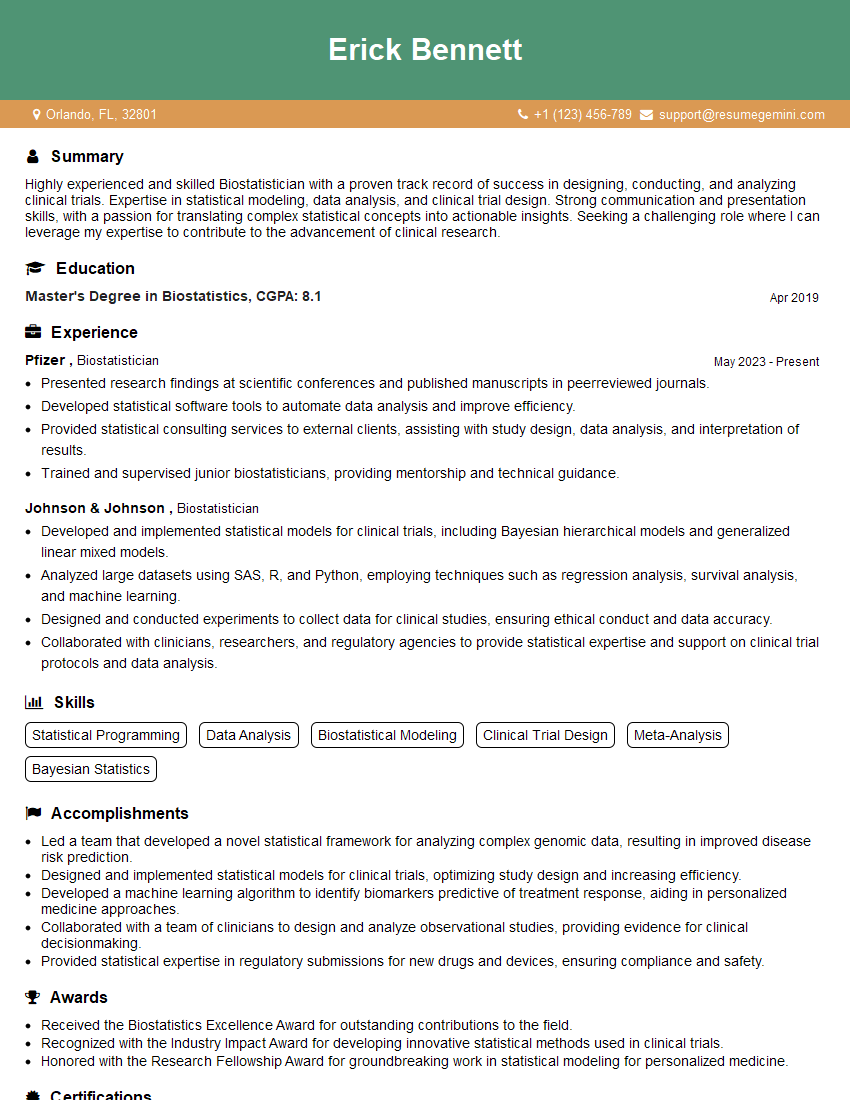
Biostatistician Resume Sample
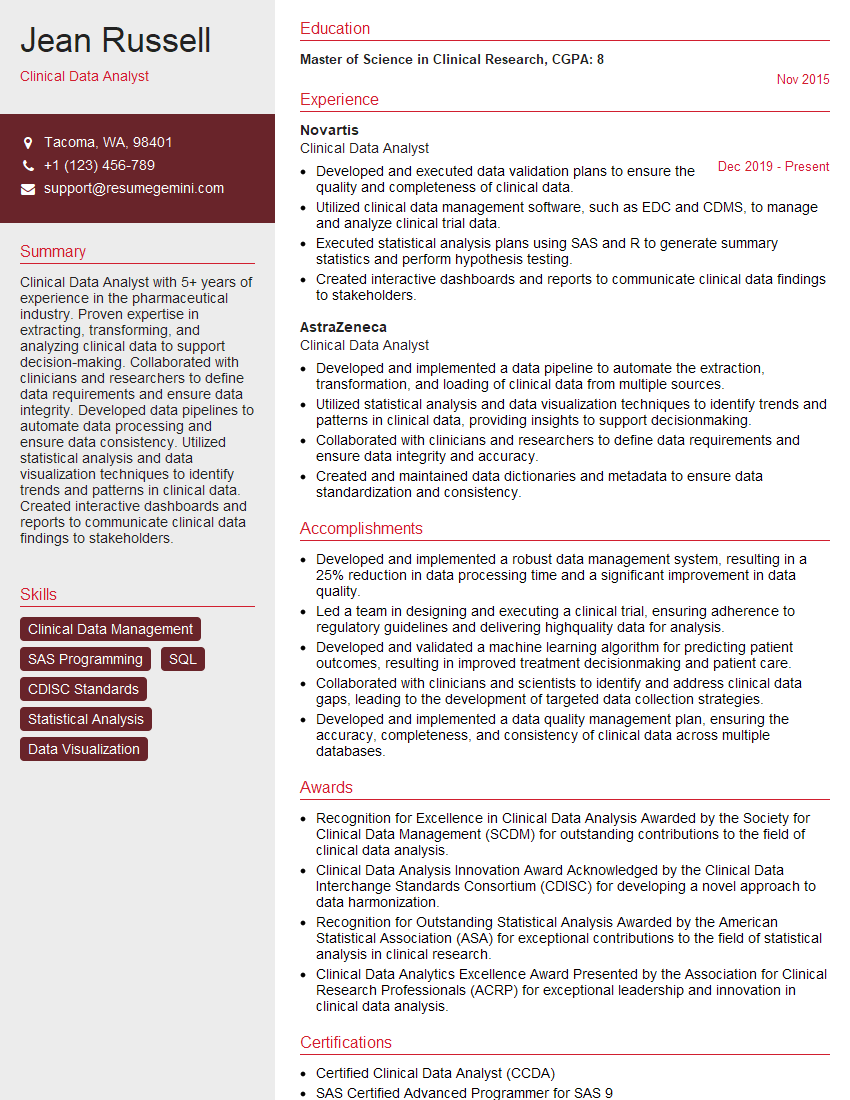
Clinical Data Analyst Resume Sample
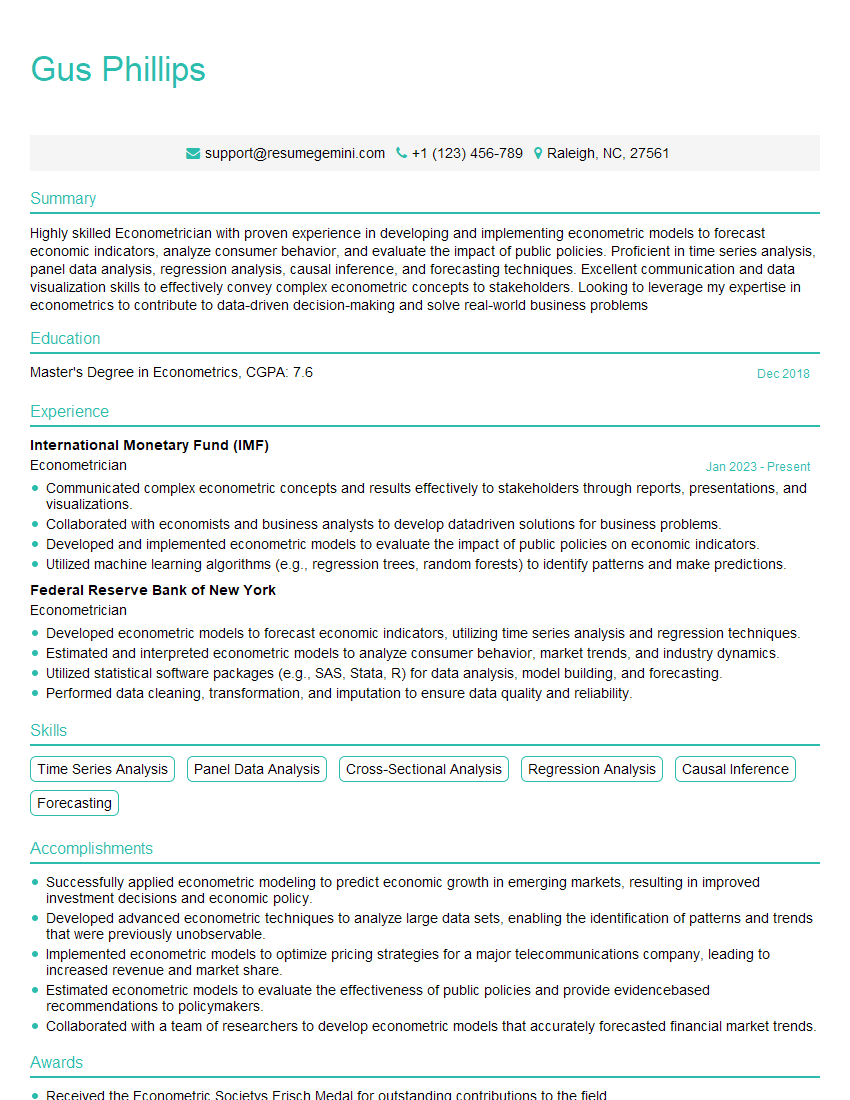
Econometrician Resume Sample

Survey Researcher Resume Sample

Machine Learning Engineer Resume Sample
Big Data Engineer Resume Sample
- Research Associate
- Business Analyst
- Market Research Analyst
- Financial Analyst
- Risk Analyst
- Data Analyst
- Quantitative Analyst
- Data Scientist
- Research Scientist
- Actuary
- Analytics Consultant
- Operations Research Analyst
- Statistician
- Biostatistician
- Clinical Data Analyst
- Econometrician
- Survey Researcher
- Machine Learning Engineer
- Big Data Engineer
Explore more articles
Users Rating of Our Blogs
Share Your Experience
We value your feedback! Please rate our content and share your thoughts (optional).
What Readers Say About Our Blog
To the interviewgemini.com Webmaster.
Very helpful and content specific questions to help prepare me for my interview!
Thank you
To the interviewgemini.com Webmaster.
This was kind of a unique content I found around the specialized skills. Very helpful questions and good detailed answers.
Very Helpful blog, thank you Interviewgemini team.