Interviews are more than just a Q&A session—they’re a chance to prove your worth. This blog dives into essential Advanced Trimming Techniques interview questions and expert tips to help you align your answers with what hiring managers are looking for. Start preparing to shine!
Questions Asked in Advanced Trimming Techniques Interview
Q 1. Explain the difference between linear and non-linear video editing in the context of advanced trimming.
Linear video editing involves working sequentially, much like assembling a train – one clip after another. Advanced trimming in this context focuses on precise in-and-out points, creating clean cuts and transitions. Non-linear editing, however, is like building with LEGOs; you can rearrange clips at any time, jump back and forth, and experiment freely. Advanced trimming here incorporates more sophisticated techniques, like J-cuts and L-cuts, that overlap audio and video for seamless transitions. The core difference lies in the flexibility and freedom afforded by the non-linear approach, allowing for complex manipulations impossible in a linear workflow.
For instance, in linear editing, if you realize you need a shot from later in the sequence, you’d have to physically move it, potentially disrupting your entire flow. In non-linear editing, this rearrangement is effortless.
Q 2. Describe your experience with various trimming techniques, including J-cuts, L-cuts, and assembly edits.
My experience encompasses a wide range of trimming techniques. J-cuts involve placing the audio of an upcoming shot *before* the video appears on screen, creating a smooth anticipatory effect. This is useful for transitions or to emphasize a sound before showing its source. L-cuts are the opposite: the video of a shot continues after the audio has cut to a new source. This can be employed for seamless transitions or to add layers of information without jarring visual cuts.
Assembly edits are foundational in the storytelling process; they simply involve the chronological arrangement of shots. While seemingly basic, mastering accurate assembly edits – ensuring that your cuts are clean and consistent – is essential for professional video work. I’ve found that a thorough understanding of rhythm and pacing is crucial for successful assembly edits. For example, I once worked on a documentary where precise assembly editing was key in establishing a timeline of events, making the storytelling feel organic and believable. This demanded extremely precise trimming and involved a lot of subtle adjustments.
Q 3. How do you handle audio syncing issues during advanced trimming?
Audio syncing is paramount. In advanced trimming, discrepancies can quickly ruin the viewing experience. My approach involves multiple strategies. Firstly, I always ensure that the source footage maintains consistent timecode. Then, I utilize the software’s built-in audio waveform visualization to identify and correct any drift or synchronization errors. Techniques like using a clap track at the beginning of each take are also beneficial for automated syncing. If automated syncing fails, I employ manual adjustment tools, using visual cues in the video to align audio precisely. A subtle visual cue is better for manual correction. For example, I’ll match a mouth moving with the sound of speech, or the visual impact of an event with its corresponding sound effect.
Q 4. What are some common pitfalls to avoid when performing advanced trimming?
Common pitfalls include neglecting audio levels during trimming, resulting in jarring volume fluctuations. Another is performing too many rapid cuts, making the edit feel disjointed and hard to follow. It’s crucial to maintain a balance between smooth transitions and dynamic pacing. Forgetting to check your work thoroughly for unwanted noise, glitches, or sync issues can lead to a subpar final product. Additionally, failing to plan ahead in a complex edit, without a strong storyline in mind, can lead to a chaotic final product. Working without a clear vision or story is the biggest pitfall for most editors.
Q 5. Discuss your experience with different trimming software (e.g., Avid Media Composer, Premiere Pro, Final Cut Pro).
I’m proficient in Avid Media Composer, Adobe Premiere Pro, and Final Cut Pro. Avid Media Composer excels in its handling of large, complex projects and is my go-to for high-end productions. Premiere Pro boasts powerful versatility and a user-friendly interface suitable for diverse tasks, making it excellent for many project types. Final Cut Pro offers a streamlined workflow ideal for solo projects and faster turnarounds. My experience with each allows me to choose the best tool for the task at hand.
For example, on a recent feature film project, we relied on Avid’s collaborative features, while smaller promotional videos were handled efficiently in Premiere Pro.
Q 6. How do you maintain consistent quality and style across various projects requiring advanced trimming?
Maintaining consistency requires meticulous planning and a well-defined style guide. This involves creating templates with preset transitions, color grading, and audio effects. Establishing a consistent workflow, across all stages of the project, ensures a smooth process. I always review my work regularly for consistency and identify any deviations from the established style. Utilizing a dedicated style guide, including samples, serves as a valuable reference point, especially across different projects or editing teams.
Q 7. Describe your workflow when dealing with large-scale projects involving extensive trimming.
My workflow for large-scale projects is highly organized and collaborative. It begins with thorough pre-planning, outlining the desired flow of the project. This involves creating a detailed storyboard and shot list. I then break down the project into manageable sections, assigning tasks to team members as necessary. We use version control, saving different versions of the edits so that we can revert to previous versions if needed. Constant communication and regular progress checks are essential to ensure smooth collaboration and maintain consistency. Thorough quality checks throughout the process allow us to identify and resolve any issues early, minimizing potential delays. Finally, color grading and sound mixing are crucial for unifying the project’s aesthetic, before final export and delivery.
Q 8. How do you manage complex transitions and effects when performing advanced trimming?
Managing complex transitions and effects in advanced trimming requires a strategic approach. It’s not just about cutting and pasting; it’s about crafting a seamless viewing experience. I begin by meticulously planning the transitions, considering the pacing and emotional impact of each scene. For example, a quick cut might be suitable for action sequences, while a slow dissolve might be better for a more contemplative moment.
I use a variety of techniques, including:
- Keyframing: This allows for precise control over the transition’s duration and intensity. For example, I might keyframe the opacity of a video layer to create a smooth fade-in or fade-out.
- Transition Effects: Software like Adobe Premiere Pro and DaVinci Resolve offer a vast library of built-in transitions. I carefully select those that best complement the mood and style of the project.
- Custom Transitions: For truly unique effects, I’ll create custom transitions using masking, color correction, and other advanced techniques. This is crucial for achieving a cohesive visual style.
- Motion Graphics: Often, I’ll incorporate motion graphics to enhance the transitions, adding visual interest and providing a clearer guide for the viewer’s eye.
Throughout the process, I constantly preview the transitions, making adjustments to ensure a perfect blend between scenes and a cohesive narrative flow. Think of it like a conductor orchestrating a symphony – every element must work together harmoniously.
Q 9. Explain your approach to color correction and grading within the context of advanced trimming.
Color correction and grading are integral to advanced trimming. They’re not just about making the footage ‘look better’; they are vital for establishing a consistent visual tone, enhancing the mood, and telling the story effectively.
My approach involves a multi-step process:
- Primary Color Correction: This addresses basic issues like white balance, exposure, and contrast. This stage lays the groundwork for more refined adjustments.
- Secondary Color Correction: This involves targeted adjustments to specific areas of the image, for instance, selectively brightening a character’s face while darkening the background. This can drastically improve the visual clarity and impact.
- Color Grading: Here, I apply creative stylistic choices. This might involve creating a specific look or feel. For instance, I might choose to give a scene a cool, desaturated tone to convey a sense of sadness, or a warm, saturated tone for a more vibrant feel.
I often use tools like color wheels and curves to make precise adjustments, ensuring a smooth, natural look. I pay close attention to the overall color palette throughout the project, maintaining consistency across different scenes. For example, if I use a specific shade of blue in one scene, I’ll try to subtly incorporate that shade or its complements into other scenes to build a unified aesthetic.
Q 10. How do you handle tight deadlines and high-pressure situations in a trimming role?
Tight deadlines and high-pressure situations are a reality in this field. My strategy relies on efficient workflow, organization, and clear communication.
Firstly, I prioritize tasks based on their urgency and importance. I break down large projects into smaller, manageable segments, ensuring that I can track progress effectively. Secondly, I utilize templates and pre-sets to speed up common processes. This allows me to focus on more complex tasks rather than repetitive ones. Thirdly, open and clear communication with clients and colleagues is essential. Addressing potential problems early is critical.
I’ve worked under immense pressure many times. In one instance, a crucial marketing video needed to be ready within 24 hours. By calmly delegating tasks, using efficient shortcuts, and working late, the deadline was met successfully without compromising quality. The ability to handle pressure doesn’t come from magic; it comes from experience, preparation and a disciplined approach.
Q 11. What are your preferred keyboard shortcuts for advanced trimming operations?
My keyboard shortcuts are highly customized, but some essentials include:
Cmd/Ctrl + K(Cut): Rapidly removes unwanted sections.Cmd/Ctrl + X(Copy): Duplicating clips for quick edits.Cmd/Ctrl + V(Paste): Efficiently inserting copied segments.Cmd/Ctrl + Z(Undo): A lifesaver for correcting mistakes.Cmd/Ctrl + Shift + Z(Redo): To quickly reverse an undo.Shift + Up/Down Arrow(Frame-by-frame Navigation): Precise clip selection and editing.J, K, LKeys (Play/Pause/Scrubbing): Navigation and preview of edits.
The specific shortcuts can differ slightly across editing softwares (Premiere Pro, Final Cut Pro, Avid Media Composer, etc.), but the principle of efficient keyboard navigation remains crucial for speed and accuracy. Memorizing these shortcuts significantly accelerates the editing process.
Q 12. How do you organize and manage your video assets during the advanced trimming process?
Organizing video assets during advanced trimming is crucial for efficiency and preventing errors. I adopt a hierarchical structure, using folders to categorize materials based on scenes, shots, and types. For example, a folder might be named “Scene 3” and contain subfolders for “Master Shots,” “B-Roll,” and “Sound Effects.”
I utilize clear and consistent naming conventions for all files. I prefer a descriptive system (e.g., `Scene_01_Take_A_Wide.mov`) to instantly identify the clip’s contents. I also employ metadata tagging (keywords, descriptions) for easier searching and retrieval within my editing software. This ensures easy navigation and keeps my project organized.
In addition, I maintain a project log or spreadsheet listing all assets, including their location and purpose. This is vital for long-term project management and collaboration, reducing the time spent searching for individual files.
Q 13. Describe your experience with utilizing proxies for efficient advanced trimming.
Proxies are indispensable for efficient advanced trimming, especially when dealing with high-resolution footage. Proxies are lower-resolution versions of your source files, allowing for smoother playback and faster processing.
My workflow involves creating proxies at the beginning of the project. This involves automatically generating lower-resolution versions of my footage, often using my NLE’s (Non-Linear Editor) built-in features. I edit using these proxies, benefiting from quicker response times and seamless playback even on less powerful systems.
Once the edit is complete, I easily switch back to the high-resolution source files for final rendering and export. This significantly speeds up the entire post-production workflow without compromising the final output quality. Think of it like creating a blueprint – you design with a scaled-down model before constructing the actual building, saving time and resources.
Q 14. How do you ensure smooth transitions between different scenes using advanced trimming?
Ensuring smooth transitions between scenes is paramount. This requires careful consideration of several factors including editing techniques, visual continuity and audio.
I utilize a variety of techniques:
- Matching Action: I try to end and begin scenes with matching actions or movements to create a fluid visual flow. A character walking out of one shot, seamlessly transitioned into a shot of the character walking into another location, is a classic example.
- Eye-line Matches: Maintaining consistent eye lines for characters across scenes is key for viewer immersion.
- Color Continuity: Consistent color grading across scenes helps to visually connect different shots and maintain a unified aesthetic.
- Audio Crossfading: A gentle crossfade between audio tracks helps to mask the transition point, creating a seamless auditory experience. This is often combined with visual transitions.
Throughout the process, constant previewing and adjustments are crucial. My goal is to make transitions so seamless that viewers are fully immersed in the storytelling, barely noticing the editing.
Q 15. Explain how you would address issues with dropped frames during advanced trimming.
Dropped frames during advanced trimming are a serious issue, leading to choppy playback and a unprofessional look. Addressing them requires a multi-pronged approach. First, I’d investigate the root cause. Is it a problem with the source footage itself? Is there insufficient storage space on the editing system, resulting in buffering issues? Or is there a hardware limitation causing dropped frames during rendering?
Source Footage Analysis: If the issue originates from the source, there’s little that can be done in post-production. The best solution is to re-shoot the footage with better equipment or lighting. However, in some cases, we can employ techniques like frame interpolation (which uses algorithms to create ‘in-between’ frames, smoothing out the jerkiness) – though this is never perfect and can introduce artifacts.
System Optimization: Optimizing the editing system’s performance is crucial. This involves checking RAM usage, hard drive speeds, and ensuring the editing software is up-to-date. I’d prioritize using high-speed SSDs for storage and clearing out unnecessary files to free up space.
Render Settings: Incorrect render settings can also cause dropped frames. I’d start by checking the chosen render preset, potentially opting for a lower resolution or frame rate (if acceptable to the client) to minimize the load during processing. The correct codec and bitrate are also crucial.
Ultimately, proactively monitoring system performance during trimming and rendering is paramount. This means closely observing CPU and RAM usage, disk I/O, and rendering progress to identify bottlenecks early on and prevent dropped frames from occurring.
Career Expert Tips:
- Ace those interviews! Prepare effectively by reviewing the Top 50 Most Common Interview Questions on ResumeGemini.
- Navigate your job search with confidence! Explore a wide range of Career Tips on ResumeGemini. Learn about common challenges and recommendations to overcome them.
- Craft the perfect resume! Master the Art of Resume Writing with ResumeGemini’s guide. Showcase your unique qualifications and achievements effectively.
- Don’t miss out on holiday savings! Build your dream resume with ResumeGemini’s ATS optimized templates.
Q 16. Describe your understanding of different video codecs and their impact on advanced trimming workflow.
Video codecs are the foundation of video compression and decompression, deeply affecting the advanced trimming workflow. Different codecs offer varying levels of compression, quality, and editing capabilities.
ProRes (Apple ProRes): Known for its high quality and editing efficiency, ProRes is a fantastic choice for projects requiring high-quality and extensive edits. However, the file size is significantly larger compared to other codecs.
DNxHD (Avid DNxHD): Another lossless or near-lossless codec commonly used in professional video editing, offering a balance between quality and file size. It’s a good choice for workflow flexibility across various platforms.
H.264 (AVC) and H.265 (HEVC): These are highly compressed codecs, resulting in smaller file sizes and ideal for distribution platforms like YouTube or Vimeo. However, they can be more computationally intensive during editing, and significant re-encoding might introduce generational quality loss, which can be problematic for advanced trimming tasks.
My choice of codec depends heavily on the project’s needs. High-end productions where many edits are expected will use ProRes or DNxHD to maintain quality and editing flexibility. For final delivery optimized for online viewing, H.264 or H.265 are better options.
Q 17. How do you work with motion graphics and visual effects within an advanced trimming process?
Integrating motion graphics and visual effects (VFX) within advanced trimming requires a collaborative and organized approach. The process usually involves working with the motion graphics artist and VFX artists to ensure seamless integration into the final edit.
Pre-visualization: Before starting the trimming process, establishing a clear vision of how the graphics will interact with the live-action footage is crucial. This often requires storyboards or animatics to guide the workflow.
Timeline Management: I utilize nested timelines and separate compositions to organize the live-action, motion graphics, and VFX elements. This facilitates isolating edits to specific sections without affecting other parts of the project. This is essential for complex projects.
Format Compatibility: Maintaining consistent frame rates, resolutions, and color spaces between the live-action footage and graphics is critical. Otherwise, this will result in issues during compositing or exporting.
Software Integration: Using a compositing software like After Effects or Fusion for advanced VFX and integrating it smoothly into my NLE (Non-Linear Editor) ensures the quality of both the effects and the final cut. This often involves round-tripping between the applications.
A strong collaborative process is key to successfully incorporating VFX and motion graphics into the project, and effective communication during all stages is vital.
Q 18. How do you maintain audio quality and clarity when making precise edits in advanced trimming?
Maintaining audio quality and clarity is paramount during advanced trimming. It’s more than just cutting and pasting; it requires precision and a deep understanding of audio manipulation techniques.
Non-Destructive Editing: I avoid destructive edits wherever possible. This means using features like volume automation and EQ adjustments within the editing software rather than permanently altering the audio files. This allows for flexibility if changes are needed later. This is especially important with more complex audio.
Audio Crossfades: Using crossfades during edits avoids abrupt jumps or clicks and provides a smoother transition between audio clips. The length of the crossfade is adjusted depending on the context and type of audio.
Noise Reduction & EQ: To address unwanted background noises or improve the overall sound quality, I employ noise reduction and equalization tools. This helps enhance clarity and make the audio more pleasing to the ear. This step significantly improves the listening experience.
Sound Design & Mixing: In more complex scenarios, I integrate sound design elements to enhance specific scenes or to compensate for areas where audio is lacking. Working with a dedicated sound designer can greatly elevate the final product.
Paying close attention to audio detail during every step of the trimming process is crucial. A well-balanced and clear soundscape greatly improves the viewer’s overall experience.
Q 19. Explain your approach to collaboration with other members of the post-production team.
Collaboration is integral in post-production. With advanced trimming, clear communication and efficient workflow management are key.
Regular Meetings: We hold regular meetings with the editor, colorist, sound designer, and any other relevant team members. This helps to track progress, address challenges, and ensure consistency throughout the production process.
Version Control: To manage revisions efficiently, I use a version control system that allows multiple users to access and update the project files simultaneously without overwriting each other’s work. A good example is using a cloud-based collaborative editing platform.
Shared Asset Management: We utilize a centralized storage system to ensure everyone has access to the latest versions of all project assets. This can be a cloud-based storage or a local network server. This streamlines the entire post production process.
Clear Communication: Utilizing a common communication channel such as Slack or email ensures that any urgent matters or changes in the schedule are addressed instantly. We regularly update each other on project milestones to stay organized.
A successful collaborative environment depends on open communication, efficient workflow processes, and trust amongst all team members.
Q 20. Describe your experience with exporting video files in various formats for different platforms.
Exporting video files in various formats is a critical aspect of post-production. The choice of format depends on the target platform and desired quality.
YouTube/Vimeo: For online platforms, I’d typically export using H.264 (MP4 container) or H.265 (MP4 container) with appropriate bitrates for the desired resolution. Optimizing the bitrate balances file size and quality. Too high and it takes ages to upload, too low and it will look bad.
Broadcast Television: Broadcast requires specific codecs and resolutions depending on the broadcaster’s requirements. This may involve exporting in ProRes or DNxHD for editing purposes or in a format like MXF (Material Exchange Format) for final delivery.
DVD/Blu-ray: For physical media, mastering software is often used to create DVD or Blu-ray compliant files. The exact codecs and parameters are dependent on the target media specifications.
Client Deliverables: Client deliverables should be discussed beforehand to avoid any issues regarding formats. Sometimes, clients require specific codecs or containers for archiving or distribution purposes.
Understanding the specifics of each platform’s requirements is crucial to avoid incompatibility or quality issues during playback. I’ve worked with a multitude of formats and can easily adapt to any needed specification.
Q 21. How do you handle client feedback and revisions related to advanced trimming?
Handling client feedback and revisions requires a professional and organized approach. It is crucial to manage expectations and timelines effectively.
Clearly Defined Process: A clear revision process should be defined upfront, outlining the number of revisions allowed and the turnaround time for each. This prevents unnecessary delays and misunderstandings.
Detailed Feedback: I encourage clients to provide specific and detailed feedback, noting exact timestamps, descriptions of required changes, and any reference material they want to use for guiding the revisions. Vague requests lead to more work in the long run.
Version Tracking: Maintaining versions of the edited video, marked with revision numbers, helps track changes and allows easy comparison of the different versions. This process makes the entire workflow much smoother.
Communication: Keeping clients informed throughout the revision process, providing regular updates, and addressing any concerns promptly is crucial to maintain a positive working relationship. This is essential for building a good rapport.
By proactively managing client expectations, documenting revisions clearly, and ensuring open communication, I can ensure efficient and effective turnaround for projects undergoing revisions.
Q 22. What strategies do you employ to improve efficiency in your advanced trimming process?
Improving efficiency in advanced trimming hinges on a multi-pronged approach. It’s not just about speed, but also about minimizing errors and maximizing creative output. I prioritize using optimized workflows, leveraging the power of non-linear editing software, and mastering keyboard shortcuts for faster navigation and editing.
- Batch Processing: For repetitive tasks like adding transitions or color corrections across multiple clips, I utilize batch processing functionalities to automate the process, saving considerable time.
- Pre-Editing Organization: Before I even begin trimming, I meticulously organize my footage, creating clear naming conventions and folders. This significantly reduces search time and confusion.
- Efficient Software Use: I’m proficient in utilizing advanced features within my editing software, such as ripple edits, rolling edits, and using multiple timelines to manage complex projects efficiently. For instance, I often use proxies for higher resolution projects, speeding up the editing process without sacrificing quality in the final deliverable.
- Template Creation: For projects with similar styles or structures (like a series of commercials), I create templates with pre-set parameters like aspect ratios and color grading, reducing repetitive setup time.
Q 23. Explain your understanding of aspect ratios and how they relate to advanced trimming.
Aspect ratios define the proportional relationship between the width and height of an image or video. In advanced trimming, understanding aspect ratios is crucial for maintaining visual consistency and avoiding unwanted cropping or letterboxing. Common aspect ratios include 16:9 (widescreen), 4:3 (standard), and 2.39:1 (cinemascopic).
During trimming, I carefully consider the target aspect ratio of the final output. If I’m working with footage shot in a different aspect ratio, I need to decide how to handle it. For example, I might choose to crop the image to fit the target aspect ratio, adding letterboxing or pillarboxing if needed to maintain the original composition. Alternatively, I might use advanced techniques to rescale and reframe footage, minimizing visual distortion.
Maintaining consistent aspect ratios across the entire project is paramount. Inconsistency can lead to jarring visual jumps, which negatively impact the viewer experience. Therefore, I always ensure the settings in my editing software match the desired final aspect ratio and carefully monitor this throughout the trimming process.
Q 24. Describe your experience with advanced trimming techniques in specific genres of video (e.g., documentaries, commercials).
My experience spans various genres. In documentaries, advanced trimming is about crafting a compelling narrative through careful selection and sequencing of shots. It involves removing unnecessary footage while preserving the emotional impact and integrity of the story. This often involves fine-tuning pacing and using transitions seamlessly to maintain a natural flow.
For commercials, the focus shifts to creating visually dynamic and impactful short-form content. Advanced trimming techniques are utilized to ensure precise timing, matching the visual rhythm with the audio. I frequently employ techniques like jump cuts, match cuts, and other creative transitions to enhance the storytelling.
I’ve also worked on corporate videos, where clarity and conciseness are crucial. Advanced trimming here involves streamlining the message, focusing on delivering information efficiently, and avoiding any visual clutter. The approach differs based on the genre and the specific goal of the video.
Q 25. How do you ensure the final output meets industry standards and best practices in advanced trimming?
Meeting industry standards and best practices involves several key steps. Firstly, I ensure the technical specifications of the final output (resolution, frame rate, codecs) are consistent with the project’s requirements and broadcasting standards, if applicable.
Secondly, I meticulously check for audio and video synchronization to avoid any discrepancies that can negatively impact the viewer experience. I also pay close attention to color grading and visual consistency across all the scenes to ensure a polished and professional look.
Finally, I always perform a thorough quality control check, reviewing the entire project from start to finish. This might involve exporting a test version to various platforms to ensure compatibility and assess the overall quality. Adherence to industry-standard file formats and metadata embedding is crucial for ensuring long-term accessibility and compatibility of the project.
Q 26. Describe a situation where you had to troubleshoot a complex trimming problem and your solution.
In one project, I encountered a problem with a complex multi-camera shoot for a live event. The footage was unsynchronized across different cameras, making editing extremely challenging.
My solution involved a multi-step approach: First, I used audio analysis tools to identify common audio cues across the different camera feeds, such as applause or a presenter’s voice. I then used these cues to manually align the timelines. Secondly, I employed software’s advanced synchronization features, such as audio wave alignment tools, to fine-tune the synchronization of individual clips. Finally, I double-checked the synchronization throughout by carefully scrubbing through the timeline, verifying seamless transitions and eliminating any noticeable discrepancies. This painstaking approach ensured a smooth and professionally edited final product.
Q 27. What are your strengths and weaknesses when performing advanced trimming?
My strengths lie in my ability to understand the nuances of storytelling and translate that into a visually compelling edit. I excel in managing complex projects, working efficiently and maintaining a keen eye for detail. I am proficient in various editing software and possess a strong understanding of audio and video technologies.
My weakness, perhaps, is my perfectionism. While it allows me to produce high-quality work, it can sometimes lead to longer project timelines. I’m actively working on improving my time management skills to balance quality with efficiency.
Q 28. How do you stay up-to-date with the latest technologies and trends in advanced trimming?
Staying up-to-date requires a proactive approach. I regularly attend industry conferences and webinars, participate in online forums, and actively follow leading professionals and companies in the field on social media.
I also subscribe to industry publications and regularly test new software and hardware to stay abreast of the latest advancements. Experimentation is key – I often dedicate time to exploring new techniques and software features within my personal projects, expanding my skills and ensuring my knowledge base is current and relevant.
Key Topics to Learn for Advanced Trimming Techniques Interview
- Precision Trimming Methods: Understanding and applying various precision trimming techniques, including laser trimming, micro-trimming, and automated systems. Consider the nuances of each method and their suitability for different materials and applications.
- Material Science & Trimming: Explore the relationship between material properties (e.g., hardness, elasticity, conductivity) and the selection of appropriate trimming techniques. Be prepared to discuss how material characteristics influence the trimming process and final product quality.
- Quality Control & Inspection: Mastering quality control procedures for trimmed components. This includes understanding dimensional tolerances, surface finish requirements, and the use of inspection tools and techniques to ensure precision and accuracy.
- Troubleshooting & Problem-Solving: Develop your ability to diagnose and solve common trimming problems, such as burrs, cracks, or dimensional inconsistencies. Practice describing your troubleshooting methodology and problem-solving approaches in a structured manner.
- Advanced Tooling & Equipment: Familiarize yourself with the operation and maintenance of advanced trimming equipment. This includes understanding safety protocols, calibration procedures, and preventative maintenance practices.
- Automation & Programming (if applicable): If your role involves automated trimming systems, be prepared to discuss your experience with programming, setup, and troubleshooting of automated trimming processes.
- Lean Manufacturing Principles: Understanding how lean manufacturing principles apply to advanced trimming techniques, including waste reduction, process optimization, and continuous improvement.
Next Steps
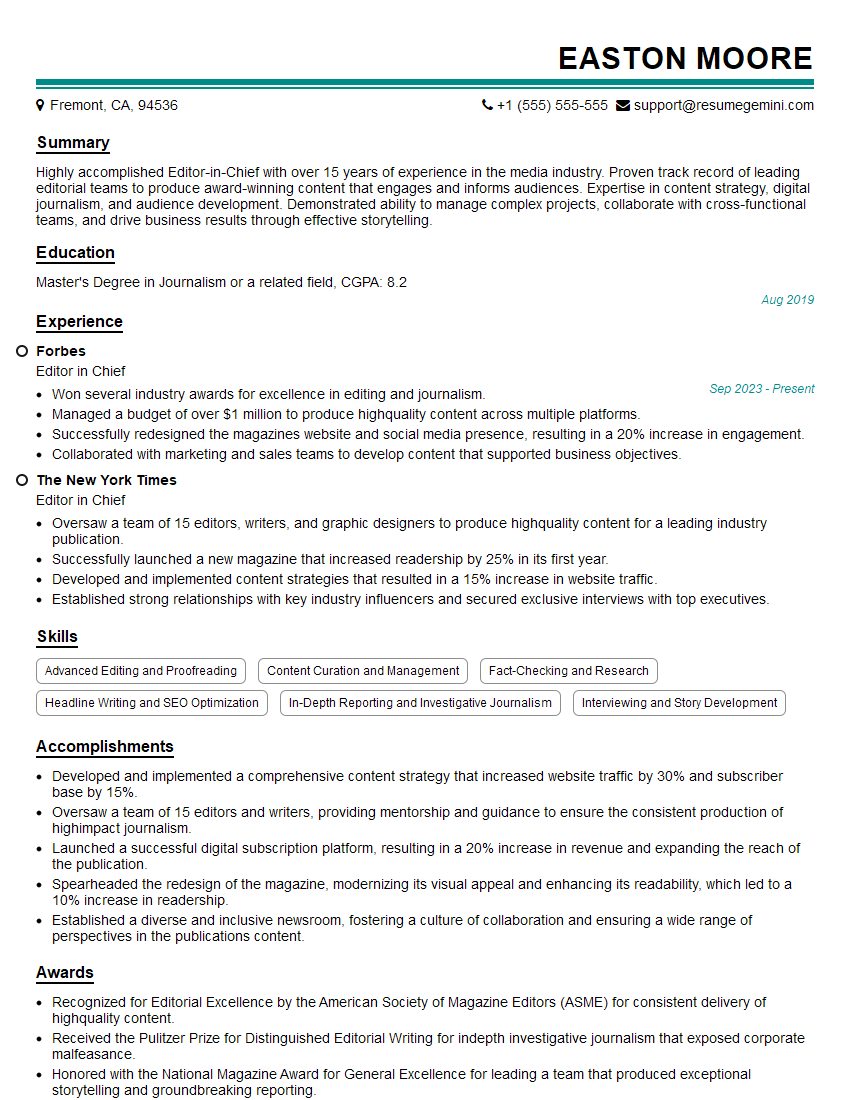
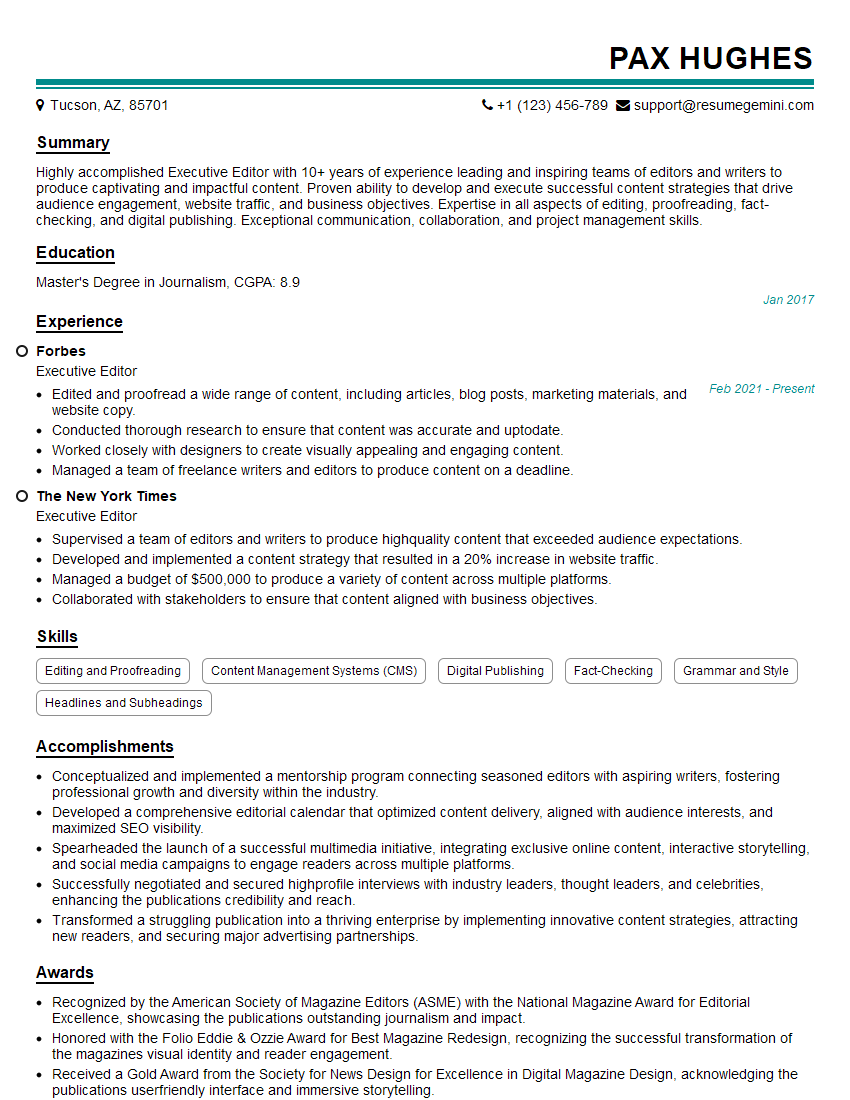
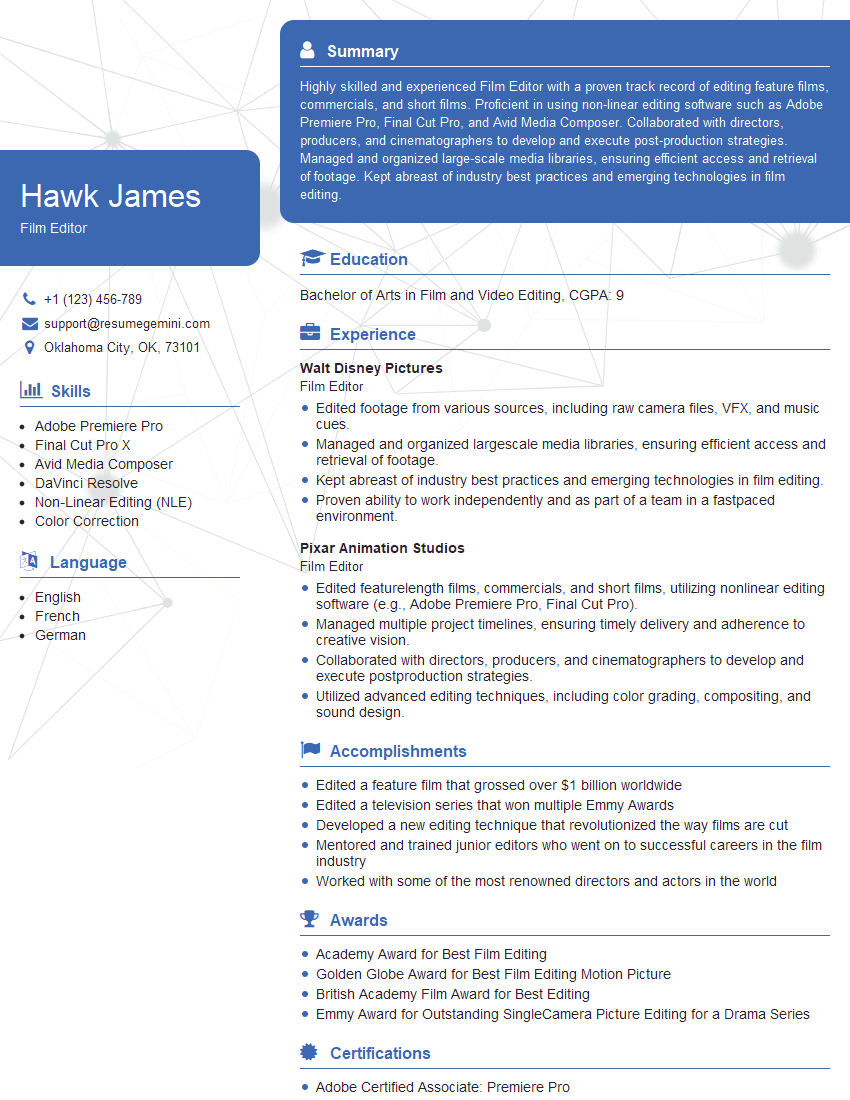
Mastering advanced trimming techniques is crucial for career advancement in this specialized field. It opens doors to more challenging and rewarding roles with higher earning potential. To significantly boost your job prospects, it’s essential to create a compelling and ATS-friendly resume that highlights your skills and experience effectively. ResumeGemini is a trusted resource to help you build a professional resume that showcases your expertise in Advanced Trimming Techniques. We provide examples of resumes tailored to this specific field, enabling you to craft a document that stands out and gets noticed by potential employers.

Explore more articles
Users Rating of Our Blogs
Share Your Experience
We value your feedback! Please rate our content and share your thoughts (optional).
What Readers Say About Our Blog
To the interviewgemini.com Webmaster.
Very helpful and content specific questions to help prepare me for my interview!
Thank you
To the interviewgemini.com Webmaster.
This was kind of a unique content I found around the specialized skills. Very helpful questions and good detailed answers.
Very Helpful blog, thank you Interviewgemini team.