Are you ready to stand out in your next interview? Understanding and preparing for Camera Work interview questions is a game-changer. In this blog, we’ve compiled key questions and expert advice to help you showcase your skills with confidence and precision. Let’s get started on your journey to acing the interview.
Questions Asked in Camera Work Interview
Q 1. Explain the difference between a shallow and deep depth of field.
Depth of field (DOF) refers to the area of an image that appears acceptably sharp. A shallow depth of field means only a small portion of the image is in focus, while the rest is blurred (bokeh). A deep depth of field means a large portion of the image, from foreground to background, is in sharp focus.
Think of it like this: a shallow DOF isolates your subject, drawing the viewer’s eye to it, often used in portraits to make the subject stand out against a blurry background. A deep DOF, on the other hand, is useful for landscapes, where you want everything from the mountains in the distance to the flowers in the foreground to be sharp.
Shallow DOF is achieved with a wide aperture (low f-number like f/1.4 or f/2.8), a longer focal length lens, and a close focusing distance. Deep DOF is achieved with a narrow aperture (high f-number like f/16 or f/22), a shorter focal length lens, and a greater distance to the subject.
Q 2. Describe your experience with various camera mounts (e.g., tripod, gimbal, Steadicam).
My experience with camera mounts is extensive, spanning various types and applications. I’ve worked extensively with tripods for stable, long-exposure shots and time-lapses, selecting sturdy models appropriate for the camera’s weight and the shooting environment. Tripods are crucial for eliminating camera shake and producing crisp images. I’ve used gimbals extensively for smooth, handheld shots, particularly in dynamic scenes or when tracking moving subjects. They greatly improve stabilization, especially for run-and-gun scenarios and are invaluable for cinematic shots. My work also includes experience with Steadicams, which offer superior stability and smoother camera movements than handheld or gimbal setups. They’re ideal for long, flowing shots that follow a subject while maintaining consistent framing, often used in documentaries and feature films. The choice of mount always depends on the specific needs of the shot and the environment.
For example, while filming a documentary in a crowded marketplace, I’d opt for a smaller, lightweight gimbal to maintain agility and maneuverability. Conversely, during a night-time cityscape shot, a robust tripod would provide the necessary stability for long exposures.
Q 3. How do you choose the appropriate lens for a given shot?
Choosing the right lens is crucial for achieving the desired look and feel of a shot. The selection process hinges on several factors: the focal length, the aperture, and the image quality.
- Focal Length: This determines the field of view. Wide-angle lenses (e.g., 14-35mm) capture a broad perspective, perfect for landscapes or establishing shots. Telephoto lenses (e.g., 70-200mm) compress perspective and bring distant subjects closer, ideal for portraits or wildlife photography. Normal lenses (e.g., 35-50mm) mimic human vision.
- Aperture: The aperture’s ability to control depth of field is key. A wide aperture (low f-number) creates a shallow depth of field, while a narrow aperture (high f-number) creates a deep depth of field.
- Image Quality: Factors like lens sharpness, distortion, and chromatic aberration affect the final image. High-quality lenses generally offer better performance.
For instance, if I’m shooting a portrait, I might choose a 85mm or 135mm lens for its flattering compression and ability to create a shallow depth of field that isolates the subject. For a wide establishing shot of a city, I would opt for a wide-angle lens like a 16-35mm.
Q 4. What are the key factors influencing exposure?
Exposure, the amount of light reaching the camera’s sensor, is governed by three key factors: aperture, shutter speed, and ISO.
- Aperture: Controls the size of the opening in the lens, affecting both light and depth of field.
- Shutter Speed: Controls the length of time the sensor is exposed to light, affecting motion blur and light levels.
- ISO: Measures the sensor’s sensitivity to light. Higher ISO values allow for shooting in low light but can introduce noise (grain).
Other factors influencing exposure include the ambient light conditions (bright sunlight, shade, indoors), the reflective properties of the scene (dark objects absorb light; bright objects reflect it), and the use of filters (neutral density filters reduce light, graduated neutral density filters balance exposure between bright and dark areas).
Q 5. Explain the relationship between aperture, shutter speed, and ISO.
Aperture, shutter speed, and ISO work together to determine exposure. They are interconnected and adjusting one affects the others. This relationship is often referred to as the exposure triangle.
Aperture affects depth of field and light. A wider aperture (smaller f-number) lets in more light but reduces depth of field. A narrower aperture (larger f-number) lets in less light but increases depth of field.
Shutter speed controls motion blur and light. A faster shutter speed freezes motion but requires more light. A slower shutter speed blurs motion but allows for shooting in low light.
ISO controls sensitivity to light and noise. A higher ISO is more sensitive to light, allowing for shooting in lower light conditions, but it increases noise (grain) in the image. A lower ISO reduces noise but requires more light.
Finding the correct balance between these three elements is essential for achieving a properly exposed image with the desired creative effects.
Q 6. What is the importance of white balance in cinematography?
White balance is crucial in cinematography because it ensures that colors are accurately represented in the final image. Without proper white balance, colors can appear too warm (yellowish or orange) or too cool (bluish). This is because different light sources have different color temperatures.
White balance is adjusted to make white objects appear white under various lighting conditions. This is done by setting the camera to recognize the color temperature of the light source (e.g., daylight, tungsten, fluorescent).
In post-production, white balance can be adjusted, but it’s generally more efficient to get it right during filming. Inconsistent white balance can create problems during editing and grading, making it difficult to achieve a consistent color palette throughout the project.
Q 7. Describe your experience with different camera formats (e.g., film, sensor size).
My experience encompasses both film and digital camera formats, with a deep understanding of the advantages and disadvantages of each. Film offers a unique aesthetic, often described as more organic and with a specific grain structure, that is difficult to replicate digitally. Different film stocks (e.g., Kodak Vision3 500T, Fuji 400H) have varying sensitivities and color characteristics. The process of shooting on film requires careful planning and consideration of the available light, as exposure adjustments are made by choosing the film and the aperture/shutter combination and less readily adjusted after the fact. Developing and scanning film also adds to the workflow.
Digital sensors vary widely in size, directly impacting image quality and depth of field capabilities. Larger sensors (like those found in full-frame cameras) generally produce better image quality with shallower depth of field capabilities compared to smaller sensors (e.g., those in most smartphones). This affects the resulting image’s visual style and aesthetics. Different sensor sizes require different lenses for comparable fields of view. In my workflow, I carefully consider the project’s aesthetic requirements and available resources to choose the most suitable camera format, keeping in mind the technical challenges and post-production aspects involved.
Q 8. How do you handle challenging lighting situations?
Challenging lighting situations are the bread and butter of cinematography. My approach is multifaceted and depends on the specific problem. For example, if I’m dealing with harsh backlighting, I might use a reflector to bounce light back onto the subject, filling in the shadows and creating a more even exposure. In low-light scenarios, I’d adjust my ISO, aperture, and shutter speed to maximize available light while minimizing noise. Sometimes, I might even employ supplemental lighting, like a fill light or a key light, to sculpt the scene exactly how I want it. Understanding the interplay between these three elements (ISO, aperture, and shutter speed) – and how they affect depth of field, motion blur, and image brightness – is crucial. For instance, increasing the ISO will make the image brighter but can also introduce grain. A wider aperture will create a shallower depth of field, ideal for isolating the subject, but may require faster shutter speeds to avoid motion blur.
On a recent shoot, we were filming in a dimly lit forest at dusk. The available light was extremely low and inconsistent. To overcome this, I used a combination of high ISO, a fast lens (wide aperture), and strategically placed LED panels to augment the natural light. The result was a beautifully lit scene with a cinematic feel. In other instances, I may have to rely more heavily on post-production tools for color correction and noise reduction, but I always aim to capture the best possible image in-camera.
Q 9. How do you maintain focus and ensure sharpness during a moving shot?
Maintaining focus during moving shots demands precise camera operation and often requires additional equipment. The most common technique is to utilize a follow focus system, which allows for smooth, precise adjustments to the focus ring while the camera is in motion. Another key is to choose the right lens; a lens with a longer focal length will be more susceptible to shake and focus issues during movement. Conversely, using image stabilization – whether it’s in-camera (IBIS) or on the lens (OIS) – can significantly reduce unwanted shake. For more complex moving shots such as a Steadicam shot or a dolly move, meticulous planning and rehearsal is critical. Understanding camera movement in relation to the subject’s movement is key.
For example, when tracking a subject running across a field, I would use a combination of a lens with optical image stabilization and a follow focus. The follow focus operator would carefully track the subject’s movement, keeping them sharp, while the Steadicam operator or camera operator ensures smooth, steady movement. Careful pre-visualization of the shot and clear communication with the camera operator and focus puller are crucial elements in executing these complex shots successfully.
Q 10. Explain your understanding of color grading and color correction.
Color grading and color correction are often used interchangeably, but they represent distinct processes within post-production. Color correction aims to restore the image to its intended colors, fixing issues like white balance inconsistencies, under- or overexposure, and color casts caused by lighting. Think of it as ‘fixing’ the raw footage to match a reference or to appear natural and balanced. Color grading, on the other hand, is more artistic. It involves manipulating the color palette to enhance the mood, style, and overall look of the video. This could involve creating a specific color scheme, enhancing saturation in certain areas, or adding a cinematic ‘look’. Both processes are usually carried out using specialized software like DaVinci Resolve or Adobe Premiere Pro.
For example, I might perform color correction to remove a green tint from a scene caused by shooting under shade trees. After the color correction, I might then employ color grading to shift the overall palette towards warmer tones, creating a more nostalgic or romantic atmosphere.
Q 11. What is your experience with different types of filters?
My experience with filters is extensive. I’ve used various filters, from polarizing filters (to reduce glare and enhance saturation) and neutral density filters (ND filters, to reduce the amount of light entering the lens and allowing for wider apertures in bright conditions) to graduated neutral density filters (GND filters, to balance exposure between bright skies and darker foregrounds) and color correction filters (to adjust color temperature or add a specific color cast). Understanding which filter is appropriate for a given situation is crucial. For example, using a polarizing filter on a sunny day can dramatically improve the image quality by reducing reflections on water or glass. An ND filter is essential when shooting with shallow depth of field in bright daylight, preventing overexposure.
One particular instance stands out: I used a combination of an ND filter and a soft diffusion filter to create a dreamy and ethereal look for a music video shot outdoors on a sunny day. The ND filter allowed me to use a wider aperture for a shallow depth of field and the soft diffusion filter added a cinematic softness and smoothness that suited the tone perfectly.
Q 12. Describe your workflow when operating a camera on a set.
My workflow on set begins with careful pre-production planning. I review the script, storyboards, and shot list to understand the director’s vision. Then, I collaborate with the director of photography (DP) to determine camera angles, lenses, and lighting setups for each shot. During filming, I carefully monitor the image on the monitor, adjusting settings as needed to maintain proper exposure, focus, and composition. I constantly communicate with the camera assistant(s) regarding lens changes, focus pulls, and other technical aspects. After each take, I review the footage to ensure quality and make any necessary adjustments. I also maintain a detailed log of all camera settings and shots.
Maintaining consistent communication with the DP and the rest of the camera crew is vital throughout the shoot. A simple example of my on-set workflow might be transitioning from a wide shot to a close-up on an actor. I would pre-plan the lens change with the camera assistant and make sure the focus puller has the correct marks for the close-up. This collaborative process ensures that the change is seamless and doesn’t interrupt the flow of filming.
Q 13. How do you communicate effectively with the director and other crew members?
Effective communication is paramount in filmmaking. I prioritize clear, concise communication with the director and other crew members through active listening, providing feedback and updates and being proactive. This includes understanding their creative goals and offering technically feasible solutions to those aims. On a set, visual aids such as storyboards and shot lists, along with clear verbal instructions, are extremely helpful. I always try to anticipate potential issues and address them proactively. My communication style is collaborative and respects the roles and responsibilities of each team member. I ensure that all requests and instructions are confirmed and understood to avoid confusion and costly retakes.
During a shoot, a director might change their mind on a shot’s composition. Through collaborative communication, I’d discuss the technical ramifications and help them explore the most efficient way to achieve their new vision. This includes discussing any possible challenges, such as time constraints, lighting changes, or equipment availability.
Q 14. What is your experience with various camera systems (e.g., Arri, RED, Sony)?
My experience encompasses a wide range of camera systems, including Arri Alexa (known for its exceptional image quality and dynamic range), RED cameras (renowned for high resolution and versatile shooting capabilities), and Sony Venice (a popular choice for its color science and ease of use). I’m proficient in operating and maintaining each of these systems, along with understanding their strengths and limitations. My familiarity extends beyond just operation; I understand their unique sensor characteristics, image processing pipelines, and workflow requirements. This understanding helps me tailor my approach to achieve the desired cinematic look and ensure optimal image quality depending on the project’s needs and budget.
For example, the Arri Alexa might be chosen for its subtle skin tones and overall image quality for a period drama, while a RED camera might be selected for its high resolution needed for VFX heavy projects. My experience enables me to choose the right camera system for the job, ensuring optimal results. I’m also comfortable working with various camera accessories, including lenses, rigs, and monitors, across all systems.
Q 15. How do you troubleshoot common camera malfunctions?
Troubleshooting camera malfunctions begins with a systematic approach. First, I identify the issue: is the camera completely dead, are there specific functions not working, or is the image quality poor? This helps narrow down the potential causes.
- Power Issues: If the camera won’t power on, check the battery – is it charged? Try a different battery if possible. Check the power adapter and connection if using one.
- Image Quality Problems: Poor image quality can stem from various issues such as a dirty lens (clean it with a microfiber cloth!), incorrect white balance settings (adjust in-camera), or a malfunctioning sensor (this requires professional service).
- Specific Function Failures: If a particular function like autofocus or the zoom isn’t working, I’d check the in-camera settings to ensure it’s enabled and correctly configured. I might also check for physical obstructions or damage.
- Software Glitches: Occasionally, a firmware update or software bug can cause malfunctions. Checking for and installing updates is a crucial step. A factory reset can also resolve software-related issues, but remember to back up your data first!
For persistent problems, consulting the camera’s manual or contacting the manufacturer’s support is advisable. In some instances, professional repair may be necessary.
Career Expert Tips:
- Ace those interviews! Prepare effectively by reviewing the Top 50 Most Common Interview Questions on ResumeGemini.
- Navigate your job search with confidence! Explore a wide range of Career Tips on ResumeGemini. Learn about common challenges and recommendations to overcome them.
- Craft the perfect resume! Master the Art of Resume Writing with ResumeGemini’s guide. Showcase your unique qualifications and achievements effectively.
- Don’t miss out on holiday savings! Build your dream resume with ResumeGemini’s ATS optimized templates.
Q 16. What is your understanding of camera calibration and image quality settings?
Camera calibration and image quality settings are intrinsically linked. Calibration ensures the camera accurately captures the scene, while image quality settings determine the final look and feel.
Calibration involves adjusting parameters to ensure accurate color representation, focus, and lens distortion correction. For example, lens profiling corrects for distortions unique to a specific lens, leading to straighter lines and reduced image warping. This process is usually done with specialized software and test charts.
Image Quality Settings encompass factors like resolution (higher resolution means more detail, but larger file sizes), ISO (controls sensitivity to light – higher ISO is useful in low light but introduces more noise), aperture (controls depth of field – wider aperture creates a shallow depth of field, blurring the background), and shutter speed (affects motion blur and exposure). Careful consideration of these settings is crucial for achieving the desired artistic effect and technical quality.
For instance, shooting a portrait requires a wide aperture (low f-number like f/1.8) to blur the background and focus attention on the subject. In contrast, landscape photography often benefits from a smaller aperture (high f-number like f/16) for maximum depth of field, keeping everything sharp from foreground to background.
Q 17. Explain your experience with different types of camera movements (e.g., pan, tilt, zoom, dolly).
My experience with camera movements is extensive, encompassing the fundamental techniques of pan, tilt, zoom, and dolly, alongside more complex maneuvers.
- Pan: A horizontal rotation of the camera, often used to follow a moving subject or reveal a wider landscape.
- Tilt: A vertical rotation, frequently used to create a sense of scale or to reveal elements above or below the initial framing.
- Zoom: Changing the focal length of the lens, either optically or digitally. Optical zoom is preferred as it maintains image quality, while digital zoom often degrades image quality.
- Dolly: Moving the camera physically along a track or using a wheeled platform. This creates a smoother, more controlled movement than handheld operation.
I’ve used these techniques extensively in various productions, including documentaries where smooth dolly shots were used to convey a sense of flow and continuity and music videos where dynamic zoom and pan were employed to enhance the visual impact. Understanding the interplay of these movements allows for dynamic storytelling and establishing a visual rhythm.
Q 18. How do you ensure continuity in camera shots across multiple takes?
Maintaining continuity across multiple takes requires meticulous planning and execution. The key is consistency in camera position, framing, and subject placement. This is achieved through the use of:
- Shot Lists: Detailed shot lists specify the camera angle, framing, and other details for each shot, providing a roadmap to follow during filming.
- Markers: Using tape marks on the ground to denote the exact camera position ensures consistent placement between takes.
- Clapper Boards (Slates): Clapper boards provide a visual and audio record of the take number, scene, and other essential information, ensuring easy identification of corresponding shots during editing.
- Monitoring: Carefully reviewing footage after each take helps identify any inconsistencies that need to be corrected in subsequent takes.
Beyond technical aspects, maintaining actor’s positions, expressions, and the overall scene arrangement between takes is essential. Effective communication with the director, actors, and crew is crucial in this process.
Q 19. Describe your experience with time-lapse photography or slow-motion filming.
I possess considerable experience in both time-lapse and slow-motion filming. Time-lapse compresses long periods into short sequences, highlighting gradual changes, such as the movement of clouds or the blooming of flowers. This technique often requires specialized equipment, like intervalometers, to trigger shots at precise intervals.
Slow-motion filming, conversely, extends short events to reveal fine details otherwise missed by the naked eye. High frame rates (e.g., 120fps or higher) are crucial, necessitating cameras with this capability. Post-production software is then used to adjust the playback speed.
I’ve successfully used time-lapse in documenting construction projects, showcasing the growth of plants, and creating visually engaging nature documentaries. Slow motion has been instrumental in enhancing action sequences in sports videos and capturing the ephemeral beauty of water droplets.
Q 20. What software are you proficient with for reviewing and adjusting footage?
I am proficient in several industry-standard software applications for reviewing and adjusting footage. These include:
- Adobe Premiere Pro: My primary editing software, offering extensive capabilities for video editing, color grading, audio mixing, and visual effects.
- Adobe After Effects: I utilize After Effects for advanced compositing, motion graphics, and visual effects that enhance the storytelling and visual appeal of my projects.
- DaVinci Resolve: I’m also familiar with DaVinci Resolve, a powerful color grading and editing suite known for its professional-grade features.
- Final Cut Pro: I have experience using Final Cut Pro, another leading video editing software, known for its intuitive interface.
My proficiency extends beyond basic editing and includes advanced techniques like color correction, keyframing, motion tracking, and audio sweetening, allowing me to refine footage and create a polished final product.
Q 21. What is your understanding of aspect ratios?
Aspect ratio refers to the proportional relationship between the width and height of an image or video frame. It’s expressed as a ratio, for example, 16:9 or 4:3.
16:9 (widescreen) is the most common aspect ratio for widescreen televisions and monitors, offering a wider field of view. It is suitable for most modern productions and lends itself well to action and landscape shots.
4:3 (standard definition) is an older aspect ratio and is typically used in older TV broadcasts and some professional cameras. It has a squarer appearance and is better for shots where maintaining a balanced composition is important.
Other aspect ratios, like 2.39:1 (cinemascope), are used to achieve specific cinematic effects. Choosing the correct aspect ratio during filming and editing is vital for the overall aesthetic and viewer experience. Incorrect choices can lead to letterboxing (black bars at the top and bottom) or pillarboxing (black bars on the sides) to fit the footage to a different display aspect ratio.
Q 22. How do you manage storage and transfer of footage on set?
Managing footage storage and transfer on set is crucial for efficient workflow and data integrity. It involves a multi-layered approach combining on-set storage solutions with robust off-site backups.
On set, we typically use high-capacity SSDs (Solid State Drives) in RAID configurations for redundancy. This means multiple drives work together, so if one fails, the data is still safe. We also use portable hard drives as backups, constantly copying footage from the primary SSDs. We employ a strict naming convention for files (e.g., Scene_01_Take_03.mov) to maintain organization.
Transferring footage off-set is typically done through high-speed network connections (like Gigabit Ethernet) if available or using fast external hard drives. We often use cloud-based solutions for offsite backups. Services like Amazon S3 or Backblaze provide scalable and secure storage, allowing access to the footage remotely. This two-pronged approach – on-set redundancy and off-site backup – safeguards our precious footage from loss due to equipment failure or unforeseen circumstances. I always maintain multiple copies of master footage, following a strict version control system.
Q 23. Describe your experience with remote camera operation.
My experience with remote camera operation spans several projects, ranging from live events to documentary shoots. I’m proficient in using various remote camera control systems, both wired and wireless. The specifics depend on the system used (e.g., Teradek, Freefly MoVI). The key is understanding the latency and potential limitations of the chosen system.
For instance, on a recent documentary, we utilized a wireless system to control a camera positioned in a precarious location inaccessible to the crew. The ability to adjust focus, zoom, and iris remotely was crucial. However, we had to account for the slight lag introduced by the wireless connection, which required careful planning and precise timing of shots. We conducted thorough testing before the shoot to minimize these delays. For larger productions, we frequently rely on a combination of remote control and on-site camera assistants for close monitoring. The most valuable skill in this area is a robust understanding of the particular hardware and software, as well as strong problem-solving skills to quickly fix unforeseen communication issues.
Q 24. How do you use ND filters to manage exposure in bright light?
Neutral Density (ND) filters are essential tools for managing exposure in bright light conditions. They reduce the amount of light entering the camera lens without affecting the color balance, allowing you to maintain a desired aperture and shutter speed. This is particularly important for maintaining a shallow depth of field in bright sunlight, creating a cinematic look.
For example, let’s say I’m shooting outdoors on a sunny day with a wide open aperture (f/2.8) to achieve a blurry background. The sensor might be overexposed. Using an ND filter, perhaps a 3-stop ND filter (reducing light by 8x), I can maintain the desired aperture while reducing the light to get a correctly exposed image. Various ND filter strengths are available, allowing precise control over light entering the lens – from slight reductions to very strong reductions. The choice of ND filter depends on the intensity of the light and the desired exposure settings.
Q 25. Explain your understanding of dynamic range and its importance in cinematography.
Dynamic range refers to the ratio between the brightest and darkest parts of a scene that a camera can capture. A higher dynamic range means the camera can capture more detail in both the highlights (bright areas) and shadows (dark areas) of an image. This is crucial in cinematography as it allows for greater flexibility in post-production.
Imagine shooting a scene with bright sunlight and deep shadows. A camera with a low dynamic range will either blow out the highlights (making them pure white) or crush the shadows (making them pure black), losing detail in both areas. A camera with a high dynamic range, however, will capture detail in both, giving you more options to adjust the image in post-production (color grading) without losing crucial information. Modern cameras, especially those designed for professional cinematography, boast very high dynamic ranges, often exceeding 14 stops. This is a significant advantage in creating visually rich and impactful imagery.
Q 26. How familiar are you with camera sensors and their limitations?
My familiarity with camera sensors extends to understanding their crucial role in image quality. Camera sensors vary across brands and models in terms of size, resolution, and technology (CMOS vs. CCD). This impacts factors like light sensitivity (ISO performance), dynamic range, and image sharpness.
For example, larger sensors (like those found in full-frame cameras) gather more light, resulting in better low-light performance and shallower depth of field. However, larger sensors are often more expensive. High-resolution sensors capture more detail, but can produce larger files and demand more powerful processors. Understanding sensor limitations—like noise at high ISOs or limited dynamic range in budget sensors—allows me to make informed decisions about camera selection and shooting techniques for a given project. Choosing the right sensor for the job is paramount for the final image quality.
Q 27. What are your strategies for working efficiently under pressure?
Working efficiently under pressure is a key skill for any camera operator. My strategies involve meticulous pre-production planning, effective communication, and a calm, problem-solving approach.
Firstly, thorough preparation is paramount. This includes careful planning of shots, reviewing the script with the director, and ensuring that all equipment is tested and functioning correctly before the shoot. On set, I prioritize clear communication with the director, gaffer, and other crew members to ensure everyone understands the plan and any potential challenges. If problems arise, I take a structured approach, focusing on identifying the problem, proposing solutions, and collaborating with the team to implement the best solution. Staying calm under pressure, prioritizing tasks, and focusing on the immediate needs are key components of my approach. Having a backup plan is also essential to minimize downtime.
Key Topics to Learn for Camera Work Interview
- Camera Movement & Composition: Understanding shot types (wide, medium, close-up), camera angles (high, low, eye-level), and their impact on storytelling. Practical application: analyzing successful film scenes and identifying the director’s choices in camera movement and composition.
- Framing & Depth of Field: Mastering techniques to control focus, depth, and the overall visual impact of a shot. Practical application: Experiment with different apertures and focal lengths to achieve desired effects, understanding how depth of field contributes to mood and emphasis.
- Lighting Techniques: Understanding the three-point lighting system and its variations. Practical application: Analyzing lighting setups in various films and understanding how lighting choices contribute to the overall visual narrative and mood.
- Camera Technology & Equipment: Familiarity with different camera types (DSLR, mirrorless, cinema cameras), lenses, and accessories. Practical application: Describing the advantages and disadvantages of different camera systems and their suitability for specific shooting situations.
- Camera Operation & Workflow: Understanding camera settings (ISO, aperture, shutter speed), exposure, white balance, and color grading. Practical application: Troubleshooting common camera problems and explaining your workflow for shooting and post-production.
- Visual Storytelling & Cinematography Principles: Understanding how camera work contributes to the overall narrative and emotional impact of a film or video. Practical application: Analyzing how camera techniques are used to create specific moods, suspense, or dramatic effect.
- Collaboration & Communication: Discussing your experience working with directors, producers, and other crew members. Practical application: Providing examples of how you effectively communicated your ideas and collaborated on creative decisions.
Next Steps
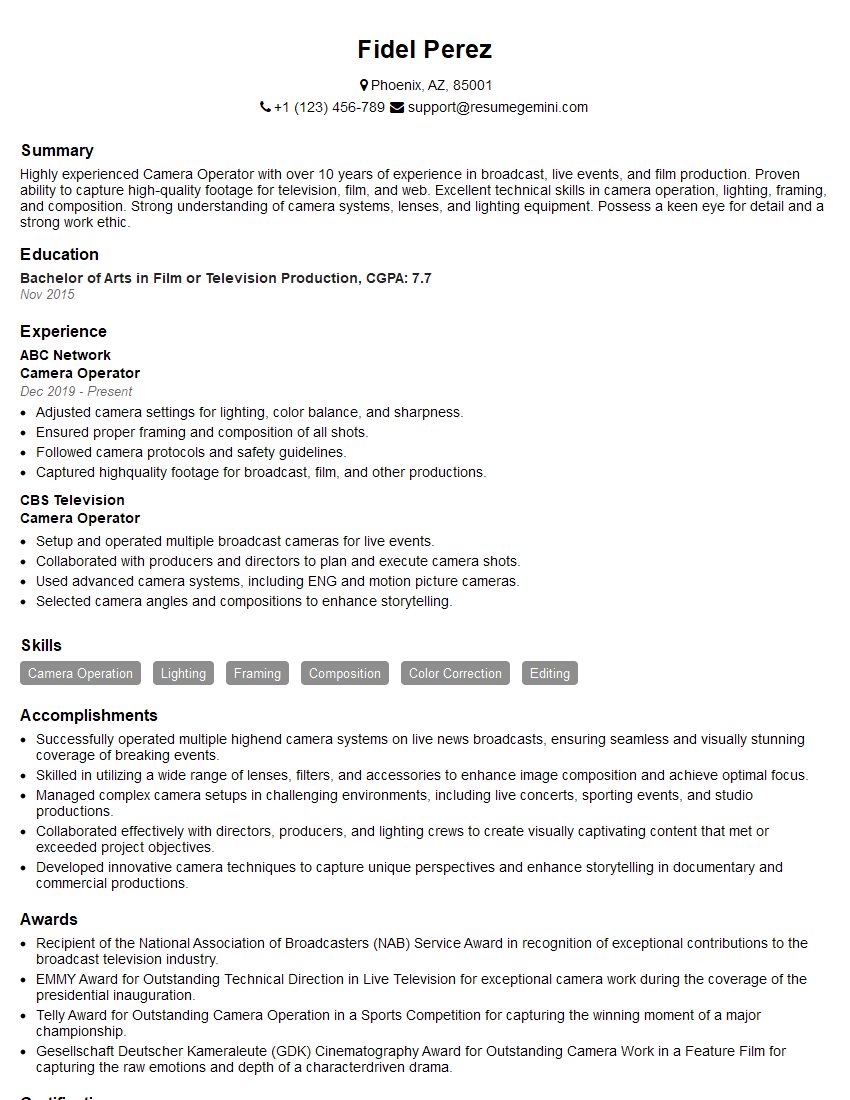
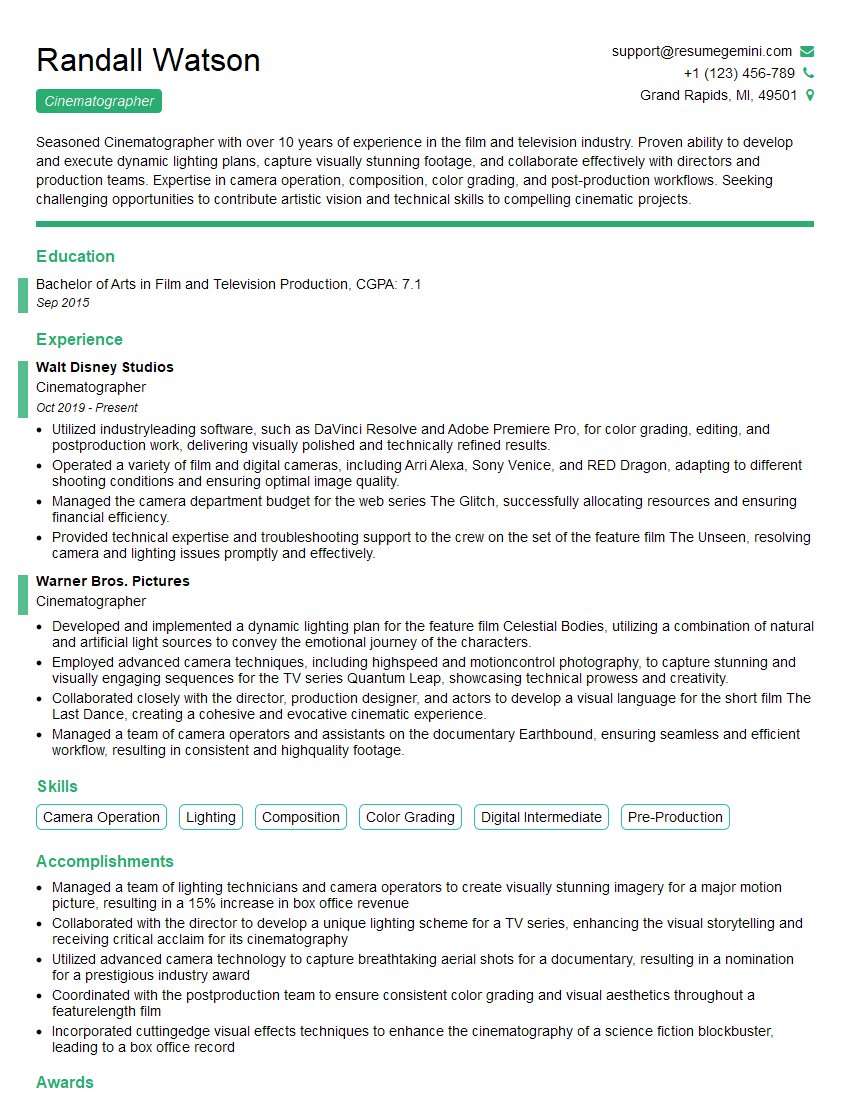
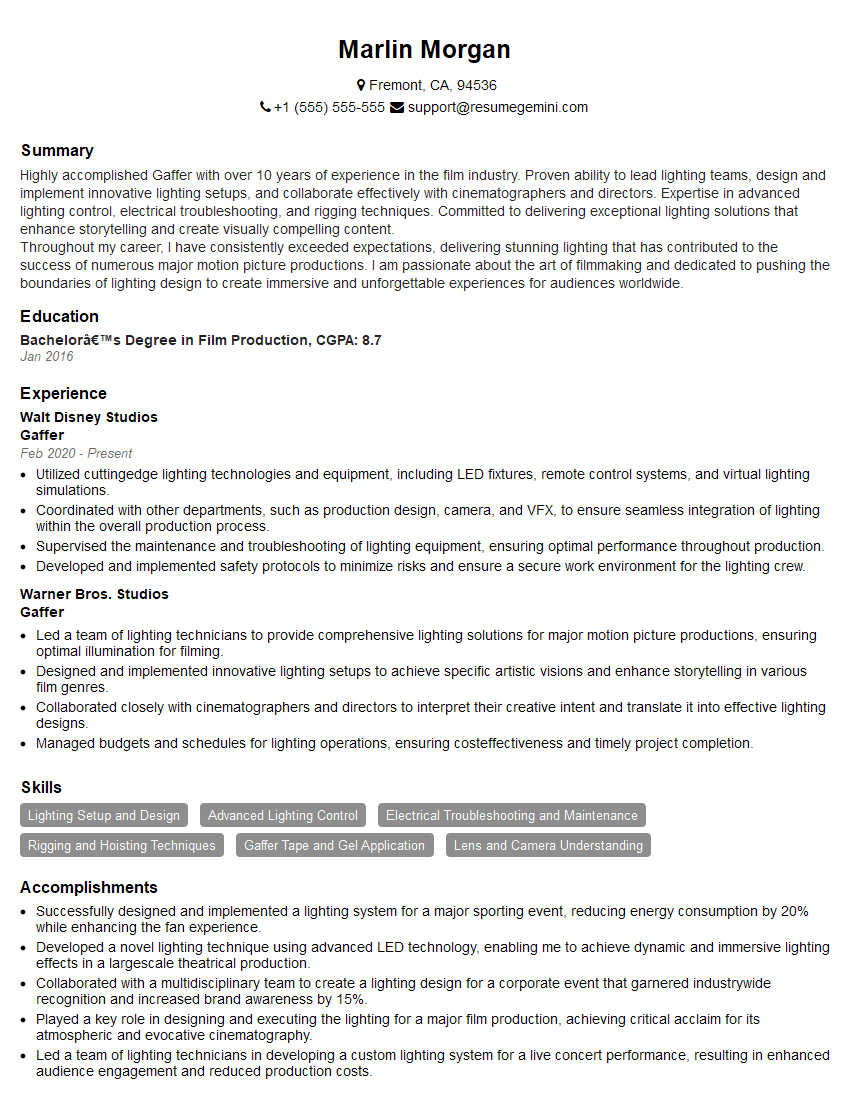
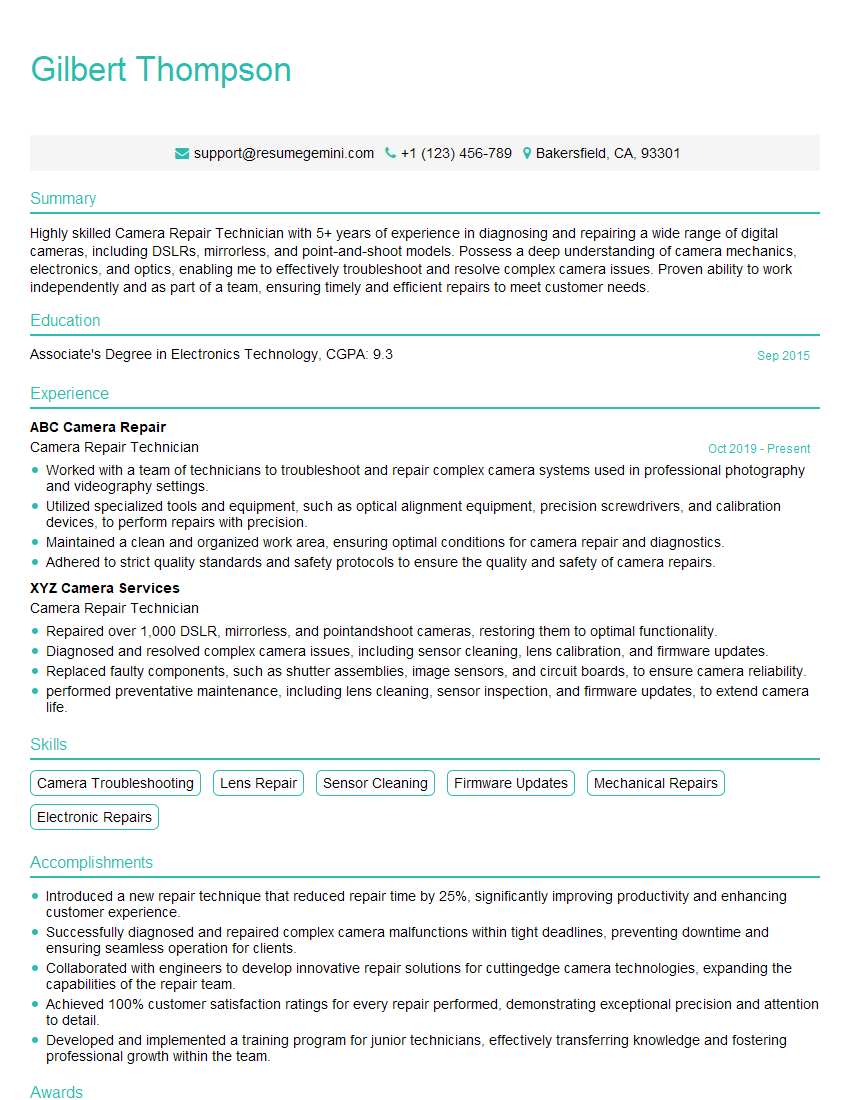
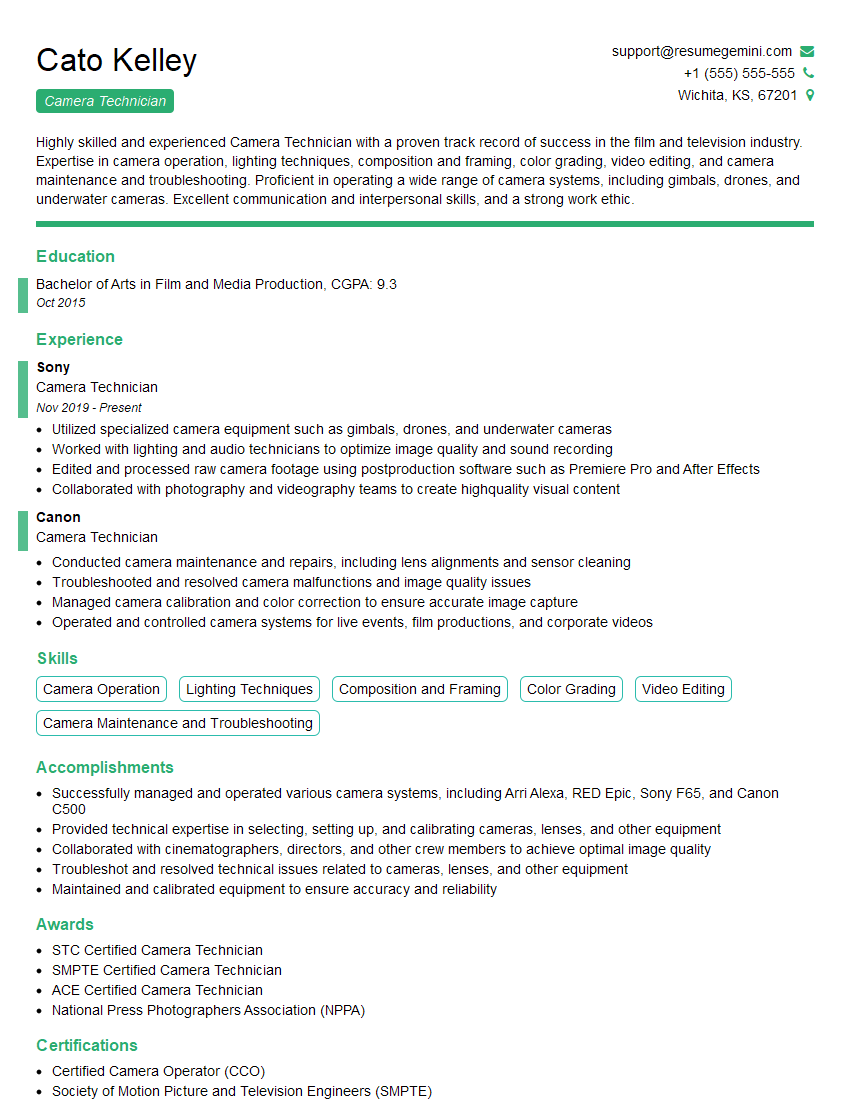
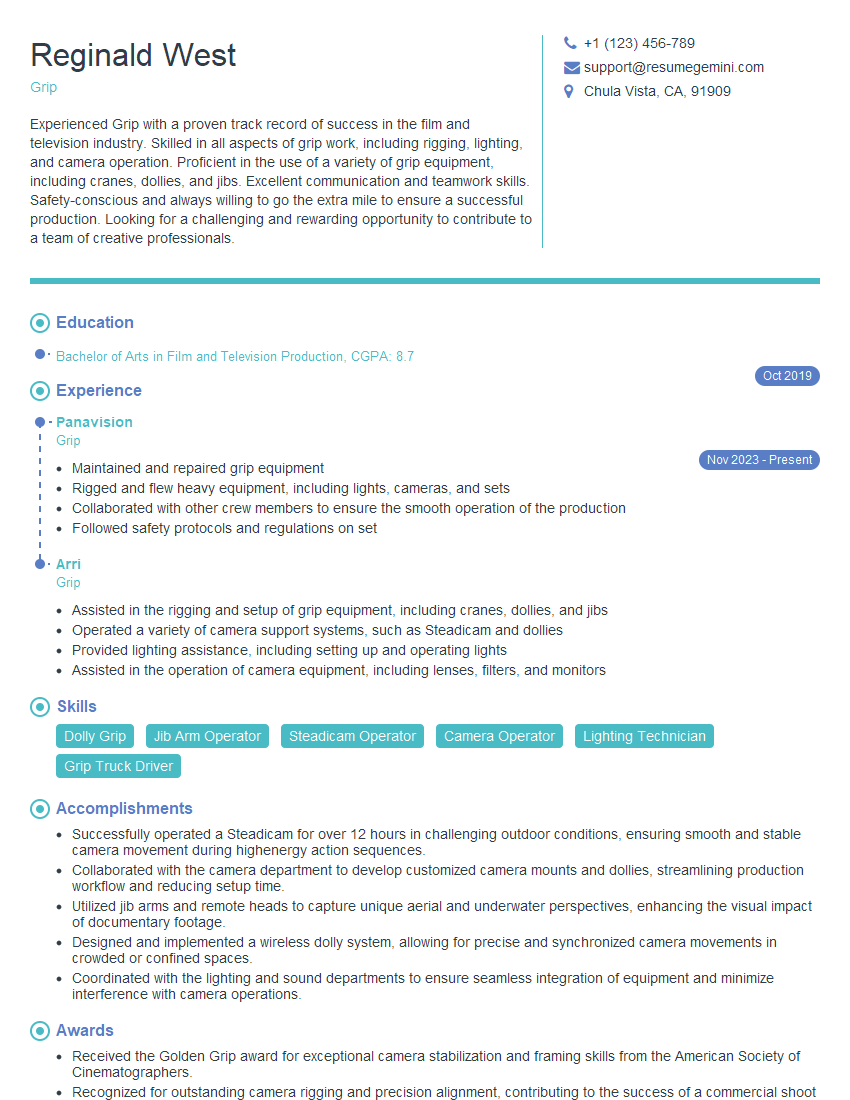
Mastering camera work is crucial for career advancement in film, television, and other visual media industries. A strong understanding of these techniques significantly enhances your value as a skilled professional. To increase your job prospects, it’s vital to create an ATS-friendly resume that effectively highlights your skills and experience. We strongly recommend using ResumeGemini to build a professional and impactful resume. ResumeGemini provides an enhanced resume-building experience and offers examples of resumes tailored to Camera Work to help you get started. Take the next step and build your best resume today!

Explore more articles
Users Rating of Our Blogs
Share Your Experience
We value your feedback! Please rate our content and share your thoughts (optional).
What Readers Say About Our Blog
To the interviewgemini.com Webmaster.
Very helpful and content specific questions to help prepare me for my interview!
Thank you
To the interviewgemini.com Webmaster.
This was kind of a unique content I found around the specialized skills. Very helpful questions and good detailed answers.
Very Helpful blog, thank you Interviewgemini team.