Interviews are more than just a Q&A session—they’re a chance to prove your worth. This blog dives into essential Critical Path Method (CPM) Scheduling interview questions and expert tips to help you align your answers with what hiring managers are looking for. Start preparing to shine!
Questions Asked in Critical Path Method (CPM) Scheduling Interview
Q 1. Define the Critical Path Method (CPM).
The Critical Path Method (CPM) is a powerful project management technique used to schedule, organize, and coordinate tasks within a project. It helps identify the longest sequence of dependent tasks (the critical path) that determines the shortest possible duration for project completion. By focusing on the critical path, project managers can optimize resource allocation and minimize delays.
Think of it like assembling a piece of furniture. Some steps, like attaching the legs, must happen before others, like adding the drawers. CPM helps identify which steps are absolutely crucial and cannot be delayed without delaying the entire project (assembling the whole furniture).
Q 2. Explain the difference between CPM and PERT.
Both CPM and PERT are project scheduling techniques, but they differ in their approach to activity durations. CPM assumes deterministic activity durations – meaning the time required for each task is known with certainty. PERT, on the other hand, uses probabilistic durations, acknowledging the inherent uncertainty in estimating task times. PERT incorporates three time estimates for each activity: optimistic, pessimistic, and most likely, calculating a weighted average to account for variability. CPM is suitable for projects with predictable tasks, while PERT is better for projects with significant uncertainty.
In essence, CPM is a deterministic approach, while PERT is probabilistic.
Q 3. What are the key assumptions of CPM?
The key assumptions of CPM include:
- Activity durations are known and fixed (deterministic).
- Activities can be clearly defined and sequenced.
- The project network is a directed acyclic graph (no loops or cycles).
- Resources are readily available as needed (though resource leveling is a separate consideration after the initial CPM analysis).
- Activity completion times are independent of each other (though some dependencies may exist).
Violating these assumptions can affect the accuracy of the CPM analysis. For example, if resource constraints significantly impact task durations, the CPM schedule may become unrealistic.
Q 4. How do you calculate the earliest start and latest finish times for an activity?
Earliest Start (ES) and Latest Finish (LF) times are calculated through a forward and backward pass through the project network.
Forward Pass (calculates ES): Start with activities with no predecessors. Their ES is 0. For subsequent activities, the ES is the maximum of the predecessors’ Early Finish (EF) times. EF = ES + Duration.
Backward Pass (calculates LF): Start with the last activity in the network. Its LF equals its EF. For preceding activities, the LF is the minimum of the successors’ Latest Start (LS) times. LS = LF – Duration.
Example: Let’s say Activity A has a duration of 3 and Activity B has a duration of 2. If A precedes B, A’s EF is 3. B’s ES will be 3 (since A finishes at 3).
Example Network Diagram would be helpful here, but cannot be displayed in this JSON format.Q 5. What is the critical path, and why is it important?
The critical path is the longest sequence of dependent activities in a project network. It determines the shortest possible duration to complete the entire project. Its importance stems from the fact that any delay on any activity on the critical path directly impacts the project’s overall completion time. Project managers must carefully monitor and manage the critical path to ensure timely project delivery.
Imagine it as the bottleneck in a production line – if one step takes longer, the entire line is affected.
Q 6. How do you identify the critical path in a project network?
Identifying the critical path involves performing the forward and backward passes to calculate ES, EF, LS, and LF times for each activity. The path with zero float (or slack) represents the critical path. This is the path where the Early Finish (EF) of each activity equals its Latest Finish (LF). Any delay on this path will directly delay the project completion.
Software tools greatly simplify this process by automatically calculating these times and highlighting the critical path visually. Manual calculation is feasible for small projects but becomes cumbersome with increasing complexity.
Q 7. What is float or slack, and how is it calculated?
Float, or slack, represents the amount of time an activity can be delayed without delaying the project’s completion time. There are different types of float, but Total Float is most commonly used. It is calculated as: Total Float = LF – EF = LS – ES.
Activities on the critical path have zero float. Activities with positive float have some flexibility in their scheduling. This knowledge is valuable for resource allocation and risk management. For instance, if you identify an activity with a high float, you might re-allocate resources from that activity to the critical path activities to improve the project’s overall efficiency and mitigate potential risks.
Q 8. Explain the concept of total float and free float.
In CPM, understanding float is crucial for managing project timelines. Total float and free float represent the leeway you have in scheduling activities without delaying the project’s completion.
Total Float (TF): This is the amount of time an activity can be delayed without delaying the project’s completion date. It’s calculated as the difference between the latest start time (LST) and the earliest start time (EST) of an activity. Think of it as the total wiggle room you have.
Example: If an activity has an EST of day 5 and an LST of day 10, its total float is 5 days (10 – 5 = 5). You can delay the start of this activity by up to 5 days without affecting the project finish date.
Free Float (FF): This is the amount of time an activity can be delayed without delaying the early start time of any succeeding activity. It’s more restrictive than total float. It represents the time buffer available *before* impacting other tasks.
Example: Imagine Activity A (FF=3 days) feeds into Activity B. You can delay A by 3 days without affecting B’s earliest start. However, exceeding 3 days would delay B and possibly the whole project.
The key difference is that total float considers the entire project timeline, while free float only considers the impact on immediately following activities. Free float is always less than or equal to total float.
Q 9. How do you handle uncertainties and risks in CPM scheduling?
Uncertainty and risk are inherent in project management. In CPM, we address them through several strategies:
PERT (Program Evaluation and Review Technique): Instead of using a single estimate for activity duration, PERT uses three estimates: optimistic, pessimistic, and most likely. These are then used to calculate a weighted average duration and standard deviation, providing a probabilistic view of the schedule.
Monte Carlo Simulation: This statistical technique simulates project completion time numerous times, considering the probability distributions of activity durations. This generates a range of possible completion times and helps identify critical activities more accurately.
Risk Register: Proactively identifying potential risks (e.g., resource availability, external dependencies) and developing mitigation plans is crucial. The register lists each risk, its likelihood, potential impact, and the planned response.
Buffers: Adding buffer time to the schedule provides a contingency for unexpected delays. These buffers can be added to individual activities or to the overall project timeline.
By incorporating these methods, you gain a more robust understanding of project risk and can make better-informed decisions regarding resource allocation and contingency planning.
Q 10. What are the common methods for crashing a project schedule?
Crashing a project schedule involves expediting activities to shorten the overall project duration. This is often done when facing deadlines or other time constraints. Common methods include:
Adding Resources: Allocate more manpower, equipment, or materials to an activity to shorten its duration. This might involve overtime pay or renting additional equipment.
Improving Efficiency: Streamlining processes, improving team coordination, or utilizing more efficient technologies can reduce activity durations without significantly increasing costs.
Fast-Tracking: Overlapping activities that were originally scheduled sequentially. This increases risk, as it requires careful coordination to avoid conflicts. Think of starting painting before the drywall is fully cured. It’s fast but risky.
Outsourcing: Delegate certain tasks to external vendors specializing in those areas. This can accelerate the project if internal teams lack the capacity or expertise.
It’s important to note that crashing a project typically involves increased costs. A cost-benefit analysis is essential to determine the optimal level of crashing.
Q 11. What are the limitations of CPM?
While CPM is a powerful scheduling technique, it does have limitations:
Assumption of Deterministic Durations: CPM traditionally assumes that activity durations are known with certainty. Real-world projects are rarely so predictable.
Simplified Dependencies: It simplifies the complex interdependencies between activities. Some activities might have dependencies that are not easily represented in a simple network diagram.
Lack of Resource Consideration: Basic CPM doesn’t explicitly consider resource limitations. It might create a schedule that’s theoretically feasible but impossible to execute due to resource constraints.
Difficulty Handling Changes: While updates are possible, significant changes can require rebuilding the entire network diagram, which can be time-consuming.
Despite these limitations, CPM remains a valuable tool when used appropriately and in conjunction with other project management techniques.
Q 12. What software packages are you familiar with for CPM scheduling?
I have extensive experience using several software packages for CPM scheduling, including Microsoft Project, Primavera P6, and Asta Powerproject. Each offers different strengths – from user-friendliness (Microsoft Project) to advanced features for large, complex projects (Primavera P6). My familiarity extends to both the input and output aspects, from data entry and network diagram creation to resource allocation, critical path analysis, and reporting.
Q 13. Describe your experience with developing and managing project schedules.
Throughout my career, I’ve been involved in developing and managing project schedules for diverse projects, ranging from construction projects to software development initiatives. In one instance, I was responsible for managing the schedule for a large-scale building renovation. Using Primavera P6, I developed a detailed schedule, identified the critical path, and implemented a robust risk management plan. Through regular monitoring and updates, the project was completed on time and within budget. This experience highlighted the importance of clear communication, proactive risk mitigation, and a collaborative approach to project management.
Q 14. How do you handle schedule changes and updates?
Handling schedule changes is a critical aspect of project management. My approach involves a structured process:
Change Request Process: All schedule changes are formally documented and reviewed. This ensures transparency and traceability.
Impact Assessment: Analyzing the impact of any change on the critical path, project duration, and resource allocation. This often involves updating the CPM network diagram and recalculating the schedule.
Communication: Keeping stakeholders informed of schedule updates and any necessary adjustments. This involves clear and timely communication, often facilitated through project management software.
Version Control: Maintaining a history of schedule versions to track changes and allow for rollback if necessary.
By following this structured approach, I can minimize the disruption caused by schedule changes and maintain the project’s integrity.
Q 15. How do you communicate project schedule information to stakeholders?
Communicating project schedule information effectively to stakeholders is crucial for project success. My approach involves tailoring the information to the audience’s understanding and needs. I avoid overwhelming them with technical details; instead, I focus on key milestones, potential delays, and their impact on the overall project.
- Visual aids: I use Gantt charts, network diagrams (like precedence diagrams), and progress reports with clear visuals to show schedule progress, critical path, and potential delays.
- Regular meetings: I conduct regular meetings, providing concise updates and addressing concerns. These meetings often include interactive elements like Q&A sessions.
- Status reports: I prepare concise, easy-to-understand status reports summarizing progress, upcoming milestones, and any issues requiring attention. These reports are tailored to different stakeholders, highlighting information relevant to their roles and responsibilities.
- Early warning system: I proactively communicate potential risks and schedule changes well in advance, allowing stakeholders to plan accordingly and mitigate potential negative impacts. This includes clearly defining the potential impact of identified risks.
- Technology: I leverage project management software to share schedules, track progress, and facilitate communication among stakeholders. This allows for real-time updates and ensures everyone has access to the most current information.
For example, when working on a construction project, I’d present a simplified Gantt chart to the client, focusing on key completion dates. Meanwhile, I’d share a more detailed CPM network diagram with the project team to discuss task dependencies and critical path analysis.
Career Expert Tips:
- Ace those interviews! Prepare effectively by reviewing the Top 50 Most Common Interview Questions on ResumeGemini.
- Navigate your job search with confidence! Explore a wide range of Career Tips on ResumeGemini. Learn about common challenges and recommendations to overcome them.
- Craft the perfect resume! Master the Art of Resume Writing with ResumeGemini’s guide. Showcase your unique qualifications and achievements effectively.
- Don’t miss out on holiday savings! Build your dream resume with ResumeGemini’s ATS optimized templates.
Q 16. Explain the difference between forward pass and backward pass calculations.
The forward and backward pass calculations are fundamental to CPM scheduling. They help determine the earliest and latest possible start and finish times for each activity, identifying the critical path.
- Forward Pass: This calculation determines the earliest possible start and finish times for each activity. We start from the beginning of the project and move forward, adding activity durations cumulatively. The earliest start time (ES) of an activity is the maximum of the earliest finish times (EF) of its predecessors. The earliest finish time (EF) is simply the ES plus the activity duration.
- Backward Pass: This calculation determines the latest possible start and finish times for each activity, working backward from the project’s end date. The latest finish time (LF) of an activity is the minimum of the latest start times (LS) of its successors. The latest start time (LS) is the LF minus the activity duration.
Think of it like planning a road trip. The forward pass is figuring out the earliest you could arrive at each destination, while the backward pass is determining the latest you can leave each stop and still make it to your final destination on time.
The difference between the earliest and latest start/finish times represents the float or slack of an activity. Activities with zero float are on the critical path – any delay in these activities will delay the entire project.
Q 17. What are some common scheduling techniques used to mitigate risk?
Several scheduling techniques help mitigate risk in CPM. These techniques aim to create flexibility and buffer against unforeseen events.
- Crashing: This involves expediting activities by adding resources (e.g., overtime, additional personnel) to shorten their duration, but usually at an increased cost. It’s important to analyze the cost-benefit of crashing each activity.
- Resource Leveling: This technique aims to distribute resource utilization more evenly across the project, reducing peaks and valleys in resource demand. It may slightly extend the project duration but prevents resource bottlenecks.
- Fast Tracking: This involves starting some activities in parallel that were originally planned sequentially, provided that it’s feasible (dependencies allow it) and it doesn’t compromise quality. This can reduce the overall project duration but increases risk.
- Buffering: Adding buffer time (slack) to the schedule, both at the task level and overall project level, provides flexibility to absorb unforeseen delays. This can be particularly helpful for activities on the critical path.
- Monte Carlo Simulation: This probabilistic technique simulates project completion time by considering the uncertainty associated with individual activity durations. It gives a range of possible completion times, indicating the likelihood of meeting deadlines.
For instance, in a software development project, we might use fast-tracking to overlap the coding and testing phases, but carefully manage dependencies to avoid introducing bugs.
Q 18. How do you deal with resource constraints in CPM scheduling?
Resource constraints are a common challenge in CPM scheduling. Several strategies can help manage them:
- Resource Leveling (as mentioned above): This technique smooths out resource demands across the project. It might slightly increase the project duration, but it prevents resource overallocation and conflicts.
- Resource Smoothing: Similar to leveling, but it prioritizes maintaining the original project schedule, delaying non-critical activities to alleviate resource constraints.
- Critical Chain Project Management (CCPM): This method focuses on managing the constraints of resources, rather than tasks, acknowledging the variability of tasks. It utilizes buffers to mitigate the impact of resource limitations and task uncertainty.
- Overallocation Analysis: Tools and software can help identify overallocated resources. This allows for proactive adjustments like re-allocating resources, negotiating for additional resources, or adjusting the project schedule.
- Outsourcing: In some cases, outsourcing non-critical tasks to external vendors can alleviate internal resource constraints.
For example, if a construction project is facing a shortage of skilled electricians, resource leveling might involve delaying some less critical electrical work to spread out the demand on the available electricians. Or we might consider outsourcing some portions of electrical work to a subcontractor.
Q 19. How do you create a precedence network diagram?
A precedence network diagram visually represents the dependencies between activities in a project. It uses nodes (circles or boxes) to represent activities and arrows to show the sequence and dependencies between them.
Creating a Precedence Network Diagram:
- Define Activities: Clearly identify all the individual tasks or activities required for the project.
- Determine Dependencies: Identify which activities must precede others. This usually involves understanding the project’s logic and workflow.
- Develop a Table: Create a table listing each activity, its duration, and its immediate predecessors (activities that must be completed before it can begin).
- Draw the Diagram: Represent each activity as a node. Draw arrows from the predecessors to the succeeding activity to show the dependencies. Each arrow will have a specific label representing the relationship (e.g., Finish-to-Start, Start-to-Start, Finish-to-Finish).
- Add Durations: Add the duration of each activity to its corresponding node.
Example:
Let’s say we have three activities: A (duration 2 days), B (duration 3 days), and C (duration 1 day). Activity B depends on A, and C depends on B. The precedence network diagram would show A connected to B with an arrow, and B connected to C with an arrow. This creates a visual representation of the project’s flow.
Q 20. What are some common errors to avoid when using CPM?
Several common errors should be avoided when using CPM:
- Inaccurate Activity Duration Estimates: Unrealistic or poorly estimated activity durations can lead to inaccurate scheduling and project delays. Using historical data, expert judgment, and incorporating uncertainty are crucial for better estimations.
- Ignoring Dependencies: Failing to identify and accurately represent activity dependencies in the network diagram leads to incorrect scheduling and potential conflicts.
- Insufficient Risk Management: Not incorporating buffer times or employing risk mitigation strategies can make the schedule vulnerable to unforeseen delays or disruptions.
- Lack of Communication: Poor communication among team members and stakeholders can lead to misunderstandings and delays.
- Overlooking Resource Constraints: Not considering resource limitations can lead to overallocation, delays, and ultimately project failure.
- Poorly Defined Milestones: Unclear or poorly defined milestones makes tracking progress difficult.
For example, neglecting dependencies might lead to a situation where an activity is scheduled to start before its prerequisite is complete.
Q 21. Describe your experience with Earned Value Management (EVM). How does it relate to CPM?
Earned Value Management (EVM) is a project management technique used to measure project performance and progress. It integrates scope, schedule, and cost, providing a holistic view of project health.
EVM and CPM Relationship: CPM provides the schedule baseline – the planned schedule of activities and their durations, including the critical path. EVM uses this schedule baseline (as the planned value) to compare against actual progress (earned value) and track cost performance.
My experience with EVM involves using it alongside CPM to monitor project performance. The CPM schedule provides the foundation for calculating the planned value (PV) in EVM. Actual progress is then measured and used to calculate earned value (EV). By comparing EV to PV and the actual cost (AC), we can generate key metrics such as:
- Schedule Variance (SV): EV – PV. This indicates if the project is ahead or behind schedule.
- Schedule Performance Index (SPI): EV / PV. This shows the efficiency of the schedule – a value greater than 1 indicates being ahead of schedule, and less than 1 indicates being behind.
- Cost Variance (CV): EV – AC. This indicates if the project is under or over budget.
- Cost Performance Index (CPI): EV / AC. This shows the efficiency of cost – a value greater than 1 indicates being under budget, and less than 1 indicates being over budget.
In a real-world scenario, I used EVM and CPM together on a software development project. The CPM schedule helped determine the planned completion date of each module. EVM then tracked the actual progress against the plan, highlighting areas where we were behind schedule or over budget, enabling us to take corrective actions promptly.
Q 22. How do you handle dependencies between activities?
Dependencies between activities are crucial in CPM scheduling because they dictate the order in which tasks can be performed. We represent these dependencies using a network diagram, where each activity is a node and the arrows represent the precedence relationships. There are four main types of dependencies:
- Finish-to-Start (FS): An activity cannot begin until a preceding activity is completed. This is the most common type. For example, you can’t paint a wall (Activity B) until it’s been plastered (Activity A).
- Start-to-Start (SS): An activity cannot start until a preceding activity has started. Think of assembling a cabinet; you can’t start attaching the doors (Activity B) until you’ve started assembling the frame (Activity A).
- Finish-to-Finish (FF): An activity cannot finish until a preceding activity has finished. Imagine designing and then reviewing a document; the review (Activity B) can’t be completed until the design (Activity A) is finished.
- Start-to-Finish (SF): An activity cannot finish until a preceding activity has started. This is less common but could apply to situations where one activity provides ongoing support to another. For instance, a security detail (Activity B) must continue until the event (Activity A) has begun.
We use these dependency types to build the project network, which is then used to determine the critical path.
Q 23. Explain the concept of activity duration estimation.
Activity duration estimation is the process of determining how long each activity in the project will take. Accurate estimation is vital for effective CPM scheduling because it directly impacts the project’s overall duration and resource allocation. There are several methods used:
- Expert judgment: This involves consulting experienced individuals who have previously undertaken similar activities. Their knowledge and experience are used to estimate the duration.
- Three-point estimation: This method considers the optimistic (O), most likely (M), and pessimistic (P) durations of an activity. The weighted average, often calculated as (O + 4M + P) / 6, provides a more robust estimate than a single point estimate.
- Historical data: Using data from previous similar projects allows for a data-driven estimation based on past performance. This provides a statistically grounded approach.
- Bottom-up estimation: This involves breaking down large activities into smaller, more easily estimable tasks. The individual task durations are then summed to arrive at the overall activity duration.
The chosen method depends on the project’s characteristics, the availability of data, and the level of uncertainty involved.
Q 24. How do you incorporate milestones into a CPM schedule?
Milestones are significant events or achievements within a project. They aren’t activities themselves but rather markers that indicate the completion of a phase or a specific point in the project’s progress. In CPM, milestones are represented as nodes in the network diagram with zero duration. They are crucial for monitoring progress, setting deadlines, and providing visibility to stakeholders.
For example, in a construction project, ‘Foundation Completed’ would be a milestone. It represents the completion of a significant phase and will likely have many preceding activities contributing to its achievement. By incorporating milestones, we can easily track progress against key benchmarks and manage expectations effectively.
Q 25. What is the difference between deterministic and probabilistic CPM?
The difference between deterministic and probabilistic CPM lies in how activity durations are handled. Deterministic CPM assumes that activity durations are known with certainty. It uses a single, fixed duration for each activity. This approach is simpler but less realistic, particularly for projects with considerable uncertainty.
Probabilistic CPM acknowledges the inherent uncertainty in activity durations. It uses probabilistic methods, like the three-point estimation mentioned earlier, to account for potential variations in durations. This allows for a more accurate prediction of the project completion time, including a range of possible completion times and the probability of meeting specific deadlines. Probabilistic CPM provides a more realistic project schedule because it acknowledges the possibility of delays or unforeseen events.
Q 26. How do you perform sensitivity analysis on a CPM schedule?
Sensitivity analysis in CPM involves assessing how changes in activity durations affect the project’s critical path and overall completion time. It helps identify activities that are particularly critical and vulnerable to delays. This is done by systematically varying the durations of individual activities and observing the resulting changes in the project schedule.
Several methods can be used, including:
- What-if analysis: This involves changing the duration of a single activity or a group of activities and observing the impact on the critical path and project duration.
- Monte Carlo simulation: This involves running numerous simulations with randomly generated durations for each activity, based on probability distributions. This produces a range of possible project completion times and helps understand the likelihood of delays.
The results of sensitivity analysis provide valuable information for effective risk management. It helps identify areas that require more careful planning, resource allocation, and monitoring to minimize the risk of delays.
Q 27. Describe a situation where you had to optimize a project schedule using CPM.
During a recent software development project, we were facing a tight deadline. Using CPM, we created a network diagram illustrating the dependencies between various coding, testing, and deployment tasks. The initial schedule identified a critical path that would result in missing the deadline.
To optimize the schedule, we performed sensitivity analysis to identify tasks most likely to cause delays. We found that a particularly complex integration phase was a major bottleneck. We decided to allocate additional resources to that phase, parallelizing some tasks, and ultimately shortening the duration of this critical activity. This adjustment shortened the overall project duration, allowing us to meet the deadline. We also incorporated regular progress monitoring based on milestones to proactively address potential issues throughout the process.
Q 28. How would you explain CPM scheduling to someone with no project management background?
Imagine building with LEGOs. CPM scheduling is like planning your LEGO build. Each LEGO piece represents a task in your project, and the instructions tell you the order in which to put them together – that’s the dependency between activities. The longest sequence of LEGO pieces you must assemble to finish the entire model is your ‘critical path’. If one piece on that longest sequence is missing or takes longer to attach than expected, your whole build is delayed.
CPM helps you figure out which pieces (tasks) are most important to focus on so you finish your LEGO project (your project) on time. It helps you identify potential bottlenecks and allocate resources efficiently, ensuring you complete your model – and your project – successfully.
Key Topics to Learn for Critical Path Method (CPM) Scheduling Interview
- Understanding Network Diagrams: Learn to create and interpret activity-on-node and activity-on-arrow network diagrams, identifying dependencies between tasks.
- Activity Duration Estimation: Explore various techniques for estimating task durations, including three-point estimation and the impact of uncertainty.
- Identifying the Critical Path: Master the process of determining the critical path—the sequence of activities that determines the shortest possible project duration.
- Float/Slack Calculation: Understand how to calculate total float and free float for non-critical activities and their implications for scheduling flexibility.
- CPM Software Applications: Familiarize yourself with the use of project management software (e.g., MS Project) for CPM scheduling and analysis.
- Resource Allocation and Leveling: Explore techniques for allocating resources effectively and mitigating resource conflicts to optimize project schedules.
- Crashing the Schedule: Understand the concept of crashing the schedule by expediting activities to shorten the project duration and the associated cost implications.
- Risk Management and CPM: Learn how to integrate risk assessment and mitigation strategies into the CPM scheduling process.
- Practical Applications: Consider real-world examples across various industries (construction, software development, etc.) to demonstrate your understanding of CPM in diverse contexts.
- Problem-Solving Approaches: Practice solving CPM-related problems involving network diagram creation, critical path identification, and schedule optimization.
Next Steps
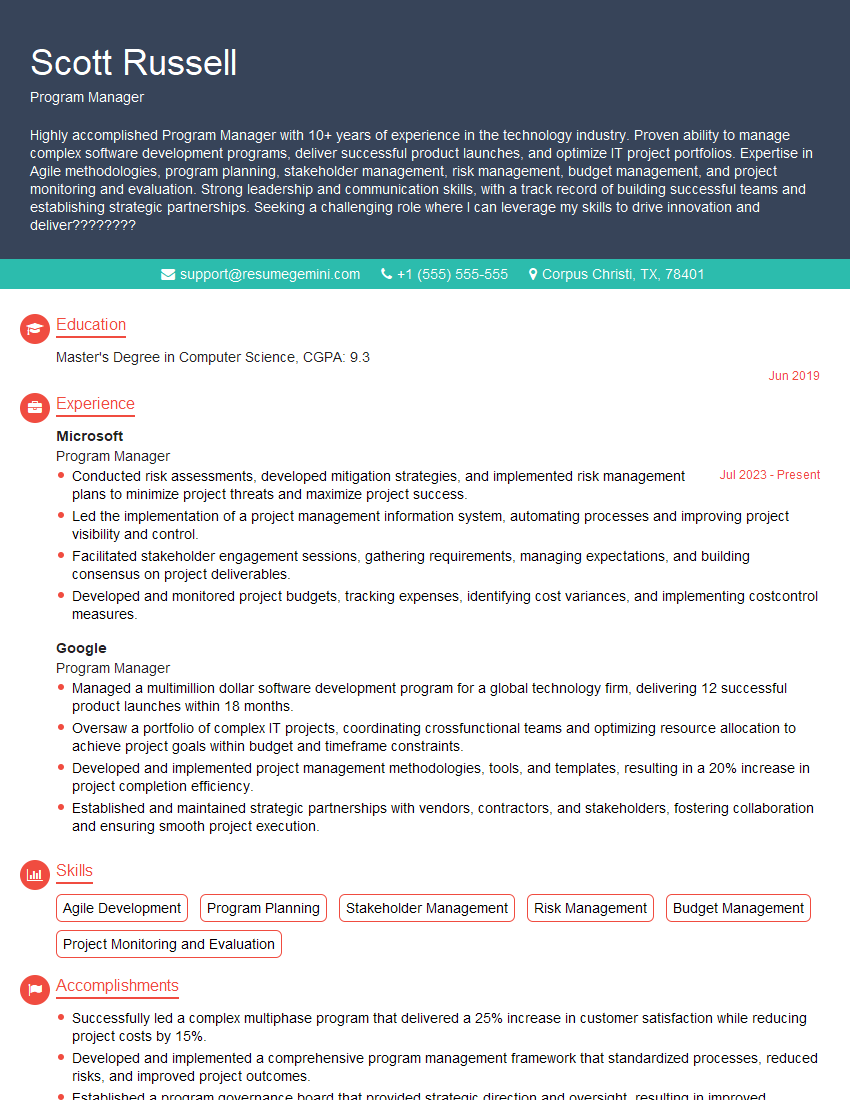
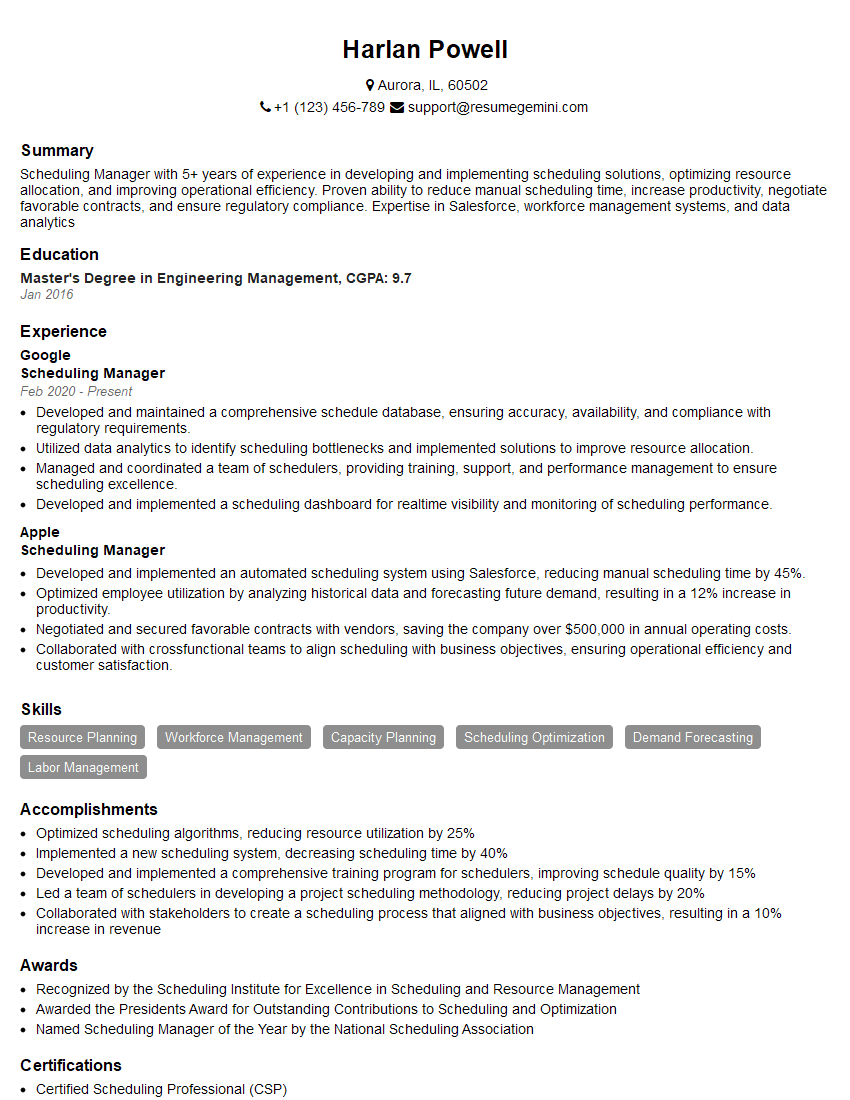
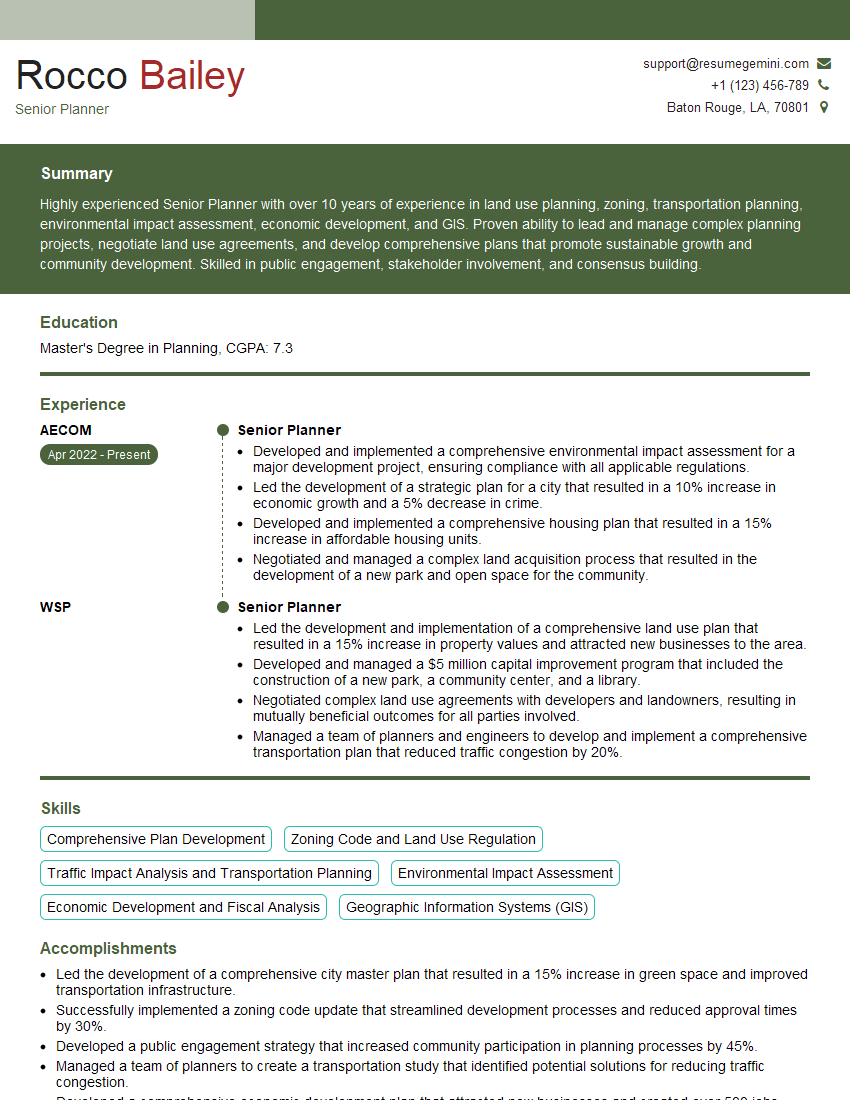
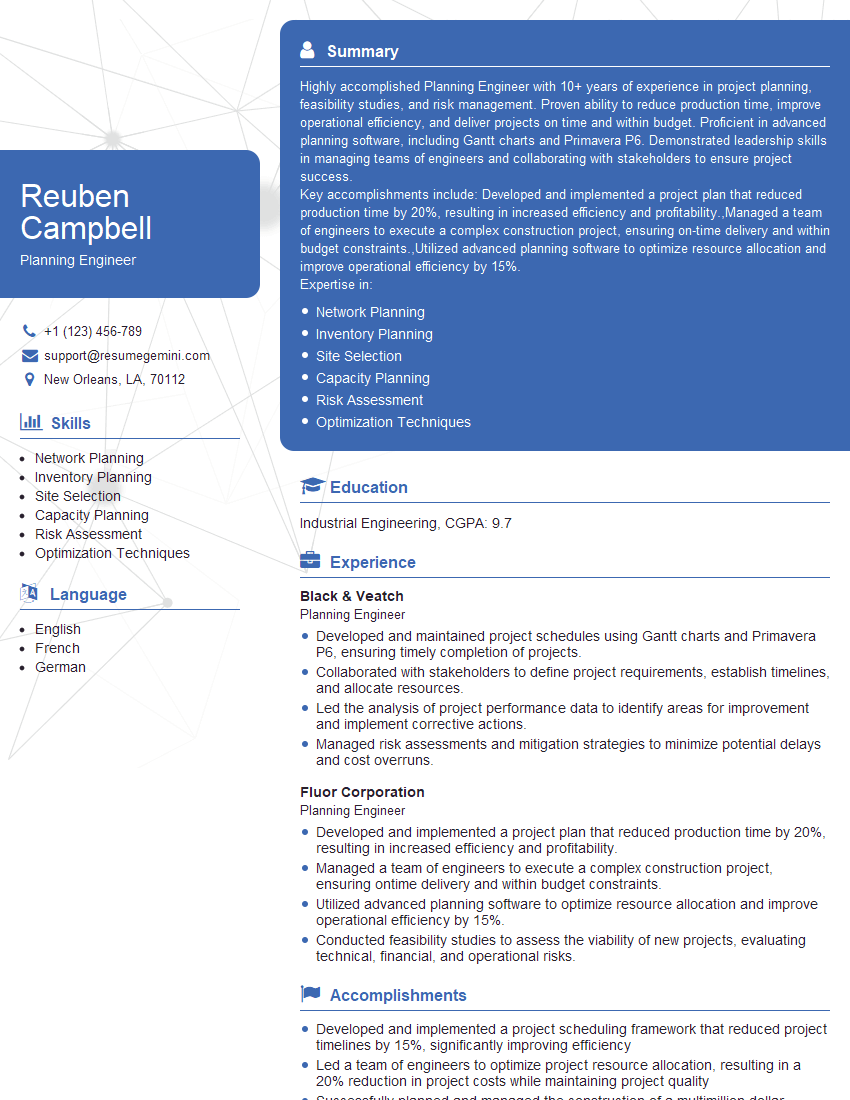
Mastering Critical Path Method (CPM) scheduling significantly enhances your project management skills, opening doors to exciting career opportunities and higher earning potential. A strong understanding of CPM is highly sought after in many industries. To maximize your job prospects, it’s crucial to present your skills effectively. Building an ATS-friendly resume is key to getting your application noticed. ResumeGemini is a trusted resource that can help you create a professional and impactful resume, ensuring your skills and experience shine. Examples of resumes tailored to Critical Path Method (CPM) Scheduling are available to help guide you. Let ResumeGemini help you land your dream job.


Explore more articles
Users Rating of Our Blogs
Share Your Experience
We value your feedback! Please rate our content and share your thoughts (optional).
What Readers Say About Our Blog
To the interviewgemini.com Webmaster.
Very helpful and content specific questions to help prepare me for my interview!
Thank you
To the interviewgemini.com Webmaster.
This was kind of a unique content I found around the specialized skills. Very helpful questions and good detailed answers.
Very Helpful blog, thank you Interviewgemini team.