Preparation is the key to success in any interview. In this post, we’ll explore crucial Engineering Software (e.g., AutoCAD, Aspen HYSYS) interview questions and equip you with strategies to craft impactful answers. Whether you’re a beginner or a pro, these tips will elevate your preparation.
Questions Asked in Engineering Software (e.g., AutoCAD, Aspen HYSYS) Interview
Q 1. Explain your experience with AutoCAD’s various drawing tools.
My experience with AutoCAD’s drawing tools is extensive, encompassing everything from basic line and circle commands to more advanced features like splines and polylines. I’m proficient in using the various modification tools such as trimming, extending, mirroring, and arraying to efficiently manipulate objects. I’ve extensively used the drawing tools to create detailed 2D drawings for various projects, including mechanical designs, architectural floor plans, and site plans.
- Line, Arc, Circle, and Polyline: These fundamental tools form the basis of most drawings. I understand how to precisely control object properties like layer, color, line weight, and linetype.
- Spline and Ellipse: These tools are crucial for creating curved shapes with greater flexibility than arcs and circles. I’ve used them extensively for creating complex geometries and smooth transitions in designs.
- Modify Tools: My expertise extends to using commands like
TRIM,EXTEND,OFFSET,MIRROR, andARRAYto efficiently modify and replicate drawings. I often use theARRAYcommand to create repetitive patterns in mechanical components. - Hatching and Filling: I am proficient in creating various hatch patterns to represent different materials or textures in a drawing, improving visual clarity and communication.
For instance, during a recent project involving the design of a custom furniture piece, I used the spline tool to model the curved backrest and the array command to create the pattern of the legs, ensuring accuracy and efficiency in the design process.
Q 2. Describe your proficiency in creating and managing layers in AutoCAD.
Layer management is crucial for organizing complex drawings and ensuring clarity. I’m highly proficient in creating, renaming, managing, and organizing layers within AutoCAD. I understand the importance of using a logical layer naming convention for efficient project management and collaboration. This includes freezing, thawing, and locking layers to control visibility and prevent accidental modifications.
I typically establish a hierarchical layer structure based on project requirements. For example, I might have layers for architecture, structural elements, mechanical, electrical, and plumbing (MEP) systems, each further subdivided into sub-layers for specific components. This methodical approach ensures a clear and organized drawing even with numerous elements.
Think of layers as stacked transparent sheets. Each layer can contain specific elements, and you can show or hide individual layers to focus on specific aspects of the design. I consistently use this system to improve the efficiency and maintainability of my drawings.
Beyond simple organization, I leverage layer properties such as color, linetype, and lineweight to further enhance visual clarity and quickly distinguish between different elements in complex drawings. For instance, I might assign a specific color to each MEP system, making it easy to identify and manage.
Q 3. How do you handle large and complex AutoCAD drawings?
Handling large and complex AutoCAD drawings requires a strategic approach. My strategies involve optimizing drawing files, employing external references (xrefs), and utilizing AutoCAD’s performance-enhancing features.
- Purge and Audit: Regularly purging unused objects and auditing the drawing for errors helps to keep file sizes manageable and improves performance. It’s like cleaning out your closet – removing unnecessary items makes everything easier to find and manage.
- External References (xrefs): This technique allows you to link separate drawings together, avoiding the need to combine everything into a single massive file. This significantly speeds up file loading and editing. Imagine building with Lego bricks; xrefs are like using pre-assembled modules to build a large structure.
- Viewports: Creating multiple viewports within a single drawing sheet helps to manage the visualization of different areas, especially for large-scale projects. This technique is analogous to viewing a map in different scales.
- Layer Management (as discussed previously): A well-organized layer structure is crucial for efficiently managing large drawings. It’s like creating a detailed index for a large book, allowing quick access to specific sections.
In practice, I regularly employ these techniques, particularly on large-scale projects such as detailed industrial plant layouts or extensive site plans. For example, on a recent large plant design, I managed individual system drawings (piping, electrical, structural) as xrefs, significantly speeding up loading and revision management.
Q 4. Explain your experience with AutoCAD’s annotation features.
AutoCAD’s annotation features are essential for creating professional and easily understandable drawings. My experience encompasses a wide range of annotation tools, including text, dimensions, leaders, and tables. I understand how to use styles and settings to ensure consistency and readability across drawings.
- Text Styles: I create and utilize various text styles to define font, size, height, and other properties for different annotation elements. Consistency is key here – imagine a book with varying fonts and sizes!
- Dimensioning: I’m proficient in creating various dimension types, including linear, angular, radial, and diameter dimensions. Accuracy is paramount here; I understand tolerance and precision settings to ensure the dimensions are clear and accurate.
- Leaders and Callouts: I use leaders and callouts effectively to connect text annotations to specific elements within the drawing, improving readability and clarity.
- Tables: I’m skilled in creating and managing tables for organizing and presenting data within drawings, such as material lists or specifications.
For example, in a recent architectural project, consistent use of text styles ensured the building plans were easy to read, and precise dimensioning was critical for accurate construction. I also created tables for material specifications to facilitate the construction process.
Q 5. How familiar are you with AutoCAD’s customization options?
AutoCAD’s extensive customization options allow tailoring the software to individual workflows and project needs. I’m familiar with using CUI (Custom User Interface) to personalize toolbars, menus, and keyboard shortcuts, significantly enhancing my efficiency. I’ve also created custom LISP routines for automating repetitive tasks.
For instance, I’ve customized my toolbars to include frequently used commands that are relevant to my specific type of work, such as structural design. This saves me time and allows for a more efficient workflow. Similarly, I’ve developed LISP routines to automate tasks such as generating detailed reports from drawing data, reducing the time spent on these tasks.
Customizing AutoCAD isn’t just about personal preference; it’s about optimizing workflow. I always strive to customize my settings to maximize efficiency and minimize errors. The efficiency gains compound over time, leading to significant productivity improvements.
Q 6. Describe your experience using parametric modeling in AutoCAD.
While AutoCAD is primarily known for 2D design, its parametric modeling capabilities, although limited compared to dedicated 3D modeling software, are useful for creating and modifying designs based on parameters. I’ve utilized features like constraints and equations to define relationships between different parts of a design. This allows for easy modification and updating of drawings based on changes in design parameters.
For example, I might create a parametric model of a simple bracket, defining the length, width, and thickness as parameters. Changing any of these parameters automatically updates the entire design, ensuring consistency and preventing errors caused by manual adjustments. It’s like working with a formula where updating one variable updates the entire calculation.
While not as comprehensive as dedicated parametric modeling software, this feature in AutoCAD provides a degree of flexibility and automation that can significantly enhance the design process, especially for simple parts or assemblies.
Q 7. How have you used AutoCAD to collaborate with others on a project?
Collaboration is central to most engineering projects, and I’ve extensively used AutoCAD’s collaborative features to work effectively with others. My experience includes using tools like xrefs for sharing and updating drawings, utilizing cloud-based storage and collaboration platforms, and employing version control systems to track changes and revisions.
- External References (xrefs): Allows seamless sharing and updating of designs among team members. Each member can work on their specific component, and changes are automatically reflected in the main drawing.
- Cloud Storage: Using cloud storage platforms like Dropbox or OneDrive allows for easy access and sharing of drawing files among team members, regardless of location.
- Version Control: While AutoCAD doesn’t have a built-in version control system, I’ve successfully integrated it with external systems like Autodesk Vault or even simple folder structures with clearly labeled revisions, ensuring the ability to revert to older versions if necessary.
For instance, on a recent large-scale project, our team used xrefs to divide the work into manageable sections. This allowed each team member to work concurrently, and using cloud storage made it simple to share and update the designs in real-time. This process significantly accelerated the project timeline and improved collaboration among team members.
Q 8. Explain your experience with Aspen HYSYS’s simulation capabilities.
Aspen HYSYS is a powerful process simulator that I’ve extensively used for various chemical engineering applications. Its simulation capabilities extend beyond simple material balances; it allows for detailed thermodynamic modeling, equipment sizing, and process optimization. I’ve leveraged its robust equation of state solvers and extensive component libraries to model complex systems, from simple distillation columns to intricate refinery processes. For instance, I used HYSYS to simulate a petrochemical plant’s entire process flow, predicting yields, energy consumption, and equipment sizing based on various operating conditions.
The software’s ability to handle different thermodynamic models (like Peng-Robinson or Soave-Redlich-Kwong) is crucial for accurately representing the behavior of various chemical species, ensuring realistic simulation results. I’ve also utilized its advanced features like rigorous flash calculations, which are essential for accurately predicting phase equilibria in complex mixtures.
Q 9. Describe your experience building and running steady-state simulations in Aspen HYSYS.
Building steady-state simulations in Aspen HYSYS involves defining the process flowsheet, specifying equipment parameters (e.g., column trays, reactor volume), selecting appropriate thermodynamic models, and then solving for the system’s equilibrium state. This is usually an iterative process, where HYSYS uses numerical methods to solve a large set of nonlinear equations representing the material and energy balances throughout the process.
For example, in simulating a distillation column, I would define the feed composition, flow rate, pressure, and desired product specifications. I would then specify the number of trays, tray efficiency, and reflux ratio. HYSYS would then calculate the composition and flow rate of the distillate and bottoms products, along with the temperature and pressure profiles within the column. The process of running the simulation involves clicking ‘Run’ and monitoring the convergence. This might require adjusting parameters to ensure convergence and a physically realistic solution.
Example: Specifying a distillation column: Number of stages: 20, Feed stage: 10, Reflux ratio: 3.0Q 10. How do you handle convergence issues in Aspen HYSYS simulations?
Convergence issues in Aspen HYSYS simulations are common and often stem from poor initialization, inappropriate thermodynamic models, or model inconsistencies. My approach to handling them is systematic. First, I carefully review the model for errors – incorrect stream connections, inconsistencies in property specifications, or unrealistic operating conditions. Second, I adjust the convergence parameters within HYSYS, such as the tolerance levels and the solution method. This often involves experimenting with different convergence strategies.
Sometimes, a better initialization is needed. This might involve using a simplified model to obtain a reasonable starting point or using data from similar, simpler simulations. If these steps fail, I’ll examine the thermodynamic model. A different equation of state might be necessary to more accurately represent the behavior of the process fluid. Finally, if the problems persist, I might need to simplify the model by breaking down a complex system into smaller, more manageable sub-systems.
Q 11. Explain your experience with Aspen HYSYS’s dynamic simulation features.
Aspen HYSYS’s dynamic simulation capabilities are vital for analyzing transient behavior and process control. Unlike steady-state simulations, dynamic simulations model the system’s response to changes over time. I’ve used this to simulate startup and shutdown procedures, disturbances (e.g., changes in feed composition or flow rate), and the performance of control systems.
For instance, I used dynamic simulation to model the response of a reactor to a sudden change in feed temperature. The simulation predicted the resulting changes in temperature and concentration profiles within the reactor over time. This allowed us to design a control system that would maintain stable operation despite such disturbances. This requires a good understanding of control systems and experience interpreting the dynamic simulation results, often involving complex plots of variables changing over time.
Q 12. How familiar are you with Aspen HYSYS’s different property packages?
My familiarity with Aspen HYSYS’s property packages is extensive. The choice of property package is crucial for accurate simulation results, as it dictates how the software models the thermodynamic properties of the process fluids. Different packages are suitable for different types of fluids and operating conditions.
I’ve worked with several, including the Peng-Robinson, Soave-Redlich-Kwong, and NRTL property packages. The selection depends on the nature of the fluids involved (e.g., hydrocarbons, water, electrolytes). For example, I would use the Peng-Robinson equation of state for hydrocarbon systems, while the NRTL model might be more suitable for mixtures with significant non-ideal behavior, such as aqueous solutions. Understanding the strengths and limitations of each package is key to obtaining reliable simulation results.
Q 13. Describe your experience using Aspen HYSYS for process optimization.
Aspen HYSYS provides several tools for process optimization. I’ve used these capabilities extensively to improve process efficiency, reduce costs, and enhance product quality. This often involves defining an objective function (e.g., maximize yield, minimize energy consumption) and using optimization algorithms to find the optimal operating parameters.
A real-world example involved optimizing a distillation column’s operation. Using HYSYS’s optimization tools, I was able to find the optimal reflux ratio and number of trays to achieve a specific product purity while minimizing energy consumption. This resulted in significant cost savings for the plant. The optimization process often involves iterative runs, analyzing the results, adjusting parameters, and re-running the simulations until an optimal solution is identified.
Q 14. How have you used Aspen HYSYS to troubleshoot process issues?
Aspen HYSYS is an invaluable tool for troubleshooting process issues. By building a simulation of the process, I can systematically investigate the root causes of problems. For example, if a reactor isn’t achieving the desired conversion, I can use HYSYS to test different operating parameters (temperature, pressure, residence time) to see how they affect the conversion rate. I can also use it to identify bottlenecks in the process flowsheet.
In one project, we were experiencing lower-than-expected yields from a chemical reactor. Using HYSYS, I systematically varied the input parameters and analyzed the sensitivity of the yield to each parameter. This helped us identify that a small leak in the reactor was responsible for the yield reduction. The ability to quickly test different scenarios in a simulated environment is incredibly efficient, helping to significantly reduce the time and cost of identifying and resolving process issues in the real world.
Q 15. Explain your experience with data analysis within Aspen HYSYS.
Data analysis in Aspen HYSYS is crucial for optimizing process designs and troubleshooting operational issues. It goes beyond simply running simulations; it involves extracting meaningful insights from the vast amounts of data generated. My experience involves using HYSYS’ built-in reporting tools to generate various reports, such as material balances, energy balances, and equipment sizing summaries. I’ve extensively used these reports to identify bottlenecks in processes, optimize energy consumption, and validate model assumptions.
For instance, in a project involving a refinery process, I used Aspen HYSYS to model the entire process flow and then extracted data on the energy consumption of each unit operation. By analyzing this data, I was able to identify a heat exchanger operating far below its capacity, which led to recommendations that resulted in significant energy savings and improved efficiency. Furthermore, I’ve leveraged the capability to export data to external analysis tools like Microsoft Excel and Python (using libraries like Pandas and NumPy) to perform more complex statistical analysis, regression modeling, and visualization, further enhancing the depth of my analysis and uncovering patterns not readily apparent within HYSYS itself.
Career Expert Tips:
- Ace those interviews! Prepare effectively by reviewing the Top 50 Most Common Interview Questions on ResumeGemini.
- Navigate your job search with confidence! Explore a wide range of Career Tips on ResumeGemini. Learn about common challenges and recommendations to overcome them.
- Craft the perfect resume! Master the Art of Resume Writing with ResumeGemini’s guide. Showcase your unique qualifications and achievements effectively.
- Don’t miss out on holiday savings! Build your dream resume with ResumeGemini’s ATS optimized templates.
Q 16. What are your preferred methods for validating Aspen HYSYS simulation results?
Validating Aspen HYSYS simulation results is paramount to ensure accuracy and reliability. My preferred methods employ a multi-pronged approach. First, I always compare the simulation results against available plant data (if a real-world plant exists) or published literature data for similar processes. This involves comparing key performance indicators (KPIs) such as conversion rates, yields, and energy consumptions. Discrepancies need careful investigation, often requiring revisiting the model assumptions and parameters.
Secondly, I perform sensitivity analyses to determine how changes in input parameters affect the simulation results. This helps to identify critical parameters and to assess the uncertainty associated with the predictions. Finally, I apply rigorous model validation techniques. This could involve comparing HYSYS predictions against experimental data if such data are available from laboratory tests or pilot plant studies. For example, I might compare simulated product compositions to experimentally measured compositions. Any significant deviations warrant careful review of the thermodynamic models, kinetic parameters, and assumptions made in the HYSYS model.
Q 17. Describe your experience working with P&IDs (Piping and Instrumentation Diagrams).
P&IDs (Piping and Instrumentation Diagrams) are fundamental to process engineering and I have extensive experience reviewing, interpreting, and even creating them. My work involves using P&IDs to understand process flowsheets, equipment specifications, instrumentation, and control systems. This allows me to accurately represent the process within simulation software like Aspen HYSYS. I understand the importance of standard symbols and notations in P&IDs, ensuring consistency and clear communication.
For instance, I’ve worked on projects where I used P&IDs to identify potential hazards in process flows and recommend modifications to improve safety and reliability. I am proficient in using software like AutoCAD P&ID to create and modify these diagrams, ensuring they’re precise, compliant with industry standards, and accurately reflect the intended process design. A strong understanding of P&IDs directly influences the accuracy and reliability of process simulations and helps identify potential issues early in the design stage.
Q 18. How would you troubleshoot a problem in a complex CAD drawing?
Troubleshooting a complex CAD drawing requires a systematic approach. My strategy begins with understanding the problem’s nature – is it a geometric error, a layer issue, missing data, or a problem with the drawing’s overall structure? I start by isolating the problematic area of the drawing.
Next, I use CAD’s tools to inspect the affected region. This might involve checking coordinates, layer properties, object properties, and relationships between different parts of the drawing. I might use features like ‘audit’ or ‘check geometry’ to identify potential issues automatically. If the issue persists, I’ll systematically examine the drawing history, reviewing previous revisions to pinpoint when the error was introduced. Often, the solution is fairly straightforward, like incorrect snap settings, unintended object modifications, or missing constraints. However, for complex issues, I will meticulously investigate the drawing, leveraging CAD’s tools to trace the source of the problem. Collaboration with colleagues or consulting documentation or online forums is also very effective. A methodical approach is key—rushing can lead to more problems.
Q 19. Explain your experience with 3D modeling software (mention specific software if applicable).
My experience with 3D modeling software is extensive, primarily with Autodesk Inventor. I’ve used Inventor to create detailed 3D models of equipment and process systems, including piping, vessels, and structural components. This extends beyond simple visualizations; I’ve used Inventor for detailed design, creating assemblies and generating manufacturing drawings. I’m familiar with the constraints, features, and assembly management capabilities of Inventor, crucial for creating accurate and comprehensive 3D models.
For instance, in one project I created a 3D model of a complex heat exchanger using Inventor. This model allowed me to accurately analyze the space requirements, piping configurations, and accessibility for maintenance before construction. This prevented costly rework and ensured efficient installation. Beyond model creation, I’ve used Inventor to generate detailed production drawings and bill of materials (BOMs), streamlining the manufacturing process and facilitating communication between engineering and production teams.
Q 20. How familiar are you with data extraction and reporting from engineering software?
Data extraction and reporting from engineering software are essential for informed decision-making. My experience includes using various methods to extract data from Aspen HYSYS, AutoCAD, and Inventor. This includes utilizing built-in reporting tools and employing scripting and programming. For example, I regularly use HYSYS’s reporting tools to generate detailed process summaries and equipment specifications. I am proficient in exporting data in various formats (CSV, Excel, etc.) for further analysis in other software.
For more complex extraction tasks, I employ scripting (e.g., Python) to automate the data retrieval process and to manipulate data for specific reports. This is especially useful for extracting large datasets that would be tedious to manage manually. For instance, I wrote a Python script to extract specific data points from a large Aspen HYSYS simulation and automatically generate a customized report with relevant graphs and analysis, significantly reducing manual effort and improving efficiency.
Q 21. Describe your experience with version control systems in an engineering context (e.g., Git).
Version control is fundamental for collaborative engineering projects. I’m familiar with Git, having used it extensively to manage CAD drawings, simulation files, and other project documents. I understand the concepts of branching, merging, committing, and pushing changes to a central repository. This ensures that changes are tracked, conflicts are resolved efficiently, and everyone works with the most up-to-date versions of the project files.
Using Git in an engineering context improves collaboration, prevents data loss, and streamlines the process of reviewing and approving design changes. I typically utilize platforms like GitHub or GitLab to host our repositories, enabling seamless collaboration among team members. For instance, I’ve utilized Git to manage revisions of large CAD drawings, where multiple engineers contributed to the design. This ensured that everyone had access to the latest revisions and that conflicts were promptly resolved.
Q 22. Explain your experience with scripting or automation in engineering software.
Scripting and automation are crucial for boosting efficiency and accuracy in engineering software. I’ve extensively used VBA (Visual Basic for Applications) within AutoCAD to automate repetitive tasks like creating blocks, generating reports from drawing data, and performing complex geometric calculations. For example, I developed a VBA script that automatically extracts dimensions from hundreds of AutoCAD drawings and compiles them into a spreadsheet, saving countless hours of manual data entry. In Aspen HYSYS, I’ve leveraged its scripting capabilities using Python to streamline process simulations. This included automating the creation of numerous simulation cases with varying parameters, analyzing results, and generating comprehensive reports. This automated process drastically reduced the time needed for parameter studies, allowing for more extensive optimization.
Another example involves using Dynamo in Revit to automate BIM (Building Information Modeling) tasks. I created a Dynamo script to automatically generate detailed schedules for various building elements based on data extracted from the Revit model. This ensured consistency and reduced the risk of manual errors in generating reports.
Q 23. How do you ensure the accuracy and consistency of your engineering drawings/simulations?
Ensuring accuracy and consistency in engineering drawings and simulations is paramount. My approach involves a multi-layered strategy. Firstly, I meticulously follow established standards and best practices, adhering to company guidelines and relevant industry standards like ASME or ISO. This includes using standardized templates, consistent layer organization, and clear annotation procedures in CAD software. In simulations, this means rigorously verifying data inputs, using validated models, and performing sensitivity analysis to assess the impact of input uncertainties.
Secondly, I employ rigorous quality checks at every stage of the process. In CAD, this involves thorough dimensioning, tolerance checks, and design reviews. For simulations, I utilize techniques such as independent verification and validation (IV&V) to compare results with expected values and potentially different simulation techniques. I also leverage built-in validation tools within the software, and where applicable, incorporate independent calculation methods to verify the software results.
Finally, documentation is key. I meticulously document all assumptions, methods, and results to ensure transparency and traceability. This facilitates easier debugging, audits, and future modifications.
Q 24. Describe a time you had to solve a complex problem using engineering software.
During a project involving the optimization of a chemical process plant, we faced a complex challenge in Aspen HYSYS. The simulation exhibited unexpected behavior, producing unrealistic results under specific operating conditions. After initial troubleshooting proved fruitless, I systematically investigated potential causes. This involved meticulously reviewing the process model for errors, validating thermodynamic properties, and analyzing the solver settings. The problem ultimately stemmed from an overlooked incompatibility between the chosen thermodynamic model and the specific chemical components in the simulation.
My solution involved a multi-step approach: first, a thorough literature review to identify a more appropriate thermodynamic model. Then, I implemented the new model in Aspen HYSYS, carefully validating the results against experimental data. This required a deep understanding of the underlying thermodynamic principles and the ability to adapt and refine the simulation to account for this new information. Finally, I documented the entire troubleshooting process, including the identified issue, the solution implemented, and the results achieved, to prevent similar issues in future projects. This systematic approach not only solved the immediate problem but also enhanced my understanding of Aspen HYSYS capabilities and limitations.
Q 25. What is your preferred method for organizing and managing your engineering files?
Organizing and managing engineering files is critical for efficiency and collaboration. I adhere to a structured folder system based on project name, discipline (e.g., mechanical, electrical, piping), and file type. Within each project folder, I maintain subfolders for drawings, simulations, reports, and other relevant documents. For CAD drawings, I use a naming convention consistent with company standards, ensuring clear identification and easy retrieval. For simulations, I meticulously document the input parameters, assumptions, and results, saving them in a structured format.
I also utilize version control systems, such as SharePoint or similar platforms, to manage revisions and track changes to design files and simulation results. This allows easy collaboration, avoids accidental overwriting of files, and enables seamless access to previous versions if needed. Cloud storage solutions further enhance accessibility and allow for easy backup and data protection.
Q 26. How do you stay updated with the latest advancements in engineering software?
Staying updated with advancements in engineering software is an ongoing process. I actively participate in online forums, webinars, and industry conferences to stay abreast of new features and capabilities. I subscribe to newsletters and publications from leading software vendors and regularly follow industry blogs and websites dedicated to engineering software. Furthermore, I dedicate time to exploring online tutorials and training materials provided by software vendors, and often take advantage of free online courses or workshops to deepen my understanding of the software and its applications.
I also actively seek opportunities to experiment with new features and software updates on personal projects, applying new skills in practical ways to reinforce my learning and discover innovative uses for the software.
Q 27. How do you approach learning new engineering software packages?
Learning new engineering software packages requires a structured approach. I begin by understanding the software’s capabilities and identifying relevant training resources (online courses, tutorials, manuals). I then systematically work through the tutorials, focusing on fundamental concepts and core functionalities. Next, I transition to working on smaller practice projects to reinforce my understanding and develop practical skills. This hands-on approach is vital to internalizing concepts and troubleshooting common challenges. As my proficiency improves, I undertake increasingly complex projects to further refine my skills and explore the software’s advanced features.
I find it helpful to break down the learning process into manageable modules, focusing on mastering one aspect at a time before moving on to the next. I also find that collaborating with experienced users or engaging in online communities can significantly enhance my understanding and accelerate the learning curve.
Q 28. Describe your understanding of industry standards and best practices related to engineering software.
Understanding industry standards and best practices is crucial for producing high-quality, reliable engineering work. My knowledge spans relevant standards such as ASME Y14.5 for dimensioning and tolerancing, ISO standards for various engineering disciplines, and company-specific design guidelines. I am familiar with best practices regarding data management, version control, and documentation, crucial for efficient collaboration and maintaining a clear audit trail. Furthermore, I understand the importance of adhering to safety regulations and industry-specific codes of practice, ensuring the safety and integrity of the designs and simulations I create.
Staying informed on these standards and best practices involves continuous professional development and engaging with industry publications and updates from relevant regulatory bodies. Adherence to these standards ensures that the work I produce meets the highest levels of quality, reliability, and safety.
Key Topics to Learn for Engineering Software (e.g., AutoCAD, Aspen HYSYS) Interview
Ace your engineering software interview by mastering these key areas. Focus on both the theoretical understanding and practical application to showcase your skills effectively.
- AutoCAD:
- Fundamentals: Drawing tools, layers, object snaps, and coordinate systems. Understand the difference between 2D and 3D modeling.
- Practical Application: Creating detailed drawings of mechanical parts, generating construction plans, and using AutoCAD for design visualization. Be prepared to discuss specific projects where you utilized these skills.
- Advanced Techniques: Explore parametric drawing, blocks, xrefs, and data extraction for efficient workflow.
- Aspen HYSYS:
- Process Simulation Fundamentals: Understanding thermodynamic principles, process flow diagrams (PFDs), and material and energy balances.
- Practical Application: Modeling chemical processes, optimizing process parameters, and performing sensitivity analysis. Be ready to discuss specific simulations you’ve run and the results obtained.
- Advanced Concepts: Explore advanced modeling techniques, such as reactor modeling, distillation column design, and control system integration.
- General Software Proficiency:
- Demonstrate efficient file management and data organization within the software.
- Showcase your problem-solving skills by describing how you overcame technical challenges within the software.
- Highlight your ability to learn and adapt to new software features and updates.
Next Steps
Mastering engineering software like AutoCAD and Aspen HYSYS is crucial for career advancement in this field. It opens doors to exciting projects and higher-level positions. To increase your chances of landing your dream job, invest time in creating a strong, ATS-friendly resume that highlights your skills and experience effectively. ResumeGemini is a trusted resource to help you build a professional and impactful resume. Examples of resumes tailored to Engineering Software roles, showcasing AutoCAD and Aspen HYSYS expertise, are available to help guide you.
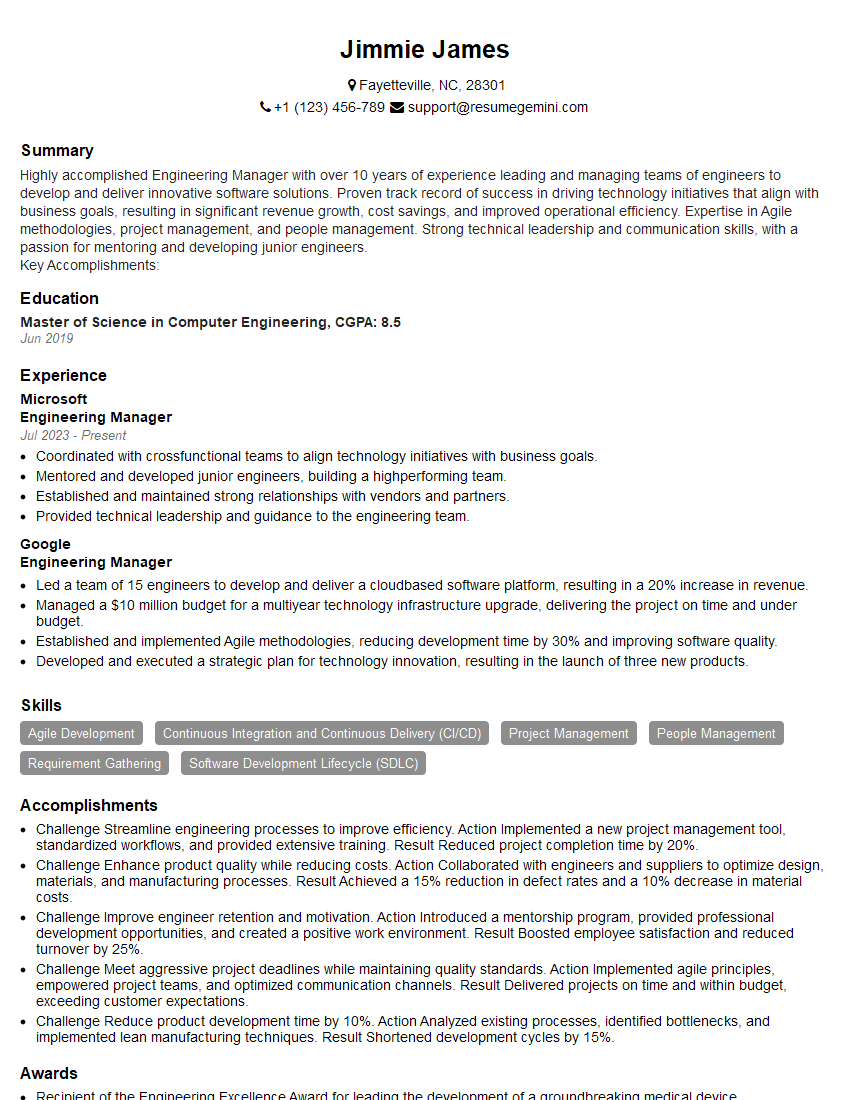
Engineering Manager Resume Sample

Project Engineer Resume Sample
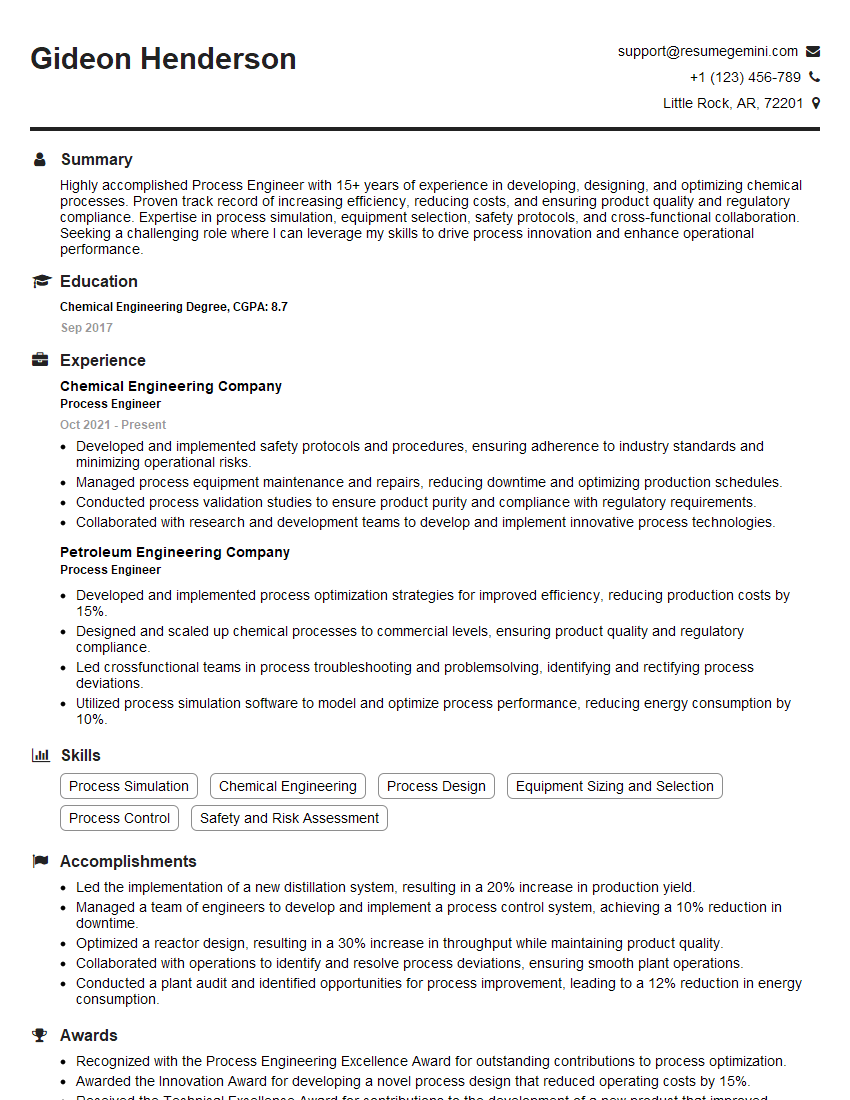
Process Engineer Resume Sample

Automation Engineer Resume Sample

Design Engineer Resume Sample
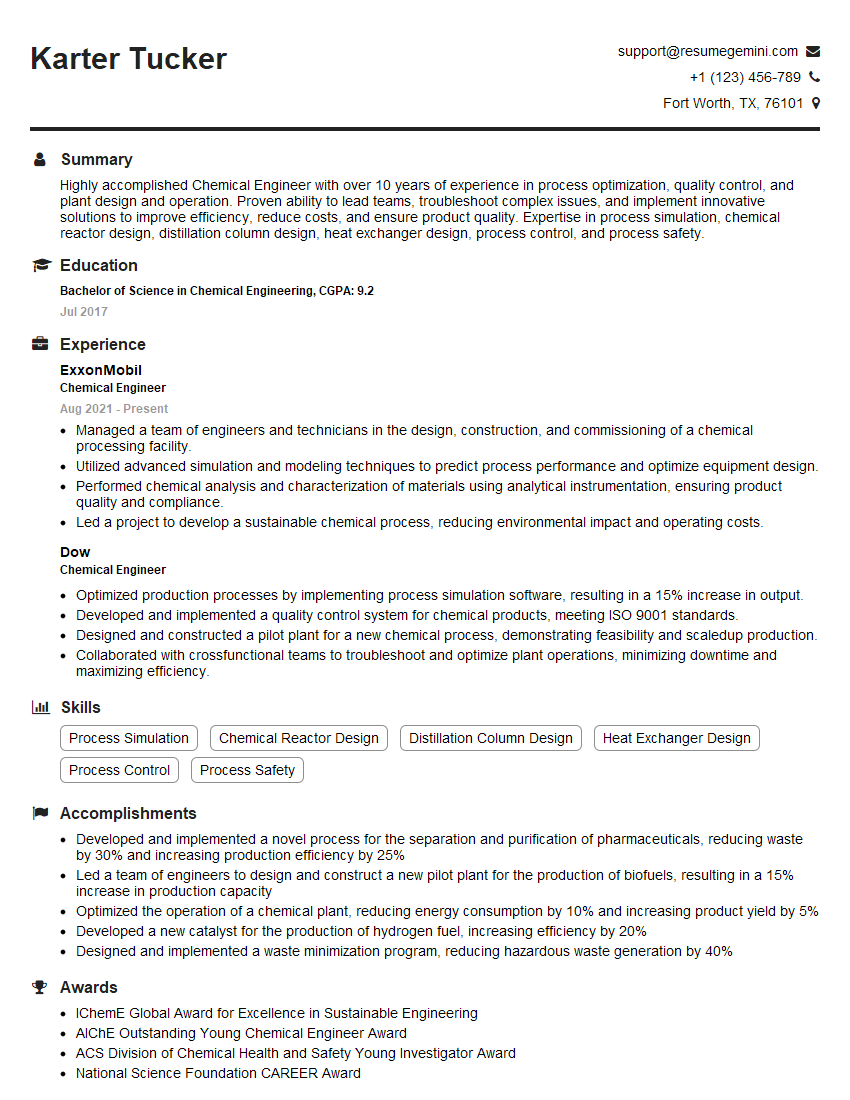
Chemical Engineer Resume Sample
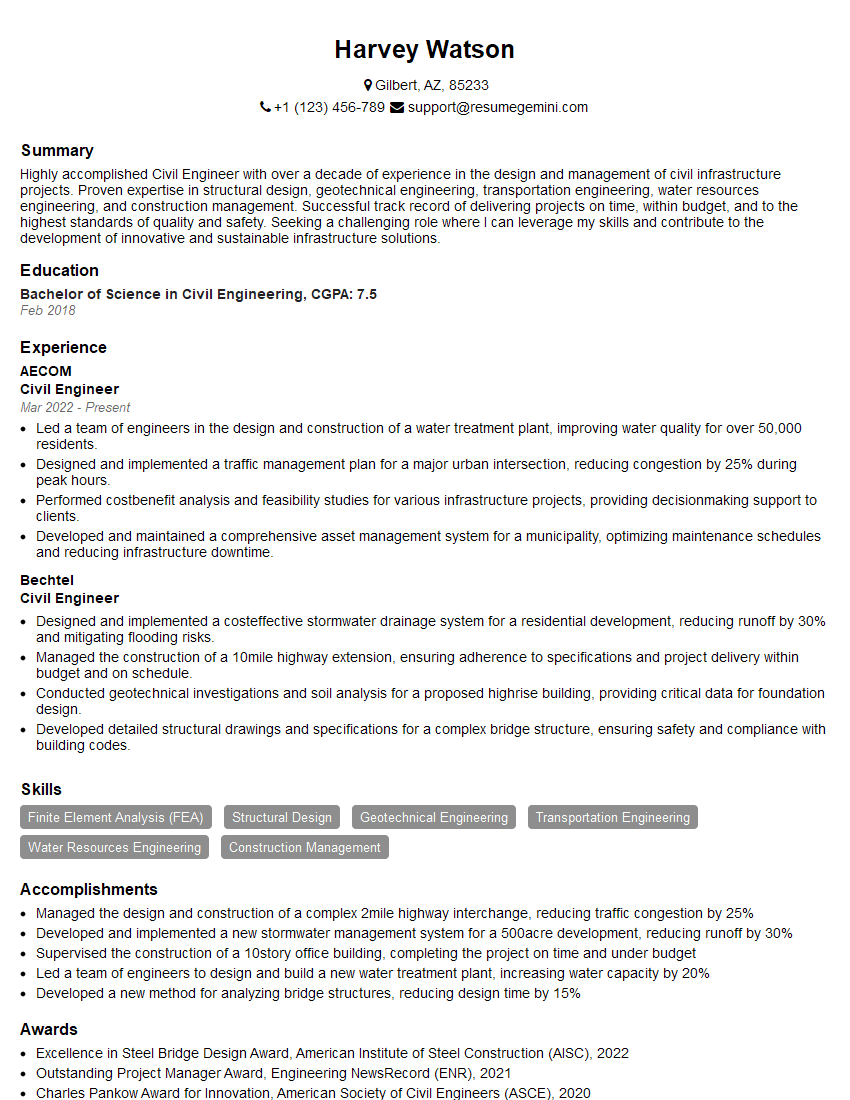
Civil Engineer Resume Sample
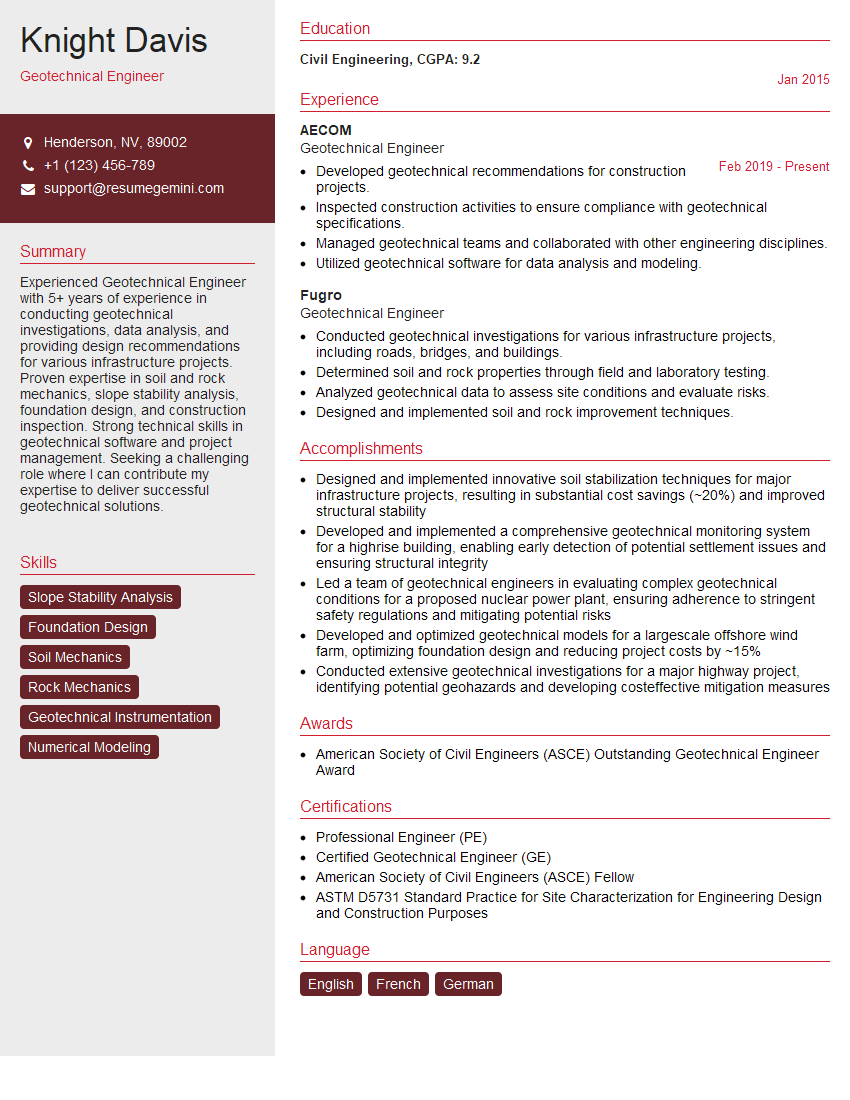
Geotechnical Engineer Resume Sample
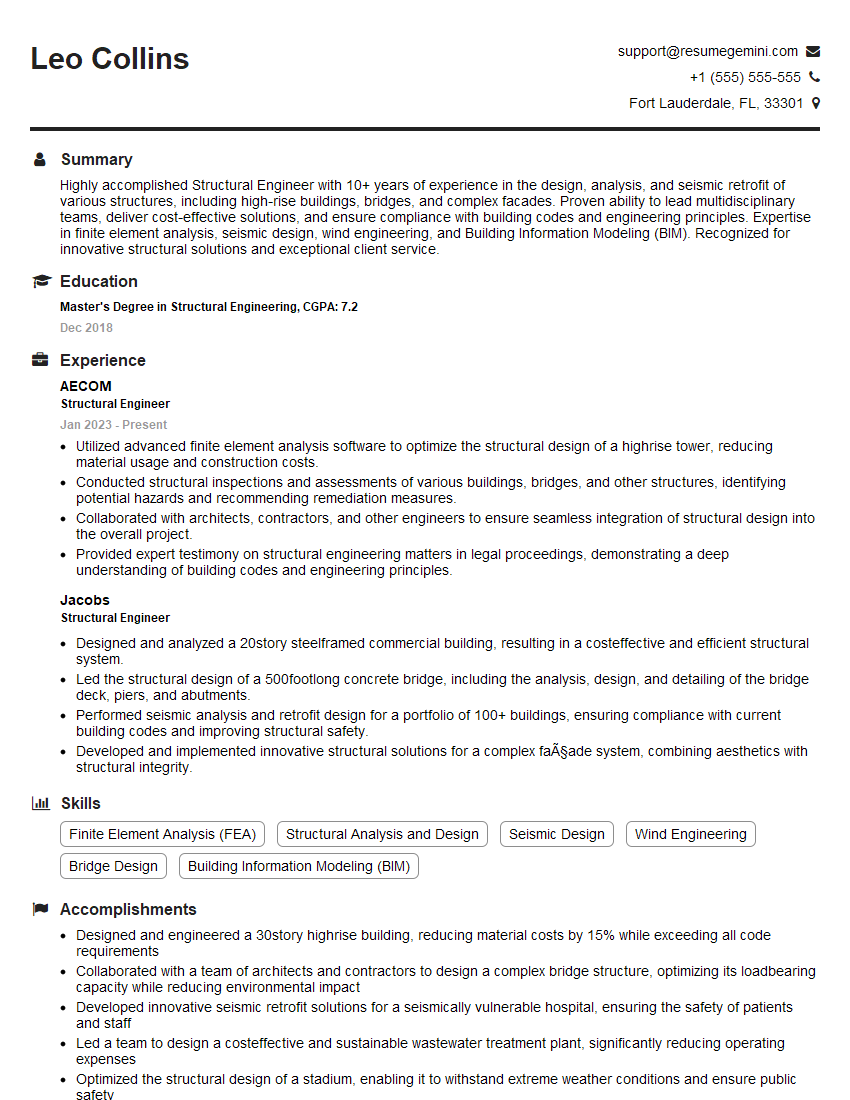
Structural Engineer Resume Sample

Electrical Engineer Resume Sample
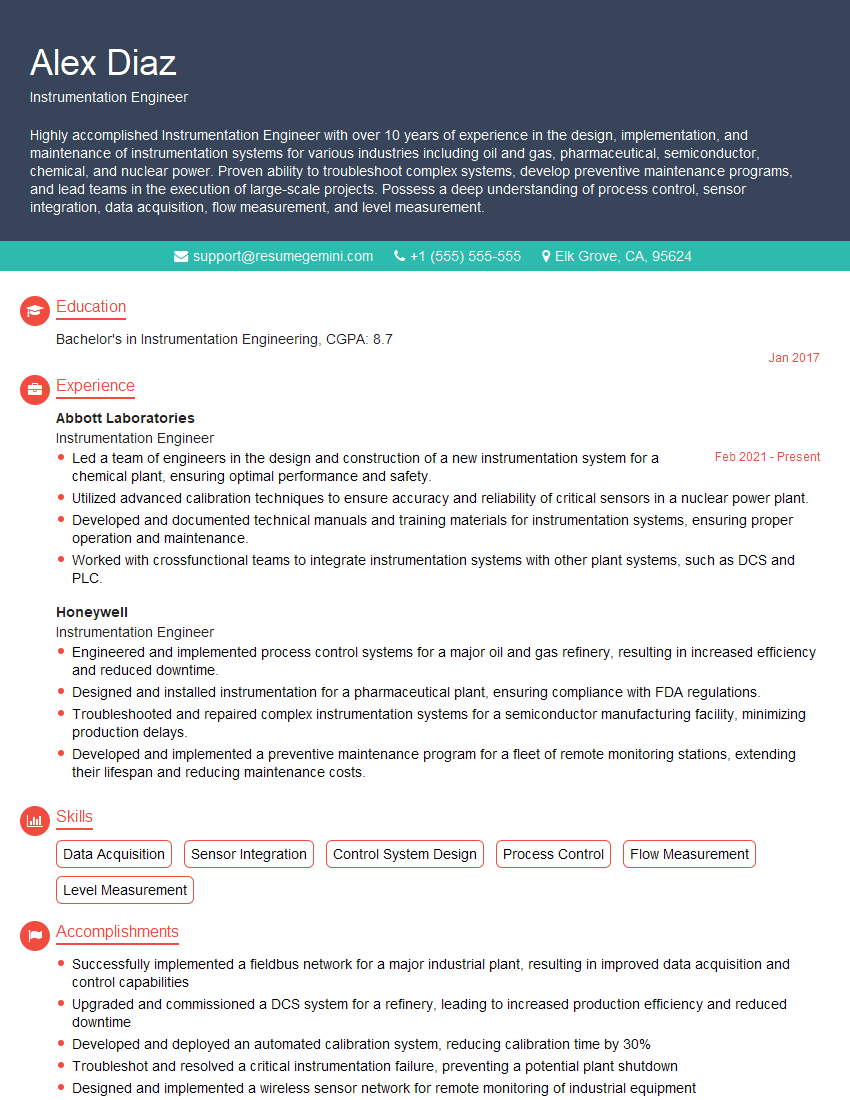
Instrumentation Engineer Resume Sample
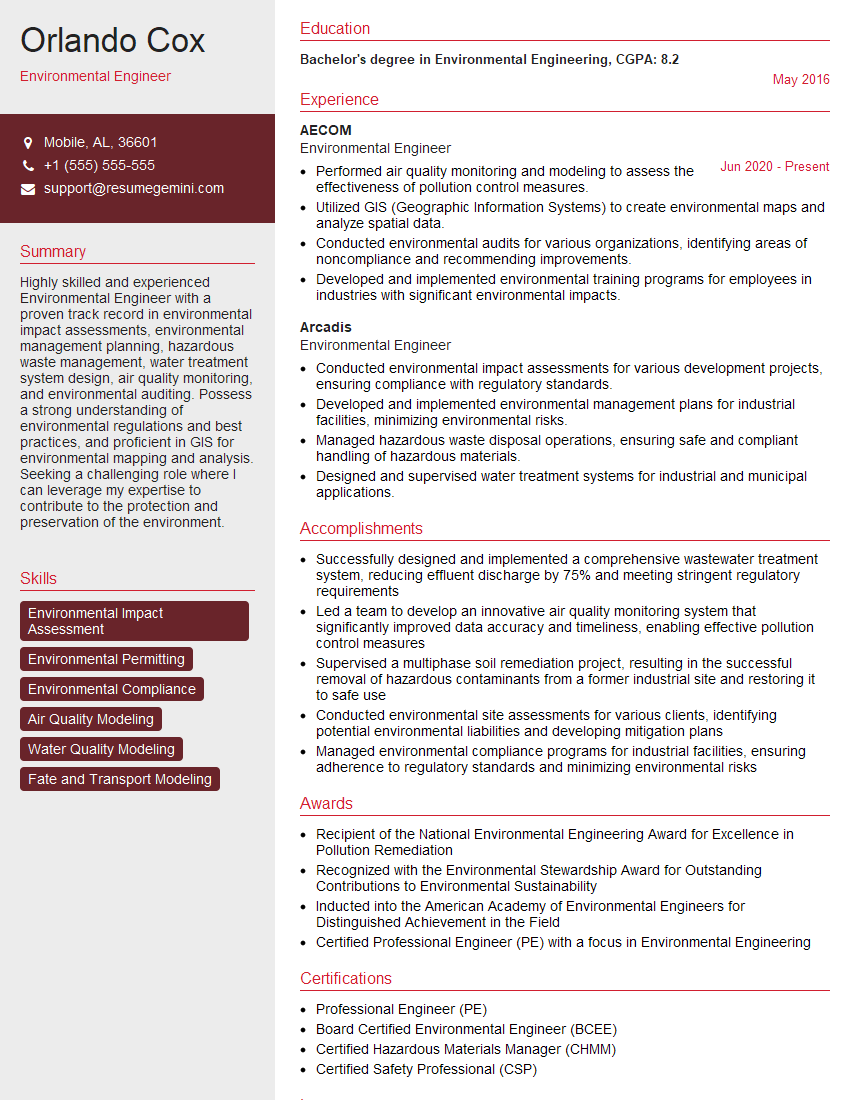
Environmental Engineer Resume Sample
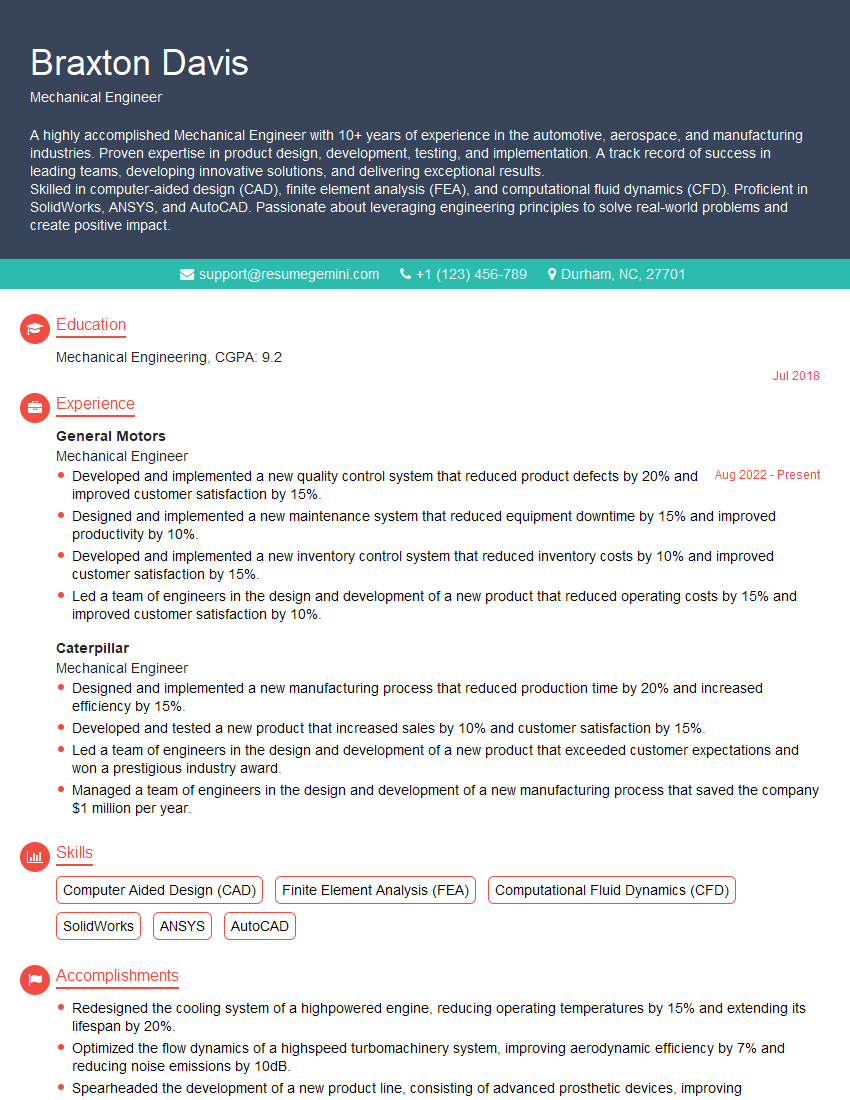
Mechanical Engineer Resume Sample
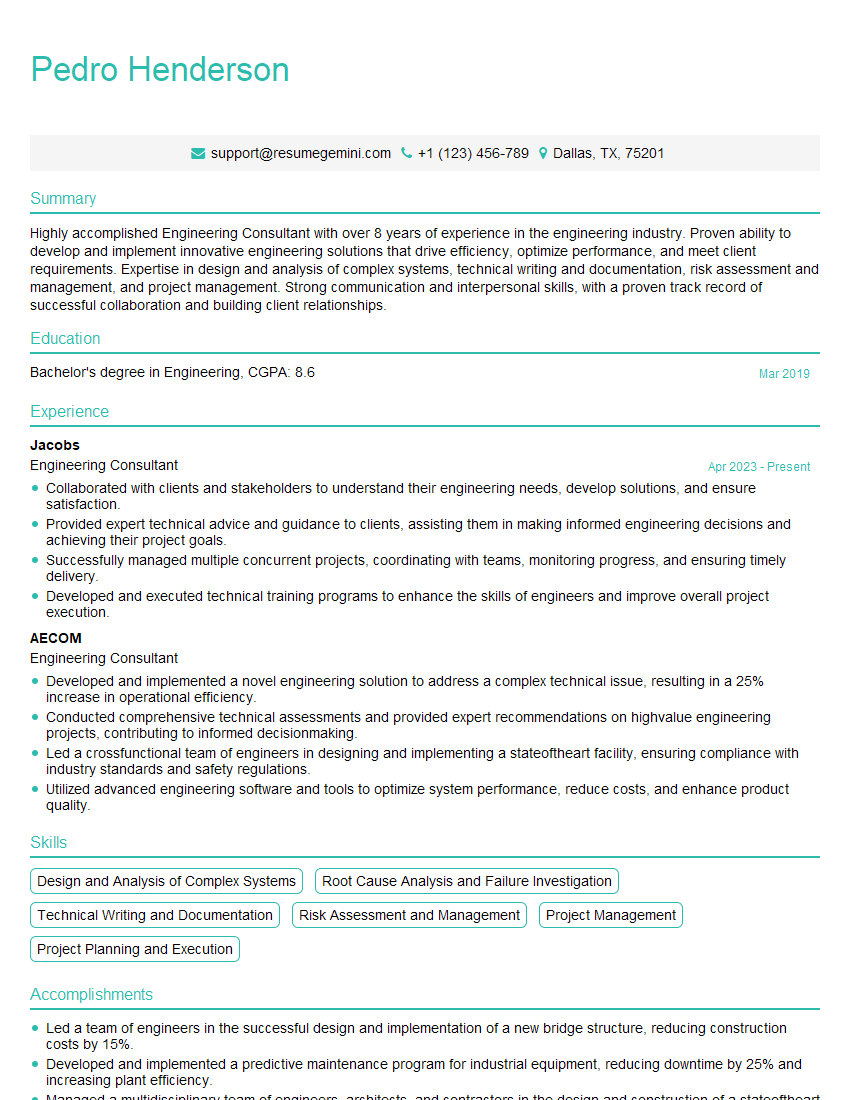
Engineering Consultant Resume Sample
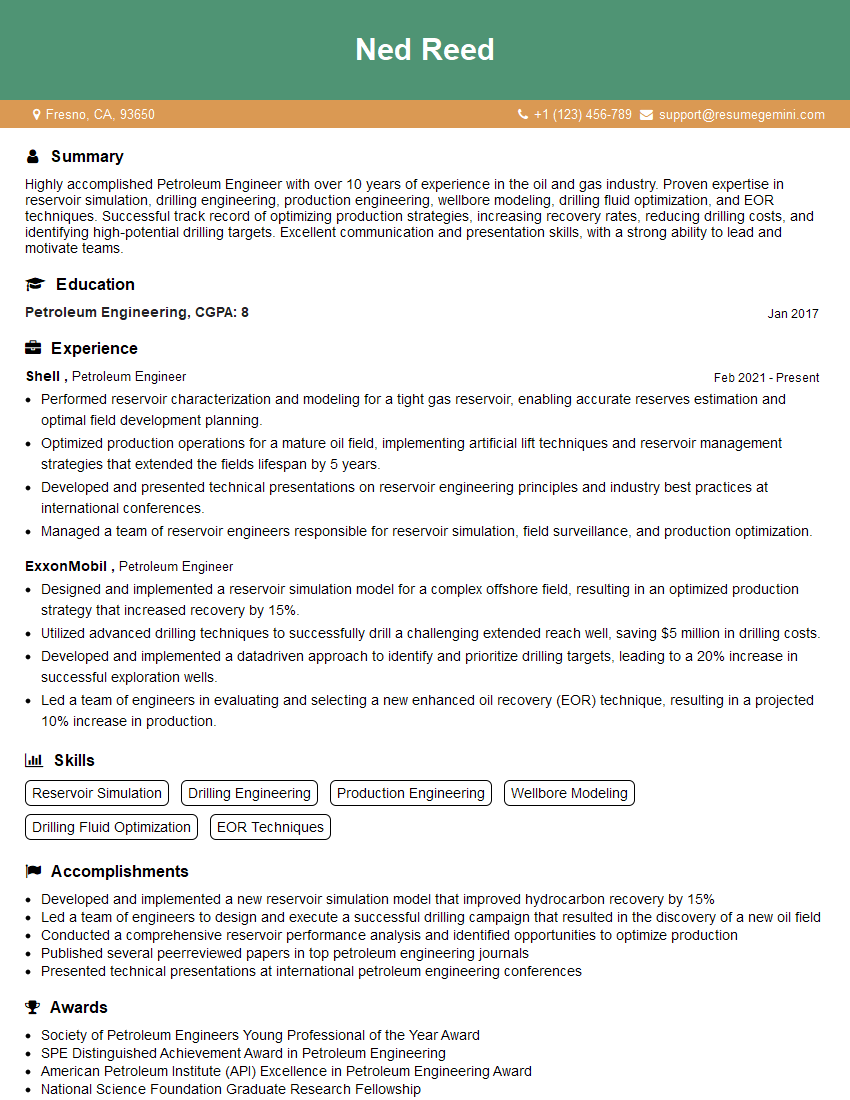
Petroleum Engineer Resume Sample

Control Systems Engineer Resume Sample
- Engineering Manager
- Project Engineer
- Process Engineer
- Automation Engineer
- Design Engineer
- Chemical Engineer
- Civil Engineer
- Geotechnical Engineer
- Structural Engineer
- Electrical Engineer
- Instrumentation Engineer
- Environmental Engineer
- Mechanical Engineer
- Engineering Consultant
- Petroleum Engineer
- Control Systems Engineer
Explore more articles
Users Rating of Our Blogs
Share Your Experience
We value your feedback! Please rate our content and share your thoughts (optional).
What Readers Say About Our Blog
To the interviewgemini.com Webmaster.
Very helpful and content specific questions to help prepare me for my interview!
Thank you
To the interviewgemini.com Webmaster.
This was kind of a unique content I found around the specialized skills. Very helpful questions and good detailed answers.
Very Helpful blog, thank you Interviewgemini team.