The thought of an interview can be nerve-wracking, but the right preparation can make all the difference. Explore this comprehensive guide to Intelligence Analysis Software (e.g., Palantir, Tableau) interview questions and gain the confidence you need to showcase your abilities and secure the role.
Questions Asked in Intelligence Analysis Software (e.g., Palantir, Tableau) Interview
Q 1. Explain the difference between a relational database and a graph database. Which is better suited for intelligence analysis and why?
Relational databases organize data into tables with rows and columns, linked by relationships between tables. Think of it like a meticulously organized filing cabinet, where each drawer is a table and each file is a record. Graph databases, on the other hand, represent data as nodes (entities) and edges (relationships) – essentially a network. Imagine a social network where people are nodes and their connections are edges.
For intelligence analysis, graph databases are generally better suited. Intelligence work often involves exploring complex relationships between individuals, organizations, locations, and events. A graph database’s inherent ability to represent these connections directly makes it far easier to identify patterns and connections that might be missed in a relational database. For instance, finding a hidden connection between seemingly disparate entities like a company, a specific individual, and a series of financial transactions would be significantly easier and faster in a graph database than trying to join multiple tables in a relational database.
Relational databases are valuable when dealing with structured, well-defined data with clear relationships; graph databases excel when navigating complex, interwoven relationships that are not easily defined through pre-set schemas.
Q 2. Describe your experience with data cleaning and preprocessing techniques within Palantir or Tableau.
My experience with data cleaning and preprocessing in Palantir and Tableau involves a multi-step process that begins with identifying inconsistencies, handling missing values and outliers, and transforming data into a usable format. In Palantir, I’ve extensively used its data transformation tools to standardize data formats, cleanse inconsistent entries, and filter irrelevant information. For example, I’ve addressed inconsistencies in date formats, standardized spellings of names and locations, and used its powerful filtering capabilities to exclude erroneous records. Tableau’s data preparation features are also essential – I’ve leveraged its data cleaning tools to create calculated fields, handle null values using appropriate imputation methods (mean, median, or mode), and reshape the data for effective analysis.
A specific example involved a project where we were working with financial transaction data from multiple sources. Each source had different formats and naming conventions. Using Palantir, I created custom data transformations to unify these inconsistencies. This involved automated data cleansing using regular expressions to correct typos and inconsistencies, and also manual review for complex cases where automation wasn’t sufficient.
Q 3. How would you use Palantir to identify and visualize key relationships within a complex dataset?
Palantir’s strength lies in its ability to visualize complex relationships. To identify and visualize key relationships, I’d leverage its graph visualization capabilities. First, I’d load the data into Palantir, ensuring the data is properly structured with appropriate entity types and relationships defined. Then, I’d use Palantir’s visual exploration tools to navigate the graph and identify patterns. For instance, if we’re investigating a potential terrorist network, I would define entities like ‘individuals’, ‘organizations’, ‘locations’, and ‘financial transactions’. The relationships might include ‘membership’, ‘communication’, ‘travel’, and ‘financial transfers’.
Palantir allows for dynamic exploration. I can interactively filter and search the data based on specific criteria, highlighting key individuals, groups, and connections. The visual representation, often a network graph, helps readily identify central figures, clusters of activity, and potential weak points in the network. Further, Palantir allows for the generation of various reports and visualizations, which can be exported and shared with other analysts. I might create subgraphs focused on specific relationships for detailed analysis or create summary reports that highlight key insights from the investigation.
Q 4. What are the advantages and disadvantages of using Tableau for data visualization in an intelligence context?
Tableau is a powerful tool for data visualization, but its applicability in an intelligence context has both advantages and disadvantages.
- Advantages: Tableau’s ease of use and intuitive interface allow analysts to quickly create interactive dashboards and visualizations, which facilitates efficient communication of findings to stakeholders. Its ability to connect to various data sources and its strong charting capabilities make it suitable for presenting data summaries and trends effectively.
- Disadvantages: Tableau’s strength lies in its visual presentation of aggregated data; it’s less adept at handling the complex, interconnected data typical in intelligence work, particularly the nuanced relationships revealed through graph analysis. Its security features, while improving, might not always meet the stringent requirements of handling sensitive intelligence data. Finally, it doesn’t offer the same level of sophisticated graph analysis and link analysis capabilities as specialized tools like Palantir.
In summary, Tableau is excellent for presenting findings and communicating insights from cleaned data, but it’s often not the primary tool for the initial data analysis and complex relationship identification phases of intelligence work. It’s a valuable complementary tool, not a replacement for purpose-built intelligence analysis platforms.
Q 5. Explain your understanding of data governance and its importance in intelligence analysis.
Data governance in intelligence analysis is the framework for managing data throughout its lifecycle – from collection to disposal. It ensures data quality, accuracy, accessibility, security, and compliance with legal and ethical standards. Think of it as the rule book for handling sensitive information.
Its importance is paramount. Inaccurate or incomplete data can lead to flawed conclusions, compromising operations and potentially endangering lives. Strict security protocols are crucial to prevent unauthorized access or leaks of sensitive intelligence information. Compliance with data privacy regulations like GDPR is essential to avoid legal repercussions. A robust data governance framework provides clear guidelines, processes, and roles to ensure responsible and ethical data handling, fostering trust and confidence in the intelligence product.
Q 6. How would you handle missing data in a dataset used for intelligence analysis?
Handling missing data is a critical aspect of intelligence analysis. Ignoring it can lead to biased results and inaccurate conclusions. My approach is multi-faceted and depends on the context and nature of the missing data.
- Imputation: For missing numerical values, I might use mean, median, or mode imputation; for categorical values, I might use the most frequent category or a more sophisticated method like k-nearest neighbors (KNN). However, imputation introduces bias, so I carefully evaluate its impact.
- Deletion: If the missing data is extensive or non-random (indicating a systematic issue), complete case deletion might be necessary. The risk here is losing a significant portion of the data, possibly leading to a reduction in statistical power.
- Model-Based Imputation: More advanced methods like multiple imputation or Expectation-Maximization (EM) algorithms can provide more robust estimations, particularly when dealing with complex patterns of missing data.
- Data Augmentation: In certain cases, I could explore methods like data augmentation to synthesise new data points. This requires careful consideration of the underlying data distribution to avoid introducing unrealistic values.
The choice of method heavily depends on the amount of missing data, the reasons behind the missingness (is it Missing Completely at Random (MCAR), Missing at Random (MAR), or Missing Not at Random (MNAR)?), and the impact on downstream analyses. Documentation is key, so I carefully record the chosen method and its rationale to allow for reproducibility and scrutiny.
Q 7. Describe your experience with different data visualization techniques (e.g., charts, graphs, maps).
My experience encompasses a wide range of data visualization techniques tailored to the specific context of the analysis.
- Charts: Bar charts and pie charts are effective for showing the frequency of categorical variables; line charts are excellent for demonstrating trends over time; scatter plots reveal correlations between numerical variables. I’d use them to display summaries and key findings in a clear and concise manner.
- Graphs: Network graphs (using tools like Palantir) are indispensable for visualizing relationships between entities. These are crucial for understanding complex networks in intelligence analysis. Node size and color can be used to convey additional information, such as importance or activity level.
- Maps: Geographic Information Systems (GIS) maps are essential for analyzing spatial data, displaying locations of events or entities, and understanding geographic patterns. Using geo-coded data, I can create maps showing movement patterns, proximity analysis, or crime hotspots.
- Other Visualizations: Heatmaps are useful for visualizing patterns in large matrices of data, and treemaps help to understand hierarchical data.
The selection of visualization techniques is crucial for communicating insights effectively. I always consider the audience and choose the methods that best convey the key findings in a clear and understandable way, avoiding unnecessary complexity or obfuscation.
Q 8. How would you use Tableau to create an interactive dashboard for presenting intelligence findings?
Creating an interactive intelligence dashboard in Tableau involves leveraging its powerful visualization and data manipulation capabilities. I would begin by connecting to the relevant data sources, which might include databases, spreadsheets, or even APIs containing intelligence findings. Then, I’d focus on designing a clear and intuitive layout. This might involve using different chart types—like geographic maps to show locations of events, bar charts for comparing frequencies of specific activities, or network graphs to visualize relationships between entities—to present the intelligence findings effectively.
For interactivity, I’d employ Tableau’s filtering and parameter features. For example, a user could select a specific time period, location, or entity type using filters, dynamically updating the visualizations to display the relevant subset of data. Parameters would enable even more advanced interactions, allowing users to adjust thresholds or change variables influencing the analysis. Finally, I’d ensure the dashboard is well-documented with clear titles, legends, and tooltips to facilitate easy understanding and interpretation. For instance, a dashboard showing cyber threats might include interactive maps highlighting attack origins, filtered by threat level and time.
Q 9. What are some common challenges you’ve encountered when working with large datasets?
Working with large datasets in intelligence analysis presents several challenges. One major issue is performance: processing and querying massive datasets can be extremely slow. I’ve encountered situations where simple operations took hours to complete. To overcome this, I utilize techniques like data sampling, aggregation, and efficient database querying. Data cleaning is another significant hurdle; large datasets often contain inconsistencies, errors, and missing values requiring careful attention to ensure data integrity. In one project, we had to deal with data from multiple agencies with differing formats and levels of accuracy, demanding meticulous cleaning and standardization. Finally, memory management is critical. Handling datasets exceeding available RAM necessitates techniques like data partitioning or utilizing specialized big data tools like Hadoop or Spark.
Q 10. Explain your experience with data security and privacy considerations in intelligence analysis.
Data security and privacy are paramount in intelligence analysis. My experience involves working within strict protocols, adhering to regulations such as GDPR and handling classified data. This requires using secure data storage solutions, employing encryption methods both in transit and at rest, and implementing access control mechanisms with granular permissions. For instance, I’ve worked with systems using role-based access control to ensure that only authorized personnel can access specific datasets. Regular security audits and vulnerability assessments are critical, along with maintaining comprehensive data lineage to track data origins and transformations. Moreover, anonymization and pseudonymization techniques are crucial when dealing with personally identifiable information, to protect the identities of individuals while still preserving the analytical value of the data. Strict adherence to data handling policies is non-negotiable, and all actions are meticulously logged and monitored.
Q 11. How would you use Palantir’s filtering and querying capabilities to refine your analysis?
Palantir’s filtering and querying capabilities are exceptionally powerful for refining intelligence analysis. Its visual interface allows for intuitive exploration and filtering of complex datasets. I would typically start by defining my analysis question—for example, ‘Identify all individuals linked to a specific organization involved in illicit activities.’ Then, I would leverage Palantir’s filtering mechanisms, such as selecting specific attributes (e.g., nationality, profession) or using boolean operators (AND, OR, NOT) to narrow down the dataset. Palantir’s graph database is particularly useful for uncovering hidden connections. Using its query language, I can explore relationships between entities and identify patterns that might not be immediately apparent in a traditional spreadsheet. For instance, I can find individuals connected to the organization through various links, such as shared addresses, financial transactions, or communication records, by using Palantir’s powerful graph traversal functionalities.
Q 12. Describe your experience working with different data formats (e.g., CSV, JSON, XML).
My experience encompasses working with a wide range of data formats, including CSV, JSON, and XML. CSV (Comma Separated Values) is straightforward for tabular data, readily imported into most analytical tools. JSON (JavaScript Object Notation) is more complex, often used for representing hierarchical or nested data, frequently encountered in APIs. XML (Extensible Markup Language) is highly structured, useful for highly complex data requiring a rigorous schema. I’m proficient in using tools and scripts to convert between these formats and adapt data to suit the needs of various analytical systems. For example, I’ve used Python libraries like Pandas and json to parse and clean JSON data prior to analysis in Palantir. Understanding the structure and nuances of each format is crucial for efficient data processing and analysis.
Q 13. How would you evaluate the accuracy and reliability of data sources in intelligence analysis?
Evaluating data source accuracy and reliability is critical for producing trustworthy intelligence. I use a multi-faceted approach. Firstly, I assess the source’s credibility: is it a reputable organization, an established expert, or a potentially biased entity? Secondly, I examine the data collection methodology: how was the data gathered, what were the potential biases or limitations, and is the data collection process documented transparently? Thirdly, I compare the data with information from other sources. If multiple independent sources corroborate the data, the reliability increases. Discrepancies require further investigation. Finally, I assess data quality: are there missing values, inconsistencies, or outliers that might skew the analysis? I also utilize techniques like triangulation, comparing data from multiple sources to build a more complete and reliable picture. If inconsistencies arise, they should be flagged and meticulously documented.
Q 14. Explain your understanding of different data modeling techniques.
My understanding of data modeling techniques encompasses various approaches suitable for different analytical tasks. Relational databases, using structured tables with well-defined relationships between them, are valuable for structured data with clear relationships, such as customer databases. NoSQL databases are beneficial when dealing with unstructured or semi-structured data, such as social media posts or sensor data. Graph databases, like those used by Palantir, are ideal for representing relationships between entities, facilitating network analysis. Dimensional modeling, with star or snowflake schemas, is a common approach for business intelligence, enabling efficient querying and reporting. The choice of modeling technique depends heavily on the specific data and the analytical goals. For instance, for network analysis of a terrorist organization, a graph database would be the most suitable, while a relational database might be preferable for managing personnel records.
Q 15. How would you use Tableau to create a story using data?
Creating a compelling data story in Tableau involves more than just displaying charts; it’s about guiding the viewer through a narrative using visuals and insightful annotations. I typically start by identifying the key message I want to convey. Then, I select appropriate visualizations – bar charts for comparisons, line charts for trends, maps for geographic data – that best represent the data and support my narrative. Each visualization should answer a specific question or build upon the previous one. I use Tableau’s dashboards to arrange these visualizations logically, often adding annotations, filters, and tooltips to provide context and guide the user’s understanding. For example, if I’m analyzing sales data, I might start with a map showing regional sales performance, followed by a bar chart comparing sales by product category within the top performing region, and finally, a line chart illustrating sales trends over time for the best-selling product in that region. The ultimate goal is to create a clear, concise, and engaging story that drives understanding and action.
Think of it like writing a compelling article: you wouldn’t just dump all your research on the reader at once. You’d build a narrative with an introduction, supporting points, and a conclusion. Tableau dashboards, with their interactive elements, allow me to craft a similar compelling data story for my audience.
Career Expert Tips:
- Ace those interviews! Prepare effectively by reviewing the Top 50 Most Common Interview Questions on ResumeGemini.
- Navigate your job search with confidence! Explore a wide range of Career Tips on ResumeGemini. Learn about common challenges and recommendations to overcome them.
- Craft the perfect resume! Master the Art of Resume Writing with ResumeGemini’s guide. Showcase your unique qualifications and achievements effectively.
- Don’t miss out on holiday savings! Build your dream resume with ResumeGemini’s ATS optimized templates.
Q 16. Describe your experience using calculated fields and custom expressions in Tableau or Palantir.
Calculated fields and custom expressions are fundamental to effective data analysis in both Tableau and Palantir. They allow you to derive new insights from existing data by creating custom metrics and transformations. In Tableau, I frequently use calculated fields to create ratios (like conversion rates), rolling averages, or to categorize data based on specific conditions. For instance, I might create a calculated field called ‘Profit Margin’ using the formula SUM([Sales]) - SUM([Cost]) / SUM([Sales]). Similarly, in Palantir, I leverage the powerful expression language to create filters, aggregate data across different entities, and perform complex calculations. A common task is using contextual filters to slice and dice data based on time, location, or other attributes. For example, to analyze the effectiveness of a marketing campaign, I might create a calculated field that segments customers into groups based on their response and then compare their purchasing behavior using a custom expression to filter and analyze data.
One project involved analyzing customer churn. I created a calculated field in Tableau that categorized customers as ‘Churned’ or ‘Retained’ based on their last purchase date. This enabled me to segment the data and identify patterns associated with churn, which helped us develop strategies to retain more customers.
Q 17. Explain your experience with data blending or joining data from multiple sources.
Data blending and joining are crucial when working with data residing in multiple sources. In Tableau, data blending is used to combine data from different sources without creating a physical join. This is useful when you have data that doesn’t share a common key, but you still need to visualize relationships between the datasets. For instance, I might blend sales data with weather data to understand how weather patterns impact sales. However, blending can be less efficient than joining for large datasets. Joining data in Tableau or Palantir, on the other hand, requires a common key between the datasets. This creates a single unified dataset, enabling more complex analysis. For example, to analyze customer demographics alongside their purchase history, I would join customer data with sales transaction data using a customer ID. This allows for a much richer and more detailed analysis.
In a recent project, I had to analyze customer purchasing behaviour across different channels (online, in-store, phone). Each channel had its own database. I used a left join in Palantir to combine the data, using customer ID as the common key, which allowed for a comprehensive view of each customer’s purchasing patterns across all channels.
Q 18. How would you identify and address outliers in a dataset?
Identifying and addressing outliers is critical for accurate analysis. Outliers are data points that significantly deviate from the rest of the data. They can be caused by errors in data entry, natural variations, or genuinely unusual events. I typically use a combination of visual and statistical methods to identify outliers. In Tableau, I often use box plots or scatter plots to visually inspect the data and identify potential outliers. Statistically, I might use the Interquartile Range (IQR) method. The IQR is the difference between the 75th and 25th percentiles of the data. Data points falling outside 1.5 times the IQR below the first quartile or above the third quartile are often considered outliers.
Once identified, the approach to outliers depends on the context. If an outlier is due to a data entry error, I would correct the data. If it’s a genuine anomaly, I might investigate further to understand the cause. Sometimes, outliers are simply excluded from the analysis if they significantly skew the results; however, it’s important to document why this was done and its impact on the analysis. In other instances, outliers can be incredibly valuable – for example, detecting fraudulent transactions in financial data.
Q 19. What are some common performance optimization techniques for large datasets in Palantir or Tableau?
Optimizing performance for large datasets in Palantir and Tableau involves several key strategies. In Tableau, extracting data to a local file (instead of live connections) dramatically improves performance. Aggregation is crucial; summarizing data at higher levels before visualization prevents overwhelming the software with granular details. Using efficient data types, minimizing the number of calculated fields, and leveraging Tableau’s data engine optimizations are important. For instance, using a date field instead of a string greatly improves query performance. In Palantir, leveraging its distributed computing capabilities is essential for large datasets. Using appropriate indexing strategies, refining filters to reduce data volume processed, and carefully designing queries for optimal performance are crucial. Pre-aggregating data, using materialized views, or employing techniques like data partitioning are also highly effective ways to improve query performance and prevent system overload.
In a previous project involving a dataset of millions of customer interactions, I significantly improved query performance in Palantir by first creating a pre-aggregated view that summarized key metrics at a daily level, instead of dealing with individual transactions. This reduced the data volume by orders of magnitude and made analysis much more responsive.
Q 20. Explain your experience using version control systems for data and analysis projects.
Version control is paramount for managing data and analysis projects, ensuring reproducibility and collaboration. I consistently use Git for version control in my data analysis projects, leveraging branches to work on different analyses simultaneously without interfering with each other. This allows for easy tracking of changes, rollback to previous versions if needed, and collaboration among team members. I usually store my data and analysis scripts (in Python, R, or other languages) in a Git repository, committing changes regularly with descriptive commit messages. This meticulously documents each step of the analysis process. I use platforms like GitHub or Bitbucket to host my repositories, facilitating collaborative work and providing a central point of access to the project’s history. Tools like dbt (data build tool) add another layer of version control to data transformations.
In one instance, a critical error was found in a previous analysis. Thanks to Git, we quickly reverted to a previous commit that did not contain the error, preventing hours of wasted effort in correcting and re-running the entire analysis.
Q 21. Describe your experience with collaborative data analysis using Palantir or Tableau.
Collaborative data analysis is significantly enhanced by the features offered by both Palantir and Tableau. Tableau’s collaborative features include the ability to publish workbooks to a server, allowing multiple users to access and interact with the same data visualizations. This fosters shared understanding and facilitates discussions. Users can also leave comments and annotations on dashboards, promoting discussions and knowledge sharing. Palantir goes a step further by allowing multiple analysts to work simultaneously on the same datasets and analyses. The platform incorporates sophisticated permission management to control data access and maintain data integrity. Its collaborative features help team members work together seamlessly on complex investigations, sharing insights, and contributing to a unified analysis. For example, a team might use Palantir to investigate a complex fraud case, each member focusing on different aspects of the investigation but sharing their findings in a central platform.
In a recent project, our team used Palantir’s collaborative features to analyze a large network of financial transactions. Each team member could simultaneously access and work with the data, while the system’s version control allowed us to track each individual’s contributions.
Q 22. How would you communicate complex data analysis findings to a non-technical audience?
Communicating complex data analysis findings to a non-technical audience requires translating technical jargon into plain language and focusing on the story the data tells. I avoid using technical terms whenever possible, opting for clear, concise explanations and visual aids. For example, instead of saying “The ANOVA test showed a statistically significant difference between groups,” I would say something like “Our analysis shows a clear difference in results between these groups.”
My approach usually involves:
- Visualizations: Charts and graphs (like bar charts, pie charts, or even simple maps in Tableau) are crucial for making complex data easily digestible. I tailor the visuals to the specific audience and message.
- Storytelling: I structure my presentation as a narrative, highlighting key findings and their implications. Think of it like a detective story, revealing clues and building to a conclusion.
- Analogies and Metaphors: Relatable analogies make abstract concepts more accessible. For instance, I might compare a complex dataset to a map, with different data points representing landmarks.
- Focus on the “So What?”: I always connect the findings back to the bigger picture, explaining their significance and practical implications for the business or organization. This answers the crucial question: “Why should they care?”
In one project involving customer churn prediction, instead of presenting a complex logistic regression model, I showed a simple bar chart illustrating the top three factors contributing to churn, along with recommendations for addressing them. This allowed executives to quickly understand the issue and take action.
Q 23. What are your preferred methods for data validation and quality control?
Data validation and quality control are paramount in ensuring reliable analysis. My preferred methods involve a multi-step approach, beginning with data profiling to understand the data’s characteristics.
- Data Profiling: I use tools within Palantir and Tableau to examine data types, distributions, missing values, and outliers. This helps me identify potential issues early on.
- Data Cleansing: I address missing values using imputation techniques (like mean/median imputation or more sophisticated methods depending on the context), handle outliers by either removing them or transforming them (e.g., log transformation), and correct inconsistencies in data formatting.
- Data Validation Rules: I implement validation rules (e.g., range checks, data type checks, uniqueness constraints) to ensure data integrity. These checks are built into the ETL process and regularly monitored.
- Cross-Validation: I compare data from different sources to identify inconsistencies. This often involves reconciliation techniques to resolve discrepancies.
- Regular Audits: Performing periodic audits of data quality is crucial for maintaining data integrity over time.
For example, in an analysis involving sales data, I discovered inconsistencies in currency formats. By implementing data validation rules and a standardized currency format during the ETL process, I prevented these errors from affecting the final analysis.
Q 24. Describe your experience with data extraction, transformation, and loading (ETL) processes.
My experience with ETL (Extract, Transform, Load) processes is extensive. I’m proficient in using various tools and techniques to move data from various sources into a usable format for analysis. This involves a deep understanding of data warehousing principles and database management.
Typically, an ETL process involves:
- Extraction: Pulling data from diverse sources, such as databases (SQL, NoSQL), flat files (CSV, TXT), APIs, or web scraping.
- Transformation: Cleaning, transforming, and enriching the data. This may involve data type conversions, data validation, deduplication, joins with other datasets, and feature engineering to create new variables useful for the analysis.
- Loading: Loading the transformed data into a data warehouse or data mart for analysis. This step often requires understanding database schemas and optimizing data loading for efficiency.
I’ve worked with tools like Python (with libraries like Pandas and SQLAlchemy) and cloud-based ETL services for large-scale data integration projects. In one project, I used Python scripts to extract data from multiple CRM systems, transform it to a common format, and load it into a Snowflake data warehouse for further analysis using Palantir.
Q 25. How would you use Palantir or Tableau to create a predictive model?
While neither Palantir nor Tableau are primarily designed for building complex predictive models like R or Python, they can be used to create simpler models or visualize model outputs.
Palantir: Palantir’s strength lies in its ability to integrate and visualize data from various sources. I could use Palantir to prepare data for a predictive model built in another tool (like Python with scikit-learn). Palantir’s strong visualization capabilities allow me to explore the data, identify patterns, and assess the model’s performance by visualizing its predictions against actual outcomes.
Tableau: Tableau is excellent for visualizing and interpreting the results of a predictive model built externally. You can connect Tableau to a database containing the model’s predictions and actual values to create dashboards showing model accuracy, key performance indicators, and insights from the model.
For a simpler predictive model, I could leverage Tableau’s built-in forecasting capabilities for time series data. This might involve creating a simple linear regression or exponential smoothing model directly within Tableau for shorter-term predictions.
It’s crucial to note that for advanced predictive modeling involving complex algorithms or large datasets, using dedicated machine learning tools and languages (like R or Python) is more appropriate.
Q 26. Explain your experience with different types of data analysis (e.g., descriptive, diagnostic, predictive).
My experience encompasses various types of data analysis, each serving a different purpose:
- Descriptive Analysis: This involves summarizing and describing the main features of a dataset. Techniques include calculating summary statistics (mean, median, standard deviation), creating frequency distributions, and generating visualizations to understand the data’s distribution and key characteristics. I’ve used this extensively to understand customer demographics, sales trends, and operational performance.
- Diagnostic Analysis: This focuses on determining the root causes of observed phenomena. Techniques include identifying correlations, performing regression analysis, and using data visualization to pinpoint areas of concern. For example, I used diagnostic analysis to identify factors contributing to equipment failures in a manufacturing plant.
- Predictive Analysis: This involves building models to predict future outcomes. This often involves using machine learning algorithms (regression, classification, clustering) and statistical modeling techniques. I have experience building models for customer churn prediction, fraud detection, and risk assessment.
Often, these types of analyses are used sequentially; for example, I might start with descriptive analysis to understand the data, then use diagnostic analysis to explore potential causes, and finally build a predictive model to forecast future outcomes.
Q 27. How would you handle conflicting data sources in your analysis?
Handling conflicting data sources is a common challenge in data analysis. My approach involves a systematic investigation to understand the source of the conflict and choose the best way to resolve it.
The process usually involves:
- Identifying the Conflict: I start by clearly identifying the discrepancies between data sources. This often involves data profiling and comparison techniques to pinpoint inconsistencies.
- Investigating the Root Cause: Understanding why the conflict exists is crucial. This may involve examining data collection methods, data entry processes, or data transformation steps. Communication with data owners from different sources can be vital.
- Data Reconciliation: Techniques for resolving the conflicts vary. This might involve:
- Prioritization: Selecting the more reliable data source based on data quality assessment.
- Manual Correction: Manually correcting errors identified in the less reliable source.
- Data Integration: Combining data from multiple sources using appropriate join operations or data fusion techniques.
- Weighted Averaging: For numerical data, using weighted averaging based on the reliability of each source.
- Documentation: Thoroughly document the conflict, the resolution method used, and any assumptions made during the process.
For instance, in a project involving customer data from different departments, I discovered discrepancies in customer addresses. After investigating, I found one department’s data was less up-to-date. I reconciled the data by prioritizing the more reliable source and flagging discrepancies for further investigation by the relevant teams.
Q 28. What is your experience with data security best practices in a Palantir or Tableau environment?
Data security is a top priority in any data analysis project. My experience with data security best practices in Palantir and Tableau environments includes several key aspects.
- Access Control: Implementing granular access controls to restrict access to sensitive data based on roles and responsibilities. In both Palantir and Tableau, this involves defining user roles and permissions meticulously.
- Data Encryption: Ensuring data is encrypted both in transit and at rest. This protects the data from unauthorized access, even if a breach occurs. I’m familiar with configuration settings and best practices for encryption in both platforms.
- Data Masking and Anonymization: Protecting Personally Identifiable Information (PII) through techniques like data masking (replacing sensitive data with pseudonyms) and anonymization. These are important considerations for compliance with regulations such as GDPR and CCPA.
- Regular Security Audits: Conducting regular security audits and vulnerability assessments to identify potential weaknesses and implement necessary security updates. I understand the importance of staying up-to-date with security patches and best practices for both Palantir and Tableau.
- Compliance with Regulations: Adhering to relevant data security regulations and industry standards. Understanding and implementing compliance measures relevant to the data being handled is crucial.
In a recent project involving sensitive financial data, I implemented robust access control measures in Palantir, ensuring only authorized personnel could access specific datasets. This involved creating custom roles and permissions based on the principle of least privilege.
Key Topics to Learn for Intelligence Analysis Software (e.g., Palantir, Tableau) Interview
- Data Modeling and Visualization: Understanding how to structure data for effective analysis within the software, and mastering visualization techniques to communicate insights clearly and concisely. Consider different chart types and their appropriate uses.
- Data Cleaning and Transformation: Practical application of data manipulation techniques to handle inconsistencies, missing values, and outliers. This is crucial for accurate analysis and reliable conclusions.
- Querying and Data Retrieval: Mastering the software’s query language to efficiently extract relevant information from large datasets. Practice writing efficient and optimized queries.
- Advanced Analytics Techniques: Explore techniques like predictive modeling, anomaly detection, and network analysis as applied within the specific software. Understanding the underlying concepts is key.
- Software-Specific Features: Familiarize yourself with the unique features and functionalities of Palantir or Tableau, focusing on those most relevant to intelligence analysis (e.g., Palantir’s graph database or Tableau’s interactive dashboards).
- Data Security and Privacy: Understand data governance principles and best practices for handling sensitive information within the chosen software, especially relevant for intelligence applications.
- Problem-Solving and Analytical Thinking: Practice approaching analytical problems systematically, clearly articulating your thought process, and justifying your chosen approach.
Next Steps
Mastering Intelligence Analysis Software like Palantir and Tableau significantly enhances your career prospects in the intelligence and data analysis fields, opening doors to exciting and impactful roles. A strong resume is crucial for showcasing your skills to potential employers. Creating an ATS-friendly resume is essential to ensure your application gets noticed. To build a professional and impactful resume, leverage the power of ResumeGemini. ResumeGemini offers a trusted platform for crafting compelling resumes, and we provide examples of resumes specifically tailored to Intelligence Analysis Software (e.g., Palantir, Tableau) roles to help you get started.
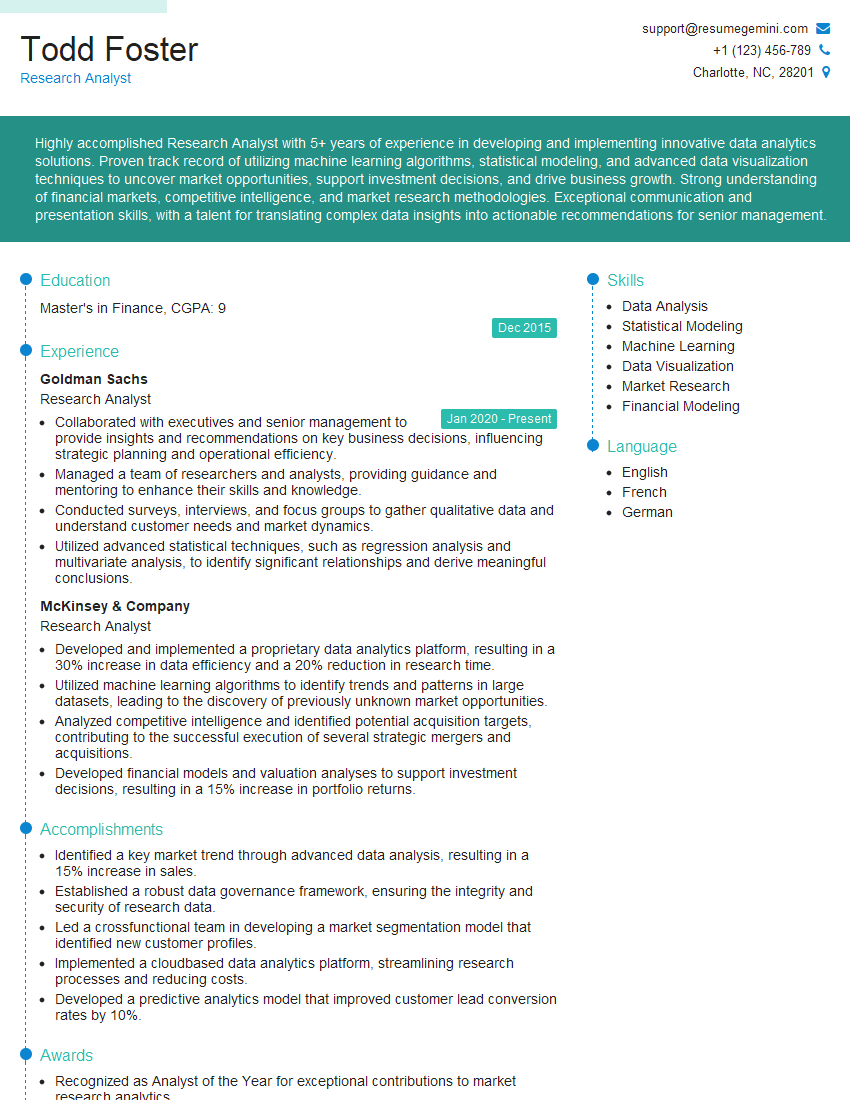
Research Analyst Resume Sample

Security Analyst Resume Sample

Data Analyst Resume Sample

Data Scientist Resume Sample
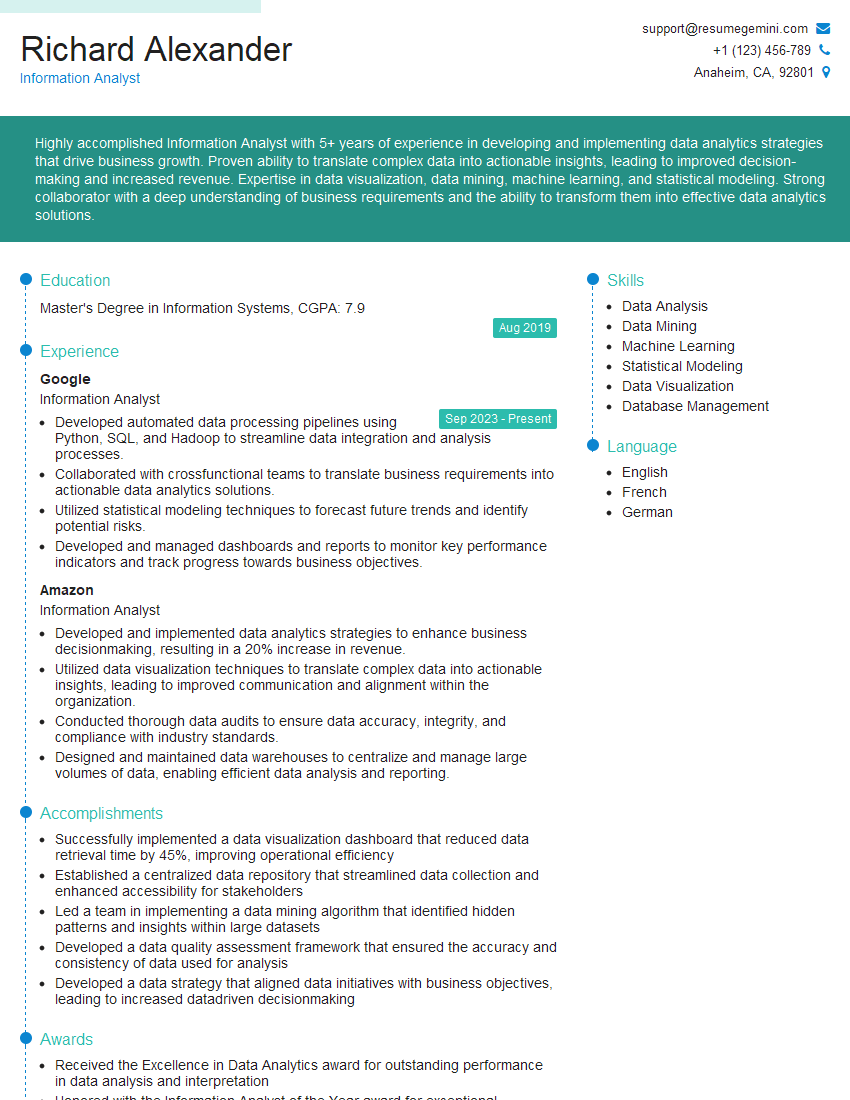
Information Analyst Resume Sample
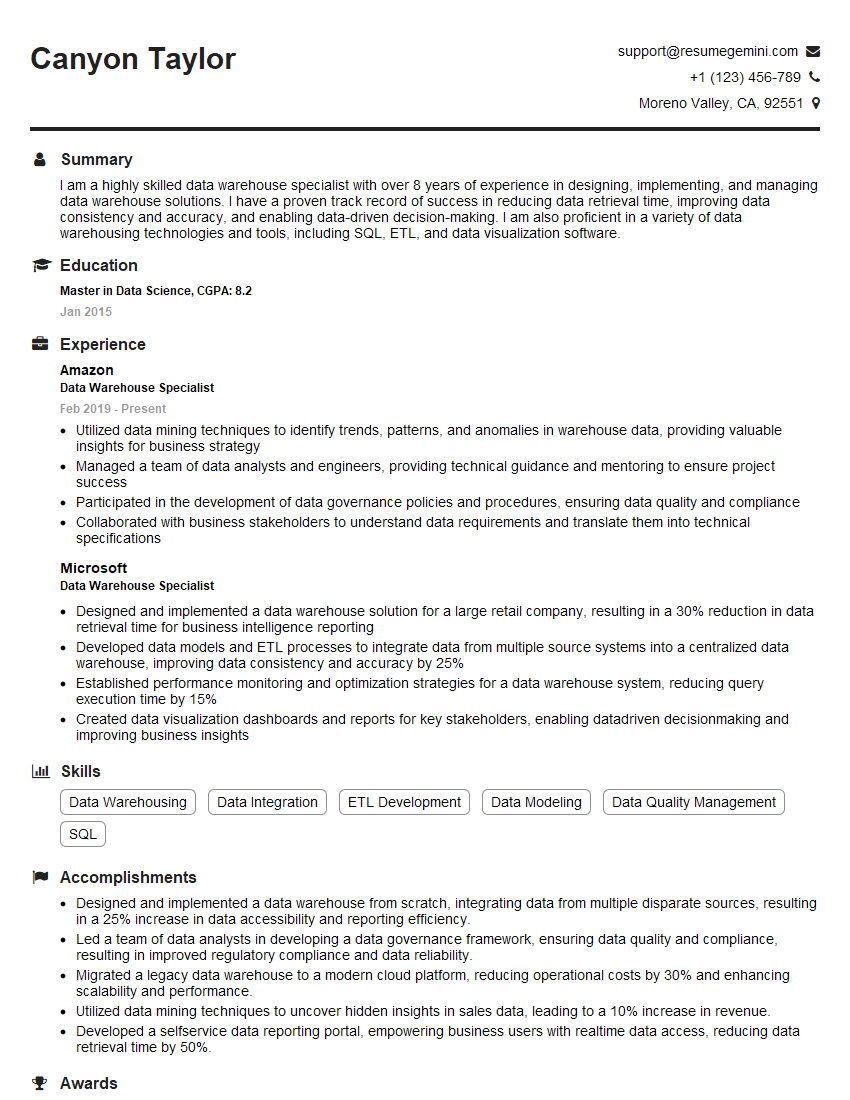
Data Warehouse Specialist Resume Sample

Business Intelligence Analyst Resume Sample
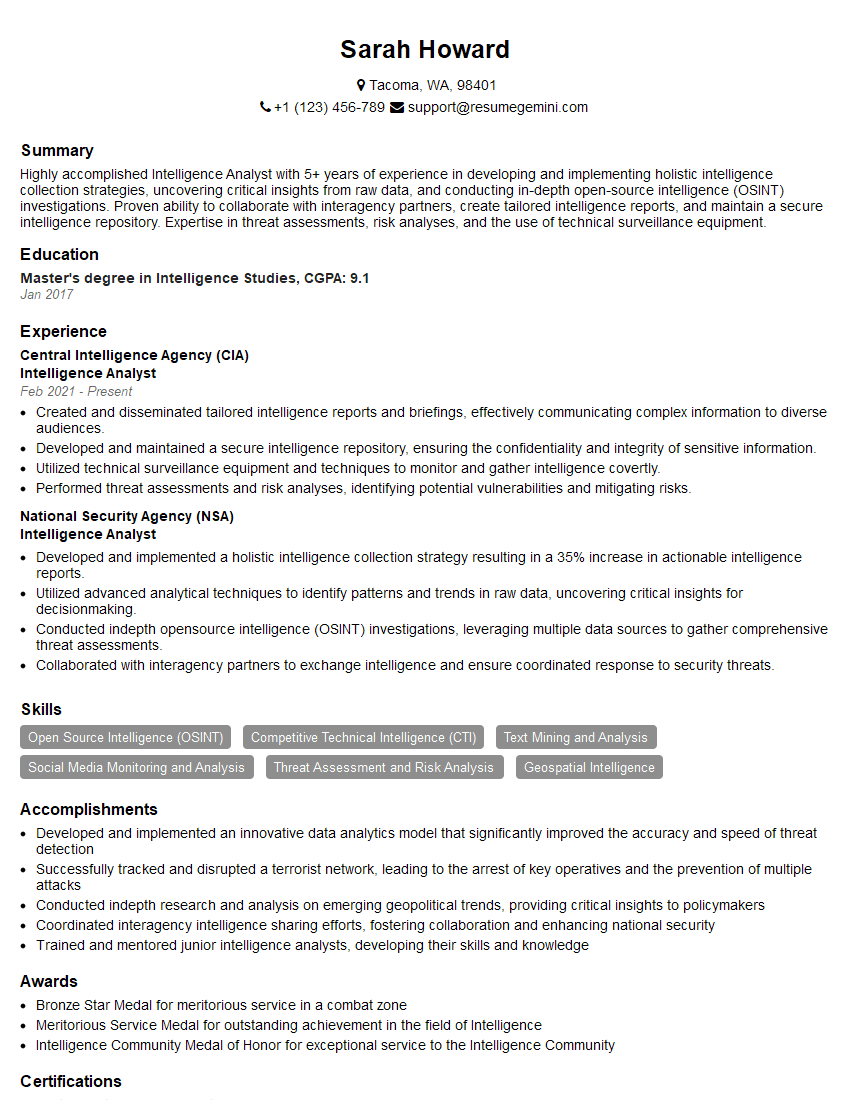
Intelligence Analyst Resume Sample
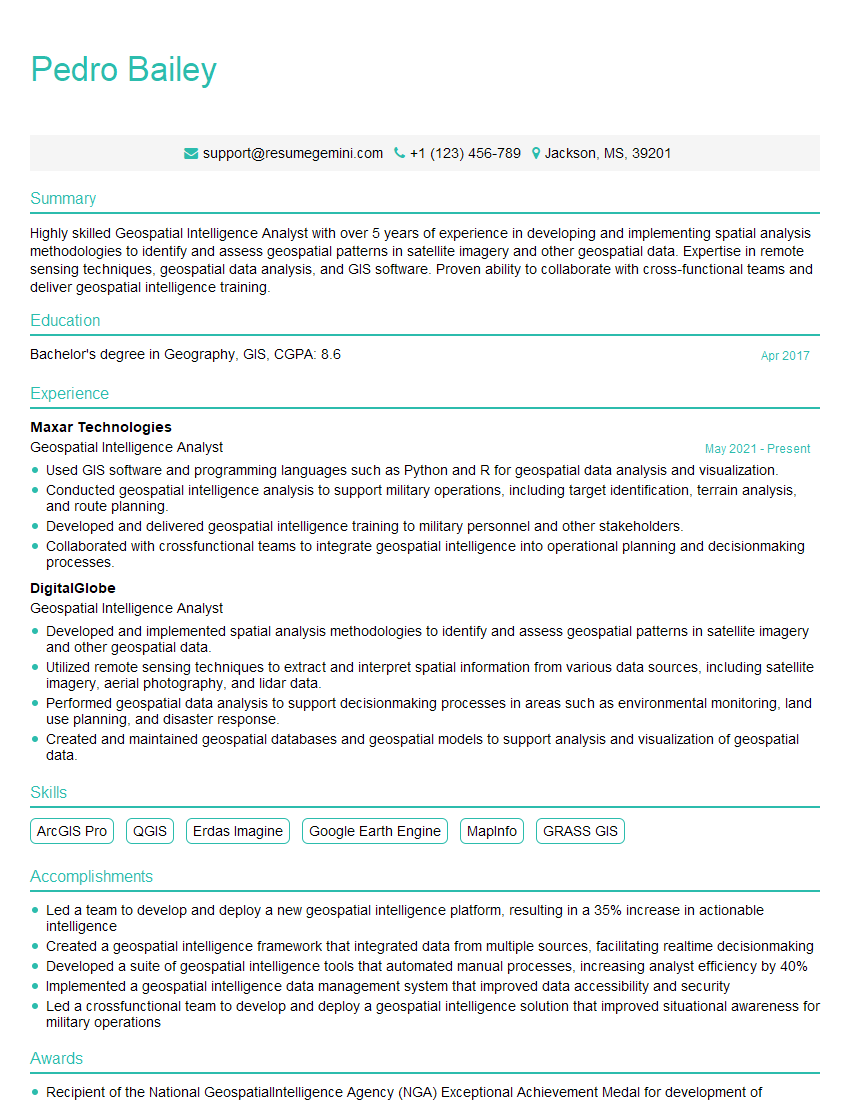
Geospatial Intelligence Analyst Resume Sample

Cybersecurity Analyst Resume Sample
Explore more articles
Users Rating of Our Blogs
Share Your Experience
We value your feedback! Please rate our content and share your thoughts (optional).
What Readers Say About Our Blog
To the interviewgemini.com Webmaster.
Very helpful and content specific questions to help prepare me for my interview!
Thank you
To the interviewgemini.com Webmaster.
This was kind of a unique content I found around the specialized skills. Very helpful questions and good detailed answers.
Very Helpful blog, thank you Interviewgemini team.