Interviews are more than just a Q&A session—they’re a chance to prove your worth. This blog dives into essential Low-Voltage Electrical Systems interview questions and expert tips to help you align your answers with what hiring managers are looking for. Start preparing to shine!
Questions Asked in Low-Voltage Electrical Systems Interview
Q 1. Explain the difference between shielded and unshielded twisted-pair cabling.
The key difference between shielded and unshielded twisted-pair cabling lies in their protection against electromagnetic interference (EMI) and radio frequency interference (RFI). Unshielded twisted-pair (UTP) cable, the most common type, uses twisted pairs of wires to reduce interference, but offers no additional shielding. Think of it like a basic, well-organized cable bundle. Shielded twisted-pair (STP) cable, on the other hand, adds a metallic foil or braid layer over the twisted pairs, acting as a Faraday cage to significantly reduce external interference. This is like wrapping that cable bundle in aluminum foil for extra protection. STP cables are generally more expensive and are used in environments with high levels of electromagnetic noise, such as industrial settings or areas with heavy machinery. The choice between UTP and STP depends on the application and the level of interference protection required. For example, a home network usually suffices with UTP Cat6, while a mission-critical network in a hospital might require STP.
Q 2. Describe the process of terminating a Cat6 cable.
Terminating a Cat6 cable properly is crucial for optimal network performance. The process involves using a punch-down tool to carefully insert the individual wires into the corresponding color-coded slots of an RJ45 connector. The order of the wires is critical and follows a standard (like T568A or T568B). Incorrect wiring will lead to connectivity issues. First, you carefully strip the outer jacket of the cable, exposing the eight individual wires. Next, untwist each pair only slightly, ensuring the wires don’t get tangled. Then, following the chosen wiring standard, you carefully insert each wire into its corresponding slot in the RJ45 connector. The punch-down tool crimps the wires securely into place. After crimping, inspect the connector for proper insertion of all wires. Finally, test the connection using a cable tester to ensure continuity and proper pairing. Poorly terminated cables can lead to signal attenuation, resulting in slow speeds, intermittent connectivity, or complete failure of the network connection. Imagine trying to use a poorly plugged-in charger – the power just wouldn’t flow correctly.
Q 3. What are the safety precautions when working with low-voltage systems?
Safety is paramount when working with low-voltage systems, even though the voltages are lower than high-voltage systems, they still present hazards. Always de-energize the system before working on it. This means turning off the power at the breaker box or disconnecting the power supply. Never assume a circuit is de-energized—always double-check with a voltage tester. Wear appropriate personal protective equipment (PPE), including safety glasses to protect your eyes from potential sparks or flying debris, and insulated gloves to prevent electrical shocks. Be aware of your surroundings and avoid working in wet or damp conditions to minimize the risk of electric shock. Additionally, proper grounding techniques and the use of grounded tools is essential to dissipate stray electrical charges and prevent shocks. Working with low-voltage systems requires careful attention to detail and a respect for the potential hazards involved, even at low voltages. A single careless mistake can have serious consequences.
Q 4. How do you troubleshoot a faulty network connection?
Troubleshooting a faulty network connection involves a systematic approach. Start by checking the most obvious things: Is the cable plugged in securely at both ends? Is the device turned on and working correctly? Are all the network cables properly terminated and free from damage? Use a cable tester to check for continuity and proper wiring. If the problem persists, check the network configuration on the device. Is the correct IP address assigned? Are there any firewall restrictions blocking the connection? You can also check network settings like the subnet mask and default gateway. If the problem is limited to one device, the issue is likely with that device’s configuration or hardware. If multiple devices are affected, the problem may lie with the network infrastructure itself – router, switch, or cabling. Pinging the router or other network devices can provide useful diagnostics and indicate where the connectivity problem lies. Documenting your steps and findings helps to streamline the troubleshooting process. Remember, patience and a methodical approach are key to efficient troubleshooting.
Q 5. Explain the purpose of grounding in low-voltage systems.
Grounding in low-voltage systems is essential for safety and performance. It provides a path for fault currents to flow safely to the earth, preventing electrical shocks and protecting equipment from damage. Grounding typically involves connecting a metal conductor (the ground wire) from the equipment chassis to a ground electrode in the earth. This creates a low-impedance path for fault currents, minimizing the potential for electrical shock or damage to equipment. In a low-voltage network, grounding prevents voltage surges and electrical noise from affecting signal quality and can even protect against lightning strikes. Imagine grounding as a safety valve – it helps discharge excess electricity safely, preventing harm to humans and equipment. Without proper grounding, equipment malfunctions and electrical hazards are more likely to occur.
Q 6. What are the common types of connectors used in low-voltage applications?
Many types of connectors are used in low-voltage applications, each suited for specific needs. RJ45 connectors are ubiquitous in Ethernet networking, BNC connectors are used in coaxial cabling for video and older network applications. Fiber optic connectors, such as SC, LC, and ST, connect fiber optic cables, which offer superior speed and distance capabilities compared to copper cables. USB connectors power and connect a wide range of peripherals. Other connectors like RCA, XLR, and others are used in audio/video applications. The choice of connector depends on the application, signal type, and performance requirements. A home theater, for example, may use a mix of HDMI, RCA, and digital audio connectors, whereas a data center relies heavily on fiber optic connections with LC connectors.
Q 7. Describe your experience with fiber optic cabling.
I have extensive experience with fiber optic cabling, encompassing installation, termination, and troubleshooting. I’m proficient in working with various types of fiber optic cables, including single-mode and multi-mode fibers, and with various connector types such as SC, LC, and ST. I have experience with fusion splicing and mechanical splicing techniques. I’ve worked on projects involving both short-distance and long-distance fiber optic network deployments, including the installation and testing of fiber optic infrastructure for large organizations. Troubleshooting fiber optic network issues requires specialized equipment, like an OTDR (Optical Time-Domain Reflectometer) to locate faults in the fiber. My experience also includes working with fiber optic cable management systems, ensuring proper cable organization and protection to prevent damage. One project I remember particularly well was installing a new fiber network across our company office buildings. It involved careful planning, precise termination, and thorough testing, resulting in a reliable and high-bandwidth network.
Q 8. What is the difference between single-mode and multi-mode fiber?
The core difference between single-mode and multi-mode fiber lies in the size of the core and how light propagates through it. Single-mode fiber has a much smaller core diameter (around 8-10 microns) compared to multi-mode fiber (50-100 microns). This difference significantly impacts the way light travels.
In single-mode fiber, only one mode of light – a single ray – can propagate effectively. This results in minimal signal dispersion (spreading of light) and allows for longer transmission distances with higher bandwidths. Think of it like a single lane highway – traffic moves efficiently.
Multi-mode fiber, with its larger core, allows multiple modes (rays) of light to travel simultaneously. This leads to higher signal dispersion, limiting its transmission distance and bandwidth. It’s like a multi-lane highway – while more lanes provide capacity, traffic can get congested, slowing things down.
Therefore, single-mode fiber is preferred for long-distance, high-bandwidth applications like long-haul telecommunications, while multi-mode fiber is suitable for shorter distances and lower bandwidth applications such as local area networks (LANs) within a building.
Q 9. How do you test the integrity of a fiber optic cable?
Testing the integrity of a fiber optic cable involves several steps, focusing on both the physical and optical properties. A common tool is an Optical Time-Domain Reflectometer (OTDR). This device sends pulses of light into the fiber and measures the time it takes for the light to return, indicating potential problems like breaks, bends, or splices.
Here’s a breakdown of the testing process:
- Visual Inspection: Begin by physically inspecting the cable for any obvious damage, such as cuts, cracks, or loose connections.
- OTDR Testing: This is the crucial step. An OTDR provides a graphical representation (trace) of the fiber’s characteristics along its length. The trace shows the attenuation (signal loss) and back reflections, helping identify faults. A clean trace indicates a healthy cable.
- Power Meter and Light Source: These tools are used to measure the optical power at different points along the cable, verifying sufficient signal strength.
- Fiber Optic Connector Inspection: Microscopic inspection of the connectors using a video microscope is crucial to ensure cleanliness and proper end-face geometry.
During my experience working on large-scale fiber optic installations, I’ve found that regular OTDR testing is essential for preventative maintenance and quick fault identification, saving considerable time and resources during troubleshooting.
Q 10. Explain the function of a network switch.
A network switch acts as a central point that connects multiple devices on a local area network (LAN). Its primary function is to forward data packets between these devices based on their MAC addresses.
Think of it as a sophisticated traffic controller for your network. Instead of broadcasting data to every device, as a hub does, the switch learns the MAC address of each device connected to it. When a packet arrives, it only forwards it to the specific port connected to the intended recipient. This significantly improves network efficiency and reduces collisions.
Different types of switches exist, including unmanaged, managed, and smart switches, each offering varying levels of control and features. Managed switches allow for advanced configurations like VLANs (Virtual LANs), quality of service (QoS) settings, and port security, offering greater control and security over the network.
In my previous role, I configured and managed a large enterprise network using Cisco Catalyst switches. Implementing VLANs ensured that different departments could have their own isolated networks while still being connected to the main network infrastructure, improving security and performance.
Q 11. Describe your experience with IP addressing and subnetting.
IP addressing and subnetting are fundamental concepts in network administration. IP addresses uniquely identify devices on a network, and subnetting divides a large network into smaller, manageable subnets.
My experience includes designing and implementing IP addressing schemes for various networks, ensuring efficient allocation of IP addresses and proper subnet masking. I am proficient in using different classes of IP addresses (IPv4) and understand the principles of CIDR (Classless Inter-Domain Routing) notation.
For example, I once designed a subnet for a small office using a /24 network (255.255.255.0 subnet mask). This provided 254 usable IP addresses. Understanding how to effectively subnet a network is crucial for optimizing network performance, security, and scalability. Incorrect subnetting can lead to network congestion and routing issues.
I also have experience with IPv6 addressing, which is becoming increasingly important as the number of internet-connected devices continues to grow. IPv6 offers a much larger address space compared to IPv4.
Q 12. What are the different types of access control systems?
Access control systems manage and regulate access to restricted areas or resources. Various types of systems exist, categorized by their access methods:
- Card-based systems: Utilize proximity cards, smart cards, or key fobs to grant access. These are common in offices, apartment buildings, and secure facilities.
- Biometric systems: Employ unique biological characteristics like fingerprints, facial recognition, or iris scans for authentication. These offer a higher level of security than card-based systems.
- PIN-based systems: Rely on personal identification numbers (PINs) entered via keypad. Often combined with card readers for enhanced security.
- Keypad systems: Use numerical keypads with pre-programmed codes for access. Simpler but less secure than other methods.
- Combination systems: Integrate multiple methods (e.g., card plus PIN) to provide multi-factor authentication, improving security significantly.
The choice of system depends on the security needs and budget of the location. In my experience, I’ve worked with various systems, including integrating biometric systems with existing card-based access control in a large hospital setting to enhance patient and staff safety.
Q 13. How do you troubleshoot a malfunctioning security camera?
Troubleshooting a malfunctioning security camera involves a systematic approach to identify the root cause.
Here’s a typical troubleshooting process:
- Verify Power: Check if the camera is receiving power. Examine the power supply, cabling, and connections.
- Check the Camera’s Status Lights: Many cameras have LED indicators that indicate power, network connectivity, and recording status.
- Network Connectivity: Verify network connectivity if it’s an IP camera. Check the network cable, IP address configuration, and if the camera is reachable on the network.
- Video Output: Inspect the video output if applicable. If the video feed is distorted or absent, this could indicate a camera fault.
- Check the DVR/NVR Recording: If using a DVR/NVR (Digital Video Recorder/Network Video Recorder), ensure it is recording and has sufficient storage space.
- Lens and Focus: Examine the camera’s lens for dirt, damage, or focus issues. Adjust focus if necessary.
- Remote Access: Try accessing the camera remotely to check its configuration and settings. Incorrect settings can prevent proper operation.
- Firmware Update: If troubleshooting doesn’t resolve the issue, updating the camera’s firmware could resolve software bugs.
- Camera Replacement: If the problem persists, consider replacing the camera.
In my previous role, I had to troubleshoot a security camera that wasn’t recording properly. By systematically checking each step, I identified that the issue was due to a faulty network cable causing intermittent network connectivity.
Q 14. Describe your experience with fire alarm systems.
My experience with fire alarm systems encompasses installation, maintenance, and troubleshooting. I’m familiar with various types of fire detection systems, including smoke detectors (ionization and photoelectric), heat detectors (fixed temperature and rate-of-rise), and flame detectors. I’m also well-versed in the related components such as control panels, annunciators, and notification appliances (bells, horns, strobes).
Working with fire alarm systems requires a thorough understanding of building codes and regulations. Compliance is crucial to ensure the safety of occupants. Proper system maintenance, including regular inspections and testing, is also essential for optimal functionality and early detection of faults.
For example, during a routine inspection, I identified a faulty heat detector in a commercial kitchen that was causing false alarms. Replacing the faulty detector immediately resolved the issue. In another instance, I worked on upgrading an older fire alarm system to a newer, more advanced system with enhanced features and improved network connectivity for remote monitoring and faster response times.
Fire safety is a critical aspect of building security. Properly functioning fire alarm systems are life-saving.
Q 15. Explain the principles of building automation systems.
Building Automation Systems (BAS) integrate various building technologies to optimize performance, energy efficiency, and occupant comfort. Think of it as a central nervous system for a building, allowing for centralized control and monitoring of HVAC, lighting, security, and other systems.
The core principles involve:
- Centralized Control: A central management system (CMS) oversees and coordinates the various subsystems. This allows for unified scheduling, monitoring, and control.
- Data Acquisition and Monitoring: Sensors collect data on temperature, humidity, occupancy, and other parameters. This data is used for real-time monitoring and analysis.
- Automated Control: The system automatically adjusts various parameters based on pre-programmed schedules or real-time conditions. For example, it might reduce lighting levels when a room is unoccupied or adjust HVAC based on occupancy and weather conditions.
- Integration of Subsystems: BAS seamlessly integrates various building subsystems (e.g., HVAC, lighting, fire alarm) to ensure efficient operation and prevent conflicts.
- User Interface: A user-friendly interface allows operators to monitor the system, adjust settings, and respond to alerts.
For instance, a BAS can automatically dim lights in a conference room based on natural daylight levels, saving energy and optimizing the lighting environment.
Career Expert Tips:
- Ace those interviews! Prepare effectively by reviewing the Top 50 Most Common Interview Questions on ResumeGemini.
- Navigate your job search with confidence! Explore a wide range of Career Tips on ResumeGemini. Learn about common challenges and recommendations to overcome them.
- Craft the perfect resume! Master the Art of Resume Writing with ResumeGemini’s guide. Showcase your unique qualifications and achievements effectively.
- Don’t miss out on holiday savings! Build your dream resume with ResumeGemini’s ATS optimized templates.
Q 16. What are the common protocols used in building automation systems?
Building automation systems employ various communication protocols to facilitate data exchange between devices and the central management system. The choice of protocol often depends on factors such as cost, speed, distance, and the specific devices being used.
Some of the common protocols include:
- BACnet (Building Automation and Control Networks): A widely adopted open protocol, offering excellent interoperability between different manufacturers’ devices.
- LonWorks: A robust protocol using a unique network topology, well-suited for large and complex systems.
- Modbus: A simpler and widely used protocol, often employed in smaller systems and industrial applications. It’s known for its ease of implementation.
- Ethernet/IP: Utilizes standard Ethernet networking, providing high bandwidth and suitable for integrating with IT infrastructure. Common in modern industrial automation systems.
- KNX: A widely used open standard for home and building automation, known for its flexibility and ease of integration with other systems.
In a practical scenario, a large office building might use BACnet for its central HVAC system, Modbus for its lighting control, and Ethernet/IP for its security system integration. The choice depends on existing infrastructure and specific system requirements.
Q 17. Describe your experience with smart home technology.
My experience with smart home technology spans various projects, ranging from simple home automation systems to more complex integrated solutions. I’ve worked with several platforms, including home automation systems, integrating lighting, security, and climate control.
One memorable project involved designing and implementing a smart home system for a client who needed assistance with managing their lighting and security remotely. We integrated smart bulbs, smart locks, and a security system that could be controlled through a mobile app, enhancing their security and convenience significantly. The experience highlighted the importance of user-friendliness and intuitive design in smart home solutions.
Another aspect of my experience involves troubleshooting and maintenance. I’ve encountered various issues, such as network connectivity problems and device malfunctions, requiring a methodical approach to identify and resolve the root cause. For example, resolving intermittent connectivity issues often required thorough network analysis, using tools like packet sniffers, to pinpoint the source of the problem. This involved understanding the communication protocols used by each device and their interaction with the central hub.
Q 18. How do you test the functionality of a nurse call system?
Testing a nurse call system is crucial for ensuring patient safety and efficient response times. The process involves both functional and performance testing.
Functional testing verifies that each component of the system works correctly. This includes:
- Testing individual call buttons: Ensuring each button registers a call and transmits the appropriate signal to the central station.
- Verifying call prioritization: Confirming that emergency calls take precedence over non-emergency calls.
- Checking audio clarity: Assessing the quality of the audio transmission between the patient’s room and the nursing station.
- Evaluating call acknowledgment: Ensuring that the nursing station receives and acknowledges calls promptly.
- Testing system annunciators: Confirming that the appropriate lights or indicators illuminate at the nursing station when a call is received.
Performance testing assesses the system’s ability to handle a high volume of calls simultaneously, checking response times under stress, and evaluating system reliability.
A typical testing process involves simulating different scenarios, such as multiple simultaneous calls from different rooms, and measuring the system’s response time. Documentation of each test result is vital.
Q 19. Explain your experience with structured cabling systems.
My experience with structured cabling systems extends to designing, installing, and troubleshooting networks in various settings, from small offices to large commercial buildings. I am familiar with industry standards like TIA/EIA-568, ensuring optimal network performance and scalability.
This includes:
- Designing cable layouts: Creating efficient and expandable cable pathways, considering factors like future growth, cable routing, and minimizing interference.
- Cable installation: Implementing proper cable termination techniques, ensuring adherence to industry standards to guarantee signal integrity and longevity.
- Testing and troubleshooting: Using cable testers and network analyzers to identify and resolve connectivity issues. Troubleshooting strategies include using tools like TDRs and OTDRs to pinpoint cable faults.
- Documentation: Maintaining detailed documentation of cable pathways, terminations, and network topology, crucial for future maintenance and upgrades.
A recent project involved designing a structured cabling system for a new office building. We needed to cater to a large number of users and various network devices, so careful planning and efficient cable management were paramount to ensure reliable and future-proof network infrastructure.
Q 20. What are the benefits of using a central management system for low-voltage systems?
A central management system (CMS) for low-voltage systems offers numerous benefits, streamlining operations and improving efficiency. Think of it as a central control panel for all your low-voltage systems.
Key advantages include:
- Centralized Monitoring and Control: A single platform manages all low-voltage systems, allowing for comprehensive oversight and control of security, lighting, HVAC, and other systems.
- Improved Efficiency: Automated scheduling and control optimize system performance, reducing energy consumption and operational costs.
- Enhanced Security: Centralized access control simplifies security management and enhances overall security.
- Simplified Troubleshooting: A CMS provides real-time diagnostics and alerts, simplifying troubleshooting and minimizing downtime.
- Scalability and Flexibility: A well-designed CMS can easily adapt to future system expansion or changes.
- Reduced Maintenance Costs: Proactive monitoring and preventive maintenance reduce the likelihood of costly repairs and system failures.
For example, a CMS could automatically adjust lighting levels based on occupancy, optimize HVAC settings based on weather conditions, and provide alerts for security breaches, all within a single, unified platform, making it easier for building managers to oversee operations.
Q 21. How do you handle a situation where a system malfunctions during a critical event?
System malfunctions during critical events demand immediate action and a structured approach. The key is to prioritize safety and minimize disruption.
My approach involves:
- Prioritize Safety: Addressing immediate safety concerns is paramount. This may involve activating backup systems or implementing emergency procedures.
- Assess the Situation: Quickly determine the nature and scope of the malfunction, identifying affected systems and potential risks.
- Isolate the Problem: If possible, isolate the malfunctioning component to prevent it from affecting other systems.
- Implement Contingency Plans: Activate pre-defined contingency plans to ensure continuity of essential services.
- Communicate Effectively: Communicate clearly and promptly with all relevant parties, including building occupants and emergency services if necessary.
- Initiate Repairs: Initiate repair procedures as quickly as possible, engaging qualified technicians if needed.
- Document the Incident: Document the incident thoroughly, including the cause, the impact, and the corrective actions taken. This documentation is essential for future system improvements and preventative measures.
For instance, during a power outage, the first priority would be ensuring the safety of building occupants by activating emergency lighting and ensuring the proper functioning of the emergency power system. After addressing safety concerns, I would assess the nature of the power failure and work to restore power or implement alternative solutions.
Q 22. Describe your experience with diagnosing and repairing low-voltage system faults.
Diagnosing and repairing low-voltage system faults requires a systematic approach combining technical knowledge with meticulous troubleshooting skills. I begin by carefully assessing the symptoms reported, such as intermittent power loss, system crashes, or communication errors. This involves understanding the system’s architecture, identifying potential points of failure, and using appropriate testing equipment.
For instance, if a security camera system experiences intermittent video loss, I might first check the power supply, looking for loose connections or voltage fluctuations. Then, I’d test the cabling for continuity and shorts using a multimeter. If the problem persists, I’d check the network connectivity, possibly using a network analyzer to identify packet loss or other network issues. If the issue lies with the camera itself, I would carefully inspect the unit and proceed with component level diagnostics or replacement as needed.
I’ve successfully resolved numerous faults ranging from simple wiring issues to complex network communication problems. A particularly challenging case involved a faulty network switch in a large commercial building’s access control system. By meticulously examining network logs and packet captures, I was able to pinpoint the malfunctioning port, enabling a rapid and cost-effective solution.
Q 23. Explain your knowledge of relevant industry standards and codes (e.g., NEC).
My work consistently adheres to relevant industry standards and codes, most notably the National Electrical Code (NEC), as well as local and regional building codes. Understanding the NEC is crucial for ensuring safety and compliance in all installations. I am thoroughly familiar with articles relating to low-voltage systems, including those concerning grounding, wiring methods, and protection from overcurrent. For instance, I meticulously follow the guidelines for proper grounding techniques to prevent electrical shocks and equipment damage.
Beyond the NEC, I also stay updated on relevant standards set by organizations such as UL (Underwriters Laboratories), ensuring all equipment used meets the required safety certifications. Understanding and complying with these codes is paramount in ensuring that the systems I design and install are safe, reliable, and meet legal requirements. This commitment to standards translates into long-term functionality and reduced risk for clients.
Q 24. What software or tools do you use for designing and installing low-voltage systems?
Designing and installing low-voltage systems requires utilizing specialized software and tools. For design purposes, I frequently employ Computer-Aided Design (CAD) software to create detailed drawings and schematics. This allows for precise planning, minimizing on-site adjustments and ensuring efficient material usage. I am proficient in AutoCad and other industry-specific design programs.
On the installation side, I rely on a variety of tools including multimeters for voltage and continuity testing, wire strippers and crimpers for precise connections, and cable testers for network diagnostics. Furthermore, I utilize specialized tools such as cable certifiers to verify proper signal transmission in structured cabling systems. This ensures a high quality of work that meets or exceeds industry standards and client expectations.
Q 25. Describe your experience working with different types of low-voltage equipment.
My experience encompasses a wide range of low-voltage equipment, including security systems (CCTV, access control, intrusion detection), structured cabling (fiber optics, Cat5e/Cat6), data networks (routers, switches, network cabling), and audio-visual systems (speakers, microphones, video displays). I’m comfortable working with various manufacturers’ products and understand the intricacies of different system architectures. For example, I have extensive experience integrating IP-based security cameras into existing network infrastructure, configuring network video recorders (NVRs) to manage and store video footage, and troubleshooting network connectivity issues related to these systems.
I have experience with both analog and digital systems and understand the advantages and limitations of each. This diversity in experience allows me to adapt to a wide range of project requirements, from straightforward residential installations to complex commercial deployments.
Q 26. What is your approach to quality control in low-voltage system installations?
Quality control is paramount in low-voltage system installations. My approach is multi-faceted and starts from the design phase, ensuring accurate planning and proper material selection. Throughout the installation process, I conduct regular inspections and testing at various stages to catch potential problems early. This includes checking wiring integrity, verifying signal strength, and ensuring proper grounding.
After completion, I perform comprehensive system testing to confirm that all components are functioning correctly and meet the specified performance requirements. This typically involves load testing, continuity testing, and performance benchmarks. I also meticulously document all testing results. Finally, I always obtain client sign-off before considering the project complete, ensuring their satisfaction with the quality of the work.
Q 27. Explain your experience with documentation and record-keeping in low-voltage projects.
Thorough documentation and record-keeping are critical for the long-term success and maintainability of any low-voltage system. My documentation practices are meticulous and include creating detailed as-built drawings that reflect the final installation. These drawings include accurate cable routing, device locations, and termination points. I maintain comprehensive records of all equipment used, including serial numbers and manufacturer information. This assists in future maintenance, troubleshooting and warranty claims.
Furthermore, I keep detailed logs of all testing performed, along with any necessary calibration data for testing equipment. I use a combination of digital and physical records. All digital files are stored securely and backed-up regularly to ensure data integrity. This thorough approach enhances efficiency during future maintenance and repairs, providing a clear history of system upgrades and modifications.
Q 28. Describe a challenging low-voltage system project and how you overcame the obstacles.
One particularly challenging project involved integrating a sophisticated audio-visual system into a historical building with limited access and complex structural features. The building’s age presented several obstacles including outdated wiring, limited space for new cabling, and the need to preserve the building’s historical integrity. Initially, the project faced delays due to unforeseen structural limitations, requiring us to adapt the initial design plan on the fly.
To overcome this, I collaborated closely with the architectural team and used advanced techniques such as wireless signal extenders and specialized cabling methods to minimize the impact on the building’s aesthetics. We employed innovative solutions like using existing conduit where possible and carefully concealing new cabling within wall cavities. Through careful planning, creative problem-solving, and effective communication with all stakeholders, we successfully completed the project on time and within budget, delivering a high-quality audio-visual experience while preserving the building’s historical significance.
Key Topics to Learn for Your Low-Voltage Electrical Systems Interview
Ace your interview by mastering these key areas of Low-Voltage Electrical Systems. Remember, understanding the “why” behind the concepts is as important as knowing the “how.”
- Fundamentals of Low-Voltage Systems: Understand the differences between high and low voltage, safety regulations (NEC, local codes), and common applications like building automation and security systems. Think about the voltage ranges and their implications.
- Wiring and Cabling: Familiarize yourself with different wiring methods, cable types (shielded, unshielded, etc.), and their appropriate applications. Be prepared to discuss wire sizing calculations and voltage drop considerations.
- Power Supplies and Distribution: Explore the various types of low-voltage power supplies, including transformers, rectifiers, and inverters. Understand how power is distributed within a low-voltage system and the importance of efficient distribution.
- Control Systems and Automation: Gain a strong understanding of programmable logic controllers (PLCs), sensors, actuators, and networking protocols used in low-voltage automation systems. Be ready to discuss system design and troubleshooting techniques.
- Troubleshooting and Diagnostics: Develop your ability to diagnose faults in low-voltage systems using multimeters, oscilloscopes, and other diagnostic tools. Practice explaining your troubleshooting methodology and problem-solving approach.
- Safety and Compliance: Demonstrate a thorough understanding of safety procedures and regulations related to working with low-voltage electrical systems. This includes lockout/tagout procedures and personal protective equipment (PPE).
- Specific System Knowledge (if applicable): If you’re applying for a role focused on a specific type of low-voltage system (e.g., security systems, fire alarm systems, building management systems), ensure you have in-depth knowledge of that system’s components, operation, and maintenance.
Next Steps: Unlock Your Career Potential
Mastering Low-Voltage Electrical Systems opens doors to exciting career opportunities and advancements. To maximize your chances of landing your dream job, a well-crafted resume is crucial. An ATS-friendly resume ensures your application gets seen by recruiters.
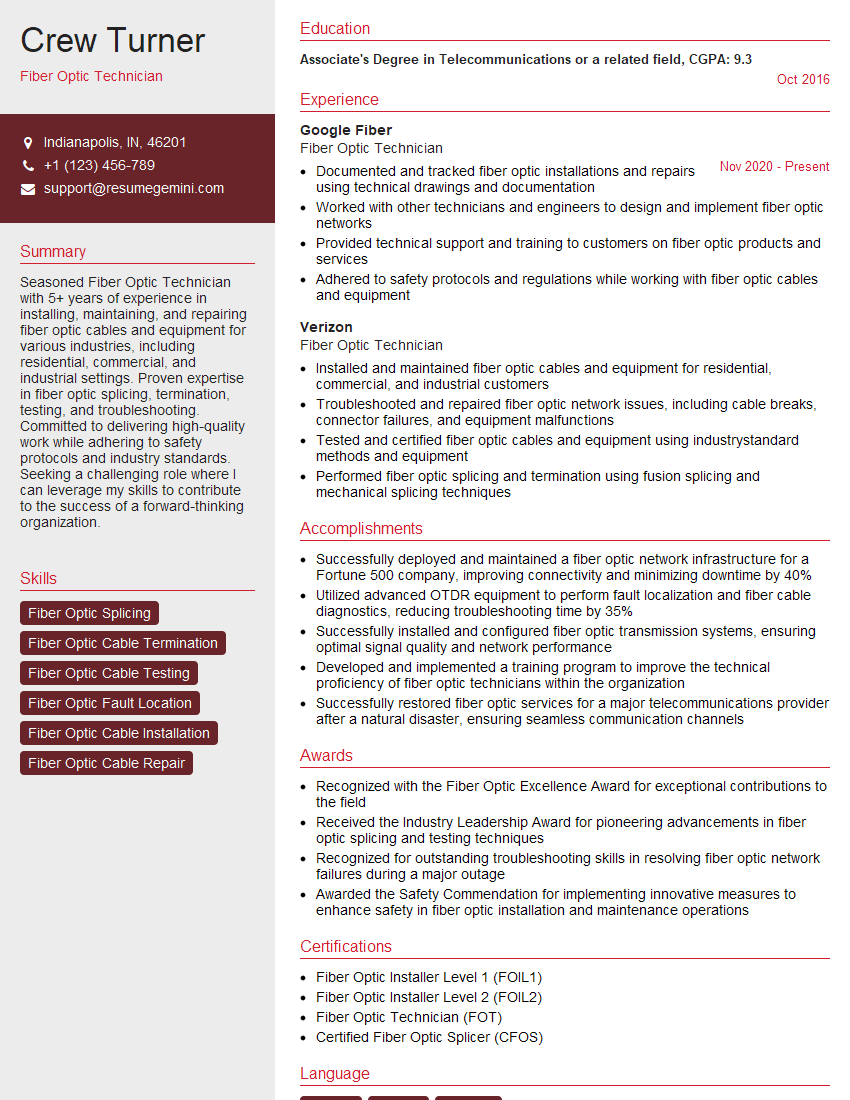
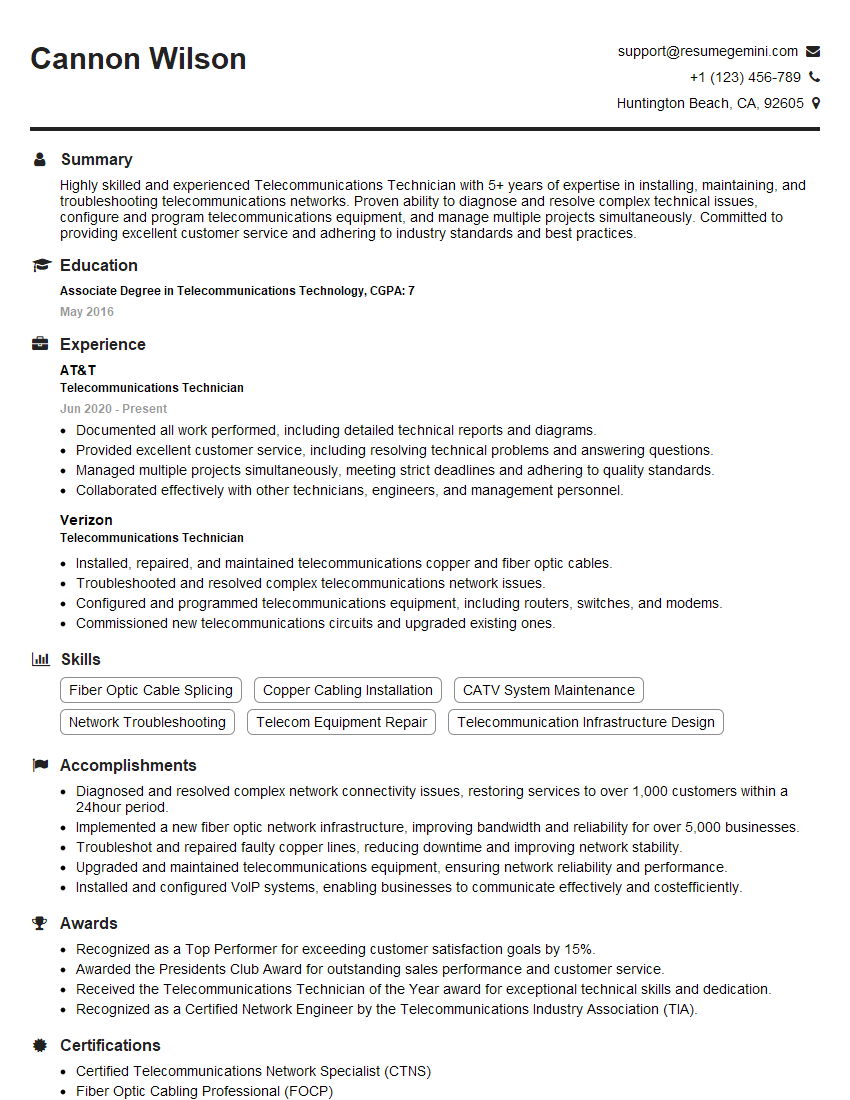
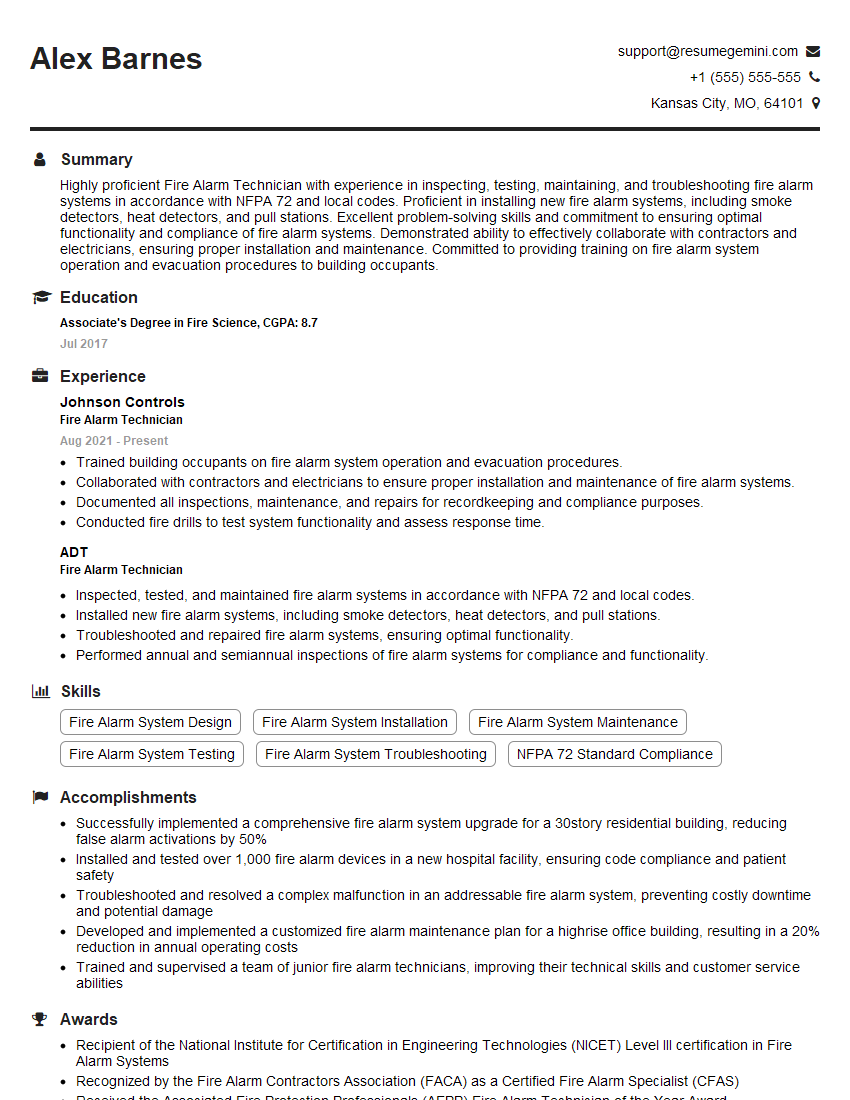
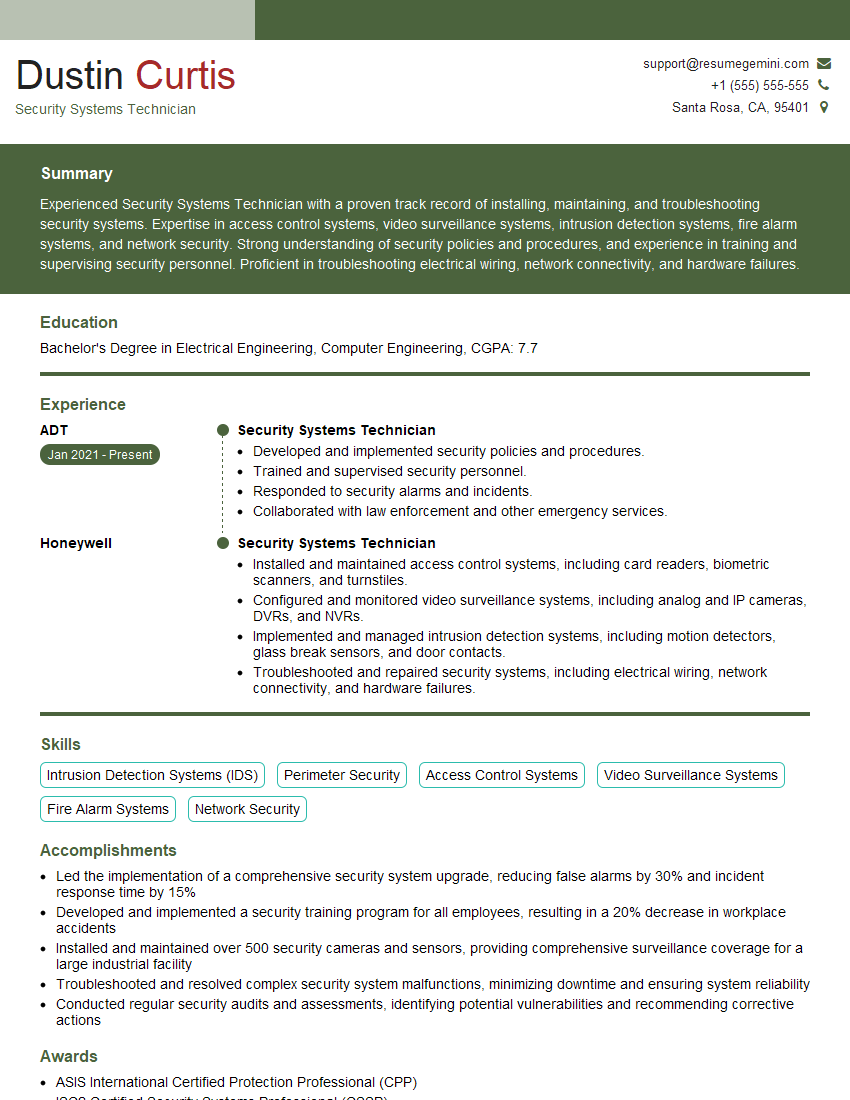
We recommend using ResumeGemini to build a professional and effective resume. ResumeGemini helps you create a compelling narrative that highlights your skills and experience in the best possible light. They even provide examples of resumes tailored to Low-Voltage Electrical Systems professionals, giving you a head start!
Explore more articles
Users Rating of Our Blogs
Share Your Experience
We value your feedback! Please rate our content and share your thoughts (optional).
What Readers Say About Our Blog
To the interviewgemini.com Webmaster.
Very helpful and content specific questions to help prepare me for my interview!
Thank you
To the interviewgemini.com Webmaster.
This was kind of a unique content I found around the specialized skills. Very helpful questions and good detailed answers.
Very Helpful blog, thank you Interviewgemini team.