Every successful interview starts with knowing what to expect. In this blog, we’ll take you through the top Maintenance Management Systems (e.g., CMMS) interview questions, breaking them down with expert tips to help you deliver impactful answers. Step into your next interview fully prepared and ready to succeed.
Questions Asked in Maintenance Management Systems (e.g., CMMS) Interview
Q 1. Describe your experience with various CMMS software platforms.
Throughout my career, I’ve worked extensively with several CMMS platforms, each offering unique strengths. For instance, I’ve implemented and managed systems like IBM Maximo, which excels in its robust functionality and scalability for large enterprises. I’ve also had hands-on experience with Fiix, a cloud-based solution ideal for smaller businesses, known for its user-friendly interface and streamlined workflows. Furthermore, I’ve been involved in the deployment and customization of UpKeep, a mobile-first CMMS particularly useful for field service teams. My experience extends beyond simple usage; I’ve been deeply involved in system configuration, data migration, user training, and process optimization within these different platforms. This diverse experience allows me to readily adapt to various organizational needs and select the most suitable CMMS based on specific requirements.
Q 2. Explain the difference between preventative and corrective maintenance.
Preventative maintenance (PM) and corrective maintenance (CM) are two fundamental approaches to maintaining assets. Think of it like this: PM is proactive, like regular check-ups at the doctor, preventing problems before they arise. CM is reactive, like rushing to the doctor only when you’re already sick. PM involves scheduled inspections, lubrication, cleaning, and replacements of parts before they fail, extending asset lifespan and minimizing downtime. Examples include regularly changing air filters in an HVAC system or lubricating machinery components. CM, on the other hand, addresses equipment failures after they occur. This involves repairing or replacing broken components, often leading to unplanned downtime and increased costs. An example would be fixing a pump that suddenly malfunctions, causing a production halt. Ideally, a balanced approach integrating both PM and CM is crucial for optimal asset management and cost efficiency.
Q 3. How do you prioritize work orders in a CMMS?
Prioritizing work orders in a CMMS is critical for efficient resource allocation and minimizing downtime. I typically use a multi-faceted approach combining several factors. Firstly, I employ a prioritization matrix considering factors like criticality (impact on operations if the issue remains unresolved), urgency (how quickly the issue needs to be addressed), and cost (repair cost vs. cost of downtime). For example, a critical piece of equipment malfunctioning on a production line would get top priority, even if the repair is expensive. Secondly, I leverage the CMMS’s built-in features, such as assigning priority levels (e.g., high, medium, low) and setting due dates. Finally, I ensure regular review and adjustment of priorities based on changing operational needs and resource availability. This dynamic approach ensures that the most impactful and urgent issues are addressed first, optimizing overall maintenance efficiency.
Q 4. What metrics do you use to measure the effectiveness of a CMMS?
Measuring the effectiveness of a CMMS involves tracking several key metrics. These metrics provide insights into cost savings, improved operational efficiency, and overall system performance. Key metrics include Mean Time To Repair (MTTR), which measures the average time taken to fix a problem; Mean Time Between Failures (MTBF), indicating the average time between equipment failures; and Overall Equipment Effectiveness (OEE), demonstrating the efficiency of equipment utilization. Other important metrics are planned vs. actual maintenance costs, backlog reduction rates, and overall work order completion rates. Analyzing these metrics reveals areas for improvement, such as optimizing PM schedules, improving technician response times, and identifying problematic equipment needing replacement or upgrade. Regular monitoring of these metrics is crucial for continuous improvement and demonstrating the CMMS’s value to the organization.
Q 5. How do you handle discrepancies between planned and actual maintenance activities?
Discrepancies between planned and actual maintenance activities are common and need careful handling. The first step involves identifying the root cause of the discrepancy. Was the planned work underestimated? Were there unexpected issues during the maintenance activity? Were resources unavailable as planned? After identifying the reason, I would document the deviation thoroughly within the CMMS, including the reasons for the difference and any corrective actions taken. This ensures transparency and facilitates improved planning in the future. I’d then update the system with the actual completion data to maintain data accuracy and adjust future schedules based on the lessons learned. Regular review of these discrepancies can highlight patterns and areas where improvements to the maintenance planning process are needed. This iterative process improves the accuracy and reliability of future maintenance schedules.
Q 6. Describe your experience with CMMS reporting and data analysis.
My experience with CMMS reporting and data analysis is extensive. I’m proficient in generating various reports, from simple work order summaries to complex analyses of maintenance costs, equipment reliability, and technician performance. I’ve used this data to identify trends, predict future maintenance needs, and optimize resource allocation. For instance, I’ve used data analysis to identify equipment with high failure rates, leading to proactive replacement strategies, reducing downtime and costs. I also leverage reporting to demonstrate the return on investment of the CMMS itself by highlighting cost savings and efficiency improvements. My proficiency extends to utilizing data visualization tools to effectively communicate complex data to stakeholders, ensuring clear understanding and informed decision-making. In short, I’m confident in leveraging the power of CMMS data for continuous improvement and strategic asset management.
Q 7. How do you ensure data accuracy within a CMMS?
Ensuring data accuracy within a CMMS is paramount for its effectiveness. This involves several strategies, starting with clear and standardized data entry procedures. I implement rigorous training for all users, ensuring consistent and accurate data input. We use data validation rules within the system to prevent erroneous entries, such as incorrect equipment IDs or unrealistic work durations. Regular data audits and reconciliation processes are also essential, comparing CMMS data with actual maintenance records and other relevant sources. Any discrepancies are investigated and corrected promptly. Additionally, assigning roles and responsibilities with clear accountability for data accuracy helps ensure meticulous maintenance of information. Lastly, using barcode or RFID scanning for asset tracking minimizes manual data entry errors, improving accuracy significantly.
Q 8. Explain your understanding of root cause analysis in a maintenance context.
Root cause analysis (RCA) in maintenance is a systematic process for identifying the underlying cause of a problem, not just its symptoms. Instead of just fixing a broken pump, for example, RCA helps us understand *why* the pump broke. This prevents recurring issues and improves overall equipment effectiveness.
A common method is the ‘5 Whys’. We repeatedly ask ‘why’ to drill down to the root cause. For instance:
- Problem: Pump failed.
- Why? The bearings seized.
- Why? Insufficient lubrication.
- Why? The lubrication system malfunctioned.
- Why? The system’s sensor was faulty and didn’t trigger a low-lubrication alarm.
- Why? The sensor wasn’t properly calibrated during the last preventative maintenance.
The root cause is the lack of proper sensor calibration during preventative maintenance. Addressing this prevents future pump failures, rather than just replacing the bearings repeatedly.
Other RCA methods include Fishbone diagrams (Ishikawa diagrams) and Fault Tree Analysis (FTA), each offering a structured approach to identify contributing factors and the root cause.
Q 9. How do you integrate CMMS data with other enterprise systems?
Integrating CMMS data with other enterprise systems is crucial for a holistic view of operations. This often involves APIs (Application Programming Interfaces) for seamless data exchange. For example, a CMMS can be integrated with an ERP (Enterprise Resource Planning) system to share information on inventory levels, parts costs, and work order budgets. The integration might automatically update inventory levels in the ERP after a work order is completed, reflecting the parts used.
Integration with a SCADA (Supervisory Control and Data Acquisition) system can provide real-time equipment data, such as temperature and pressure readings, which can trigger preventive maintenance tasks within the CMMS. This proactive approach helps avoid unexpected downtime. For instance, if a temperature sensor shows a machine consistently running too hot, the CMMS can automatically generate a work order for inspection before a critical failure occurs.
Data can also flow into a Business Intelligence (BI) system for generating reports and dashboards, providing valuable insights into maintenance costs, equipment reliability, and overall maintenance effectiveness. Think of this as providing management with clear, concise data visualization to make informed strategic decisions.
Q 10. Describe your experience with CMMS implementation or upgrades.
I have extensive experience with CMMS implementations and upgrades, both greenfield (new implementations) and brownfield (upgrades to existing systems). In one project, we migrated a manufacturing plant from a legacy, on-premise CMMS to a cloud-based solution. This involved a detailed needs assessment to identify specific requirements, data migration planning, user training, and post-implementation support. We also carefully mapped the existing data structures and processes to the new system’s capabilities to ensure a seamless transition. Challenges included dealing with outdated data and ensuring data integrity during the migration. We used a phased approach, migrating data incrementally to minimize disruption to ongoing operations.
In another project involving an upgrade, the focus was on improving the system’s usability and adding new features, such as mobile accessibility and advanced reporting capabilities. This involved careful configuration of the new features and thorough testing to validate functionality and data accuracy. A major hurdle was adapting user workflows to leverage the new features effectively. This required comprehensive training and ongoing support to ensure adoption.
Q 11. How do you manage inventory within a CMMS?
Managing inventory within a CMMS involves tracking parts, tools, and other materials used in maintenance activities. This includes features for setting minimum and maximum stock levels, generating purchase requisitions when stock falls below a threshold, and tracking the location of inventory. The CMMS can help optimize inventory levels, reducing storage costs and minimizing stockouts. Think of it as a sophisticated warehouse management system specifically for maintenance.
For instance, a CMMS can automatically generate a purchase requisition for new pump seals when the inventory level falls below the predefined minimum. This ensures the necessary parts are readily available when needed, preventing costly downtime. The system can also track the location of parts within the warehouse and alert technicians to their availability before starting a repair job. Real-time tracking avoids searching for parts, saving time and increasing efficiency.
Q 12. What are the key performance indicators (KPIs) you track in maintenance?
Key Performance Indicators (KPIs) in maintenance are crucial for measuring effectiveness and identifying areas for improvement. Some of the KPIs I routinely track include:
- Mean Time To Repair (MTTR): The average time taken to repair a piece of equipment after a failure.
- Mean Time Between Failures (MTBF): The average time between equipment failures.
- Overall Equipment Effectiveness (OEE): A holistic measure of equipment performance considering availability, performance, and quality.
- Maintenance Cost per Unit Produced: Relates maintenance costs to production output, providing cost-effectiveness insights.
- Preventive Maintenance Compliance Rate: The percentage of scheduled preventive maintenance tasks completed on time.
- Backlog of Work Orders: Indicates the volume of outstanding maintenance requests.
Tracking these KPIs provides a clear picture of maintenance performance, guiding decisions on resource allocation and process improvements.
Q 13. How do you handle emergency work orders?
Handling emergency work orders requires a rapid and efficient response to minimize downtime and potential safety risks. A well-designed CMMS should prioritize emergency work orders, routing them to the appropriate technicians immediately. The system might use features like notifications (SMS, email) to alert technicians and supervisors, and a map-based interface to visualize the location of the emergency.
My approach involves immediately assessing the urgency and severity of the emergency, dispatching the best-suited technician, and providing them with all necessary information. After the emergency is addressed, the CMMS is updated to document the work performed, parts used, and any other relevant details. A post-incident review is often conducted to identify if the emergency was preventable and to implement any necessary corrective actions. Think of it as a structured ‘firefighting’ process, followed by a thorough ‘post-mortem’ to prevent future occurrences.
Q 14. Describe your experience with mobile CMMS applications.
Mobile CMMS applications are transforming maintenance management, allowing technicians to access and update information in real-time from the field. My experience includes utilizing mobile apps for work order management, inventory tracking, and equipment inspections. These apps can significantly improve efficiency by eliminating paperwork, reducing data entry errors, and providing technicians with immediate access to the information they need.
For example, a technician can use a mobile app to view a work order details, update the status, and record parts used. The app can also facilitate the capture and upload of photos or videos, providing visual documentation of the work completed and the condition of the equipment. Offline functionality is a key feature – ensuring data entry is possible even in areas with poor or no connectivity. The data syncs once connectivity is re-established.
Q 15. How do you ensure compliance with safety regulations in maintenance?
Ensuring compliance with safety regulations in maintenance is paramount. It’s not just about ticking boxes; it’s about fostering a safety-conscious culture. My approach is multifaceted, starting with a thorough understanding of all applicable OSHA (or equivalent) regulations and industry best practices relevant to the specific environment.
- Regular Safety Audits and Inspections: I conduct and document regular safety audits, focusing on potential hazards like lockout/tagout procedures, working at heights, and electrical safety. These audits aren’t just checklists; they involve actively observing work practices and engaging with maintenance personnel.
- Comprehensive Training Programs: I develop and deliver comprehensive safety training programs covering hazard identification, risk assessment, and the proper use of personal protective equipment (PPE). Training isn’t a one-time event; it’s ongoing and includes refresher courses and updated safety procedures.
- Incident Reporting and Investigation: A robust incident reporting system is crucial. When incidents occur (even near misses), a thorough investigation is conducted to identify root causes and implement corrective actions. This data feeds back into our training and safety protocols.
- Effective Communication: Clear and consistent communication regarding safety procedures and hazards is vital. This includes regular safety meetings, safety alerts, and easily accessible safety manuals and documentation.
- Integration with CMMS: Our CMMS is vital to safety compliance. We use it to schedule safety inspections, track PPE inventory, and record safety training completion. Work orders can include specific safety requirements, ensuring they’re integrated into the workflow.
For example, in a previous role, we implemented a new lockout/tagout procedure after a near-miss incident. The updated procedure, including detailed training, was documented in the CMMS, ensuring every technician had access and received appropriate training. This resulted in a significant reduction in near-miss incidents related to lockout/tagout procedures.
Career Expert Tips:
- Ace those interviews! Prepare effectively by reviewing the Top 50 Most Common Interview Questions on ResumeGemini.
- Navigate your job search with confidence! Explore a wide range of Career Tips on ResumeGemini. Learn about common challenges and recommendations to overcome them.
- Craft the perfect resume! Master the Art of Resume Writing with ResumeGemini’s guide. Showcase your unique qualifications and achievements effectively.
- Don’t miss out on holiday savings! Build your dream resume with ResumeGemini’s ATS optimized templates.
Q 16. What strategies do you use to improve maintenance efficiency?
Improving maintenance efficiency is a continuous process that requires a strategic approach. It involves optimizing resources, streamlining processes, and leveraging technology.
- Preventive Maintenance Optimization: Analyzing historical data from the CMMS to identify recurring issues and optimize preventive maintenance schedules. This might involve adjusting intervals based on actual equipment performance instead of relying on manufacturer recommendations alone. Think of it like a doctor’s check-up; adjusting the frequency based on individual health needs rather than a generic schedule.
- Predictive Maintenance Implementation: Integrating sensors and data analytics to predict equipment failures before they occur. This allows for proactive maintenance, minimizing downtime and reducing the need for reactive repairs. For example, vibration sensors on critical machinery can predict bearing failure days in advance.
- Work Order Management: Streamlining work order creation, assignment, and tracking. Clear instructions, proper prioritization, and efficient communication with technicians are key to fast and effective maintenance.
- Inventory Management: Implementing a robust inventory management system within the CMMS to ensure the right parts are available at the right time, minimizing downtime due to parts shortages. This also helps to prevent overstocking and reduce waste.
- Technician Empowerment: Providing technicians with the tools, training, and authority to resolve issues effectively. This includes access to up-to-date manuals, diagnostic equipment, and efficient communication channels.
In one project, we implemented a predictive maintenance program using vibration sensors on pumps. This resulted in a 20% reduction in unplanned downtime and a 15% decrease in overall maintenance costs over two years.
Q 17. How do you manage maintenance costs?
Managing maintenance costs effectively requires a balanced approach that prioritizes both cost reduction and equipment reliability. It’s about finding the optimal balance between preventative maintenance and reactive repairs.
- Data-Driven Decision Making: The CMMS provides invaluable data on maintenance costs, downtime, and repair frequency. Analyzing this data reveals areas where cost optimization is most effective.
- Preventive Maintenance Optimization: Implementing an effective preventive maintenance program reduces costly reactive repairs by preventing equipment failures before they occur.
- Inventory Control: Careful inventory management minimizes waste from overstocking and ensures parts are readily available when needed, reducing downtime and associated costs.
- Negotiation with Suppliers: Establishing strong relationships with suppliers and negotiating favorable pricing for parts and services.
- Outsourcing Strategies: Carefully assessing which maintenance tasks to perform in-house and which to outsource, considering factors such as expertise, cost, and available resources.
- Benchmarking: Regularly comparing maintenance costs against industry benchmarks to identify areas for improvement.
For instance, by analyzing CMMS data, we identified a specific piece of equipment with high repair costs. Investigating further, we realized that a preventive maintenance task was being overlooked. Implementing the necessary preventative measure significantly reduced repair costs associated with that equipment.
Q 18. Describe your experience with creating and managing preventive maintenance schedules.
Creating and managing preventive maintenance schedules is a cornerstone of effective maintenance management. It’s not simply creating a schedule; it’s about developing a strategy that balances the cost of maintenance with the risk of equipment failure.
- Equipment Criticality Assessment: I start by assessing the criticality of each piece of equipment. This considers factors like the equipment’s importance to operations, the potential cost of failure, and the complexity of repair.
- Manufacturer Recommendations: I review the manufacturer’s recommendations for preventive maintenance. These recommendations are a starting point, but they often need to be adjusted based on actual operating conditions and historical data.
- Historical Data Analysis: Using CMMS data to analyze historical failures, repair costs, and maintenance intervals. This provides a realistic baseline for adjusting schedules based on actual equipment performance.
- Schedule Creation and Implementation: I use the CMMS to create and implement preventive maintenance schedules, assigning tasks to specific technicians and tracking their completion.
- Continuous Monitoring and Optimization: Regularly reviewing and optimizing schedules based on ongoing data analysis and operational changes. The schedule is a living document, not a static plan.
In a past role, we transitioned from a rigid preventive maintenance schedule to one that was data-driven. By analyzing historical failure data in our CMMS, we adjusted the intervals for some tasks, significantly reducing maintenance costs without compromising equipment reliability. This required close collaboration with maintenance technicians to gather their feedback and ensure the schedule remained practical.
Q 19. How do you utilize CMMS data to make strategic maintenance decisions?
CMMS data is a treasure trove of information that enables data-driven decision-making in maintenance. I leverage this data to gain valuable insights into equipment performance, maintenance costs, and resource allocation.
- Identifying Equipment Reliability Issues: Analyzing data on equipment downtime, repair costs, and failure frequency helps pinpoint reliability problems. This information guides maintenance strategies to improve equipment reliability, such as implementing predictive maintenance.
- Optimizing Maintenance Schedules: Analyzing historical maintenance data enables refinement of preventive maintenance schedules. This might involve adjusting intervals, adding or removing tasks based on actual equipment performance.
- Evaluating Maintenance Resource Allocation: CMMS data shows technician workload, task duration, and resource usage. This allows for better resource allocation, optimizing technician schedules and improving efficiency.
- Cost Analysis and Budgeting: CMMS data provides detailed information on maintenance costs, enabling accurate budgeting and cost control. This helps identify areas for cost reduction and potential savings.
- Performance Reporting and KPI Tracking: The CMMS allows for the creation of reports and dashboards tracking key performance indicators (KPIs). This enables proactive monitoring of maintenance performance and identifies areas requiring attention.
For example, by analyzing CMMS data showing recurring failures in a specific system, we discovered a pattern linked to environmental factors. Implementing a preventive maintenance task addressing those factors significantly reduced failures and associated costs.
Q 20. What is your experience with different types of maintenance strategies (e.g., RCM, TPM)?
I have extensive experience with various maintenance strategies, including Reliability-Centered Maintenance (RCM) and Total Productive Maintenance (TPM).
- Reliability-Centered Maintenance (RCM): RCM focuses on maintaining equipment functionality while minimizing maintenance costs. It involves a systematic process of analyzing equipment functions, identifying failure modes, and determining appropriate maintenance tasks to prevent failures. This is a proactive approach focusing on the most critical aspects of equipment operation.
- Total Productive Maintenance (TPM): TPM is a holistic approach that involves all employees in maintaining equipment and preventing failures. It emphasizes continuous improvement, employee empowerment, and a strong focus on preventing equipment breakdowns.
- Preventive Maintenance (PM): This is a scheduled maintenance strategy that aims to prevent equipment failures through regular inspections and servicing. While simpler than RCM or TPM, it’s essential for maintaining equipment’s longevity and avoiding unplanned downtime.
- Corrective Maintenance (CM): This is reactive maintenance performed after equipment failure. While necessary, it’s often the most expensive and disruptive type of maintenance. Strategies like RCM and TPM aim to minimize the need for CM.
In a previous role, we implemented an RCM program to analyze and optimize the maintenance strategy for a critical processing line. This involved a detailed assessment of failure modes, identifying cost-effective preventive measures and resulting in a significant reduction in downtime and maintenance costs.
Q 21. How do you train new employees on the use of the CMMS?
Training new employees on the CMMS is critical for ensuring its effective use and maximizing its benefits. My approach involves a blend of classroom instruction and hands-on training.
- Structured Training Program: A comprehensive training program that covers all aspects of the CMMS, from basic navigation and data entry to advanced features like work order management and reporting. This may include online modules, classroom sessions and practical exercises.
- Hands-On Experience: Providing trainees with access to a training environment to practice using the CMMS. This could involve simulated work orders, data entry exercises, and report generation. This is crucial for reinforcing knowledge and building confidence.
- Mentorship and Support: Pairing new employees with experienced users who can provide guidance and support. This ongoing mentorship ensures that trainees receive real-time assistance and can effectively integrate into the maintenance workflow.
- Regular Refresher Courses: Offering regular refresher courses to keep employees up to date with changes to the CMMS and best practices. This ensures that everyone maintains a consistent level of proficiency.
- Integration with other training: Integrating CMMS training with other maintenance training modules to show how it supports overall maintenance processes and improves efficiency.
For instance, we developed a structured training program using a combination of online modules and hands-on sessions. We tracked the training completion and subsequent work order performance to measure the effectiveness of the training program and make improvements as needed. The result was a much faster onboarding process for new technicians and improved data accuracy within the CMMS.
Q 22. How do you handle user training and support for the CMMS?
Effective CMMS user training is crucial for successful implementation. My approach is multi-faceted, starting with needs analysis to tailor training to different user roles (e.g., technicians, managers, planners). This includes hands-on workshops, interactive online modules, and readily available, user-friendly documentation, including quick-start guides and FAQs. I also establish a robust support system. This can involve a dedicated help desk, a knowledge base with troubleshooting tips and FAQs, and scheduled refresher training sessions. For instance, in a previous role, we implemented a tiered training system: initial basic training for all users, followed by advanced training for specific roles, and ongoing support through regular webinars and Q&A sessions. This resulted in a significant increase in user proficiency and system adoption.
Q 23. Describe your experience with CMMS system audits and validation.
CMMS audits are essential for ensuring data accuracy, regulatory compliance, and optimal system performance. My experience involves conducting both internal and external audits, following a structured methodology. This begins with defining the scope and objectives of the audit, which may cover aspects like data integrity, process adherence, and system security. I then use checklists and data analytics to examine data accuracy, user access controls, and report generation. For example, I’ve used SQL queries to identify discrepancies in work order completion times compared to planned durations or inconsistencies in asset register data. Validation involves verifying that the CMMS accurately reflects the physical assets and maintenance processes. This often includes on-site verification of asset tagging, inspection of maintenance records, and interviews with maintenance staff. I document all findings, make recommendations for improvement, and track the implementation of corrective actions.
Q 24. How do you identify and address issues with CMMS data integrity?
Data integrity is paramount in a CMMS. Issues can arise from various sources, including human error, outdated data, or system glitches. My approach to addressing these involves a combination of preventative and corrective measures. Preventive measures include implementing data validation rules during data entry, providing clear guidelines to users, and regularly backing up the system. To identify existing issues, I utilize data analytics. I might review reports looking for inconsistencies in data, such as missing or duplicate entries or illogical values. For instance, I’ve used reporting tools to flag work orders with missing completion dates or assets with conflicting location data. Corrective actions include data cleansing, which involves systematically identifying and correcting inconsistencies, and implementing stricter data entry controls. One project I worked on involved creating a custom data validation script to prevent common errors during work order creation, significantly reducing data entry errors. Regular data audits also help maintain data integrity over the long term.
Q 25. Explain your understanding of the different modules within a typical CMMS.
A typical CMMS comprises several interconnected modules working together to manage maintenance operations. These include:
- Work Order Management: Scheduling, assigning, tracking, and completing maintenance tasks. This includes features for creating, prioritizing, and closing work orders.
- Asset Management: Tracking and managing all physical assets, including their specifications, location, maintenance history, and associated costs. This module helps optimize asset lifecycles.
- Inventory Management: Managing spare parts, consumables, and other materials. This facilitates efficient procurement and reduces downtime.
- Preventive Maintenance (PM): Scheduling and tracking routine maintenance tasks to prevent equipment failures. This module is crucial for optimizing equipment uptime.
- Reporting and Analytics: Generating reports and dashboards to track key performance indicators (KPIs) and provide insights into maintenance operations. These provide valuable data for decision-making.
- Purchasing: The integration of purchasing to assist with work order creation and tracking.
Q 26. How do you ensure the CMMS remains up-to-date and effective?
Keeping a CMMS up-to-date and effective requires ongoing effort. This includes regularly updating the software to benefit from the latest features, bug fixes, and security patches. User training must also be an ongoing process, incorporating new features and best practices. Data integrity should be constantly monitored, and periodic data cleansing is essential. Furthermore, the system’s configuration should be reviewed regularly to ensure it still aligns with the organization’s changing needs and processes. This might involve adjusting workflows, adding new assets, or refining reporting parameters. I also advocate for actively seeking user feedback to identify areas for improvement and ensure the system remains intuitive and user-friendly. One successful strategy I’ve used is to schedule annual reviews of the CMMS, involving key stakeholders, to evaluate its effectiveness and plan necessary updates and enhancements.
Q 27. What are some common challenges you’ve faced with CMMS implementation?
CMMS implementations can face various challenges. One common issue is resistance to change from users accustomed to manual processes. Addressing this requires clear communication, demonstrating the benefits of the CMMS, and providing thorough training. Another challenge is data migration, transferring data from old systems to the new CMMS. This requires careful planning and execution to ensure data accuracy and consistency. Incomplete data at the outset can lead to inaccurate reporting and decision-making. Insufficient planning and resource allocation can also hinder implementation, so ensuring that adequate time, budget, and personnel are allocated is crucial. I’ve also encountered integration problems with other enterprise systems, such as ERP (Enterprise Resource Planning) systems. Careful planning and thorough testing before go-live are crucial to prevent these difficulties.
Q 28. How would you troubleshoot a common CMMS system issue?
Troubleshooting a CMMS issue depends on the nature of the problem. A systematic approach is crucial. First, I’d gather information by identifying the symptoms, such as error messages, slow performance, or data inconsistencies. Then, I would check the obvious, like user login credentials, network connectivity, and the application server status. This is often a case of the mundane rather than something complicated, for instance, a simple password reset resolves many issues. Next, I might consult the CMMS’s documentation or support resources for known issues and troubleshooting guides. If the problem persists, I’d review system logs and debug information to pinpoint the root cause. In more complex scenarios, using SQL queries to analyze the database or engaging with the vendor’s support team could be necessary. For example, if users report slow performance, I might investigate database indexing or server resource usage. A documented and methodical approach ensures efficient resolution and helps prevent similar issues in the future.
Key Topics to Learn for Maintenance Management Systems (e.g., CMMS) Interview
Preparing for a CMMS interview can feel daunting, but with focused learning, you can confidently showcase your skills. This section outlines key areas to master:
- Core CMMS Functionality: Understand the fundamental features of a CMMS, including work order management, preventative maintenance scheduling, inventory tracking, and reporting capabilities. Think about how these features interact and support each other.
- Data Analysis & Reporting: Learn how to extract meaningful insights from CMMS data. Practice interpreting reports to identify trends, predict potential issues, and demonstrate the value of preventative maintenance. Consider examples of key performance indicators (KPIs) and how they are calculated within a CMMS.
- Preventative Maintenance (PM) Strategies: Explore different PM strategies and their applications. Understand how to develop and implement effective PM schedules based on equipment criticality and risk assessment. Be prepared to discuss the benefits of a robust PM program.
- Work Order Management: Master the workflow of creating, assigning, tracking, and closing work orders. Discuss different prioritization methods and how to optimize technician routing for efficiency.
- Inventory Management within CMMS: Understand how a CMMS tracks and manages inventory, including ordering, receiving, and stock control. Discuss the importance of accurate inventory data for efficient maintenance operations.
- Integration with other Systems: Explore how CMMS integrates with other enterprise systems such as ERP or accounting software. Understanding data flow and integration points will demonstrate a comprehensive understanding of the system’s role within a larger organization.
- Troubleshooting and Problem-Solving: Be prepared to discuss how you would approach common CMMS challenges, such as data inaccuracies, system downtime, or user training issues. Highlight your problem-solving skills and ability to think critically.
Next Steps
Mastering CMMS software is a significant asset, boosting your marketability and opening doors to exciting career opportunities in maintenance management. A well-crafted resume is crucial for showcasing your expertise to potential employers. Investing time in creating an ATS-friendly resume significantly increases your chances of getting noticed.
ResumeGemini is a trusted resource to help you build a professional and impactful resume. They provide valuable tools and resources to create a resume that effectively communicates your skills and experience. Examples of resumes tailored to Maintenance Management Systems (e.g., CMMS) roles are available through ResumeGemini, allowing you to see best practices in action.
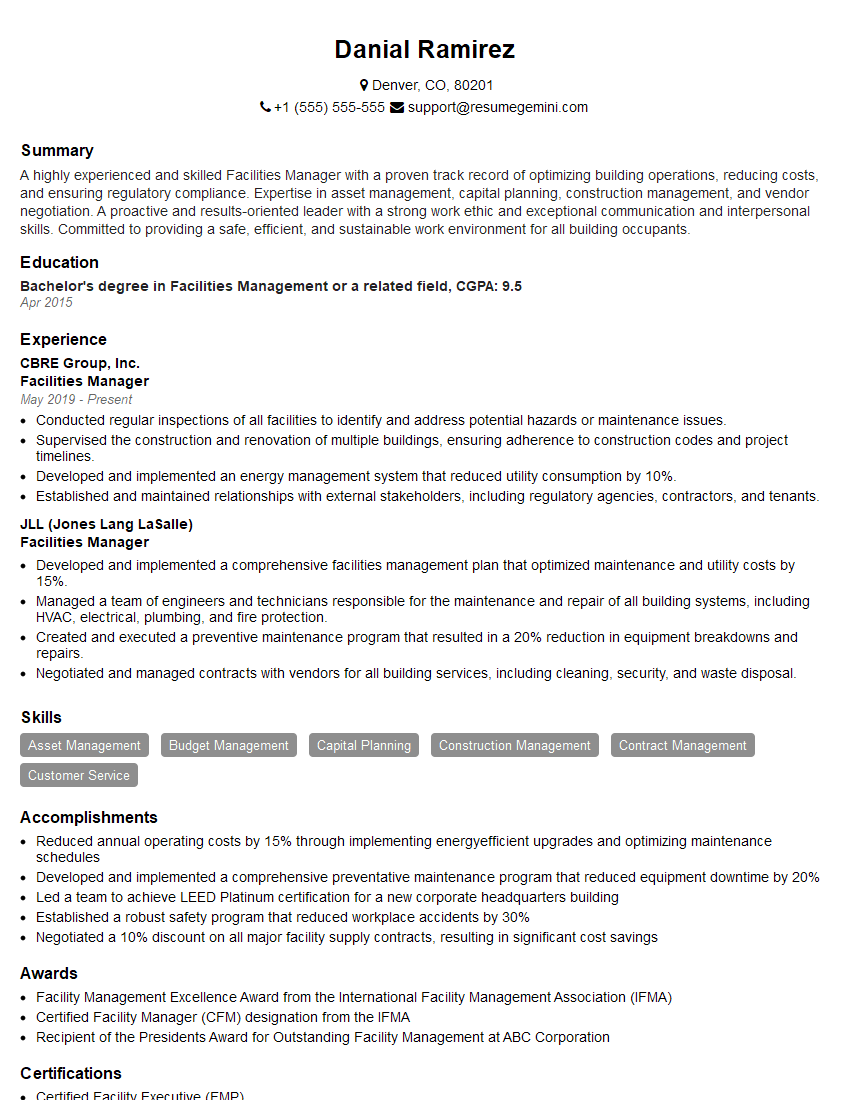
Facilities Manager Resume Sample
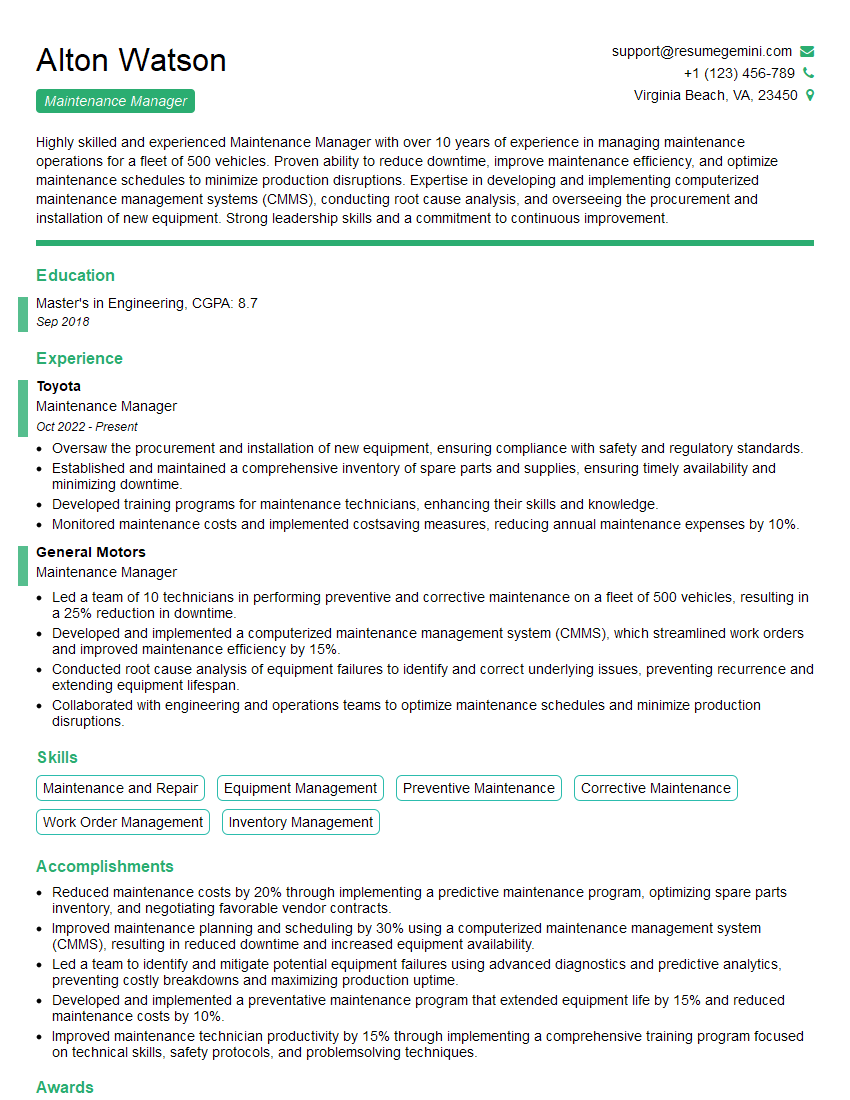
Maintenance Manager Resume Sample
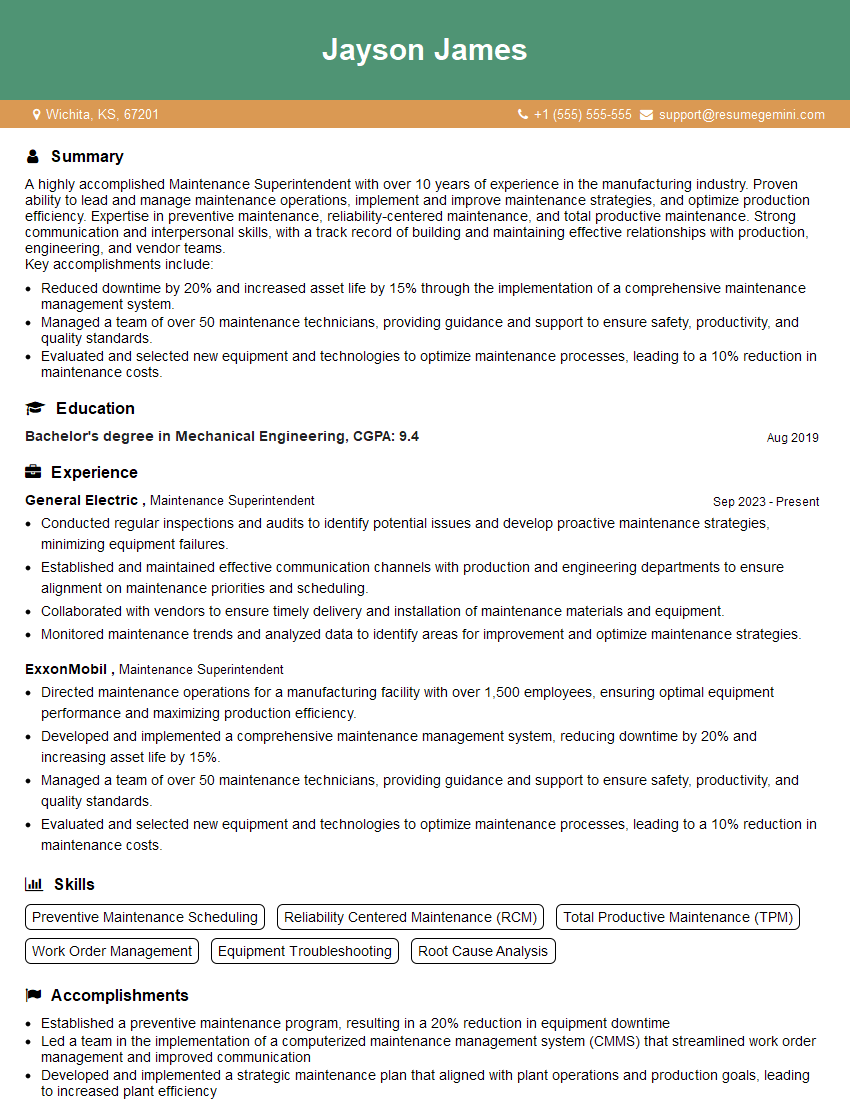
Maintenance Superintendent Resume Sample
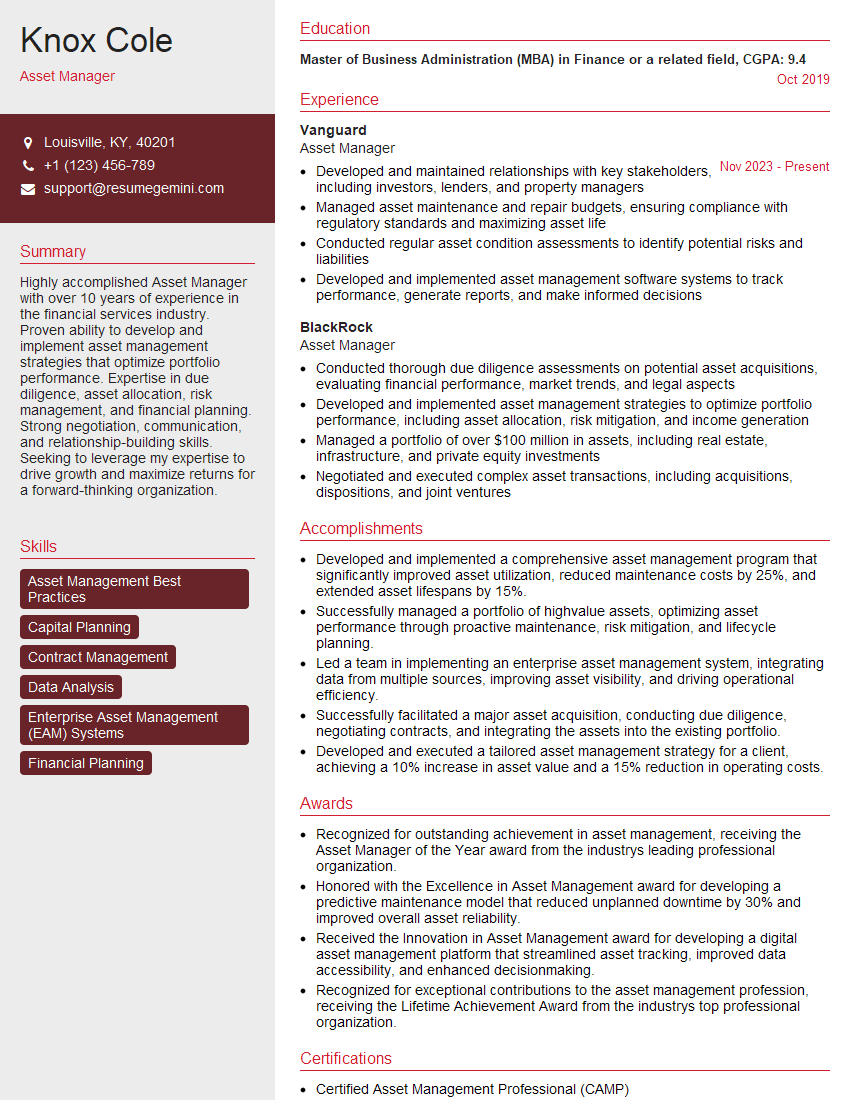
Asset Manager Resume Sample
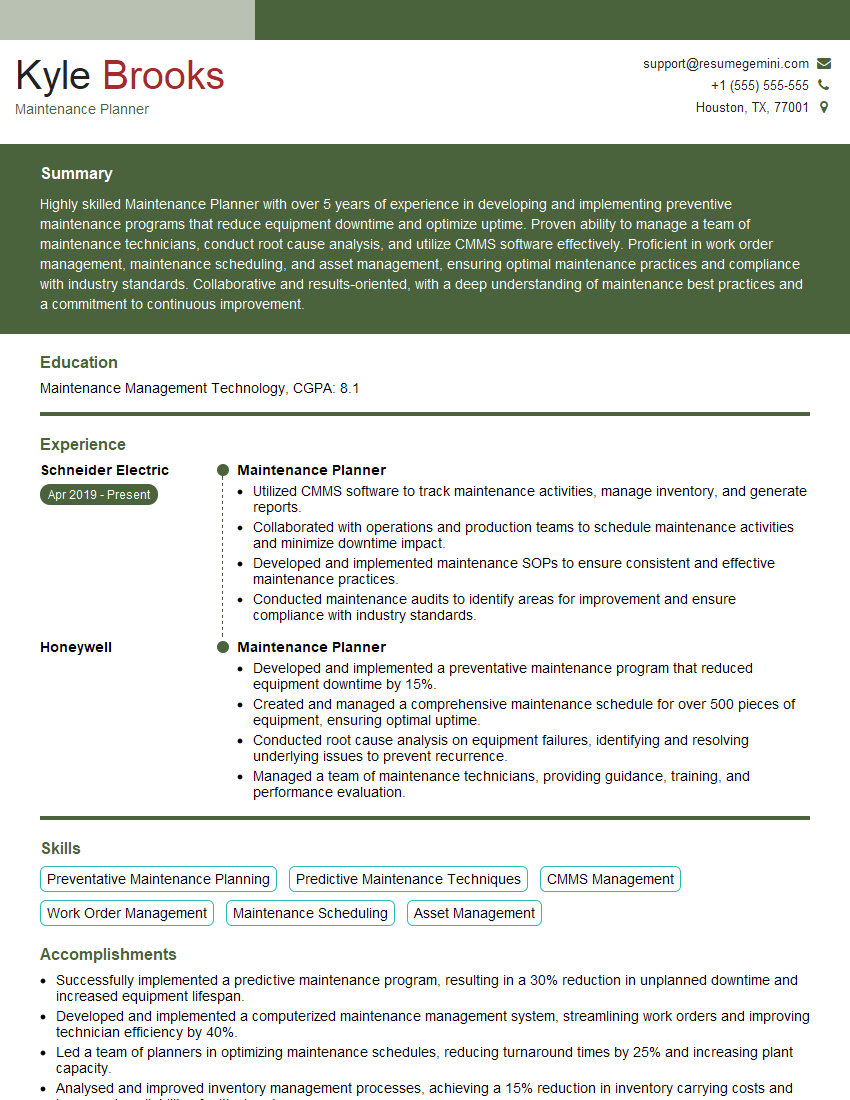
Maintenance Planner Resume Sample
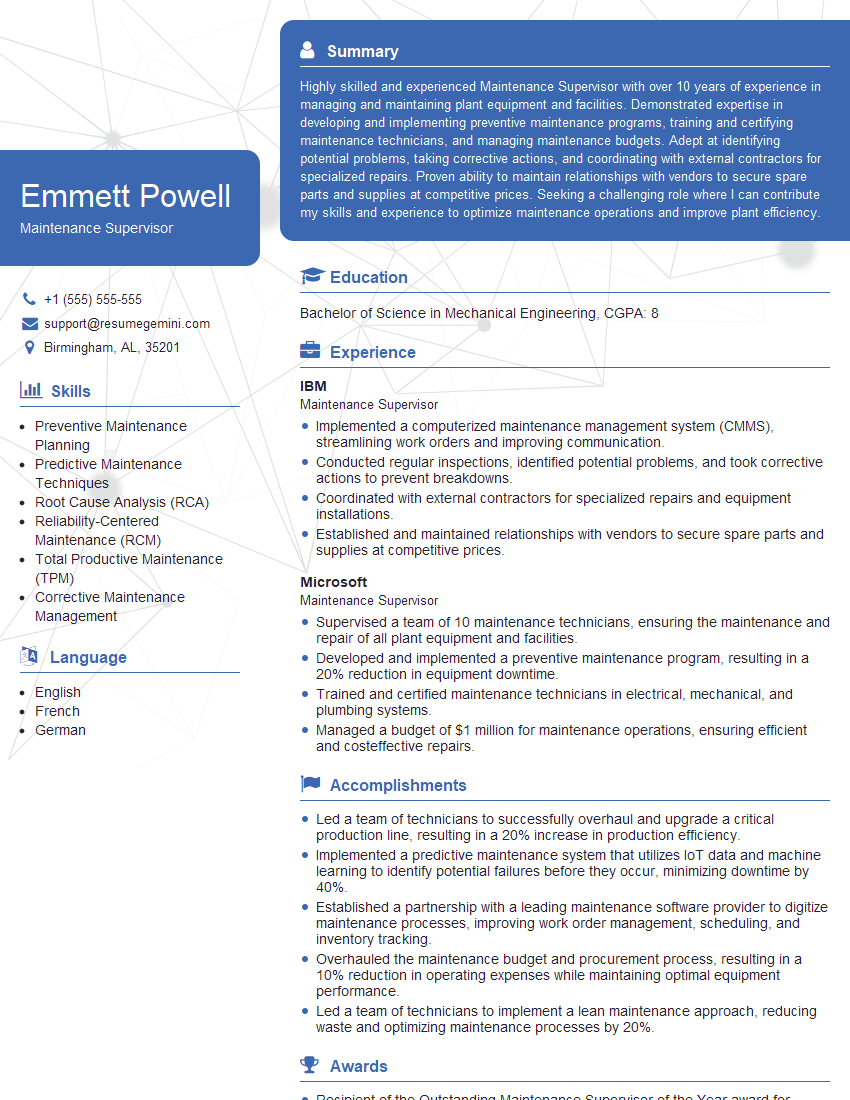
Maintenance Supervisor Resume Sample

Reliability Engineer Resume Sample

Maintenance Technician Resume Sample
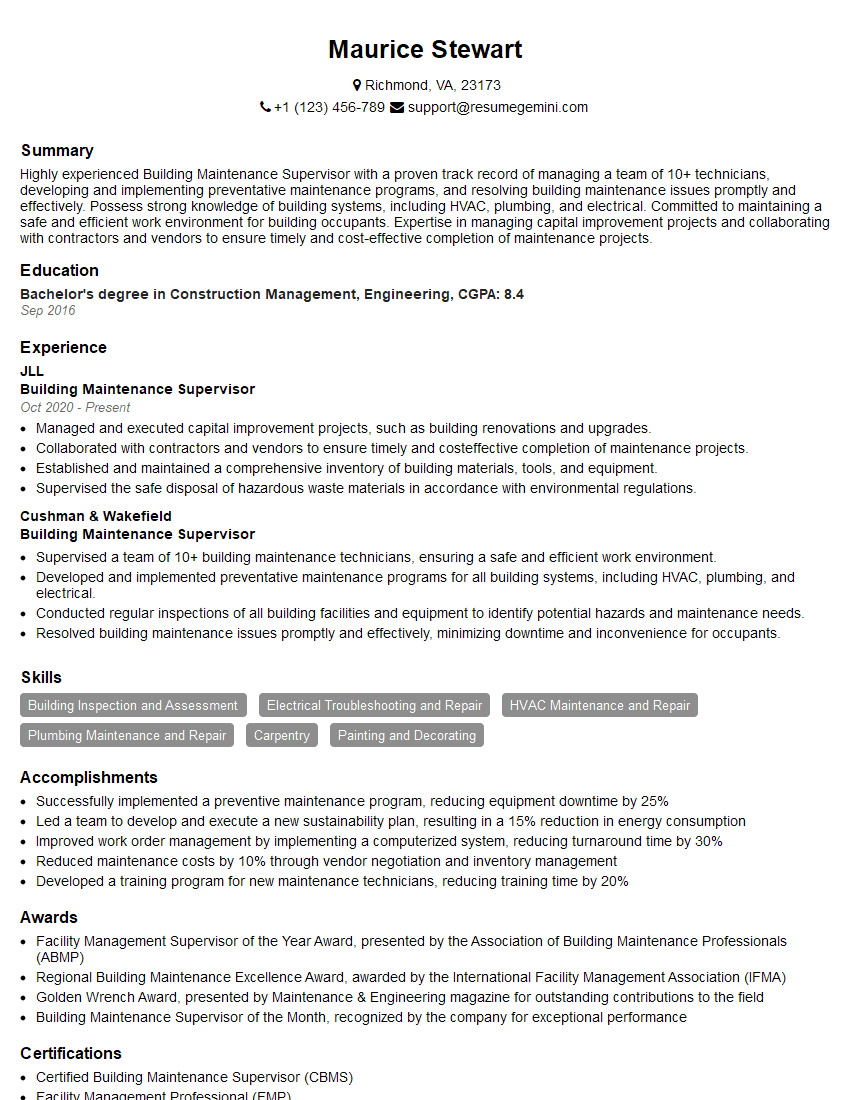
Building Maintenance Supervisor Resume Sample
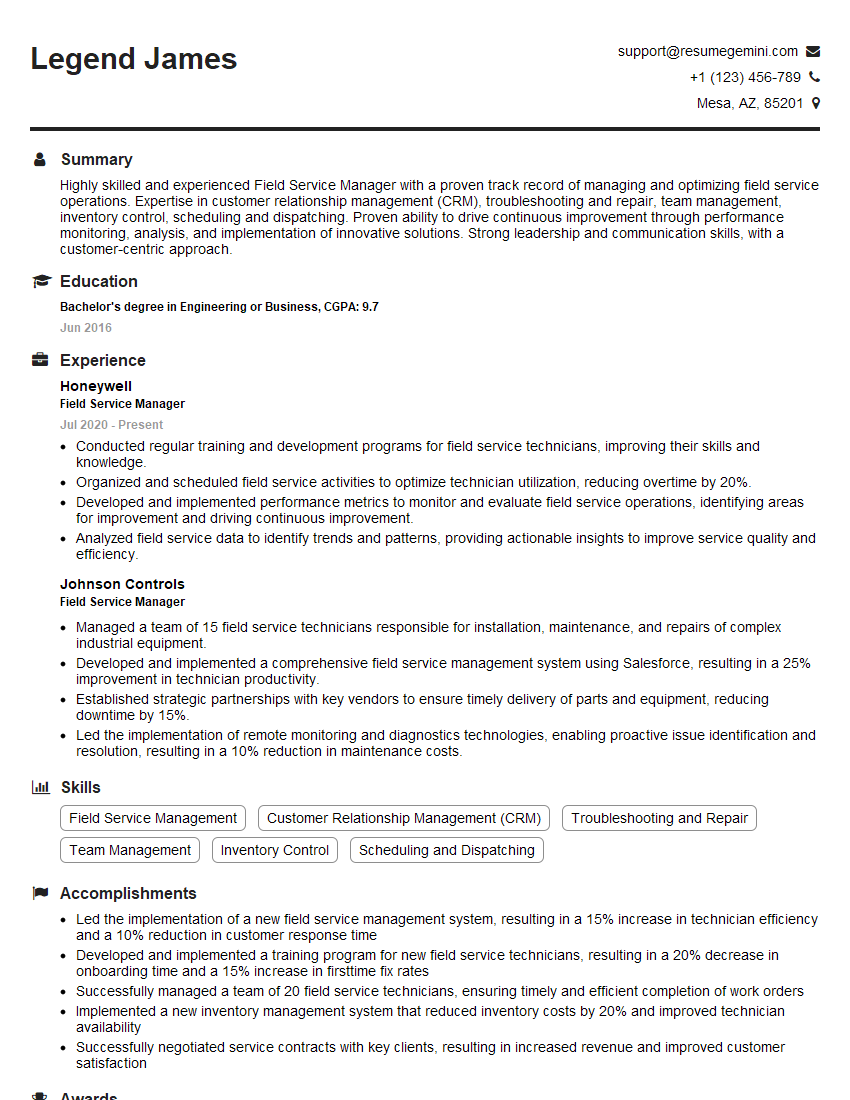
Field Service Manager Resume Sample
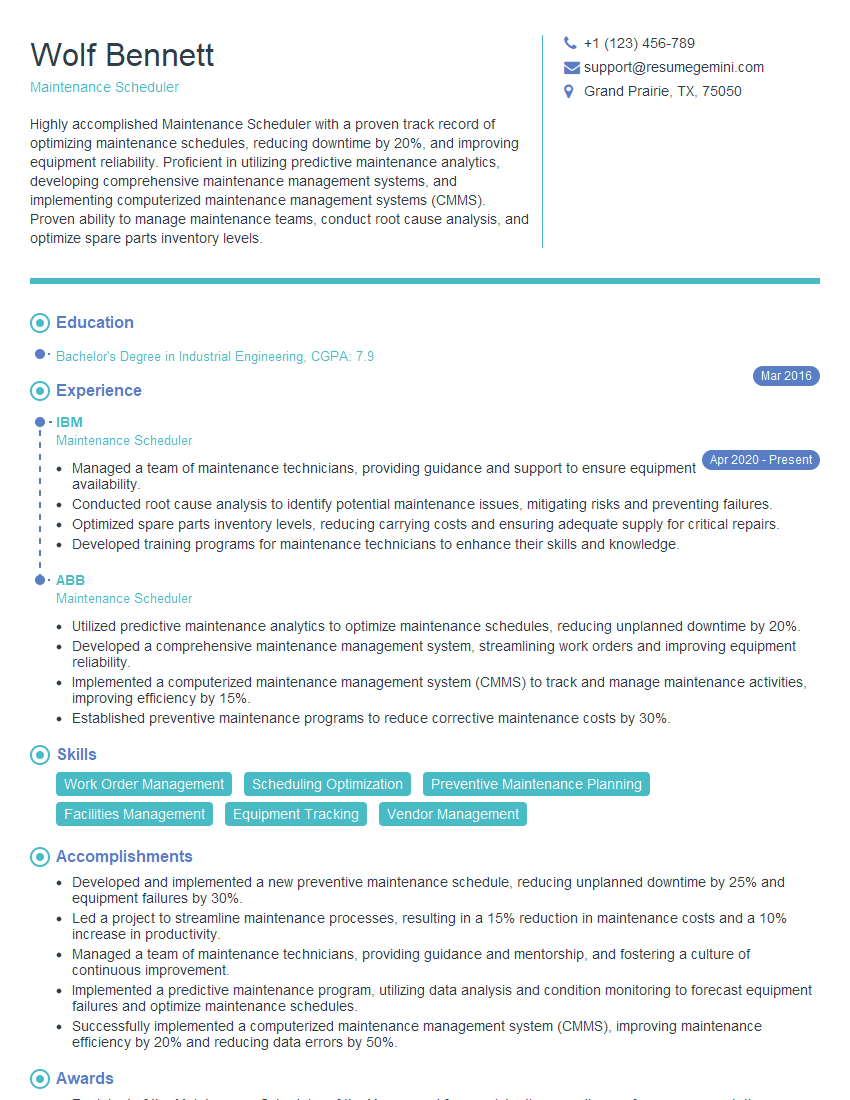
Maintenance Scheduler Resume Sample
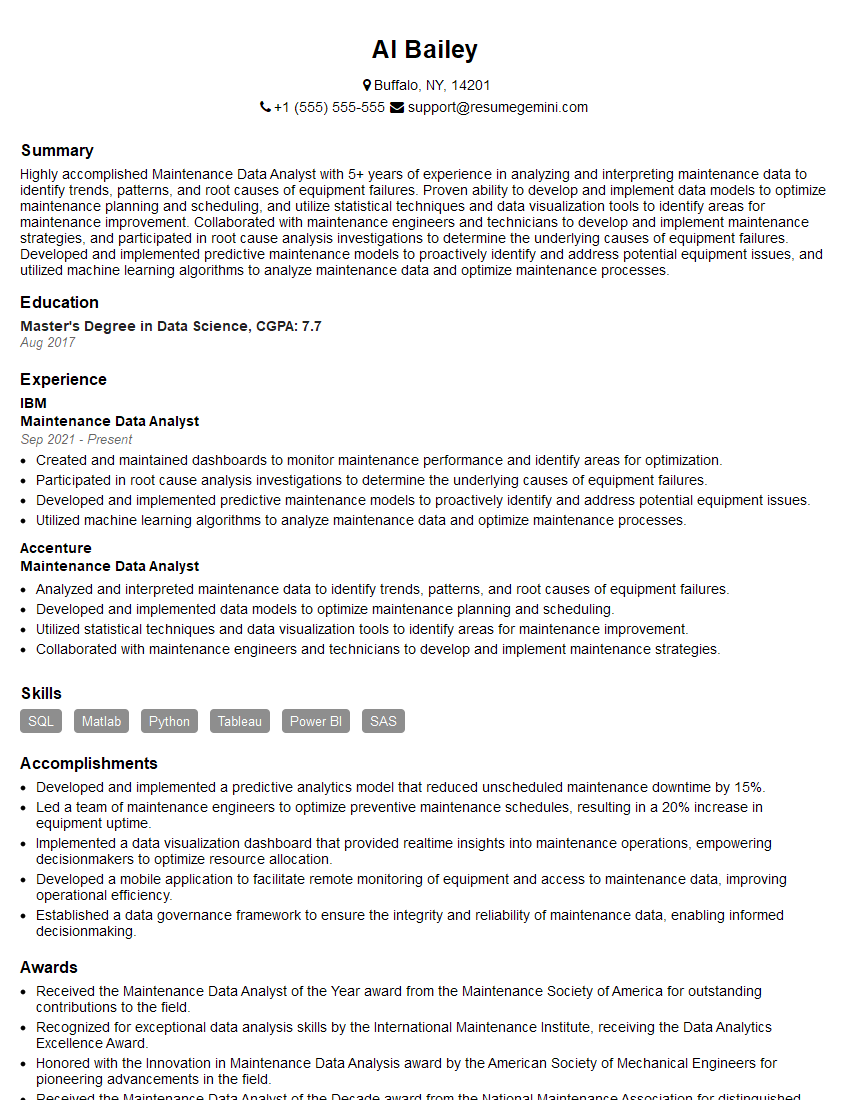
Maintenance Data Analyst Resume Sample
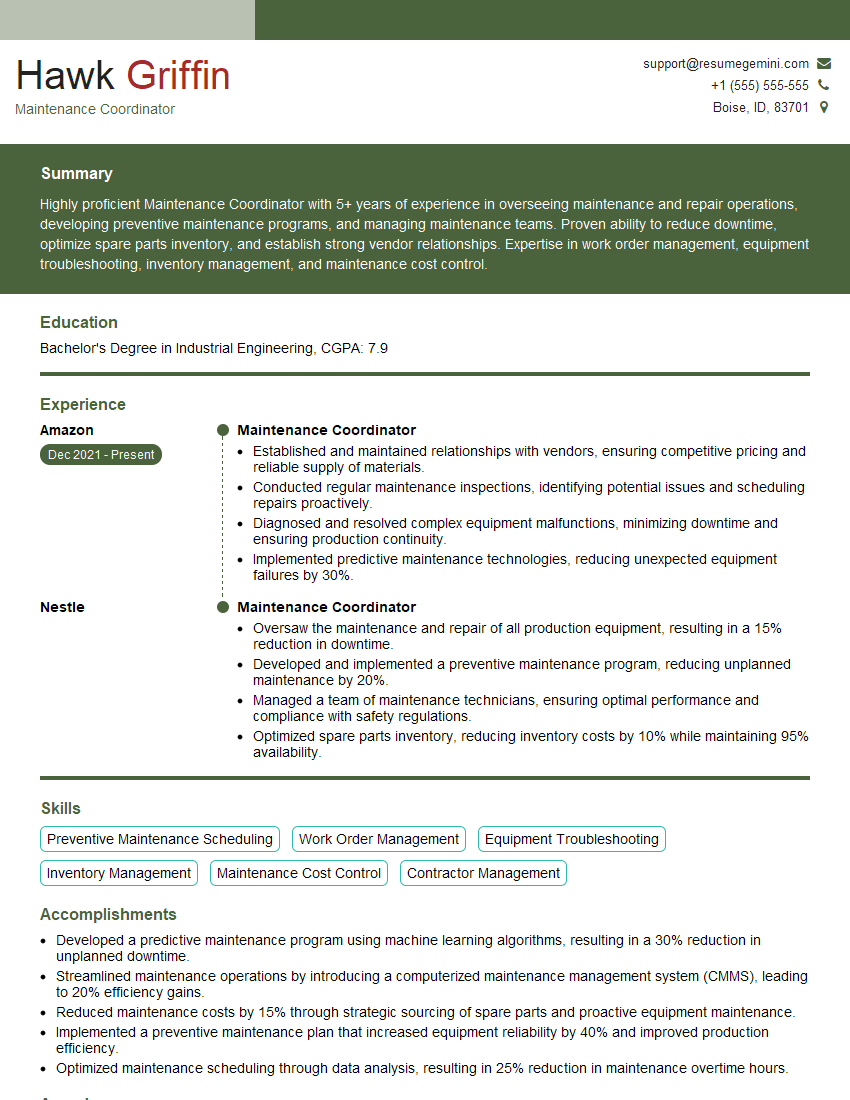
Maintenance Coordinator Resume Sample
Explore more articles
Users Rating of Our Blogs
Share Your Experience
We value your feedback! Please rate our content and share your thoughts (optional).
What Readers Say About Our Blog
To the interviewgemini.com Webmaster.
Very helpful and content specific questions to help prepare me for my interview!
Thank you
To the interviewgemini.com Webmaster.
This was kind of a unique content I found around the specialized skills. Very helpful questions and good detailed answers.
Very Helpful blog, thank you Interviewgemini team.