The thought of an interview can be nerve-wracking, but the right preparation can make all the difference. Explore this comprehensive guide to SAS and SPSS interview questions and gain the confidence you need to showcase your abilities and secure the role.
Questions Asked in SAS and SPSS Interview
Q 1. Explain the difference between SAS and SPSS.
SAS and SPSS are both powerful statistical software packages, but they cater to different needs and have distinct strengths. SAS is a comprehensive system known for its advanced analytics capabilities, robust data management features, and strong programming language. It’s often favored in large organizations for its scalability and ability to handle massive datasets. SPSS, on the other hand, is known for its user-friendly interface and its extensive library of statistical procedures, making it popular for researchers and analysts who prioritize ease of use and a quick path to results. Think of it this way: SAS is like a powerful, customizable sports car – it can do almost anything, but requires more skill to drive. SPSS is a comfortable, reliable sedan – easier to use, suitable for most journeys, but not as powerful for extreme situations.
Q 2. What are the strengths and weaknesses of SAS?
Strengths of SAS:
- Scalability and Performance: SAS excels at handling extremely large datasets with speed and efficiency.
- Data Management: Its data step programming language provides unparalleled control over data manipulation and transformation.
- Advanced Analytics: SAS offers a wide array of advanced statistical techniques, including machine learning algorithms, forecasting models, and causal inference methods.
- Robustness and Reliability: It’s known for its stability and reliability, crucial for mission-critical applications.
Weaknesses of SAS:
- Steep Learning Curve: The programming language can be challenging for beginners.
- Cost: SAS is a very expensive software package.
- Interface: While improving, the user interface can feel less intuitive compared to SPSS.
Q 3. What are the strengths and weaknesses of SPSS?
Strengths of SPSS:
- User-Friendly Interface: Its point-and-click interface is easy to learn and use, even for users with limited programming experience.
- Extensive Statistical Procedures: Offers a vast library of statistical tests and procedures, making it suitable for a wide range of analyses.
- Visualization Capabilities: Provides good tools for creating charts and graphs.
- Relatively Affordable (compared to SAS): SPSS is generally less expensive than SAS.
Weaknesses of SPSS:
- Limited Programming Capabilities: While it has a syntax language, it lacks the flexibility and power of SAS’s data step.
- Scalability Issues: Can struggle with extremely large datasets compared to SAS.
- Advanced Analytics Limitations: While improving, SPSS lags behind SAS in the breadth and depth of its advanced analytics capabilities.
Q 4. Describe your experience with data cleaning and preprocessing in SAS/SPSS.
My experience with data cleaning and preprocessing in both SAS and SPSS involves a systematic approach. This typically begins with identifying and handling missing values, outliers, and inconsistencies. In SAS, I extensively utilize data steps with functions like PROC IMPORT for data ingestion, PROC MEANS for summary statistics, and custom code for data transformation. For example, I might use IF-THEN-ELSE statements to recode variables or identify and flag outliers based on standard deviation. In SPSS, I leverage the graphical user interface for data transformation, using features like ‘recode into different variables’ and ‘compute variable’ extensively. For identifying outliers, I often employ boxplots and descriptive statistics. I always meticulously document my cleaning steps to ensure reproducibility and transparency.
For example, in a recent project involving customer data, I used SAS to identify and correct inconsistencies in address data by cross-referencing against a known database of locations. In another project, I used SPSS to recode categorical variables using the visual interface and then verify results using descriptive statistics.
Q 5. How do you handle missing data in SAS/SPSS?
Handling missing data is crucial for accurate analysis. The best approach depends on the nature of the data and the analysis goal. In both SAS and SPSS, I consider several options: deletion (listwise or pairwise), imputation (mean, median, mode, regression, k-NN), and indicator variables. Listwise deletion removes entire rows with missing data, while pairwise deletion excludes only cases with missing data for a specific analysis. Imputation replaces missing values with estimated values. Indicator variables create a new variable indicating the presence or absence of missing data.
The choice depends on the amount of missing data and the risk of bias. If missing data is minimal and randomly distributed, listwise deletion might be acceptable. However, if missing data is substantial or systematically related to other variables, imputation techniques are preferred. Indicator variables can help account for the missing data mechanism.
Q 6. Explain different data imputation techniques.
Data imputation techniques aim to fill in missing values. Common methods include:
- Mean/Median/Mode Imputation: Replaces missing values with the mean, median, or mode of the observed values. Simple, but can distort the distribution if many values are missing.
- Regression Imputation: Predicts missing values using a regression model based on other variables. More sophisticated, but assumes a linear relationship.
- K-Nearest Neighbors (k-NN) Imputation: Imputes missing values based on the values of the k nearest neighbors in the data. Handles non-linear relationships, but can be computationally expensive.
- Multiple Imputation: Creates multiple plausible imputed datasets and analyzes each separately, combining results to obtain more robust estimates. Addresses uncertainty in imputation, but is more complex.
The choice depends on the context. For example, mean imputation is simple but could lead to bias. Regression imputation is better if the relationship between variables is linear. Multiple imputation is the most statistically sound for complex datasets with substantial missing data but requires more computational resources.
Q 7. What are your preferred methods for data visualization in SAS/SPSS?
My preferred methods for data visualization depend on the type of data and the insights I aim to extract. In SAS, I use PROC SGPLOT and PROC GCHART for creating a wide variety of graphs, including scatter plots, box plots, histograms, and bar charts. For more advanced visualizations, I might explore other procedures or even integrate with external visualization libraries. In SPSS, the graphical user interface provides a straightforward way to generate various charts, and I often use these built-in tools for exploratory data analysis and presentation. For example, I’d create scatterplots to explore relationships, histograms to see data distributions, and bar charts to compare group means.
The key is to choose visualizations that are clear, concise, and effectively communicate the data story. A well-chosen visualization can be more powerful than pages of numerical results.
Q 8. How would you perform a t-test in SAS/SPSS?
A t-test is a statistical test used to compare the means of two groups. In SAS and SPSS, the process is similar, though the syntax differs. Both packages offer options for independent samples (comparing means of two unrelated groups) and paired samples (comparing means of the same group at two different time points).
SAS: The primary procedure is PROC TTEST. For an independent samples t-test, you would specify the grouping variable and the continuous variable. For a paired t-test, you’d use the PAIRED statement.
proc ttest data=mydata; class group; var score; run;This code performs an independent samples t-test comparing ‘score’ across different levels of ‘group’ in the ‘mydata’ dataset. The output includes t-statistic, p-value, and confidence intervals.
SPSS: In SPSS, you’d typically use the ‘t-test’ option within the ‘Analyze’ menu. For independent samples, you select ‘Independent-Samples T Test’; for paired samples, you choose ‘Paired-Samples T Test’. You then specify the test variables and grouping variable.
For instance, I once used a t-test in SAS to compare the average customer satisfaction scores between two different marketing campaigns. The results helped determine which campaign was more effective.
Q 9. How would you perform a regression analysis in SAS/SPSS?
Regression analysis examines the relationship between a dependent variable and one or more independent variables. Both SAS and SPSS provide robust procedures for various regression techniques.
SAS: The primary procedure is PROC REG for linear regression. For more complex models like logistic regression (predicting binary outcomes), you’d use PROC LOGISTIC. You specify the dependent and independent variables in the MODEL statement.
proc reg data=mydata; model sales = advertising; run;This code performs a simple linear regression predicting ‘sales’ based on ‘advertising’ from the ‘mydata’ dataset.
SPSS: In SPSS, regression analysis is accessible through the ‘Analyze’ menu, then ‘Regression’. Different regression types (linear, logistic, etc.) are available as options. You specify your variables similarly as in SAS.
In a previous project, I used multiple linear regression in SPSS to model the impact of various factors (age, income, location) on consumer spending. This allowed us to understand which factors had the most significant influence.
Q 10. Explain the concept of ANOVA and its application.
Analysis of Variance (ANOVA) is a statistical test used to compare the means of three or more groups. It’s an extension of the t-test, which only handles two groups. ANOVA determines if there’s a statistically significant difference between the group means or if the observed differences are likely due to random chance.
Application: ANOVA is frequently used in experimental designs to test the effects of different treatments or interventions. For example, you might use ANOVA to compare the average yield of a crop under different fertilization methods, or to compare the effectiveness of multiple drug treatments for a medical condition. The results of the ANOVA test provide an F-statistic and a p-value which assess the overall significance of the group mean differences. Post-hoc tests are then often performed (e.g., Tukey’s HSD) to identify specific pairs of groups showing significant differences.
Imagine comparing the effectiveness of three different teaching methods. ANOVA would help determine if there’s a statistically significant difference in student test scores across these methods. A significant result would indicate that at least one method is superior to others.
Q 11. How do you handle outliers in your dataset?
Outliers are data points that significantly deviate from the rest of the data. Handling outliers requires careful consideration, as they can distort results and lead to misleading conclusions. The approach depends on the cause of the outlier and the nature of the analysis.
Strategies:
- Investigation: First, investigate the cause. Was it a data entry error? Is it a genuinely extreme but valid observation?
- Visualization: Box plots, scatter plots, and histograms are useful for visualizing outliers.
- Robust methods: Use statistical methods less sensitive to outliers, like robust regression or non-parametric tests.
- Transformation: Transforming the data (e.g., log transformation) can sometimes reduce the influence of outliers.
- Winsorizing or Trimming: Replacing extreme values with less extreme ones (Winsorizing) or removing them (Trimming) are other options. But use with caution and proper justification.
- Imputation: If the outlier is due to a missing value, consider imputation techniques.
The best approach depends on the context. For example, in one project, I found a few outliers in income data. After investigating, I determined they were legitimate high-income earners and decided to keep them, as excluding them would have significantly skewed the income distribution.
Q 12. Describe your experience with PROC SQL in SAS.
PROC SQL in SAS is a powerful procedure allowing you to perform data manipulation and querying using SQL syntax. It’s incredibly versatile for tasks ranging from simple data selection to complex joins and aggregations.
Functionality: It lets you select, insert, update, and delete data; create and modify tables; perform joins between tables; and execute many other SQL operations. It’s a crucial tool for data cleaning, transformation, and reporting. I find it particularly useful when dealing with large datasets and complex data structures. Its efficiency is much higher than procedural SAS code when performing complicated database operations.
Example: Suppose I need to create a new table containing only customers with sales over $1000. Using PROC SQL, I could accomplish this efficiently:
proc sql; create table high_value_customers as select * from sales_data where sales > 1000; quit;This code selects all columns from the ‘sales_data’ table and creates a new table named ‘high_value_customers’ containing only records where ‘sales’ exceeds $1000. I regularly use PROC SQL to merge data from multiple sources, extract specific subsets of data, and generate summary reports.
Q 13. What are macros in SAS and how are they used?
SAS macros are essentially reusable blocks of SAS code. They allow you to create modular and efficient programs by defining reusable code segments that can be called repeatedly with different parameters. This promotes code readability, reduces redundancy, and simplifies maintenance.
Structure: A macro definition begins with a %MACRO statement, includes the SAS code to be executed, and ends with a %MEND statement. Macros can accept parameters, allowing you to customize their behavior.
Example: Imagine you need to generate a frequency table for many variables in your dataset. A macro could automate this process:
%macro freq_table(dataset,var); proc freq data=&dataset; tables &var; run; %mend freq_table;This defines a macro named ‘freq_table’ that takes the dataset name and variable name as parameters. It can be called multiple times with different variables to automatically generate frequency tables. For instance, %freq_table(mydata,age) would produce a frequency table for the ‘age’ variable in the ‘mydata’ dataset. Macros are especially beneficial when dealing with repetitive tasks and improving code organization in larger projects.
Q 14. Explain the different data structures in SAS.
SAS data structures are fundamental to organizing and managing data within SAS. The core data structure is the SAS dataset, a two-dimensional structure similar to a spreadsheet or database table.
Types:
- SAS dataset: The standard structure. It contains variables (columns) and observations (rows). Data is stored in a proprietary format (.sas7bdat).
- Data Views: These don’t store data directly, but provide different ways to access or filter data from existing SAS datasets, without modifying the original data. They are essentially customized views of data.
- Temporary Datasets: Used for intermediate calculations or results; automatically deleted once the job finishes. Useful when managing large datasets to avoid storing unnecessary data permanently.
- Permanent Datasets: These are saved to disk and are accessible across sessions.
Understanding the differences is crucial for efficient data management. For example, using temporary datasets for intermediate results conserves disk space and avoids clutter. Data views allow you to focus on specific subsets of your data without creating many new datasets. This is particularly important in large scale analysis where creating many datasets could affect performance.
Q 15. What are some common statistical tests you’ve used?
Throughout my career, I’ve extensively used a wide range of statistical tests, selecting the appropriate one based on the data type and research question. For example, to compare the means of two independent groups, I frequently use the independent samples t-test. If I’m dealing with more than two groups, ANOVA (Analysis of Variance) is my go-to test. When analyzing the relationship between two continuous variables, I often employ Pearson’s correlation. For categorical data, chi-square tests are invaluable for assessing associations between variables. Additionally, I’m experienced with non-parametric tests such as the Mann-Whitney U test (for comparing two independent groups when assumptions of normality are violated) and the Kruskal-Wallis test (the non-parametric equivalent of ANOVA). Finally, regression analysis, both linear and logistic, is a staple in my toolbox for predictive modeling and understanding relationships between variables.
For instance, in a recent project analyzing customer churn, I used logistic regression to predict the probability of a customer cancelling their subscription based on factors like usage frequency, customer service interactions, and demographics. The results informed targeted retention strategies.
Career Expert Tips:
- Ace those interviews! Prepare effectively by reviewing the Top 50 Most Common Interview Questions on ResumeGemini.
- Navigate your job search with confidence! Explore a wide range of Career Tips on ResumeGemini. Learn about common challenges and recommendations to overcome them.
- Craft the perfect resume! Master the Art of Resume Writing with ResumeGemini’s guide. Showcase your unique qualifications and achievements effectively.
- Don’t miss out on holiday savings! Build your dream resume with ResumeGemini’s ATS optimized templates.
Q 16. How familiar are you with different sampling techniques?
Understanding sampling techniques is crucial for obtaining reliable and representative results. I’m familiar with various methods, including simple random sampling, stratified sampling, cluster sampling, and systematic sampling. The choice of technique depends heavily on the research objectives and the characteristics of the population.
Simple random sampling is straightforward, where each member has an equal chance of selection. However, it may not be suitable for heterogeneous populations. Stratified sampling divides the population into strata (subgroups) and samples from each stratum proportionally, ensuring representation from all subgroups. Cluster sampling involves selecting clusters (groups of individuals) and then sampling within those clusters, which is useful for geographically dispersed populations. Systematic sampling selects every kth individual from a list, offering a balance between simplicity and representativeness. My experience includes adapting these techniques to specific situations, considering factors like cost, time constraints, and desired precision.
For example, in a study evaluating customer satisfaction across different regions, stratified sampling was crucial to ensure accurate representation of diverse customer segments from each geographical area.
Q 17. How do you ensure data quality and accuracy?
Data quality is paramount. My approach to ensuring data accuracy involves a multi-step process. It begins with a thorough understanding of the data source and its potential limitations. Then, I perform data validation checks, including verifying data types, identifying missing values, and detecting outliers. I use both automated checks within SAS and SPSS, and manual inspection, especially for unusual patterns. Techniques such as frequency distributions and descriptive statistics help identify anomalies and potential data entry errors. Furthermore, I carefully handle missing data, using appropriate imputation techniques or analysis methods that account for missingness. Data cleaning and transformation are critical steps, including standardizing variables, creating new variables, and recoding existing ones for better analysis.
For example, in a healthcare dataset, I identified inconsistencies in patient age and corrected them based on other patient records and medical history. This meticulous approach ensured the integrity of the data used for subsequent statistical analysis and reporting.
Q 18. Describe your experience with data mining techniques.
My experience with data mining techniques is extensive. I regularly use techniques like association rule mining (e.g., Apriori algorithm) to discover relationships between variables in large datasets. For example, analyzing supermarket transaction data to identify frequently purchased product combinations. Classification techniques such as decision trees, support vector machines (SVMs), and neural networks are frequently used for predicting categorical outcomes. Regression techniques like linear and logistic regression are used for predicting continuous and binary outcomes respectively. Clustering techniques, including k-means and hierarchical clustering, are employed for grouping similar data points together. These techniques are implemented using both SAS Enterprise Miner and SPSS Modeler, leveraging their capabilities for data preprocessing, model building, and evaluation.
A recent project involved using decision trees to predict customer lifetime value based on their purchase history and demographics, allowing for targeted marketing campaigns.
Q 19. How would you build a predictive model using SAS/SPSS?
Building a predictive model in SAS or SPSS involves several key steps. First, I’d thoroughly explore and prepare the data, addressing issues like missing values and outliers. Then, I’d select appropriate features relevant to the target variable. Feature selection techniques like recursive feature elimination can be valuable here. Next, I’d choose a suitable model based on the nature of the target variable (e.g., linear regression for continuous, logistic regression for binary, decision tree for classification). Using either PROC REG in SAS or the linear regression module in SPSS, I’d train the model, optimizing parameters to minimize error. Finally, I’d rigorously evaluate the model using appropriate metrics (like R-squared, AUC, or RMSE) and potentially apply techniques like cross-validation to ensure generalizability. Model tuning is an iterative process aimed at maximizing predictive accuracy.
/*Example SAS code snippet for linear regression*/ proc reg data=mydata; model y=x1 x2 x3; run;
Q 20. Explain the concept of model evaluation metrics (e.g., R-squared, AUC).
Model evaluation metrics are crucial for assessing the performance of a predictive model. R-squared, for example, measures the proportion of variance in the dependent variable explained by the independent variables in a linear regression model. A higher R-squared (closer to 1) indicates a better fit. However, it’s not always the best metric, as it can be artificially inflated by adding more predictors. AUC (Area Under the ROC Curve) is commonly used in binary classification problems. It represents the ability of the model to distinguish between the two classes. An AUC of 1 indicates perfect classification, while 0.5 indicates no better performance than random guessing. Other important metrics include RMSE (Root Mean Squared Error) which measures the average magnitude of prediction errors, and precision and recall, which are particularly important in imbalanced datasets. The choice of metrics depends on the specific problem and business objectives.
Q 21. What is your experience with creating reports and dashboards?
I have extensive experience creating reports and dashboards using SAS Report Writer, SAS Enterprise Guide, SPSS Statistics, and various visualization tools like Tableau and Power BI. My reports are designed to be clear, concise, and easy to understand, tailored to the specific audience. I incorporate tables, charts, and graphs to present key findings effectively. Interactive dashboards allow users to explore data dynamically and gain insights into trends and patterns. I’ve developed reports for various purposes, including business performance monitoring, regulatory compliance, and research dissemination. I ensure that the visualization effectively communicates the story behind the data, leading to actionable insights.
For instance, I once created an interactive dashboard for a financial institution, allowing executives to monitor key performance indicators in real-time, facilitating faster decision-making.
Q 22. How familiar are you with data warehousing concepts?
Data warehousing is all about creating a central repository for an organization’s data from various sources. Think of it as a massive, organized library for your company’s information. It involves consolidating data from different systems, cleaning it up, and structuring it for efficient querying and analysis. This allows for better decision-making by providing a single, unified view of the business.
My familiarity encompasses the entire data warehousing lifecycle, from understanding business requirements to designing the warehouse schema (star schema, snowflake schema), implementing ETL processes, and finally, ensuring data quality and performance. I have experience with dimensional modeling techniques, understanding the importance of fact tables and dimension tables to store and analyze data effectively.
For example, I once worked on a project where we consolidated sales data from multiple regional offices, customer databases, and marketing campaigns into a single data warehouse. This enabled the business to gain valuable insights into customer behavior and sales trends across different regions and product lines, something impossible with the disparate, siloed data sources.
Q 23. Describe your experience with ETL processes.
ETL stands for Extract, Transform, Load – the process of getting data from various sources, cleaning and preparing it, and loading it into a target system (like a data warehouse). It’s the backbone of any data warehousing project.
My experience spans various ETL tools, including SAS Data Integration Studio and SPSS Modeler. I’ve worked with both batch and real-time ETL processes. I’m comfortable with tasks such as data cleansing (handling missing values, outliers, and inconsistencies), data transformation (formatting, aggregating, joining), and data loading into different database systems. I understand the importance of error handling and logging in ETL processes to ensure data quality and process reliability.
For instance, in a recent project, I used SAS Data Integration Studio to extract data from several flat files, transform them by applying business rules and calculations, and load the cleaned data into a SQL Server database. This involved writing complex SQL queries, using SAS macros for automation, and implementing robust error handling to ensure data accuracy and timely delivery.
Q 24. Explain your experience with different types of data (structured, unstructured).
Structured data is neatly organized and easily searchable, like data in a relational database with rows and columns. Unstructured data, on the other hand, lacks a predefined format – think text documents, images, or social media posts. Both are crucial for comprehensive analysis, but require different approaches.
I have extensive experience handling both. With structured data, I’m proficient in SQL, using it to query and manipulate data in relational databases. For unstructured data, I’ve leveraged techniques like text mining in SAS or SPSS to extract meaningful insights from textual data. This includes tasks such as sentiment analysis, topic modeling, and named entity recognition.
One project involved analyzing customer feedback from surveys and online reviews (unstructured) alongside structured sales data. By combining text analysis with statistical modeling, we identified key drivers of customer satisfaction and used this information to improve products and services.
Q 25. How would you approach a problem with a large dataset?
Handling large datasets requires a strategic approach. The key is to avoid loading everything into memory at once. This often involves a combination of techniques:
- Sampling: Analyze a representative subset of the data to understand its structure and identify potential issues before processing the entire dataset.
- Data partitioning: Break down the dataset into smaller, manageable chunks to process in parallel.
- Distributed computing: Leverage platforms like Hadoop or Spark to distribute the processing across multiple machines.
- Data reduction techniques: Employ dimensionality reduction (PCA) or feature selection to reduce the number of variables while retaining essential information.
- In-database processing: Perform analysis directly within the database management system (DBMS) to minimize data transfer and improve efficiency.
Choosing the right tools and techniques depends on the specific problem and the available resources. For example, using SAS/ACCESS to connect directly to a database to conduct analysis within the database itself is a significant performance booster for very large datasets.
Q 26. What is your experience with scripting or programming languages beyond SAS/SPSS?
Beyond SAS and SPSS, I’m proficient in Python and R. Python is excellent for data manipulation, visualization, and building machine learning models, while R is a powerful statistical computing environment. I use Python libraries like Pandas and Scikit-learn frequently. In R, I use packages like dplyr and ggplot2.
These languages offer flexibility and access to a wider range of statistical and machine learning algorithms compared to SAS and SPSS, although I find SAS and SPSS valuable for their built-in procedures and user-friendly interfaces for specific tasks. Often, I’ll combine the strengths of all these tools in a project, leveraging the best features of each to maximize efficiency and accuracy.
Q 27. Describe a challenging data analysis project and how you overcame it.
One challenging project involved predicting customer churn for a telecommunications company. The dataset was massive and contained many missing values and inconsistencies. The initial models performed poorly.
To overcome this, I first implemented a robust data cleaning process, using both SAS and Python to handle missing data imputation and outlier detection. I then experimented with various feature engineering techniques to create new variables that better captured customer behavior. This improved model performance dramatically. Finally, I used ensemble methods (random forests and gradient boosting) in Python to combine the predictions from several models, leading to a significantly improved churn prediction accuracy that resulted in tangible business improvements in customer retention strategies.
Q 28. How do you stay up-to-date with the latest advancements in SAS and SPSS?
Staying current is crucial in this field. I actively pursue several methods:
- SAS and SPSS documentation and online communities: I regularly review the official documentation and participate in online forums and communities to learn about new features and best practices.
- Conferences and webinars: Attending industry conferences and webinars allows me to stay abreast of the latest advancements and network with other professionals.
- Online courses and tutorials: I regularly take online courses and follow tutorials on platforms like Coursera and edX to enhance my skills in both SAS, SPSS and related technologies.
- Peer learning: I actively engage in discussions and knowledge sharing with colleagues to stay updated on trends and challenges in the field.
This multi-faceted approach helps ensure I remain proficient and adaptable to the ever-evolving landscape of data analysis and statistical modeling.
Key Topics to Learn for SAS and SPSS Interview
- SAS Programming Fundamentals: Mastering data import/export, data manipulation (using DATA steps and PROC SQL), and basic statistical procedures (PROC MEANS, PROC FREQ).
- SAS Practical Application: Understand how to clean and prepare real-world datasets for analysis, perform exploratory data analysis, and generate insightful reports using SAS.
- Advanced SAS Techniques: Explore macro programming for automation, data visualization using PROC SGPLOT or other graphical procedures, and statistical modeling (regression, ANOVA).
- SPSS Data Management: Become proficient in importing, cleaning, transforming, and managing data within the SPSS environment. Understand different data types and their implications.
- SPSS Statistical Analysis: Gain expertise in conducting various statistical tests (t-tests, chi-square, correlation) and interpreting the results in a meaningful context.
- SPSS Advanced Features: Familiarize yourself with more complex statistical procedures like regression analysis, factor analysis, and reliability analysis. Understand the assumptions and limitations of each technique.
- Data Visualization in SPSS: Learn to create effective and informative charts and graphs to communicate your findings clearly and concisely.
- Problem-solving using SAS and SPSS: Practice formulating clear analytical questions, selecting appropriate statistical methods, and interpreting the results to draw valid conclusions. Consider case studies to hone this skill.
- SAS and SPSS Comparison: Understand the strengths and weaknesses of each software package and when to choose one over the other for specific tasks.
Next Steps
Mastering SAS and SPSS opens doors to exciting careers in data analysis, research, and business intelligence. These skills are highly sought after, offering excellent career growth potential and competitive salaries. To maximize your job prospects, create a compelling, ATS-friendly resume that highlights your skills and experience effectively. ResumeGemini is a trusted resource to help you build a professional and impactful resume tailored to your specific career goals. Examples of resumes tailored to SAS and SPSS expertise are available to guide you.
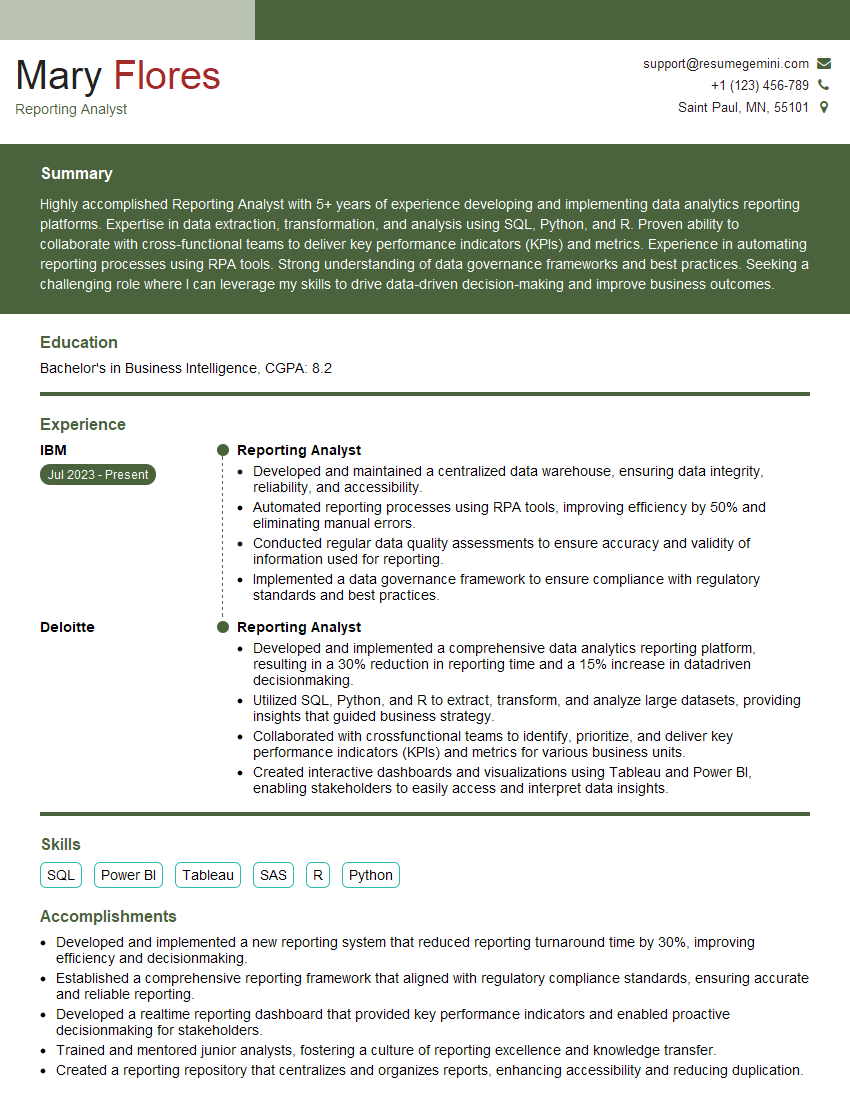
Reporting Analyst Resume Sample

Business Analyst Resume Sample
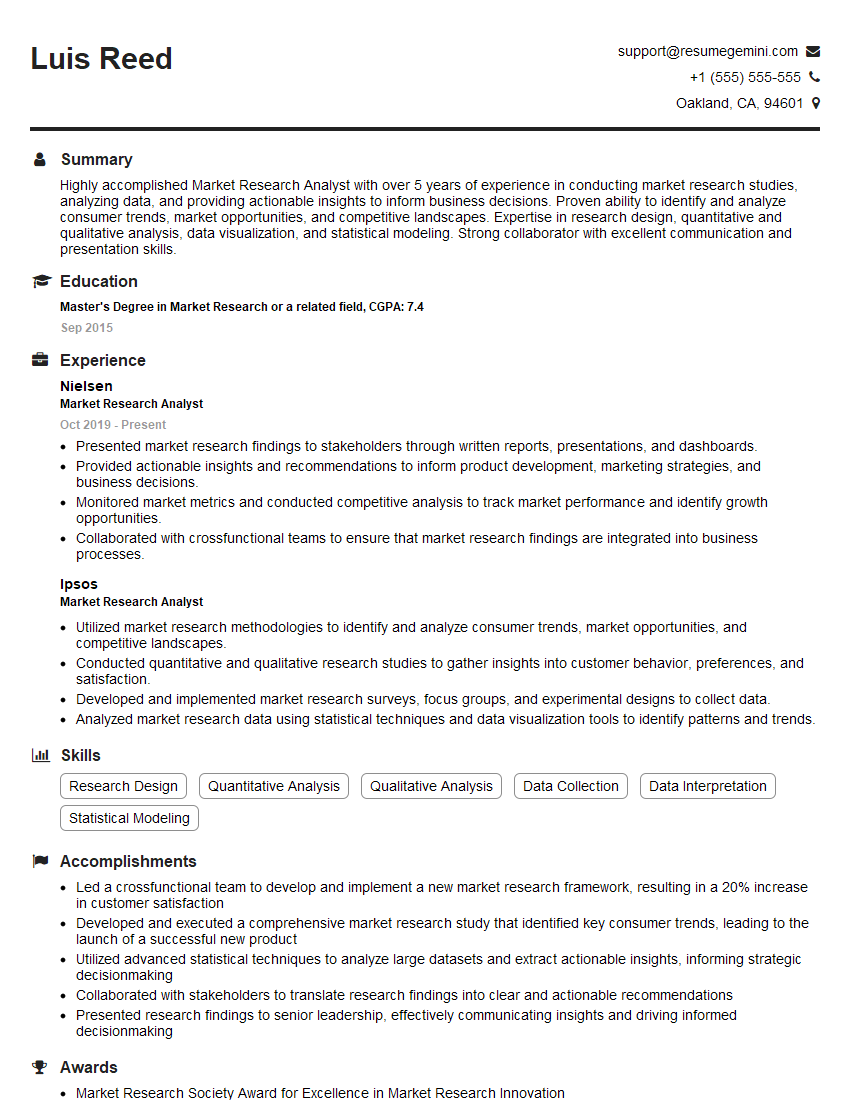
Market Research Analyst Resume Sample
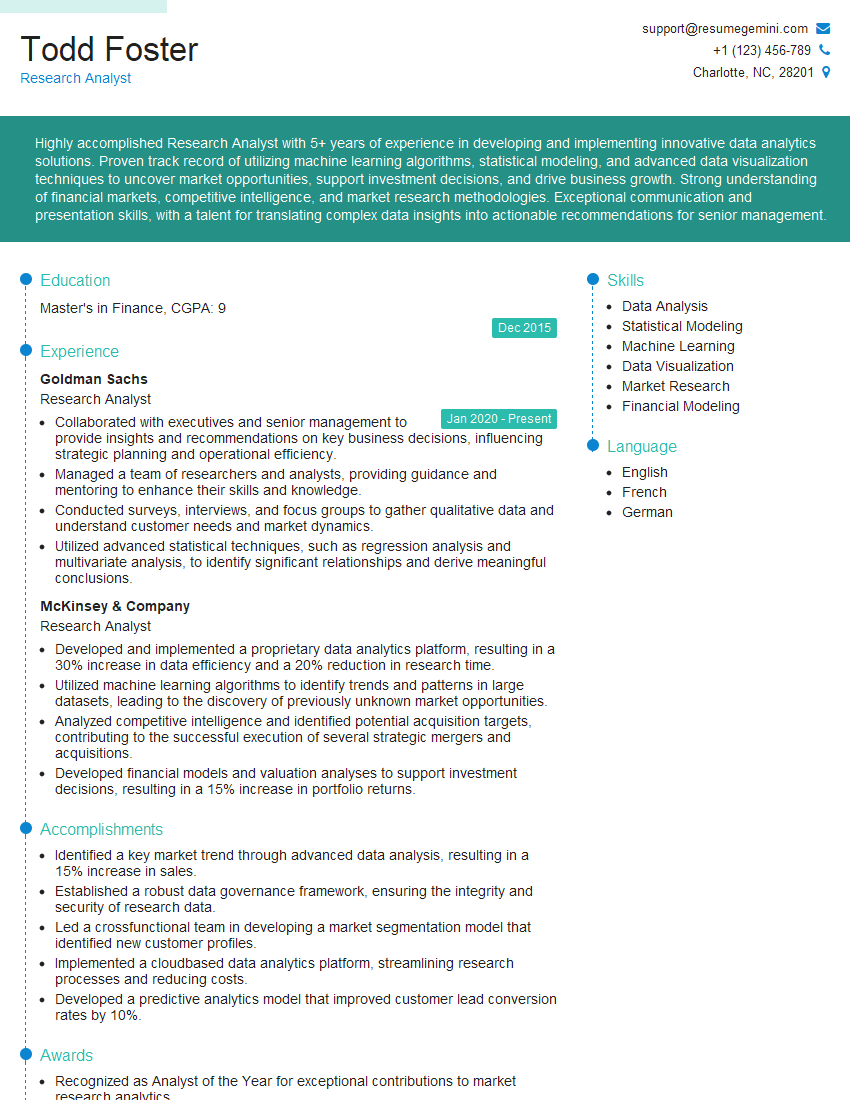
Research Analyst Resume Sample

Data Analyst Resume Sample
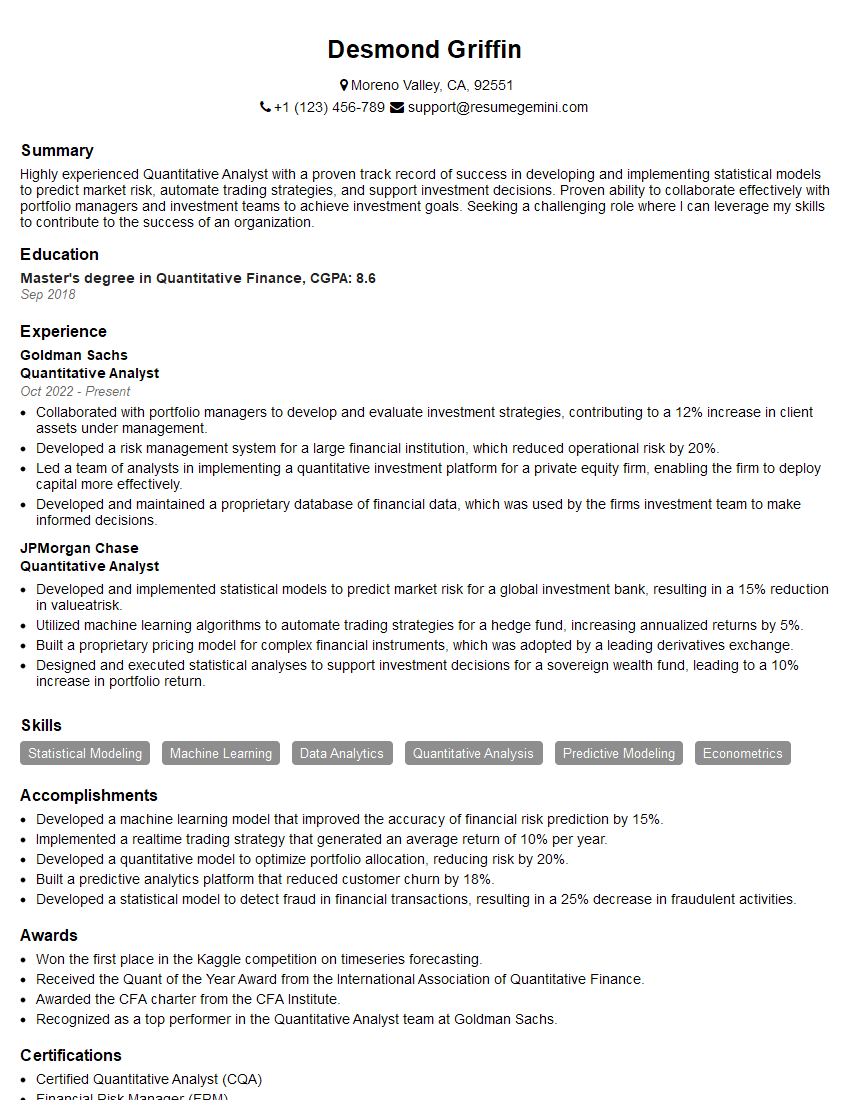
Quantitative Analyst Resume Sample

Data Scientist Resume Sample
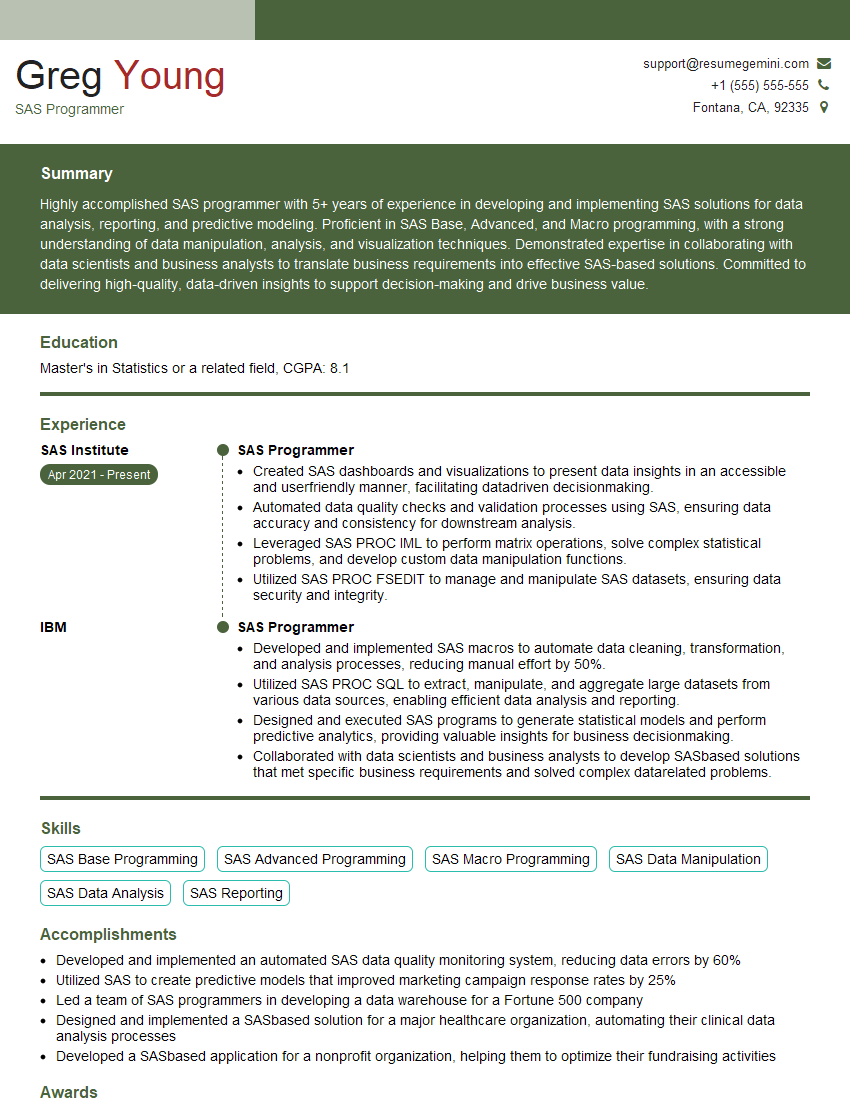
SAS Programmer Resume Sample

ETL Developer Resume Sample
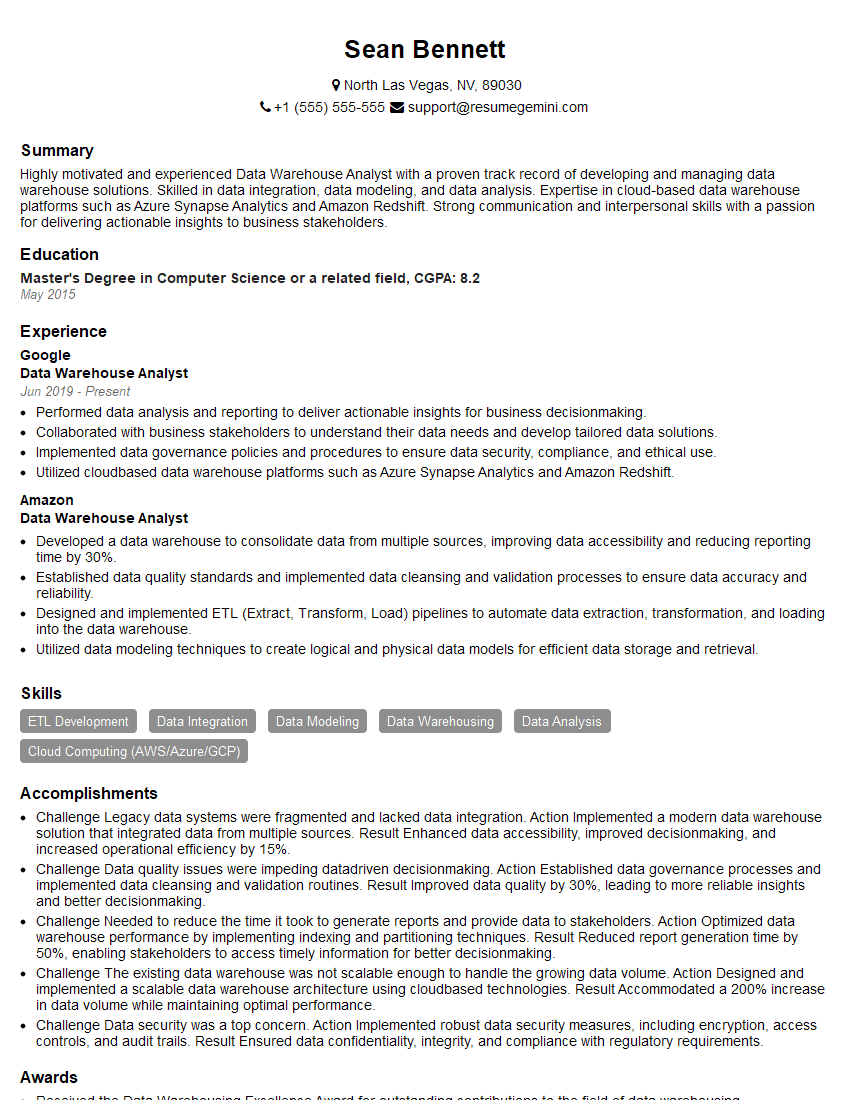
Data Warehouse Analyst Resume Sample
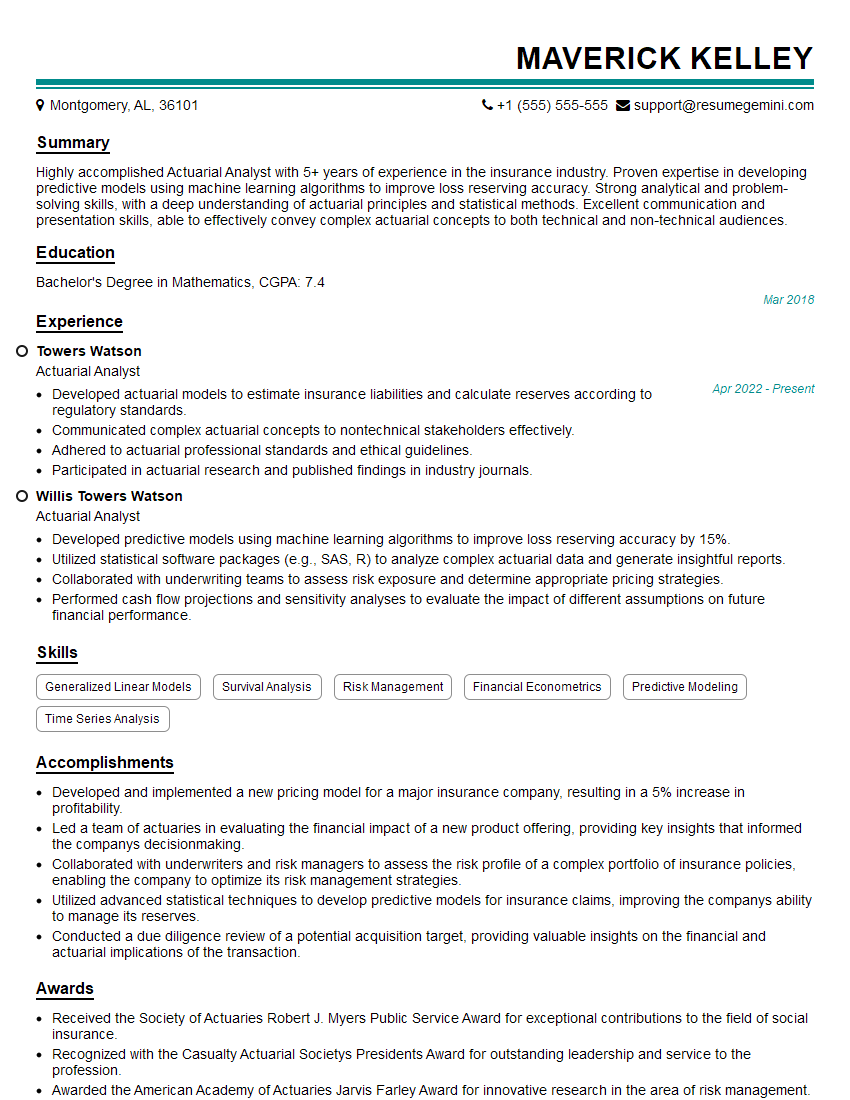
Actuarial Analyst Resume Sample

Statistical Analyst Resume Sample
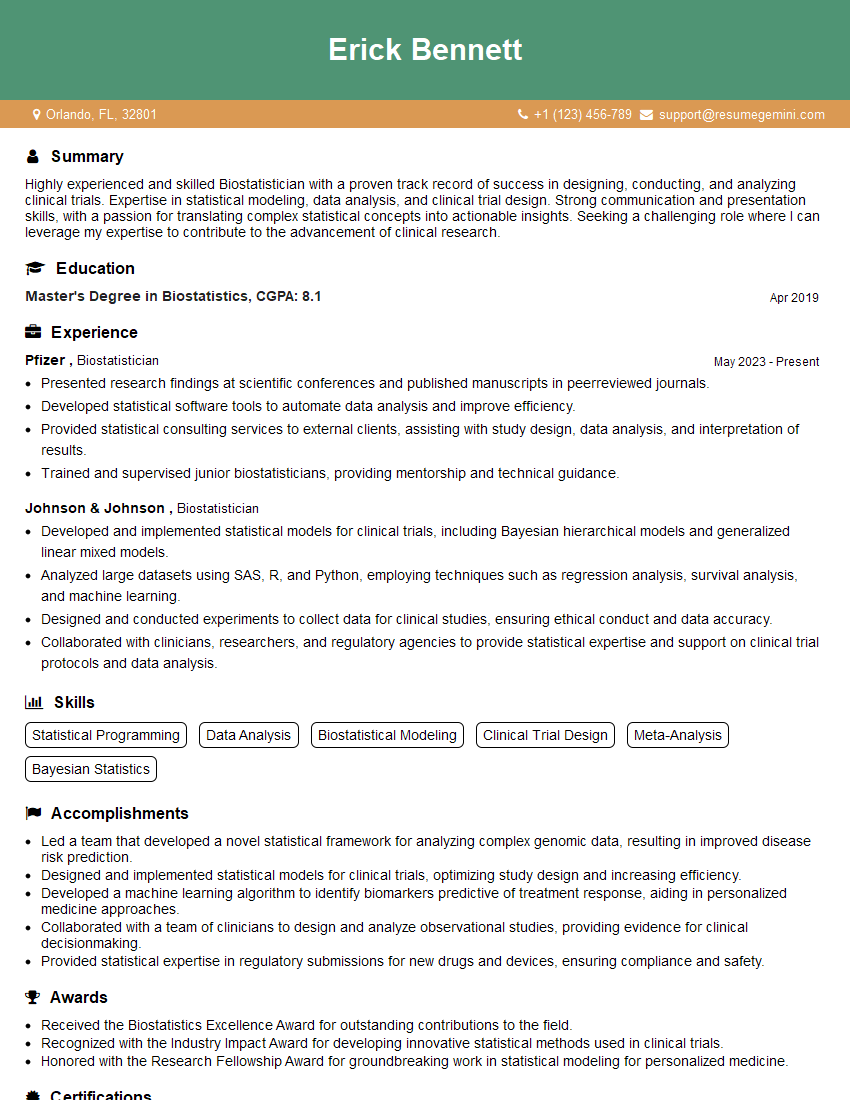
Biostatistician Resume Sample
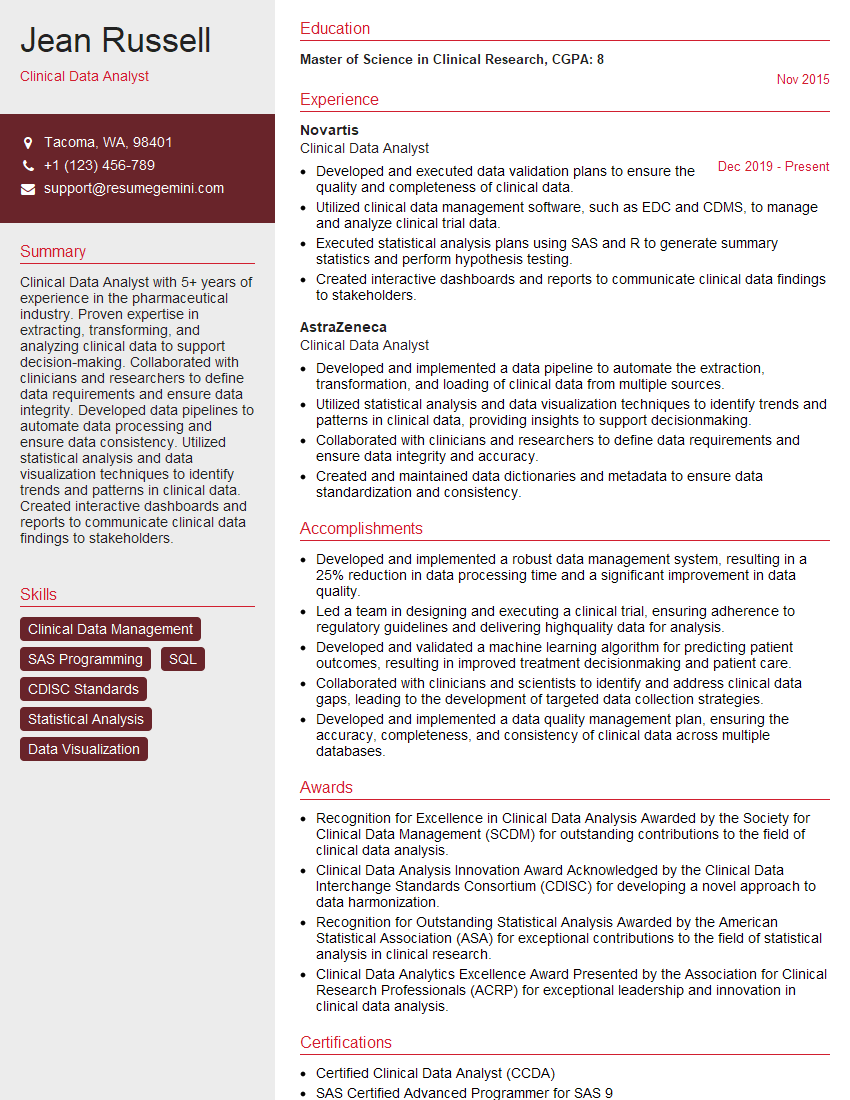
Clinical Data Analyst Resume Sample

Database Administrator Resume Sample

Machine Learning Engineer Resume Sample
- Reporting Analyst
- Business Analyst
- Market Research Analyst
- Research Analyst
- Data Analyst
- Quantitative Analyst
- Data Scientist
- SAS Programmer
- ETL Developer
- Data Warehouse Analyst
- Actuarial Analyst
- Statistical Analyst
- Biostatistician
- Clinical Data Analyst
- Database Administrator
- Machine Learning Engineer
Explore more articles
Users Rating of Our Blogs
Share Your Experience
We value your feedback! Please rate our content and share your thoughts (optional).
What Readers Say About Our Blog
To the interviewgemini.com Webmaster.
Very helpful and content specific questions to help prepare me for my interview!
Thank you
To the interviewgemini.com Webmaster.
This was kind of a unique content I found around the specialized skills. Very helpful questions and good detailed answers.
Very Helpful blog, thank you Interviewgemini team.