Are you ready to stand out in your next interview? Understanding and preparing for Data Center Operations Management interview questions is a game-changer. In this blog, we’ve compiled key questions and expert advice to help you showcase your skills with confidence and precision. Let’s get started on your journey to acing the interview.
Questions Asked in Data Center Operations Management Interview
Q 1. Explain the difference between Tier I, Tier II, Tier III, and Tier IV data centers.
Data center tiers represent different levels of redundancy and fault tolerance. Think of it like building a house: a Tier I is a basic structure, while a Tier IV is a fortress designed to withstand almost anything.
- Tier I: Basic infrastructure with minimal redundancy. A single point of failure can cause significant downtime. Imagine a small office with a single server and no backup power. Downtime is expected during maintenance.
- Tier II: Some redundancy is built in, usually with a backup power generator. Maintenance can still cause downtime, but it’s less frequent than Tier I. This is like having a backup generator for your house – power outages are less disruptive.
- Tier III: Consistently available; even with planned maintenance, there’s no disruption to operations. This involves redundant components for power and cooling, and parallel systems running simultaneously. It’s like having a whole secondary power grid and cooling system that instantly takes over if the primary one fails.
- Tier IV: The highest level of redundancy. Simultaneous maintenance on all systems is possible without affecting service availability. It’s like having two completely separate, identical buildings operating independently, with seamless failover between them. This level is incredibly expensive and typically used for mission-critical applications.
Q 2. Describe your experience with data center infrastructure monitoring tools.
I have extensive experience using a variety of data center infrastructure monitoring tools, including Nagios, Zabbix, Prometheus, and Datadog. My experience extends from setting up and configuring these systems to developing custom dashboards and alerts for proactive problem identification and resolution.
For instance, in a previous role, we used Nagios to monitor server health, network performance, and storage capacity. We configured custom alerts to notify us of critical events, such as disk space nearing capacity or high CPU utilization. This allowed us to address potential problems before they escalated into significant outages. With Datadog, I’ve leveraged its comprehensive dashboards to visualize system performance across various metrics and gain insights into bottlenecks and areas for optimization.
Choosing the right tool depends on factors such as budget, existing infrastructure, and specific monitoring needs. I’m proficient in integrating these tools with various systems to provide a holistic view of the data center’s health.
Q 3. How do you ensure data center uptime and availability?
Ensuring data center uptime and availability is paramount. My approach is multi-layered and focuses on prevention, detection, and rapid recovery.
- Proactive Maintenance: Regularly scheduled maintenance of hardware and software is crucial. This includes firmware updates, patch management, and preventative checks on cooling and power systems.
- Redundancy and Failover: Implementing redundant systems for power, cooling, and network infrastructure is essential. Failover mechanisms ensure seamless transition to backup systems in case of a primary system failure.
- Monitoring and Alerting: Real-time monitoring of all critical components provides early warning of potential issues. Automated alerts immediately notify the team of any anomalies, allowing for quick intervention.
- Disaster Recovery Planning: A robust disaster recovery plan outlines procedures for recovering from major incidents, including site failures or natural disasters. Regular drills ensure the plan’s effectiveness.
- Capacity Planning: Proactive capacity planning prevents performance degradation due to resource exhaustion. This involves forecasting future needs and scaling infrastructure accordingly.
Think of it as a layered security system – multiple defenses working together to protect against various threats. Each layer increases the overall resilience of the data center.
Q 4. What are your strategies for managing capacity planning in a data center?
Capacity planning is a crucial aspect of data center management. It involves forecasting future resource needs and ensuring sufficient capacity to meet growing demands without compromising performance. My approach combines historical data analysis, future projections, and a healthy dose of foresight.
- Data Analysis: I start by analyzing historical usage patterns of CPU, memory, storage, and network bandwidth. This helps establish baseline trends and forecast future needs.
- Forecasting: I use various forecasting techniques, such as exponential smoothing or ARIMA modeling, to predict future resource requirements based on growth projections and application demands.
- Resource Allocation: Based on the forecasts, I develop resource allocation strategies to ensure sufficient capacity. This might involve purchasing additional hardware, upgrading existing systems, or optimizing resource utilization.
- Regular Reviews: Capacity planning is an ongoing process. I regularly review the forecasts and make adjustments as needed based on actual usage patterns and new information.
In a previous project, we used a combination of historical data and business projections to predict a significant increase in storage requirements within the next two years. This allowed us to proactively procure additional storage arrays and avoid a costly emergency purchase later.
Q 5. Explain your experience with disaster recovery and business continuity planning.
Disaster recovery (DR) and business continuity (BC) planning are critical for minimizing disruption during unforeseen events. My experience includes developing and implementing comprehensive DR/BC plans that encompass various scenarios, from minor outages to major disasters.
- Risk Assessment: Identifying potential threats and assessing their impact on business operations is the foundation of a good DR/BC plan. This includes natural disasters, cyberattacks, equipment failures, and human error.
- Recovery Strategies: Developing recovery strategies for critical systems and applications. This may involve using redundant systems, cloud-based backups, or off-site data centers.
- Recovery Time Objectives (RTOs) and Recovery Point Objectives (RPOs): Defining RTOs (how quickly systems must be restored) and RPOs (acceptable data loss) is critical for setting recovery goals.
- Testing and Drills: Regularly testing the DR/BC plan through simulations and drills ensures its effectiveness and identifies areas for improvement.
- Documentation: Thorough documentation of the plan ensures everyone understands their roles and responsibilities during a disaster.
I’ve personally led several DR drills, successfully restoring critical systems within the defined RTOs and minimizing business disruption. This involved coordinating efforts across different teams and leveraging various recovery mechanisms.
Q 6. Describe your experience with power distribution and cooling systems in a data center.
Power distribution and cooling are fundamental to data center operations. Failures in either can lead to catastrophic consequences. My experience spans the design, implementation, and maintenance of these crucial systems.
- Power Distribution: This involves understanding UPS systems (Uninterruptible Power Supplies), generators, and power distribution units (PDUs) to ensure reliable power delivery to IT equipment. Understanding power factor correction and load balancing is key to efficient and reliable power distribution.
- Cooling Systems: This includes knowledge of Computer Room Air Conditioners (CRACs), Computer Room Air Handlers (CRAHs), and various cooling technologies like air cooling, liquid cooling, and free air cooling. Understanding airflow management and hot/cold aisle containment is critical to optimal cooling efficiency.
- Monitoring and Control: Real-time monitoring of power and cooling systems is essential to prevent issues. This includes temperature, humidity, and power usage effectiveness (PUE) monitoring. Automated alerts and control systems help maintain optimal operating conditions.
In one project, we implemented a hot aisle/cold aisle containment system which resulted in a 15% reduction in cooling energy consumption, demonstrating the importance of well-designed cooling infrastructure.
Q 7. How do you handle data center security and access control?
Data center security is a multifaceted issue requiring a layered approach. My experience includes implementing robust security measures to protect against physical and cyber threats.
- Physical Security: This includes access control systems, such as biometric authentication, card readers, and security cameras. Surveillance and monitoring are essential to ensure unauthorized access is prevented.
- Network Security: Firewalls, intrusion detection/prevention systems (IDS/IPS), and virtual LANs (VLANs) provide network security. Regular security audits and penetration testing identify vulnerabilities and reinforce defenses.
- Data Security: Encryption, access control lists (ACLs), and data loss prevention (DLP) measures protect sensitive data. Regular data backups and disaster recovery planning ensure data availability even in case of a security breach.
- Compliance: Adherence to industry standards and regulations such as HIPAA, PCI DSS, and GDPR is crucial. This includes implementing appropriate security controls and maintaining detailed audit trails.
For instance, I implemented a multi-factor authentication system for all data center personnel, significantly reducing the risk of unauthorized access. Regular security awareness training for staff is also a crucial element of a robust security plan.
Q 8. What are your troubleshooting skills regarding network connectivity issues in a data center?
Troubleshooting network connectivity issues in a data center requires a systematic approach. I begin by understanding the scope of the problem: is it affecting a single machine, a specific VLAN, or the entire network? My process involves these key steps:
- Gather Information: I start by collecting information from affected users or systems, including error messages, timestamps, and affected services. Tools like network monitoring systems (e.g., Nagios, Zabbix) provide invaluable real-time data.
- Isolate the Problem: I use diagnostic tools like
ping,traceroute, andtcpdumpto pinpoint the location of the failure. For example, ifpingfails to a specific server, I know the problem lies between my client and that server. Iftracerouteshows a dropped packet at a particular hop, that points to a faulty router or link. - Check Physical Connections: I’ll physically inspect cables, ports, and equipment for loose connections or signs of damage. This seemingly simple step often resolves the issue.
- Examine Network Configuration: I review network configurations (IP addresses, subnet masks, routing tables) to ensure they’re accurate and consistent. Incorrect configurations are a common source of connectivity problems.
- Review Logs: System logs on routers, switches, and firewalls contain valuable information about events that may have caused the connectivity issue.
- Escalate if Necessary: If the problem is beyond my expertise or involves critical systems, I promptly escalate to the appropriate team.
For instance, in a recent incident, a seemingly widespread network outage was traced to a faulty fiber optic cable in the main backbone. By systematically checking the physical layer, we identified the problem quickly, minimizing downtime.
Q 9. Explain your experience with virtualization technologies and their application in data centers.
Virtualization technologies are fundamental to modern data center operations. My experience encompasses deploying and managing virtual machines (VMs) using VMware vSphere and Microsoft Hyper-V. I understand the benefits of virtualization, including improved resource utilization, enhanced scalability, and simplified management.
In my previous role, we leveraged virtualization to consolidate physical servers, reducing our physical footprint and lowering energy costs significantly. We created dedicated virtual networks and implemented resource allocation policies to optimize performance and isolate workloads. We also utilized VMware vCenter for centralized management and monitoring of our virtual infrastructure. This allowed us to automate tasks such as VM provisioning, patching, and backups, greatly improving efficiency and reducing manual intervention. Furthermore, we implemented disaster recovery solutions using VM replication and high availability features, minimizing business disruption in the event of a failure.
The use of containers (Docker, Kubernetes) is also part of my experience. These provide further levels of abstraction and granular control for microservices architectures, enhancing agility and scalability.
Q 10. How do you manage and mitigate risks associated with data center operations?
Risk management in data center operations is crucial. My approach involves a multi-layered strategy focusing on proactive measures and robust response plans. This includes:
- Regular Risk Assessments: I conduct regular risk assessments to identify potential threats (natural disasters, power outages, cyberattacks, human error) and vulnerabilities in our systems.
- Implementing Security Controls: This encompasses physical security (access control, surveillance), network security (firewalls, intrusion detection systems), and data security (encryption, access controls). For example, we might implement multi-factor authentication to enhance access security.
- Developing Disaster Recovery Plans: We create comprehensive disaster recovery plans including backups, failover mechanisms, and business continuity strategies. Regular drills and testing are essential to validate these plans. Our disaster recovery plan includes a secondary data center with automated failover capabilities.
- Monitoring and Alerting: We employ real-time monitoring systems to track critical infrastructure components and application performance. Alerts provide early warnings of potential issues allowing for proactive intervention.
- Incident Response: A well-defined incident response plan is critical for handling security incidents and outages efficiently and effectively. This includes communication protocols, escalation procedures, and post-incident reviews.
- Vendor Risk Management: We carefully assess the risks associated with third-party vendors providing services or products to our data center, ensuring they meet our security standards.
By combining these proactive and reactive measures, we strive to minimize risks and ensure the resilience and stability of our data center operations.
Q 11. Describe your experience with data center automation and scripting.
Automation and scripting are vital for efficient data center management. My experience includes using various scripting languages like Python and PowerShell to automate repetitive tasks and streamline workflows. I’ve used these to create scripts for:
- Automated provisioning of VMs: Using tools like Terraform or Ansible, I can automate the creation and configuration of VMs based on pre-defined templates, eliminating manual configuration steps.
- Automated backups and restores: Scripting allows for efficient scheduling and execution of backups and simplifies the process of restoring data.
- Monitoring and alerting: I develop scripts that collect data from various sources and trigger alerts based on predefined thresholds, enabling proactive issue resolution.
- Log analysis: I utilize scripts to analyze log files for patterns and anomalies, enabling proactive identification of potential issues.
For example, I developed a Python script that automatically deploys and configures new web servers in response to increased traffic demand. This script integrates with our cloud provider’s API, ensuring scalability and reducing manual effort. The code utilizes the requests library to make API calls and leverages configuration files for flexibility.
#Example Python snippet (Illustrative)
import requests
# ... API calls and server configuration ...
Q 12. Explain your familiarity with different storage technologies (SAN, NAS, cloud storage).
I’m familiar with various storage technologies, each with its strengths and weaknesses.
- SAN (Storage Area Network): SANs provide high-performance, block-level storage accessible to multiple servers over a dedicated network. They are ideal for demanding applications requiring high I/O throughput and low latency, such as databases and virtualized environments. I have experience managing SANs using technologies like Fibre Channel and iSCSI.
- NAS (Network Attached Storage): NAS offers file-level storage accessible over a standard network (Ethernet). It’s simpler to manage than SANs and well-suited for file sharing and collaborative workflows. I have experience configuring and managing NAS devices from various vendors.
- Cloud Storage: Cloud storage providers (AWS S3, Azure Blob Storage, Google Cloud Storage) offer scalable and cost-effective storage solutions. I’m proficient in managing cloud storage, leveraging its scalability and elasticity to meet evolving needs. I understand the importance of data security and redundancy when utilizing cloud-based storage solutions.
In a previous role, we migrated from a legacy SAN to a hybrid cloud storage solution, leveraging the benefits of both on-premise and cloud storage to optimize performance, cost, and scalability. This involved careful planning, data migration strategies, and thorough testing to ensure a seamless transition.
Q 13. How do you ensure compliance with industry standards and regulations (e.g., ISO 27001)?
Compliance with industry standards and regulations is paramount in data center operations. My experience includes ensuring compliance with ISO 27001, SOC 2, HIPAA, and PCI DSS (depending on the specific requirements of the organization). My approach involves:
- Implementation of security policies and procedures: We document and enforce security policies covering areas such as access control, data encryption, incident response, and vulnerability management.
- Regular audits and assessments: We conduct regular internal audits and engage external auditors to verify our compliance with relevant standards and regulations. This includes thorough documentation reviews, vulnerability scans, and penetration testing.
- Risk management framework: We implement a comprehensive risk management framework to identify, assess, and mitigate security risks. This involves regular risk assessments and updated mitigation strategies.
- Employee training: We provide regular security awareness training to our employees, emphasizing best practices and the importance of data security. This includes training on handling sensitive data, password security, and identifying phishing attempts.
- Continuous monitoring and improvement: We continually monitor our security posture and make improvements based on audit findings, vulnerability assessments, and industry best practices.
For example, to ensure compliance with ISO 27001, we implemented a robust Information Security Management System (ISMS) that includes documented processes, controls, and regular reviews. This system covers all aspects of information security, from asset management and access control to incident management and business continuity.
Q 14. What are your methods for optimizing data center energy efficiency?
Optimizing data center energy efficiency is crucial for both environmental and economic reasons. My approach integrates various strategies:
- Improving Power Usage Effectiveness (PUE): We continuously monitor and strive to reduce the PUE, which is a key metric for measuring data center efficiency. This involves optimizing cooling systems, using energy-efficient hardware, and implementing power management strategies.
- Implementing virtualization and consolidation: Virtualizing servers and consolidating workloads reduces the number of physical servers, lowering energy consumption.
- Utilizing energy-efficient hardware: We select energy-efficient servers, networking equipment, and storage systems. Features like server power capping and dynamic power management are critical.
- Optimizing cooling systems: This includes using efficient cooling technologies (e.g., CRAC units, liquid cooling), implementing proper airflow management, and optimizing the setpoints of cooling systems.
- Implementing smart power distribution units (PDUs): Smart PDUs provide real-time power monitoring and control, allowing us to identify and address power inefficiencies.
- Utilizing renewable energy sources: Where feasible, we explore opportunities to leverage renewable energy sources, such as solar or wind power, to reduce our carbon footprint.
In one project, we implemented a comprehensive energy efficiency program that reduced our data center’s PUE by 15% by optimizing cooling systems, implementing virtualization, and upgrading to more energy-efficient hardware. This resulted in significant cost savings and a reduced environmental impact.
Q 15. Describe your experience with IT service management frameworks (e.g., ITIL).
ITIL (Information Technology Infrastructure Library) is a widely accepted framework for IT Service Management (ITSM). My experience encompasses its core principles, including service strategy, service design, service transition, service operation, and continual service improvement. I’ve been involved in implementing and improving ITIL processes in several data center environments. For example, in my previous role, we implemented an incident management process based on ITIL best practices, resulting in a 20% reduction in mean time to resolution (MTTR). This involved using a ticketing system to track incidents, establishing clear escalation paths, and implementing a robust knowledge base to prevent recurring issues. We also utilized ITIL’s change management process to ensure controlled and documented changes to our infrastructure, minimizing disruptions to services.
- Service Level Agreements (SLAs): I have extensive experience in defining and managing SLAs with both internal stakeholders and external clients, ensuring service quality and accountability.
- Problem Management: I’ve actively participated in identifying and resolving underlying causes of recurring incidents, preventing future disruptions and improving overall system stability.
- Capacity Management: I have a strong understanding of capacity planning and management, ensuring sufficient resources are available to meet current and future demands.
Career Expert Tips:
- Ace those interviews! Prepare effectively by reviewing the Top 50 Most Common Interview Questions on ResumeGemini.
- Navigate your job search with confidence! Explore a wide range of Career Tips on ResumeGemini. Learn about common challenges and recommendations to overcome them.
- Craft the perfect resume! Master the Art of Resume Writing with ResumeGemini’s guide. Showcase your unique qualifications and achievements effectively.
- Don’t miss out on holiday savings! Build your dream resume with ResumeGemini’s ATS optimized templates.
Q 16. How do you handle vendor management and relationships in a data center environment?
Effective vendor management is crucial for successful data center operations. My approach focuses on building strong, collaborative relationships based on trust and clear communication. This involves:
- Strategic Vendor Selection: Thorough evaluation of vendors based on their expertise, track record, financial stability, and alignment with our business objectives.
- Clearly Defined Service Level Agreements (SLAs): Detailed SLAs that outline responsibilities, performance metrics, and penalties for non-compliance. This includes regular review and updates as needed.
- Regular Communication and Performance Reviews: Maintaining open communication channels through regular meetings, performance reviews, and escalation paths to address issues promptly.
- Performance Monitoring and Reporting: Closely monitoring vendor performance against SLAs using key performance indicators (KPIs) and reporting mechanisms to identify areas for improvement.
- Risk Management: Identifying and mitigating potential risks associated with vendor dependencies, such as single points of failure or security vulnerabilities.
For example, when negotiating a contract for server maintenance, I ensured that the SLA included specific response times for critical issues and clearly defined penalties for exceeding those times. This proactive approach helped maintain high uptime and reduce the impact of any potential outages.
Q 17. Explain your understanding of different cooling technologies (CRAC, CRAH, etc.).
Cooling technologies are vital for maintaining optimal operating temperatures within a data center. CRAC (Computer Room Air Conditioner) units are self-contained units that cool the entire room, while CRAH (Computer Room Air Handler) units are typically part of a larger HVAC (Heating, Ventilation, and Air Conditioning) system. Other cooling technologies include:
- In-Row Cooling: Cooling units placed within the server racks, providing more targeted cooling and reducing energy consumption.
- Liquid Cooling: Directly cooling server components using liquid, providing significantly higher cooling capacity and efficiency for high-density environments.
- Free Air Cooling: Utilizing outside air for cooling, suitable for environments with favorable climates.
The choice of cooling technology depends on factors such as the size of the data center, server density, environmental conditions, and budget constraints. Understanding the pros and cons of each technology is crucial for selecting the most effective and efficient solution. In my experience, I’ve worked with all these technologies and helped to design and optimize cooling strategies to ensure reliable operation and avoid costly downtime.
Q 18. What is your experience with physical security measures in a data center?
Physical security is paramount for protecting data center assets and ensuring business continuity. My experience involves implementing and managing a multi-layered security approach including:
- Access Control: Implementing robust access control systems such as biometric authentication, card readers, and CCTV surveillance to restrict access to authorized personnel only.
- Perimeter Security: Utilizing fences, security gates, and guard patrols to deter unauthorized entry.
- Environmental Monitoring: Implementing systems to monitor temperature, humidity, power, and other environmental factors to prevent equipment damage and ensure optimal operating conditions.
- Physical Intrusion Detection: Utilizing motion detectors, door alarms, and other intrusion detection systems to alert security personnel to unauthorized access attempts.
- Surveillance Systems: Installing and maintaining CCTV cameras and recording systems to monitor activity within the data center.
In one project, I implemented a two-factor authentication system for all data center personnel, significantly enhancing the security posture and reducing the risk of unauthorized access. Regular security audits and vulnerability assessments are also essential components of my approach.
Q 19. How do you manage and prioritize incidents and requests within a data center?
Managing and prioritizing incidents and requests in a data center requires a structured approach. I typically use a ticketing system and an incident management process based on ITIL best practices. Prioritization is based on the impact and urgency of the issue, using a framework such as:
- P1 (Critical): Major outage impacting business-critical applications. Requires immediate attention.
- P2 (High): Significant disruption affecting multiple users or applications. Requires rapid resolution.
- P3 (Medium): Minor disruption with limited impact. Can be addressed within a reasonable timeframe.
- P4 (Low): Minor issues with minimal impact. Can be scheduled for resolution.
Requests are handled similarly, with prioritization based on business needs and dependencies. Regular monitoring and reporting of incident and request metrics are essential to identify trends and areas for improvement. For example, a sudden spike in P1 incidents might indicate a systemic issue requiring immediate investigation and resolution.
Q 20. Describe your experience with budgeting and forecasting for data center operations.
Budgeting and forecasting for data center operations requires a detailed understanding of costs and resource requirements. My approach involves:
- Cost Analysis: Identifying and categorizing all data center expenses, including hardware, software, power, cooling, staffing, and maintenance.
- Capacity Planning: Forecasting future resource needs based on growth projections and anticipated workloads.
- Budget Creation: Developing a detailed budget that aligns with business objectives and resource constraints.
- Performance Monitoring and Variance Analysis: Tracking actual expenses against the budget and investigating any significant variances.
- Regular Reporting and Forecasting: Providing regular reports to stakeholders on budget performance and making necessary adjustments to the forecast.
In a previous role, I successfully implemented a cost-optimization strategy that reduced operational expenses by 15% without compromising service quality. This involved negotiating better contracts with vendors, implementing energy-efficient cooling technologies, and optimizing resource utilization.
Q 21. What is your approach to performance monitoring and reporting in a data center?
Performance monitoring and reporting are critical for ensuring data center stability and efficiency. My approach involves using a combination of tools and techniques to monitor key performance indicators (KPIs) such as:
- Uptime: Percentage of time the data center is operational.
- MTTR (Mean Time To Resolution): Average time taken to resolve incidents.
- MTBF (Mean Time Between Failures): Average time between equipment failures.
- Resource Utilization: CPU, memory, storage, and network utilization.
- Power Consumption: Energy usage and efficiency.
Data is collected from various sources, including hardware monitoring tools, network management systems, and application performance monitors. This data is then analyzed to identify trends, potential problems, and areas for improvement. Regular reports are generated and distributed to stakeholders, providing insights into data center performance and informing decision-making. For example, by monitoring CPU utilization, we were able to proactively identify and address performance bottlenecks before they impacted users.
Q 22. Explain your experience with different types of backup and recovery strategies.
Backup and recovery strategies are crucial for data center resilience. My experience encompasses a range of approaches, each with its strengths and weaknesses. We typically employ a multi-layered strategy for optimal protection.
- Full Backups: These create a complete copy of all data at a specific point in time. While efficient for initial backups, they are time-consuming for frequent execution.
- Incremental Backups: Only changes since the last full or incremental backup are saved, making them faster and more storage-efficient. They rely on the full backup for recovery.
- Differential Backups: Similar to incremental, but they store the changes since the last full backup, meaning recovery requires the latest full and differential backup.
- Synthetic Full Backups: Combine full and incremental backups. This reduces the time and resources needed for a full backup by chaining together incremental backups to create a new full backup, improving recovery time.
- Cloud-based Backups: Leveraging cloud storage offers scalability, disaster recovery capabilities, and often cost savings through pay-as-you-go models. We use this for off-site backups.
- Replication: This involves real-time or near real-time copying of data to another location. This offers quick recovery from site failures, but increases network traffic and storage costs.
Choosing the right strategy involves considering factors like Recovery Time Objective (RTO), Recovery Point Objective (RPO), data volume, budget, and regulatory compliance. For instance, a financial institution might opt for a more robust replication strategy with stringent RPO and RTO targets compared to a smaller business.
Q 23. How do you stay up-to-date with the latest technologies and trends in data center management?
Staying current in data center management requires a multifaceted approach. I actively engage in several methods:
- Industry Publications and Conferences: I regularly read publications like Data Center Knowledge, follow industry blogs, and attend conferences such as the Gartner Data Center conference and VMworld. This provides insight into emerging trends and best practices.
- Online Courses and Certifications: I consistently pursue online courses from platforms like Coursera, edX, and LinkedIn Learning to enhance my expertise in areas like cloud computing, automation, and security. Certifications, like those from AWS, Azure, or Google Cloud, validate my skills.
- Professional Networking: I actively participate in professional organizations like the Data Center Management Association, attending webinars and engaging with peers. This allows for experience sharing and staying abreast of innovative solutions.
- Vendor Engagement: I maintain relationships with key technology vendors to stay informed about new product releases and advancements. This includes attending product demonstrations and engaging in technical discussions.
This combination ensures I’m always learning and integrating the latest technologies and trends into our data center operations.
Q 24. Describe a situation where you had to troubleshoot a complex data center issue. What was your approach?
We once experienced a significant performance degradation in our virtualized environment. Initially, it appeared to be a general resource bottleneck. My approach was systematic:
- Gather Data: We started by collecting performance metrics from various monitoring tools, including CPU utilization, memory usage, network traffic, and disk I/O.
- Identify Patterns: We noticed consistently high disk I/O on a specific storage array, suggesting a potential storage bottleneck.
- Isolate the Problem: Further investigation revealed that a particular virtual machine was generating an unusually high volume of disk writes.
- Root Cause Analysis: We determined that a faulty application script within that VM was causing the excessive writes, which in turn led to the storage bottleneck and the overall performance degradation.
- Implement a Solution: We corrected the faulty script, improved the application’s performance, and implemented better monitoring alerting. Additionally, we investigated upgrading our storage array to address the near-capacity conditions which could lead to such problems again.
- Post-Incident Review: A post-mortem analysis helped us identify areas for improvement in our monitoring, alerting, and application deployment processes.
This methodical approach, combined with strong teamwork, ensured a rapid resolution and prevented further incidents. It also reinforced the importance of comprehensive monitoring and robust error handling in applications.
Q 25. How do you handle conflict resolution within a team in a demanding data center environment?
Conflict resolution in a high-pressure data center environment requires a calm, collaborative, and structured approach. My strategy focuses on several key elements:
- Active Listening: I prioritize understanding each individual’s perspective and concerns before jumping to conclusions. This involves actively listening and asking clarifying questions.
- Empathy and Respect: Maintaining a respectful atmosphere is vital. I focus on understanding the emotional context, acknowledging their feelings, and working towards a mutually acceptable solution.
- Focus on the Problem, Not the Person: The conversation should center on the issue at hand rather than resorting to personal attacks or blame. Constructive criticism is important, but it must be delivered tactfully.
- Collaborative Problem Solving: I encourage team members to brainstorm solutions collectively. This can involve using techniques such as root cause analysis or using a decision matrix.
- Documentation and Follow-up: Once a solution is agreed upon, it’s documented clearly, and I follow up with team members to ensure its successful implementation and to gauge their satisfaction.
Sometimes, mediation may be necessary to facilitate a productive outcome. My goal is always to resolve the conflict quickly, efficiently, and constructively so that the team remains functional and high-performing.
Q 26. What metrics do you consider most important in evaluating data center performance?
Evaluating data center performance requires a holistic view, considering several key metrics. Some of the most important include:
- Uptime/Availability: This is fundamental, measuring the percentage of time the data center is operational. High uptime reflects reliability and reduces business disruption.
- Mean Time To Recovery (MTTR): Measures the time taken to recover from outages. A lower MTTR indicates efficient recovery processes.
- Power Usage Effectiveness (PUE): Represents the ratio of total power used by the data center to the power used by IT equipment. A lower PUE indicates greater energy efficiency.
- Capacity Utilization: Tracks the usage of resources like storage, compute, and network bandwidth. This helps to optimize resource allocation and prevent over-provisioning or shortages.
- Application Performance: Monitors the performance of critical applications. This may include response times, transaction rates, and error rates.
- Security Incidents: Tracking the number and severity of security breaches provides insights into the effectiveness of security measures.
These metrics provide a balanced assessment of data center health and operational efficiency. Regularly tracking and analyzing these metrics allows for proactive management and continuous improvement.
Q 27. Explain your experience with implementing and managing data center infrastructure as code (IaC).
Data Center Infrastructure as Code (IaC) is a cornerstone of modern data center management. My experience involves using tools like Terraform and Ansible to automate the provisioning and management of infrastructure. This approach offers several advantages:
- Automation: IaC automates the creation and configuration of infrastructure resources, reducing manual effort and human error.
- Repeatability: It allows for consistent and repeatable deployments across different environments (dev, test, prod).
- Version Control: Infrastructure configurations are stored in version control systems like Git, enabling tracking of changes and easy rollback.
- Collaboration: IaC facilitates collaboration among team members, allowing multiple individuals to work on the same infrastructure codebase.
- Reduced Risk: Automation minimizes the risk of configuration drift and ensures consistency across environments.
For example, using Terraform, we can define our entire network infrastructure (virtual networks, subnets, security groups) in code, then deploy and manage it programmatically. Any changes are version-controlled, making auditing and rollback straightforward. terraform apply initiates the deployment, creating the defined resources in the cloud provider of our choice. This approach has significantly improved efficiency and reduced deployment time.
Q 28. Describe your understanding of different network topologies used in data centers.
Data centers utilize various network topologies, each with specific strengths and weaknesses. My understanding encompasses several common ones:
- Star Topology: All devices connect to a central hub or switch. This is simple to manage and troubleshoot but can create a single point of failure if the central device fails.
- Mesh Topology: Multiple interconnected paths exist between devices. This provides redundancy and high availability but can be complex to manage and more expensive to implement.
- Ring Topology: Devices connect in a closed loop. Data travels in one direction, offering fault tolerance, but failure of a single link can impact the entire network.
- Tree Topology: A hierarchical structure, with a root node branching out to multiple levels. It combines elements of star and bus topologies, offering scalability and ease of management.
- Cloud-based Networks: Virtual networks are increasingly prevalent, providing flexibility, scalability, and isolation. These are often built on software-defined networking (SDN) principles.
The choice of topology depends on factors like scalability requirements, fault tolerance needs, cost, and management complexity. Many modern data centers employ hybrid approaches, combining different topologies to optimize performance and resilience. For instance, a core network might use a mesh topology for high availability, while individual server racks might employ a star topology.
Key Topics to Learn for Data Center Operations Management Interview
- Data Center Infrastructure: Understanding physical infrastructure components (servers, networking, storage, power, cooling), their interdependencies, and best practices for design and deployment.
- Monitoring and Alerting: Implementing and interpreting monitoring systems to proactively identify and resolve issues, utilizing tools for performance analysis and capacity planning. Practical application: Describing your experience setting up and managing alerts for critical infrastructure components.
- IT Security and Compliance: Knowledge of security protocols, access control, disaster recovery, and compliance standards (e.g., ISO 27001, HIPAA). Practical application: Explaining how you’ve ensured data center security and compliance in previous roles.
- Capacity Planning and Management: Forecasting future needs, optimizing resource utilization, and implementing strategies for scaling data center infrastructure to meet evolving demands.
- Automation and Scripting: Utilizing automation tools and scripting languages (e.g., Python, PowerShell) to streamline tasks, improve efficiency, and reduce manual intervention. Practical application: Discussing how automation improved operational efficiency in a past role.
- Incident Management and Problem Solving: Experience with incident response procedures, root cause analysis, and implementing solutions to prevent future incidents. Practical application: Describing your approach to troubleshooting complex data center issues.
- Virtualization and Cloud Technologies: Understanding virtualization technologies (e.g., VMware, Hyper-V) and cloud platforms (e.g., AWS, Azure, GCP) and their role in modern data center operations.
- High Availability and Disaster Recovery: Designing and implementing strategies to ensure business continuity and minimal downtime in case of failures or disasters.
- Performance Optimization and Tuning: Identifying bottlenecks, analyzing performance metrics, and implementing solutions to improve overall data center performance and efficiency.
Next Steps
Mastering Data Center Operations Management opens doors to exciting and well-compensated career opportunities, offering significant growth potential in a rapidly evolving field. To maximize your chances of landing your dream job, focus on creating an ATS-friendly resume that effectively showcases your skills and experience. ResumeGemini is a trusted resource to help you build a professional and impactful resume. They offer examples of resumes specifically tailored to Data Center Operations Management to guide you through the process. Invest the time to craft a compelling resume – it’s your first impression and a crucial step in your career journey.
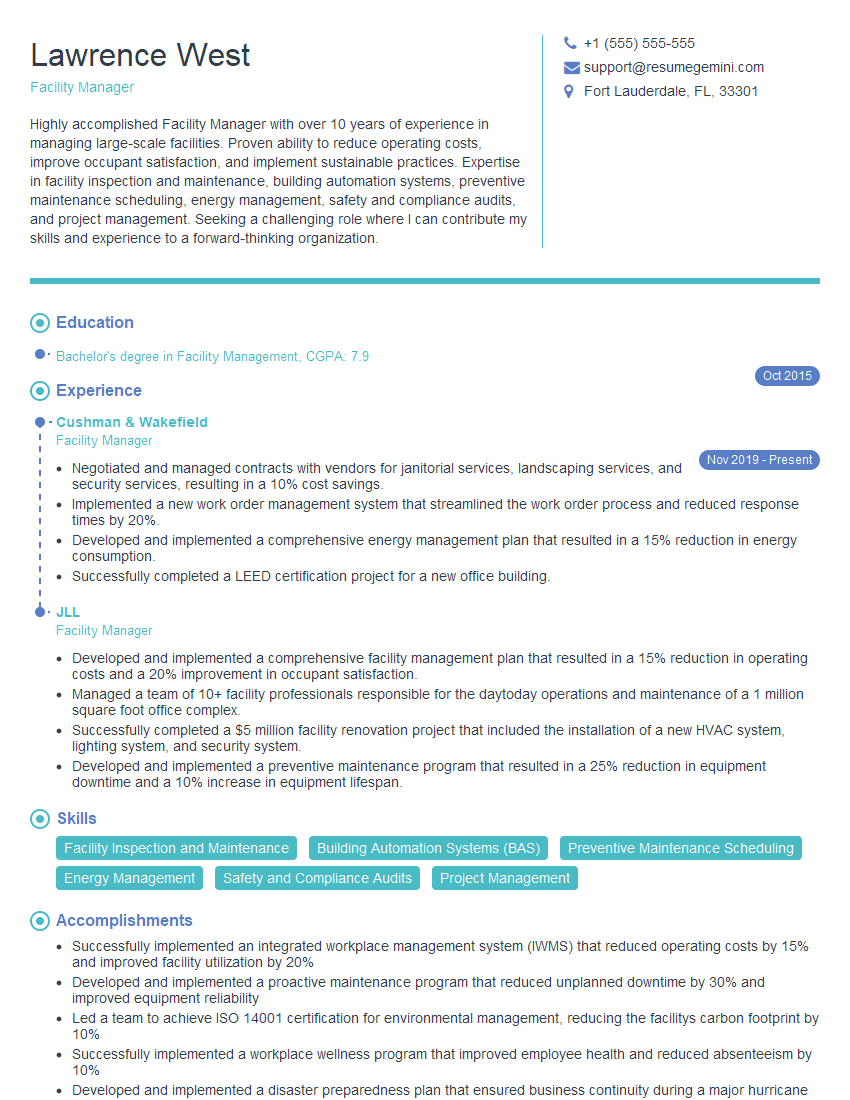
Facility Manager Resume Sample
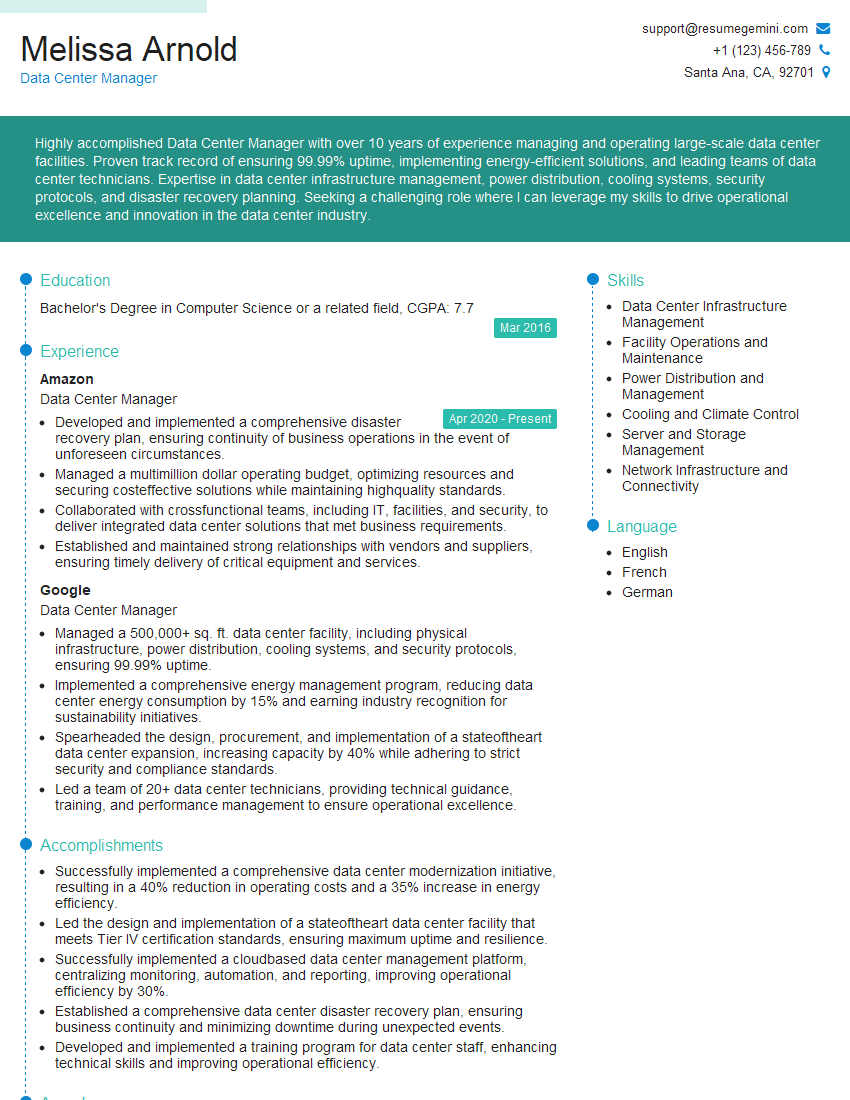
Data Center Manager Resume Sample
Compliance Officer Resume Sample
Network Engineer Resume Sample
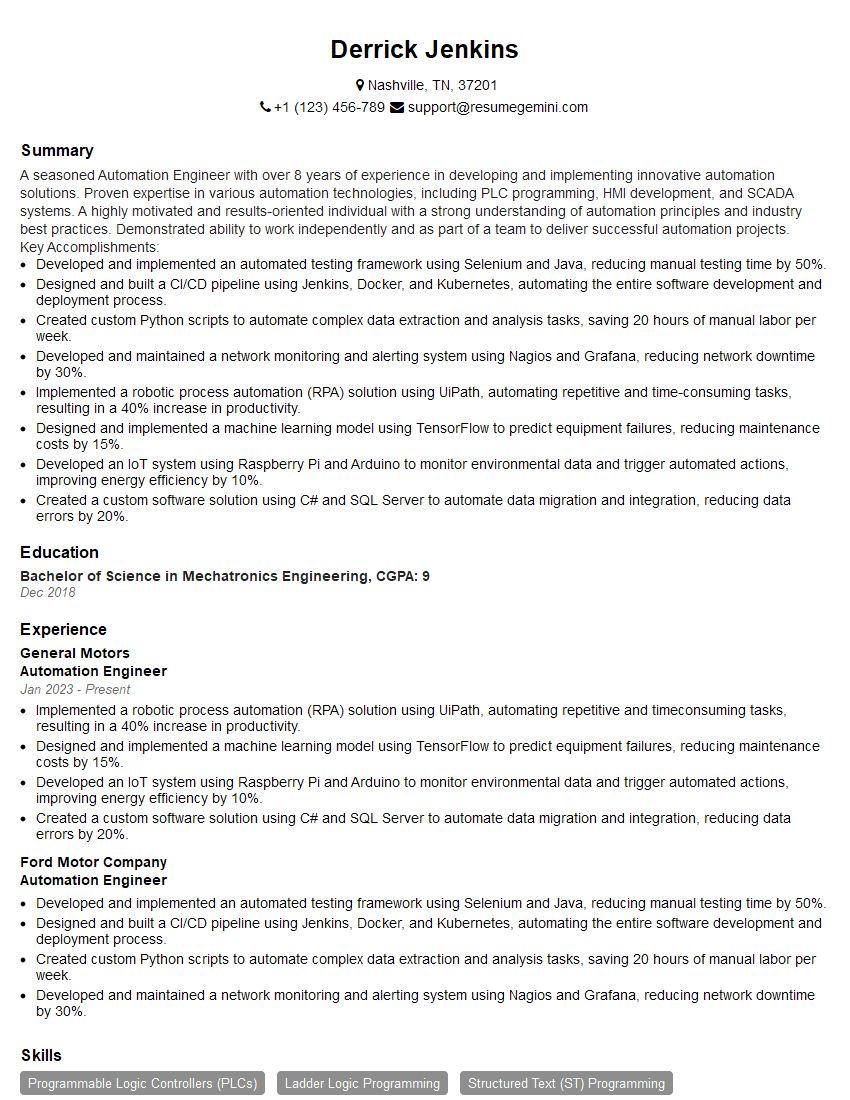
Automation Engineer Resume Sample
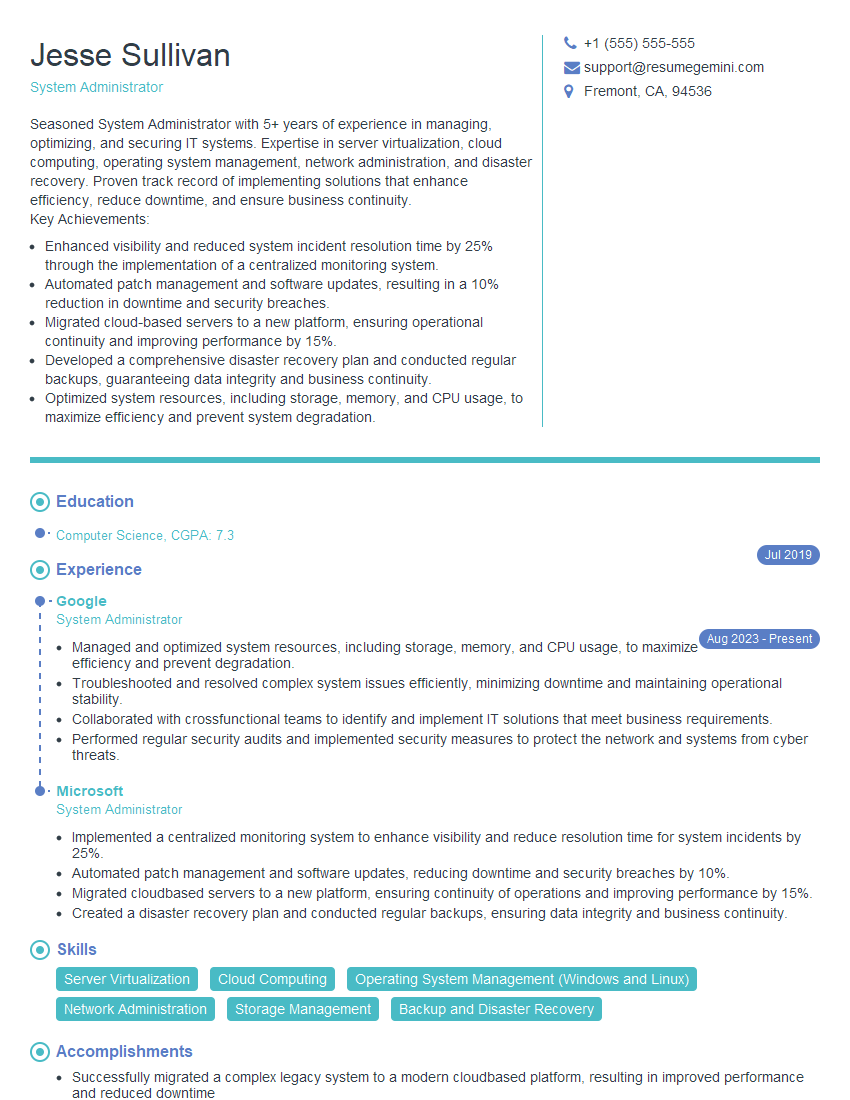
System Administrator Resume Sample
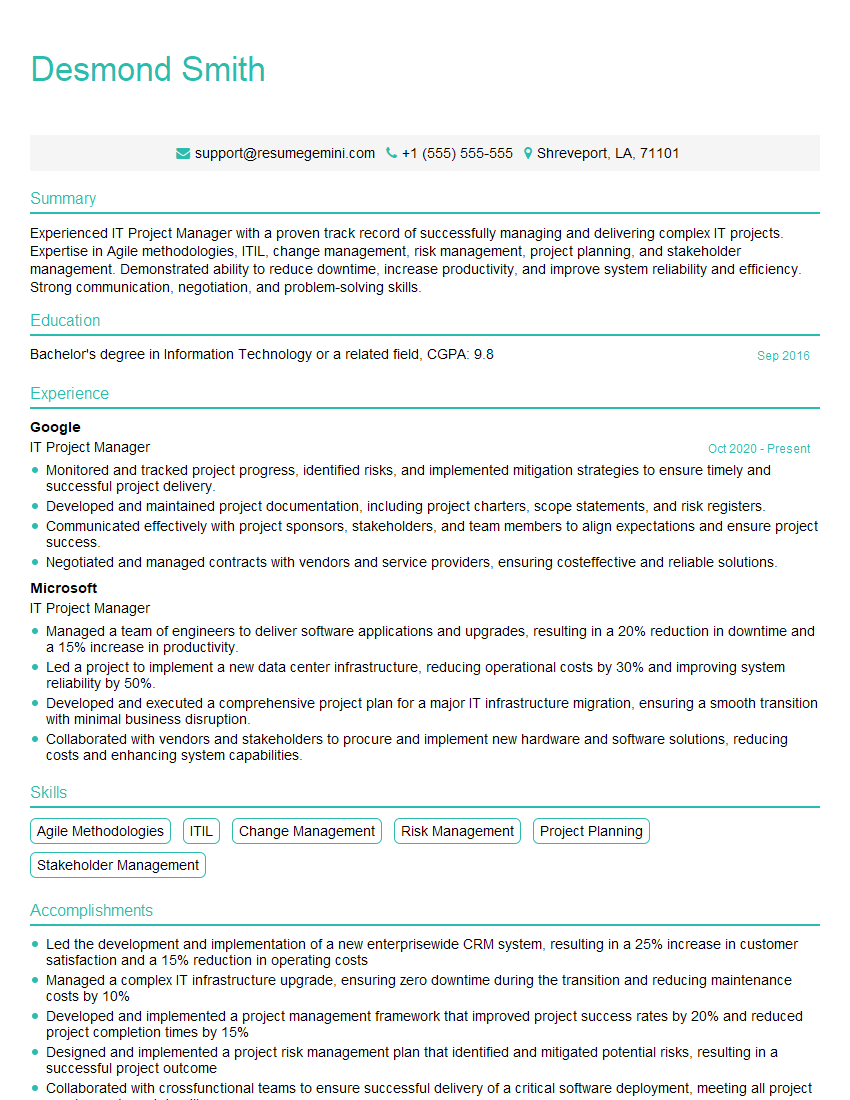
IT Project Manager Resume Sample
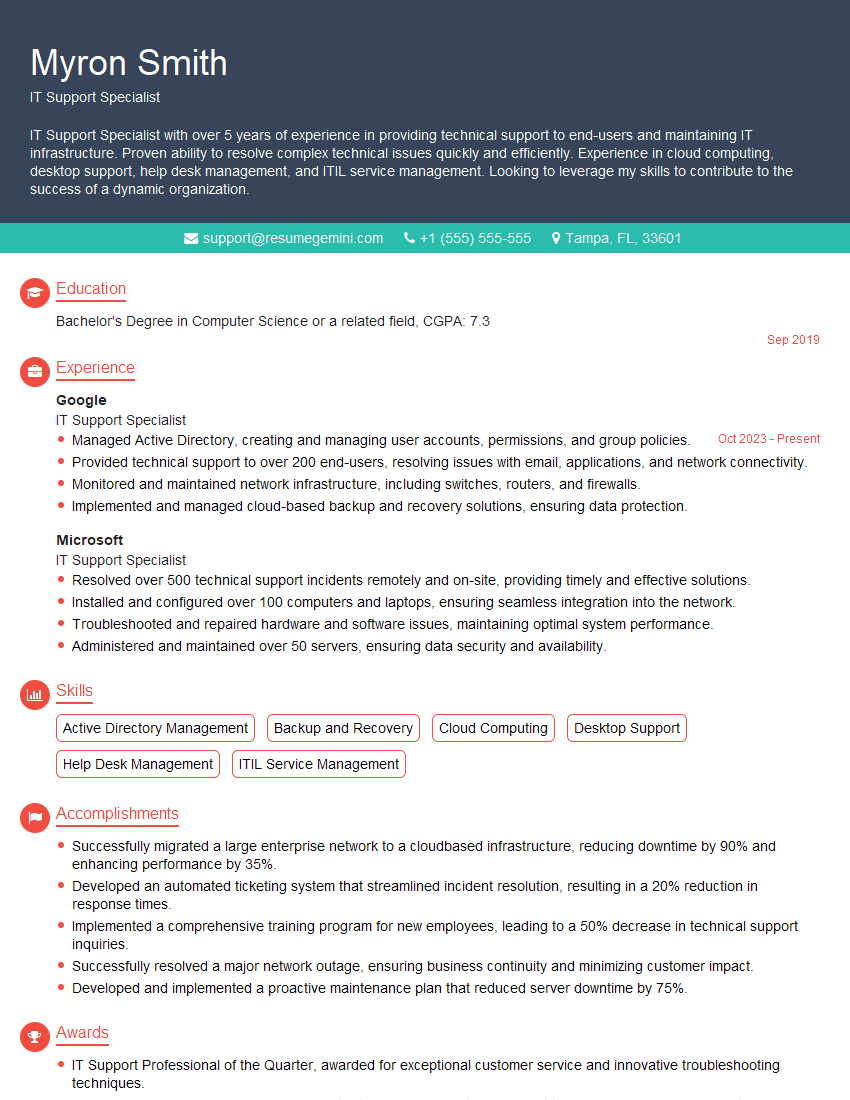
IT Support Specialist Resume Sample
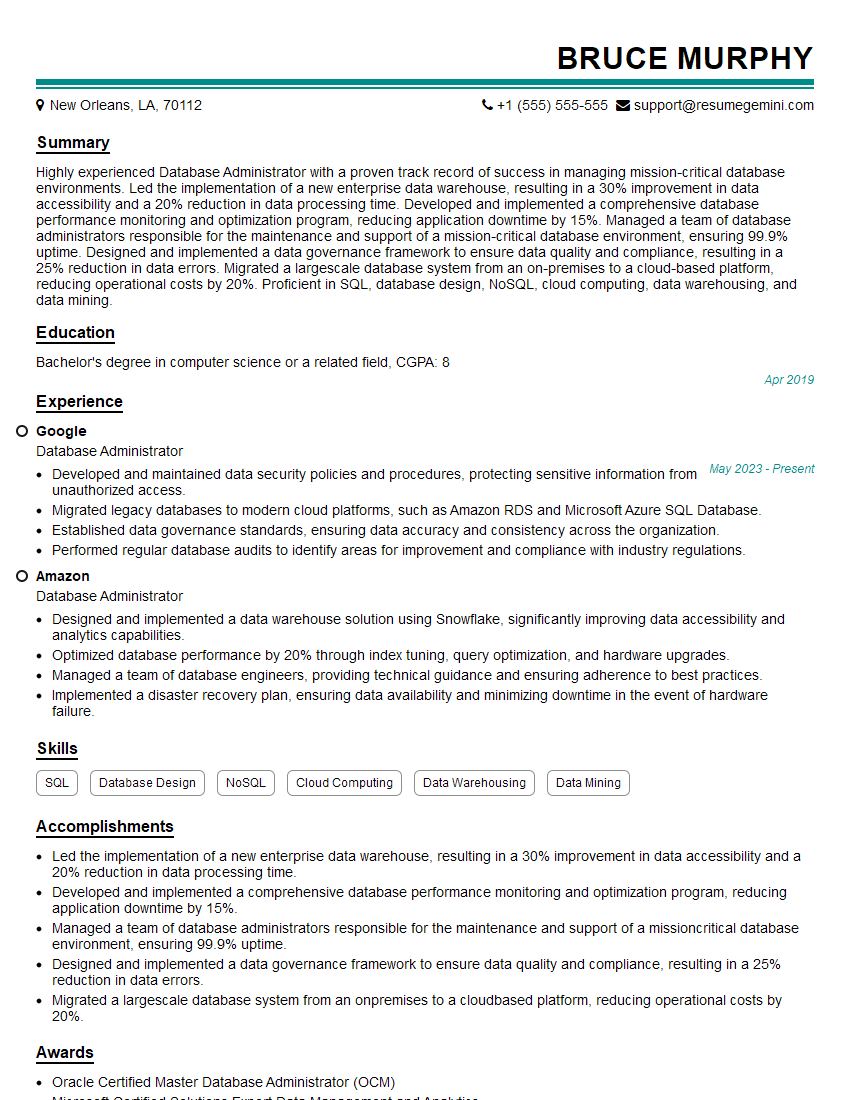
Database Administrator Resume Sample
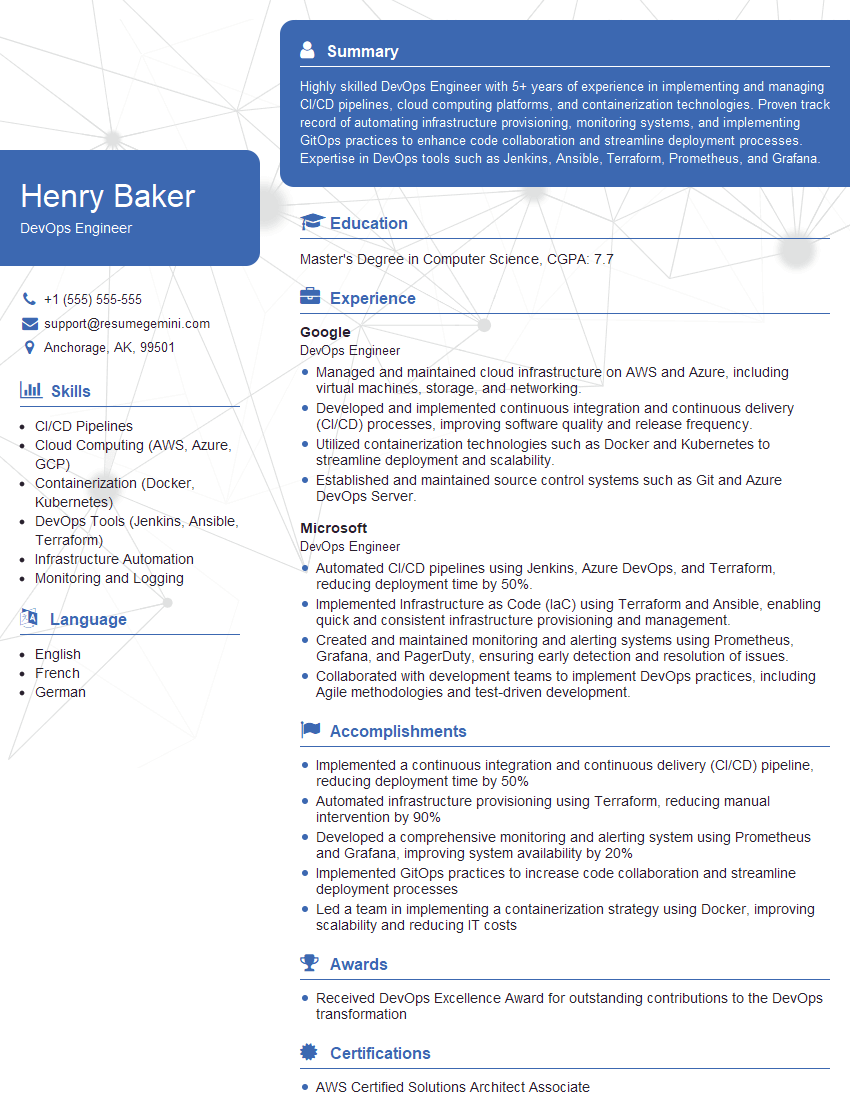
DevOps Engineer Resume Sample
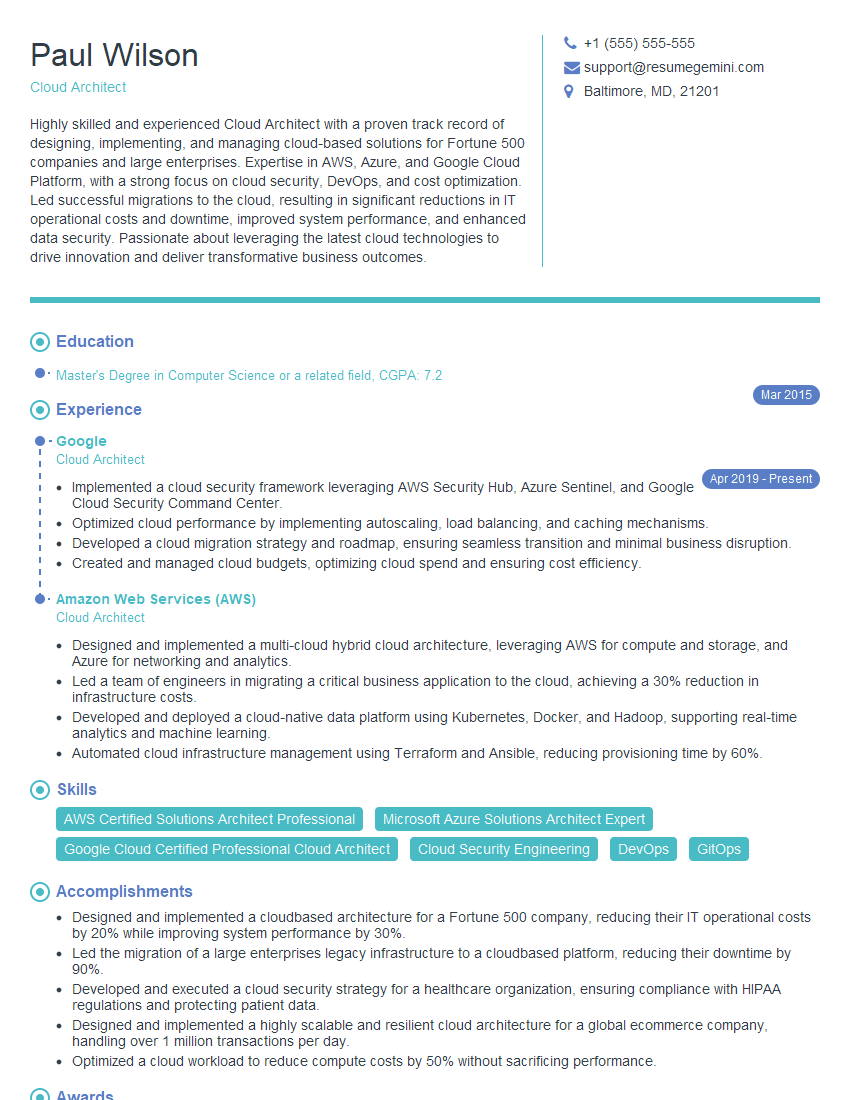
Cloud Architect Resume Sample
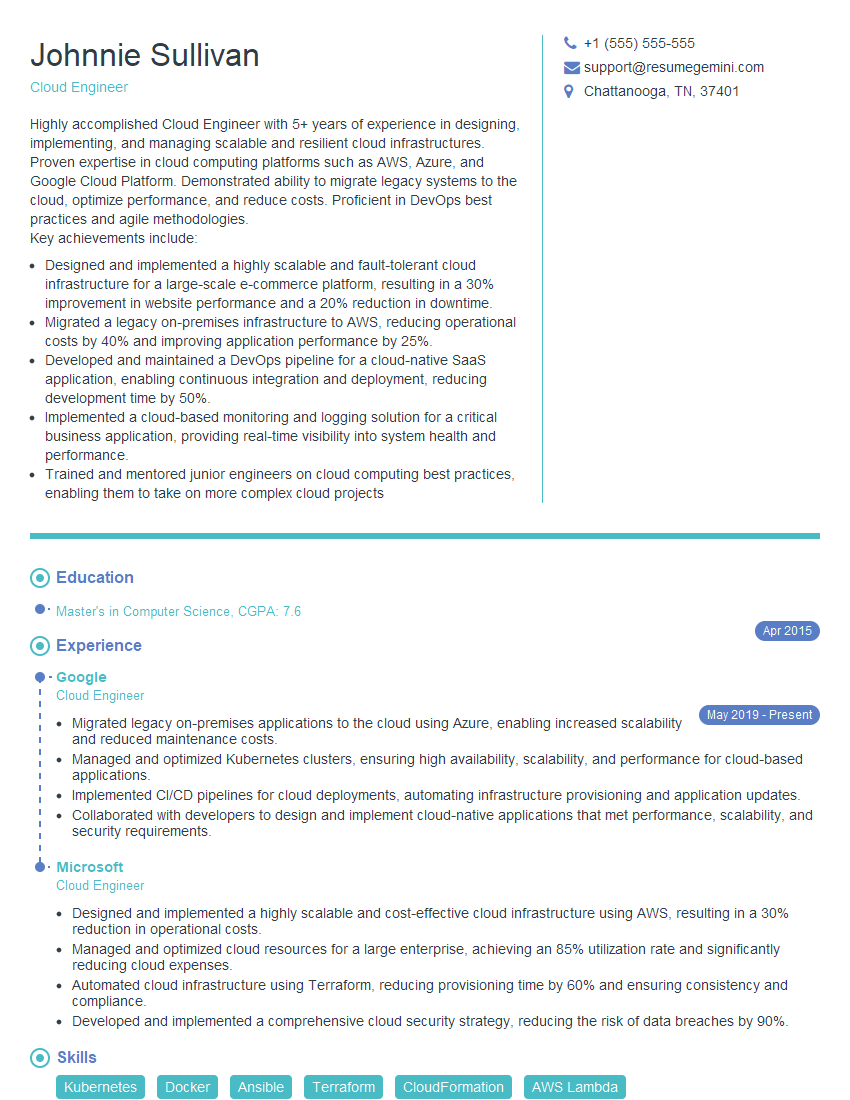
Cloud Engineer Resume Sample
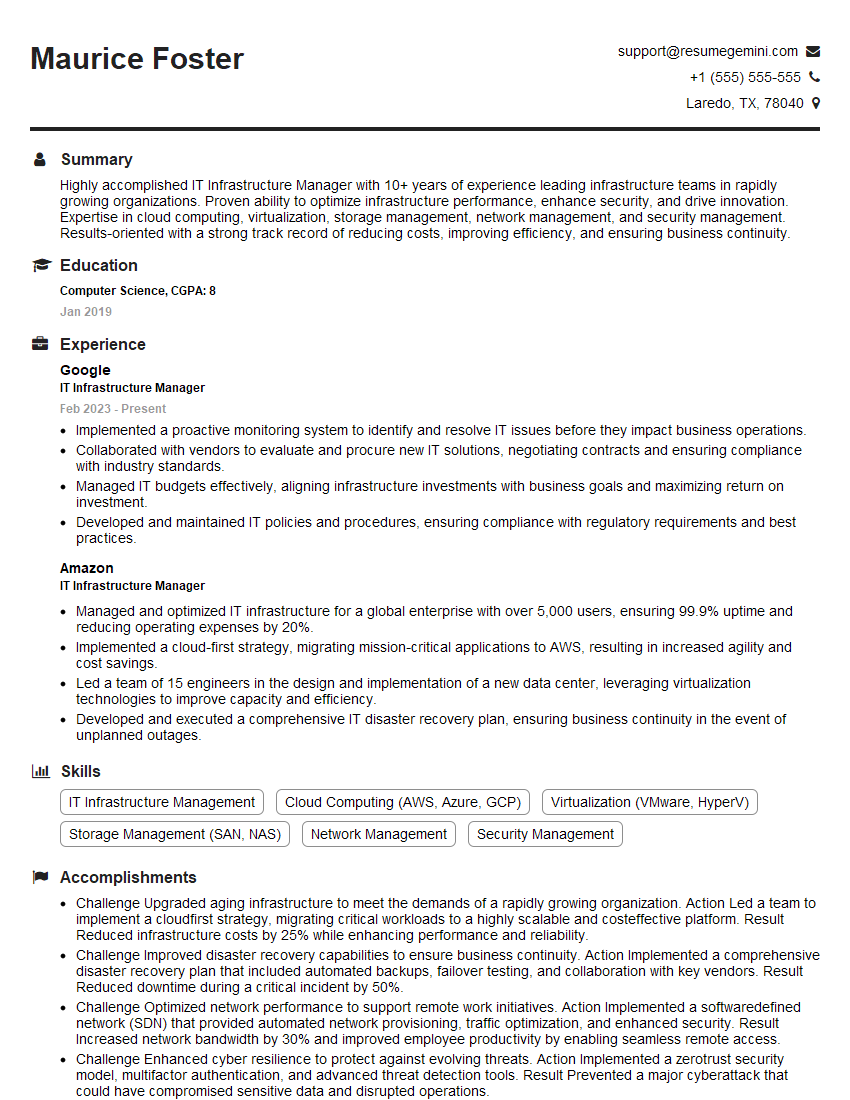
IT Infrastructure Manager Resume Sample
Explore more articles
Users Rating of Our Blogs
Share Your Experience
We value your feedback! Please rate our content and share your thoughts (optional).
What Readers Say About Our Blog
To the interviewgemini.com Webmaster.
Very helpful and content specific questions to help prepare me for my interview!
Thank you
To the interviewgemini.com Webmaster.
This was kind of a unique content I found around the specialized skills. Very helpful questions and good detailed answers.
Very Helpful blog, thank you Interviewgemini team.