The thought of an interview can be nerve-wracking, but the right preparation can make all the difference. Explore this comprehensive guide to AutoCAD and PVsyst Design Software interview questions and gain the confidence you need to showcase your abilities and secure the role.
Questions Asked in AutoCAD and PVsyst Design Software Interview
Q 1. Explain the difference between 2D and 3D modeling in AutoCAD.
In AutoCAD, 2D modeling involves creating drawings on a single plane, like sketching on paper. Think of it as a flat representation of your design. You’re working with lines, circles, arcs, and other geometric shapes, all confined to a two-dimensional space. On the other hand, 3D modeling allows you to create objects with depth and volume. It’s like building a model rather than drawing a picture. You define objects in three dimensions (length, width, and height), and you can view them from any angle. For a solar PV project, 2D might suffice for the initial site plan, but 3D is crucial for visualizing the panel array’s placement on a sloped roof or complex terrain, ensuring optimal sunlight exposure and avoiding shading issues.
Example: A 2D drawing might show the outline of a building’s roof, while a 3D model would allow you to show the roof’s pitch, overhangs, and any obstructions that could cast shadows on the solar panels.
Q 2. How do you create and manage layers in AutoCAD for a solar PV project?
Layer management is fundamental in AutoCAD, especially for complex projects like solar PV installations. Each layer acts as a container for specific design elements. For example, you might have a layer for the building footprint, another for the panel array, one for electrical wiring, and another for annotations. This organization makes editing, printing, and sharing the design significantly easier. Proper layer naming is key – using clear, consistent names helps everyone working on the project understand the drawing’s structure.
In a solar PV project, I would typically use layers such as:
0: Default layer (for initial sketches or temporary geometry)Site Boundary: Building perimeter and property linesRoof Plan: Roof geometry and detailsPanel Array: Layout of solar panelsSupports: Structural supports for the panelsWiring: Electrical conduits and wiring diagramsAnnotations: Dimensions, text labels, and notes
Layer properties like color, linetype, and lineweight are also important to customize the visualization and effectively communicate different aspects of the design. Using layers helps you turn on or off different parts of the drawing for easy review.
Q 3. Describe your experience with AutoCAD commands like TRIM, EXTEND, and OFFSET.
TRIM, EXTEND, and OFFSET are essential editing commands in AutoCAD that I use constantly. TRIM removes portions of objects that extend beyond a boundary. Imagine you have a line extending beyond a wall; TRIM neatly cuts off the excess. EXTEND works in the opposite way – it extends an object to meet another. If you have a line segment that needs to reach a specific point, EXTEND extends it to that point. Finally, OFFSET creates parallel copies of objects at a specified distance. This is incredibly useful in solar PV design, particularly when creating the spacing between rows of panels. You can offset the initial panel row to create the layout of subsequent rows.
Example: When detailing the mounting structure, I use TRIM to remove portions of support beams that extend beyond the panel array. OFFSET is crucial for creating parallel lines representing the spacing between panel rows, ensuring proper shading analysis.
Q 4. How do you use blocks and xrefs in AutoCAD for efficient design?
Blocks and xrefs are powerful tools for efficient design and collaboration. Blocks are reusable collections of objects that act as a single entity. Think of them as pre-fabricated components. For example, a single solar panel can be created as a block, and then you can insert multiple instances of this block to create the entire array. This saves time and ensures consistency.
External References (xrefs) allow you to link other AutoCAD drawings into your current drawing. This is ideal for incorporating site surveys, building plans, or other relevant information. Changes made to the xref file are automatically reflected in your main drawing. This is critical for collaboration because multiple team members can work on different parts of the project simultaneously.
Example: I would create a block for a standard solar panel, including its dimensions and mounting points. Then, I would use this block repeatedly to build the panel array. I would also xref in the building’s CAD model to ensure the panel layout aligns with the roof structure.
Q 5. Explain your workflow for creating a solar panel layout in AutoCAD.
My workflow for creating a solar panel layout in AutoCAD usually begins with importing the site survey and building plans as xrefs. Next, I define the panel array’s orientation based on the sun’s path. I then create a block representing a single solar panel, including the panel’s dimensions and mounting details. I carefully place the panel blocks using the array command to create a neat and efficient layout. I also consider factors like shading, panel spacing, and available roof space. Throughout this process, I utilize layers effectively for organizing elements and ensure that dimensions and annotations are clear and precise. Once the layout is complete, I create a detailed drawing showing the wiring layout and mounting structure, always using blocks for standardized components to maintain consistency.
Practical considerations: I always incorporate safety margins and factor in potential obstructions to avoid issues during installation. The final drawing provides a clear representation of the solar panel system, suitable for contractors and clients.
Q 6. How familiar are you with PVsyst’s shading analysis features?
I am very familiar with PVsyst’s shading analysis features. This is a critical part of PV system design. PVsyst uses advanced algorithms to model the sun’s path and the impact of shadows from nearby objects. It calculates the amount of shading on each panel at different times of the day and year, allowing you to optimize the panel placement and minimize energy loss. You can import CAD files into PVsyst to precisely model shading caused by buildings, trees, or other structures. The software provides detailed reports and visualizations, illustrating the extent and impact of shading on the system’s overall performance.
Practical Application: I’ve used PVsyst’s shading analysis to identify and correct shading issues that would have resulted in significant energy losses. This ensured the client’s system would perform as expected.
Q 7. How do you use PVsyst to model different solar panel technologies?
PVsyst allows you to model various solar panel technologies by inputting their specific parameters such as efficiency, temperature coefficients, and spectral response. The software’s database includes a wide range of commercially available panels, making the process straightforward. If the specific panel isn’t listed, you can manually input the necessary data from the manufacturer’s datasheet. This allows for accurate performance simulations based on the chosen technology.
Example: When comparing monocrystalline and polycrystalline panels for a project, I input the parameters for each panel type into PVsyst. This helps me assess their comparative performance under the specific site conditions and shading patterns, guiding my selection of the optimal technology.
Q 8. Describe your experience with PVsyst’s weather data input and its impact on results.
Accurate weather data is the cornerstone of any reliable PVsyst simulation. PVsyst offers several ways to input this data: using pre-loaded meteorological data from its extensive database, importing data from other sources (like TMY files or local weather stations), or even creating custom datasets. The impact on the results is significant; inaccurate weather data can lead to wildly inaccurate predictions of energy yield, potentially resulting in system oversizing or undersizing, which can have substantial financial and performance consequences. For example, underestimating solar irradiance could result in a system that generates less power than anticipated, leading to unmet energy demands and financial losses. Conversely, overestimating it could lead to unnecessary upfront costs for a larger, more expensive system than needed. I always prioritize obtaining the most accurate and location-specific weather data possible, often consulting multiple sources and comparing results to ensure consistency and reliability.
In my experience, I’ve found that using the built-in TMY data (Typical Meteorological Year) is a good starting point for initial assessments. However, for critical projects, I always prefer to incorporate measured data from a nearby weather station. The difference in simulation results between using generic TMY data and location-specific measured data can often be surprising, highlighting the importance of data accuracy.
Q 9. How do you interpret PVsyst’s simulation results, including energy yield and performance ratios?
Interpreting PVsyst’s simulation results requires a nuanced understanding of several key performance indicators (KPIs). The most important are the annual energy yield (in kWh), and performance ratios (PR). The annual energy yield is a straightforward measure of the total energy your system is expected to produce throughout the year. The Performance Ratio (PR), on the other hand, is a crucial indicator of system efficiency. It’s calculated as the ratio of actual energy yield to the theoretical maximum possible yield based on the system’s rated power and solar irradiance. A higher PR indicates better system performance.
I carefully analyze both these metrics in conjunction with other outputs such as monthly energy production, losses due to various factors (shading, temperature, soiling), and the inverter’s performance curves. For instance, a low PR might indicate issues with shading, suboptimal inverter sizing, or even module mismatch. By systematically examining the detailed breakdown provided by PVsyst, I can pinpoint potential problems and optimize the design accordingly. Let’s say I’m reviewing a project and the PR is significantly lower than expected – I would immediately investigate the detailed loss report to determine the dominant loss factors and recommend solutions accordingly, such as adjusting module orientation or addressing shading issues.
Q 10. How do you handle different terrain conditions when modeling in PVsyst?
PVsyst allows for detailed modeling of terrain conditions, which is vital for accurate results, especially in complex landscapes. This involves incorporating accurate digital elevation models (DEMs) or creating custom terrain profiles. These models are essential for accurately calculating shading effects from surrounding objects and terrain features.
The process typically involves importing a DEM file, usually a GeoTIFF, into PVsyst. The software then uses this data to generate a 3D representation of the terrain, enabling accurate shading analysis. For complex scenarios with significant elevation changes or obstacles, I often use a combination of DEM data and manual adjustments within PVsyst’s shading tool to model obstructions precisely. Ignoring terrain variations can lead to significant inaccuracies in energy yield predictions. For instance, in a hilly region, ignoring the terrain might lead to the system being wrongly oriented, reducing the production in one or more parts of the year, resulting in over- or underestimation of energy production and a poor design.
Q 11. Explain your experience with PVsyst’s inverter selection and sizing capabilities.
PVsyst’s inverter selection and sizing features are comprehensive. The software allows users to choose from a vast library of inverters, specifying key parameters like power rating, maximum input voltage, and MPPT trackers. Moreover, PVsyst will help determine the best inverter size based on the array’s power output and other criteria. Incorrect inverter selection can dramatically impact system performance. An undersized inverter could limit the energy harvest, while an oversized one might be an unnecessary expense.
In my experience, PVsyst’s algorithms accurately simulate inverter behavior, accounting for factors like clipping losses and MPPT tracking efficiency. I always perform several simulations using different inverters to optimize the design for performance and cost-effectiveness. For example, I might compare the performance of string inverters versus microinverters to see which option offers the best combination of efficiency and cost, taking into account the specific characteristics of the solar array. I typically use the simulation results to generate a comparative cost analysis, assisting the decision-making process.
Q 12. How do you ensure accuracy in your AutoCAD and PVsyst models?
Accuracy in both AutoCAD and PVsyst models is paramount. In AutoCAD, I ensure accuracy through meticulous surveying, accurate dimensioning, and the use of precise coordinates. I always verify the drawing scale and use appropriate CAD standards to avoid errors. In PVsyst, accuracy hinges on input data quality. This includes using precise weather data, accurate module and inverter parameters, and a detailed site survey to accurately reflect the terrain and shading conditions. Regular quality checks are critical to ensuring both models are accurate.
I use several methods to cross-check my work. For instance, I compare the area calculated in AutoCAD with the area calculated in PVsyst. Discrepancies must be investigated and resolved. I also frequently perform sensitivity analyses in PVsyst to determine the impact of minor input variations on the final results. This helps to quantify the uncertainty associated with the predictions and ensures the robustness of the design. For example, I would compare results from multiple weather data sources or varying module parameters to assess their impact on the final energy yield.
Q 13. Describe your experience with generating reports and documentation in PVsyst.
PVsyst provides excellent tools for generating professional reports and documentation. The software can automatically generate detailed reports, including energy yield estimates, performance ratios, loss analyses, and equipment specifications. These reports are crucial for communicating design decisions and obtaining permits. I customize these reports to include project-specific information, ensuring clarity and completeness.
I often augment the standard PVsyst reports with additional information from my AutoCAD models, such as site photographs, detailed drawings, and shading analysis diagrams. This allows me to provide a more comprehensive and user-friendly final report to the client. A well-structured report is essential for conveying the design’s technical details, economic viability, and regulatory compliance.
Q 14. How do you manage data imports and exports between AutoCAD and PVsyst?
Efficient data exchange between AutoCAD and PVsyst is crucial for streamlining the design process. I typically export key information from AutoCAD, such as array dimensions, azimuth and tilt angles, and shading information, in formats compatible with PVsyst, usually as a combination of text files or DXF files containing relevant geometric data. This data is then imported into PVsyst to create a comprehensive model.
The process requires careful attention to detail to ensure accurate transfer of information. I always cross-check imported data within PVsyst to prevent errors and ensure data integrity. For example, I would compare the array area calculated in AutoCAD with the area calculated in PVsyst after importing the data. Any discrepancies must be resolved to ensure the accuracy of the PVsyst model. The use of standardized units and coordinate systems is crucial for a seamless integration of the data between the two platforms. This ensures the consistency and accuracy of the overall design process.
Q 15. What are the limitations of using only AutoCAD for solar PV design?
AutoCAD is a powerful tool for 2D and 3D drafting, but it lacks the specialized capabilities needed for comprehensive solar PV system design. While you can create detailed site plans and layouts in AutoCAD, it doesn’t inherently model the complex electrical and energy production aspects of a PV system. Using only AutoCAD means you’ll have to manually calculate crucial parameters like array shading, energy yield, and system performance, which is time-consuming and prone to errors. It also doesn’t provide tools for advanced simulations and optimization, like those offered by PVsyst.
For example, you could accurately draw the layout of panels and inverters in AutoCAD, but determining optimal string sizing and orientation based on shading analysis would require external calculations and software. This manual approach significantly increases the risk of design flaws and inaccurate estimations of system performance.
Career Expert Tips:
- Ace those interviews! Prepare effectively by reviewing the Top 50 Most Common Interview Questions on ResumeGemini.
- Navigate your job search with confidence! Explore a wide range of Career Tips on ResumeGemini. Learn about common challenges and recommendations to overcome them.
- Craft the perfect resume! Master the Art of Resume Writing with ResumeGemini’s guide. Showcase your unique qualifications and achievements effectively.
- Don’t miss out on holiday savings! Build your dream resume with ResumeGemini’s ATS optimized templates.
Q 16. What are the key advantages of using PVsyst for solar energy projects?
PVsyst is a specialized software designed for solar energy system design and simulation. Its key advantages stem from its ability to handle the complex calculations and modeling necessary for accurate performance prediction and system optimization. Here are some key advantages:
- Accurate Energy Yield Prediction: PVsyst uses detailed solar irradiance data, along with system parameters, to model energy production with greater precision than manual calculations. It considers factors like shading, temperature effects, and module performance degradation.
- Advanced Shading Analysis: PVsyst offers robust tools to analyze and quantify shading impacts on array performance, allowing for optimized layout designs that maximize energy generation.
- System Simulation and Optimization: PVsyst simulates the complete system behavior, including the performance of individual components such as PV modules, inverters, and trackers. It helps optimize system configuration for maximum efficiency and cost-effectiveness.
- Detailed Reporting: It generates comprehensive reports with performance data, energy yield predictions, and design specifications, making it easy to present findings to clients and stakeholders.
- Compatibility with Other Software: PVsyst can import data from other software, like AutoCAD, making it easier to integrate site plans into the design process.
Imagine trying to predict the yearly energy production of a large rooftop system manually; PVsyst automates this complex process, providing a reliable estimate much more efficiently.
Q 17. How would you address inconsistencies between AutoCAD and PVsyst model results?
Inconsistencies between AutoCAD and PVsyst models usually arise from differences in data representation and assumptions. A thorough investigation is necessary to identify the source of the discrepancy. Here’s a systematic approach:
- Verify Data Input: Double-check all input parameters in both software packages. Ensure that factors like panel dimensions, orientation, tilt angles, and shading data are consistent across both platforms.
- Coordinate System Check: Confirm that both models use the same coordinate system and units of measurement. Discrepancies here can lead to significant errors.
- Shading Analysis Comparison: Carefully compare shading analyses from both software. Any differences might point to differing algorithms or input data regarding surrounding objects.
- Model Simplification in PVsyst: PVsyst often simplifies aspects for simulation purposes. Compare the level of detail in both models and see if the simplification in PVsyst might be the root cause.
- Consult Documentation: Refer to the documentation for both software to understand their limitations and assumptions. This can help in resolving discrepancies related to specific functionalities.
- Iterative Refinement: Refine the model in either AutoCAD or PVsyst based on the identified inconsistencies, aiming for convergence in the key performance indicators.
For instance, a slight difference in panel dimensions between AutoCAD drawing and the PVsyst library might cause discrepancies in the area calculations and consequently in the estimated energy yield. Identifying and correcting such minor issues is key to reconciliation.
Q 18. Explain your understanding of the different PV array configurations (e.g., portrait, landscape).
PV array configurations, such as portrait and landscape, refer to the arrangement of solar panels. The choice depends on several factors like site constraints, shading, and aesthetic considerations.
- Portrait (Vertical): Panels are oriented vertically, typically with the long side facing upwards. This configuration is often advantageous in locations with high sun angles, maximizing the surface area receiving direct sunlight during peak hours.
- Landscape (Horizontal): Panels are arranged horizontally, with the long side facing left or right. This configuration might be preferred when space is limited and requires a smaller footprint or when optimizing for shading from specific directions.
For example, a rooftop system with limited east-west space might be better suited to a portrait configuration, while a ground-mounted system with significant north-south shading may benefit from a landscape orientation. Selecting the best configuration requires considering site-specific factors and performing detailed shading analysis.
Q 19. How do you account for ground clearance and spacing requirements in your designs?
Ground clearance and spacing requirements are crucial for safety, accessibility, and optimal system performance. These are usually determined by local building codes, safety regulations, and manufacturer recommendations.
In my designs, I incorporate these requirements in the following ways:
- Minimum Ground Clearance: I ensure sufficient space between the ground and the bottom of the array to allow for mowing, snow removal, and inspection. This often includes accounting for potential ground settling over time.
- Row Spacing: Proper row spacing prevents shading between rows, especially important in ground-mounted systems. This spacing is calculated based on the geographical location, panel tilt angles, and the time of year.
- Access Paths: I include adequate walkways and access paths for maintenance personnel, ensuring easy access to all parts of the array. These paths are clearly marked on the AutoCAD drawings and incorporated into the PVsyst model.
- Compliance with Codes: All designs strictly adhere to local building codes and safety regulations concerning ground clearance, spacing, and other safety measures.
Imagine designing a ground-mounted system without accounting for snow accumulation. Insufficient ground clearance could lead to damaged panels or blocked access for maintenance. Careful planning using AutoCAD for the layout and ensuring that translates into the PVsyst model avoids these issues.
Q 20. How familiar are you with different types of solar trackers?
I’m familiar with various types of solar trackers, each offering different performance characteristics and costs. The choice depends on factors like site conditions, budget, and desired energy yield improvements.
- Single-Axis Trackers: These trackers rotate around a single axis, typically either east-west or north-south. East-west trackers are more common, maximizing energy generation by following the sun’s movement across the sky throughout the day.
- Dual-Axis Trackers: These trackers rotate around two axes, allowing them to track the sun’s position in both azimuth and elevation. They offer the highest energy yield but are more complex and expensive.
- Fixed-Tilt Systems: While not trackers, they represent a baseline comparison. Their simplicity makes them cost-effective, but they achieve lower energy yields compared to trackers, especially in regions with significant variations in solar altitude.
The decision often involves a cost-benefit analysis. While dual-axis trackers offer the highest energy gain, their higher initial cost needs to be weighed against the increased energy production over the system’s lifetime. I perform detailed simulations in PVsyst to assess the benefits of each type before making a recommendation.
Q 21. Explain how you would handle a design change request during a project.
Handling design change requests professionally involves a clear process to ensure that the changes are properly integrated and the project remains on schedule and within budget.
- Formal Documentation: All change requests are documented formally, including the reason for the change, the proposed modifications, and the impact on the project timeline and budget.
- Impact Assessment: I assess the impact of the requested changes on the overall design, performance, and cost. This often involves re-running simulations in PVsyst to quantify the effects.
- Feasibility Study: Based on the assessment, I determine if the changes are feasible within the constraints of the project. If not, I discuss alternative solutions with the client.
- Update Drawings and Models: Once the changes are approved, I update the AutoCAD drawings and the PVsyst model to reflect the new design parameters.
- Communication: I maintain clear and regular communication with the client throughout the process, keeping them informed about the progress and any potential challenges.
- Documentation of Changes: All changes are documented properly, including version control of drawings and updated PVsyst reports.
For example, a change request might involve increasing the array size. This necessitates updating the AutoCAD layout, modifying PVsyst inputs (number of panels, inverters etc.), re-running simulations to assess impacts on energy yield, and then finally updating all associated documentation.
Q 22. Describe a time when you had to troubleshoot a problem in AutoCAD or PVsyst.
Troubleshooting in AutoCAD or PVsyst often involves a systematic approach. For instance, I once encountered a significant discrepancy between the AutoCAD model of a rooftop and the PVsyst simulation’s area calculation for a large commercial project. The AutoCAD model, initially believed to be accurate, had a subtle error in the polygon defining the roof’s usable space. This error wasn’t visually apparent at first glance.
My troubleshooting involved:
- Cross-checking: I compared the area calculated in AutoCAD with the area imported into PVsyst. The significant difference flagged the problem immediately.
- Visual Inspection: A careful review of the AutoCAD drawing at higher zoom levels revealed a small gap in the roof polygon. This tiny gap, almost invisible, was causing the underestimation.
- Repair and Verification: I corrected the polygon by closing the gap in AutoCAD, then re-exported the data to PVsyst. After re-running the simulation, the discrepancies disappeared, confirming the fix.
This experience highlighted the importance of meticulous attention to detail in both software packages, and the power of systematic cross-checking to identify even subtle errors that can have significant downstream effects.
Q 23. How do you ensure your designs comply with relevant building codes and standards?
Compliance with building codes and standards is paramount in solar PV design. I always start by identifying the relevant codes for the project’s location, including those governing structural integrity, electrical safety, and fire protection. This often involves referencing documents such as the International Building Code (IBC), National Electrical Code (NEC), and any local ordinances.
My approach includes:
- Code Research: I thoroughly research the applicable codes and standards in the early design phases to ensure compliance is factored into every stage.
- Software Integration: Some aspects of code compliance, such as shading analysis or structural calculations, can be integrated into the design process using specialized software and plugins within AutoCAD or PVsyst.
- Consultations: When needed, I consult with structural engineers, electrical engineers, and fire safety experts to ensure all aspects of the design meet regulations. I might use tools that create reports that showcase compliance.
- Documentation: I maintain comprehensive documentation throughout the process, including calculations, reports, and drawings, to support compliance claims and provide a clear audit trail.
Ignoring these codes could lead to project delays, permit denials, safety hazards, and even legal liability. Therefore, thorough adherence is a non-negotiable part of my workflow.
Q 24. What software or tools do you use to enhance your workflow with AutoCAD and PVsyst?
My workflow benefits greatly from a range of complementary software and tools. Beyond AutoCAD and PVsyst, I use:
- Google Earth Pro: For site visualization, terrain analysis, and initial shading assessments, creating a good starting point for more detailed design in AutoCAD.
- Helioscope: Provides accurate shading analysis and system layout optimization, complementing PVsyst’s energy yield calculations. Often, I’ll use Helioscope to create a preliminary layout then refine in AutoCAD.
- AutoCAD Electrical: For creating detailed electrical schematics and wiring diagrams, ensuring compliance with electrical codes and specifications. It helps in design management and integrates well with AutoCAD’s building design aspect.
- Microsoft Excel/Google Sheets: For data management, analysis of simulation results, and creating reports on energy yield, cost estimations, and performance indicators. Data is crucial; these are my tools for managing it.
These tools help streamline the design process, improve accuracy, and enhance collaboration with other stakeholders.
Q 25. Explain your experience with using GIS data in solar PV design.
GIS data plays a crucial role in large-scale solar PV projects. I typically incorporate GIS data (often obtained from sources like ArcGIS or QGIS) in the early design stages to understand the project’s context and constraints.
My typical workflow involves:
- Site Selection: GIS data, including topography, land cover, and shading information from nearby buildings and trees (obtained from high-resolution imagery), helps identify suitable locations for the PV array. It allows for the optimal positioning based on factors such as solar irradiance and avoiding obstacles.
- Shading Analysis: I integrate GIS data into my shading analysis in PVsyst or Helioscope to provide a more accurate assessment of shading impacts throughout the year. This data needs to be converted into a format those programs understand.
- Environmental Impact Assessment: GIS helps assess potential environmental impacts, considering factors like protected areas, ecosystems, and wildlife habitats. It allows for informed decision-making about location and design.
- Connectivity Analysis: GIS can help analyze proximity to the electrical grid, facilitating efficient grid connection design and reducing transmission losses.
GIS data enhances the accuracy and effectiveness of the overall design process and helps to minimize risks and maximize efficiency.
Q 26. How do you ensure the accuracy and reliability of the weather data used in your PVsyst simulations?
Accurate weather data is crucial for reliable PVsyst simulations. I typically obtain weather data from reputable sources and perform several checks to validate their quality.
My approach is:
- Data Sources: I use sources like Meteonorm, PVGIS, or local meteorological stations. The choice depends on the project’s location and data availability. Often, combining multiple data sources provides a more robust dataset.
- Data Validation: I scrutinize the data for inconsistencies or anomalies. This often includes visual inspection of graphs showing solar irradiance, temperature, and other parameters over time. This is essential to check for gaps or outliers that may skew simulation results.
- Data Consistency: I ensure that the chosen data set aligns with the expected climatic conditions for the specific location. Significant discrepancies might indicate data errors or the need for localized adjustments. If using local data, I might need to validate it against well-known global databases.
- Uncertainty Analysis: Finally, I often conduct sensitivity analyses to evaluate the impact of varying weather data on the simulation results. This provides insight into the uncertainty associated with the energy yield predictions, providing a more realistic assessment of the project’s performance.
Using inaccurate weather data could lead to overly optimistic or pessimistic energy yield predictions which can have dire consequences in financial modeling and project planning.
Q 27. What are your strategies for optimizing the energy yield of a PV system design?
Optimizing energy yield involves several strategies, implemented throughout the design process:
- Orientation and Tilt Angle: Optimizing the PV array’s orientation and tilt angle is crucial. This typically involves using solar analysis software to determine the optimal angles based on the site’s latitude and shading conditions. I frequently use tools to simulate different tilt and azimuth configurations.
- Minimizing Shading: Shading from buildings, trees, or other structures significantly reduces energy yield. Careful site analysis, using tools like Google Earth, Helioscope, and GIS data, helps to identify and mitigate shading issues. I sometimes suggest solutions such as optimizing building placements or tree trimming.
- Module Selection: Choosing high-efficiency PV modules plays a significant role in maximizing energy production. Different modules have unique performance characteristics; careful consideration of these factors is necessary.
- System Losses: I analyze and minimize various system losses, including wiring losses, inverter losses, and soiling losses. Detailed simulations using PVsyst helps quantify these losses and identify areas for improvement. I use the simulations to guide material and equipment selection.
- Microinverters/Optimizers: Using microinverters or power optimizers can improve energy harvest by maximizing the power output of individual panels, even if some are partially shaded.
These strategies work in concert to create a design that maximizes energy production while remaining practical and cost-effective.
Q 28. Describe your experience working on large-scale solar projects.
I have extensive experience working on several large-scale solar projects, ranging from megawatt-scale ground-mounted systems to large rooftop installations for commercial buildings.
My involvement in these projects includes:
- Site Assessment and Analysis: Conducting comprehensive site assessments using GIS data, topographic surveys, and aerial imagery to determine site suitability and optimize array layout.
- Design and Modeling: Creating detailed 3D models in AutoCAD, incorporating shading analysis, and performing energy yield simulations using PVsyst.
- System Design and Specifications: Defining the system’s key components, including PV modules, inverters, racking systems, and electrical equipment, considering factors like efficiency, reliability, and cost-effectiveness.
- Coordination and Collaboration: Working closely with various stakeholders such as engineers, contractors, and project managers to ensure a smooth and efficient execution of the project.
- Permitting and Regulatory Compliance: Handling all permitting aspects and ensuring compliance with local and national codes and standards. This includes preparing detailed design documents.
The complexity and scale of these projects necessitate a well-structured approach, involving meticulous planning, detailed design, and strong collaboration with the project team.
Key Topics to Learn for AutoCAD and PVsyst Design Software Interview
Ace your interview by mastering these key areas in AutoCAD and PVsyst:
- AutoCAD Fundamentals: Understanding the interface, drawing tools (lines, arcs, circles, etc.), layers, and object manipulation. Practical application: Creating accurate site plans and system layouts.
- AutoCAD for Solar Design: Using AutoCAD to design PV system layouts, including array arrangement, panel spacing, and cable routing. Practical application: Developing detailed drawings for permitting and construction.
- PVsyst Basics: Familiarizing yourself with the software interface, input parameters (solar irradiance, panel characteristics, etc.), and simulation outputs (energy production, losses).
- PVsyst System Design: Mastering the process of creating and simulating different PV system configurations within PVsyst. Practical application: Optimizing system design for maximum energy yield and cost-effectiveness.
- Data Analysis & Interpretation (Both Software): Understanding and interpreting data generated by both AutoCAD and PVsyst. This includes analyzing system performance, identifying potential issues, and presenting findings clearly.
- Problem-Solving & Troubleshooting: Developing your ability to identify and solve design challenges, such as shading analysis, optimal tilt angle calculations, and system sizing. Practical application: Demonstrating your ability to adapt your design to real-world constraints.
- Advanced AutoCAD Techniques (Optional): Explore features like blocks, xrefs, and annotation for more efficient workflows. This demonstrates proficiency beyond basic usage.
- Advanced PVsyst Features (Optional): Familiarize yourself with advanced PVsyst features like micro-inverters modeling or advanced shading analysis. This shows initiative and a deeper understanding.
Next Steps
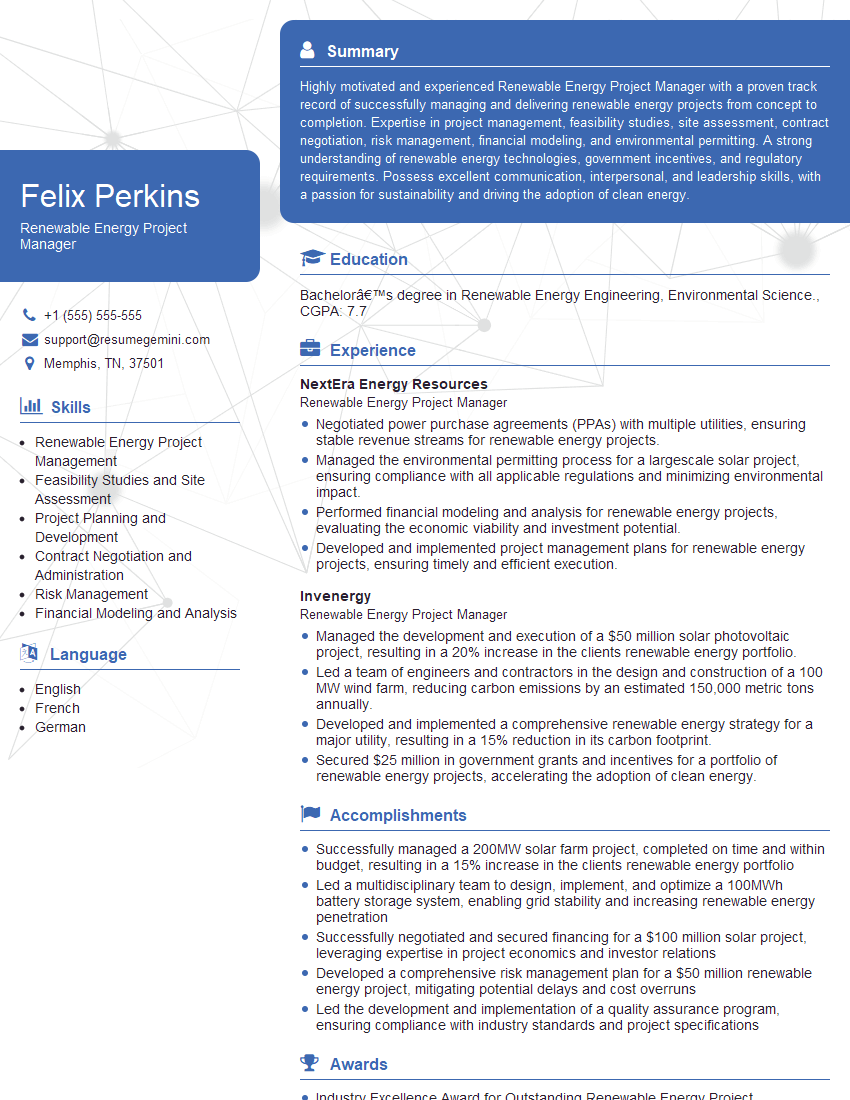
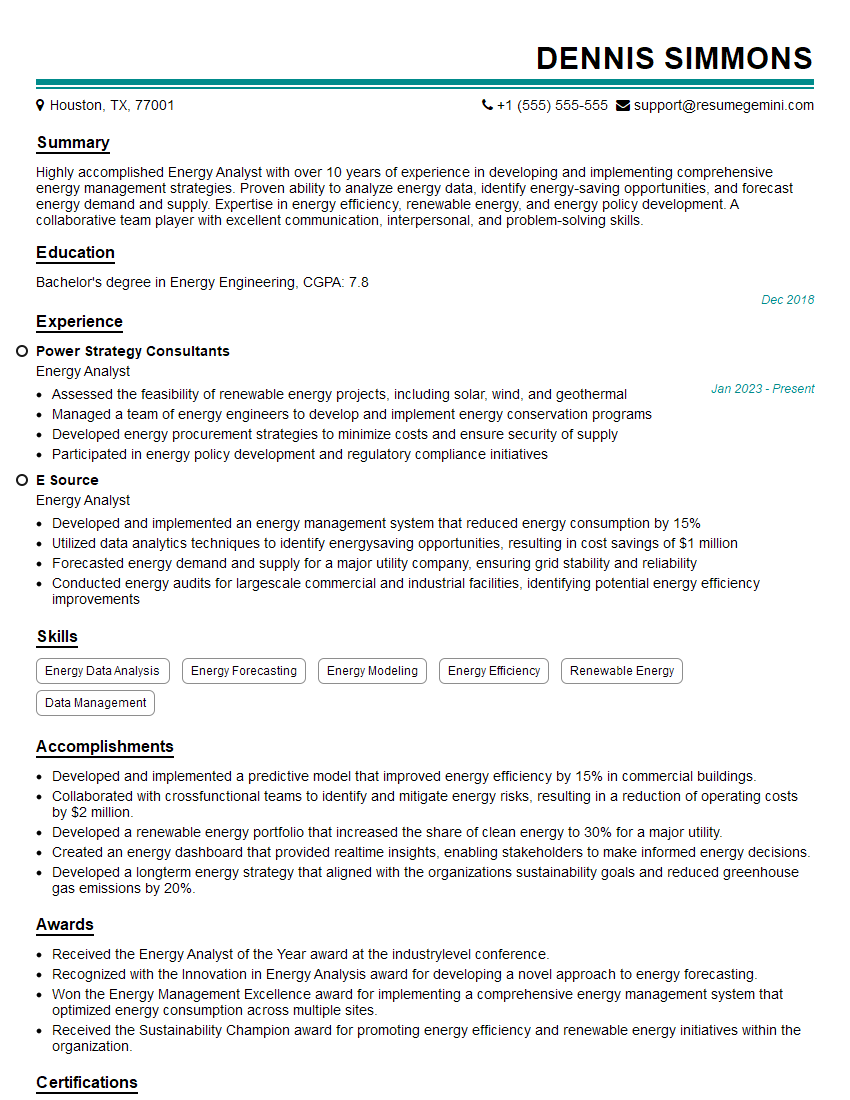
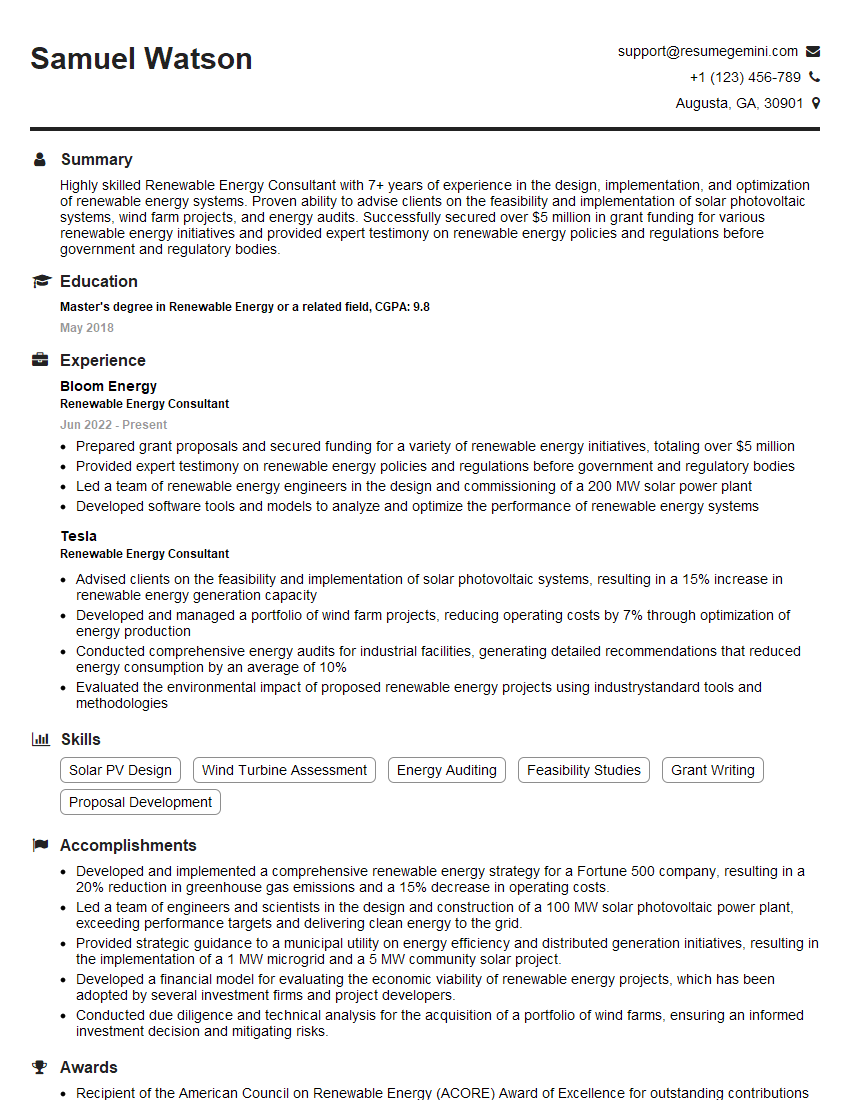
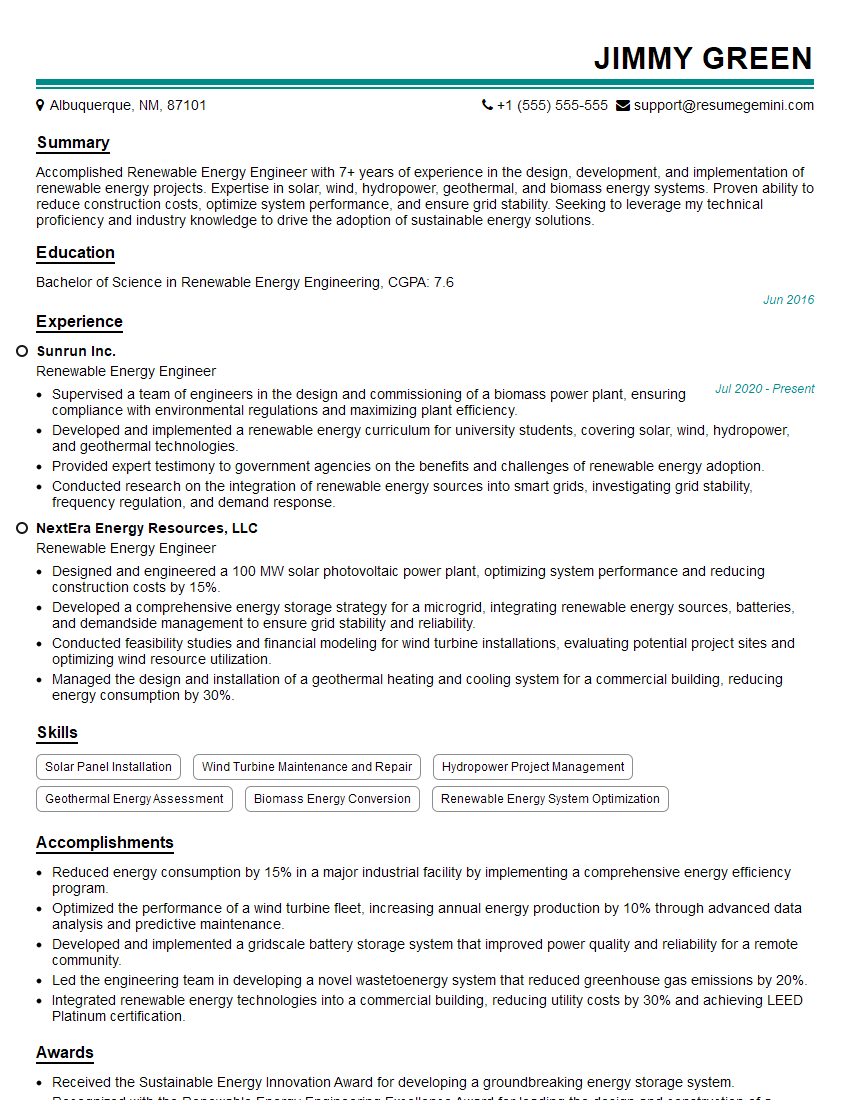
Mastering AutoCAD and PVsyst significantly boosts your career prospects in the renewable energy sector, opening doors to exciting roles in design, engineering, and project management. To maximize your chances, creating a strong, ATS-friendly resume is crucial. ResumeGemini is a trusted resource that can help you craft a professional and effective resume tailored to highlight your skills in AutoCAD and PVsyst. We provide examples of resumes specifically designed for these software programs, giving you a head-start in showcasing your expertise to potential employers. Take the next step towards your dream career today!
Explore more articles
Users Rating of Our Blogs
Share Your Experience
We value your feedback! Please rate our content and share your thoughts (optional).
What Readers Say About Our Blog
To the interviewgemini.com Webmaster.
Very helpful and content specific questions to help prepare me for my interview!
Thank you
To the interviewgemini.com Webmaster.
This was kind of a unique content I found around the specialized skills. Very helpful questions and good detailed answers.
Very Helpful blog, thank you Interviewgemini team.