Interviews are opportunities to demonstrate your expertise, and this guide is here to help you shine. Explore the essential Dashboard Protection interview questions that employers frequently ask, paired with strategies for crafting responses that set you apart from the competition.
Questions Asked in Dashboard Protection Interview
Q 1. Explain the importance of securing dashboards.
Securing dashboards is paramount because they often display sensitive business data, providing a single point of access to critical information. Compromising a dashboard could lead to data breaches, financial losses, reputational damage, and regulatory penalties. Think of a dashboard as the cockpit of your business – you wouldn’t leave the controls unlocked! Robust dashboard security ensures that only authorized personnel can access and manipulate this data, maintaining confidentiality, integrity, and availability.
Q 2. What are the common vulnerabilities in dashboards?
Dashboards are vulnerable to several common attacks. These include:
- Insufficient Authentication: Weak or easily guessable passwords, lack of multi-factor authentication (MFA).
- Authorization flaws: Inadequate access controls allowing unauthorized users to view or modify sensitive data.
- Cross-Site Scripting (XSS): Malicious scripts injected into the dashboard to steal user data or manipulate the dashboard’s functionality.
- SQL Injection: Manipulating database queries through user input to gain unauthorized access or modify data.
- Unpatched vulnerabilities: Outdated dashboard software or underlying frameworks that are susceptible to known exploits.
- Insecure data transmission: Data sent to and from the dashboard isn’t encrypted, making it susceptible to eavesdropping.
For example, an attacker might exploit a poorly implemented login form to bypass authentication and access sensitive financial reports.
Q 3. Describe different authentication methods for dashboard access.
Several authentication methods can secure dashboard access, each offering different levels of security:
- Password-based authentication: The most common but also the least secure if passwords are weak or easily compromised. Strong password policies and password managers are crucial.
- Multi-factor authentication (MFA): This adds an extra layer of security by requiring multiple forms of authentication, such as a password and a one-time code from a mobile app or email. This significantly reduces the risk of unauthorized access.
- Single Sign-On (SSO): Allows users to access multiple applications with a single set of credentials, simplifying access management and improving security.
- Biometric authentication: Uses fingerprint, facial recognition, or other biometric data to verify user identity, offering strong security but may raise privacy concerns.
- Certificate-based authentication: Users authenticate using digital certificates, often used in enterprise environments for enhanced security.
Consider a scenario where an employee loses their company laptop. With MFA, even if their password is compromised, the attacker still needs access to the secondary authentication factor to log in, greatly reducing the risk.
Q 4. How do you implement authorization and access control for dashboards?
Authorization and access control determine what actions a user can perform within the dashboard. This involves implementing a robust role-based access control (RBAC) system. Each user is assigned a role (e.g., administrator, analyst, viewer) with specific permissions defined for that role. For example, an administrator might have full access, while a viewer can only see the data, not modify it. This granular control ensures data confidentiality and integrity.
Implementing this often involves using an access control list (ACL) or attribute-based access control (ABAC). ACLs list permissions for each user or group. ABAC uses policies based on attributes like user role, data sensitivity, and location to determine access.
Q 5. What are the best practices for securing data displayed on dashboards?
Securing data displayed on dashboards requires a multi-faceted approach:
- Data Minimization: Only display the data absolutely necessary for the user’s role. Avoid showing unnecessary sensitive information.
- Data Encryption: Encrypt data at rest and in transit to protect against unauthorized access even if the database is compromised.
- Regular Data Audits: Regularly review data access patterns and permissions to identify and address potential vulnerabilities.
- Data Masking and Anonymization: Hide sensitive data elements or replace them with non-sensitive substitutes (discussed in more detail below).
- Access Logging and Monitoring: Track user activities and promptly investigate suspicious events.
Imagine a dashboard showing customer financial data. Instead of displaying the full credit card number, only the last four digits should be visible, protecting sensitive information.
Q 6. How do you protect dashboards from SQL injection attacks?
Protecting dashboards from SQL injection attacks requires careful input validation and parameterized queries. Never directly embed user input into SQL queries. Instead, use parameterized queries or prepared statements. These treat user inputs as data, not as executable code, preventing the injection of malicious SQL commands.
Example of vulnerable code (avoid):
sql = "SELECT * FROM users WHERE username = '" + username + "'";Example of secure code (use):
sql = "SELECT * FROM users WHERE username = ?"; // Parameterized queryDatabase drivers will handle the proper escaping of user inputs, preventing SQL injection attacks. Input validation should also be performed to ensure data types and formats conform to expected values. Regular security audits and penetration testing can help uncover potential vulnerabilities.
Q 7. Explain your understanding of data masking and anonymization in dashboards.
Data masking and anonymization are techniques used to protect sensitive data while still allowing for data analysis and reporting.
- Data Masking: This involves replacing sensitive data elements with non-sensitive substitutes. For example, credit card numbers can be masked by showing only the last four digits. Other masking techniques include character swapping, partial masking, and data sharding.
- Data Anonymization: This goes a step further than masking by removing or transforming identifying information, making it difficult to link data back to individuals. Techniques include data generalization (e.g., replacing precise ages with age ranges) and data suppression (e.g., removing precise locations).
For example, a dashboard displaying customer demographics might use data anonymization to remove precise addresses, replacing them with generalized geographic areas while maintaining the overall data distribution. This protects user privacy while still allowing for valuable insights from aggregated data.
Q 8. How do you prevent unauthorized data exports from dashboards?
Preventing unauthorized data exports from dashboards requires a multi-layered approach. Think of it like protecting a valuable painting – you wouldn’t just leave it unguarded! We need to control access to the data itself, the export functionalities, and the data’s destination.
Access Control: Role-Based Access Control (RBAC) is crucial. Different users should only have access to the data and functionalities relevant to their roles. For instance, a sales representative might only see sales data, while an executive can see everything. We implement this through user authentication and authorization mechanisms within the dashboarding platform.
Export Restrictions: We can limit the types of exports allowed (e.g., only allowing CSV exports, disallowing PDF or Excel) and restrict the size of downloadable files. This prevents users from downloading the entire dataset, which could be a massive security breach.
Data Masking and Anonymization: Sensitive data can be masked or anonymized before export. This means replacing sensitive information with non-sensitive substitutes while preserving the data’s structure. Imagine replacing real names with IDs – the data remains usable for analysis, but personal information is protected.
Data Loss Prevention (DLP) Tools: DLP tools actively monitor data movement and can block attempts to export data outside approved channels. They can be configured to flag or prevent exports based on keywords, patterns, or data types.
Auditing and Logging: A robust audit trail records all export attempts, including the user, timestamp, data exported, and the method used. This helps track suspicious activity and investigate potential breaches.
Q 9. What security considerations are specific to cloud-based dashboards?
Cloud-based dashboards introduce unique security considerations due to their reliance on third-party infrastructure. Think of it as renting an apartment versus owning a house – you have less direct control over the security of the building itself. Here are key aspects:
Data Security in the Cloud: We must carefully evaluate the cloud provider’s security certifications and compliance with relevant regulations (e.g., HIPAA, GDPR). Encryption at rest and in transit is paramount, and we need to understand how the provider handles data backups and disaster recovery.
Network Security: Secure access to the cloud-based dashboard is vital. This involves using VPNs, multi-factor authentication (MFA), and regularly updating the dashboard platform and underlying infrastructure. We need to ensure firewalls and other network security measures are properly configured.
API Security: Cloud dashboards often rely on APIs. We need secure API gateways with authentication and authorization mechanisms to protect against unauthorized access. Rate limiting and input validation are also crucial to prevent API attacks.
Identity and Access Management (IAM): Robust IAM capabilities are crucial for managing user access, roles, and permissions within the cloud environment. This involves integrating with existing identity providers or leveraging the cloud provider’s IAM services.
Data Residency and Sovereignty: For organizations subject to data residency regulations, we must carefully consider where the data is stored and processed.
Q 10. How do you handle dashboard security incidents?
Handling dashboard security incidents requires a structured approach, similar to a well-rehearsed fire drill. Our response needs to be swift, effective, and documented.
Containment: The first step is to immediately contain the breach by isolating the affected system or disabling access. This prevents further damage.
Eradication: Once contained, we must identify and remove the root cause of the incident. This might involve patching vulnerabilities, removing malicious code, or resetting compromised accounts.
Recovery: Data restoration from backups is crucial. We need to ensure we have regular and tested backups to minimize data loss.
Post-Incident Analysis: A thorough investigation is necessary to understand how the incident occurred, identify any weaknesses in our security posture, and prevent similar incidents in the future. This includes analyzing logs, reviewing access controls, and identifying any gaps in our processes.
Communication: Stakeholders must be informed promptly about the incident and its impact. Transparency is critical, especially if sensitive data was involved.
We use incident response playbooks to guide our response and ensure consistency and efficiency.
Q 11. Describe your experience with vulnerability scanning for dashboards.
Vulnerability scanning is an essential part of our dashboard security program. It’s like a regular health checkup for our system, identifying potential weaknesses before they can be exploited. We use automated tools to scan the dashboard application and its infrastructure for known vulnerabilities.
Static and Dynamic Analysis: We employ both static and dynamic analysis techniques. Static analysis examines the code without actually running it, while dynamic analysis analyzes the code in a running environment. This combination provides a comprehensive view of potential vulnerabilities.
Open-Source and Commercial Scanners: We use a combination of open-source and commercial vulnerability scanners, each with its strengths and weaknesses. Open-source tools provide a good starting point, while commercial tools offer more advanced features and support.
Regular Scanning: We schedule regular scans, ideally on a weekly or monthly basis, depending on the criticality of the system and the frequency of updates. We prioritize remediating critical vulnerabilities first.
False Positive Management: Vulnerability scanners sometimes generate false positives. We have processes to investigate and filter out these false positives to avoid unnecessary remediation efforts.
Penetration Testing: In addition to automated scans, we conduct regular penetration testing to simulate real-world attacks and identify vulnerabilities that might be missed by automated tools. This is a more hands-on approach to security testing.
Q 12. Explain the role of encryption in securing dashboard data.
Encryption is a cornerstone of dashboard security, protecting data at rest and in transit. It’s like using a secret code to protect your data – only those with the key can decipher it.
Data at Rest: Encryption at rest protects data stored on servers, databases, and other storage media. We use strong encryption algorithms (e.g., AES-256) to encrypt sensitive data before it is stored. Think of this as locking a safe containing valuable documents.
Data in Transit: Encryption in transit protects data as it travels over networks. We use HTTPS for secure communication between browsers and the dashboard server and TLS for secure connections between different services. This is like using a secure courier service to transport important packages.
Key Management: Secure key management is essential for encryption. Losing or compromising encryption keys renders encryption useless. We use robust key management systems to protect and control access to our encryption keys.
The choice of encryption algorithm and key management practices depends on the sensitivity of the data and the regulatory requirements.
Q 13. What are the key differences between data-at-rest and data-in-transit security for dashboards?
Data-at-rest and data-in-transit security address different aspects of data protection, but both are equally important for dashboards. Think of it like securing your home – you need to protect both the contents inside (data at rest) and the pathways leading into it (data in transit).
Data at Rest: This focuses on securing data when it is stored, whether on servers, databases, or local storage. This involves encryption, access control lists, and regular security audits to ensure that only authorized individuals or systems can access the data.
Data in Transit: This focuses on securing data while it is being transmitted over a network. This involves encryption using protocols like TLS/SSL, secure network configurations, and firewalls to protect data from interception or unauthorized access during transmission.
Implementing both is crucial; data can be vulnerable at any stage, and a robust security strategy must address both aspects. For instance, encrypting data at rest is useless if it can be easily intercepted while being transmitted, and vice-versa.
Q 14. How do you implement logging and monitoring for dashboard activity?
Implementing logging and monitoring for dashboard activity is crucial for detecting suspicious behavior and investigating security incidents. Think of it as having security cameras and alarms for your dashboard – they provide valuable information in case of an incident.
Authentication Logs: Record all login attempts, successful and unsuccessful, with timestamps and user information. This helps detect unauthorized access attempts.
Authorization Logs: Track all actions performed by users, including data access, exports, and changes to settings. This provides an audit trail of user activity.
API Logs: Monitor API calls for suspicious patterns or unauthorized access attempts. This is critical for dashboards that rely on APIs.
System Logs: Monitor system events, such as errors, warnings, and resource usage. This helps identify potential performance bottlenecks and security vulnerabilities.
Security Information and Event Management (SIEM): A SIEM system aggregates logs from various sources and provides tools for analyzing and correlating events to detect suspicious activity.
Real-time Monitoring: We use real-time monitoring tools to track key metrics, such as login failures, unusual data access patterns, and high CPU usage, allowing us to respond quickly to security threats.
The logs should be stored securely, with proper retention policies, and be regularly reviewed for any anomalies.
Q 15. How do you ensure compliance with relevant regulations (e.g., GDPR, HIPAA) when securing dashboards?
Ensuring compliance with regulations like GDPR and HIPAA when securing dashboards involves a multi-layered approach focusing on data minimization, access control, and audit trails. Think of it like securing a highly sensitive vault – you need multiple locks and alarms.
- Data Minimization: Only display the data absolutely necessary on the dashboard. Avoid including Personally Identifiable Information (PII) unless strictly required and justified. For example, instead of showing full social security numbers, consider displaying only the last four digits.
- Access Control: Implement robust role-based access control (RBAC) to restrict data visibility based on user roles and responsibilities. A sales representative shouldn’t see confidential financial data, for instance. This is like having different keys for different compartments within the vault.
- Data Encryption: Encrypt data both in transit (using HTTPS) and at rest (using database encryption). This protects data even if the system is compromised, much like encrypting the contents of the vault itself.
- Audit Trails: Maintain detailed logs of all dashboard access, modifications, and data exports. This provides accountability and facilitates investigations in case of security incidents – like a security camera system monitoring the vault.
- Compliance Frameworks: Adhere to specific compliance frameworks relevant to the data handled. For HIPAA, this means understanding and implementing the necessary safeguards for protected health information (PHI). For GDPR, this involves ensuring compliance with data subject rights and data breach notification requirements. This is like having a detailed manual for the vault’s security protocols.
Regular audits and penetration testing are crucial to verify the effectiveness of these measures and ensure ongoing compliance.
Career Expert Tips:
- Ace those interviews! Prepare effectively by reviewing the Top 50 Most Common Interview Questions on ResumeGemini.
- Navigate your job search with confidence! Explore a wide range of Career Tips on ResumeGemini. Learn about common challenges and recommendations to overcome them.
- Craft the perfect resume! Master the Art of Resume Writing with ResumeGemini’s guide. Showcase your unique qualifications and achievements effectively.
- Don’t miss out on holiday savings! Build your dream resume with ResumeGemini’s ATS optimized templates.
Q 16. What are the potential risks of embedding third-party components in dashboards?
Embedding third-party components in dashboards introduces significant security risks, similar to inviting strangers into your home without proper vetting. These risks include:
- Vulnerabilities in Third-Party Code: The component itself might contain vulnerabilities that attackers can exploit to gain unauthorized access to your data or system. Imagine a poorly built lock on the vault.
- Data Leakage: The component might transmit sensitive data to its provider’s servers without your knowledge or consent, potentially violating privacy regulations. This is akin to a hidden camera inside the vault sending data elsewhere.
- Compromised Supply Chain: If the third-party provider is compromised, your dashboard could be indirectly affected. This is like someone breaking into the company that made the vault.
- Lack of Control: You have limited control over the security practices and updates of the third-party component. You can’t guarantee it will always be up to date with security patches, similar to not being able to control the security measures of a rented vault.
Therefore, thorough vetting, including security assessments and regular updates, are crucial before integrating any third-party components. Consider open-source components with active community support and proven track records.
Q 17. How do you manage access control for different user roles in dashboards?
Managing access control for different user roles in dashboards is fundamental to security and involves implementing Role-Based Access Control (RBAC). Imagine a library with different sections – each user has access only to the relevant sections.
- Define Roles: Clearly define different user roles (e.g., administrator, analyst, viewer) with distinct permissions and access levels. This could be access to all data for admins, limited view for analysts, and read-only access for viewers.
- Granular Permissions: Implement fine-grained control over data access. Instead of all-or-nothing access, allow specific permissions like read, write, and edit on a per-dashboard or even per-data-element basis. This allows very precise access restriction.
- Centralized Authentication: Integrate with a centralized identity provider (like Active Directory or Okta) to manage user authentication and authorization. This simplifies user management and strengthens security.
- Regular Reviews: Periodically review user roles and permissions to ensure they still align with the organizational structure and data access needs. This is like regularly reviewing the library’s access rules.
- Auditing: Track all access attempts, successful or not, for monitoring and analysis. This helps detect and respond to suspicious activity.
Many dashboarding tools provide built-in RBAC features; leverage them effectively. For custom dashboards, build RBAC into the application logic.
Q 18. Explain your experience with securing different dashboarding technologies (e.g., Tableau, Power BI).
My experience with securing Tableau and Power BI dashboards involves leveraging their built-in security features and supplementing them with additional measures. Each tool offers a slightly different approach.
- Tableau: Tableau offers robust features like row-level security (RLS) to control data visibility at a granular level, user authentication through various methods (Active Directory, SAML), and data encryption. I’ve extensively used RLS to restrict access to sensitive data based on user roles and their associated attributes, ensuring that users can only view the data relevant to their responsibilities.
- Power BI: Power BI provides similar capabilities through row-level security, data encryption using Azure services, and integration with Azure Active Directory. I’ve worked on implementing custom data gateways and utilizing Power BI’s data source management features to control data access and prevent unauthorized connections.
In both cases, I’ve focused on integrating these tools with existing enterprise security infrastructure to provide a holistic security posture. This involved implementing strong password policies, multi-factor authentication (MFA), and regular security audits.
Q 19. How do you balance security with usability when designing dashboards?
Balancing security and usability in dashboard design is a delicate act, like finding the sweet spot between a secure fortress and a welcoming home. It requires careful planning and consideration.
- User-Friendly Authentication: Implement secure authentication without creating a frustrating user experience. Consider single sign-on (SSO) or multi-factor authentication (MFA) that is easy to use but effective.
- Data Visualization: Carefully choose which data to display to reduce the risk of inadvertently exposing sensitive information, while still meeting the users’ needs. Avoid displaying unnecessary details.
- Progressive Disclosure: Show only the necessary information initially and allow users to drill down to more granular data only when needed and authorized. This improves usability while keeping sensitive information hidden.
- Context-Aware Access Control: Implement access control based on the user’s role and the context of their access, such as the time of day or location. This provides an additional layer of security without hindering usability.
- Regular Feedback: Collect feedback from users to identify usability issues and potential security concerns, then iterate and improve the dashboard’s design. Continuous improvement is key.
The key is to anticipate user needs and build security measures in a way that feels intuitive and natural to users.
Q 20. Describe your experience with penetration testing of dashboards.
My experience with penetration testing dashboards involves employing both black-box and white-box testing methodologies to uncover vulnerabilities. Think of it as a simulated attack to strengthen the system’s defenses.
- Black-Box Testing: This involves testing the dashboard from an outsider’s perspective, simulating attacks from potential malicious users without prior knowledge of the system’s internal workings. This reveals vulnerabilities that might be overlooked by internal testers.
- White-Box Testing: This involves testing the dashboard with knowledge of its internal structure and codebase. This approach helps identify deeper vulnerabilities, particularly in the underlying application logic and data access mechanisms.
- Automated Tools: I use automated scanning tools to identify common vulnerabilities, like SQL injection flaws or cross-site scripting (XSS) vulnerabilities. This speeds up the process and allows for comprehensive coverage.
- Manual Testing: This involves manual exploration of the dashboard’s functionality to identify weaknesses that automated tools might miss. Human creativity and intuition are crucial here.
- Vulnerability Reporting: Thorough documentation of discovered vulnerabilities with detailed steps to reproduce them and remediation recommendations is essential.
Penetration testing provides valuable insights into a dashboard’s security posture and helps proactively address potential vulnerabilities before attackers can exploit them.
Q 21. How do you perform a risk assessment for a dashboard?
Performing a risk assessment for a dashboard involves systematically identifying, analyzing, and prioritizing potential security threats and vulnerabilities. It’s like conducting a home security audit to identify potential weaknesses.
- Identify Assets: Identify all the components of the dashboard, including data sources, the dashboard application itself, and the infrastructure it runs on.
- Identify Threats: Determine potential threats, such as unauthorized access, data breaches, denial-of-service attacks, and malicious code injection.
- Assess Vulnerabilities: Identify potential weaknesses in the dashboard’s security controls, such as weak authentication mechanisms, lack of data encryption, or inadequate access control.
- Determine Likelihood and Impact: Estimate the likelihood of each threat exploiting a vulnerability and the potential impact on the organization, such as data loss, financial penalties, or reputational damage.
- Prioritize Risks: Prioritize risks based on their likelihood and potential impact. Focus on addressing the highest-risk vulnerabilities first.
- Develop Mitigation Strategies: Develop strategies to mitigate identified risks. These might include implementing stronger authentication, encrypting data, applying security patches, or adding intrusion detection systems.
A risk assessment provides a structured approach to identify and manage security risks associated with the dashboard and guides decision-making on resource allocation and security investments.
Q 22. Explain the concept of least privilege access in the context of dashboard security.
Least privilege access, in the context of dashboard security, means granting users only the minimum necessary permissions to access and interact with the data and functionalities they require. It’s a fundamental security principle that limits the potential damage from a compromised account. Think of it like giving a house key only to those who actually need to enter the house, not handing out a master key to everyone.
For instance, a sales manager might only need read-only access to sales data displayed on a dashboard, while a data analyst might need read and write access to update the underlying data source. Granting the sales manager write access is unnecessary and increases the risk of accidental or malicious data modification. Implementing role-based access control (RBAC) is crucial for enforcing least privilege. This allows administrators to define roles with specific permissions and assign those roles to users.
- Example: An RBAC system might define a ‘Viewer’ role with only read access and a ‘Contributor’ role with read and write access to specific sections of the dashboard.
Q 23. How do you address the security implications of data visualization in dashboards?
Data visualization in dashboards, while incredibly useful, presents unique security challenges. The visual nature of dashboards can inadvertently reveal sensitive information if not carefully managed. For example, aggregated data might still allow someone to infer individual data points through clever analysis, a process known as aggregation inference.
To address these implications:
- Data Masking/Anonymisation: Sensitive data elements should be masked or anonymized before being displayed on dashboards. For example, precise financial figures could be replaced with ranges or rounded values.
- Data Aggregation: Appropriate aggregation techniques can hide individual data points while preserving the overall picture. Instead of showing individual transaction values, display averages or sums.
- Access Control: Granular access control based on roles and responsibilities ensures that only authorized users see sensitive information. This goes hand-in-hand with least privilege.
- Data Validation and Sanitization: Before data is displayed, it should be validated to prevent injection attacks and sanitized to remove potentially harmful code.
- Auditing and Monitoring: Tracking who accessed which dashboards and when provides an audit trail for security investigations.
Essentially, security measures must consider both the visual representation and the underlying data. It’s not just about securing the database, but also ensuring that the visualization itself doesn’t inadvertently leak data.
Q 24. What are the challenges of securing dashboards in a dynamic environment?
Securing dashboards in dynamic environments presents numerous challenges because the landscape is constantly changing. New data sources, users, and features are frequently introduced, and the dashboard’s infrastructure might evolve with cloud migrations or containerization.
Challenges include:
- Maintaining Consistent Security Policies: Changes to the environment must trigger corresponding updates to security policies and configurations. Automation is key here.
- Configuration Management: Keeping track of all security settings across different components of the dashboard (data sources, authentication mechanisms, visualization libraries) can be complex.
- Vulnerability Management: Regularly scanning for and patching vulnerabilities in the dashboard’s software components (including third-party libraries) is crucial.
- API Security: If the dashboard interacts with external APIs, securing those API calls is critical to prevent data breaches.
- Scalability of Security Measures: As the number of dashboards and users increases, security mechanisms must scale effectively without compromising performance.
A robust approach requires automated security testing, continuous monitoring, and a strong incident response plan to address any identified vulnerabilities or security incidents.
Q 25. Explain your experience with implementing security policies for dashboards.
In my previous role, I was responsible for implementing security policies for a suite of internal dashboards used by various departments. We adopted a multi-layered approach:
- Role-Based Access Control (RBAC): We implemented a fine-grained RBAC system using
[Specific Technology Used, e.g., Active Directory, Okta]. This ensured that users only accessed data relevant to their roles. - Data Encryption: Data at rest and in transit was encrypted using
[Specific Encryption Standard, e.g., AES-256]to protect against unauthorized access. - Regular Security Audits: We conducted regular security audits to identify and remediate vulnerabilities. This included penetration testing and vulnerability scanning.
- Secure Development Practices: We enforced secure coding practices among developers to prevent vulnerabilities from being introduced in the first place. This included code reviews and security training.
- Centralized Logging and Monitoring: We implemented a centralized logging and monitoring system to track dashboard activity and detect anomalies.
This layered approach provided a strong security posture, significantly reducing the risk of data breaches and unauthorized access.
Q 26. How do you stay updated on the latest threats and vulnerabilities related to dashboards?
Staying updated on dashboard-related threats and vulnerabilities requires a multi-pronged approach.
- Security Newsletters and Blogs: I subscribe to several security newsletters and blogs focused on data visualization, data security, and web application security. These sources often highlight emerging threats and vulnerabilities.
- OWASP (Open Web Application Security Project): OWASP provides valuable resources and guidelines for web application security, many of which are relevant to dashboards.
- Security Conferences and Webinars: Attending security conferences and webinars helps me stay abreast of the latest threats and best practices.
- Vulnerability Databases: I regularly check vulnerability databases like the National Vulnerability Database (NVD) for known vulnerabilities related to the technologies used in our dashboards.
- Threat Intelligence Feeds: Leveraging threat intelligence feeds can provide early warnings of emerging threats and allow for proactive mitigation strategies.
This combination ensures I have a comprehensive understanding of the evolving threat landscape and can adapt our security measures accordingly.
Q 27. Describe your approach to designing secure dashboards from the ground up.
Designing secure dashboards from the ground up involves considering security at every stage of the development lifecycle, not as an afterthought. My approach follows these steps:
- Security Requirements Gathering: Start by defining clear security requirements, including data classification, access control policies, and compliance requirements.
- Secure Architecture Design: Choose secure technologies and architectural patterns. This includes robust authentication and authorization mechanisms, data encryption, and input validation.
- Secure Coding Practices: Enforce secure coding practices throughout the development process, including code reviews, static and dynamic analysis, and penetration testing.
- Regular Security Testing: Perform regular security testing, including penetration testing, vulnerability scanning, and security audits, throughout the development lifecycle.
- Data Minimization and Privacy: Collect and display only the minimum necessary data to fulfill the dashboard’s purpose. Prioritize data privacy and comply with relevant regulations.
- Monitoring and Logging: Implement comprehensive logging and monitoring to detect and respond to security incidents quickly.
By embedding security into every aspect of the design and development process, we build dashboards that are secure, reliable, and trustworthy from the beginning.
Key Topics to Learn for Dashboard Protection Interview
- Data Security Fundamentals: Understanding core concepts like access control, authentication, authorization, and encryption as they relate to dashboard security.
- Vulnerability Assessment and Penetration Testing: Knowing how to identify and mitigate potential security weaknesses in dashboard designs and implementations. Practical application includes understanding common attack vectors and defensive strategies.
- Secure Coding Practices: Familiarity with secure coding principles to prevent vulnerabilities from being introduced into dashboard applications. This includes input validation, output encoding, and session management.
- Network Security: Understanding how network security principles, such as firewalls, intrusion detection/prevention systems, and VPNs, protect dashboards from external threats.
- Incident Response and Forensics: Knowing how to handle security incidents, investigate breaches, and implement recovery procedures for dashboard systems.
- Compliance and Regulations: Awareness of relevant security standards and regulations (e.g., GDPR, HIPAA) that impact dashboard protection.
- Monitoring and Auditing: Understanding the importance of continuous monitoring and auditing of dashboard activity to detect and respond to security threats. This includes log analysis and security information and event management (SIEM) systems.
- Threat Modeling: Ability to identify potential threats and vulnerabilities specific to dashboard applications and develop mitigation strategies.
Next Steps
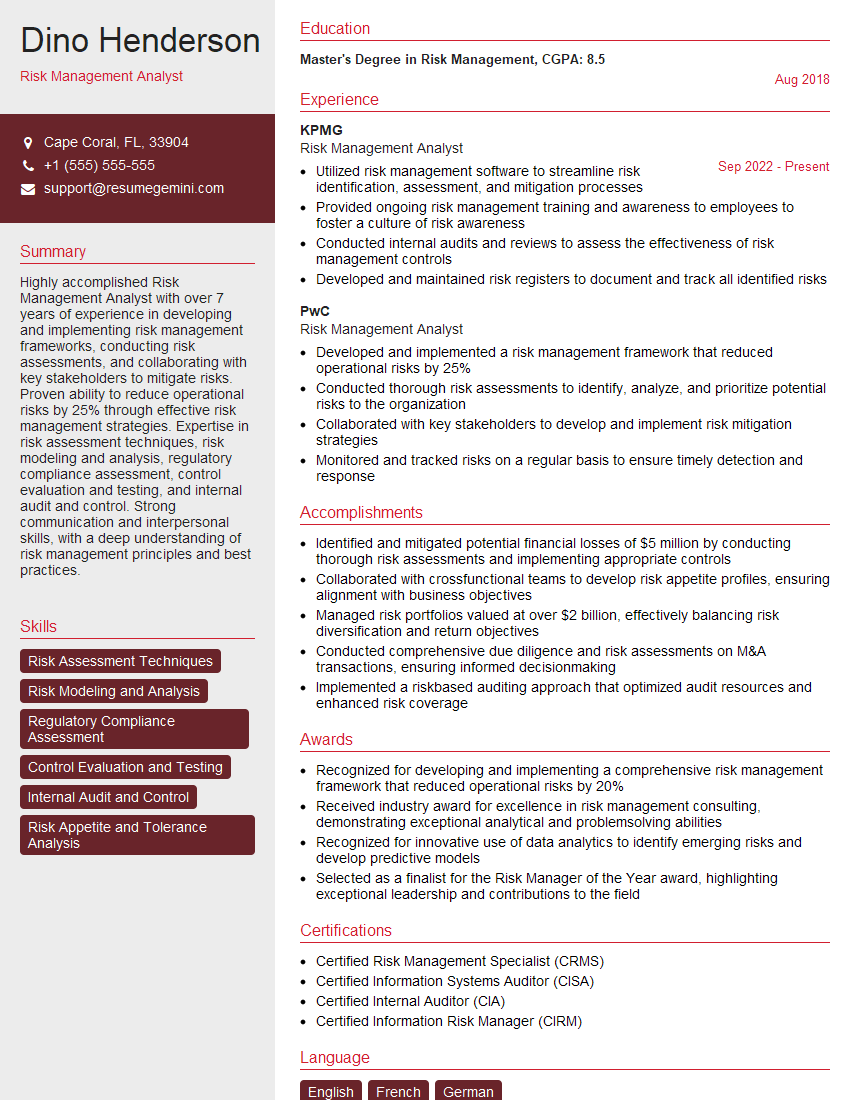
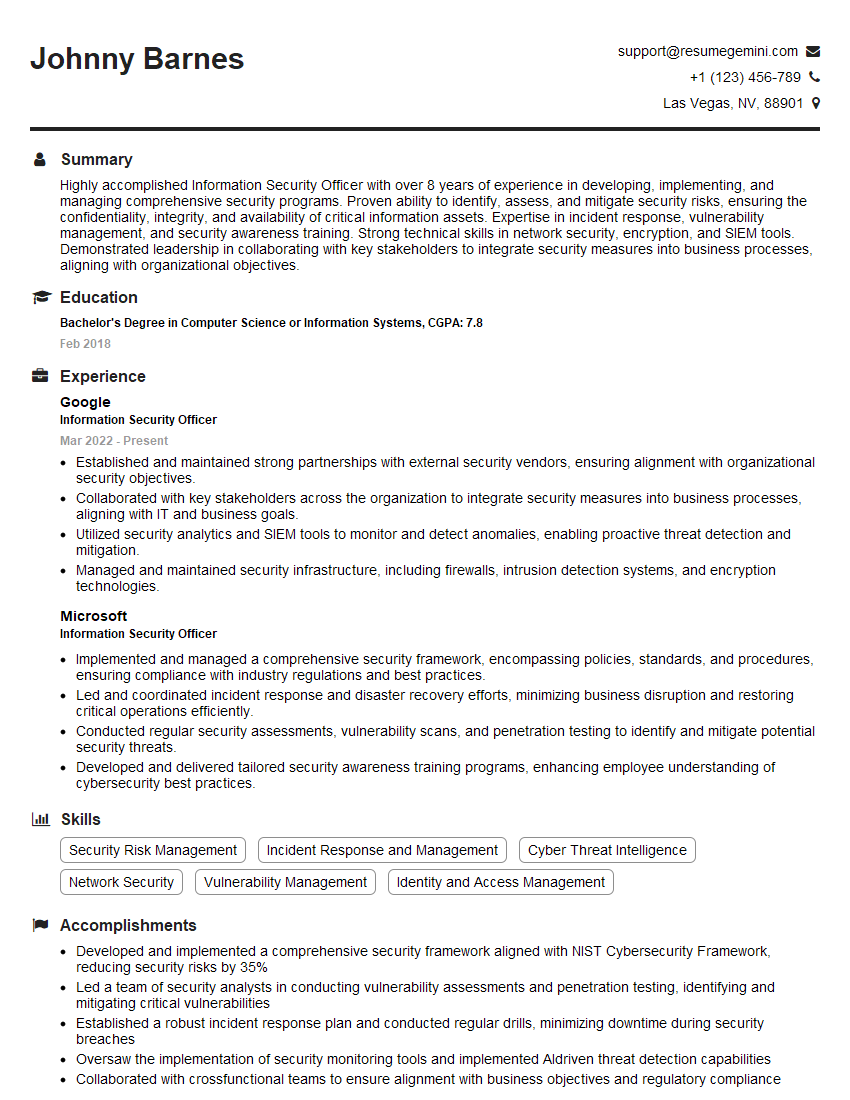
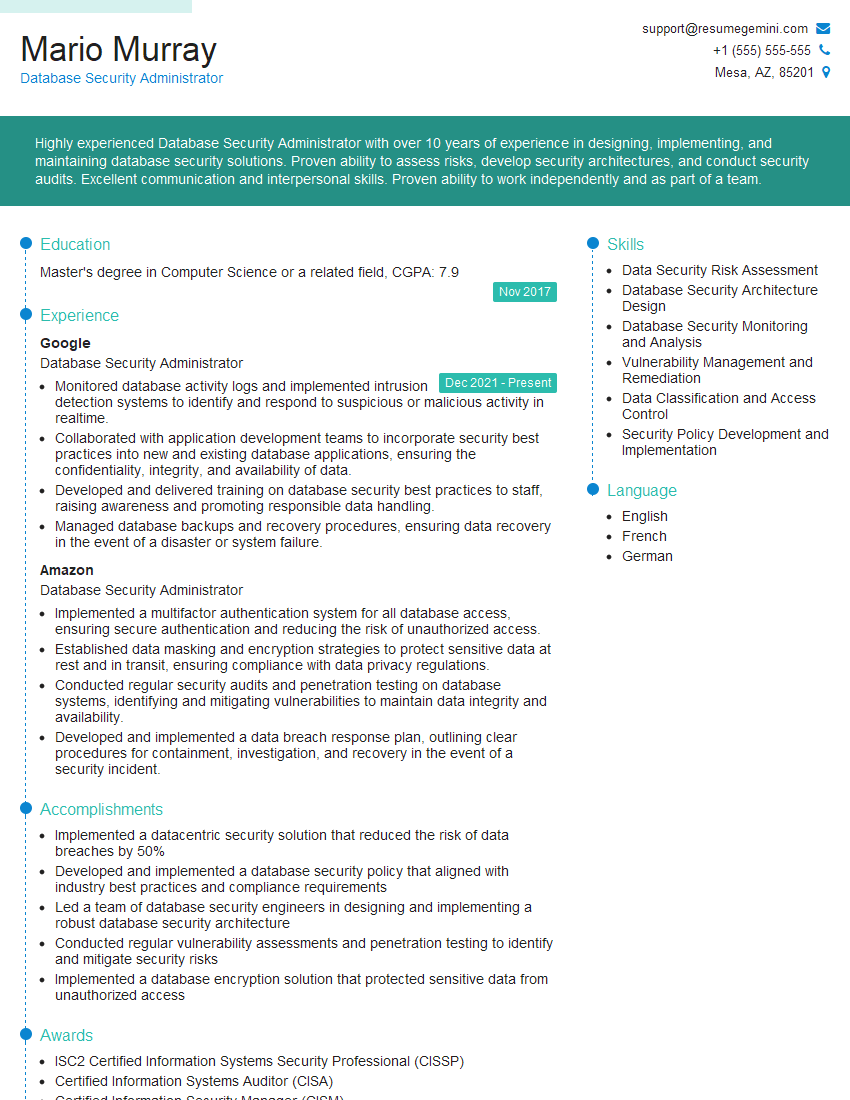
Mastering Dashboard Protection is crucial for career advancement in the ever-evolving landscape of cybersecurity. A strong understanding of these concepts positions you for high-demand roles and opens doors to exciting opportunities. To maximize your job prospects, crafting an ATS-friendly resume is essential. ResumeGemini is a trusted resource to help you build a professional and effective resume that highlights your skills and experience in Dashboard Protection. Examples of resumes tailored to this field are available to help guide you. Take advantage of these resources to showcase your expertise and land your dream job!

Explore more articles
Users Rating of Our Blogs
Share Your Experience
We value your feedback! Please rate our content and share your thoughts (optional).
What Readers Say About Our Blog
To the interviewgemini.com Webmaster.
Very helpful and content specific questions to help prepare me for my interview!
Thank you
To the interviewgemini.com Webmaster.
This was kind of a unique content I found around the specialized skills. Very helpful questions and good detailed answers.
Very Helpful blog, thank you Interviewgemini team.