Every successful interview starts with knowing what to expect. In this blog, we’ll take you through the top Developing and managing databases interview questions, breaking them down with expert tips to help you deliver impactful answers. Step into your next interview fully prepared and ready to succeed.
Questions Asked in Developing and managing databases Interview
Q 1. Explain the difference between OLTP and OLAP databases.
OLTP (Online Transaction Processing) and OLAP (Online Analytical Processing) databases serve fundamentally different purposes. Think of it like this: OLTP is for day-to-day operations, while OLAP is for strategic analysis.
OLTP databases are designed for high-volume, short-duration transactions. Imagine a point-of-sale system at a retail store; every purchase is a transaction. These databases prioritize speed and concurrency (multiple users accessing the database simultaneously). They’re optimized for INSERT, UPDATE, and DELETE operations. Data is typically highly normalized to ensure data integrity.
OLAP databases, on the other hand, are designed for complex queries and analytical processing. Instead of individual transactions, OLAP focuses on aggregated data. A business might use an OLAP database to analyze sales trends over several years. These databases are optimized for SELECT operations, often involving aggregations (SUM, AVG, COUNT) and joins across multiple tables. Data is often denormalized for faster query performance, sacrificing some data redundancy for speed.
In short: OLTP is about handling transactions efficiently; OLAP is about analyzing data effectively. They often work together; an OLTP system might feed data into an OLAP system for analysis.
Q 2. What are ACID properties in database transactions?
ACID properties are crucial for ensuring data integrity in database transactions. They are:
- Atomicity: A transaction is treated as a single, indivisible unit. Either all changes within the transaction are committed, or none are. Imagine transferring money between accounts; either both accounts are updated correctly, or neither is. This prevents partial updates.
- Consistency: A transaction must maintain the database’s integrity constraints. For example, if a transaction involves transferring money, the total amount of money in all accounts must remain the same after the transaction.
- Isolation: Concurrent transactions must be isolated from each other. Each transaction should appear to be executed sequentially, even if multiple transactions are running simultaneously. This prevents one transaction from interfering with another’s results, such as reading incomplete or inconsistent data.
- Durability: Once a transaction is committed, the changes are permanently saved, even in case of system failure. This guarantees that the data is persistent.
These properties work together to guarantee reliable database operations, crucial for applications where data accuracy and consistency are paramount.
Q 3. Describe different types of database indexes and their use cases.
Database indexes are data structures that improve the speed of data retrieval operations on a database table at the cost of additional writes and storage space to maintain the index data. Different types exist:
- B-tree index: The most common type, suitable for both range and equality searches. It’s a balanced tree structure allowing efficient searching, insertion, and deletion of data. Example: Finding all customers with an age between 25 and 35.
- Hash index: Uses a hash function to map keys to locations in the index. Excellent for equality searches but not suitable for range searches. Example: Finding a specific customer based on their unique ID.
- Full-text index: Used for searching within text fields, supporting various search operators (e.g., wildcard characters). Example: Finding documents containing the word ‘database’.
- Spatial index: Optimized for spatial data (geographic locations, shapes). Example: Finding all stores within a certain radius.
- Unique index: Ensures that all values in a column are unique. Used for primary keys and other unique identifiers. Example: Customer ID.
The choice of index depends on the specific query patterns and data characteristics. Over-indexing can negatively impact performance, so careful planning is essential.
Q 4. How do you optimize database performance?
Optimizing database performance involves several strategies:
- Query Optimization: Analyze slow queries using tools like query analyzers to identify bottlenecks. Rewrite inefficient queries, add indexes, or optimize table joins. For example, avoid using
SELECT *and instead specify the needed columns. - Indexing: Create appropriate indexes on frequently queried columns to speed up data retrieval. However, avoid over-indexing as it can slow down write operations.
- Database Design: Properly normalize the database schema to minimize data redundancy and improve data integrity. Use appropriate data types and sizes for columns.
- Hardware Upgrades: Increase RAM, CPU, and storage capacity to handle the workload. Consider using SSDs instead of traditional hard drives.
- Caching: Implement caching mechanisms to store frequently accessed data in memory, reducing database load. Database systems often have built-in caching features.
- Connection Pooling: Manage database connections efficiently to avoid creating and closing connections repeatedly.
- Database Tuning: Configure database parameters (e.g., buffer pool size, memory allocation) to match the workload characteristics.
- Sharding: Distribute data across multiple database servers to improve scalability and reduce load on individual servers.
Performance optimization is an iterative process. Continuous monitoring and analysis are vital to identify and address performance bottlenecks.
Q 5. Explain normalization and its benefits.
Database normalization is a process of organizing data to reduce redundancy and improve data integrity. It involves dividing larger tables into smaller tables and defining relationships between them.
Benefits:
- Reduced Data Redundancy: Storing the same data multiple times wastes space and increases the risk of inconsistencies. Normalization minimizes this.
- Improved Data Integrity: Changes to data only need to be made in one place, reducing the risk of errors and inconsistencies.
- Simplified Data Modification: Updating, inserting, or deleting data becomes easier and less error-prone.
- Better Data Organization: The database becomes more structured and easier to understand and manage.
Normalization involves different levels (normal forms), each addressing specific types of redundancy. The most common are First Normal Form (1NF), Second Normal Form (2NF), and Third Normal Form (3NF). Choosing the appropriate level depends on the specific application requirements and trade-offs between data integrity and query performance.
Q 6. What are database triggers and how are they used?
Database triggers are procedural code that automatically executes in response to certain events on a particular table or view in a database. Think of them as automated responses to actions.
Use Cases:
- Auditing: Log changes made to a table. A trigger could record who made a change, when it was made, and what the old and new values were.
- Data Validation: Enforce business rules. For example, a trigger could prevent insertion of a negative value into a quantity column.
- Cascading Updates: Automatically update related tables when a change is made to a table. For example, if a customer’s address is updated, a trigger could update the address in the orders table.
- Maintaining Referential Integrity: Ensure that foreign key relationships are valid. A trigger could prevent deletion of a row if it has corresponding entries in other tables.
Triggers are written in a procedural language specific to the database system (e.g., PL/SQL for Oracle, T-SQL for SQL Server). They provide a powerful way to automate tasks and enforce database integrity.
Q 7. Describe your experience with database backup and recovery strategies.
Effective database backup and recovery strategies are crucial for data protection and business continuity. My experience encompasses various approaches:
- Full Backups: A complete copy of the entire database. They take longer but are essential for a complete recovery.
- Incremental Backups: Only back up the changes made since the last full or incremental backup. Faster than full backups but require a full backup as a starting point.
- Differential Backups: Back up the changes made since the last full backup. Faster than incremental backups but less efficient for long periods.
- Transaction Log Backups: Back up the database’s transaction log, containing records of all changes made. Crucial for point-in-time recovery.
- Backup Frequency: The frequency depends on the criticality of the data and the rate of change. Critical systems might require hourly backups, while less critical systems might have daily or weekly backups.
- Backup Storage: Backups should be stored offsite to protect against physical damage or theft. Cloud storage is a common choice.
- Recovery Testing: Regularly test the recovery process to ensure it works as expected. This often involves restoring a backup to a test environment.
- Backup Verification: Periodically verify that backups are valid and can be restored successfully.
In my experience, a combination of full and incremental backups, along with transaction log backups, provides a robust solution. The specific strategy is tailored to the individual database system, data criticality, and recovery time objective (RTO) and recovery point objective (RPO).
Q 8. Explain different database replication methods.
Database replication is the process of copying data from one database server (the primary server) to one or more other servers (replica servers). This ensures high availability, improved performance, and data redundancy. There are several methods, each with its strengths and weaknesses:
- Asynchronous Replication: Updates are applied to the replica servers at a later time, potentially resulting in some delay. This offers high availability because the replicas can still operate even if the primary server goes down, but data might not be completely up to date. Think of it like getting a daily newspaper – you’re not getting instant updates, but you still receive valuable, albeit slightly delayed, information.
- Synchronous Replication: Updates are applied to the replica servers *before* the transaction is considered complete on the primary server. This ensures data consistency but can impact performance because the primary server waits for the replicas to acknowledge the updates. This is like getting real-time updates from a live news feed – it’s immediate and accurate but demands a faster connection.
- Semi-synchronous Replication: A middle ground. The primary waits for acknowledgement from at least one replica before committing. This balances performance and consistency.
- Statement-based Replication: The entire SQL statement is replicated. This is simpler to implement but can lead to inconsistencies if statements have side effects.
- Row-based Replication: Only the changed data rows are replicated, minimizing bandwidth usage. More complex but provides better consistency.
- Transaction-based Replication: Replicates the entire transaction as a unit. Ensures data consistency.
The choice of replication method depends on the specific needs of the application, balancing data consistency, performance, and complexity.
Q 9. How do you handle database security and access control?
Database security and access control are paramount. A robust strategy involves multiple layers:
- Authentication: Verifying the identity of users trying to access the database (usernames and passwords, multi-factor authentication).
- Authorization: Determining what actions authenticated users are permitted to perform (read, write, update, delete). This is often implemented using roles and privileges. For instance, a ‘read-only’ user might only have access to SELECT statements, while an ‘administrator’ user has full access.
- Data Encryption: Protecting data both at rest (on the storage device) and in transit (over the network) using encryption algorithms. This prevents unauthorized access even if the database is compromised.
- Access Control Lists (ACLs): Fine-grained control over permissions, specifying which users or groups have access to specific database objects (tables, views, stored procedures).
- Regular Security Audits: Periodically reviewing and assessing security measures to identify vulnerabilities and strengthen the database system.
- Network Security: Protecting the database server from unauthorized network access through firewalls, intrusion detection systems, and virtual private networks (VPNs).
- Database Auditing: Tracking user activities, allowing you to monitor database usage and detect suspicious behavior.
In my experience, establishing a clear separation of duties, limiting the privilege escalation potential, and implementing regular patching and updates are critical elements in maintaining database security. For example, we used to have a critical incident where an employee’s account was compromised, leading to unauthorized data access. This reinforced the need for strong password policies and multi-factor authentication. We implemented these changes immediately following the incident.
Q 10. What is a deadlock and how do you resolve it?
A deadlock occurs when two or more transactions are blocked indefinitely, waiting for each other to release resources that they need. Imagine two people trying to pass each other in a narrow hallway – neither can move until the other steps aside. In a database, this means that transactions are stuck, preventing any progress.
Example: Transaction A holds a lock on table X and requests a lock on table Y. Simultaneously, Transaction B holds a lock on table Y and requests a lock on table X. Neither transaction can proceed.
Resolving Deadlocks:
- Deadlock Detection and Rollback: The database system typically employs a deadlock detection mechanism. When a deadlock is detected, one of the transactions is automatically rolled back (its changes are undone) to break the cycle. This is the most common approach.
- Preventing Deadlocks: This involves careful database design and transaction management. Techniques include:
- Consistent Locking Order: Always acquire locks on resources in a consistent order to avoid circular dependencies.
- Short Transactions: Minimize the duration of transactions to reduce the chance of conflicts.
- Avoid unnecessary locks: Only lock the resources that are absolutely necessary.
- Proper Indexing: Efficient indexing reduces the time transactions hold locks.
In my previous role, we encountered deadlocks frequently due to poorly designed queries. By optimizing our database schemas, using more efficient indexes, and carefully managing transaction sizes, we drastically reduced the occurrence of deadlocks.
Q 11. What are stored procedures and functions?
Stored procedures and functions are pre-compiled SQL code blocks stored in the database. They enhance database performance, security, and code reusability.
- Stored Procedures: These are essentially mini-programs that can perform multiple database operations within a single call. They often contain complex logic, including conditional statements and loops. They can accept input parameters and return output parameters or result sets. Stored procedures enhance security by encapsulating database logic and reducing the surface area exposed to potential SQL injection attacks. For example, a stored procedure could manage the insertion of new customer data, including validation and error handling.
- Functions: These are similar to stored procedures but are designed to return a single value. They are typically used for calculations or data manipulation and can be used within SQL queries. For instance, a function might calculate the total price of items in an order.
The key difference is their purpose: procedures perform actions, functions return values. Both contribute greatly to code modularity and maintainability, reducing code duplication and improving database performance.
Q 12. Explain the difference between clustered and non-clustered indexes.
Both clustered and non-clustered indexes are used to speed up data retrieval in a database, but they differ significantly in how they organize data:
- Clustered Index: A clustered index physically reorders the data rows in the table based on the index key. Think of it like organizing books alphabetically on a shelf; the physical order of the books reflects the alphabetical order of their titles. A table can have only one clustered index because the data can only be physically sorted in one way. This improves performance significantly for queries that filter or sort based on the clustered index column(s).
- Non-clustered Index: A non-clustered index is a separate data structure that points to the actual data rows in the table. It’s like a table of contents in a book; it points to the pages (data rows) where you can find specific information, without reorganizing the pages themselves. A table can have multiple non-clustered indexes.
Choosing the right type of index is crucial for performance optimization. Clustered indexes are best when you frequently query based on the indexed column(s), while non-clustered indexes are useful for queries where you need fast access to data based on multiple columns.
Q 13. What are views in a database and their purpose?
A database view is a virtual table based on the result-set of an SQL statement. It does not store data itself, but rather presents a customized view of data from one or more underlying tables. Think of it like a custom report or dashboard.
Purposes of Views:
- Data Security: Views can be used to restrict access to sensitive data. You can create a view that only shows certain columns or rows from a table, preventing users from accessing the entire table’s content.
- Data Simplification: Views can simplify complex queries by providing a simpler interface to the data. This makes it easier for users to access the information they need without having to write complex SQL statements.
- Data Customization: Views can be used to customize the presentation of data, such as adding calculated columns or formatting the data in a specific way.
- Data Integrity: Views can indirectly help enforce data integrity by providing a controlled access point to data and preventing direct modification of underlying tables.
For example, we use views extensively in our reporting system. They allow us to present aggregated or summarized data in user-friendly formats without exposing the complex underlying data structures.
Q 14. Describe your experience with database tuning and performance monitoring.
Database tuning and performance monitoring are critical aspects of database administration. My experience involves a multi-faceted approach:
- Performance Monitoring Tools: I’m proficient in using tools like SQL Server Profiler, MySQL Workbench Performance Schema, and Oracle’s AWR reports to identify performance bottlenecks. These tools provide detailed insights into query execution times, resource usage, and wait statistics.
- Query Optimization: I’ve extensively worked on optimizing slow-running queries using techniques like creating indexes, rewriting queries, and using query hints. For instance, we discovered a query that was taking several minutes to execute. By adding an appropriate index and rewriting the query to use joins effectively, we reduced its execution time to under a second.
- Schema Optimization: Optimizing database schemas by denormalizing tables where necessary to improve read performance (trading some write performance for better read performance). I’ve worked to ensure appropriate data types are used and reviewed table designs to minimize data redundancy.
- Resource Management: Tuning database server resources, including memory, CPU, and I/O, to ensure optimal performance. This can involve adjusting server configuration parameters and managing disk space effectively.
- Caching Strategies: Implementing appropriate caching mechanisms, such as query caching or data caching, to reduce database load and improve response times.
In a previous project, we implemented a comprehensive performance monitoring strategy and identified a significant I/O bottleneck. By upgrading the storage subsystem and implementing a more efficient indexing strategy, we were able to significantly improve the overall system performance.
Q 15. How do you troubleshoot database errors?
Troubleshooting database errors is a systematic process. I start by identifying the error type – is it a connection issue, a query error, a performance bottleneck, or a data integrity problem? This initial classification directs my investigation.
For connection errors, I check network connectivity, firewall rules, and the database server’s status. I’ll verify credentials and check for any relevant log files. Query errors often involve syntax problems, incorrect data types, or missing permissions. I’ll use the database’s error messages and logging tools to pinpoint the issue, often utilizing debugging tools to step through the execution of the query.
Performance problems require analyzing query plans, indexes, and resource usage. Tools like database performance monitors and query analyzers are essential here. I might identify slow queries, inefficient indexes, or insufficient hardware resources. Data integrity problems require a more detailed examination, potentially involving data validation checks, comparing checksums, and looking for inconsistencies in related tables. I might use scripting to identify and potentially repair inconsistencies. Finally, thorough documentation and version control are key; they enable me to trace issues and rollback changes if needed.
For example, recently I encountered a performance bottleneck in a large e-commerce database. By analyzing the query plan, I identified a missing index that was causing full table scans. Adding the index dramatically improved query performance.
Career Expert Tips:
- Ace those interviews! Prepare effectively by reviewing the Top 50 Most Common Interview Questions on ResumeGemini.
- Navigate your job search with confidence! Explore a wide range of Career Tips on ResumeGemini. Learn about common challenges and recommendations to overcome them.
- Craft the perfect resume! Master the Art of Resume Writing with ResumeGemini’s guide. Showcase your unique qualifications and achievements effectively.
- Don’t miss out on holiday savings! Build your dream resume with ResumeGemini’s ATS optimized templates.
Q 16. What experience do you have with NoSQL databases?
My experience with NoSQL databases spans several years and multiple projects. I’ve worked extensively with MongoDB, Cassandra, and Redis, utilizing them for different purposes based on their strengths.
In one project, we used MongoDB’s flexible schema to manage user profiles and preferences, where data structure varied greatly. This was ideal for the dynamic nature of user data. In another, Cassandra’s distributed architecture ensured high availability and scalability for a large-scale IoT data ingestion system, handling millions of data points per day. Redis provided incredible speed as an in-memory data store for caching frequently accessed data in a high-traffic e-commerce application.
I’m comfortable with the concepts of schema design, data modeling, query optimization, and performance tuning specific to NoSQL databases. I understand the tradeoffs between consistency, availability, and partition tolerance (CAP theorem) and can choose the appropriate NoSQL database based on project requirements.
Q 17. Explain the difference between SQL and NoSQL databases.
SQL and NoSQL databases represent fundamentally different approaches to data management. SQL databases (relational databases) are characterized by their structured schema, using tables with rows and columns linked by relationships (keys). They enforce data integrity through constraints and ACID properties (Atomicity, Consistency, Isolation, Durability).
NoSQL databases, in contrast, offer a more flexible schema, often supporting document, key-value, graph, or column-family data models. They often prioritize scalability and performance over strict data integrity, sometimes relaxing ACID properties to enhance availability and speed. Think of SQL databases like well-organized libraries with clear cataloging; NoSQL databases are more like vast, interconnected digital archives with various forms of information.
Choosing between SQL and NoSQL depends on the application’s specific needs. SQL is ideal for applications requiring high data integrity and complex relationships, while NoSQL is better suited for large-scale, high-velocity data where schema flexibility and scalability are crucial.
Q 18. Describe your experience with cloud-based database services (e.g., AWS RDS, Azure SQL Database).
I have significant experience with cloud-based database services, including AWS RDS (Relational Database Service) and Azure SQL Database. I’ve provisioned, configured, managed, and optimized databases on both platforms for various projects.
With AWS RDS, I’ve used it to manage MySQL, PostgreSQL, and Oracle databases, leveraging features like automated backups, read replicas, and scaling options. I’ve configured security groups, monitored performance using CloudWatch, and implemented high availability using multi-AZ deployments. Similarly, with Azure SQL Database, I’ve managed instances, configured performance levels, utilized elastic pools for cost optimization, and implemented database security best practices.
My experience extends to migrating on-premise databases to the cloud and leveraging cloud-specific features for enhanced performance and scalability. This includes using cloud-native tools for backup and recovery, as well as integrating database services with other cloud services.
Q 19. How do you ensure data integrity in a database?
Ensuring data integrity is paramount. My approach involves a multi-layered strategy. First, I design the database schema with careful consideration of data types, constraints (e.g., primary keys, foreign keys, unique constraints, check constraints), and relationships to minimize data inconsistencies. Data validation is crucial at all stages, from data entry to updates. This can involve using triggers, stored procedures, and application-level validation.
Regular backups are essential for data recovery in case of failure. I use robust backup and recovery strategies, implementing both full and incremental backups with appropriate retention policies. Consistent monitoring of data quality is achieved through regular checks and audits using database monitoring tools and custom scripts. This includes identifying and resolving potential data inconsistencies and anomalies.
Furthermore, I promote a culture of data governance within development teams. Clearly defined data standards, data validation rules, and processes ensure consistent and accurate data input and manipulation. Version control for schema changes prevents unexpected data loss or corruption.
Q 20. What are your preferred tools for database administration?
My preferred tools for database administration vary based on the specific database system, but I’m proficient in a wide range. For SQL Server, I use SQL Server Management Studio (SSMS) extensively for managing databases, executing queries, and monitoring performance. For MySQL, I’m comfortable using MySQL Workbench, and for PostgreSQL, pgAdmin. I also utilize command-line tools such as psql and mysql for scripting and automation.
Beyond specific database tools, I rely on general-purpose tools for monitoring, logging, and performance analysis. These include Nagios or Zabbix for monitoring system health and performance, and log analysis tools like ELK stack (Elasticsearch, Logstash, Kibana) for examining database logs to identify and troubleshoot issues.
For scripting and automation of database tasks, I frequently use Python with relevant database connectors. This enables me to automate backups, reporting, and other routine tasks, increasing efficiency and reducing human error.
Q 21. Explain your experience with data modeling techniques (e.g., ER diagrams).
Data modeling is foundational to database design. I extensively use Entity-Relationship (ER) diagrams to visually represent the entities (tables), their attributes (columns), and relationships between them. ER diagrams help me to plan database structure, identify potential issues, and communicate the design effectively to other stakeholders.
My experience includes developing ER diagrams using various tools like Lucidchart, draw.io, and even simple diagramming software. I can translate business requirements into a logical data model, then refine it into a physical data model that takes into account database-specific features and constraints. I consider normalization principles (like 1NF, 2NF, 3NF) to minimize data redundancy and improve data integrity.
For example, when designing a database for an e-commerce application, I’d use an ER diagram to model entities like ‘Customers,’ ‘Products,’ ‘Orders,’ and ‘Order Items,’ showing the relationships between them (e.g., one customer can have multiple orders, each order contains multiple order items). This visual representation helps ensure the database efficiently manages relationships and data integrity.
Q 22. How do you handle data migration and upgrades?
Data migration and upgrades are crucial for keeping databases current and efficient. I approach this systematically, following a phased process to minimize disruption and risk. First, I thoroughly assess the current database, documenting its schema, data volume, and dependencies. This forms the basis of my migration plan. Next, I choose a suitable migration strategy – this could range from a simple schema update with minimal downtime to a more complex approach involving data transformation, potentially using ETL (Extract, Transform, Load) tools. For large migrations, I often opt for a phased rollout, migrating data in batches or segments to control the impact on the application. Testing is crucial at every stage, using both unit and integration tests to ensure data integrity and application functionality. Finally, post-migration monitoring is essential, tracking performance and identifying any unexpected issues. For example, when migrating a legacy system to a cloud-based database, I might use a tool like AWS Schema Conversion Tool for automated schema conversion and data migration, followed by rigorous testing before the final cutover.
A critical aspect is rollback planning. In the event of a problem, I need a clear path to revert to the previous state without causing significant data loss. This involves regular backups and a well-defined rollback procedure.
Q 23. Describe your experience with database sharding and partitioning.
Database sharding and partitioning are techniques for managing large datasets by distributing them across multiple servers. Sharding involves horizontally partitioning the database into independent, smaller databases (shards), each managed separately. Partitioning, on the other hand, involves dividing a single database into smaller, logical units (partitions) based on criteria like date range or geographical location. My experience includes implementing both strategies, often in conjunction. For example, I once worked on a project where we sharded a large e-commerce database based on customer region, with each shard handling data for a specific geographical area. This improved read and write performance significantly. The choice between sharding and partitioning depends on the specific application requirements and the type of data. Sharding is ideal for highly scalable applications with massive data growth, while partitioning can improve query performance even within a single database server.
Careful consideration needs to be given to data distribution and routing mechanisms. An efficient sharding strategy requires a robust mechanism to route queries to the correct shard and manage data consistency across shards. I’ve used various techniques including consistent hashing and range-based partitioning to achieve this.
Q 24. What is your experience with database performance monitoring tools?
I have extensive experience using various database performance monitoring tools, both open-source and commercial. These tools are crucial for identifying bottlenecks, optimizing query performance, and ensuring the overall health of the database system. Some examples of tools I’ve utilized include:
PrometheusandGrafanafor monitoring metrics and visualizing performance trends.Datadogfor comprehensive database monitoring and alerting.- Native database monitoring tools like those provided by Oracle, MySQL, and PostgreSQL.
My approach involves setting up comprehensive monitoring to track key performance indicators (KPIs) such as query execution time, CPU utilization, memory usage, and I/O operations. I use these tools not only to react to performance issues but also to proactively identify potential problems and optimize the database design and configuration. For example, by analyzing slow query logs, I can identify poorly performing queries and optimize them with indexing or query rewriting. Alerting systems are essential to notify me immediately if performance thresholds are breached, allowing for swift intervention.
Q 25. How would you approach designing a database for a specific application?
Designing a database for a specific application involves a structured approach. I start by thoroughly understanding the application’s requirements, identifying the entities, their attributes, and the relationships between them. This often involves close collaboration with developers and stakeholders. Next, I create an Entity-Relationship Diagram (ERD) to visually represent the database structure. The choice of database management system (DBMS) depends on factors such as scalability, performance needs, data volume, and budget. For example, for a high-transaction volume application, I might choose a NoSQL database like MongoDB or Cassandra, whereas for a relational application with complex data relationships, I might choose PostgreSQL or MySQL. Once the schema is designed, I implement normalization techniques to reduce data redundancy and improve data integrity. Finally, thorough testing and performance optimization are crucial to ensure the database meets the application’s needs.
Consider a social media application: The ERD would depict entities like users, posts, comments, and friendships, along with their attributes and relationships. I’d carefully consider indexing strategies to optimize searches and ensure efficient data retrieval.
Q 26. Explain your understanding of database concurrency control.
Database concurrency control is essential for managing concurrent access to the database by multiple users or applications. It prevents data corruption and ensures data consistency. The primary methods are locking and optimistic concurrency control. Locking mechanisms, such as shared and exclusive locks, prevent simultaneous access to data, ensuring that only one transaction can modify a given data item at a time. Optimistic concurrency control, on the other hand, assumes that conflicts are rare and only checks for conflicts when a transaction commits. If a conflict is detected, the transaction is rolled back. The choice of concurrency control mechanism depends on the application’s requirements and the trade-off between performance and data consistency. For high-concurrency applications, optimistic concurrency control can offer better performance, but it requires careful consideration of conflict resolution strategies. I have experience implementing both methods and choosing the appropriate one based on the specific needs of the application.
Imagine a banking application: Locking mechanisms are vital to ensure that simultaneous withdrawals from the same account don’t lead to incorrect balances.
Q 27. What is your experience with database schema design?
Database schema design is the process of defining the structure and organization of a database. It involves identifying tables, columns, data types, relationships between tables, and constraints to ensure data integrity. I follow best practices such as normalization to reduce data redundancy and improve data integrity. I use Entity-Relationship Diagrams (ERDs) to visually represent the database structure and clearly communicate the design to others. My experience includes designing schemas for various applications, from simple to complex, using both relational and NoSQL databases. A well-designed schema is crucial for performance, maintainability, and scalability. I also consider data types carefully, ensuring that they accurately represent the data being stored and optimizing for storage efficiency. For instance, using smaller data types where appropriate reduces storage space and improves query performance.
For example, when designing a schema for an e-commerce platform, I’d need to carefully consider tables for products, customers, orders, and inventory, defining relationships and constraints to ensure data accuracy and prevent anomalies.
Q 28. How do you handle large datasets in a database?
Handling large datasets in a database requires a multifaceted approach. First, I’d consider data partitioning or sharding, as mentioned earlier, to distribute the data across multiple servers. Second, I’d optimize the database schema and indexes to speed up query performance. This includes choosing appropriate data types, creating indexes on frequently queried columns, and optimizing query execution plans. Third, I might employ techniques like materialized views to pre-compute frequently accessed data subsets, reducing query processing time. Fourth, I’d explore the use of columnar storage databases, which can significantly improve analytical query performance on large datasets. Finally, efficient data loading and unloading strategies are critical. Batch processing and parallel loading techniques can significantly reduce the time it takes to ingest and export large amounts of data. Regular maintenance tasks such as database cleanup, archiving, and vacuuming are also essential to maintain database performance and prevent storage bloat. The choice of specific techniques depends on the type of data, the frequency of queries, and the available resources.
For instance, for a large-scale analytics database, a columnar database like Apache Parquet could significantly improve query performance compared to a traditional row-oriented database.
Key Topics to Learn for Developing and Managing Databases Interview
- Database Design Principles: Understand normalization, data modeling (ER diagrams), and choosing the right database type (Relational, NoSQL, etc.) for specific applications. Consider practical scenarios requiring different database choices.
- SQL Proficiency: Master querying, data manipulation (CRUD operations), and optimization techniques. Practice writing complex queries and understanding query execution plans. Be prepared to discuss performance tuning strategies.
- Data Integrity and Security: Learn about enforcing constraints, managing transactions, and implementing security measures (access control, encryption) to protect sensitive data. Consider real-world examples of data breaches and how they could have been prevented.
- Database Administration: Explore backup and recovery strategies, performance monitoring, and troubleshooting techniques. Discuss practical experience with common database management systems (e.g., MySQL, PostgreSQL, Oracle, MongoDB).
- Cloud Databases: Familiarize yourself with cloud-based database services (e.g., AWS RDS, Azure SQL Database, Google Cloud SQL) and their advantages in scalability and management. Consider the tradeoffs between cloud and on-premise solutions.
- NoSQL Databases: Understand the strengths and weaknesses of NoSQL databases and when they are appropriate alternatives to relational databases. Be ready to discuss specific NoSQL database technologies (e.g., MongoDB, Cassandra).
- Data Warehousing and Business Intelligence: Explore concepts related to data warehousing, ETL processes, and data visualization tools. Consider how to design a data warehouse to support business reporting and analytics.
Next Steps
Mastering database development and management is crucial for a thriving career in technology. It opens doors to a wide range of high-demand roles and positions you for significant career growth. To maximize your job prospects, crafting an ATS-friendly resume is essential. ResumeGemini is a trusted resource that can help you build a professional and impactful resume that showcases your skills and experience effectively. ResumeGemini provides examples of resumes tailored to Database Development and Management roles, giving you a head start in creating your own compelling application materials.
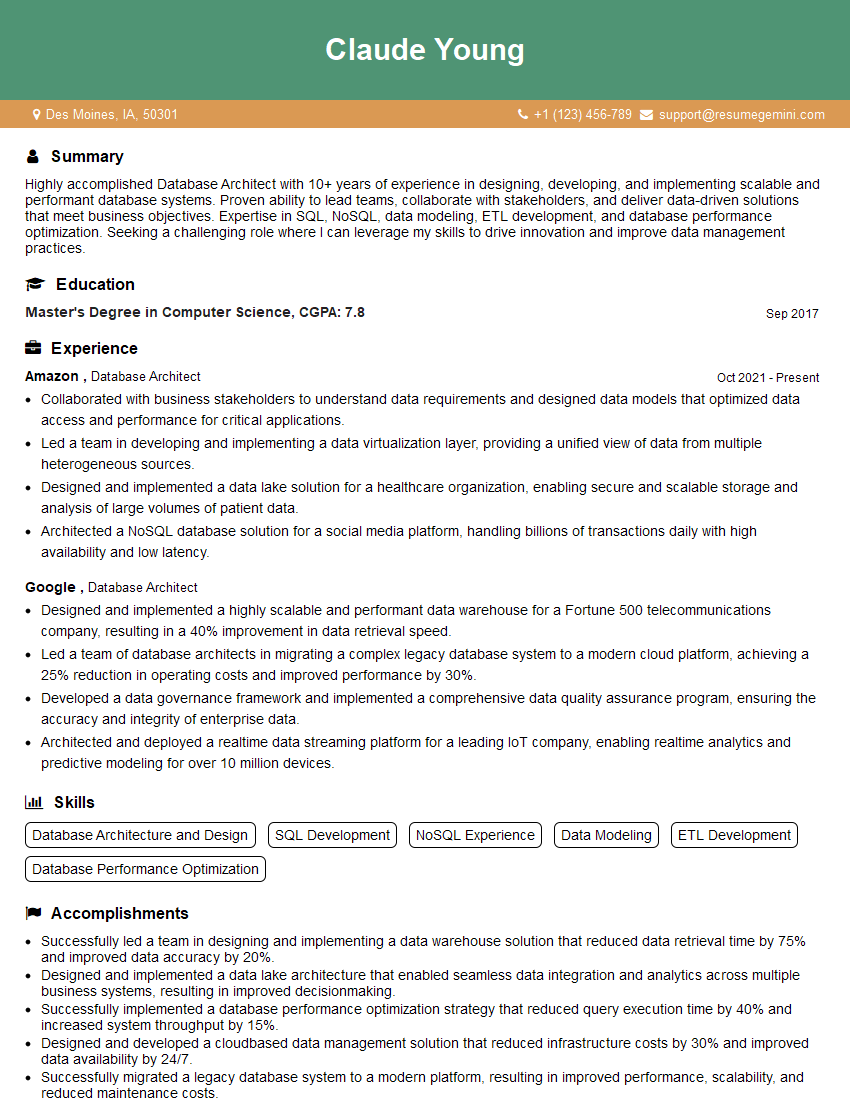
Database Architect Resume Sample

Data Analyst Resume Sample

Data Scientist Resume Sample
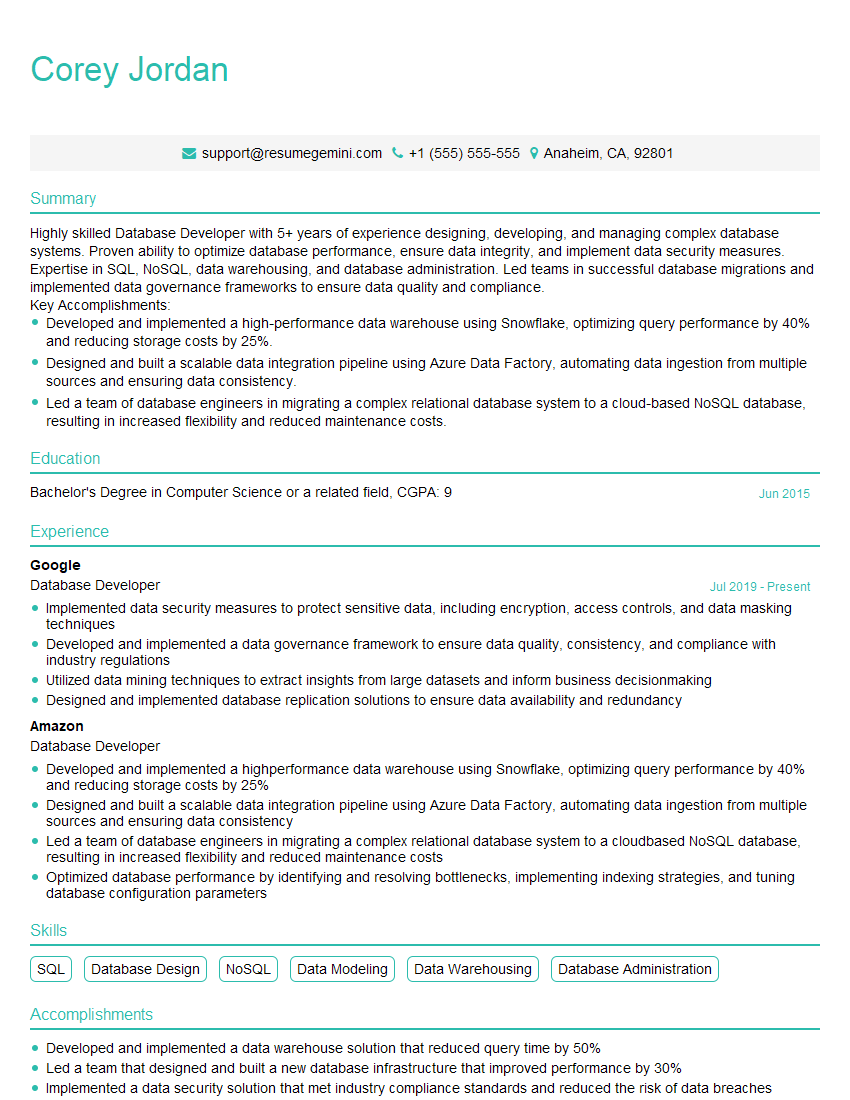
Database Developer Resume Sample
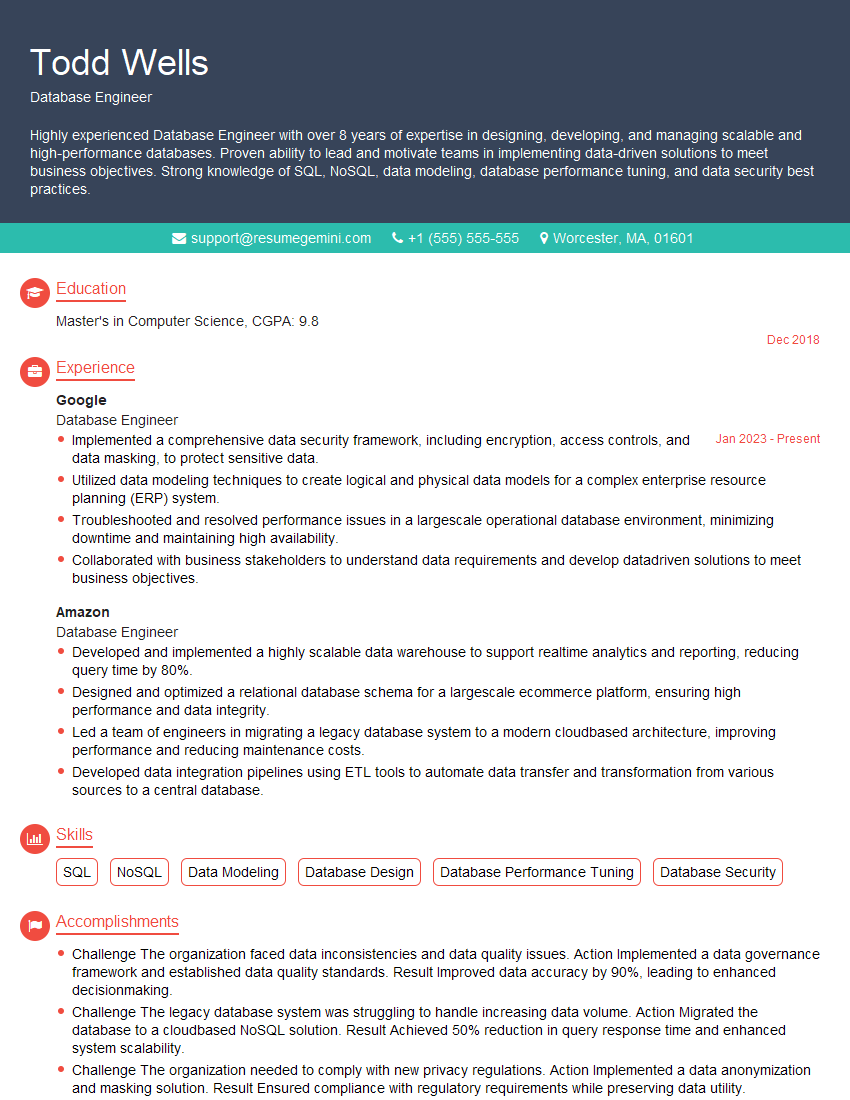
Database Engineer Resume Sample
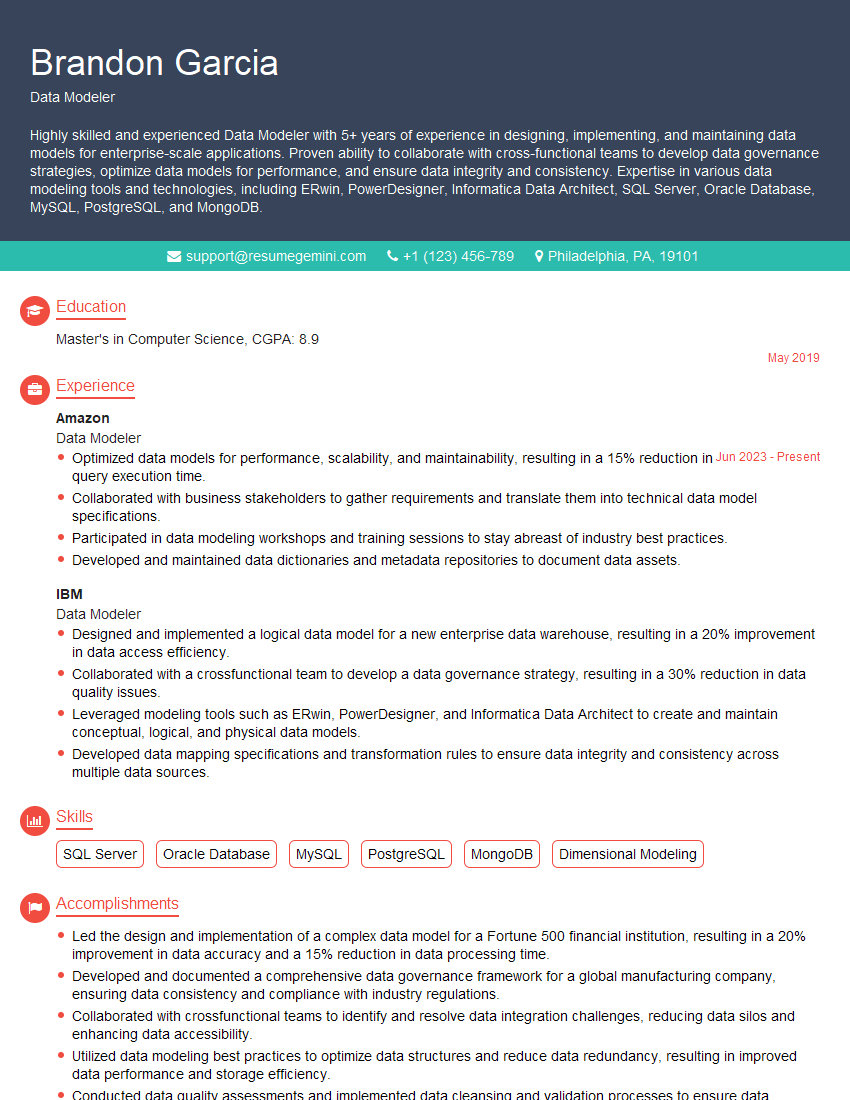
Data Modeler Resume Sample

Data Architect Resume Sample
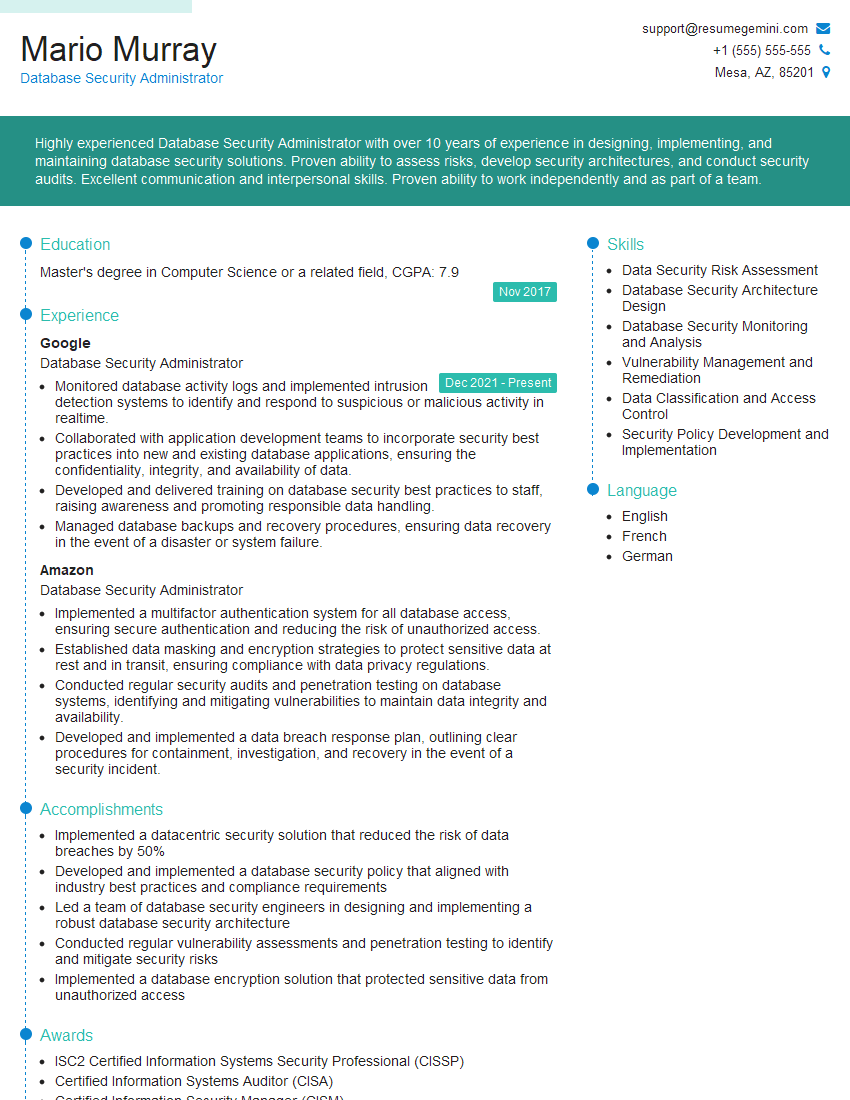
Database Security Administrator Resume Sample

ETL Developer Resume Sample
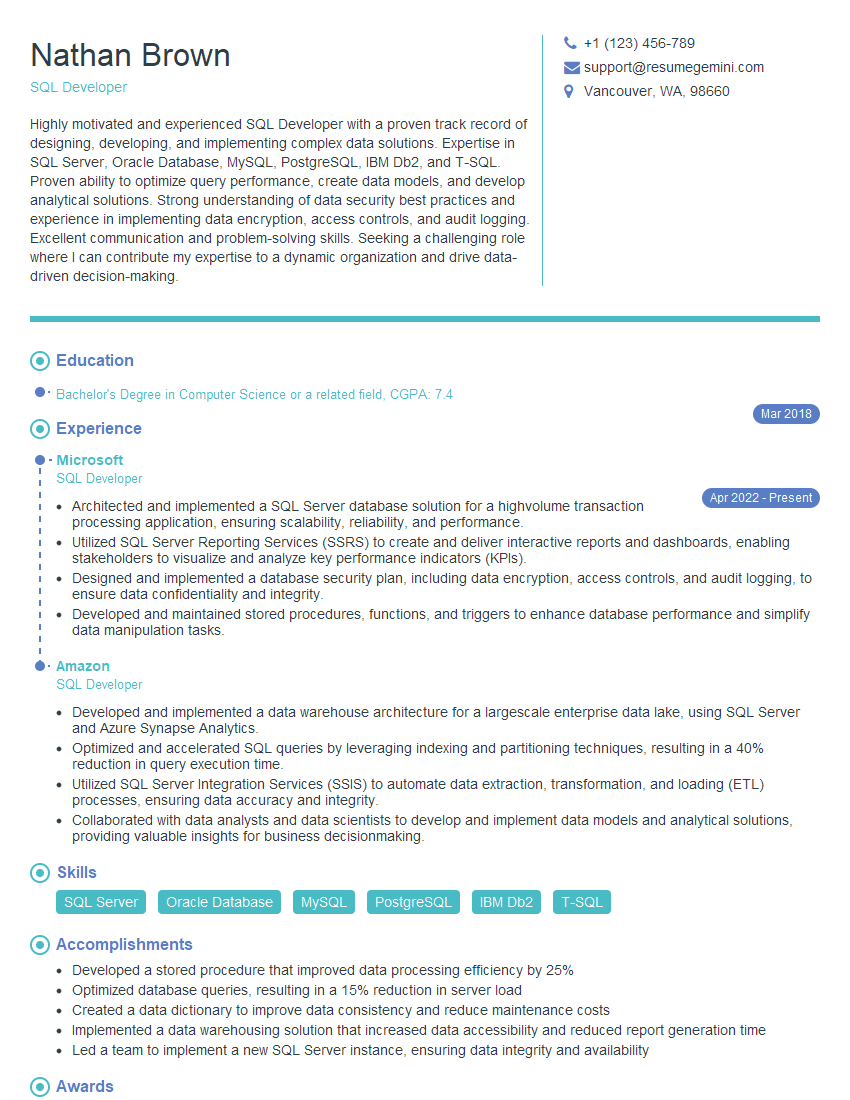
SQL Developer Resume Sample
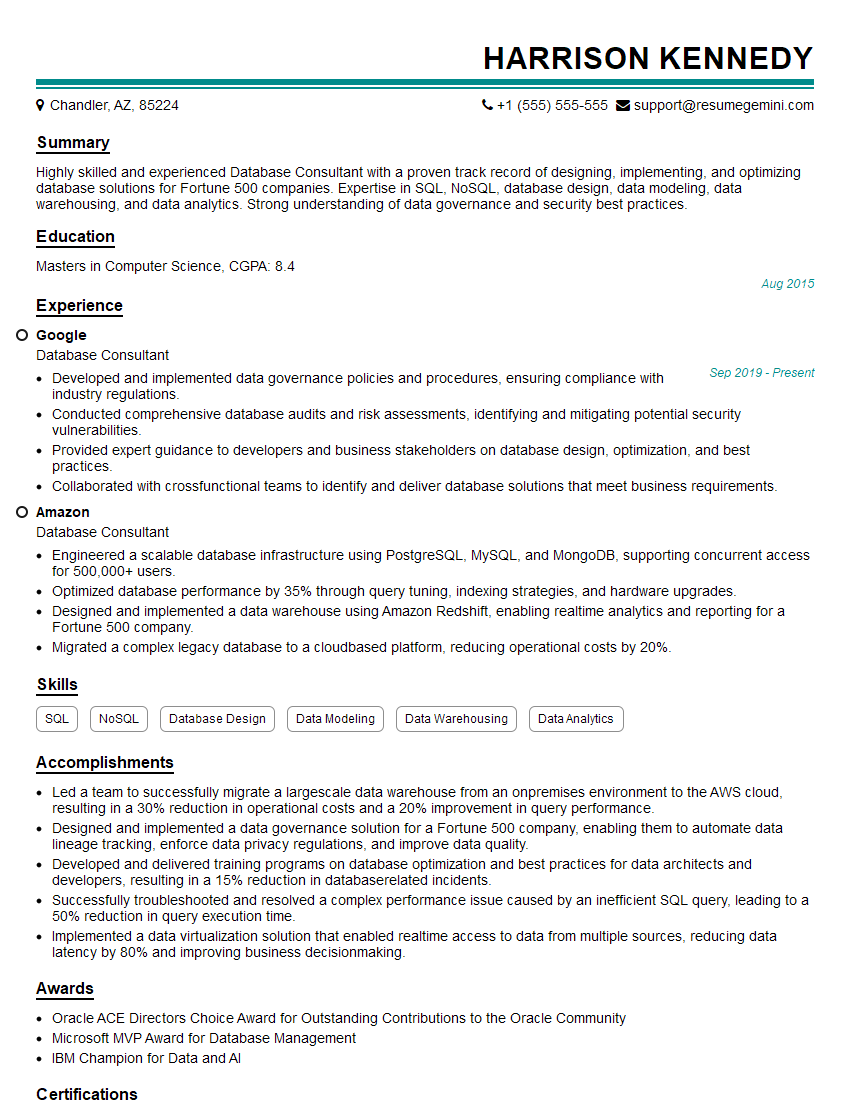
Database Consultant Resume Sample

Data Warehouse Developer Resume Sample

Database Administrator Resume Sample
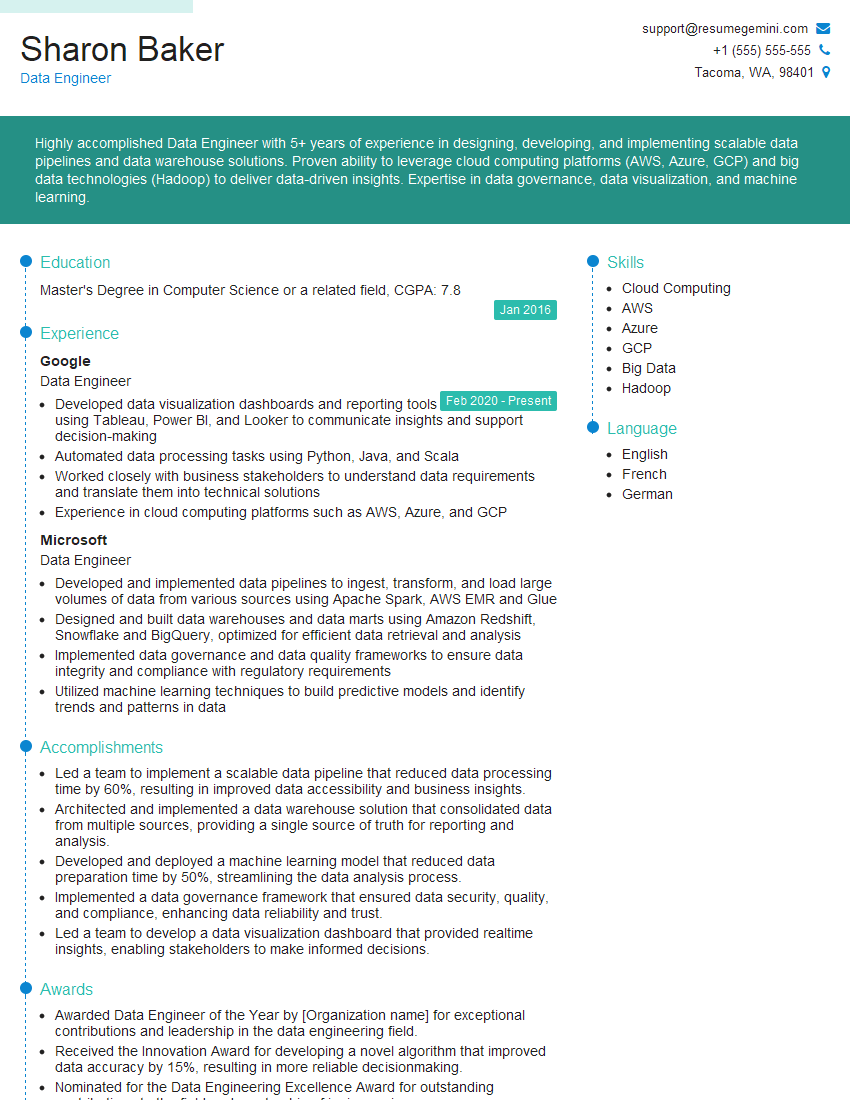
Data Engineer Resume Sample
Explore more articles
Users Rating of Our Blogs
Share Your Experience
We value your feedback! Please rate our content and share your thoughts (optional).
What Readers Say About Our Blog
To the interviewgemini.com Webmaster.
Very helpful and content specific questions to help prepare me for my interview!
Thank you
To the interviewgemini.com Webmaster.
This was kind of a unique content I found around the specialized skills. Very helpful questions and good detailed answers.
Very Helpful blog, thank you Interviewgemini team.