Preparation is the key to success in any interview. In this post, we’ll explore crucial DevOps Practices and Tools interview questions and equip you with strategies to craft impactful answers. Whether you’re a beginner or a pro, these tips will elevate your preparation.
Questions Asked in DevOps Practices and Tools Interview
Q 1. Explain the core principles of DevOps.
DevOps is a set of practices, tools, and a cultural philosophy that automates and integrates the processes between software development and IT operations teams. Its core principles aim to shorten the systems development life cycle and provide continuous delivery with high software quality. These principles include:
- Collaboration and Communication: Breaking down silos between development and operations teams, fostering a shared understanding and responsibility for the entire software lifecycle.
- Automation: Automating repetitive tasks like building, testing, deploying, and monitoring applications to increase efficiency and reduce human error. This includes infrastructure provisioning, configuration management, and deployment processes.
- Continuous Integration and Continuous Delivery (CI/CD): Integrating code changes frequently and automating the delivery process to quickly release updates and features.
- Infrastructure as Code (IaC): Managing and provisioning infrastructure through code, enabling consistency, repeatability, and version control.
- Monitoring and Feedback: Continuously monitoring the application and infrastructure to identify and address issues promptly, using feedback loops to improve processes.
- Version Control: Utilizing version control systems (like Git) to track changes, collaborate efficiently, and roll back to previous versions if necessary.
Think of it like an assembly line: instead of separate teams working in isolation, everyone collaborates to build a high-quality product smoothly and efficiently.
Q 2. Describe your experience with CI/CD pipelines.
I have extensive experience building and maintaining CI/CD pipelines using various tools like Jenkins, GitLab CI, and Azure DevOps. A typical pipeline I’ve implemented involves:
- Source Code Management: Using Git for version control, branching strategies (like Gitflow), and pull requests for code reviews.
- Build Automation: Automating the compilation, packaging, and testing of code using tools like Maven, Gradle, or npm, depending on the project’s technology stack.
- Automated Testing: Implementing unit, integration, and end-to-end tests to ensure code quality and prevent regressions. Tools like JUnit, Selenium, and pytest are frequently employed.
- Deployment Automation: Automating the deployment process to various environments (development, staging, production) using tools like Ansible, Chef, Puppet, or cloud-specific deployment services. This often involves containerization with Docker and orchestration with Kubernetes.
- Monitoring and Logging: Implementing comprehensive monitoring and logging to track application performance, identify issues, and gain insights into user behavior. Tools like Prometheus, Grafana, and ELK stack are commonly used.
For example, in a recent project, I implemented a Jenkins pipeline that automatically builds a Java application, runs unit and integration tests, deploys it to a Kubernetes cluster, and sends notifications upon successful or failed deployments. This significantly reduced deployment time and improved the reliability of our releases.
Q 3. What are the benefits of using Infrastructure as Code (IaC)?
Infrastructure as Code (IaC) is the management of and provisioning of infrastructure through machine-readable definition files, rather than physical hardware configuration or interactive configuration tools. The benefits are numerous:
- Reproducibility: Easily recreate environments consistently across different clouds or on-premises infrastructure.
- Version Control: Track changes to infrastructure configurations like code, enabling rollbacks and audits.
- Automation: Automate infrastructure provisioning and management, reducing manual effort and potential errors.
- Collaboration: Enables infrastructure changes to be reviewed and approved like code changes, improving collaboration and reducing risks.
- Scalability: Easily scale infrastructure up or down based on demand.
- Cost Optimization: Optimize infrastructure costs by automating resource management and eliminating unnecessary resources.
Imagine needing to set up a new development environment. With IaC, you simply run a script, and the entire environment is provisioned automatically, ensuring consistency across all developer machines.
Q 4. Compare and contrast different IaC tools (e.g., Terraform, Ansible, CloudFormation).
Terraform, Ansible, and CloudFormation are popular IaC tools, each with its strengths and weaknesses:
| Feature | Terraform | Ansible | CloudFormation |
|---|---|---|---|
| Focus | Provisioning and managing infrastructure across multiple clouds | Configuration management and automation | AWS-specific infrastructure provisioning |
| Language | HashiCorp Configuration Language (HCL) | YAML or Python | YAML |
| State Management | Centralized state management | Agent-based, relies on managed nodes | AWS-managed state |
| Idempotency | Yes | Yes | Yes |
| Multi-Cloud Support | Excellent | Good | Limited to AWS |
Terraform excels in managing multi-cloud environments, using a declarative approach to define desired infrastructure states. Ansible is best suited for configuration management and automating tasks on existing servers, employing an imperative approach. CloudFormation is tightly integrated with AWS services and provides a robust solution for managing AWS-specific infrastructure.
Q 5. How do you handle configuration management in your DevOps workflow?
Configuration management is crucial in DevOps for maintaining consistent and reliable systems. My workflow typically involves using tools like Ansible, Chef, or Puppet. These tools allow me to define desired configurations in code, and then automate the process of applying these configurations to servers and applications. This ensures that all systems are consistently configured, regardless of their initial state.
For example, using Ansible, I can define a playbook that configures a web server, installing necessary packages, setting up security rules, and configuring the web server itself. This playbook can then be applied to multiple servers, ensuring consistency across all of them. This approach greatly reduces the risk of configuration drift and human error.
Version control is essential for tracking changes made to configurations. This allows for easy rollback to previous versions if an error occurs and provides an audit trail of all configuration changes.
Q 6. Explain your experience with containerization technologies (e.g., Docker, Kubernetes).
I have extensive experience with Docker and Kubernetes. Docker provides a lightweight and portable way to package applications and their dependencies into containers. Kubernetes then orchestrates the deployment, scaling, and management of these containers across a cluster of machines. I’ve used Docker to build and ship microservices, creating container images for each service. This ensures consistency and simplifies deployment across different environments. Kubernetes has allowed me to automate the scaling of these microservices based on demand and manage the overall health of the application.
For instance, a recent project involved building a microservice architecture using Docker. Each service was built into its own Docker image, and then deployed to a Kubernetes cluster using deployments and services. This provided a highly scalable and resilient platform for our application.
Q 7. What are the key differences between Docker and Kubernetes?
Docker and Kubernetes are complementary technologies, but they serve different purposes:
- Docker is a containerization technology that packages applications and their dependencies into isolated containers. Think of it as a standardized shipping container for your software.
- Kubernetes is a container orchestration platform that manages and automates the deployment, scaling, and operations of containerized applications across a cluster of machines. It’s like a sophisticated port authority that manages the movement and operation of many shipping containers efficiently and effectively.
Docker focuses on packaging and running individual containers, while Kubernetes focuses on managing and orchestrating multiple containers across a cluster. You can use Docker without Kubernetes, but using Kubernetes significantly enhances the management and scaling of your Dockerized applications.
Q 8. Describe your experience with monitoring and logging tools (e.g., Prometheus, Grafana, ELK stack).
Monitoring and logging are crucial for maintaining the health and performance of any system. I have extensive experience with Prometheus, Grafana, and the ELK stack, each offering unique strengths. Prometheus is a powerful monitoring system that pulls metrics from targets, allowing for proactive identification of issues. Grafana provides beautiful visualizations of these metrics, making it easy to understand system behavior. The ELK stack (Elasticsearch, Logstash, Kibana) excels at centralized log management, providing powerful search and analysis capabilities for troubleshooting and auditing.
For example, in a previous role, we used Prometheus to monitor application performance metrics such as request latency and error rates. Grafana dashboards visualized these metrics, alerting us to potential problems before they impacted users. Simultaneously, the ELK stack aggregated logs from various services, allowing us to trace issues down to their root cause quickly. We configured alerts in Grafana to trigger notifications when key metrics crossed predefined thresholds, ensuring rapid response to any anomalies.
Choosing the right tool depends on the specific needs. For simple monitoring, Prometheus and Grafana might suffice. For complex log analysis and security auditing, the ELK stack is more appropriate. Often, a hybrid approach combining the strengths of these tools provides the most effective monitoring and logging solution.
Q 9. How do you ensure security within your DevOps pipeline?
Security is paramount in DevOps. My approach to securing the pipeline is multifaceted and involves several key strategies. Firstly, I advocate for the principle of least privilege, granting users only the necessary permissions to perform their tasks. This limits the potential damage from compromised credentials or accidental errors.
Secondly, I utilize infrastructure-as-code (IaC) tools like Terraform or Ansible, which allow for version control and automated deployment of secure configurations. This allows for consistent and auditable deployments, minimizing human error and ensuring consistent security policies across all environments.
Thirdly, I integrate security scanning tools into the pipeline itself, performing static and dynamic code analysis, dependency scanning, and vulnerability assessments at different stages. Tools like SonarQube, Snyk, and OWASP ZAP are essential components of my security strategy. This helps identify security vulnerabilities early on, preventing them from reaching production.
Finally, robust logging and monitoring are crucial. We need to actively track access attempts, security events, and any unusual activity. This allows us to quickly detect and respond to potential threats. This approach is crucial in maintaining a secure and reliable DevOps pipeline.
Q 10. Explain your approach to automating testing in a DevOps environment.
Automating testing is fundamental to a successful DevOps environment. My approach involves a multi-layered testing strategy encompassing unit, integration, and end-to-end tests. Unit tests validate individual components in isolation. Integration tests verify the interactions between components. End-to-end tests ensure the entire system functions as expected. These tests should be automated and integrated into the CI/CD pipeline.
I typically use a testing framework like pytest (Python) or Jest (JavaScript), depending on the project’s technology stack. These frameworks enable the creation of reusable and maintainable test suites. Continuous integration tools like Jenkins or GitLab CI trigger these automated tests upon each code commit, providing immediate feedback to developers. This rapid feedback loop is vital for early detection and resolution of bugs, improving overall software quality and reducing deployment risks.
Furthermore, I advocate for implementing various testing types such as performance testing (JMeter), security testing (OWASP ZAP), and usability testing. This ensures a comprehensive testing approach. Continuous feedback and collaboration with developers are essential to a successful automated testing strategy.
Q 11. What are your preferred scripting languages for automation?
My preferred scripting languages for automation are Python and Bash. Python is versatile and powerful, with extensive libraries for system administration, network programming, and web scraping. Its readability and large community support make it ideal for complex automation tasks.
Bash, while simpler than Python, is indispensable for shell scripting and interacting directly with the Linux operating system. Its integration with other command-line tools makes it perfect for tasks such as managing files, processes, and system configurations. I often use Python for more intricate logic and Bash for quick, system-level commands. The choice depends on the task’s complexity and its interaction with the underlying operating system. For instance, I’d use Python to orchestrate a complex deployment process, while Bash could be used for smaller tasks such as setting up environment variables or checking system status.
Q 12. Describe a time you had to troubleshoot a complex deployment issue.
In a previous project, we encountered a critical deployment issue where a new version of our application failed to start in the production environment. Initial logs provided limited information, and the error messages were cryptic. My approach was systematic and involved several steps:
- Isolate the Problem: I first confirmed that the problem wasn’t related to network connectivity or infrastructure issues, focusing on the application itself.
- Analyze Logs: I systematically investigated the application logs, searching for any error messages or unusual activity. I discovered some missing configuration settings.
- Reproduce the Error: I set up a staging environment to replicate the production environment, allowing me to safely experiment with troubleshooting steps.
- Debug the Application: Using debugging tools, I carefully examined the application’s behavior, pinpointing the exact code causing the issue. I identified that a crucial external dependency wasn’t correctly configured.
- Implement Solution and Test: After identifying the root cause, I deployed a fix to the staging environment, confirming that the problem was resolved. Finally, I implemented the fix in production.
This experience highlighted the importance of comprehensive logging, staging environments for testing, and a systematic approach to troubleshooting. It emphasized the value of strong problem-solving skills in resolving complex deployment problems.
Q 13. How do you handle version control in a DevOps setting?
Version control is essential for any DevOps initiative. I invariably use Git for version control, which provides a robust system for tracking changes, managing code branches, and collaborating effectively. We utilize a branching strategy like Gitflow or GitHub Flow that aligns with our release process. This structured approach allows for parallel development, feature branching, and controlled deployments. Every change is tracked, reviewed, and tested thoroughly before merging into the main branch.
Our repositories typically include comprehensive documentation and configuration files. This allows for seamless collaboration, traceability and easy recovery from errors. We use pull requests for code review, ensuring code quality and collaboration. Continuous integration/continuous deployment (CI/CD) pipelines are directly integrated with our version control system to trigger automated builds and deployments upon code pushes or merge requests. This automated approach promotes consistency, speed and efficiency in our software delivery process. The history managed by Git helps in easier rollback or troubleshooting in case of issues
Q 14. What are some common challenges in implementing DevOps, and how have you overcome them?
Implementing DevOps presents several challenges. One common hurdle is cultural resistance to change. Teams accustomed to traditional siloed workflows may find it difficult to adapt to the collaborative nature of DevOps. To address this, I emphasize clear communication, training, and demonstrating the benefits of DevOps through early successes. Building trust and fostering a culture of shared responsibility are key.
Another challenge is integrating legacy systems into a DevOps pipeline. Older systems may lack the automation capabilities needed for seamless integration. To overcome this, I employ a phased approach, prioritizing the most critical applications and implementing incremental improvements over time. Careful planning and leveraging automation where possible minimize disruption and ensure a smoother transition.
Tooling complexity can also be a barrier. There’s a wide array of tools available, and choosing the right combination can be overwhelming. I recommend starting with a minimal viable set of tools and gradually expanding as needed. Focusing on core automation, monitoring, and testing tools is a good starting point. Regular evaluation and adjustments ensure the chosen tools remain effective and efficient.
Finally, measuring success is crucial. Defining key performance indicators (KPIs) like deployment frequency, lead time for changes, and mean time to recovery (MTTR) helps to track progress and demonstrate the value of DevOps initiatives. This provides demonstrable evidence of improvement and justifies further investment in the DevOps process.
Q 15. Explain your understanding of Agile methodologies in relation to DevOps.
Agile methodologies, like Scrum and Kanban, emphasize iterative development, collaboration, and flexibility. In DevOps, Agile principles are crucial for fostering a culture of continuous improvement and rapid response to change. Instead of lengthy waterfall cycles, Agile breaks down development into smaller, manageable sprints, allowing for faster feedback loops and quicker adaptation to evolving requirements.
For example, in a typical Agile-DevOps workflow, a development team might work in two-week sprints, delivering incremental features. Each sprint concludes with a working product increment that is then potentially deployed to production. This constant feedback loop, enabled by DevOps automation, allows for early detection and resolution of issues, minimizing risks and enhancing overall product quality.
The close alignment between Agile and DevOps is evident in the shared focus on collaboration, continuous feedback, and fast iteration. Agile provides the framework for development, while DevOps provides the infrastructure and processes for seamless deployment and operation.
Career Expert Tips:
- Ace those interviews! Prepare effectively by reviewing the Top 50 Most Common Interview Questions on ResumeGemini.
- Navigate your job search with confidence! Explore a wide range of Career Tips on ResumeGemini. Learn about common challenges and recommendations to overcome them.
- Craft the perfect resume! Master the Art of Resume Writing with ResumeGemini’s guide. Showcase your unique qualifications and achievements effectively.
- Don’t miss out on holiday savings! Build your dream resume with ResumeGemini’s ATS optimized templates.
Q 16. How do you ensure collaboration between development and operations teams?
Ensuring collaboration between development and operations teams is paramount for successful DevOps implementation. This involves breaking down silos and fostering a shared understanding of goals and responsibilities. Key strategies include:
- Cross-functional teams: Combining developers, operations engineers, and security experts in a single team promotes shared ownership and accountability. This integrated approach facilitates faster problem-solving and improves communication.
- Shared tools and processes: Using a unified platform for version control (like Git), continuous integration/continuous delivery (CI/CD) pipelines, and monitoring tools creates a common language and workflow. Everyone works within the same environment, reducing friction.
- Collaboration platforms: Tools like Slack, Microsoft Teams, or Jira facilitate real-time communication and information sharing, ensuring that everyone is informed of developments and potential roadblocks.
- Joint responsibility for production: Shifting the responsibility for the production environment from solely the operations team to a shared ownership model fosters a sense of shared responsibility and accountability for the application’s overall success. Developers become more involved in post-deployment monitoring and issue resolution.
- Regular communication and feedback: Implementing regular meetings, daily stand-ups, and retrospectives allows for continuous feedback, addressing challenges promptly and refining processes.
For instance, in a recent project, we established a cross-functional team using Slack for communication and Jira for task management. This enabled seamless collaboration between development and operations, leading to a 50% reduction in deployment time.
Q 17. What experience do you have with cloud platforms (e.g., AWS, Azure, GCP)?
I possess significant experience across major cloud platforms, including AWS, Azure, and GCP. My experience encompasses various aspects, from infrastructure provisioning and management to application deployment and scaling. I’m proficient in:
- AWS: EC2, S3, Lambda, RDS, ECS, EKS, CloudFormation, IAM. I’ve designed and implemented highly available and scalable architectures using these services for various applications.
- Azure: Virtual Machines, Blob Storage, Azure Functions, Azure SQL Database, App Service, Azure Kubernetes Service (AKS), Azure Resource Manager (ARM). I’ve worked on projects migrating on-premises applications to Azure, leveraging its managed services for improved efficiency and scalability.
- GCP: Compute Engine, Cloud Storage, Cloud Functions, Cloud SQL, App Engine, Kubernetes Engine (GKE), Cloud Deployment Manager. I have experience with setting up and managing infrastructure on GCP, optimizing for cost and performance.
In a recent project, I migrated a legacy application from an on-premises data center to AWS, significantly reducing operational costs and improving application performance. This involved designing a highly available architecture leveraging EC2, S3, and RDS, and implementing CI/CD pipelines for automated deployments.
Q 18. Describe your experience with serverless computing.
Serverless computing represents a paradigm shift in application development, allowing developers to focus solely on code without managing servers. My experience with serverless technologies includes:
- AWS Lambda: I’ve built and deployed numerous serverless functions in Lambda, leveraging its event-driven architecture for handling various tasks, from processing data streams to triggering automated workflows.
- Azure Functions: I have experience with developing and deploying functions on Azure, integrating with other Azure services and managing function scaling using Azure’s built-in mechanisms.
- Google Cloud Functions: I have worked with GCP’s serverless functions, using them for various tasks such as image processing, data transformation, and event handling.
A recent project involved building a serverless image processing pipeline using AWS Lambda and S3. Images uploaded to S3 triggered Lambda functions that processed the images, resized them, and stored the results back into S3. This approach eliminated the need for managing servers, reducing operational overhead and improving scalability.
Q 19. How do you measure the success of your DevOps initiatives?
Measuring the success of DevOps initiatives requires a multi-faceted approach, encompassing various key performance indicators (KPIs). We typically track:
- Deployment frequency: How often are we deploying code to production? Higher frequency indicates smoother, more efficient processes.
- Lead time for changes: How long does it take to go from code commit to production deployment? Shorter lead times suggest improved automation and streamlined workflows.
- Mean time to recovery (MTTR): How quickly can we recover from failures? Reduced MTTR demonstrates improved resilience and incident response capabilities.
- Change failure rate: What percentage of deployments result in failures? Lower rates signify more reliable deployments.
- Customer satisfaction: Ultimately, success is measured by the impact on the end-user experience. This can be assessed through feedback surveys, monitoring user engagement metrics, and tracking application performance.
We use tools like Datadog, Prometheus, and Grafana to collect and analyze these metrics, providing real-time insights into the performance of our DevOps initiatives. These insights are then used to identify areas for improvement and optimize our processes.
Q 20. Explain your understanding of different deployment strategies (e.g., blue/green, canary).
Different deployment strategies cater to various needs regarding minimizing downtime and risk during releases. Here are some common strategies:
- Blue/Green Deployment: This strategy involves maintaining two identical environments: a ‘blue’ production environment and a ‘green’ staging environment. New code is deployed to the green environment, tested, and then traffic is switched from blue to green, minimizing downtime. If issues arise, traffic can be easily switched back to the blue environment.
- Canary Deployment: This involves gradually releasing new code to a small subset of users (‘canaries’) before deploying it to the entire user base. This allows for early detection of issues and limits the impact of potential problems to a small group. Monitoring the canary deployment closely helps identify and address problems before a full-scale rollout.
- Rolling Deployment: This involves gradually updating instances of an application, one at a time, with the new code. This minimizes disruption and allows for quick rollback if necessary. A health check ensures the instance is functioning correctly before the update proceeds to the next instance.
- A/B Testing: This method allows for comparing different versions of an application, typically for feature comparison or testing user responses. This enables data-driven decisions on which version to deploy to the broader user base.
The choice of strategy depends on factors such as application complexity, risk tolerance, and the desired level of downtime.
Q 21. What are your experiences with Git workflows (e.g., Gitflow, GitHub Flow)?
I have extensive experience with various Git workflows, adapting my approach based on project needs and team size. Here’s my experience:
- Gitflow: This is a robust branching model suitable for larger projects with multiple developers and strict release cycles. It uses separate branches for development, features, releases, and hotfixes, ensuring stability and preventing conflicts. It’s particularly useful for managing complex releases with multiple features.
- GitHub Flow: This simpler workflow is better suited for smaller teams and projects needing quicker iteration. It uses a single main branch (‘master’ or ‘main’) and feature branches that are frequently merged. It emphasizes fast iterations and continuous integration.
- GitLab Flow: This workflow extends GitHub Flow with support for environment branches for testing and production. It combines the simplicity of GitHub Flow with the robustness needed for managing multiple deployments.
In my experience, the choice between these workflows often depends on the project’s complexity and the team’s size and experience. For smaller projects with fewer developers, GitHub Flow’s simplicity is preferable. For larger projects with a more structured release process, Gitflow is a better choice. I’ve successfully used all three workflows in various projects, adapting to the specific needs and preferences of each team.
Q 22. How do you handle rollback strategies in case of deployment failures?
Rollback strategies are crucial in DevOps for mitigating the impact of deployment failures. A robust rollback plan ensures a quick recovery to a known stable state, minimizing downtime and potential damage. My approach involves a multi-layered strategy:
Blue/Green Deployments: This involves maintaining two identical environments – blue (live) and green (staging). Deployments happen in the green environment, and once testing is successful, traffic is switched to the green environment. In case of failure, traffic is simply switched back to the blue environment. This is fast and minimizes disruption.
Canary Deployments: A smaller subset of users is directed to the new deployment. This allows for early detection of issues in a controlled manner before a full rollout. If problems arise, the canary deployment is easily rolled back without affecting the majority of users.
Automated Rollback Scripts: I leverage infrastructure-as-code (IaC) tools like Terraform or Ansible to automate the rollback process. These scripts can revert deployments to previous versions by undoing infrastructure changes or reverting application code to a stable state. This ensures consistency and speed.
Version Control: Comprehensive version control (like Git) is fundamental. This allows for easy retrieval of previous versions of code and configurations, facilitating a swift and accurate rollback. Proper tagging and branching strategies are vital.
Monitoring and Alerting: Proactive monitoring with tools like Prometheus and Grafana provides real-time insights into application health. Alerts trigger immediate action, enabling early intervention and reducing the need for extensive rollbacks.
For instance, in a recent project involving a microservices architecture, we implemented blue/green deployments with automated rollback scripts using Ansible. This ensured that any deployment failure only impacted a minimal number of users, minimizing the overall impact and restoring service quickly.
Q 23. Describe your experience with automated testing frameworks (e.g., Selenium, JUnit).
I have extensive experience with various automated testing frameworks. My proficiency includes both unit and integration testing using frameworks like JUnit and TestNG for Java-based applications and Selenium for end-to-end testing of web applications.
JUnit, for example, is essential for writing unit tests that verify the functionality of individual components of the application. I’ve utilized its features such as annotations (@Test, @Before, @After) and assertions to ensure the accuracy and reliability of the code. My experience extends to using mocking frameworks like Mockito for isolating units under test.
// Example JUnit test case
@Test
public void testAdd() {
    Calculator calc = new Calculator();
    assertEquals(5, calc.add(2, 3));
}
Selenium, on the other hand, is powerful for web application testing. I’ve utilized Selenium WebDriver to automate browser interactions, creating test scripts that simulate user actions. This includes tasks such as navigating through web pages, interacting with forms, validating content, and handling dynamic elements. Integration with CI/CD pipelines is also critical; I frequently use tools like Jenkins or GitLab CI to integrate Selenium tests into the build process. Reporting and analysis of Selenium test results are crucial for identifying and resolving issues efficiently.
In practice, combining unit tests with integration tests and end-to-end tests offers a holistic approach to quality assurance, ensuring the reliability and stability of our deployments. My approach always emphasizes automated testing for faster feedback loops and higher quality software.
Q 24. What is your experience with different types of databases in a DevOps environment?
My experience encompasses various database technologies commonly used in DevOps environments. This includes relational databases like MySQL, PostgreSQL, and Oracle, as well as NoSQL databases such as MongoDB, Cassandra, and Redis. The choice of database depends heavily on the application’s specific needs and scalability requirements.
Relational Databases: I’m comfortable with managing and optimizing relational databases, including schema design, query optimization, and performance tuning. Experience with database replication and high availability configurations for disaster recovery is also key.
NoSQL Databases: I understand the strengths and weaknesses of different NoSQL databases and can choose the appropriate database based on the data model and application requirements. For example, MongoDB’s flexibility is excellent for applications needing schemaless data, while Cassandra’s distributed nature makes it suitable for high-volume, high-velocity data.
Cloud-based Databases: I have experience working with cloud-based database services like AWS RDS, Azure SQL Database, and Google Cloud SQL. Managing these services within a DevOps framework requires knowledge of infrastructure automation and scaling.
In one project, we migrated from a single monolithic MySQL database to a microservices architecture using multiple databases (PostgreSQL for core data, Redis for caching, and MongoDB for session management). This improved scalability and resilience.
Q 25. How do you manage secrets in your DevOps pipeline?
Managing secrets effectively is paramount in a DevOps pipeline. Exposure of sensitive information like API keys, passwords, and certificates can lead to serious security breaches. My strategy emphasizes a multi-faceted approach:
Secret Management Tools: I utilize dedicated secret management tools like HashiCorp Vault, AWS Secrets Manager, or Azure Key Vault. These tools provide secure storage, access control, and auditing capabilities for secrets, reducing the risk of exposure.
Environment Variables: For less sensitive information, environment variables are a practical method for injecting secrets during the build and deployment process. This prevents hardcoding sensitive values in the application code.
Principle of Least Privilege: I ensure that only authorized components and users have access to the necessary secrets. Strict access control and role-based permissions are implemented.
Automated Rotation: Regular rotation of secrets is essential to minimize the impact of potential breaches. I use automated tools and scripts to regularly update and rotate secrets.
Secure Configuration Management: Sensitive configuration data is managed securely using tools like Ansible or Chef, preventing accidental exposure during configuration changes.
For example, in a recent project, we integrated HashiCorp Vault into our CI/CD pipeline to manage database credentials and API keys. This ensured secure access and auditable changes to sensitive information, enhancing the overall security posture.
Q 26. Describe your experience with implementing observability in a complex system.
Implementing observability in a complex system requires a holistic approach that combines monitoring, logging, and tracing. My experience involves the use of a variety of tools and techniques to gain deep insights into system behavior.
Monitoring: I utilize monitoring tools like Prometheus and Grafana to track key metrics such as CPU utilization, memory usage, request latency, and error rates. Dashboards are configured to provide a centralized view of system health.
Logging: Centralized logging is essential. I use tools like ELK stack (Elasticsearch, Logstash, Kibana) or the Splunk platform to collect, aggregate, and analyze logs from various components. Structured logging is critical for efficient filtering and analysis.
Tracing: Distributed tracing tools like Jaeger or Zipkin are used to track requests as they flow through the entire system, helping to identify performance bottlenecks and errors. This is particularly important in microservices architectures.
Alerting: Automated alerts are configured to notify the team of critical events or performance degradations, allowing for rapid response and issue resolution.
For instance, in a recent project involving a large-scale e-commerce platform, we implemented a comprehensive observability solution using Prometheus, Grafana, Jaeger, and ELK. This allowed us to quickly identify and resolve performance issues during peak traffic periods, ensuring a positive user experience.
Q 27. How do you stay up-to-date with the latest DevOps trends and technologies?
Staying current with DevOps trends is a continuous process. I employ a multi-pronged approach:
Conferences and Workshops: Attending industry conferences like DevOpsDays or KubeCon provides opportunities to learn from experts and network with peers.
Online Courses and Tutorials: Platforms like Coursera, Udemy, and A Cloud Guru offer excellent resources for learning new technologies and skills.
Industry Blogs and Publications: I regularly read blogs and publications from leading DevOps companies and experts to stay abreast of the latest developments.
Open-Source Contributions: Contributing to open-source projects allows for hands-on experience with cutting-edge technologies and engaging with a community of developers.
Experimentation and Hands-on Practice: I actively experiment with new tools and technologies in personal projects to gain practical experience and understanding.
This continuous learning process ensures I remain at the forefront of DevOps practices and effectively adapt to evolving technologies and best practices.
Q 28. What are your salary expectations for this role?
My salary expectations for this role are in the range of $120,000 to $150,000 per year, depending on the specific responsibilities and benefits package. I am open to discussing this further.
Key Topics to Learn for DevOps Practices and Tools Interview
- Version Control Systems (e.g., Git): Understanding branching strategies, merging conflicts, and collaborative workflows is crucial. Practical application includes demonstrating proficiency in Git commands and managing repositories effectively.
- CI/CD Pipelines: Learn the principles of Continuous Integration and Continuous Delivery/Deployment. Explore different tools (Jenkins, GitLab CI, etc.) and understand how to automate build, test, and deployment processes. Problem-solving includes troubleshooting pipeline failures and optimizing build times.
- Containerization (Docker, Kubernetes): Master the concepts of containerization, orchestration, and microservices architecture. Practical application involves building and deploying Docker images and managing Kubernetes clusters. Explore challenges like resource management and scaling in Kubernetes.
- Cloud Computing (AWS, Azure, GCP): Familiarize yourself with at least one major cloud provider. Understand core services like compute, storage, networking, and security. Practical application includes deploying applications to the cloud and managing cloud resources efficiently.
- Infrastructure as Code (IaC) (Terraform, Ansible): Learn how to define and manage infrastructure using code. Understand the benefits of IaC and be prepared to discuss different IaC tools and their use cases. Problem-solving involves troubleshooting IaC scripts and managing infrastructure changes effectively.
- Monitoring and Logging (Prometheus, Grafana, ELK Stack): Understand the importance of monitoring application performance and system health. Learn how to use monitoring and logging tools to identify and resolve issues. Practical application includes setting up monitoring dashboards and analyzing log data to troubleshoot problems.
- Security Best Practices: DevOps emphasizes security throughout the entire software development lifecycle. Understand concepts like secure coding practices, vulnerability management, and security automation. Practical application involves implementing security measures in CI/CD pipelines and cloud environments.
Next Steps
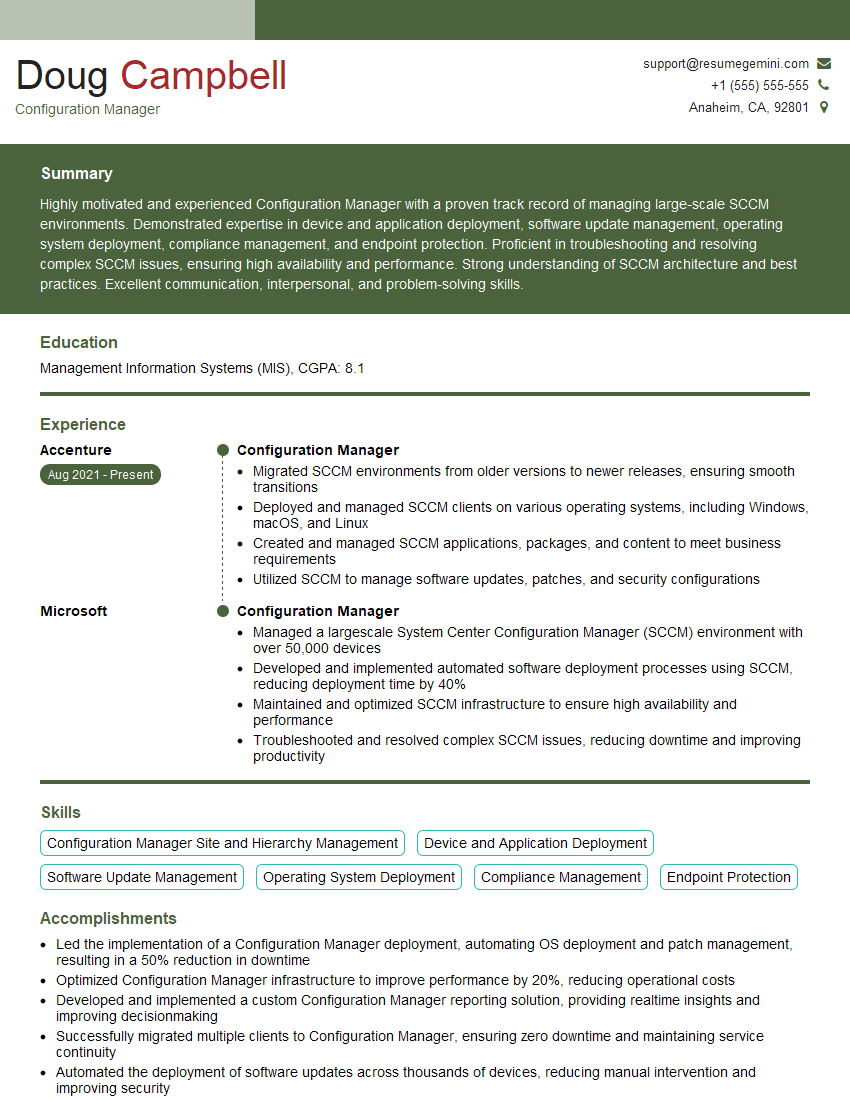
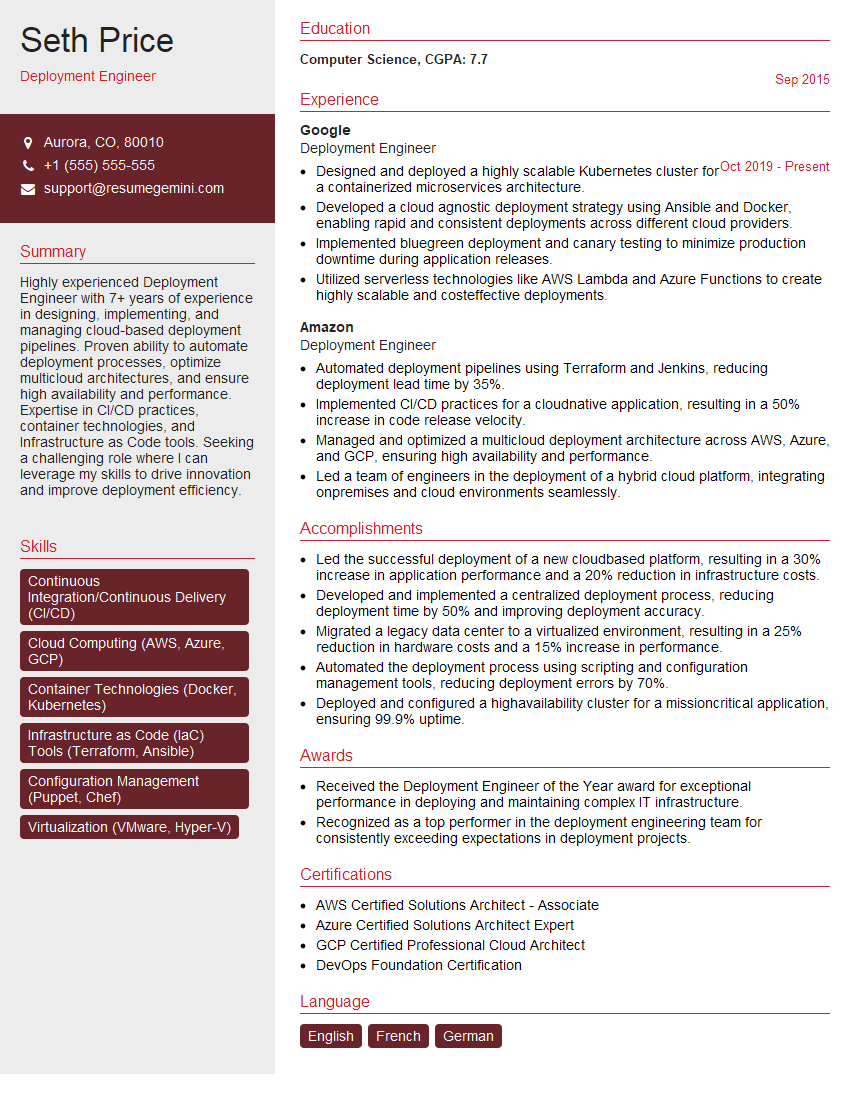
Mastering DevOps practices and tools is essential for a thriving career in today’s technology landscape. It demonstrates your ability to work efficiently, automate processes, and deliver high-quality software quickly. To maximize your job prospects, crafting an ATS-friendly resume is vital. ResumeGemini is a trusted resource that can help you build a compelling and effective resume showcasing your DevOps skills. Examples of resumes tailored to DevOps Practices and Tools are available to help guide you. Invest the time in creating a strong resume—it’s your first impression on potential employers.


Explore more articles
Users Rating of Our Blogs
Share Your Experience
We value your feedback! Please rate our content and share your thoughts (optional).
What Readers Say About Our Blog
To the interviewgemini.com Webmaster.
Very helpful and content specific questions to help prepare me for my interview!
Thank you
To the interviewgemini.com Webmaster.
This was kind of a unique content I found around the specialized skills. Very helpful questions and good detailed answers.
Very Helpful blog, thank you Interviewgemini team.