Unlock your full potential by mastering the most common Eaton Intelligent Power Manager Certified interview questions. This blog offers a deep dive into the critical topics, ensuring you’re not only prepared to answer but to excel. With these insights, you’ll approach your interview with clarity and confidence.
Questions Asked in Eaton Intelligent Power Manager Certified Interview
Q 1. Explain the architecture of the Eaton Intelligent Power Manager system.
The Eaton Intelligent Power Manager (IPM) system architecture is a client-server model, built on a modular and scalable design. At its core is a central server application that collects data from various Eaton power devices across a network. These devices, such as uninterruptible power supplies (UPSs), power distribution units (PDUs), and other power monitoring equipment, act as agents, sending information to the server. The IPM server then processes this data, provides analysis and visualization tools through a web interface accessible by clients via browsers, and facilitates remote management and control. This architecture allows for centralized monitoring and management of a potentially large and geographically dispersed power infrastructure.
Think of it like this: the server is the central control room, receiving reports from various power equipment (agents) across your building or campus. The web interface is the dashboard showing you real-time status and historical trends.
Q 2. Describe the different monitoring capabilities of Eaton IPM.
Eaton IPM offers extensive monitoring capabilities, providing real-time and historical data on various aspects of the power system. It monitors key parameters such as:
- UPS status: Battery health, load levels, input voltage, output voltage, and any alarms or faults.
- Environmental conditions: Temperature and humidity in the equipment room, critical for UPS performance and longevity.
- Power consumption: Real-time energy usage at the device level and aggregated across the entire system, facilitating energy optimization and cost savings.
- Power quality: Voltage sags, surges, and harmonics – critical for protecting sensitive equipment.
- Device status: Operational status, firmware versions, and any maintenance alerts for all connected devices.
This data is presented in user-friendly dashboards, allowing for quick identification of any potential problems and proactive maintenance scheduling.
Q 3. How does Eaton IPM handle alarms and notifications?
Eaton IPM manages alarms and notifications through a multi-layered approach, prioritizing critical events and ensuring timely alerts. When a device triggers an alarm, the IPM server immediately logs the event and can trigger various notifications such as:
- On-screen alerts: Pop-up messages and changes in dashboard colors to immediately draw the user’s attention.
- Email notifications: Automated emails sent to pre-defined user groups, alerting them to specific events.
- SNMP traps: Standard network management protocol traps sent to other network management systems (NMS), integrating IPM alerts into the wider infrastructure.
- SMS messages: Text messages to designated personnel, crucial for urgent situations requiring immediate action.
The system allows for customized alarm thresholds and notification preferences, ensuring that only relevant alerts reach the right personnel at the right time. For example, a minor UPS battery low warning might only generate an email, while a critical UPS failure would trigger an SMS message to the on-call technician alongside on-screen alerts.
Q 4. Explain the process of configuring user access and permissions in Eaton IPM.
Configuring user access and permissions in Eaton IPM is managed through a role-based access control system. Administrators define different user roles, assigning specific permissions to each role. For example, you might have:
- Administrators: Full access to all system functionalities, including configuration, user management, and alarm management.
- Operators: Access to monitoring dashboards and the ability to acknowledge alarms but limited configuration capabilities.
- Viewers: Read-only access to certain dashboards, suitable for users who only need to monitor the system status.
Each user is then assigned a role, restricting their access to only the functionalities permitted for that role. This ensures data security and prevents unauthorized changes to the system configuration. This process is done through a web-based interface, simplifying the administration process.
Q 5. Describe the different reporting functionalities available in Eaton IPM.
Eaton IPM offers a variety of reporting functionalities, enabling users to generate customized reports on various aspects of their power infrastructure. These reports can be scheduled for automatic generation and distribution, providing valuable insights into energy usage, equipment performance, and potential problems. Examples include:
- Energy consumption reports: Show energy usage trends over time, helping to identify areas for optimization.
- Event logs: Detail all alarms and events, providing a complete audit trail of system activities.
- Device status reports: Summarize the health and performance of individual devices, facilitating proactive maintenance.
- Customizable reports: Users can define their own reports based on specific data points and timeframes.
These reports can be exported in various formats, such as PDF or CSV, for sharing or archiving.
Q 6. How does Eaton IPM integrate with other building management systems (BMS)?
Eaton IPM integrates with other building management systems (BMS) through various communication protocols, such as BACnet, Modbus, and SNMP. This integration allows for seamless data exchange between IPM and other BMS components. For example, the IPM can send alarm notifications to the BMS, triggering appropriate responses within the building automation system. Conversely, the BMS can send environmental data to the IPM, which can then be used to correlate power system performance with environmental conditions.
This integration is crucial for creating a holistic view of building operations, allowing for more efficient and proactive management. It enables coordinated responses to events and a more integrated view of building health and performance.
Q 7. Explain the role of Eaton IPM in ensuring power system reliability.
Eaton IPM plays a critical role in ensuring power system reliability by providing comprehensive monitoring, proactive alerts, and remote management capabilities. By continuously monitoring the status of power equipment, IPM allows for early detection of potential problems, minimizing downtime and preventing costly equipment failures. The ability to remotely manage and configure power equipment simplifies maintenance tasks and reduces the time needed to resolve issues.
Imagine a scenario where a UPS battery is nearing the end of its life. IPM would generate alerts well in advance, giving you time to replace the battery before a failure occurs, preventing any disruption to critical operations. This proactive approach, supported by the insightful reporting features, significantly improves overall power system reliability and minimizes operational disruptions.
Q 8. How does Eaton IPM help in optimizing energy consumption?
Eaton Intelligent Power Manager (IPM) optimizes energy consumption through several key mechanisms. Think of it as a sophisticated energy detective, constantly monitoring your power system and identifying areas for improvement. Firstly, it provides real-time visibility into energy usage patterns, allowing you to pinpoint energy-intensive equipment and processes. This data-driven approach allows for informed decisions about energy-saving strategies.
Secondly, IPM enables load shedding and demand response capabilities. In simple terms, it can intelligently manage power distribution, reducing peak demand during expensive or high-stress periods. Imagine a building where multiple high-power devices might overload the system at the same time. IPM can strategically switch off less critical loads to avoid potential problems and minimize electricity costs. Finally, it facilitates the integration of renewable energy sources, making it easier to optimize the use of solar or wind power.
For example, a data center using Eaton IPM might discover that cooling systems are responsible for a significant portion of its energy consumption. IPM can then help adjust cooling strategies based on real-time data, ensuring optimal cooling while minimizing energy waste. This translates directly to cost savings and reduced environmental impact.
Q 9. Describe the process of troubleshooting common issues in Eaton IPM.
Troubleshooting in Eaton IPM typically begins with reviewing the system’s event logs and alarms. These logs provide a detailed history of events, including power failures, equipment failures, and software errors. Think of these logs as a detailed diary of your power system’s activities. Analyzing these logs helps pinpoint the source of the problem.
Next, we’d utilize the IPM’s diagnostic tools, which often include network connectivity checks, sensor checks and automated tests. For example, if a particular power circuit is showing consistent overloads, IPM’s diagnostic tools can help to isolate the issue to a specific device or faulty wiring.
If the problem persists, we’d move to a more detailed analysis, potentially involving checking physical connections, inspecting the wiring, and testing individual components. We might even use the IPM’s remote access capabilities for off-site diagnostics and remote troubleshooting, significantly reducing downtime.
Finally, documentation is critical. Every step in the troubleshooting process is meticulously documented, ensuring that we can quickly diagnose and resolve similar issues in the future. This structured approach saves time and prevents recurrence of known problems.
Q 10. How does Eaton IPM support preventative maintenance?
Eaton IPM supports preventative maintenance by providing proactive alerts and notifications based on real-time monitoring data. Instead of reactive maintenance, where we fix problems *after* they occur, IPM helps us anticipate potential issues. It’s like having a mechanic who monitors your car’s performance continuously, predicting when maintenance is needed.
For example, IPM can monitor the operating temperatures of critical components like UPS batteries. If temperatures exceed predefined thresholds, an alert is triggered, enabling preventive actions like cleaning ventilation systems or replacing aging batteries before a failure occurs. This predictive maintenance minimizes downtime and extends equipment lifespan.
Furthermore, IPM’s reporting features allow for trend analysis. By reviewing historical data, we can identify patterns and potential issues before they escalate into major problems. For instance, if a gradual decline in battery capacity is detected, IPM can notify us so we can plan a battery replacement ahead of a potential power failure.
Q 11. What are the key performance indicators (KPIs) monitored by Eaton IPM?
Eaton IPM monitors several critical Key Performance Indicators (KPIs) to provide a comprehensive overview of the power system’s health and efficiency. Some key KPIs include:
- Power Consumption: Total power usage, broken down by individual devices or zones.
- Energy Costs: Actual energy expenditure based on real-time pricing.
- Power Factor: A measure of the efficiency of power usage.
- UPS Runtime: The remaining backup power available during outages.
- Battery Health: The state of charge and overall health of the UPS batteries.
- Environmental Conditions: Temperature, humidity, and other environmental factors affecting equipment performance.
- Equipment Uptime: Percentage of time equipment is operational.
- Alarm Frequency: The number of alerts generated, indicating potential problems.
These KPIs, presented through dashboards and reports, provide valuable insights into system performance, enabling efficient decision-making for optimization and cost savings.
Q 12. Explain the concept of power quality monitoring within Eaton IPM.
Power quality monitoring within Eaton IPM is crucial for maintaining the stability and reliability of critical systems. It goes beyond just measuring voltage and current; it also monitors factors like voltage sags, surges, harmonics, and transients, all of which can negatively affect sensitive equipment.
Think of it as a sophisticated quality control system for your electrical power. By tracking these subtle variations, IPM can detect power quality issues that might otherwise go unnoticed, causing problems for your network. It allows for proactive mitigation strategies, preventing costly downtime and equipment damage.
For instance, IPM can identify and log instances of voltage sags which might be causing intermittent computer reboots. By tracing the origin of such sags, we can take corrective actions like installing voltage regulators or improving wiring infrastructure.
Q 13. How does Eaton IPM handle power outages and system failures?
Eaton IPM manages power outages and system failures through a combination of proactive monitoring and automated responses. During a power outage, the IPM initiates a seamless transfer to backup power sources, such as UPS systems, minimizing interruption to critical loads. It does this automatically, minimizing the impact of sudden power losses on your operations.
Following a system failure, IPM provides comprehensive alerts and notifications, allowing for swift identification and resolution of the problem. The logs created during an outage provide an invaluable record, helping to understand what caused the outage and to implement preventive measures to avoid similar occurrences in the future.
For example, a server room protected by an Eaton IPM will experience minimal downtime during a power outage thanks to the system’s automated transfer to backup power, allowing servers to continue to function with minimal interruption.
Q 14. Describe the data backup and recovery process in Eaton IPM.
Data backup and recovery in Eaton IPM typically involves regular backups of configuration settings, historical data, and event logs. This data can be stored locally or remotely, depending on the chosen configuration. The frequency of backups is configurable, allowing for customized data protection strategies.
In the event of data loss or system failure, restoring data is typically a straightforward process. The IPM system is designed to restore settings and data from backup copies, minimizing the downtime required to bring the system back online. Comprehensive restoration documentation and step-by-step procedures assist technicians during recovery.
Think of this as regularly backing up your computer’s hard drive. Regular backups within IPM prevent significant data loss and shorten the recovery time in case of issues. This is critical for maintaining operational continuity and ensuring the ongoing integrity of your data.
Q 15. Explain the different types of alerts and notifications provided by Eaton IPM.
Eaton Intelligent Power Manager (IPM) provides a comprehensive suite of alerts and notifications to keep you informed about the health and status of your power infrastructure. These are categorized for clarity and prioritized based on severity.
- Critical Alerts: These indicate immediate threats to uptime, such as UPS battery failures, overload conditions, or complete power loss. For example, a critical alert might notify you that a UPS is on battery and needs immediate attention.
- Warning Alerts: These signal potential problems requiring attention before they escalate into critical issues. This could include low battery capacity, high input voltage, or a failing component. An example would be a warning alert indicating that a UPS battery is nearing its end-of-life and needs replacement soon.
- Informational Alerts: These provide updates on system events, such as scheduled maintenance or routine checks. A typical example would be notification of a successful battery self-test.
- Customizable Alerts: IPM allows you to define thresholds and parameters for specific alerts, tailoring notifications to your organization’s needs. For instance, you could set an alert for when the UPS load exceeds 80% of its capacity.
Notifications are delivered through various methods, including email, SMS, and on-screen pop-ups, ensuring you’re always informed, regardless of your location.
Career Expert Tips:
- Ace those interviews! Prepare effectively by reviewing the Top 50 Most Common Interview Questions on ResumeGemini.
- Navigate your job search with confidence! Explore a wide range of Career Tips on ResumeGemini. Learn about common challenges and recommendations to overcome them.
- Craft the perfect resume! Master the Art of Resume Writing with ResumeGemini’s guide. Showcase your unique qualifications and achievements effectively.
- Don’t miss out on holiday savings! Build your dream resume with ResumeGemini’s ATS optimized templates.
Q 16. How does Eaton IPM assist in capacity planning?
Eaton IPM significantly aids in capacity planning by providing real-time and historical data on power consumption and usage trends. This data allows you to accurately predict future power needs and proactively plan for upgrades or expansions.
For instance, IPM’s reporting capabilities allow you to visualize power consumption patterns over time. By analyzing this data, you can identify periods of peak demand and assess whether your current power infrastructure can handle projected future growth. This analysis empowers informed decisions regarding the purchase and installation of additional UPS systems or other power solutions, preventing costly downtime caused by insufficient capacity. It also helps optimize power distribution, reducing energy waste and saving on operational costs.
Moreover, IPM can simulate the impact of adding new equipment to your infrastructure, helping you determine the required UPS capacity and avoid over-provisioning or under-provisioning of power resources. This ensures that your infrastructure remains reliable and scalable, aligning with business growth and operational efficiency.
Q 17. Describe the security features implemented in Eaton IPM.
Eaton IPM prioritizes security by implementing several key features to safeguard your data and protect your power infrastructure. These measures include:
- Secure Access Control: IPM employs robust authentication mechanisms, typically using username/password credentials or multi-factor authentication, restricting access to authorized personnel only.
- Data Encryption: Sensitive data transmitted between IPM and remote systems is encrypted using industry-standard protocols, such as SSL/TLS, preventing unauthorized access or interception.
- Audit Trails: IPM maintains detailed logs of all user actions and system events, providing a comprehensive record for security audits and troubleshooting.
- Role-Based Access Control (RBAC): IPM allows you to assign different levels of access privileges to various users, ensuring that sensitive actions, such as configuration changes, are only performed by authorized personnel.
- Network Security: IPM integrates seamlessly with existing network security measures, such as firewalls and intrusion detection systems, further protecting your system.
These security measures work together to protect your critical power infrastructure from unauthorized access, data breaches, and malicious activities.
Q 18. Explain the process of generating reports and analyzing data in Eaton IPM.
Generating and analyzing reports within Eaton IPM is straightforward and provides valuable insights into your power system’s performance. The system offers a variety of pre-built reports, which can also be customized. The process typically involves:
- Selecting a Report Type: Choose from pre-defined report templates or create custom reports based on your specific needs. Options often include power usage summaries, UPS event logs, battery health reports, and environmental monitoring data.
- Defining Parameters: Specify the timeframe for the report (e.g., daily, weekly, monthly), select specific devices or systems to include, and choose the level of detail.
- Generating the Report: Initiate the report generation process. IPM may allow for immediate report generation or scheduling for later retrieval.
- Viewing and Analyzing: Access the generated report, usually in formats like PDF or CSV. Use the data to identify trends, spot anomalies, and make data-driven decisions regarding power infrastructure management.
The data can be exported for further analysis in other business intelligence tools, and the intuitive interface makes navigating and interpreting the results relatively easy.
Q 19. How does Eaton IPM facilitate remote monitoring and management?
Eaton IPM excels at remote monitoring and management, enabling you to monitor and control your power infrastructure from anywhere with an internet connection. This capability is vital for businesses with geographically dispersed facilities or those requiring 24/7 monitoring.
This is achieved through a web-based interface accessible through a secure web browser or a dedicated mobile app. Key features of remote monitoring include:
- Real-time monitoring: View the status of your UPS systems, power usage, and environmental conditions in real-time. This ensures you are immediately aware of any issues.
- Remote alerts: Receive immediate alerts via email, SMS, or other methods about critical events, allowing for prompt action.
- Remote control: Perform certain administrative tasks remotely, such as remotely shutting down or restarting UPS systems, adjusting settings, and managing alerts.
- Remote diagnostics: Diagnose problems remotely using the system’s detailed logs and diagnostics tools.
Remote access drastically reduces response times to critical events, minimizes downtime, and increases overall efficiency in managing power infrastructure.
Q 20. Describe your experience using Eaton IPM’s user interface.
My experience with Eaton IPM’s user interface has been overwhelmingly positive. I’ve found it to be intuitive, user-friendly, and well-designed. The dashboard provides a clear and concise overview of the system’s status, with key metrics presented in an easily digestible format. The navigation is logical and efficient, allowing for quick access to specific information or functionalities. The customization options, such as creating custom dashboards and reports, greatly enhance the user experience, allowing you to tailor the interface to your specific needs and preferences. Moreover, the detailed help documentation and online resources have been invaluable in addressing any questions or issues that I’ve encountered.
In my work, I’ve found that the ease of use has significantly reduced the time it takes to monitor and manage the power infrastructure, allowing for more focused attention on strategic tasks. The efficient design allows even non-technical personnel to grasp the key metrics and understand the system’s status quickly. The graphical representation of data makes it easy to identify trends and pinpoint potential issues.
Q 21. Explain how Eaton IPM integrates with UPS systems.
Eaton IPM seamlessly integrates with Eaton UPS systems, providing comprehensive monitoring and control capabilities. The integration is typically achieved through a communication interface, such as serial communication (RS-232 or USB), network communication (Ethernet), or a combination of these methods. This enables IPM to:
- Monitor UPS status: Track key UPS parameters, such as battery voltage, input voltage, output voltage, load levels, and runtime remaining.
- Receive UPS alerts: Receive immediate notifications about events occurring within the UPS system, such as battery low, overload, or power failure.
- Control UPS functions: Remotely manage UPS functions, such as starting, stopping, and controlling power distribution.
- Collect data for reporting: Gather data from the UPS system to generate comprehensive reports on power usage, system events, and overall performance.
This robust integration ensures real-time visibility into the UPS’s health and operation, enabling proactive management and efficient troubleshooting, reducing downtime and maximizing system reliability.
Q 22. How do you use Eaton IPM to manage multiple power systems?
Eaton IPM excels at managing multiple power systems by acting as a central control point. Imagine it as a sophisticated air traffic control system for your power infrastructure. Instead of airplanes, you have UPS systems, power distribution units (PDUs), and other critical power components. The IPM software allows you to monitor the status, performance metrics, and environmental conditions of all these systems from a single, intuitive interface. This consolidated view simplifies complex operations significantly. For example, you can monitor the battery health of multiple UPS units across different locations, anticipate potential failures, and remotely manage their settings. You can even create customized dashboards displaying only the most critical information for your specific needs. This centralized management reduces the need for individual monitoring of each system, streamlining maintenance and troubleshooting.
Key features for managing multiple systems include:
- System Discovery and Mapping: IPM automatically discovers and maps connected devices, providing a clear visual representation of your power infrastructure.
- Centralized Monitoring: Real-time monitoring of all connected devices with customizable alerts based on predefined thresholds.
- Remote Management: Control and configure devices remotely, regardless of their physical location.
- Reporting and Analytics: Generate reports to track energy consumption, identify trends, and optimize power usage.
Q 23. Explain the process of upgrading or updating Eaton IPM software.
Upgrading or updating Eaton IPM software is a straightforward process, but it’s crucial to follow the manufacturer’s instructions carefully. Think of it like updating the operating system on your computer – you need to ensure compatibility and prevent data loss. The process typically involves downloading the latest software version from the Eaton website, backing up existing configurations, and then installing the update through the IPM interface. During the update, the software performs necessary checks to ensure compatibility with the hardware and existing configurations. Any potential conflicts are usually flagged, allowing for proactive resolution. Eaton often provides detailed, step-by-step guides and video tutorials to assist users through the upgrade process. Post-update, verifying system functionality and reviewing event logs is a vital step to confirm a successful upgrade. Regular updates are important to benefit from new features, performance improvements, and crucial security patches.
Key Steps Generally Involved:
- Backup Configuration: Before starting the update, always back up your current configuration to prevent data loss.
- Download Update: Download the latest software version from the Eaton website.
- Install Update: Follow the instructions provided in the update guide to install the new software version.
- Verify Functionality: After the update, verify that all systems and features are working correctly.
- Review Event Logs: Check the event logs for any errors or warnings that may have occurred during the update process.
Q 24. How does Eaton IPM improve operational efficiency?
Eaton IPM significantly improves operational efficiency in several ways. It acts as a single pane of glass, allowing for proactive management and reducing downtime. Imagine trying to manage a large fleet of vehicles without a centralized tracking system – it would be chaotic. Similarly, without IPM, managing a complex power infrastructure can be overwhelming. By centralizing monitoring and management, Eaton IPM reduces the time spent on manual checks and troubleshooting. It allows for proactive maintenance through predictive analytics, identifying potential problems before they lead to system failures. This prevents costly downtime and minimizes the risk of data loss or service disruptions. Furthermore, the detailed reporting and analytics provided by IPM enable you to optimize power usage, leading to cost savings on energy consumption.
Key ways IPM improves efficiency:
- Reduced Downtime: Proactive monitoring and alerts minimize unexpected outages.
- Optimized Power Usage: Detailed reporting and analytics help identify areas for energy savings.
- Simplified Maintenance: Centralized management reduces the time and effort required for routine maintenance.
- Improved Response Time: Faster identification and resolution of power quality issues.
Q 25. Describe your experience with Eaton IPM’s mobile application (if applicable).
While I haven’t personally used the mobile application for Eaton IPM, I am familiar with its capabilities from my training and discussions with colleagues who have. The mobile app extends the power of the IPM software to mobile devices, providing remote monitoring and management capabilities even when you’re away from your desk. This is especially useful for managing geographically dispersed power systems or responding to emergencies outside of normal working hours. For example, a system administrator could receive alerts on their smartphone about a power outage and remotely take corrective action, minimizing the impact on critical operations. The mobile application usually provides a subset of the features available in the full desktop application, focusing on critical alerts, remote control of basic functions, and access to key performance indicators. Overall, the mobile app provides increased flexibility and accessibility, improving response time and enhancing overall system management.
Q 26. Explain the differences between various Eaton IPM versions.
Different versions of Eaton IPM offer varying features, capabilities, and levels of support for different hardware and software environments. Think of it like comparing different versions of a smartphone operating system – each release usually brings improvements, new functionalities, and compatibility updates. Older versions might lack some of the advanced features found in newer versions, such as enhanced analytics, improved reporting capabilities, or support for newer Eaton hardware. Additionally, older versions might have security vulnerabilities that have been patched in later releases. It’s crucial to use the most up-to-date version for optimal functionality, security, and access to the latest features. Eaton typically provides comprehensive documentation detailing the differences between various versions, making it easy to determine the best version for your specific requirements.
Common Differences between Versions often include:
- Feature Set: Newer versions often introduce new features and improvements.
- Hardware Compatibility: Support for newer hardware devices may be added in later versions.
- Software Compatibility: Compatibility with other software and systems may change between versions.
- Security Updates: Later versions typically include security patches to address vulnerabilities.
Q 27. How would you use Eaton IPM to identify and resolve a power quality issue?
Eaton IPM is an invaluable tool for identifying and resolving power quality issues. It allows you to pinpoint the root cause of problems much faster than traditional methods. The IPM’s comprehensive monitoring capabilities provide real-time data on voltage sags, surges, harmonics, and other power quality disturbances. By analyzing this data, you can identify patterns and trends that point to specific sources of these issues. For instance, if you notice recurring voltage sags on a particular circuit, IPM can help you trace the source back to a specific device or component. Once the source is identified, IPM can assist in implementing corrective actions, such as adjusting settings, replacing faulty equipment, or upgrading power infrastructure components. The detailed logging and reporting capabilities of IPM are then crucial in documenting the issue, the resolution steps, and preventing similar problems from occurring in the future.
Steps to identify and resolve power quality issues using IPM:
- Monitor Power Quality Metrics: Use IPM to monitor voltage, current, frequency, and other power quality parameters.
- Identify Anomalies: Look for deviations from normal operating ranges that indicate power quality problems.
- Analyze Data: Use IPM’s analysis tools to identify patterns and trends in the data.
- Isolate Source: Pinpoint the source of the power quality issue using the data collected.
- Implement Corrective Actions: Use IPM to implement corrective actions, such as adjusting settings or replacing faulty equipment.
- Document Resolution: Use IPM’s reporting capabilities to document the issue, resolution steps, and preventative measures.
Q 28. Describe a scenario where you used Eaton IPM to prevent a critical system failure.
In a previous role, we were managing a mission-critical data center with multiple redundant UPS systems. One evening, we received an alert from Eaton IPM indicating a significant drop in battery capacity on one of the primary UPS units. This was a critical issue, as the UPS was supporting our core database servers. Without IPM, this issue could have easily gone unnoticed until a major failure occurred, resulting in significant downtime and potential data loss. Thanks to the timely alert from IPM, we were able to investigate the issue immediately. We identified a failing battery module and initiated a planned replacement. This proactive intervention prevented a potential system failure and avoided substantial downtime and data loss. This experience clearly demonstrated the importance of using a robust power management system like Eaton IPM for proactive monitoring and preventing potential disasters.
Key Topics to Learn for Eaton Intelligent Power Manager Certified Interview
- Power System Architectures: Understanding different power system configurations and their implications for IPM integration.
- IPM Software Functionality: Mastering navigation, data interpretation, and report generation within the Eaton Intelligent Power Manager software.
- Device Integration and Communication Protocols: Understanding how various power devices communicate with the IPM system (e.g., Modbus, SNMP).
- Data Analysis and Troubleshooting: Interpreting data from the IPM to identify potential issues and propose solutions. Practical experience with real-world scenarios is crucial.
- Energy Efficiency and Optimization: Applying IPM insights to improve energy efficiency within power systems. Explore case studies showcasing successful implementations.
- Security and Access Control: Understanding the security features within the IPM and best practices for user management and data protection.
- Reporting and Compliance: Generating reports for various stakeholders and ensuring compliance with relevant industry standards and regulations.
- Advanced Features and Customization: Explore advanced features like scripting and automation within the IPM system, tailoring solutions to specific client needs.
- Problem-solving methodologies: Develop your ability to systematically approach and solve complex problems related to power system management using the IPM.
- Best practices for system design and implementation: Understand how to effectively design, implement, and maintain power systems leveraging the IPM’s capabilities.
Next Steps
Mastering the Eaton Intelligent Power Manager Certified program significantly enhances your career prospects in power systems management, opening doors to more challenging and rewarding roles. A well-crafted resume is vital for showcasing your skills and experience to potential employers. Make sure your resume is ATS-friendly to maximize its visibility to recruiters. ResumeGemini is a trusted resource to help you build a professional and impactful resume that highlights your Eaton Intelligent Power Manager expertise. We provide examples of resumes tailored to Eaton Intelligent Power Manager Certified roles to guide you in creating a compelling application.

Facilities Manager Resume Sample

Operations Manager Resume Sample
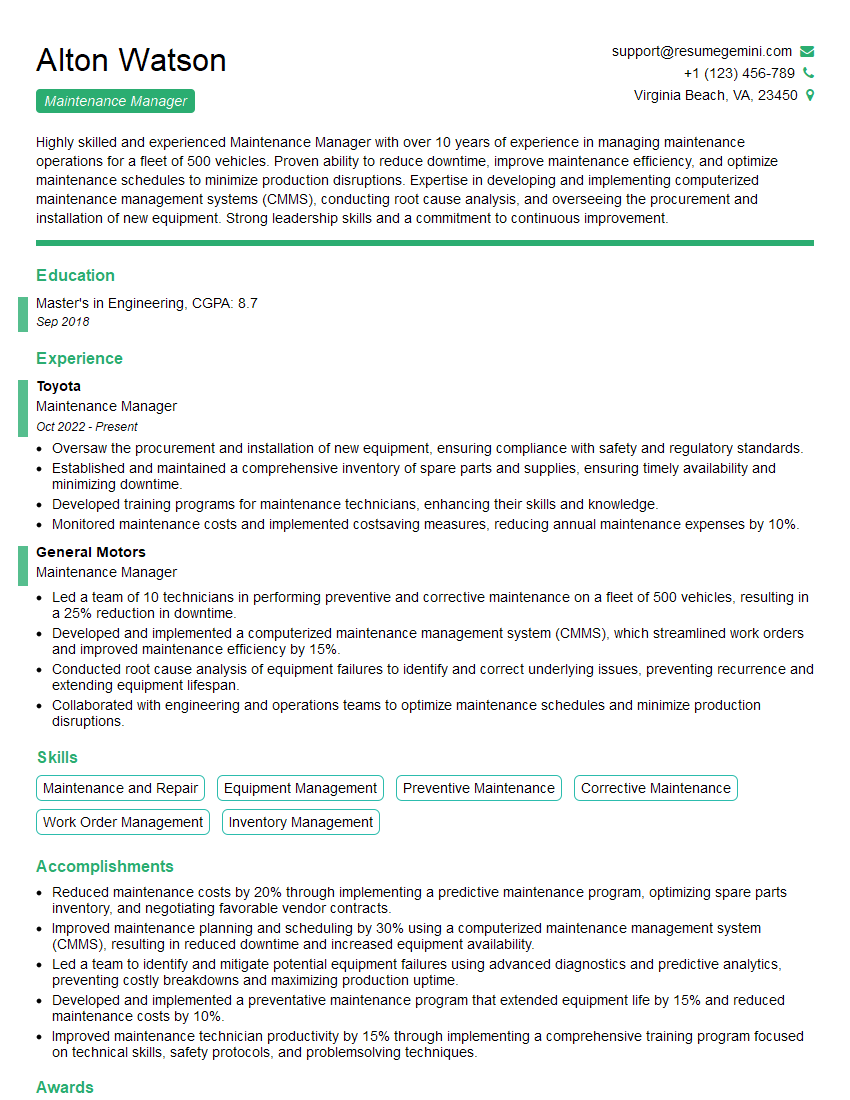
Maintenance Manager Resume Sample

Project Engineer Resume Sample

Reliability Engineer Resume Sample

Network Engineer Resume Sample

Systems Administrator Resume Sample

Automation Engineer Resume Sample

Technical Support Specialist Resume Sample

Infrastructure Architect Resume Sample

IT Manager Resume Sample

Field Service Engineer Resume Sample
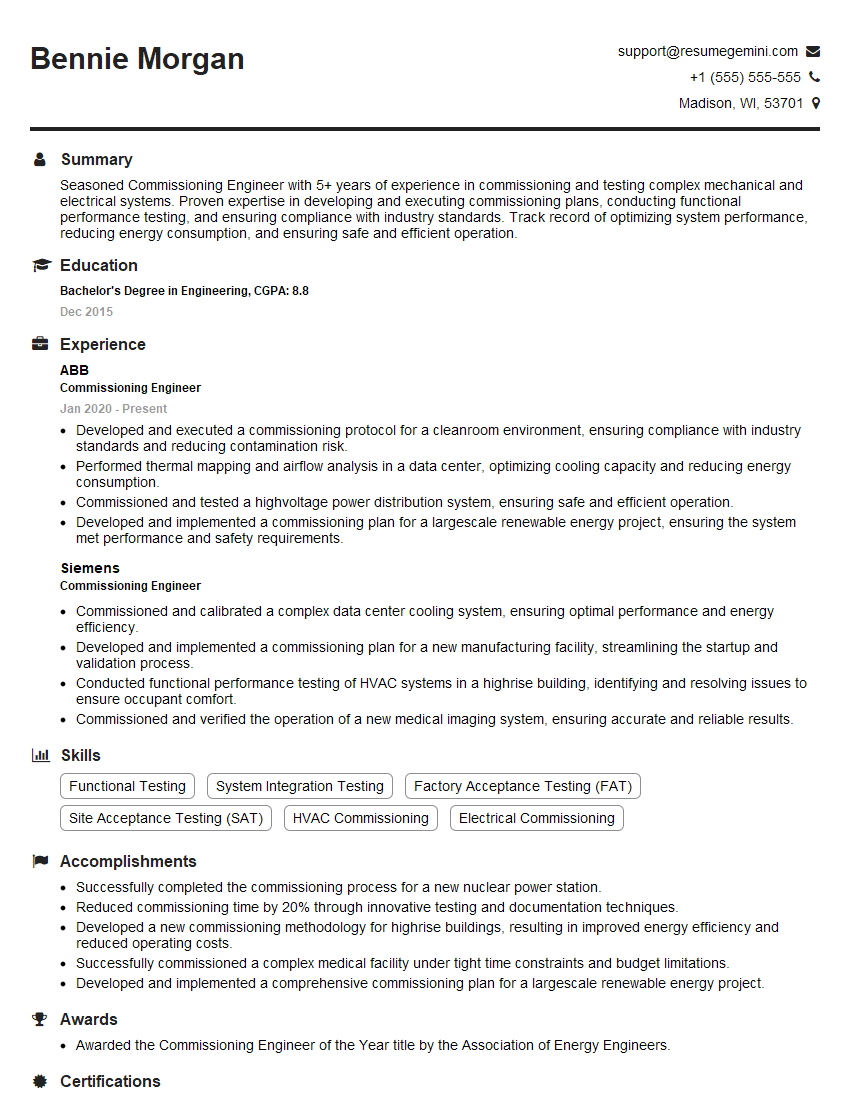
Commissioning Engineer Resume Sample

Electrical Engineer Resume Sample

Control Systems Engineer Resume Sample
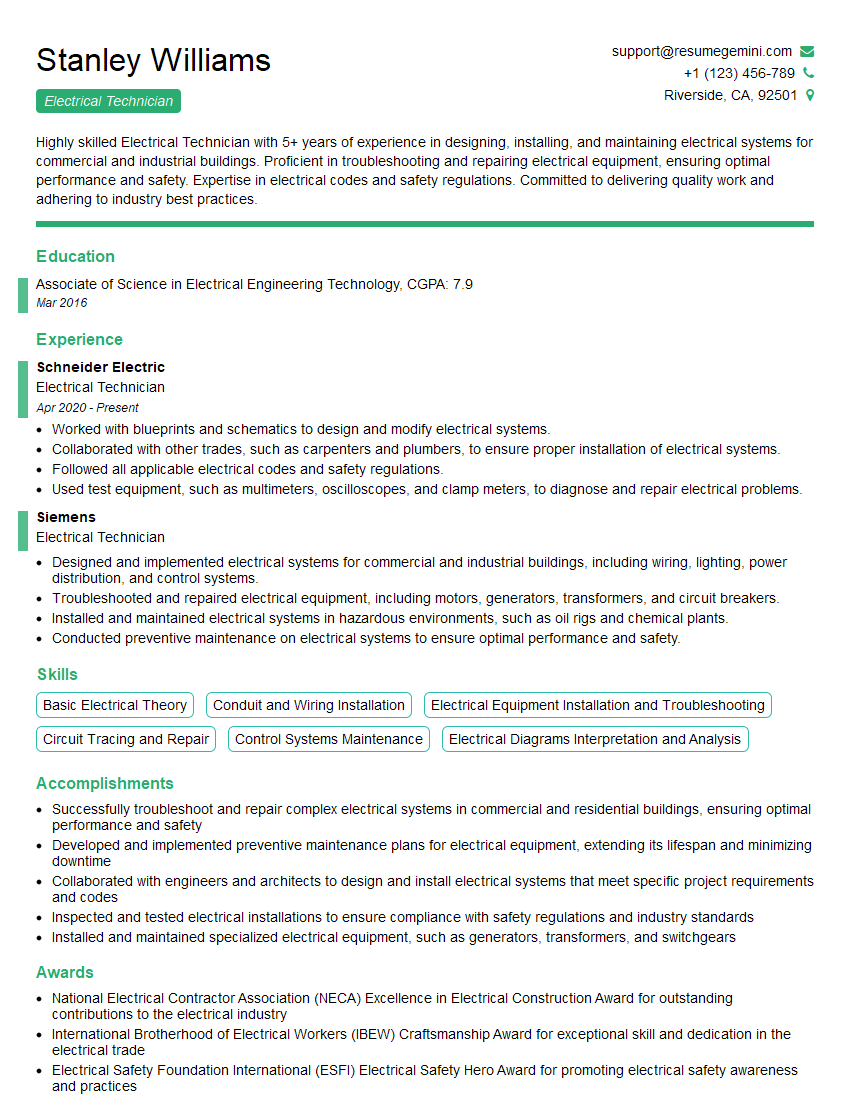
Electrical Technician Resume Sample
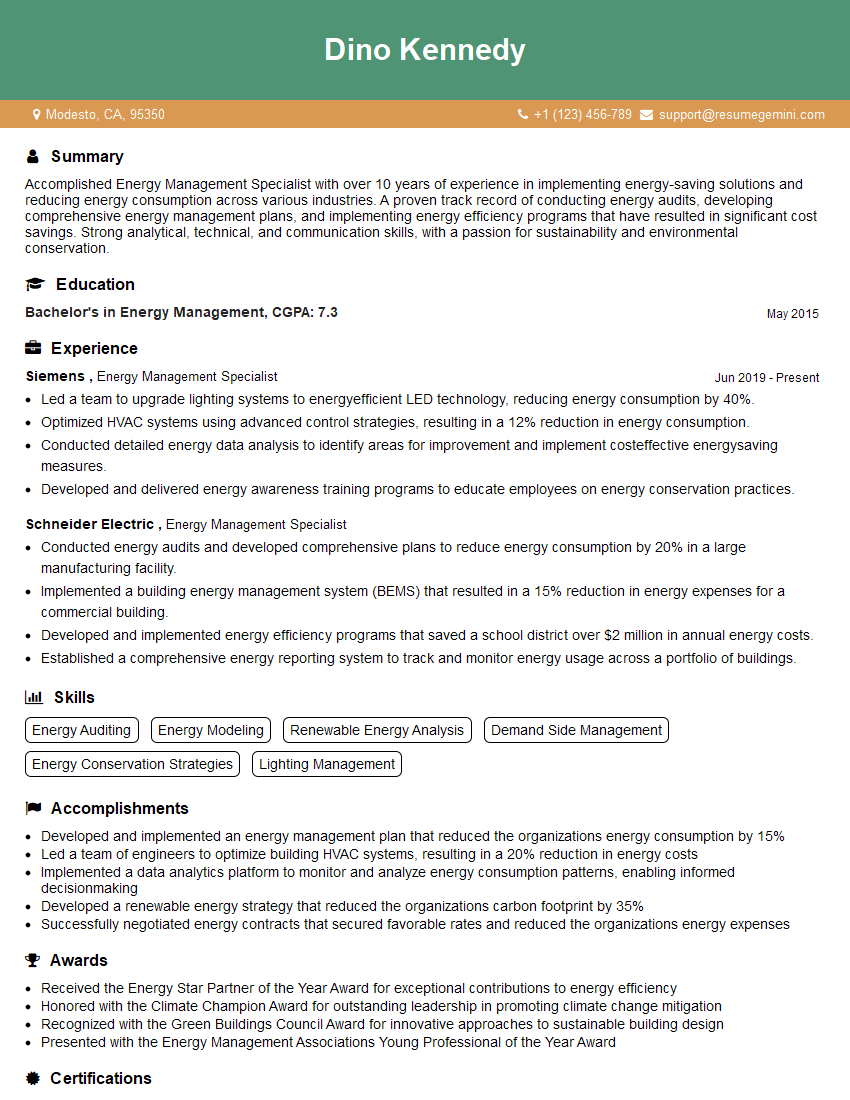
Energy Management Specialist Resume Sample
- Facilities Manager
- Operations Manager
- Maintenance Manager
- Project Engineer
- Reliability Engineer
- Network Engineer
- Systems Administrator
- Automation Engineer
- Technical Support Specialist
- Infrastructure Architect
- IT Manager
- Field Service Engineer
- Commissioning Engineer
- Electrical Engineer
- Control Systems Engineer
- Electrical Technician
- Energy Management Specialist
Explore more articles
Users Rating of Our Blogs
Share Your Experience
We value your feedback! Please rate our content and share your thoughts (optional).
What Readers Say About Our Blog
To the interviewgemini.com Webmaster.
Very helpful and content specific questions to help prepare me for my interview!
Thank you
To the interviewgemini.com Webmaster.
This was kind of a unique content I found around the specialized skills. Very helpful questions and good detailed answers.
Very Helpful blog, thank you Interviewgemini team.