Interviews are opportunities to demonstrate your expertise, and this guide is here to help you shine. Explore the essential Fronius Solar.configurator interview questions that employers frequently ask, paired with strategies for crafting responses that set you apart from the competition.
Questions Asked in Fronius Solar.configurator Interview
Q 1. Explain the function of Fronius Solar.configurator.
Fronius Solar.configurator is a powerful software tool designed for planning and sizing photovoltaic (PV) systems. It’s essentially a virtual laboratory where you can design your solar system, test different configurations, and optimize performance before any physical installation. Think of it as a digital blueprint that allows you to experiment with various components and scenarios to achieve the most efficient and cost-effective solar energy solution. It considers various factors like module characteristics, inverter capabilities, shading, and roof orientation to provide a comprehensive system design and performance analysis.
Q 2. Describe the different design options available within Fronius Solar.configurator.
Fronius Solar.configurator offers several design options to cater to diverse project needs. You can design systems with string inverters, single-phase or three-phase inverters, and even hybrid solutions combining different inverter types. You can model various array layouts including landscape or portrait orientations. The software allows for detailed specification of PV modules, considering their power output, voltage, and temperature coefficients. Further, you can incorporate different racking systems and cable types into your design. One key aspect is the ability to simulate different shading scenarios, vital for accurate performance predictions. It even allows for the integration of energy storage systems for more complex off-grid or grid-tied projects.
Q 3. How do you ensure the accuracy of the system design in Fronius Solar.configurator?
Accuracy in Fronius Solar.configurator hinges on several factors. Firstly, using precise input data is crucial. This includes accurate module specifications (obtained from the manufacturer’s datasheet), cable lengths and types, and shading information obtained from site surveys or satellite imagery. Secondly, verifying the input data is essential. Cross-checking the data against multiple sources minimizes errors. Thirdly, understanding and correctly applying the software’s features, such as detailed shading analysis and string optimization, is critical. Finally, it is wise to always run multiple simulations with slightly varying input values to assess the sensitivity of the results. Regularly updating the software to its latest version ensures access to the most up-to-date component libraries and calculation algorithms.
Q 4. What are the key parameters you consider when sizing a PV system using Fronius Solar.configurator?
Sizing a PV system in Fronius Solar.configurator requires careful consideration of several key parameters. The primary factors include the desired energy yield (kWh per year), the available roof space, the chosen PV modules’ power output and characteristics, and the selected inverter’s capacity and characteristics. Other crucial parameters include the orientation (azimuth and tilt) of the PV array, the shading conditions, the expected energy consumption profile of the building, and the available grid connection capacity. The software guides you through these parameters, providing feedback and warnings if any limitations are encountered. For example, it flags potential oversizing or undersizing based on the selected components and the estimated energy demand.
Q 5. How do you handle shading effects in Fronius Solar.configurator?
Fronius Solar.configurator handles shading effects through detailed shading simulation. The software allows for the input of shading data, which can be obtained through various methods – such as physical site surveys, using satellite imagery or using 3D models of the surrounding environment. Once this data is inputted, the software simulates how the shading affects the PV modules throughout the day and year. This is crucial because shading can significantly reduce energy output. The software then uses this information to optimize the string design, potentially mitigating the negative effects of shading by adjusting string configuration, which is especially helpful when dealing with partial shading.
Q 6. Explain the importance of string design optimization in Fronius Solar.configurator.
String design optimization in Fronius Solar.configurator is critical for maximizing energy yield and system performance. Proper string design ensures that the voltage and current limits of both the PV modules and the inverter are not exceeded. It aims to balance the current in each string to obtain the best possible output, even in conditions with partial shading. Optimizing string design also helps to reduce energy losses, improving efficiency and overall system performance. The software analyzes different string configurations, considering factors like module mismatch and shading, suggesting the most efficient arrangement to minimize power losses and maximize output. This leads to a more robust and efficient system.
Q 7. How do you incorporate different inverter models into your designs using Fronius Solar.configurator?
Incorporating different Fronius inverter models into your designs is straightforward in Solar.configurator. The software has an extensive library of Fronius inverters, with detailed specifications for each model. You simply select the desired inverter model from the library, and the software automatically integrates its specifications into the system design. The software will then check for compatibility with the chosen PV modules and provide feedback on the system’s performance based on the selected inverter. This selection impacts the overall system design, especially in terms of string design and maximum power point tracking (MPPT) capabilities. Switching between inverters allows for comparison studies, enabling you to select the most suitable model for the specific project requirements.
Q 8. Describe the process of generating a report in Fronius Solar.configurator.
Generating a report in Fronius Solar.configurator is straightforward and crucial for documenting your design. The process usually involves navigating to a dedicated ‘Report’ or ‘Output’ section within the software, after completing your system design. You’ll then select the type of report you need – this might include a summary of system specifications, detailed component lists, shading analysis results, or even a visual representation of the PV array layout.
Many reports are customizable; you can often choose what data is included, the units of measurement, and the overall formatting. Once your preferences are set, you typically initiate the report generation process with a simple click. The software then compiles the report, which can be saved as a PDF or other suitable file format for sharing with clients, installers, or other stakeholders.
For example, a typical report might include details like the inverter model, panel specifications, string configurations, expected energy yield, and system losses. This detailed documentation ensures everyone is on the same page and helps to avoid misunderstandings during the installation process.
Q 9. What are the limitations of Fronius Solar.configurator?
While Fronius Solar.configurator is a powerful tool, it does have limitations. One key limitation is that it’s primarily focused on Fronius inverters and components. While it can accommodate a range of PV modules from different manufacturers, the level of detail and accuracy of the simulations might vary depending on the module’s data provided. The software may not perfectly reflect real-world conditions, like shading effects from complex structures, or the impact of microclimates on performance.
Another limitation could be the complexity of highly customized system designs. While it handles many scenarios well, extremely unusual or large-scale projects might require manual calculations and adjustments outside the software’s automated capabilities. Finally, the software’s accuracy relies on the quality of the input data, so incorrect information entered by the user will lead to inaccurate simulations and reports.
Q 10. How do you manage different array configurations within Fronius Solar.configurator?
Managing different array configurations is a core feature of Fronius Solar.configurator. The software allows you to easily design multiple arrays within a single project. You can define each array with its own specifications, including panel type, number of strings, string length, orientation (azimuth and tilt), and shading conditions. The software provides visual tools to model each array individually and then assess the overall system performance by combining the individual array results. This is particularly useful when dealing with complex roof shapes or situations where multiple arrays feed into a single inverter.
Consider a scenario with a south-facing roof and an east-facing roof on the same building. You would create two separate arrays in Fronius Solar.configurator, specifying the orientation and other parameters for each. The software will then individually simulate the performance of each array and provide a consolidated output for the entire system, showcasing the combined energy production. This segmented approach ensures precise modeling and facilitates the identification of potential issues or optimizations specific to each array.
Q 11. What are the safety considerations when designing a system in Fronius Solar.configurator?
Safety is paramount when designing solar systems. Fronius Solar.configurator helps by providing tools to check for potential safety hazards. It often includes features that flag potential overcurrent situations, inverter overload risks, and voltage limitations. The software will generate warnings or errors if the design violates any relevant safety standards or regulations. This proactive approach to safety helps prevent design flaws that could compromise the safety of the installers or end-users. Remember, this is a design tool; you always need to cross-check the design against local codes and standards and perform thorough site surveys.
For example, the software might identify a string that’s excessively long, potentially leading to excessive voltage drop. It might also highlight instances where the proposed inverter doesn’t have the appropriate overcurrent protection for the specific PV array configuration. The software’s warnings ensure you design a system that meets the required safety standards.
Q 12. How do you account for different climate conditions in your designs?
Accounting for different climate conditions is essential for accurate system performance predictions. Fronius Solar.configurator usually allows you to input climate data, such as ambient temperature, solar irradiance, and wind speed. This data influences the simulations and impacts the calculated energy yield. Different climate conditions lead to variations in PV panel output, so incorporating this information is vital for realistic estimations. Accurate climate data is often sourced from meteorological databases or local weather stations. The software often features a built-in database or allows users to import their own data for more precise modeling.
For example, a system designed for a sunny, arid climate will perform differently than one designed for a cloudy, cooler region. Fronius Solar.configurator helps account for this variation by adjusting the parameters of the simulation. If you input data indicating high temperatures and intense solar radiation, the simulation will appropriately account for the potential for reduced panel performance due to overheating. Conversely, if you input data indicating reduced sunshine, the simulation will accurately model the resulting decrease in energy yield.
Q 13. Explain the role of the performance data in Fronius Solar.configurator.
Performance data within Fronius Solar.configurator is the lifeblood of the simulation process. It is the basis for the software’s prediction of system performance, and is crucial for informed design decisions. This performance data includes various parameters that influence the efficiency and output of the photovoltaic (PV) system, such as the PV module’s power-voltage curve, the inverter’s efficiency curves, and the expected solar irradiance for the specific location.
The software uses this data to simulate the system’s behavior under various operating conditions, providing insights into its expected energy generation, losses due to different factors such as shading or temperature, and overall system efficiency. Accurate and up-to-date performance data ensures the simulations are realistic and the design meets the client’s energy needs.
For instance, the software might use the module’s power-voltage curve to calculate the impact of temperature on its power output, and compare it with the inverter’s efficiency curve at the predicted operating point. This allows the designer to optimize the system design for maximum efficiency and yield.
Q 14. How do you use the simulation tools in Fronius Solar.configurator?
Fronius Solar.configurator’s simulation tools are powerful aids in the design process. These tools typically allow you to model the PV array’s behavior under various conditions and evaluate the system’s performance. This often includes simulating the impact of shading, temperature variations, and even potential partial system failures. The simulations provide valuable data points for optimization. You might use the simulation tools to test different array orientations, string configurations, or inverter sizes to determine the optimal configuration for maximizing energy yield and minimizing losses.
For example, you could use the simulation tools to compare the performance of a system with east-west oriented strings versus a south-facing orientation. The software would provide detailed simulations illustrating which configuration produces higher energy yield given specific climate data and shading patterns. You might also use the simulation tools to experiment with different inverter sizes to find the best balance between cost and efficiency. Through iterative simulations, the designer can fine-tune the system design to optimize its performance.
Q 15. Describe your experience working with different types of PV modules in Fronius Solar.configurator.
Fronius Solar.configurator supports a wide variety of PV modules, encompassing different technologies, power ratings, and manufacturers. I’ve extensively worked with monocrystalline, polycrystalline, and thin-film modules from various leading brands. The software seamlessly integrates module data via its comprehensive database or allows manual input if the specific module isn’t listed. This allows for accurate system design, irrespective of the chosen module technology. For instance, I recently designed a system using high-efficiency monocrystalline modules from SunPower, leveraging their specific parameters within Solar.configurator to optimize energy yield. In another project, I integrated less-efficient polycrystalline panels, adapting the system design to compensate for their lower performance.
The software’s flexibility ensures that regardless of the module chosen, the design process is streamlined and accurate. The database updates frequently, keeping the library of supported modules current. This is critical in keeping up with the ever-evolving landscape of PV technology.
Career Expert Tips:
- Ace those interviews! Prepare effectively by reviewing the Top 50 Most Common Interview Questions on ResumeGemini.
- Navigate your job search with confidence! Explore a wide range of Career Tips on ResumeGemini. Learn about common challenges and recommendations to overcome them.
- Craft the perfect resume! Master the Art of Resume Writing with ResumeGemini’s guide. Showcase your unique qualifications and achievements effectively.
- Don’t miss out on holiday savings! Build your dream resume with ResumeGemini’s ATS optimized templates.
Q 16. How do you ensure compliance with relevant safety standards and regulations?
Ensuring compliance is paramount in PV system design. Fronius Solar.configurator assists by providing designs that adhere to international standards such as IEC 60364 and local regulations. This involves meticulously inputting parameters like voltage limits, short-circuit current, and ambient temperature. The software then performs calculations and checks to ensure all limits are respected and the design meets the safety requirements. For example, I routinely check the system’s overcurrent protection, ensuring that it conforms to regulations. Additionally, I always verify the design’s compliance with relevant fire safety codes, particularly grounding and insulation standards, which the software helps to identify. Regular updates of the software also ensure that it incorporates the latest standards and avoids potential compliance issues.
Q 17. What are some common errors encountered while using Fronius Solar.configurator, and how do you troubleshoot them?
Common errors in Fronius Solar.configurator often stem from incorrect data entry, such as inputting the wrong module parameters or inverter specifications. Occasionally, inconsistencies between module and inverter selection can also cause issues. For example, attempting to pair an inverter with a higher voltage than its maximum input can lead to errors. Another common problem is neglecting to properly define the array configuration, potentially resulting in shading calculations that are off.
Troubleshooting involves carefully reviewing each parameter. I always double-check all input data, comparing it with the manufacturer’s datasheets. Using the software’s error messages as a guide, I systematically examine the various components of the system design, one by one, until I pinpoint the source of the problem. The software’s clear error reporting usually leads to quick resolution. If a problem persists, Fronius’ technical support is readily available and very helpful.
Q 18. Compare and contrast Fronius Solar.configurator with other PV design software.
Fronius Solar.configurator excels in its ease of use and integration with Fronius inverters, providing seamless design and system monitoring. Other software packages, like PVsyst and Helioscope, offer more sophisticated modelling capabilities, such as detailed shading analysis and microclimate considerations, but can have a steeper learning curve. For example, Helioscope is excellent for high-level system visualization and modelling complex topography. PVsyst is powerful for advanced calculations, but requires a deeper understanding of the underlying technical concepts. Fronius Solar.configurator, however, shines in its user-friendly interface, making it ideal for a quick yet accurate system design, especially when working within the Fronius ecosystem.
Ultimately, the best choice depends on the project’s complexity and specific requirements. For simple residential installations, Fronius Solar.configurator is efficient. For larger, complex commercial projects requiring detailed analysis, software such as PVsyst or Helioscope may be preferred.
Q 19. How do you handle complex system designs with multiple inverters and arrays?
Handling complex systems with multiple inverters and arrays requires a methodical approach. Fronius Solar.configurator simplifies this by allowing the creation of separate strings and arrays, which are then easily connected to their respective inverters. I typically start by defining each array individually, carefully considering shading and string mismatch. I then strategically group these arrays into optimally sized groups for each inverter. String sizing is crucial, and I utilize the software’s built-in tools to ensure optimal power harvesting while staying within the inverter’s limits. Properly defining the connection between arrays and inverters is vital. The software’s visual representation makes it easier to verify the correctness of the connections and identify potential bottlenecks. The software offers built in tools for checking string sizing and maximizing power output for complex designs.
Q 20. Describe your experience generating and interpreting system performance data from Fronius Solar.configurator.
Fronius Solar.configurator generates performance data based on the system design and input parameters. This includes estimates of annual energy yield, power curves and loss estimations. Interpreting this data is crucial for evaluating system performance. For instance, a lower than expected energy yield may indicate issues with shading or string sizing that need further investigation. I also use the software to compare different system configurations to identify the optimal design. By changing parameters such as module orientation or string layout, I can analyze the impact on energy yield. This allows me to tailor the design to maximize the system’s output for a specific location.
Understanding the software’s assumptions and limitations is crucial for accurate interpretation. For example, it may not perfectly capture all aspects of real-world weather conditions. Therefore, I always compare the software’s prediction to independent forecasts and adjust for environmental factors that might influence the system’s performance.
Q 21. How do you export design data from Fronius Solar.configurator?
Exporting design data is straightforward in Fronius Solar.configurator. The software allows exporting the complete system design in various formats, including PDF reports and data files compatible with other software. These reports typically include the system’s specifications, performance predictions and diagrams. I often use the PDF reports for client presentations, showcasing the system’s key features and predicted performance. The data files are particularly useful for integrating the design with other tools or for sharing the design with other engineers for review or collaboration. This allows for a seamless workflow between different software and teams in complex projects.
Q 22. What is your experience with the different export options available in Fronius Solar.configurator?
Fronius Solar.configurator offers several export options crucial for project documentation and collaboration. These range from simple PDF reports summarizing the system design to detailed data files for import into other software.
For instance, the PDF export provides a visually appealing summary including system diagrams, component lists, and performance estimations. This is ideal for client presentations. On the other hand, the XML or CSV export facilitates seamless integration with other design or billing software, automating data transfer and reducing manual entry errors. I’ve often used the CSV export to directly populate spreadsheets for material ordering and cost calculations. I also find the ability to customize the exported data – selecting specific parameters relevant to the project – extremely valuable. For example, in a project with specific shading concerns, I’d export detailed shading analysis data to support my design choices.
Q 23. Explain the role of the Fronius Solar.web portal in conjunction with Fronius Solar.configurator.
Fronius Solar.web acts as a powerful companion to Solar.configurator. While Solar.configurator focuses on system design and simulation, Solar.web handles real-time monitoring, data analysis, and remote system management. Think of Solar.configurator as the architect designing the blueprint and Solar.web as the project manager overseeing the ongoing operation.
During the design phase in Solar.configurator, I use the simulated data to provide clients with realistic performance expectations. Post-installation, Solar.web provides the actual performance data, allowing for comparison against the design predictions and enabling any necessary fine-tuning or troubleshooting. The data gathered in Solar.web can also be used to optimize system maintenance schedules and identify potential issues proactively. For example, a significant drop in performance compared to the Solar.configurator simulation might indicate a faulty component, triggering immediate investigation.
Q 24. How do you ensure the system design is economically viable?
Ensuring economic viability is paramount. In Solar.configurator, I use the integrated cost calculation features to estimate the total system cost, factoring in all components, installation labor, and potential subsidies. I then compare this to the projected energy yield and electricity tariff rates to determine the return on investment (ROI).
This often involves scenario planning. I might model different system sizes and configurations to optimize the ROI, considering factors like available roof space, shading, and financing options. A key aspect is sensitivity analysis – exploring how changes in variables like electricity prices or equipment costs affect the overall profitability. For example, I’ll run simulations with varying panel prices to demonstrate the impact of potential market fluctuations on the project’s financial viability and allow the client to make informed decisions.
Q 25. Describe your experience using the different analysis tools in Fronius Solar.configurator.
Fronius Solar.configurator’s analysis tools are indispensable for thorough system design. I frequently utilize the shading analysis, which provides a visual representation of shading effects on the panels throughout the day and year. This helps in optimizing panel placement to minimize losses.
The performance simulation tool predicts the energy yield based on various parameters such as location, orientation, tilt angle, and panel characteristics. This allows for realistic performance estimations and informed component sizing. Furthermore, the string sizing wizard helps to optimize the design of the string configuration, ensuring maximum efficiency and safety. I’ve found these tools incredibly valuable in identifying and mitigating potential system bottlenecks. For instance, shading analysis once highlighted a previously overlooked problem with a nearby tree that was impacting energy production, leading to a redesign that maximized yield.
Q 26. How do you optimize the system design for maximum energy yield?
Optimizing for maximum energy yield involves a multi-faceted approach within Solar.configurator. Careful consideration of panel orientation and tilt angle is crucial, and the software provides tools to simulate the effect of different orientations. The shading analysis, as mentioned, plays a vital role in identifying and mitigating shading losses.
Beyond the physical design, the system design needs to be optimized for electrical efficiency. Here, the string sizing wizard is crucial, ensuring optimal string lengths and current levels to prevent over- or under-performance. In addition, the software allows for modelling different inverter types and their impact on energy yield, enabling the selection of the most suitable inverter for the specific project requirements. I might experiment with different inverter configurations to find the sweet spot between maximizing yield and minimizing costs.
Q 27. How do you integrate Fronius Solar.configurator with other software applications?
Fronius Solar.configurator supports data exchange with other applications via its export/import functionalities. I regularly use the export functions (XML, CSV, PDF) to transfer data to other software packages, such as CAD software for detailed system drawings, or financial modelling programs to perform detailed economic analysis.
The integration process varies depending on the target software. For instance, exporting to a CAD program might involve importing the exported data into the software to generate detailed system drawings. Importing the data into a financial modelling spreadsheet involves manipulating the data within the spreadsheet to perform detailed financial analysis. This integration streamlines the workflow, reducing manual effort and errors.
Q 28. Describe your experience with the Fronius monitoring and control systems.
My experience with Fronius monitoring and control systems, closely tied to Solar.configurator, has been overwhelmingly positive. The systems provide real-time data on system performance, allowing for prompt identification and resolution of any issues.
Data visualization dashboards provide insights into energy production, consumption, and efficiency, making it easy to identify areas for improvement. Remote access capabilities are valuable for troubleshooting and remote system maintenance, minimizing site visits. For example, using the remote access capability, I once diagnosed a minor inverter issue that could have otherwise led to significant power loss if not detected early. The ability to monitor system performance remotely is not only efficient but also provides peace of mind to the client.
Key Topics to Learn for Fronius Solar.configurator Interview
- System Design & Sizing: Understanding the core principles of designing PV systems using the software, including array configuration, string sizing, and inverter selection. Consider different roof orientations and shading impacts.
- Component Selection & Compatibility: Learn how to select appropriate Fronius inverters, optimizers, and other components based on project requirements and ensuring compatibility within the configurator.
- Performance Calculations & Simulations: Master the software’s capabilities in simulating system performance, including energy yield estimations and power curves. Understand the factors influencing these calculations.
- Data Interpretation & Reporting: Practice interpreting the reports generated by Solar.configurator. Focus on understanding key performance indicators (KPIs) and effectively communicating findings.
- Safety & Compliance: Familiarize yourself with the safety regulations and compliance standards integrated within the design process of Solar.configurator. This demonstrates a commitment to best practices.
- Troubleshooting & Problem Solving: Explore common issues encountered during system design using the software and develop your problem-solving skills by finding solutions within the configurator’s features and online resources.
- Software Navigation & User Interface: Demonstrate proficiency in navigating the software efficiently. Understanding the user interface and its functionalities will showcase your technical skills.
Next Steps
Mastering Fronius Solar.configurator significantly enhances your marketability within the solar industry, opening doors to exciting career opportunities and showcasing your expertise in PV system design. To maximize your job prospects, creating an ATS-friendly resume is crucial. ResumeGemini is a trusted resource that can help you build a professional and impactful resume, tailored to highlight your skills and experience. Examples of resumes specifically tailored to Fronius Solar.configurator expertise are available to further assist you in your job search.
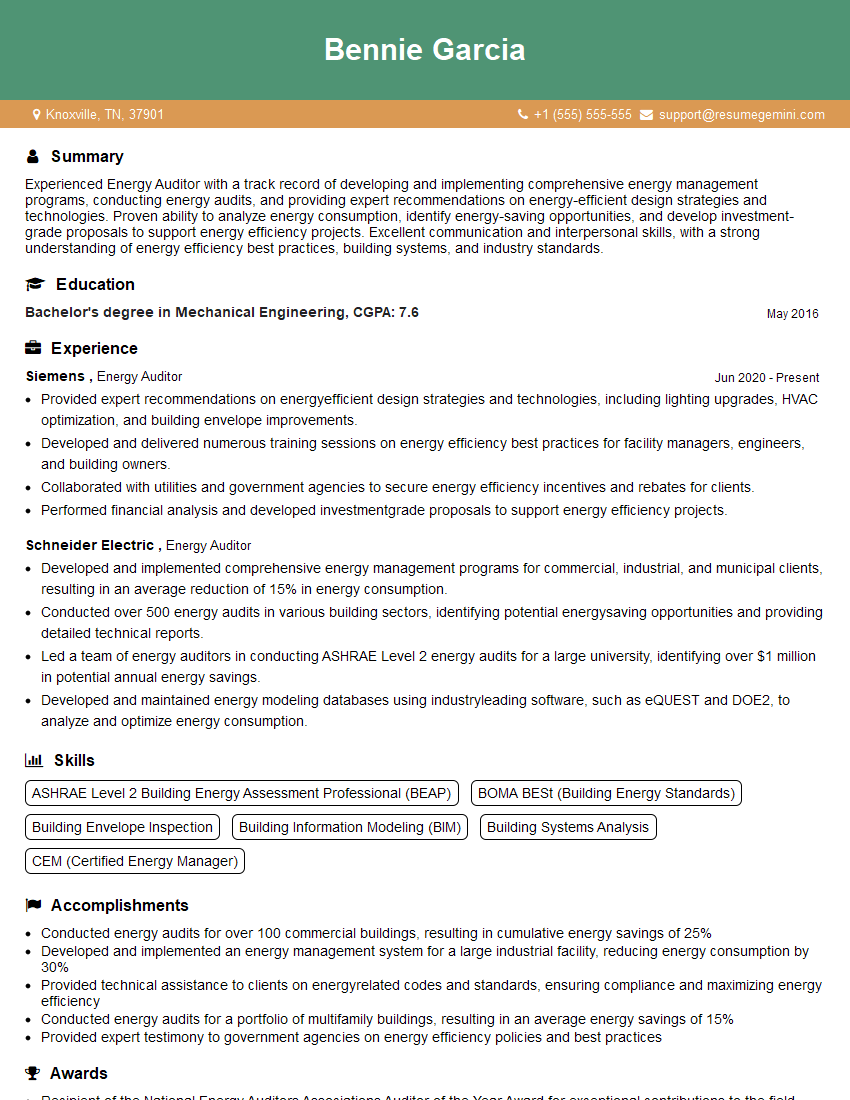
Energy Auditor Resume Sample

Sustainability Consultant Resume Sample

Technical Support Specialist Resume Sample

Electrical Engineer Resume Sample
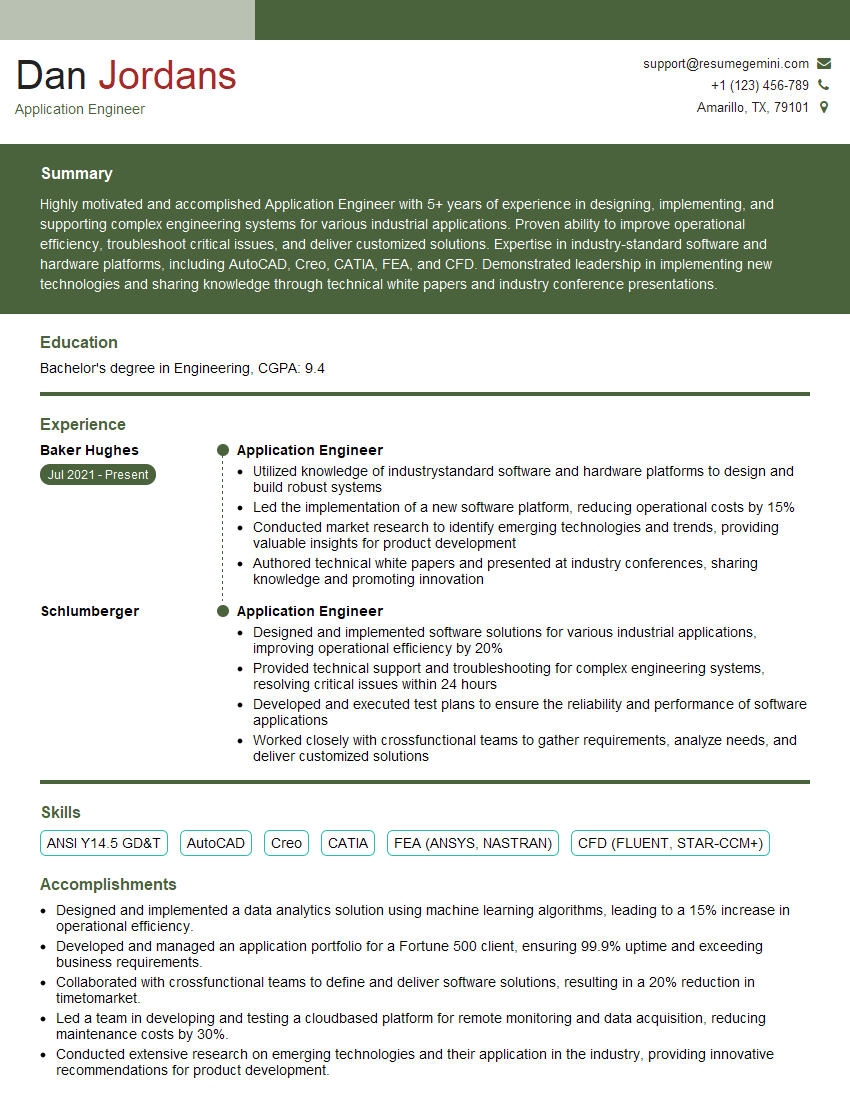
Application Engineer Resume Sample

Renewable Energy Engineer Resume Sample

Field Service Technician Resume Sample

Solar Panel Installer Resume Sample
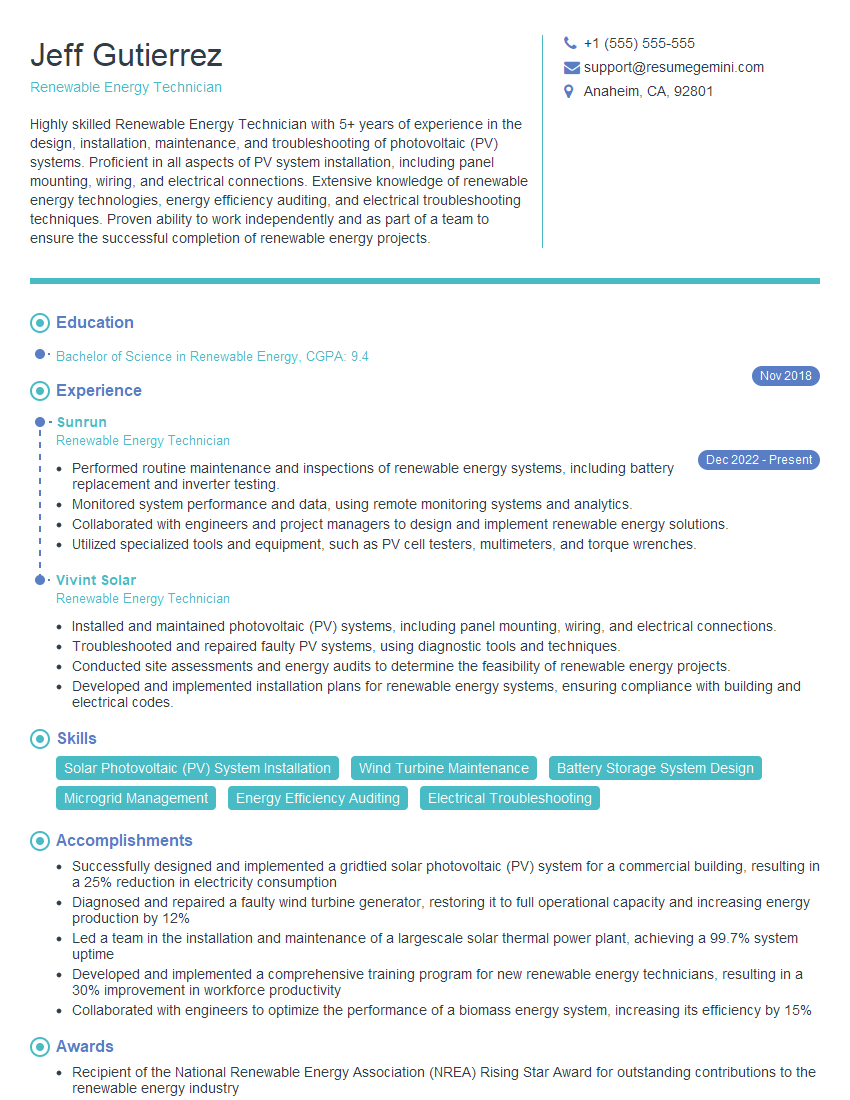
Renewable Energy Technician Resume Sample
Explore more articles
Users Rating of Our Blogs
Share Your Experience
We value your feedback! Please rate our content and share your thoughts (optional).
What Readers Say About Our Blog
To the interviewgemini.com Webmaster.
Very helpful and content specific questions to help prepare me for my interview!
Thank you
To the interviewgemini.com Webmaster.
This was kind of a unique content I found around the specialized skills. Very helpful questions and good detailed answers.
Very Helpful blog, thank you Interviewgemini team.