Are you ready to stand out in your next interview? Understanding and preparing for Gamification in Presentations interview questions is a game-changer. In this blog, we’ve compiled key questions and expert advice to help you showcase your skills with confidence and precision. Let’s get started on your journey to acing the interview.
Questions Asked in Gamification in Presentations Interview
Q 1. Define gamification in the context of presentations.
Gamification in presentations refers to the strategic application of game design elements and game principles in a non-game context—specifically, presentations—to enhance audience engagement, motivation, and knowledge retention. Instead of a literal game, it’s about injecting the fun and challenge of games to make learning and information absorption more enjoyable and effective. Think of it as sprinkling some ‘game magic’ onto your presentation to make it stick.
Q 2. What are the key elements of effective gamification in presentations?
Effective gamification hinges on several key elements: Clear Goals & Objectives: The audience needs to understand what they’re aiming for. Meaningful Rewards: These don’t have to be tangible prizes; acknowledgment, progress indicators, or even a sense of accomplishment can be highly motivating. Challenges & Progression: Introduce incremental levels of difficulty or complexity to keep the audience engaged. Feedback & Recognition: Regular feedback, both positive and constructive, is crucial. Storytelling & Narrative: Weaving a narrative around the content creates a more immersive and memorable experience. Simplicity & User-Friendliness: Avoid overly complex mechanics; keep it straightforward and intuitive.
Q 3. Describe three different gamification mechanics and how they can be applied to presentations.
Here are three gamification mechanics and their presentation applications:
- Points & Leaderboards: Award points for correct answers during a Q&A, active participation, or completing quizzes. Display a leaderboard to foster healthy competition. Example: In a sales presentation, award points for each prospect contacted, leading to a leaderboard showing top performers.
- Badges & Achievements: Unlock badges or achievements for reaching milestones or mastering certain concepts. Example: In a training presentation, participants earn a badge for completing a module or achieving a high score on a quiz.
- Levels & Progress Bars: Break down the presentation into distinct sections or ‘levels.’ Use progress bars to visually track the audience’s progress through the content. Example: A product demonstration could have levels representing different features, with a progress bar showing how many features have been covered.
Q 4. How do you measure the effectiveness of gamification in a presentation?
Measuring effectiveness requires a multi-faceted approach. Quantitative metrics include: audience participation rates (in Q&A or polls), quiz scores, time spent engaged, and post-presentation surveys measuring knowledge retention and satisfaction. Qualitative metrics involve observing audience reactions, gathering feedback through informal discussions, and analyzing social media mentions or online engagement after the presentation. A strong measure is the comparison of audience engagement and knowledge retention before and after gamification was applied.
Q 5. What are the potential drawbacks or challenges of using gamification in presentations?
Potential drawbacks include: Over-gamification: Too many game mechanics can feel distracting and detract from the core message. Technical Difficulties: Implementing gamification elements (e.g., live polls) can be challenging and require technical expertise. Audience Resistance: Some audiences might find gamification inappropriate or childish. Time Constraints: Designing and implementing gamification takes additional time and effort. Bias towards Competitive Individuals: Focusing solely on competition could alienate less competitive audience members.
Q 6. How do you tailor gamification to different audience demographics?
Tailoring gamification requires understanding the audience’s age, background, interests, and learning styles. For example, a presentation for young professionals might incorporate more modern and interactive elements like social media integration or mobile-based quizzes, while a presentation for senior executives might focus on more sophisticated challenges and rewards emphasizing professional development or strategic insight. The key is to choose mechanics and rewards that resonate with the specific audience.
Q 7. Explain how you would design a gamified presentation for a technical audience.
For a technical audience, I’d focus on gamification mechanics that align with their problem-solving skills and analytical mindset. Instead of simple points, I’d use a system of challenges, where solving complex technical problems unlocks new information or levels of understanding. Rewards could be access to exclusive resources (like white papers or advanced training materials), recognition among peers (leaderboards), or even opportunities for mentorship. The narrative could focus on a real-world problem or a technical case study where the audience solves problems step by step alongside the presentation.
Q 8. Describe your experience using various gamification tools or platforms.
My experience with gamification tools spans a range of platforms, from simple slide-based interactions using PowerPoint’s built-in features like quizzes and animations, to more sophisticated platforms like Kahoot!, Mentimeter, and even custom-built solutions using game engines like Unity for highly interactive presentations. For instance, I’ve used Kahoot! for quick, engaging quizzes to test audience knowledge after a key concept is introduced. Mentimeter has been invaluable for incorporating real-time polls and word clouds, allowing for immediate feedback and audience participation. For more complex scenarios needing custom game mechanics, I’ve worked with development teams to create interactive simulations where participants make decisions impacting a virtual business or scenario, adding a dynamic element to the learning process.
Q 9. How do you ensure a seamless user experience within a gamified presentation?
A seamless user experience in a gamified presentation hinges on intuitive design and clear instructions. This starts with a well-defined objective – what should the audience learn or achieve through the gamified elements? Next, the mechanics should be easy to understand and use. Avoid complex rules or confusing interfaces. Visual cues and clear prompts are vital. For example, if using a quiz, the question should be unambiguous, and the answer options should be distinct. I always ensure that the gamified components are integrated smoothly into the overall presentation flow. They shouldn’t disrupt the narrative but enhance it. Testing the presentation beforehand with a test audience is essential to identify any friction points before the actual presentation.
Q 10. Discuss the ethical considerations of using gamification in presentations.
Ethical considerations in gamified presentations are crucial. Primarily, it’s vital to avoid manipulative or exploitative game mechanics. For example, using excessive pressure to complete tasks, or hiding important information behind paywalls or complex challenges. Transparency is key; participants should always know what’s expected of them. Data privacy is another significant issue, especially if collecting participant information. I always ensure that data collection is transparent and complies with relevant privacy regulations. Also, maintaining inclusivity is important, ensuring the game mechanics are accessible to all participants, regardless of their abilities or technical skills. Finally, it’s crucial to avoid gamifying sensitive topics in a trivializing manner. The gamification should enhance, not diminish, the seriousness of the subject matter.
Q 11. How do you maintain audience engagement throughout a gamified presentation?
Maintaining audience engagement requires careful planning and a variety of techniques. First, create a clear narrative arc within the gamified elements. The challenges should have escalating difficulty and provide a sense of progress. Secondly, incorporate diverse game mechanics to keep things interesting. A mix of quizzes, polls, leaderboards, and even short interactive scenarios can be highly effective. Regular feedback and recognition are vital – highlighting achievements or correct answers reinforces participation. Lastly, incorporating elements of surprise and unexpected challenges can keep the audience on their toes. It is crucial to be aware of the audience’s energy levels and adjust the pace accordingly. Don’t overwhelm the audience with excessive challenges; balance the intensity and allow for breaks and interaction.
Q 12. How do you balance the fun aspect of gamification with the educational goals of the presentation?
Balancing fun and educational goals involves a thoughtful approach to game design. The fun elements shouldn’t overshadow the learning objectives. Instead, they should serve as a vehicle for delivering knowledge. For example, a quiz can test understanding of key concepts, while a simulated scenario can allow for application of learned skills. I always start by defining clear learning objectives and then design the game mechanics to support those objectives. Regular feedback mechanisms allow for immediate assessment of whether the fun is aiding the learning or detracting from it. A well-designed gamified presentation strikes a harmonious balance; learning is not a chore, but an enjoyable and rewarding experience. Think of it like a good game – it’s fun, but you still learn valuable skills and strategies along the way.
Q 13. What are some examples of successful gamified presentations you’ve seen or created?
One successful example was a gamified presentation I created for a corporate training session on project management. I used a simulated project scenario where participants, divided into teams, made decisions about resource allocation, risk management, and project timelines. Their choices directly impacted the project’s success, creating a competitive and engaging learning experience. Another memorable presentation involved using Kahoot! for a large audience on cybersecurity awareness. The rapid-fire quizzes kept the audience engaged and highlighted crucial security practices. Observing successful presentations by others, like TED Talks that effectively use interactive elements and storytelling, also continues to inform my own approaches.
Q 14. How do you incorporate feedback into the design and iteration of a gamified presentation?
Incorporating feedback is a vital part of the iterative design process. I use a multi-faceted approach. Firstly, pre-testing with a small focus group allows for early identification of usability issues and unclear instructions. Secondly, during the presentation, I observe audience reactions and engagement levels, adjusting the pacing and interaction as needed. Finally, post-presentation surveys and informal feedback collection help gather valuable data on areas for improvement. This data informs the next iteration of the presentation, ensuring that subsequent versions are even more effective and engaging. I meticulously track and analyze feedback, identifying common themes and issues that require attention. This data-driven approach ensures continuous improvement of the presentation’s design and efficacy.
Q 15. Describe your process for identifying the right gamification mechanics for a specific presentation objective.
Choosing the right gamification mechanics starts with a deep understanding of the presentation’s objective. I begin by clearly defining the learning outcomes and desired audience engagement. Then, I analyze the content to identify key concepts and knowledge gaps. This informs my selection of mechanics. For example, if the goal is to improve knowledge retention, I might use quizzes or leaderboards. If the goal is to encourage participation, I might incorporate polls or interactive exercises. My process is iterative, involving brainstorming, prototyping, and testing. Let’s say we’re presenting complex financial data. A simple ‘points-based system’ for correctly answering questions about key financial indicators might be effective. Alternatively, if we’re focusing on collaborative problem-solving, I might use a team-based challenge where groups compete to build the best financial model. The choice depends heavily on the specific context.
- Define Objectives: What do I want the audience to learn or do?
- Analyze Content: What are the key takeaways and potential knowledge gaps?
- Select Mechanics: Choose mechanics that align with objectives (e.g., points, badges, leaderboards, challenges).
- Iterate and Test: Prototype, test, and refine based on feedback.
Career Expert Tips:
- Ace those interviews! Prepare effectively by reviewing the Top 50 Most Common Interview Questions on ResumeGemini.
- Navigate your job search with confidence! Explore a wide range of Career Tips on ResumeGemini. Learn about common challenges and recommendations to overcome them.
- Craft the perfect resume! Master the Art of Resume Writing with ResumeGemini’s guide. Showcase your unique qualifications and achievements effectively.
- Don’t miss out on holiday savings! Build your dream resume with ResumeGemini’s ATS optimized templates.
Q 16. How would you address technical difficulties during a gamified presentation?
Technical difficulties are inevitable. My approach involves proactive planning and robust contingency strategies. Before the presentation, I thoroughly test all technology, including software, hardware, and internet connectivity. I create backup plans, such as having offline versions of the presentation or alternative activities. During the presentation, I remain calm and communicate transparently with the audience. A simple, “We’re experiencing a small technical issue; let’s take a quick break,” can alleviate anxiety. I might transition to a more interactive, low-tech activity, like a quick brainstorming session or a group discussion, to bridge the gap. Having a tech-savvy assistant on hand is invaluable. For example, if the online leaderboard fails, I might quickly switch to a physical whiteboard leaderboard, maintaining the competitive element. The key is to minimize disruption and ensure learning continues.
Q 17. How do you ensure accessibility for all learners in a gamified presentation?
Accessibility is paramount. I ensure all learners can participate fully, regardless of their abilities. This involves using clear, concise language, providing alternative formats for content (e.g., transcripts for audio, captions for videos), and offering adjustable font sizes and color schemes. For those with visual impairments, I’d consider incorporating audio descriptions or alternative interactive elements. For those with auditory impairments, I’d include detailed visuals and text-based instructions. I might use keyboard-only navigation, ensure sufficient color contrast, and avoid flashing animations that could trigger seizures. Furthermore, pre-presentation communication allows me to understand specific needs and tailor the gamification accordingly. Building in multiple ways to engage keeps the experience fun and inclusive for everyone.
Q 18. What are some common mistakes to avoid when designing gamified presentations?
Several pitfalls exist in gamified presentations. One common mistake is to focus solely on the ‘game’ aspect, neglecting the core educational content. The game should enhance learning, not overshadow it. Another is selecting overly complex mechanics that confuse the audience or distract from the main message. Keep it simple, intuitive, and relevant to the learning objectives. Avoid making the game too difficult or frustrating. Striking a balance between challenge and enjoyment is crucial. Finally, inadequate testing can lead to unexpected problems or poor learner engagement. Always pilot-test with a small group before a large-scale implementation. For example, a highly competitive leaderboard could demotivate some learners, while an overly simplistic reward system might fail to incentivize participation.
Q 19. How do you use data to inform your gamification design decisions?
Data is essential for iterative improvement. I track various metrics, such as participation rates, scores, time spent on activities, and learner feedback. This data provides insights into which mechanics are effective and which need refinement. For example, if the leaderboard participation is low, this might signal a need to adjust the reward system or simplify the competition rules. If learners spend very little time on a particular interactive activity, it might suggest the content needs to be improved or the activity itself redesigned. This iterative approach allows me to optimize the gamification strategy, creating a more impactful and engaging learning experience. I use analytics tools or platforms integrated into presentation software to collect and analyze this information.
Q 20. What are the differences between gamification and game-based learning?
Gamification and game-based learning are often confused but are distinct concepts. Gamification applies game mechanics (points, badges, leaderboards) to non-game contexts to enhance engagement and motivation. Game-based learning, on the other hand, uses complete games as the primary instructional tool. The core learning happens within the game environment itself. In a gamified presentation, the game mechanics are supplemental; the core content remains the focus. In game-based learning, the game is the content. A gamified presentation might use a points system to reward correct answers in a quiz, whereas game-based learning might involve a full simulation where learners make decisions within a game world to learn about a specific concept. Think of it like this: gamification is sprinkling game elements on a cake, while game-based learning is baking a cake entirely shaped and flavored like a game.
Q 21. How do you choose the appropriate reward system for a gamified presentation?
The reward system must align with the presentation’s objectives and audience. Rewards should be relevant, motivating, and achievable. It’s important to consider both intrinsic and extrinsic rewards. Intrinsic rewards are internal, such as the satisfaction of learning something new or mastering a skill. Extrinsic rewards are external, such as points, badges, or prizes. A balanced approach is usually best. For a professional audience, rewards could be certificates of completion, access to exclusive content, or recognition during the presentation. For a student audience, rewards might include extra credit, small prizes, or opportunities for collaboration. The key is to choose rewards that resonate with the target audience and encourage continued engagement. The reward system needs to be transparent and easy to understand, with clear guidelines on how to earn rewards. Avoid creating an overly competitive environment that might exclude or discourage some learners.
Q 22. Describe your experience integrating gamification with other presentation technologies.
Integrating gamification into presentations often involves leveraging various technologies to enhance engagement and interactivity. My experience encompasses using presentation software like PowerPoint and Google Slides, incorporating interactive elements through platforms such as Kahoot!, Mentimeter, and even custom-built web applications. For example, I’ve used PowerPoint’s built-in animation features to create a points-based system where correct answers reveal hidden slides. I’ve also integrated Mentimeter polls and quizzes directly into the presentation flow, allowing for real-time audience participation and feedback. For more complex scenarios, I’ve developed custom web apps using frameworks like React or Vue.js to build interactive simulations, branching narratives, or leaderboards, which are then seamlessly integrated into the presentation via embedded iframes or screen sharing. This multi-faceted approach allows me to tailor the level of interactivity and technology to best suit the specific presentation goals and audience.
Q 23. How do you adapt a gamified presentation for different learning styles?
Adapting gamified presentations for diverse learning styles requires a thoughtful approach that caters to visual, auditory, kinesthetic, and reading/writing preferences. For visual learners, I incorporate strong visuals, infographics, and compelling animations. Auditory learners benefit from clear narration, sound effects, and music. For kinesthetic learners, I include interactive elements like polls, quizzes, and physical activities (where appropriate). Finally, for reading/writing learners, I provide clear instructions, detailed explanations, and opportunities for reflection through written exercises or feedback mechanisms. For instance, I might incorporate a team-based challenge for kinesthetic learners, while providing detailed written summaries for those who prefer reading. A single presentation might incorporate multiple gamified elements—a quiz for auditory learners, a visual leaderboard for visual learners, and a collaborative brainstorming activity for kinesthetic learners—to achieve holistic engagement.
Q 24. What are your preferred methods for evaluating the learning outcomes of a gamified presentation?
Evaluating the learning outcomes of a gamified presentation goes beyond simply measuring participation. My preferred methods involve a multi-pronged approach combining quantitative and qualitative data. Quantitative data is gathered through pre- and post-presentation assessments to measure knowledge gain. I might use quizzes within the presentation itself, along with a separate, more in-depth post-presentation evaluation. Qualitative data provides a richer understanding of the learning experience. This is obtained through post-presentation surveys asking for feedback on engagement and learning effectiveness, and analyzing audience participation levels during the interactive elements. Analyzing the leaderboard data (if used) can also indicate knowledge levels and engagement levels. The combination of these quantitative and qualitative methods allows for a comprehensive evaluation of the presentation’s impact on learning.
Q 25. How do you stay updated on the latest trends and best practices in presentation gamification?
Staying updated in the rapidly evolving field of presentation gamification requires a proactive approach. I regularly follow industry blogs, attend webinars and conferences focusing on learning technologies and instructional design. I actively participate in online communities and forums dedicated to gamification, engaging in discussions and sharing best practices with peers. Following leading experts and researchers in this field on social media platforms provides valuable insights into emerging trends and innovative approaches. Critically reviewing new gamification tools and platforms helps me understand their strengths and limitations. This multi-faceted approach ensures I’m consistently informed about the latest trends and best practices, allowing me to adapt and refine my approach to gamified presentations.
Q 26. Describe your experience working with stakeholders to define the goals and scope of a gamified presentation.
Collaborating with stakeholders to define the goals and scope of a gamified presentation is crucial for success. My approach begins with a detailed discussion to understand the target audience, learning objectives, and desired outcomes. We collaboratively define key performance indicators (KPIs) that will measure the success of the gamified presentation, such as knowledge retention, audience engagement, and overall satisfaction. We then brainstorm potential gamification mechanics that align with the presentation’s goals. This process includes identifying suitable technology, determining the level of interactivity, and outlining the presentation’s narrative structure. Using a collaborative document, like a shared Google Doc, helps track progress and ensures all stakeholders are aligned on the project’s direction and scope.
Q 27. How do you handle unexpected audience reactions or behaviors during a gamified presentation?
Handling unexpected audience reactions or behaviors during a gamified presentation requires adaptability and a flexible approach. I anticipate potential challenges and prepare contingency plans. For example, technical difficulties might arise, requiring a backup plan to maintain engagement. If participants are struggling with a particular game mechanic, I’ll quickly adjust the pace or provide additional guidance. Unexpectedly low participation might necessitate a quick change of pace or introducing a more engaging element. My approach focuses on maintaining a positive and supportive environment, encouraging participation without pressure, and adapting the presentation’s flow to accommodate unforeseen circumstances. Active listening and prompt problem-solving are key to navigating such situations effectively.
Q 28. Explain your approach to testing and iterating on gamified presentation designs.
My approach to testing and iterating on gamified presentation designs involves a phased process. I begin with usability testing of individual game mechanics, using small focus groups to identify areas for improvement. I then conduct pilot testing of the entire presentation with a representative sample of the target audience, gathering feedback on engagement, clarity, and effectiveness. This feedback informs iterative design changes, addressing any identified issues or limitations. Following the pilot, a larger-scale beta test is conducted, gathering data on performance and impact. This data is then used to fine-tune the presentation before the final delivery. I utilize tools like user feedback forms, analytics platforms to track engagement metrics (such as time spent on each slide or quiz completion rates), and post-presentation surveys to inform the iteration process. This continuous feedback loop ensures the gamified presentation is optimized for learning and engagement.
Key Topics to Learn for Gamification in Presentations Interview
- Understanding Core Gamification Principles: Explore the key elements of gamification – points, badges, leaderboards, challenges, narratives – and how they apply to presentations.
- Applying Gamification Techniques: Learn how to integrate interactive elements like quizzes, polls, and voting mechanisms to enhance audience engagement and knowledge retention.
- Choosing the Right Gamification Strategy: Understand how to select appropriate gamification elements based on your audience, presentation goals, and the overall context.
- Designing Engaging Presentation Flows: Learn how to structure your presentation to incorporate gamified elements seamlessly and maintain a logical narrative.
- Measuring the Effectiveness of Gamification: Discover methods for evaluating the impact of gamified elements on audience participation and learning outcomes.
- Addressing Potential Challenges: Explore common pitfalls in implementing gamification in presentations and strategies for overcoming them (e.g., over-gamification, technical difficulties).
- Ethical Considerations in Gamification: Understand the ethical implications of using gamification techniques and ensure responsible application.
- Case Studies and Best Practices: Analyze successful examples of gamification in presentations from various industries to gain insights and inspiration.
Next Steps
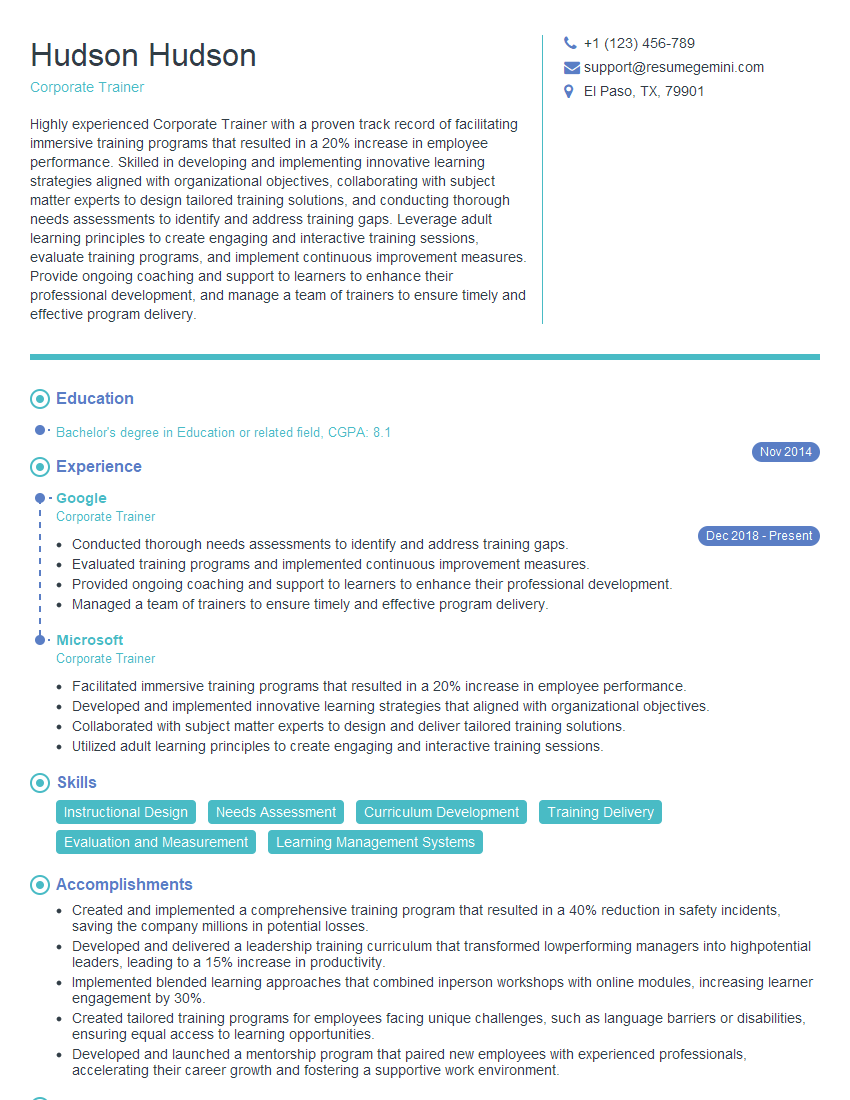
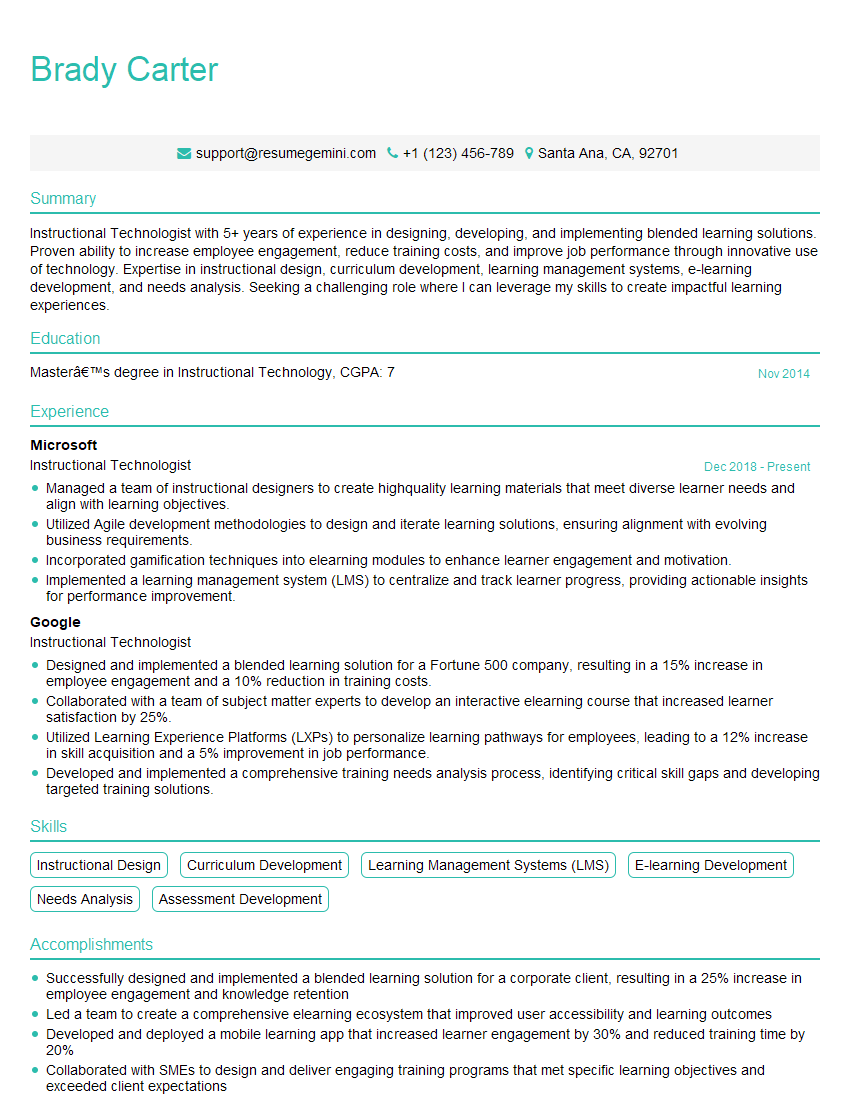
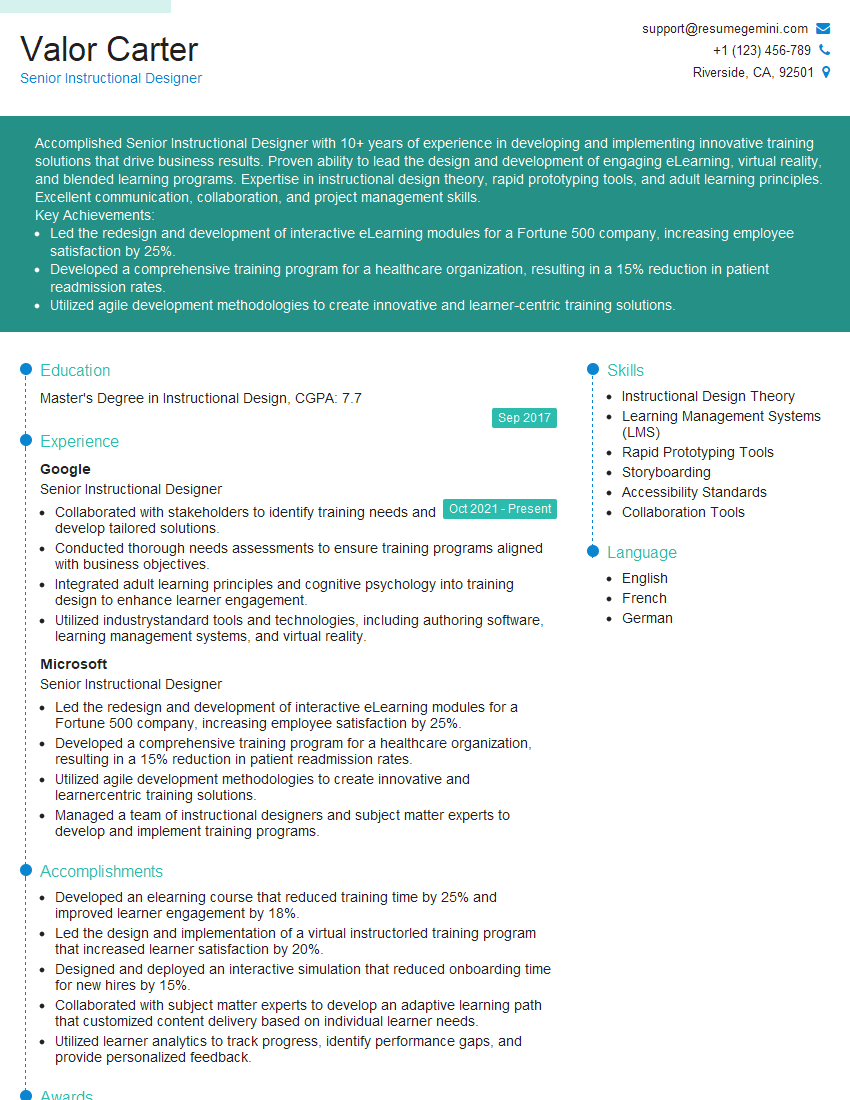
Mastering gamification in presentations significantly enhances your communication skills and makes you a more compelling and memorable presenter, a highly valued asset in today’s competitive job market. This expertise opens doors to diverse and exciting roles. To maximize your job prospects, focus on creating an ATS-friendly resume that highlights these skills effectively. ResumeGemini is a trusted resource to help you build a professional and impactful resume. We provide examples of resumes tailored specifically to Gamification in Presentations to help you get started. Invest in crafting a strong resume – it’s your first impression and a critical step in landing your dream job.



Explore more articles
Users Rating of Our Blogs
Share Your Experience
We value your feedback! Please rate our content and share your thoughts (optional).
What Readers Say About Our Blog
To the interviewgemini.com Webmaster.
Very helpful and content specific questions to help prepare me for my interview!
Thank you
To the interviewgemini.com Webmaster.
This was kind of a unique content I found around the specialized skills. Very helpful questions and good detailed answers.
Very Helpful blog, thank you Interviewgemini team.