Preparation is the key to success in any interview. In this post, we’ll explore crucial Ladder Diagrams interview questions and equip you with strategies to craft impactful answers. Whether you’re a beginner or a pro, these tips will elevate your preparation.
Questions Asked in Ladder Diagrams Interview
Q 1. Explain the basic structure of a Ladder Diagram.
A Ladder Diagram (LD) is a graphical programming language primarily used for programmable logic controllers (PLCs). Imagine it like a circuit diagram, but instead of electrical components, we have logic elements. The basic structure consists of two vertical rails representing power supply, with horizontal rungs connecting them. Each rung represents a single logic statement. The left rail is the power input, and the right rail is the output. Elements placed on the rungs determine the logic operations and control the flow of power (represented by a boolean TRUE or FALSE).
Think of it as a series of IF-THEN statements. If the conditions on the rung are met (TRUE), then the output on the right rail is activated (TRUE). If the conditions are not met (FALSE), the output remains deactivated (FALSE).

Q 2. Describe the function of contacts and coils in a Ladder Diagram.
Contacts and coils are the fundamental building blocks of Ladder Diagrams. Contacts represent input signals, acting like switches that can be either open (FALSE) or closed (TRUE). They control the flow of logic from the left to the right rail. Coils, on the other hand, represent output signals, such as activating a motor, turning on a light, or setting a bit in memory. They are activated (energized) when power flows through the rung.
For example, imagine a light controlled by a switch. The switch would be represented by a contact, and the light would be represented by a coil. When the switch is closed (contact closed), power flows through the rung, activating the coil and turning on the light.
---[Contact]---[Coil]---Q 3. What are the different types of contacts used in Ladder Diagrams?
Ladder Diagrams utilize several types of contacts, each with unique functionality. These include:
- Normally Open (NO) Contacts: These contacts are open (FALSE) when not energized, and close (TRUE) when energized.
- Normally Closed (NC) Contacts: These contacts are closed (TRUE) when not energized and open (FALSE) when energized.
- One-Shot Contacts (Pulse Contacts): These contacts close only once when their input transitions from FALSE to TRUE, irrespective of further input changes.
- Edge-Triggered Contacts: Similar to one-shots, these trigger based on specific transitions (rising or falling edge).
The choice of contact type depends heavily on the specific application’s logic requirements.
Q 4. Explain the difference between normally open and normally closed contacts.
The core difference lies in their default state. A Normally Open (NO) contact is like a regular switch; it’s open (FALSE) until activated. When the input signal is TRUE, the contact closes, allowing current to flow. A Normally Closed (NC) contact is the opposite; it starts closed (TRUE), allowing current to flow, and opens (FALSE) when activated. Think of it as a safety interlock switch that breaks the circuit when a condition is met.
For example, a NO contact might represent a limit switch on a conveyor belt. It only closes and completes the circuit when the belt reaches its endpoint. A NC contact might be used as an emergency stop. It’s normally closed, and opens when the emergency stop button is pressed, stopping the machinery.
Q 5. How are timers and counters implemented in Ladder Diagrams?
Timers and counters are essential for implementing time-based and count-based logic in PLC programs. They are represented as special instructions within the Ladder Diagram.
Timers measure elapsed time. They usually have a preset time value. Once the timer is activated (energized), it starts counting. When the elapsed time reaches the preset value, the timer’s output contact changes state (typically from NO to NC or vice versa). Different timer types exist, like ON-delay, OFF-delay, and retentive timers.
Counters count events, usually from external input signals. They have a preset count value. Each time the input signal changes, the counter increments. Once the counter reaches the preset value, its output contact changes state.
Both timers and counters are essential in numerous applications, including process control, sequencing, and safety.
Q 6. Describe the use of retentive timers.
Retentive timers, also known as latching timers, are unique in that they ‘remember’ their state. Even after the input signal that started them is removed, a retentive timer continues to time until its preset value is reached. Only resetting the timer explicitly will stop it. This is extremely useful when managing operations that require a specific duration regardless of intermittent input signal interruptions.
For instance, imagine a machine that requires a 10-second heating cycle. If the power is temporarily cut, a regular timer would reset. A retentive timer, however, would continue counting the remaining time after power is restored, ensuring the full 10-second heating cycle is completed.
Q 7. Explain the function of one-shot timers.
One-shot timers, often called pulse timers, are designed to output a single pulse of a specific duration when triggered by a change in their input. Once the pulse is generated, the output returns to its default state, even if the input remains active. This is incredibly valuable for applications that require short, controlled bursts of action in response to an event.
Consider a scenario where a sensor triggers a brief activation of a solenoid valve. A one-shot timer would be perfect; it generates a single pulse to activate the valve for the specified duration and then automatically deactivates it, preventing the valve from staying open unintentionally after the initial trigger event.
Q 8. How are math functions implemented in Ladder Diagrams?
Math functions in Ladder Diagrams aren’t directly implemented as you’d see in a programming language like Python or C++. Instead, PLCs (Programmable Logic Controllers) which use Ladder Diagrams, offer specialized instructions or function blocks that perform mathematical operations. These functions operate on data stored in memory locations (registers).
For example, to add two numbers, you wouldn’t write a + b directly into the ladder logic. Instead, you’d use an ADD instruction. This instruction would take the addresses of the two numbers (e.g., data registers N7:0 and N7:1) as inputs and store the result in a designated output register (e.g., N7:2). Many PLCs support a wide range of functions including addition, subtraction, multiplication, division, square root, trigonometric functions (sin, cos, tan), etc. These are accessed through function block calls within the ladder diagram.
Example: Let’s say you want to calculate the average of two temperature readings stored in registers I:1.0 and I:1.1. You’d use an ADD instruction to add the two readings, then a DIV instruction to divide the sum by 2. The result would be stored in a register, say O:1.0, and could then be used to control an output device or displayed on an HMI (Human-Machine Interface).
Q 9. Explain the use of data registers in Ladder Diagrams.
Data registers are essentially memory locations within the PLC where you store and manipulate data. Think of them as variables in a traditional programming language. In Ladder Diagrams, these registers are used to hold various types of data, such as integers, floating-point numbers, booleans (true/false values), and strings. They’re crucial for performing complex logic and calculations.
Different types of registers exist, often categorized by their purpose and scope. Some examples include:
- Input registers (I): These hold data read from input devices like sensors and switches.
- Output registers (O): These store data that is sent to output devices like actuators and lights.
- Internal registers (N): These provide general-purpose storage for intermediate results of calculations or other data manipulation.
- Timer and counter registers: Specialized registers for timing and counting operations.
Imagine a manufacturing process where you’re monitoring the temperature and pressure of a reactor. Input registers would store the temperature and pressure readings, while internal registers would perform calculations (e.g., calculating an average) to determine if the process is within acceptable limits. Output registers would then control valves and alarms based on the results.
Q 10. Describe the process of troubleshooting a Ladder Diagram.
Troubleshooting a Ladder Diagram involves systematically identifying and resolving issues that prevent the program from functioning correctly. This process often combines careful examination of the diagram with real-world testing and observation.
Here’s a structured approach:
- Understand the problem: Clearly define the symptom of the malfunction (e.g., a motor doesn’t start, a sensor reading is incorrect).
- Review the Ladder Diagram: Carefully trace the logic flow related to the problematic function. Look for syntax errors, illogical connections, or missing elements.
- Check input/output signals: Use PLC programming software to monitor the status of input and output signals. Verify that inputs are received correctly and outputs are activated as expected. This might involve using a multimeter to test wiring and sensors.
- Analyze data registers: Examine the contents of relevant data registers during operation. This will show you the intermediate values that are being processed, helping you pinpoint where errors might occur.
- Simulate the program: Many PLC programming environments have simulation capabilities. Using these helps isolate problems without impacting the physical system.
- Test sequentially: If the problem is complex, testing sections of the ladder diagram in isolation can help narrow the problem area.
- Use diagnostic tools: Some PLCs provide built-in diagnostic tools that can help detect errors.
Example: If a conveyor belt fails to start, you would first check the input signal from the start button, then check the status of intermediate signals (relay coils) leading to the motor’s output. You might find a faulty sensor, a broken wire, or an incorrect logic statement in the ladder diagram causing the issue.
Q 11. How do you handle errors and exceptions in Ladder Diagrams?
Error and exception handling in Ladder Diagrams is primarily achieved through careful programming and the use of PLC features designed for fault detection and response. There’s no direct equivalent to try-catch blocks found in higher-level languages.
Here are some common strategies:
- Input validation: Check input values for reasonableness. For example, if a temperature sensor reading is outside a plausible range, the program should flag an error.
- Watchdog timers: These timers monitor the PLC’s activity. If a program section hangs or fails, the watchdog timer will trigger an alarm or reset the PLC.
- Error flags and status bits: Use dedicated bits or registers to indicate error conditions. The program can then branch to error handling routines based on the state of these flags.
- Self-diagnostic routines: Include code that periodically checks the status of hardware components or internal variables.
- Alarm outputs: Implement outputs to signal errors or abnormal conditions, perhaps activating lights, sounds, or messages on an HMI.
Example: In a system controlling a robotic arm, you might check the position feedback from limit switches. If the arm attempts to move beyond its limits, an error flag is set, the arm stops, and an alarm is triggered on the HMI.
Q 12. Explain the concept of self-holding circuits.
A self-holding circuit, also known as a latching circuit or memory circuit, is a fundamental concept in Ladder Diagrams. It allows a coil to remain energized even after the initial input condition is removed. This is achieved by using the coil’s output to feed back into its own input, creating a self-sustaining loop.
Imagine a light switch that remains on even after you release the button. That’s analogous to a self-holding circuit. Once activated, it ‘remembers’ its state until explicitly turned off.
How it works: A normally open contact (NO) is connected in parallel to the coil. When the initial input energizes the coil, the coil’s output closes the parallel NO contact. This closed contact now provides a continuous path for current to flow, keeping the coil energized even if the original input is removed. The circuit is then broken by another input, usually a normally closed (NC) contact that is used to de-energize the coil.

Caution: Improperly designed self-holding circuits can lead to uncontrolled operations if the de-energizing mechanism fails. Always ensure there’s a reliable way to break the circuit.
Q 13. How are analog signals handled in Ladder Diagrams?
Analog signals, which represent continuous values rather than discrete on/off states, are handled in Ladder Diagrams through specialized instructions and analog input/output modules. The PLC’s analog input module converts the continuous signal (like voltage or current) into a digital representation that the PLC can process. The PLC then performs calculations or comparisons on this digital value, and the results are converted back into an analog signal by an analog output module.
Process:
- Analog-to-digital conversion (ADC): The analog input module converts the continuous analog signal into a digital value. The resolution of this conversion depends on the number of bits used (e.g., a 12-bit ADC provides 4096 discrete levels).
- Data processing: The PLC’s CPU processes this digital value using various instructions (e.g., scaling, comparisons, calculations). For example, a temperature reading might be scaled to engineering units (degrees Celsius or Fahrenheit).
- Digital-to-analog conversion (DAC): An analog output module converts the processed digital value back into a continuous analog signal. This could be used to control a valve, motor speed, or other process variable.
Example: A temperature control system might use an analog input module to read the temperature from a thermocouple. The PLC then compares the reading to a setpoint. If the temperature is too low, the PLC increases the output to a heater via an analog output module. The level of the output signal controls the heating power.
Q 14. Describe the use of input and output modules in a PLC system.
Input and output (I/O) modules are essential components in a PLC system, acting as the interface between the PLC and the external world. They allow the PLC to receive data from sensors, switches, and other input devices, and to send signals to actuators, lights, and other output devices.
Input modules: These modules receive signals from field devices and convert them into digital signals that the PLC can understand. Different types of input modules exist to handle various signal types:
- Digital input: These modules read on/off signals from switches, limit switches, and other binary devices.
- Analog input: These modules read continuous signals from sensors such as temperature sensors, pressure sensors, and flow meters.
Output modules: These modules receive digital signals from the PLC and convert them into signals suitable for driving external devices:
- Digital output: These modules control on/off devices like solenoids, motors (with starters), lights, and relays.
- Analog output: These modules provide variable signals for devices that require a continuous range of control, such as valves, motor speed controllers, and heaters.
Think of it like this: Input modules are the PLC’s senses, receiving information from the environment. Output modules are the PLC’s actions, sending commands to control the environment. The proper selection and configuration of I/O modules are crucial for a PLC system to correctly interface with the process it is controlling.
Q 15. What are the different types of PLC programming languages?
PLCs (Programmable Logic Controllers) utilize several programming languages, each offering unique strengths. The most common are:
- Ladder Diagram (LD): Resembles electrical relay logic diagrams, making it intuitive for electricians and those familiar with relay-based control systems. It’s visually appealing and easy to understand.
- Function Block Diagram (FBD): Uses graphical blocks representing functions and their connections. It’s well-suited for complex control systems and modular programming.
- Structured Text (ST): A high-level text-based language similar to Pascal. It provides flexibility and power for sophisticated algorithms and complex logic. It’s preferred for more complex mathematical calculations or control algorithms.
- Instruction List (IL): A low-level mnemonic instruction language similar to assembly language. It’s powerful but less intuitive and requires specialized knowledge.
- Sequential Function Chart (SFC): A graphical language useful for representing sequential control processes. It excels at describing the steps in a process and transitions between steps.
Many PLCs support multiple languages, allowing programmers to choose the best tool for the specific task. For instance, you might use Ladder Diagram for simple on/off controls and Structured Text for complex calculations within the same program.
Career Expert Tips:
- Ace those interviews! Prepare effectively by reviewing the Top 50 Most Common Interview Questions on ResumeGemini.
- Navigate your job search with confidence! Explore a wide range of Career Tips on ResumeGemini. Learn about common challenges and recommendations to overcome them.
- Craft the perfect resume! Master the Art of Resume Writing with ResumeGemini’s guide. Showcase your unique qualifications and achievements effectively.
- Don’t miss out on holiday savings! Build your dream resume with ResumeGemini’s ATS optimized templates.
Q 16. Compare and contrast Ladder Diagrams with other PLC programming languages.
Ladder Diagrams (LD) stand out for their visual simplicity and intuitive nature, making them easily accessible to technicians with electrical backgrounds. They represent logic using familiar ladder-like rungs, mimicking relay logic circuits. This visual representation simplifies debugging and troubleshooting.
In contrast, Function Block Diagrams (FBD) are more modular, promoting reusability and better organization for larger projects. Structured Text (ST) offers the most flexibility and power, allowing for complex algorithms and calculations not easily implemented in LD or FBD. Instruction List (IL) provides low-level control but has a steeper learning curve. SFC excels at representing sequential control, offering a clear overview of the process flow.
Consider an example: Controlling a simple pump. LD would be ideal for its simple ON/OFF logic. However, managing a complex chemical process with multiple stages and variables would likely benefit from the structure and organization of an FBD or the programming power of ST.
Q 17. Explain the importance of proper documentation in Ladder Diagrams.
Proper documentation is crucial for maintaining and modifying Ladder Diagram programs, especially in industrial settings where multiple engineers might work on the same system over time. Without adequate documentation, even small changes can introduce errors or lead to unexpected behavior.
Effective documentation includes:
- Detailed comments within the program: Explaining the purpose of each rung and section of the code.
- Input/Output (I/O) lists: Clearly defining what each input and output represents (e.g., sensor, actuator, etc.).
- System diagrams: Showing the overall architecture and connections of the system.
- Logic flow charts: Illustrating the sequence of operations and decision points.
- Revision history: Tracking modifications made to the program over time.
Imagine a scenario where a technician needs to troubleshoot a faulty process five years after initial installation. Comprehensive documentation would greatly reduce the time and effort required to understand and fix the problem.
Q 18. Describe your experience with specific PLC brands (e.g., Allen-Bradley, Siemens).
I possess extensive experience with both Allen-Bradley and Siemens PLCs. With Allen-Bradley, I’m proficient in RSLogix 5000 software, utilizing Ladder Diagram, Structured Text, and Function Block Diagram programming. I’ve worked on projects ranging from simple machine automation to complex process control systems, implementing safety features like emergency stops and interlocks. My experience includes designing and implementing HMI screens using FactoryTalk View SE.
My experience with Siemens PLCs involves programming using TIA Portal software, creating and deploying Ladder Diagrams and Structured Text programs. I have worked extensively with their various hardware components, including S7-1200 and S7-1500 series PLCs and various I/O modules. I’m also familiar with integrating Siemens PLCs with their SIMATIC HMI software.
In both cases, my work has focused on developing robust, reliable, and maintainable control systems, always prioritizing safety and efficiency.
Q 19. How do you ensure the safety of your Ladder Diagram programs?
Safety is paramount in PLC programming, particularly in industrial settings. I employ several strategies to ensure the safety of my Ladder Diagram programs:
- Implementing safety interlocks and redundancy: Using multiple sensors and safety circuits to prevent hazards, ensuring that a single point of failure doesn’t lead to a dangerous situation.
- Utilizing fail-safe mechanisms: Designing the system so that in case of a failure, it defaults to a safe state. For example, a power loss might automatically shut down equipment.
- Applying proper coding practices: Using clear and concise code with extensive comments to minimize errors and improve readability. This makes it easier for others to review and identify potential hazards.
- Rigorous testing and simulation: Thoroughly testing the program in a simulated environment before deployment to identify and correct potential problems before they can cause harm. This might involve using PLC simulation software.
- Adhering to relevant safety standards: Following industry safety standards (like IEC 61131-3 and relevant regional standards) for PLC programming and machine safety.
A real-world example would be implementing a safety system for a robotic arm. Redundant sensors, emergency stops, and carefully designed logic ensure that the arm stops safely if it encounters an obstacle or a malfunction occurs.
Q 20. Explain your process for designing and implementing a Ladder Diagram.
My process for designing and implementing a Ladder Diagram follows a structured approach:
- Requirements Gathering: Clearly define the system’s functionality, inputs, outputs, and safety requirements.
- System Design: Develop a system architecture diagram outlining the overall system components and their interactions.
- Ladder Diagram Development: Create the Ladder Diagram program, implementing the control logic, incorporating safety measures, and adding detailed comments.
- Testing and Simulation: Thoroughly test the program in a simulated environment to identify and correct any errors or issues before deploying to the actual PLC.
- Documentation: Create comprehensive documentation, including I/O lists, system diagrams, and logic flow charts.
- Deployment and Commissioning: Download the program to the PLC, connect the hardware, and commission the system, verifying its functionality and safety.
- Maintenance and Updates: Maintain and update the system as needed, making sure documentation is also updated.
This systematic approach ensures a robust, reliable, and safe control system.
Q 21. Describe your experience with HMI (Human-Machine Interface) programming.
I have extensive experience with HMI (Human-Machine Interface) programming, using various software packages from different PLC vendors. My experience includes designing and implementing HMIs for various applications, from simple machine displays to complex supervisory control and data acquisition (SCADA) systems.
My approach involves:
- Understanding User Needs: Careful consideration of the operator’s needs and the information they need to effectively monitor and control the process. A good HMI is intuitive and user-friendly.
- Interface Design: Creating a visually appealing and easy-to-navigate interface, using clear graphics, intuitive symbols, and effective color-coding. This includes effective alarm management.
- Data Visualization: Presenting real-time data through graphs, charts, and gauges, providing operators with a clear overview of the system’s status.
- Control Functionality: Incorporating user controls, allowing operators to adjust parameters, start and stop processes, and handle alarms effectively.
- Integration with PLC: Seamlessly integrating the HMI with the PLC, ensuring reliable communication and data exchange.
For instance, I’ve designed HMIs for wastewater treatment plants, displaying real-time parameters such as pH levels and flow rates, alongside controls for adjusting pumps and valves. Effective HMI design is critical for ensuring efficient operation and safety.
Q 22. How do you test and validate your Ladder Diagram programs?
Testing and validating Ladder Diagram programs is crucial for ensuring the safety and reliability of any automated system. My approach involves a multi-stage process, starting with thorough desk checking of the logic, followed by rigorous testing using both simulation and real-world PLC environments.
Desk Checking: This involves carefully reviewing each rung of the ladder logic for correctness and completeness. I look for potential issues like race conditions, unintended interactions between different parts of the program, and improper use of timers and counters. This is essentially a code review, but specific to the visual nature of ladder diagrams.
Simulation: Before deploying the program to the actual PLC, I use simulation software to test the logic. This allows me to test various scenarios and inputs without risking damage to physical equipment. I’ll create test cases covering all expected operating conditions, including normal operation, fault conditions, and edge cases. The simulator allows me to step through the logic, observe the state of variables, and identify any flaws.
Real-World Testing: After successful simulation, I deploy the program to the PLC and conduct real-world testing. This typically involves carefully monitoring the system’s response to various inputs and comparing its behavior to the expected outcomes. Data logging is often used to collect information about the system’s performance for later analysis.
Example: Imagine a conveyor system controlled by a PLC. During simulation, I’d test scenarios like a sensor failure, a jam in the conveyor, or a power interruption. Real-world testing would involve actually running the conveyor and observing its response under similar conditions.
Q 23. Explain your experience with SCADA systems.
I have extensive experience with SCADA (Supervisory Control and Data Acquisition) systems, integrating them with PLC-controlled processes. My experience encompasses various aspects, from system design and configuration to troubleshooting and maintenance. I’ve worked with several SCADA platforms, including [mention specific SCADA platforms if comfortable, e.g., Ignition, Wonderware InTouch, etc.].
My work typically involves configuring communication drivers to connect the SCADA system to the PLCs, designing and implementing user interfaces for monitoring and controlling the process, creating historical data logging and alarming systems, and ensuring data integrity and security. I am proficient in developing custom scripts and applications within the SCADA environment to handle complex data processing and visualization requirements.
For instance, in a recent project involving a water treatment plant, I used SCADA to monitor and control various parameters like water level, chemical dosages, and pump operations. The SCADA system provided real-time visualization of the process, allowing operators to easily identify and respond to any anomalies.
Q 24. Describe a challenging Ladder Diagram project you worked on and how you overcame the challenges.
One challenging project involved designing and implementing a complex control system for a high-speed bottling plant. The challenge stemmed from the tight timing constraints and the need for extremely reliable operation to prevent product loss and damage.
The initial approach using simple timers and counters proved insufficient to meet the demanding throughput requirements. The solution involved a carefully designed state machine implemented in ladder logic to manage the various stages of the bottling process. This state machine ensured that each step was completed correctly before proceeding to the next, preventing race conditions and ensuring smooth operation.
Furthermore, we incorporated extensive error handling and fault detection mechanisms into the ladder logic. This included sensor redundancy, safety interlocks, and emergency stop capabilities. The system also featured a comprehensive data logging system to track production performance and facilitate troubleshooting.
Overcoming the challenges involved detailed planning, rigorous testing, and close collaboration with the plant engineers. The project was ultimately successful, resulting in a significant improvement in production efficiency and reduced downtime.
Q 25. How do you handle complex logic in Ladder Diagrams?
Handling complex logic in Ladder Diagrams often involves breaking down the problem into smaller, more manageable modules. This modular approach makes the program easier to understand, debug, and maintain. I frequently use structured programming techniques within the ladder diagram framework.
Techniques I Employ:
- State Machines: These are particularly useful for managing complex sequences of events. Each state represents a specific stage in the process, and the transitions between states are triggered by specific conditions.
- Function Blocks: These encapsulate reusable pieces of logic, improving code readability and reducing redundancy. They promote modularity, simplifying complex tasks.
- Subroutines: These allow you to break down a large program into smaller, more manageable routines. This improves readability and simplifies debugging.
- Data Tables: Organizing data into tables simplifies complex conditional logic by using indexed look-up tables rather than extensive IF-THEN-ELSE statements.
Example: A complex automated process might be broken down into several states: ‘Initialization’, ‘Production’, ‘Error Handling’, and ‘Shutdown’. Each state has its own ladder logic section, making the overall program much more understandable and maintainable than a monolithic block of code.
Q 26. What are some common mistakes to avoid when programming Ladder Diagrams?
Several common mistakes can lead to problems in Ladder Diagram programming. Here are some key areas to avoid:
- Improper use of timers and counters: Incorrectly configured timers or counters can cause unexpected behavior or system failures. Understanding the different timer and counter types (e.g., ON-delay, OFF-delay, retentive timers) is crucial.
- Ignoring edge detection: Failing to properly handle rising or falling edges of signals can lead to missed events or unwanted actions. Using proper instructions to detect transitions is vital.
- Lack of comments and documentation: Poorly documented code is difficult to understand and maintain. Adding clear and concise comments is essential for long-term maintainability.
- Ignoring race conditions: Race conditions occur when the order of operations is not properly defined, leading to unpredictable results. Careful consideration of timing and sequencing is needed.
- Overly complex rungs: Long and complicated rungs are hard to read and debug. Breaking down complex logic into smaller, more manageable rungs improves readability.
Example: Forgetting to reset a counter after it reaches a certain value can lead to the counter overflowing, causing unexpected behavior. Similarly, improperly using a timer can result in unintended delays or actions.
Q 27. Explain your experience with different types of communication protocols used with PLCs.
I have experience with a variety of communication protocols used with PLCs, including:
- Ethernet/IP: A common industrial Ethernet protocol offering high speed and robust communication.
- PROFINET: Another widely used industrial Ethernet protocol with features like integrated diagnostics.
- Modbus TCP/RTU: A widely adopted standard for serial and Ethernet communication, known for its simplicity and broad compatibility.
- Profibus: A fieldbus system offering high speed and deterministic communication for complex automation systems.
- Serial Communication (RS-232, RS-485): These protocols are used for point-to-point or multi-point communication over serial lines.
My experience includes configuring PLCs to communicate with various devices using these protocols, troubleshooting communication problems, and selecting the appropriate protocol for specific applications based on factors like speed, distance, and network topology. Understanding the nuances of each protocol is critical for successful integration.
Q 28. Describe your familiarity with different types of PLC architectures.
My familiarity with PLC architectures extends to various types, including:
- Rack-based PLCs: These consist of a central processing unit (CPU) and various I/O modules that are plugged into a rack. This architecture is scalable and allows for easy expansion of I/O capabilities.
- Compact PLCs: These integrate the CPU and I/O modules into a single, compact unit, ideal for smaller applications.
- Modular PLCs: Offer flexibility in choosing I/O modules based on specific application requirements. These provide a tailored solution for a specific process.
- Programmable Automation Controllers (PACs): More powerful and versatile than traditional PLCs, often incorporating features like real-time operating systems and advanced networking capabilities.
Understanding the architecture of a specific PLC is critical for selecting appropriate I/O modules, programming the PLC efficiently, and troubleshooting any hardware or software issues. My experience enables me to choose the right PLC architecture for a given application based on factors like scalability, performance, and cost.
Key Topics to Learn for Ladder Diagrams Interview
- Fundamentals of Ladder Logic: Understanding the basic structure, symbols, and components of a ladder diagram.
- Boolean Algebra and Logic Gates: Applying Boolean logic to interpret and design ladder diagram circuits; understanding the function of AND, OR, NOT gates within the context of ladder logic.
- Timers and Counters: Implementing and troubleshooting timers and counters in ladder diagrams for various control applications.
- Input/Output (I/O) Modules: Understanding how I/O modules interact with the PLC and the role they play in ladder diagram programming.
- Practical Applications: Analyzing real-world examples of ladder diagrams used in industrial automation, process control, and other relevant fields.
- Troubleshooting and Debugging: Developing strategies for identifying and resolving common issues in ladder diagram programs.
- Different PLC Programming Software: Familiarizing yourself with the common software platforms used to create and manage ladder diagrams (mentioning specific software is optional, keeping it general is best).
- Safety Considerations: Understanding safety protocols and best practices related to ladder diagram design and implementation in industrial settings.
- Advanced Concepts (Optional): Exploring more complex topics like sequential control, data manipulation, and communication protocols as relevant to your target role.
Next Steps
Mastering ladder diagrams opens doors to exciting and rewarding careers in automation, manufacturing, and process control. A strong understanding of this fundamental skill significantly enhances your job prospects and allows you to contribute meaningfully to complex projects. To maximize your chances of landing your dream role, creating an ATS-friendly resume is crucial. ResumeGemini is a trusted resource to help you build a professional and impactful resume that highlights your skills and experience effectively. Examples of resumes tailored to Ladder Diagrams expertise are available within ResumeGemini, providing you with a head start in crafting a compelling application.
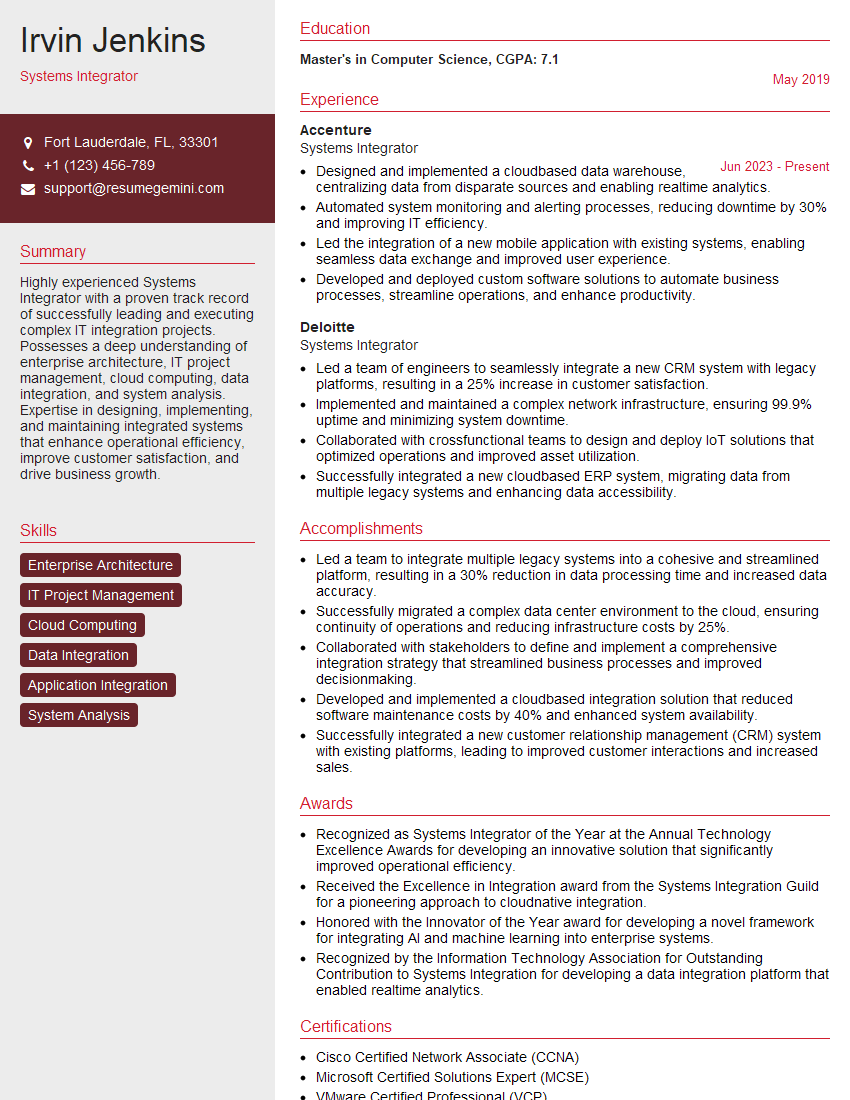
Systems Integrator Resume Sample

Automation Engineer Resume Sample

Maintenance Technician Resume Sample

Field Service Engineer Resume Sample

Commissioning Engineer Resume Sample
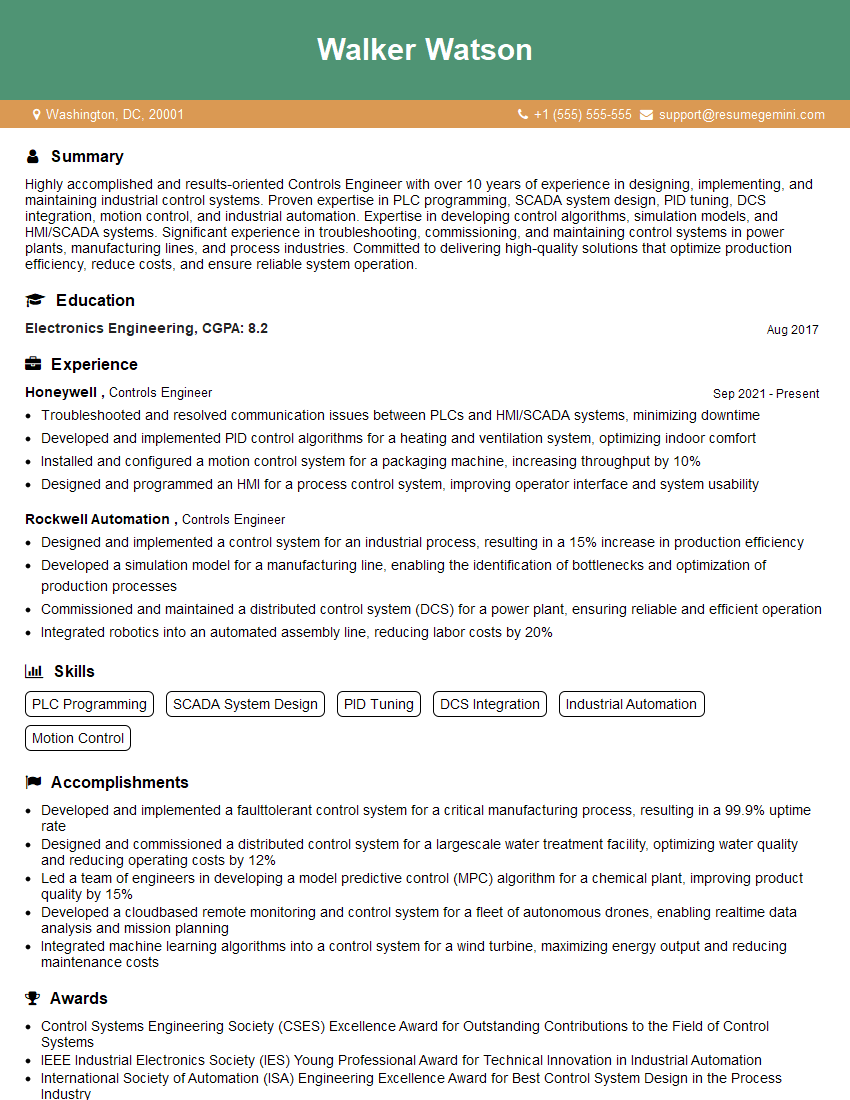
Controls Engineer Resume Sample

Electrical Engineer Resume Sample
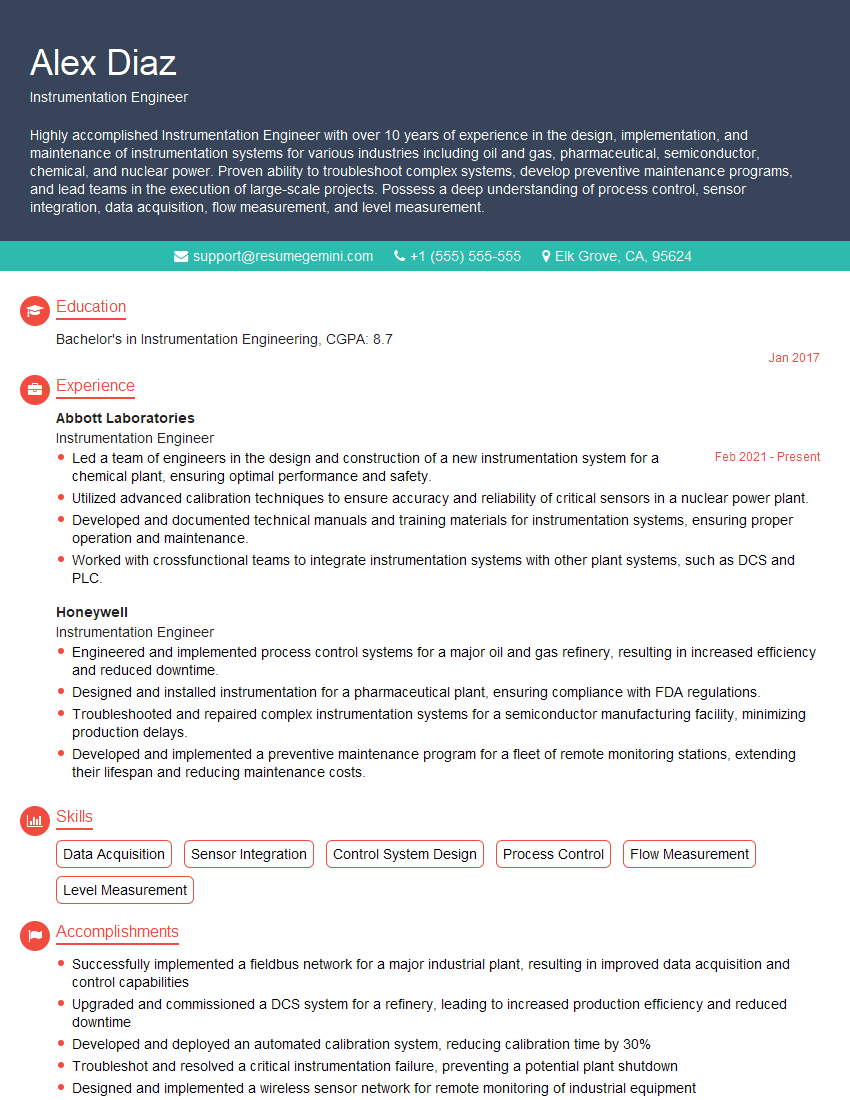
Instrumentation Engineer Resume Sample

Manufacturing Engineer Resume Sample

Automation Specialist Resume Sample

Control Systems Engineer Resume Sample
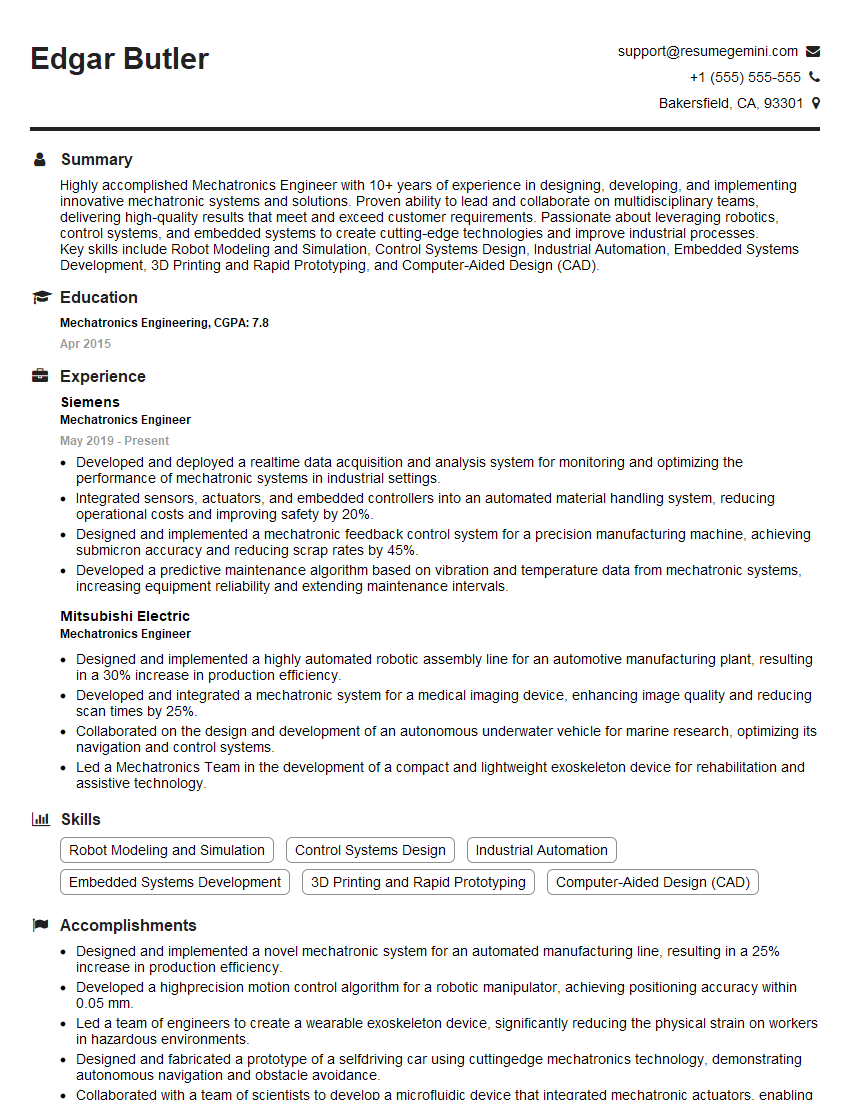
Mechatronics Engineer Resume Sample

Robotics Engineer Resume Sample
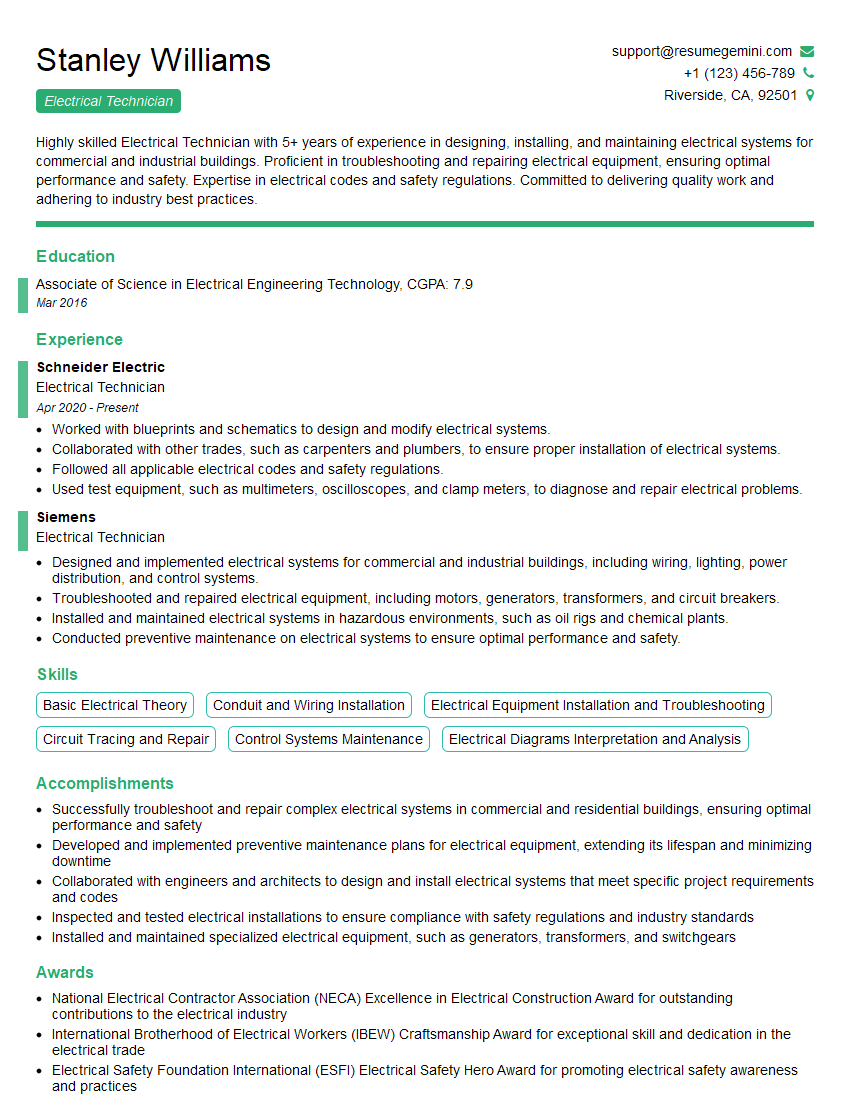
Electrical Technician Resume Sample

Robotics Technician Resume Sample
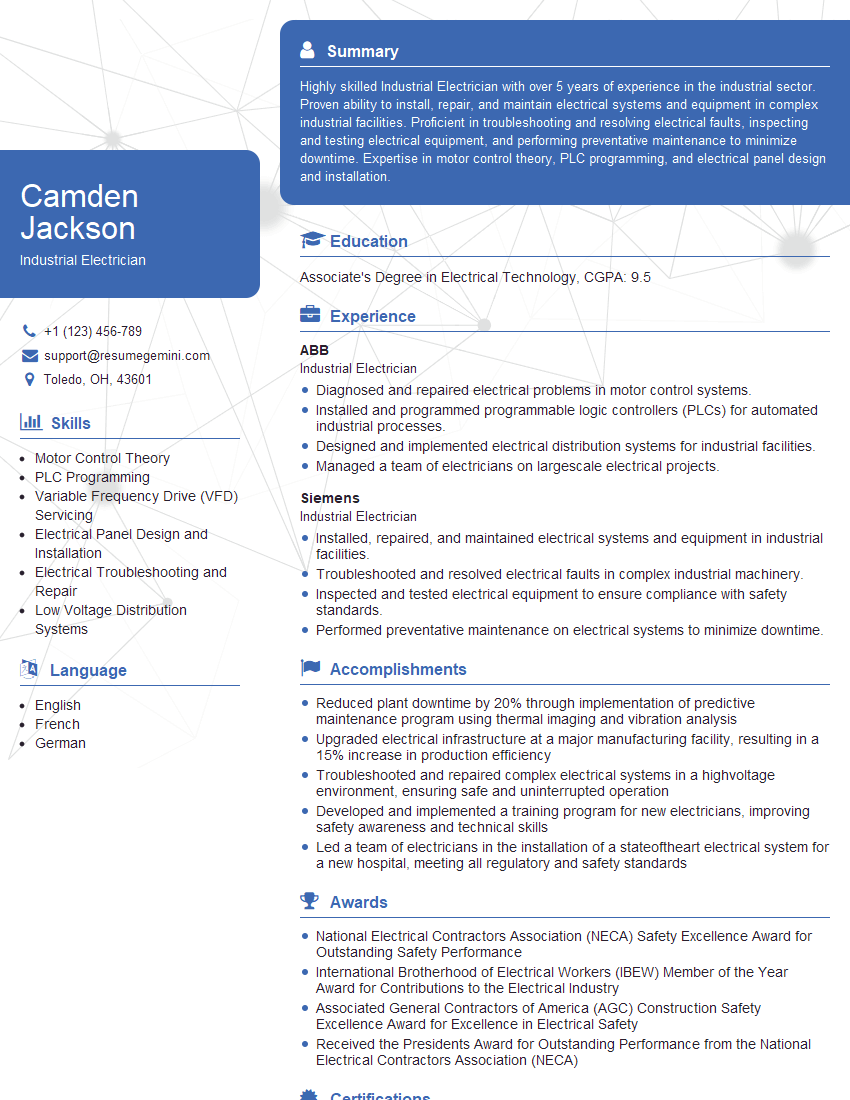
Industrial Electrician Resume Sample
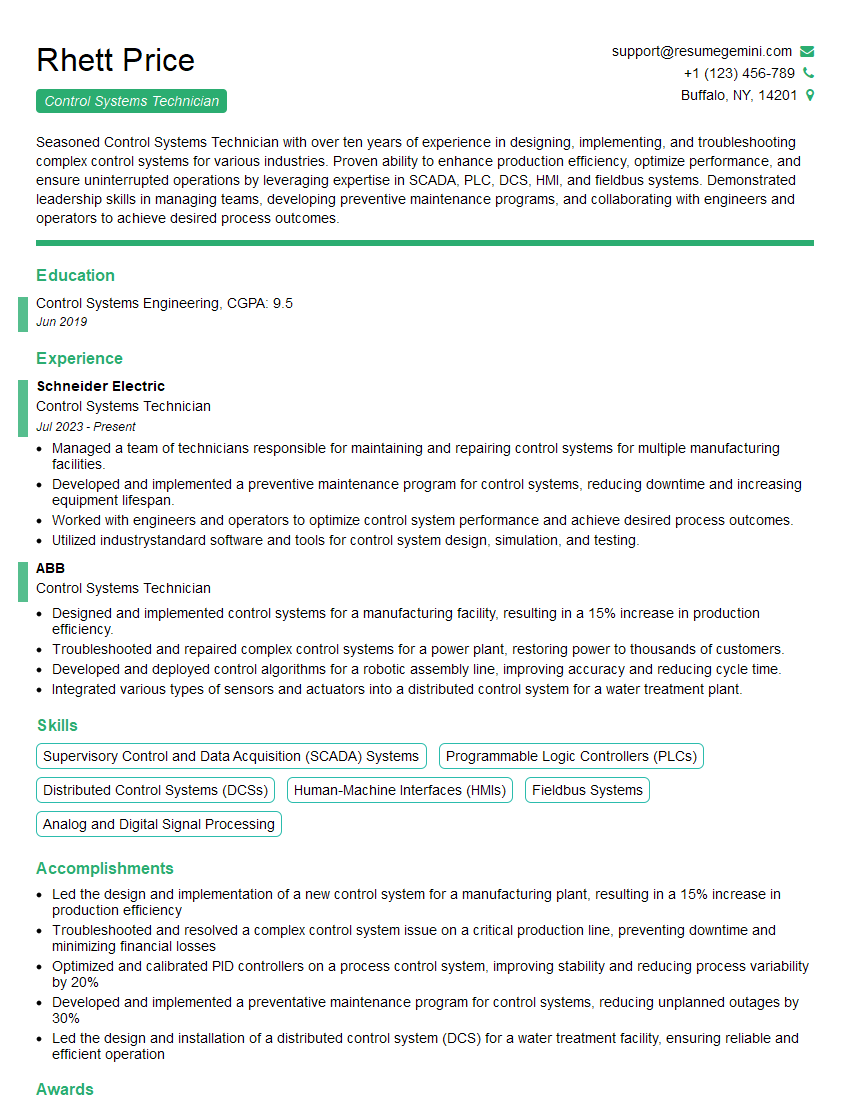
Control Systems Technician Resume Sample
- Systems Integrator
- Automation Engineer
- Maintenance Technician
- Field Service Engineer
- Commissioning Engineer
- Controls Engineer
- Electrical Engineer
- Instrumentation Engineer
- Manufacturing Engineer
- Automation Specialist
- Control Systems Engineer
- Mechatronics Engineer
- Robotics Engineer
- Electrical Technician
- Robotics Technician
- Industrial Electrician
- Control Systems Technician
Explore more articles
Users Rating of Our Blogs
Share Your Experience
We value your feedback! Please rate our content and share your thoughts (optional).
What Readers Say About Our Blog
To the interviewgemini.com Webmaster.
Very helpful and content specific questions to help prepare me for my interview!
Thank you
To the interviewgemini.com Webmaster.
This was kind of a unique content I found around the specialized skills. Very helpful questions and good detailed answers.
Very Helpful blog, thank you Interviewgemini team.