Every successful interview starts with knowing what to expect. In this blog, we’ll take you through the top Project documentation and recordkeeping interview questions, breaking them down with expert tips to help you deliver impactful answers. Step into your next interview fully prepared and ready to succeed.
Questions Asked in Project documentation and recordkeeping Interview
Q 1. Explain your experience with different document management systems.
Throughout my career, I’ve worked with a variety of document management systems (DMS), ranging from simple shared network drives to sophisticated cloud-based platforms like SharePoint, Dropbox, and dedicated project management software such as Asana and Monday.com. My experience extends to both implementing and optimizing these systems. For instance, in my previous role at Acme Corp, we transitioned from a cumbersome file-sharing system to SharePoint. This involved not only migrating existing documents but also designing a new, intuitive folder structure, establishing metadata standards, and training team members on best practices. The result was a significant improvement in document accessibility and collaboration.
I’m also familiar with enterprise content management (ECM) systems, which offer more advanced features like version control, workflow automation, and robust security protocols. Choosing the right DMS is crucial and depends heavily on the project’s size, complexity, and the team’s technical skills. A smaller team might find a simpler cloud-based solution sufficient, while a large enterprise might require a comprehensive ECM system. My expertise allows me to assess these needs and recommend the most appropriate solution.
Q 2. Describe your approach to maintaining version control for project documents.
Maintaining version control is paramount to avoid confusion and ensure everyone works with the most up-to-date documents. My approach is multi-faceted and relies on a combination of technological tools and established workflows. I always utilize the version control features offered by the chosen DMS. This might involve using SharePoint’s version history, Dropbox’s file versioning, or employing a dedicated version control system like Git (though less common for purely document-based projects). Crucially, I establish clear naming conventions for files, incorporating date and version numbers (e.g., ‘Project_Report_v3_20240308.docx’).
Beyond the technology, a well-defined workflow is essential. This includes clearly defining who is authorized to make changes, using a formal check-out/check-in system (where applicable), and encouraging regular communication about document updates. Regular backups are also critical to ensure data security and recovery in case of accidental deletions or system failures. Think of version control as a safety net, preventing accidental overwrites and ensuring project continuity.
Q 3. How do you ensure the accuracy and completeness of project records?
Ensuring accuracy and completeness involves a rigorous approach encompassing multiple checks and balances. First, a robust document checklist is created at the project’s outset, specifying all required documentation. This checklist becomes the backbone for tracking progress and identifying any missing information. Regular document reviews are scheduled, involving multiple stakeholders to validate the information’s accuracy and completeness. This process is far more effective than relying on a single individual.
Another key strategy is implementing quality control measures. This could involve peer reviews, formal sign-off procedures, and data validation using tools or techniques specific to the project (for instance, verifying financial data against source documents). Ultimately, a culture of accountability is paramount, where team members understand their responsibility for the accuracy and completeness of the documents they contribute. Using a centralized repository, like a DMS, significantly aids in this process by providing a single source of truth.
Q 4. What methods do you use to organize and categorize project documentation?
Organization is key to efficient document retrieval and management. I typically employ a hierarchical folder structure that mirrors the project’s work breakdown structure (WBS). This creates a logical and intuitive system that ensures related documents are grouped together. For example, a project with phases like ‘Initiation’, ‘Planning’, ‘Execution’, and ‘Closure’ would have corresponding folders. Within these main folders, subfolders can be created for specific deliverables or document types (e.g., ‘Meeting Minutes’, ‘Risk Assessments’, ‘Financial Reports’).
In addition to the folder structure, I use consistent naming conventions and metadata tagging to further organize documents. Metadata (data about data) such as keywords, project phase, document type, and author are crucial for effective searching and filtering. This allows for quick retrieval of specific documents, even within a large project repository. Tools like SharePoint allow for custom metadata fields to be created, tailoring the system to the specific project needs.
Q 5. How do you handle confidential project information?
Handling confidential information requires adherence to strict security protocols. First and foremost, access to sensitive documents is restricted to authorized personnel only, leveraging the access control features of the DMS. This might involve role-based access control (RBAC), where users are assigned specific permissions based on their roles in the project. Encryption of sensitive data both in transit and at rest is critical, especially when using cloud-based DMS. Data loss prevention (DLP) tools might also be employed to monitor and prevent the unauthorized transfer of sensitive information.
Beyond technological safeguards, a strong security culture within the team is vital. This includes regular security training, clear communication of security policies, and protocols for reporting security breaches. Furthermore, all sensitive documents should have a clearly defined retention policy and disposal procedure, ensuring compliance with relevant regulations and minimizing security risks.
Q 6. Explain your experience with document retention policies and procedures.
Document retention policies are essential for compliance and efficient record management. My experience encompasses working with various organizations and their unique policies, ensuring adherence to legal, regulatory, and organizational requirements. This involves understanding the retention periods for different document types, the appropriate storage methods (physical or digital), and the procedures for secure disposal. I’m adept at creating and implementing retention schedules that are tailored to the specific needs of the project and the organization.
Understanding the legal ramifications of improper document retention is crucial. For instance, financial records often have lengthy retention periods dictated by tax laws. Similarly, healthcare organizations must adhere to HIPAA regulations regarding patient data. My experience includes developing procedures for periodic audits to ensure compliance with retention policies, and I’m familiar with techniques for managing and disposing of documents to meet both regulatory and security requirements.
Q 7. Describe a time you had to troubleshoot a problem with a document management system.
During a large-scale project at Beta Solutions, we experienced an issue where certain users couldn’t access documents stored on our shared network drive. Initial troubleshooting focused on simple issues like network connectivity and user permissions. However, the problem persisted. After systematically investigating, we discovered that the issue stemmed from a conflict between the network drive’s file system and a recent Windows update. The update had inadvertently corrupted the indexing service, hindering the users’ ability to access the files.
My approach involved a step-by-step process: First, I replicated the problem to identify the exact conditions causing the failure. Next, I consulted Microsoft’s support documentation and online forums to find potential solutions. Eventually, we found a solution that involved rebuilding the index service and applying a specific registry fix. This resolved the access issue, and we implemented preventative measures, including regular system backups and proactive monitoring, to prevent similar incidents in the future. This experience underscored the importance of robust testing, thorough documentation, and having a clear escalation path for resolving technical issues in document management.
Q 8. How do you prioritize tasks when managing multiple projects’ documentation?
Prioritizing documentation tasks across multiple projects requires a strategic approach. I use a combination of techniques, starting with a clear understanding of project deadlines and criticality. For example, documents related to deliverables with imminent deadlines or those impacting regulatory compliance always take precedence.
I employ a system that utilizes a weighted scoring system. Each task is assigned a score based on urgency (deadline proximity), importance (impact on project success), and complexity. This allows me to visualize the workload and allocate my time efficiently. Tools like project management software (like Asana or Jira) with task prioritization features significantly aid in this process. Furthermore, I regularly review and adjust priorities based on emerging needs and changing project circumstances. Think of it like a triage system in a hospital – the most critical cases get immediate attention.
- Urgency: Documents needed for an upcoming client presentation would have a higher urgency score.
- Importance: Legal documentation or risk assessment reports have a high importance score, regardless of deadline.
- Complexity: A complex technical report requiring extensive research and editing would score higher in complexity.
Finally, effective communication with project managers is key. This ensures I’m aware of any shifts in priorities or unforeseen circumstances impacting documentation needs.
Q 9. How familiar are you with ISO standards related to document control?
I’m very familiar with ISO standards related to document control, specifically ISO 9001 (Quality Management Systems) and ISO 15489 (Records Management). ISO 9001 emphasizes the importance of controlled documents to ensure consistent processes and product quality, while ISO 15489 provides a comprehensive framework for managing records throughout their lifecycle, from creation to disposal. My understanding extends to the practical application of these standards in real-world project management. I know how to create and maintain a documented quality management system, including procedures for document creation, review, approval, distribution, change control, and archival.
For example, my experience includes implementing a document control system that adheres to ISO 9001, ensuring version control using a numbering system (e.g., Document Name – Revision Number) and maintaining a central repository for all approved documents. This system incorporates procedures for review and approval by relevant stakeholders before releasing a document. I’m also proficient in establishing procedures for handling obsolete documents, including secure disposal or archiving according to regulatory requirements.
Q 10. What software or tools do you use for project documentation and record-keeping?
My toolset for project documentation and record-keeping is quite diverse, adapting to the specific needs of each project. I’m proficient in using various software solutions, including:
- Microsoft Office Suite (Word, Excel, PowerPoint): For creating and editing standard project documents, presentations, and spreadsheets.
- Project Management Software (Asana, Jira, MS Project): To manage tasks, track progress, and centralize project information.
- Document Management Systems (SharePoint, Dropbox, Google Drive): For secure storage, version control, and collaborative access to documents.
- Specialized software (e.g., AutoCAD, Revit): For managing project-specific documentation, such as architectural drawings or engineering plans.
Beyond software, I utilize robust filing systems, both physical and digital, employing clear naming conventions and metadata tagging to facilitate efficient retrieval. The choice of tools always prioritizes security, accessibility, and collaboration while considering project-specific requirements and budgetary constraints.
Q 11. Describe your experience with creating and maintaining project archives.
Creating and maintaining project archives is a crucial aspect of responsible project management. My experience includes establishing comprehensive archiving procedures that comply with relevant regulations and organizational policies. This involves defining retention periods for different document types based on legal requirements, business needs, and historical value. I ensure that archived materials are stored securely, both physically (in secure storage facilities) and digitally (using encrypted cloud storage or dedicated servers with access controls).
I utilize metadata tagging, indexing, and robust search functionalities to enable efficient retrieval of archived documents. For example, each document is tagged with keywords, project name, date, author, and relevant categories, allowing for easy searchability. Furthermore, I regularly audit the archive to ensure data integrity, address any potential data degradation issues, and manage storage space effectively. Proper archiving is essential for legal compliance, facilitating future audits, and preserving valuable organizational knowledge.
Q 12. How do you ensure that all project documentation is readily accessible to authorized personnel?
Ensuring ready access to authorized personnel is paramount. This is achieved through a multi-layered approach, starting with a robust access control system. This includes using document management systems with role-based permissions, limiting access to only authorized individuals based on their roles and responsibilities within the project. For physical documents, secure storage locations with restricted access are employed.
Clear document naming conventions and a well-organized system with effective search capabilities also facilitate efficient retrieval. I also regularly conduct training sessions to educate project team members on the document management system and access procedures. Regular audits ensure that access controls are working effectively and that unauthorized access attempts are detected and addressed promptly. This approach combines technology and procedures to provide a secure yet easily accessible environment for project documentation.
Q 13. How do you handle document requests and inquiries?
Handling document requests and inquiries is a key part of my role. I’ve implemented a streamlined process for this, typically starting with a centralized request system, either through email, a dedicated online portal, or a project management tool. Each request is logged, tracked, and prioritized based on urgency and importance.
Once received, I verify the requester’s authorization to access the requested document. If approved, I promptly provide the document; if not, I explain the reasons for denial and outline the appropriate channels for obtaining authorization if needed. I also maintain a log of all requests and responses, which helps in tracking trends and improving the efficiency of the document request process. Clear communication is key throughout this process; ensuring the requester understands the status of their request and receives timely updates helps avoid confusion.
Q 14. Explain your process for auditing project documentation for compliance.
Auditing project documentation for compliance is a crucial step in ensuring project integrity and meeting regulatory requirements. My audit process is systematic and thorough, encompassing several key areas:
- Completeness: Verifying that all required documents are present and accounted for.
- Accuracy: Checking for errors, inconsistencies, and outdated information.
- Version Control: Ensuring that the most up-to-date versions of documents are being used.
- Accessibility: Confirming that authorized personnel have access to required documents.
- Compliance: Verifying adherence to relevant standards, regulations, and organizational policies.
I utilize checklists and spreadsheets to track progress and document findings. Audits may involve both sample testing (selecting a subset of documents for review) and comprehensive reviews (examining all project documentation). My approach focuses on identifying potential gaps, suggesting improvements, and promoting continuous improvement in documentation management practices. The audit results are documented, shared with relevant stakeholders, and utilized to implement corrective actions as needed.
Q 15. How do you train others on proper document handling procedures?
Training others on proper document handling procedures involves a multi-faceted approach, combining theoretical knowledge with hands-on practice. I begin by outlining the company’s document management policy, emphasizing the importance of version control, naming conventions, and storage locations. This is followed by a practical demonstration of using our chosen document management system (DMS), whether it’s a cloud-based platform like SharePoint or a local system.
I then create interactive training modules, incorporating real-life examples of document mismanagement and their consequences. For instance, I might show how failing to update a document can lead to project delays or inconsistencies. These modules often include quizzes and practical exercises to reinforce learning. Finally, I provide ongoing support and mentoring, readily available to answer questions and provide guidance as they apply the learned procedures. Regular refresher sessions ensure consistency and address any evolving needs or updates to the system.
Career Expert Tips:
- Ace those interviews! Prepare effectively by reviewing the Top 50 Most Common Interview Questions on ResumeGemini.
- Navigate your job search with confidence! Explore a wide range of Career Tips on ResumeGemini. Learn about common challenges and recommendations to overcome them.
- Craft the perfect resume! Master the Art of Resume Writing with ResumeGemini’s guide. Showcase your unique qualifications and achievements effectively.
- Don’t miss out on holiday savings! Build your dream resume with ResumeGemini’s ATS optimized templates.
Q 16. How do you manage changes to project documents?
Managing changes to project documents requires a robust system ensuring clarity, traceability, and control. We utilize a version control system, typically integrated within our DMS, to track all modifications. Each change is logged, indicating the author, date, and a concise description of the alteration. This allows us to revert to previous versions if necessary, providing a complete audit trail.
A formal change request process is implemented, requiring approvals from relevant stakeholders before any change is accepted. This process includes a detailed description of the proposed change, its rationale, and potential impact assessment. Once approved, the document is updated, and the new version is clearly marked. We also maintain a document history log, recording all revisions and their associated metadata. This structured approach helps maintain document integrity and minimizes the risk of errors or conflicts.
Q 17. Describe your experience with metadata and its importance in document management.
Metadata is crucial for effective document management; it’s the ‘data about data’ that makes finding and using documents efficient. My experience encompasses using metadata to categorize, search, and retrieve documents quickly. For example, I’ve implemented metadata schemas including project name, document type, author, creation date, keywords, and revision number. This allows for powerful search capabilities, retrieving specific documents based on multiple criteria.
Think of a library – instead of searching through countless shelves, you use the Dewey Decimal System (a form of metadata) to pinpoint a specific book. Similarly, well-defined metadata allows us to locate the correct version of a project document, eliminating confusion and saving valuable time. Proper metadata implementation significantly improves the searchability, organization, and overall efficiency of our document repository.
Q 18. How do you ensure the integrity of project documents throughout their lifecycle?
Ensuring the integrity of project documents throughout their lifecycle necessitates a proactive and multifaceted strategy. This involves using version control, as previously discussed, to track changes and revert to previous versions if necessary. We implement access controls to restrict document modification to authorized personnel only, preventing accidental or malicious alterations. Regular backups are scheduled and stored securely, safeguarding against data loss due to hardware failure or other unforeseen circumstances.
Furthermore, we use checksums or digital signatures to verify the authenticity and integrity of documents. These techniques ensure that the document hasn’t been tampered with since its creation or last authorized modification. This combination of version control, access controls, regular backups, and integrity checks safeguards document integrity, fostering trust and reliability in project information.
Q 19. What strategies do you employ to improve project documentation efficiency?
Improving project documentation efficiency requires a combination of technological solutions and process optimization. We utilize templates for standard documents, reducing the time spent on formatting and ensuring consistency. Automation tools are employed wherever possible, such as automated document numbering and generation of reports. We also promote the use of collaborative platforms, allowing multiple team members to work simultaneously on documents, enhancing efficiency and reducing bottlenecks.
Regular reviews of our document management processes are crucial. We identify areas for improvement by collecting feedback from team members, analyzing document usage patterns, and tracking key performance indicators (KPIs) such as document retrieval time and the number of version conflicts. By continuously refining our processes and adopting new technologies, we strive for optimal efficiency in project documentation.
Q 20. How do you identify and resolve inconsistencies or errors in project documentation?
Identifying and resolving inconsistencies or errors in project documentation requires a methodical approach. Regular quality control checks are conducted, involving multiple team members reviewing documents for accuracy, completeness, and consistency. This may involve comparing documents against source data or cross-referencing information from different sources. We also utilize automated tools that can detect inconsistencies, such as duplicate entries or conflicting information, flagging these for manual review.
When inconsistencies are identified, a clear process is followed for resolution. This involves determining the root cause of the error, updating affected documents, and notifying relevant stakeholders of the changes. A detailed record of the correction process is maintained, ensuring transparency and accountability. Regular training on proper documentation procedures and the importance of accuracy helps prevent future errors.
Q 21. Describe your experience with creating and maintaining a document control register.
A document control register is a critical component of effective document management. My experience includes creating and maintaining registers using both spreadsheet software and dedicated DMS features. The register typically includes fields such as document ID, title, version number, author, creation date, approval status, and location. This provides a centralized overview of all project documents, allowing for easy tracking and retrieval.
For example, in a recent project, I used a spreadsheet-based register linked to our DMS. Each time a document was updated, the register was automatically updated, ensuring its accuracy. This register was crucial in ensuring that all team members were working with the latest version of each document, minimizing confusion and errors. Regularly auditing the register ensures its accuracy and consistency, maintaining a robust and reliable record of all project documentation.
Q 22. How do you handle conflicting versions of project documents?
Conflicting document versions are a common challenge in project management. My approach centers around version control and a clear naming convention. Think of it like a meticulously organized library – each book (document) has a unique identifier and revision number. I utilize a version control system, such as Git or a dedicated document management system (DMS), to track changes. This allows us to easily identify the latest approved version and understand the history of modifications. For example, a document might be named ‘Project_Proposal_v3.docx,’ clearly indicating the third revision. If conflicts arise, we use the DMS’s comparison tools to identify differences and then collaborate to resolve them. This collaborative process involves clearly documenting the changes, specifying the rationale behind the decision, and obtaining approvals from relevant stakeholders before merging or updating the master version. We always archive previous versions, ensuring auditability and the ability to revert if necessary.
Q 23. How do you ensure project documents are properly indexed and searchable?
Proper indexing and searchability are vital for efficient document retrieval. My approach involves a multi-pronged strategy. First, I implement a robust metadata system. Every document gets tagged with relevant keywords, project phases, authors, and dates. Think of it as creating a detailed catalog for your project’s library. This metadata is then integrated into the document management system, making searching precise and efficient. We use a consistent naming convention (e.g., YYYYMMDD_ProjectName_DocumentType_Version.docx) to enhance search functionality. Secondly, I leverage the full-text search capabilities of the DMS. This allows for searching within the document content itself, going beyond just metadata. Finally, we regularly review and refine our keyword lists to ensure that they remain relevant and effective. This ongoing process ensures that our project documentation remains easily accessible and searchable throughout the project lifecycle.
Q 24. What is your experience with implementing a document management system?
I have extensive experience implementing and managing document management systems (DMS). In a previous role, we migrated from a paper-based system to a cloud-based DMS. The process involved several key steps: needs assessment, vendor selection, system configuration, user training, and data migration. The needs assessment helped identify our specific requirements, considering factors like storage capacity, security features, collaboration tools, and integration with other project management software. After selecting a suitable vendor, we customized the DMS to fit our project workflows. User training was crucial to ensure smooth adoption. Data migration involved careful planning and execution to avoid data loss. Post-implementation, we continuously monitored system performance and provided ongoing support to users. The result was a significant improvement in document organization, accessibility, and version control. This ultimately streamlined our project workflows and reduced administrative overhead.
Q 25. How do you communicate effectively about document control issues?
Effective communication about document control issues is paramount. I use a multi-channel approach, tailoring my communication to the audience and the severity of the issue. For minor issues, an email or quick team meeting might suffice. However, for critical issues such as missing documents or conflicting versions, I utilize more formal communication methods such as project status reports, documented meeting minutes, or formal escalation procedures. The key is clear, concise messaging. I always clearly identify the issue, its potential impact, and proposed solutions. I strive for transparency and encourage open communication, providing regular updates to stakeholders. For instance, if a document is missing, I’ll not only report the missing document but also state the impact on the project schedule and outline the steps taken to retrieve it.
Q 26. Describe your experience with electronic document signing and security.
My experience with electronic document signing and security is significant. I’m proficient in using various electronic signature platforms that comply with legal and regulatory requirements, such as DocuSign and Adobe Sign. These platforms offer a secure and auditable trail of document signing, reducing the risk of fraud and ensuring compliance. I understand the importance of encryption and access control to protect sensitive information within documents. We use role-based access control (RBAC) to ensure only authorized personnel can access specific documents. Regular security audits and updates to our DMS and electronic signature platform ensure ongoing protection against vulnerabilities. Moreover, I’m familiar with different digital signature standards and their legal validity in various jurisdictions, ensuring our document signing processes are legally sound.
Q 27. How do you stay current with best practices in project documentation and recordkeeping?
Staying current with best practices is an ongoing process. I regularly attend industry conferences and webinars, and actively participate in professional organizations like the Project Management Institute (PMI). I subscribe to relevant journals and online resources that share updates on new technologies and methodologies in document management. I also participate in online communities and forums to exchange knowledge and learn from the experiences of others. Moreover, I continuously review and update our organizational document control procedures to reflect the latest best practices. A key strategy is to benchmark our processes against industry standards and adapt them as needed. This proactive approach ensures that our project documentation practices remain efficient, secure, and compliant.
Q 28. Explain your understanding of the legal and regulatory implications of document management.
Understanding the legal and regulatory implications of document management is crucial. This includes awareness of data privacy regulations like GDPR and CCPA, which dictate how personal data is handled and stored. Compliance with these regulations requires implementing appropriate security measures, ensuring data integrity, and providing individuals with control over their data. Furthermore, I’m familiar with regulations related to document retention policies, which vary depending on the industry and geographic location. Proper document retention is crucial for legal compliance and risk mitigation. Failure to comply with these regulations can result in hefty fines and legal repercussions. In my work, I ensure all documentation processes align with relevant legal and regulatory frameworks, minimizing organizational risk and promoting ethical data handling practices.
Key Topics to Learn for Project Documentation and Recordkeeping Interview
- Project Initiation Documentation: Understanding and creating comprehensive project charters, scope statements, and stakeholder registers. Practical application: Demonstrate your ability to define clear project objectives and identify key stakeholders from a hypothetical project scenario.
- Meeting Minutes and Action Items: Effective record-keeping of project meetings, including accurate documentation of decisions, action items, and assigned responsibilities. Practical application: Explain a process for tracking and following up on action items to ensure project progress.
- Risk Management Documentation: Identifying, analyzing, and documenting project risks and mitigation strategies. Practical application: Describe how you would document and track potential risks throughout a project lifecycle, and how you’d communicate them to stakeholders.
- Change Management Processes and Documentation: Understanding and documenting the process for managing project changes, including requests, approvals, and impact assessments. Practical application: Illustrate a scenario where a significant change request arises and describe how you would handle the documentation and approval process.
- Version Control and Document Management Systems: Utilizing tools and systems for efficient document storage, version control, and access management. Practical application: Discuss your experience with various document management systems (e.g., SharePoint, Google Drive) and their benefits in a project setting.
- Reporting and Communication: Creating clear, concise, and informative project reports for various stakeholders, tailored to their needs and understanding. Practical application: Describe the types of reports you would create for different stakeholder groups (e.g., executive summaries, detailed progress reports).
- Archiving and Retention Policies: Understanding and adhering to organizational policies regarding document retention and archiving. Practical application: Explain the importance of proper document archiving and its role in regulatory compliance and auditing.
Next Steps
Mastering project documentation and recordkeeping is crucial for career advancement. It demonstrates your organizational skills, attention to detail, and ability to contribute to project success. To maximize your job prospects, focus on creating an ATS-friendly resume that highlights your skills and experience in this area. ResumeGemini is a trusted resource to help you build a professional and impactful resume. We provide examples of resumes tailored specifically to Project Documentation and Recordkeeping roles to guide you in showcasing your expertise effectively.
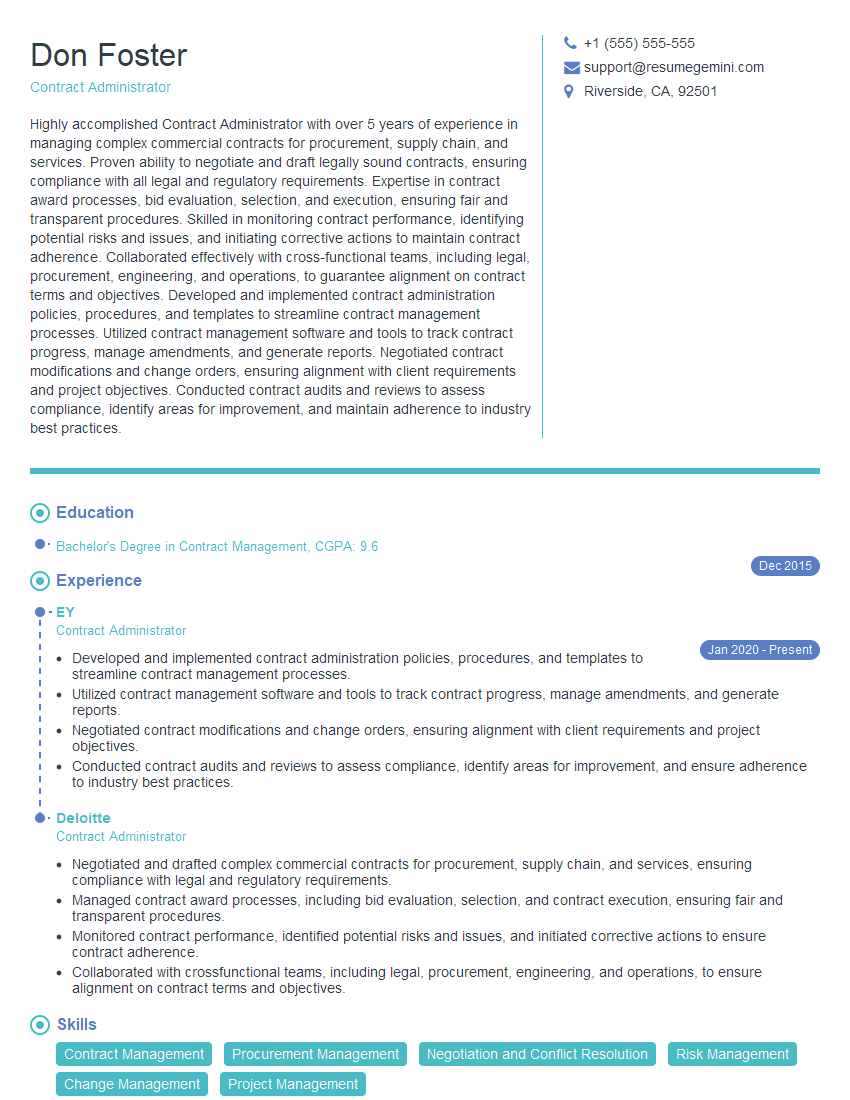
Contract Administrator Resume Sample
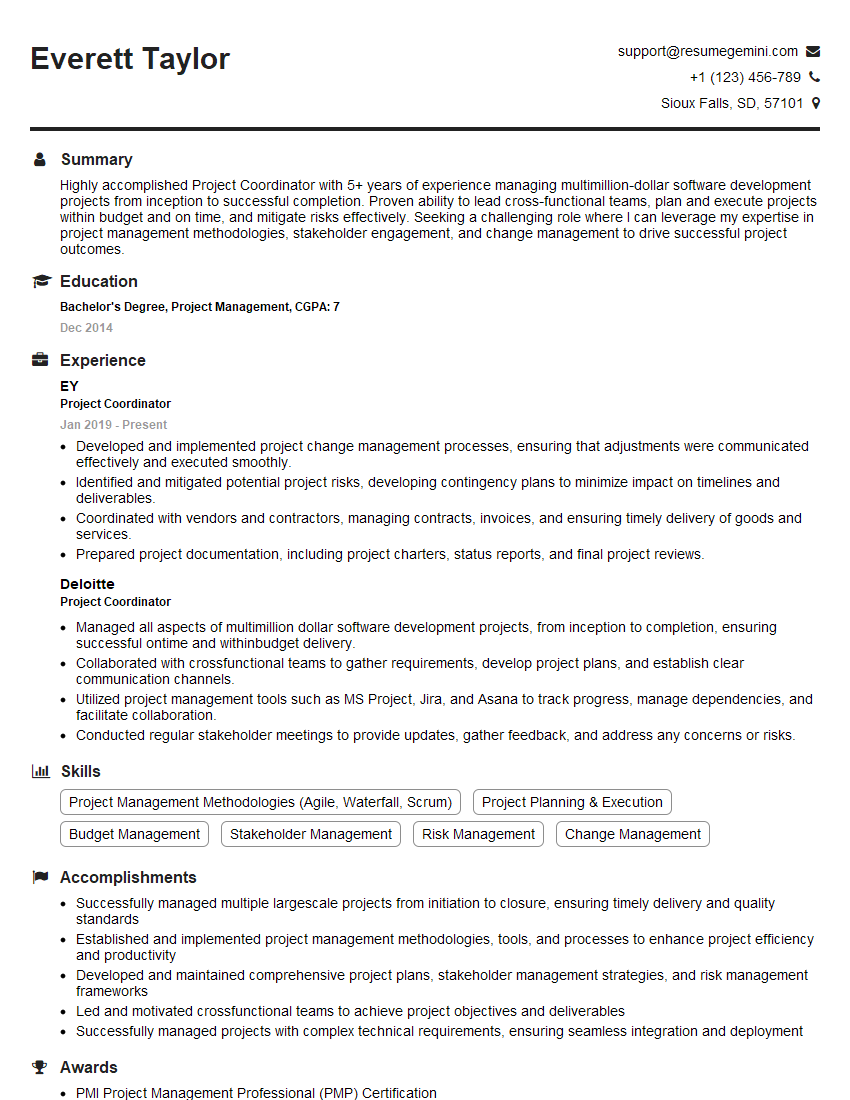
Project Coordinator Resume Sample
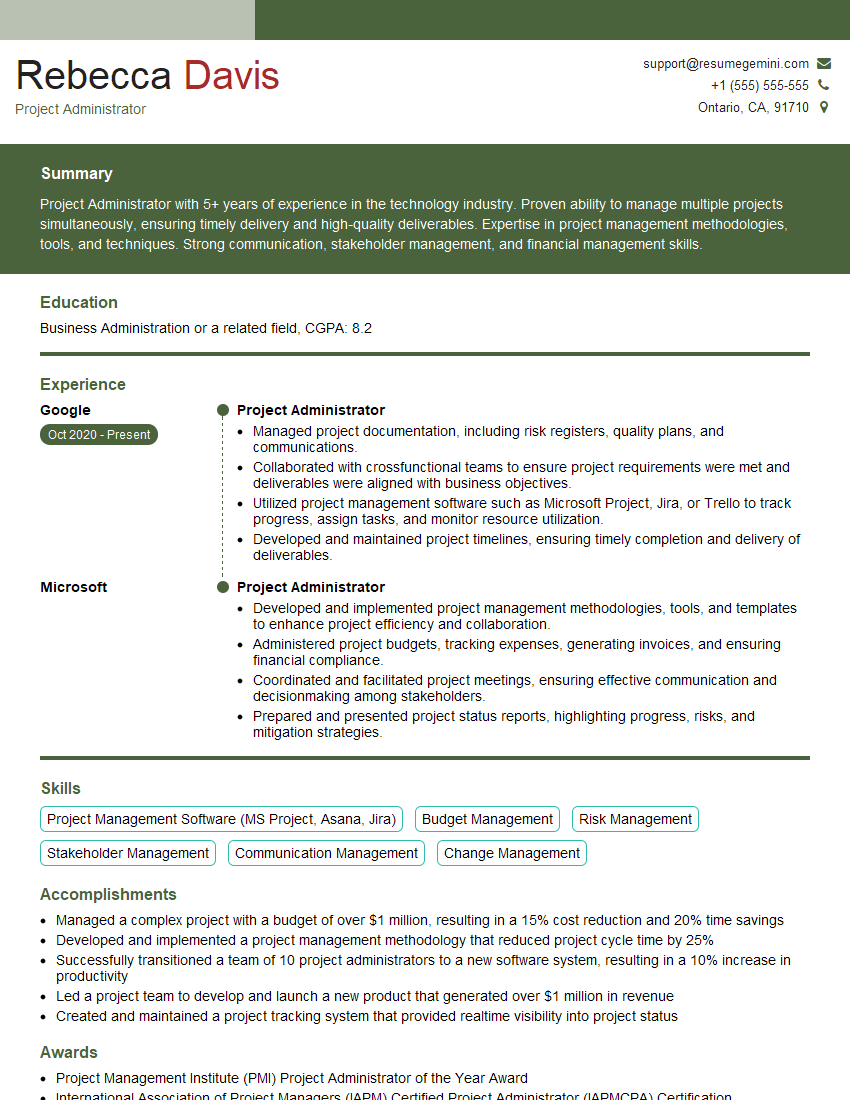
Project Administrator Resume Sample

Compliance Officer Resume Sample
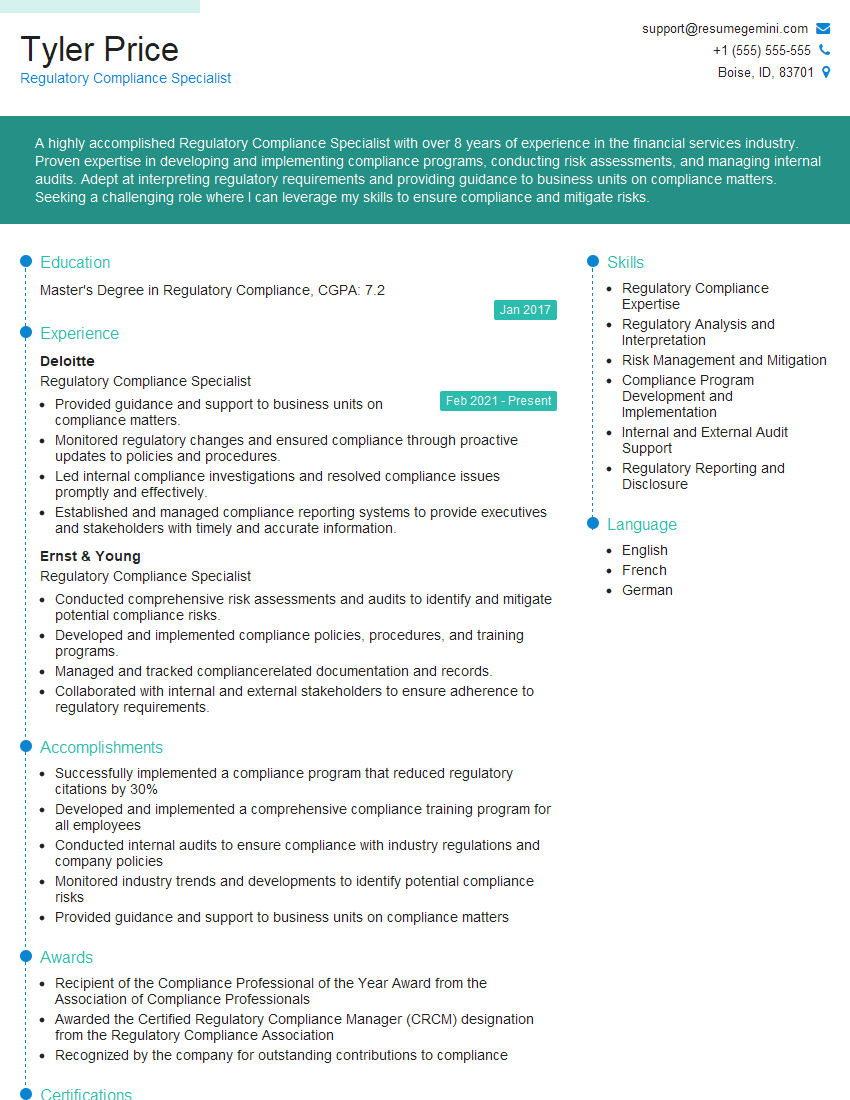
Regulatory Compliance Specialist Resume Sample
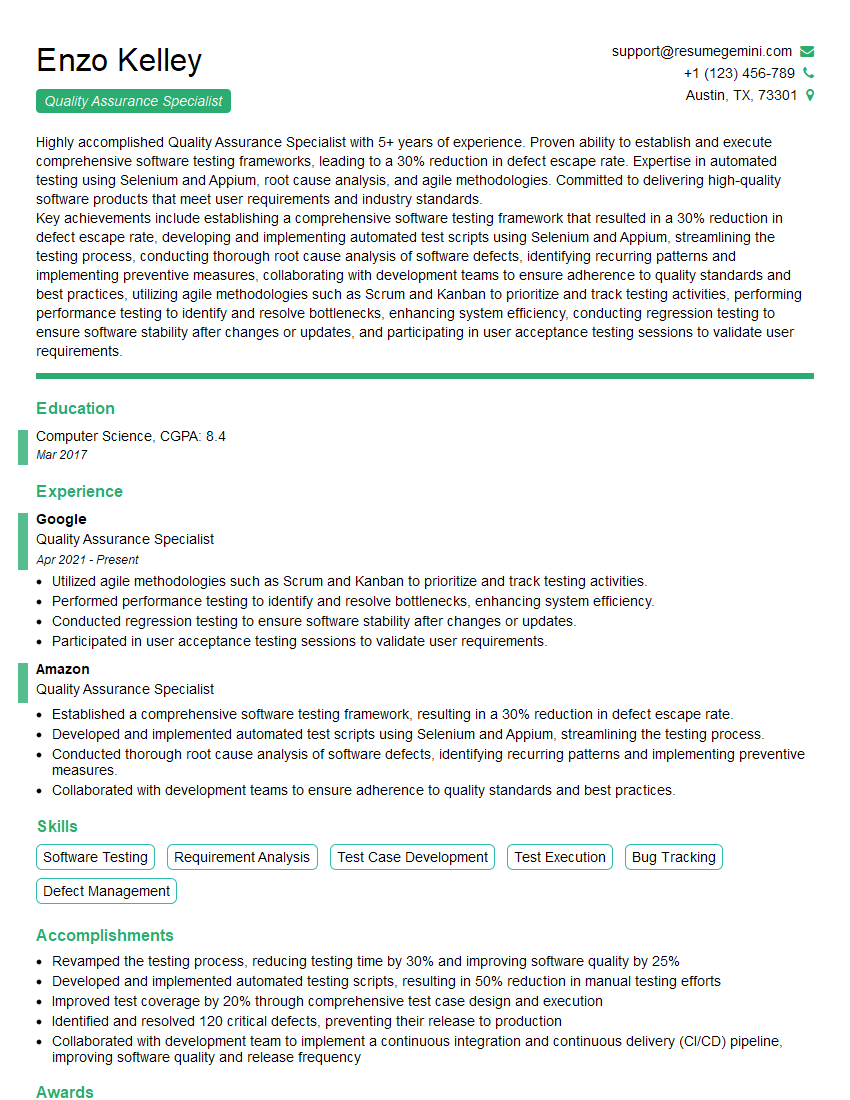
Quality Assurance Specialist Resume Sample

Business Analyst Resume Sample
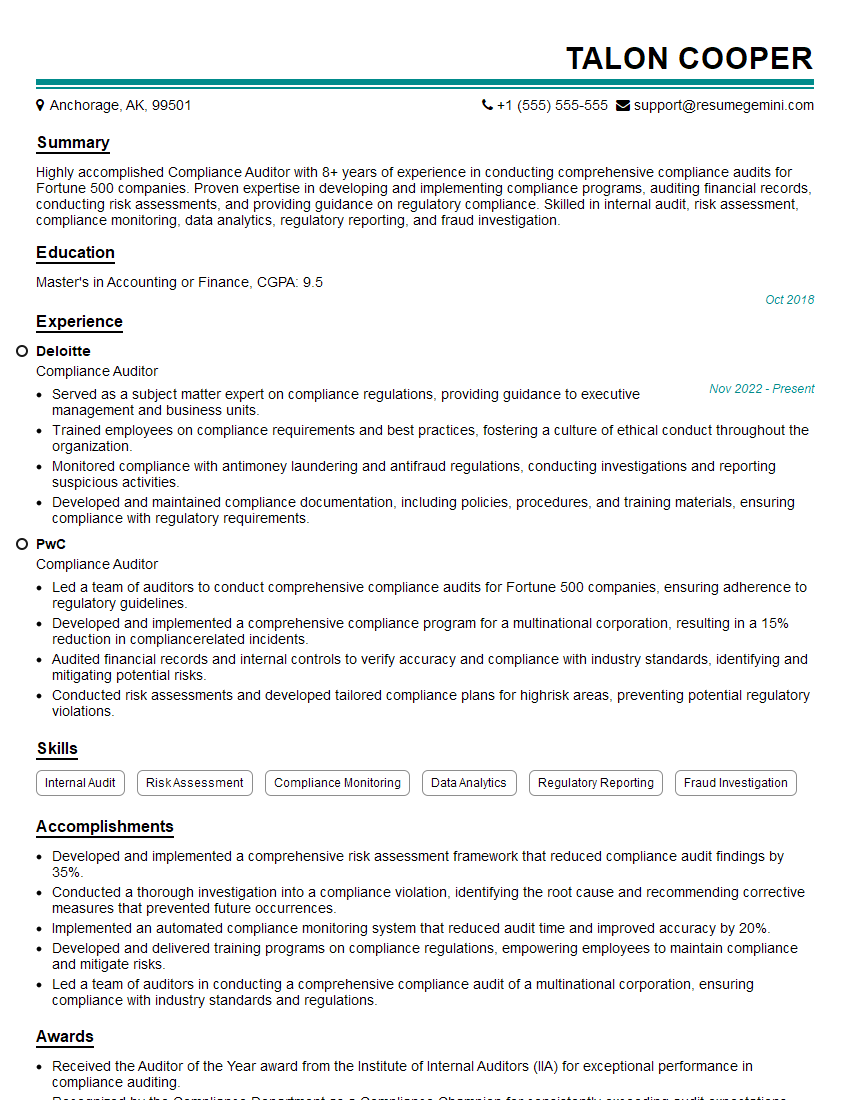
Compliance Auditor Resume Sample
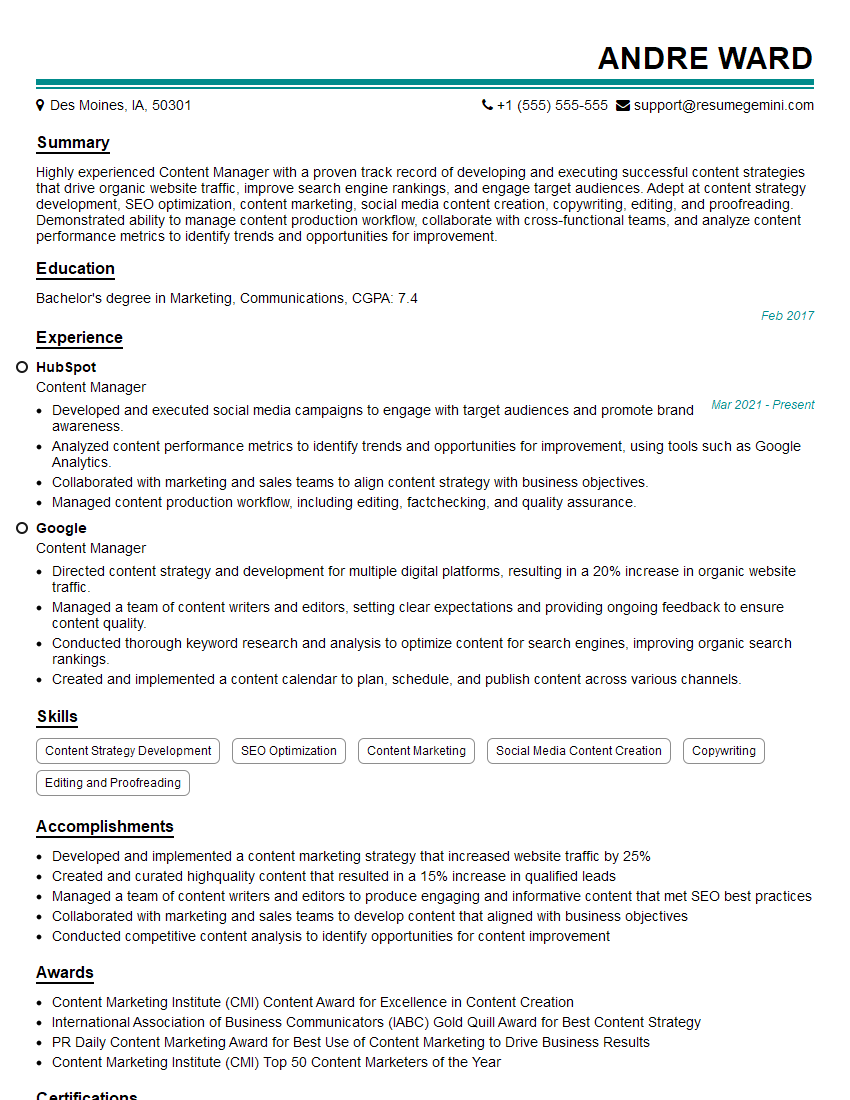
Content Manager Resume Sample
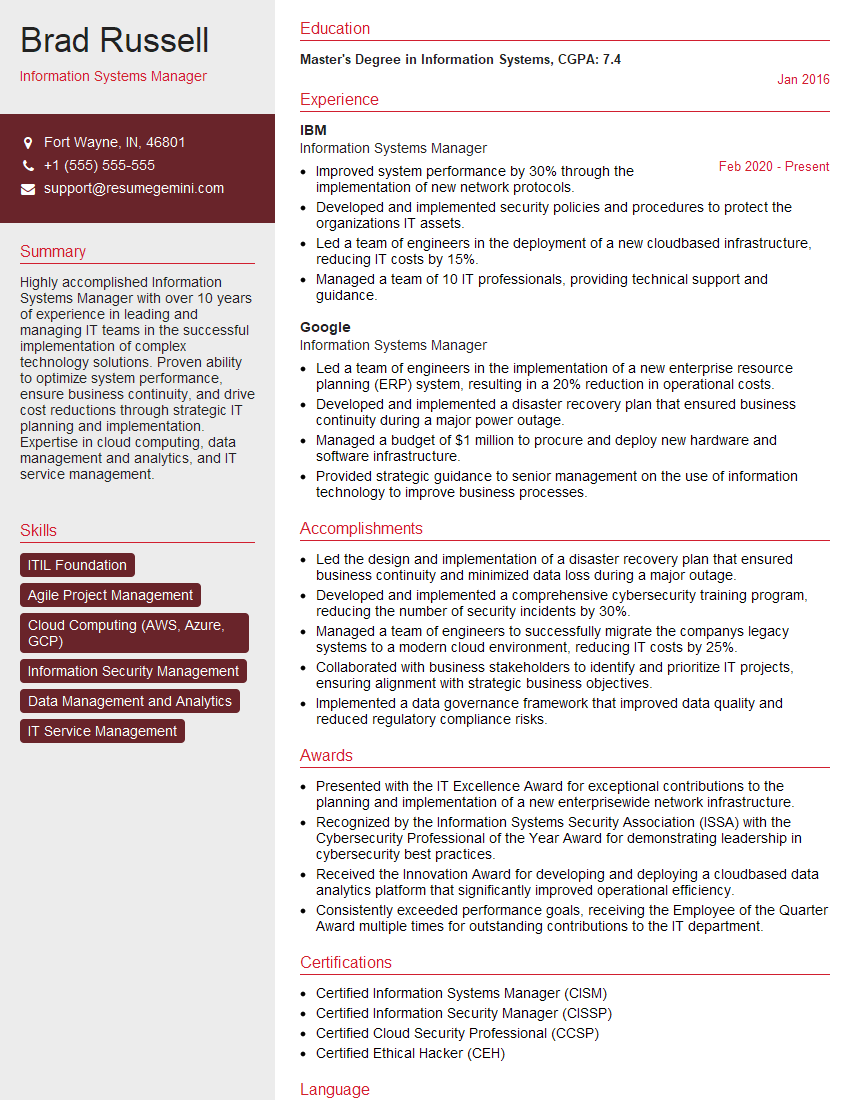
Information Systems Manager Resume Sample
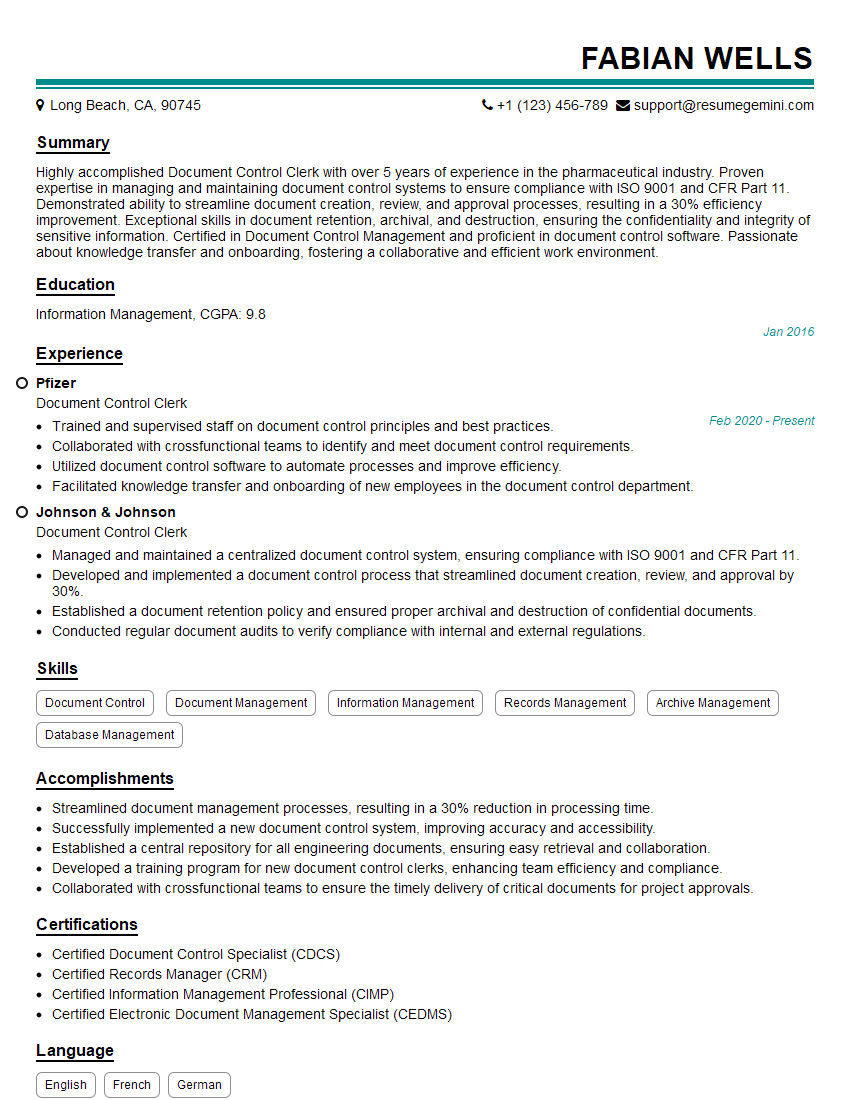
Document Control Clerk Resume Sample
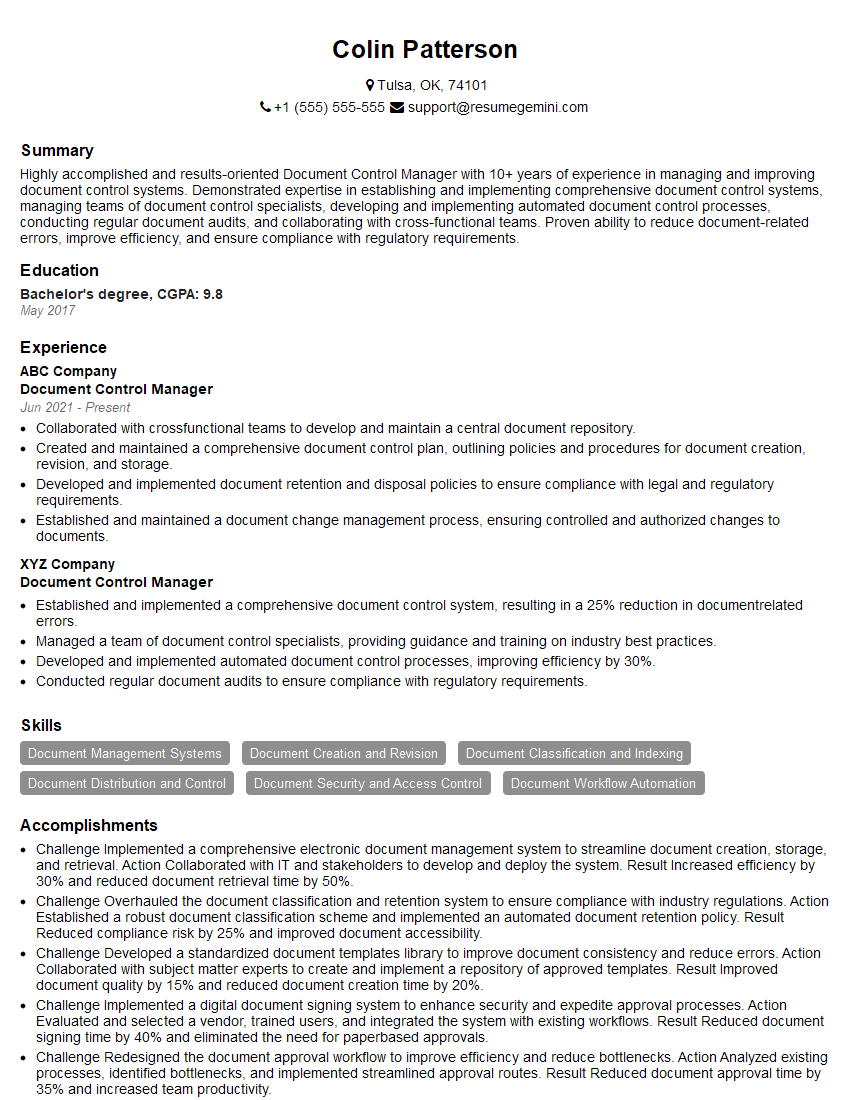
Document Control Manager Resume Sample
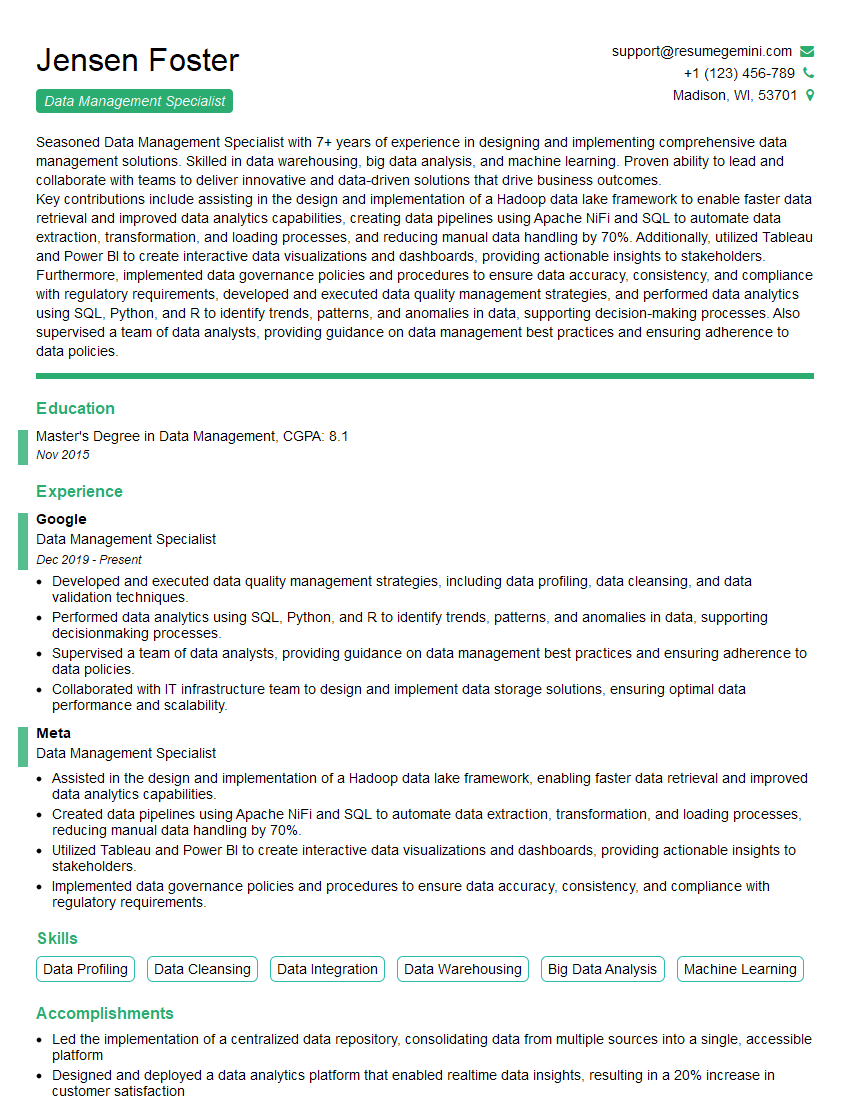
Data Management Specialist Resume Sample
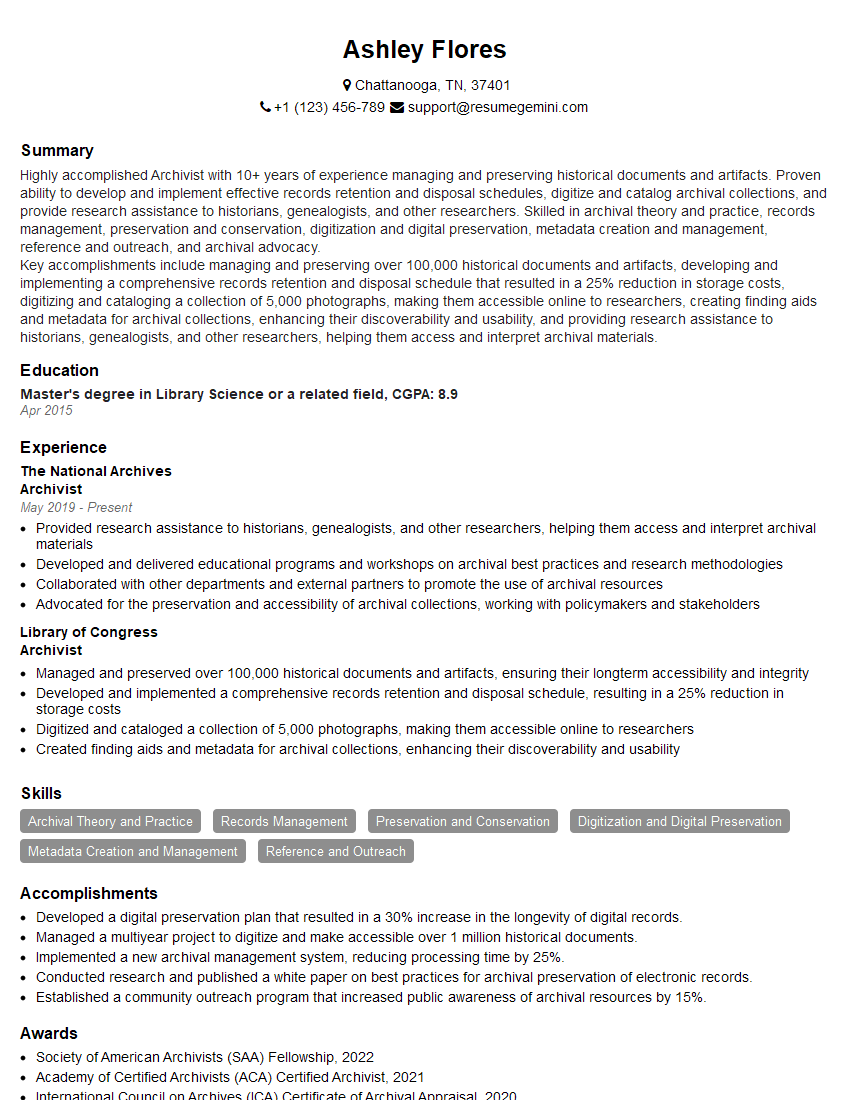
Archivist Resume Sample

Technical Editor Resume Sample

Technical Writer Resume Sample

Records Analyst Resume Sample
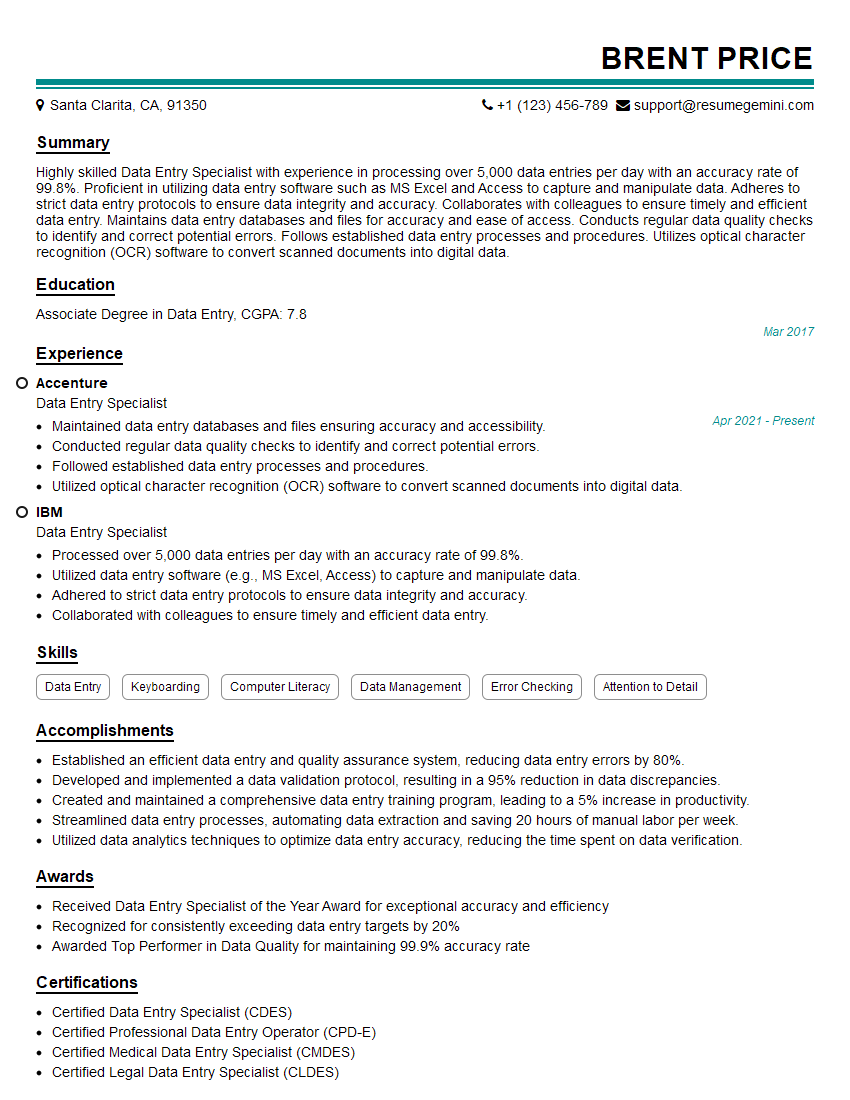
Data Entry Specialist Resume Sample
- Contract Administrator
- Project Coordinator
- Project Administrator
- Compliance Officer
- Regulatory Compliance Specialist
- Quality Assurance Specialist
- Business Analyst
- Compliance Auditor
- Content Manager
- Information Systems Manager
- Document Control Clerk
- Document Control Manager
- Data Management Specialist
- Archivist
- Technical Editor
- Technical Writer
- Records Analyst
- Data Entry Specialist
Explore more articles
Users Rating of Our Blogs
Share Your Experience
We value your feedback! Please rate our content and share your thoughts (optional).
What Readers Say About Our Blog
To the interviewgemini.com Webmaster.
Very helpful and content specific questions to help prepare me for my interview!
Thank you
To the interviewgemini.com Webmaster.
This was kind of a unique content I found around the specialized skills. Very helpful questions and good detailed answers.
Very Helpful blog, thank you Interviewgemini team.