Every successful interview starts with knowing what to expect. In this blog, we’ll take you through the top Qualitative Research Software (e.g., NVivo, Atlas.ti) interview questions, breaking them down with expert tips to help you deliver impactful answers. Step into your next interview fully prepared and ready to succeed.
Questions Asked in Qualitative Research Software (e.g., NVivo, Atlas.ti) Interview
Q 1. Describe your experience using NVivo’s coding features.
NVivo’s coding features are central to qualitative data analysis. I’ve extensively used its various coding methods, from simple in-vivo coding (coding directly within the text) to more complex hierarchical coding schemes. For example, I recently analyzed interview transcripts on healthcare access. I initially coded segments related to ‘access barriers’ broadly, then created sub-codes like ‘financial barriers’, ‘geographic barriers’, and ‘systemic barriers’ for a more nuanced understanding. NVivo allows for easy modification of codes – renaming, merging, and splitting are straightforward. Furthermore, its query features – like node queries and matrix queries – facilitate the exploration of relationships between codes and the visualization of patterns within the data. Its flexible coding system allows for both deductive (theory-driven) and inductive (data-driven) approaches to coding, adapting to the evolving themes as the analysis progresses.
For instance, if I initially focused on predetermined codes related to patient satisfaction, the data might reveal an unexpected emerging theme around doctor-patient communication. NVivo allows me to seamlessly add new codes to reflect this emergent theme without disrupting the existing coding framework.
Q 2. How would you handle missing data in your qualitative dataset using Atlas.ti?
Missing data in qualitative datasets is a common challenge. In Atlas.ti, I handle this by carefully documenting the reasons for missing data, rather than simply ignoring it. This might involve adding memos to relevant sections to explain the absence of information, for example, ‘Participant declined to answer this question.’ This contextual information is crucial for interpreting the findings and avoiding biases. Furthermore, I might use Atlas.ti’s querying features to identify patterns in the missing data itself. Perhaps certain demographic groups consistently left specific questions unanswered, suggesting a systematic issue rather than random missingness. This allows me to reflect on the limitations of my dataset and its potential impact on my conclusions in the final report. Blindly omitting such data would present a skewed picture, thereby compromising the integrity of the research.
Q 3. Explain the differences between memoing in NVivo and Atlas.ti.
Both NVivo and Atlas.ti allow for memoing, but their functionalities differ slightly. In NVivo, memos are primarily associated with specific nodes or codes, providing rich contextual information or analytic reflections directly linked to that specific part of the data. Think of it as sticky notes on a digital whiteboard. In Atlas.ti, memos are more free-form; you can link them to codes, documents, or even create standalone memos, promoting a more flexible approach. Essentially, NVivo’s memoing supports a more structured approach for organizing your analytical reflections, tied directly to the data, whereas Atlas.ti offers more flexibility allowing for broader analytical commentary, independent of specific data segments.
Imagine analyzing a series of interviews. In NVivo, you might add a memo to a particular code, like ‘financial hardship’, reflecting your ongoing interpretation of the data. In Atlas.ti, you could create a memo summarizing your overall reflections on the interview as a whole or generate a separate memo developing a theoretical argument based on your findings. The choice depends on your preferred analytical style and the complexity of your research.
Q 4. Compare and contrast the strengths and weaknesses of NVivo and Atlas.ti for thematic analysis.
Both NVivo and Atlas.ti are excellent for thematic analysis, but they have distinct strengths and weaknesses. NVivo excels in managing large datasets and offers powerful query functions, making it ideal for complex projects with numerous codes and extensive data. However, its interface can sometimes feel clunky, especially for beginners. Atlas.ti, on the other hand, often boasts a more intuitive interface that is easier to learn, making it accessible to researchers new to qualitative software. However, its capabilities in handling massive datasets might lag behind NVivo’s, particularly when dealing with numerous multimedia files. For thematic analysis specifically, both programs facilitate the identification, coding, and organization of themes, but the choice often comes down to personal preference and the specific needs of the project.
- NVivo Strengths: Powerful querying, excellent for large datasets, robust code management.
- NVivo Weaknesses: Steeper learning curve, potentially less intuitive interface.
- Atlas.ti Strengths: User-friendly interface, easier to learn, strong visualization tools.
- Atlas.ti Weaknesses: Might struggle with extremely large datasets, fewer advanced querying options.
Q 5. How do you ensure data confidentiality and anonymity when working with sensitive qualitative data in NVivo or Atlas.ti?
Ensuring data confidentiality and anonymity is paramount. In both NVivo and Atlas.ti, I employ several strategies. First, I always anonymize the data by replacing identifying information with unique identifiers. Next, I store the data securely, using password protection and encryption where available. The software itself doesn’t automatically encrypt files but provides a foundation for secure storage which I complement with external security measures. I also maintain detailed documentation of my anonymization process, ensuring that I can trace the data back to its origin if required, while still maintaining participant confidentiality. Access to the data is strictly controlled, limiting access to only the research team. Finally, when the project is complete, the data is either securely deleted or archived according to institutional guidelines. The ethical considerations are paramount, and these measures ensure participant privacy and compliance with relevant ethical regulations.
Q 6. Describe your experience with importing and exporting data in NVivo or Atlas.ti.
Importing and exporting data in both NVivo and Atlas.ti is fairly straightforward but varies depending on the file type. I regularly import data in various formats, including text files (.txt), Word documents (.doc, .docx), PDF files (.pdf), and audio/video files. Both programs offer options to manage different formats, though the process may require additional steps for certain formats like PDFs, possibly involving OCR (Optical Character Recognition) for accurate text extraction. Exporting is equally flexible, allowing for the creation of reports, summaries, and visualizations in various formats like Excel spreadsheets, Word documents, or even directly into presentation software. I often export code summaries and thematic maps for visual representation of my findings. Understanding the strengths and limitations of each software’s import/export features is crucial for seamless data flow across different stages of the research process.
Q 7. How do you manage large datasets effectively within NVivo or Atlas.ti?
Managing large datasets effectively in NVivo or Atlas.ti requires a structured approach. I begin with a clear coding strategy, using a hierarchical coding system to organize information efficiently. Regularly backing up the project file is essential to avoid data loss. I leverage the software’s querying capabilities to explore the data systematically, rather than trying to manually examine every piece of data. For instance, using NVivo’s matrix queries to examine the relationships between different codes helps to reveal patterns and themes efficiently. Furthermore, splitting large datasets into smaller, manageable subsets can significantly improve performance, allowing for faster processing and analysis. Lastly, using the software’s search functions and filters to refine your selection of data before analysis drastically reduces the amount of information you need to process at any given time.
Q 8. Explain your approach to creating and using queries in NVivo or Atlas.ti.
Creating and using queries in NVivo or Atlas.ti is fundamental to effective qualitative data analysis. Think of it like using powerful search engines, but specifically designed for your research data. My approach involves a multi-stage process:
Planning Queries Strategically: Before diving in, I meticulously define my research questions. This helps me formulate targeted queries that directly address my objectives. For instance, if I’m researching public opinion on a new policy, I wouldn’t just search for mentions of the policy; I’d create queries focusing on specific aspects like public support, concerns, or proposed alternatives.
Combining Search Operators Effectively: Both NVivo and Atlas.ti offer a range of powerful Boolean operators (AND, OR, NOT) and wildcard characters (*, ?). I leverage these to refine searches with precision. For example, a query like
"climate change" AND "renewable energy"will only retrieve nodes containing both terms, ensuring focused results.Utilizing Query Types: I utilize various query types provided by the software. For example, I might use frequency counts to identify prominent themes, or word proximity searches to understand how concepts relate to each other in the text. The software also allows for complex queries combining different search strategies.
Iterative Refinement: My query development isn’t a one-off process; it’s iterative. I review the initial results, adjust my search terms, and refine my queries until I’ve extracted the relevant and meaningful information I need. I might start with broad searches and then progressively narrow them down.
Q 9. How would you use visualizations to present findings from your qualitative data analysis using either software?
Visualizations are crucial for presenting qualitative data analysis findings in a compelling and easily understandable way. In NVivo and Atlas.ti, I use visualizations to illuminate patterns and relationships within the data. My common practices include:
Word Clouds: These visually represent the frequency of words or themes in the data, highlighting prominent concepts. For example, a word cloud from interviews on job satisfaction might show ‘salary,’ ‘work-life balance,’ and ‘management’ as larger words, immediately indicating key concerns.
Networks/Graphs: To illustrate relationships between codes and concepts, I create network diagrams. This shows how various themes connect and interrelate, providing a holistic view of the data. For instance, in a study on consumer behavior, we can visualize the relationship between product features, marketing strategies and purchase decisions.
Charts and Tables: For a more structured presentation of quantitative data extracted from qualitative sources (e.g., frequencies of codes, demographics), I generate charts and tables to supplement the visual narratives.
Interactive Visualizations (Where Available): Some versions of the software offer interactive visualizations, allowing for dynamic exploration of the data. This lets the audience engage more directly with the findings.
The key is to choose visualizations that best communicate the specific insights derived from the analysis, keeping the audience in mind. Overly complex or misleading visualizations should be avoided.
Q 10. Describe your experience using NVivo’s or Atlas.ti’s tools for inter-rater reliability.
Inter-rater reliability is essential for ensuring the trustworthiness of qualitative research. Both NVivo and Atlas.ti facilitate this process, although the methods vary slightly. My experience involves using the software to manage and compare coding across multiple researchers. This typically involves:
Developing a Clear Coding Scheme: Before starting, we create a detailed codebook to ensure everyone understands the definitions and application of each code. This minimizes ambiguity and promotes consistency.
Coding a Subset of Data Independently: Each researcher codes a shared subset of data independently. This allows us to compare the consistency of our coding decisions.
Using Software’s Comparison Tools: NVivo and Atlas.ti provide tools to compare coding across different researchers. This shows the agreement and disagreement between coders, quantifying inter-rater reliability (e.g., Cohen’s Kappa or similar metrics).
Resolving Discrepancies: We use the software’s tools to identify disagreements and then discuss and resolve discrepancies through consensus. The aim is to reach an agreement on a consistent coding framework.
Iterative Process: This is not a one-time event. We may repeat this process to ensure that inter-rater reliability improves as we progress in coding.
Q 11. How do you manage different versions of your qualitative project in NVivo or Atlas.ti?
Managing different versions of a qualitative project is crucial for maintaining a clear audit trail and preventing data loss. My strategy involves using the version control features within the software (where available) and external backups. This might involve:
Regular Backups: I back up my project files regularly to an external hard drive or cloud storage service. This safeguards against accidental data loss.
Versioning Features (if available): Some versions of the software offer built-in version control, allowing me to track changes and revert to previous versions if necessary. This is similar to version control systems used for programming.
Clear Naming Conventions: I utilize descriptive file names that indicate the project stage (e.g., ‘Project_Name_v1.nvivo’).
Project Notes: I keep meticulous notes of any significant changes made to the project, including reasons for revisions. This provides context when reviewing previous versions.
By combining these strategies, I maintain a well-organized and readily accessible history of my project, ensuring data integrity and enabling smooth collaboration if needed.
Q 12. Explain your strategy for organizing and managing your coding scheme within NVivo or Atlas.ti.
Organizing and managing the coding scheme is essential for maintaining a clear and efficient workflow. My approach involves a structured and hierarchical coding scheme that is:
Hierarchical: I often use a hierarchical coding system, with broader themes broken down into more specific sub-codes. This allows for a nuanced analysis and captures the complexity of the data. Think of it as a tree-like structure, starting from main branches (broader themes) and progressively branching out into smaller leaves (more specific codes).
Clearly Defined Codes: Each code has a clear definition, ensuring consistent application during coding. The definition should be precise enough to guide the coding process while allowing for the necessary flexibility. Examples might include ‘Positive Feedback,’ ‘Negative Feedback,’ ‘Suggestions for Improvement’.
Regular Review and Refinement: As the analysis progresses, I regularly review and refine my coding scheme. This allows for adjustments based on emergent themes and new insights from the data.
Codebook Documentation: I maintain a comprehensive codebook that includes descriptions, definitions and any rationale behind specific coding decisions. This is crucial for transparency and replicability of the research.
Using Software Features: The software itself helps manage the coding scheme using its built-in functions, allowing easy navigation and modification. The hierarchical nature of coding is particularly easy to visualize in these programs.
Q 13. What are the limitations of using qualitative software like NVivo or Atlas.ti?
While invaluable, qualitative software like NVivo and Atlas.ti have limitations. These include:
Software Dependency: The analysis is dependent on the specific software used, potentially limiting accessibility and reproducibility if other researchers lack the same tools.
Potential for Bias in Coding: The coding process can still be subjective, even with clear codebooks. This requires rigorous attention to researcher reflexivity and inter-rater reliability checks.
Data Entry Intensive: Preparing data for analysis, particularly transcribing interviews, can be time-consuming and demanding.
Cost: The software can be expensive, which is a barrier for some researchers.
It’s important to acknowledge these limitations and employ strategies to mitigate them during the research process. For instance, thorough training, team discussions, and detailed documentation can reduce software dependency and improve coding consistency.
Q 14. How would you identify and address potential biases in your qualitative data analysis?
Addressing potential biases is critical for maintaining the validity and trustworthiness of qualitative research. My strategy involves a multi-faceted approach:
Reflexivity: Throughout the process, I actively reflect on my own biases, assumptions, and potential influences on the research process. This includes acknowledging my own experiences and perspectives, to understand how they might shape my interpretations.
Transparency: I ensure transparency in all aspects of the research, from data collection methods to coding and analysis decisions. This allows others to critically assess the potential sources of bias.
Triangulation: I use multiple data sources (e.g., interviews, observations, documents) to cross-validate findings and reduce the reliance on any single source. This reduces the impact of potential biases inherent in specific data types.
Member Checking: I engage in member checking, where I share my interpretations and findings with participants to verify their accuracy and ensure alignment with their experiences. This valuable process improves credibility and allows participants to provide feedback on any misinterpretations.
Peer Review: I seek feedback from other researchers to gain external perspectives and identify potential biases that I may have overlooked.
By systematically addressing these potential biases, we work towards more robust and reliable qualitative research findings.
Q 15. Describe your process for conducting a thematic analysis using NVivo or Atlas.ti.
Thematic analysis using NVivo or Atlas.ti is a powerful method for identifying patterns and themes within qualitative data. My process typically involves these steps:
- Data Import and Familiarization: I begin by importing my data (transcripts, documents, etc.) into the software. I then thoroughly read through the data to gain an initial understanding of its content and scope.
- Initial Coding: I create initial codes, which are labels representing key concepts or ideas within the data. This is often an inductive process, allowing themes to emerge from the data itself. For example, in a study on workplace stress, I might initially code sections of text related to ‘workload,’ ‘deadlines,’ and ‘management support’.
- Code Refinement and Grouping: After initial coding, I review and refine my codes, merging similar codes and creating broader categories. This involves constant comparison and iterative refinement. I might realize that ‘workload’ and ‘deadlines’ frequently co-occur and can be grouped under a broader theme of ‘time pressure’.
- Theme Development: I then identify overarching themes that link multiple codes together. This process involves summarizing and interpreting the coded data to identify meaningful patterns and relationships. In our example, ‘time pressure,’ ‘lack of control,’ and ‘inadequate resources’ might emerge as overarching themes related to workplace stress.
- Theme Definition and Interpretation: Each theme is meticulously defined, describing its characteristics and significance within the research context. This step involves interpreting the findings and relating them back to the research questions.
- Report Generation: Finally, I use NVivo or Atlas.ti’s reporting features to create a detailed report that presents the findings clearly and effectively, including illustrative quotes to support each theme. Visualizations such as word clouds or networks can be very useful here.
Throughout this process, I regularly check for consistency in my coding and interpretation, ensuring that my analysis is systematic and rigorous.
Career Expert Tips:
- Ace those interviews! Prepare effectively by reviewing the Top 50 Most Common Interview Questions on ResumeGemini.
- Navigate your job search with confidence! Explore a wide range of Career Tips on ResumeGemini. Learn about common challenges and recommendations to overcome them.
- Craft the perfect resume! Master the Art of Resume Writing with ResumeGemini’s guide. Showcase your unique qualifications and achievements effectively.
- Don’t miss out on holiday savings! Build your dream resume with ResumeGemini’s ATS optimized templates.
Q 16. How do you ensure the rigor and trustworthiness of your qualitative findings?
Rigor and trustworthiness in qualitative research are paramount. I employ several strategies to ensure the quality of my findings when using NVivo or Atlas.ti:
- Audit Trail: Maintaining a detailed audit trail is crucial. This includes documenting all coding decisions, changes made to the codebook, and the rationale behind interpretive choices. This allows for transparency and replicability of the study.
- Inter-coder Reliability: When feasible, I involve multiple researchers in the coding process to assess inter-coder reliability. We compare coding decisions and resolve discrepancies through discussion, achieving consensus on coding schemes. Software like NVivo helps calculate inter-coder reliability statistics (e.g., Cohen’s kappa).
- Member Checking: I often engage in member checking, which involves sharing my interpretations with participants to validate the accuracy and meaningfulness of my findings. This allows participants to confirm or correct my understanding of their experiences.
- Triangulation: I might use multiple data sources (e.g., interviews, observations, documents) to corroborate my findings. This triangulation strengthens the trustworthiness of my interpretations.
- Reflexivity: I am mindful of my own biases and perspectives and actively reflect on how they might influence my analysis. This self-awareness is crucial in ensuring objectivity.
By employing these strategies, I strive to enhance the credibility and dependability of my qualitative findings.
Q 17. What are some ethical considerations when analyzing qualitative data using software?
Ethical considerations are central to qualitative data analysis. Using software like NVivo or Atlas.ti introduces unique ethical challenges:
- Data Security and Confidentiality: It’s imperative to ensure the security and confidentiality of participant data stored within the software. This includes using strong passwords, encrypting data, and adhering to data protection policies. Anonymizing data is crucial.
- Informed Consent: Participants must provide informed consent, clearly understanding how their data will be used and analyzed. This includes disclosing the use of qualitative data analysis software.
- Data Ownership and Access: Clear guidelines regarding data ownership and access should be established and adhered to. Participants might have rights regarding access to their data or the use of quotes in reports.
- Bias and Representation: The software itself does not remove researcher bias. It’s crucial to remain aware of potential biases when analyzing data and strive for fair and accurate representation of participant voices.
- Transparency and Replicability: Ethical practice mandates transparency in the analysis process. This includes making the coding scheme and any analytical decisions accessible and reproducible.
Careful consideration of these aspects is essential to maintain ethical integrity throughout the research process.
Q 18. How do you handle inconsistencies or contradictions in your data using NVivo or Atlas.ti?
Inconsistencies and contradictions are common in qualitative data and offer rich opportunities for deeper understanding. In NVivo or Atlas.ti, I address these by:
- Careful Examination: I thoroughly examine the contradictory data points, noting the context in which they appear and comparing them to other related data. This might involve revisiting interview transcripts or reviewing relevant field notes.
- Creating New Codes: Sometimes, inconsistencies highlight nuances or alternative perspectives not previously captured. I might create new codes or sub-codes to represent these differing viewpoints.
- Developing Sub-themes: Contradictions might indicate the presence of sub-themes or variations within a broader theme. Careful analysis of these variations enhances the richness and depth of the interpretation.
- Refining Codes: The inconsistencies might indicate a need to refine existing codes to be more precise and nuanced. This iterative process of code refinement ensures that the coding scheme accurately reflects the data complexity.
- Qualitative Comparison: NVivo’s querying capabilities allow me to directly compare data segments representing conflicting viewpoints, visually highlighting patterns and differences within the data.
By systematically addressing inconsistencies, I move beyond simply resolving contradictions to develop a more comprehensive and nuanced understanding of the research phenomenon.
Q 19. How do you integrate qualitative findings with other research methodologies?
Integrating qualitative findings with other methodologies like quantitative research enhances the overall robustness and validity of research findings. Several techniques can facilitate this integration:
- Mixed Methods Approach: A mixed-methods approach explicitly combines qualitative and quantitative data collection and analysis. This might involve using quantitative data to identify trends and patterns, then using qualitative data to explore those patterns in greater depth. For example, a survey might reveal a correlation between job satisfaction and employee turnover, while interviews could explain the reasons behind this relationship.
- Explanatory Sequential Design: This design first collects and analyzes quantitative data, followed by qualitative data to explain the quantitative findings. If a survey indicates lower job satisfaction in a specific department, qualitative interviews could be used to understand the factors contributing to this lower satisfaction.
- Exploratory Sequential Design: This design uses qualitative data first to generate hypotheses that are then tested using quantitative methods. Initial interviews might reveal emerging themes related to stress management techniques, which are later examined using a larger-scale survey.
- Convergent Parallel Design: This involves collecting and analyzing both quantitative and qualitative data concurrently, comparing and contrasting the findings to create a more holistic understanding. For example, simultaneously analyzing survey data on workplace stress with interview data about stress-coping mechanisms.
NVivo or Atlas.ti can assist in this integration by allowing for the linking and comparison of qualitative and quantitative datasets, although often additional statistical software may be required for the quantitative analysis.
Q 20. Explain your experience with using NVivo or Atlas.ti for longitudinal qualitative studies.
Longitudinal qualitative studies, tracking changes over time, benefit significantly from the organizational capabilities of NVivo or Atlas.ti. My experience in such studies highlights the software’s strength in managing evolving data:
- Time-stamped Data: I use the software to meticulously record the time-stamped data obtained from repeated interviews or observations. This helps me track the progression of events, opinions, or behaviors over time.
- Data Comparison Across Time Points: The software facilitates comparison of data across different time points. I can easily compare interview transcripts from the initial phase with those from later phases to pinpoint changes in participant perspectives or experiences.
- Visualizations of Change: NVivo’s visualization tools assist in visually representing the evolution of themes or concepts over time. Network diagrams or timelines could show how particular themes emerge, strengthen, or weaken during the course of the study.
- Managing Large Datasets: Longitudinal studies often generate substantial volumes of data. The software helps manage this data effectively, streamlining organization and analysis.
For instance, in a study of community responses to a major event, I used NVivo to track changes in community perceptions and actions over several years, revealing crucial insights into the long-term impacts of the event.
Q 21. How do you ensure the validity and reliability of your coding process?
Ensuring the validity and reliability of the coding process is crucial for the credibility of the research. I employ several strategies:
- Well-defined Codebook: A clearly defined and well-documented codebook is paramount. This codebook outlines each code’s definition, examples, and the rationale behind its creation. This ensures consistency and transparency in the coding process.
- Inter-rater Reliability Checks: Involving multiple coders and calculating inter-rater reliability (e.g., using Cohen’s kappa) assesses the consistency of coding across different raters. NVivo offers tools to facilitate this process.
- Pilot Testing: Prior to full-scale coding, I conduct pilot testing on a small subset of data to identify potential issues with the codebook or coding procedures. This allows for refinement before analyzing the entire dataset.
- Regular Review and Refinement: The codebook is not static. It should be regularly reviewed and refined throughout the coding process. This ensures the codebook stays relevant and accurately reflects the complexities of the data.
- Detailed Audit Trail: Maintaining a detailed record of all coding decisions and modifications enhances the transparency and accountability of the process.
These methods contribute to the trustworthiness and replicability of the coding process and ultimately, the study’s conclusions.
Q 22. Describe your experience with using different data types (text, audio, video) in NVivo or Atlas.ti.
My experience with NVivo and Atlas.ti spans diverse data types, crucial for rich qualitative analysis. Think of these software packages as powerful organizational tools for your research, capable of handling not just text but also the nuances of audio and video data.
Text data is straightforward – importing documents, transcripts, and even social media posts. NVivo and Atlas.ti allow for coding, memoing, and querying this data efficiently. For example, I once analyzed hundreds of survey responses, using NVivo to identify recurring themes related to customer satisfaction. I coded responses into categories like ‘product quality,’ ‘customer service,’ and ‘pricing,’ then used NVivo’s querying tools to visualize the relationships between these themes.
Audio and video data require more sophisticated handling. Both programs allow you to import these files, transcribe them (either manually or using integrated or linked transcription services), and then code and analyze the transcripts linked to the original media. This allows for qualitative coding of visual and auditory cues alongside spoken words. For instance, in a study examining nonverbal communication during interviews, I imported video recordings into NVivo, linked transcripts to the video timestamps, and then coded for specific nonverbal behaviors such as eye contact and body language, precisely linking those codes to specific moments in the recordings. This allowed me to correlate verbal and nonverbal communication patterns.
The ability to manage and analyze mixed-methods data, combining text, audio and video, is a key strength of these programs. Imagine analyzing focus group discussions where you want to analyze both the verbal content and the visual cues from participants’ interactions. Both programs efficiently manage that data interweaving.
Q 23. How would you train others on using NVivo or Atlas.ti?
Training others on NVivo or Atlas.ti requires a multifaceted approach, focusing on both the software’s functionality and its application within the context of qualitative research. I usually start with a needs assessment, understanding the trainees’ prior experience and research goals. My training often follows a ‘learn-by-doing’ philosophy.
- Introductory Sessions: Begin with basic navigation, data import, and coding techniques. I use practical examples related to their research interests, making the learning process relevant and engaging.
- Hands-on Workshops: These sessions involve guided exercises, where trainees work on sample datasets, applying the concepts learned. I emphasize best practices, like creating well-structured coding schemes and using queries effectively.
- Advanced Features: As proficiency increases, I introduce more advanced features such as matrix queries, visualizations, and the integration of external data. This allows them to perform more complex analysis, generating richer and more meaningful insights.
- Ongoing Support: I provide continued support, answering questions, and offering guidance as needed, even after the formal training is concluded. Often, sharing documented processes and short training videos is part of this.
Throughout the training, I stress the importance of careful data management and the ethical considerations of qualitative research. Ultimately, the goal is to empower researchers to utilize the software effectively to analyze their data and support their research claims.
Q 24. How do you cite your software in your research?
Citing qualitative data analysis software like NVivo and Atlas.ti depends on the citation style used (APA, MLA, Chicago, etc.). The software itself isn’t usually cited as a source in the bibliography in the same way as a journal article or book. Instead, the software is often mentioned in the method section of your research paper. For example:
APA Style Example: “Data were analyzed using NVivo 12 (QSR International Pty Ltd, 2023).”
MLA Style Example: “Data analysis was conducted with NVivo 12 (QSR International Pty Ltd, 2023).”
The crucial information is the software name, version number, and the developer. Be consistent across your citations. Note that this is different from citing the software’s output – for example, any visualizations generated – which would require a figure caption along with a citation of the software, as mentioned in the methods. It is also important to remember that the version number helps reproduce your methodology, and that citation needs to be consistent with the specific version used for analysis.
Q 25. Explain the role of visualization in presenting qualitative data insights.
Visualization plays a pivotal role in presenting qualitative data insights, transforming complex information into easily digestible and compelling visuals. Think of it as translating the raw data ‘story’ into a compelling narrative.
Clarity and Conciseness: Visualizations like word clouds, networks, and thematic maps clarify complex patterns within the data. A word cloud instantly shows the most frequently used words, giving a quick overview of central themes. Network diagrams effectively illustrate relationships between concepts or ideas. Thematic maps provide a visual representation of the distribution and density of codes across the dataset. These provide a very concise overview of your qualitative analysis.
Enhanced Comprehension: Visuals help the audience understand the key findings more readily than lengthy text descriptions. For instance, a network map showing connections between themes in a study on social media discussions is far easier to grasp than a lengthy paragraph describing the same relationships. A good visualization should communicate complex ideas quickly, easily and convincingly.
Improved Engagement: Visuals make the research more engaging and memorable. A well-designed visualization grabs the viewer’s attention and provides a more impactful representation of the research findings compared to purely textual representation of the same data.
Supporting Claims: Visuals provide evidence to support your claims and arguments. For example, you can show the distribution of codes across different participant groups or highlight emergent themes in visual form. Proper use of visualization helps significantly improve the persuasiveness and believability of your analysis and conclusions.
Q 26. How would you choose between NVivo and Atlas.ti for a specific research project?
Choosing between NVivo and Atlas.ti depends on several factors specific to the research project. There is no single ‘better’ software; they both offer powerful tools, with different strengths.
- Project Size and Complexity: For very large datasets with complex relationships, NVivo’s capacity for managing large quantities of data and its robust querying capabilities may be advantageous. Atlas.ti might be sufficient for smaller projects.
- Budget: Both have different pricing models. Consider the budget constraints for your research.
- User Interface: NVivo is generally considered more user-friendly for beginners, whereas Atlas.ti might be favored by users familiar with other coding software due to its interface.
- Specific Features: Consider specific features like the capability to handle different data types or the advanced visualization options offered by each platform. Does your project require specific functionalities offered by one program more than the other?
- Team Familiarity: If your research team has prior experience with one program, it might be more efficient to stick with that software to minimize training time and effort.
I often suggest trial periods of both to determine which interface and features best suit the specific needs of the research. For example, a project focusing on detailed network analysis of social media data would benefit from NVivo’s more advanced networking tools, while a project with a smaller dataset might find Atlas.ti simpler to use and adequate for its needs.
Q 27. What are some of the advanced features of NVivo or Atlas.ti you have utilized?
Beyond the basic functionalities, I frequently utilize several advanced features in both NVivo and Atlas.ti to conduct more in-depth analysis. These features greatly enhance the efficiency and analytical depth of my research.
- Matrix Queries (NVivo): I use these extensively to explore relationships between variables (e.g., demographics and opinions). They create visual representations of these cross-tabulations.
- Network Analysis (NVivo): Ideal for projects involving complex relationships and interactions between concepts or actors. The visualization helps to see the connections and centrality of concepts very clearly.
- Auto-coding (both): While not always perfect, this function speeds up the initial coding process significantly, particularly with large datasets. Always check the auto-coding results for accuracy!
- Sentiment Analysis (both, often through plugins): This allows analysis of the emotional tone of text data. This is extremely useful in analyzing data from social media or online reviews.
- Mixed Methods Integration (both): Combining qualitative data from interviews or focus groups with quantitative data from surveys allows for deeper understanding of phenomena.
The use of these advanced features enables a much deeper level of analysis of my qualitative data than basic coding alone. This adds significantly to the rigor and depth of my research findings.
Q 28. Describe a time you had to troubleshoot a technical issue in NVivo or Atlas.ti.
During a large-scale project involving numerous audio recordings, I encountered an issue with NVivo’s audio import function. Some recordings wouldn’t properly align with their corresponding transcripts, leading to inaccurate coding. My troubleshooting process was methodical:
- Identify the Problem: I first pinpointed the exact files causing the issue, ruling out problems with the transcriptions or the overall NVivo setup.
- Check Software Updates: I ensured NVivo was fully updated. Often, bugs are resolved through updates.
- Consult Documentation and Support: I reviewed the NVivo manual for known issues and contacted the support team. They are usually helpful with technical matters.
- Test Different Import Settings: I experimented with different audio import settings. Occasionally, changes in settings, such as the sample rate, can resolve incompatibility issues.
- Data Conversion: As a last resort, I considered converting the problematic audio files to a different format before importing them into NVivo. This sometimes resolves codec-related problems.
After trying these steps, I discovered that a specific codec used in the audio files was not fully compatible with the NVivo version I was using. Converting the files to a more universally compatible format solved the problem. This experience reinforced the importance of methodical troubleshooting, data backup, and proactive attention to software updates.
Key Topics to Learn for Qualitative Research Software (e.g., NVivo, Atlas.ti) Interview
- Data Import & Management: Understanding different data import methods (e.g., text files, audio/video transcripts, spreadsheets), data cleaning techniques, and effective file organization within the software.
- Coding & Categorization: Mastering the process of coding data, creating and managing codes, developing codebooks, and applying different coding strategies (e.g., thematic, grounded theory). Understand the practical application of these techniques in analyzing diverse datasets.
- Querying & Analysis: Proficiently using the software’s query functions to explore relationships between codes, identify patterns, and generate meaningful visualizations. Be prepared to discuss various query types and their interpretations.
- Memoing & Reporting: Utilizing memoing for in-depth reflections and annotations during analysis. Demonstrating the ability to generate professional reports, including tables, charts, and narrative summaries of findings, using the software’s reporting features.
- Data Visualization & Interpretation: Understanding how to leverage the software’s visualization tools to present findings effectively. Discuss the interpretation of various visualizations and their implications for research conclusions.
- Software-Specific Features: Demonstrate familiarity with unique features of NVivo or Atlas.ti, showcasing a nuanced understanding beyond basic functionality. This could include specific tools for managing large datasets, collaborative analysis, or advanced analytical techniques.
- Theoretical Frameworks: Discuss how your understanding of qualitative research methodologies (e.g., grounded theory, thematic analysis, discourse analysis) informs your use of the software and the interpretation of your findings.
- Troubleshooting & Problem Solving: Be ready to discuss how you approach challenges in data analysis, including data inconsistencies, ambiguous coding decisions, and limitations of the software itself.
Next Steps
Mastering Qualitative Research Software like NVivo and Atlas.ti is crucial for career advancement in the field of qualitative research, opening doors to exciting opportunities and demonstrating your proficiency with industry-standard tools. To maximize your job prospects, focus on crafting an ATS-friendly resume that clearly highlights your skills and experience. ResumeGemini is a trusted resource that can help you build a professional and impactful resume tailored to the specific requirements of qualitative research positions. Examples of resumes tailored to showcase proficiency in NVivo and Atlas.ti are available to help you get started.
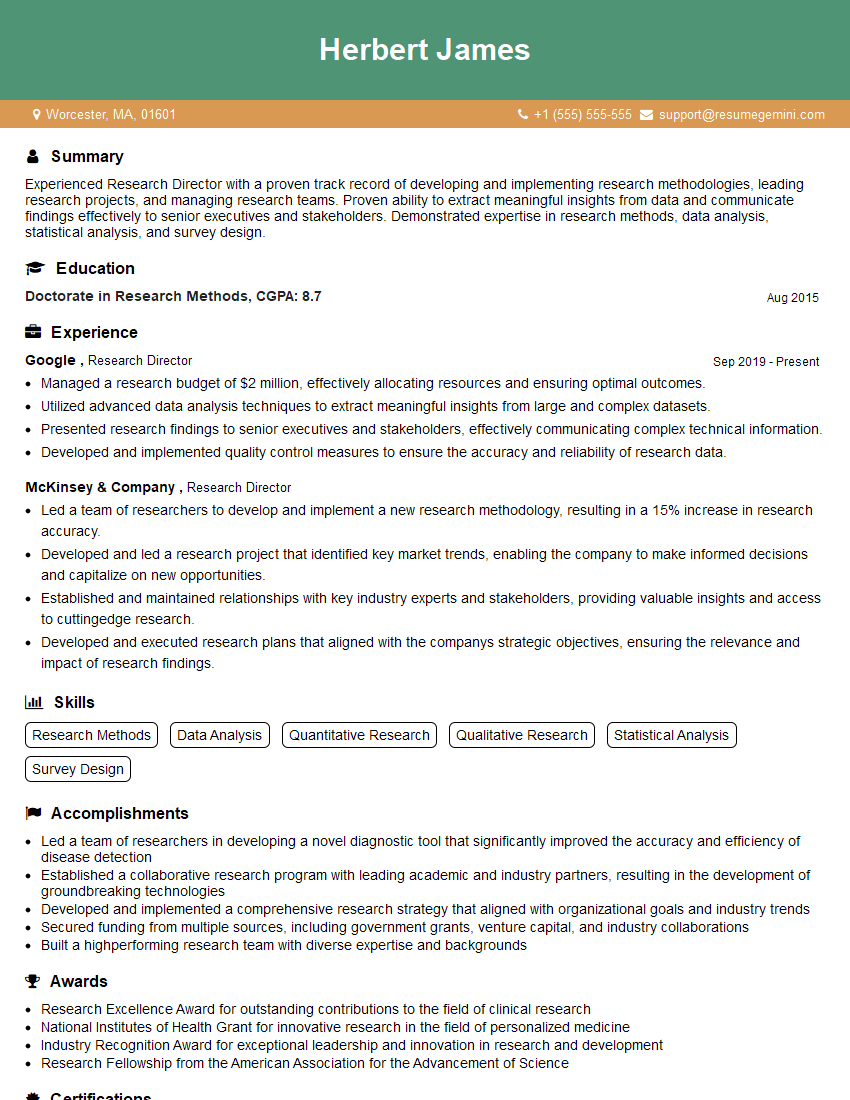
Research Director Resume Sample
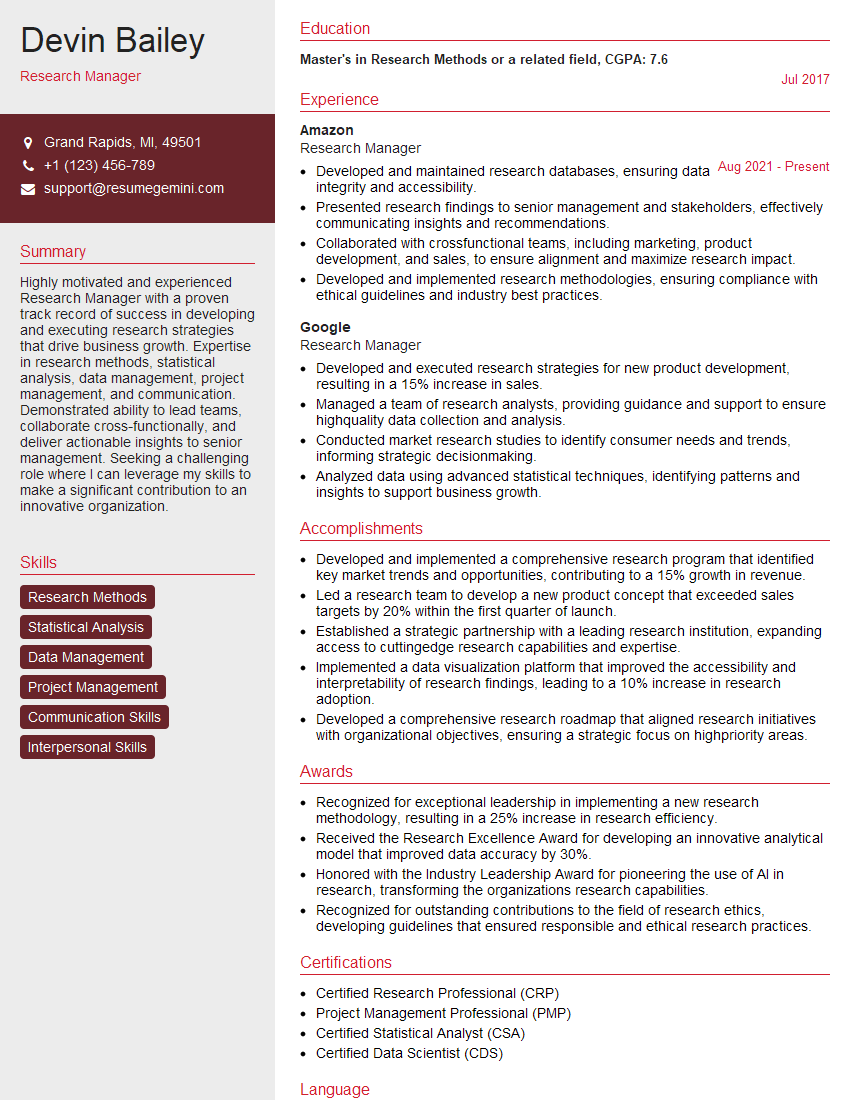
Research Manager Resume Sample
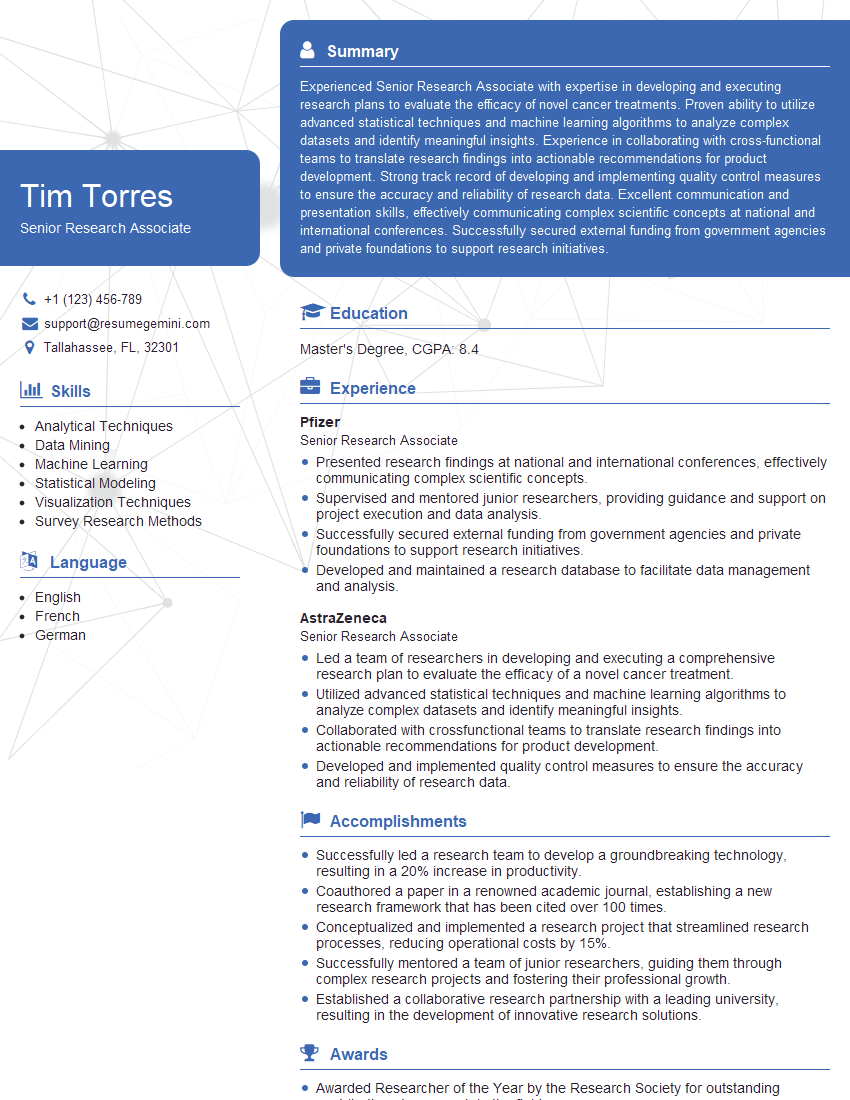
Senior Research Associate Resume Sample

Business Analyst Resume Sample
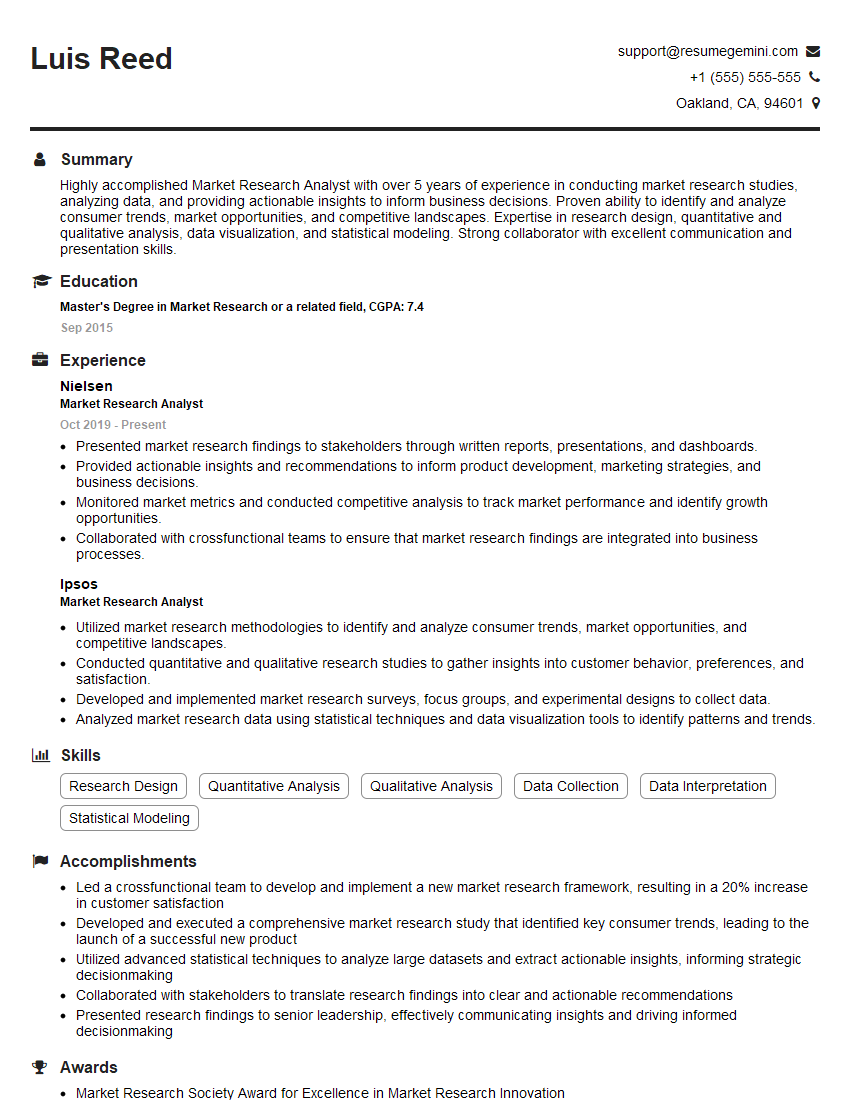
Market Research Analyst Resume Sample

Data Scientist Resume Sample

Research Scientist Resume Sample

Information Architect Resume Sample
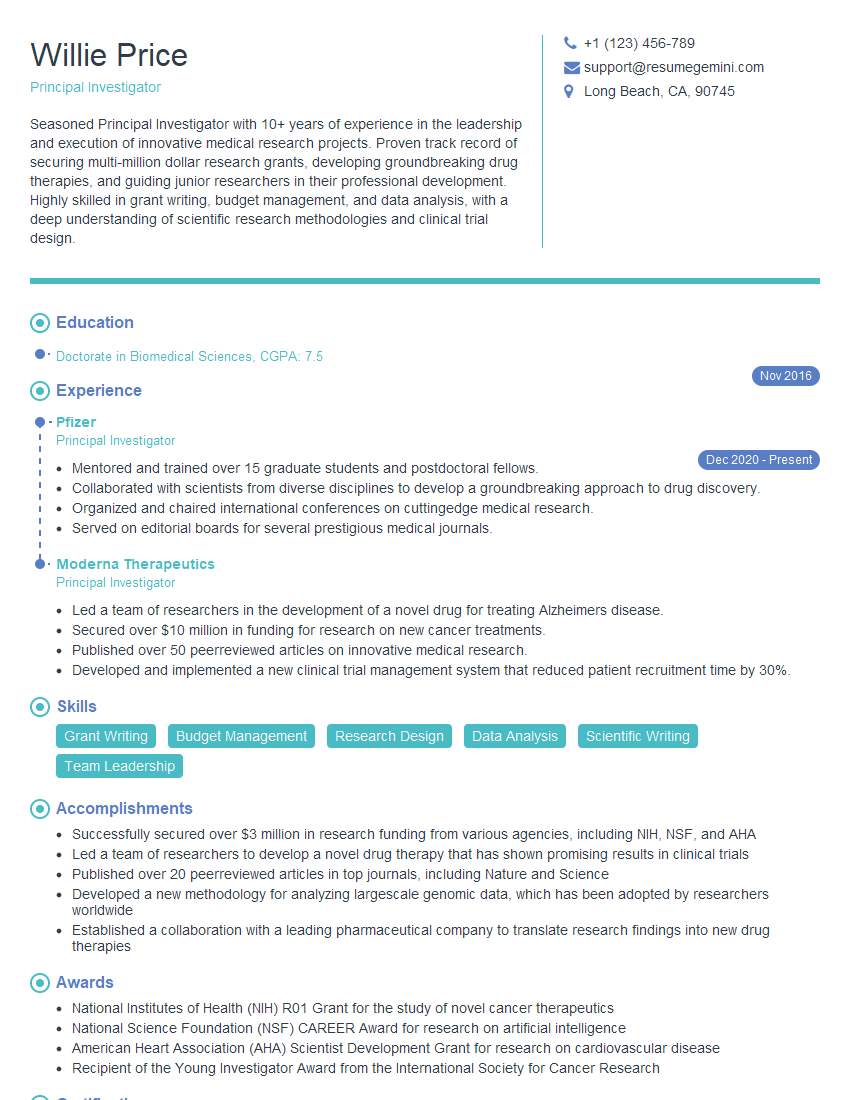
Principal Investigator Resume Sample
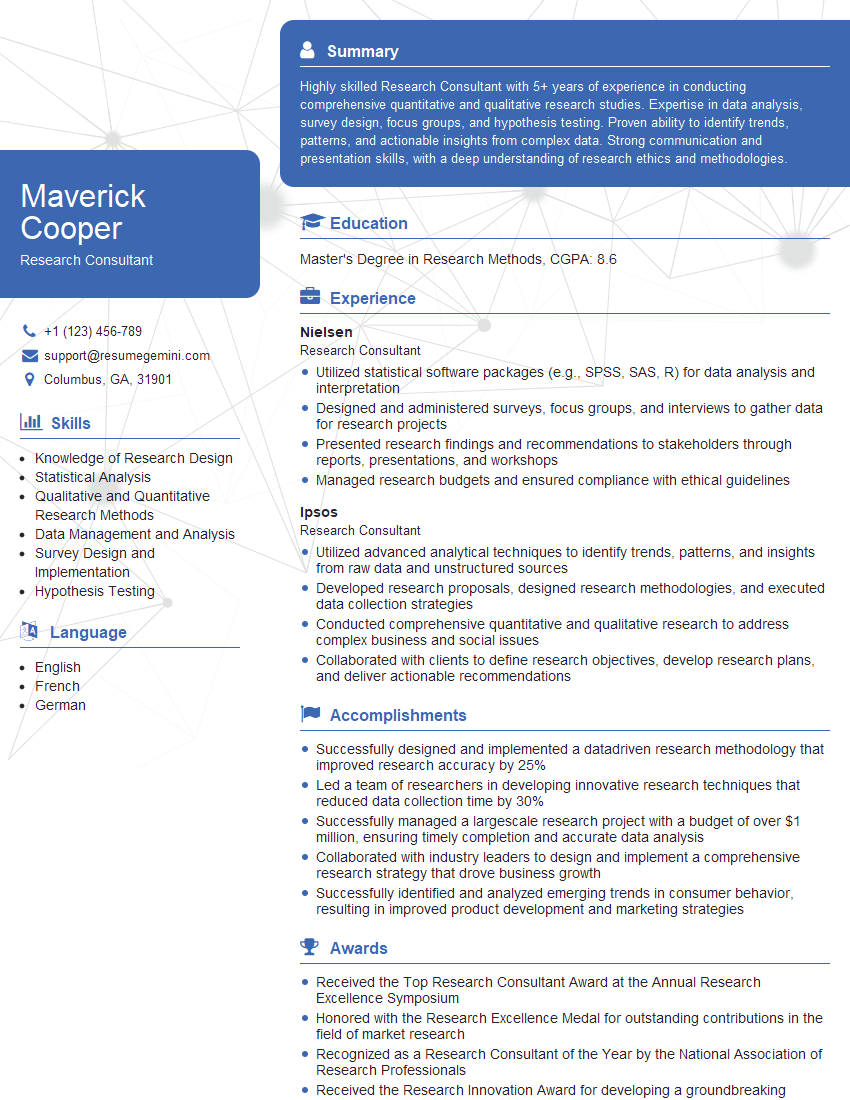
Research Consultant Resume Sample
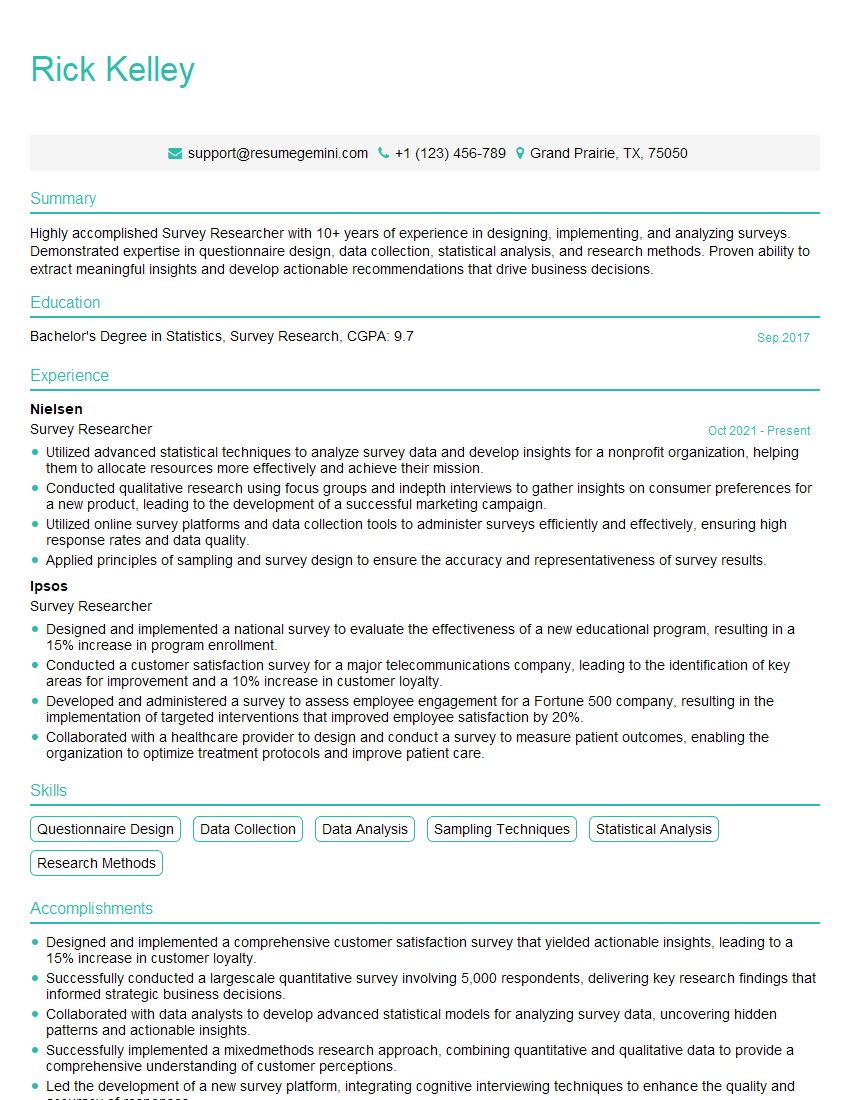
Survey Researcher Resume Sample
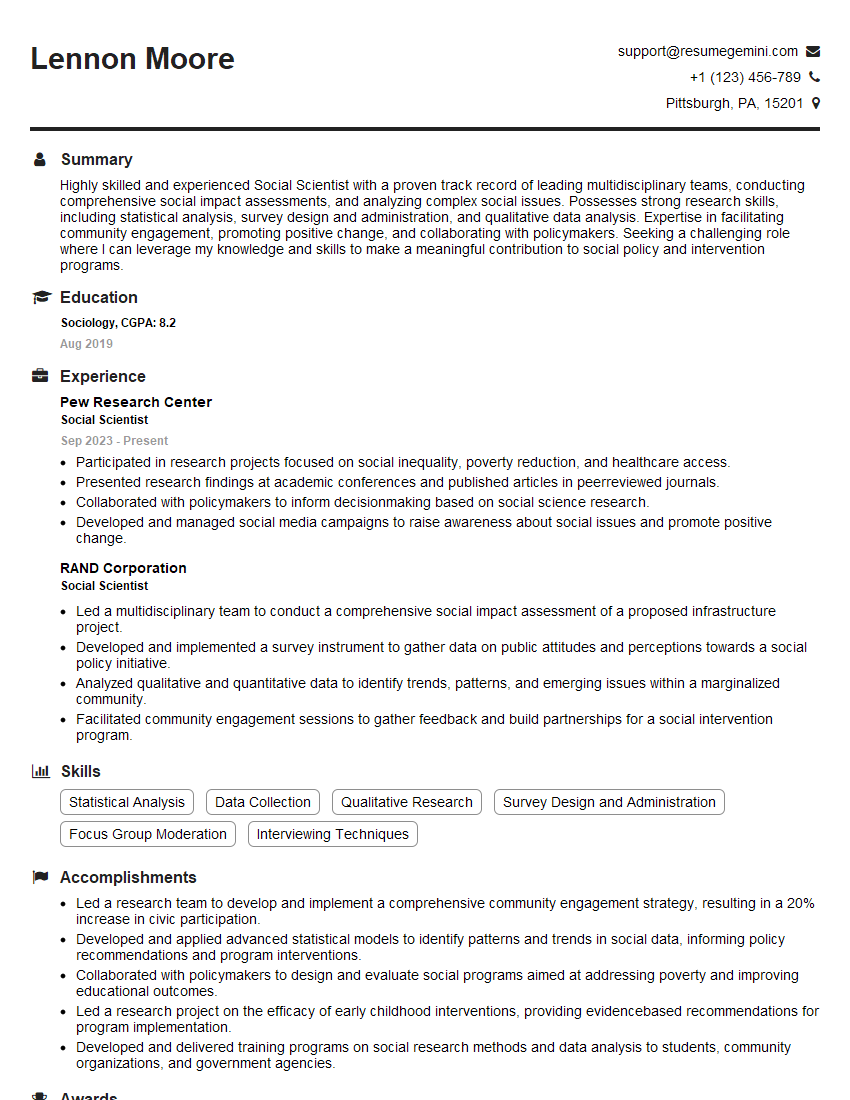
Social Scientist Resume Sample
Explore more articles
Users Rating of Our Blogs
Share Your Experience
We value your feedback! Please rate our content and share your thoughts (optional).
What Readers Say About Our Blog
To the interviewgemini.com Webmaster.
Very helpful and content specific questions to help prepare me for my interview!
Thank you
To the interviewgemini.com Webmaster.
This was kind of a unique content I found around the specialized skills. Very helpful questions and good detailed answers.
Very Helpful blog, thank you Interviewgemini team.