The right preparation can turn an interview into an opportunity to showcase your expertise. This guide to Quantitative Research Software (e.g., SPSS, SAS) interview questions is your ultimate resource, providing key insights and tips to help you ace your responses and stand out as a top candidate.
Questions Asked in Quantitative Research Software (e.g., SPSS, SAS) Interview
Q 1. Explain the difference between a t-test and an ANOVA.
Both t-tests and ANOVAs (Analysis of Variance) are used to compare means, but they differ in the number of groups they compare. A t-test compares the means of two groups. Think of it like weighing two bags of apples – are they significantly different in weight? An ANOVA, on the other hand, compares the means of three or more groups. Imagine comparing the average weight of apples from three different orchards.
More specifically, a t-test can be either independent samples (comparing means of two unrelated groups) or paired samples (comparing means of the same group at two different times or under two different conditions). ANOVA has several variations: One-way ANOVA (comparing means across one independent variable with three or more levels), Two-way ANOVA (comparing means across two independent variables), and repeated measures ANOVA (comparing means of the same group under multiple conditions). The choice depends on your research question and experimental design.
For example, a t-test might be used to compare the average test scores of students who received tutoring versus those who didn’t. An ANOVA could be used to compare the average crop yields of four different fertilizer types.
Q 2. Describe the assumptions of linear regression.
Linear regression models assume several key conditions for accurate and reliable results. These assumptions are crucial to ensure the validity of your model and the interpretation of its coefficients. Violating these assumptions can lead to biased and inefficient estimates.
- Linearity: The relationship between the independent and dependent variables should be linear. This means a straight line can reasonably represent the relationship in a scatter plot. Transformations of variables might be necessary if this assumption is violated.
- Independence of Errors: The errors (residuals) should be independent of each other. This means the error in one observation shouldn’t predict the error in another. Autocorrelation violates this assumption, often seen in time-series data.
- Homoscedasticity: The variance of the errors should be constant across all levels of the independent variable. This means the spread of the data points around the regression line should be roughly the same across the range of the independent variable. Heteroscedasticity, where the variance is not constant, is a common violation.
- Normality of Errors: The errors should be normally distributed. This means the distribution of residuals should resemble a bell curve. While minor deviations from normality are often acceptable, severe departures can affect the accuracy of hypothesis tests.
- No Multicollinearity: In multiple regression (more than one independent variable), the independent variables should not be highly correlated with each other. High multicollinearity can make it difficult to isolate the individual effects of each independent variable.
Checking these assumptions is vital in any regression analysis. SPSS and SAS provide diagnostic tools to assess each assumption, such as residual plots and tests for normality.
Q 3. How do you handle missing data in SPSS or SAS?
Missing data is a common challenge in any data analysis. The approach to handling missing data depends on several factors, including the pattern of missingness (e.g., Missing Completely at Random (MCAR), Missing at Random (MAR), Missing Not at Random (MNAR)) and the extent of missingness.
Both SPSS and SAS offer several methods:
- Listwise Deletion (Complete Case Analysis): This is the simplest method, excluding any observation with at least one missing value. It’s easy to implement but can lead to significant loss of information, especially with larger amounts of missing data and non-random missingness. In SPSS, this is often the default for many procedures.
- Pairwise Deletion: This method uses all available data for each analysis, meaning different pairs of variables might have different numbers of observations. It can lead to inconsistencies and might not be appropriate for all analyses.
- Imputation Methods: These methods replace missing values with estimated values. Common methods include mean/median imputation (simple but can bias results), regression imputation (predicting missing values based on other variables), and multiple imputation (creating multiple plausible imputed datasets and combining results).
In SPSS, you can use the MISSING VALUES command to define how missing values are handled. SAS offers procedures like PROC MI for multiple imputation.
The best method depends on the specifics of the data and the research question. It’s crucial to carefully consider the potential biases introduced by each method and document the chosen approach.
Q 4. What are the different types of sampling methods, and when would you use each?
Sampling methods are crucial for obtaining a representative subset of a population for study. The choice of method depends on the research objectives and available resources. Here are some key methods:
- Simple Random Sampling: Each member of the population has an equal chance of being selected. It’s straightforward but might not be representative if the population is heterogeneous.
- Stratified Random Sampling: The population is divided into strata (subgroups), and random samples are drawn from each stratum. This ensures representation from each subgroup, useful when subgroups have distinct characteristics.
- Cluster Sampling: The population is divided into clusters (groups), and a random sample of clusters is selected. All members within the selected clusters are included. This is efficient when the population is geographically dispersed.
- Systematic Sampling: Every kth member of the population is selected after a random starting point. Simple to implement, but can be problematic if there’s a pattern in the data that aligns with the sampling interval.
- Convenience Sampling: Selecting participants based on easy accessibility. This is non-probability sampling and can introduce bias, but it’s often used in exploratory studies.
For instance, a simple random sample might be used for a survey on general consumer opinions. Stratified random sampling would be better for a study comparing different age groups’ attitudes. Cluster sampling might be ideal for a national study where researchers select specific regions to sample from.
Q 5. Explain the concept of p-values and statistical significance.
A p-value is the probability of obtaining results as extreme as, or more extreme than, the observed results, assuming the null hypothesis is true. The null hypothesis typically states there is no effect or relationship. A statistically significant result is one where the p-value is below a predetermined significance level (usually 0.05 or 5%).
In simpler terms, imagine you’re testing a new drug. The null hypothesis is that the drug has no effect. A low p-value (e.g., 0.01) means there’s only a 1% chance of seeing the observed improvement in patients if the drug were actually ineffective. We’d reject the null hypothesis and conclude the drug is effective.
However, it’s crucial to remember that statistical significance doesn’t necessarily imply practical significance. A statistically significant result might be too small to be practically meaningful. Context and effect size are also important considerations.
Q 6. How do you interpret a correlation coefficient?
A correlation coefficient (often denoted as r) measures the strength and direction of a linear relationship between two variables. It ranges from -1 to +1.
- +1: Perfect positive correlation. As one variable increases, the other increases proportionally.
- 0: No linear correlation. There’s no linear relationship between the variables.
- -1: Perfect negative correlation. As one variable increases, the other decreases proportionally.
The magnitude of the coefficient indicates the strength of the relationship: A coefficient of 0.8 indicates a stronger relationship than a coefficient of 0.3. Note that correlation does not imply causation. A strong correlation might simply reflect a common underlying factor.
For example, a correlation coefficient of 0.7 between ice cream sales and crime rates doesn’t mean ice cream causes crime. Both are likely influenced by a third variable – warmer weather.
Q 7. What are the strengths and weaknesses of using SPSS or SAS for data analysis?
Both SPSS and SAS are powerful statistical software packages, but they have strengths and weaknesses:
SPSS:
- Strengths: User-friendly interface, excellent for data management and basic statistical analyses, widely used, good support and documentation.
- Weaknesses: Can be expensive, less powerful for advanced statistical modeling compared to SAS, limited programming capabilities.
SAS:
- Strengths: Powerful and versatile for complex statistical analysis and data manipulation, strong programming capabilities (SAS language), excellent for large datasets and data management, widely used in industry.
- Weaknesses: Steeper learning curve, more expensive than SPSS, interface can be less intuitive for beginners.
The best choice depends on your needs and budget. If you primarily need to perform basic statistical analyses with a user-friendly interface, SPSS might suffice. If you require more advanced statistical modeling, data manipulation, and programming capabilities, SAS is a more powerful option.
Q 8. Describe your experience with data cleaning and preprocessing.
Data cleaning and preprocessing is the crucial first step in any quantitative analysis. Think of it as preparing ingredients before cooking – you wouldn’t start baking a cake without sifting the flour, right? Similarly, raw data often contains errors, inconsistencies, and missing values that need to be addressed before meaningful analysis can be performed.
My experience encompasses a wide range of techniques. This includes handling missing data using imputation methods like mean/median substitution or more sophisticated techniques like multiple imputation. I also routinely identify and correct outliers, using methods such as boxplots or Z-score calculations, and then decide on the best approach (removal or transformation). I’m proficient in transforming variables (e.g., creating dummy variables for categorical data, standardizing or normalizing continuous variables) and ensuring data consistency across different sources or datasets, which often involves merging or joining datasets. For example, I once worked on a project with survey data where inconsistencies in date formats were prevalent. I used string manipulation functions in SAS to standardize the dates before any analysis could begin. My approach is always guided by the specific research question and the characteristics of the dataset.
- Missing Data Handling: Imputation (mean, median, mode, multiple imputation), deletion (listwise, pairwise).
- Outlier Detection & Treatment: Boxplots, scatter plots, Z-scores, winsorizing, trimming.
- Data Transformation: Standardization (Z-score), normalization (min-max scaling), creating dummy variables, log transformations.
- Data Consistency Checks: Identifying and resolving inconsistencies in data formats, values, and units.
Q 9. How would you create a frequency distribution table in SPSS or SAS?
Creating frequency distribution tables is a fundamental task in descriptive statistics. It provides a summary of how often different values appear in a dataset. Both SPSS and SAS offer straightforward ways to do this. In SPSS, you would typically go to the ‘Analyze’ menu, select ‘Descriptive Statistics,’ and then ‘Frequencies.’ In SAS, the PROC FREQ procedure is used.
SPSS Example (Conceptual): You select your variable(s) and specify options such as displaying percentages, cumulative percentages, and charts (histograms, bar charts). The output would then show the frequency, percentage, and cumulative percentage for each value of the selected variable.
SAS Example:
proc freq data=your_dataset;tables your_variable;run;This code will generate a frequency table for the variable ‘your_variable’ from the dataset ‘your_dataset’. Adding options like out=output_dataset creates a new dataset containing the frequency table, allowing further analysis. For instance, you can add cumulative option to get cumulative frequencies.
Q 10. Explain your experience with different types of regression analysis (linear, logistic, etc.)
Regression analysis is a powerful statistical method used to model the relationship between a dependent variable and one or more independent variables. I have extensive experience with various regression techniques, each suited for different types of data and research questions.
- Linear Regression: Used when the dependent variable is continuous and the relationship is linear. For example, predicting house prices based on size and location. I have utilized this extensively in analyzing sales data, where the dependent variable might be sales revenue and independent variables could be advertising spend, price, and seasonality.
- Logistic Regression: Used when the dependent variable is binary (0 or 1) or categorical. For example, predicting the likelihood of a customer churning based on their usage patterns. I’ve applied this in medical research, predicting the probability of a patient developing a certain condition based on risk factors.
- Multiple Regression: An extension of linear regression that includes multiple independent variables, enabling the examination of the combined effect of various predictors. This is very common in my work, as most real-world phenomena are influenced by multiple factors.
- Other Regression Types: I am also familiar with other regression techniques like Poisson regression (for count data), and survival analysis (for time-to-event data).
Beyond the basic application, I’m proficient in model diagnostics (checking assumptions like linearity, normality of residuals, homoscedasticity), model selection techniques (e.g., stepwise regression, AIC/BIC), and handling multicollinearity among independent variables.
Q 11. How do you perform hypothesis testing in SPSS or SAS?
Hypothesis testing is a fundamental process in statistical inference. It involves formulating a hypothesis, collecting data, and determining whether the data provides enough evidence to reject the null hypothesis. Both SPSS and SAS provide comprehensive tools for hypothesis testing. The process generally involves choosing the appropriate statistical test based on the data type and research question, setting a significance level (alpha), calculating the test statistic, and determining the p-value. The p-value is compared to alpha to make a decision about the null hypothesis.
In SPSS, various procedures such as ‘t-tests,’ ‘ANOVA,’ ‘chi-square tests,’ and others are readily available. Similarly, SAS offers procedures such as PROC TTEST, PROC ANOVA, and PROC FREQ for conducting a range of hypothesis tests. The choice of the test depends on the type of data (e.g., paired vs unpaired samples, continuous vs categorical variables) and the research question. For example, to compare means of two independent groups, an independent samples t-test is used. To compare the means of more than two groups, ANOVA would be appropriate.
Understanding the assumptions of each test is crucial for valid results. I always ensure that the assumptions are met or that appropriate transformations are applied before conducting the tests.
Q 12. How do you visualize data in SPSS or SAS?
Data visualization is key to understanding and communicating findings. SPSS and SAS both provide robust capabilities for creating various types of graphs and charts. In SPSS, the ‘Graphs’ menu offers a wide selection of chart types, including bar charts, histograms, scatter plots, box plots, and more. SAS offers similar functionality through procedures like PROC SGPLOT and PROC GCHART.
I frequently use histograms to understand the distribution of data, boxplots to visualize the median, quartiles, and outliers, and scatter plots to explore relationships between two variables. I also create various other charts depending on the nature of the data and the insights needed. For instance, if I’m dealing with time series data, I’d use line charts. For categorical data, bar charts or pie charts would be more suitable. The choice of visualization techniques is heavily influenced by the type of data being presented and the message I want to convey.
Beyond creating charts, I’m experienced in customizing chart elements like labels, titles, colors, and legends to ensure clarity and professional presentation of the results.
Q 13. Describe your experience with creating and interpreting statistical reports.
Creating and interpreting statistical reports is a vital part of my role. A well-structured report effectively communicates the research findings to both technical and non-technical audiences. My reports typically include a clear introduction outlining the research objectives, a detailed methodology section explaining the data collection and analysis techniques, a results section presenting the key findings with appropriate visualizations, and a discussion section interpreting the results and their implications.
I ensure the reports are clear, concise, and well-organized, using tables and figures to present the data effectively. I always focus on accurate and unbiased presentation of the results. For example, in a recent report on customer satisfaction, I presented both the overall satisfaction score and its breakdown by demographic groups, allowing for a more nuanced understanding of the data. In addition to the core elements, I often include limitations of the study and suggestions for future research.
I’m proficient in using various reporting tools and software, including SPSS and SAS’s built-in reporting capabilities, to generate high-quality, professional reports.
Q 14. What are some common issues you encounter when working with large datasets?
Working with large datasets presents unique challenges. Memory limitations are a common issue, requiring techniques like data chunking or using in-database analysis to process the data in smaller, manageable pieces. Processing time becomes significantly longer, so efficient algorithms and parallel processing (where possible) become critical. Data quality issues are also amplified in large datasets; errors and inconsistencies are harder to identify and correct manually. Therefore, robust data validation and cleaning procedures are essential.
Another challenge is storage and management of large datasets. Efficient data storage solutions and appropriate database management systems are necessary for optimal performance. Ensuring data integrity and security also become more paramount with larger datasets. I have used techniques like data compression and data partitioning to address these issues. In the past, I’ve used Hadoop or Spark to work with exceptionally large datasets that exceeded the capabilities of standard statistical software.
Q 15. Explain your experience with data manipulation and transformation using SPSS or SAS.
Data manipulation and transformation are crucial steps in any quantitative analysis. My experience in SPSS and SAS encompasses a wide range of techniques, from simple recoding and computing new variables to more complex procedures like data aggregation and reshaping. In SPSS, I’m proficient in using the ‘Compute Variable’ and ‘Recode into Different Variables’ functions for creating new variables based on existing ones or transforming existing variables into different formats. For example, I’ve used ‘Compute Variable’ to create an age group variable from an existing age variable, categorizing participants into different age ranges. In SAS, I leverage data steps and PROC statements for similar tasks, utilizing functions like IF-THEN-ELSE statements for conditional recoding and INPUT statements for data import and manipulation. A real-world example would be transforming raw survey data into a usable format by cleaning missing values and creating dummy variables for categorical data. This process is essential for ensuring the data is ready for analysis and generates meaningful results.
I’ve also extensively used data reshaping techniques. In SPSS, I utilize the ‘Restructure’ function to transform data from wide to long format and vice versa, which is particularly useful for analyzing repeated measures data or longitudinal studies. Similarly, in SAS, PROC TRANSPOSE provides powerful functionality for reshaping data. For example, I once worked on a project analyzing customer purchase history, where reshaping the data from a wide format (each column representing a purchase) to a long format (each row representing a single purchase) was crucial for analyzing trends over time.
Career Expert Tips:
- Ace those interviews! Prepare effectively by reviewing the Top 50 Most Common Interview Questions on ResumeGemini.
- Navigate your job search with confidence! Explore a wide range of Career Tips on ResumeGemini. Learn about common challenges and recommendations to overcome them.
- Craft the perfect resume! Master the Art of Resume Writing with ResumeGemini’s guide. Showcase your unique qualifications and achievements effectively.
- Don’t miss out on holiday savings! Build your dream resume with ResumeGemini’s ATS optimized templates.
Q 16. How do you handle outliers in your data?
Handling outliers is a critical step to avoid skewed results. My approach is multifaceted and involves a combination of visual inspection and statistical methods. First, I use descriptive statistics (histograms, boxplots) to identify potential outliers visually. These visual checks help provide context and aid in the understanding of the data’s distribution. Then, I employ statistical methods like z-scores or interquartile range (IQR) to identify data points significantly deviating from the rest.
For z-scores, I typically flag data points with absolute z-scores greater than 3 or 3.5 as potential outliers. With IQR, values outside 1.5 times the IQR below the first quartile (Q1) or above the third quartile (Q3) are considered potential outliers. However, simply removing outliers is not always the best approach. I always consider the context and potential reasons for the outliers. Are they errors in data entry? Are they truly unusual but valid data points? If they’re errors, I correct them or remove them. If they’re valid but unusual, I might consider using robust statistical methods that are less sensitive to outliers, such as median instead of mean or non-parametric tests. In some cases, including a separate analysis with and without outliers is prudent to assess their impact on the results.
Q 17. What are the different types of data (nominal, ordinal, interval, ratio)?
Understanding data types is fundamental for choosing appropriate statistical methods. There are four primary levels of measurement:
- Nominal: Categorical data with no inherent order. Examples include gender (male/female), eye color (blue, brown, green), or type of car. Analysis typically involves frequency counts and chi-square tests.
- Ordinal: Categorical data with a meaningful order but unequal intervals between categories. Examples include education level (high school, bachelor’s, master’s), customer satisfaction ratings (very satisfied, satisfied, neutral, dissatisfied, very dissatisfied), or Likert scale responses. Analysis might include rank-order correlations or non-parametric tests.
- Interval: Numerical data with equal intervals between values but no true zero point. A classic example is temperature in Celsius or Fahrenheit—a temperature of 0°C doesn’t mean the absence of temperature. Arithmetic means and standard deviations can be calculated, and parametric tests are often appropriate.
- Ratio: Numerical data with equal intervals and a true zero point. Examples include height, weight, age, income. All arithmetic operations are meaningful, and a wide range of statistical analyses is possible.
Misunderstanding data types can lead to inappropriate analysis and incorrect conclusions. For instance, using a parametric test (like a t-test) on ordinal data would be incorrect. Choosing the right analytical methods is crucial for producing accurate and reliable results.
Q 18. Explain your experience with creating and using macros in SPSS or SAS.
Macros are powerful tools for automating repetitive tasks and enhancing efficiency. In SPSS, I’ve created macros using the syntax editor to perform tasks such as automatically generating tables and figures based on different variables or creating custom functions for data transformation. For example, I created a macro to automatically generate descriptive statistics (mean, standard deviation, etc.) and frequency tables for a set of variables, saving time and effort. In SAS, I utilize macros extensively within data steps and PROCs. This allows for more complex automation, like generating multiple reports with customized formatting based on different input parameters.
A practical application would be creating a macro to automate the process of cleaning and preparing data for analysis. This could involve tasks like recoding missing values, creating new variables, and transforming data types. This macro would take the raw data as input and output a cleaned and transformed dataset, ready for analysis. It saves substantial time and ensures consistency in data preparation across different projects. Efficient macro development relies on well-structured code, thorough commenting, and modular design for easier debugging and modification.
Q 19. How do you ensure the reproducibility of your analysis?
Reproducibility is paramount in quantitative research. I ensure reproducibility by meticulously documenting every step of my analysis, including data cleaning, transformation, and statistical analyses. This involves using detailed comments in the syntax code, maintaining clear and organized project files, and using version control systems like Git to track changes. In SPSS and SAS, I always save my syntax files along with the data and output. This allows others (or myself in the future) to replicate the analysis easily. I also provide a detailed report that includes descriptions of the data, the methods used, and the results obtained. This makes the analysis transparent and understandable.
Furthermore, I strive to use established statistical procedures and avoid overly complex or obscure methods. When I use custom functions or macros, I thoroughly document their functionality and how they operate. I utilize standardized file formats (e.g., CSV, SAV) to facilitate data sharing. This detailed documentation and transparent approach contribute significantly to increasing reproducibility and making my work verifiable and trustworthy.
Q 20. Explain your experience with data mining techniques.
My experience with data mining techniques involves applying various algorithms to extract meaningful patterns and insights from large datasets. I have utilized techniques such as clustering (K-means, hierarchical clustering), classification (logistic regression, decision trees, support vector machines), and association rule mining (Apriori algorithm). In SPSS, I’ve used the ‘Data Mining’ module to perform various analyses such as creating decision trees for classifying customer behavior or utilizing cluster analysis for market segmentation. In SAS, I’ve employed procedures like PROC FASTCLUS for clustering and PROC HPSPLIT for decision trees.
A real-world example involved a project where I used association rule mining to identify patterns in customer purchase transactions at a supermarket. By employing the Apriori algorithm, I was able to uncover interesting relationships between products, like customers frequently buying bread and milk together. This information helped the supermarket optimize store layout and develop targeted marketing campaigns. Data mining requires careful consideration of the specific research question, appropriate selection of algorithms, and thorough interpretation of the results. It is essential to consider potential biases and limitations associated with each technique and ensure the results are meaningful in the context of the problem.
Q 21. What is the difference between descriptive and inferential statistics?
Descriptive and inferential statistics serve different purposes in data analysis.
- Descriptive statistics summarize and describe the main features of a dataset. They involve calculations like mean, median, mode, standard deviation, and frequency distributions. These statistics provide a concise overview of the data, allowing for a better understanding of its central tendency, variability, and distribution. Think of them as creating a snapshot of your data.
- Inferential statistics go beyond summarizing the data; they aim to make inferences about a larger population based on a sample. They utilize techniques like hypothesis testing, confidence intervals, and regression analysis to draw conclusions about relationships between variables or to test hypotheses about population parameters. This involves using the sample data to make predictions or generalizations about the wider population from which the sample was drawn. Imagine trying to understand the characteristics of an entire lake by analyzing a small bucket of its water – that’s the essence of inferential statistics.
For example, calculating the average age of respondents in a survey is descriptive statistics. Using that average age to infer the average age of the entire population from which the respondents were sampled is inferential statistics. The key difference lies in the scope: descriptive statistics focus on the sample itself, while inferential statistics aim to draw conclusions about a larger population.
Q 22. How do you validate your statistical models?
Validating statistical models is crucial to ensure their reliability and accuracy. It’s like checking the blueprint of a house before construction – you want to be sure it’s sound before investing significant resources. We use several techniques, broadly categorized into assessment of model fit and assessment of model assumptions.
- Model Fit: This assesses how well the model represents the data. Common metrics include R-squared (for regression models), AIC (Akaike Information Criterion), and BIC (Bayesian Information Criterion). Lower AIC and BIC values generally suggest a better fit. For example, if I’m modeling customer churn using logistic regression, a low AIC would indicate my model is effectively predicting churn.
- Assumption Checks: Statistical models often rely on certain assumptions about the data (e.g., normality of residuals in linear regression, independence of observations). We use diagnostic plots and statistical tests to check these assumptions. For instance, a Q-Q plot can assess the normality of residuals, and the Durbin-Watson test checks for autocorrelation in time series data. If assumptions are violated, it may necessitate data transformations or using alternative models.
- Cross-validation: This technique involves splitting the data into training and testing sets. The model is built on the training set and then evaluated on the unseen testing set. This helps prevent overfitting – a situation where the model performs well on the training data but poorly on new data. k-fold cross-validation is a common approach, where the data is divided into k subsets, and the model is trained and tested k times, each time using a different subset as the testing set.
- Residual Analysis: Examining residuals (the differences between observed and predicted values) is vital. Patterns in residuals might suggest inadequacies in the model, such as non-linearity or omitted variables. Scatter plots of residuals against predicted values are particularly useful.
Ultimately, model validation is an iterative process. We might need to refine the model, transform variables, or even choose a different statistical approach based on the validation results.
Q 23. What experience do you have with R or Python for statistical analysis?
I have extensive experience with both R and Python for statistical analysis. My proficiency in R stems from years of using packages like ggplot2 for data visualization, dplyr for data manipulation, and caret for machine learning tasks. I’ve leveraged R’s statistical power for complex analyses, including generalized linear models, time series analysis, and survival analysis. In Python, I’m comfortable with libraries such as pandas for data manipulation, scikit-learn for machine learning, and matplotlib and seaborn for visualization. I prefer Python for its versatility and integration with other tools, particularly in big data contexts involving libraries like PySpark.
For example, I recently used R’s lme4 package to build a mixed-effects model to analyze the impact of different marketing strategies on sales, accounting for variations between different regions. In another project, I used Python’s scikit-learn to build a random forest model to predict customer lifetime value, achieving a significant improvement in prediction accuracy compared to simpler linear models.
Q 24. Describe a time you had to troubleshoot a problem with a statistical analysis.
During a project analyzing customer survey data, I encountered a problem with significant multicollinearity among several predictor variables. This resulted in unstable and unreliable regression coefficients, making it hard to interpret the results meaningfully. It was like trying to build a stable structure with wobbly legs – it wouldn’t stand.
My troubleshooting steps involved:
- Identifying the Problem: I used Variance Inflation Factor (VIF) calculations and correlation matrices to pinpoint the highly correlated variables. A VIF value above 5 or 10 typically indicates a problem.
- Addressing Multicollinearity: I explored several solutions: removing one or more of the highly correlated variables, creating composite variables (e.g., principal component analysis), or using regularization techniques (e.g., ridge regression) in my model.
- Evaluating Solutions: After implementing each solution, I re-ran the analysis and assessed the changes in the model’s stability and interpretability. I compared AIC and BIC values to check which approach yielded a superior model.
Eventually, creating composite variables through principal component analysis proved the most effective solution, leading to a stable and interpretable model that accurately reflected the underlying relationships.
Q 25. How familiar are you with different data visualization techniques?
I’m highly familiar with a wide range of data visualization techniques, tailored to different data types and research questions. My toolbox includes:
- Histograms and Density Plots: To show the distribution of a single variable.
- Scatter Plots: To examine the relationship between two continuous variables.
- Box Plots: To compare the distribution of a variable across different groups.
- Bar Charts: To display frequencies or means for categorical variables.
- Heatmaps: To visualize correlation matrices or other two-dimensional data.
- Interactive dashboards (using tools like Tableau or Power BI): To explore data dynamically and create compelling presentations.
The choice of visualization depends heavily on the context. For instance, if I’m analyzing sales data over time, I’d likely use a line chart. To illustrate the relationship between customer age and spending habits, a scatter plot would be suitable. I prioritize clarity and avoid over-cluttering visualizations to ensure effective communication of insights.
Q 26. Explain your experience with different statistical distributions (normal, binomial, Poisson, etc.)
My experience encompasses various statistical distributions. Understanding these distributions is fundamental to choosing appropriate statistical tests and interpreting results.
- Normal Distribution: The cornerstone of many statistical methods, it’s characterized by its bell shape and defined by its mean and standard deviation. Many statistical tests assume normality of data. I use Q-Q plots and Shapiro-Wilk tests to assess normality and apply transformations (like log transformations) if necessary.
- Binomial Distribution: This models the probability of a certain number of successes in a fixed number of independent Bernoulli trials (e.g., coin flips). I use this when analyzing proportions or binary outcomes.
- Poisson Distribution: This models the probability of a given number of events occurring in a fixed interval of time or space (e.g., the number of customers arriving at a store in an hour). It’s useful for count data analysis.
- Other distributions: I also have experience with other distributions such as t-distribution (used in hypothesis testing with small sample sizes), chi-squared distribution (used in goodness-of-fit tests and contingency tables), and F-distribution (used in ANOVA). The choice depends on the specific problem and the nature of the data.
In practice, I often encounter situations where data doesn’t perfectly adhere to any specific distribution. In those cases, I might use non-parametric methods which don’t make strong distributional assumptions.
Q 27. How do you communicate complex statistical findings to a non-technical audience?
Communicating complex statistical findings to a non-technical audience requires simplifying complex concepts without sacrificing accuracy. It’s like translating scientific jargon into everyday language.
My approach involves:
- Using clear and concise language: Avoiding jargon and technical terms whenever possible, and defining any terms that are essential.
- Visual aids: Employing charts and graphs to make data more accessible and intuitive. A well-designed chart can convey more information than pages of numbers.
- Storytelling: Framing the findings within a narrative that resonates with the audience. Instead of simply presenting numbers, I paint a picture of what those numbers mean in the real world.
- Analogies and metaphors: Employing relatable examples to explain abstract concepts. For example, to explain a p-value, I might use the analogy of flipping a coin many times to illustrate the likelihood of obtaining a certain result by chance.
- Focusing on the key takeaways: Highlighting the most important findings and avoiding overwhelming the audience with excessive detail.
I tailor my communication style to the specific audience. If I’m presenting to senior management, I focus on high-level insights and implications. If I’m talking to a team of analysts, I can delve into more technical detail.
Q 28. Describe your experience with working with different data formats (CSV, Excel, SQL, etc.)
I’m proficient in working with various data formats, which is essential for handling data from diverse sources. My experience includes:
- CSV (Comma Separated Values): A very common format for importing and exporting data into statistical software. I regularly use this format for data exchange.
- Excel: Though not ideal for large datasets or complex analyses, Excel is frequently used for data entry and initial exploration. I’m comfortable cleaning and manipulating data in Excel before importing it into more powerful analytical tools.
- SQL (Structured Query Language): I have experience querying relational databases using SQL to extract and prepare data for analysis. This is particularly important when working with large datasets stored in databases.
- Other formats: I’ve also worked with JSON, XML, and various proprietary data formats, adapting my approach as needed using appropriate parsing and manipulation techniques.
My approach involves understanding the structure and limitations of each format, selecting the most appropriate tools for data manipulation, and ensuring data integrity throughout the process.
Key Topics to Learn for Quantitative Research Software (e.g., SPSS, SAS) Interview
- Data Cleaning and Preparation: Understanding techniques for handling missing data, outlier detection, and data transformation. Practical application: Preparing a messy dataset for analysis, identifying and addressing inconsistencies.
- Descriptive Statistics: Calculating and interpreting measures of central tendency and variability. Practical application: Summarizing key features of a dataset, creating informative visualizations.
- Inferential Statistics: Understanding hypothesis testing, t-tests, ANOVA, and regression analysis. Practical application: Drawing conclusions about a population based on sample data, determining statistical significance.
- Regression Modeling: Building and interpreting linear and multiple regression models. Practical application: Predicting outcomes based on predictor variables, understanding the relationships between variables.
- Data Visualization: Creating clear and effective visualizations using charts and graphs. Practical application: Communicating findings effectively to a non-technical audience, identifying patterns in data.
- Software-Specific Features (SPSS/SAS): Familiarizing yourself with the specific syntax, procedures, and functionalities of the software you’re being interviewed for. Practical application: Efficiently performing analyses and generating reports.
- Advanced Techniques (Optional): Depending on the role, you might want to explore topics like factor analysis, cluster analysis, or time series analysis. Practical application: Addressing more complex research questions.
Next Steps
Mastering quantitative research software like SPSS and SAS is crucial for career advancement in many fields, opening doors to exciting opportunities in data analysis, research, and beyond. A strong understanding of these tools demonstrates your analytical skills and your ability to extract meaningful insights from data. To increase your chances of landing your dream job, focus on crafting an ATS-friendly resume that highlights your skills and experience effectively. ResumeGemini is a trusted resource that can help you build a professional and impactful resume tailored to the specific requirements of the job market. We provide examples of resumes tailored to roles requiring proficiency in Quantitative Research Software (e.g., SPSS, SAS) to help you get started.

Business Analyst Resume Sample
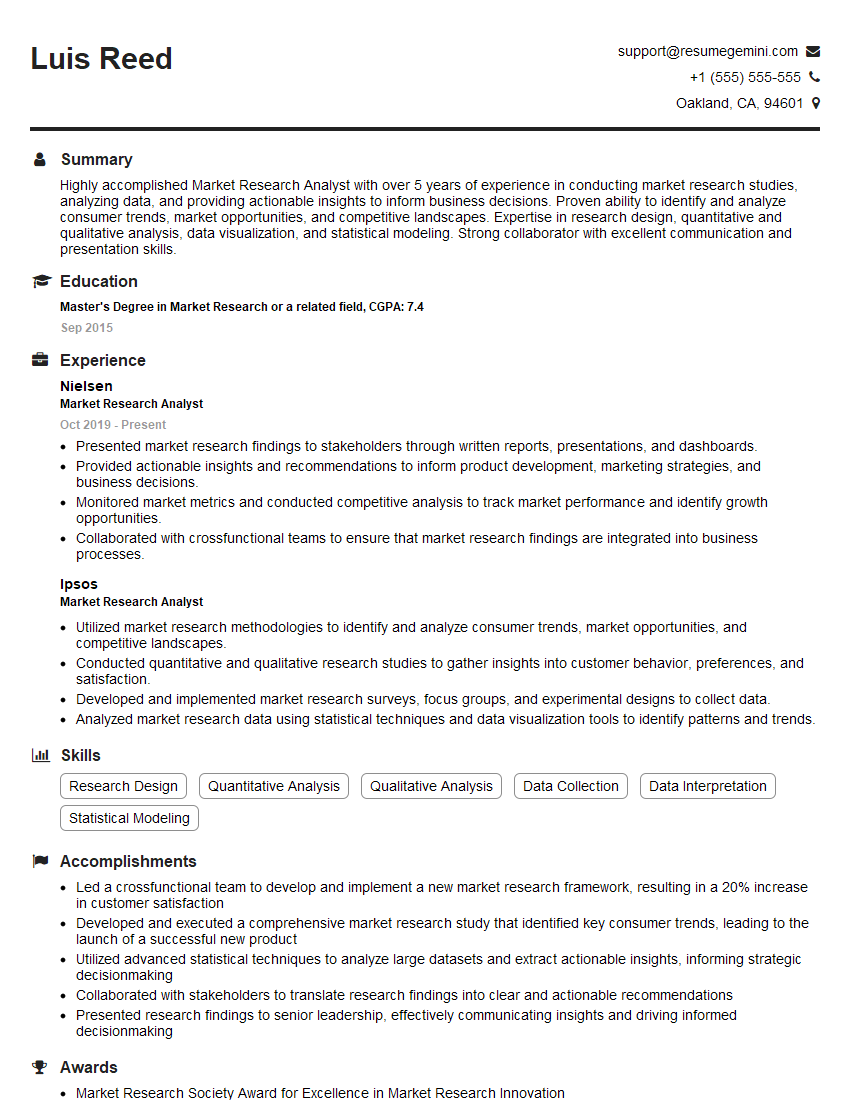
Market Research Analyst Resume Sample
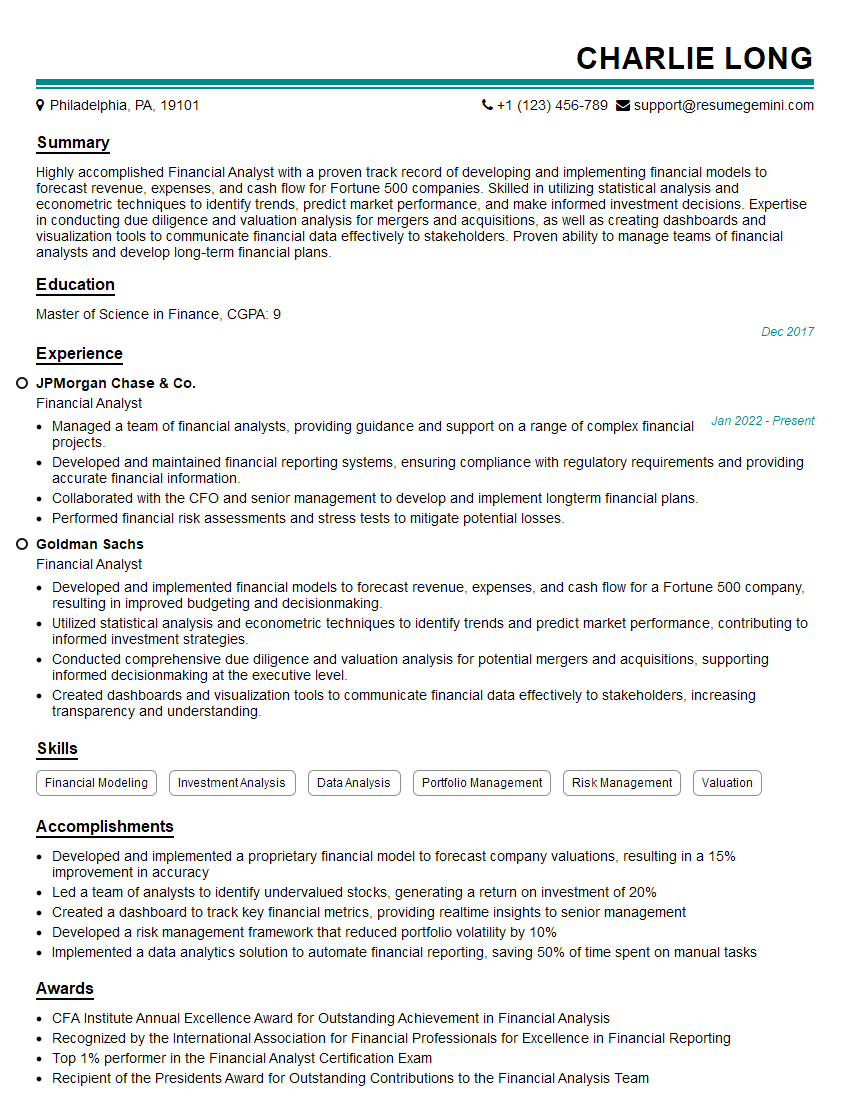
Financial Analyst Resume Sample
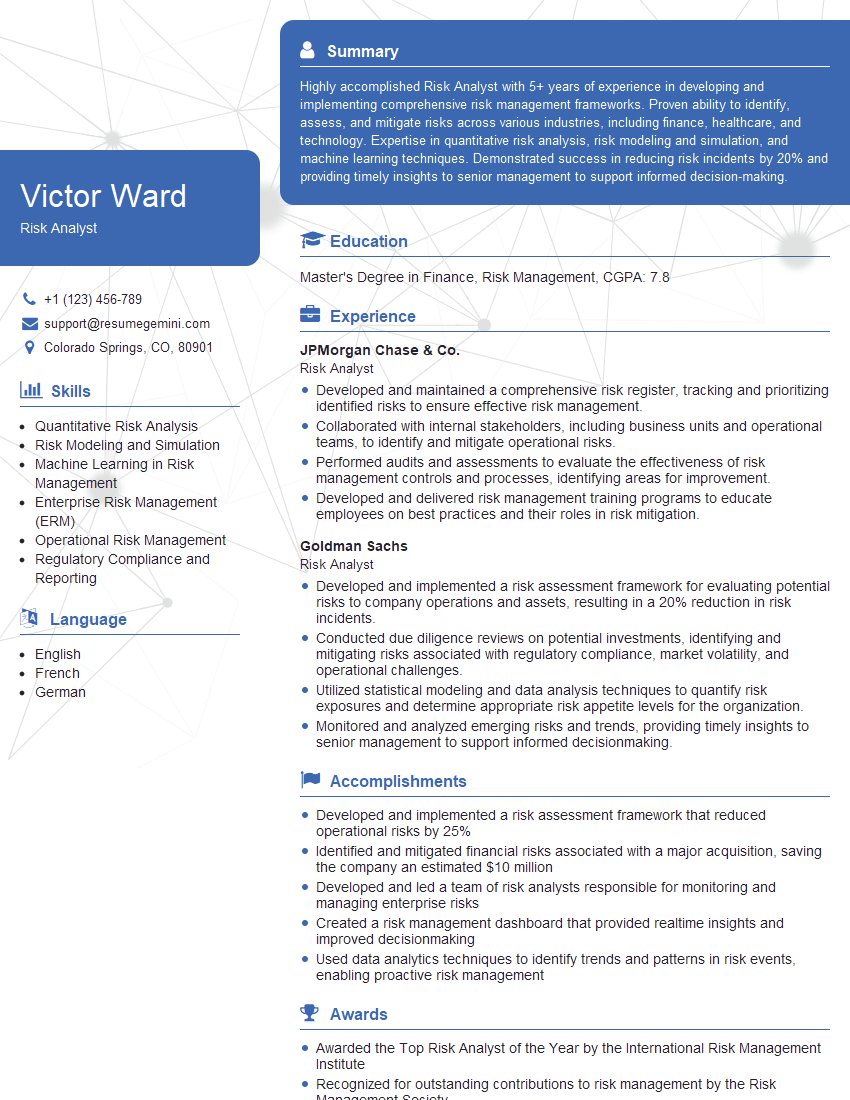
Risk Analyst Resume Sample

Data Analyst Resume Sample
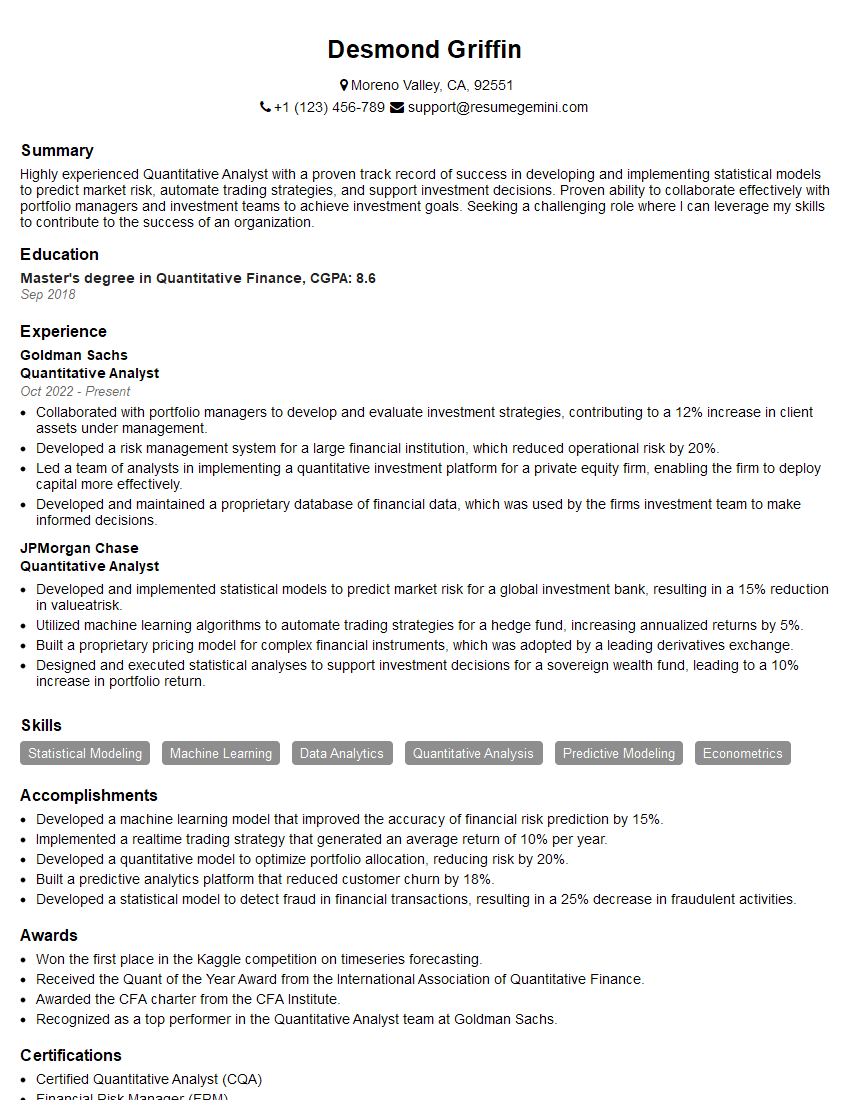
Quantitative Analyst Resume Sample

Data Scientist Resume Sample

Research Scientist Resume Sample
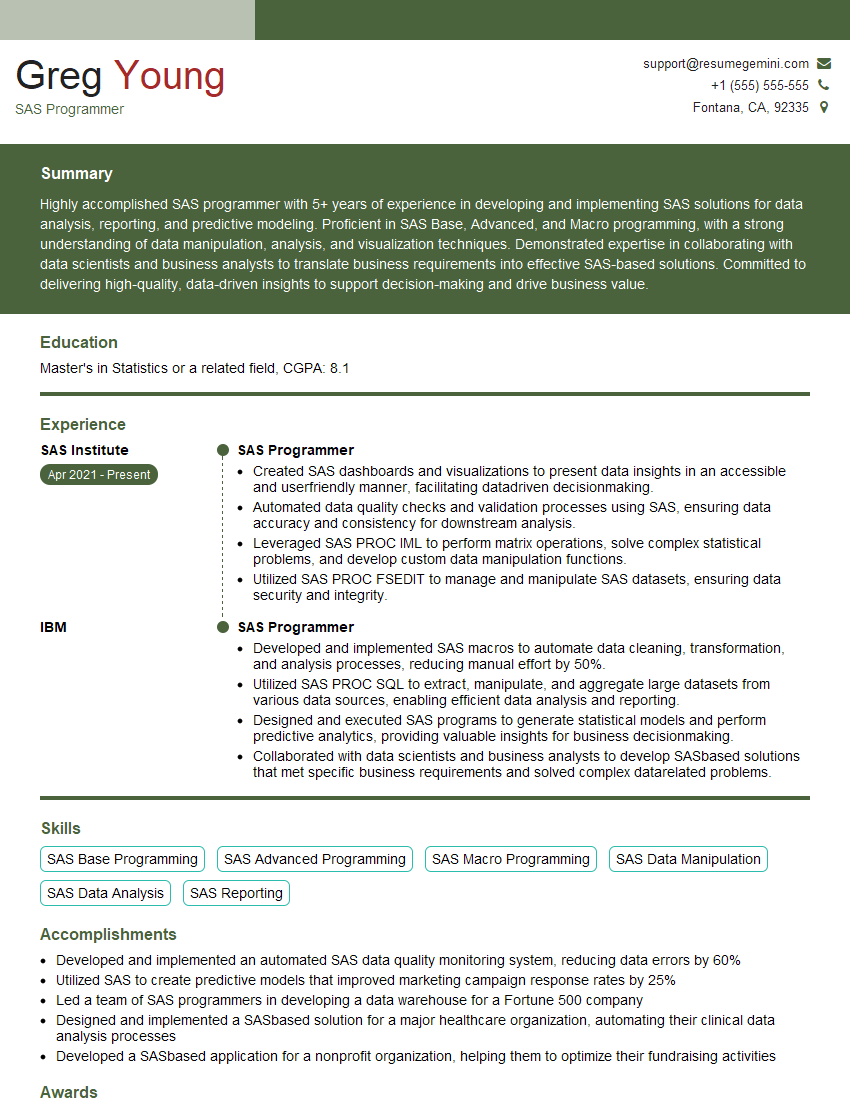
SAS Programmer Resume Sample
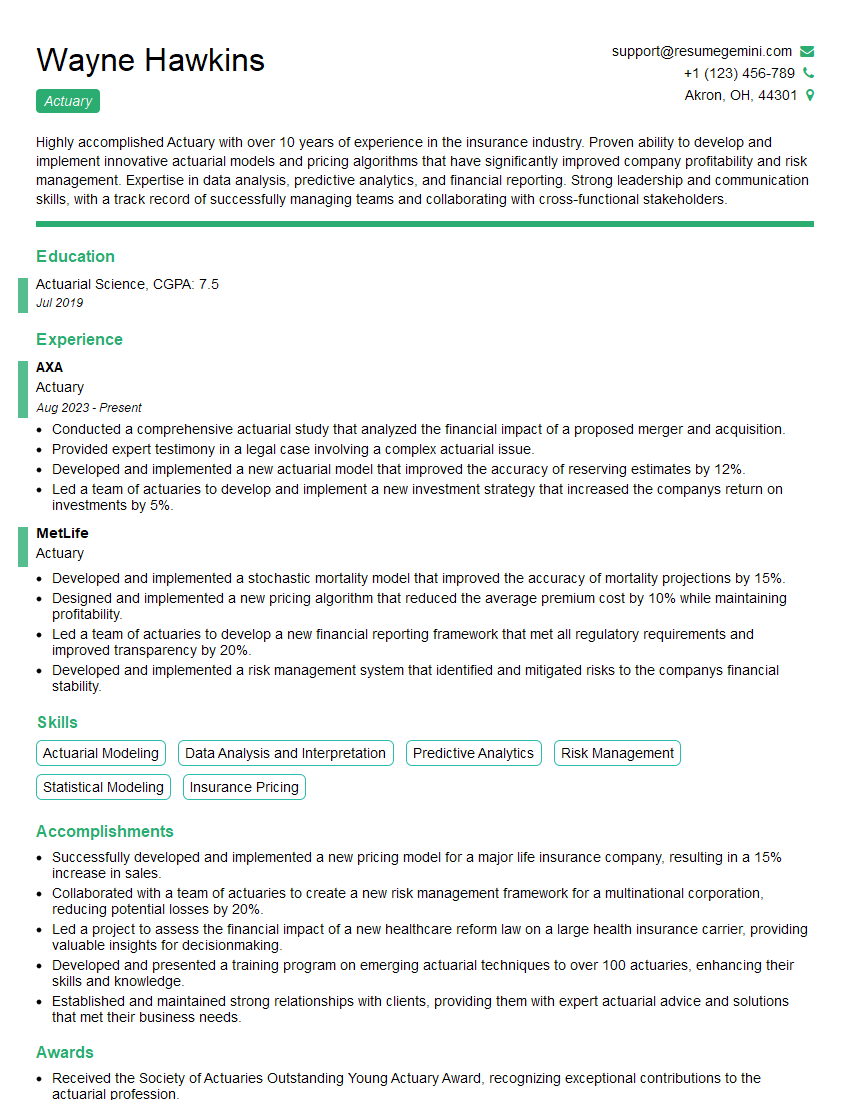
Actuary Resume Sample

Operations Research Analyst Resume Sample

Statistical Analyst Resume Sample
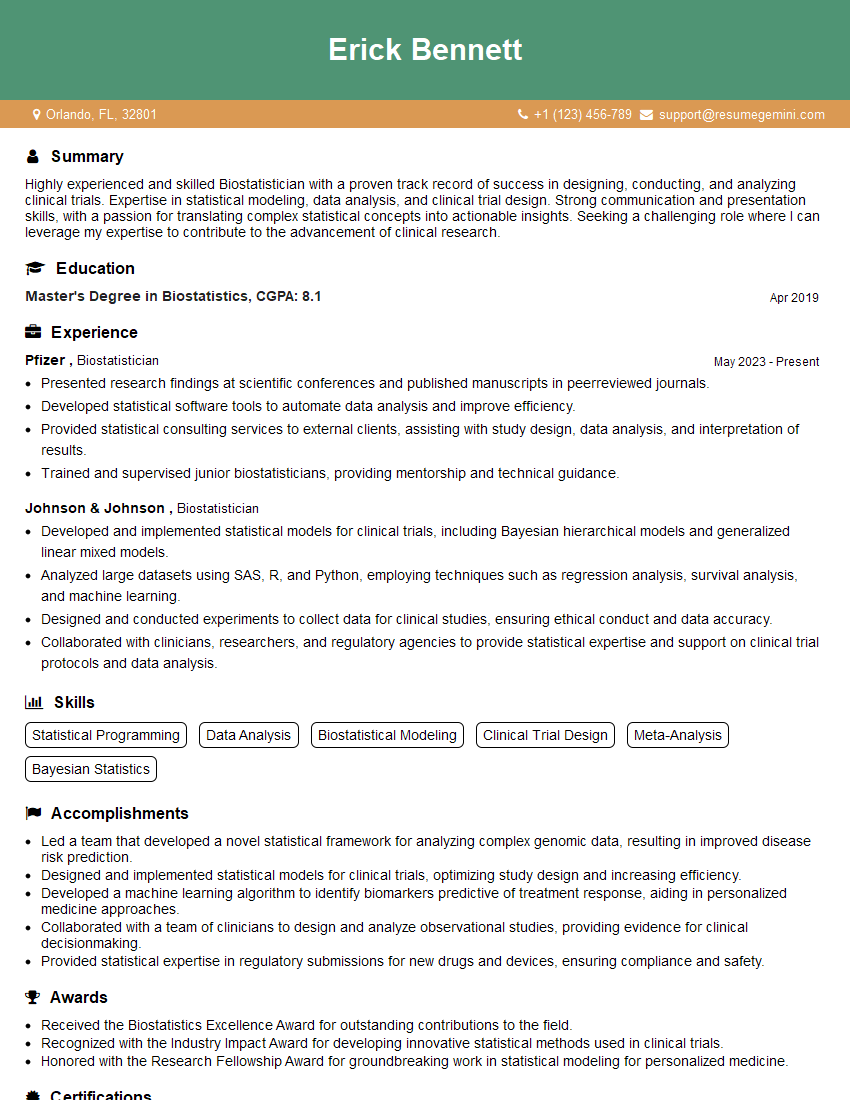
Biostatistician Resume Sample
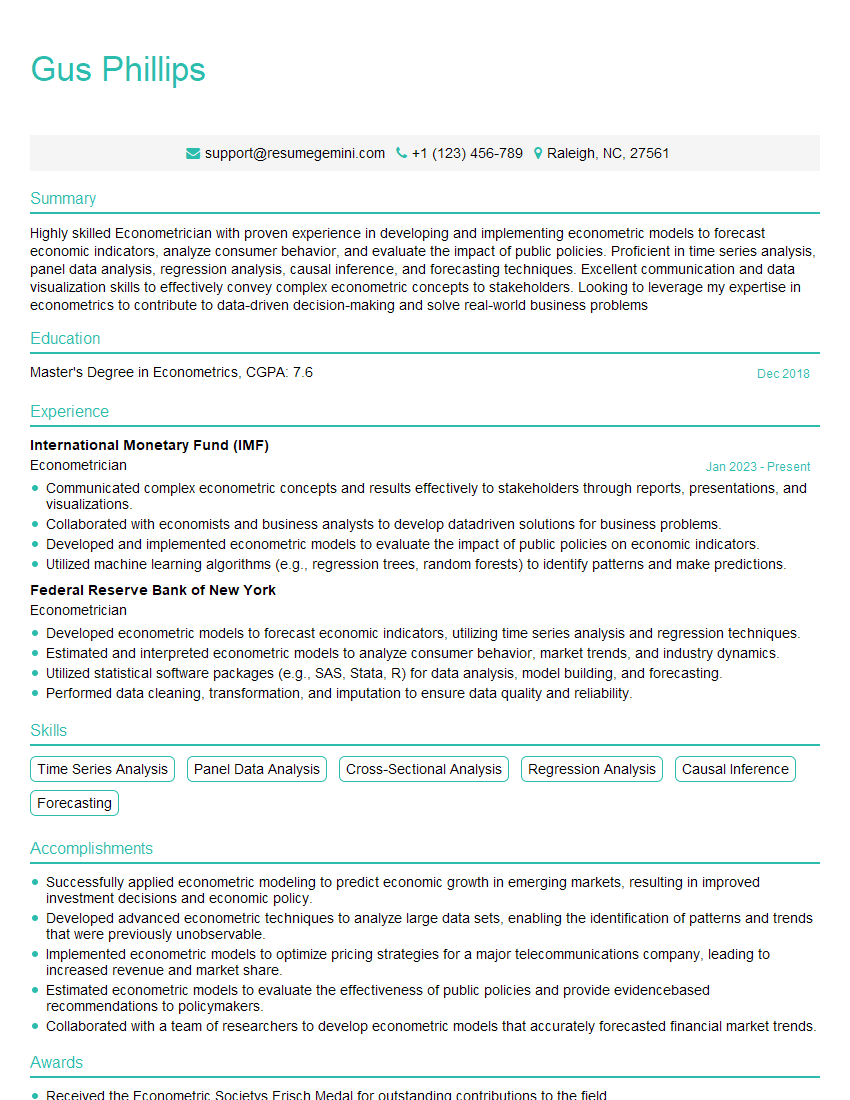
Econometrician Resume Sample
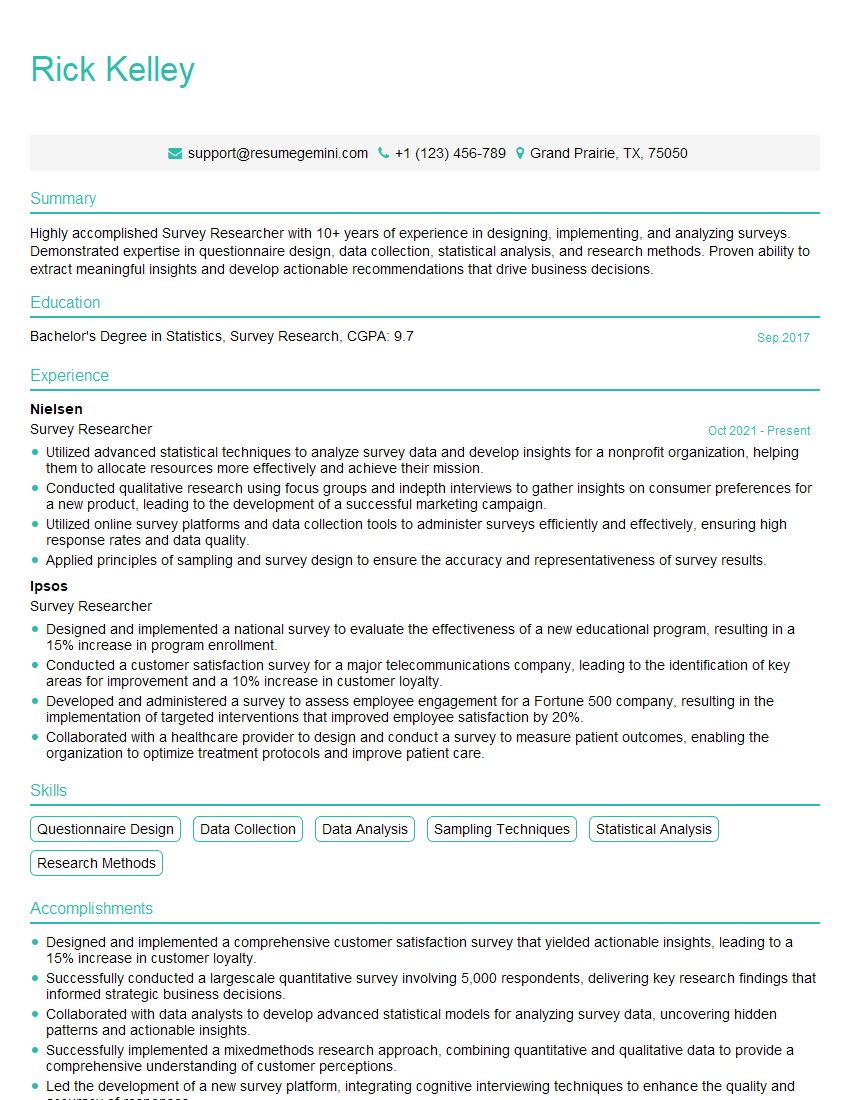
Survey Researcher Resume Sample
Explore more articles
Users Rating of Our Blogs
Share Your Experience
We value your feedback! Please rate our content and share your thoughts (optional).
What Readers Say About Our Blog
To the interviewgemini.com Webmaster.
Very helpful and content specific questions to help prepare me for my interview!
Thank you
To the interviewgemini.com Webmaster.
This was kind of a unique content I found around the specialized skills. Very helpful questions and good detailed answers.
Very Helpful blog, thank you Interviewgemini team.