Every successful interview starts with knowing what to expect. In this blog, we’ll take you through the top Statistical Software (SPSS, R) interview questions, breaking them down with expert tips to help you deliver impactful answers. Step into your next interview fully prepared and ready to succeed.
Questions Asked in Statistical Software (SPSS, R) Interview
Q 1. Explain the difference between a one-sample t-test and a two-sample t-test in SPSS.
The key difference between a one-sample and a two-sample t-test lies in the number of groups being compared. A one-sample t-test compares the mean of a single group to a known or hypothesized value. Think of it like checking if your factory’s average production output (your sample) matches the target output (hypothesized value). In SPSS, you’d use the ‘One-Sample T Test’ procedure. A two-sample t-test, on the other hand, compares the means of two independent groups. For instance, you might want to compare the average test scores of students taught using two different methods. In SPSS, you would use the ‘Independent-Samples T Test’ procedure. The choice depends entirely on your research question. If you’re comparing a single group to a standard, use the one-sample test; if comparing two groups, use the two-sample test.
Example: A one-sample t-test could be used to determine if the average height of a sample of athletes is significantly different from the national average height. A two-sample t-test could compare the average height of male and female athletes to see if there’s a significant difference.
Q 2. How do you handle missing data in R?
Handling missing data in R is crucial for accurate analysis. Ignoring it can lead to biased results. Several approaches exist:
- Listwise Deletion (Complete Case Analysis): This removes any observation with missing data in any variable. Simple but can lead to substantial data loss if missingness isn’t random.
- Pairwise Deletion: Uses available data for each analysis. For example, if you’re correlating variables A and B, only observations with values for both A and B are used. This avoids the complete case deletion drawback but can lead to inconsistencies.
- Imputation: This involves replacing missing values with plausible estimates. Common methods include:
- Mean/Median/Mode Imputation: Replacing missing values with the mean, median, or mode of the observed values. Simple but can underestimate variance.
- Regression Imputation: Predicts missing values based on a regression model using other variables. More sophisticated but assumes a linear relationship.
- Multiple Imputation: Creates multiple datasets with different imputed values. Analysis is performed on each dataset, and results are combined. This accounts for uncertainty in imputation.
In R, the mice package is a powerful tool for multiple imputation. The na.omit() function performs listwise deletion. For mean imputation, you can use colMeans() and similar functions.
# Example using mice package for multiple imputation
library(mice)
imputed_data <- mice(your_data, m = 5) # m is the number of imputed datasets
completedData <- complete(imputed_data, action = 1) # Get the first imputed dataset
Q 3. Describe the process of performing a linear regression in SPSS, including model diagnostics.
Performing a linear regression in SPSS involves several steps. First, you define your dependent (outcome) and independent (predictor) variables. Then, you run the regression analysis using the ‘Linear Regression’ procedure. SPSS will provide you with the regression coefficients (the ‘b’ values), R-squared (the proportion of variance explained), and other statistics. However, merely obtaining coefficients isn’t sufficient. You must perform model diagnostics to assess the validity of your model.
- Checking Assumptions: Linear regression relies on several assumptions, including linearity, independence of errors, homoscedasticity (constant variance of errors), and normality of errors. SPSS can help assess these via residual plots (scatterplots of residuals versus predicted values), histograms of residuals, and tests for normality (e.g., Kolmogorov-Smirnov test).
- Influential Observations: Identify outliers or influential data points that might unduly affect your results. SPSS provides diagnostics like Cook’s distance and leverage values to help detect these.
- Multicollinearity: If independent variables are highly correlated, it can affect the stability and interpretation of the regression coefficients. Check tolerance and variance inflation factor (VIF) values in the SPSS output. High VIF values (above 5 or 10, depending on the context) suggest multicollinearity.
Addressing violations of assumptions might involve transformations of variables (e.g., logarithmic transformations), removing outliers, or using alternative modeling techniques. Careful attention to model diagnostics ensures reliable and meaningful results.
Q 4. What are the different types of plots you can create in R using ggplot2?
ggplot2 in R is a powerful and versatile package for creating various types of plots. Its grammar of graphics allows you to build plots layer by layer. Here are some common plot types:
- Scatter Plots: Show the relationship between two continuous variables.
geom_point()is used. - Line Plots: Illustrate trends over time or a continuous variable.
geom_line()is used. - Bar Charts: Display the frequencies or means of categorical variables.
geom_bar()(for counts) andgeom_col()(for values) are used. - Box Plots: Show the distribution of a continuous variable, including median, quartiles, and outliers.
geom_boxplot()is used. - Histograms: Display the distribution of a continuous variable.
geom_histogram()is used. - Density Plots: Show the probability density of a continuous variable.
geom_density()is used. - Facets: Create multiple plots based on different subgroups, allowing for comparisons across categories.
facet_wrap()andfacet_grid()are used.
The flexibility of ggplot2 allows for creating highly customized and informative visualizations.
Q 5. How would you perform a logistic regression in R and interpret the odds ratios?
Logistic regression models the probability of a binary outcome (0 or 1) based on one or more predictor variables. In R, you can perform logistic regression using the glm() function with the family = binomial argument. The output provides coefficients, which are then used to calculate odds ratios.
# Example logistic regression in R
model <- glm(outcome ~ predictor1 + predictor2, data = your_data, family = binomial)
summary(model)
The odds ratio (OR) for a predictor is calculated by exponentiating its coefficient (exp(coef(model))). An odds ratio greater than 1 indicates that an increase in the predictor is associated with an increased odds of the outcome. An odds ratio less than 1 indicates a decreased odds. For example, an odds ratio of 2 means that for every one-unit increase in the predictor, the odds of the outcome increase by a factor of 2. The p-value associated with each coefficient indicates the statistical significance of the predictor.
Q 6. Explain the concept of p-values and their significance in hypothesis testing.
The p-value is the probability of observing results as extreme as, or more extreme than, the ones obtained, assuming the null hypothesis is true. The null hypothesis is a statement of no effect or no difference. A small p-value (typically less than 0.05) suggests that the observed results are unlikely to have occurred by chance alone, providing evidence against the null hypothesis. In such cases, we reject the null hypothesis and conclude there is a statistically significant effect. However, it’s crucial to remember that a p-value doesn’t measure the size of the effect, only the probability of observing the data under the null hypothesis. A small p-value doesn’t automatically mean the effect is practically important.
Example: Imagine testing a new drug. The null hypothesis is that the drug has no effect. If the p-value is 0.01, it means there’s only a 1% chance of observing the results (e.g., improved health outcomes) if the drug were truly ineffective. This suggests the drug likely has an effect, but further investigation is needed to determine the practical significance of that effect.
Q 7. Compare and contrast the use of ANOVA and t-tests.
Both ANOVA (Analysis of Variance) and t-tests are used to compare means, but they differ in the number of groups being compared. A t-test compares the means of two groups, while ANOVA can compare the means of two or more groups. ANOVA is a more general technique. If you have only two groups, a t-test and ANOVA will yield equivalent results (the F-statistic in ANOVA is the square of the t-statistic in the t-test). However, performing multiple t-tests to compare multiple groups increases the chance of Type I error (falsely rejecting the null hypothesis). ANOVA avoids this issue by performing a single overall test.
Example: A t-test could be used to compare the average test scores of students taught using two different methods. ANOVA could compare the average test scores of students taught using three or more different methods. In the latter case, if the ANOVA shows a significant difference, post-hoc tests (like Tukey’s HSD) are then used to determine which specific groups differ significantly from each other.
Q 8. How do you identify and address outliers in your dataset using SPSS?
Identifying and handling outliers is crucial for reliable statistical analysis. Outliers are data points significantly different from other observations. In SPSS, we can identify them using several methods. One common approach is to visually inspect data using boxplots or histograms. These graphical representations clearly show data points falling outside the typical range. Boxplots, in particular, highlight outliers beyond the whiskers (typically 1.5 times the interquartile range from the quartiles).
Another effective method is using z-scores. A z-score measures how many standard deviations a data point is from the mean. Data points with absolute z-scores exceeding a threshold (e.g., 3) are often flagged as outliers. SPSS can easily calculate z-scores. You can also utilize SPSS’s Explore procedure, which provides descriptive statistics, including outlier identification.
Addressing outliers depends on the context. If the outlier is a genuine data point (e.g., a patient with an extremely rare condition), retaining it might be necessary. However, if it’s due to a data entry error or measurement issue, correction or removal might be appropriate. Before removing an outlier, it’s important to thoroughly investigate its cause. Transformations, such as logarithmic transformations, can sometimes mitigate the influence of outliers without discarding them entirely.
For example, let’s say we’re analyzing patient blood pressure. If a value of 300 mmHg is recorded, far exceeding the typical range, investigation might reveal a data entry error, necessitating correction. However, if the value is valid, we might need to consider robust statistical methods less sensitive to outliers.
Q 9. What are the different types of data and how do you handle them in R?
R handles various data types effectively. The primary types are:
- Numeric: Represents continuous or discrete numerical data (e.g., height, age, count). In R, these are simply numbers.
- Integer: Whole numbers (e.g., number of cars). Represented using the
Lsuffix (e.g.,10L). - Logical: Boolean values (TRUE/FALSE). Used for conditions and comparisons.
- Character: Text strings (e.g., names, cities). Enclosed in quotes.
- Factor: Categorical data with specific levels (e.g., gender (Male/Female), color (Red/Green/Blue)). Crucial for statistical modeling.
- Date/Time: Represents dates and times. R has specific functions for handling these.
Handling data types correctly is vital. R automatically infers data types during import (e.g., from CSV files), but it’s essential to check and convert them if needed. For instance, if a column representing age is imported as character, you’d need to convert it to numeric using functions like as.numeric(). Factors need careful management; incorrect levels can lead to errors in analysis. The factor() function is used to create factors, specifying the levels.
# Example: Converting character to numeric age_char <- c("25", "30", "35") age_num <- as.numeric(age_char)Proper data type handling ensures accuracy in statistical analyses and prevents errors.
Q 10. How do you perform data cleaning and transformation in SPSS?
Data cleaning and transformation in SPSS are essential steps before analysis. Cleaning involves identifying and correcting errors, inconsistencies, or missing values. SPSS offers several tools for this:
- Missing Value Analysis: SPSS helps identify patterns of missing data and suggests imputation methods (replacing missing values) like mean substitution or more sophisticated techniques.
- Data Transformation: SPSS allows recoding variables (e.g., changing variable names, combining categories), creating new variables (e.g., calculating ratios, creating dummy variables), and transforming data (e.g., applying logarithmic, square root transformations).
- Case Selection: You can selectively include or exclude cases (rows) based on specific criteria.
For example, if a survey has missing age values, you might replace them with the mean age or use a more advanced method like multiple imputation. If a variable has inconsistent coding (e.g., “Male”, “male”, “M”), you'd recode it to ensure uniformity. Transforming data is crucial for meeting the assumptions of specific statistical tests (e.g., normality). Consider using logarithmic transformation to stabilize variance or address skewness.
Using SPSS's syntax editor for more complex transformations or repetitive tasks increases efficiency and reproducibility. It's important to document all cleaning and transformation steps for transparency and replicability.
Q 11. Explain the difference between correlation and causation.
Correlation and causation are often confused but are distinct concepts. Correlation measures the statistical association between two variables. A correlation coefficient (e.g., Pearson's r) indicates the strength and direction of the linear relationship. A high correlation doesn't imply causation.
Causation, on the other hand, implies that one variable directly influences another. A change in one variable causes a change in the other. Establishing causation requires demonstrating a cause-and-effect relationship, which is far more challenging than establishing correlation. Simply observing a correlation does not prove causality.
Example: Ice cream sales and crime rates might be positively correlated (both increase during summer). However, this doesn't mean that increased ice cream sales cause increased crime. A confounding variable, like warmer weather, affects both. Confounding variables are factors that influence both variables being studied, creating a spurious correlation.
To establish causation, you'd typically need experimental evidence, such as a randomized controlled trial, controlling for confounding variables. Observational studies, while useful for finding associations, rarely provide definitive proof of causality.
Q 12. How do you create custom functions in R?
Creating custom functions in R enhances code reusability and readability. Functions are self-contained blocks of code that perform specific tasks. The basic structure is:
# Function definition my_function <- function(arg1, arg2, ...){ # Function body: code to perform calculations or operations result <- arg1 + arg2 # Example operation return(result) # Return value } # Function call output <- my_function(5, 3) # Calling the function with arguments print(output) # Output: 8The function() keyword initiates the function definition, followed by arguments within parentheses. The body contains the code, and return() specifies the output. We can add error handling (tryCatch), documentation (comments), and more complex logic to create powerful functions.
For instance, let's say you frequently calculate the mean and standard deviation of a vector. Creating a function for this avoids repetitive coding. The function can handle data validation, error handling, and even specific output formatting.
Q 13. Describe your experience with data visualization in SPSS or R.
Data visualization is crucial for effective communication and insight generation. I have extensive experience with data visualization in both SPSS and R. SPSS offers a graphical user interface (GUI) with various chart types (bar charts, histograms, scatter plots, etc.). Its point-and-click interface simplifies creating basic visualizations. However, customization options are somewhat limited.
R, particularly with packages like ggplot2, provides unparalleled flexibility and customization. ggplot2 uses a layered grammar of graphics, allowing the construction of complex and aesthetically pleasing visualizations with precise control over every detail. R enables the creation of publication-quality graphics easily.
Example (R with ggplot2):
library(ggplot2) # Sample data data <- data.frame(x = 1:10, y = rnorm(10)) # Scatter plot with ggplot2 ggplot(data, aes(x = x, y = y)) + geom_point() + labs(title = "Scatter Plot", x = "X-axis", y = "Y-axis")This generates a basic scatter plot. ggplot2 can be extended with themes, annotations, and various other geometric objects (geom_) to produce highly informative and visually appealing graphs.
My experience spans from creating simple descriptive plots to more complex visualizations, including interactive dashboards using R Shiny or similar tools. Selecting the appropriate visualization method depends on the data type and the message you aim to convey.
Q 14. What are the advantages and disadvantages of using SPSS versus R?
SPSS and R are both powerful statistical software packages, but they cater to different needs and preferences.
- SPSS Advantages: User-friendly GUI, excellent for beginners, good for basic statistical analyses, robust built-in procedures for common statistical tests, strong support community.
- SPSS Disadvantages: Can be expensive, limited customization options for visualization, less flexible for advanced analyses, less suited for large datasets or complex modeling.
- R Advantages: Open-source and free, highly flexible and extensible with numerous packages, powerful for advanced analyses, ideal for data manipulation and visualization, vast online community support, well-suited for big data analyses.
- R Disadvantages: Steeper learning curve, requires coding, initial setup can be challenging, debugging can be more involved.
The best choice depends on your skill level, budget, the complexity of your analyses, and the size of your dataset. SPSS is often preferred for quick analysis and ease of use, while R is favored by experienced users who require flexibility and advanced features. In many professional settings, both are used, leveraging their respective strengths.
Q 15. How do you deal with multicollinearity in regression analysis using SPSS?
Multicollinearity in regression occurs when predictor variables are highly correlated. This inflates the variance of regression coefficients, making them unstable and difficult to interpret. In SPSS, we can address this using several strategies:
Correlation Matrix Examination: Begin by examining the correlation matrix of your predictor variables. High correlations (typically above 0.7 or 0.8, depending on the context) suggest potential multicollinearity. You can find this in SPSS under Analyze > Correlate > Bivariate.
Variance Inflation Factor (VIF): The VIF measures how much the variance of a regression coefficient is inflated due to multicollinearity. A VIF above 5 or 10 (again, context-dependent) generally indicates a problem. SPSS doesn't directly calculate VIFs in the standard regression output, but you can obtain them using the 'Linear Regression' procedure (Analyze > Regression > Linear) and then requesting collinearity diagnostics in the 'Statistics' sub-dialog box.
Feature Selection Techniques: If multicollinearity is severe, consider removing one or more of the highly correlated predictors. This often involves careful consideration of the theoretical underpinnings of your model. You might remove the variable with the highest VIF or the least theoretical importance.
Principal Component Analysis (PCA): PCA creates uncorrelated linear combinations of the original variables, which can then be used as predictors. This effectively reduces dimensionality and removes multicollinearity. In SPSS, this is accessed through Analyze > Dimension Reduction > Factor. Remember to choose PCA as your extraction method.
Ridge Regression or Lasso Regression: These techniques shrink the regression coefficients towards zero, reducing the impact of multicollinearity. While not directly available in the base SPSS regression procedure, they can be implemented using specialized SPSS extensions or by exporting the data to R for analysis.
For example, if I'm modeling house prices, and I include both 'square footage' and 'number of bedrooms,' these might be highly correlated. Dealing with multicollinearity might involve removing 'number of bedrooms' if 'square footage' is a more robust predictor or using PCA to create composite variables representing size and features.
Career Expert Tips:
- Ace those interviews! Prepare effectively by reviewing the Top 50 Most Common Interview Questions on ResumeGemini.
- Navigate your job search with confidence! Explore a wide range of Career Tips on ResumeGemini. Learn about common challenges and recommendations to overcome them.
- Craft the perfect resume! Master the Art of Resume Writing with ResumeGemini's guide. Showcase your unique qualifications and achievements effectively.
- Don't miss out on holiday savings! Build your dream resume with ResumeGemini's ATS optimized templates.
Q 16. How do you perform a chi-square test in R?
The Chi-square test assesses the independence of two categorical variables. In R, we use the chisq.test() function. The function takes a contingency table as input. This table summarizes the counts of observations for each combination of categories in the two variables.
Here's how you do it:
# Sample data (replace with your actual data)
data <- matrix(c(20, 30, 25, 45), nrow = 2, byrow = TRUE)
colnames(data) <- c("Category A", "Category B")
rownames(data) <- c("Group X", "Group Y")

# Perform the Chi-square test
result <- chisq.test(data)

# Print the results
print(result)
The output shows the Chi-squared statistic, the degrees of freedom, the p-value, and the expected frequencies under the assumption of independence. A small p-value (typically below 0.05) suggests that the two variables are not independent.
For instance, you might use this test to see if there's an association between smoking status (smoker/non-smoker) and lung cancer diagnosis (yes/no) in a sample of patients. The contingency table would show the counts of patients in each combination of smoking status and diagnosis. The Chi-square test then tells us if smoking is significantly associated with lung cancer.
Q 17. What are the different methods for handling categorical variables in regression analysis?
Categorical variables, representing groups or categories, can't be directly included in regression analysis in their raw form. We need to transform them into numerical representations. Several methods exist:
Dummy Coding (One-Hot Encoding): For a categorical variable with 'k' levels, we create 'k-1' dummy variables. Each dummy variable represents the presence or absence of a specific level. This prevents perfect multicollinearity. For example, if you have a variable 'color' with levels 'red,' 'blue,' and 'green,' you would create two dummy variables: 'red' (1 if red, 0 otherwise) and 'blue' (1 if blue, 0 otherwise). Green would be implicitly represented when both dummy variables are 0.
Effect Coding: Similar to dummy coding, but one level serves as the reference group, while others are coded as +1 or -1. This allows testing the difference between the reference group and other levels. It's often useful for examining group effects relative to a baseline.
Ordinal Encoding: If your categorical variable has an inherent order (e.g., education level: high school, bachelor's, master's), you can assign numerical values representing the order (e.g., 1, 2, 3). However, this assumes equal intervals between categories, which might not always be appropriate.
Polynomial Contrast Coding: Useful for testing ordered categories with polynomial relationships (linear, quadratic, cubic, etc.). This might be appropriate if the relationship between the categorical variable and the outcome is not linear.
The choice of method depends on the nature of the categorical variable and the research question. Dummy coding is most common and versatile, while other methods are employed when there's a specific ordering or a non-linear relationship to be tested. In SPSS, dummy coding is usually done automatically within the regression procedure, while in R, packages like caret offer functions for creating various types of dummy variables.
Q 18. Explain the concept of regularization in regression and its use in R.
Regularization in regression aims to prevent overfitting by shrinking the magnitude of regression coefficients. Overfitting occurs when a model fits the training data too well but performs poorly on new, unseen data. Regularization helps improve the model's generalization ability. In R, we use packages like glmnet to perform ridge and lasso regression, the two most common types of regularization:
Ridge Regression (L2 Regularization): Adds a penalty term to the regression equation proportional to the square of the magnitude of the coefficients. This shrinks coefficients towards zero but doesn't set any to exactly zero. It's useful when many predictors have small effects.
Lasso Regression (L1 Regularization): Adds a penalty term proportional to the absolute value of the coefficients. This can force some coefficients to be exactly zero, performing variable selection. It's particularly helpful when only a few predictors are truly important.
Here's an example of Lasso regression in R:
library(glmnet)

# Sample data (replace with your data)
x <- matrix(rnorm(100*10), nrow = 100, ncol = 10)
y <- rnorm(100)

# Fit the Lasso model
model <- glmnet(x, y, alpha = 1, lambda = 0.1) # alpha = 1 for Lasso

# Make predictions
predictions <- predict(model, newx = x)
The lambda parameter controls the strength of regularization. Larger lambda values result in stronger shrinkage. alpha = 1 specifies Lasso regression; alpha = 0 would be ridge regression. Cross-validation is often used to select the optimal lambda.
Imagine predicting customer churn based on many customer characteristics. Regularization helps prevent overfitting by preventing the model from being overly sensitive to minor variations in the training data and improves the prediction accuracy for new customers.
Q 19. How would you conduct principal component analysis (PCA) in R?
Principal Component Analysis (PCA) reduces the dimensionality of a dataset by transforming a large number of correlated variables into a smaller set of uncorrelated variables called principal components. In R, we can perform PCA using the prcomp() function or the princomp() function from the base package, or other packages such as FactoMineR which offers more visualization capabilities. Both functions provide similar results, but they have slightly different approaches to scaling and output.
Here's an example using prcomp():
# Sample data (replace with your data)
data <- iris[, 1:4]

# Perform PCA
pca_result <- prcomp(data, scale = TRUE)

# Summary of PCA
summary(pca_result)

# Access principal components
head(pca_result$x)

# Scree plot
plot(pca_result, type = "l")
The scale = TRUE argument centers and scales the data before PCA, which is generally recommended unless you have a specific reason not to do so. The summary provides information about the standard deviation of each component, the proportion of variance explained by each component, and the cumulative proportion. The scree plot helps in determining the number of components to retain (usually those explaining a substantial proportion of the variance).
For example, in analyzing gene expression data, PCA could reduce hundreds or thousands of gene expression measurements to a few principal components, capturing the most important variations in gene expression patterns. This simplifies analysis and visualization.
Q 20. How do you interpret the results of a PCA in SPSS?
Interpreting PCA results in SPSS involves understanding the principal components and their contribution to explaining the variance in the original data.
Eigenvalues and Eigenvectors: Each principal component has an eigenvalue, representing the amount of variance it explains. Eigenvectors define the weights or loadings of the original variables on each principal component. The SPSS output shows the eigenvalues, typically in a table. Components with larger eigenvalues explain more variance and are more important. The eigenvectors (loadings) show which original variables contribute most strongly to each component.
Component Matrix (Loadings): The component matrix shows the loadings (correlations between the original variables and the principal components). High absolute values (positive or negative) indicate strong relationships. Variables with high loadings on the same component tend to move together. In SPSS, the component matrix is usually displayed as part of the output from the Factor Analysis procedure (which also provides PCA). This matrix is crucial to interpret which original variables contribute to each of the principal components.
Scree Plot: The scree plot graphs the eigenvalues against the component number. It helps visually determine the number of principal components to retain; a sharp drop-off in the eigenvalue suggests the optimal number of components to keep.
Component Scores: The component scores are the values of each observation on the principal components. These can be used for further analysis, such as clustering or regression.
For example, if performing PCA on customer data with variables such as age, income, and spending habits, a high loading of 'age' and 'income' on the first component might suggest this component represents a socioeconomic dimension. You would then look at the component scores to see how individual customers score on this dimension.
Q 21. Describe your experience with data mining techniques in SPSS or R.
My experience with data mining techniques in both SPSS and R is extensive. I've worked on numerous projects involving various techniques, including:
Classification: Using logistic regression, support vector machines (SVMs), decision trees (C5.0, CART), and random forests in both SPSS and R to predict categorical outcomes (e.g., customer churn, fraud detection). I've utilized techniques like cross-validation to evaluate model performance and select the best model.
Regression: Applying linear regression, polynomial regression, and generalized linear models (GLMs) in SPSS and R to predict continuous outcomes (e.g., sales forecasting, house price prediction). I've used regularization techniques, as discussed earlier, to address overfitting.
Clustering: Employing K-means, hierarchical clustering, and DBSCAN in R to group similar observations. I've used various methods for determining the optimal number of clusters (e.g., elbow method, silhouette analysis).
Association Rule Mining: Using the Apriori algorithm in R (with packages like
arules) to discover association rules between items in transactional data (e.g., market basket analysis). I've employed techniques to prune the rules and focus on the most interesting ones.Dimensionality Reduction: Extensive use of PCA and factor analysis in both SPSS and R, as previously discussed, to reduce the number of variables and simplify data analysis.
In one project, I used R and the caret package to compare various classification algorithms for predicting customer loan defaults. I used 10-fold cross-validation to compare model performance and choose the best performing model based on metrics such as AUC and accuracy. In another project involving customer segmentation, I used K-means clustering in R to group customers based on their purchasing behavior. This led to tailored marketing strategies for different customer segments.
Q 22. How do you build a decision tree model in R?
Building a decision tree model in R is a straightforward process, leveraging the power of packages like rpart (recursive partitioning) or randomForest. The core idea is to recursively partition your data based on predictor variables to create a tree-like structure that predicts an outcome variable.
Let's say we want to predict customer churn (yes/no) based on factors like age, tenure, and monthly charges. First, we load the necessary library: library(rpart). Then, we build the model using a formula specifying the outcome and predictors: model <- rpart(churn ~ age + tenure + monthly_charges, data = mydata). This creates a decision tree. We can then visualize the tree using plot(model) and text(model) to interpret the rules it learned.
randomForest offers an ensemble approach, building many trees and averaging their predictions for improved accuracy and robustness, especially useful with high dimensionality or noisy data. The syntax is similar, but instead of rpart, you would use randomForest.
Model evaluation (covered later) is crucial to determine its performance and prevent overfitting (the model performs exceptionally well on the training data but poorly on new data).
Q 23. How would you perform clustering analysis in SPSS?
SPSS offers various clustering algorithms for grouping similar observations. The most common is k-means clustering, where you specify the number of clusters (k) beforehand. Hierarchical clustering builds a hierarchy of clusters, allowing for visualization of cluster relationships.
To perform k-means in SPSS, you'd go to Analyze > Classify > K-Means Cluster. You specify your variables (numeric ones work best), the number of clusters, and the method for initializing the cluster centroids. SPSS iteratively assigns observations to the nearest centroid until convergence. Important considerations include selecting appropriate variables, scaling your data (standardization is often helpful), and evaluating cluster validity using measures like silhouette widths (higher values indicate better-defined clusters).
Hierarchical clustering (Analyze > Classify > Hierarchical Cluster) offers two main approaches: agglomerative (bottom-up, starting with each point as a cluster) and divisive (top-down, starting with one cluster). You choose a distance measure (e.g., Euclidean distance) and a linkage method (e.g., Ward's method) to determine how clusters are merged or split. Dendrograms visually represent the hierarchical structure.
Q 24. What are your preferred methods for model evaluation and selection?
Model evaluation and selection are critical for ensuring a model's reliability and generalizability. My preferred methods depend on the type of model and the research question but often involve a combination of techniques.
- For classification models: Accuracy, precision, recall, F1-score, AUC (area under the ROC curve), and confusion matrices are invaluable tools. AUC particularly helps assess the model's ability to distinguish between classes across various thresholds. I often use cross-validation to get a more robust estimate of performance on unseen data.
- For regression models: R-squared, adjusted R-squared, RMSE (root mean squared error), and MAE (mean absolute error) are common metrics. Adjusted R-squared accounts for the number of predictors, penalizing overly complex models. Cross-validation remains crucial here as well.
- Model selection: I often employ techniques like AIC (Akaike Information Criterion) and BIC (Bayesian Information Criterion) to compare models of different complexities. These criteria balance model fit with complexity, penalizing models with too many parameters. Cross-validation helps prevent overfitting and chooses models that generalize well.
Visualizations, like ROC curves or residual plots (for regression), are essential for a more comprehensive understanding of model performance and identifying potential issues.
Q 25. Explain your experience using R packages like dplyr and tidyr.
dplyr and tidyr are indispensable parts of my R workflow for data manipulation. dplyr provides a grammar of data manipulation, making it easy to perform operations like filtering, selecting, mutating (adding/modifying variables), summarizing, and joining datasets. Imagine you have a large dataset of sales transactions. With dplyr, you can efficiently filter transactions from a specific region, calculate the total sales for each product category, or join this sales data with customer information.
Here's a simple example: sales <- sales_data %>% filter(region == "North") %>% group_by(product_category) %>% summarize(total_sales = sum(sales_amount)). This concisely filters for the North region, groups by product category, and calculates total sales for each category.
tidyr focuses on data tidying—reshaping data into a consistent and usable format. Functions like pivot_longer and pivot_wider are essential for transforming data from wide to long format or vice versa. This is especially useful when working with datasets that have multiple measurements for the same variable across different columns.
My experience involves extensive use of these packages for cleaning, transforming, and preparing data for analysis across diverse projects, significantly improving efficiency and code readability.
Q 26. How do you handle large datasets in R efficiently?
Handling large datasets efficiently in R requires strategic approaches. Simply loading the entire dataset into memory might crash your system. Here's how I address this:
- Data Sampling: For exploratory analysis or initial model building, a random sample of the data often suffices. This reduces processing time and memory consumption.
sample_n(mydata, 10000)fromdplyrsamples 10,000 rows. - Data.table Package: This package offers exceptionally fast data manipulation capabilities for large datasets. Its syntax is slightly different from
dplyrbut offers significant speed advantages for large-scale operations. - Chunking: Process the data in smaller, manageable chunks. Read a portion of the data, perform your analysis, then repeat for the next chunk. This prevents memory overload.
- Database Connections: For extremely large datasets, connecting directly to a database (like PostgreSQL or MySQL) allows for querying and analysis without loading the entire dataset into R. Packages like
DBIprovide a common interface. - Memory Management: Use functions like
gc()to manually trigger garbage collection, freeing up memory. Employing data structures optimized for memory efficiency is beneficial.
The best approach depends on the dataset's size, the complexity of the analysis, and available resources. Often, a combination of these strategies is employed.
Q 27. Describe your experience with version control systems (e.g., Git) in the context of data analysis projects.
Version control, primarily using Git, is an integral part of my data analysis workflow. It's crucial for tracking changes, collaborating effectively, and ensuring reproducibility. I use Git to manage my code, data scripts, and even data files (though large datasets are often stored separately).
In a typical project, I initialize a Git repository, commit changes regularly with descriptive messages, and branch out for different experimental analyses or bug fixes. Pull requests allow for collaborative code review and discussion before merging changes into the main branch. This meticulous version control ensures that I can always revert to previous versions if needed and enables collaborative work seamlessly, tracing every alteration. The history also offers an audit trail that facilitates reproducibility and transparency.
Platforms like GitHub or GitLab enhance collaboration, offering remote repositories, issue tracking, and a centralized place for project management. My experience with Git extends to resolving merge conflicts, understanding branching strategies, and using Git to manage multiple projects concurrently.
Q 28. Explain your approach to communicating statistical findings to a non-technical audience.
Communicating statistical findings effectively to a non-technical audience requires translating complex concepts into clear, concise, and engaging language. I avoid jargon, use visual aids liberally, and focus on telling a story.
Instead of saying "the p-value was less than 0.05, indicating statistical significance," I might say "Our analysis shows a strong relationship between X and Y, and we're confident that this isn't due to chance." I would further illustrate with charts or graphs that highlight key findings. If presenting a regression analysis, I might showcase the direction and magnitude of relationships with clear interpretations instead of dwelling on coefficients.
Analogies and real-world examples help bridge the gap. If discussing probabilities, I might use the analogy of flipping a coin to explain the likelihood of an event. Using simple language, clear visualizations (tables, charts, graphs), focusing on the practical implications of findings, and tailoring the message to the specific audience is paramount. Interactive dashboards can also significantly improve comprehension and engagement.
Key Topics to Learn for Statistical Software (SPSS, R) Interview
- Data Import & Cleaning: Mastering techniques for importing data from various sources (CSV, Excel, databases) and effectively cleaning it (handling missing values, outliers, data transformation). Practical application: Demonstrate your ability to prepare real-world datasets for analysis.
- Descriptive Statistics: Understand and be able to calculate and interpret measures of central tendency (mean, median, mode), dispersion (variance, standard deviation), and visualize data distributions using histograms and boxplots in both SPSS and R. Practical application: Explain the insights gained from descriptive statistics in a given dataset.
- Inferential Statistics: Grasp the fundamentals of hypothesis testing, t-tests, ANOVA, correlation, and regression analysis. Practical application: Interpret p-values and confidence intervals, and explain the implications of statistical significance.
- Regression Modeling (Linear, Logistic): Build and interpret linear and logistic regression models, including model selection, diagnostics, and interpretation of coefficients. Practical application: Demonstrate your understanding of model assumptions and how to address violations.
- Data Visualization: Create clear and informative visualizations using both SPSS and R's graphing capabilities. This includes understanding the best chart type for different data types and effectively communicating findings through visuals. Practical application: Develop compelling visualizations to support your analysis.
- R Programming Fundamentals: For R interviews, showcase proficiency in basic programming concepts (loops, conditionals, functions), data structures (vectors, matrices, data frames), and package management. Practical application: Write efficient R code to solve statistical problems.
- SPSS Syntax & Output Interpretation: For SPSS interviews, demonstrate understanding of SPSS syntax and the ability to interpret the output from various statistical procedures. Practical application: Explain the results of an SPSS analysis in a clear and concise manner.
- Advanced Topics (Depending on Role): Explore topics like time series analysis, factor analysis, cluster analysis, or other advanced statistical methods relevant to the specific job description. Practical application: Highlight your knowledge of these techniques through projects or coursework.
Next Steps
Mastering statistical software like SPSS and R is crucial for a successful career in data analysis, research, and many other fields. It opens doors to exciting opportunities and allows you to contribute meaningfully to data-driven decision-making. To maximize your job prospects, focus on creating an ATS-friendly resume that highlights your skills and experience effectively. ResumeGemini is a trusted resource to help you build a professional and impactful resume. Examples of resumes tailored to Statistical Software (SPSS, R) expertise are available to guide you.

Business Analyst Resume Sample
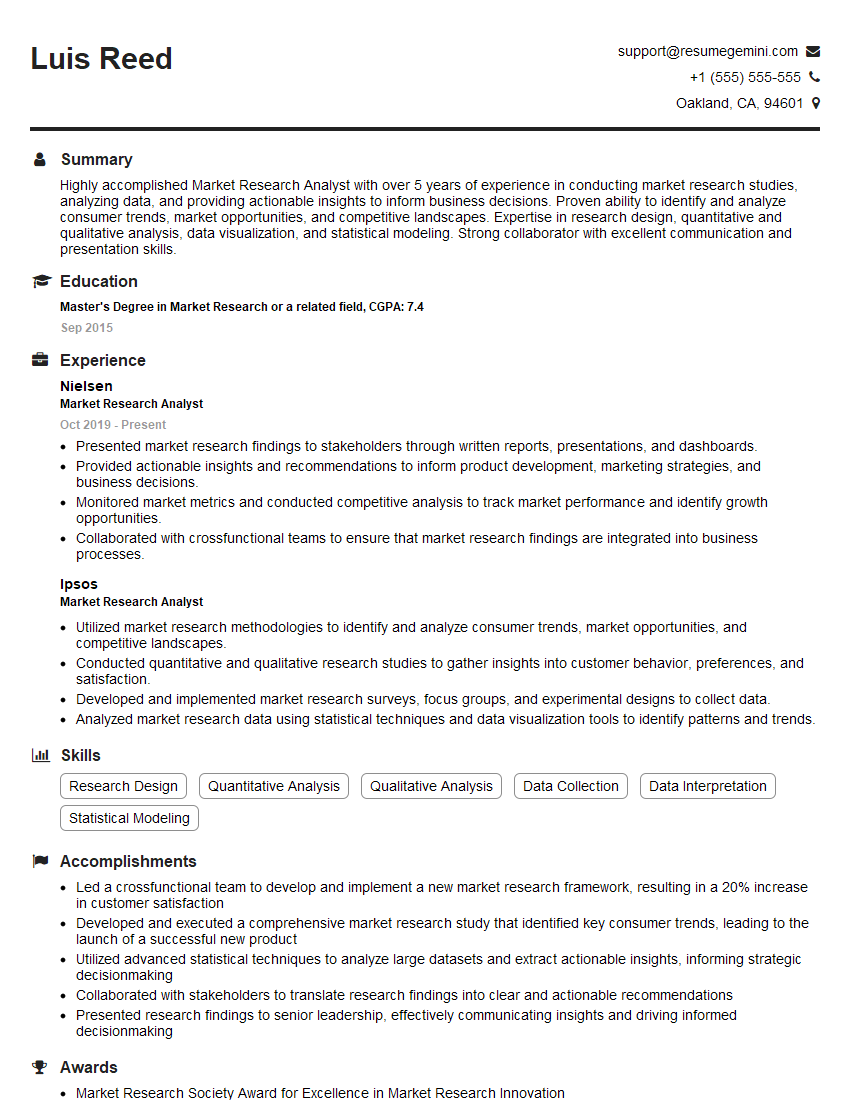
Market Research Analyst Resume Sample
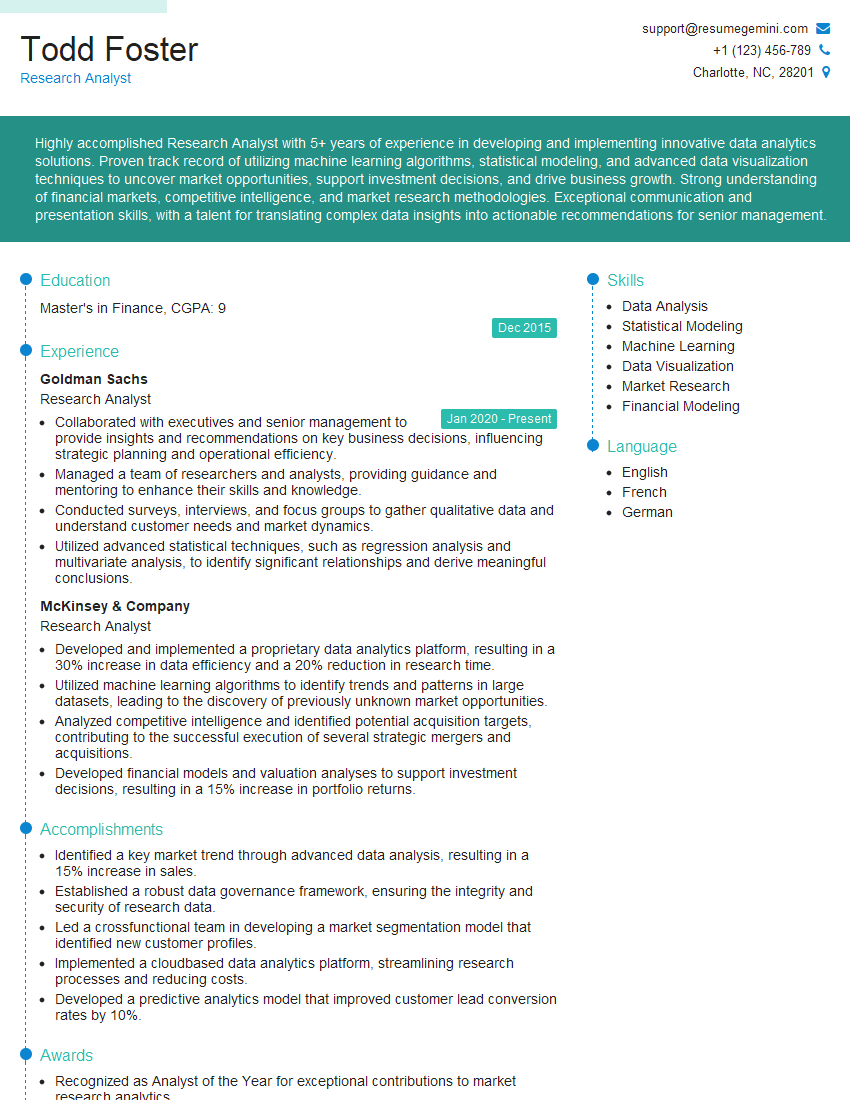
Research Analyst Resume Sample
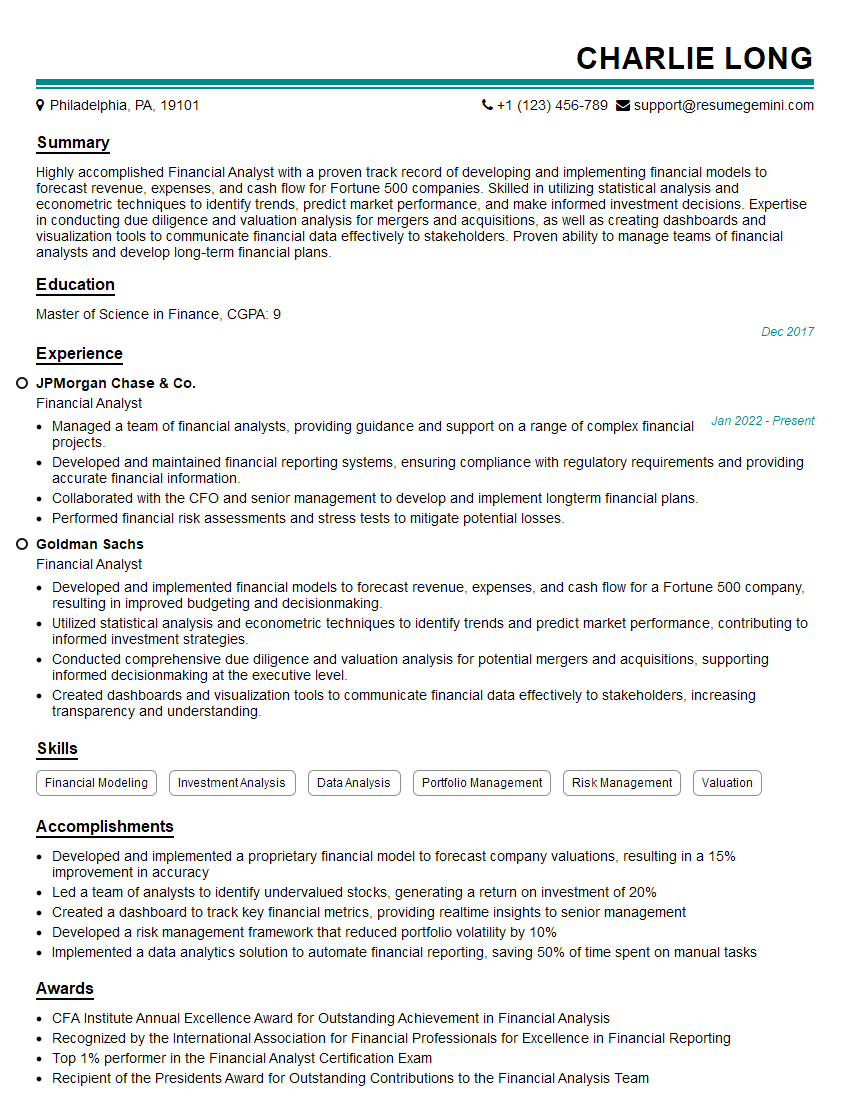
Financial Analyst Resume Sample
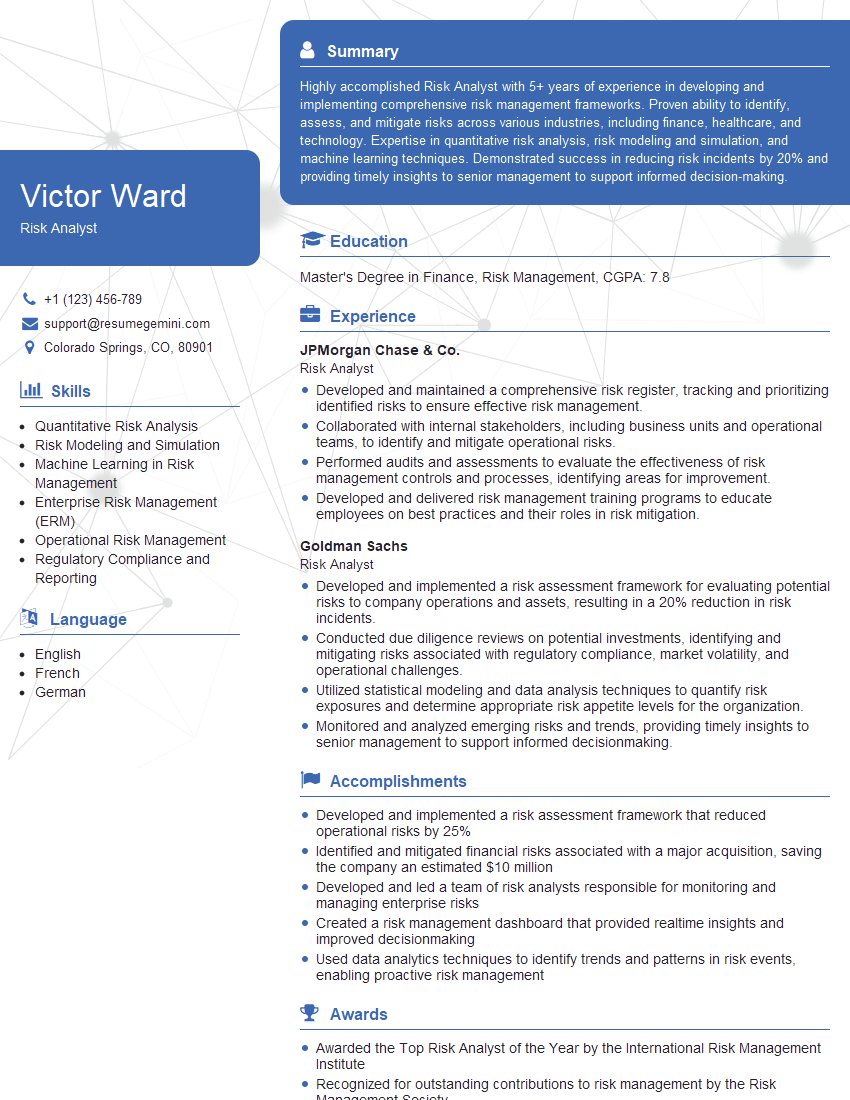
Risk Analyst Resume Sample

Data Analyst Resume Sample

Data Scientist Resume Sample

Actuary Resume Sample
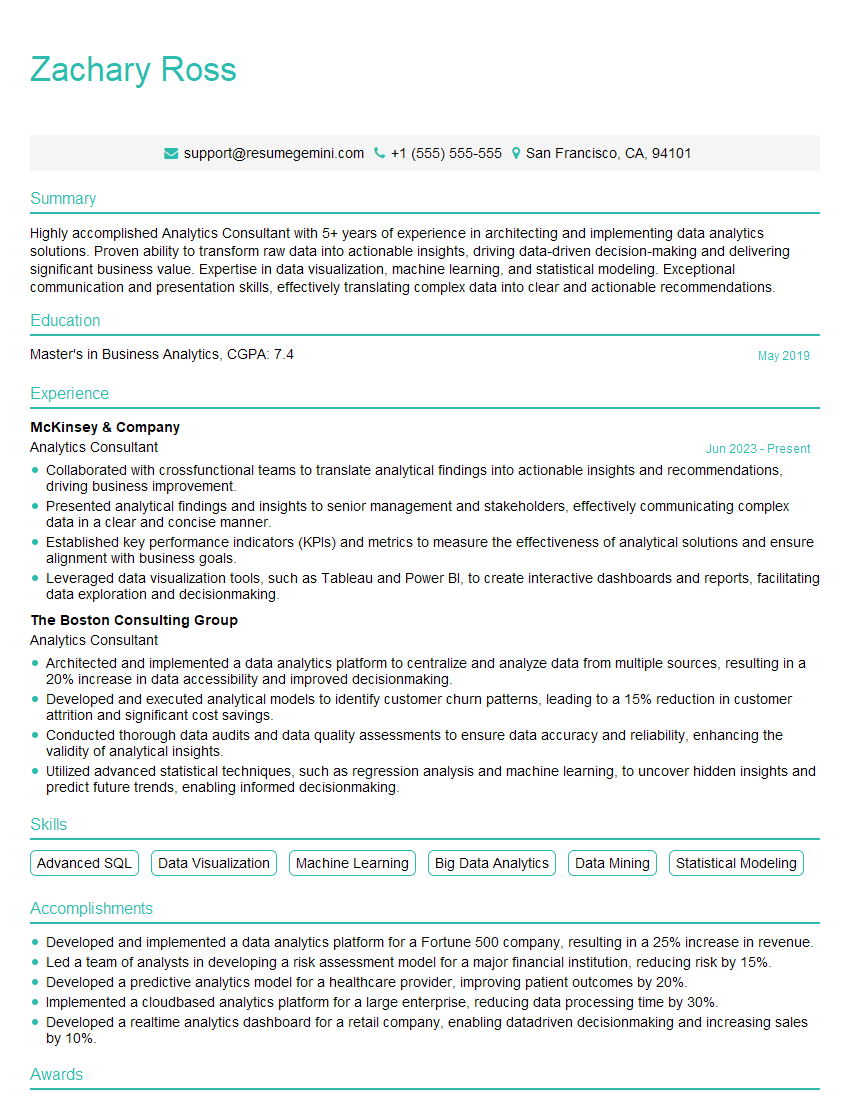
Analytics Consultant Resume Sample

Operations Research Analyst Resume Sample
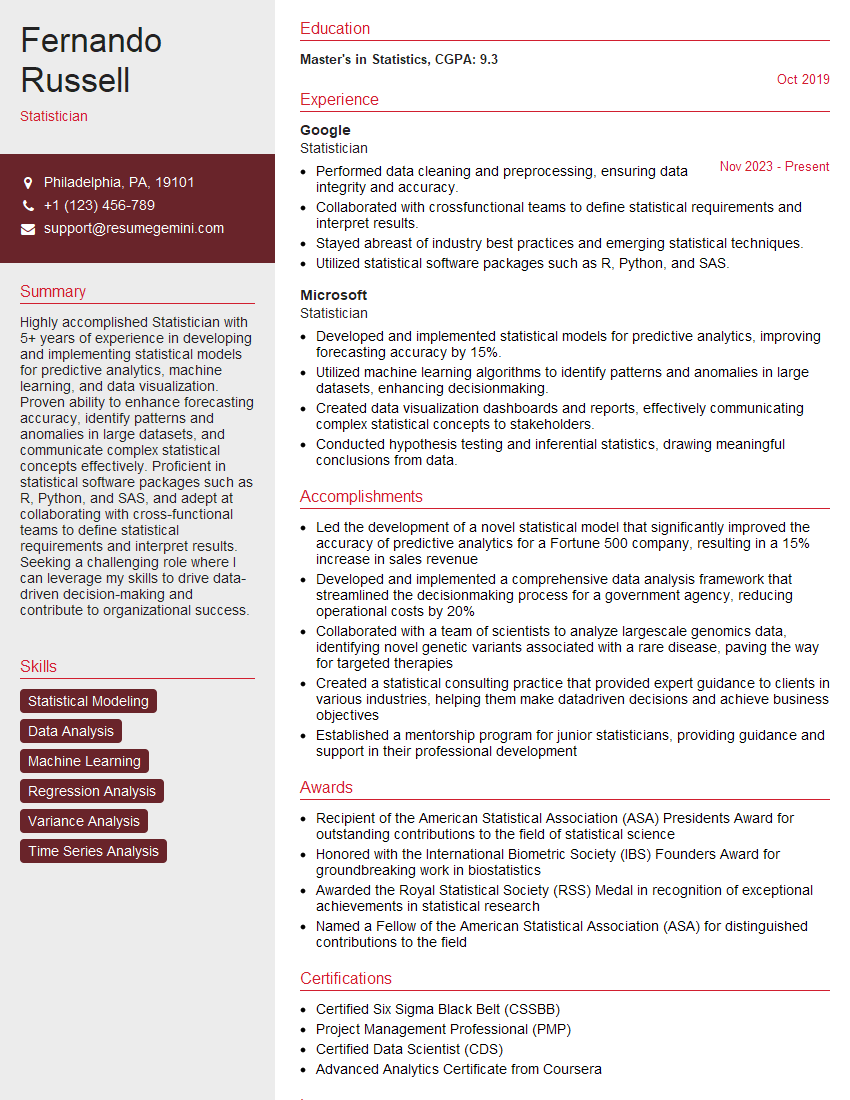
Statistician Resume Sample
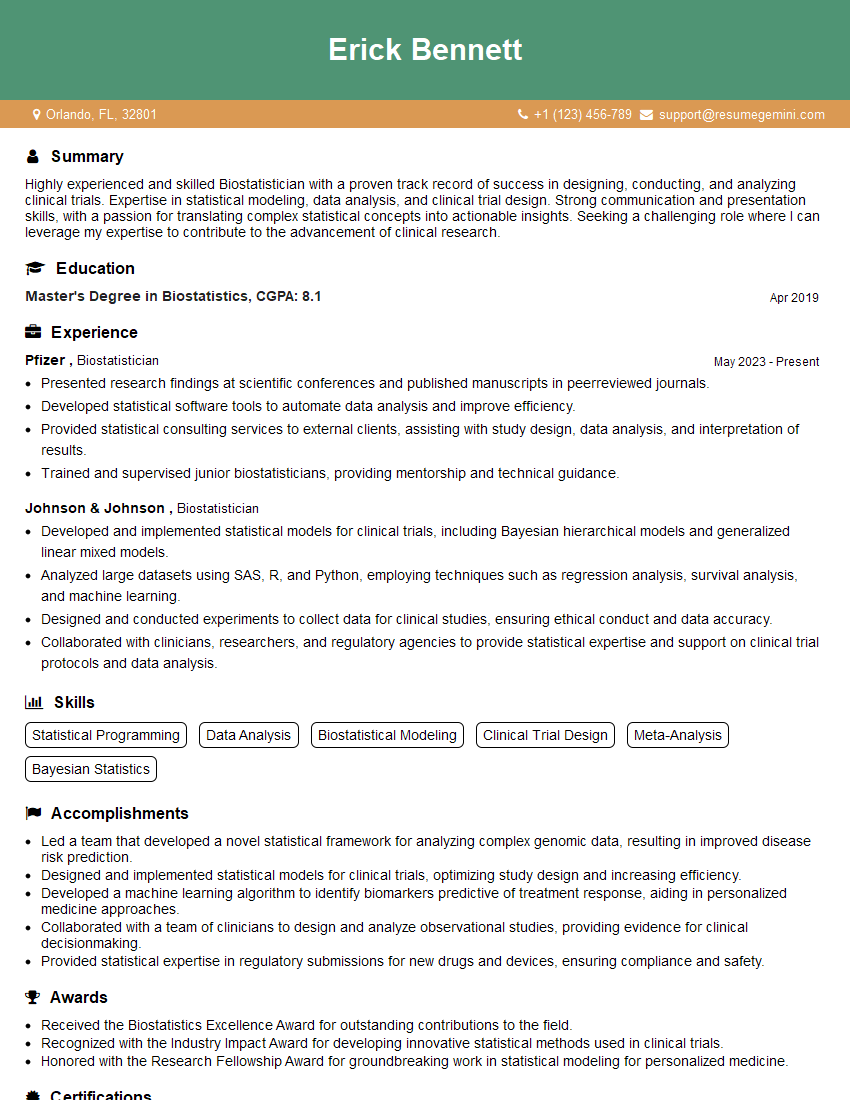
Biostatistician Resume Sample
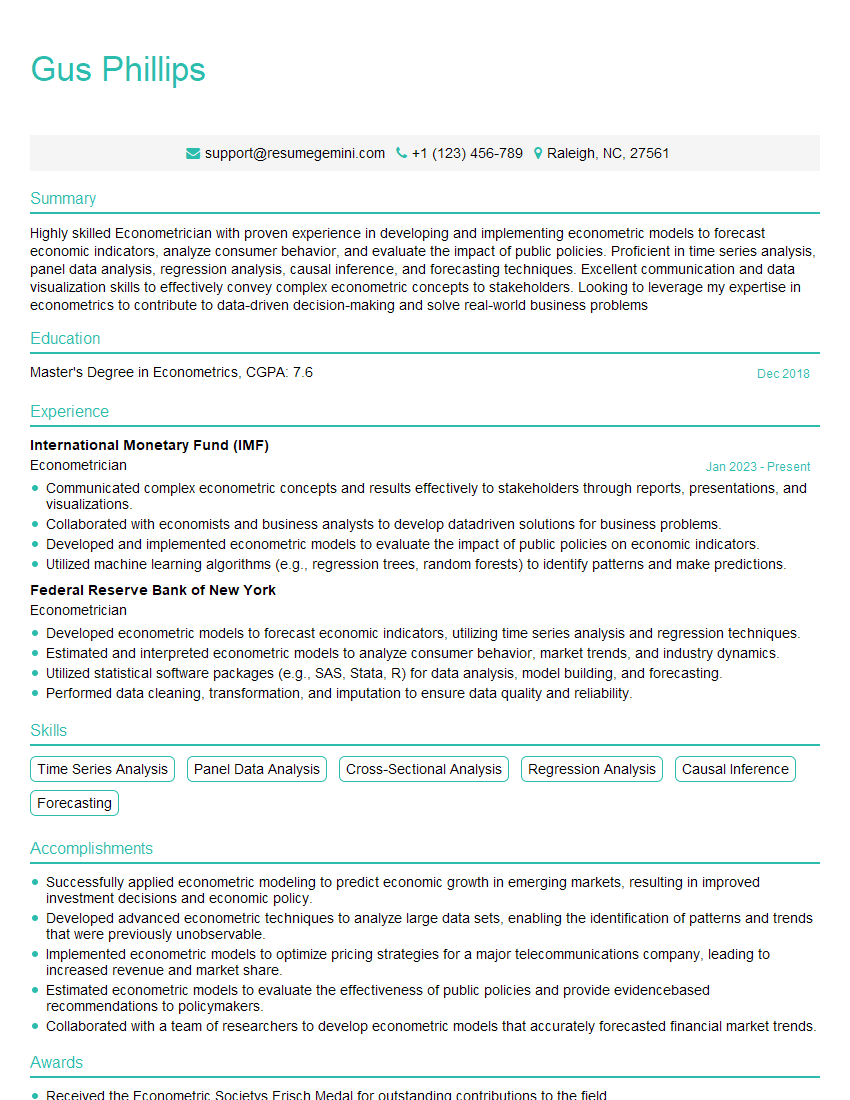
Econometrician Resume Sample
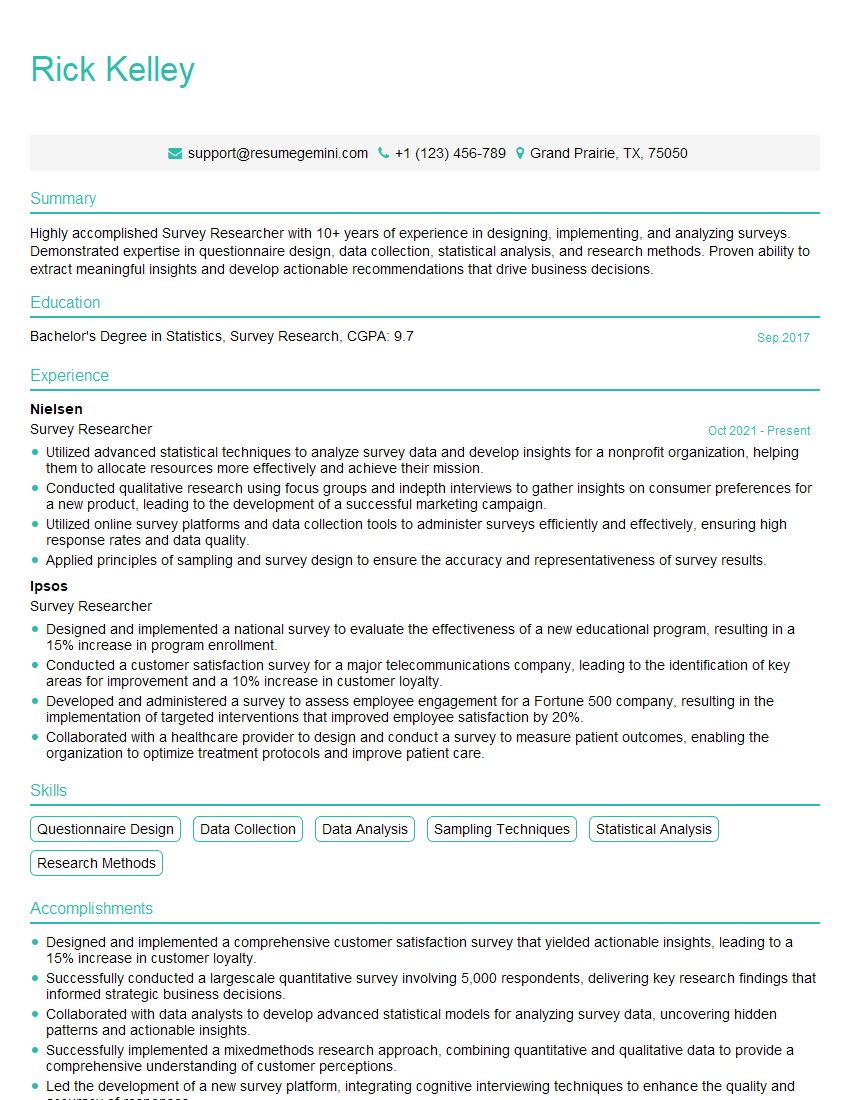
Survey Researcher Resume Sample

Machine Learning Engineer Resume Sample
Explore more articles
Users Rating of Our Blogs
Share Your Experience
We value your feedback! Please rate our content and share your thoughts (optional).
What Readers Say About Our Blog
To the interviewgemini.com Webmaster.
Very helpful and content specific questions to help prepare me for my interview!
Thank you
To the interviewgemini.com Webmaster.
This was kind of a unique content I found around the specialized skills. Very helpful questions and good detailed answers.
Very Helpful blog, thank you Interviewgemini team.