Interviews are more than just a Q&A session—they’re a chance to prove your worth. This blog dives into essential CMDB interview questions and expert tips to help you align your answers with what hiring managers are looking for. Start preparing to shine!
Questions Asked in CMDB Interview
Q 1. What is a CMDB and what are its key benefits?
A Configuration Management Database (CMDB) is a centralized repository that stores information about all the IT assets within an organization. Think of it as a comprehensive inventory, but far more sophisticated. It doesn’t just list what you have; it maps relationships between those assets, providing a holistic view of your IT infrastructure. This includes hardware (servers, laptops, network devices), software (operating systems, applications), and even services.
Key benefits include:
- Improved Incident Management: Quickly identify the root cause of outages by tracing dependencies between affected components.
- Enhanced Change Management: Assess the impact of changes before implementation, minimizing disruptions and risks.
- Reduced Operational Costs: Optimize resource utilization by identifying redundant or underutilized assets.
- Better Service Delivery: Gain a clear understanding of the services offered and their underlying infrastructure, leading to better planning and faster resolution of issues.
- Improved Compliance: Easier to audit and demonstrate compliance with regulatory requirements.
For example, if a server goes down, a CMDB can immediately show which applications rely on it, helping you prioritize the restoration process and alert affected teams.
Q 2. Explain the relationship between CMDB and ITIL.
The CMDB is deeply intertwined with ITIL (Information Technology Infrastructure Library), a widely adopted framework for IT service management. ITIL processes rely heavily on accurate and up-to-date CMDB data. Specifically, processes like Incident Management, Problem Management, Change Management, and Service Asset and Configuration Management all leverage the CMDB to function effectively.
Consider Change Management: Before implementing a change, you’d consult the CMDB to understand the impact on other systems. The CMDB helps you visualize dependencies and potential risks, allowing you to plan and execute changes with minimal disruption. Without a robust CMDB, ITIL processes become significantly more challenging and prone to errors.
Q 3. Describe different CMDB architectures (e.g., centralized, decentralized).
CMDB architectures vary depending on organizational size and complexity. The two most common are:
- Centralized CMDB: All configuration items (CIs) are stored in a single, central database. This approach simplifies data management and ensures consistency, but can become a bottleneck and difficult to scale as the organization grows.
- Decentralized CMDB: Configuration information is spread across multiple databases, often organized by business units or departments. This provides greater autonomy but makes it challenging to maintain data integrity and consistency across the entire organization. A federated approach, combining aspects of both, might use a central repository for core CIs and allow for departmental databases for less critical items, offering a balance.
Choosing the right architecture depends on the organization’s specific needs and resources. A smaller organization might benefit from a centralized approach, while a large enterprise with diverse IT needs might find a decentralized or federated model more suitable.
Q 4. How do you ensure data accuracy and consistency within a CMDB?
Maintaining data accuracy and consistency in a CMDB requires a multi-faceted approach:
- Automated Discovery: Regularly scan the network to automatically discover and update CI information. This reduces manual effort and minimizes human error.
- Data Validation Rules: Implement rules to ensure data consistency and completeness. For example, ensure that all servers have assigned operating systems and IP addresses.
- Data Governance Policies: Establish clear roles and responsibilities for data management, including data ownership and approval processes.
- Regular Data Reconciliation: Compare CMDB data with data from other sources to identify and resolve discrepancies.
- Data Quality Monitoring: Continuously monitor data quality metrics (e.g., completeness, accuracy) to identify areas for improvement.
- Data Cleansing Procedures: Regularly clean up and remove obsolete or inaccurate data.
Imagine a scenario where a server’s IP address is incorrectly recorded. Automated discovery with validation rules could detect this mismatch and alert the IT team, preventing potential problems.
Q 5. What are the challenges in implementing and maintaining a CMDB?
Implementing and maintaining a CMDB presents several challenges:
- Data Silos: Integrating data from various sources can be complex and time-consuming.
- Data Accuracy and Consistency: Ensuring data accuracy and consistency requires ongoing effort and investment.
- Cost and Resources: Implementing and maintaining a CMDB can be expensive, requiring specialized software, hardware, and skilled personnel.
- User Adoption: Getting users to input and maintain accurate information is crucial but often challenging.
- Scalability: As the organization grows, the CMDB needs to scale to accommodate new CIs and relationships.
- Integration with other systems: seamless integration with other ITSM tools is crucial for optimal functionality.
For example, integrating data from disparate systems like network monitoring tools, asset management systems, and ticketing systems requires significant effort and careful planning. Without proper planning, data inconsistencies can easily arise.
Q 6. Explain the process of CMDB data discovery and import.
CMDB data discovery and import is a crucial process for populating and keeping the CMDB up-to-date. It involves several steps:
- Discovery: Use automated discovery tools to scan the IT infrastructure and identify CIs. These tools can use various techniques like SNMP, WMI, or APIs to collect information from devices and applications.
- Data Collection: Gather data from various sources, including manual input, spreadsheets, and other IT systems. This often involves using APIs or custom scripts to extract data.
- Data Transformation: Convert the collected data into a format compatible with the CMDB. This often involves data cleansing, standardization, and enrichment.
- Data Import: Import the transformed data into the CMDB using bulk import tools or APIs.
- Data Validation: Verify the accuracy and completeness of the imported data. This might involve manual checks or automated validation rules.
For example, you might use an automated discovery tool to scan your network for servers, then use APIs to retrieve additional information from your virtualization platform, and finally import this combined data into your CMDB. Regular scheduled discovery and import ensures your CMDB reflects the current state of your infrastructure.
Q 7. How do you handle conflicting data in a CMDB?
Conflicting data in a CMDB can occur due to various reasons, including manual data entry errors, inconsistencies between data sources, or outdated information. Handling conflicting data requires a well-defined process:
- Identify Conflicts: Use data quality monitoring tools or manual review to identify conflicting records.
- Investigate the Source of the Conflict: Determine the origin of the conflicting data. Is it due to a data entry error, a discrepancy between data sources, or an outdated record?
- Prioritize Resolution: Determine which data source is the most reliable and use that as the basis for resolving the conflict. If both sources have equal validity, a decision needs to be made based on a predefined rule.
- Update the CMDB: Correct the conflicting data in the CMDB, ensuring consistency and accuracy.
- Document the Resolution: Keep a record of how conflicts were resolved to learn from past issues and prevent similar problems in the future.
Imagine two records for the same server, one showing an old IP address and another showing the new one. The process would involve determining the current, correct IP address and updating the CMDB accordingly, with documentation explaining why the old data was replaced.
Q 8. What are the different data models used in a CMDB?
CMDBs employ various data models to represent IT infrastructure. The choice depends on the organization’s complexity and specific needs. Common models include:
- Relational Model: This is the most prevalent, using tables with rows and columns to structure data. Think of it like a spreadsheet, where each table represents an IT asset type (e.g., servers, networks, applications) and rows represent individual instances. Relationships between tables (e.g., a server belonging to a specific data center) are defined using keys.
- Object-Oriented Model: This model represents IT assets as objects with properties and methods. This allows for more complex relationships and inheritance, making it suitable for larger, more diverse IT environments. For instance, a ‘Server’ object might inherit properties from a more general ‘Hardware’ object.
- Graph Model: This utilizes nodes (representing IT assets) and edges (representing relationships) to create a visual representation of the infrastructure. It’s particularly useful for visualizing complex dependencies and tracing impacts of changes. Imagine a map where each node is a server and the edges show network connections.
- Hybrid Models: Many CMDBs use a combination of these models to leverage their strengths. For example, a relational model might be used for core asset data, while a graph model is used for visualizing dependencies.
The choice of data model significantly impacts data management, querying, and reporting capabilities. A well-designed data model is crucial for a functional and effective CMDB.
Q 9. How do you ensure CMDB data is relevant and up-to-date?
Maintaining data relevance and accuracy is paramount. We employ a multi-pronged approach:
- Automated Discovery: Regularly scanning the network to automatically identify and update information about new and existing IT assets. Tools like network scanners and agent-based solutions are used. This minimizes manual effort and improves data accuracy.
- Data Reconciliation: Regularly comparing CMDB data with data from other sources (e.g., configuration management databases, monitoring systems). Discrepancies are investigated and resolved to ensure consistency.
- Workflow and Change Management Integration: Integrating the CMDB with ITSM tools, particularly change management, is critical. Any changes to the infrastructure are automatically reflected in the CMDB, maintaining data accuracy and providing an audit trail.
- Data Governance and Validation: Establishing clear data governance processes, including roles and responsibilities for data maintenance, data quality checks, and validation rules. Regular audits are performed to ensure data quality.
- User Input and Feedback: Encouraging users to report inconsistencies or missing information. Feedback mechanisms, such as a dedicated portal or email address, can be established for this purpose.
Think of it like keeping a meticulously updated inventory; regular checks, automation, and team collaboration are key.
Q 10. Describe your experience with CMDB reporting and dashboards.
My experience encompasses creating and maintaining CMDB reports and dashboards using various tools such as Splunk, Grafana, and native reporting features within the CMDB itself. I’ve built reports focused on:
- Asset Utilization: Identifying underutilized or over-utilized assets to optimize resource allocation.
- Cost Optimization: Tracking software license costs and hardware maintenance to identify areas for cost reduction.
- Risk Management: Identifying assets with outdated security patches or reaching end-of-life.
- Capacity Planning: Forecasting future capacity needs based on historical trends and projected growth.
Dashboards were designed to provide a real-time overview of key metrics and trends. For instance, a dashboard might display the number of critical alerts, the status of change requests impacting the infrastructure, or the utilization of critical resources. I strive to make these reports and dashboards clear, concise, and actionable, enabling stakeholders to make informed decisions.
Q 11. How do you integrate the CMDB with other ITSM tools?
CMDB integration with other ITSM tools is crucial for a holistic view of IT operations. This integration is usually achieved through APIs or other standardized interfaces. Examples include:
- Integration with ITSM Platforms (e.g., ServiceNow, Jira): Change management updates are automatically reflected in the CMDB, providing a single source of truth for infrastructure data. Incident management benefits as well, linking incidents to affected assets for faster resolution.
- Integration with Monitoring Tools (e.g., Nagios, Zabbix): Real-time monitoring data enriches the CMDB with performance metrics and alerts, allowing proactive identification of potential problems.
- Integration with Configuration Management Tools (e.g., Ansible, Puppet): Automated configuration changes are recorded in the CMDB, ensuring consistency between the actual configuration and the CMDB’s representation.
- Integration with Security Tools (e.g., SIEM systems): Security vulnerabilities and compliance issues related to specific assets can be highlighted in the CMDB, streamlining security management.
Effective integration eliminates data silos and ensures that all systems operate with the same, accurate information.
Q 12. What are the key performance indicators (KPIs) for a CMDB?
Key Performance Indicators (KPIs) for a CMDB focus on data accuracy, completeness, and usage. Examples include:
- Data Accuracy Rate: Percentage of accurate records in the CMDB, often measured through data reconciliation processes.
- Data Completeness Rate: Percentage of fields populated with valid data for each asset type.
- CMDB Usage Rate: Number of users accessing and utilizing the CMDB data for various tasks.
- Time to Resolution (related to incidents): Improved time to resolution is an indirect indicator of the CMDB’s effectiveness in providing accurate and timely information for incident management.
- Number of Manual Updates: Lower numbers indicate higher automation and reduced manual effort.
These KPIs help assess the effectiveness and efficiency of the CMDB, enabling continuous improvement and adjustments to processes and procedures.
Q 13. How do you manage CMDB access control and security?
CMDB access control and security are crucial to protect sensitive infrastructure information. Measures include:
- Role-Based Access Control (RBAC): Restricting access to CMDB data based on user roles and responsibilities. For example, administrators have full access, while help desk personnel might have read-only access to specific asset details.
- Authentication and Authorization: Implementing robust authentication mechanisms (e.g., multi-factor authentication) and authorization protocols to verify user identities and permissions.
- Data Encryption: Encrypting CMDB data both at rest and in transit to protect against unauthorized access and data breaches.
- Regular Security Audits: Performing regular security audits to identify and address vulnerabilities and ensure compliance with security policies.
- Data Masking: Protecting sensitive information (e.g., IP addresses, serial numbers) by replacing it with pseudonymous values for authorized users who don’t need the full information.
A layered security approach ensures that only authorized personnel can access and modify CMDB data, protecting the confidentiality, integrity, and availability of critical infrastructure information.
Q 14. Explain the process of automating CMDB updates.
Automating CMDB updates is vital for accuracy and efficiency. This can be achieved through:
- Automated Discovery Tools: Regularly scanning the network to identify new and changed assets, automatically updating the CMDB with relevant information.
- API Integration: Utilizing APIs to integrate the CMDB with other systems, such as configuration management tools and monitoring systems, allowing for automatic updates based on changes detected in these systems.
- Event-Driven Updates: Triggering CMDB updates based on events like configuration changes, new hardware deployments, or software installations. This involves setting up event listeners to capture these events and automatically initiate the update process.
- Scheduled Tasks: Implementing scheduled tasks to automatically perform data reconciliation, validation, and cleanup operations.
- Scripting and Automation Tools: Using scripting languages like Python or PowerShell to automate repetitive tasks, such as bulk updates or data imports.
For example, a script can be written to automatically update the CMDB with the latest software version installed on each server after a software deployment process. Automation reduces manual intervention and improves overall efficiency and data accuracy.
Q 15. What are your preferred CMDB tools and technologies?
My preferred CMDB tools and technologies depend heavily on the specific organizational needs and existing infrastructure. However, I have extensive experience with several leading solutions. For larger enterprises needing robust scalability and integration capabilities, I favor ServiceNow’s CMDB. Its strength lies in its comprehensive features, automation potential, and extensive API for custom integrations. For smaller organizations or those with specific needs, I find BMC Helix Remedyforce to be a very effective and adaptable tool. It’s known for its strong ITIL alignment and user-friendliness. In situations where a more agile and customizable approach is required, I’m comfortable working with open-source solutions and building tailored CMDBs using technologies like Elasticsearch, Kibana, and Python for data ingestion and management. Ultimately, my choice is driven by a thorough assessment of the requirements, budget, and existing technology stack.
Career Expert Tips:
- Ace those interviews! Prepare effectively by reviewing the Top 50 Most Common Interview Questions on ResumeGemini.
- Navigate your job search with confidence! Explore a wide range of Career Tips on ResumeGemini. Learn about common challenges and recommendations to overcome them.
- Craft the perfect resume! Master the Art of Resume Writing with ResumeGemini’s guide. Showcase your unique qualifications and achievements effectively.
- Don’t miss out on holiday savings! Build your dream resume with ResumeGemini’s ATS optimized templates.
Q 16. How do you handle CMDB changes and updates?
Handling CMDB changes and updates requires a structured and controlled process to ensure data accuracy and integrity. This typically involves a change management system tightly integrated with the CMDB. All changes, whether adding a new server, updating software, or decommissioning a device, should go through a formal request, approval, and implementation process. This process includes clearly defining the change, assessing its impact, obtaining approvals, implementing the change, and verifying its success. The CMDB is then updated to reflect the actual state after the change has been successfully completed. Automation plays a crucial role here; whenever possible, updates should be automated via APIs to reduce manual intervention and minimize errors. For instance, automatically updating the CMDB when a new server is provisioned through an automated deployment system is crucial for accuracy and efficiency. Regular audits and reconciliation processes are essential to ensure that the CMDB remains an accurate reflection of the IT infrastructure.
Q 17. Describe your experience with CMDB reconciliation.
CMDB reconciliation is a critical process to ensure the CMDB reflects the actual state of the IT infrastructure. Discrepancies often arise due to manual updates, automated scripts that haven’t been synced correctly, or changes not yet reflected in the CMDB. My approach to reconciliation involves a multi-step process. First, I identify data sources for comparison. This includes sources like network scans, configuration management databases (like Ansible), and other system inventories. Second, I develop a process for comparing data from these sources to identify discrepancies. This comparison is often automated using scripting or dedicated reconciliation tools. Third, I investigate the root cause of the discrepancies. This may involve working with other teams like networking or server administration. Finally, I correct the data in the CMDB, ensuring accuracy. For example, a scan might show a server with different RAM than the CMDB shows; reconciliation would identify, investigate (possibly contacting the server team for clarification), and correct this discrepancy. Regular reconciliation is crucial for maintaining the integrity and value of the CMDB. I find that a scheduled automated process, with manual review of outliers, is most effective.
Q 18. How do you ensure compliance with regulatory requirements using a CMDB?
Ensuring compliance with regulatory requirements using a CMDB is vital for organizations subject to audits (e.g., HIPAA, PCI DSS, GDPR). The CMDB acts as a central repository of information needed to demonstrate compliance. Firstly, we define which compliance regulations apply to the organization and identify the specific requirements related to IT infrastructure management. Then, we map those requirements to the data within the CMDB. For example, if a regulation requires documentation of all access controls, the CMDB must accurately record and track access privileges for all CIs. The CMDB needs attributes to record and manage this data; if not already present, those attributes must be added. Auditing the CMDB becomes a key component of compliance demonstration, using reports generated from the CMDB to show compliance. Automated workflows can be implemented to trigger alerts when compliance-related issues are detected. Finally, regular reviews of the CMDB’s compliance-related data ensures continuous monitoring and immediate remediation of any issues.
Q 19. What are the different types of CI’s (Configuration Items) in a CMDB?
Configuration Items (CIs) within a CMDB represent any element within the IT infrastructure. The types of CIs are extremely varied and depend on the scope of the CMDB. Common examples include:
- Hardware: Servers, routers, switches, printers, laptops, mobile devices
- Software: Operating systems, applications, databases, middleware
- Network Devices: Routers, switches, firewalls, load balancers
- Services: Web services, email services, database services
- Documents: Runbooks, technical specifications
Q 20. How do you manage relationships between different CIs in a CMDB?
Managing relationships between different CIs is critical for understanding the dependencies and impact of changes within the IT infrastructure. This is achieved through the use of relationships within the CMDB. These relationships describe how CIs interact with each other. Common relationship types include:
- Contains: A server contains a hard drive
- Deployed On: An application is deployed on a server
- Uses: An application uses a database
- Monitored By: A server is monitored by a monitoring system
Q 21. Explain your experience with CMDB data modeling and design.
My experience with CMDB data modeling and design involves creating robust and scalable models that accurately reflect the organization’s IT infrastructure. This starts with a clear understanding of the organization’s needs and the data required to meet those needs. I typically use an iterative approach, beginning with a simple model and progressively refining it based on feedback and evolving requirements. I employ industry best practices, using standard modeling techniques and adhering to ITIL frameworks. Data normalization principles are applied to minimize redundancy and ensure data integrity. Key considerations during design include:
- Scalability: The model should be able to handle future growth and expansion of the IT infrastructure.
- Maintainability: The model should be easy to maintain and update.
- Extensibility: The model should be able to accommodate new CI types and relationships as needed.
- Integration: The model should facilitate integration with other systems and tools.
Q 22. How do you handle data migration to a new CMDB system?
Migrating data to a new CMDB is a critical process demanding meticulous planning and execution. It’s like moving house – you need to inventory everything, pack it carefully, transport it safely, and unpack it in the new location, ensuring nothing is lost or broken.
My approach involves several key phases:
- Data Assessment and Cleansing: We begin by thoroughly assessing the existing CMDB data, identifying data quality issues like duplicates, inconsistencies, and missing information. A cleansing process is then implemented to correct or remove these issues, ensuring data integrity in the new system. This might involve scripting to identify and resolve duplicates based on unique identifiers.
- Data Transformation: The existing data needs to be transformed to match the schema of the new CMDB. This could involve mapping fields, data type conversions, and potentially creating new fields. We utilize ETL (Extract, Transform, Load) tools to automate this process, ensuring consistency and minimizing manual intervention. For instance, if the old system uses a different naming convention for server types, we’ll map those to the new system’s standard.
- Migration Strategy: We carefully select a migration strategy – big bang (all at once), phased (in stages), or parallel (running both old and new systems concurrently). The choice depends on factors like system criticality and downtime tolerance. A phased approach is often preferred to minimize risk.
- Testing and Validation: Before the full migration, rigorous testing is conducted to validate the accuracy and completeness of the data. We compare data sets, run reports, and perform various checks to ensure data integrity. This might involve creating test scripts that check for expected values and data relationships.
- Post-Migration Monitoring: After the migration, ongoing monitoring is crucial. We track data quality, identify any discrepancies, and make necessary adjustments. This might involve setting up automated alerts for data inconsistencies or missing data.
By following these steps, we ensure a smooth transition, minimizing disruption and maximizing data integrity in the new CMDB system. Tools like SQL Server Integration Services (SSIS) or Informatica PowerCenter are frequently used for this type of data migration project.
Q 23. What is the importance of CMDB in incident, problem, and change management?
The CMDB is the central nervous system of IT operations, providing critical context for incident, problem, and change management. Think of it as a detailed map of your IT infrastructure.
- Incident Management: When an incident occurs (e.g., a server outage), the CMDB quickly identifies the affected components, their relationships, and associated services. This accelerates diagnosis and resolution, minimizing downtime. For example, if a network switch fails, the CMDB immediately shows all the servers and services dependent on it, guiding technicians to the root cause quickly.
- Problem Management: The CMDB facilitates root cause analysis by providing a holistic view of the infrastructure. By analyzing relationships between components and recurring incidents, you can identify patterns leading to recurring problems and implement preventive measures. A CMDB could reveal that multiple server failures are linked to a specific hardware model, prompting proactive replacement.
- Change Management: Before implementing any change (e.g., software upgrade), the CMDB helps assess potential impacts on other systems and services. This ensures changes are planned effectively and risks are mitigated. The CMDB might identify potential conflicts if a change impacts a shared resource, thereby avoiding unintended service disruptions.
In essence, a well-maintained CMDB accelerates response times, improves problem solving, and reduces risks associated with changes, resulting in greater IT stability and efficiency.
Q 24. How do you use the CMDB to support IT service continuity?
The CMDB plays a vital role in IT service continuity by providing a comprehensive understanding of the infrastructure and its dependencies. It’s like having a detailed blueprint for your entire IT ecosystem.
Its key contributions include:
- Impact Analysis: During a disaster or outage, the CMDB allows rapid identification of affected services and their dependencies. This helps prioritize recovery efforts and minimize business disruption. For example, if a data center goes down, the CMDB quickly reveals which applications and services are affected, enabling rapid recovery planning.
- Recovery Planning: The CMDB’s detailed information on hardware, software, and configurations forms the backbone of disaster recovery plans. It facilitates the quick deployment of backup systems or failover mechanisms, ensuring business continuity. Having a complete picture of the infrastructure allows for effective testing and validation of DR plans.
- Business Service Mapping: Linking IT components to business services allows for a clear understanding of the impact of outages on the business. This ensures that recovery efforts focus on the most critical services, minimizing business impact. The CMDB helps in identifying the business impact of each infrastructure component, facilitating better prioritization during recovery.
Ultimately, a robust CMDB enhances preparedness for disruptions, enabling faster recovery and minimized business impact. This strengthens the organization’s resilience and ability to maintain service continuity.
Q 25. How do you measure the effectiveness of the CMDB?
Measuring CMDB effectiveness isn’t just about counting records; it’s about assessing its impact on business outcomes. Key metrics include:
- Data Accuracy: Regular audits and data quality checks determine the percentage of accurate and up-to-date information. A high accuracy rate indicates a reliable CMDB.
- Data Completeness: Measuring the percentage of attributes populated for each CI (Configuration Item) provides insights into the comprehensiveness of the CMDB.
- Time to Resolution: Tracking how quickly incidents and problems are resolved using CMDB data indicates its efficiency in accelerating troubleshooting.
- Change Failure Rate: Monitoring the number of changes that cause incidents demonstrates the CMDB’s effectiveness in preventing disruption from changes.
- User Satisfaction: Gathering feedback from IT staff on the CMDB’s usability and helpfulness reveals its value in supporting their daily tasks.
- Cost Savings: Quantifying cost reductions from faster incident resolution, proactive problem identification, and minimized change-related disruptions demonstrates the CMDB’s financial return on investment.
Combining these metrics provides a holistic view of the CMDB’s performance and its contribution to the organization’s IT operational efficiency.
Q 26. Explain your experience troubleshooting CMDB related issues.
Troubleshooting CMDB issues often involves a systematic approach. I once encountered a situation where automated updates to the CMDB were failing intermittently. This impacted data consistency and hampered incident resolution.
My troubleshooting steps included:
- Log Analysis: I started by examining the system logs for error messages and patterns. This revealed that the updates were failing due to network connectivity issues between the CMDB and a remote monitoring system.
- Network Diagnostics: I worked with the network team to diagnose the network connectivity problem. This involved checking network latency, packet loss, and firewall rules.
- Data Validation: After resolving the network issue, I validated the data integrity through comparative analysis of existing and updated data records. I checked if data was being duplicated, lost, or truncated.
- Process Review: Finally, I reviewed the automated update process to identify potential areas for improvement, creating a more robust and reliable process.
By following these steps, I was able to pinpoint the cause of the problem, implement a fix, and improve the reliability of the CMDB’s automated updates. This highlights the need for a combination of technical skills, systematic approach, and strong collaboration with other IT teams.
Q 27. Describe a time when you improved the efficiency or accuracy of a CMDB.
In a previous role, our CMDB suffered from data inconsistencies and lacked a robust data quality process. This resulted in inaccurate information impacting incident resolution and change management.
To address this, I implemented a three-pronged strategy:
- Data Cleansing Script: I developed a Python script to automatically identify and correct common data inconsistencies, like duplicate entries and conflicting attribute values. The script standardized data formats and cleaned up data inconsistencies.
- Data Validation Rules: I introduced data validation rules within the CMDB to prevent incorrect data entry in the future. This included mandatory fields, data type restrictions, and cross-referencing checks to maintain data integrity.
- Data Governance Process: Finally, I established a data governance process, defining roles, responsibilities, and procedures for data maintenance. This ensured consistent data quality over time.
The results were significant. Data accuracy improved dramatically, leading to faster incident resolution, more efficient change management, and a more reliable source of truth for IT operations. The data cleansing script saved numerous hours of manual effort, and the validation rules prevented new inconsistencies. The process became a template for similar improvements in the company.
Q 28. How do you stay current with the latest CMDB technologies and best practices?
Staying current in the dynamic CMDB landscape involves a multifaceted approach:
- Industry Publications and Conferences: I regularly read ITIL publications, industry blogs, and attend conferences like IT Service Management (ITSM) events to stay updated on best practices and emerging technologies.
- Vendor and Technology Websites: I follow the websites of major CMDB vendors to stay informed about new features, releases, and integration capabilities.
- Online Courses and Training: I participate in online courses and training programs offered by reputable organizations to enhance my CMDB expertise and learn new techniques.
- Professional Networks: I actively participate in professional networks and forums (like online communities) to discuss challenges and best practices with other CMDB professionals.
- Hands-on Experience: I actively seek opportunities to implement and leverage the latest technologies and approaches in CMDB projects to consolidate my knowledge.
This continuous learning ensures my skills and knowledge remain relevant and that I can effectively leverage the latest advancements in CMDB technologies and best practices.
Key Topics to Learn for CMDB Interview
- CMDB Fundamentals: Understanding the core purpose and benefits of a CMDB, including its role in IT service management (ITSM).
- Data Modeling and Structure: Explore different approaches to structuring CMDB data, including hierarchical models and relational databases. Discuss the importance of data accuracy and consistency.
- CMDB Integration: Understand how a CMDB integrates with other ITSM tools, such as ticketing systems, change management, and monitoring platforms. Be prepared to discuss practical integration challenges and solutions.
- Data Population and Maintenance: Discuss strategies for populating and maintaining the CMDB, including automated discovery methods, manual data entry, and data reconciliation processes. Consider the challenges of keeping data up-to-date and accurate.
- Reporting and Analysis: Explain how to leverage CMDB data for reporting and analysis to support IT decision-making. Discuss different types of reports and their uses, such as asset utilization, cost optimization, and risk assessment.
- CI Relationships and Dependencies: Understand the importance of defining relationships between Configuration Items (CIs) and how dependency mapping supports incident management and change planning. Prepare examples of complex CI relationships and how to manage them effectively.
- CMDB Best Practices: Discuss industry best practices for CMDB implementation, governance, and maintenance. This includes data quality, access control, and process optimization.
- Problem-Solving Scenarios: Prepare for scenarios involving data inconsistencies, integration issues, and resolving conflicts between different data sources. Practice articulating your approach to resolving CMDB-related challenges.
Next Steps
Mastering CMDB knowledge significantly enhances your career prospects in IT service management and related fields. A strong understanding of CMDB principles opens doors to more senior roles and demonstrates your ability to manage complex IT environments efficiently. To increase your chances of landing your dream job, focus on crafting an ATS-friendly resume that highlights your CMDB expertise. ResumeGemini is a trusted resource that can help you build a professional and effective resume, ensuring your skills and experience shine. Examples of resumes tailored to CMDB roles are available for your review, providing valuable insights and inspiration for your own resume creation.

Data Center Manager Resume Sample
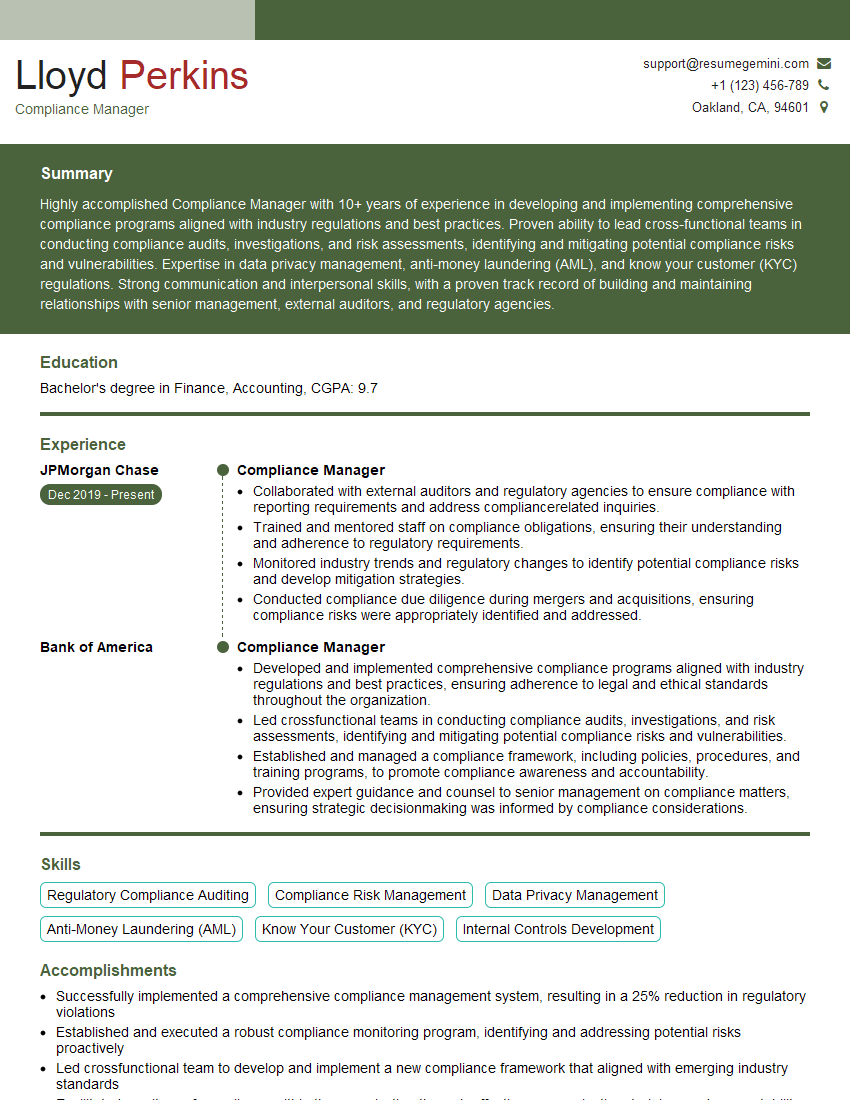
Compliance Manager Resume Sample

Security Administrator Resume Sample

Systems Administrator Resume Sample
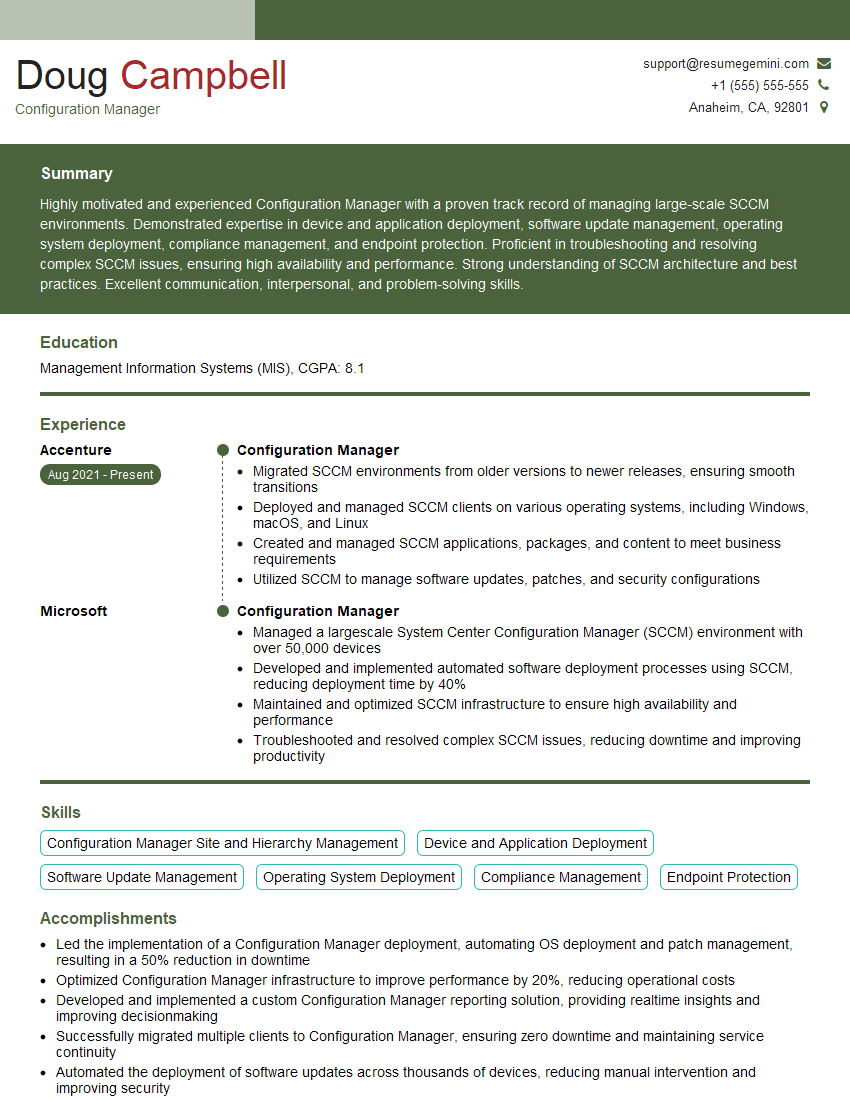
Configuration Manager Resume Sample
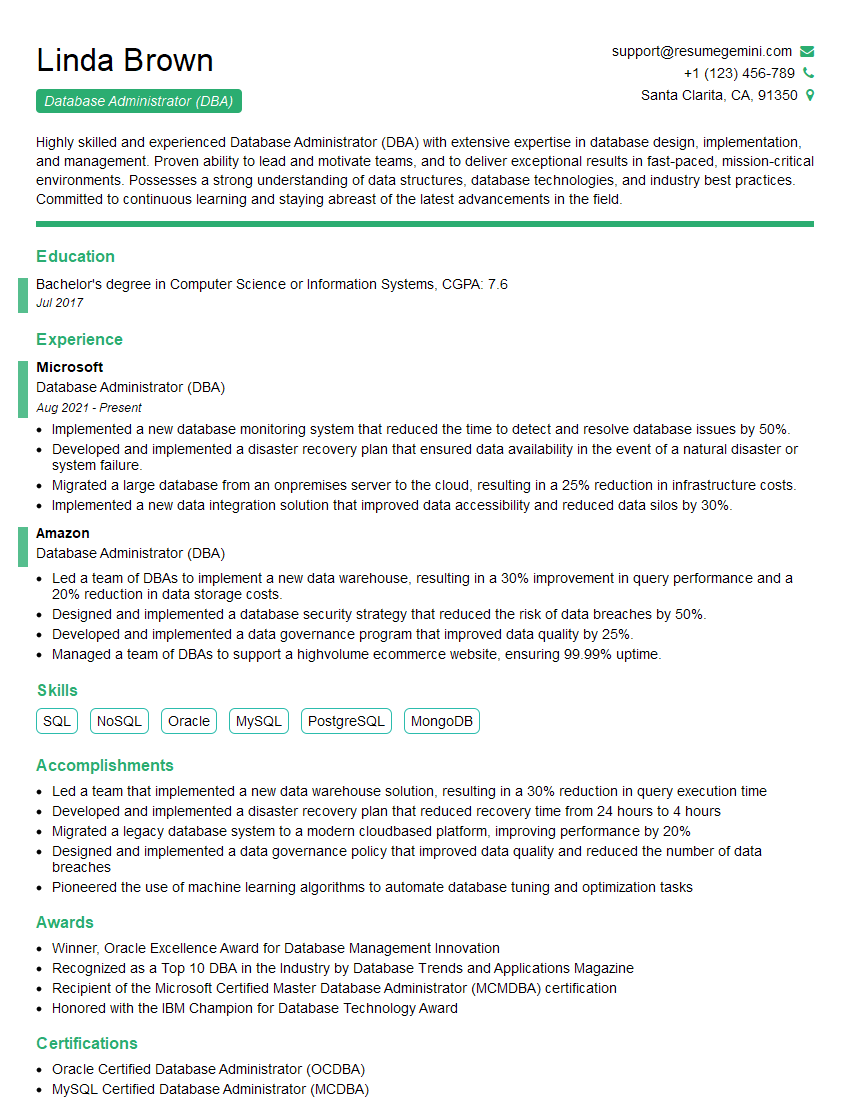
Database Administrator (DBA) Resume Sample

IT Project Manager Resume Sample

Release Manager Resume Sample

DevOps Engineer Resume Sample
Explore more articles
Users Rating of Our Blogs
Share Your Experience
We value your feedback! Please rate our content and share your thoughts (optional).
What Readers Say About Our Blog
To the interviewgemini.com Webmaster.
Very helpful and content specific questions to help prepare me for my interview!
Thank you
To the interviewgemini.com Webmaster.
This was kind of a unique content I found around the specialized skills. Very helpful questions and good detailed answers.
Very Helpful blog, thank you Interviewgemini team.