Are you ready to stand out in your next interview? Understanding and preparing for Ergonomics Awareness interview questions is a game-changer. In this blog, we’ve compiled key questions and expert advice to help you showcase your skills with confidence and precision. Let’s get started on your journey to acing the interview.
Questions Asked in Ergonomics Awareness Interview
Q 1. Define ergonomics and its importance in the workplace.
Ergonomics is the scientific study of designing the workplace, equipment, and tasks to fit the capabilities and limitations of the human body. Its core principle is to create a harmonious fit between humans and their work environment to optimize performance, reduce discomfort, and prevent injuries. In the workplace, ergonomics is crucial because it directly impacts employee health, productivity, and overall business success. A well-designed ergonomic workplace leads to fewer workplace injuries, reduced absenteeism, increased employee morale and engagement, and ultimately, a higher quality of work.
For example, consider a call center. Poor ergonomics might lead to repetitive strain injuries in the wrists and hands from prolonged typing, neck pain from poor posture, and eye strain from staring at computer screens for hours. Implementing ergonomic solutions like adjustable chairs, proper keyboard and mouse positioning, and regular breaks can significantly reduce these problems, leading to a healthier and more productive workforce.
Q 2. Explain the difference between anthropometry and biomechanics in ergonomics.
While both anthropometry and biomechanics are integral to ergonomics, they focus on different aspects of the human-workplace interaction. Anthropometry deals with the measurement of the human body – its size, shape, and proportions. Ergonomists use anthropometric data to design workspaces and equipment that accommodate the physical dimensions of the majority of the population, minimizing discomfort and maximizing reach and functionality. Think of designing a cockpit for a pilot; anthropometric data ensures the controls are within comfortable reach of pilots of various body sizes.
Biomechanics, on the other hand, focuses on the mechanics of biological systems, specifically how the body’s muscles, bones, and joints work together during various tasks. Ergonomists use biomechanical principles to understand the forces and stresses placed on the body during work activities. This helps identify potential risks for musculoskeletal disorders and design safer, more efficient work methods. For instance, biomechanical analysis can determine the optimal angle for a worker’s wrist to minimize strain during assembly-line tasks.
Q 3. Describe various ergonomic risk factors associated with computer work.
Computer work presents numerous ergonomic risk factors. These risks often stem from prolonged static postures and repetitive movements. Some key risk factors include:
- Poor posture: Slouching, hunching, or twisting the neck and back can lead to muscle strain and discomfort.
- Improper keyboard and mouse placement: Reaching too far, awkward postures, or using improperly positioned devices contributes to strain in the wrists, hands, and forearms.
- Lack of adjustable equipment: Chairs and desks that are not adjustable to individual needs create discomfort and increase the risk of injuries.
- Poor lighting and glare: Eye strain and headaches can result from inadequate lighting or excessive glare from computer screens.
- Repetitive movements: Repeated actions like typing and clicking can lead to repetitive strain injuries (RSIs).
- Prolonged sitting: Sitting for extended periods without breaks reduces blood circulation and increases the risk of back problems and other health issues.
Consider a software developer working long hours: poor posture, repetitive typing, and lack of breaks contribute to carpal tunnel syndrome and back pain. Addressing these factors through ergonomic interventions is essential.
Q 4. What are the common musculoskeletal disorders (MSDs) related to workplace ergonomics?
Musculoskeletal disorders (MSDs) are a significant concern related to poor workplace ergonomics. They are injuries or disorders of the muscles, tendons, ligaments, nerves, and joints. Common MSDs linked to workplace ergonomics include:
- Carpal Tunnel Syndrome (CTS): Compression of the median nerve in the wrist, causing pain, numbness, and tingling in the hand and forearm.
- Tendinitis: Inflammation of a tendon, often caused by repetitive movements.
- De Quervain’s Tenosynovitis: Inflammation of the tendons on the thumb side of the wrist.
- Epicondylitis (tennis or golfer’s elbow): Pain around the elbow caused by overuse or inflammation of the tendons.
- Back pain: A common ailment resulting from prolonged sitting, poor posture, and lifting heavy objects.
- Neck pain: Similar to back pain, neck pain can be caused by poor posture and prolonged static postures.
These conditions can significantly impact an individual’s quality of life and productivity.
Q 5. How do you conduct a thorough ergonomic assessment of a workstation?
A thorough ergonomic assessment of a workstation is a systematic process that involves observation, measurement, and analysis. Here’s a step-by-step approach:
- Observation: Observe the worker performing their tasks, noting their posture, movements, and any signs of strain or discomfort.
- Interview: Interview the worker to understand their work activities, any discomfort or pain they experience, and their work history.
- Measurement: Measure the workstation dimensions, including chair height, desk height, keyboard and mouse placement, monitor position, and workspace layout. Anthropometric measurements of the worker might also be taken.
- Analysis: Analyze the data collected to identify ergonomic risk factors and areas for improvement. Consider factors like posture, reach, force, repetition, and duration of tasks.
- Recommendations: Based on the analysis, develop specific recommendations for improving the workstation and work processes. This might involve adjustments to the chair, desk, keyboard, mouse, or monitor position, as well as changes to work practices.
- Implementation and Evaluation: Implement the recommendations and then evaluate their effectiveness. Reassess the workstation periodically to ensure that the improvements are maintained and that the worker’s well-being is protected.
For example, I might observe a receptionist with a slumped posture, a keyboard too high, and a phone cradled between their shoulder and ear. My assessment would suggest an adjustable chair, keyboard tray, and a headset to reduce strain and improve comfort.
Q 6. What are some common ergonomic solutions for repetitive strain injuries (RSIs)?
Repetitive strain injuries (RSIs) are often caused by repetitive movements, forceful exertions, and awkward postures. Effective ergonomic solutions focus on reducing these risk factors. Common solutions include:
- Modifying work processes: Automation, job rotation, and reducing the pace of work can significantly minimize RSI risk.
- Using ergonomic equipment: Adjustable keyboards, mice, and chairs that support proper posture are crucial.
- Taking regular breaks: Frequent short breaks allow muscles to recover and reduce fatigue.
- Stretching and exercise: Regular stretching and exercises strengthen muscles and improve flexibility, mitigating the impact of repetitive movements.
- Proper posture and body mechanics training: Educating employees on the importance of maintaining correct posture and utilizing proper body mechanics is essential.
- Use of wrist supports and other assistive devices: These can provide additional support and reduce strain.
For example, a cashier experiencing carpal tunnel syndrome may benefit from a more ergonomic cash register, frequent short breaks, and regular hand stretches.
Q 7. Explain the principles of proper posture and its benefits.
Proper posture involves maintaining the natural curves of the spine and aligning the body in a way that minimizes strain and stress. The benefits of proper posture are numerous:
- Reduced muscle strain: Maintaining a neutral spine minimizes stress on muscles and joints, reducing pain and discomfort.
- Improved breathing: Good posture allows for fuller, deeper breaths, enhancing oxygen intake.
- Increased energy levels: Poor posture can lead to fatigue, while good posture promotes better blood circulation and energy flow.
- Reduced risk of injury: Proper posture protects the body from strains, sprains, and other musculoskeletal disorders.
- Improved appearance and confidence: Good posture enhances appearance and boosts self-confidence.
Imagine a teacher standing for hours delivering a lecture. Maintaining a neutral spine, engaging core muscles, and shifting weight frequently can significantly reduce back fatigue. This can be taught through practical demonstrations and posture awareness exercises.
Q 8. Describe methods for analyzing workplace movements to identify ergonomic hazards.
Analyzing workplace movements to identify ergonomic hazards involves a systematic approach combining observation, measurement, and data analysis. We aim to pinpoint repetitive movements, awkward postures, forceful exertions, and contact stress points that contribute to musculoskeletal disorders (MSDs).
Direct Observation: We observe employees performing their tasks, noting postures, movements, and the use of equipment. This can include video recording for later review and detailed analysis. For example, we might observe a cashier consistently reaching overhead for items, indicating a potential hazard.
Motion Analysis: Using tools like motion capture systems or simpler methods such as video analysis with time-lapse capabilities, we quantify the speed, range, and frequency of movements. This helps determine the cumulative impact of repeated actions.
Postural Assessment: We evaluate static postures (e.g., prolonged sitting or standing) using standardized assessment tools like the Rapid Upper Limb Assessment (RULA) or the Rapid Entire Body Assessment (REBA). These tools score postures based on risk factors.
Workstation Assessment: This involves measuring heights, distances, and angles related to the workstation setup. We check for proper chair adjustments, monitor placement, and keyboard and mouse positioning to identify potential problems like neck strain or carpal tunnel syndrome. For instance, an improperly adjusted chair can lead to prolonged slouching, increasing back pain risk.
By combining these methods, we build a comprehensive picture of the ergonomic risks in the workplace, paving the way for targeted interventions.
Q 9. How do you prioritize ergonomic improvements based on risk assessment?
Prioritizing ergonomic improvements requires a structured risk assessment process, often using a matrix that combines the likelihood of an injury occurring with the severity of the potential injury. We typically use a combination of quantitative and qualitative data.
Risk Matrix: This matrix visually represents the probability and severity of potential injuries. High-probability, high-severity hazards (e.g., repetitive heavy lifting) receive immediate attention. Low-probability, low-severity hazards can be addressed later.
Injury Data Analysis: Reviewing existing injury records helps pinpoint areas with a history of MSDs, providing valuable data for prioritization. For example, a high number of back injuries reported in a warehouse might necessitate immediate focus on lifting techniques and equipment.
Cost-Benefit Analysis: While ethical considerations always come first, we also consider the cost of implementing improvements versus the potential cost savings from reduced injuries and workers’ compensation claims.
By employing this multi-faceted approach, we ensure resources are effectively allocated to address the most critical ergonomic hazards first, maximizing the positive impact of interventions.
Q 10. What are the key components of an effective ergonomic intervention program?
An effective ergonomic intervention program is more than just addressing individual issues; it’s a holistic approach that incorporates several key components.
Management Commitment: Strong leadership support is crucial for resource allocation, policy implementation, and promoting a safety-conscious culture.
Employee Participation: Active involvement from workers is essential for identifying problems, suggesting solutions, and ensuring buy-in for implemented changes.
Job Hazard Analysis: A thorough assessment of tasks and workstations to identify potential ergonomic risks. This involves detailed observation and measurement.
Ergonomic Interventions: Implementation of specific changes, such as workstation adjustments, equipment modifications, or training programs. Examples include providing adjustable chairs, implementing proper lifting techniques training, or redesigning workstations to reduce repetitive movements.
Training and Education: Employees need education on proper posture, safe lifting techniques, and how to adjust their workstations to minimize risks. Regular refreshers are crucial.
Monitoring and Evaluation: Ongoing assessment to ensure the effectiveness of interventions, identify any new hazards, and make further adjustments as needed. This could involve periodic surveys, injury tracking, and follow-up observations.
A successful program is iterative and adaptable, continuously improving based on feedback and data.
Q 11. Explain the role of workstation design in preventing ergonomic injuries.
Workstation design plays a pivotal role in preventing ergonomic injuries. A well-designed workstation minimizes awkward postures, reduces repetitive movements, and allows for natural body mechanics.
Chair Adjustments: Adjustable chairs with lumbar support are vital for maintaining proper posture and reducing back strain. The chair’s height should allow for feet to be flat on the floor, knees bent at a 90-degree angle, and thighs parallel to the ground.
Monitor Placement: The monitor should be positioned directly in front of the user, at arm’s length, with the top of the screen at or slightly below eye level to prevent neck strain.
Keyboard and Mouse Placement: These should be positioned close to the body to avoid reaching and straining. The wrists should be kept straight, avoiding flexion or extension.
Document Holders: Using document holders positioned at the same height as the monitor prevents excessive neck and eye strain.
Footrests: For those using chairs that don’t allow for feet to be flat on the floor, footrests provide support and improve posture.
Careful consideration of these elements creates a workstation that promotes comfort, efficiency, and injury prevention.
Q 12. How do you evaluate the effectiveness of an ergonomic intervention?
Evaluating the effectiveness of an ergonomic intervention involves a multi-pronged approach focused on quantifiable and qualitative metrics.
Injury Rate Reduction: A significant decrease in MSDs related to the targeted area is the primary indicator of success. We compare injury rates before and after the intervention.
Employee Feedback: Surveys and interviews gather employee perspectives on comfort, ease of task completion, and overall satisfaction with the changes.
Observation and Measurement: Repeat observations and measurements are crucial to assess if employees are maintaining correct postures and utilizing the new equipment effectively.
Productivity Changes: In some cases, ergonomic improvements can enhance productivity by reducing fatigue and discomfort. We measure changes in work output or task completion times.
Lost Time Analysis: Examining the amount of time lost due to work-related injuries, before and after intervention, is a key metric.
This comprehensive evaluation provides a robust assessment of the intervention’s success and informs future adjustments.
Q 13. Discuss the importance of employee participation in ergonomic improvement initiatives.
Employee participation is paramount to the success of ergonomic improvement initiatives. Workers are the ones directly experiencing the ergonomic challenges, making their insights invaluable.
Problem Identification: Employees often possess a detailed understanding of their work processes and can identify ergonomic risks that might be missed by outside observers.
Solution Generation: Their practical experience can lead to creative and effective solutions tailored to their specific needs and work environment.
Buy-in and Compliance: When employees are involved in the design and implementation process, they are more likely to embrace and comply with the changes, leading to greater effectiveness.
Improved Morale: Participating in ergonomic improvements fosters a sense of ownership and improves employee morale, creating a safer and more positive work environment.
Incorporating employee voices ensures that solutions are both practical and effective, enhancing overall program acceptance and success.
Q 14. How do you communicate ergonomic recommendations to management and employees?
Communicating ergonomic recommendations effectively to management and employees necessitates a clear, concise, and multi-faceted approach.
Management: We use reports summarizing our findings, highlighting the potential costs associated with inaction, and outlining the return on investment (ROI) of implemented changes. Visual aids such as charts and graphs are helpful in conveying key data.
Employees: We utilize a variety of communication methods, tailoring the information to their level of understanding. This could include presentations, interactive workshops, posters, and easily accessible documentation explaining ergonomic principles and best practices. Simple, visual aids such as checklists for workstation setup and demonstrations of proper lifting techniques are highly effective.
Feedback Mechanisms: Establishing ongoing feedback channels, such as suggestion boxes or regular meetings, allows for continuous improvement and ensures that everyone feels heard and valued.
Clear, consistent, and engaging communication is fundamental to ensuring that ergonomic recommendations are understood, adopted, and effectively implemented, ultimately creating a healthier and more productive work environment.
Q 15. What are some common ergonomic tools and technologies you use?
As an ergonomics expert, my toolkit is quite diverse. It includes both physical tools and technological solutions. Physically, I frequently use things like adjustable chairs, keyboard trays, and ergonomic mice to demonstrate proper posture and workstation setup. I also utilize measuring tapes and posture assessment tools to accurately assess workstation dimensions and employee posture.
Technologically, I rely heavily on software for ergonomic assessments. This includes software that can analyze video recordings of workstation use to identify potential risk factors like repetitive movements or awkward postures. Some software can even create 3D models of workstations, allowing for virtual modifications and ‘what-if’ scenarios before making physical changes. Additionally, I use survey and questionnaire software to gather employee feedback and data on discomfort levels. This combination of physical and digital tools enables a comprehensive ergonomic evaluation and intervention strategy.
Career Expert Tips:
- Ace those interviews! Prepare effectively by reviewing the Top 50 Most Common Interview Questions on ResumeGemini.
- Navigate your job search with confidence! Explore a wide range of Career Tips on ResumeGemini. Learn about common challenges and recommendations to overcome them.
- Craft the perfect resume! Master the Art of Resume Writing with ResumeGemini’s guide. Showcase your unique qualifications and achievements effectively.
- Don’t miss out on holiday savings! Build your dream resume with ResumeGemini’s ATS optimized templates.
Q 16. Explain the concept of cumulative trauma disorders (CTDs).
Cumulative Trauma Disorders (CTDs) are injuries to the musculoskeletal system caused by repetitive motions, forceful exertions, or sustained awkward postures over time. Unlike acute injuries, which happen suddenly, CTDs develop gradually, often without immediate pain. Think of it like tiny scratches on a piece of wood – one scratch might not be noticeable, but many scratches over time will damage the wood. Similarly, repetitive micro-traumas to muscles, tendons, nerves, and joints accumulate, leading to pain, inflammation, and reduced function.
Common examples of CTDs include carpal tunnel syndrome (affecting the wrist and hand), tendinitis (inflammation of tendons), and epicondylitis (tennis or golfer’s elbow). These conditions frequently affect workers in industries with repetitive tasks such as manufacturing, data entry, or assembly line work.
Q 17. How do you adapt ergonomic principles for individuals with disabilities?
Adapting ergonomic principles for individuals with disabilities requires a highly individualized approach, focusing on assistive technologies and workplace modifications. There’s no one-size-fits-all solution. For example, someone with limited mobility might benefit from a height-adjustable workstation with a motorized chair lift. An employee with visual impairments could use a larger monitor with adjustable font sizes and screen readers.
We start by understanding the specific disability and its impact on the individual’s work performance. This often involves collaboration with occupational therapists and the employee themselves to identify their needs and limitations. The goal is to create a workspace that maximizes their abilities while minimizing potential strains or discomfort. This may involve using adaptive equipment, adjusting workstation layout, altering work processes, or modifying job duties – all while maintaining safety and productivity.
Q 18. What are the legal and regulatory requirements related to workplace ergonomics?
Legal and regulatory requirements concerning workplace ergonomics vary depending on the country and jurisdiction. However, many regions have legislation aimed at protecting workers from workplace hazards, including those related to ergonomics. These regulations often mandate employers to provide a safe and healthy work environment, which frequently includes ergonomic considerations. This may include things like providing ergonomic assessments, implementing control measures to reduce risk factors, providing ergonomic training to employees and managers and maintaining records of ergonomic evaluations and interventions.
Failure to comply with these regulations can lead to penalties, fines, and even lawsuits. Staying updated on current regulations is crucial for employers to ensure compliance and protect their workers. It is also important to note that even in absence of specific legislation, the general duty of care often requires employers to take steps to mitigate ergonomic risks in the workplace.
Q 19. Describe your experience with different ergonomic assessment methods (e.g., observation, questionnaires, biomechanical analysis).
My experience encompasses a range of ergonomic assessment methods. Direct observation of workers performing their tasks is vital, allowing me to identify immediate risk factors like awkward postures and repetitive movements. This is often combined with questionnaires and interviews to obtain employee feedback on their comfort levels, pain experience, and perceived risks. These questionnaires can provide valuable insights into subjective experiences which might not be observable through direct observation alone.
For more in-depth analysis, I utilize biomechanical assessments. These might involve using motion capture technology, electromyography (EMG) to measure muscle activity or other sophisticated methods to quantitatively assess postures and forces on the musculoskeletal system. The choice of method depends on the complexity of the task, the type of potential risk, and the available resources.
Q 20. How do you handle resistance to ergonomic changes from employees or management?
Resistance to ergonomic changes can come from various sources, including employees accustomed to their current routines and managers concerned about costs or workflow disruptions. Addressing this resistance requires a multi-pronged approach that focuses on education, collaboration, and demonstrating the value of ergonomic interventions.
I start by explaining the rationale behind the proposed changes, emphasizing the potential benefits such as improved worker health, reduced injury risks, increased productivity, and even decreased healthcare costs. I involve employees in the process by seeking their input and considering their suggestions, making them feel valued and empowered. A phased implementation, starting with pilot projects, can also reduce anxieties and allow for adjustments based on feedback. Finally, demonstrating a clear return on investment (ROI) to management through productivity gains or reduced healthcare costs can be highly persuasive.
Q 21. Explain your experience with ergonomic training and education programs.
I’ve designed and delivered numerous ergonomic training programs for various industries and employee groups. These programs range from short awareness sessions highlighting basic ergonomic principles to more extensive workshops covering specific risk factors and practical solutions. My approach combines interactive lectures, demonstrations, hands-on exercises, and real-world case studies.
Training is tailored to the specific needs of the audience, incorporating relevant examples and scenarios from their work environment. For example, a training program for office workers might focus on proper posture, keyboard setup, and monitor placement, whereas a program for warehouse staff would address safe lifting techniques, material handling, and the use of appropriate equipment. Post-training assessments ensure that the key messages have been understood and incorporated into daily work practices.
Q 22. Describe your proficiency in using ergonomic software or assessment tools.
My proficiency in ergonomic software and assessment tools is extensive. I’m highly skilled in using various software packages, including but not limited to, those that perform posture analysis (e.g., analyzing video recordings to identify risk factors), workplace assessments (measuring workstation dimensions and equipment suitability), and force/repetitive motion analysis (identifying potentially harmful repetitive movements). I’m proficient in interpreting the data generated by these tools to provide actionable recommendations. For example, I’ve used software to create 3D models of workstations to optimize layouts and predict potential musculoskeletal disorders. I can also efficiently use assessment tools like questionnaires (like the Nordic Musculoskeletal Questionnaire) and observation checklists to rapidly identify ergonomic risks in a workplace setting. My experience spans various software and tools, allowing me to select the most appropriate ones for a given situation.
Q 23. How do you stay current with the latest advancements and best practices in ergonomics?
Staying current in ergonomics requires a multifaceted approach. I actively participate in professional organizations like the Human Factors and Ergonomics Society (HFES) and subscribe to leading journals in the field. I regularly attend conferences and webinars to learn about the latest research findings and best practices. Furthermore, I actively engage in online professional development courses and actively seek out case studies and research papers relevant to emerging technologies and workplace trends, such as the increasing use of virtual reality and remote work. I also maintain a network of colleagues and experts within the field, allowing for regular knowledge exchange and the discussion of evolving best practices.
Q 24. Describe a situation where you successfully implemented ergonomic changes, resulting in improved outcomes.
In a previous role, I addressed a high incidence of carpal tunnel syndrome among data entry clerks. Through a thorough ergonomic assessment, involving workstation evaluations and employee interviews, I identified the primary risk factors: poor keyboard placement, improper mouse use, and extended periods of static posture. To mitigate these risks, I implemented several changes. This included providing adjustable chairs, keyboard trays, and ergonomically designed mice. I also introduced regular micro-breaks and provided training on proper posture and keyboarding techniques. Post-implementation, we saw a significant reduction in reported musculoskeletal issues—a 60% decrease in reported carpal tunnel symptoms within six months. This success was directly attributable to a holistic approach combining technological solutions, training, and ongoing monitoring.
Q 25. What are the key elements of a successful ergonomic program?
A successful ergonomic program hinges on several key elements:
- Management Commitment: Top-down support is crucial for resource allocation and consistent implementation.
- Thorough Risk Assessment: Identifying potential hazards through job task analysis, questionnaires, and observation is essential.
- Employee Involvement: Workers’ input and feedback are invaluable in creating practical and effective solutions.
- Ergonomic Interventions: This includes workstation modifications, training on proper body mechanics, and the implementation of job rotation schedules.
- Training and Education: Providing employees with knowledge about ergonomics and best practices is key for long-term success.
- Monitoring and Evaluation: Tracking the effectiveness of implemented changes and making adjustments as needed.
- Documentation and Record-Keeping: Maintaining comprehensive documentation for compliance and future reference.
Q 26. How do you balance ergonomic considerations with productivity and efficiency?
Balancing ergonomic considerations with productivity and efficiency is not a trade-off but rather a synergistic relationship. Ergonomic improvements often *increase* productivity and efficiency. By reducing discomfort and fatigue, ergonomic interventions lead to reduced errors, absenteeism, and worker compensation claims. For example, implementing adjustable workstations allows employees to customize their setup for optimal comfort and performance. This can lead to improved focus and task completion rates. However, it’s important to carefully assess potential costs and implementation times when introducing ergonomic changes. A well-planned implementation that engages employees and takes into account production workflow will minimize disruption and maximize positive impact.
Q 27. How would you assess the ergonomic risk associated with a specific task or job role?
Assessing ergonomic risk involves a multi-step process. First, I conduct a job task analysis, detailing the specific physical demands of the role. This includes observing the task, interviewing the worker, and reviewing job descriptions. Next, I use various assessment tools, such as the Rapid Upper Limb Assessment (RULA) or Rapid Entire Body Assessment (REBA), to quantitatively evaluate posture and movements. I also consider environmental factors like lighting, temperature, and noise levels. The assessment results are then used to identify risk factors and prioritize interventions, focusing on the highest-risk tasks or job roles. Furthermore, I’d use checklists to identify potential hazards, like repetitive strain injuries or awkward postures, then I would use more in-depth assessments like RULA or REBA to quantify these risks.
Q 28. Explain your understanding of the NIOSH lifting equation.
The NIOSH (National Institute for Occupational Safety and Health) lifting equation is a mathematical model used to estimate the risk of back injury associated with manual lifting tasks. It considers several factors, including the weight of the object, the horizontal distance of the lift, the vertical height of the lift, the vertical travel distance, the asymmetry angle of the lift, and the frequency and duration of lifting. The equation calculates a recommended weight limit (RWL), representing the maximum weight that can be lifted safely without an increased risk of injury. If the actual weight exceeds the RWL, modifications to the task or the use of assistive devices are recommended to reduce the risk of injury. It’s important to remember that the equation is just a guideline and other factors, such as individual worker characteristics and the overall work environment, should also be considered. RWL = LC x HM x VM x DM x AM x FM x CM where each variable represents a different factor in the lifting task.
Key Topics to Learn for Ergonomics Awareness Interview
- Posture and Body Mechanics: Understanding proper posture, lifting techniques, and the impact of prolonged static postures on the musculoskeletal system. Practical application includes assessing workstation setups for postural risks.
- Workplace Design and Layout: Analyzing the design of workstations, considering factors like chair adjustability, keyboard and monitor placement, and overall workspace organization to minimize strain and fatigue. Problem-solving involves identifying and recommending solutions for ergonomic deficiencies.
- Musculoskeletal Disorders (MSDs): Familiarize yourself with common MSDs like carpal tunnel syndrome, tendonitis, and back pain, including their causes, symptoms, and preventative measures. This includes understanding risk factors and how to mitigate them.
- Ergonomic Assessments and Evaluations: Learn about different methods for conducting ergonomic assessments, including observational techniques, interviews, and the use of ergonomic assessment tools. This includes understanding the importance of data collection and analysis.
- Ergonomic Interventions and Recommendations: Develop the ability to provide practical recommendations for improving workplace ergonomics, including adjustments to workstation setup, equipment modifications, and training programs for employees. This involves communicating effectively with stakeholders.
- Legislation and Regulations: Understand relevant health and safety regulations and guidelines related to ergonomics in the workplace. This shows awareness of legal responsibilities and best practices.
- Technology and Ergonomics: Explore the role of technology in promoting ergonomics, including adjustable desks, ergonomic keyboards and mice, and software designed to reduce strain. This demonstrates an understanding of current trends and innovations.
Next Steps
Mastering ergonomics awareness significantly enhances your career prospects, opening doors to specialized roles and demonstrating your commitment to employee well-being and workplace safety. A strong, ATS-friendly resume is crucial for showcasing your skills and experience to potential employers. To help you create a compelling resume that highlights your expertise in ergonomics, we strongly recommend using ResumeGemini. ResumeGemini provides a streamlined process for building a professional resume, and we offer examples of resumes tailored to Ergonomics Awareness to guide you. Invest time in crafting a resume that effectively communicates your qualifications – it’s your first impression and a key step in landing your dream job.
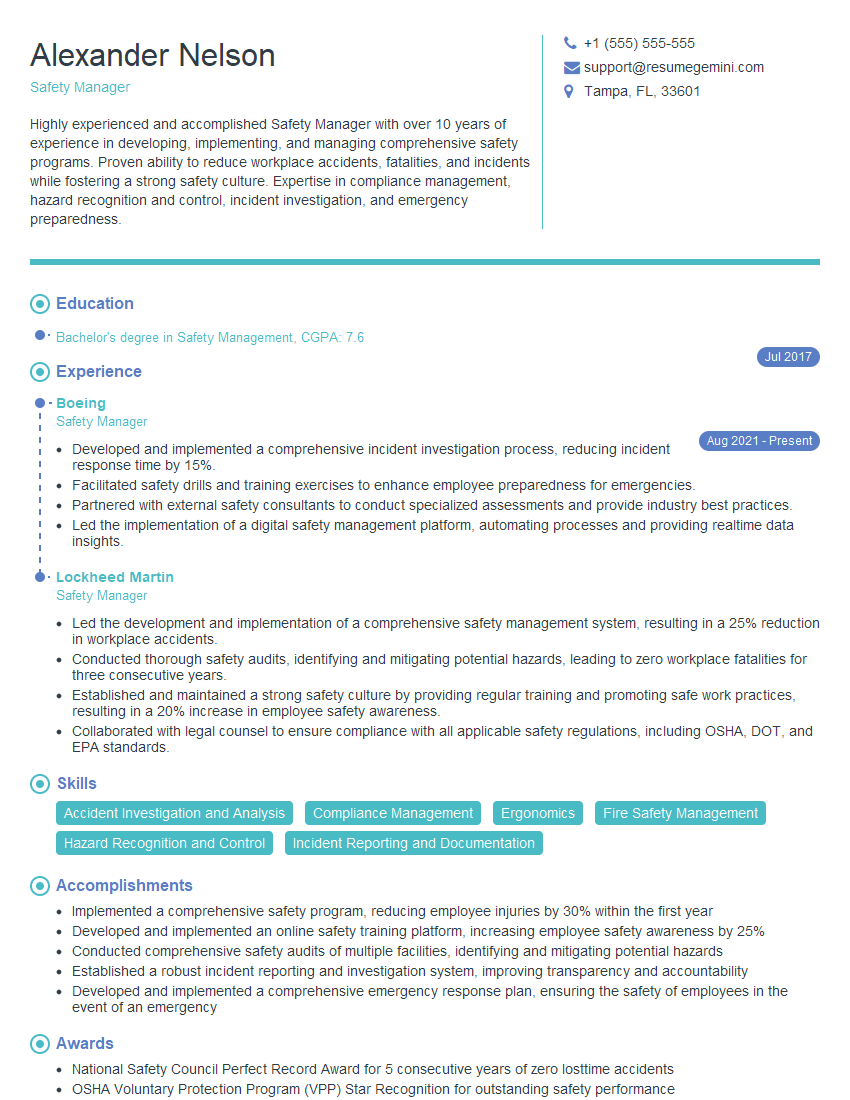
Safety Manager Resume Sample
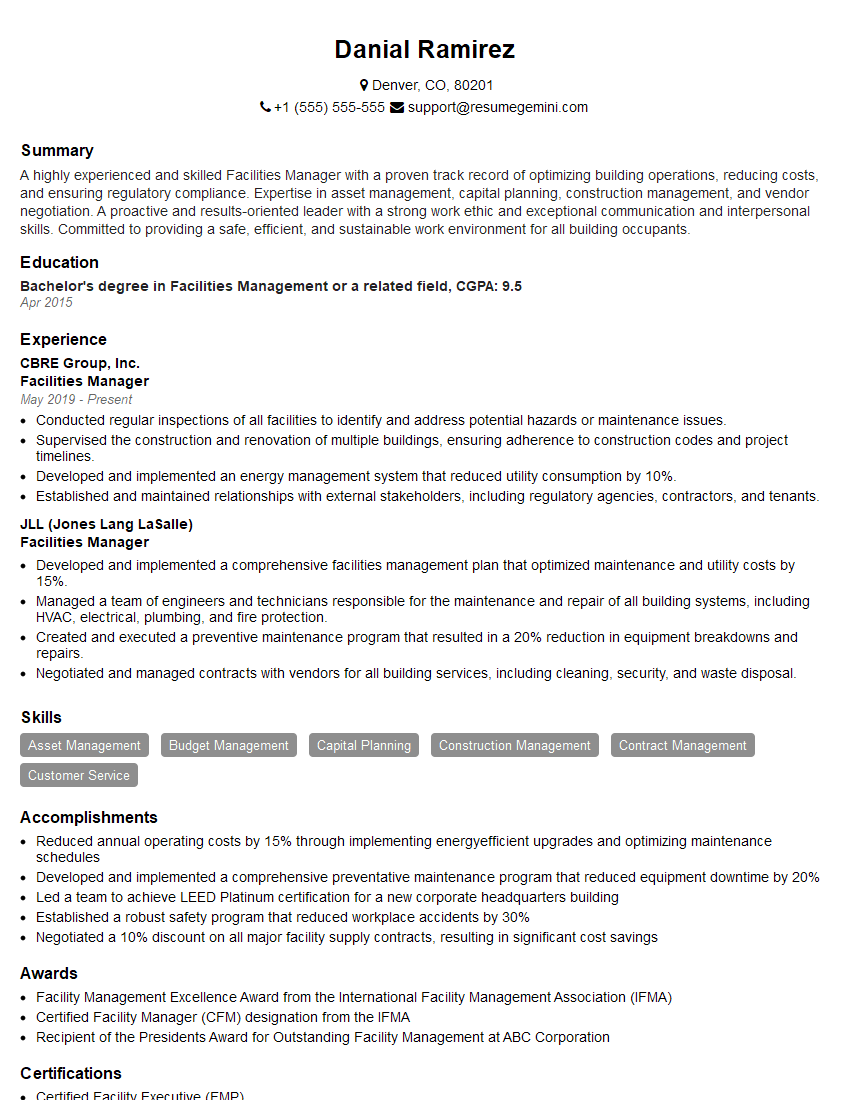
Facilities Manager Resume Sample
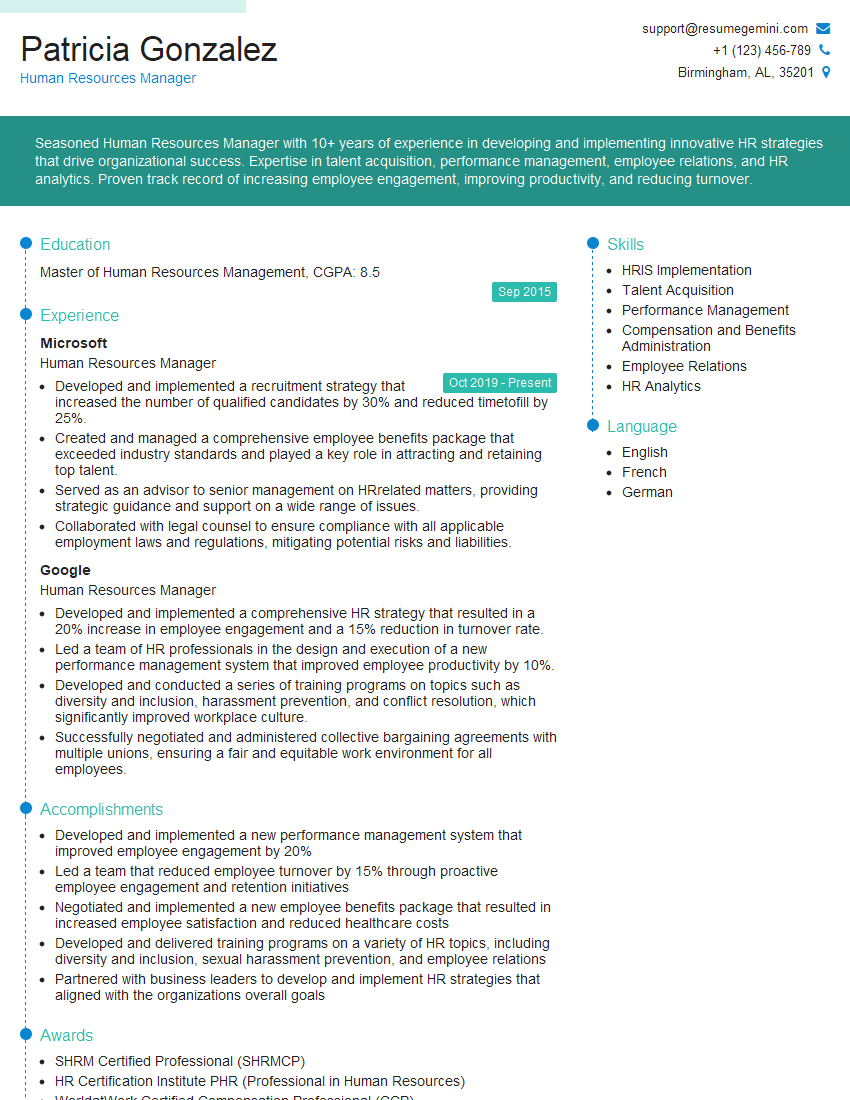
Human Resources Manager Resume Sample

Safety Engineer Resume Sample
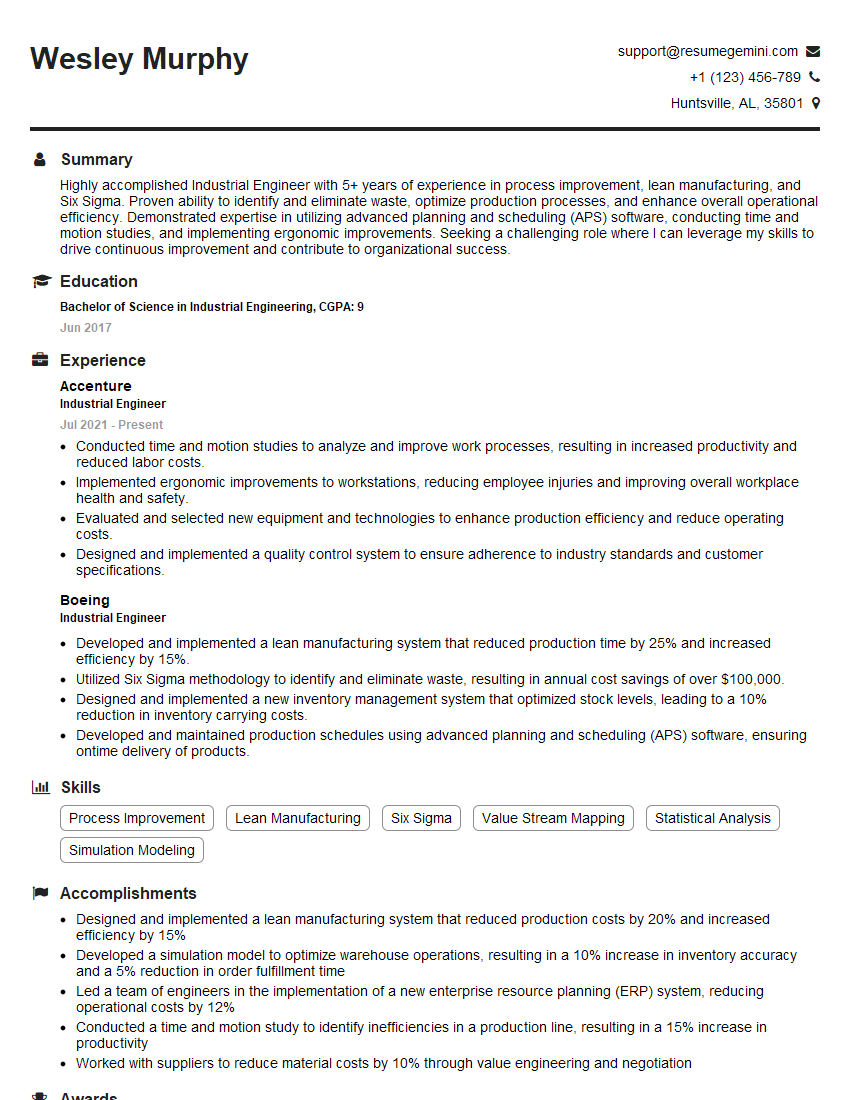
Industrial Engineer Resume Sample
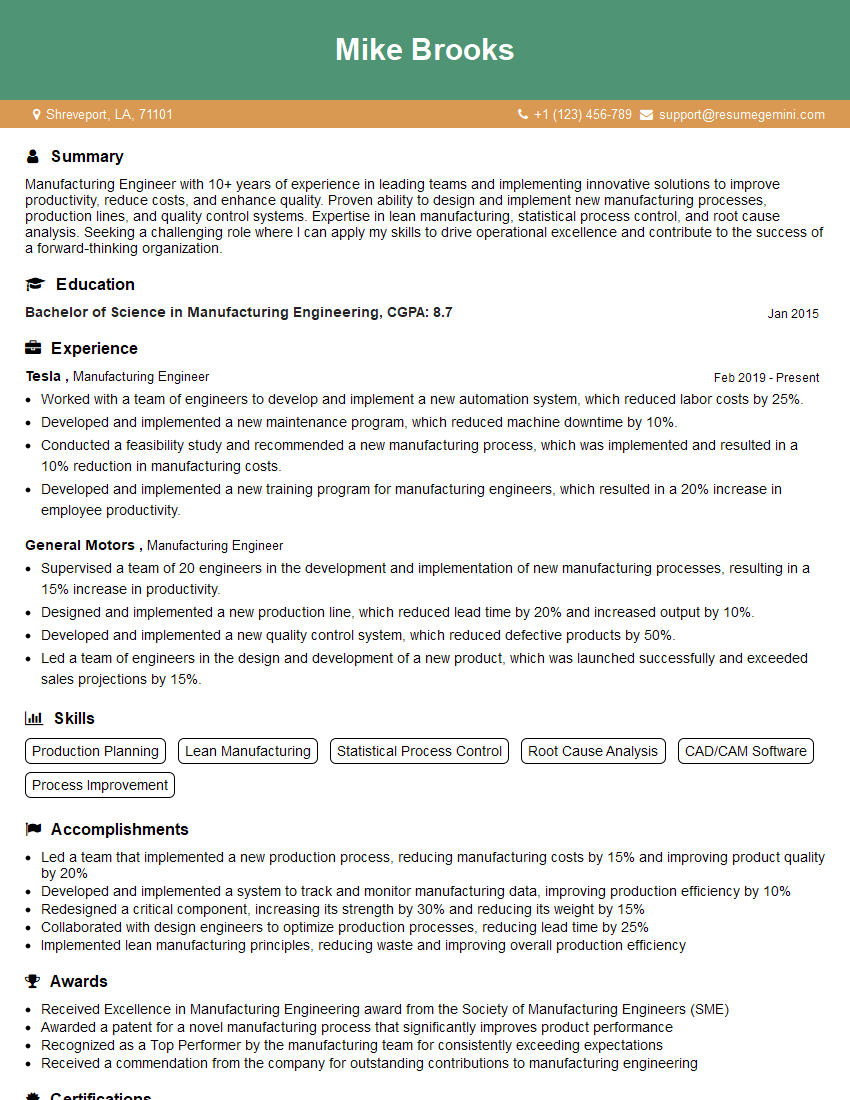
Manufacturing Engineer Resume Sample
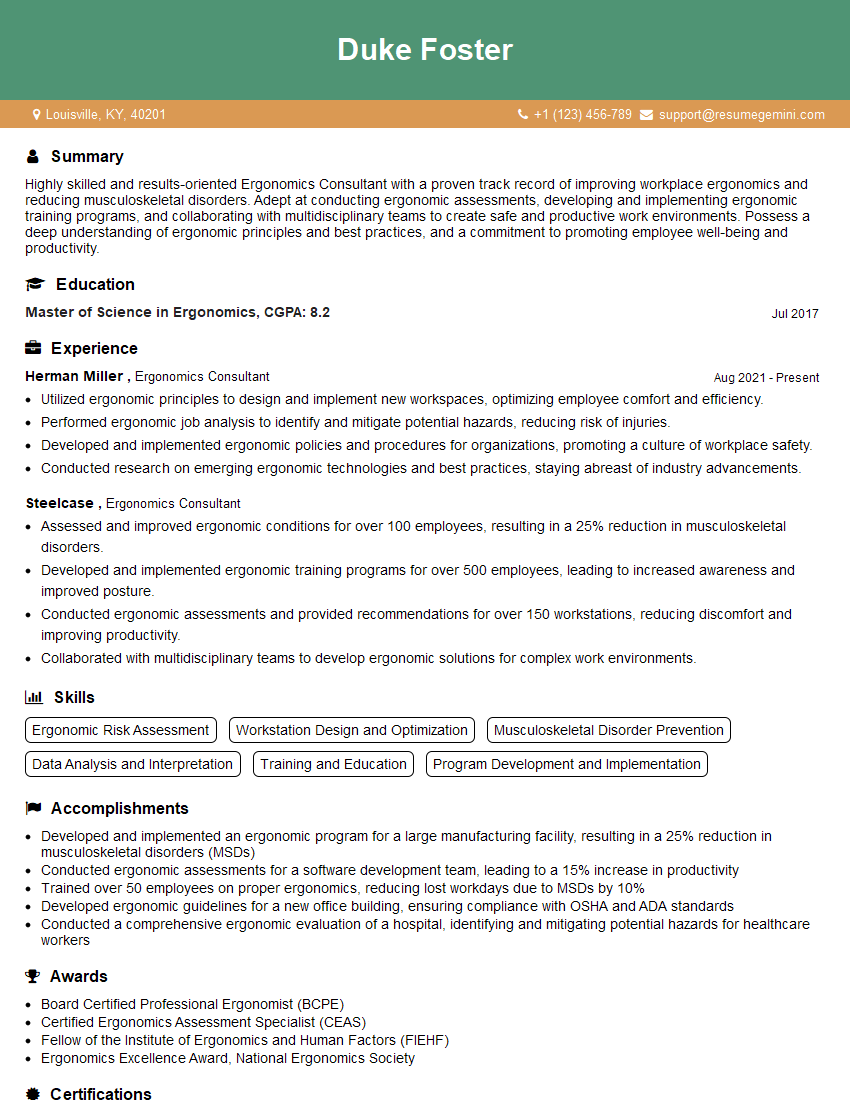
Ergonomics Consultant Resume Sample
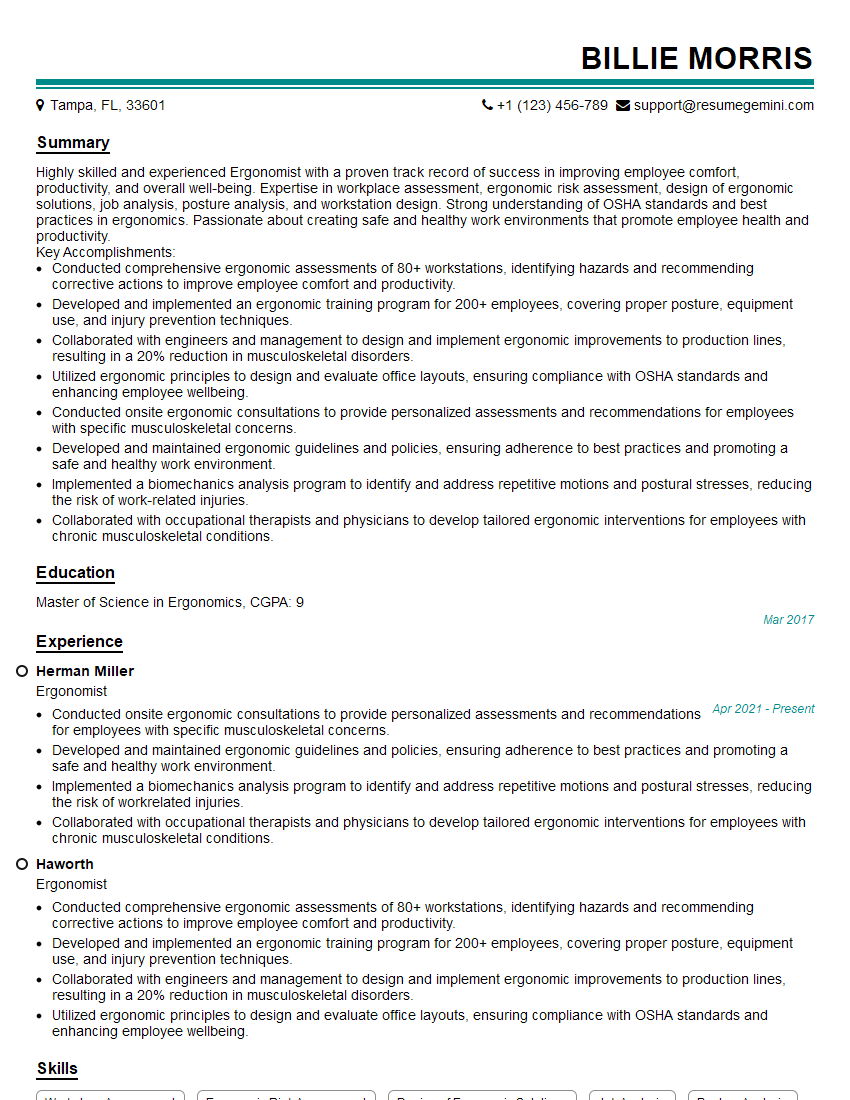
Ergonomist Resume Sample
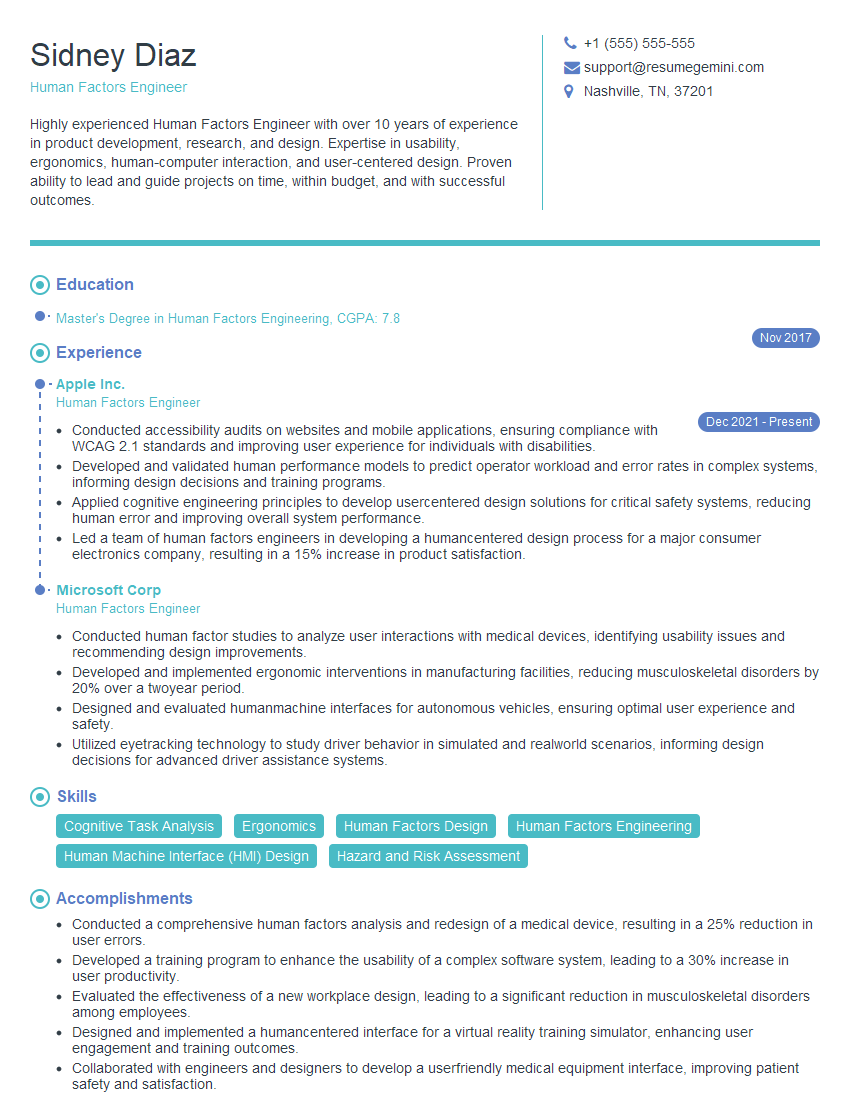
Human Factors Engineer Resume Sample
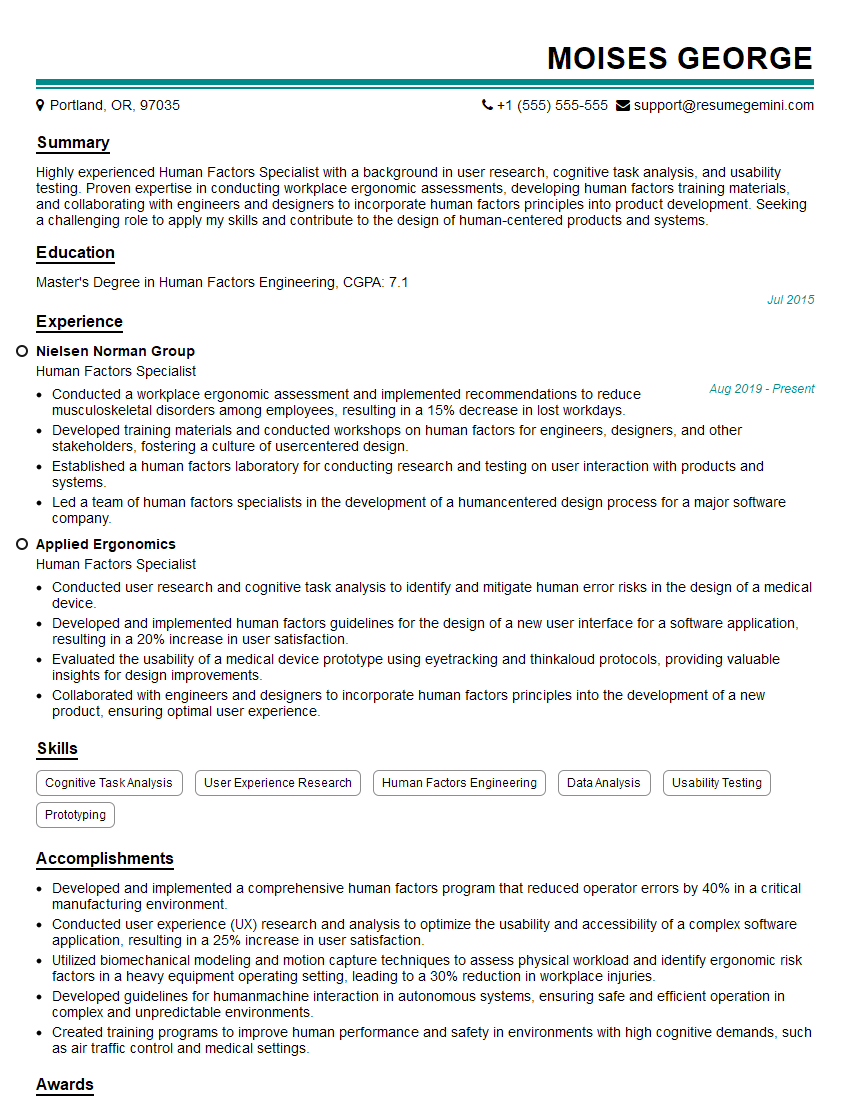
Human Factors Specialist Resume Sample
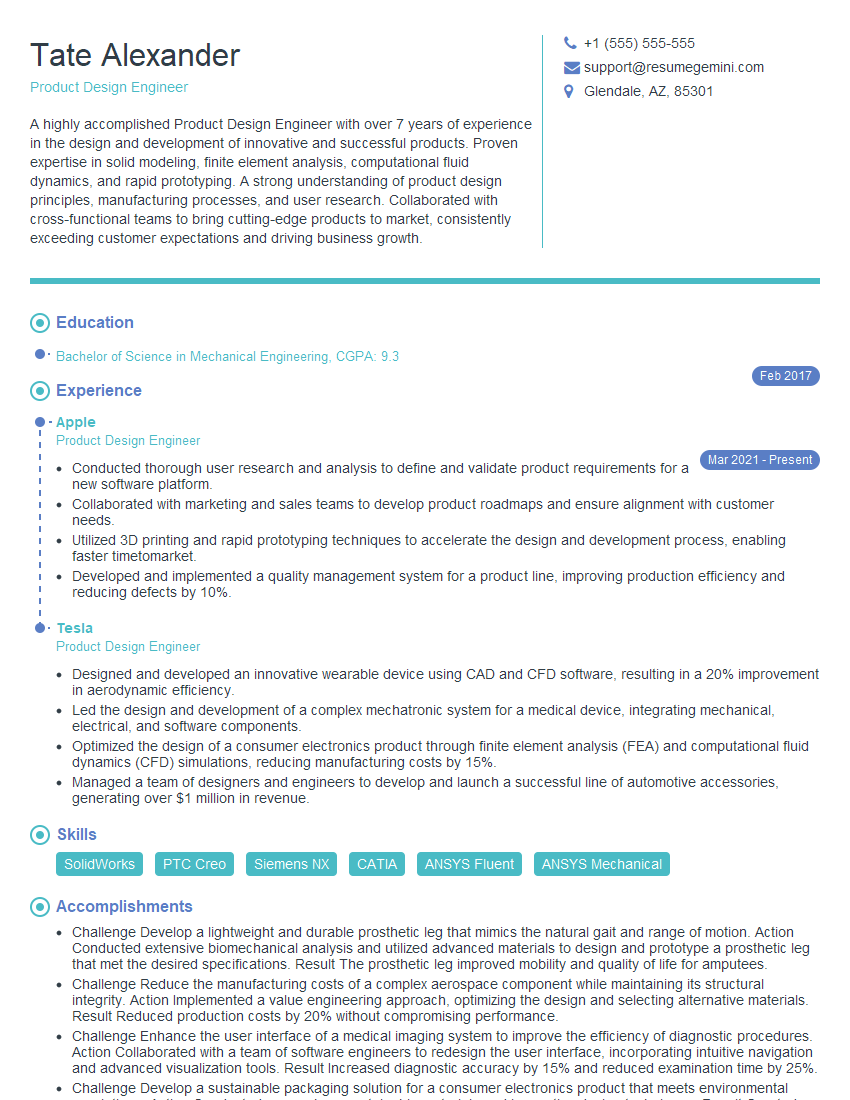
Product Design Engineer Resume Sample
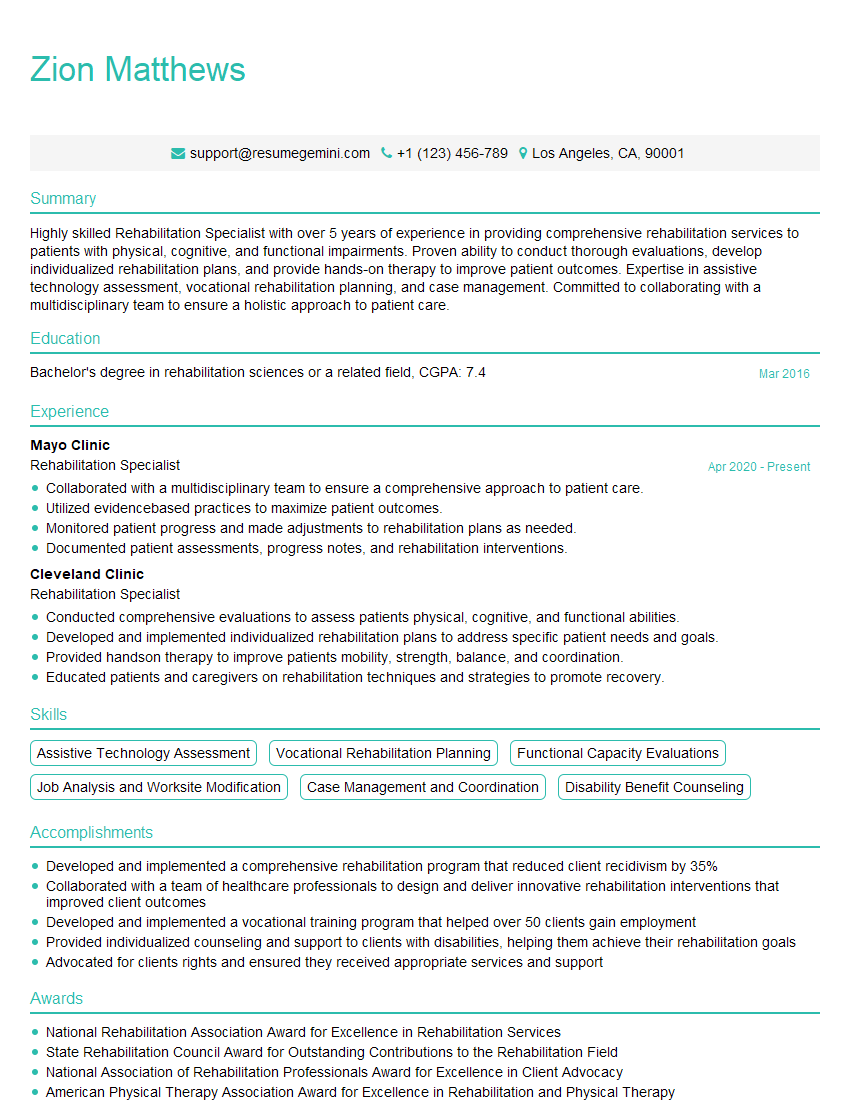
Rehabilitation Specialist Resume Sample
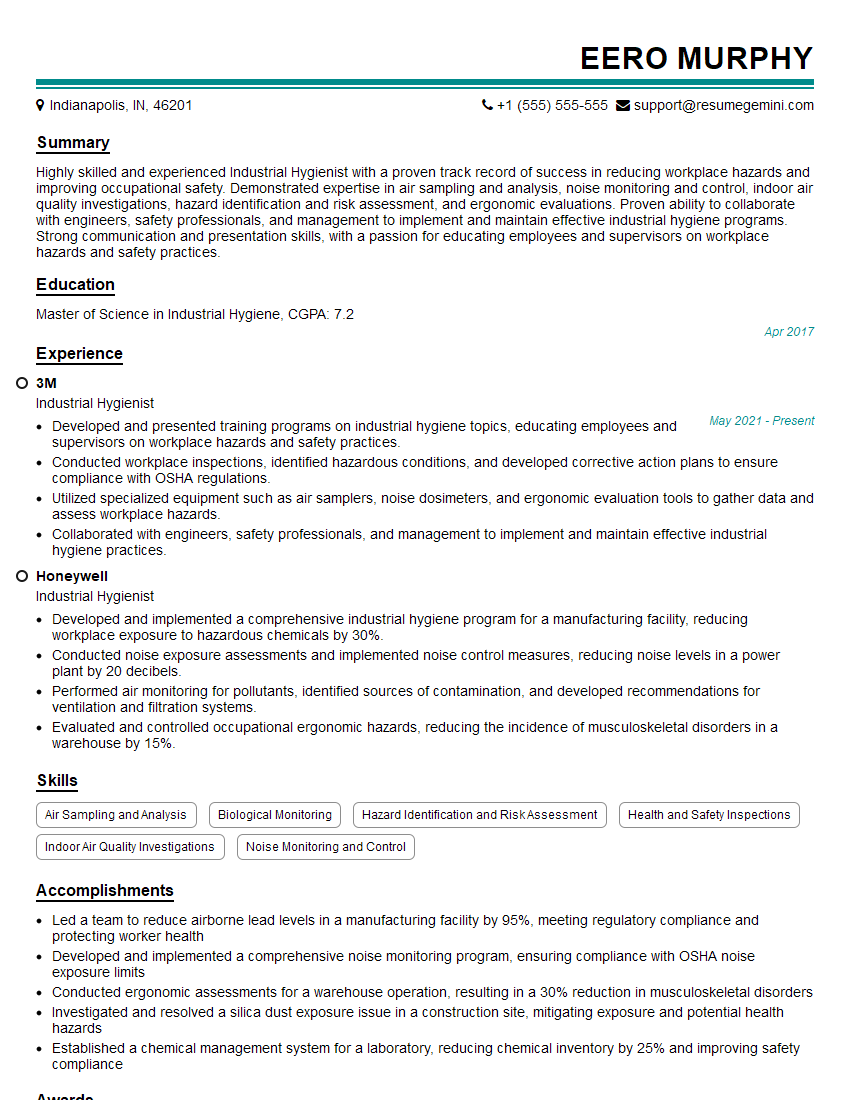
Industrial Hygienist Resume Sample
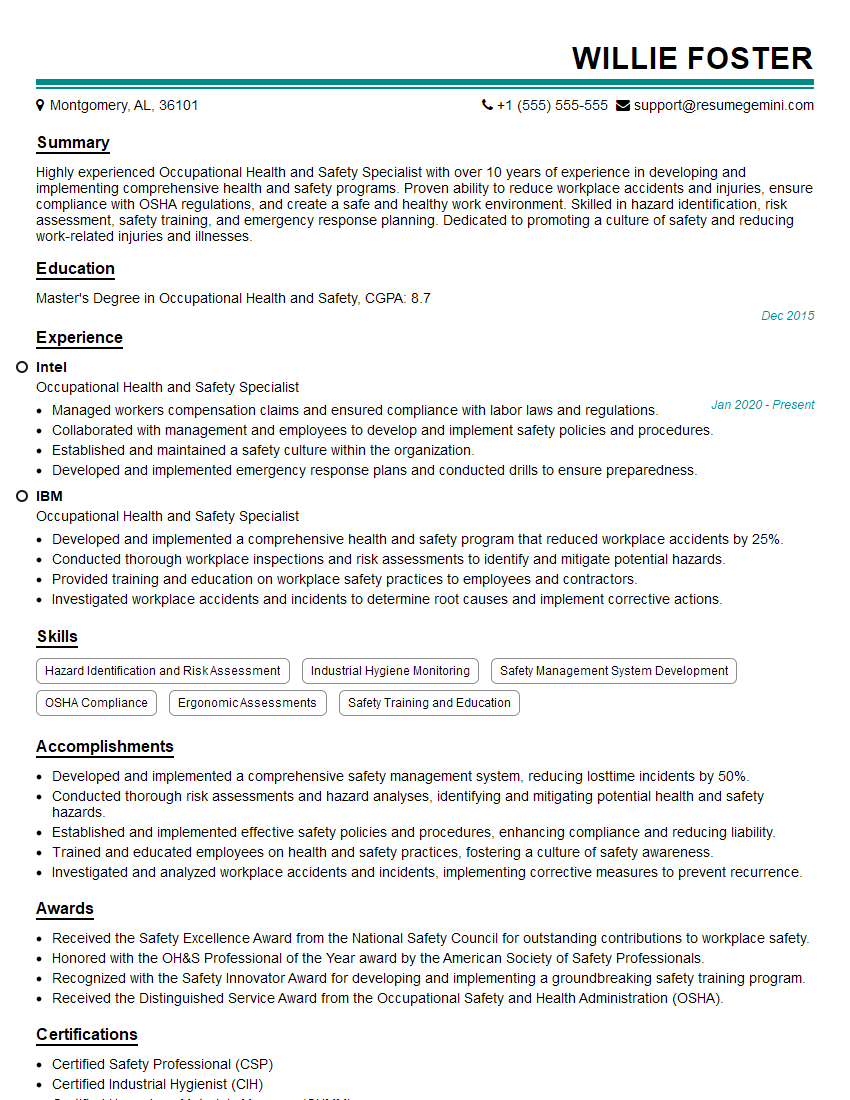
Occupational Health and Safety Specialist Resume Sample
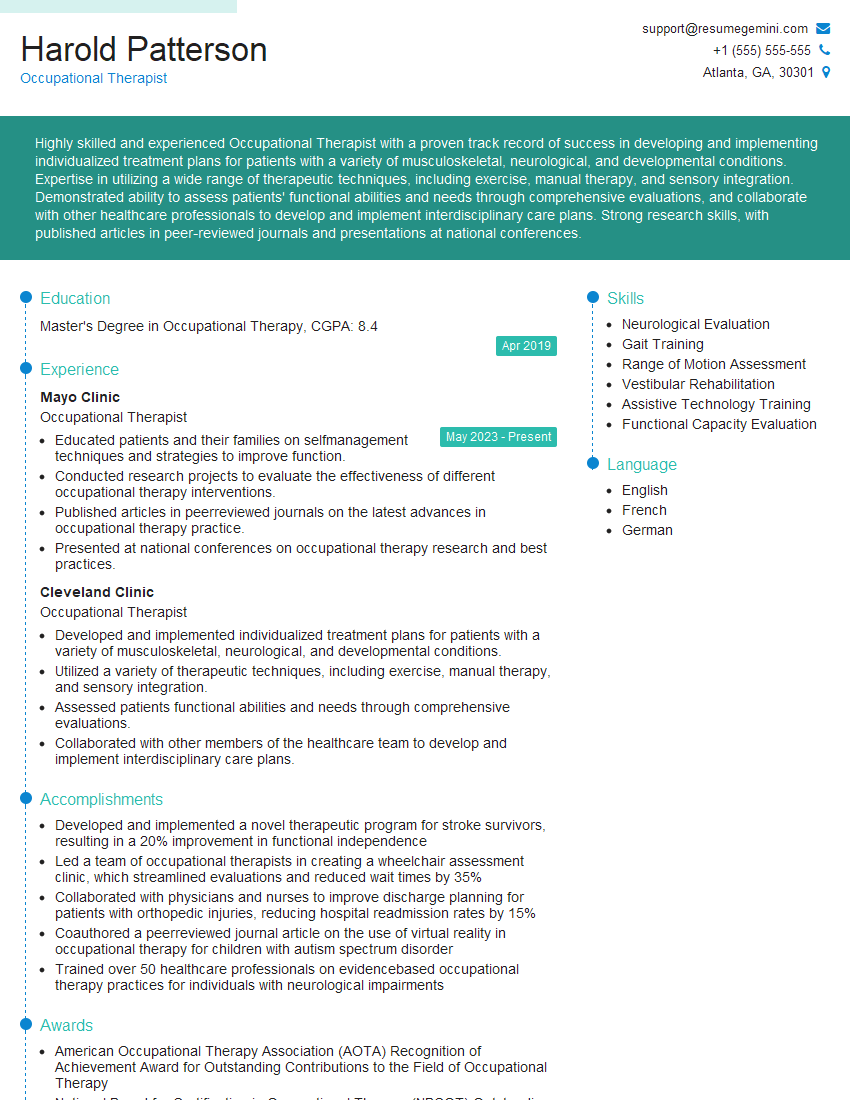
Occupational Therapist Resume Sample
- Safety Manager
- Facilities Manager
- Human Resources Manager
- Safety Engineer
- Industrial Engineer
- Manufacturing Engineer
- Ergonomics Consultant
- Ergonomist
- Human Factors Engineer
- Human Factors Specialist
- Product Design Engineer
- Rehabilitation Specialist
- Industrial Hygienist
- Occupational Health and Safety Specialist
- Occupational Therapist
Explore more articles
Users Rating of Our Blogs
Share Your Experience
We value your feedback! Please rate our content and share your thoughts (optional).
What Readers Say About Our Blog
To the interviewgemini.com Webmaster.
Very helpful and content specific questions to help prepare me for my interview!
Thank you
To the interviewgemini.com Webmaster.
This was kind of a unique content I found around the specialized skills. Very helpful questions and good detailed answers.
Very Helpful blog, thank you Interviewgemini team.