Every successful interview starts with knowing what to expect. In this blog, we’ll take you through the top Statistical Software (SPSS, R, SAS) interview questions, breaking them down with expert tips to help you deliver impactful answers. Step into your next interview fully prepared and ready to succeed.
Questions Asked in Statistical Software (SPSS, R, SAS) Interview
Q 1. Explain the difference between a t-test and an ANOVA.
Both t-tests and ANOVAs (Analysis of Variance) are used to compare means, but they differ in the number of groups being compared. A t-test compares the means of two groups, while an ANOVA compares the means of three or more groups.
Think of it like this: if you want to see if the average height of men differs from the average height of women, you’d use a t-test. If you want to see if the average height differs across five different ethnic groups, you’d use an ANOVA.
A t-test can be either one-sample (comparing a sample mean to a known population mean), paired (comparing means of the same group at two different times), or independent samples (comparing means of two different groups). ANOVA, on the other hand, is typically used for independent groups (e.g., comparing test scores across different teaching methods). While ANOVA tells you *if* there’s a significant difference between the group means, post-hoc tests (like Tukey’s HSD) are then needed to determine *which* groups specifically differ.
In SPSS, you’d use the ‘t-test’ procedure for t-tests and the ‘GLM – Univariate’ procedure for ANOVAs.
Q 2. How would you handle missing data in SPSS?
Handling missing data in SPSS is crucial for maintaining data integrity and avoiding biased results. The best approach depends on the nature and extent of the missing data and the research question. There are several strategies:
- Listwise Deletion (Complete Case Analysis): This is the simplest method, where entire cases (rows) with any missing data are excluded from the analysis. While easy to implement, it can lead to substantial loss of information and bias if the missing data is not missing completely at random (MCAR).
- Pairwise Deletion: This method uses all available data for each analysis, excluding only cases with missing data relevant to the specific analysis. While preserving more data than listwise deletion, it can lead to inconsistencies and difficulties in interpreting results.
- Imputation: This involves replacing missing values with estimated values. Several imputation techniques are available in SPSS, including:
- Mean/Median/Mode Imputation: Replacing missing values with the mean, median, or mode of the available data. This is simple but can distort the variance and relationships in the data.
- Regression Imputation: Predicting missing values based on the relationship with other variables in the dataset. This is a more sophisticated approach.
- Multiple Imputation: Creating multiple plausible datasets with different imputed values and analyzing each dataset separately. The results are then combined to obtain overall estimates and account for the uncertainty due to imputation.
Choosing the appropriate method requires careful consideration. Assessing the mechanism of missing data (MCAR, MAR, MNAR) is vital. If the missing data pattern is not MCAR, multiple imputation is generally preferred, as it provides a more accurate and robust analysis.
Q 3. Describe your experience with different data visualization techniques in R.
R offers a rich ecosystem of packages for data visualization. My experience includes leveraging several key packages for diverse needs:
ggplot2: This is a foundational package for creating elegant and customizable visualizations. I’ve used it extensively for creating scatter plots, box plots, histograms, bar charts, and more complex visualizations like heatmaps and geospatial plots. Its grammar of graphics approach provides a systematic way to build visualizations, ensuring reproducibility and consistency.lattice: This package is excellent for creating trellis displays (conditioning plots), which allow for visualizing data across different subgroups simultaneously. This is particularly useful for exploring interactions between variables.plotly: I often use this package for interactive visualizations, allowing for zooming, panning, and tooltips, which can be very helpful for exploring large datasets and presenting results in an engaging way.ggmap: For creating maps and integrating geographical data into visualizations.
For example, to create a simple scatter plot using ggplot2, I might use code like this:
library(ggplot2)
ggplot(data, aes(x = variable1, y = variable2)) + geom_point()
I adapt my visualization choices to the type of data and the insights I need to convey. For example, I might use box plots to compare distributions across groups, histograms to visualize data distributions, and scatter plots to explore correlations.
Q 4. What are the strengths and weaknesses of using SAS for large datasets?
SAS is a powerful statistical software, particularly well-suited for handling large datasets. However, it has its strengths and weaknesses:
- Strengths:
- Scalability: SAS is designed to handle massive datasets efficiently, making it suitable for large-scale data analysis and processing.
- Data Management: SAS provides robust tools for data management, cleaning, and manipulation, including advanced features for handling missing data and transforming variables.
- Procedural Programming: SAS’s procedural programming approach allows for creating complex and customizable analyses tailored to specific research questions.
- Industry Standard: SAS is widely used in many industries, making it a valuable skill for data scientists and analysts.
- Weaknesses:
- Cost: SAS is a relatively expensive software package, which can be a barrier for some users.
- Steep Learning Curve: Mastering SAS requires significant time and effort. Its syntax can be challenging for beginners.
- Limited Interactivity: While SAS does offer some interactive features, it’s generally less interactive than R or Python, making exploratory data analysis more challenging.
In summary, SAS excels in its ability to handle large and complex datasets with powerful analytical capabilities, but its cost and steeper learning curve are significant factors to consider.
Q 5. How do you perform linear regression in SPSS and interpret the results?
In SPSS, linear regression is performed using the ‘Linear’ procedure under the ‘Analyze’ menu. You specify the dependent variable (the outcome you want to predict) and the independent variables (the predictors). SPSS then estimates the regression coefficients, which represent the change in the dependent variable associated with a one-unit change in the independent variable, holding other variables constant.
Interpreting the Results:
- R-squared: Indicates the proportion of variance in the dependent variable explained by the independent variables. A higher R-squared suggests a better fit of the model.
- Adjusted R-squared: A modified version of R-squared that adjusts for the number of predictors in the model, penalizing the inclusion of irrelevant variables.
- Regression Coefficients (B): These are the estimated effects of each independent variable on the dependent variable. For example, a coefficient of 2 for ‘years of education’ would suggest that a one-year increase in education is associated with a 2-unit increase in the outcome variable, all else being equal.
- Standard Errors (SE): Measure the uncertainty in the estimated coefficients.
- t-statistics and p-values: These assess the statistical significance of each coefficient. A low p-value (typically below 0.05) suggests that the coefficient is statistically significant, meaning it is unlikely to be zero in the population.
It’s important to also examine the assumptions of linear regression (linearity, independence of errors, homoscedasticity, normality of residuals) to ensure the validity of the results. SPSS provides diagnostic plots to help assess these assumptions.
Q 6. Explain the concept of p-values and their significance in statistical analysis.
A p-value is the probability of obtaining results as extreme as, or more extreme than, the observed results, assuming the null hypothesis is true. The null hypothesis is a statement of no effect or no difference. For example, in a t-test comparing the means of two groups, the null hypothesis would be that the means are equal.
In simpler terms, the p-value tells you how likely it is that you’d see your data if there were actually no real effect. A low p-value (typically below a significance level of 0.05) indicates that the observed results are unlikely to have occurred by chance alone, providing evidence against the null hypothesis. We then *reject* the null hypothesis. Conversely, a high p-value suggests that the observed results are consistent with the null hypothesis, so we *fail to reject* the null hypothesis.
Significance in Statistical Analysis: P-values are used to make inferences about populations based on sample data. They help us determine whether there is enough evidence to conclude that a statistically significant effect or difference exists. However, it’s crucial to remember that a statistically significant result doesn’t necessarily mean a practically significant result. The size of the effect and its real-world implications should also be considered.
Q 7. How would you identify outliers in your dataset using R?
Identifying outliers in R can be done using several approaches, depending on the nature of your data and the type of outliers you’re looking for. Here are some common methods:
- Box Plots: Box plots visually represent the distribution of data and highlight points outside the typical range (typically 1.5 times the interquartile range above the third quartile or below the first quartile). The
boxplot()function in base R is readily used. - Z-scores: Z-scores measure how many standard deviations a data point is from the mean. Points with Z-scores exceeding a certain threshold (e.g., ±3) are often considered outliers. You can calculate Z-scores using the
scale()function. - Cook’s Distance: This measure assesses the influence of each data point on the regression model’s coefficients. High Cook’s distance indicates influential points that may be outliers. The
influence.measures()function can be helpful for obtaining Cook’s distance. - The
carpackage: This package provides theoutlierTest()function for performing outlier tests in regression models.
Example using Z-scores:
data <- data.frame(x = rnorm(100), y = rnorm(100)) # Sample data
zscores <- scale(data$x)
outliers <- which(abs(zscores) > 3) # Identify points with |Z| > 3
print(paste('Outliers found at indices:', outliers))
Remember that the choice of method and threshold depends on your specific context and research question. Always visually inspect your data to confirm the presence and nature of potential outliers.
Q 8. Compare and contrast the functionalities of PROC MEANS and PROC FREQ in SAS.
Both PROC MEANS and PROC FREQ in SAS are used for descriptive statistics, but they focus on different aspects of the data. PROC MEANS calculates descriptive statistics like mean, standard deviation, minimum, maximum, and percentiles for numeric variables. PROC FREQ, on the other hand, focuses on categorical variables, providing frequency counts, percentages, and various other measures of association.
- PROC MEANS: Ideal for summarizing the central tendency and dispersion of numerical data. For example, you might use it to calculate the average age and standard deviation of income in a dataset.
proc means data=mydata mean std min max; var age income; run; - PROC FREQ: Essential for understanding the distribution of categorical variables. Imagine analyzing customer responses to a satisfaction survey (e.g., Excellent, Good, Fair, Poor). PROC FREQ would show you the number and percentage of customers in each category.
proc freq data=mydata; tables satisfaction; run;
In essence, PROC MEANS works with numbers, while PROC FREQ works with categories. They’re complementary procedures; you might use them together for a comprehensive data overview.
Q 9. What are some common methods for handling categorical variables in regression analysis?
Handling categorical variables in regression analysis requires special techniques because regression models typically work with numerical predictors. Here are common methods:
- Dummy Coding (0/1): For binary categorical variables (e.g., male/female), we create a dummy variable: 0 represents one category, and 1 represents the other. This allows us to include the categorical effect in the regression.
- Effect Coding (-1/1): Similar to dummy coding but uses -1 and 1, allowing for comparisons of group means with the grand mean.
- N-1 Dummy Coding: For categorical variables with more than two levels (e.g., education levels: High school, Bachelor’s, Master’s), we create N-1 dummy variables (where N is the number of levels). One level serves as the reference category.
- Using other techniques: Techniques like ordinal regression (if the categories have a meaningful order) can be more appropriate than dummy coding.
The choice depends on the nature of the categorical variable and the research question. For example, if analyzing the effect of education level on income, we’d use N-1 dummy coding, choosing one level as the reference for comparison. Incorrect handling can lead to biased or misleading results.
Q 10. Describe your experience with data transformation techniques in SPSS.
In SPSS, I’ve extensively used data transformation for various purposes, including:
- Standardization (Z-scores): Transforming variables to have a mean of 0 and a standard deviation of 1. This is crucial for techniques like PCA or when variables have vastly different scales. I’ve used this when comparing the effects of variables measured on different scales (e.g., age in years vs. income in dollars).
- Log Transformation: Addressing skewed data by taking the natural logarithm of a variable. This helps to normalize the distribution, making it more suitable for certain statistical analyses that assume normality. A common example is income data, which is often highly right-skewed.
- Square Root Transformation: Another method to handle skewed data, particularly when dealing with count data (Poisson distribution). I’ve applied this to improve the fit of certain models.
- Creating new variables based on existing ones: I’ve often created interaction terms or ratio variables based on original variables in the data to explore their relationships more deeply.
SPSS provides user-friendly tools under the ‘Transform’ menu to perform these transformations. The choice of transformation depends on the data’s characteristics and the specific analysis to be performed.
Q 11. How do you create and interpret a boxplot in R?
In R, creating and interpreting a boxplot is straightforward. The boxplot() function provides a visual summary of the distribution of a variable. Let’s say we have a vector called mydata:
boxplot(mydata, main = "Boxplot of My Data", ylab = "Values", col = "lightblue")This code creates a boxplot. The box represents the interquartile range (IQR), containing the middle 50% of the data. The line inside the box indicates the median. The whiskers extend to the most extreme data points within 1.5 times the IQR from the box edges. Points beyond the whiskers are plotted individually as outliers.
Interpretation: Boxplots allow for quick visual comparisons of the central tendency, spread, and presence of outliers across different groups or samples. For instance, comparing boxplots of income for different education levels helps identify potential income disparities between those groups.
Q 12. Explain your experience with different data import methods in SAS.
My experience with data import methods in SAS is extensive, covering various formats:
PROC IMPORT:For importing data from common formats like Excel spreadsheets (.xls, .xlsx), text files (.csv, .txt), and other delimited files. This is incredibly versatile and handles a wide range of data types. I’ve often used this for quick data imports from easily accessible files.proc import datafile="mydata.csv" out=mydata dbms=csv replace; getnames=yes; run;PROC SQL:Powerful for importing data from databases (e.g., SQL Server, Oracle). I’ve used this extensively when working with large relational databases. This allows complex querying and data manipulation during import.proc sql; create table mydata as select * from connection to mydatabase.mytable; quit;LIBNAME statement:For connecting to external data sources, including databases and other SAS libraries. This is efficient for repeatedly accessing data from a persistent source.libname mydb odbc dsn=mydatabase;
The best method depends on the data source and the complexity of the import task. For simple CSV files, PROC IMPORT is sufficient. For complex database interactions, PROC SQL or LIBNAME are more suitable.
Q 13. What are the different types of sampling methods and when would you use each?
Sampling methods are crucial for selecting a representative subset of a population for analysis. The choice depends on the research goals and the characteristics of the population:
- Simple Random Sampling: Each member of the population has an equal chance of being selected. This is straightforward but may not be effective for diverse populations.
- Stratified Sampling: The population is divided into strata (subgroups), and a random sample is drawn from each stratum. This ensures representation from all subgroups, which is particularly useful if there are known differences across these subgroups.
- Cluster Sampling: The population is divided into clusters (groups), and a random sample of clusters is selected. All members within the selected clusters are then included. This is cost-effective for geographically dispersed populations.
- Systematic Sampling: Every kth member of the population is selected after a random starting point. This is simple to implement but can be biased if there’s a pattern in the population.
- Convenience Sampling: Selecting readily available participants. This is not ideal for generalizing results to a larger population but can be useful for pilot studies.
For instance, a national survey might use stratified sampling to ensure representation from different regions and demographic groups. A study on a particular school might use cluster sampling to select classrooms to interview. The choice of sampling method is crucial for ensuring that the study results are accurate and reliable.
Q 14. How would you perform a logistic regression in SPSS and interpret the odds ratio?
In SPSS, logistic regression is performed using the ‘Analyze’ > ‘Regression’ > ‘Binary Logistic’ menu. The dependent variable should be a binary (0/1) variable representing the outcome. Independent variables can be continuous or categorical (after appropriate coding).
Interpretation of Odds Ratio: After running the analysis, SPSS provides coefficients for each predictor variable. The exponentiated coefficient (EXP(B)) represents the odds ratio. An odds ratio greater than 1 indicates that an increase in the predictor variable is associated with an increased odds of the outcome (1). An odds ratio less than 1 suggests a decreased odds. For example, if the odds ratio for smoking is 2.5, it means that smokers have 2.5 times the odds of developing lung cancer compared to non-smokers (holding other variables constant).
Confidence Intervals: SPSS also provides confidence intervals for the odds ratios. If the confidence interval does not include 1, it indicates a statistically significant association between the predictor and outcome.
Careful consideration of confounding variables and model diagnostics is vital for reliable interpretation.
Q 15. Describe your experience with different data manipulation techniques in R (dplyr, tidyr).
dplyr and tidyr are essential R packages for data manipulation, forming the core of the tidyverse. dplyr provides verbs for data manipulation, allowing for efficient data wrangling with a consistent grammar. tidyr focuses on data tidying, transforming data into a structured format suitable for analysis.
My experience encompasses a wide range of tasks using these packages. For instance, I’ve used dplyr‘s select(), filter(), mutate(), and summarize() functions extensively to subset, filter, create new variables, and aggregate data. Imagine needing to analyze sales data – I would use filter() to isolate sales from a specific region, mutate() to calculate profit margins, and summarize() to find the total sales for each product category.
tidyr‘s functions, such as gather(), spread(), and separate(), are invaluable for reshaping data. For example, if you have data with multiple columns representing different months’ sales, gather() can transform this ‘wide’ format into a ‘long’ format, making it easier to analyze trends over time. I’ve used these techniques countless times to prepare messy datasets for analysis, improving efficiency and reducing errors significantly. I’m also proficient in using pipe operators (%>%) to chain multiple operations together, improving code readability and maintainability.
Example:
library(tidyverse) data %>% dplyr::filter(Region == "North") %>% dplyr::mutate(Profit = Revenue - Cost) %>% dplyr::group_by(Product) %>% dplyr::summarize(Total_Profit = sum(Profit))
Career Expert Tips:
- Ace those interviews! Prepare effectively by reviewing the Top 50 Most Common Interview Questions on ResumeGemini.
- Navigate your job search with confidence! Explore a wide range of Career Tips on ResumeGemini. Learn about common challenges and recommendations to overcome them.
- Craft the perfect resume! Master the Art of Resume Writing with ResumeGemini’s guide. Showcase your unique qualifications and achievements effectively.
- Don’t miss out on holiday savings! Build your dream resume with ResumeGemini’s ATS optimized templates.
Q 16. Explain your experience with macro programming in SAS.
SAS macro programming is a powerful tool for automating repetitive tasks and creating reusable code modules. My experience includes developing macros for data cleaning, report generation, and complex statistical analyses. I’ve worked extensively with macro variables, loops (%DO, %WHILE), conditional statements (%IF, %THEN, %ELSE), and macro functions.
One significant project involved creating a macro to automate the process of generating monthly reports. This macro took raw data as input, performed data validation, calculated key performance indicators, and produced customized reports with charts and tables, saving considerable time and effort. Another example involved developing a macro to perform a series of complex statistical tests on different subsets of data, ensuring consistency and minimizing the risk of human error. I’m adept at using macro calls to modularize the code, improving readability and simplifying maintenance. Furthermore, I understand the importance of robust error handling and using %PUT statements for debugging and logging.
Example:
%macro mymacro(dataset, output); proc print data=&dataset; run; proc means data=&dataset; run; ods pdf file="&output"; proc print data=&dataset; run; ods pdf close; %mend mymacro; %mymacro(sashelp.cars, report.pdf);
Q 17. How do you assess the goodness of fit of a statistical model?
Assessing the goodness of fit of a statistical model determines how well the model represents the data. Several methods are available depending on the type of model. For linear regression, we examine the R-squared, adjusted R-squared, and residual plots. R-squared indicates the proportion of variance explained by the model, while adjusted R-squared accounts for the number of predictors. Residual plots help check for violations of assumptions like normality and constant variance.
For generalized linear models (GLMs), metrics like deviance, AIC (Akaike Information Criterion), and BIC (Bayesian Information Criterion) are crucial. Lower values of AIC and BIC suggest better model fit. Goodness-of-fit tests, such as the Hosmer-Lemeshow test for logistic regression, assess the overall model fit by comparing observed and expected frequencies.
For more complex models like time series or survival models, specific goodness-of-fit measures exist. For example, in time series analysis, we often look at autocorrelation functions (ACF) and partial autocorrelation functions (PACF) to evaluate the model’s ability to capture temporal dependence. In survival analysis, we may use concordance indices or log-likelihood ratio tests. It’s crucial to consider the context, data characteristics, and model assumptions when interpreting goodness-of-fit measures. No single metric provides a definitive answer; instead, a combination of measures and diagnostic plots is necessary for a comprehensive assessment. I always strive for a balance between model complexity and goodness of fit, avoiding overfitting.
Q 18. What are some common issues encountered when working with large datasets?
Working with large datasets presents unique challenges. Memory management is a primary concern; datasets exceeding available RAM require techniques like data chunking or using specialized databases like Hadoop or Spark. Processing speed is another issue; computationally intensive tasks may take excessively long. Optimization techniques, including using efficient algorithms and parallel processing, are vital.
Data cleaning and preprocessing become more challenging with increased data volume. Inconsistencies and errors are magnified, necessitating robust data validation and cleaning strategies. Effective data storage and retrieval are crucial for managing large datasets efficiently. A well-structured database with appropriate indexing can significantly improve query performance. I’ve encountered situations where inefficient data access has severely impacted analysis time. In such cases, I’ve implemented strategies like creating smaller, optimized subsets of data for specific analysis tasks.
Furthermore, visualization of large datasets requires specialized tools and techniques. Standard plotting functions might be overwhelmed by the sheer volume of data. Dimensionality reduction techniques, such as principal component analysis (PCA), are essential for simplifying the data and enabling effective visualization. Finally, reproducibility and version control become critical for managing large datasets and the associated code, avoiding potential inconsistencies and facilitating collaboration.
Q 19. How would you perform a cluster analysis in SPSS?
SPSS offers several algorithms for cluster analysis. The most commonly used are k-means clustering and hierarchical clustering.
K-means clustering partitions data into k clusters based on minimizing the within-cluster variance. Before running k-means, it’s essential to standardize the variables to avoid bias due to differing scales. The selection of k (the number of clusters) can be guided by techniques like the elbow method, which involves plotting the within-cluster variance against different values of k and selecting the ‘elbow point’ where the reduction in variance starts to diminish. I often use the k-means algorithm when dealing with large datasets because of its relatively fast computation time.
Hierarchical clustering builds a hierarchy of clusters. Agglomerative methods start with each data point as a separate cluster and successively merge the closest clusters, while divisive methods start with one large cluster and recursively split it. The choice of distance metric (e.g., Euclidean, Manhattan) and linkage method (e.g., complete linkage, average linkage) significantly influences the results. Dendrograms visually represent the hierarchical clustering results, showing the relationships between clusters. Hierarchical clustering is useful when exploring the data structure without pre-defining the number of clusters. After performing the cluster analysis, I would always inspect the cluster characteristics and interpret the meaning of the obtained clusters within the context of the problem.
Q 20. Explain your experience with different types of hypothesis testing.
My experience encompasses a wide range of hypothesis testing techniques. These tests broadly fall into parametric and non-parametric categories. Parametric tests assume that the data follows a specific probability distribution (usually normal). Examples include t-tests (comparing means of two groups), ANOVA (comparing means of multiple groups), and linear regression (assessing the relationship between variables). I frequently use these tests in many scenarios, particularly when my data meets the assumptions of normality and independence. For instance, I might use a t-test to determine if there’s a significant difference in average test scores between two teaching methods.
Non-parametric tests are distribution-free and don’t require assumptions about data distribution. These are particularly useful when dealing with non-normal data, small sample sizes, or ordinal data. Examples include the Mann-Whitney U test (comparing the ranks of two groups), the Kruskal-Wallis test (comparing ranks of multiple groups), and the Spearman rank correlation (assessing the monotonic relationship between variables). For example, I might use the Mann-Whitney U test if comparing customer satisfaction ratings for two different products, where the ratings might not be normally distributed.
The choice of hypothesis test depends heavily on the research question, data type, and assumptions about the data. I always carefully check the assumptions of the chosen test before proceeding with the analysis and consider appropriate alternatives if assumptions are violated. Proper interpretation of p-values and confidence intervals is also crucial for drawing valid conclusions. Furthermore, I always consider the effect size along with statistical significance to judge the practical importance of any findings.
Q 21. How would you create a heatmap in R?
Creating a heatmap in R is straightforward using packages like ggplot2 or heatmaply. ggplot2 is a versatile package providing highly customizable plots, while heatmaply produces interactive heatmaps.
Using ggplot2, you would typically start by creating a data frame where rows and columns represent the variables of your heatmap, and the values represent the intensity. Then, you use geom_tile() to create the heatmap tiles, mapping values to the fill aesthetic. Customization options include setting colors, labels, and titles.
heatmaply provides an interactive heatmap, allowing for zooming and hovering to see detailed information. This is particularly useful for large matrices. Both packages allow for adding annotations and improving readability through customization.
Example (ggplot2):
library(ggplot2) # Sample data data <- data.frame( x = rep(LETTERS[1:5], each = 5), y = rep(LETTERS[1:5], times = 5), value = rnorm(25) ) # Create the heatmap ggplot(data, aes(x = x, y = y, fill = value)) + geom_tile() + scale_fill_gradient2() + # Customize color scale labs(title = "Heatmap", x = "X", y = "Y")
Q 22. Explain your experience with data quality control and validation procedures.
Data quality control and validation are critical steps in any statistical analysis. Think of it like baking a cake – you wouldn’t use spoiled ingredients, right? Similarly, faulty data will ruin your results. My approach involves several stages:
- Data Profiling: I begin by summarizing the data to understand its structure, identifying missing values, outliers, and inconsistencies. Tools like SPSS’s descriptive statistics and R’s
summary()function are invaluable here. For instance, I might notice an age of 200, a clear outlier that needs investigation. - Data Cleaning: This involves handling missing data (imputation using mean, median, or more sophisticated methods like multiple imputation), correcting inconsistencies (e.g., standardizing date formats), and removing duplicates. In R, the
tidyranddplyrpackages are my go-to for this. - Data Validation: This stage ensures the data conforms to pre-defined rules and constraints. This might include checking data types, ranges, and logical relationships between variables. For example, I’d check if a patient’s age is consistent across multiple entries or if a recorded weight is biologically plausible. In SAS, I utilize data step programming to enforce these rules.
- Data Transformation: Often, raw data needs transformation to meet the assumptions of statistical models. This might involve standardizing variables (centering and scaling), creating dummy variables for categorical data, or applying transformations (log, square root) to address non-normality.
Throughout this process, I meticulously document my decisions and rationale, ensuring reproducibility and transparency.
Q 23. What is the difference between Type I and Type II errors?
Type I and Type II errors are both errors in hypothesis testing, but they represent different kinds of mistakes. Imagine you’re a detective investigating a crime:
- Type I Error (False Positive): This occurs when you reject the null hypothesis when it’s actually true. In our detective analogy, this is like arresting an innocent person. The probability of making a Type I error is denoted by α (alpha), and it’s often set at 0.05 (5%).
- Type II Error (False Negative): This happens when you fail to reject the null hypothesis when it’s actually false. In the detective scenario, this is like letting the guilty person go free. The probability of making a Type II error is denoted by β (beta), and its complement (1-β) is the power of the test.
The balance between these two types of errors is crucial. A lower α reduces the chance of a false positive but increases the chance of a false negative. The choice of α depends on the context of the research – a medical trial might prioritize reducing false negatives (missing a potentially effective treatment) even if it increases false positives.
Q 24. How do you handle multicollinearity in regression analysis?
Multicollinearity occurs in regression analysis when predictor variables are highly correlated. This creates instability in the model, making it difficult to interpret the individual effects of predictors. Think of it like trying to determine the individual contributions of flour and sugar to a cake’s sweetness when both are strongly related – it’s hard to isolate their specific effects.
Here’s how I handle multicollinearity:
- Assess Multicollinearity: I use tools like variance inflation factors (VIFs) and correlation matrices to identify highly correlated variables. A VIF above 5 or 10 (depending on the context) is often considered problematic.
- Remove Variables: If two variables are highly correlated, I might remove one, retaining the one that is theoretically more important or better aligns with my research objectives.
- Combine Variables: I might create a new composite variable by combining the highly correlated ones (e.g., principal components analysis or creating an average).
- Regularization Techniques: Methods like Ridge regression or Lasso regression penalize large coefficients, reducing the impact of multicollinearity and improving model stability. These are easily implemented in R using packages like
glmnet. - Use a different Model: In some cases, a different statistical method such as Partial Least Squares (PLS) is better suited for datasets with high multicollinearity.
The best approach depends on the specific dataset and research question. Careful consideration is needed to ensure that removing or transforming variables doesn’t compromise the validity of the analysis.
Q 25. Explain your experience with creating and interpreting predictive models.
I have extensive experience building and interpreting predictive models across various domains. My process generally involves these stages:
- Problem Definition: Clearly defining the business problem and the desired outcome is the first and most crucial step. What are we trying to predict? What’s the desired level of accuracy?
- Data Exploration and Preparation: Thorough data exploration, cleaning, and transformation are essential, as discussed previously.
- Model Selection: This depends on the type of outcome variable (continuous, binary, categorical) and the characteristics of the data. I frequently use linear regression, logistic regression, decision trees, random forests, support vector machines, and neural networks.
- Model Training and Tuning: I split the data into training and testing sets to train the model on one part and evaluate its performance on unseen data. Hyperparameter tuning is crucial to optimize model performance. Cross-validation techniques help ensure robust results.
- Model Evaluation: Appropriate metrics are used to assess the model’s performance. For example, for a classification problem, I’d use accuracy, precision, recall, and the F1-score. For a regression problem, I’d use RMSE, MAE, and R-squared.
- Deployment and Monitoring: Once a satisfactory model is developed, it needs to be deployed and monitored for performance over time. Regular retraining and updates are often necessary to maintain accuracy.
For example, I once developed a model to predict customer churn for a telecommunications company, using logistic regression and achieving over 85% accuracy in predicting which customers were likely to cancel their service. This allowed the company to proactively target these customers with retention strategies.
Q 26. What are your preferred methods for model selection and evaluation?
Model selection and evaluation are crucial for building reliable predictive models. My approach is guided by several principles:
- Statistical Significance and Practical Significance: I don’t solely rely on p-values. I also consider the effect size and practical implications of the model’s predictions.
- Cross-Validation: I frequently use k-fold cross-validation to get a more robust estimate of model performance, reducing the risk of overfitting.
- Information Criteria (AIC, BIC): These help compare models with different numbers of predictors, penalizing models with excessive complexity.
- Performance Metrics: As mentioned earlier, the choice of metrics depends on the type of model (regression, classification). I might use AUC for classification models, RMSE for regression models, or a combination.
- Feature Importance: Understanding which predictors are most influential in the model is essential for interpretation and insights. Techniques like variable importance plots for tree-based models are very helpful.
- Model Simplicity vs. Accuracy: I strive for a balance between model complexity and predictive accuracy. A simpler model is often preferred if its performance is comparable to a more complex one, as it’s easier to interpret and deploy.
In R, I leverage packages like caret to streamline model selection and evaluation. It offers a consistent framework for comparing different models and easily applying cross-validation.
Q 27. Describe your experience working with different statistical distributions.
Working with different statistical distributions is fundamental to statistical analysis. Understanding the underlying distribution of a variable is crucial for choosing the appropriate statistical methods. For instance, the assumption of normality is critical for many common statistical tests.
My experience encompasses a range of distributions, including:
- Normal Distribution: The cornerstone of many statistical tests and models. I frequently check for normality using histograms, Q-Q plots, and statistical tests like the Shapiro-Wilk test.
- Binomial Distribution: Used for modeling the probability of success or failure in a fixed number of independent trials (e.g., coin flips). I often utilize it in the context of logistic regression.
- Poisson Distribution: Models the probability of a given number of events occurring in a fixed interval of time or space (e.g., number of customers arriving at a store). This is useful in forecasting and count data modeling.
- Exponential and Gamma Distributions: Used to model time-to-event data in survival analysis.
- t-distribution: Employed when dealing with smaller sample sizes, particularly in hypothesis testing.
My proficiency extends to handling data that don’t follow standard distributions. Transformations can often be used to achieve normality, or non-parametric methods can be applied if transformations are unsuccessful or inappropriate.
Q 28. How would you create a publication-ready graph in SAS?
Creating publication-ready graphs in SAS requires attention to detail and leveraging its graphics capabilities. Here’s a step-by-step approach:
- Choose the appropriate graph type: Select the graph that best represents your data and research question (scatter plots, bar charts, box plots, etc.).
- Use PROC SGPLOT or PROC GPLOT:
PROC SGPLOTis generally preferred for its flexibility and modern features.PROC GPLOTprovides a more traditional approach. - Customize your graph: Use options to control the appearance: titles, labels, axis ranges, colors, fonts, legend placement. For example, this code snippet creates a simple scatter plot with customized titles and axis labels:
proc sgplot data=mydata; scatter x=variable1 y=variable2; title 'Scatter Plot of Variable 1 vs. Variable 2'; xaxis label='Variable 1'; yaxis label='Variable 2'; run;- Export in high resolution: Export your graph as a high-resolution image (e.g., PNG, TIFF) suitable for publication. The
ODS GRAPHICSstatement can help manage output. - Follow publication guidelines: Adhere to the style guidelines of the journal or publication where your work is destined, paying close attention to font sizes, color schemes, and overall formatting.
With practice and attention to detail, you can create visually appealing and informative graphs in SAS ready for any publication.
Key Topics to Learn for Statistical Software (SPSS, R, SAS) Interview
Landing your dream job in data analysis requires a strong understanding of statistical software. This section outlines key areas to focus your preparation.
- Data Wrangling and Cleaning: Mastering data import, cleaning (handling missing values, outliers), transformation, and manipulation techniques within SPSS, R, and SAS is crucial. Practical application includes preparing real-world datasets for analysis.
- Descriptive Statistics: Understand how to calculate and interpret measures of central tendency, variability, and distribution. Be ready to discuss the application of histograms, box plots, and summary statistics to understand your data.
- Inferential Statistics: This is a cornerstone. Focus on hypothesis testing (t-tests, ANOVA, chi-square), regression analysis (linear, logistic), and understanding p-values and confidence intervals. Prepare examples of how you’ve used these techniques to draw conclusions from data.
- Data Visualization: Creating effective visualizations is key. Practice creating insightful graphs and charts using the graphical capabilities of each software package (e.g., ggplot2 in R, PROC SGPLOT in SAS). Be prepared to discuss the best chart type for different data scenarios.
- Model Building and Evaluation: Understand the process of building statistical models, assessing their fit (R-squared, AIC, BIC), and interpreting model coefficients. Be ready to discuss model assumptions and limitations.
- Specific Software Features: Familiarize yourself with the unique features and functionalities of each software (SPSS syntax, R packages, SAS procedures). This demonstrates a deeper understanding and adaptability.
- Problem-Solving and Debugging: Interviewers often assess your ability to troubleshoot issues and interpret error messages. Practice working through common problems and debugging your code.
Next Steps
Proficiency in statistical software like SPSS, R, and SAS is highly sought after, significantly boosting your career prospects in data science, analytics, and research. A well-crafted resume is your first impression; make it count! An ATS-friendly resume increases the chances of your application being seen by recruiters. To create a compelling and effective resume that highlights your statistical software skills, leverage the power of ResumeGemini. ResumeGemini provides a user-friendly platform and offers examples of resumes tailored specifically to showcase expertise in SPSS, R, and SAS, helping you present your qualifications in the best possible light.
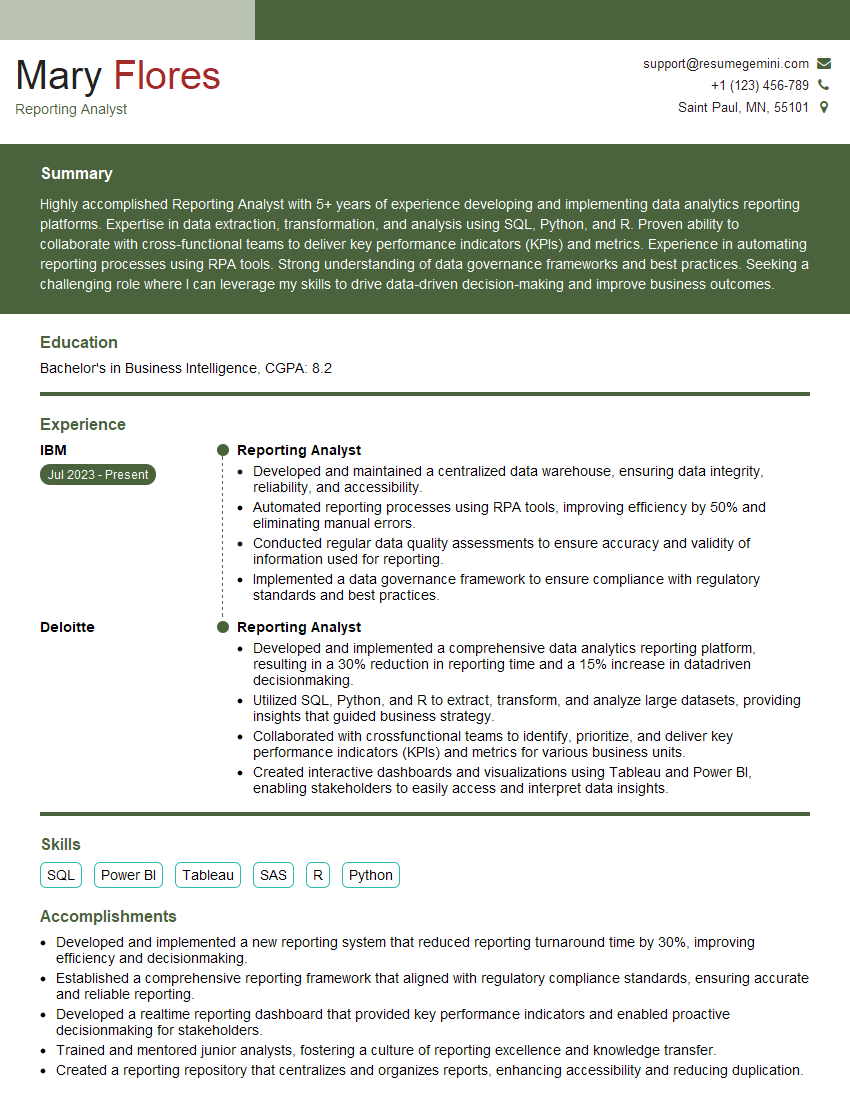
Reporting Analyst Resume Sample

Business Analyst Resume Sample

Survey Analyst Resume Sample

Market Research Analyst Resume Sample

Data Analyst Resume Sample
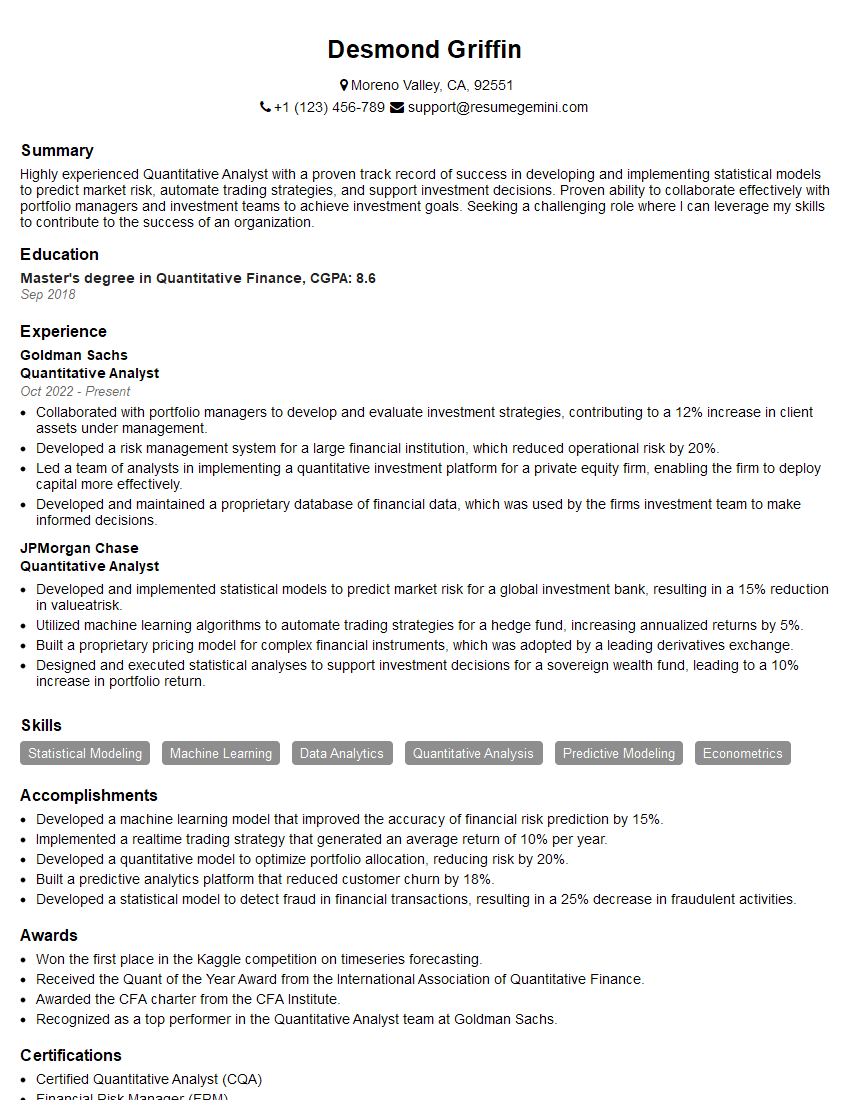
Quantitative Analyst Resume Sample

Data Scientist Resume Sample

Research Scientist Resume Sample

Actuary Resume Sample
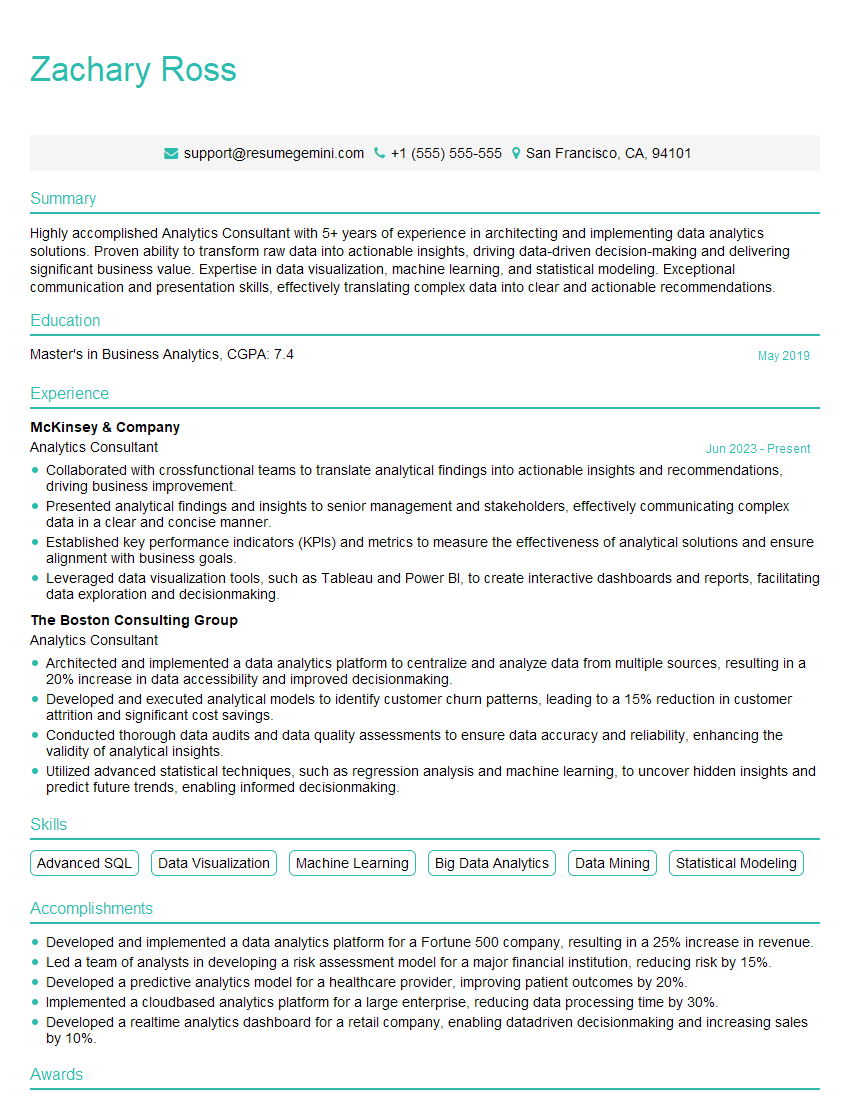
Analytics Consultant Resume Sample

Operations Research Analyst Resume Sample
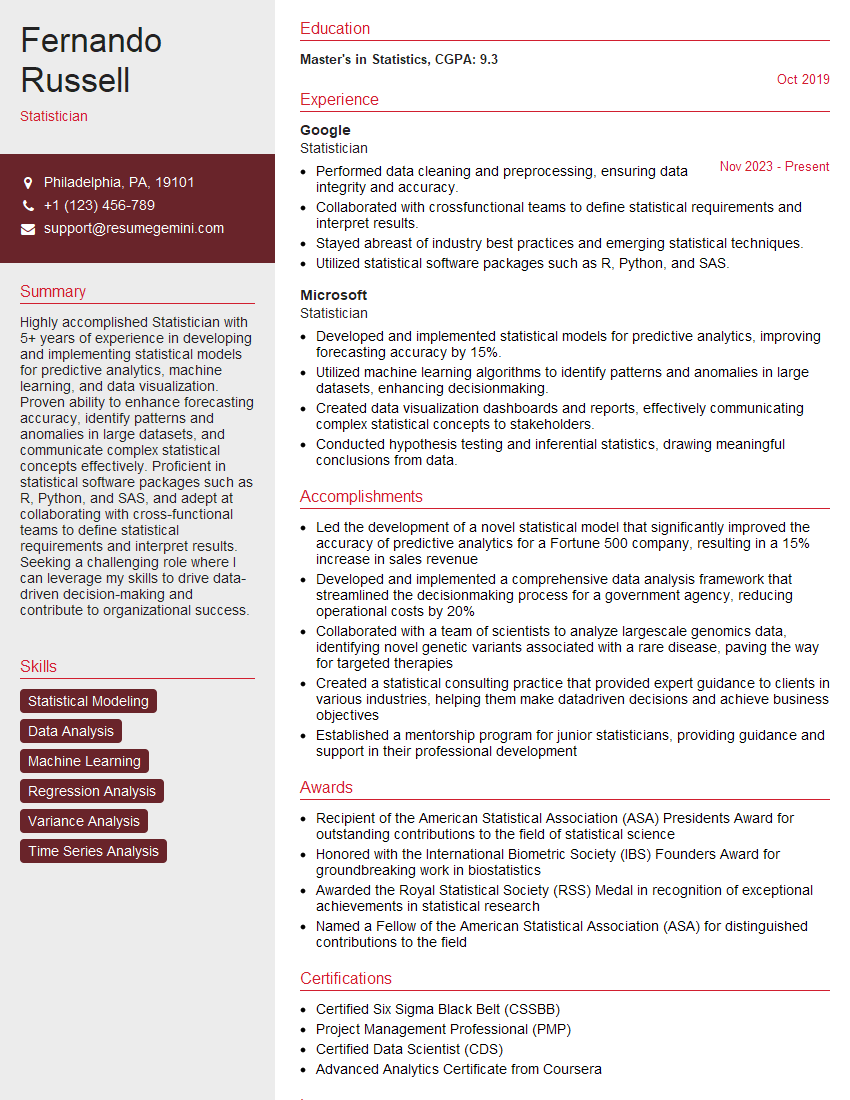
Statistician Resume Sample
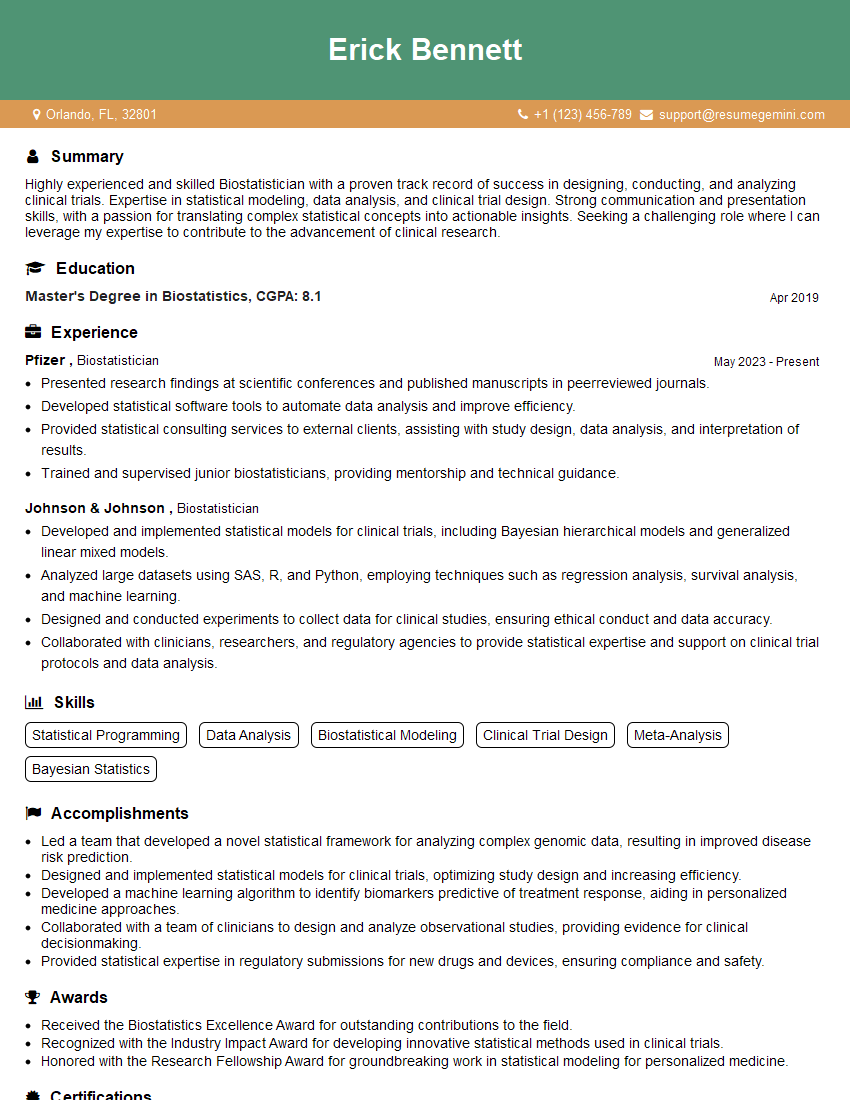
Biostatistician Resume Sample
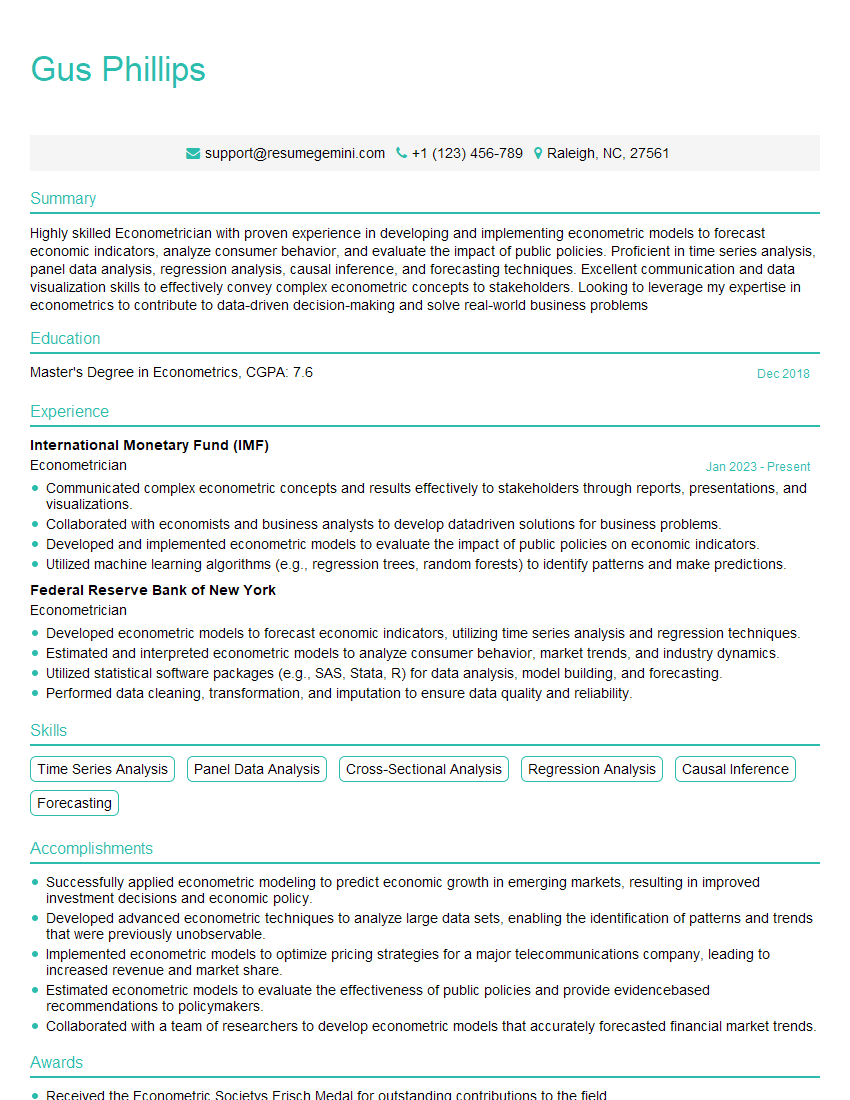
Econometrician Resume Sample

Machine Learning Engineer Resume Sample
Explore more articles
Users Rating of Our Blogs
Share Your Experience
We value your feedback! Please rate our content and share your thoughts (optional).
What Readers Say About Our Blog
To the interviewgemini.com Webmaster.
Very helpful and content specific questions to help prepare me for my interview!
Thank you
To the interviewgemini.com Webmaster.
This was kind of a unique content I found around the specialized skills. Very helpful questions and good detailed answers.
Very Helpful blog, thank you Interviewgemini team.