The right preparation can turn an interview into an opportunity to showcase your expertise. This guide to Knowledge of SQL interview questions is your ultimate resource, providing key insights and tips to help you ace your responses and stand out as a top candidate.
Questions Asked in Knowledge of SQL Interview
Q 1. Explain the difference between INNER JOIN and LEFT JOIN.
Both INNER JOIN and LEFT JOIN are used to combine rows from two or more tables based on a related column between them. However, they differ in which rows are included in the result set.
An INNER JOIN returns only the rows where the join condition is met in both tables. Think of it like finding the overlapping area of two Venn diagrams. If a row in one table doesn’t have a matching row in the other based on the join condition, it’s excluded from the result.
A LEFT JOIN (also known as a LEFT OUTER JOIN) returns all rows from the left table (the one specified before LEFT JOIN), even if there is no match in the right table. For rows in the left table without a match in the right table, the columns from the right table will contain NULL values.
Example: Let’s say we have two tables: Customers (CustomerID, Name) and Orders (OrderID, CustomerID, OrderDate).
INNER JOIN: Would only show customers who have placed orders.
LEFT JOIN: Would show all customers. Customers without orders would have NULL values in the OrderID and OrderDate columns.
-- INNER JOIN example SELECT Customers.Name, Orders.OrderID FROM Customers INNER JOIN Orders ON Customers.CustomerID = Orders.CustomerID; -- LEFT JOIN example SELECT Customers.Name, Orders.OrderID FROM Customers LEFT JOIN Orders ON Customers.CustomerID = Orders.CustomerID;
Q 2. What are the different types of SQL joins?
SQL offers several types of joins, each serving a specific purpose in combining data from multiple tables. The most common are:
INNER JOIN: Returns rows only when there is a match in both tables (as explained above).LEFT (OUTER) JOIN: Returns all rows from the left table, and the matched rows from the right table. If there’s no match,NULLvalues are used for the right table’s columns.RIGHT (OUTER) JOIN: Similar toLEFT JOIN, but returns all rows from the right table and matched rows from the left.NULLs fill in for unmatched left table columns.FULL (OUTER) JOIN: Returns all rows from both tables. If a row has a match in the other table, the corresponding columns are populated; otherwise,NULLs are used.CROSS JOIN: Generates a Cartesian product of the two tables. Every row from the first table is combined with every row from the second table. Use cautiously as this can lead to a very large result set.
The choice of join depends entirely on the specific data you need to retrieve and how the tables are related.
Q 3. How do you handle NULL values in SQL?
Handling NULL values in SQL is crucial because they represent the absence of a value, not necessarily zero or an empty string. Several functions and techniques help manage them:
IS NULLandIS NOT NULL: These predicates are used inWHEREclauses to filter rows based on whether a column containsNULLor not.COALESCE(orIFNULLin some databases): This function returns the first non-NULLexpression. You can use it to substitute a default value forNULLs.NULLIF: This function compares two expressions and returnsNULLif they are equal; otherwise, it returns the first expression.CASEstatements: These allow conditional logic, enabling you to handleNULLs differently based on specific criteria.
Example:
-- Replace NULL values in the 'OrderDate' column with '1900-01-01' SELECT COALESCE(OrderDate, '1900-01-01') AS OrderDate FROM Orders; -- Filter out rows where the 'City' column is NULL SELECT * FROM Customers WHERE City IS NOT NULL;
Proper handling of NULLs ensures data integrity and accurate query results.
Q 4. What is normalization in SQL and why is it important?
Normalization in SQL is a database design technique that organizes data to reduce redundancy and improve data integrity. It involves dividing larger tables into smaller ones and defining relationships between them.
Why is it important?
- Reduces Data Redundancy: Storing the same data multiple times wastes space and increases the risk of inconsistencies.
- Enhances Data Integrity: Normalization helps enforce data consistency by minimizing the places where data needs to be updated. Changes only need to be made in one place.
- Improves Data Management: Easier to add, update, and delete data.
- Better Query Performance: Smaller tables often result in faster queries.
Normalization involves different forms (normal forms, such as 1NF, 2NF, 3NF, etc.), each addressing specific types of redundancy. The higher the normal form, the more stringent the rules and the less redundancy, but potentially at the cost of more complex queries.
A simple analogy: Imagine a library catalog. A non-normalized catalog might have all book information (title, author, genre, ISBN) in a single line per book. A normalized catalog would separate this information into different tables (Books, Authors, Genres), linked together through relationships. This makes updating author information, for example, far simpler and less error-prone.
Q 5. Explain the difference between DELETE and TRUNCATE commands.
Both DELETE and TRUNCATE commands remove data from a table, but they differ significantly in their operation and implications:
DELETE: Removes rows based on a specified condition (or all rows if no condition is given). It’s a logged operation, meaning the changes are recorded in the transaction log, allowing for rollbacks. It’s slower thanTRUNCATE.TRUNCATE: Removes all rows from a table without logging the individual row deletions. It’s faster and less resource-intensive thanDELETE, but it cannot be rolled back. It also resets the identity column (auto-incrementing column) to its initial value.
Example:
-- DELETE specific rows DELETE FROM Customers WHERE Country = 'USA'; -- TRUNCATE the entire table TRUNCATE TABLE Orders;
Choose DELETE when you need to remove specific rows and the ability to undo the changes (transaction rollback). Use TRUNCATE when you need to quickly remove all rows and speed is paramount; however, be mindful of the lack of rollback capability.
Q 6. What is an index in SQL and how does it improve query performance?
An index in SQL is a data structure that improves the speed of data retrieval operations on a database table at the cost of additional writes and storage space to maintain the index data. Similar to the index in the back of a book, it allows the database system to quickly locate specific rows without scanning the entire table.
How it improves query performance:
Indexes create a pointer system. The database uses the index to quickly identify the location of the data matching the query’s conditions, dramatically reducing the number of rows that need to be examined. This is especially beneficial for large tables and complex queries with WHERE clauses.
Types of indexes: There are various types of indexes, such as B-tree indexes (the most common), hash indexes, full-text indexes, and others, each suited for different data types and query patterns.
Example: If you frequently search for customers by their name, creating an index on the Name column will significantly speed up these queries.
However, indexes are not always beneficial. They can slow down INSERT, UPDATE, and DELETE operations as the index also needs to be updated. Careful consideration is needed to determine which columns to index.
Q 7. How do you optimize SQL queries for better performance?
Optimizing SQL queries for better performance involves various techniques, focusing on writing efficient queries and leveraging database features:
- Use appropriate indexes: As discussed earlier, indexes significantly speed up data retrieval.
- Avoid using
SELECT *: Only select the columns you need; retrieving all columns unnecessarily increases the amount of data transferred. - Optimize
WHEREclause: Use specific conditions and avoid using functions on indexed columns within theWHEREclause (e.g.,WHERE UPPER(Name) = 'JOHN'might not use the index onName). - Properly use joins: Avoid unnecessary joins and use the most efficient join type for the task.
- Write efficient subqueries: Avoid correlated subqueries where possible; use joins or other techniques for better performance.
- Use appropriate data types: Using appropriate data types reduces storage space and can improve query performance.
- Analyze query execution plans: Most database systems offer tools to analyze query execution plans, identifying bottlenecks and areas for improvement.
- Caching: Utilize database caching mechanisms to reduce the need to repeatedly retrieve the same data.
- Regular database maintenance: Regularly performing tasks like defragmentation, statistics updates, and index maintenance can help improve overall database performance.
Profiling queries with tools like EXPLAIN PLAN (or similar tools provided by your specific database system) is essential for identifying performance issues. It provides a detailed breakdown of how the database executes a query, highlighting areas for improvement.
Q 8. Explain the concept of transactions in SQL.
Imagine you’re transferring money between bank accounts. You wouldn’t want the transfer to be interrupted halfway, leaving your accounts in an inconsistent state. SQL transactions provide the same level of reliability for database operations. A transaction is a sequence of database operations treated as a single logical unit of work. The key properties of a transaction, often remembered by the acronym ACID, are:
- Atomicity: All operations within a transaction either complete successfully together or fail completely, leaving the database unchanged. It’s all or nothing.
- Consistency: A transaction must maintain the integrity of the database. It must begin in a valid state and end in a valid state, ensuring that data constraints are not violated.
- Isolation: Concurrent transactions appear to execute independently, preventing interference between them. Each transaction sees a consistent view of the data, as if it were the only one running.
- Durability: Once a transaction is committed (completed successfully), its changes are permanently saved, even in case of system failures.
For example, updating a customer’s address and balance in a single transaction ensures that both updates happen together or not at all. If one fails (say, due to insufficient funds), the other is also rolled back.
Q 9. What are stored procedures and how are they used?
Stored procedures are pre-compiled SQL code blocks that can be stored in a database and executed repeatedly. They’re like reusable functions or subroutines. They improve database performance, maintain data integrity, and enhance code reusability. Think of them as modular building blocks for your database applications.
Stored procedures accept input parameters, perform database operations (inserts, updates, deletes, selects), and can return output parameters or result sets.
Benefits:
- Improved Performance: The pre-compilation means faster execution compared to repeatedly parsing and compiling the same SQL code.
- Enhanced Security: You can grant specific permissions to execute stored procedures without granting direct access to the underlying tables, enhancing data security.
- Reduced Network Traffic: Instead of sending multiple SQL statements, a single call to the stored procedure reduces the network overhead.
- Code Reusability: A stored procedure can be reused multiple times across different applications.
Example (pseudocode):
CREATE PROCEDURE UpdateCustomerAddress (@CustomerID INT, @NewAddress VARCHAR(255))ASBEGIN UPDATE Customers SET Address = @NewAddress WHERE CustomerID = @CustomerIDEND;Q 10. What are views in SQL and what are their benefits?
Views are virtual tables based on the result-set of an SQL statement. They don’t store data themselves; they simply provide a customized way to view existing data in underlying tables. Think of them as pre-defined queries saved for easy access.
Benefits:
- Simplified Queries: Views make complex queries easier to understand and use by hiding the underlying query complexity.
- Data Security: You can restrict access to specific columns or rows by creating views that only show the relevant data, enhancing security and data privacy.
- Data Consistency: Views can be used to enforce data consistency by providing a consistent view of data even if the underlying tables change.
- Improved Maintainability: Changes to the underlying tables do not necessitate modification to every query using the tables. Changes can often be handled through updates to the view definition instead.
Example: Suppose you have a table called `OrderDetails` with many columns. You only want to show `OrderID`, `CustomerID`, and `OrderTotal`. You can create a view:
CREATE VIEW OrderSummary AS SELECT OrderID, CustomerID, OrderTotal FROM OrderDetails;Now you can query `OrderSummary` instead of writing the more complex `SELECT` statement every time.
Q 11. How do you handle errors in SQL?
Error handling in SQL is crucial for robust database applications. Different database systems offer various mechanisms, but common approaches include:
- TRY…CATCH Blocks (in some systems): These blocks allow you to trap errors and handle them gracefully, preventing application crashes. This is particularly useful for complex stored procedures and transactions.
- Error Codes and Messages: Most database systems provide error codes and messages that can be checked after executing SQL statements. This enables conditional logic in your application to respond appropriately to specific errors.
- Constraint Violations: Database constraints (e.g., `UNIQUE`, `NOT NULL`, `CHECK`) help prevent data integrity issues. When violations occur, the database system typically raises an error, allowing you to handle the situation.
- Logging: Maintaining logs of errors helps diagnose problems, track down their root causes, and prevent future occurrences.
Example (pseudocode using TRY…CATCH):
BEGIN TRY -- Your SQL statements hereEND TRYBEGIN CATCH -- Handle errors here (log error, send notification, etc.) SELECT ERROR_NUMBER() AS ErrorNumber, ERROR_MESSAGE() AS ErrorMessage;END CATCH;Q 12. Write a SQL query to find the second highest salary in a table.
There are several ways to find the second highest salary. Here’s a common approach using subqueries:
SELECT MAX(salary) FROM employees WHERE salary < (SELECT MAX(salary) FROM employees);This query first finds the maximum salary in the `employees` table. Then, it selects the maximum salary from those employees whose salary is less than the maximum salary (effectively finding the second highest).
Another approach using `ROW_NUMBER()` (available in many modern SQL dialects) is more flexible:
SELECT salary FROM (SELECT salary, ROW_NUMBER() OVER (ORDER BY salary DESC) as rn FROM employees) ranked_salaries WHERE rn = 2;This approach assigns a rank to each salary and then selects the salary with rank 2.
Q 13. Write a SQL query to find the top N records from a table.
To retrieve the top N records, again, `ROW_NUMBER()` provides an elegant solution:
SELECT column1, column2, ... FROM (SELECT column1, column2, ..., ROW_NUMBER() OVER (ORDER BY some_column DESC) as rn FROM your_table) ranked_rows WHERE rn <= N;Replace `column1`, `column2`, etc., with the columns you want to retrieve, `your_table` with your table name, `some_column` with the column you want to order by (e.g., `salary`, `date`), and `N` with the number of top records you want.
If you need a tie-breaker to handle cases with equal values in the sorting column, you can use additional columns in the `ORDER BY` clause of the `ROW_NUMBER()` function. For example: ROW_NUMBER() OVER (ORDER BY salary DESC, employeeID ASC). This ensures consistent ranking even when there are ties in salary.
Q 14. Write a SQL query to find duplicates in a table.
Finding duplicates depends on whether you want to find duplicates across all columns or just specific columns. Here’s how to find duplicates based on one or more specified columns:
SELECT column1, column2, ... FROM your_table GROUP BY column1, column2, ... HAVING COUNT(*) > 1;Replace `column1`, `column2`, … with the columns to check for duplicates, and `your_table` with your table name. This query groups rows based on the specified columns and then selects only those groups that have more than one row (meaning duplicates exist). To find duplicates across all columns, include all columns in the `GROUP BY` clause.
Q 15. Explain the difference between CHAR and VARCHAR.
Both CHAR and VARCHAR are used to store character strings in SQL, but they differ significantly in how they handle storage and space allocation.
CHAR(n) stores fixed-length strings. If you declare CHAR(10), it will *always* reserve 10 characters of storage, even if you only store ‘hello’ (it will pad with spaces). This is simple but can be wasteful if you have varying string lengths.
VARCHAR(n) stores variable-length strings. VARCHAR(10) reserves space for up to 10 characters, but only uses the space needed. Storing ‘hello’ only consumes 5 bytes + overhead. This is more space-efficient for data with varying lengths, which is the case in most real-world applications. Think of it like renting an apartment: CHAR is like renting a fixed-size apartment whether you need all the space or not, while VARCHAR is like renting a flexible-size apartment that adjusts to your needs.
Example:CREATE TABLE test (char_col CHAR(10), varchar_col VARCHAR(10));INSERT INTO test VALUES ('hello', 'hello');char_col will use 10 bytes, while varchar_col uses significantly less.
Career Expert Tips:
- Ace those interviews! Prepare effectively by reviewing the Top 50 Most Common Interview Questions on ResumeGemini.
- Navigate your job search with confidence! Explore a wide range of Career Tips on ResumeGemini. Learn about common challenges and recommendations to overcome them.
- Craft the perfect resume! Master the Art of Resume Writing with ResumeGemini’s guide. Showcase your unique qualifications and achievements effectively.
- Don’t miss out on holiday savings! Build your dream resume with ResumeGemini’s ATS optimized templates.
Q 16. What are aggregate functions in SQL?
Aggregate functions in SQL compute a single value from multiple rows in a table. They’re essential for summarizing data. Think of them as tools to get a bird’s-eye view of your data.
COUNT(*): Counts the number of rows.SUM(column_name): Sums the values in a numeric column.AVG(column_name): Calculates the average of values in a numeric column.MIN(column_name): Finds the minimum value in a column.MAX(column_name): Finds the maximum value in a column.
Example: Imagine a table of sales transactions. You could use SUM(amount) to calculate total sales, AVG(amount) to find the average transaction value, and COUNT(*) to find the total number of transactions.
SELECT COUNT(*), SUM(sales), AVG(sales) FROM sales_table;Q 17. What is a subquery and how do you use it?
A subquery is a SQL query nested inside another SQL query. It’s like a query within a query, providing a way to break down complex queries into smaller, more manageable parts.
Subqueries can appear in the SELECT, FROM, WHERE, and HAVING clauses. They’re incredibly useful for filtering data based on the results of another query.
Example: Let’s find all customers who have placed orders with a total value greater than the average order value.SELECT customer_id FROM orders WHERE order_total > (SELECT AVG(order_total) FROM orders);
The inner subquery (SELECT AVG(order_total) FROM orders) calculates the average order total, and the outer query selects customer IDs where the order total exceeds this average.
Q 18. What are common table expressions (CTEs)?
Common Table Expressions (CTEs) are temporary, named result sets that exist only within the execution scope of a single SQL statement. They’re like reusable helper queries that make complex queries easier to read and understand.
CTEs are defined using the WITH clause and can be referenced multiple times within the main query. They improve readability by breaking down complex logic into smaller, named steps. Imagine a recipe with sub-recipes – CTEs are the sub-recipes.
Example:WITH HighValueCustomers AS (SELECT customer_id FROM orders WHERE order_total > 1000) SELECT * FROM HighValueCustomers;
This defines a CTE named HighValueCustomers that selects customer IDs with orders exceeding 1000. The main query then simply selects all data from this CTE.
Q 19. How do you use GROUP BY and HAVING clauses?
GROUP BY and HAVING clauses are used together to group rows that have the same values in specified columns and then filter those groups.
GROUP BY groups rows with matching values into summary rows, like creating bins for similar items. HAVING then filters these groups based on a condition, similar to a WHERE clause but operating on groups instead of individual rows.
Example: Let’s find the total sales for each product category where the total sales exceed $10,000.SELECT product_category, SUM(sales) AS total_sales FROM sales GROUP BY product_category HAVING SUM(sales) > 10000;
This groups sales by product_category, sums the sales for each category using SUM(sales), and then filters the groups using HAVING SUM(sales) > 10000 to show only those categories with total sales exceeding $10,000.
Q 20. What are different data types in SQL?
SQL offers a variety of data types to represent different kinds of information. The choice of data type depends on the nature of the data you’re storing.
INT,INTEGER: Stores whole numbers.BIGINT: Stores very large whole numbers.SMALLINT: Stores smaller whole numbers.FLOAT,DOUBLE PRECISION: Stores floating-point numbers (numbers with decimal points).DECIMAL,NUMERIC: Stores fixed-point numbers (numbers with a specified precision and scale).VARCHAR(n),CHAR(n): Stores character strings (discussed earlier).DATE: Stores dates.TIME: Stores times.DATETIME,TIMESTAMP: Stores both dates and times.BOOLEAN: Stores true/false values.
Choosing the right data type is crucial for data integrity and efficiency. Using an inappropriate data type can lead to data loss or performance issues.
Q 21. Explain the use of UNION and UNION ALL.
Both UNION and UNION ALL combine the result sets of two or more SELECT statements into a single result set, but they differ in how they handle duplicate rows.
UNION combines the result sets and removes duplicate rows. It’s like merging two sets of unique items. UNION ALL combines the result sets without removing duplicates. It’s like simply appending one list to another.
Example:
Let’s say you have two tables, customers_table1 and customers_table2, both with the same columns (CustomerID, Name).SELECT CustomerID, Name FROM customers_table1 UNION SELECT CustomerID, Name FROM customers_table2; (removes duplicates)SELECT CustomerID, Name FROM customers_table1 UNION ALL SELECT CustomerID, Name FROM customers_table2; (keeps duplicates)
The choice between UNION and UNION ALL depends on whether you want to eliminate duplicate rows. UNION ALL is generally faster because it doesn’t need to perform duplicate row removal.
Q 22. How do you create and manage database users and permissions?
Managing database users and their permissions is crucial for security and data integrity. Think of it like managing access to a building – you wouldn’t want everyone to have access to every room! In SQL, we use specific commands to create users, assign them roles, and grant privileges.
Creating Users: The exact syntax varies slightly depending on your specific database system (MySQL, PostgreSQL, SQL Server, etc.), but the general concept is the same. For example, in MySQL, you might use a command like this:
CREATE USER 'newuser'@'localhost' IDENTIFIED BY 'password';This creates a user named ‘newuser’ who can connect from the localhost (your local machine). You’ll replace ‘password’ with a strong password.
Granting Privileges: Once a user is created, you grant them specific permissions. These privileges define what actions the user can perform on the database, such as selecting, inserting, updating, or deleting data. This is done with the GRANT command. For example:
GRANT SELECT, INSERT ON mydatabase.mytable TO 'newuser'@'localhost';This grants the ‘newuser’ the ability to select and insert data into the ‘mytable’ table within the ‘mydatabase’ database.
Managing Roles (Optional): Many database systems support roles, which are groups of permissions. You can assign users to roles instead of granting individual permissions. This simplifies management, especially with many users and permissions.
Revoking Privileges: If a user’s access needs to be restricted, you can revoke privileges using the REVOKE command. For example:
REVOKE INSERT ON mydatabase.mytable FROM 'newuser'@'localhost';This removes the ‘newuser’s ability to insert data into the table. Proper user and permission management is critical for maintaining data security and preventing unauthorized access in any database environment.
Q 23. How do you write SQL queries to perform data updates and insertions?
Updating and inserting data are fundamental SQL operations. We use the UPDATE and INSERT statements respectively.
INSERT Statements: These add new rows of data to a table. The basic syntax is:
INSERT INTO table_name (column1, column2, ...) VALUES (value1, value2, ...);Example:
INSERT INTO Customers (CustomerID, Name, City) VALUES (101, 'Acme Corp', 'New York');This adds a new customer to the ‘Customers’ table.
UPDATE Statements: These modify existing rows in a table. The basic syntax is:
UPDATE table_name SET column1 = value1, column2 = value2, ... WHERE condition;Example:
UPDATE Customers SET City = 'Los Angeles' WHERE CustomerID = 101;This changes the city of customer with ID 101 to ‘Los Angeles’. The WHERE clause is crucial; without it, all rows would be updated. Always test your UPDATE statements on a development or staging database first to avoid accidental data loss in production.
Important Note: Always back up your data before performing bulk updates or insertions, as errors can lead to data loss. Consider using transactions (explained later) to ensure data consistency.
Q 24. What are triggers in SQL and how do you create them?
Triggers are stored procedures that automatically execute in response to certain events on a particular table or view in a database. Imagine them as automated responses or actions triggered by specific database events. They are especially useful for maintaining data integrity and enforcing business rules.
Types of Events: Triggers can be activated by various events, such as:
INSERT: A new row is added to the table.UPDATE: An existing row is modified.DELETE: A row is removed from the table.
Creating a Trigger: The syntax for creating a trigger varies slightly between database systems, but the general structure is similar. A common structure looks like this:
CREATE TRIGGER trigger_name BEFORE | AFTER INSERT | UPDATE | DELETE ON table_name FOR EACH ROW BEGIN -- Your SQL code here END;Example (MySQL):
CREATE TRIGGER check_balance BEFORE INSERT ON accounts FOR EACH ROW BEGIN IF NEW.balance < 0 THEN SIGNAL SQLSTATE '45000' SET MESSAGE_TEXT = 'Balance cannot be negative'; END IF; END;This trigger prevents inserting new account records with a negative balance. The NEW keyword refers to the new row being inserted. Triggers can significantly enhance database functionality and maintain data integrity. They automate actions that would otherwise require manual intervention, reducing errors and improving efficiency.
Q 25. Describe different types of database indexes (e.g., B-tree, hash).
Database indexes are special lookup tables that the database search engine can use to speed up data retrieval. Simply put, they're like the index in the back of a book – they help you quickly find specific information without reading the entire book.
B-tree Index: This is the most common type of index. It's a balanced tree data structure that allows for efficient searching, insertion, and deletion of data. B-tree indexes are particularly well-suited for range queries (e.g., finding all customers with ages between 25 and 35).
Hash Index: This type of index uses a hash function to map keys to locations in the index. Hash indexes are very efficient for equality searches (e.g., finding a customer with a specific ID), but they are not suitable for range queries.
Other Index Types: There are other types of indexes, such as full-text indexes (for searching text data), spatial indexes (for geographic data), and GiST indexes (Generalized Search Tree, for various data types). The optimal index type depends on the specific data and query patterns.
Choosing the Right Index: While indexes speed up queries, they also slow down data modification operations (inserts, updates, deletes). Adding too many indexes can degrade performance. You should carefully analyze your query patterns to determine which indexes will provide the best benefit. Consider the frequency and type of queries against your tables.
Q 26. What are the advantages and disadvantages of using NoSQL databases?
NoSQL databases offer a different approach to data management compared to traditional relational SQL databases. They are often chosen for their scalability and flexibility, but they also have trade-offs.
Advantages:
- Scalability: NoSQL databases are typically designed to scale horizontally, meaning you can easily add more servers to handle increasing data volumes and traffic. This is particularly useful for large-scale applications.
- Flexibility: NoSQL databases offer various data models (document, key-value, graph, etc.), allowing you to choose the best fit for your data structure. This is advantageous when dealing with unstructured or semi-structured data.
- High Performance: For specific use cases, NoSQL databases can offer significantly better performance than SQL databases, especially when dealing with large datasets and simple queries.
Disadvantages:
- Data Consistency: NoSQL databases often prioritize availability and partition tolerance over consistency, meaning data may not always be perfectly consistent across all nodes. This is a trade-off that must be carefully considered.
- Limited Query Capabilities: NoSQL databases generally offer less powerful querying capabilities than SQL databases. Complex joins and aggregations may be difficult or impossible to perform.
- Data Modeling Complexity: Designing a suitable data model for NoSQL databases can be more challenging than for relational databases, requiring a thorough understanding of the data and application requirements.
The choice between SQL and NoSQL depends on the specific requirements of your application. NoSQL databases are often a better fit for applications that prioritize scalability and flexibility over strict data consistency and complex querying capabilities.
Q 27. How do you use window functions in SQL?
Window functions are powerful SQL features that allow you to perform calculations across a set of table rows related to the current row. Imagine it like having a sliding window that moves through your data, performing calculations on a subset of rows at each position. This contrasts with aggregate functions, which typically collapse multiple rows into a single summary value.
Common Window Functions:
ROW_NUMBER(): Assigns a unique rank to each row within a partition.RANK(): Assigns ranks, allowing ties (multiple rows with the same rank).DENSE_RANK(): Similar to RANK but assigns consecutive ranks without gaps.LAG()/LEAD(): Accesses values from preceding or following rows.SUM()/AVG()/MIN()/MAX(): Aggregate functions that operate within a window.
Example:
SELECT ProductName, Sales, RANK() OVER (ORDER BY Sales DESC) as SalesRank FROM SalesData;This query ranks products based on their sales. The RANK() OVER (ORDER BY Sales DESC) clause is the window function. It ranks the products in descending order of sales. Window functions are extremely useful for tasks like calculating running totals, ranking items, and comparing values within groups, providing a more flexible approach compared to traditional aggregate functions.
Q 28. Explain the concept of ACID properties in database transactions.
ACID properties are crucial for ensuring data integrity and consistency in database transactions. They are an acronym for Atomicity, Consistency, Isolation, and Durability.
Atomicity: A transaction is treated as a single, indivisible unit of work. Either all changes within the transaction are applied successfully, or none are. Think of it like an all-or-nothing operation; it's like transferring money – either the money is completely transferred, or nothing happens.
Consistency: A transaction must maintain the database's consistency constraints. This means that the database must remain in a valid state after the transaction is completed. It ensures data integrity and prevents database inconsistencies.
Isolation: Multiple concurrent transactions should appear to execute independently of each other. This prevents data conflicts that might result from overlapping modifications. Each transaction sees a consistent view of the data, as if it were the only transaction running.
Durability: Once a transaction is committed, the changes are permanently stored in the database and survive even system failures. The data will not be lost, even if the system crashes or power goes out.
Real-World Application: Imagine an online banking system. If you transfer money from one account to another, the ACID properties ensure that the money is deducted from the source account and added to the destination account atomically. If the system fails during the transaction, the database remains consistent, and no data is lost.
Key Topics to Learn for Your SQL Interview
Landing your dream job requires a solid understanding of SQL. This section outlines key areas to focus on for interview success. Remember, the goal is not just memorization, but a deep understanding of how these concepts work together.
- Relational Database Fundamentals: Understanding tables, relationships (one-to-one, one-to-many, many-to-many), keys (primary, foreign), and normalization is crucial. Practical application: Designing a database schema for a real-world scenario.
- SQL Queries: Master SELECT, INSERT, UPDATE, DELETE statements. Practice writing complex queries involving joins (INNER, LEFT, RIGHT, FULL), subqueries, aggregations (COUNT, SUM, AVG, MIN, MAX), and grouping (GROUP BY, HAVING). Practical application: Extracting specific data from a large dataset, performing data analysis and reporting.
- Data Manipulation and Filtering: Become proficient in using WHERE, ORDER BY, and LIMIT clauses to filter and sort data effectively. Understand the use of wildcards and regular expressions for pattern matching. Practical application: Finding specific records based on given criteria, optimizing query performance.
- Indexing and Optimization: Learn how indexes work and how they can drastically improve query performance. Understand query execution plans and techniques for optimizing slow queries. Practical application: Troubleshooting performance bottlenecks in database systems.
- Transactions and Concurrency Control: Grasp the concepts of ACID properties (Atomicity, Consistency, Isolation, Durability) and how they ensure data integrity in multi-user environments. Understand different transaction isolation levels. Practical application: Ensuring data consistency in applications with multiple concurrent users.
- Database Design Principles: Learn about best practices for designing efficient and scalable database systems. This includes understanding data modeling techniques and considerations for data integrity and security. Practical application: Designing a robust and maintainable database for a given application.
Next Steps: Unlock Your Career Potential
Mastering SQL opens doors to exciting opportunities in data analysis, database administration, and software development. To maximize your job prospects, create a resume that highlights your skills effectively. An ATS-friendly resume is crucial for getting past Applicant Tracking Systems and into the hands of recruiters.
ResumeGemini can help you craft a compelling and ATS-optimized resume tailored to showcase your SQL expertise. We offer examples of resumes specifically designed for candidates with SQL knowledge to help you get started. Let ResumeGemini help you present your skills in the best possible light and accelerate your career journey.
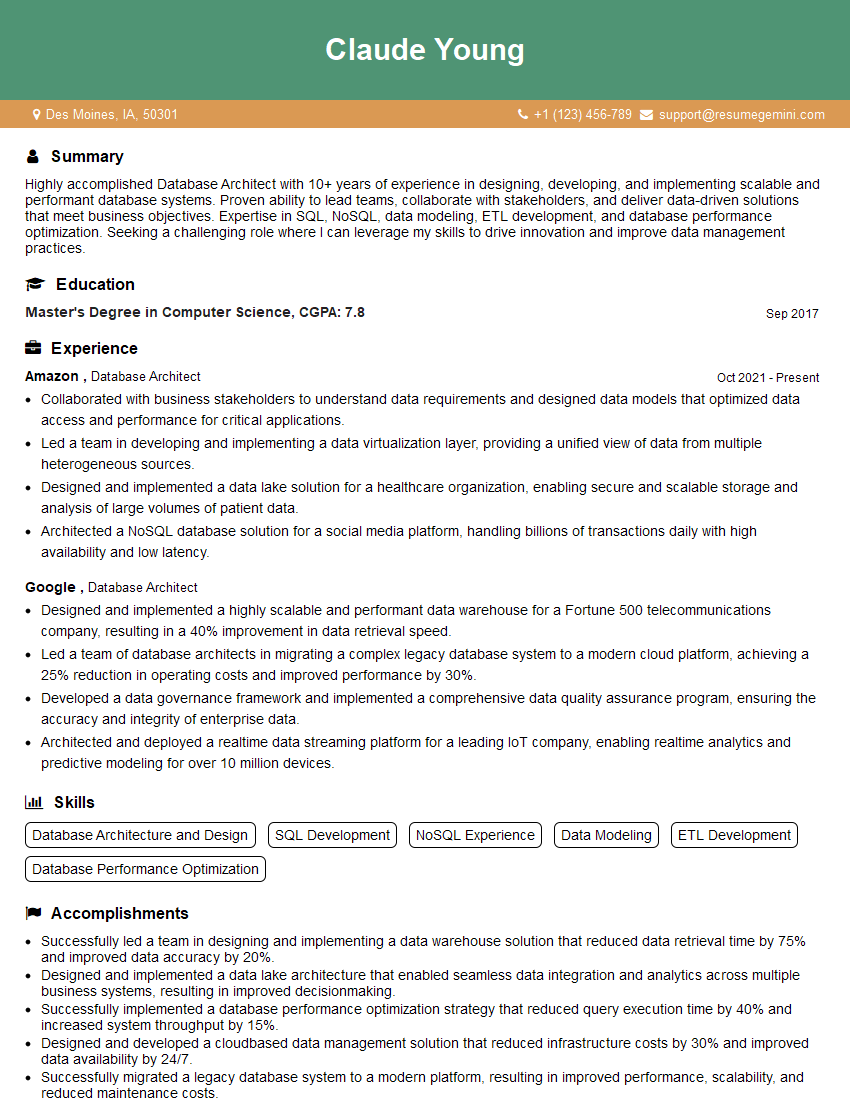
Database Architect Resume Sample
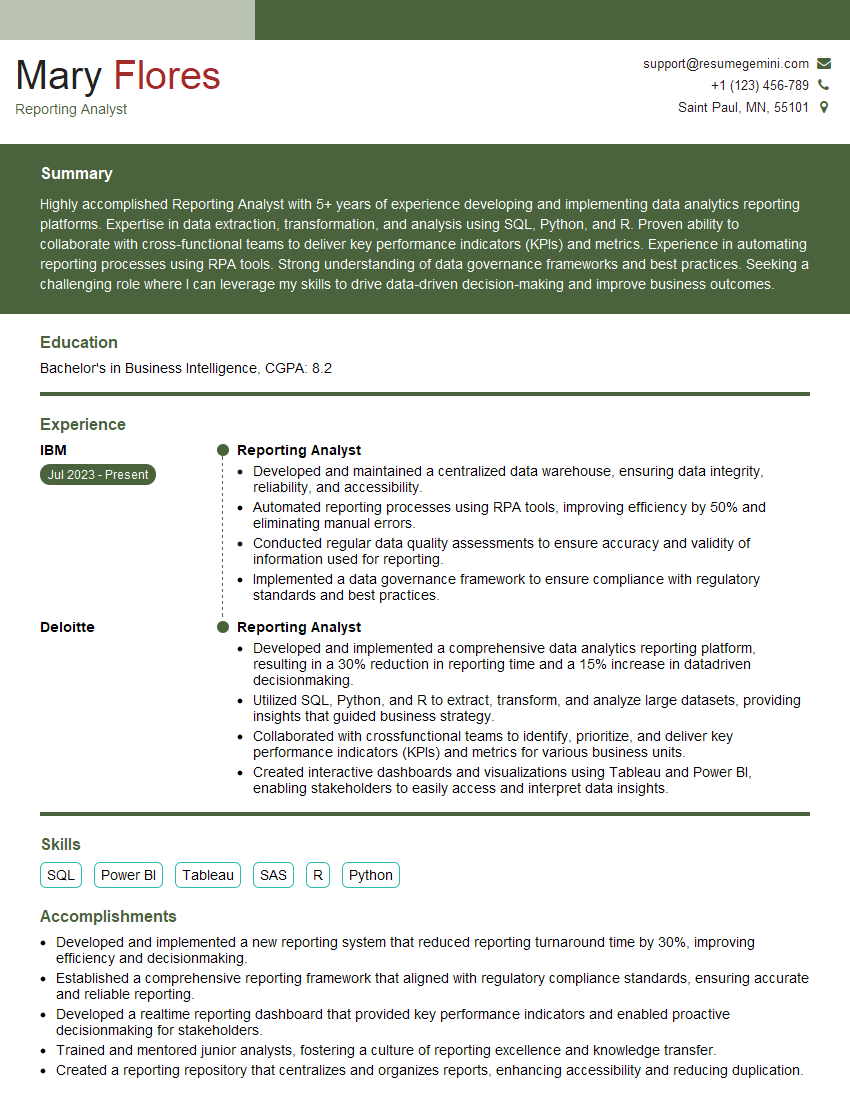
Reporting Analyst Resume Sample

Data Analyst Resume Sample

Data Scientist Resume Sample
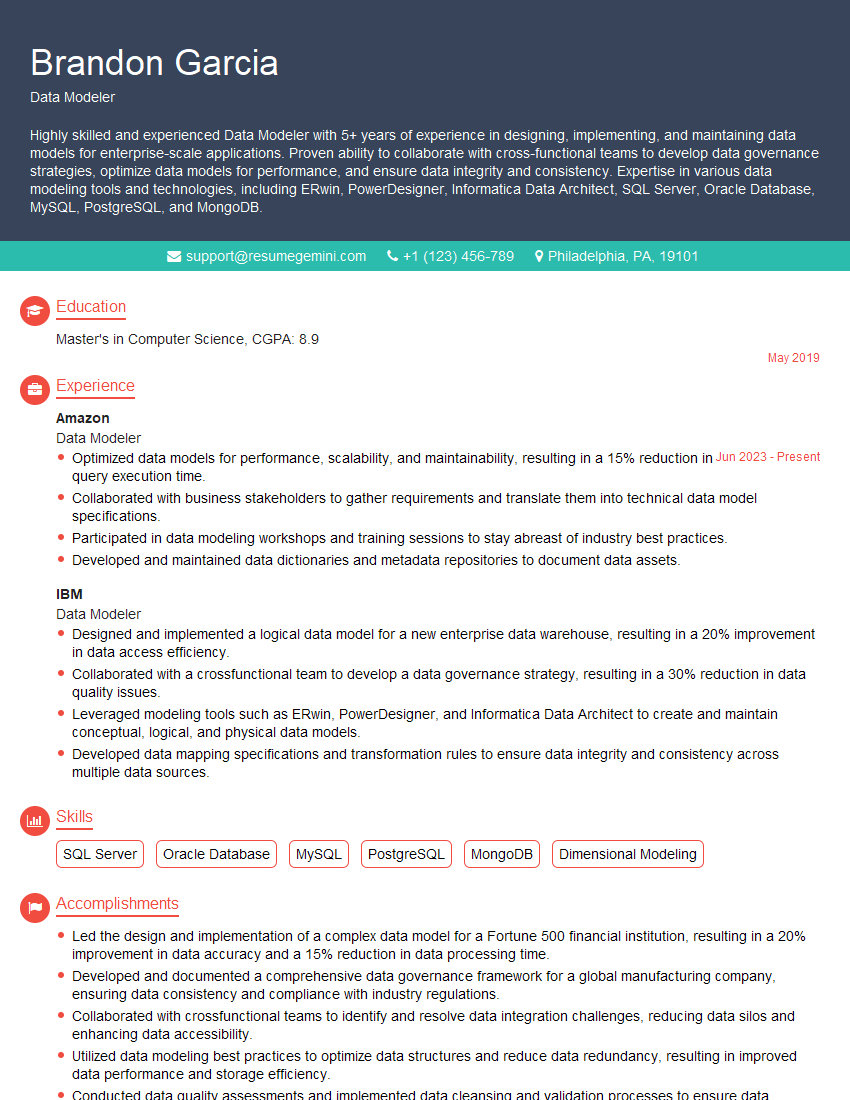
Data Modeler Resume Sample

Data Architect Resume Sample
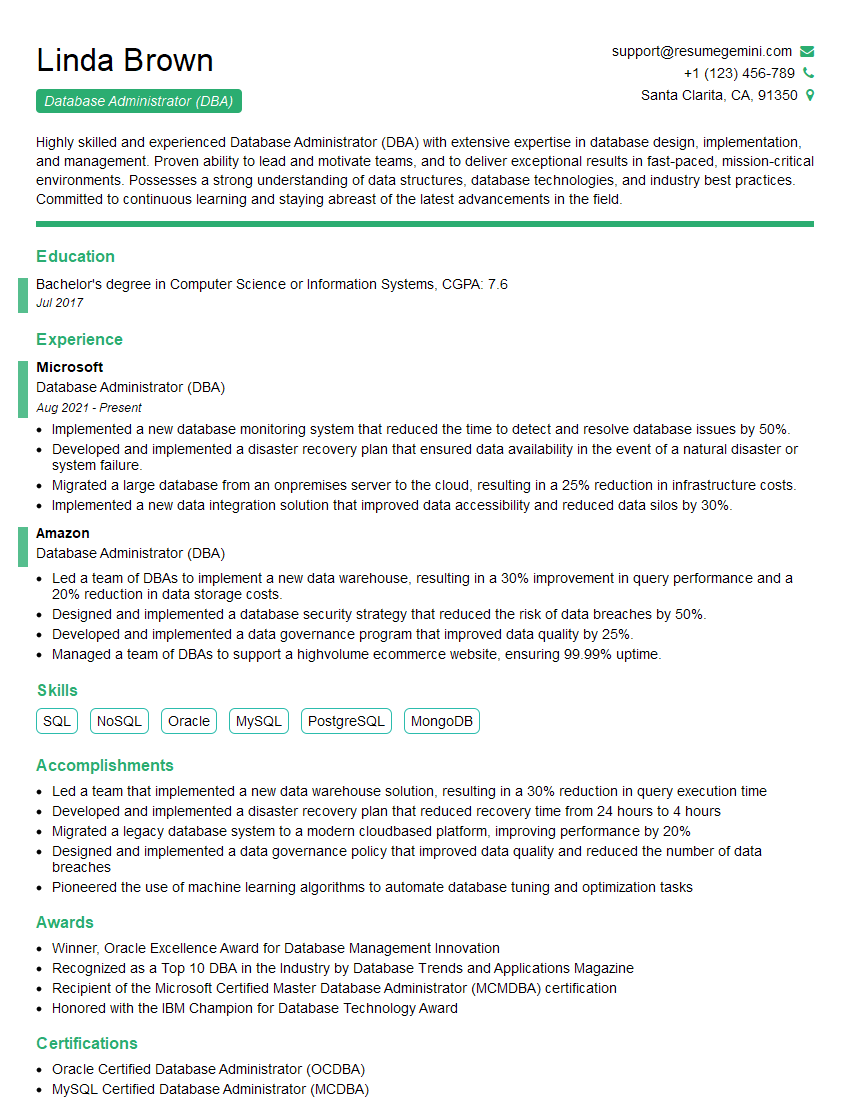
Database Administrator (DBA) Resume Sample

ETL Developer Resume Sample
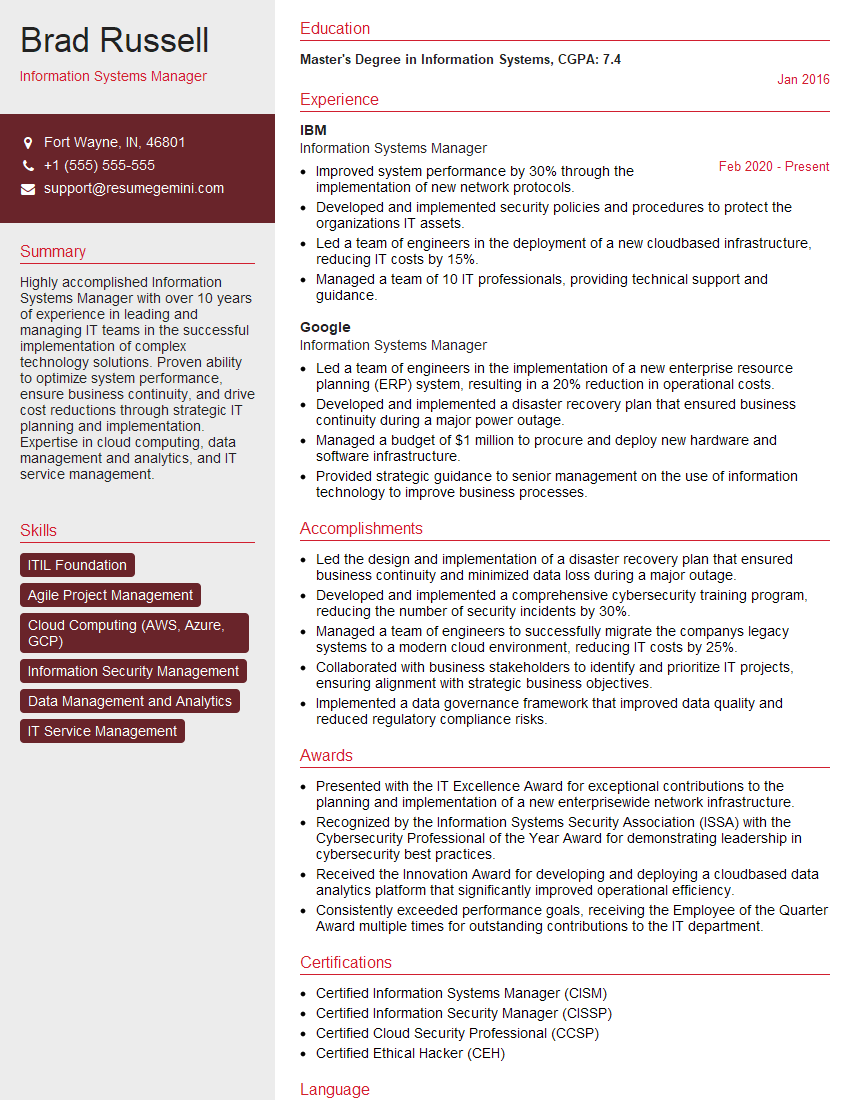
Information Systems Manager Resume Sample
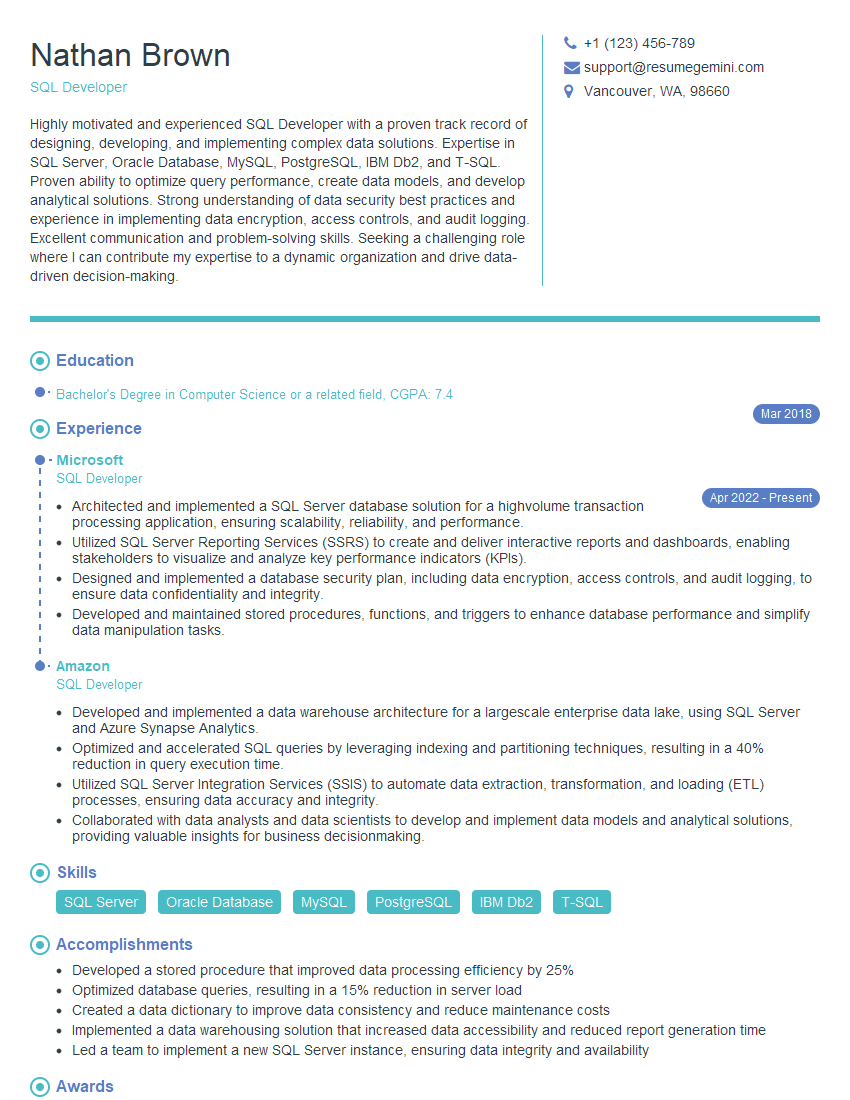
SQL Developer Resume Sample
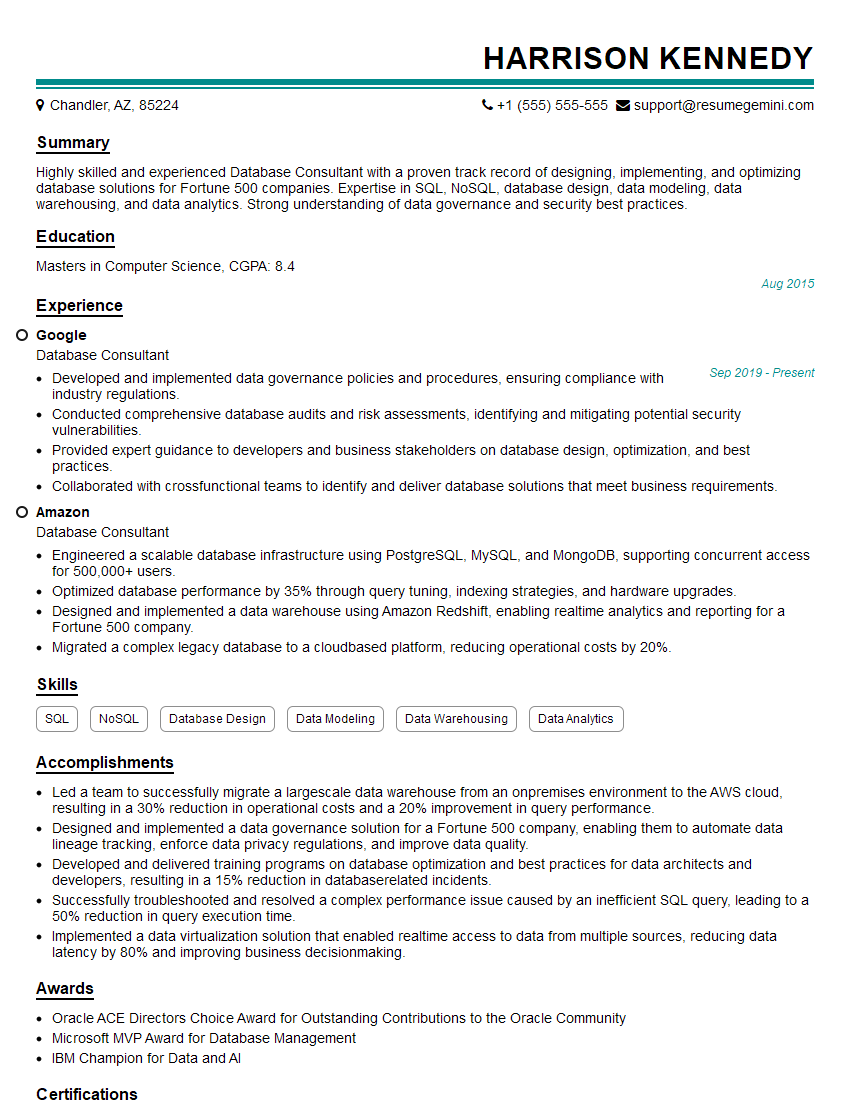
Database Consultant Resume Sample
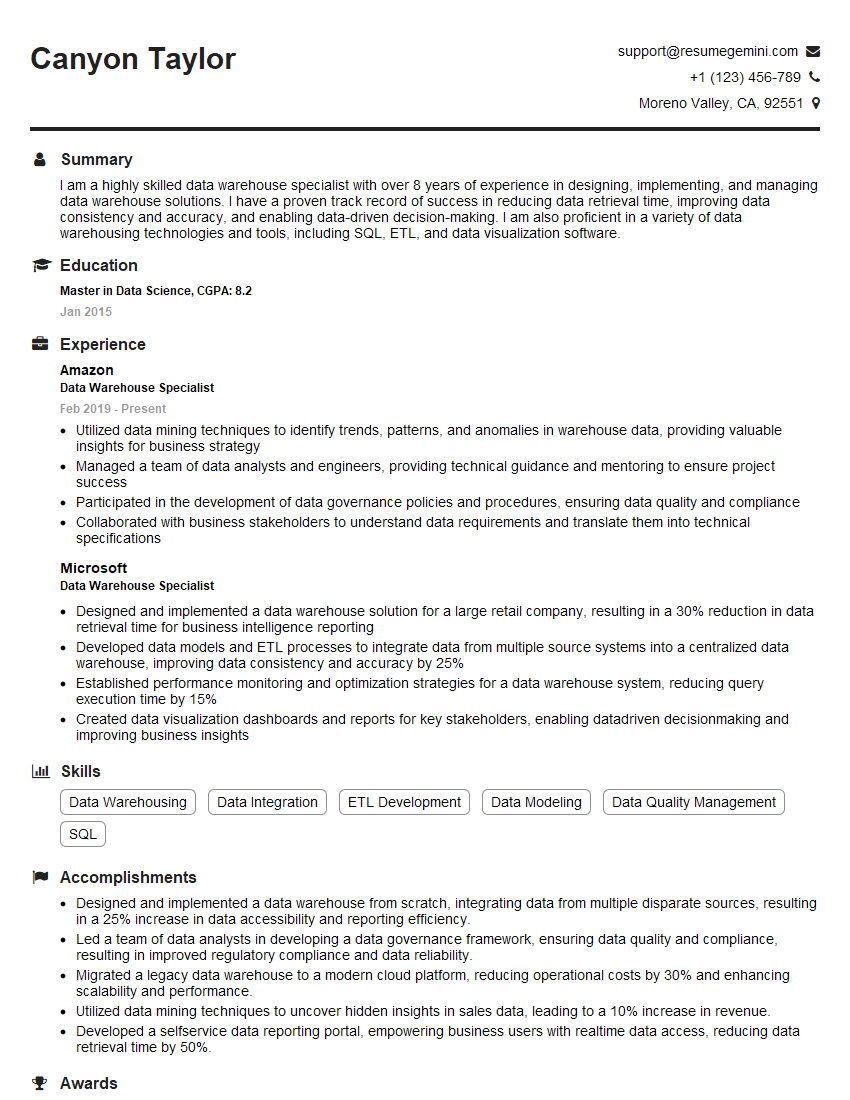
Data Warehouse Specialist Resume Sample

Business Intelligence Analyst Resume Sample
Data Engineer Resume Sample
Explore more articles
Users Rating of Our Blogs
Share Your Experience
We value your feedback! Please rate our content and share your thoughts (optional).
What Readers Say About Our Blog
To the interviewgemini.com Webmaster.
Very helpful and content specific questions to help prepare me for my interview!
Thank you
To the interviewgemini.com Webmaster.
This was kind of a unique content I found around the specialized skills. Very helpful questions and good detailed answers.
Very Helpful blog, thank you Interviewgemini team.