Interviews are opportunities to demonstrate your expertise, and this guide is here to help you shine. Explore the essential Public Speaking and Audience Engagement interview questions that employers frequently ask, paired with strategies for crafting responses that set you apart from the competition.
Questions Asked in Public Speaking and Audience Engagement Interview
Q 1. Describe your experience delivering presentations to diverse audiences.
My experience spans a wide range of audiences, from C-suite executives to undergraduate students, from technical professionals to general public groups. I’ve presented at international conferences, internal company meetings, workshops, and even community events. This diversity has honed my ability to adapt my communication style and content to resonate with different knowledge levels, cultural backgrounds, and professional contexts. I’ve learned to identify the specific needs and interests of each audience, ensuring my message is both relevant and engaging.
For example, a presentation to tech professionals would heavily involve technical details and jargon (carefully defined, of course!), while a presentation to a general audience would focus on the bigger picture and broader implications. I’ve presented on topics ranging from data analytics to leadership development, always adapting my approach to meet the unique characteristics of each group.
Q 2. How do you tailor your presentation style to different audience demographics?
Tailoring my presentation style begins with thorough audience analysis. I consider factors such as age, profession, cultural background, level of expertise, and their prior knowledge of the topic. This analysis helps me determine the appropriate tone, language, and level of detail.
- Language and Tone: A younger audience might respond better to a more informal and conversational tone, while a more formal approach might be suitable for a senior leadership team. I avoid jargon unless it’s essential and clearly defined.
- Content and Structure: The level of detail and the complexity of the information presented vary greatly depending on the audience. I might use simple analogies and examples for a less technical audience, while I can delve deeper into technical aspects for experts.
- Visual Aids: Visuals are customized to the audience as well. A younger audience might respond well to modern, visually dynamic slides, while a more traditional audience might prefer clean, classic designs.
For instance, when presenting complex financial data to a board of directors, I would focus on high-level summaries and key performance indicators (KPIs), using clear, concise visuals. Conversely, when addressing students on the same topic, I might use interactive elements and real-world examples to make the material more accessible and engaging.
Q 3. Explain your approach to managing Q&A sessions after a presentation.
My approach to Q&A sessions is proactive and structured. I begin by setting clear expectations at the beginning of the presentation, explaining the format of the Q&A and how much time is allocated. This ensures that everyone is aware of the process and helps to manage expectations.
During the Q&A, I actively listen to each question, restate it to ensure understanding, and then provide a clear and concise answer. I also prioritize questions that are relevant to the presentation’s core themes. If a question is complex or requires a more detailed response, I’ll address it directly and if necessary, offer to follow up individually afterwards. I ensure to thank the audience for their insightful questions and create a positive atmosphere, reinforcing engagement.
Q 4. How do you handle difficult or challenging questions from the audience?
Handling difficult or challenging questions requires diplomacy and professionalism. I never take a question personally, acknowledging that it may stem from genuine curiosity or a differing perspective.
- Acknowledge and Validate: Begin by acknowledging the question and validating the audience member’s concerns. A simple phrase like, “That’s a great question, and I understand your concern…” can go a long way.
- Remain Calm and Composed: Maintain a calm and composed demeanor, even if the question is aggressive or confrontational. This projects confidence and helps to de-escalate any tension.
- Answer Directly and Honestly: If you don’t know the answer, admit it honestly, and offer to find out the information and follow up later. It’s better to be transparent than to try to bluff your way through.
- Redirect or Rephrase (if necessary): If the question is unclear or veers off-topic, politely redirect or rephrase it to bring it back to the presentation’s focus.
For example, if faced with a hostile question questioning the validity of my data, I would calmly acknowledge the concern, restate the question for clarity, and then explain the methodology used to collect and analyze the data, highlighting its reliability and limitations.
Q 5. What techniques do you use to maintain audience engagement during a lengthy presentation?
Maintaining audience engagement during lengthy presentations requires a multifaceted approach, combining various techniques to keep the audience actively involved and prevent mental fatigue.
- Varied Delivery: Incorporate a variety of delivery methods – storytelling, humor, examples, and anecdotes – to keep the presentation dynamic and engaging.
- Interactive Elements: Incorporate interactive elements such as polls, quizzes, or Q&A sessions throughout the presentation to encourage active participation.
- Visual Breaks: Use visuals effectively – images, videos, and even short animations – to provide visual breaks and reinforce key points.
- Breaks and Movement: Incorporate planned short breaks or encourage movement (if the setting allows) to help the audience refresh and refocus.
- Storytelling: Weave narratives into your presentation to connect with the audience on an emotional level and make the information more memorable.
For instance, during a long technical presentation, I might use short videos to illustrate complex concepts or conduct a quick poll to gauge audience understanding of a particular point.
Q 6. Describe a time you had to adapt your presentation due to unexpected circumstances.
During a presentation on sustainable business practices to a group of investors, the projector malfunctioned halfway through. Instead of panicking, I immediately switched to a backup plan: I used a whiteboard and markers to visually represent the key concepts I had planned to convey using slides.
This unexpected situation forced me to improvise and rely on my knowledge of the subject matter, my communication skills, and my ability to think on my feet. I adapted my delivery style to a more informal and interactive one, engaging the audience in a discussion, using the whiteboard as a collaborative tool. This unplanned shift actually resulted in a more interactive and engaging session, fostering deeper understanding and a stronger connection with the audience. The situation highlighted the importance of always having a contingency plan and the ability to adapt quickly to unforeseen circumstances.
Q 7. How do you use visual aids effectively to enhance your presentations?
Visual aids are crucial for enhancing presentations, but their effectiveness depends on their appropriate use. They shouldn’t simply duplicate what’s being said; instead, they should complement and reinforce the message.
- Clarity and Simplicity: Visuals should be clear, concise, and easy to understand. Avoid clutter and excessive text. Use high-quality images and graphics.
- Relevance: Ensure that all visuals are directly relevant to the topic being discussed. Avoid irrelevant or distracting images.
- Variety: Use a variety of visual aids—charts, graphs, images, videos—to keep the presentation dynamic and engaging.
- Data Visualization: For data-heavy presentations, use effective data visualization techniques (e.g., charts, graphs) to present information clearly and concisely.
For example, instead of simply listing statistics on a slide, I might use a visually appealing chart or graph to represent the data, making it easier for the audience to understand and remember the key findings. The goal is always to enhance understanding and engagement, not to distract from the core message.
Q 8. What strategies do you employ to build rapport with an audience?
Building rapport with an audience is crucial for effective public speaking. It’s about creating a connection, fostering trust, and making the audience feel understood and valued. I achieve this through several key strategies:
- Early Connection: I start by acknowledging the audience, perhaps with a warm greeting or a relevant anecdote tailored to the specific event and attendees. This shows I’ve considered them and am not just reciting a pre-packaged speech.
- Active Listening (before the speech): Before I even begin, I try to observe the audience, picking up on their energy levels and overall mood. This informs my delivery style and allows me to adapt accordingly. For instance, a tired audience may need a more energetic and engaging start than a highly motivated one.
- Using Inclusive Language: I use ‘we’ and ‘us’ to create a sense of shared experience and purpose. Avoiding jargon and using plain language ensures everyone understands and feels included.
- Eye Contact and Smiling: Making genuine eye contact with individuals throughout the room, combined with a sincere smile, creates a personal connection, making the audience feel seen and heard. I practice scanning the room evenly to ensure everyone feels included.
- Responding to Audience cues: I actively listen to audience reactions – laughter, nods, furrowed brows – and adjust my pace and delivery based on their engagement. If I see a lot of puzzled looks, I might pause to re-explain a complex concept more simply.
For example, at a recent conference, I began by sharing a relatable experience about the challenges of public speaking, immediately creating a common ground with the audience, many of whom were also speakers themselves.
Q 9. How do you incorporate storytelling into your presentations to increase engagement?
Storytelling is a powerful tool for audience engagement because it connects with our innate human desire for narrative. It makes complex information more memorable and relatable, fostering emotional connection.
- Relevant Stories: I select stories directly relevant to the presentation’s theme, using them to illustrate key points or drive home important messages.
- Structure and Arc: Each story follows a clear structure – setup, conflict, resolution – creating a satisfying narrative arc. This keeps the audience engaged and anticipating the outcome.
- Emotional Resonance: I choose stories with emotional depth, allowing the audience to connect with the characters and their experiences. Authenticity is key – I often draw on personal experiences or stories of others to add credibility and warmth.
- Varied Storytelling Techniques: I don’t just recount events; I use vivid descriptions, sensory details, and dialogue to bring the stories to life. Sometimes a brief, humorous anecdote can be more effective than a lengthy account.
For instance, while presenting on effective leadership, I shared a personal story about a challenging project and how I overcame the obstacles, illustrating the leadership principles I was discussing in a relatable and memorable way.
Q 10. Describe your process for preparing and rehearsing a presentation.
My preparation and rehearsal process is rigorous and iterative. It’s not just about memorizing a script, but about mastering the delivery and ensuring seamless transitions.
- Content Creation: I begin by thoroughly researching the topic, outlining the key messages, and structuring the presentation logically. This involves defining the objective, identifying the target audience, and considering their existing knowledge.
- Slide Design: I create visually engaging slides using software like PowerPoint or Google Slides. These slides support, but don’t replace, the spoken content. I aim for visual clarity and avoid clutter.
- First Rehearsal: I conduct a full run-through, focusing on timing, pacing, and the flow of information. This helps identify areas needing improvement. I record myself to objectively assess my delivery.
- Feedback and Refinement: I seek feedback from trusted colleagues or mentors, incorporating their suggestions to enhance clarity and engagement. This iterative process often involves several revisions and refinements.
- Final Rehearsal(s): I conduct several final rehearsals in front of a small, friendly audience to simulate the actual presentation environment. This allows for testing different techniques and refining the delivery.
I use a timer to ensure I stay within the allotted time, practicing smooth transitions between slides and sections. I also practice incorporating audience interaction techniques such as questions and polls.
Q 11. How do you measure the success of your presentations?
Measuring the success of a presentation goes beyond simply assessing audience attendance. I use a multi-faceted approach:
- Audience Engagement: I observe audience participation, their level of attention, and their responses to questions. A lively Q&A session is a good indicator of engagement.
- Feedback Surveys: Post-presentation surveys allow me to gather quantitative and qualitative data on audience satisfaction, learning outcomes, and suggestions for improvement.
- Social Media Monitoring: I monitor social media conversations surrounding the presentation to gauge the reach and impact of my message.
- Follow-up Interactions: I follow up with attendees, especially those who initiated conversations, to gather further feedback and measure the lasting impact of the presentation.
- Goal Attainment: I assess whether I achieved the pre-defined objectives of the presentation. Did I effectively convey the information? Did the audience understand the key takeaways? Did it influence their decision-making or behavior?
For example, a high response rate on a post-presentation survey with overwhelmingly positive comments, coupled with an increase in website traffic from the presentation’s call to action, suggests a successful presentation.
Q 12. What software or tools are you proficient in for creating presentations?
I am proficient in several presentation software and tools, adapting my choice based on the specific needs of the presentation:
- Microsoft PowerPoint: A widely used and versatile tool, ideal for creating structured presentations with sophisticated animations and transitions.
- Google Slides: A collaborative platform allowing real-time editing and easy sharing, particularly useful for team presentations.
- Prezi: Offers a non-linear presentation style, creating dynamic and visually captivating presentations.
- Canva: A user-friendly design tool for creating visually appealing presentations, even without extensive design experience.
Beyond the software, I also utilize tools for audience interaction such as polling software (e.g., Slido) and Q&A platforms to enhance engagement.
Q 13. How do you incorporate audience feedback to improve future presentations?
Audience feedback is invaluable for continuous improvement. I actively solicit and incorporate feedback using a structured approach:
- Post-Presentation Surveys: I use both quantitative (rating scales) and qualitative (open-ended questions) questions to get a comprehensive picture of the audience’s experience.
- Q&A Sessions: The questions and comments raised during Q&A sessions provide immediate feedback and highlight areas for clarification or improvement.
- One-on-One Conversations: I try to engage with audience members individually after the presentation to get their thoughts and address any concerns.
- Social Media Monitoring: I carefully review comments and mentions on social media platforms to gain insights into the audience’s perception.
- Analyzing Data: I analyze the collected feedback data to identify recurring themes and patterns. This helps me pinpoint areas for improvement in future presentations.
For example, if consistent feedback indicates a lack of clarity on a particular point, I revise that section in future iterations to improve understanding.
Q 14. Explain your understanding of nonverbal communication in public speaking.
Nonverbal communication is just as, if not more, important than verbal communication in public speaking. It conveys your personality, confidence, and authenticity, influencing how the audience perceives and receives your message.
- Posture: Maintaining good posture – standing tall with relaxed shoulders – projects confidence and professionalism.
- Eye Contact: Making consistent and genuine eye contact with individuals throughout the room connects you with the audience and builds rapport.
- Facial Expressions: Using appropriate facial expressions to match the tone and content of your message ensures a congruent and engaging presentation. A smile can help create a welcoming and approachable atmosphere.
- Gestures: Natural and purposeful gestures emphasize key points and keep the audience engaged, but avoid distracting or excessive movements.
- Movement: Purposeful movement around the stage can enhance energy levels and maintain the audience’s interest, but pacing should be deliberate and purposeful, not frantic.
- Vocal Variety: Inflection, tone, and pacing are important aspects of nonverbal communication. A monotone voice can easily lose audience interest.
Ignoring nonverbal cues can lead to misinterpretations. For example, slumped shoulders and averted gaze can unintentionally convey nervousness or disinterest, even if the verbal message is compelling. Mastering nonverbal communication is essential for delivering a powerful and persuasive presentation.
Q 15. How do you manage stage fright or nervousness before a presentation?
Stage fright is a common experience, but it’s manageable. My approach is multifaceted, focusing on preparation, relaxation techniques, and positive self-talk. Preparation is key; thorough rehearsal reduces uncertainty and boosts confidence. I utilize relaxation techniques like deep breathing exercises and mindfulness to calm my nerves before taking the stage. This helps lower my heart rate and reduces physical manifestations of anxiety. Finally, positive self-talk is crucial. Instead of focusing on potential failures, I remind myself of my expertise and past successes. For instance, before a major presentation, I’ll take 10 minutes to practice diaphragmatic breathing, visualizing a successful delivery and reminding myself of the positive feedback I’ve received in the past. This combination of preparation, relaxation, and positive reinforcement allows me to transform nervousness into focused energy.
Career Expert Tips:
- Ace those interviews! Prepare effectively by reviewing the Top 50 Most Common Interview Questions on ResumeGemini.
- Navigate your job search with confidence! Explore a wide range of Career Tips on ResumeGemini. Learn about common challenges and recommendations to overcome them.
- Craft the perfect resume! Master the Art of Resume Writing with ResumeGemini’s guide. Showcase your unique qualifications and achievements effectively.
- Don’t miss out on holiday savings! Build your dream resume with ResumeGemini’s ATS optimized templates.
Q 16. How do you handle technical difficulties during a presentation?
Technical difficulties are inevitable, and my strategy is to be prepared and adaptable. Firstly, I always have backup plans. This includes having a printed copy of my presentation, knowing alternative ways to share my content (e.g., using a USB drive if the projector fails), and being familiar with the technology being used. Secondly, I maintain a calm and professional demeanor. Panicking only escalates the situation. Instead, I address the problem directly, communicating clearly with the audience and the technical team. For example, if the microphone fails, I might ask the audience to move closer or use a speakerphone on my laptop. I turn what could be a stressful event into an opportunity to showcase my problem-solving skills and adaptability. This helps maintain audience engagement and avoids disrupting the flow too significantly.
Q 17. What is your experience with virtual presentations and webinars?
I have extensive experience with virtual presentations and webinars, utilizing various platforms like Zoom, WebEx, and Microsoft Teams. My approach emphasizes audience engagement through interactive elements. This includes using polls, Q&A sessions, breakout rooms (for smaller group discussions), and incorporating visual aids tailored for the online format. I also understand the importance of creating a visually appealing and engaging presentation, ensuring clear audio and video quality. For example, during a recent webinar on leadership, I used a poll to gauge audience familiarity with different leadership styles, sparking an engaging discussion. The interactive nature keeps the audience actively involved and prevents the ‘Zoom fatigue’ that can occur during lengthy virtual presentations.
Q 18. How do you engage a remote or online audience?
Engaging a remote audience requires a different approach than an in-person audience. I focus on building a sense of connection and fostering interactivity. This involves using a conversational tone, making frequent eye contact with the camera, and incorporating elements that encourage participation. For example, I might ask questions directly to the audience, even if it is just to gauge their understanding. I utilize chat features actively, responding to questions and comments in real-time, and encouraging audience members to interact with each other. Short, focused segments interspersed with interactive breaks also prevent audience fatigue. For a recent online training session, I divided the participants into breakout rooms for a 10-minute discussion, significantly increasing engagement and knowledge retention compared to a purely lecture-based format.
Q 19. Describe your experience with facilitating group discussions.
I have a strong background in facilitating group discussions, focusing on creating a safe and inclusive environment for participants to share their ideas. I utilize various techniques to encourage participation, such as establishing clear ground rules, posing open-ended questions, and actively listening to everyone’s contributions. I ensure that all voices are heard, manage potential disagreements constructively, and summarize key points to maintain focus and ensure everyone is on the same page. For example, when facilitating a brainstorming session, I use visual aids like whiteboards or online collaborative tools to capture ideas, keeping the discussion organized and transparent. My role is not just to lead the discussion but to ensure that it is productive and meaningful for all involved.
Q 20. How do you encourage audience participation in your presentations?
Encouraging audience participation is vital for effective presentations. I use a variety of methods to achieve this, including posing open-ended questions, conducting polls or quizzes, incorporating short activities or group work, and using interactive technologies. I also make sure to create a safe and welcoming environment where people feel comfortable sharing their thoughts and opinions. For instance, in a presentation on project management, I might ask the audience to share their biggest challenges in a short anonymous poll, which then informs the remainder of the presentation. The goal is to create a dialogue, not just a monologue, fostering a more engaging and memorable learning experience.
Q 21. What is your understanding of different presentation styles (e.g., informative, persuasive)?
Different presentation styles serve different purposes. Informative presentations aim to educate the audience, emphasizing clarity, accuracy, and well-structured information. Persuasive presentations aim to convince the audience to adopt a particular viewpoint or take action, focusing on logical arguments, emotional appeals, and compelling storytelling. Other styles include demonstrative presentations (showing ‘how-to’), entertaining presentations (focus on humor and engagement), and ceremonial presentations (formal, celebratory speeches). My experience encompasses all these styles, and my approach adapts to the specific context and goals of the presentation. Understanding the nuances of each style allows me to tailor my delivery, content, and visual aids for optimal impact.
Q 22. How do you ensure your presentation aligns with your audience’s needs and expectations?
Aligning a presentation with audience needs and expectations is paramount for effective communication. It’s about understanding your audience’s prior knowledge, interests, and desired outcomes. This involves a thorough audience analysis, considering factors like their demographics, professional backgrounds, and the context of the presentation.
- Pre-Presentation Research: Before crafting the presentation, I conduct research. This might involve surveys, reviewing existing literature on the topic related to the audience, or even informal conversations to gauge their understanding and expectations.
- Tailoring Content: Based on the research, I tailor the content. For instance, a presentation on AI to a group of tech experts would differ significantly from a presentation to a group of business executives. The level of technical detail and the focus of the presentation would change accordingly.
- Choosing the Right Language: I adapt my language and tone. Jargon should be minimized or explained clearly, ensuring accessibility for all. Using relatable analogies and real-world examples helps connect with the audience on a personal level.
- Interactive Elements: Incorporating interactive elements like Q&A sessions, polls, or group activities promotes engagement and ensures the audience’s needs are met throughout the presentation.
For example, when presenting on financial planning to a group of young adults, I’d focus on topics relevant to them like student loan debt, early investing, and building credit, using accessible language and avoiding overly technical jargon.
Q 23. Describe a time you had to overcome a communication barrier with an audience.
During a presentation on sustainable business practices to a group of manufacturing executives, I encountered resistance. They were initially skeptical about the practicality and cost-effectiveness of implementing sustainable methods in their operations. The communication barrier stemmed from their ingrained mindset and a perceived conflict between profitability and sustainability.
To overcome this, I employed several strategies:
- Addressing Concerns Directly: I acknowledged their concerns head-on, emphasizing that sustainability wasn’t just an ethical imperative but also a business advantage, highlighting cost savings through energy efficiency and waste reduction.
- Providing Concrete Examples: I showcased case studies of similar manufacturing companies successfully integrating sustainable practices, demonstrating tangible results such as increased efficiency and improved brand image.
- Interactive Discussion: I facilitated a Q&A session and encouraged an open dialogue, addressing their specific doubts and anxieties with data, evidence, and practical solutions.
- Visual Aids: Using compelling visuals, including graphs and charts illustrating cost savings and environmental benefits, further solidified my message.
Ultimately, the shift from skepticism to engagement occurred through active listening, addressing their concerns transparently, and providing compelling evidence supporting the practicality and profitability of sustainable business practices.
Q 24. How do you use data and statistics effectively in your presentations?
Data and statistics, when used effectively, add credibility and impact to presentations. However, they can be overwhelming if not presented clearly and concisely. My approach focuses on visual appeal and contextualization.
- Visual Representation: I avoid overwhelming audiences with raw data. Instead, I use clear and concise charts, graphs, and infographics to present key findings visually. I favor simplicity; a well-designed graph is far more effective than a complex table.
- Contextualization: Numbers alone lack meaning. I always explain the context of the data, what it signifies, and how it relates to the presentation’s overall message. For example, instead of simply saying “sales increased by 15%”, I’d say “sales increased by 15% this quarter, exceeding our projected growth by 5%, demonstrating the success of our new marketing strategy.”
- Source Transparency: I always cite the sources of my data to build credibility and allow the audience to verify the information.
- Avoid Overwhelm: I select only the most relevant and impactful data points, avoiding overwhelming the audience with too much information. Less is often more.
For instance, instead of presenting a lengthy table of financial data, I might use a line graph showing revenue growth over time, highlighting key milestones and trends.
Q 25. What are your strengths and weaknesses as a public speaker?
My strengths as a public speaker lie in my ability to connect with audiences on an emotional level, tailoring my presentations to their specific needs and interests. I’m comfortable adapting my style to different audiences and settings and am adept at handling unexpected questions or challenges.
A weakness I’ve worked on is occasionally becoming too detailed. I’ve learned to be more concise and to prioritize the most critical information to avoid overwhelming or losing the audience’s attention. I actively practice refining my delivery to maintain a balance between comprehensive information and clear communication. I consistently seek feedback to address this weakness and improve overall presentation skills.
Q 26. How do you stay updated on current trends and best practices in public speaking?
Staying updated on current trends and best practices in public speaking requires a multi-faceted approach.
- Professional Development: I regularly attend workshops, seminars, and conferences focused on public speaking, communication skills, and presentation design. This offers direct exposure to new techniques and best practices.
- Industry Publications: I subscribe to journals and publications in communication studies and related fields, keeping abreast of research and emerging trends.
- Online Resources: I utilize online platforms and resources offering valuable insights, such as podcasts, webinars, and online courses focused on public speaking techniques and strategies.
- Networking: I actively engage in networking within the professional speaking community, attending events and sharing experiences with other speakers.
- Feedback & Self-Reflection: I consistently solicit and analyze feedback on my presentations. This helps me identify areas for improvement and refine my techniques.
By actively pursuing these methods, I continually hone my skills and stay informed on the latest advancements in the field.
Q 27. Describe your approach to incorporating humor into a professional presentation.
Humor can significantly enhance audience engagement, but its implementation requires careful consideration in a professional setting. The goal is to be relevant, appropriate, and not to detract from the presentation’s core message.
- Relevance: Humor should be relevant to the topic and the audience. Avoid jokes that are offensive, insensitive, or unrelated to the presentation’s content.
- Subtlety: Subtlety is key. A well-placed observation or a witty remark is more effective than a forced or lengthy joke.
- Self-Deprecating Humor: Self-deprecating humor can be particularly effective in building rapport and establishing trust with the audience.
- Know Your Audience: Understanding your audience’s sense of humor is crucial. What one audience finds funny, another might find offensive or inappropriate.
- Test Your Material: Before using humor in a presentation, test it out on a smaller group to gauge its effectiveness.
For example, if I’m discussing the challenges of project management, I might use a relatable anecdote about a past project gone wrong, highlighting the humorous aspects without being overly self-deprecating or making light of serious issues.
Q 28. How do you ensure the clarity and conciseness of your message?
Clarity and conciseness are essential for effective communication. A message that is unclear or rambling will quickly lose the audience’s attention. My approach involves careful planning and precise wording.
- Structuring the Message: I meticulously structure my presentations with a clear beginning, middle, and end. Each section has a specific purpose and contributes to the overall message.
- Simple Language: I use simple, straightforward language, avoiding jargon or complex terminology unless absolutely necessary. If technical terms are unavoidable, I provide clear explanations.
- Strong Verbs and Concise Sentences: I choose strong verbs and keep sentences concise. Long, winding sentences are confusing and difficult to follow.
- Visual Aids: Visual aids, such as charts, graphs, and images, can significantly enhance clarity by supporting and illustrating key points.
- Practice and Rehearsal: Practicing the presentation helps refine the delivery and ensures smooth transitions between sections.
For instance, instead of saying “Due to the fact that we experienced an unforeseen setback, our timeline has been negatively impacted,” I’d say “An unexpected delay has affected our timeline.”
Key Topics to Learn for Public Speaking and Audience Engagement Interview
- Understanding Your Audience: Analyze audience demographics, needs, and expectations to tailor your message effectively. Practical application: Develop different presentations for diverse audiences (e.g., academic vs. corporate).
- Structuring a Compelling Narrative: Craft a clear, concise, and engaging story arc with a strong introduction, supporting points, and a memorable conclusion. Practical application: Practice outlining and structuring presentations using various methods.
- Nonverbal Communication: Master body language, eye contact, and vocal delivery to enhance your message and build rapport. Practical application: Record yourself practicing presentations and analyze your nonverbal cues.
- Handling Q&A Sessions: Develop strategies for confidently and effectively answering audience questions, including anticipating potential challenges. Practical application: Practice responding to difficult or unexpected questions.
- Utilizing Visual Aids: Learn how to effectively incorporate visuals (slides, props) to support your message without overwhelming the audience. Practical application: Design and deliver presentations using different visual aids.
- Engaging Diverse Audiences: Adapt your communication style and content to resonate with diverse backgrounds and perspectives. Practical application: Consider cultural nuances and communication styles when crafting presentations.
- Overcoming Stage Fright: Develop techniques to manage nervousness and deliver confident presentations. Practical application: Practice relaxation techniques and positive self-talk.
Next Steps
Mastering public speaking and audience engagement is crucial for career advancement in many fields. Strong communication skills are highly valued, opening doors to leadership roles and enhanced professional opportunities. To maximize your job prospects, create an ATS-friendly resume that effectively showcases your abilities. ResumeGemini is a trusted resource for building professional resumes that highlight your key skills and experience. Examples of resumes tailored to Public Speaking and Audience Engagement are available to help guide you. Invest the time in crafting a compelling resume—it’s your first impression on potential employers.
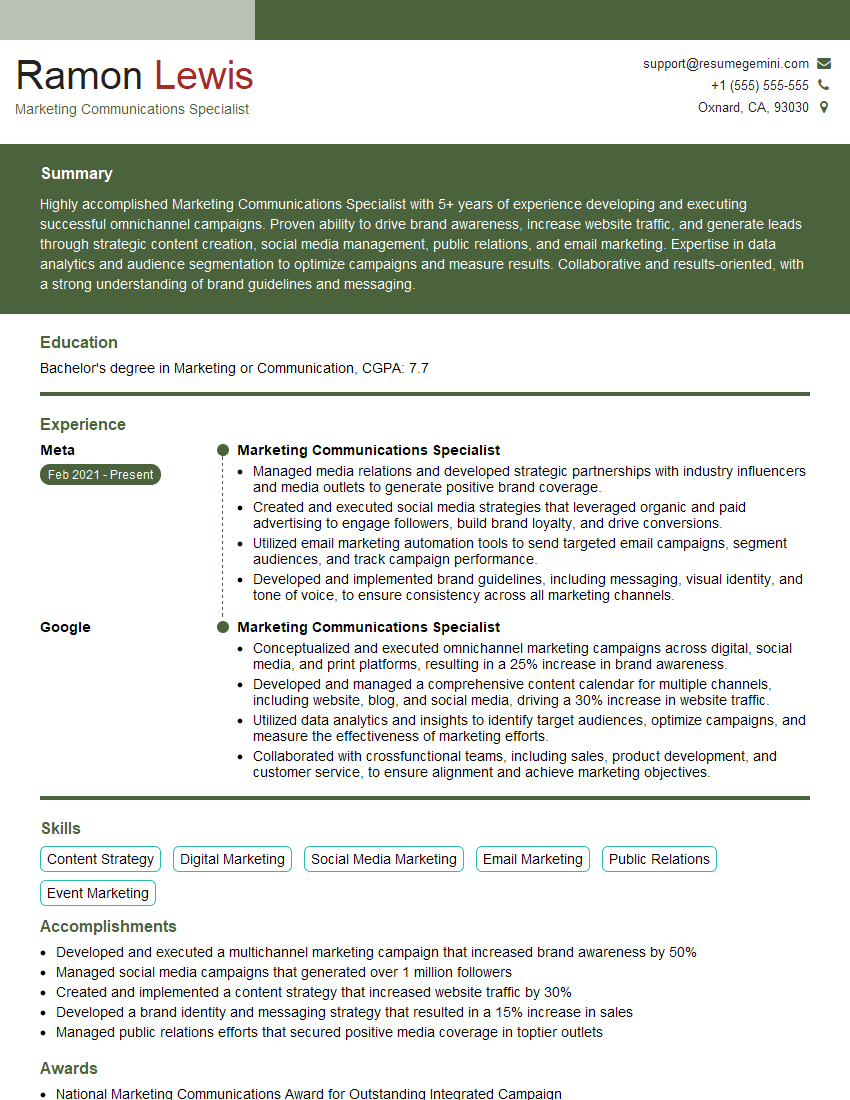
Marketing Communications Specialist Resume Sample

Communications Manager Resume Sample
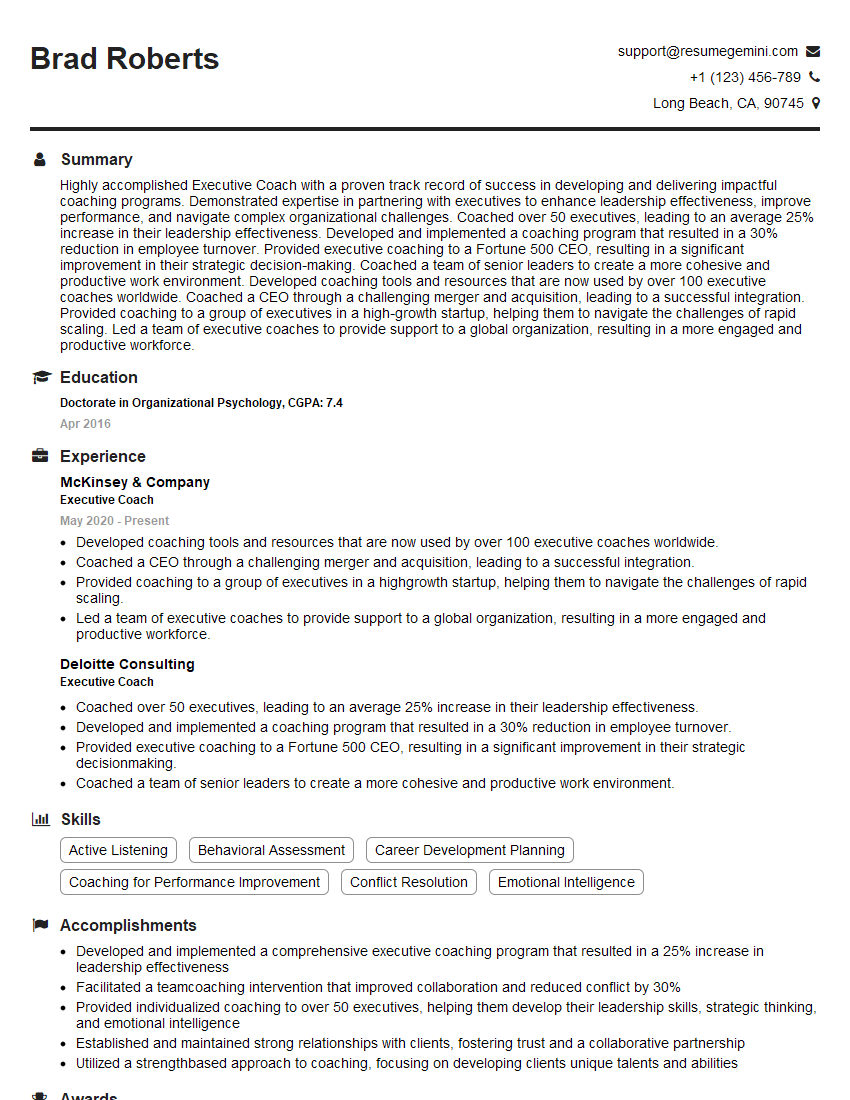
Executive Coach Resume Sample
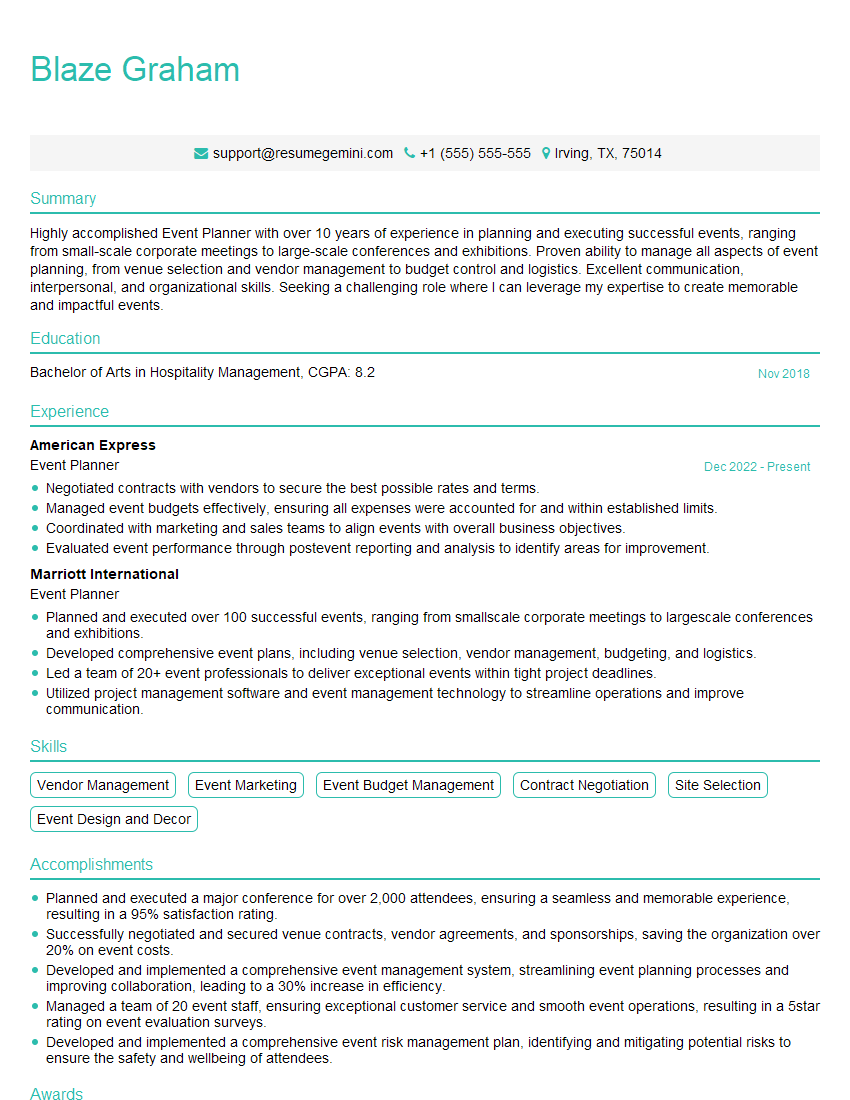
Event Planner Resume Sample

Social Media Manager Resume Sample

Communications Consultant Resume Sample
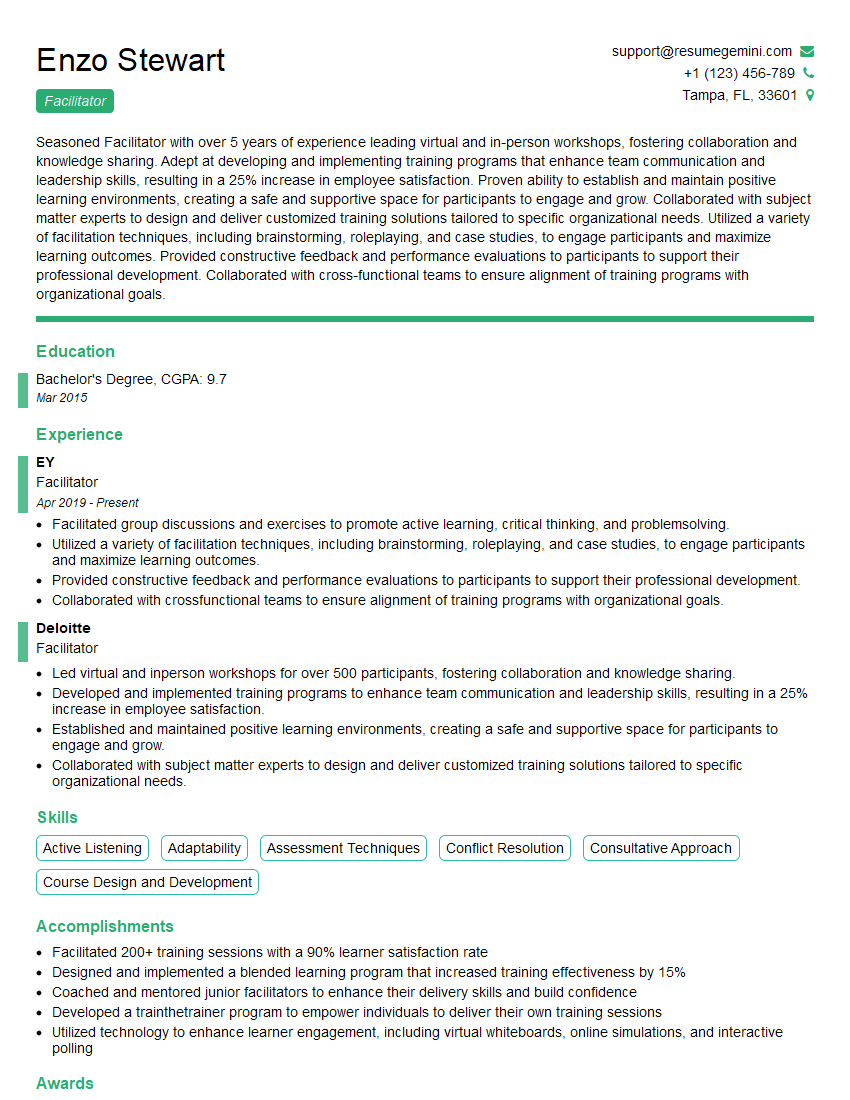
Facilitator Resume Sample
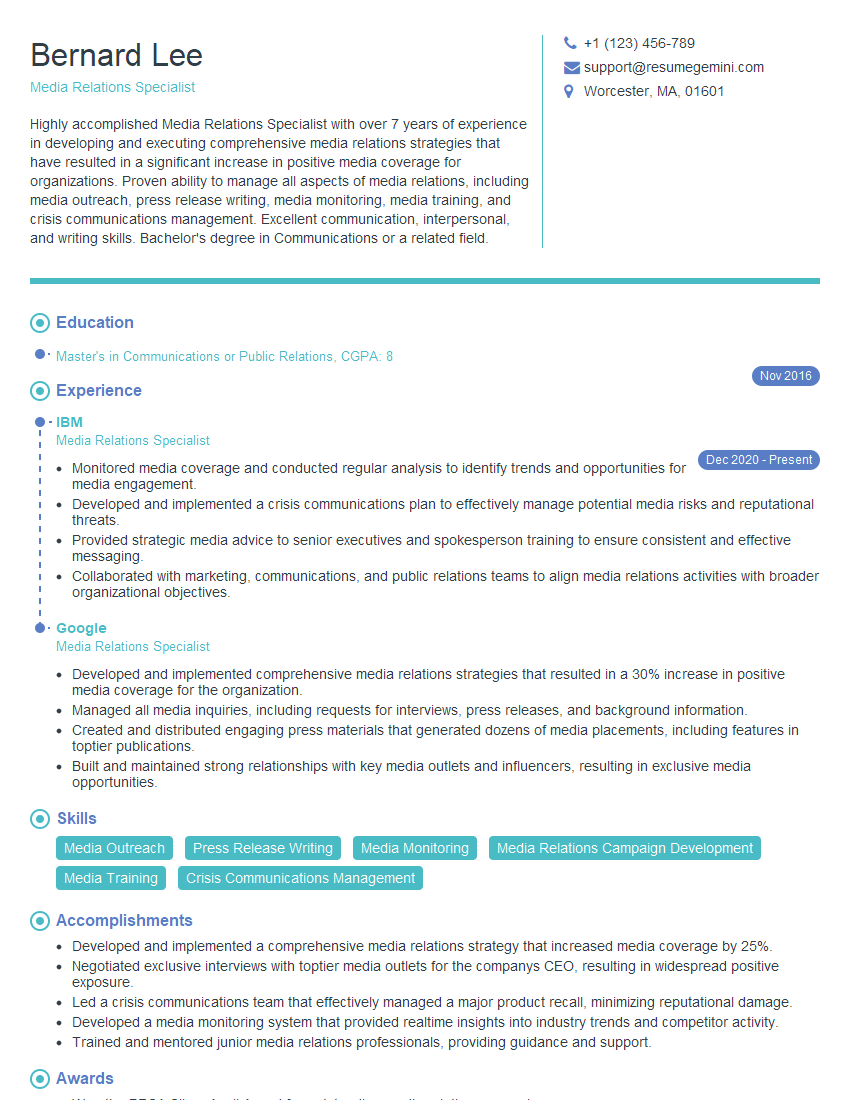
Media Relations Specialist Resume Sample
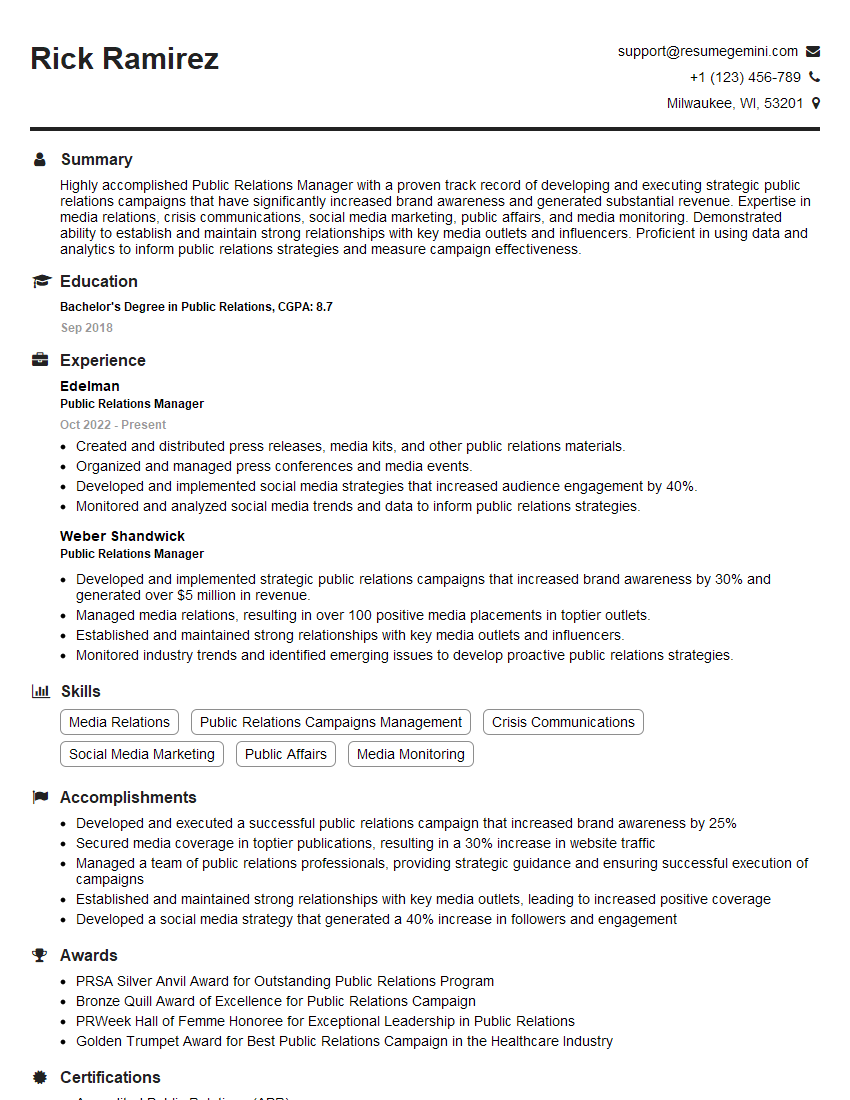
Public Relations Manager Resume Sample
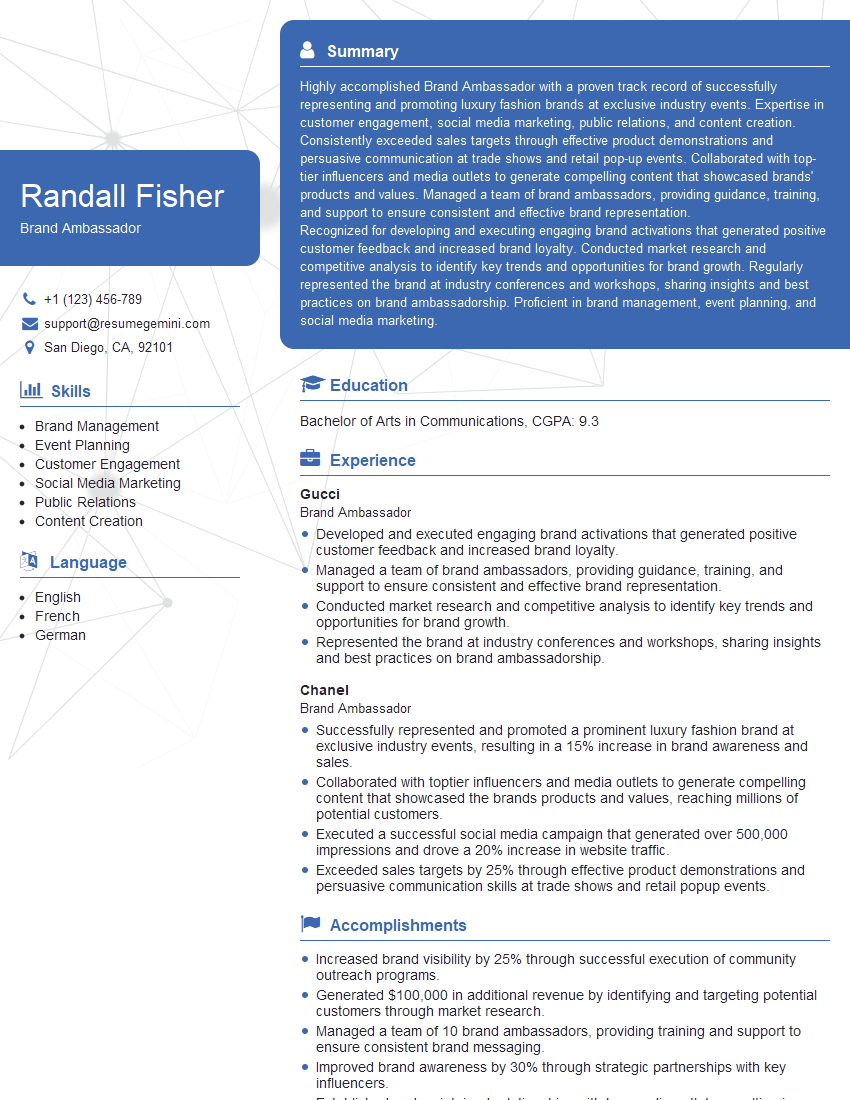
Brand Ambassador Resume Sample

Content Creator Resume Sample
Explore more articles
Users Rating of Our Blogs
Share Your Experience
We value your feedback! Please rate our content and share your thoughts (optional).
What Readers Say About Our Blog
To the interviewgemini.com Webmaster.
Very helpful and content specific questions to help prepare me for my interview!
Thank you
To the interviewgemini.com Webmaster.
This was kind of a unique content I found around the specialized skills. Very helpful questions and good detailed answers.
Very Helpful blog, thank you Interviewgemini team.