Interviews are opportunities to demonstrate your expertise, and this guide is here to help you shine. Explore the essential Repetitive Tasks interview questions that employers frequently ask, paired with strategies for crafting responses that set you apart from the competition.
Questions Asked in Repetitive Tasks Interview
Q 1. Describe your experience handling repetitive tasks.
Throughout my career, I’ve consistently encountered repetitive tasks, ranging from data entry and report generation to software testing and code debugging. My experience spans various industries, allowing me to develop robust strategies for efficient and accurate task completion. For instance, in my previous role at a financial institution, I was responsible for reconciling thousands of transactions daily. This involved meticulously comparing data from multiple sources and identifying discrepancies. Another example includes automating data extraction from various sources which in itself involves many repetitive steps like identifying the correct format, validating the data, and checking the output.
I’ve learned to recognize patterns and develop personalized workflows to streamline these processes, significantly improving both speed and accuracy. My approach always starts with analyzing the task to identify opportunities for optimization, whether through automation or improved methodology.
Q 2. How do you maintain focus and productivity when performing repetitive tasks?
Maintaining focus and productivity during repetitive tasks is crucial. I employ several strategies to combat monotony and maintain efficiency. Firstly, I break down large tasks into smaller, manageable chunks. This makes the overall goal less daunting and provides a sense of accomplishment as each smaller task is completed. Secondly, I incorporate short, regular breaks into my workflow. These breaks can be as simple as stretching, walking around, or engaging in a quick mindfulness exercise. This helps prevent mental fatigue and maintain focus.
Furthermore, I utilize techniques like the Pomodoro Technique – working in focused bursts (e.g., 25 minutes) followed by short breaks. I also vary my tasks throughout the day to prevent mental burnout. If possible, I listen to instrumental music or podcasts to keep my mind engaged while performing routine tasks. Finally, I set realistic daily goals to avoid feeling overwhelmed and maintain a sense of progress.
Q 3. What strategies do you employ to avoid errors in repetitive tasks?
Error prevention in repetitive tasks requires a multi-pronged approach. First, I meticulously double-check my work, especially in critical stages. I often use checklists or templates to ensure consistency and completeness. Secondly, I leverage technology where possible. For example, data validation tools can flag inconsistencies before they become significant errors. In a previous role, we implemented automated checks that flagged inconsistencies during data entry, which prevented costly mistakes.
Another crucial strategy is to understand the potential sources of error. This might involve analyzing past mistakes or seeking feedback from colleagues. Once potential problems are identified, I create specific procedures to mitigate those risks. Regular breaks also aid in error prevention as fatigue significantly increases the likelihood of mistakes. Finally, I proactively seek feedback on my work to identify and correct potential errors early in the process.
Q 4. How do you handle the monotony associated with repetitive tasks?
Monotony is a significant challenge with repetitive tasks, so I actively combat it. I find that diversifying my activities throughout the day helps significantly. For example, I might alternate between tasks requiring high concentration and those that are more routine. I also make an effort to socialize with colleagues during breaks, ensuring sufficient human interaction to counter the isolating effects of repetitive work. This prevents burnout by helping me maintain a balance in my workday.
Furthermore, I set personal challenges within the repetitive tasks, focusing on improving speed and efficiency. This transforms the monotonous routine into a game of self-improvement. I also explore ways to personalize the environment, such as listening to podcasts or audiobooks while performing less mentally demanding tasks, turning a dull experience into an opportunity for learning or relaxation.
Q 5. Have you ever implemented any efficiency improvements for a repetitive task? Explain.
In a previous role, I significantly improved the efficiency of a data entry process. The initial process involved manually entering data from paper forms into a spreadsheet, which was time-consuming and prone to errors. I analyzed the process and proposed using Optical Character Recognition (OCR) software to digitize the forms. This drastically reduced the time required for data entry.
Following the implementation of the OCR software, I further enhanced the process by creating a custom script to automatically format and validate the extracted data before it was entered into the database. This minimized errors and improved accuracy. The overall result was a 70% reduction in processing time and a significant decrease in error rates. This project showcases my ability to identify inefficiencies and implement technological solutions to improve productivity.
Q 6. Describe a time you had to perform a very detailed, repetitive task under pressure.
During a critical audit, we faced a tight deadline to reconcile thousands of financial transactions. The data was complex, requiring meticulous attention to detail, and errors could have serious consequences. The pressure was immense. To manage the situation, I prioritized the tasks based on criticality and risk. I also implemented a rigorous system of cross-checking and verification with my colleagues to ensure accuracy.
We established clear communication channels to avoid confusion and duplication of effort. We worked extended hours, but we took short, regular breaks to prevent burnout and maintain focus. Through teamwork, meticulous attention to detail, and effective time management, we completed the audit successfully and on time. This experience demonstrates my ability to perform under intense pressure while maintaining accuracy and upholding high quality standards.
Q 7. How do you prioritize tasks when faced with a high volume of repetitive work?
Prioritizing repetitive tasks when faced with a high volume requires a structured approach. I typically begin by categorizing the tasks based on their urgency and importance. I employ the Eisenhower Matrix (Urgent/Important) to prioritize tasks effectively. Urgent and important tasks are tackled immediately, while important but not urgent tasks are scheduled for later, preventing them from becoming urgent.
Less important tasks are delegated or eliminated if possible. I also utilize project management tools to track progress and ensure deadlines are met. Clear communication with supervisors and colleagues is also crucial to manage workload effectively and avoid unnecessary delays. This organized approach ensures that critical tasks are handled promptly while less important tasks are managed efficiently, preventing overwhelm and maximizing productivity.
Q 8. What methods do you use to track your progress on repetitive tasks?
Tracking progress on repetitive tasks is crucial for maintaining efficiency and identifying potential bottlenecks. My approach involves a multi-faceted strategy combining visual aids with digital tools. For instance, I often use progress bars or checklists, especially for tasks with clearly defined stages. This allows me to visually monitor my completion rate and stay focused. For larger projects, I leverage project management software like Jira or Trello. These platforms allow for granular task breakdown, assigning deadlines, and updating progress with ease. I’m also a firm believer in regular self-check-ins, perhaps at the end of each day or after completing a set number of iterations, to assess my performance and adjust my strategy if needed. This self-reflection allows me to pinpoint inefficiencies and identify areas for improvement.
For example, if I’m processing a large batch of invoices, I’ll use a spreadsheet to track the number processed against the total. A simple formula will automatically calculate the percentage complete, providing a clear visual indicator of my progress. In contrast, for a complex software testing routine, Jira helps me meticulously track each test case, noting its status (passed, failed, blocked), the time spent, and any relevant notes. This ensures complete transparency and allows for easy reporting.
Q 9. How do you identify and report errors or inconsistencies in repetitive tasks?
Error identification and reporting in repetitive tasks demands meticulous attention to detail and a systematic approach. I typically employ a combination of automated checks and manual reviews. Automated checks can range from simple data validation rules within spreadsheets (e.g., checking for duplicate entries or invalid data formats) to more sophisticated scripts that perform complex data comparisons. Manual reviews involve actively inspecting a sample of the completed tasks to verify accuracy and consistency, paying close attention to patterns that might indicate errors.
When an error is detected, I document it thoroughly, including the type of error, the context in which it occurred, the steps taken to identify it, and any corrective actions implemented. This detailed documentation is crucial for identifying systemic issues, preventing future errors, and facilitating effective communication to relevant stakeholders. For instance, if I find discrepancies during data entry, I document the specific record, the nature of the inconsistency, and steps taken to correct it. This log, which might be a simple spreadsheet or a dedicated error tracking system, is invaluable for troubleshooting and quality control.
Q 10. How do you stay motivated while performing repetitive tasks?
Maintaining motivation during repetitive tasks can be challenging, but it’s achievable through conscious effort and strategic planning. I find that breaking down large tasks into smaller, manageable chunks significantly improves motivation. This sense of accomplishment with each small win keeps the energy going. Another powerful technique I use is to vary my tasks. If possible, I’ll interleave repetitive tasks with others requiring different skills or cognitive functions. This prevents monotony and helps maintain focus. Setting realistic goals and rewarding myself upon completion, however small, are also extremely effective in boosting motivation. This could be something as simple as a short break, listening to music, or engaging in a brief hobby.
For example, if I’m transcribing audio files, I might aim to complete five files before taking a ten-minute break. I might also alternate between transcribing and reviewing my work to vary the tasks. This strategy keeps things interesting and prevents burnout. Setting a weekly or monthly target, with associated rewards (e.g., a movie night after completing a large project), is also very helpful.
Q 11. Describe your experience using software or tools designed to automate repetitive tasks.
I have extensive experience using various software and tools to automate repetitive tasks, significantly increasing efficiency and accuracy. My experience includes using scripting languages such as Python and VBA to automate data processing, report generation, and other routine operations. For instance, I’ve used Python to create scripts that automatically extract data from websites, clean and transform the data, and then load it into a database. This automated the process that previously involved manual copying and pasting, saving considerable time and reducing the risk of human error.
Furthermore, I’m proficient with tools like UiPath and Automation Anywhere for Robotic Process Automation (RPA). RPA allows automating tasks involving user interface interactions, such as filling forms, extracting data from applications, and triggering actions. For example, I’ve used RPA to automate the process of submitting expense reports, drastically reducing the time spent on this routine task. My experience with these tools underscores my commitment to finding innovative ways to optimize workflows and eliminate manual interventions wherever possible. The use of these tools has demonstrably improved productivity and accuracy in my previous roles.
Q 12. What are your strengths and weaknesses in handling repetitive tasks?
My strengths in handling repetitive tasks lie in my methodical approach, attention to detail, and ability to maintain focus even under pressure. I thrive on consistency and possess a strong work ethic, ensuring tasks are completed accurately and efficiently. My experience with automation tools further enhances my productivity. I also excel at identifying and correcting errors, ensuring high-quality output.
However, one area where I strive for continuous improvement is preventing monotony and burnout associated with prolonged engagement in highly repetitive tasks. I actively seek ways to diversify my workflow and incorporate breaks or varied activities to maintain motivation and prevent errors stemming from fatigue. I regularly reflect on my methods to optimize workflow and identify areas for improvement, demonstrating a commitment to continuous learning and refinement of my approach.
Q 13. How do you ensure accuracy when performing repetitive tasks?
Ensuring accuracy in repetitive tasks requires a multi-pronged strategy. First, it’s crucial to understand the task thoroughly before beginning. A clear understanding of the requirements, including specific instructions and expected outputs, is fundamental. Next, I employ various quality control measures throughout the process. This might include double-checking my work, using automated verification tools, or comparing my results against a known standard. Regular breaks are also vital to maintain focus and accuracy. Fatigue is a major contributor to errors, so scheduled breaks help prevent mistakes. Finally, I maintain detailed records of my work, allowing for easy tracing of any errors and for identifying patterns that might indicate systemic problems requiring adjustments in my procedures.
For example, when processing numerical data, I frequently use cross-checking methods and automated validation formulas to ensure accuracy. If I’m working with large datasets, I might use statistical analysis to spot outliers or inconsistencies that might signal errors. By combining careful attention to detail with systematic quality control techniques, I ensure the highest possible accuracy.
Q 14. Explain how you adapt to changes in procedures or requirements for repetitive tasks.
Adapting to changes in procedures or requirements for repetitive tasks requires flexibility and a proactive approach. I begin by fully understanding the nature of the changes and their implications. Then, I carefully review the updated procedures or requirements, ensuring I understand all the new steps, timelines, and quality standards. I find it extremely helpful to document the changes, comparing them to the previous procedures to pinpoint specific modifications and ensure a smooth transition. If the changes involve significant alterations, I might initiate a trial period to test the new methods and identify any potential challenges before fully implementing them. Throughout this process, I prioritize open communication with stakeholders to clarify any uncertainties and ensure a clear understanding of expectations.
For instance, if a new software is introduced that modifies the way I process data, I’d first spend time familiarizing myself with the new software, possibly attending training sessions. Then, I’d update my documentation, incorporating the new steps in my workflow. I might also conduct pilot runs on a smaller subset of data before processing the entire dataset to ensure everything works smoothly. This adaptable approach ensures I can effectively handle any changes, maintaining efficiency and accuracy throughout.
Q 15. Have you ever identified a way to improve the efficiency of a repetitive process? Explain.
In a previous role, we were manually processing hundreds of customer orders daily, a process prone to errors and bottlenecks. I identified that a significant portion of the process – data entry into our CRM – was unnecessarily time-consuming. To improve efficiency, I proposed and implemented a custom script using Python and our company’s API. This script automatically extracted key order details from our existing system and populated the CRM, reducing processing time by 70% and eliminating manual data entry errors. The script also generated automated email confirmations to customers, further streamlining the process. This project showcased my ability to analyze repetitive processes, identify inefficiencies, and develop technological solutions for significant improvement.
Before the script, the process was: 1. Manually open each order. 2. Manually copy relevant data (name, address, order details). 3. Paste data into the CRM. 4. Manually send a confirmation email.
After the script: 1. The script automatically pulls order data. 2. The script populates the CRM. 3. The script automatically sends emails. The result was a drastically reduced workload, fewer errors, and significantly happier customers.
Career Expert Tips:
- Ace those interviews! Prepare effectively by reviewing the Top 50 Most Common Interview Questions on ResumeGemini.
- Navigate your job search with confidence! Explore a wide range of Career Tips on ResumeGemini. Learn about common challenges and recommendations to overcome them.
- Craft the perfect resume! Master the Art of Resume Writing with ResumeGemini’s guide. Showcase your unique qualifications and achievements effectively.
- Don’t miss out on holiday savings! Build your dream resume with ResumeGemini’s ATS optimized templates.
Q 16. Describe your experience working independently on repetitive tasks.
I thrive in environments where focused, independent work is required. I’ve consistently demonstrated the ability to manage large volumes of repetitive tasks with minimal supervision. For instance, during a project involving data cleaning and preparation, I independently processed over 10,000 data points, ensuring accuracy and adherence to strict quality standards. My approach involved meticulously establishing a clear workflow, utilizing appropriate tools like spreadsheets and scripting languages to automate repetitive steps, and implementing rigorous quality checks throughout the process. Regularly scheduled short breaks helped maintain focus and prevent burnout.
Q 17. How do you handle interruptions while working on repetitive tasks?
Interruptions are inevitable, particularly when working on repetitive tasks. My approach involves establishing clear boundaries and utilizing effective time management techniques. Before commencing a task, I define specific goals and allocate a dedicated timeframe. I communicate my availability to colleagues, explaining when I need uninterrupted periods to maintain focus. When interruptions do occur, I briefly note my progress and make a conscious effort to return to the task with a fresh perspective, minimizing the disruption to overall workflow. I also prioritize tasks based on urgency and importance, ensuring critical aspects of the process aren’t significantly delayed.
Q 18. How do you maintain quality while working at a fast pace on repetitive tasks?
Maintaining quality while working at a fast pace on repetitive tasks requires a structured approach. I emphasize consistent adherence to established procedures, checklists, and quality control measures. This might involve regular self-audits, comparing my work against pre-defined standards, or using automated tools for verification. Employing techniques like ‘chunking’—dividing the task into smaller, manageable segments with short breaks in between—helps to maintain focus and accuracy. Additionally, I build in redundancy checks—double-checking critical data entries, for instance. Think of it like a quality control line in a factory; multiple checks prevent flaws from slipping through.
Q 19. How do you manage stress when faced with large volumes of repetitive work?
Large volumes of repetitive work can indeed be stressful. My strategy focuses on proactive stress management. Firstly, I break down large tasks into smaller, more achievable goals. This provides a sense of accomplishment and prevents feeling overwhelmed. I prioritize regular breaks, incorporating short walks or simple stretching exercises to improve circulation and reduce mental fatigue. Mindfulness techniques like deep breathing exercises can also be incredibly effective in managing stress. Furthermore, I maintain open communication with my supervisor or team members, ensuring I don’t shoulder excessive workloads alone. Finally, ensuring sufficient sleep, a balanced diet, and regular exercise are essential for overall well-being and stress resilience.
Q 20. How do you handle feedback regarding your performance on repetitive tasks?
I view feedback as an opportunity for growth and improvement. When receiving feedback on my performance with repetitive tasks, I actively listen and ask clarifying questions to ensure a complete understanding. I then analyze the feedback objectively, identifying both strengths and areas for improvement. I document the feedback and develop an action plan, outlining specific steps to address the areas requiring improvement. I consistently follow up on the action plan, tracking progress and seeking further guidance if needed. Constructive feedback is a tool for ongoing professional development, and I embrace it as such.
Q 21. What steps do you take to ensure data accuracy in repetitive data entry tasks?
Data accuracy is paramount in repetitive data entry tasks. My approach is multi-layered. Firstly, I meticulously follow standardized data entry procedures and utilize data validation tools within the system to prevent errors during input. I regularly perform spot checks and cross-referencing to verify the accuracy of entered data against source documents. Additionally, I use checksums or other data integrity checks to detect any discrepancies. Employing automated scripts to verify data input against a database of known values is another effective approach, as is using tools that provide visual cues for inconsistencies or potential errors. Finally, I maintain clear and organized documentation of all data entry procedures and any corrections or updates made to enhance traceability and accountability.
Q 22. How familiar are you with quality control procedures for repetitive tasks?
Quality control in repetitive tasks is crucial for maintaining accuracy and consistency. It involves implementing checks and balances at various stages to catch errors early and prevent them from propagating. This typically includes establishing clear guidelines, using standardized procedures, and regularly auditing the work.
- Checklists: Using pre-defined checklists ensures all steps are followed consistently. For example, in a data entry task, a checklist might include verifying data sources, checking for inconsistencies, and performing a final review before submission.
- Random Sampling: A statistically valid sample of the completed work is reviewed to gauge overall accuracy. If a certain percentage of errors is found, the process might need reevaluation.
- Automated Checks: Technology like scripts or software can automatically identify potential errors, such as duplicate entries or invalid data formats. For instance, a script can check for inconsistencies in a spreadsheet before it’s finalized.
- Regular Audits: Periodic audits, both internal and external, provide an independent assessment of the quality control procedures and their effectiveness. They highlight areas for improvement and ensure adherence to standards.
Effective quality control in repetitive tasks isn’t just about catching errors; it’s about preventing them in the first place through proactive measures.
Q 23. How do you identify and resolve discrepancies in repetitive data?
Identifying and resolving discrepancies in repetitive data requires a systematic approach. It starts with understanding the nature of the data and the potential sources of error. Then, a combination of manual checks and automated tools is usually employed.
- Data Validation: Implementing data validation rules ensures data integrity. For example, if a field is meant to contain only numbers, validation rules prevent alphabetic characters from being entered. This can be done through programming or spreadsheet features.
- Data Comparison: Comparing data from multiple sources can highlight discrepancies. For instance, comparing data from a database to a manually entered spreadsheet can reveal inconsistencies.
- Statistical Analysis: Statistical methods, such as outlier detection, can identify unusual data points that might indicate errors. Imagine analyzing sales figures and noticing a single unusually high value that warrants further investigation.
- Root Cause Analysis: Once discrepancies are identified, it’s crucial to understand the underlying cause to prevent similar errors in the future. This could involve examining the data source, the input process, or the tools used.
Resolving discrepancies might involve correcting the error, flagging it for review, or even modifying the data processing workflow to prevent future occurrences.
Q 24. How do you use technology to improve efficiency in repetitive tasks?
Technology plays a vital role in enhancing efficiency for repetitive tasks. Automation, data analytics, and specialized software significantly reduce manual effort and increase accuracy.
- Automation tools: Robotic Process Automation (RPA) software can automate repetitive tasks like data entry, data migration, and report generation. This frees up human workers to focus on more complex and strategic activities.
- Spreadsheet Software with Macros: Macros can automate repetitive actions within spreadsheet programs, saving time and reducing the likelihood of errors. For example, a macro could automatically format data, calculate values, or generate reports.
- Data Analytics: Tools for data mining and analysis can help identify patterns and anomalies in large datasets, highlighting areas needing attention. This allows for proactive problem-solving rather than reactive firefighting.
- Workflow Management Software: Such software can streamline and optimize the entire process, ensuring smooth data flow and task completion.
By leveraging technology, we can not only boost productivity but also achieve greater accuracy and consistency in our work.
Q 25. Describe a time you had to learn a new repetitive task quickly.
In my previous role, I had to quickly learn a new data entry system for a crucial project with an impending deadline. The system was complex, involving multiple data sources and stringent validation rules. My approach involved a three-pronged strategy:
- Structured Learning: I broke down the training materials into manageable chunks, focusing first on the core functionalities. I prioritized understanding the validation rules and data flow before tackling more advanced features.
- Practice and Feedback: I practiced consistently, starting with sample data and gradually moving to real data. I sought feedback from colleagues, which helped identify areas where I needed improvement. This iterative process quickly honed my skills.
- Resource Utilization: I utilized all available resources, including online help documentation, training videos, and team support. I didn’t hesitate to ask for clarification or assistance when needed.
Despite the tight deadline, my systematic approach and proactive learning enabled me to master the system and successfully complete the project.
Q 26. How do you ensure consistency in your work when performing repetitive tasks?
Consistency in repetitive tasks hinges on adhering to established procedures and using standardized tools. It’s about minimizing variations in the execution of the tasks to ensure uniformity in output.
- Standard Operating Procedures (SOPs): Following detailed SOPs that outline each step of the process ensures everyone follows the same methods.
- Templates and Checklists: Using templates for documents and checklists for processes ensures uniformity and reduces the chances of errors.
- Regular Calibration: If tools or equipment are used, regular calibration ensures accuracy and consistency in the output. Imagine calibrating a weighing scale in a manufacturing setting to guarantee consistent product weight.
- Self-Checks and Peer Reviews: Regular self-checks and peer reviews help catch inconsistencies early on, allowing for timely correction.
By maintaining a rigorous approach, we can drastically reduce the likelihood of variations and ensure the consistency needed for reliable outcomes.
Q 27. How do you contribute to a positive team environment while working on repetitive tasks?
Working on repetitive tasks doesn’t mean a team environment has to be monotonous. Positive collaboration can be maintained through:
- Open Communication: Regular communication among team members helps to identify and resolve issues quickly, fostering a supportive atmosphere.
- Shared Goals and Recognition: Focusing on shared team goals and acknowledging individual contributions boosts morale and motivation. Acknowledging the importance of each individual’s role in the overall process can be incredibly motivating.
- Collaboration and Support: Encouraging collaboration and providing peer support can make the tasks less tedious and more engaging.
- Rotating Tasks: If possible, rotating tasks among team members can alleviate monotony and provide a broader skill set.
Even with routine tasks, a positive team dynamic is achievable through proactive communication and mutual support.
Q 28. Describe your experience using different data entry methods for repetitive data.
My experience encompasses various data entry methods, each with its strengths and weaknesses:
- Manual Data Entry: While this method is straightforward, it is prone to errors and slow, especially with large datasets. It’s suitable for small datasets where accuracy is paramount and real-time verification is possible.
- Spreadsheet Software: Programs like Excel allow for efficient data entry with features like data validation and formulas to enhance accuracy and speed. This is efficient for medium-sized datasets and allows for basic calculations and analysis.
- Database Software: Databases like SQL Server or MySQL are far more efficient for large datasets, providing data integrity and management capabilities that far surpass spreadsheets. They support complex queries and reporting.
- Optical Character Recognition (OCR): OCR technology automates data entry from scanned documents or images, significantly improving efficiency. However, accuracy depends heavily on the quality of the input documents.
- Automated Data Import: Importing data directly from source systems, such as APIs or other databases, minimizes manual intervention and streamlines the process. This is the most efficient method for high-volume data transfer but requires proper system integration.
The optimal data entry method depends largely on the size and nature of the data, required accuracy, and available resources. Selecting the most efficient and accurate method is crucial for optimizing productivity.
Key Topics to Learn for Repetitive Tasks Interview
- Efficiency and Optimization: Understanding techniques to streamline repetitive processes, including identifying bottlenecks and implementing improvements. This could involve exploring Lean methodologies or Six Sigma principles.
- Automation and Tooling: Discuss your experience with automating repetitive tasks using software or scripts. Consider examples of tools you’ve used and the impact on efficiency and accuracy. Mention any programming languages or automation platforms relevant to your experience.
- Error Prevention and Quality Control: Explain strategies for minimizing errors in repetitive tasks. This could include implementing checks and balances, using standardized procedures, or employing quality control methodologies.
- Data Entry and Management: Discuss your skills in accurate and efficient data entry, data cleaning, and data validation. Highlight any experience with databases or data management software.
- Adaptability and Problem-Solving: Showcase your ability to adapt to changing processes and troubleshoot issues that arise within repetitive tasks. Describe instances where you identified and solved problems related to efficiency or accuracy.
- Teamwork and Collaboration: If applicable, highlight your experience working within a team on repetitive tasks. Discuss your role in maintaining consistency and achieving shared goals.
- Process Documentation and Training: Describe your ability to document processes clearly and concisely, and to train others on how to perform these tasks effectively.
Next Steps
Mastering the skills related to repetitive tasks is crucial for career advancement in many fields. Employers value individuals who can perform tasks efficiently, accurately, and consistently. A well-crafted resume is essential to highlight these skills and attract potential employers. To increase your chances of getting noticed by Applicant Tracking Systems (ATS), it’s vital to create an ATS-friendly resume. ResumeGemini is a trusted resource to help you build a professional and impactful resume that showcases your abilities effectively. Examples of resumes tailored to roles involving repetitive tasks are available to help guide you. Take the next step towards your career goals – craft a powerful resume with ResumeGemini today.
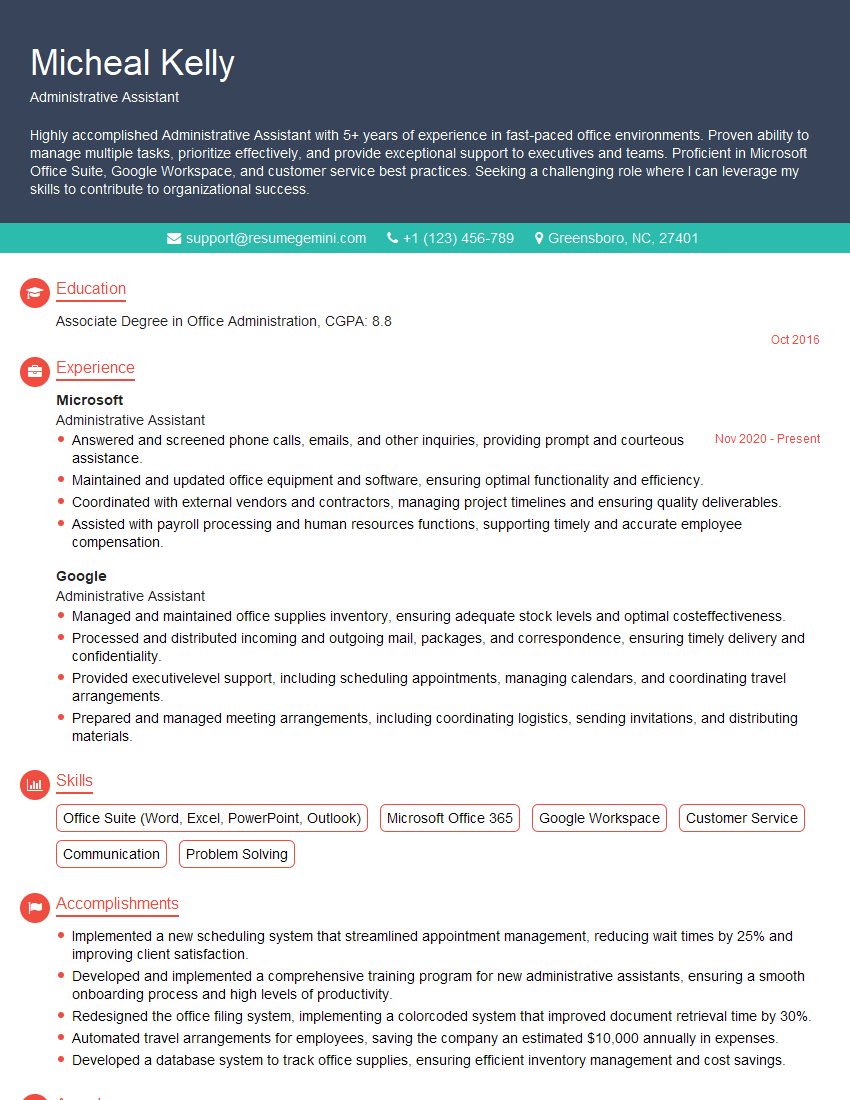
Administrative Assistant Resume Sample
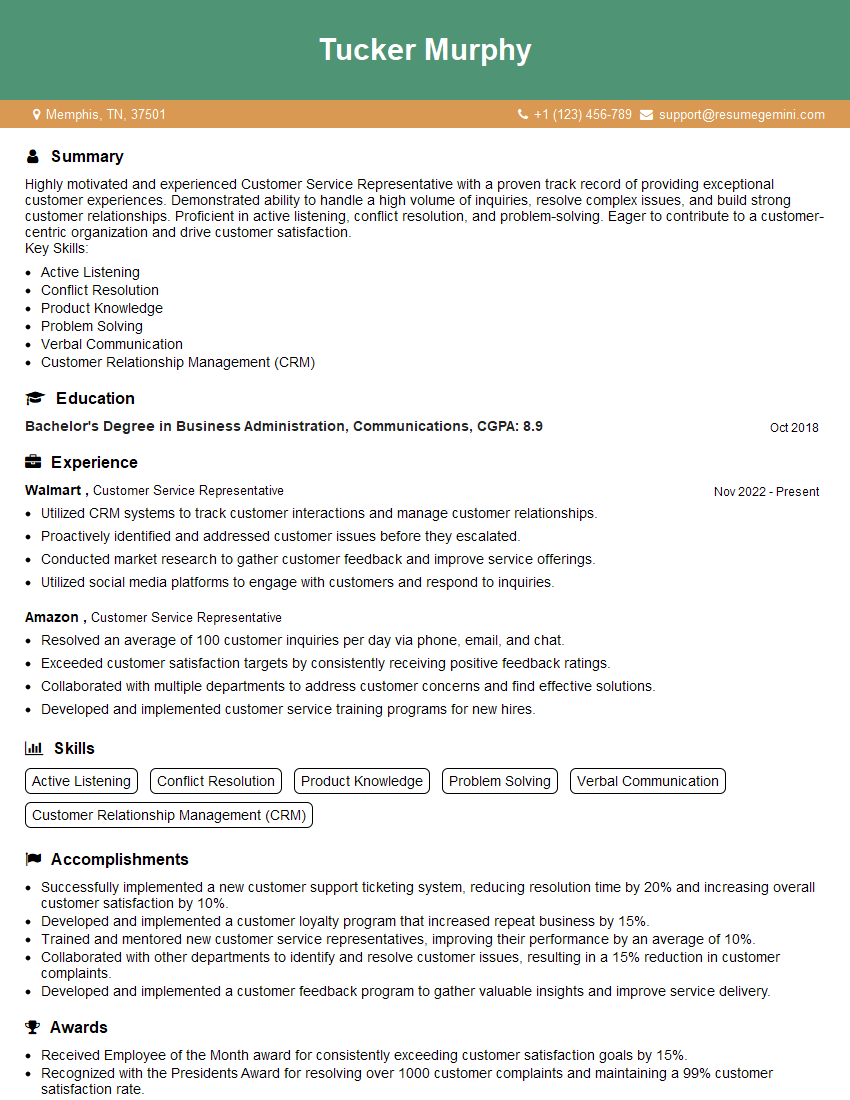
Customer Service Representative Resume Sample
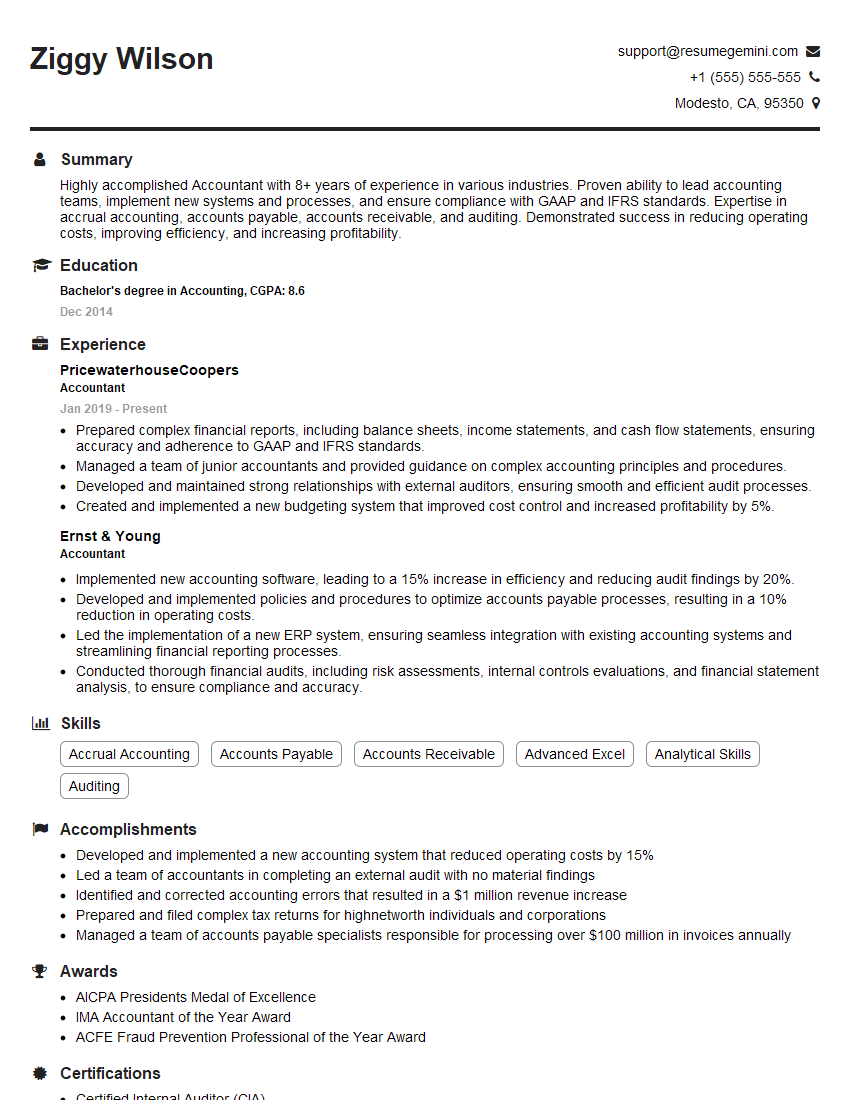
Accountant Resume Sample
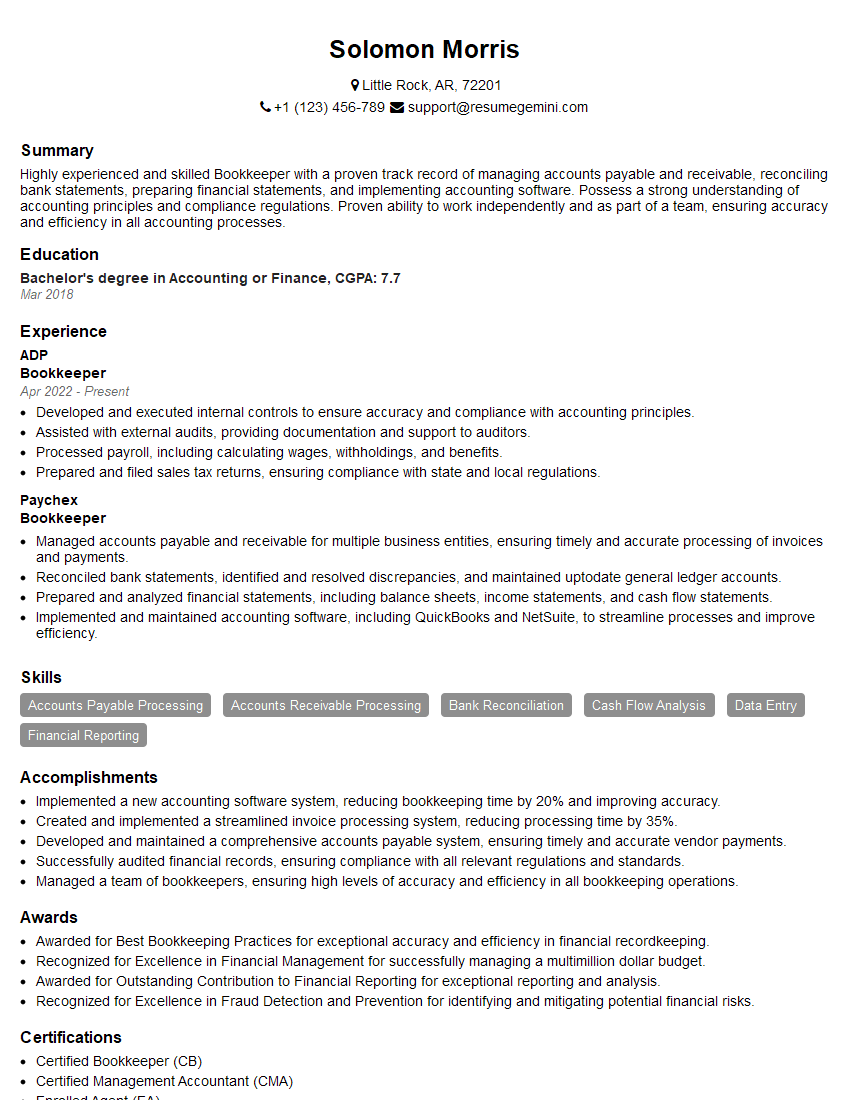
Bookkeeper Resume Sample

Technical Support Specialist Resume Sample
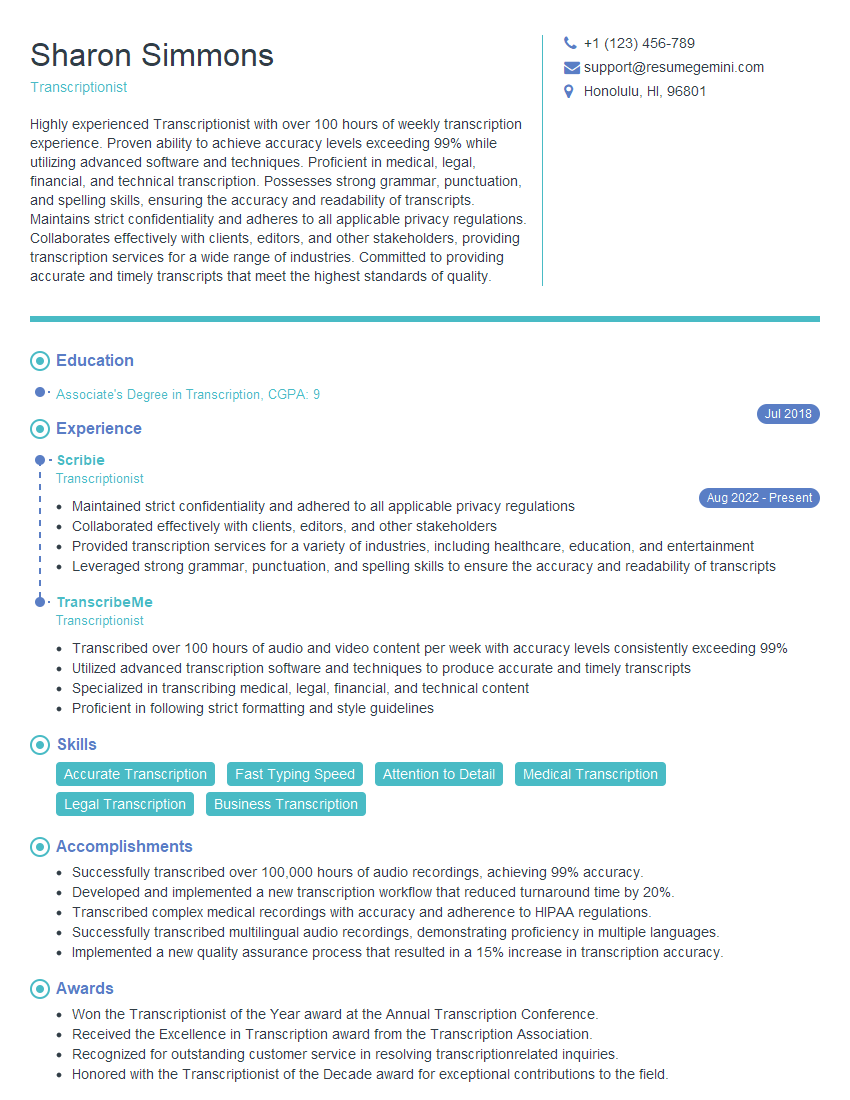
Transcriptionist Resume Sample
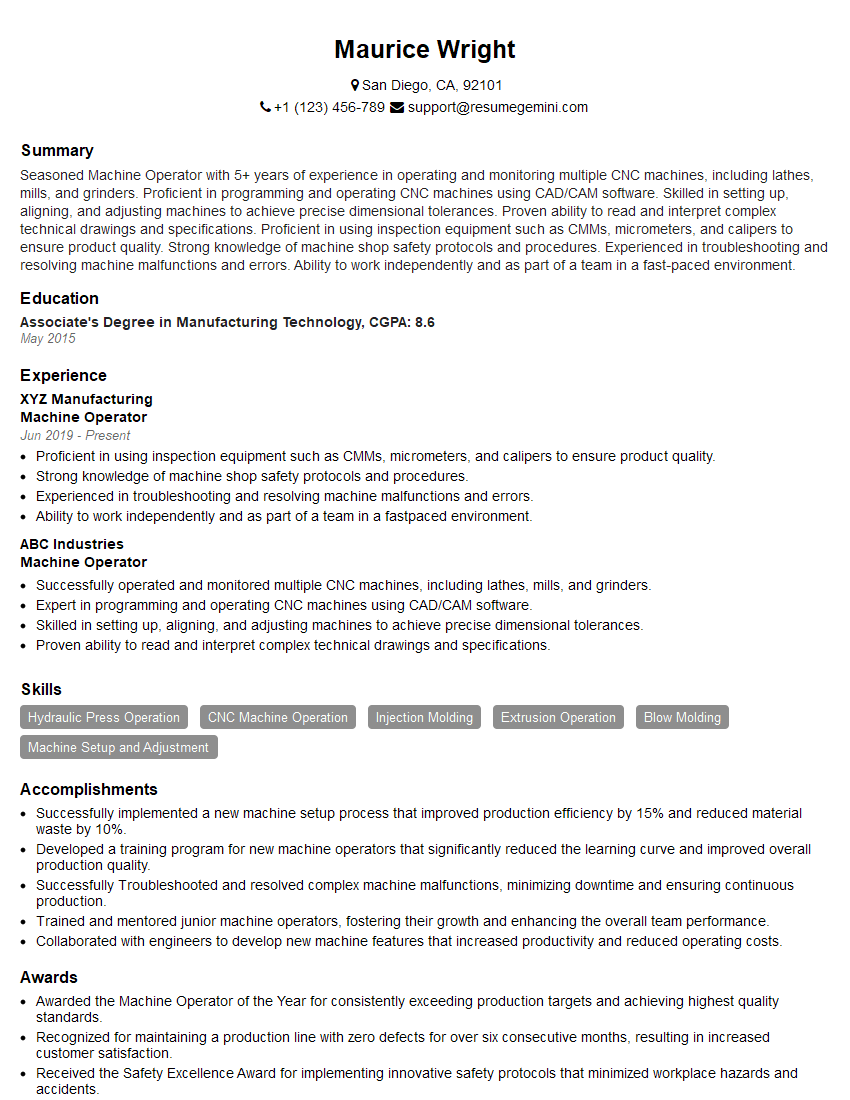
Machine Operator Resume Sample
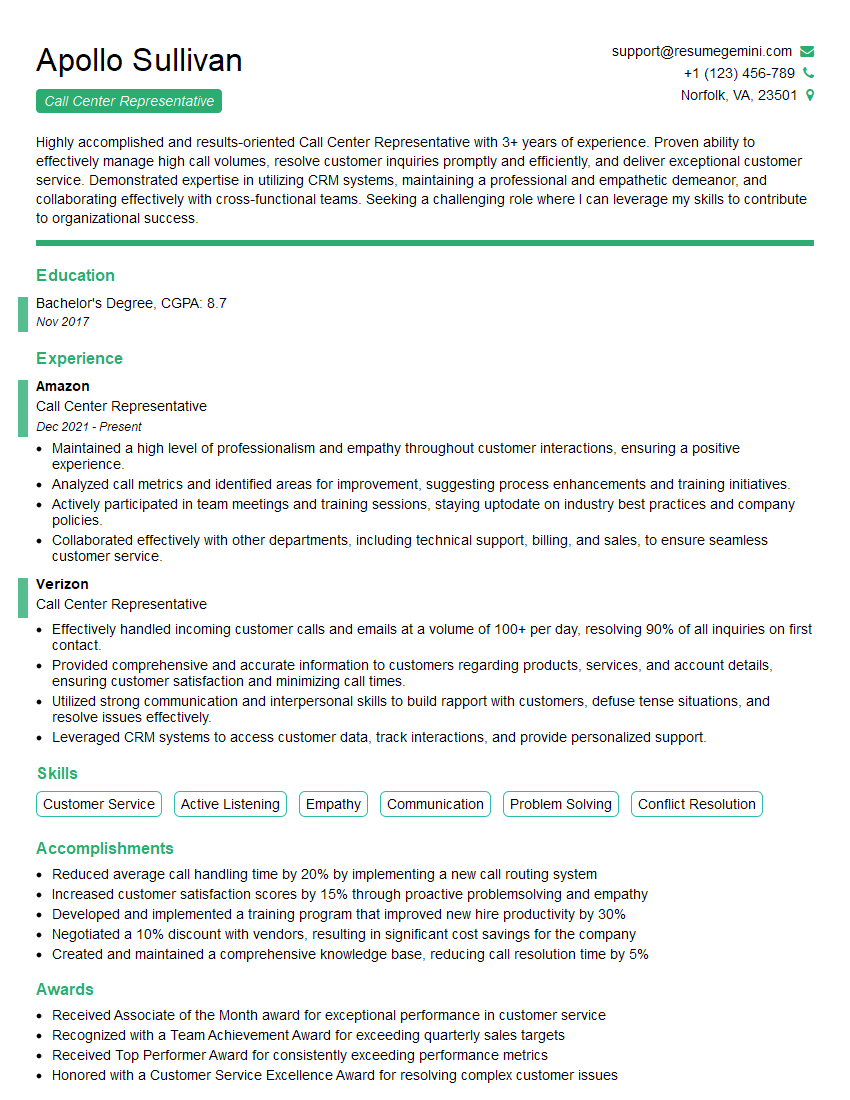
Call Center Representative Resume Sample
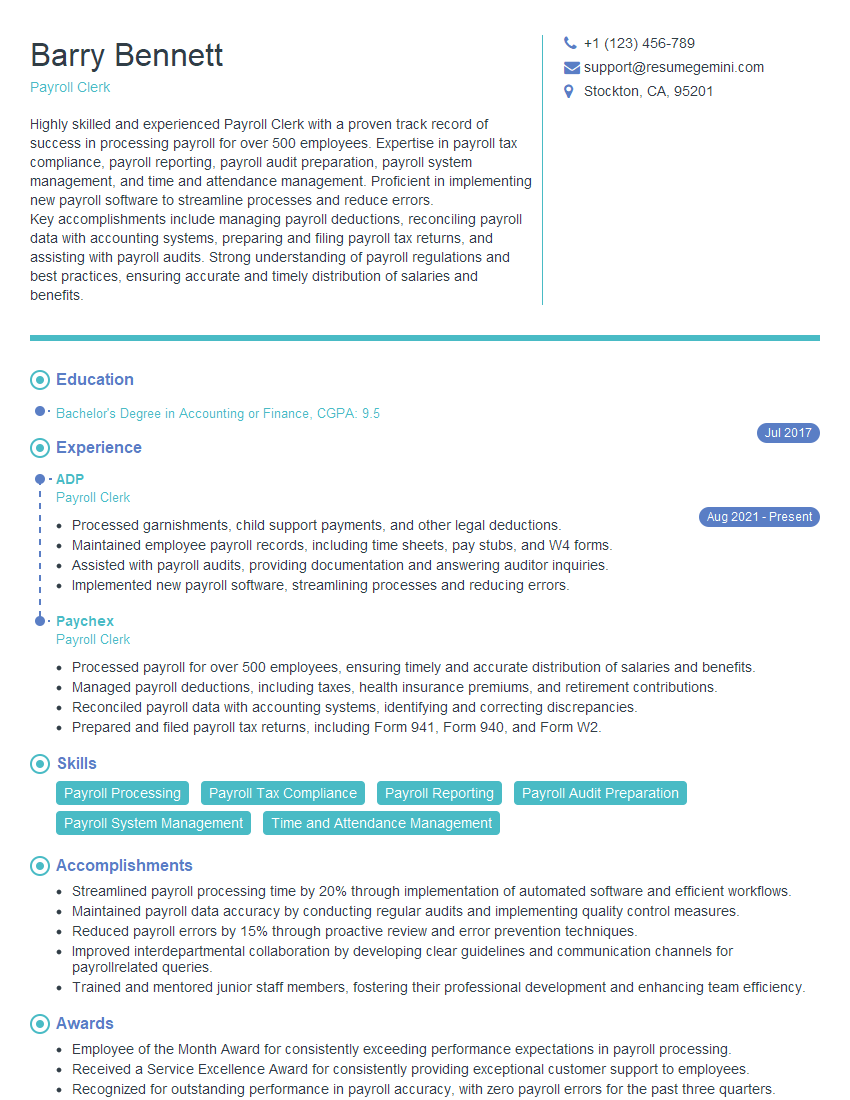
Payroll Clerk Resume Sample
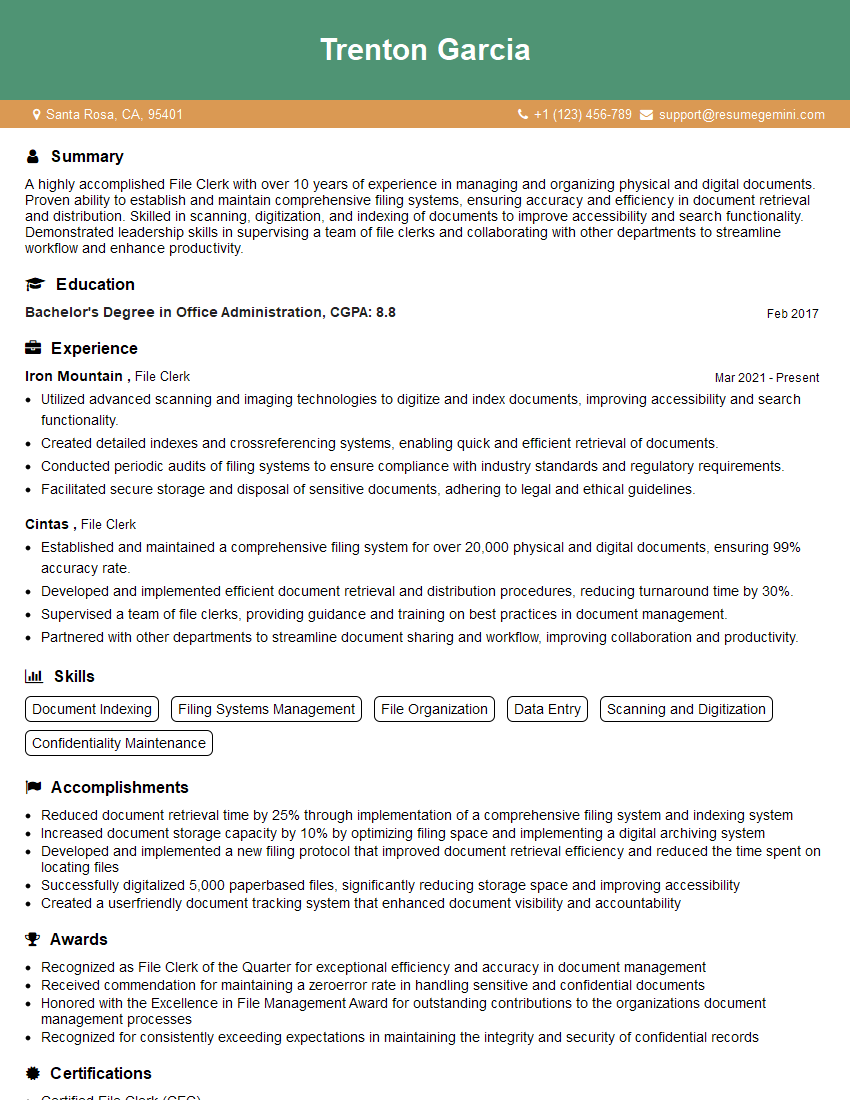
File Clerk Resume Sample
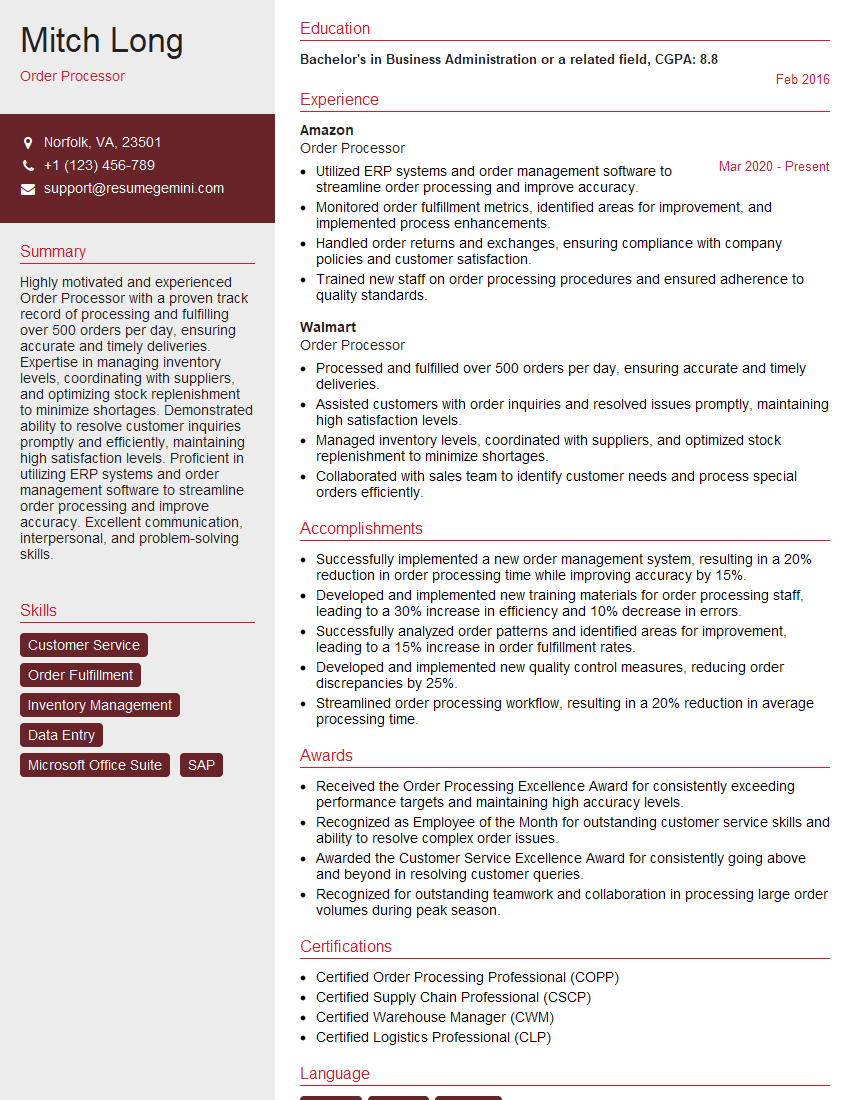
Order Processor Resume Sample
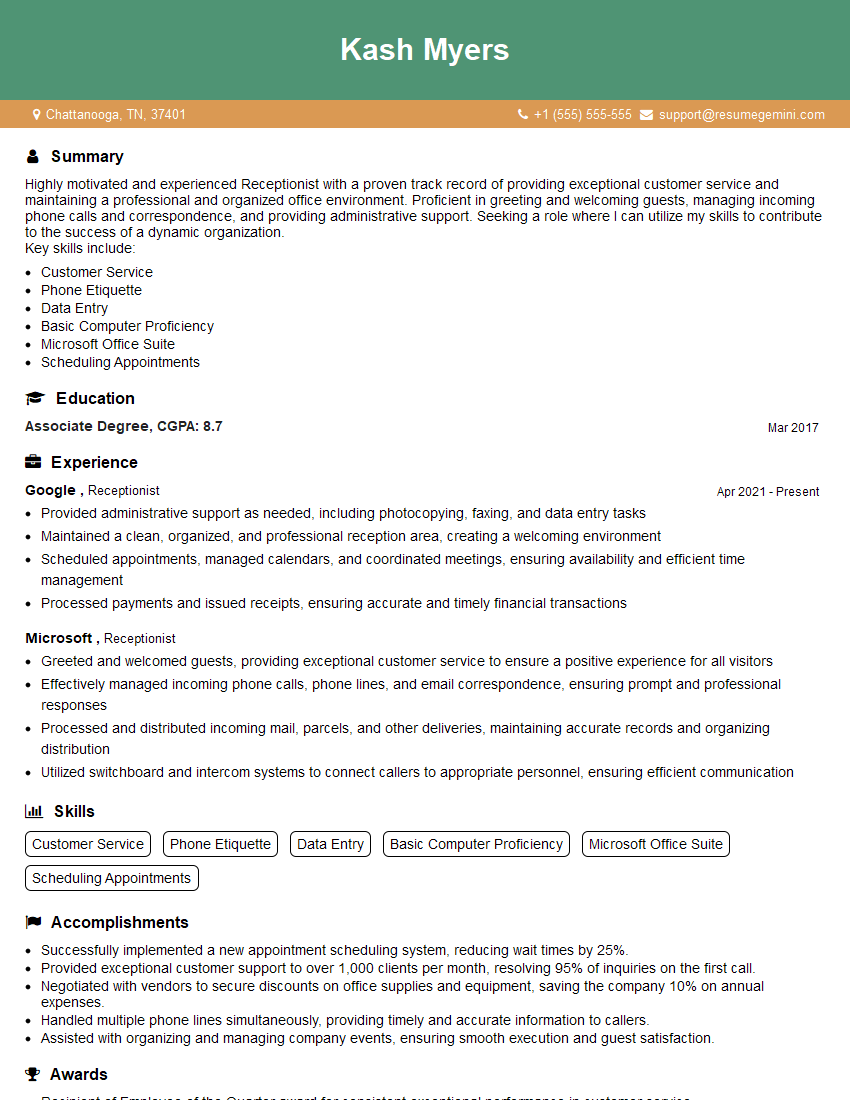
Receptionist Resume Sample
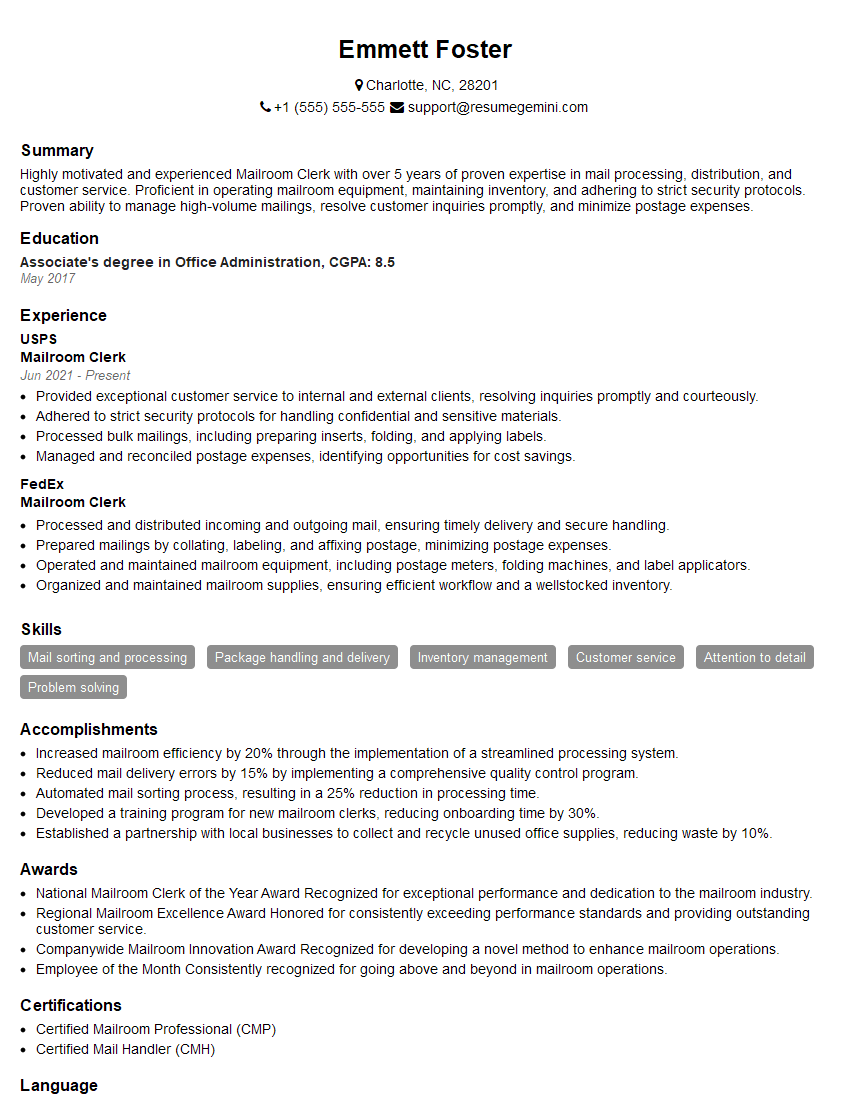
Mailroom Clerk Resume Sample

Shipping and Receiving Clerk Resume Sample
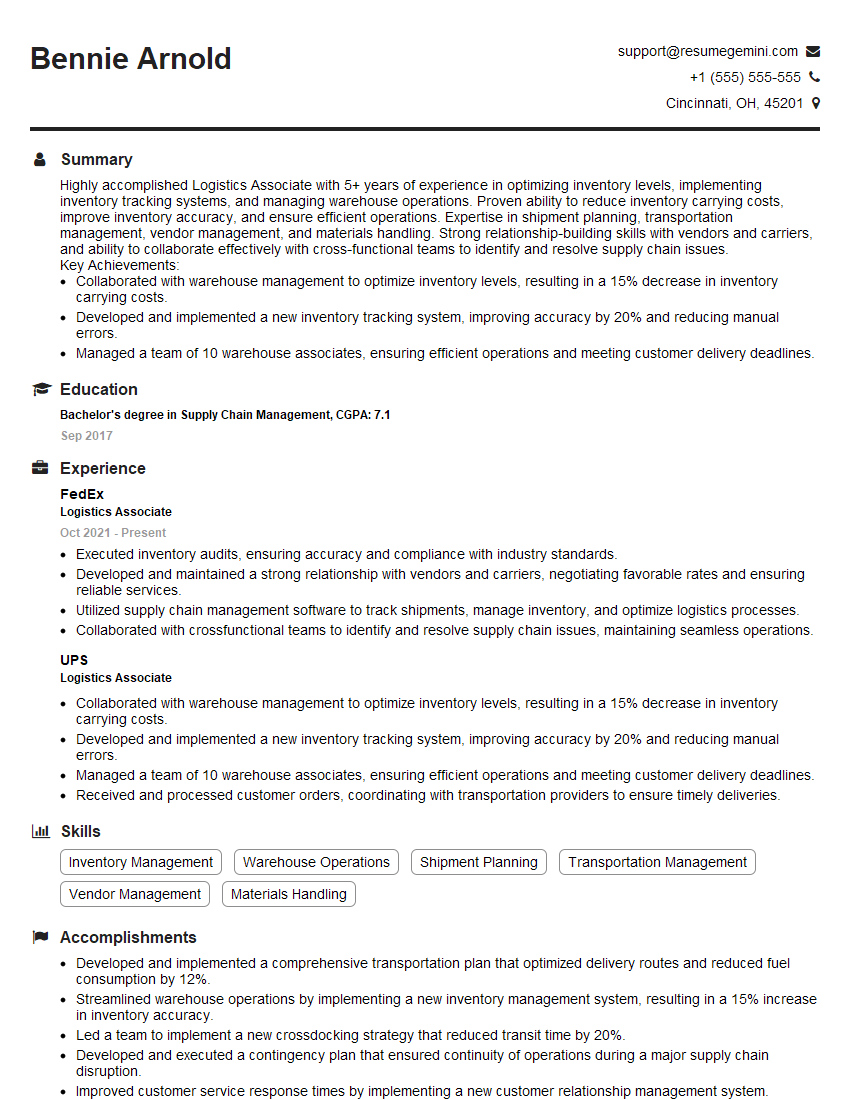
Logistics Associate Resume Sample
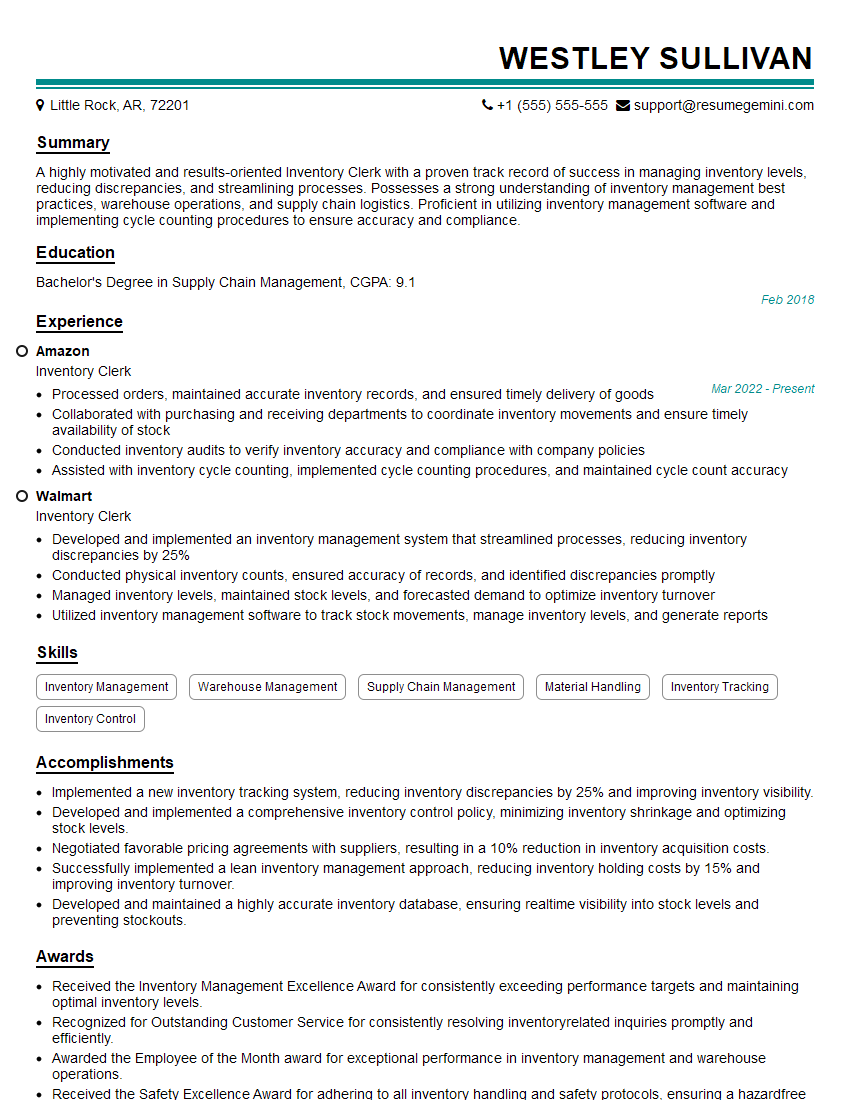
Inventory Clerk Resume Sample

Data Entry Clerk Resume Sample
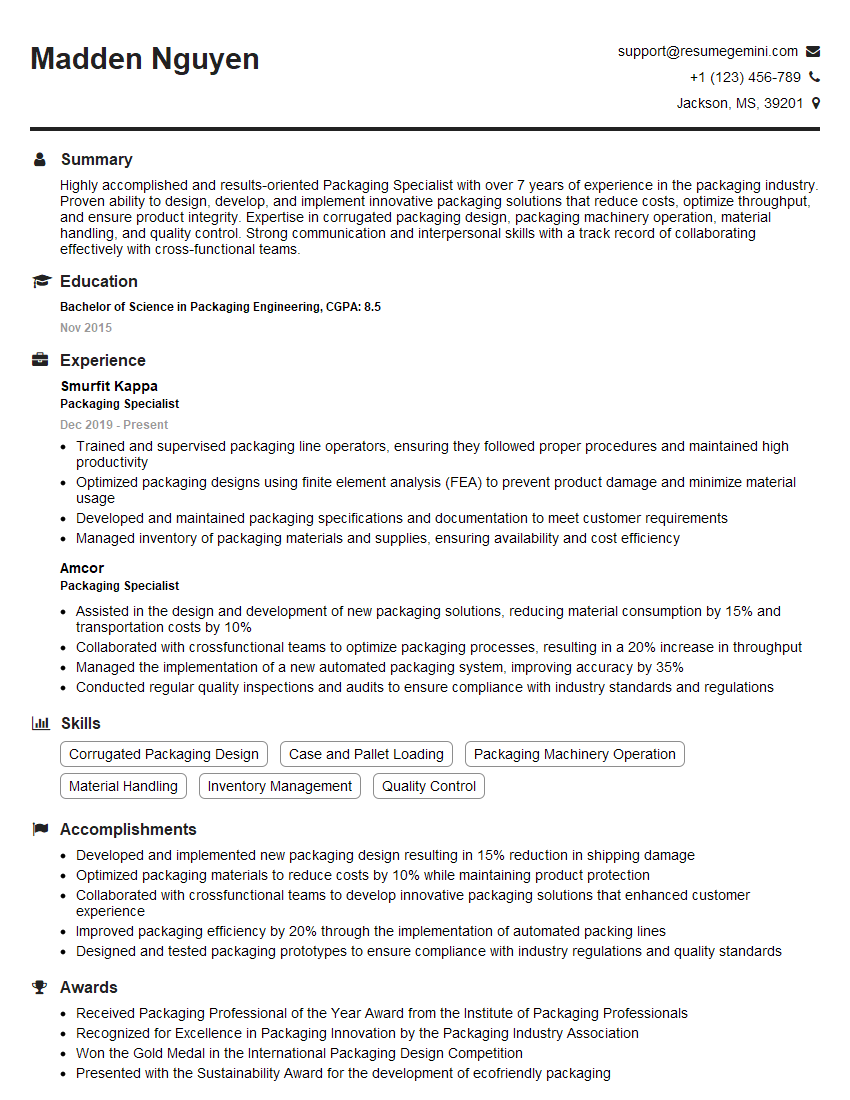
Packaging Specialist Resume Sample
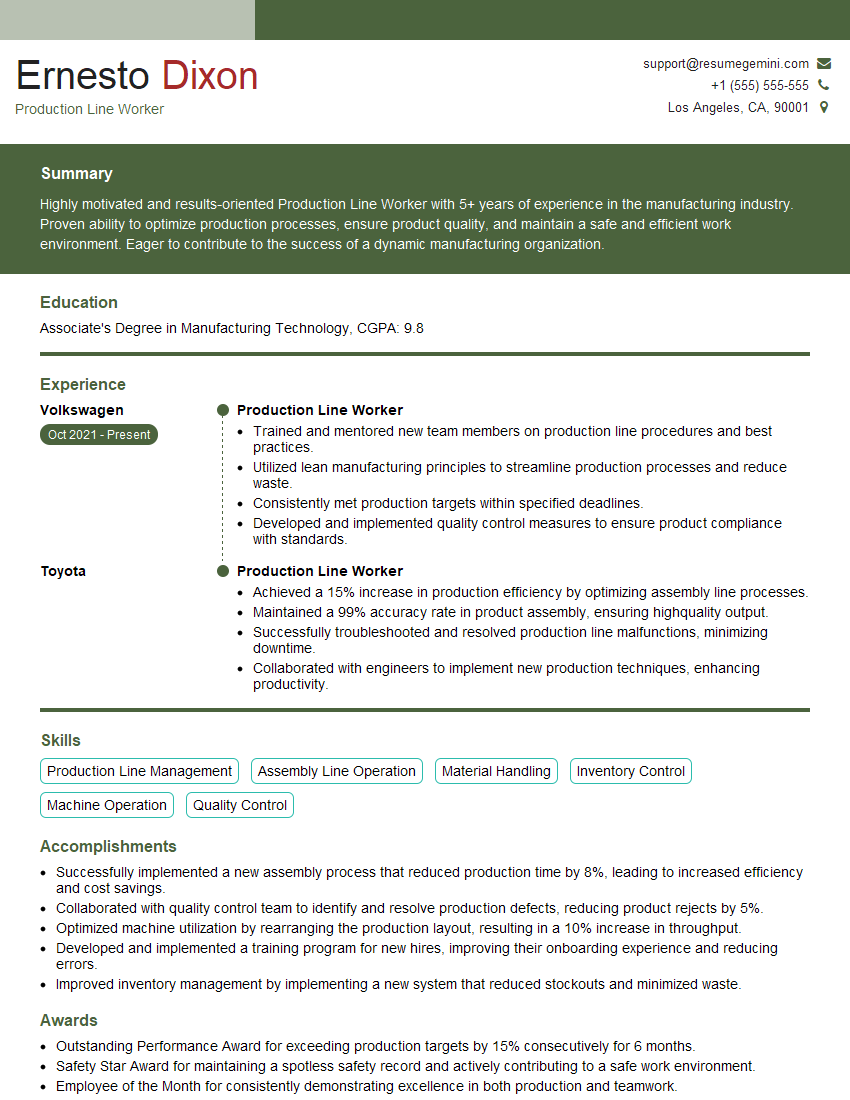
Production Line Worker Resume Sample

Quality Control Inspector Resume Sample
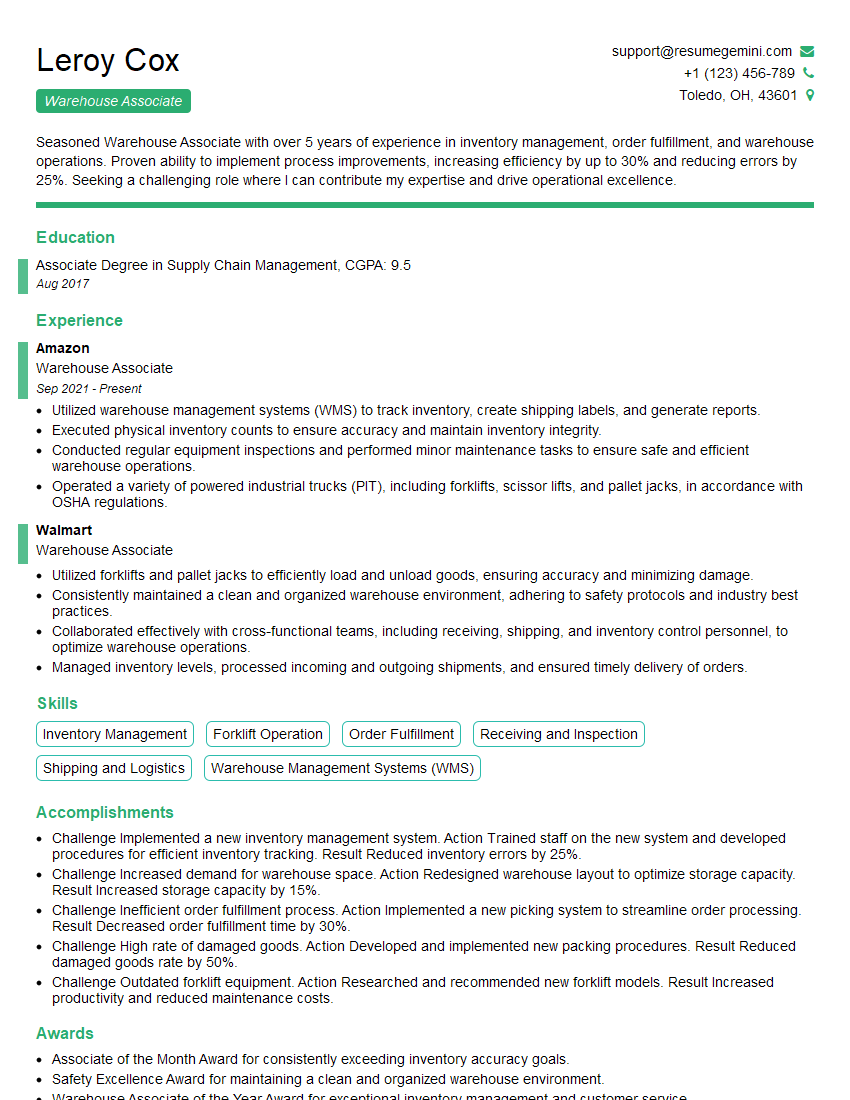
Warehouse Associate Resume Sample
- Administrative Assistant
- Customer Service Representative
- Accountant
- Bookkeeper
- Technical Support Specialist
- Transcriptionist
- Machine Operator
- Call Center Representative
- Payroll Clerk
- File Clerk
- Order Processor
- Receptionist
- Mailroom Clerk
- Shipping and Receiving Clerk
- Logistics Associate
- Inventory Clerk
- Data Entry Clerk
- Packaging Specialist
- Production Line Worker
- Quality Control Inspector
- Warehouse Associate
Explore more articles
Users Rating of Our Blogs
Share Your Experience
We value your feedback! Please rate our content and share your thoughts (optional).
What Readers Say About Our Blog
To the interviewgemini.com Webmaster.
Very helpful and content specific questions to help prepare me for my interview!
Thank you
To the interviewgemini.com Webmaster.
This was kind of a unique content I found around the specialized skills. Very helpful questions and good detailed answers.
Very Helpful blog, thank you Interviewgemini team.