The right preparation can turn an interview into an opportunity to showcase your expertise. This guide to Report Generation and Documentation interview questions is your ultimate resource, providing key insights and tips to help you ace your responses and stand out as a top candidate.
Questions Asked in Report Generation and Documentation Interview
Q 1. Describe your experience with different reporting tools (e.g., SQL, Tableau, Power BI).
My experience with reporting tools spans a wide range, encompassing both database querying and data visualization. I’m highly proficient in SQL, using it daily to extract and manipulate data from various relational databases. For instance, I recently used SQL to generate a report on customer churn, joining data from multiple tables to identify key contributing factors. My SQL skills extend beyond basic queries; I’m comfortable with complex joins, subqueries, and window functions to produce insightful analyses. Beyond SQL, I’m adept at using business intelligence (BI) tools like Tableau and Power BI. Tableau’s strength lies in its intuitive drag-and-drop interface, which allows for rapid prototyping and creation of interactive dashboards. I used Tableau to create a dynamic sales dashboard, allowing stakeholders to drill down into sales data by region, product, and time period. Power BI, on the other hand, excels in integrating with various data sources and offering robust data modeling capabilities. I leveraged Power BI to build a comprehensive financial reporting system, connecting to multiple financial databases and creating automated reports distributed to the relevant teams.
Q 2. Explain your process for creating a detailed technical report.
My process for creating a detailed technical report is methodical and ensures thoroughness. It begins with a clear understanding of the objective: what questions need answering, and who is the intended audience? Next, I meticulously gather data from diverse sources, ensuring its reliability through cross-referencing and validation. Data cleaning and transformation is crucial here; I might use tools like SQL or Python’s Pandas library to cleanse and prepare the data for analysis. Then comes the analysis phase; identifying trends, correlations, and anomalies. Visualization is key, so I select appropriate charts and graphs to represent findings clearly and concisely. Finally, the report is structured logically, with a clear introduction, methodology, results, discussion, and conclusion. I always thoroughly review and proofread the report before finalizing it, to ensure clarity, consistency, and accuracy.
Q 3. How do you ensure the accuracy and consistency of your reports?
Ensuring accuracy and consistency is paramount. I employ several strategies. First, data validation is crucial. I always verify data from multiple sources wherever possible. Cross-checking data against different databases or records helps identify inconsistencies or errors early on. Secondly, I utilize version control systems to track changes to reports and maintain a history of revisions. This also allows for easy collaboration with others. Thirdly, for complex reports, I implement robust testing procedures to ensure all calculations and formulas are correct. Finally, peer review is invaluable. Having another expert review the report catches any oversights I might have missed. Think of it like a quality assurance process—multiple sets of eyes ensure high-quality deliverables.
Q 4. What methods do you use to gather and verify data for reports?
Data gathering and verification are crucial. I use a variety of methods. For example, I might directly query databases using SQL, utilize APIs to access data from external sources, or even conduct surveys or interviews to collect primary data. Data verification involves checking the data’s source, its reliability, and completeness. I look for anomalies and inconsistencies; if there are unusual spikes or drops in data, I investigate the cause. If a data source seems unreliable, I try to find alternative sources to corroborate the information. Techniques like data profiling can help identify data quality issues before they impact the analysis. In short, it’s about being thorough, questioning the data, and striving for reliable information.
Q 5. Describe your experience with different documentation formats (e.g., Word, PDF, XML).
My experience with documentation formats is extensive. Word is frequently used for reports needing flexibility in formatting and incorporating rich text elements like tables and images. PDFs are ideal for final, distributable versions where preserving the formatting is vital. They also offer better security and protection against unauthorized alterations. XML is powerful for structured data; it allows for creating documents that can easily be processed by machines, crucial for applications where data integration and automation are needed. For instance, I’ve used XML to create configurable report templates, which can be dynamically populated with different datasets.
Q 6. How do you handle conflicting information sources when creating reports?
Handling conflicting information sources demands a careful and methodical approach. First, I investigate the source of the conflict. Are the data sources reliable? What are their potential biases? I look for potential errors in data collection or processing. Next, I evaluate the credibility of each source, considering factors like data quality, methodology, and expertise. If the conflict remains, I might try to reconcile the information by finding additional data points to support one source over the other. If reconciliation is impossible, I clearly document the conflicting information in the report, presenting both viewpoints along with my rationale for preferring one data source over the other. Transparency is vital here—it’s better to acknowledge the limitations than to present an incomplete or potentially misleading picture.
Q 7. How do you tailor reports to different audiences?
Tailoring reports for different audiences is crucial for effective communication. Consider a technical report detailing software design versus a presentation summarizing key findings for upper management. The technical report would include detailed specifications and code snippets, while the executive summary would focus on high-level insights and implications. This means adjusting the level of detail, terminology used, and the overall format. For technical audiences, I might include detailed methodology and data tables. For executives, I’d focus on key takeaways and visualizations, emphasizing strategic implications. Ultimately, the goal is to ensure each audience receives information relevant to their needs and understanding, making the data accessible and actionable for them.
Q 8. How do you prioritize tasks when working on multiple reports concurrently?
Prioritizing tasks when juggling multiple reports involves a strategic approach. I typically use a combination of methods, starting with a clear understanding of deadlines and report criticality. I employ a prioritization matrix, often a simple urgency/importance matrix, to visually assess each report’s ranking. Reports with the most pressing deadlines and significant impact get top priority. For example, a critical financial report due tomorrow clearly outranks a less urgent monthly progress report. Beyond that, I break down large reports into smaller, manageable tasks and utilize project management tools like Trello or Asana to track progress and allocate time effectively. This granular approach allows for more flexibility and prevents feeling overwhelmed.
I also factor in dependencies. If one report requires data from another, I ensure the prerequisite report is completed first. Regularly reviewing my task list and adjusting priorities as needed is crucial; unforeseen issues or changes in requests often necessitate shifts in my approach. This iterative process ensures efficiency and timely delivery of all reports.
Q 9. What software or tools are you proficient in for report generation and documentation?
My proficiency spans a range of software and tools vital for report generation and documentation. I’m highly skilled in Microsoft Office Suite (Word, Excel, PowerPoint), leveraging their capabilities for creating professional and polished documents. Beyond that, I’m proficient in data analysis tools like Tableau and Power BI, which are invaluable for visualizing complex data sets and creating insightful reports. My experience also encompasses scripting languages such as Python, which I utilize for data cleaning, automation, and generating reports programmatically. For collaborative documentation, I’m adept at using Google Workspace (Docs, Sheets, Slides), which enables efficient teamwork and version control. Additionally, I’m familiar with LaTeX for creating complex, publication-quality documents.
Q 10. How do you ensure your reports are user-friendly and easy to understand?
Creating user-friendly reports hinges on clear communication and thoughtful design. I focus on simplifying complex information through concise writing, avoiding jargon, and using visual aids effectively. Each report begins with a clear executive summary that provides a high-level overview. The structure is logical and intuitive, guiding the reader through the information in a natural flow. Headings, subheadings, bullet points, and white space are strategically used to improve readability. I always consider my target audience—tailoring language and visual elements to match their level of understanding and knowledge. For instance, a technical report for engineers would differ significantly from a summary for senior management. Think of it like baking a cake—the ingredients are important, but the presentation greatly influences enjoyment.
Q 11. Describe your experience with version control systems for documentation.
Version control is essential for collaborative documentation, ensuring that changes are tracked, and previous versions are easily accessible. I have extensive experience using Git, a distributed version control system, often in conjunction with platforms like GitHub or GitLab. I understand branching strategies, commit messages, and merge requests, allowing for collaborative work on the documentation without conflicts. This is especially important when multiple people are contributing to the same document or when making significant changes over time. For example, if I’m working on updating a user manual, Git allows me to create a new branch, make the necessary edits, and then submit a merge request for review before integrating the changes into the main branch. This process safeguards against accidental data loss and ensures a transparent history of revisions.
Q 12. How do you manage revisions and updates to existing reports and documentation?
Managing revisions and updates requires a structured approach. I typically use a change log to document all modifications made to reports and documentation, including the date, author, and description of changes. This log ensures accountability and traceability. Version control systems, like Git, play a key role in this process. The version history allows easy access to older versions, essential for reviewing past changes or reverting to previous states if necessary. When significant updates are implemented, I clearly indicate these changes within the document, perhaps using a revision number or clearly marked sections. This approach keeps everyone informed of updates and minimizes confusion.
Q 13. Explain your process for creating effective visuals for reports.
Effective visuals are crucial for conveying information quickly and memorably. I start by identifying the key data points I need to highlight. Then I select the most appropriate chart or graph type for the data: bar charts for comparisons, line charts for trends, pie charts for proportions, etc. I pay close attention to aesthetics, ensuring that the visuals are clean, uncluttered, and easy to interpret. Color palettes should be consistent and chosen carefully for accessibility and impact. The labeling and titles are clear and concise, leaving no room for ambiguity. For example, a complex dataset might be best represented through an interactive dashboard rather than a static chart. The choice of visual is determined by the information and the audience, but the end goal is always to enhance understanding, not complicate it.
Q 14. Describe your experience with data visualization techniques.
My experience with data visualization spans various techniques, including but not limited to: bar charts, line charts, scatter plots, pie charts, histograms, heatmaps, and geographical maps. Beyond the basic chart types, I am proficient in creating more advanced visualizations like treemaps, network graphs, and word clouds when appropriate for the data. The selection of the most effective technique depends on the type of data and the message to be conveyed. I’m experienced with interactive dashboards that allow users to explore data dynamically. My understanding extends to principles of data storytelling; transforming raw data into compelling narratives that communicate insights clearly and concisely. For instance, I might use a combination of a geographical map showing sales figures and a bar chart comparing performance across different regions to present a complete picture of sales performance.
Q 15. How do you handle feedback and incorporate changes into your reports?
Feedback is crucial for refining reports. My approach is a multi-step process focusing on clear communication and iterative improvement. First, I actively solicit feedback through various channels – formal review meetings, email threads, and even informal conversations. I ensure the feedback is specific and actionable, often using a standardized feedback form to guide the process. Then, I prioritize the feedback based on impact and feasibility. High-impact, easily implemented changes are addressed first. For more complex changes, I may need to conduct further analysis or consult with relevant stakeholders. Finally, I meticulously incorporate the changes, documenting each modification and its rationale. This documentation aids in tracking progress and ensuring version control. For example, if a client requests a different chart type, I’ll not only make the visual change but also document why the new chart is more effective for data presentation than the original.
Ultimately, I view feedback as an opportunity for learning and enhancement, leading to higher-quality, more impactful reports.
Career Expert Tips:
- Ace those interviews! Prepare effectively by reviewing the Top 50 Most Common Interview Questions on ResumeGemini.
- Navigate your job search with confidence! Explore a wide range of Career Tips on ResumeGemini. Learn about common challenges and recommendations to overcome them.
- Craft the perfect resume! Master the Art of Resume Writing with ResumeGemini’s guide. Showcase your unique qualifications and achievements effectively.
- Don’t miss out on holiday savings! Build your dream resume with ResumeGemini’s ATS optimized templates.
Q 16. What strategies do you use to meet tight deadlines while maintaining quality?
Meeting tight deadlines without compromising quality requires meticulous planning and efficient execution. My strategy involves a combination of time management techniques, prioritization, and leveraging technology. I start by breaking down the project into smaller, manageable tasks with clearly defined deadlines. Tools like Gantt charts help visualize the timeline and identify potential bottlenecks. I prioritize tasks based on their criticality and dependencies, addressing the most crucial elements first. Automation is key – utilizing scripting languages like Python to automate repetitive tasks frees up time for more complex analysis. For example, I might use Python to automate data extraction and formatting, significantly speeding up the report generation process. Effective communication with stakeholders is also crucial; proactively identifying and addressing potential roadblocks helps prevent delays. This proactive approach ensures a smooth workflow and the timely delivery of high-quality reports.
Q 17. How do you ensure your reports meet regulatory compliance requirements?
Regulatory compliance is paramount in report generation. My approach involves a deep understanding of the relevant regulations and incorporating them into every stage of the process. This starts with thorough research to identify all applicable regulations, such as HIPAA, GDPR, or industry-specific guidelines. I then develop a checklist to ensure adherence throughout the report lifecycle, from data collection and analysis to presentation and distribution. Data privacy and security are especially important, often requiring anonymization or encryption techniques. Furthermore, I ensure the report accurately represents the data and avoids any misleading or ambiguous information. Accurate and verifiable data sourcing and clear methodology are crucial. Regular audits and reviews are conducted to ensure ongoing compliance. For example, when generating reports related to healthcare data, I ensure all processes comply strictly with HIPAA regulations, including patient data anonymization and secure data storage.
Q 18. Describe a situation where you had to troubleshoot a problem with report generation.
I once encountered a problem generating a report due to a data mismatch between the source database and the reporting tool. The report showed inconsistent figures, causing significant concern. My troubleshooting process involved a methodical approach: First, I meticulously checked the data connections and queries to identify any discrepancies. I then compared the data in the database with the data imported into the reporting tool, using data comparison tools to pinpoint the exact mismatch. The problem originated from an outdated data schema in the reporting tool that didn’t align with recent changes in the database. Once identified, I updated the schema within the reporting tool, ensuring its alignment with the database. Subsequently, I re-ran the report, verifying the data accuracy. This experience highlighted the importance of thorough data validation and regular maintenance of reporting tools to prevent such issues in the future.
Q 19. Explain your process for quality assurance and testing of reports.
My quality assurance (QA) process is a multi-layered approach ensuring the reports are accurate, consistent, and meet the client’s needs. It begins with unit testing, checking individual report components for accuracy. Then, I perform integration testing, ensuring that all components work together seamlessly. Next, system testing evaluates the report’s functionality within the entire system. I also conduct user acceptance testing (UAT), involving stakeholders to verify the report meets their requirements and expectations. Throughout the process, I maintain detailed documentation of the testing procedures and results. I use various QA tools to automate repetitive tests and ensure thorough coverage. Finally, I perform a final review, double-checking for formatting errors, inconsistencies, and ensuring the report adheres to the style guide. This comprehensive QA process minimizes errors and ensures the final report is of the highest quality. For instance, if generating financial reports, specific checks would be performed to validate numerical accuracy and adherence to accounting standards.
Q 20. How familiar are you with different styles of technical writing?
I’m familiar with various styles of technical writing, including explanatory, instructional, persuasive, and argumentative styles. My experience spans creating user manuals, API documentation, technical specifications, and scientific reports. Each style demands a different approach. For instance, explanatory writing focuses on clarity and simplicity, breaking down complex concepts into easily digestible pieces, as seen in user manuals. Instructional writing provides step-by-step guidance, commonly used in tutorials and procedural documents. Persuasive writing uses evidence and reasoning to convince the audience, often found in proposals or technical reports arguing a particular viewpoint. Argumentative writing presents different perspectives on a topic and justifies the writer’s position with evidence. Adapting my writing style to the specific context and audience is crucial for effective communication. I tailor my language, tone, and structure to ensure the message resonates with the intended reader.
Q 21. How do you ensure accessibility in your reports and documentation?
Accessibility is vital to ensure reports are inclusive and usable by everyone. My approach focuses on adhering to accessibility guidelines like WCAG (Web Content Accessibility Guidelines). This involves using clear and concise language, avoiding jargon, and employing structural elements like headings and lists to improve readability. For digital reports, I ensure sufficient color contrast, alt text for images, and keyboard navigation for users with disabilities. I also provide alternative formats such as plain text or audio versions for users who may need them. When using charts and graphs, I ensure data is presented in a clear and easily understandable manner, using appropriate labels and clear visual cues. For instance, instead of using only color to differentiate data points, I also use patterns or shapes to cater to users with color blindness. Regular accessibility audits and testing are performed throughout the process to ensure compliance and usability for a diverse range of users.
Q 22. How do you prioritize different aspects of report design (e.g., clarity, conciseness, aesthetics)?
Prioritizing report design elements—clarity, conciseness, and aesthetics—requires a balanced approach. Think of it like baking a cake: you need the right ingredients in the right proportions. Clarity is the foundational ingredient – the cake won’t be good if no one understands it. Conciseness is like removing excess frosting – it makes the presentation more palatable and digestible. Aesthetics are the final flourish, the icing on the cake – they enhance the overall experience but shouldn’t overshadow the taste (content).
- Clarity: This always comes first. If the report is unclear, nothing else matters. I prioritize using plain language, avoiding jargon, and ensuring logical flow of information. Data visualizations should be intuitive and easy to understand.
- Conciseness: Once clarity is achieved, I focus on trimming unnecessary words and data. Every chart, graph, and table should serve a purpose, and I’ll remove anything redundant or distracting.
- Aesthetics: Finally, I consider the visual appeal. This includes using consistent fonts, colors, and layouts, ensuring the report is visually pleasing and professional. But aesthetics should never compromise clarity or conciseness.
For example, I recently worked on a financial report. Clarity was paramount: I used simple language to explain complex financial terms. Conciseness came next: I replaced lengthy paragraphs with clear bullet points and charts. Finally, I polished the visual appeal by using a consistent color scheme and professional fonts.
Q 23. Describe your experience with using templates to standardize report formats.
Templates are invaluable for standardizing report formats. They ensure consistency in branding, style, and structure, saving significant time and effort. I’ve extensively used templates in various report generation tools, including Microsoft Word, Excel, and specialized BI platforms like Tableau and Power BI.
My experience involves creating and adapting templates to suit different reporting needs. For example, I developed a master template for monthly sales reports that included sections for key performance indicators (KPIs), regional breakdowns, and product-specific analyses. This template ensured consistency across all monthly reports, simplifying comparison and analysis. When a new report type was needed, instead of starting from scratch, I created a customized version of the master template, saving considerable time and ensuring a consistent look and feel.
Furthermore, I’ve incorporated version control into the template management process to track changes, ensure consistency, and avoid confusion among different users. The process usually includes clear naming conventions, version numbers and detailed documentation of the template’s structure and usage.
Q 24. What is your approach to using data storytelling in your reports?
Data storytelling is crucial for making reports engaging and understandable. It’s about transforming raw data into a compelling narrative that helps the audience understand the key findings and their implications. My approach involves:
- Identifying the key message: Before creating the report, I determine the central story or insight I want to convey. This serves as a guiding principle throughout the report development.
- Choosing the right visuals: I select visualizations that best represent the data and support the narrative. For example, a line chart is good for showing trends over time, while a bar chart is ideal for comparing different categories.
- Using clear and concise language: I craft a narrative that guides the reader through the data, explaining the trends and insights in a clear and compelling way. This involves avoiding technical jargon and framing the information in a way that is easily digestible for the target audience.
- Creating a logical flow: The report structure should be carefully designed to guide the reader through the story in a logical and engaging sequence.
For instance, when reporting on website traffic, instead of simply presenting a table of numbers, I would create a narrative that highlights key trends (e.g., ‘Website traffic increased by 20% in Q3, driven primarily by the success of our new marketing campaign’). I would support this narrative using visualizations like line charts showing traffic trends and bar charts showing the contribution of different traffic sources.
Q 25. How do you handle situations where data is incomplete or unreliable?
Incomplete or unreliable data is a common challenge in report generation. My approach involves a multi-step process:
- Identify the gaps: I thoroughly examine the data to identify any missing values, outliers, or inconsistencies. This often involves data quality checks and visualizations that highlight potential problems.
- Investigate the cause: I try to understand the reason for the incomplete or unreliable data. Was it due to a data collection error, or are there systemic issues?
- Choose an appropriate method: Depending on the nature of the problem, I might use imputation techniques (e.g., filling in missing values using averages or statistical models), exclude the problematic data points, or add a note to the report explaining the limitations of the data.
- Transparency is key: I always clearly communicate any limitations or assumptions made in dealing with incomplete or unreliable data. This might involve footnotes, disclaimers, or an appendix detailing the data quality issues.
For example, if a survey had a low response rate, I wouldn’t ignore this. I would acknowledge the potential for sampling bias in the report and discuss its implications. If data points were missing, I might use a method of data imputation to fill them in, but would make sure to transparently document this in the report.
Q 26. How do you incorporate user feedback into your documentation process?
User feedback is crucial for improving documentation. I actively solicit and incorporate user feedback through various methods:
- Surveys: I use surveys to gather broad feedback on the overall clarity, usefulness, and completeness of the documentation.
- User interviews: I conduct interviews with key users to gain deeper insights into their specific needs and challenges.
- Usability testing: I might perform usability testing with users to observe their interactions with the documentation and identify areas for improvement.
- Bug reports and feedback forms: I use feedback forms or bug tracking systems to collect more detailed feedback about specific issues.
I then analyze the feedback, prioritize the most pressing issues, and make revisions to the documentation to address them. This iterative process ensures that the documentation is continuously improved and meets the needs of its users. For example, if user feedback consistently reveals a lack of clarity in a specific section, I’ll rewrite it using simpler language and more illustrative examples. Tracking feedback is important, often involving a system for recording and categorizing feedback to monitor progress over time.
Q 27. Describe a challenging report project you completed and how you overcame the obstacles.
One challenging project involved creating a complex financial model for a large multinational corporation. The challenge stemmed from the sheer volume of data, the need to integrate data from multiple sources, and strict deadlines. The data wasn’t neatly organized; it was housed across several disparate systems, including legacy databases and spreadsheets. Furthermore, each department had its own data formatting.
To overcome these obstacles, I followed a systematic approach:
- Data consolidation and cleaning: I worked with the IT team to extract and consolidate data from multiple sources. I cleaned the data to ensure consistency and accuracy, using scripting and data cleansing tools.
- Data visualization and exploration: I used data visualization tools to understand the relationships within the data and identify potential issues or outliers. This helped me understand patterns and potential problems before integrating the data into the financial model.
- Iterative model building: I built the financial model in an iterative manner, testing and refining it as I went along. This allowed me to address unforeseen issues and improve the model’s accuracy. It also allowed the stakeholder to review the model in stages.
- Collaboration and communication: I maintained close communication with stakeholders to ensure their requirements were being met and to address any questions or concerns they had.
This project required significant technical expertise and strong project management skills. The success of the project was largely due to careful planning, effective collaboration, and a flexible approach that allowed me to adapt to unforeseen challenges.
Q 28. How do you stay up to date with the latest trends in report generation and documentation?
Staying up-to-date in report generation and documentation is crucial. My strategies include:
- Following industry publications and blogs: I regularly read industry publications and blogs to learn about new tools, techniques, and best practices. This gives me a good sense of the current trends and developments in the field.
- Attending conferences and webinars: Conferences and webinars provide opportunities to learn from experts and network with other professionals in the field. I use this to find out about emerging tech and methodologies.
- Taking online courses and workshops: I take online courses to improve specific skills, such as advanced data visualization or report automation. This is a very effective way to stay up to date with best practices.
- Experimenting with new tools and technologies: I regularly experiment with new tools and technologies to see how they can improve my workflow and the quality of my reports. This is essential to ensuring I am well-versed in the current ecosystem.
- Networking with peers: Discussions and exchanges of knowledge with peers is a critical component of continuing education.
Continuously learning is key in this field, as new tools and techniques are constantly emerging. It’s an exciting area with dynamic change.
Key Topics to Learn for Report Generation and Documentation Interview
- Data Analysis & Interpretation: Understanding different data types, performing basic statistical analysis, and drawing meaningful conclusions from data sets to inform report content.
- Report Structures & Formats: Mastering various report formats (e.g., executive summaries, technical reports, progress reports) and structuring information logically for optimal readability and impact. Practical application: Creating a compelling narrative from complex data sets.
- Data Visualization Techniques: Selecting appropriate charts and graphs (e.g., bar charts, line graphs, pie charts) to effectively communicate data insights. Practical application: Choosing the right visualization to highlight key trends and patterns.
- Software Proficiency: Demonstrating expertise in relevant report generation tools (e.g., Microsoft Excel, Power BI, Tableau, SQL Reporting Services). Practical application: Building interactive dashboards and automating report generation.
- Documentation Standards & Best Practices: Adhering to style guides (e.g., APA, MLA, Chicago) and understanding principles of clear, concise, and accurate documentation. Practical application: Creating consistent and professional documentation across various projects.
- Problem-Solving & Troubleshooting: Identifying and resolving issues related to data accuracy, report formatting, and software functionality. Practical application: Debugging errors in data and fixing inconsistencies in reports.
- Collaboration & Communication: Effectively communicating technical information to both technical and non-technical audiences. Practical application: Presenting findings and recommendations in a clear and persuasive manner.
Next Steps
Mastering report generation and documentation is crucial for career advancement in many fields. Strong reporting skills demonstrate analytical abilities, attention to detail, and effective communication – highly valued attributes in today’s job market. To increase your chances of landing your dream role, it’s essential to craft an ATS-friendly resume that highlights your skills and experience effectively. ResumeGemini is a trusted resource to help you build a professional and impactful resume. They provide examples of resumes tailored to Report Generation and Documentation roles, ensuring your application stands out from the competition. Take the next step towards your career success – build your best resume with ResumeGemini today!

Knowledge Manager Resume Sample

Business Analyst Resume Sample
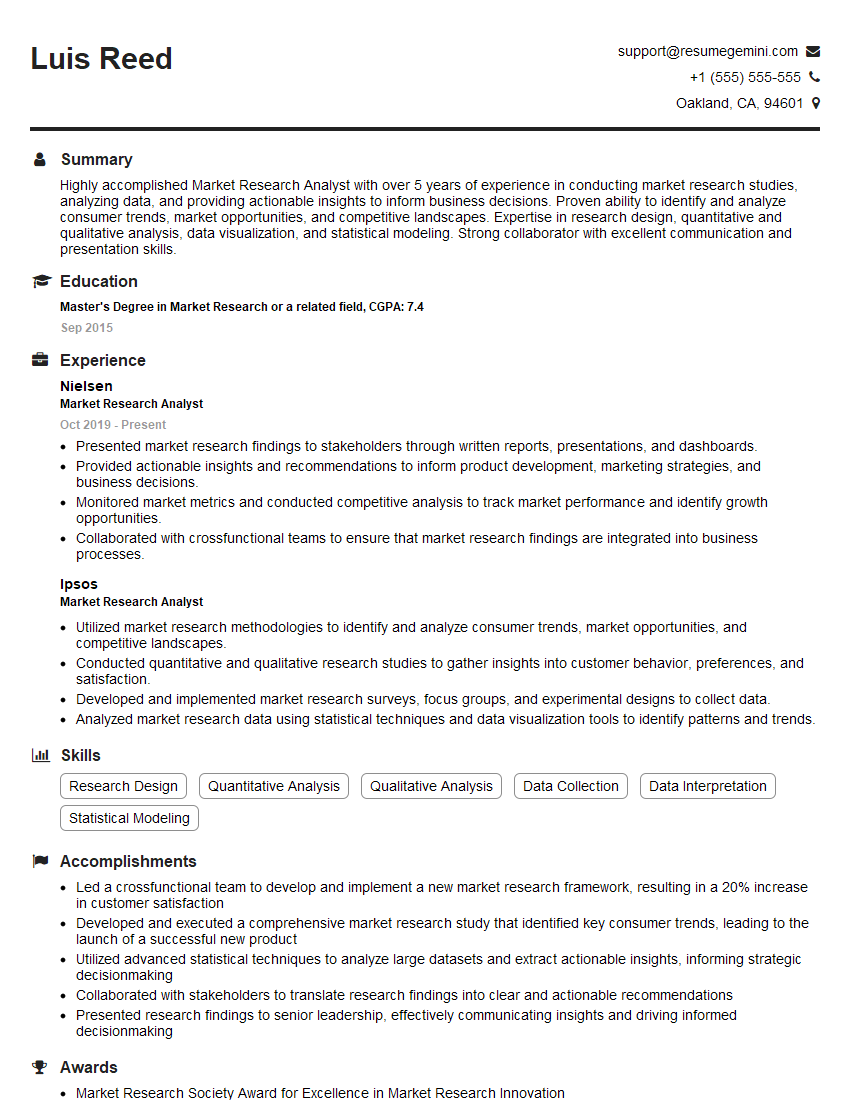
Market Research Analyst Resume Sample
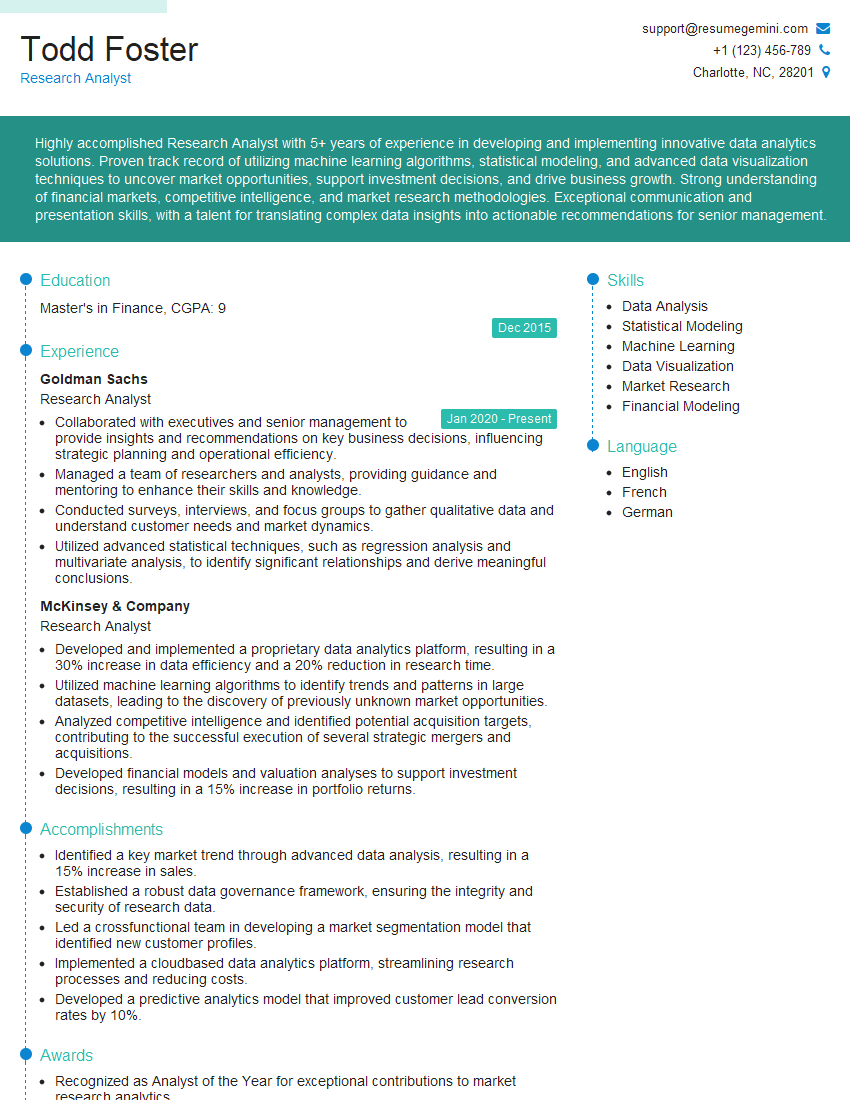
Research Analyst Resume Sample
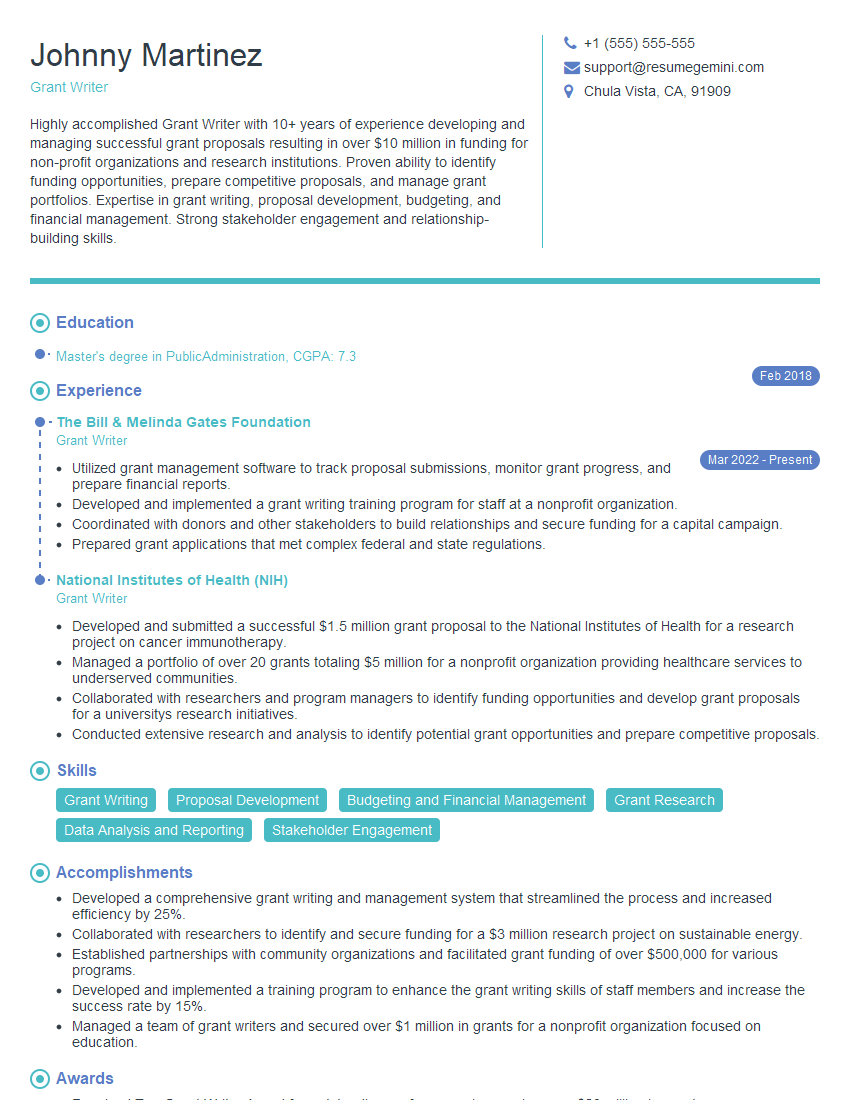
Grant Writer Resume Sample
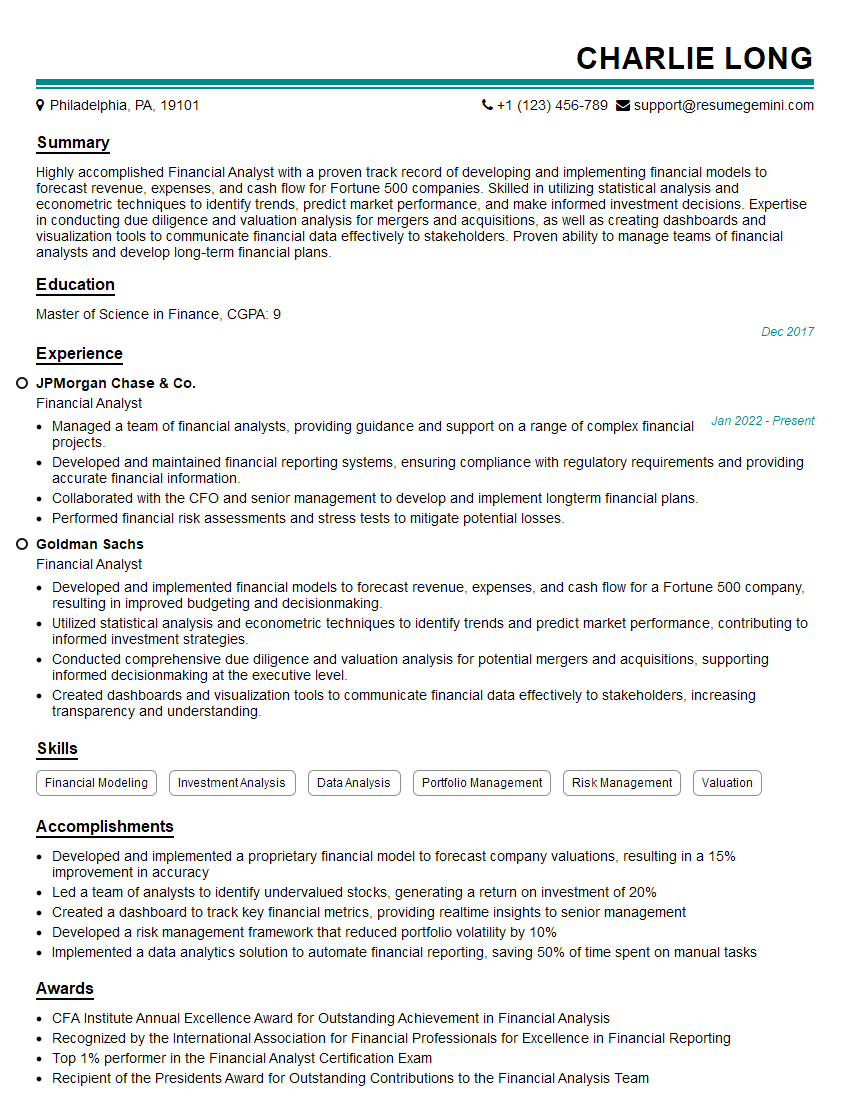
Financial Analyst Resume Sample

Data Analyst Resume Sample

Information Architect Resume Sample

Content Strategist Resume Sample

Documentation Specialist Resume Sample

Instructional Designer Resume Sample
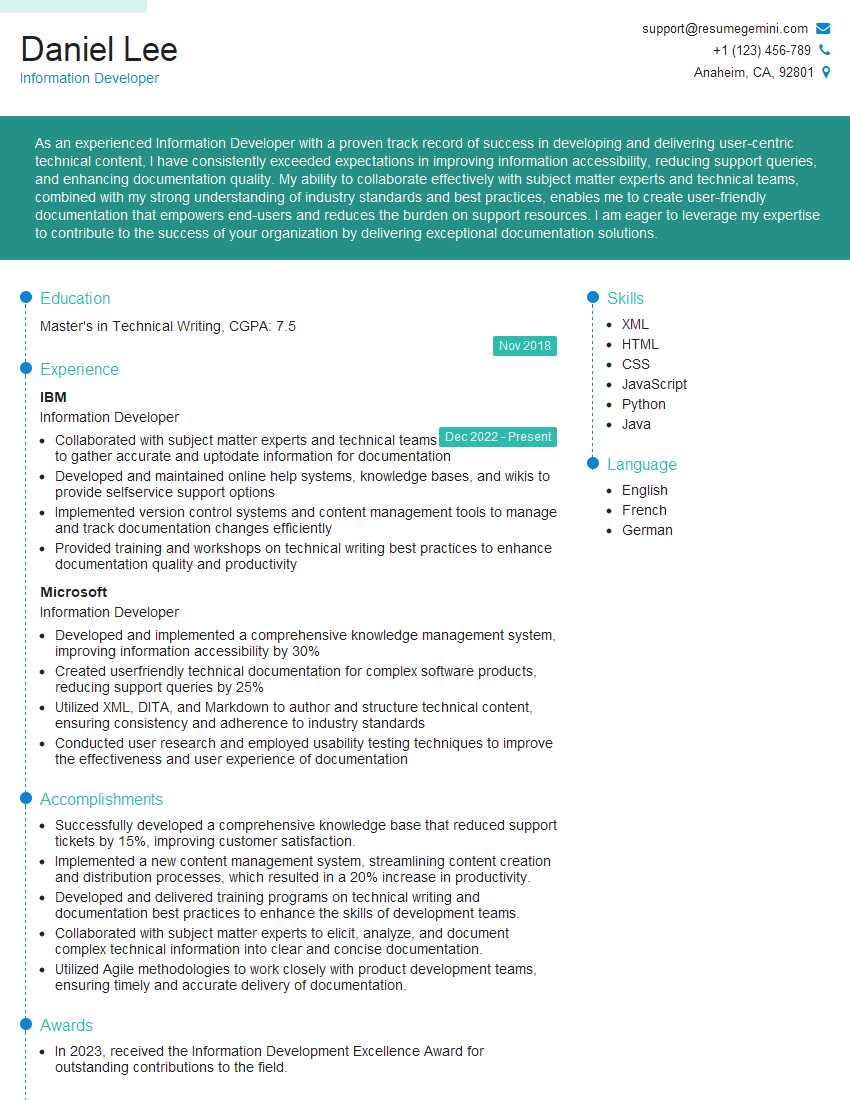
Information Developer Resume Sample
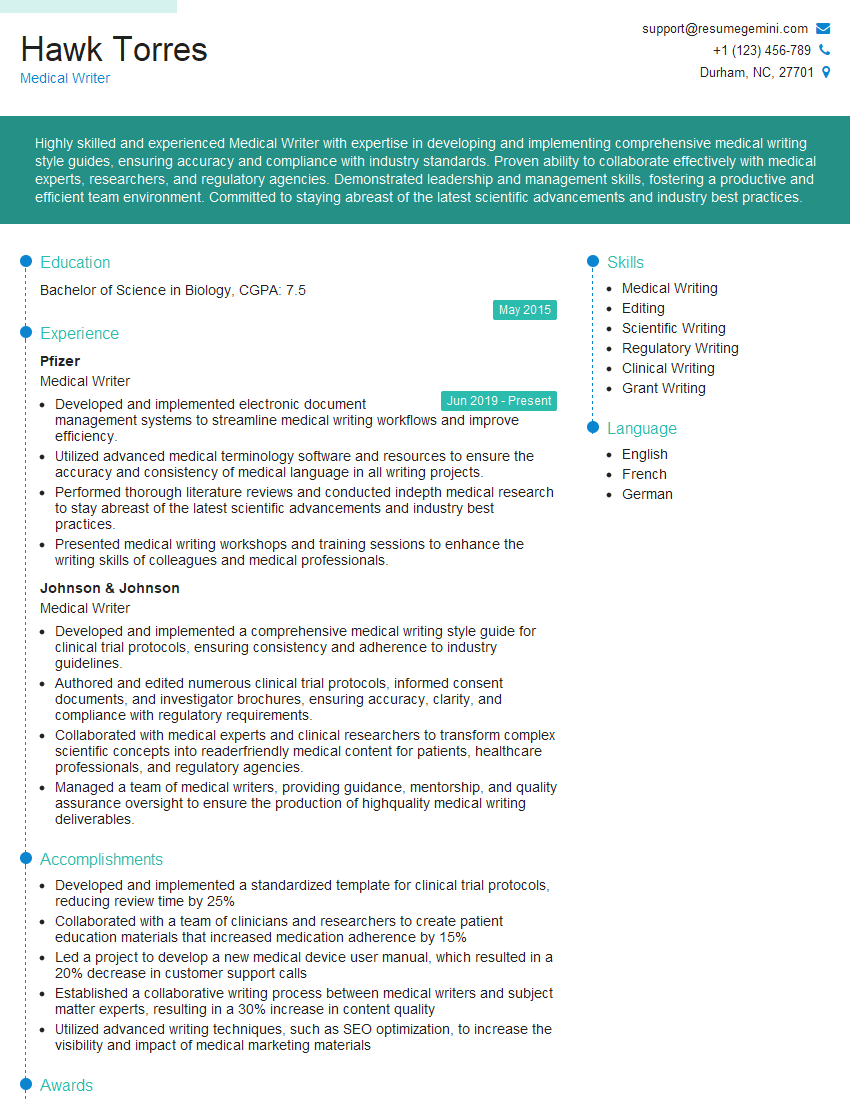
Medical Writer Resume Sample
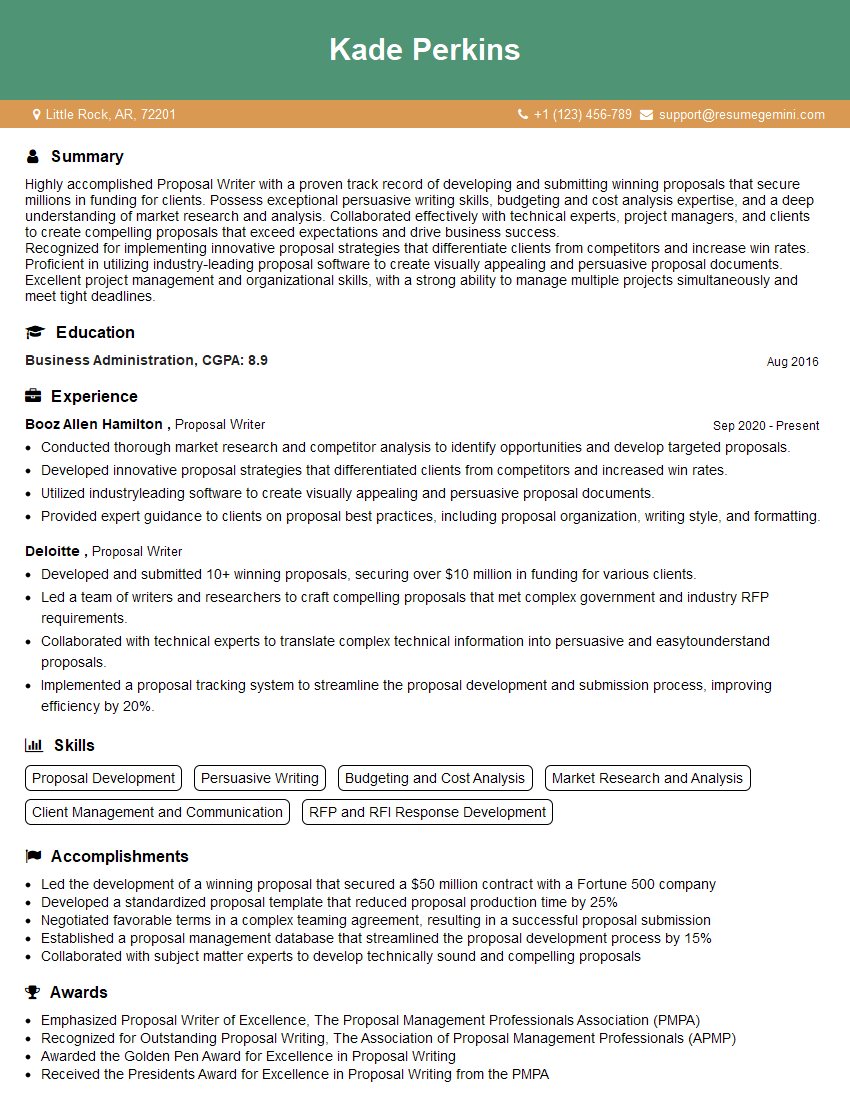
Proposal Writer Resume Sample
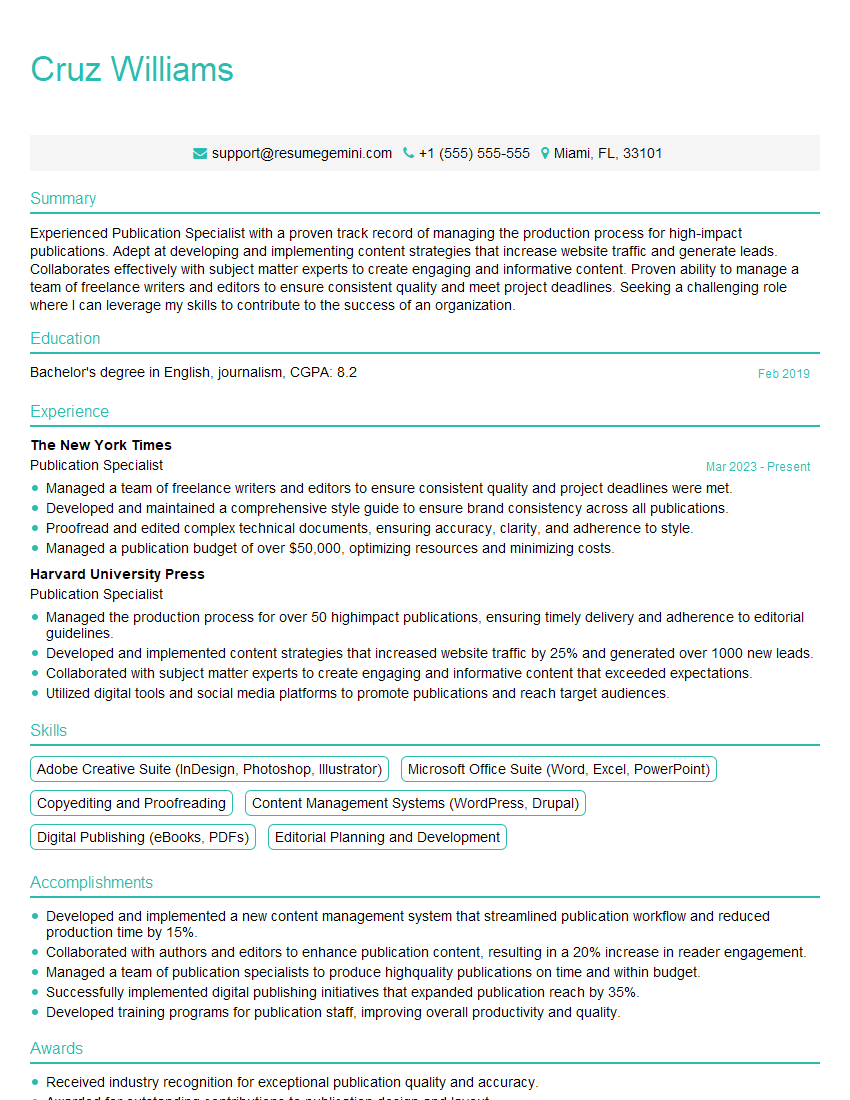
Publication Specialist Resume Sample
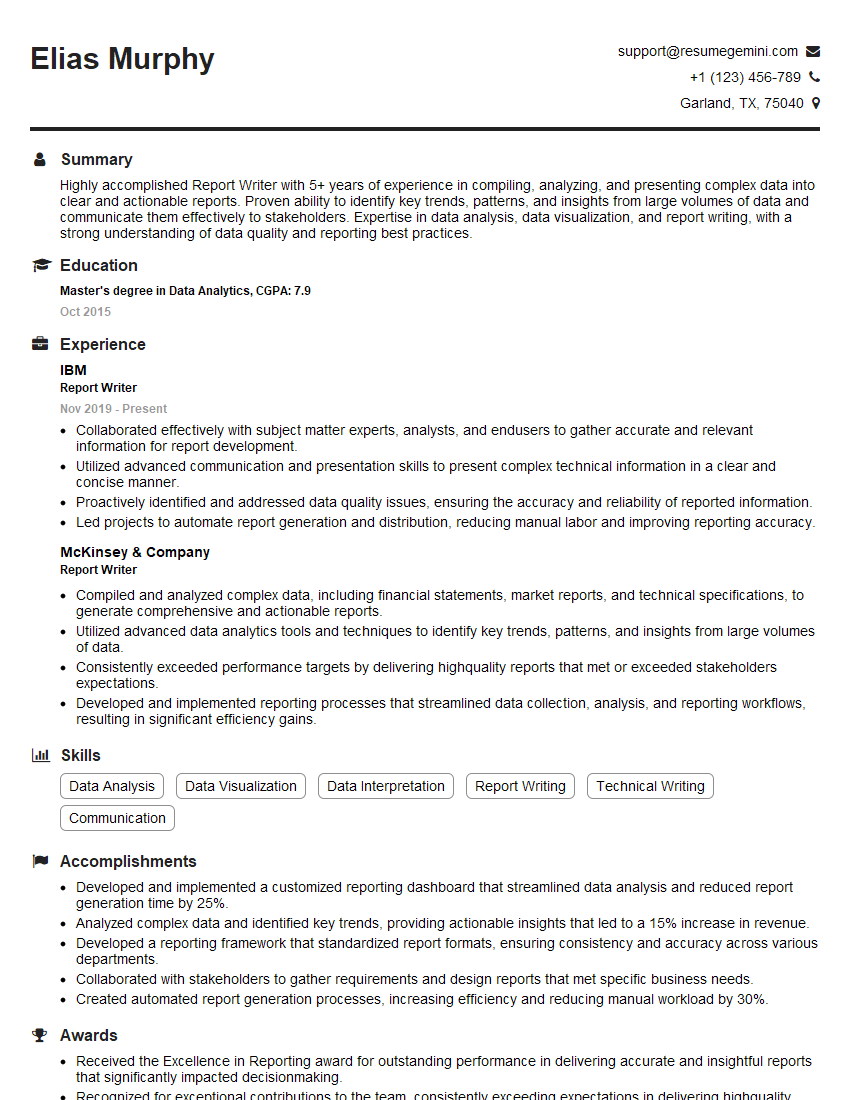
Report Writer Resume Sample
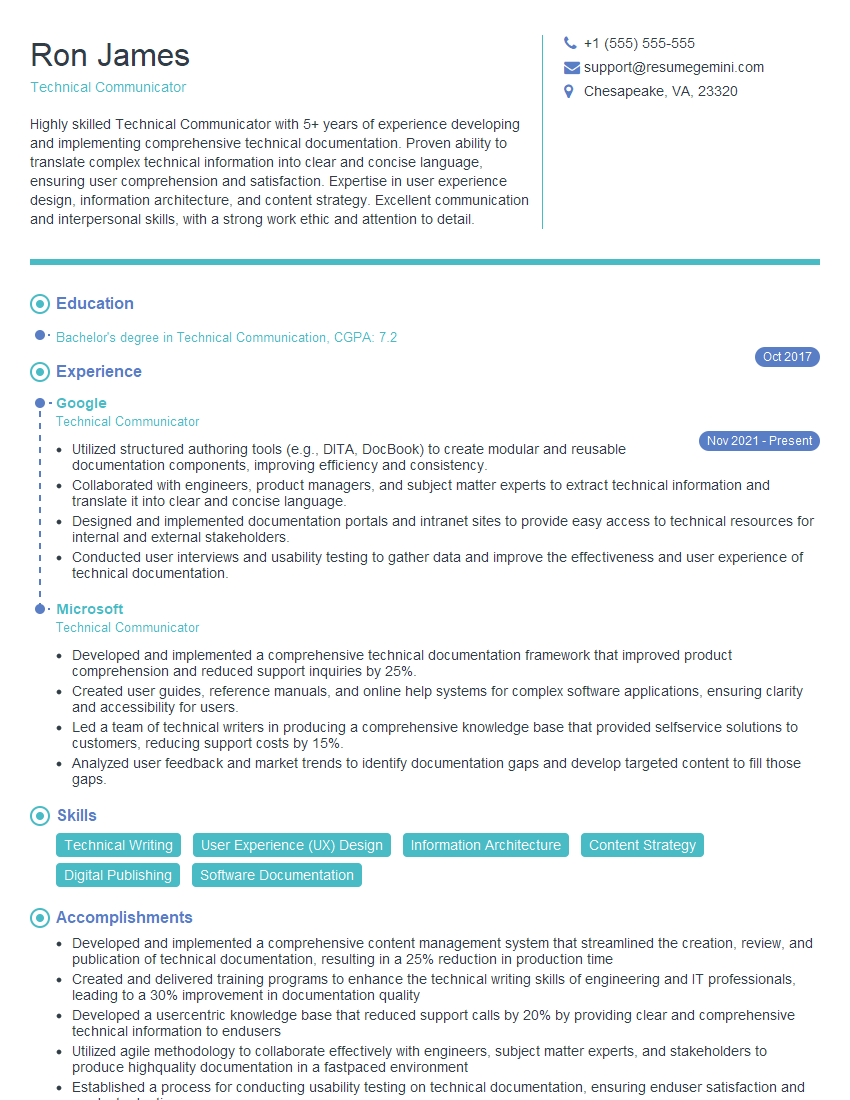
Technical Communicator Resume Sample

Technical Writer Resume Sample
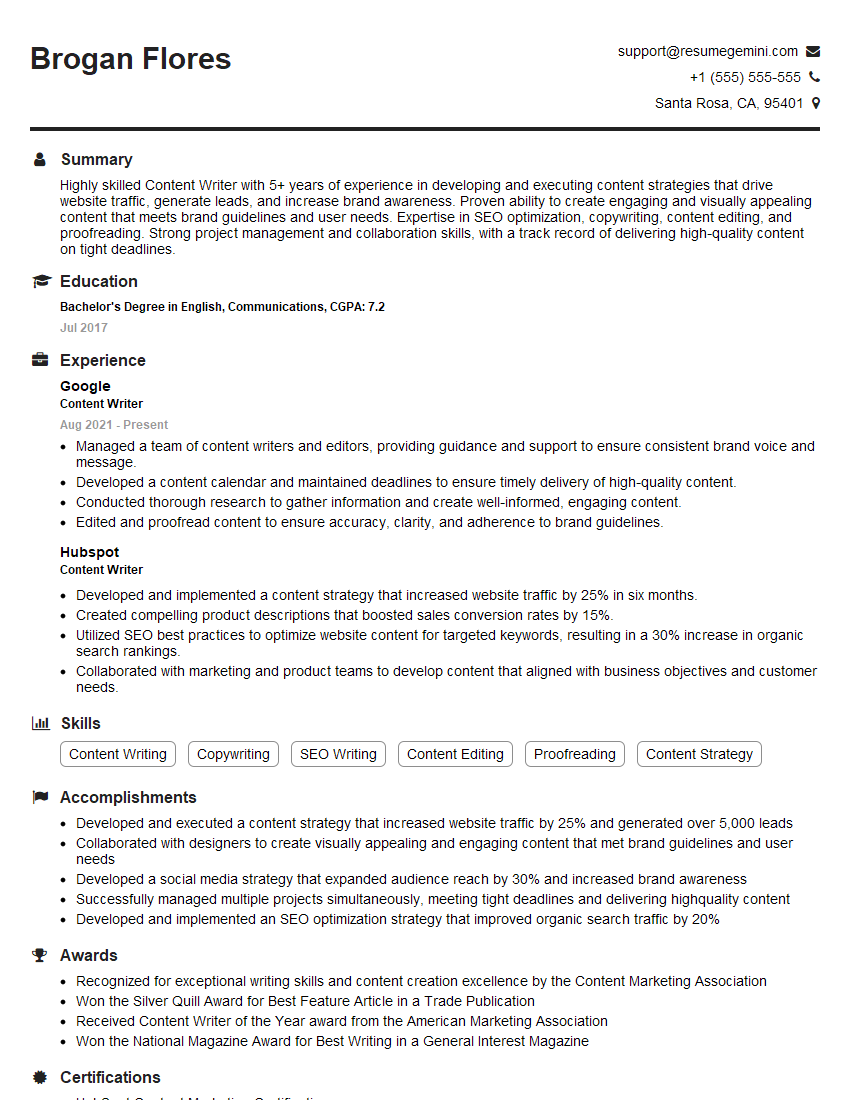
Content Writer Resume Sample
- Knowledge Manager
- Business Analyst
- Market Research Analyst
- Research Analyst
- Grant Writer
- Financial Analyst
- Data Analyst
- Information Architect
- Content Strategist
- Documentation Specialist
- Instructional Designer
- Information Developer
- Medical Writer
- Proposal Writer
- Publication Specialist
- Report Writer
- Technical Communicator
- Technical Writer
- Content Writer
Explore more articles
Users Rating of Our Blogs
Share Your Experience
We value your feedback! Please rate our content and share your thoughts (optional).
What Readers Say About Our Blog
To the interviewgemini.com Webmaster.
Very helpful and content specific questions to help prepare me for my interview!
Thank you
To the interviewgemini.com Webmaster.
This was kind of a unique content I found around the specialized skills. Very helpful questions and good detailed answers.
Very Helpful blog, thank you Interviewgemini team.