The right preparation can turn an interview into an opportunity to showcase your expertise. This guide to Schematics and Blueprints interview questions is your ultimate resource, providing key insights and tips to help you ace your responses and stand out as a top candidate.
Questions Asked in Schematics and Blueprints Interview
Q 1. Explain the difference between a schematic diagram and a blueprint.
Schematics and blueprints are both crucial in design and engineering, but they serve different purposes. Think of a schematic as a functional representation, focusing on the relationships between components, while a blueprint is a spatial representation, detailing the physical layout and dimensions of a design.
A schematic diagram, often used in electronics or other technical systems, uses symbols to represent components and lines to show their connections. It’s like a wiring diagram for a circuit or a flow chart for a process. The goal is to understand how the system works, not necessarily where each component is physically located. For instance, a schematic for a simple light circuit would show the light bulb, switch, and power source as symbols connected by lines, regardless of the actual placement of the components in a room.
A blueprint, on the other hand, is a detailed, scaled drawing showing the physical layout, dimensions, and specifications of a structure or object. Architects use blueprints to represent buildings, mechanical engineers use them for machinery, and so on. It’s like a detailed map of a physical space or object. If we extended the light circuit example, the blueprint would show exactly where the light fixture, switch, and power wiring are located in the room, including distances and sizes.
Q 2. Describe your experience with various CAD software packages.
Throughout my career, I’ve gained extensive experience with several leading CAD (Computer-Aided Design) software packages. My proficiency includes AutoCAD, for its precision in 2D drafting and detailed blueprint creation, particularly for mechanical and architectural applications. I’m also adept at Altium Designer, a specialized tool for creating electronic schematics and printed circuit board (PCB) layouts. Furthermore, I have experience with SolidWorks, a powerful 3D modeling software useful for creating complex mechanical assemblies and generating detailed manufacturing drawings. Finally, I’m comfortable using Fusion 360, a cloud-based CAD/CAM software ideal for its ease of use and integration of design and manufacturing processes.
In a recent project, using Altium Designer, I successfully designed and simulated a complex microcontroller-based system, leading to a significantly more efficient and robust end product. The combination of these tools allows me to handle a diverse range of projects with confidence and efficiency.
Q 3. How do you interpret symbols and notations on a schematic?
Interpreting symbols and notations on a schematic requires a strong foundation in the relevant domain-specific standards and conventions. Each industry often has its own set of standard symbols. For example, in electrical schematics, a circle with a cross inside represents a resistor, while a triangle might represent a transistor. In architectural blueprints, specific symbols indicate doors, windows, plumbing fixtures, etc.
My approach involves consulting the relevant standards documents and using cross-referencing techniques. Many CAD software packages offer libraries of standard symbols. I cross-check the symbols against the component list or the parts legend provided with the schematic. For instance, if I encounter an unfamiliar symbol in an electrical schematic, I would refer to industry standards (like ANSI/IEEE) to identify it and understand its function. This thorough approach ensures accurate interpretation and avoids potential errors in understanding the system’s design.
Q 4. How do you identify potential design flaws in a schematic or blueprint?
Identifying potential design flaws in schematics and blueprints requires a systematic approach combining technical knowledge with critical thinking. I typically employ several strategies:
- Component analysis: I carefully examine each component in the schematic, verifying its suitability for the intended application. This includes checking for power ratings, voltage compatibility, and thermal considerations.
- Connectivity verification: I systematically trace all connections to ensure there are no shorts, open circuits, or incorrect wiring. This is crucial for avoiding malfunctions or safety hazards.
- Spatial analysis (blueprints): In blueprints, I check for clashes between components, accessibility issues, and compliance with relevant building codes and regulations. For example, I’d look for proper clearances around equipment, adequate ventilation, and appropriate fire safety measures.
- Simulation (where applicable): For electronic schematics, circuit simulation software can be invaluable in identifying potential issues before physical construction. This can reveal issues like unexpected voltage drops, signal integrity problems, or instability.
- Design reviews: Presenting the design to other engineers for review and feedback is an essential part of the process. A fresh perspective often identifies flaws overlooked during individual review.
For instance, in a mechanical blueprint, I might identify a potential interference between two moving parts, or in an electrical schematic, I might find a missing fuse that could lead to a short circuit. Addressing these issues early saves time and resources in the long run.
Q 5. Explain the process of creating a schematic from a design concept.
The process of creating a schematic from a design concept is iterative and often involves several steps:
- Concept definition: This begins with a clear understanding of the system’s purpose, functionality, and constraints.
- Component selection: The next step involves choosing the appropriate components to achieve the desired functionality. This may involve considering cost, availability, performance, and size factors.
- Schematic creation: Using CAD software, I then create the schematic diagram. This includes placing the components, connecting them according to the design, and adding relevant annotations.
- Simulation and verification: If applicable, I simulate the schematic to verify its functionality and identify potential issues.
- Revision and refinement: Based on the simulation results and any design reviews, I revise and refine the schematic to address any problems.
- Documentation: Once the schematic is finalized, I create detailed documentation that includes a parts list, component specifications, and any other relevant information.
For example, when designing a simple robotic arm, the concept phase would define the movements and payload. Then I select suitable motors, sensors, and microcontrollers. The schematic would then illustrate the wiring and connections between these components. Simulations would help to confirm the control algorithm’s effectiveness and prevent unexpected behaviour.
Q 6. How do you ensure accuracy and consistency in your schematics and blueprints?
Ensuring accuracy and consistency in schematics and blueprints is crucial for avoiding costly errors and delays. My approach involves several key steps:
- Standardisation: I use standardized symbols and notations according to relevant industry standards. This promotes clarity and easy understanding by others.
- Version control: Employing a version control system (e.g., Git) allows for tracking revisions, collaboration with others, and easy rollback to previous versions if needed.
- Regular checks: Throughout the design process, I regularly review and check for errors or inconsistencies, both manually and through automated tools provided by the CAD software.
- Cross-referencing: I ensure consistency by cross-referencing information between different sections of the schematics and blueprints. For example, component designations should match across the schematic and parts list.
- Design reviews: Peer reviews are essential for catching errors or oversights. A fresh pair of eyes can often identify issues easily overlooked by the original designer.
For example, in a large-scale project, maintaining a consistent numbering system for components and using clear annotation is essential to avoid ambiguity and misunderstandings. This rigorous approach guarantees a high level of quality and reduces errors down the line.
Q 7. Describe your experience with different types of blueprints (e.g., architectural, mechanical, electrical).
My experience encompasses various types of blueprints, including architectural, mechanical, and electrical.
Architectural blueprints are crucial for building construction, detailing floor plans, elevations, sections, and structural elements. I’ve worked on projects that required interpreting architectural drawings to understand building layout for integrating mechanical and electrical systems.
Mechanical blueprints depict machinery and equipment, including dimensions, tolerances, and material specifications. My expertise extends to creating and understanding these blueprints for integrating mechanical components into larger systems. I’ve been involved in projects requiring the design and analysis of mechanical systems and their integration into a building infrastructure.
Electrical blueprints show power distribution, lighting, communication systems, and other electrical aspects of a building. My proficiency in electrical schematics is vital in ensuring proper coordination between the electrical systems and other aspects of building design.
This broad experience allows me to effectively collaborate with professionals from diverse disciplines and ensure the seamless integration of various systems in complex projects. For example, I’ve worked on projects where I had to coordinate between electrical, mechanical, and architectural drawings to ensure that different systems fit together within the constraints of the building design. This requires a deep understanding of each type of blueprint and their interaction.
Q 8. How do you handle revisions and updates to existing schematics and blueprints?
Managing revisions and updates to schematics and blueprints is crucial for maintaining accuracy and avoiding costly errors. We use a robust revision control system, often integrated with CAD software. Each revision is clearly numbered and dated, with a description detailing the changes made. This allows easy tracking of modifications and ensures everyone is working with the most up-to-date version. For example, if a pipe diameter needs changing on a plumbing schematic, a new revision is created, clearly indicating the alteration and its location. We also maintain a history log to easily compare previous versions if needed. Using a centralized repository prevents version conflicts and ensures all stakeholders have access to the approved versions.
Furthermore, we often implement a formal approval process, where changes must be reviewed and signed off by relevant engineers and project managers before being incorporated into the main project files. This rigorous approach minimises the risk of errors and ensures the integrity of the drawings.
Q 9. How familiar are you with industry standards and best practices for schematics and blueprints?
I’m very familiar with industry standards and best practices for schematics and blueprints. My experience encompasses various standards, including ANSI, ISO, and ASME, depending on the project and its specific requirements. Understanding these standards is paramount to ensuring clarity, consistency, and interoperability across different projects and teams. For example, I know the importance of using consistent line weights, text sizes, and symbols. I’m adept at following established conventions for dimensioning, tolerancing, and material specifications, ensuring the drawings are unambiguous and easily interpreted by anyone familiar with the relevant standards. Staying current on these standards through continuing education and professional development is a continuous part of my professional growth.
Q 10. Explain your process for reviewing and verifying the accuracy of a schematic or blueprint.
My review and verification process involves a meticulous step-by-step approach. It begins with a thorough visual inspection to check for any inconsistencies or obvious errors. Next, I verify dimensions against calculations and specifications. This frequently involves cross-referencing with other relevant documents, like design specifications or material lists. I then check the consistency of components and their connections, ensuring everything aligns logically. For complex systems, I may utilize software to perform automated checks for potential conflicts or errors. Finally, I conduct a detailed check for compliance with relevant industry standards and company procedures. Think of it like assembling a complex jigsaw puzzle; every piece must fit perfectly and align with the overall picture. This rigorous process is essential to ensure the schematic or blueprint is accurate, complete, and safe to use.
Q 11. Describe your experience working with different drawing scales.
I have extensive experience working with various drawing scales, from very large scales for detailed components to smaller scales for overall layouts. Understanding scale is fundamental to interpreting and creating accurate drawings. I’m proficient in converting between scales, using both metric and imperial units. For instance, I can easily switch between a 1:1 scale for a detailed assembly drawing and a 1:100 scale for a site plan, understanding the implications of each scale for accuracy and detail. My ability to seamlessly adapt to different scales ensures efficient and accurate work across diverse projects. I understand that incorrect scale can lead to serious consequences so I’m meticulous in ensuring precision.
Q 12. How do you interpret dimensioning and tolerancing on a blueprint?
Interpreting dimensioning and tolerancing is crucial for ensuring the manufactured product meets design specifications. I understand various dimensioning methods, including linear, angular, and radial dimensions. I’m also proficient in interpreting tolerances, understanding the acceptable variations in dimensions and their implications for manufacturing. For example, a dimension given as ’10 ± 0.1 mm’ indicates the acceptable range is between 9.9mm and 10.1 mm. Understanding geometric dimensioning and tolerancing (GD&T) symbols and their meaning is essential for interpreting more complex specifications. I always make sure to carefully examine these aspects to avoid misinterpretations that could lead to manufacturing issues.
Q 13. How do you collaborate with other engineers and designers on a project involving schematics and blueprints?
Collaboration is key in any engineering project. I typically use collaborative design platforms and regularly scheduled meetings to facilitate effective communication and coordination with other engineers and designers. We utilize version control systems to avoid conflicts and ensure everyone is working with the latest revisions. Regular design reviews are conducted to identify potential issues and ensure all aspects of the design are consistent and meet the project requirements. Open communication and a willingness to listen to and incorporate feedback from others are essential for creating a successful project. This is especially critical in complex multi-disciplinary projects where everyone is working towards a common goal.
Q 14. How do you manage large and complex sets of schematics and blueprints?
Managing large and complex sets of schematics and blueprints requires a structured and organized approach. I use a combination of digital organization tools and project management techniques to ensure efficient workflow. This includes using advanced CAD software with robust search and filtering capabilities to locate specific drawings quickly. We also employ a detailed document management system to organize drawings by project, subsystem, and revision number. Furthermore, I utilize cloud-based storage and collaboration platforms, which allow easy access and sharing of files among team members. Using a consistent naming convention for files and folders is paramount to maintain order and prevent confusion. This organized approach ensures smooth project flow and allows efficient retrieval of specific information when needed.
Q 15. Describe your experience with creating and using BOM (Bill of Materials) from schematics and blueprints.
Generating and utilizing a Bill of Materials (BOM) from schematics and blueprints is a crucial step in any engineering or construction project. A BOM is a comprehensive list of all the components, materials, and parts needed for a project, along with their quantities. My experience involves using various CAD software packages (AutoCAD, SolidWorks, Altium) to extract this information. I’m proficient in both manual and automated BOM generation. Manual generation typically involves meticulously reviewing the schematics and blueprints and listing each item, while automated BOM generation leverages the software’s built-in features to create a BOM directly from the design files. This automated approach significantly reduces errors and saves time. For example, in a recent project involving a complex electronic circuit, the automated BOM generation from Altium Designer saved approximately 20% of the time compared to manual generation, allowing for a quicker turnaround time.
I also have extensive experience in cross-referencing the BOM with procurement documents to ensure accurate ordering and inventory management. Furthermore, I’m adept at updating and revising the BOM as the design evolves, ensuring the document remains relevant throughout the project lifecycle. This ensures that the correct components are purchased and the project stays on schedule and within budget.
Career Expert Tips:
- Ace those interviews! Prepare effectively by reviewing the Top 50 Most Common Interview Questions on ResumeGemini.
- Navigate your job search with confidence! Explore a wide range of Career Tips on ResumeGemini. Learn about common challenges and recommendations to overcome them.
- Craft the perfect resume! Master the Art of Resume Writing with ResumeGemini’s guide. Showcase your unique qualifications and achievements effectively.
- Don’t miss out on holiday savings! Build your dream resume with ResumeGemini’s ATS optimized templates.
Q 16. Explain your experience with using and interpreting different types of views in blueprints (e.g., section views, elevation views).
Blueprints employ various views to represent a three-dimensional object on a two-dimensional plane. Understanding and interpreting these views is paramount to comprehending the design. I’m highly proficient in reading and interpreting section views, elevation views, plan views, and isometric views. Section views, for instance, reveal the internal structure of an object by showing a ‘slice’ through it, like cutting a cake to see the layers. Elevation views show the vertical face of an object, revealing its height and features. Plan views, on the other hand, provide a top-down view, typically used for floor plans or layouts. I frequently use these different views in conjunction with one another to grasp the complete picture. Consider a building design: the floor plan (plan view) shows the room arrangement, elevation views portray the external facade, and section views might illustrate the structural elements within the walls.
My experience includes using these views not only for understanding existing designs but also for creating detailed and accurate blueprints myself. I’m accustomed to annotating and adding dimensioning and notes to these views for clarity and to ensure accurate interpretation by others.
Q 17. How familiar are you with the different types of lines used in schematics and blueprints and their significance?
Line weight and type are critical in schematics and blueprints. They communicate different information and are used to distinguish between various elements. I’m familiar with various line types, including:
- Solid lines: Represent visible outlines and features.
- Dashed lines: Indicate hidden or center lines.
- Dotted lines: Often used for cutting planes in section views or to denote construction lines.
- Dimension lines: Used to indicate measurements, typically with arrowheads at the ends.
- Leader lines: Connect annotations or notes to specific features.
- Phantom lines: Show alternative positions or options.
Understanding the significance of each line type is crucial. For instance, misinterpreting a dashed line as a solid line can lead to construction errors. I always adhere to established standards and conventions for line usage to avoid ambiguity and maintain design consistency. My experience ensures that I can instantly identify the various types and interpret their meaning effectively, significantly improving my ability to translate schematics and blueprints into actionable plans.
Q 18. How do you ensure the clarity and readability of your schematics and blueprints?
Clarity and readability are paramount for effective communication in engineering. I use several strategies to ensure my schematics and blueprints meet this standard. These include:
- Consistent scaling and labeling: Maintaining a uniform scale across drawings and using clear, concise labels for all components and features.
- Strategic use of color and line weights: Distinguishing between different elements using distinct colors and line weights according to industry best practices.
- Effective annotation and notes: Providing clear and concise annotations and notes wherever needed to explain design features or clarify potentially ambiguous sections.
- Organized layout and layering: Organizing drawings using layers for different elements and ensuring a logical arrangement to improve visual flow and avoid clutter.
- Revision control: Implementing a robust revision control system to track changes, maintain version history, and ensure all stakeholders are working with the most up-to-date information.
For example, in a recent project involving a complex piping system, using a layer system for each pipe diameter, valve type, and insulation, made the drawing easy to follow and minimized confusion during installation.
Q 19. How do you manage conflicts or discrepancies between different drawings or documents?
Conflicts or discrepancies between drawings can arise and are addressed through a systematic approach. My process typically involves:
- Careful review and comparison: Thoroughly comparing all relevant drawings and documents to pinpoint discrepancies.
- Communication and collaboration: Engaging with other engineers or stakeholders to identify the root cause of the conflicts and propose solutions. This often involves meetings and discussions to reach a consensus.
- Documentation and revision: Clearly documenting any identified conflicts and the agreed-upon solutions. Updating all relevant drawings and documents to reflect the revised information. Often, this will necessitate issuing a formal revision to the blueprint.
- Utilizing revision control systems: Employing a version control system is vital to tracking all changes and resolving conflicts efficiently.
I’ve encountered situations where different disciplines (e.g., electrical and mechanical) had conflicting layouts. Resolving these required careful coordination and compromise, ensuring the final design satisfies all requirements.
Q 20. Describe a challenging schematic or blueprint you had to work with, and how you overcame the challenges.
One challenging project involved interpreting a set of poorly documented schematics for a legacy industrial control system. The schematics were incomplete, lacked clear labeling, and contained inconsistencies in symbols and annotations. The original designers were no longer available. To overcome this, I employed a multi-pronged approach:
- Thorough analysis: Carefully reviewing every element in the schematics, attempting to understand the underlying logic and functionality.
- On-site inspection: I visited the site to examine the physical system, which provided valuable insights not present in the documentation.
- Reverse engineering: Based on my analysis and on-site observations, I performed reverse engineering to partially recreate the missing information and fill in gaps in the documentation. This was a time consuming but necessary step.
- Collaboration with subject matter experts: I sought input from experienced technicians familiar with the system to help clarify ambiguous aspects of the schematics.
By combining these methods, I successfully reconstructed a usable and understandable representation of the control system, which greatly facilitated maintenance and future upgrades.
Q 21. What are some common mistakes to avoid when creating schematics and blueprints?
Several common mistakes can significantly compromise the quality and usability of schematics and blueprints. These include:
- Inconsistent scaling and labeling: This can lead to misinterpretations and construction errors.
- Poor annotation and notes: Vague or missing annotations make the drawings difficult to understand.
- Lack of revision control: Working with outdated drawings can create significant problems and errors.
- Ignoring standard conventions: Using non-standard symbols and line types leads to confusion and ambiguity.
- Overcrowding and cluttered layouts: Poorly organized drawings are hard to read and interpret.
- Insufficient detail: Leaving out crucial dimensions or information can result in incomplete designs.
Avoiding these mistakes requires careful planning, consistent adherence to standards, and a focus on clear communication throughout the design process. Regular review and quality checks are also essential to ensure accuracy and readability.
Q 22. How do you stay current with the latest advancements in schematic and blueprint technology?
Staying current in the ever-evolving field of schematic and blueprint technology requires a multi-pronged approach. I actively participate in professional organizations like the IEEE and ASME, attending conferences and webinars to learn about the latest software updates, design methodologies, and industry best practices. This allows me to network with other experts and learn from their experiences. I also subscribe to industry-specific publications and journals, such as CADalyst and Engineering.com, and regularly review online resources and tutorials. Finally, I dedicate time to hands-on experimentation with new software features and techniques, constantly refining my skills through personal projects and challenging assignments.
For example, I recently attended a conference focusing on the application of BIM (Building Information Modeling) to electrical schematic design. This exposed me to innovative techniques for coordinating electrical systems with other building disciplines, leading to significant improvements in my project workflow and the overall quality of the deliverables.
Q 23. How would you explain a complex schematic or blueprint to someone without technical expertise?
Explaining a complex schematic or blueprint to a non-technical audience requires a shift in communication style. I start by establishing a common ground, using analogies to relatable concepts. For instance, explaining a plumbing schematic, I might compare the pipes to roads on a city map, with different sizes representing different traffic capacities. I’d then use visual aids, highlighting key components and their functions in a clear, concise manner, avoiding jargon. I break down the overall system into smaller, more easily digestible parts, focusing on the ‘big picture’ before delving into the details. Interactive elements, such as pointing out specific areas on the diagram while verbally explaining their role, greatly improve understanding. Finally, I encourage questions and feedback throughout the explanation, ensuring that the information is fully grasped.
For example, while explaining a floor plan to a client, instead of discussing ‘structural members’ and ‘load-bearing walls’, I would refer to them as ‘supporting pillars’ and ‘weight-bearing walls’. The client readily understands the function of those components without being overwhelmed by technical terminology.
Q 24. Describe your experience with using version control systems for managing schematics and blueprints.
Version control is crucial for managing the evolution of schematics and blueprints. Throughout my career, I’ve extensively used Git and SVN (Subversion), along with platforms like GitHub and Bitbucket. My workflow typically involves committing changes frequently, with clear and concise commit messages describing the modifications. I utilize branching strategies, creating separate branches for different features or bug fixes, to ensure clean, isolated development environments. This allows for parallel work on different aspects of a project without disrupting the main development line. Before merging changes back into the main branch, I perform thorough code reviews, ensuring accuracy and compliance with project standards. This process maintains a comprehensive history of all changes, making it easy to track progress, revert to earlier versions if necessary, and collaborate effectively with team members.
In a recent project, using Git branches allowed two engineers to work on separate revisions of a complex HVAC schematic simultaneously. The branching system facilitated easy merging once both sets of changes were reviewed and approved, avoiding conflicts and ensuring a streamlined process.
Q 25. How do you ensure that your schematics and blueprints are compliant with relevant regulations and codes?
Compliance with relevant regulations and codes is paramount. My process begins with a thorough understanding of all applicable standards, including local building codes, industry regulations (like NEC for electrical work), and any client-specific requirements. I incorporate these standards into the design process from the outset, rather than as an afterthought. I utilize design review checklists to ensure compliance at each stage, and I leverage specialized software plugins or add-ons that help enforce these standards. Regular internal audits and external reviews by qualified professionals further ensure compliance and identify potential issues early in the design lifecycle. Detailed documentation of all design decisions and compliance rationale is crucial for auditing and future reference.
For example, I recently worked on a project requiring compliance with the latest seismic codes. Using specialized software, I generated load calculations and incorporated reinforcement details as per the code specifications. The final design underwent a thorough structural review to ensure its compliance before construction could commence.
Q 26. Explain your understanding of the different layers and their importance in CAD drawings.
Layered drawings are the cornerstone of efficient CAD workflows. Different layers are used to categorize various aspects of the design, such as architectural elements (walls, doors), structural components (beams, columns), MEP systems (electrical conduits, plumbing pipes), and annotations (dimensions, text). This organization facilitates clear visualization, selective visibility control (turning layers on or off to focus on specific details), and simplifies editing and modifications. Each layer can have its own properties, such as line weight, color, and linetype, enhancing clarity and differentiating between various design elements. Managing layers effectively significantly reduces design errors and enhances collaboration among team members.
Imagine a blueprint with everything drawn in the same color and line weight. It would be impossible to distinguish between walls, pipes, and electrical wiring. Layers help organize this information, allowing for a much clearer and more manageable representation of the design.
Q 27. How do you approach creating detailed sections and details in your drawings?
Creating detailed sections and details requires meticulous attention to scale and clarity. I begin by identifying the critical areas requiring detailed representation. This is often determined by complex intersections, intricate components, or areas where specific construction techniques are necessary. I then create appropriately scaled sections and details, showing critical dimensions, material specifications, and construction methods. Clear labeling and annotation are paramount, ensuring unambiguous communication to the construction team. I use consistent standards for line types, hatching patterns, and annotation styles to maintain uniformity and readability. Advanced CAD features, such as 3D modeling and rendering, are utilized to create visually compelling and easily understandable representations.
For instance, when detailing a complex connection between steel beams, I’d create a magnified section view highlighting the bolt pattern, plate thicknesses, and welding details, ensuring the contractor accurately understands the required assembly process.
Key Topics to Learn for Schematics and Blueprints Interviews
- Electrical Schematics: Understanding component symbols, reading circuit diagrams, tracing signal paths, and identifying common circuit topologies.
- Blueprint Reading: Interpreting architectural drawings, understanding scale and dimensions, identifying different views (plan, elevation, section), and recognizing construction details.
- Schematic Capture Software: Familiarity with industry-standard software for creating and modifying schematics (e.g., AutoCAD Electrical, Altium Designer). Understanding the workflow and best practices.
- Component Identification and Selection: Knowing how to identify components based on their symbols and datasheets, and choosing appropriate components for specific applications.
- Practical Application: Troubleshooting circuits using schematics and blueprints, identifying potential design flaws, and proposing solutions. Experience with hands-on projects is valuable.
- Design Principles: Understanding fundamental design principles like signal integrity, power distribution, and thermal management. How these considerations influence schematic design and layout.
- Manufacturing Processes: Basic understanding of how schematics and blueprints translate into physical products – PCB fabrication, assembly, and testing.
- Industry Standards and Regulations: Familiarity with relevant industry standards and safety regulations that impact schematic and blueprint design.
- Problem-Solving and Analytical Skills: Demonstrate your ability to approach complex problems systematically, using schematics and blueprints as tools to diagnose and resolve issues.
Next Steps
Mastering schematics and blueprints is crucial for career advancement in engineering, manufacturing, and related fields. A strong understanding of these skills showcases your technical aptitude and problem-solving abilities, making you a highly desirable candidate. To further boost your job prospects, focus on creating an ATS-friendly resume that highlights your relevant skills and experience. ResumeGemini is a trusted resource that can help you build a professional and impactful resume. They offer examples of resumes tailored to Schematics and Blueprints professionals, providing you with valuable templates and guidance.
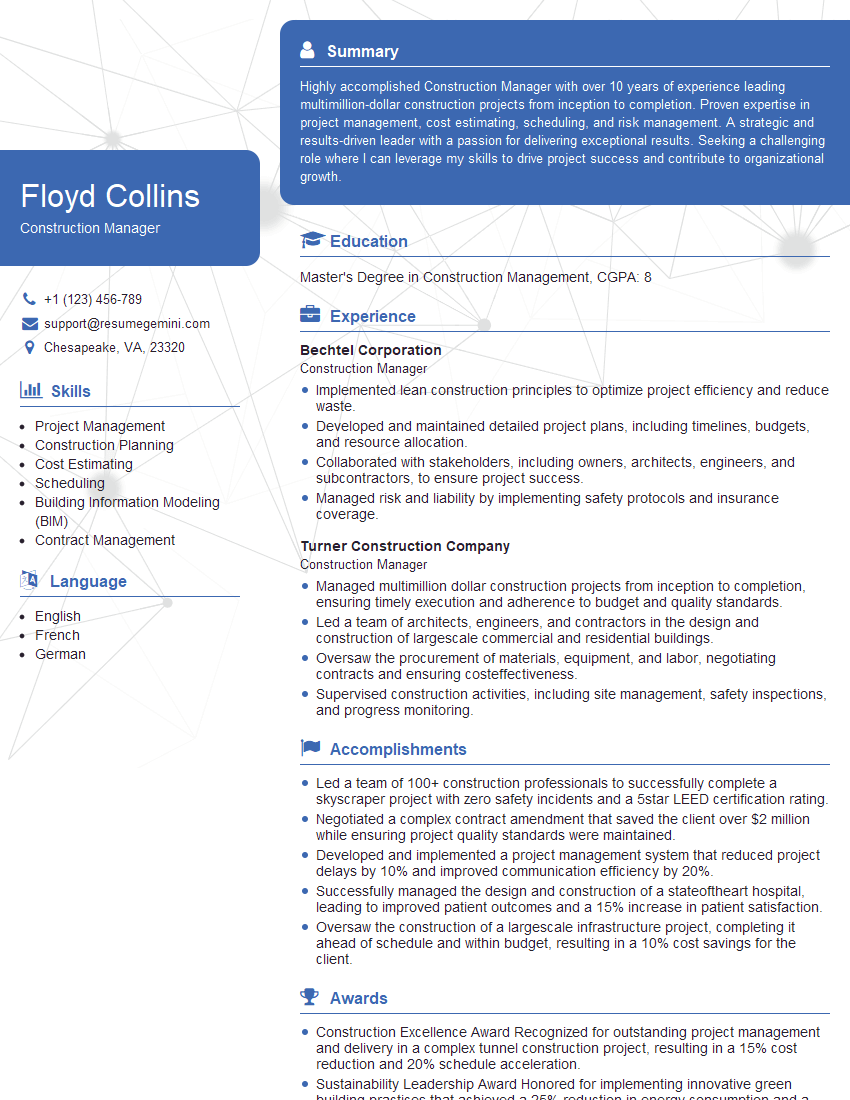
Construction Manager Resume Sample
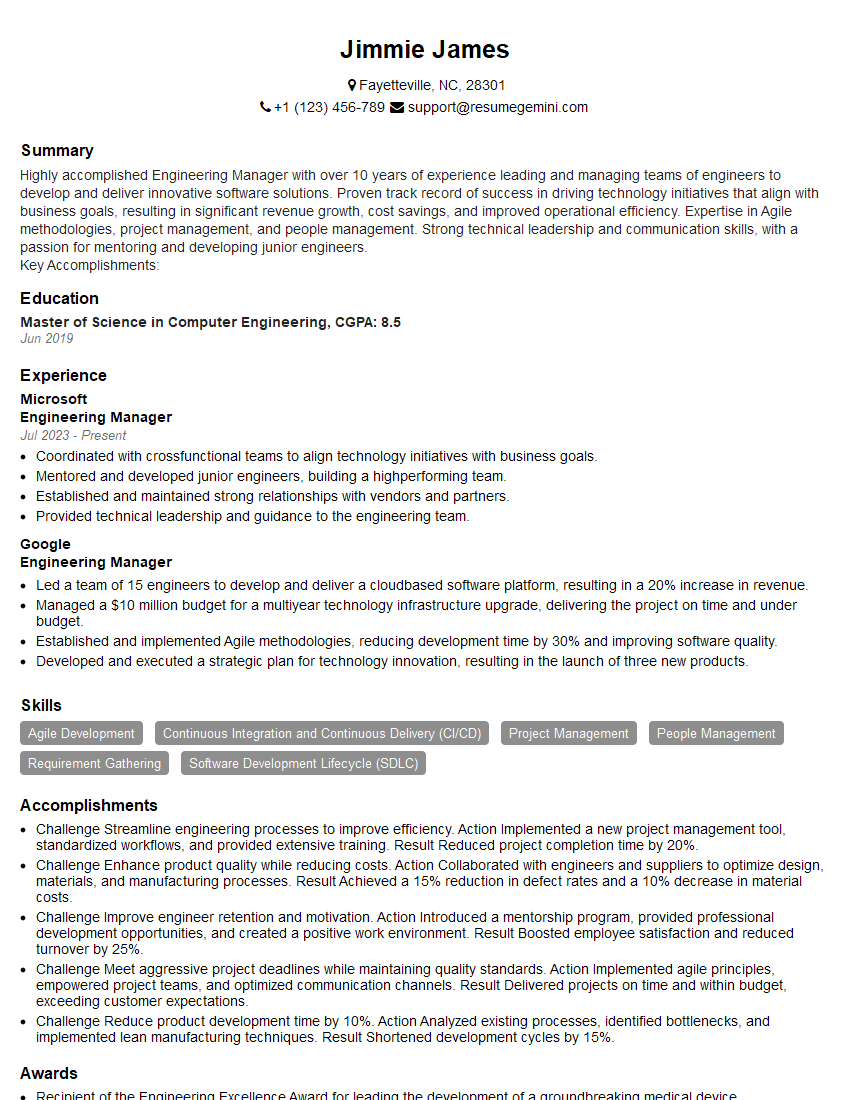
Engineering Manager Resume Sample

Project Engineer Resume Sample

Systems Engineer Resume Sample
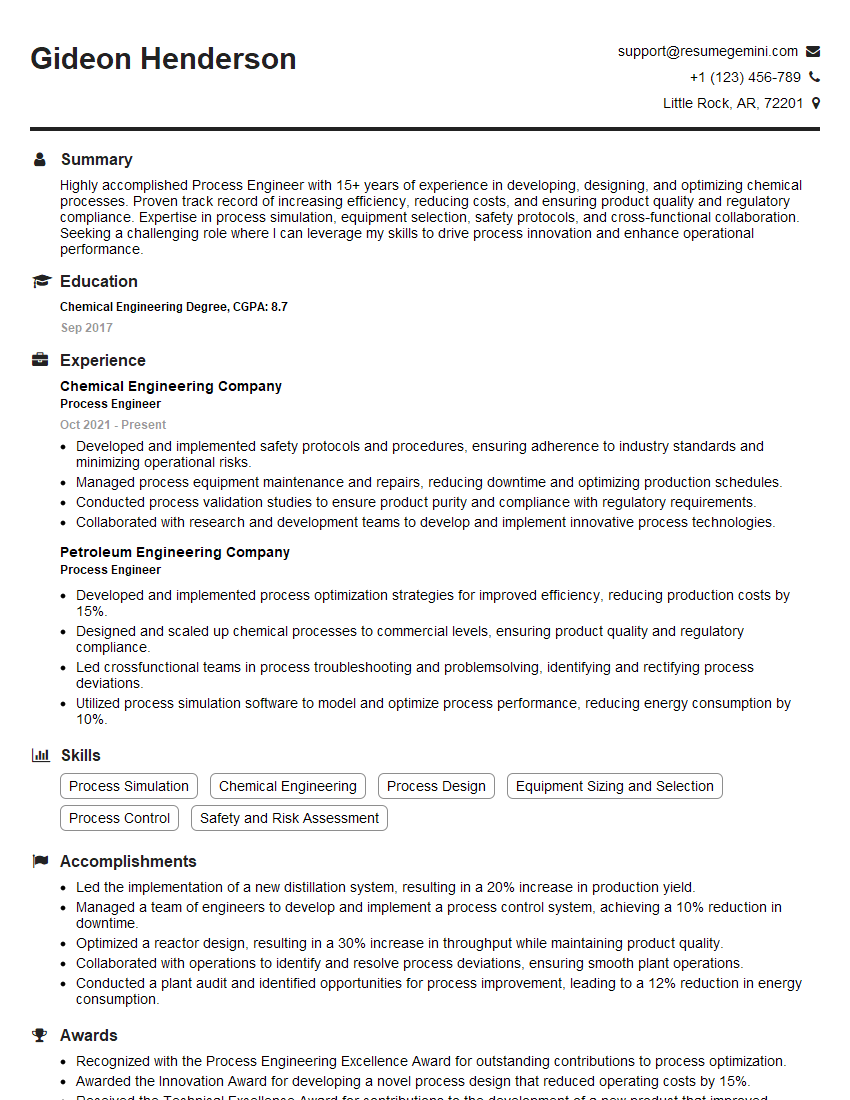
Process Engineer Resume Sample

Design Engineer Resume Sample
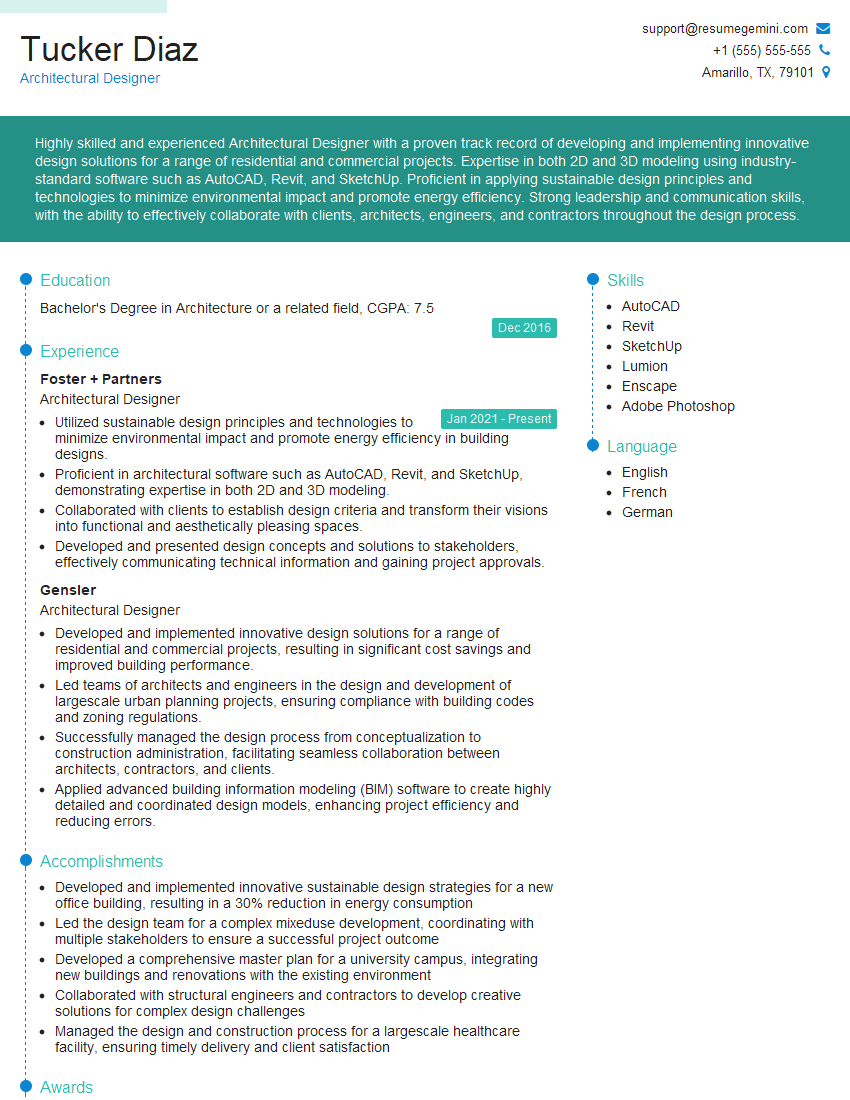
Architectural Designer Resume Sample
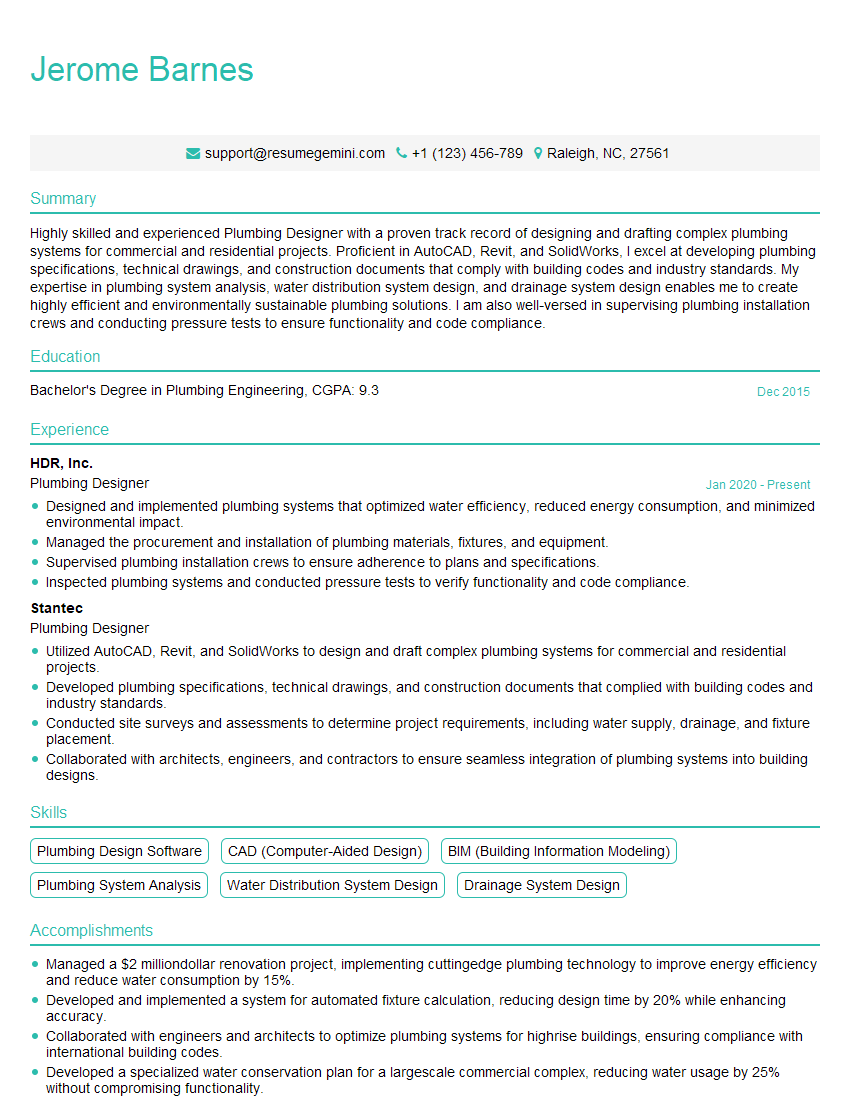
Plumbing Designer Resume Sample
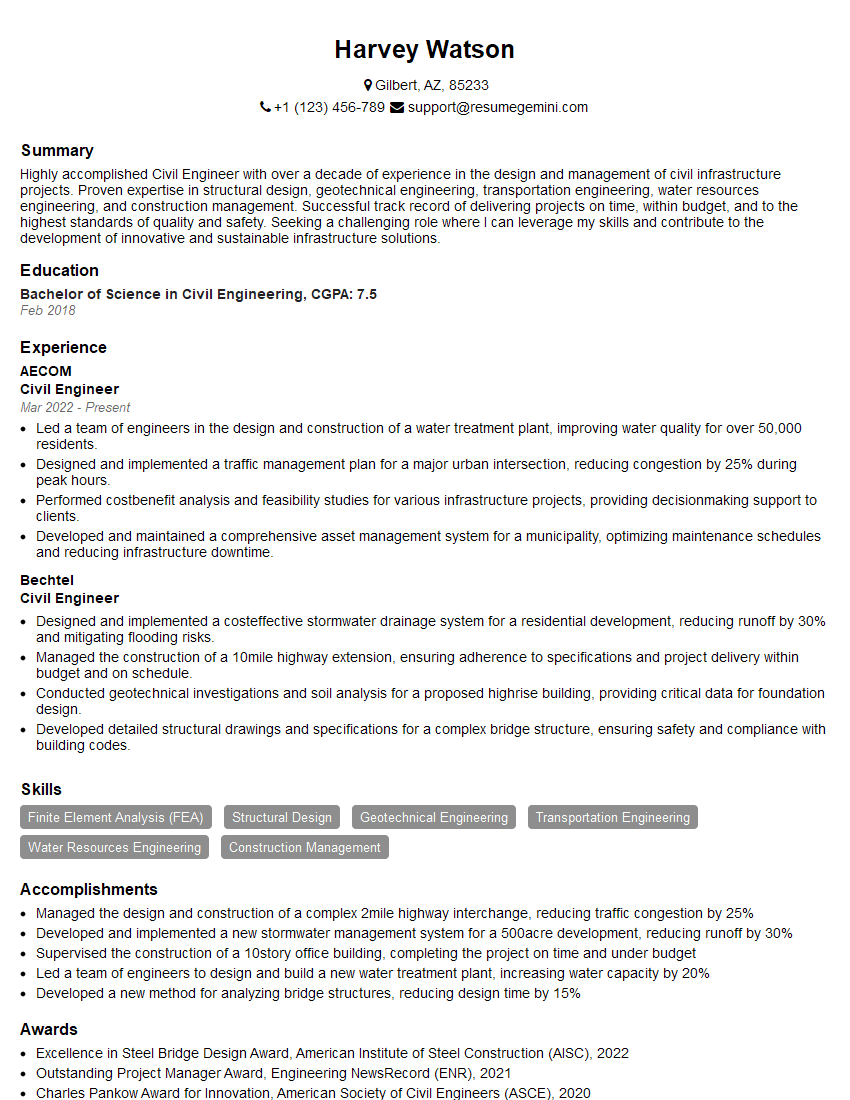
Civil Engineer Resume Sample
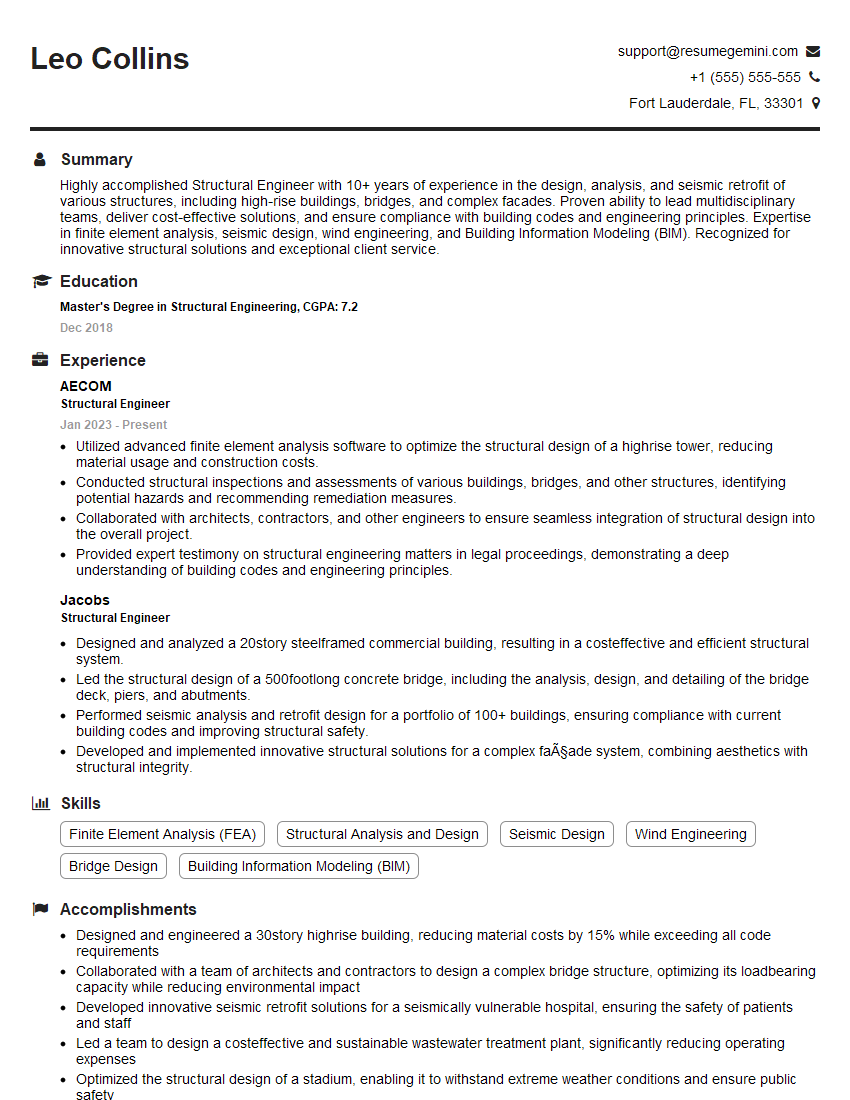
Structural Engineer Resume Sample
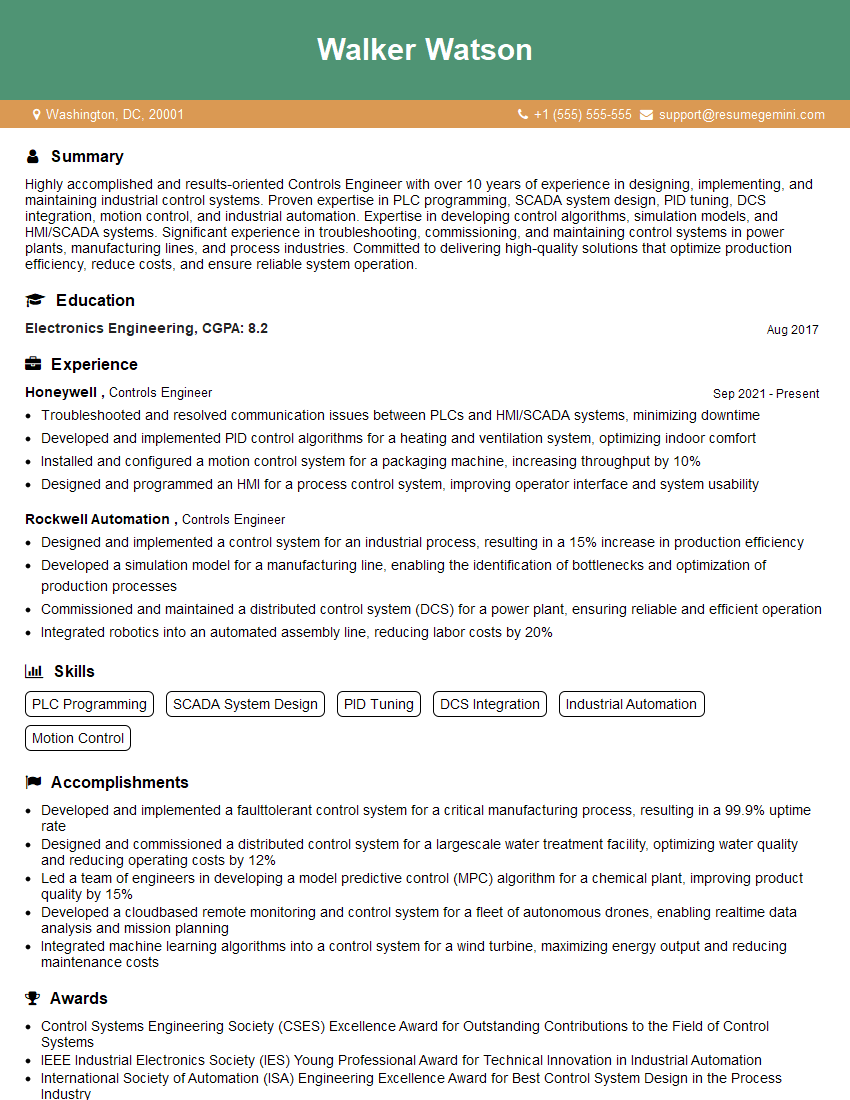
Controls Engineer Resume Sample
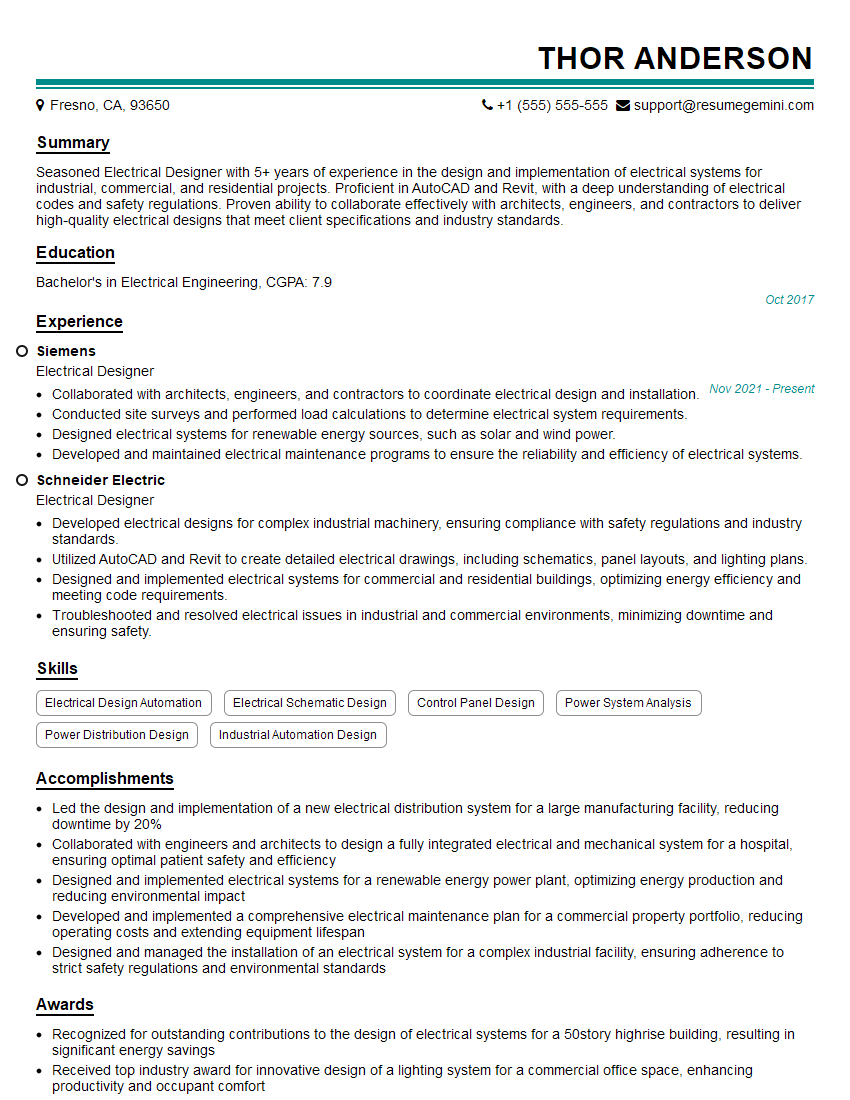
Electrical Designer Resume Sample
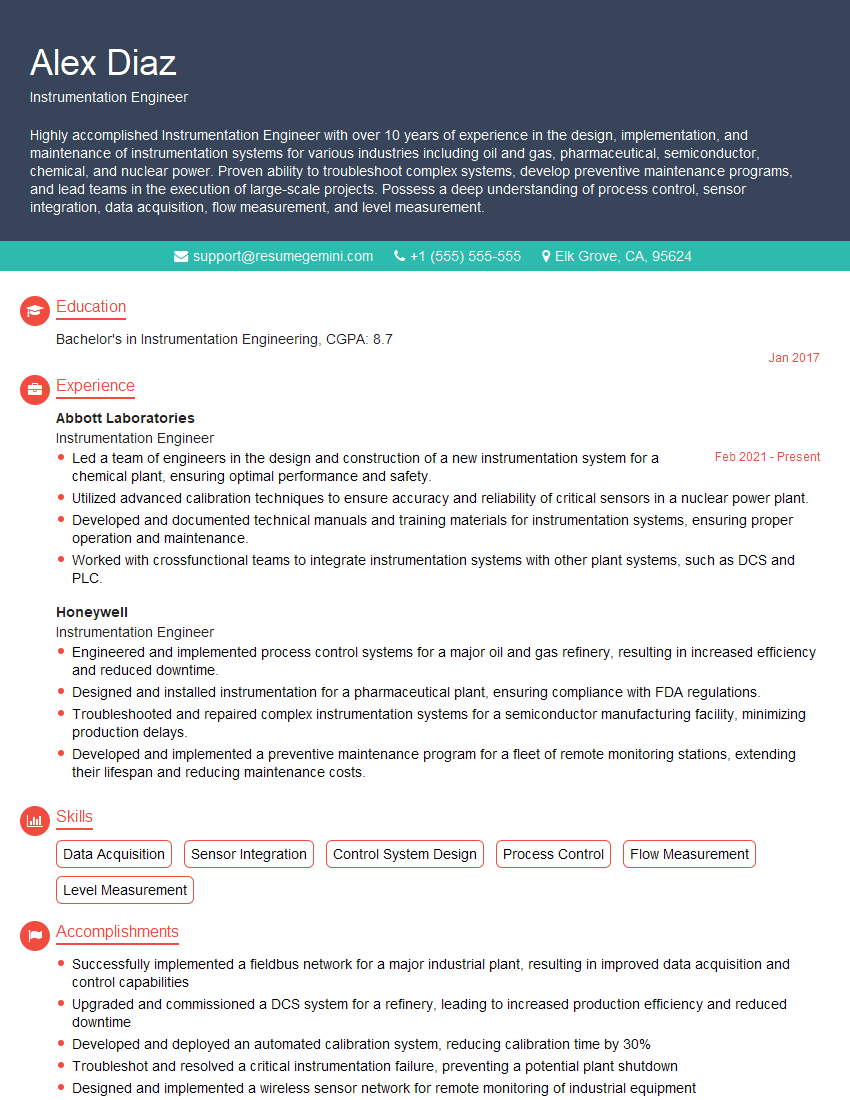
Instrumentation Engineer Resume Sample
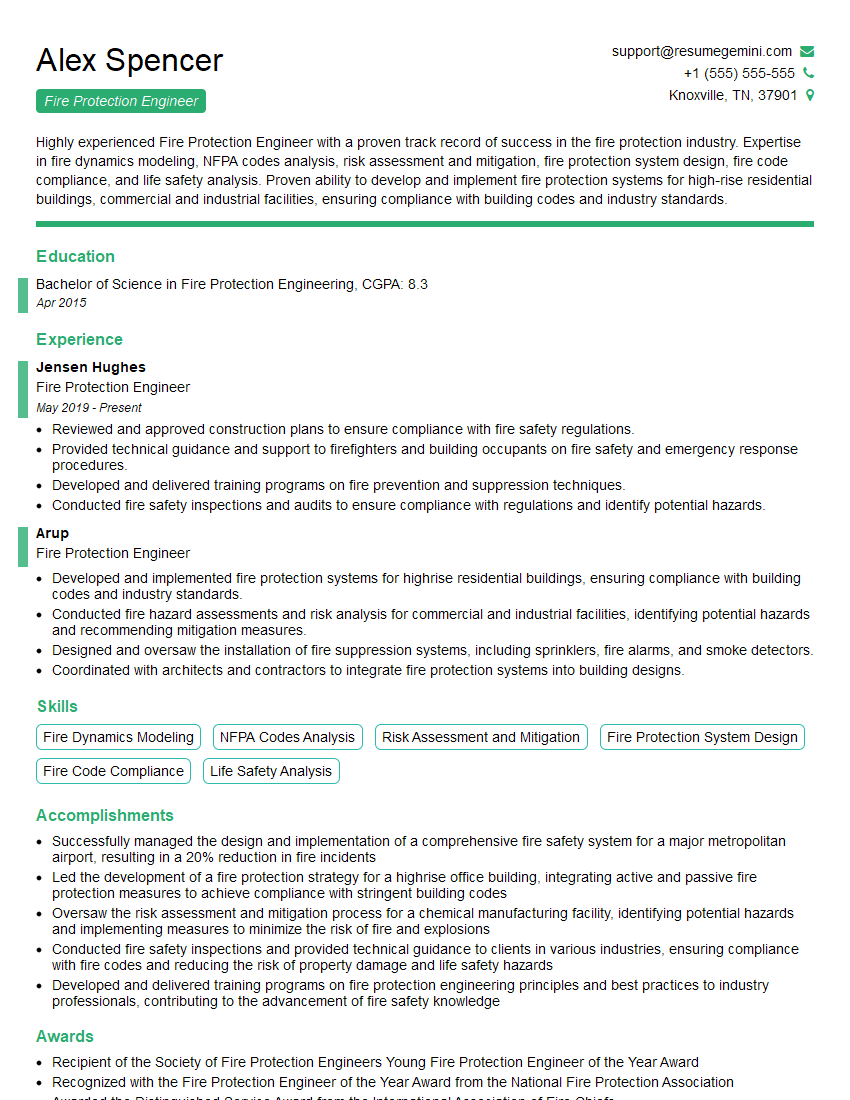
Fire Protection Engineer Resume Sample

Manufacturing Engineer Resume Sample
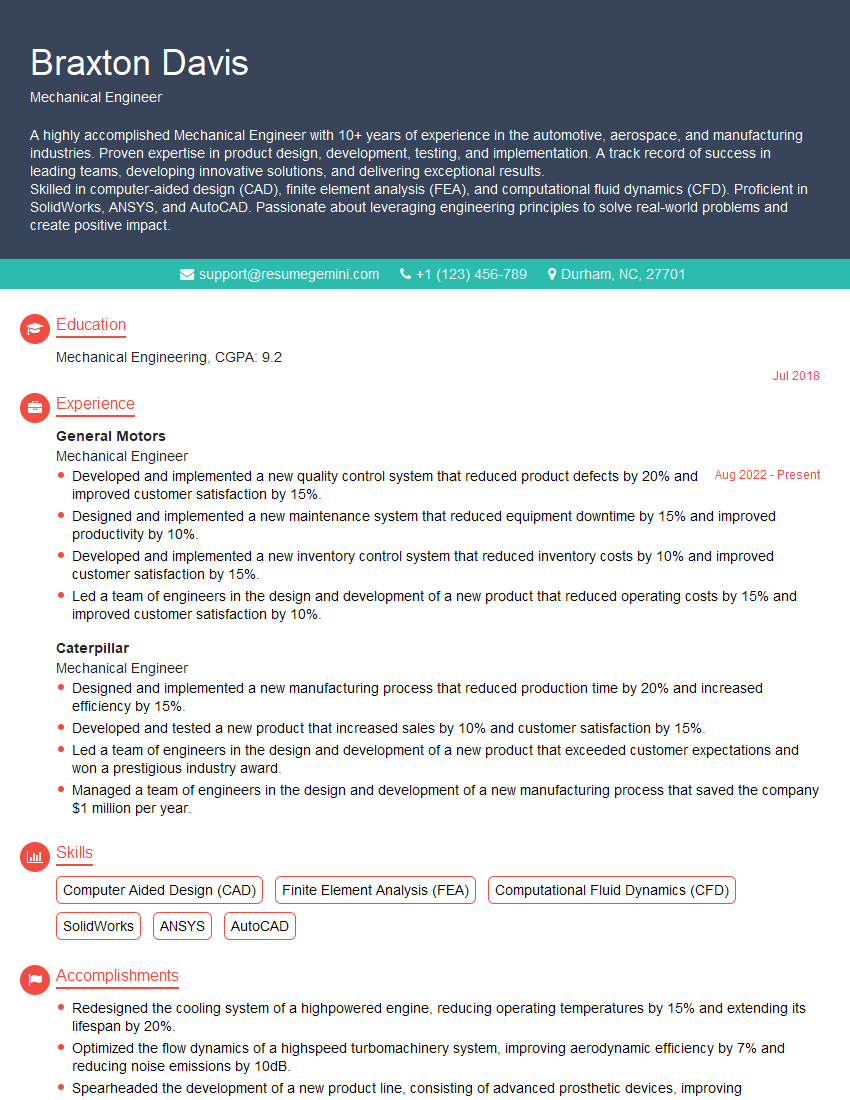
Mechanical Engineer Resume Sample

Technical Illustrator Resume Sample
- Construction Manager
- Engineering Manager
- Project Engineer
- Systems Engineer
- Process Engineer
- Design Engineer
- Architectural Designer
- Plumbing Designer
- Civil Engineer
- Structural Engineer
- Controls Engineer
- Electrical Designer
- Instrumentation Engineer
- Fire Protection Engineer
- Manufacturing Engineer
- Mechanical Engineer
- Technical Illustrator
Explore more articles
Users Rating of Our Blogs
Share Your Experience
We value your feedback! Please rate our content and share your thoughts (optional).
What Readers Say About Our Blog
To the interviewgemini.com Webmaster.
Very helpful and content specific questions to help prepare me for my interview!
Thank you
To the interviewgemini.com Webmaster.
This was kind of a unique content I found around the specialized skills. Very helpful questions and good detailed answers.
Very Helpful blog, thank you Interviewgemini team.