Are you ready to stand out in your next interview? Understanding and preparing for Screen Operation interview questions is a game-changer. In this blog, we’ve compiled key questions and expert advice to help you showcase your skills with confidence and precision. Let’s get started on your journey to acing the interview.
Questions Asked in Screen Operation Interview
Q 1. Explain the difference between a cut, a fade, and a dissolve in video switching.
In video switching, cuts, fades, and dissolves are transition effects used to move between different video sources. They differ significantly in their visual impact and how they signal a change to the viewer.
Cut: A cut is the most abrupt transition. One shot instantly replaces another. Think of it like flipping a page in a book – there’s no intermediary visual. This is often used for fast-paced action or to create a sense of immediacy. For example, in a sports broadcast, a quick cut from a wide shot to a close-up of a player scoring a goal creates excitement and emphasizes the key moment.
Fade: A fade involves gradually transitioning from one shot to black (fade to black) or from black to a shot (fade in). It’s a gentler transition, often used to indicate the passage of time or a change of scene or mood. Think of it like softly dimming the lights in a theater before the next act begins. A fade-out signifies the end of a scene, while a fade-in introduces a new one.
Dissolve: A dissolve is a gradual transition where one shot slowly fades out while another simultaneously fades in, overlapping for a brief period. This creates a smoother, more fluid transition compared to a cut or fade. It’s often used to connect scenes thematically or suggest a connection between different locations or time periods. For instance, a dissolve might be used to transition from a shot of a person packing their bags to a shot of them arriving at a new destination, implying the journey that occurred between the two scenes.
Q 2. Describe your experience with various video formats (e.g., HD, SD, 4K).
My experience spans a wide range of video formats, from Standard Definition (SD) to Ultra High Definition (4K). I’ve worked extensively with HD formats like 720p and 1080i/p, mastering their specific characteristics and technical requirements. Working with 4K has exposed me to the challenges and rewards of significantly higher resolution, demanding more processing power and storage capacity. I understand the implications of each format’s resolution, aspect ratio, and frame rate on production workflow, storage needs, and ultimately the viewer experience.
In my work on a recent documentary, we used a mix of 4K footage for stunning landscape shots and 1080p for interviews to balance high quality with manageable file sizes. The decision of which format to use for different parts of the project involved careful consideration of cost, production timeline and post-production capacity.
I’m also proficient in handling various codecs and compression techniques for each format, optimizing files for broadcast and online distribution without compromising visual quality. Understanding the trade-offs between file size, bitrate and image quality is crucial for efficient and effective workflow management.
Q 3. How do you troubleshoot audio or video signal issues in a live broadcast environment?
Troubleshooting audio and video signal issues in a live broadcast environment requires a systematic approach. My strategy involves a series of checks, starting with the most likely sources of the problem and progressing to more complex issues.
Visual Inspection: I begin with a visual inspection of cables, connectors, and equipment for any obvious physical damage or loose connections. Often, the simplest solutions are the most effective.
Signal Tracing: If the problem persists, I trace the signal path from the source (camera, microphone, etc.) to the output (monitor, recorder, etc.), using monitoring tools at each stage to isolate the point of failure. This allows for a targeted approach rather than a generalized hunt.
Level Checks: I meticulously check audio and video levels at each stage of the signal chain, ensuring they’re within acceptable ranges. Incorrect levels can lead to distorted audio or weak video signals.
Equipment Swap: If a specific piece of equipment is suspected, I’ll try swapping it with a known-good unit to determine if the fault lies with the equipment itself. This helps pinpoint the problem quickly.
Software & Firmware Updates: Sometimes, software glitches or outdated firmware can be the culprit. Ensuring all equipment is running the latest compatible versions can prevent unexpected behavior.
Consult Technical Specifications: Understanding the technical specifications of all involved devices is crucial. This allows you to identify potential incompatibilities and adjust settings accordingly. For example, frame rate and resolution mismatches can lead to signal issues.
During a live broadcast, maintaining a cool head under pressure is vital. Documenting troubleshooting steps and noting any changes made helps ensure the efficiency and clarity of the problem-solving process, especially when collaborating with a team.
Q 4. What are your preferred methods for managing multiple video sources simultaneously?
Managing multiple video sources simultaneously requires a combination of technical proficiency and organizational skills. My preferred method involves utilizing a professional video switcher with integrated features for source selection, transition effects, and monitoring. This centralizes control, providing a clear overview of all active sources.
Furthermore, I rely on robust pre-planning. Creating a detailed shot list and assigning each source to a specific input on the switcher ensures smooth transitions during a live broadcast. This minimizes confusion and maximizes efficiency, especially in high-pressure situations like live news or sporting events.
For complex setups, I use a combination of software and hardware solutions such as multi-viewer displays to provide a visual representation of all camera feeds. This assists in quickly identifying important shots or addressing potential problems and facilitates efficient decision-making during live operation.
In addition to technical tools, employing strong communication with the camera operators is paramount. Clear communication about upcoming shots and cues ensures that everyone is on the same page, reducing the potential for mistakes and enhancing overall workflow.
Q 5. Explain your experience with various video control panels and switchers.
I have extensive experience with various video control panels and switchers, ranging from small, compact units for basic productions to large-scale systems for complex broadcasts. My experience includes working with industry-standard switchers from manufacturers such as Blackmagic Design (ATEM series), Ross Video (Vision series), and Grass Valley (Kayenne series). I’m proficient in their respective functionalities, including:
Source selection and routing: Quickly switching between different video sources, including cameras, graphics, and playback devices.
Transition effects: Implementing cuts, dissolves, fades, and other transition effects to smoothly connect shots.
Audio mixing: Controlling audio levels from various sources, such as microphones and audio tracks.
Macros and automation: Using pre-programmed sequences or automation features to streamline complex switching operations.
Multi-viewer monitoring: Utilizing multi-viewer screens for simultaneous monitoring of multiple video sources.
I adapt easily to new control panels and switchers, understanding that different models offer varying functionalities. The core principles of video switching remain constant; the specific controls and layout simply differ.
Q 6. How familiar are you with different types of cameras and their functionalities?
My familiarity with different types of cameras extends to various formats and functionalities. I’m experienced with both studio and field cameras, including:
Studio cameras: These are typically larger, more robust cameras designed for stationary use in studio environments. I’m skilled in operating cameras with features like CCUs (Camera Control Units) for precise remote adjustments of settings such as focus, iris, and color balance.
Field cameras: These are smaller, more portable cameras suited for location shooting. I understand their features, such as various lens mounts, image stabilization, and low-light capabilities. I’ve worked with professional cameras from manufacturers like Sony, Canon, and Panasonic.
Different sensor types: I understand the differences between CMOS and CCD sensors, their respective strengths and weaknesses in terms of image quality, low-light performance, and rolling shutter effects. Choosing the right camera based on the shooting conditions and the overall requirements of the production is an important part of my skill set.
My experience allows me to choose the appropriate camera and lenses for a specific production, considering factors such as image quality, budget, and overall workflow requirements.
Q 7. Describe your experience with teleprompters and their operation.
I have considerable experience with teleprompters and their operation. I understand their essential role in ensuring smooth, professional delivery of scripts in live broadcasts or video recordings. My experience encompasses setting up, operating, and troubleshooting teleprompters, including:
Software setup and configuration: Configuring software to control scrolling speed, font size, and other display parameters to match the presenter’s reading pace.
Hardware setup: Setting up the teleprompter hardware, including proper alignment of the camera and the prompter screen to ensure the presenter can easily read the script without appearing to read directly from a screen.
Troubleshooting issues: I know how to address problems like software glitches, incorrect settings, or hardware malfunctions to minimize disruptions during a shoot.
I can adjust the scrolling speed to match the presenter’s pace, and I understand the importance of maintaining visual contact between the presenter and the camera, avoiding unnatural pauses or breaks in eye contact. This creates a more engaging and natural viewing experience.
Q 8. Explain your understanding of audio mixing and its role in screen operation.
Audio mixing in screen operation is the art and science of combining multiple audio sources—like microphones, music tracks, sound effects—to create a cohesive and balanced soundscape for a broadcast or presentation. It’s crucial for clarity, engagement, and the overall viewing experience. Think of it as a conductor leading an orchestra, ensuring each instrument (audio source) plays its part harmoniously.
In a live broadcast, the audio mixer controls the levels, equalization (EQ), and effects applied to each source. This involves dynamically adjusting levels based on the on-screen action, ensuring dialogue is clear, music isn’t overwhelming, and sound effects enhance the emotional impact. For instance, during a sporting event, the audio mixer would adjust microphone levels to focus on the commentators during quiet moments and lower them during moments of high excitement, preventing audio overload.
My experience includes using digital audio workstations (DAWs) like Avid Pro Tools and mixing consoles like Yamaha CL series, allowing me to manage complex audio feeds from multiple cameras, commentators, and pre-recorded material with precision. I’m adept at using techniques like gain staging, compression, and EQ to achieve professional-sounding audio that complements the visual narrative.
Q 9. How do you handle unexpected technical issues during a live broadcast?
Unexpected technical issues are inevitable in live broadcasting. My approach involves a combination of proactive preparation, rapid problem-solving, and effective communication. Before a broadcast, I meticulously check all equipment, test all signal paths, and have backup systems ready. This ‘fail-safe’ mindset is paramount.
During a live event, if a problem arises—like a microphone failing or a video feed dropping—my first step is to identify the source. Is it a cable issue, a faulty component, or a software glitch? Once identified, I immediately switch to a backup source if available. For example, if a microphone fails, I’ll quickly switch to a backup mic or feed audio from an alternative source. Simultaneously, I communicate the issue and the solution to the director and other team members to ensure transparency and coordinated action.
For example, during a live music concert, when the primary audio feed from a singer’s microphone cut out, I instantly switched to a secondary wireless microphone that was already set up as a backup, minimizing any disruption for the viewers. Post-broadcast, a thorough investigation is carried out to prevent similar issues in future events.
Q 10. Describe your experience with graphic overlays and character generators.
Graphic overlays and character generators (CGs) are essential tools for enhancing visual storytelling and providing information during broadcasts. Overlays can add logos, lower thirds (identifying on-screen talent), score updates, or other relevant information directly onto the video feed, while CGs allow the creation and manipulation of text-based graphics. My experience encompasses using both hardware and software-based solutions.
I am proficient with various CG software, including Adobe After Effects and dedicated broadcast graphics systems like Ross Xpression. This allows me to create visually appealing and informative overlays. For example, I’ve designed and implemented animated lower thirds with transitions for news broadcasts, and dynamic score overlays for sporting events, all integrated seamlessly with the main video feed. The key is to balance informative content with visual aesthetics, ensuring the overlays don’t distract from the main action but provide value to the viewer.
My expertise extends to understanding broadcast safe areas and aspect ratios, ensuring the graphic overlays are positioned correctly and remain visible across various screen sizes and resolutions. This careful attention to detail ensures a professional and consistent viewing experience.
Q 11. What safety procedures do you follow when working with broadcast equipment?
Safety is paramount when working with broadcast equipment. My procedures adhere to strict guidelines focusing on both personal and equipment safety. This includes:
- Proper grounding and earthing: Ensuring all equipment is properly grounded to prevent electrical shocks.
- Cable management: Organizing cables to avoid tripping hazards and potential damage to equipment.
- Equipment handling: Lifting and moving heavy equipment carefully using appropriate lifting techniques and assistance when needed.
- Power safety: Following established procedures for powering on and off equipment, avoiding sudden power surges.
- Emergency procedures: Familiarity with emergency shut-off procedures and emergency contact information.
- Personal protective equipment (PPE): Using appropriate PPE, such as gloves when handling delicate or potentially hazardous components.
Beyond these, we regularly conduct safety briefings and equipment inspections to ensure everyone is aware of potential hazards and the measures to mitigate them.
Q 12. How do you ensure the quality of the video and audio signals throughout the broadcast?
Maintaining consistent high-quality video and audio signals throughout a broadcast requires a proactive, multi-faceted approach. It begins with proper signal routing and monitoring, using equipment like waveform monitors and vectorscopes to analyze signal levels and quality. Regular calibration of equipment, including cameras and audio mixers, ensures accuracy and consistency.
Throughout the broadcast, I actively monitor video and audio levels, making real-time adjustments as needed. This involves using professional monitoring equipment to detect any distortion, dropouts, or other anomalies. For instance, I’ll use a waveform monitor to ensure audio levels are within safe parameters, avoiding clipping or distortion. Similarly, a vectorscope helps ensure correct color saturation and skin tones.
Furthermore, communication with the camera operators and other crew members is crucial to ensure they’re maintaining consistent image quality and microphone placement. Regular communication enables early detection of any potential degradation in signal quality, allowing for prompt corrective action. Finally, recording backups of audio and video feeds provide a safety net and resource for later review and quality assurance.
Q 13. Describe your experience working with different video routing systems.
I have extensive experience with various video routing systems, ranging from smaller matrix switchers used in studio environments to large-scale router systems in broadcast control rooms. My experience includes working with both hardware and software-based routing systems.
I’m familiar with systems from manufacturers such as Ross Video, Grass Valley, and Sony. My proficiency includes understanding routing protocols, creating and managing routing configurations, and troubleshooting routing issues. This extends to setting up different video sources—cameras, graphics, playback devices—to specific outputs—monitors, recorders, streaming encoders—ensuring a smooth and uninterrupted flow of video throughout the broadcast. I understand the complexities of routing different video formats and resolutions, ensuring compatibility and seamless transitions between sources.
For instance, in a recent multi-camera shoot, I used a Ross Video matrix switcher to manage the routing of 8 high-definition cameras, along with graphics and playback feeds, to various outputs, including broadcast, recording, and on-set monitors. Effective routing is crucial for smooth productions, especially in complex setups with multiple cameras and feeds.
Q 14. How familiar are you with remote control systems for broadcast equipment?
I’m very familiar with remote control systems for broadcast equipment. These systems allow for efficient and precise control of equipment from a central location, improving workflow and reducing the need for physical interaction with equipment. My experience includes using both dedicated control panels and software-based remote control applications.
I’m proficient in using protocols like Ethernet and serial communication to interface with various broadcast devices. I can use these systems to control cameras, audio mixers, video switchers, and other equipment remotely, making adjustments to parameters such as focus, zoom, audio levels, and transitions. This offers a great deal of flexibility and control, especially in larger productions where multiple operators might need to access and control different equipment simultaneously.
For example, I’ve used a Lawo mc² mixing console with remote control capabilities for a large-scale live event. This allowed me and several other engineers to simultaneously control aspects of the audio from different locations within the broadcast control room, significantly enhancing our efficiency and coordination. Proper understanding and implementation of remote control systems is essential for streamlined and efficient broadcast operations.
Q 15. Explain your experience with video playback devices and software.
My experience with video playback devices and software spans a wide range, from basic consumer-grade players to professional broadcast systems. I’m proficient in using various software applications like Adobe Premiere Pro, Final Cut Pro, and Avid Media Composer for video editing and playback. I’m also experienced with hardware players, including those from manufacturers like Matrox and Grass Valley, which are critical for reliable and high-quality playback in professional broadcast environments. For example, during a recent live sports broadcast, I used a Grass Valley K2 Summit server for reliable playback of slow-motion replays, ensuring seamless transitions and high-quality visuals. My expertise extends to understanding different file formats, codecs, and resolutions, allowing me to troubleshoot playback issues effectively. I’m also comfortable with network-attached storage (NAS) systems and their integration with playback workflows.
Furthermore, I understand the importance of metadata management in large video libraries. Efficiently tagging and organizing video assets is essential for quick retrieval during fast-paced broadcasts, preventing crucial delays. For instance, I recently implemented a metadata tagging system in our workflow which improved our clip retrieval time by over 50%. This reduced the risk of missing critical shots and sped up the overall production process.
Career Expert Tips:
- Ace those interviews! Prepare effectively by reviewing the Top 50 Most Common Interview Questions on ResumeGemini.
- Navigate your job search with confidence! Explore a wide range of Career Tips on ResumeGemini. Learn about common challenges and recommendations to overcome them.
- Craft the perfect resume! Master the Art of Resume Writing with ResumeGemini’s guide. Showcase your unique qualifications and achievements effectively.
- Don’t miss out on holiday savings! Build your dream resume with ResumeGemini’s ATS optimized templates.
Q 16. How do you maintain a clean and organized workspace?
Maintaining a clean and organized workspace is paramount in a screen operation environment. It minimizes the risk of errors and ensures efficiency during high-pressure situations. My approach involves a combination of physical and digital organization. Physically, I make sure all cables are neatly routed and labeled, equipment is arranged logically, and there’s ample space to maneuver. This prevents accidental disconnections or damage to equipment during a busy broadcast. I also use cable management systems and clearly labeled storage containers for spare parts and accessories.
Digitally, I use a consistent naming convention for all files, keeping them organized in clearly labeled folders. I regularly back up important files, using a RAID system or cloud storage to prevent data loss. This proactive approach significantly reduces the risk of disruptions and ensures business continuity.
Q 17. Describe your experience with coordinating with other crew members during a broadcast.
Coordination is key in a broadcast environment. I effectively communicate with directors, producers, technical directors, and camera operators using clear, concise language and efficient communication channels. During a recent live music concert, I successfully collaborated with the director to ensure seamless transitions between camera angles, maintaining the show’s flow and pacing. This involved active listening, anticipating their needs, and proactively addressing potential issues. Using headsets and intercom systems is vital for real-time communication and collaboration. I am proficient in using these systems for quick updates and problem solving.
I’m also skilled in using shared monitoring tools and ensuring everyone has the necessary information to perform their tasks efficiently. This proactive approach helps prevents costly errors and ensures the broadcast runs smoothly.
Q 18. What is your understanding of video signal flow and its importance?
Video signal flow refers to the path a video signal takes from its source (e.g., camera) to its final destination (e.g., monitor or recording device). Understanding this is critical for troubleshooting and ensuring high-quality output. The signal typically passes through various devices such as switchers, routers, processors, and converters, each performing specific functions. A typical flow might look like this: Camera -> Camera Control Unit (CCU) -> Video Switcher -> Video Processor -> Output to broadcast.
For example, a break in the signal flow, perhaps due to a faulty cable or misconfigured router, can result in a loss of video or significant degradation in image quality. My understanding of signal flow allows me to quickly identify the point of failure and troubleshoot effectively, minimizing disruption to live productions. I regularly use test patterns and signal analysis tools to maintain signal integrity and ensure accurate color reproduction and consistent picture quality.
Q 19. How do you manage time effectively during a fast-paced live event?
Effective time management during fast-paced live events is crucial. My approach involves meticulous planning, prioritizing tasks based on their urgency and importance, and utilizing shortcuts wherever possible without compromising quality. For example, I pre-configure playback systems and establish backup systems in advance of the event, minimizing setup time. During the event, I remain focused, anticipate potential problems, and adapt quickly to unexpected changes.
Prioritization is key; I focus on tasks directly impacting the live broadcast first. I use visual aids like checklists and timeline sheets to keep track of tasks, and I frequently communicate with other crew members to coordinate efficiently. During a live news broadcast, I recently switched between three different playback sources within seconds, adapting to the changing needs of the news story, with seamless transitions and minimal delay.
Q 20. How familiar are you with various broadcast standards and protocols?
I’m familiar with various broadcast standards and protocols, including SD, HD (1080i, 1080p), and UHD (4K) resolutions, and various frame rates (e.g., 24fps, 25fps, 30fps, 50fps, 60fps). I understand the nuances of different color spaces (e.g., Rec. 709, Rec. 2020) and their implications for image quality. I’m also versed in various video interface standards such as SDI (Serial Digital Interface), HDMI (High-Definition Multimedia Interface), and fiber optic transmission. Understanding these standards is vital to ensure compatibility between different equipment and maintaining signal quality throughout the broadcast chain. Knowledge of AES/EBU (Audio Engineering Society/European Broadcasting Union) for audio and SMPTE (Society of Motion Picture and Television Engineers) timecode standards is also essential for synchronizing audio and video components.
For instance, I recently successfully integrated a 4K camera system into an existing HD workflow by using appropriate down-converters and ensuring proper color space management. This resulted in a seamless transition to higher resolution without any loss of picture quality.
Q 21. Describe your experience working with different types of monitors and displays.
My experience with monitors and displays includes working with various types, from standard definition CRT monitors to high-resolution LCD and OLED displays, including those specifically designed for broadcast applications. I understand the importance of color accuracy, resolution, refresh rate, and latency in selecting appropriate monitors for different tasks. For example, I routinely use calibrated reference monitors for color grading and ensure that all monitors in the control room are properly calibrated to match each other to maintain consistency in the final broadcast.
I’m familiar with waveform monitors and vectorscopes, which are crucial for ensuring proper signal levels and color balance. The choice of monitor depends largely on the task; for example, high refresh rate monitors are often used for gaming, while high color accuracy monitors are preferred for editing and post-production. For a live broadcast, reliability and consistency are paramount, thus we typically use professional-grade monitors built for robust operation in demanding environments.
Q 22. What are your troubleshooting skills regarding audio delay or synchronization issues?
Audio delay, or lip-sync issues, are a common frustration in screen operation. Troubleshooting involves a systematic approach, checking each point in the signal chain. My process begins with identifying the source of the delay. Is it affecting all audio sources, or just one? This helps narrow down the problem.
- Hardware Check: I’d first examine the physical connections. Loose cables, faulty connectors, or incorrect routing are frequent culprits. I’d check all cables for damage and ensure they are securely plugged in. I’d also check the audio device settings on any mixers or processing units to ensure that there isn’t an unintentional delay inserted.
- Software Check: Then, I move to software settings. Are there any plugins or effects adding latency? Many Digital Audio Workstations (DAWs) and audio processing software have delay compensation features, and improper settings can create noticeable delays. I’d systematically disable plugins to isolate potential offenders.
- Network Issues (if applicable): If the audio is coming over a network (e.g., using IP-based audio), I’d check network latency, packet loss, and jitter. Tools like ping and network monitoring software would help here. High latency is a common cause of audio delays in network-based systems.
- Synchronization Settings: Most professional broadcast equipment allows for frame synchronization. I’d check that both audio and video are locked to the same clock or frame rate. Incorrect synchronization settings are a very common source of audio/video delay issues.
For example, during a live concert broadcast, I once encountered a significant audio delay. By systematically checking the signal path, I identified a faulty A/D converter causing the issue. Replacing the converter immediately resolved the problem.
Q 23. Explain your experience with different types of recording media and formats.
My experience encompasses a wide range of recording media and formats, from traditional tape-based systems to modern digital workflows. I’m proficient in working with various formats including:
- Tape Formats: Betacam SP, DVCAM, and others. I understand the intricacies of tape handling, playback, and the potential for degradation.
- Digital Formats: H.264, H.265 (HEVC), ProRes, DNxHD, and XAVC. I am adept at choosing the appropriate codec based on factors such as resolution, bitrate, and storage requirements. Each codec offers different compression ratios and quality trade-offs.
- File-Based Media: I have experience with various file-based workflows, including handling large files, archiving, and metadata management. I understand the benefits and drawbacks of different container formats like MXF and MOV.
- Storage Media: I’m familiar with various storage solutions, from SSDs and HDDs to network-attached storage (NAS) and cloud storage. I understand the importance of redundancy and data security in maintaining reliable archive systems.
For instance, while working on a historical documentary, I carefully transferred footage from aging Betacam SP tapes to a modern digital format, preserving the quality while ensuring future accessibility.
Q 24. How do you ensure accurate color correction and balance during the broadcast?
Accurate color correction and balance are crucial for a professional broadcast. My approach involves a combination of hardware and software tools and a deep understanding of color science. I typically use color correction tools within a video editing software or a dedicated hardware color corrector.
- White Balance: I start by establishing a correct white balance to ensure accurate representation of colors. This eliminates any color casts caused by different lighting conditions.
- Gamma Correction: I adjust the gamma to match the target display. This affects the brightness and contrast of the image.
- Color Grading: I carefully adjust the saturation, hue, and luminance to achieve the desired look. This involves fine-tuning the color of individual elements and ensuring a consistent color palette across the entire broadcast.
- Calibration: Regularly calibrating my monitors and other display devices is crucial. This ensures consistent color representation across different displays.
- Reference Materials: I often use color charts and other reference materials to ensure accuracy.
In a recent live sporting event, I utilized a hardware color corrector to maintain consistent color balance despite fluctuating lighting conditions caused by shifting shadows and sun angles. The color correction helped viewers easily see the details in the broadcast.
Q 25. How familiar are you with IP-based video systems and workflows?
I have extensive experience with IP-based video systems and workflows. This includes using protocols like SRT, NDI, and RTP for reliable transmission of video and audio over IP networks. My familiarity extends to their advantages and challenges.
- NDI (Network Device Interface): I am comfortable using NDI for connecting cameras, graphics systems and other devices across a network, streamlining signal flow and reducing the need for physical cables. NDI offers low latency and simple setup, making it ideal for many productions.
- SRT (Secure Reliable Transport): I understand the benefits of SRT for long-distance transmission, including its resilience to packet loss and its encryption features. SRT is excellent when dealing with geographically distributed teams or remote contributors.
- RTP (Real-time Transport Protocol): My understanding of RTP allows me to troubleshoot network-related issues effectively, and optimize settings for low latency and high quality video streaming.
- Network Management: I am familiar with managing network infrastructure, including switches, routers, and firewalls, to ensure a stable and reliable IP-based video system. I’d also be able to determine bandwidth needs for a specific production.
For example, in a remote production, I successfully implemented an SRT-based workflow, enabling seamless collaboration between teams located in different cities, overcoming the challenges of latency and packet loss inherent in typical internet connections.
Q 26. Describe your experience with maintaining broadcast equipment and conducting regular checks.
Maintaining broadcast equipment and conducting regular checks is a fundamental part of my role. This involves both preventative maintenance and proactive troubleshooting.
- Preventative Maintenance: This includes regular cleaning of equipment, checking cable connections, and ensuring proper ventilation. I document all maintenance activities.
- Functional Checks: Before each broadcast, I conduct a thorough check of all equipment. This typically includes power-on self tests (POST), signal checks, and tests of all functions.
- Calibration: I regularly calibrate monitors, cameras and other equipment to ensure accuracy and consistency.
- Firmware Updates: I stay updated with the latest firmware releases and install updates as needed to improve equipment performance and address potential bugs. I perform these updates during planned downtime to minimize disruption.
- Equipment Logs: I maintain detailed logs of all equipment maintenance, repairs, and any issues encountered. This facilitates better long term planning and helps predict potential problems.
In one instance, a routine inspection revealed a failing power supply in a crucial video switcher. Replacing the power supply before the broadcast prevented a potential catastrophe during a live show.
Q 27. What is your experience with live streaming platforms and protocols?
I have experience with a variety of live streaming platforms and protocols, including:
- Platforms: YouTube Live, Facebook Live, Twitch, Vimeo Live. I understand the unique requirements and best practices for each platform.
- Protocols: RTMP (Real-Time Messaging Protocol), RTMPS (secure version of RTMP), HLS (HTTP Live Streaming), and DASH (Dynamic Adaptive Streaming over HTTP). Each protocol offers different streaming capabilities, compression ratios and security levels.
- Encoding: I can configure encoders for various bitrates and resolutions, optimizing for different network conditions and viewer devices.
- Streaming Workflows: I’m proficient in setting up and managing live streaming workflows, including encoding, streaming, and monitoring.
For instance, during a recent online event, I used a multi-platform streaming workflow to simulcast the event across YouTube, Facebook, and Twitch, maximizing audience reach. Choosing the right protocol and configuration was key to ensuring a smooth experience for all viewers regardless of their internet speed.
Q 28. How do you prioritize tasks during a high-pressure situation in a live broadcast?
High-pressure situations in live broadcasting require a calm and methodical approach. My strategy involves a combination of preparation and prioritization.
- Prioritization Matrix: I use a prioritization matrix to assess the urgency and impact of various tasks. This matrix helps to rank tasks by severity and potential consequences. For instance, a problem with the main camera feed is clearly higher priority than a minor graphic glitch.
- Communication: Maintaining clear communication with the entire team is critical. A good communication system is key to solving problems quickly and effectively. This includes using clear, concise language and appropriate channels.
- Problem Solving: Following a step-by-step troubleshooting process helps to isolate problems quickly and find solutions. Working efficiently under pressure often requires thinking creatively and calmly assessing the situation.
- Delegation: I know when to delegate tasks to team members. Assigning tasks to others based on their skills and expertise improves efficiency. This is key to freeing up time to focus on high-priority problems.
During a live news broadcast, a sudden power outage occurred. I quickly prioritized restoring power and switching to backup equipment while simultaneously communicating the situation to the news anchors and the technical team. Efficient delegation and calm problem-solving were vital in minimizing disruption to the broadcast.
Key Topics to Learn for Screen Operation Interview
- Understanding Display Technologies: Explore various display technologies (LCD, LED, OLED, etc.), their characteristics, and their application in different screen operation contexts.
- Image Processing and Manipulation: Learn about image scaling, color correction, and other image processing techniques used in screen operation systems. Consider practical applications like optimizing images for different screen resolutions.
- Hardware and Software Interaction: Understand how screen operation software interacts with the underlying hardware (graphics cards, controllers, etc.). This includes troubleshooting common hardware-software conflicts.
- Operating System Integration: Familiarize yourself with how screen operation integrates with the overall operating system, focusing on driver management, resource allocation, and performance optimization.
- Troubleshooting and Problem-Solving: Develop your ability to diagnose and resolve issues related to screen display, color accuracy, resolution, and other common problems. Practice using diagnostic tools.
- Security Considerations: Understand security best practices related to screen operation, including data protection and preventing unauthorized access.
- User Interface Design Principles: Even if not directly a technical aspect, understanding basic UI/UX principles will showcase your understanding of the user experience and how a well-designed interface enhances overall screen operation.
- Automation and Scripting: Explore the use of scripting languages (e.g., Python) to automate repetitive tasks related to screen operation and testing.
Next Steps
Mastering screen operation skills opens doors to exciting career opportunities in diverse fields, offering excellent growth potential and competitive salaries. To maximize your job prospects, creating a strong, ATS-friendly resume is crucial. This ensures your application gets noticed by recruiters and hiring managers. We highly recommend using ResumeGemini to build a professional and effective resume. ResumeGemini offers a user-friendly platform and provides examples of resumes tailored to Screen Operation roles to help you present your skills and experience in the best possible light. Invest the time to create a resume that showcases your unique strengths and experience – it’s a critical step in your job search journey.

Technical Director Resume Sample
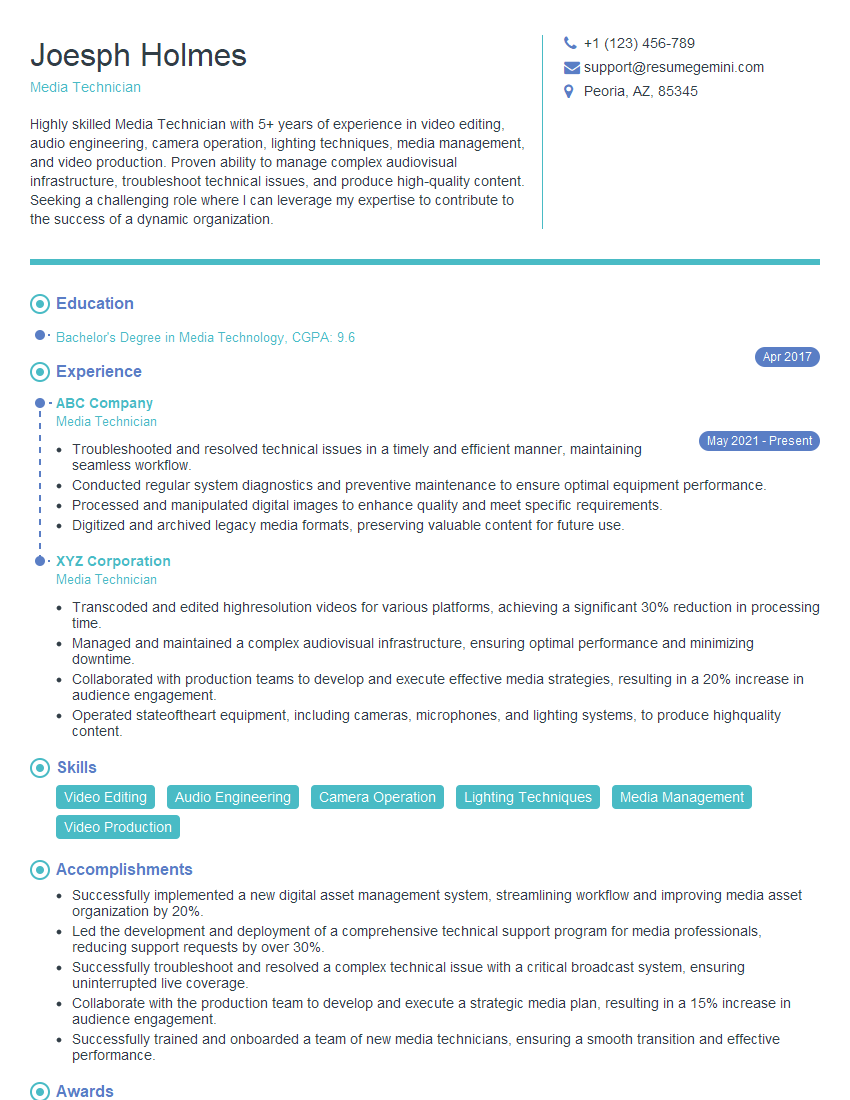
Media Technician Resume Sample

Multimedia Specialist Resume Sample

Broadcast Engineer Resume Sample
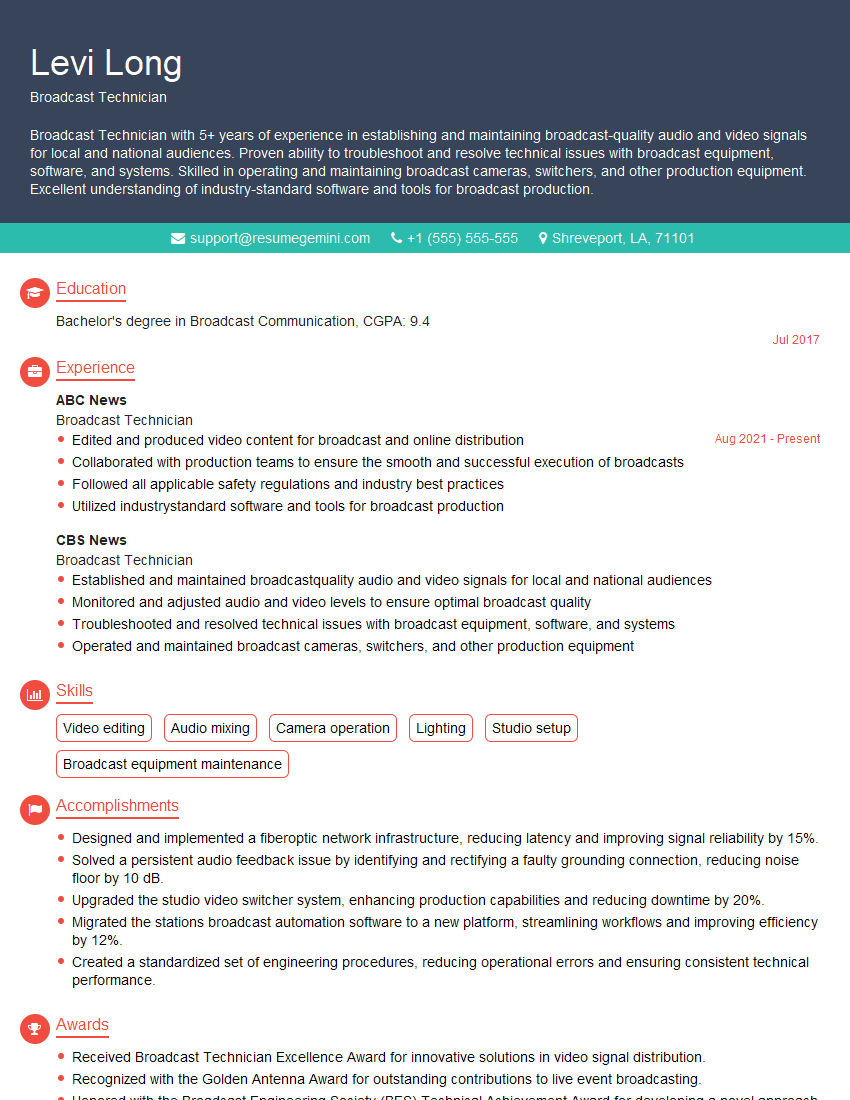
Broadcast Technician Resume Sample
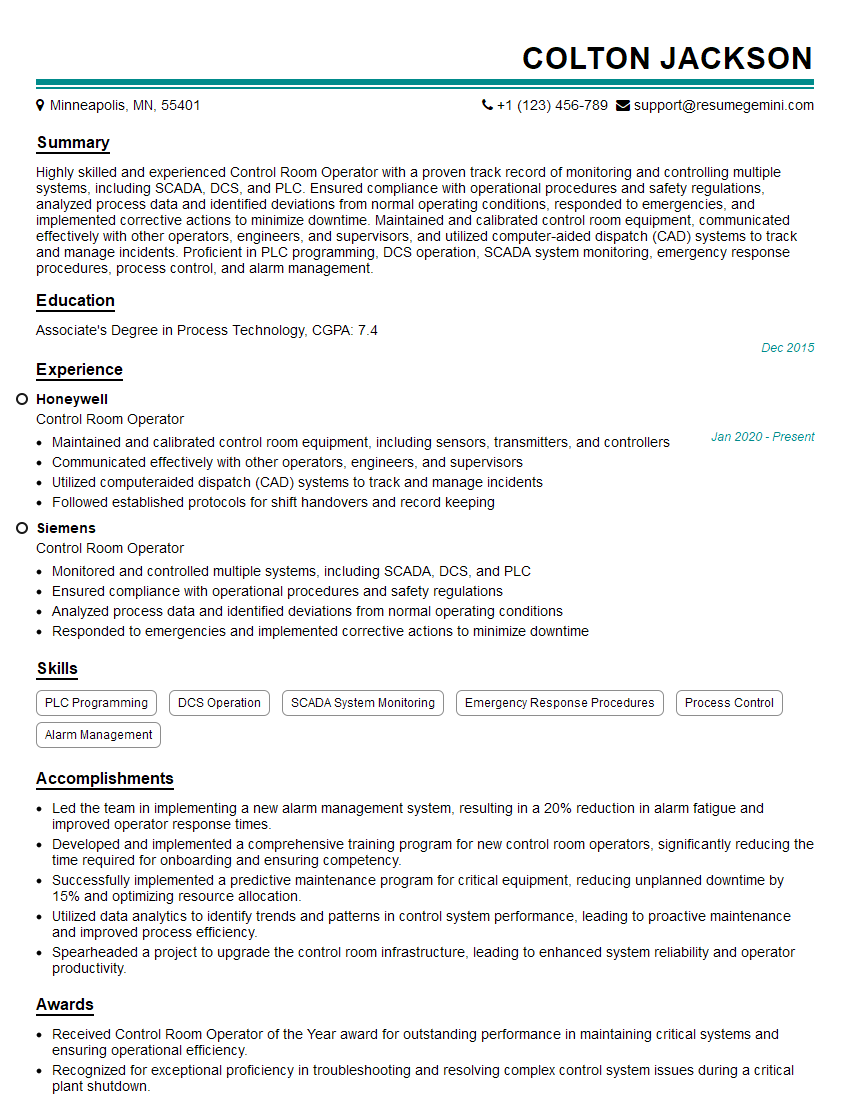
Control Room Operator Resume Sample
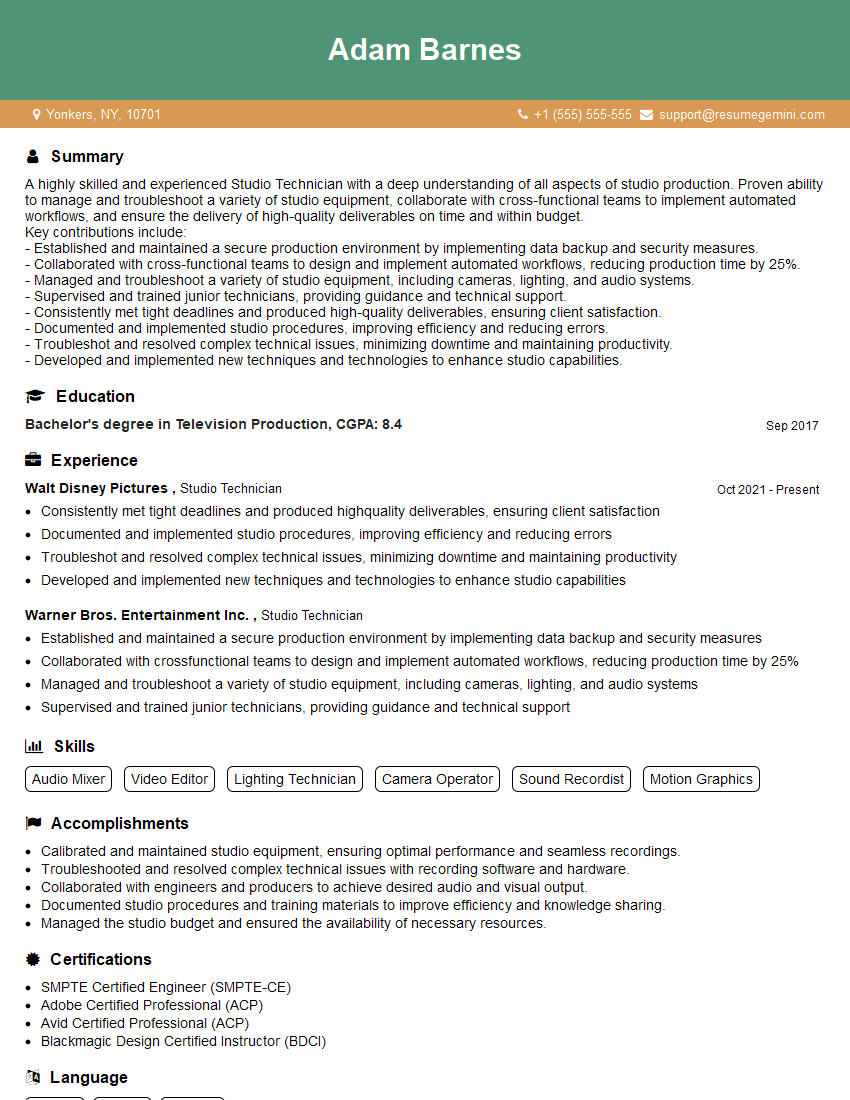
Studio Technician Resume Sample
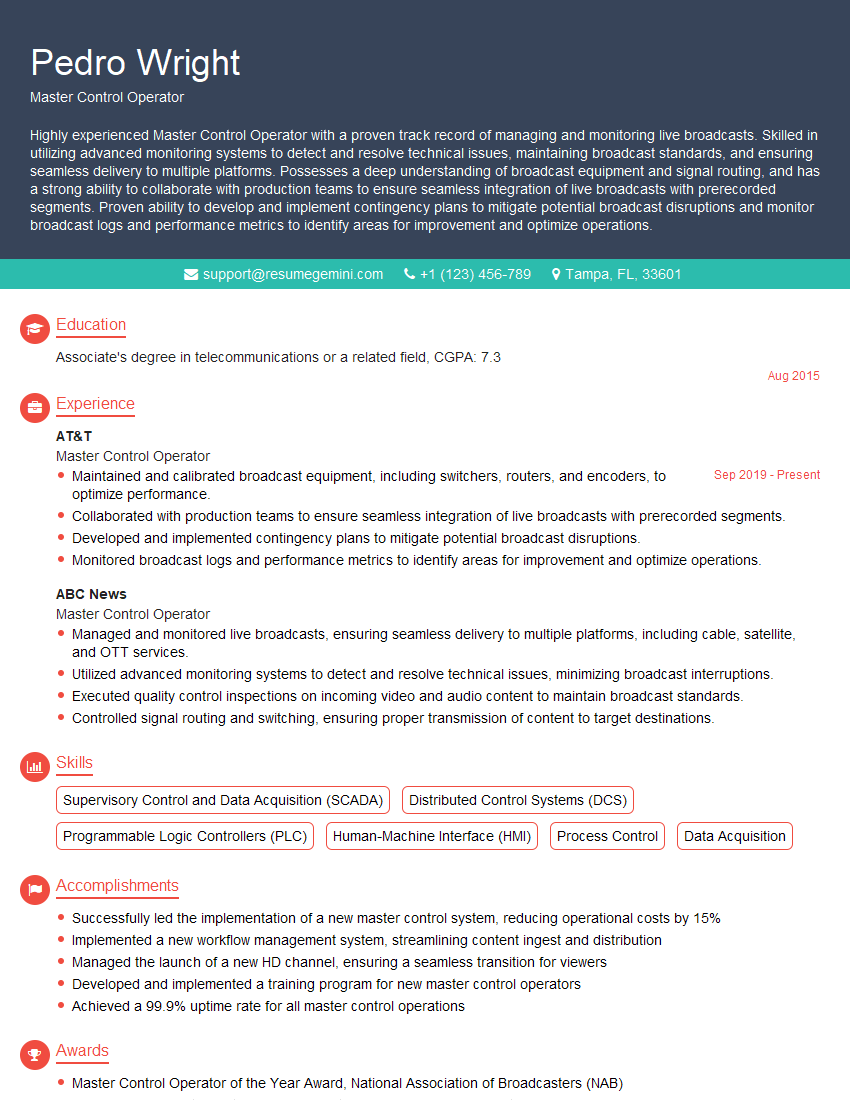
Master Control Operator Resume Sample
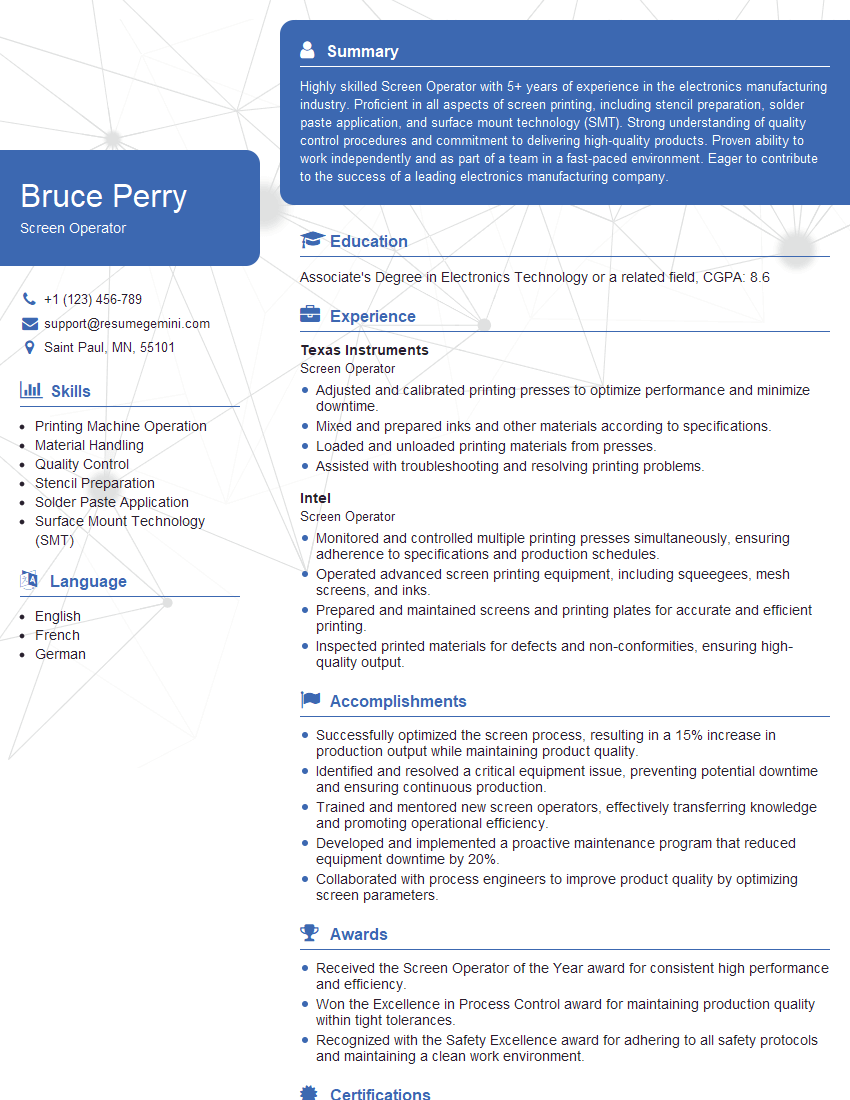
Screen Operator Resume Sample
Explore more articles
Users Rating of Our Blogs
Share Your Experience
We value your feedback! Please rate our content and share your thoughts (optional).
What Readers Say About Our Blog
To the interviewgemini.com Webmaster.
Very helpful and content specific questions to help prepare me for my interview!
Thank you
To the interviewgemini.com Webmaster.
This was kind of a unique content I found around the specialized skills. Very helpful questions and good detailed answers.
Very Helpful blog, thank you Interviewgemini team.