Unlock your full potential by mastering the most common Technical gear knowledge and maintenance interview questions. This blog offers a deep dive into the critical topics, ensuring you’re not only prepared to answer but to excel. With these insights, you’ll approach your interview with clarity and confidence.
Questions Asked in Technical gear knowledge and maintenance Interview
Q 1. Describe your experience troubleshooting faulty equipment.
Troubleshooting faulty equipment is a systematic process that combines technical knowledge with analytical thinking. It begins with a thorough understanding of the symptoms. I start by carefully observing the problem, gathering all relevant information such as error messages, unusual sounds, or performance discrepancies. Next, I move towards isolating the issue by using a process of elimination. For instance, if a server is down, I might check the power supply, network connectivity, and software processes in that order, testing each element until I identify the root cause. Once the root cause is identified, I research potential solutions, which might involve consulting manuals, online resources, or contacting technical support. Finally, I implement the solution, thoroughly test its effectiveness, and document the entire process for future reference.
For example, I once encountered a network printer that was intermittently printing blank pages. After checking paper jams, toner levels, and basic connectivity, I found the issue was with a faulty print head. Replacing it resolved the problem. This systematic approach, combining observation, testing, and research, helps to efficiently resolve complex technical problems.
Q 2. Explain your process for preventative maintenance on critical systems.
Preventative maintenance on critical systems is crucial for ensuring reliability and minimizing downtime. My process involves a combination of scheduled checks and proactive monitoring. Scheduled checks involve regular inspections and cleaning of hardware components such as servers, network devices, and power supplies. I document all checks meticulously. Proactive monitoring utilizes system monitoring tools to track key performance indicators (KPIs), such as CPU utilization, memory usage, and disk space. These tools allow for early detection of potential problems, preventing major failures. A typical schedule might include weekly checks of basic functionality, monthly more in-depth checks, and quarterly checks including more extensive testing.
For example, on a critical database server, I’d schedule weekly checks of disk space and log files, monthly checks of database performance metrics, and quarterly checks including system backups and stress testing. Any deviations from established baselines trigger immediate investigation. This proactive approach saves considerable time and resources by preventing larger-scale issues.
Q 3. How do you prioritize multiple equipment failures?
Prioritizing multiple equipment failures requires a structured approach. I typically use a risk assessment matrix that considers several factors. The first is the impact of the failure on business operations – a critical system failure takes precedence over a less critical one. Secondly, I consider the urgency of repair – a system that is completely down demands immediate attention. Thirdly, I factor in the complexity of the repair – a simple fix may take precedence over a more complex one that requires specialized expertise or parts. I document each failure and its assigned priority, making it transparent for team members. I use a ticketing system and color coding (red for critical, yellow for high, green for low) to make prioritization clear.
Imagine a scenario with three failures: a critical database server outage, a slow network connection affecting a sales team, and a malfunctioning printer in the marketing department. I’d prioritize the database server first due to its critical impact, then address the network issue due to its impact on sales, and finally tackle the printer problem. This prioritization method ensures resources are allocated effectively to address the most impactful failures first.
Q 4. What safety protocols do you follow when maintaining technical equipment?
Safety is paramount when maintaining technical equipment. I always follow established safety protocols which vary depending on the specific equipment. Common practices include grounding equipment, using appropriate personal protective equipment (PPE) such as safety glasses and gloves when handling potentially hazardous components, and ensuring proper ventilation in server rooms to prevent overheating. Before starting any maintenance, I perform a thorough risk assessment, identifying potential hazards and mitigating them through appropriate measures. I also adhere strictly to lockout/tagout procedures when working on energized equipment, ensuring power is safely isolated before any maintenance is performed. Regular safety training and refresher courses are essential to maintain a high safety standard.
For example, before working inside a server rack, I would always ensure the power is switched off and locked out, and I would ground myself to prevent static electricity damage to the components. Safe practices are non-negotiable in this field.
Q 5. What software or tools do you use for diagnostics and repair?
The software and tools I utilize for diagnostics and repair depend on the type of equipment. For network diagnostics, I use tools like Wireshark for packet analysis and SolarWinds for network monitoring. For server diagnostics, I utilize tools like Windows Server Manager and Linux system utilities such as top and ps for performance monitoring and process management. For hardware diagnostics, I often use specialized tools such as multimeters for testing voltage and continuity, and logic analyzers for examining digital signals. Furthermore, manufacturer-specific diagnostic tools and software are frequently employed for targeted troubleshooting. I am also proficient in using various remote access and management tools, allowing me to diagnose and repair issues remotely.
Example: Using the 'top' command in Linux to identify resource-intensive processes helps pinpoint the cause of slow performance.
Q 6. Describe a time you had to repair equipment under pressure.
During a major company-wide system upgrade, we experienced a critical server failure just hours before the planned launch. The pressure was immense. Using my methodical troubleshooting approach, I first identified the failed hard drive as the culprit. The challenge was that the replacement drive wasn’t readily available on-site. Working under intense pressure and coordinating with our vendor, I remotely configured a temporary drive and orchestrated a data migration, minimizing data loss. The solution wasn’t perfect, it resulted in a delayed launch, but it prevented a complete system failure. We later implemented a redundant server setup to prevent similar scenarios. This experience highlighted the value of calm, systematic troubleshooting even in high-pressure situations. It also taught me the importance of robust backup and recovery strategies.
Q 7. How do you document maintenance procedures and repairs?
Documentation is vital for maintaining efficient operations and ensuring continuity. I meticulously document all maintenance procedures and repairs using a combination of methods. I create detailed reports including date, time, equipment involved, problem description, troubleshooting steps, solution implemented, and parts used. I use a centralized digital system, accessible to the team, often integrating with ticketing systems. This system keeps records of preventative maintenance schedules, repair histories, and component lifecycles, allowing for proactive planning and efficient resource allocation. Visual aids, such as photographs or diagrams, are incorporated to enhance understanding and facilitate future repairs. This comprehensive documentation ensures accountability, simplifies troubleshooting for future issues, and contributes to a robust knowledge base within the team.
Q 8. What is your experience with different types of cabling and connectors?
My experience with cabling and connectors spans a wide range, encompassing various types used in networking, data centers, and industrial automation. I’m proficient with fiber optic cables (single-mode and multi-mode), their various connectors like SC, LC, ST, and MPO, and their termination techniques. I’m equally familiar with copper cabling – Cat5e, Cat6, Cat6a, and Cat7 – understanding their bandwidth capabilities and the importance of proper termination using RJ45 connectors for optimal performance. In industrial settings, I’ve worked extensively with robust cables like shielded twisted pair and coaxial cables, along with specialized connectors for harsh environments. For example, I recently troubleshooted a network connectivity issue caused by a faulty SC connector on a fiber optic cable in a data center, isolating the problem by using an optical power meter and identifying a microscopic crack in the connector’s ferrule. This required replacing the connector to restore network functionality.
- Fiber Optic: SC, LC, ST, MPO connectors; single-mode and multi-mode fiber
- Copper: Cat5e, Cat6, Cat6a, Cat7 cabling; RJ45 connectors
- Industrial: Shielded twisted pair, coaxial cables; specialized connectors for harsh environments
Q 9. How familiar are you with various operating systems and their troubleshooting?
My operating systems expertise covers Windows Server (various versions), Linux distributions (primarily CentOS and Ubuntu), and macOS. Troubleshooting involves a systematic approach, starting with identifying the symptoms and then using diagnostic tools specific to the OS. For instance, in Windows Server, I might use Event Viewer to analyze system logs, while on Linux, I’d leverage commands like dmesg and journalctl to identify kernel errors and system messages. For network issues, tools like ping, traceroute (or tracert in Windows), and nslookup are invaluable. I remember resolving a significant performance bottleneck on a CentOS server by identifying a high CPU load caused by a runaway process using the top command and subsequently terminating it. My experience also includes working with virtual machines (VMs) on platforms such as VMware vSphere and Hyper-V, and troubleshooting related issues including VM sprawl and resource contention.
Q 10. Explain your understanding of network infrastructure maintenance.
Network infrastructure maintenance involves proactive and reactive measures to ensure network uptime and optimal performance. Proactive maintenance includes regular hardware checks, firmware updates, and performance monitoring. Reactive maintenance focuses on troubleshooting and resolving issues as they arise. This includes tasks like cable testing with a cable tester to identify breaks or shorts, configuring network devices (routers, switches, firewalls) using command-line interfaces or graphical user interfaces, and implementing security measures to protect the network from threats. I use network monitoring tools to proactively identify performance bottlenecks or potential failures. A recent example involved optimizing network performance by strategically placing network switches to reduce latency and improve bandwidth utilization in a large office environment.
- Proactive Maintenance: Hardware checks, firmware updates, performance monitoring
- Reactive Maintenance: Troubleshooting, resolving network issues, security implementation
Q 11. How do you identify and resolve common hardware issues?
Identifying and resolving hardware issues begins with a systematic diagnostic process. I start by gathering information about the symptoms, such as error messages, unusual sounds, or performance degradation. Then, I use appropriate tools to test the hardware components. This might include using a multimeter to test power supplies and voltage levels, memory testing tools (like Memtest86) to identify RAM problems, and disk diagnostic utilities (like CHKDSK or fsck) to check for hard drive errors. For example, I once diagnosed a server failure caused by a failing hard drive by observing slow response times and then confirming the issue using SMART data from the drive. Replacing the drive resolved the problem, and my understanding of RAID configurations helped prevent data loss.
Q 12. What is your experience with inventory management for technical equipment?
My experience with inventory management of technical equipment includes using both manual and automated systems. Manual systems involve maintaining spreadsheets or databases to track equipment details like serial numbers, purchase dates, and maintenance records. Automated systems utilize asset management software to provide centralized tracking and reporting features. These systems are critical for ensuring proper allocation of resources, facilitating efficient maintenance scheduling, and tracking warranty information. For example, in a previous role, I implemented an automated inventory management system which reduced manual errors, simplified tracking, and streamlined the disposal process for outdated equipment, improving overall efficiency.
Q 13. Describe your experience with different types of sensors and actuators.
My work has involved various types of sensors and actuators in industrial automation and IoT projects. Sensors are devices that measure physical quantities and convert them into electrical signals, while actuators are devices that perform actions based on received signals. I have experience with temperature sensors (thermocouples, RTDs), pressure sensors, proximity sensors, and flow sensors. Actuators include pneumatic and electric motors, solenoids, and valves. In a recent project, I worked with a system integrating temperature sensors and a proportional-integral-derivative (PID) controller to regulate temperature within a specific range. Understanding how these sensors and actuators function and their respective communication protocols (e.g., Modbus, Profibus) is vital for successful system integration and troubleshooting.
Q 14. How do you stay up-to-date on the latest technologies and maintenance techniques?
Staying updated in this rapidly evolving field requires a multi-faceted approach. I regularly read industry publications and white papers, attend conferences and webinars, and actively participate in online communities and forums. I also pursue relevant certifications to maintain proficiency in specific technologies and engage in online courses and training programs from reputable providers. Furthermore, hands-on experience with new technologies is crucial, and I seek opportunities to work with new equipment and technologies whenever possible. This continuous learning ensures I remain at the forefront of advancements in technical gear maintenance and troubleshooting.
Q 15. How do you handle situations where equipment is beyond repair?
When equipment is beyond repair, the first step is a thorough assessment to confirm the diagnosis. This involves checking all possible causes, from simple component failures to more complex systemic issues. Documentation is crucial – I meticulously record all troubleshooting steps and findings. Then, I explore options for replacement or upgrade. This includes researching compatible alternatives, considering cost-effectiveness and long-term implications. For instance, if a critical server is unrepairable, I would immediately initiate the procurement process for a replacement, prioritizing minimizing downtime. I would also focus on data recovery from the failed system, if possible. Finally, I would communicate clearly with stakeholders throughout the process, ensuring transparency and managing expectations about potential delays and costs. I might also propose preventative maintenance strategies to avoid similar failures in the future.
Career Expert Tips:
- Ace those interviews! Prepare effectively by reviewing the Top 50 Most Common Interview Questions on ResumeGemini.
- Navigate your job search with confidence! Explore a wide range of Career Tips on ResumeGemini. Learn about common challenges and recommendations to overcome them.
- Craft the perfect resume! Master the Art of Resume Writing with ResumeGemini’s guide. Showcase your unique qualifications and achievements effectively.
- Don’t miss out on holiday savings! Build your dream resume with ResumeGemini’s ATS optimized templates.
Q 16. Explain your experience with testing and calibration procedures.
My experience with testing and calibration procedures spans various technical domains. I’m proficient in using precision instruments like multimeters, oscilloscopes, signal generators, and spectrum analyzers. Calibration is key for ensuring accuracy; I follow strict procedures adhering to manufacturer guidelines and relevant industry standards (e.g., ISO 9001). For instance, I regularly calibrate our lab’s temperature sensors to ensure accurate readings in environmental testing. The process involves comparing readings against a traceable standard and adjusting the sensor’s output if necessary. This documented calibration ensures consistent and reliable data throughout our testing processes. For complex systems, I often develop detailed test plans outlining steps, expected results, and pass/fail criteria. This structured approach minimizes errors and ensures comprehensive testing. Regular calibration and meticulous record-keeping are vital for maintaining the integrity of our test results, meeting regulatory requirements, and building confidence in the quality of our work.
Q 17. Describe your proficiency with electrical safety and working with high voltage.
Electrical safety is paramount. I hold a valid certification in electrical safety practices, and I strictly adhere to lockout/tagout procedures before working on any high-voltage equipment. This includes verifying the power is off using multiple methods and then grounding the equipment to prevent accidental energization. I’m familiar with the appropriate personal protective equipment (PPE), including insulated gloves, safety glasses, and arc flash suits, depending on the voltage levels. I’m also experienced in interpreting electrical schematics and diagrams to identify potential hazards before initiating any work. For example, before working on a high-voltage power supply, I would first thoroughly analyze the schematic, noting any potential dangers, such as capacitor discharge paths or high-current paths. I’d then perform a series of tests to confirm the power is off, and only after this would I proceed with the repair or maintenance. Safety isn’t just a protocol; it’s a mindset— preventing accidents is my top priority.
Q 18. What is your experience with diagnosing and repairing power supply issues?
Diagnosing and repairing power supply issues requires a systematic approach. I start with visual inspections, checking for obvious signs of damage like burnt components or loose connections. Then, I use multimeters to measure voltage, current, and resistance at various points in the circuit, comparing them to the specifications. Troubleshooting often involves using oscilloscopes to analyze waveforms, identifying irregularities like spikes, glitches, or harmonic distortions. I’m also skilled in using specialized equipment like power supply testers to simulate load conditions and isolate faulty components. For example, I recently resolved an issue where a server’s power supply was failing under heavy load. Using a load tester, I was able to pinpoint a failing capacitor. Its replacement resolved the issue, avoiding costly downtime. My experience extends to both linear and switching power supply technologies, and I’m comfortable working with a variety of voltage levels and power ratings. My approach is methodical: testing, analysis, and then repair, always documenting each step.
Q 19. How do you handle difficult clients or challenging technical problems?
Handling difficult clients or challenging technical problems requires patience, clear communication, and a structured approach. I start by actively listening to understand the client’s concerns and the nature of the problem. Then, I clearly explain the technical aspects in a way that is easy for them to understand, avoiding technical jargon whenever possible. When faced with a challenging technical problem, I break it down into smaller, manageable parts, employing a methodical troubleshooting process, often using flowcharts or diagrams to visually track my progress and identify potential solutions. If I am unsure about a step, I will research and test thoroughly before continuing, documenting everything as I go. With difficult clients, I emphasize empathy and build rapport by focusing on finding solutions that meet their needs, keeping them informed every step of the way. Transparency and realistic expectations are key to positive outcomes, even in complex situations.
Q 20. Describe a time you had to work with a team to resolve a technical issue.
During a recent server outage, our team faced a complex network issue. The initial diagnosis suggested a faulty router, but after several hours of troubleshooting, we realized the problem stemmed from a misconfiguration in the network’s VLAN settings. The resolution required collaboration: network engineers provided expertise on VLAN configuration while I focused on analyzing the server’s logs and network traffic data. We used collaborative tools to share information and track progress in real-time. This involved effective communication, clearly defined roles, and mutual respect among team members. By combining our skills and knowledge, we identified and resolved the issue swiftly, minimizing downtime and ensuring business continuity. This situation demonstrated the importance of teamwork, clear communication, and a willingness to share expertise to resolve complex problems efficiently.
Q 21. How do you ensure data security during maintenance procedures?
Data security is paramount during maintenance procedures. Before commencing any work involving data-bearing equipment, I follow established protocols, including backing up critical data to secure offsite locations. I also ensure all access to systems is controlled and logged, employing strong passwords and multi-factor authentication where applicable. When handling sensitive data, I use encrypted storage and transmission methods. For instance, I use full-disk encryption for laptops and server hard drives. Furthermore, I follow strict procedures for data disposal, securely wiping or physically destroying hard drives before they are decommissioned. All actions are documented to maintain an audit trail, contributing to regulatory compliance and demonstrating a commitment to robust data protection practices. Regular security audits and updates to security protocols are crucial components of this preventative approach.
Q 22. Explain your understanding of different types of backup and recovery systems.
Backup and recovery systems are crucial for data protection and business continuity. They range from simple file copies to complex, enterprise-grade solutions. My understanding encompasses several key types:
- Full Backup: This creates a complete copy of all selected data. Think of it like making a photo-copy of an entire book – time-consuming but comprehensive. It’s ideal as a foundation for other backup strategies, but less efficient for frequent backups.
- Incremental Backup: This backs up only the data that has changed since the last full or incremental backup. This is like only noting the corrections and additions to the book, rather than recopying the whole thing again. It’s faster and more storage-efficient.
- Differential Backup: This backs up only the data that has changed since the last full backup. Unlike incremental, it always compares to the full backup. This is slightly less efficient than incremental, but offers faster recovery from a point in time.
- Mirror Backup: This creates an exact replica of the data on a separate storage device. It’s akin to having a second, identical book. This provides near-instant recovery but requires substantial storage space.
- Cloud Backup: This stores backups offsite, on cloud storage services. This protects against local disasters like fire or theft. Services like AWS S3, Azure Blob Storage, or Backblaze provide this functionality.
The choice of backup strategy depends on factors like recovery time objective (RTO), recovery point objective (RPO), storage capacity, and budget. A robust system usually employs a combination of these methods, such as a full backup followed by regular incremental backups.
Q 23. What is your experience with remote diagnostics and troubleshooting?
I have extensive experience with remote diagnostics and troubleshooting, primarily using tools like remote desktop software (TeamViewer, AnyDesk), secure shell (SSH), and network management systems. I’ve successfully resolved numerous issues remotely, including:
- Network connectivity problems: Diagnosing and fixing network configurations, firewall issues, and DNS problems using ping, traceroute, and network monitoring tools.
- Software glitches: Identifying and resolving application errors, driver conflicts, and operating system inconsistencies using log analysis and remote code execution.
- Hardware malfunctions: Isolating hardware issues (failing hard drives, RAM errors) through remote monitoring of system resources and error logs. This often involves coordinating on-site intervention if remote solutions are insufficient.
A recent example involved remotely diagnosing a server outage caused by a failing hard drive. Using remote monitoring tools, I identified performance degradation and escalating error rates, confirming my suspicion. I then coordinated with the on-site team to replace the faulty drive, minimizing downtime.
Q 24. How do you manage your time effectively when handling multiple maintenance requests?
Effective time management is crucial in this role. I utilize a combination of strategies:
- Prioritization: I prioritize maintenance requests based on urgency and impact using a system that incorporates factors like potential downtime and business criticality.
- Scheduling: I use scheduling tools and calendar applications to block out time for specific tasks, appointments and prevent overbooking. This helps in managing my workload and deadlines efficiently.
- Task Delegation: When appropriate, I delegate tasks to other technicians to maximize efficiency. This requires clear communication and ensuring team members have the required skills and resources.
- Regular Reviews: I regularly review my schedule and adjust priorities as needed, accommodating unexpected requests.
Think of it like a conductor of an orchestra. Each musician (maintenance request) has a specific role, and my job is to ensure everyone plays their part harmoniously and efficiently to produce a beautiful symphony (smooth operation).
Q 25. Describe your experience with different types of technical documentation.
My experience encompasses a variety of technical documentation, including:
- Installation Manuals: These provide step-by-step instructions for installing and configuring equipment. I’ve written and reviewed several, ensuring clarity and completeness for different user skill levels.
- Troubleshooting Guides: These document common problems and solutions, often including diagnostic flowcharts and error codes. The goal is to empower users to resolve issues independently.
- Maintenance Logs: These meticulously record maintenance activities, including repairs, parts replacements, and preventive maintenance schedules. I am adept at maintaining accurate and detailed logs, essential for tracking equipment history and compliance.
- System Diagrams: These visually represent the architecture and connections of complex systems. I am proficient in using various tools to create clear, accurate system diagrams.
- Technical Reports: These summarize investigations into equipment malfunctions and outline recommended corrective actions. My reports are concise, factual and provide data driven insights.
I ensure all documentation is consistently formatted, well-organized and easy to understand. Clear documentation is as crucial as the equipment itself, facilitating troubleshooting, maintenance and training.
Q 26. Explain your understanding of regulatory compliance related to equipment maintenance.
Regulatory compliance is paramount in equipment maintenance. My understanding covers several key areas:
- Safety Regulations (OSHA, etc.): I am familiar with safety protocols, including lockout/tagout procedures, hazard communication, and personal protective equipment (PPE) requirements. Adherence to these is critical for preventing accidents and ensuring worker safety.
- Environmental Regulations (EPA, etc.): I am aware of regulations concerning the disposal of hazardous materials and waste generated during maintenance activities. Proper disposal is essential for environmental protection.
- Industry-Specific Standards: Depending on the industry, there may be specific standards governing equipment maintenance, such as those related to medical devices or aviation equipment. I am accustomed to understanding and complying with such regulations.
- Data Privacy Regulations (GDPR, CCPA, etc.): Depending on the equipment maintained, data privacy might be a critical consideration. I’m aware of the implications and take necessary precautions to protect sensitive information.
Compliance isn’t just a box to tick; it’s an ongoing commitment to safety and legal standards. I make sure to stay updated with relevant regulations and ensure all maintenance practices align with the latest guidelines.
Q 27. What are your salary expectations for this role?
My salary expectations for this role are in the range of $80,000 to $100,000 annually. This is based on my experience, skills, and the requirements of the position. I am open to discussing this further and am confident that my contributions would justify this compensation.
Q 28. Do you have any questions for me?
Yes, I have a few questions. I’d like to learn more about the specific technologies and systems used in this role. I’m also interested in understanding the company’s approach to professional development and training opportunities for its employees. Finally, could you elaborate on the team structure and the collaborative environment within the department?
Key Topics to Learn for Technical Gear Knowledge and Maintenance Interviews
- Understanding Gear Functionality: Develop a deep understanding of the technical specifications and operational principles of various types of technical gear relevant to your field. This includes knowing how different components interact and their individual roles.
- Preventive Maintenance Procedures: Master the techniques and schedules for routine inspections, cleaning, and lubrication to prevent equipment failure and extend its lifespan. Be prepared to discuss specific examples from your experience.
- Troubleshooting and Diagnostics: Learn to identify, diagnose, and resolve common malfunctions. Practice explaining your problem-solving methodology, focusing on systematic approaches and the use of diagnostic tools.
- Safety Regulations and Procedures: Demonstrate a strong understanding of relevant safety protocols, including lockout/tagout procedures and hazard identification. Highlight your commitment to a safe working environment.
- Calibration and Testing: Understand the importance of regular calibration and testing to ensure accuracy and reliability. Be prepared to discuss different calibration methods and their applications.
- Record Keeping and Documentation: Explain your experience with maintaining accurate and detailed records of maintenance activities, repairs, and calibration results. This demonstrates responsibility and accountability.
- Parts Management and Procurement: Discuss your knowledge of managing inventory, ordering replacement parts, and understanding the cost implications of different maintenance strategies.
- Emerging Technologies and Trends: Stay up-to-date on new technologies and advancements in technical gear maintenance and repair. Show your proactive approach to learning and professional development.
Next Steps
Mastering technical gear knowledge and maintenance is crucial for career advancement in this field. Proficiency in these areas demonstrates valuable skills, leading to increased responsibility and higher earning potential. To enhance your job prospects, creating a strong, ATS-friendly resume is essential. ResumeGemini is a trusted resource to help you build a professional resume that highlights your skills and experience effectively. Examples of resumes tailored to Technical gear knowledge and maintenance are available within ResumeGemini to guide you in crafting your own compelling application.
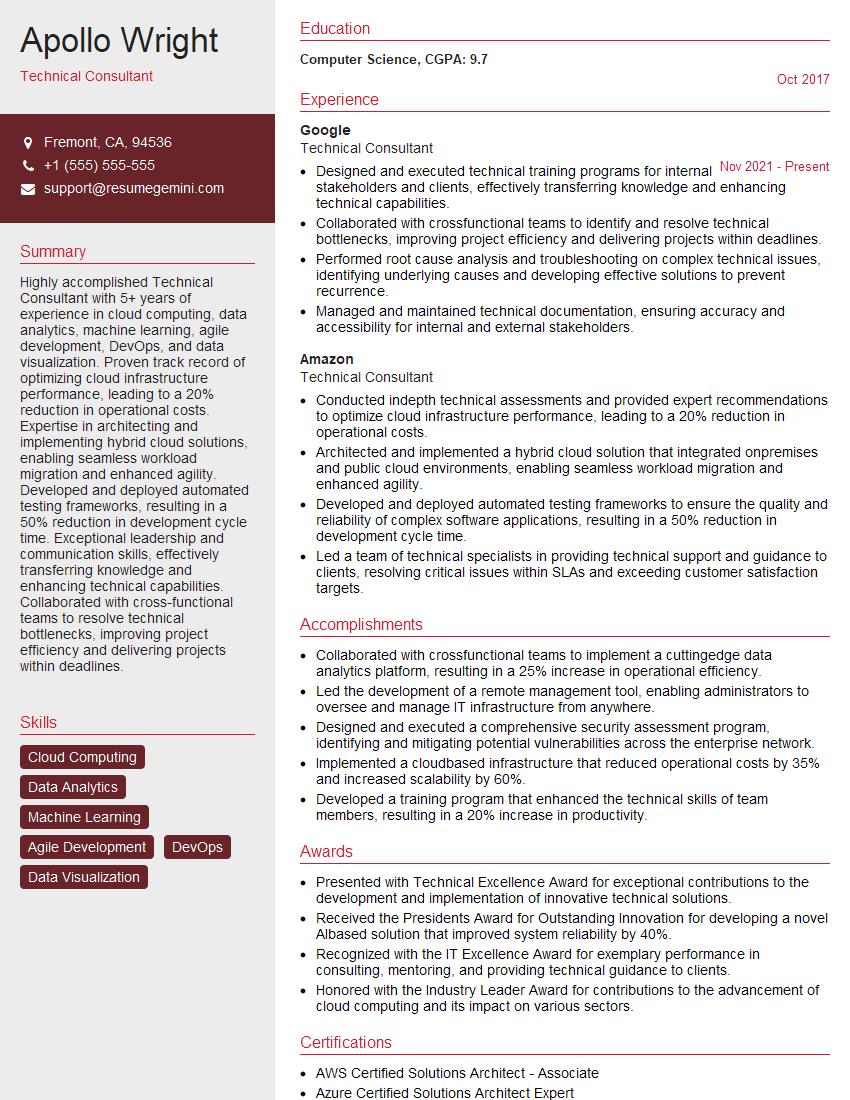
Technical Consultant Resume Sample

Network Administrator Resume Sample

Technical Project Manager Resume Sample

Network Engineer Resume Sample

Systems Administrator Resume Sample

Technical Support Specialist Resume Sample
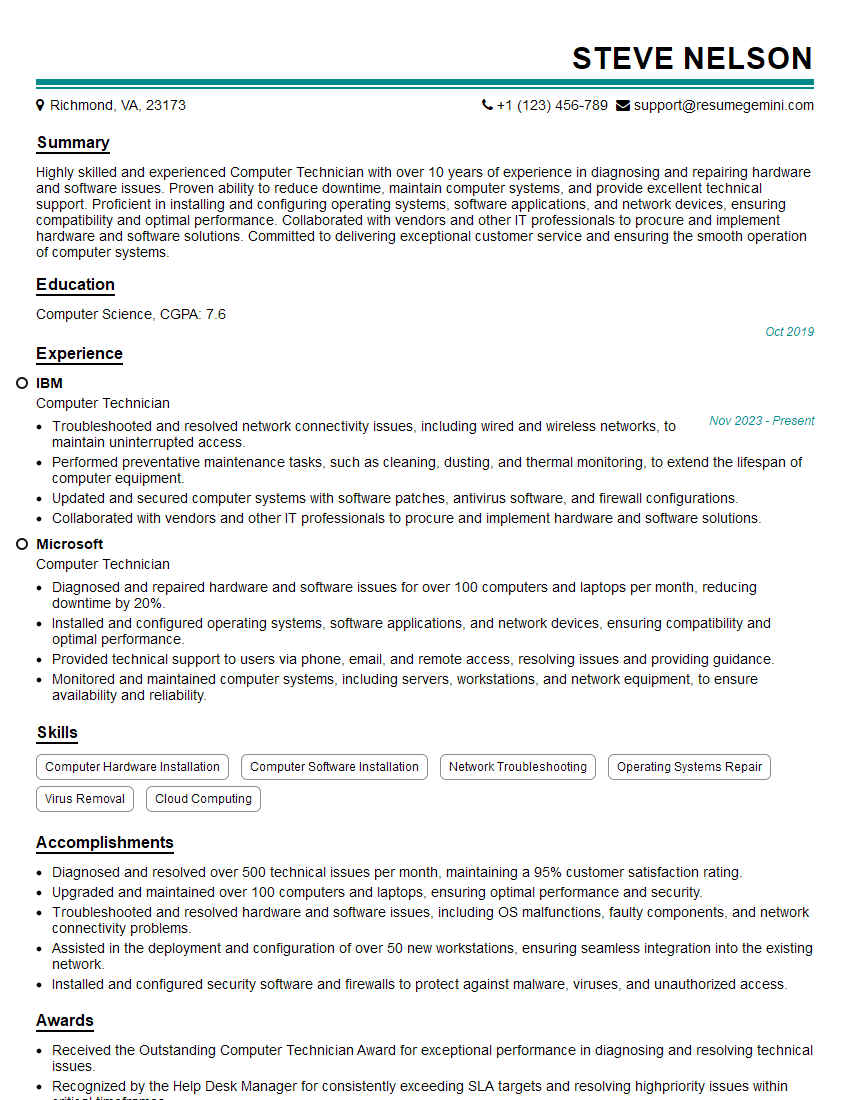
Computer Technician Resume Sample
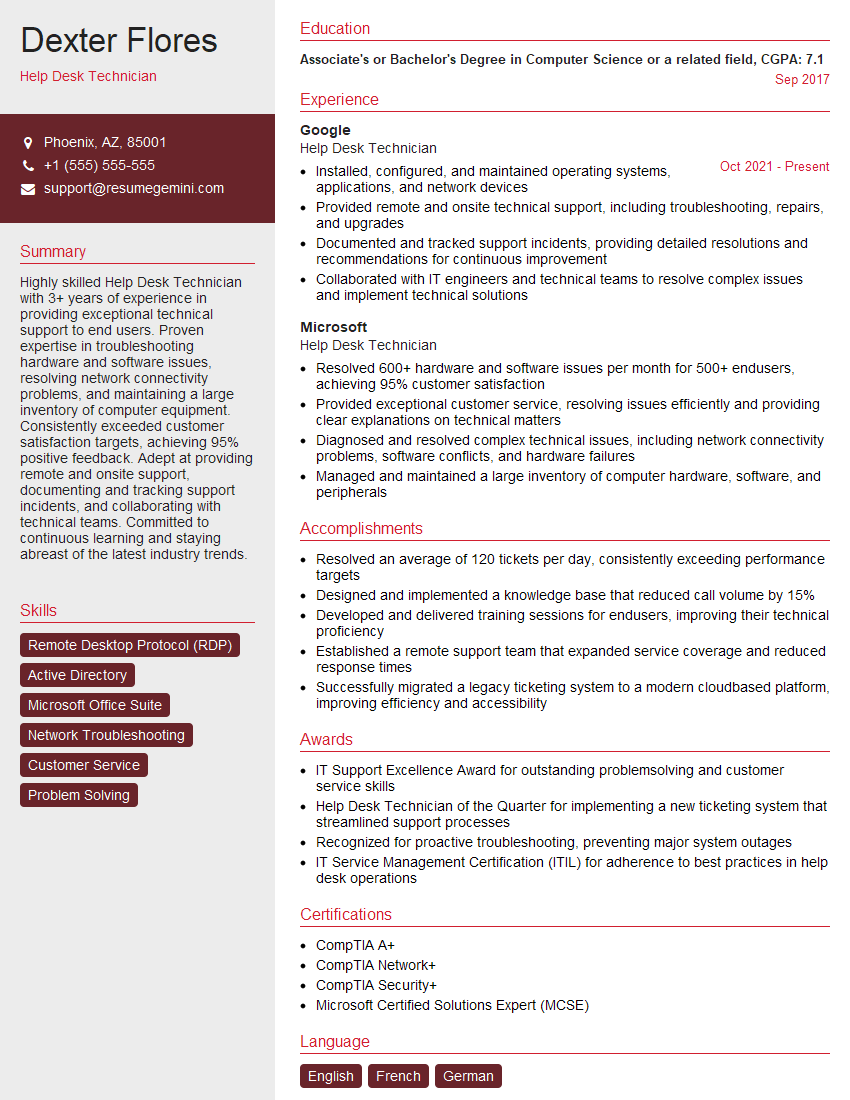
Help Desk Technician Resume Sample

Maintenance Technician Resume Sample
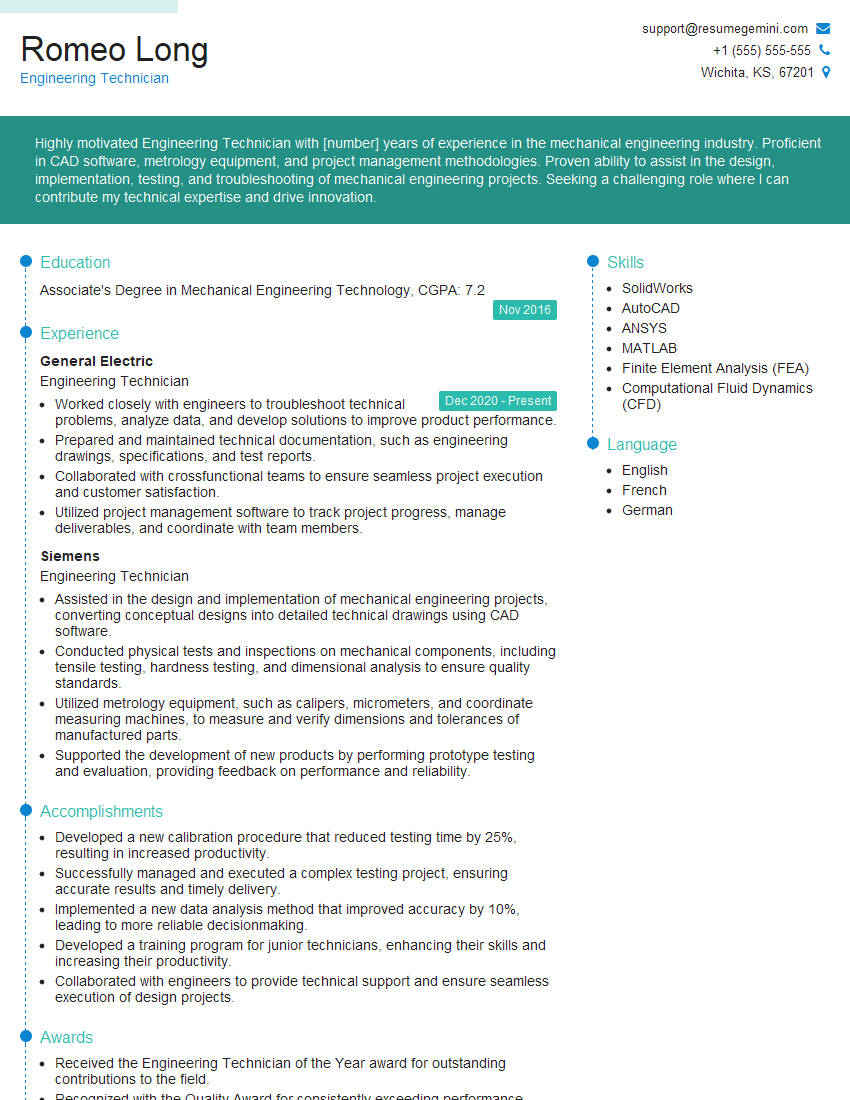
Engineering Technician Resume Sample

Field Service Engineer Resume Sample

Hardware Engineer Resume Sample
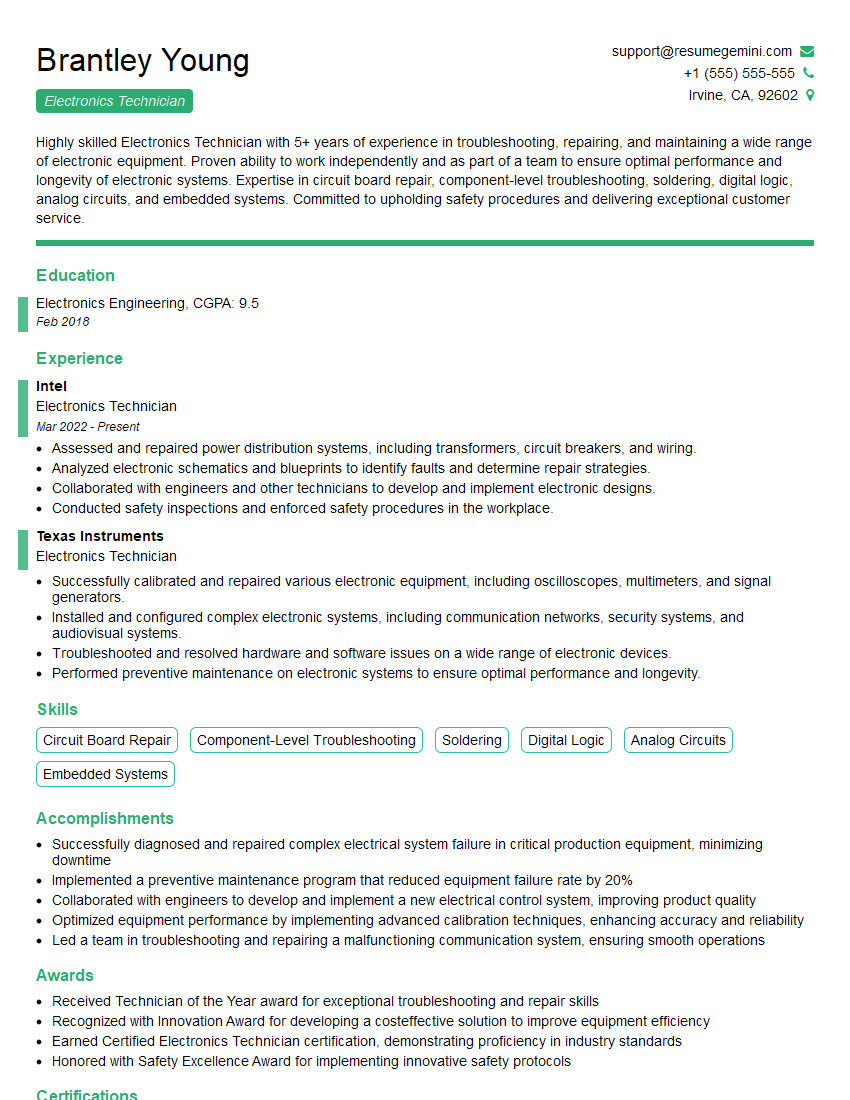
Electronics Technician Resume Sample

Robotics Technician Resume Sample
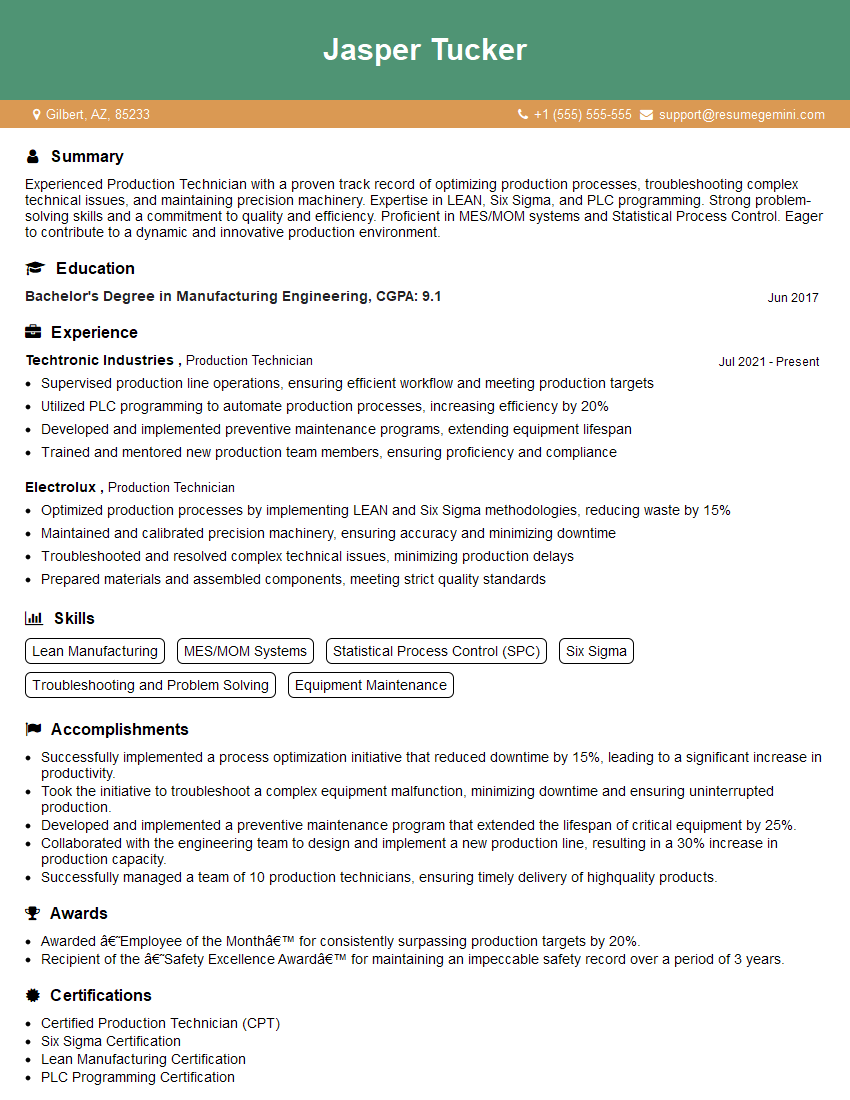
Production Technician Resume Sample
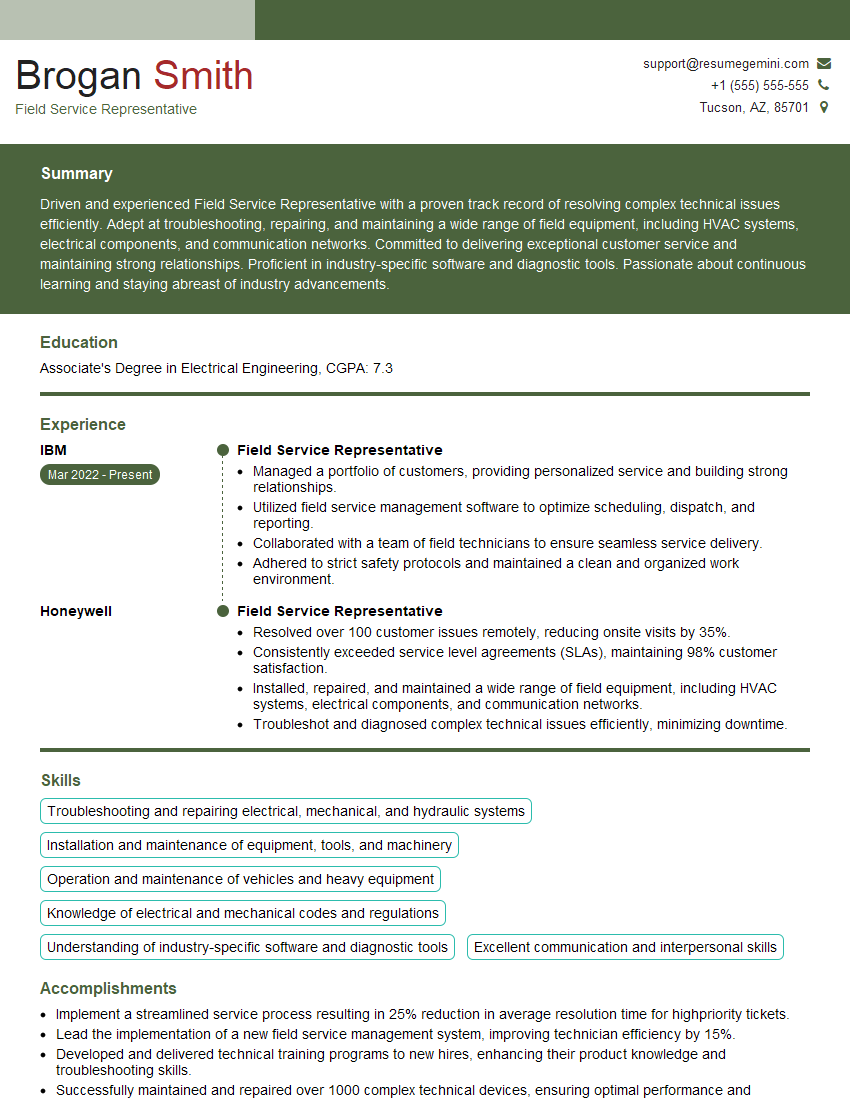
Field Service Representative Resume Sample
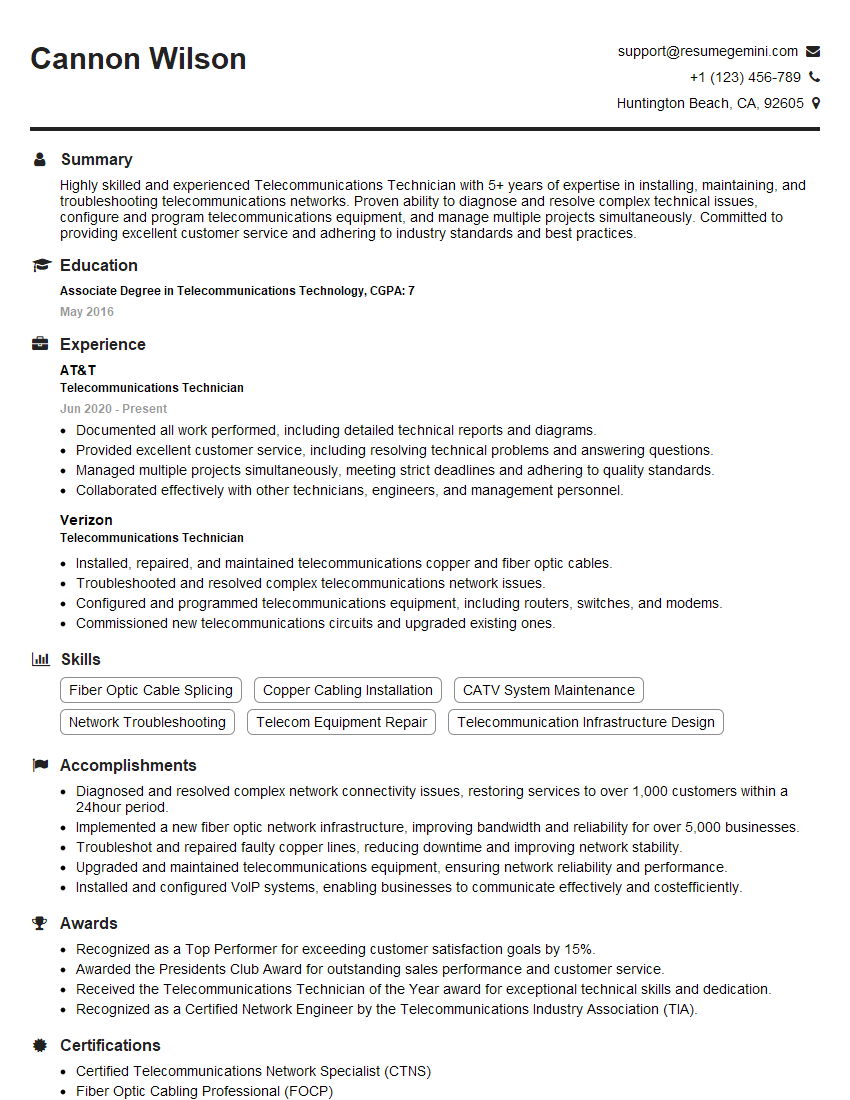
Telecommunications Technician Resume Sample

IT Support Specialist Resume Sample
- Technical Consultant
- Network Administrator
- Technical Project Manager
- Network Engineer
- Systems Administrator
- Technical Support Specialist
- Computer Technician
- Help Desk Technician
- Maintenance Technician
- Engineering Technician
- Field Service Engineer
- Hardware Engineer
- Electronics Technician
- Robotics Technician
- Production Technician
- Field Service Representative
- Telecommunications Technician
- IT Support Specialist
Explore more articles
Users Rating of Our Blogs
Share Your Experience
We value your feedback! Please rate our content and share your thoughts (optional).
What Readers Say About Our Blog
To the interviewgemini.com Webmaster.
Very helpful and content specific questions to help prepare me for my interview!
Thank you
To the interviewgemini.com Webmaster.
This was kind of a unique content I found around the specialized skills. Very helpful questions and good detailed answers.
Very Helpful blog, thank you Interviewgemini team.