Preparation is the key to success in any interview. In this post, we’ll explore crucial Technology-Aided Communication (TAC) interview questions and equip you with strategies to craft impactful answers. Whether you’re a beginner or a pro, these tips will elevate your preparation.
Questions Asked in Technology-Aided Communication (TAC) Interview
Q 1. Explain the difference between synchronous and asynchronous TAC methods.
Synchronous and asynchronous communication methods in Technology-Aided Communication (TAC) differ fundamentally in their timing and immediacy. Think of it like this: synchronous is like a live conversation, while asynchronous is like leaving a voicemail.
Synchronous TAC involves real-time interaction, where participants communicate simultaneously. Examples include video conferencing (Zoom, Google Meet), instant messaging (Slack, WhatsApp), and live online presentations. The key characteristic is the immediate exchange of information, allowing for quick feedback and collaborative problem-solving. For instance, a team might use a video conference to brainstorm ideas in real-time, benefiting from immediate input and clarification.
Asynchronous TAC, on the other hand, doesn’t require simultaneous participation. Communication happens over a period of time, with a delay between sending and receiving messages. Email, forums, learning management systems (LMS), and pre-recorded webinars are all examples. This allows individuals to contribute at their own pace and is suitable for situations where immediate responses aren’t crucial. Imagine a training course using an LMS; learners access materials at their convenience and respond to discussion forums when they have time.
- Advantages of Synchronous TAC: Immediate feedback, strong engagement, better for collaborative tasks.
- Disadvantages of Synchronous TAC: Requires participants to be available at the same time, can be disruptive to individual schedules.
- Advantages of Asynchronous TAC: Flexibility, allows for more considered responses, suitable for larger audiences.
- Disadvantages of Asynchronous TAC: Can be slow, less immediate feedback, can lead to communication breakdowns if not managed carefully.
Q 2. Describe your experience with various communication platforms (e.g., Slack, Microsoft Teams, Zoom).
I have extensive experience with various communication platforms, each serving different purposes and audiences. My experience includes:
- Slack: Used extensively for team communication, project management, and quick information sharing. I’ve leveraged Slack’s channels to organize discussions around specific projects, ensuring clear communication and efficient task completion. I’ve also utilized its integration capabilities with other tools to streamline workflows.
- Microsoft Teams: A powerful platform for larger organizations, I’ve used Teams for both internal and external collaboration. Its integration with Microsoft 365 makes it ideal for managing documents, scheduling meetings, and holding online training sessions. I’ve successfully managed numerous team projects using Teams’ features for file sharing, task assignment, and video conferencing.
- Zoom: An invaluable tool for virtual meetings, webinars, and online training. I’ve conducted numerous training sessions, presentations, and virtual conferences using Zoom, effectively using its features like screen sharing, breakout rooms, and polls to maintain engagement and facilitate interaction. I am adept at troubleshooting technical issues and ensuring a smooth online experience for participants.
My experience spans utilizing these platforms for diverse applications, from project management and team communication to large-scale online events and training programs. I understand the strengths and limitations of each platform and can strategically select the most appropriate tool for a given communication objective.
Q 3. How do you ensure accessibility in your technology-aided communication strategies?
Ensuring accessibility in TAC is paramount for inclusive communication. My approach involves a multi-faceted strategy focusing on:
- Content Accessibility: I create content that follows WCAG (Web Content Accessibility Guidelines) to ensure it’s usable by people with disabilities. This includes providing alternative text for images, using clear and concise language, and structuring content logically with proper headings and subheadings.
- Platform Selection: I choose platforms and tools with built-in accessibility features, such as keyboard navigation, screen reader compatibility, and adjustable font sizes. I also verify that the chosen platform adheres to accessibility guidelines.
- Captioning and Transcription: For video and audio content, I always provide captions and transcripts to accommodate individuals who are deaf or hard of hearing. These are created meticulously for accuracy.
- Color Contrast: I pay close attention to color contrast ratios to ensure that text and other important elements are easily visible to individuals with visual impairments.
- Alternative Formats: If needed, I provide content in alternative formats, such as audio or large print, to cater to diverse needs.
Accessibility isn’t just about compliance; it’s about ensuring everyone can fully participate and benefit from technology-aided communication. By proactively considering accessibility needs throughout the entire design and development process, I create inclusive communication strategies that empower all individuals.
Q 4. What are some best practices for designing effective e-learning modules?
Designing effective e-learning modules requires a thoughtful approach blending instructional design principles and technological capabilities. Here are some key best practices:
- Clear Learning Objectives: Begin by defining specific, measurable, achievable, relevant, and time-bound (SMART) learning objectives. Each module should have a clear purpose.
- Engaging Content: Use a variety of media – text, images, videos, interactive exercises – to keep learners engaged. Avoid lengthy blocks of text; instead, break information into manageable chunks.
- Interactive Elements: Incorporate interactive elements such as quizzes, simulations, and games to reinforce learning and assess understanding. Make sure the interactivity is relevant to the learning objectives.
- Chunking and Sequencing: Break down complex topics into smaller, manageable modules and sequence them logically. This aids comprehension and reduces cognitive load.
- Accessibility Considerations: Adhere to accessibility guidelines to ensure the module is usable by learners with disabilities.
- Regular Feedback and Assessment: Provide regular feedback to learners and incorporate formative and summative assessments to gauge understanding and track progress.
- User-Friendly Navigation: Design a user-friendly interface that allows learners to easily navigate through the module and access resources.
By following these best practices, I create e-learning modules that are engaging, effective, and accessible to all learners, promoting meaningful learning and knowledge retention.
Q 5. Explain your process for creating engaging and informative online content.
Creating engaging and informative online content involves a multi-step process focused on audience understanding and strategic content development:
- Audience Analysis: I start by thoroughly understanding my target audience – their needs, knowledge level, and preferred learning styles. This informs my content strategy and ensures relevance.
- Content Planning: I outline the key messages and topics to be covered, structuring the information logically and sequentially. This could involve mind mapping or creating a detailed content plan.
- Content Creation: I create the content, using a variety of formats such as text, images, videos, and infographics, depending on the topic and audience. I ensure the content is accurate, engaging, and easy to understand.
- Visual Appeal: I pay attention to the visual aspects of the content, ensuring a clean and consistent design. This includes using high-quality visuals, appropriate fonts, and a clear layout.
- Editing and Proofreading: I meticulously edit and proofread the content to ensure accuracy, clarity, and consistency in style and tone. Multiple review passes are crucial.
- Testing and Optimization: I test the content with a small group of users to identify any usability issues or areas for improvement. This feedback is crucial for optimization.
- Publishing and Promotion: Finally, I publish the content on the appropriate platform and promote it to reach the target audience effectively.
My process emphasizes audience-centricity, ensuring the content resonates with its intended recipients and achieves its desired impact. It’s an iterative process; I continuously refine and update content based on user feedback and changing needs.
Q 6. How do you measure the effectiveness of your technology-aided communication efforts?
Measuring the effectiveness of TAC efforts requires a multi-pronged approach using both qualitative and quantitative data. The specific metrics will depend on the communication objectives.
- Website Analytics: For online content, I use website analytics (Google Analytics) to track metrics such as website traffic, time spent on page, bounce rate, and conversion rates. This provides insights into content engagement and effectiveness.
- Engagement Metrics: I track engagement metrics such as likes, shares, comments, and downloads for social media posts and other online content. These show how audiences interact with the content.
- Surveys and Feedback Forms: I use surveys and feedback forms to gather qualitative data on audience satisfaction, understanding, and perceived value of the communication. This provides direct insights from the audience.
- Learning Outcomes: For e-learning modules or training programs, I track learning outcomes using pre- and post-tests or assessments. This measures knowledge gain and skill development.
- Participation Rates: I monitor participation rates in online events or discussions. This measures reach and audience engagement.
- Return on Investment (ROI): For marketing or sales communications, I track the return on investment (ROI) to measure the effectiveness of the communication in achieving business objectives.
By combining these quantitative and qualitative data points, I gain a comprehensive understanding of the success of my TAC efforts, enabling data-driven improvements and optimization of future communication strategies.
Q 7. Describe your experience with user interface (UI) writing or content design.
I have considerable experience in UI writing and content design, focusing on creating clear, concise, and user-friendly interfaces. My approach emphasizes simplicity and effectiveness.
UI Writing: My focus is on crafting microcopy – the small snippets of text that guide users through an interface. This includes button labels, error messages, confirmation prompts, and help text. I strive to make this text clear, concise, and actionable. For example, instead of a button labelled ‘Submit Form’, I might use ‘Save Changes’ or ‘Continue’ depending on context, which is more user-friendly.
Content Design: I design content experiences that are both informative and intuitive. This involves considering the user journey, structuring information logically, and choosing the right format for different types of content. My experience includes designing onboarding flows, help centers, and FAQ sections. I believe in using visuals effectively to improve readability and comprehension.
I have a strong understanding of user experience (UX) principles and how they relate to UI writing and content design. I employ user research techniques to inform my decisions, ensuring the language and content resonates with the target audience. Testing and iteration are crucial parts of my process, ensuring the final product is effective and user-friendly.
Q 8. How familiar are you with learning management systems (LMS) like Moodle or Canvas?
I have extensive experience with Learning Management Systems (LMS), particularly Moodle and Canvas. I’ve used them both for delivering training, managing course materials, tracking student progress, and facilitating online discussions. Moodle, for example, offers a highly customizable environment, allowing for the creation of complex course structures and the integration of various plugins to enhance the learning experience. Canvas, on the other hand, is known for its user-friendly interface and robust features for communication and collaboration. My experience encompasses creating and managing entire courses within these platforms, including designing interactive activities, assessments, and integrating multimedia content to make learning engaging.
For instance, in a recent project, I used Moodle to build a comprehensive training program for a client’s sales team. I leveraged Moodle’s built-in quiz features to assess employee understanding of the product and implemented a forum for peer-to-peer discussion and knowledge sharing. This resulted in a significant improvement in their sales performance and a more effective knowledge transfer process.
Q 9. What are the benefits and drawbacks of using video conferencing for communication?
Video conferencing offers numerous benefits for communication, including real-time interaction, visual engagement, and the ability to connect with geographically dispersed teams. It’s especially useful for collaborative tasks, presentations, and training sessions. Think of a brainstorming session – the non-verbal cues visible during a video call greatly enhance understanding and collaboration compared to a simple phone call.
However, drawbacks include technical difficulties (poor internet connection, software glitches), the potential for distractions in participants’ environments, and the fatigue that can result from prolonged screen time – often termed ‘Zoom fatigue’. Furthermore, the lack of physical presence can hinder the development of stronger interpersonal relationships, particularly crucial in team building. A well-planned video conference, mindful of these challenges, can however, significantly minimize such drawbacks.
Q 10. How would you handle a situation where a critical communication system fails?
The failure of a critical communication system requires a swift and multi-faceted response. My approach would involve a series of steps. First, I would immediately assess the extent of the failure and identify the affected systems and users. Next, I would activate a pre-defined contingency plan (which should always be in place), encompassing alternative communication channels, such as email, SMS, or even a physical notice board depending on the situation. Simultaneously, I would initiate troubleshooting to determine the root cause of the failure and work towards restoration. It’s vital to keep all stakeholders informed transparently about the situation and the progress of the restoration efforts. Effective communication during this crisis is paramount to minimizing disruption.
For example, if our organization’s internal messaging system goes down, I would immediately switch to email for crucial updates. A text message alert would notify all staff of the outage and direct them to use alternative communication methods. Meanwhile, IT would begin diagnosing the issue and providing regular updates on estimated restoration time. Transparency and clear, consistent communication are key to managing such a critical event.
Q 11. Describe your experience using data analytics to improve communication effectiveness.
I have substantial experience leveraging data analytics to enhance communication effectiveness. By analyzing communication data, we can gain valuable insights into the effectiveness of our messages, the engagement levels of our audience, and areas for improvement. This could include examining email open and click-through rates to optimize subject lines and content, or tracking website traffic to understand user behavior and preferences.
In one project, we used data analytics to analyze the performance of our internal communication campaigns. We discovered that emails with concise, action-oriented subject lines and visually appealing content had significantly higher engagement rates. This allowed us to refine our communication strategy and improve employee satisfaction and knowledge retention. We also analyzed patterns in employee feedback to identify issues early and address them promptly.
Q 12. Explain your understanding of different communication styles and how you adapt to them.
Understanding different communication styles is crucial for effective communication. I recognize and adapt to styles such as direct, indirect, assertive, passive, and aggressive communication. For instance, a direct communicator prefers clear, concise messages while an indirect communicator might use hints or metaphors. I adjust my approach based on the individual and the context. With a direct communicator, I will be clear and to the point. With an indirect communicator, I’ll be more subtle and patient, ensuring that my message is understood.
An example: When interacting with a senior manager who prefers a direct style, I would present information concisely and with data-driven insights. When collaborating with a junior team member who may need more guidance, I would use a more supportive and collaborative approach. Adaptability ensures effective communication across diverse teams and audiences.
Q 13. How do you ensure clear and concise communication in technical documentation?
Clear and concise technical documentation is paramount. My approach involves utilizing a structured writing style, employing clear and simple language, avoiding jargon, and using visual aids like diagrams and flowcharts to illustrate complex concepts. Each step or procedure should be broken down into manageable, easily understood instructions. Consistency in terminology and formatting is crucial for user comprehension.
For example, when creating documentation for a new software feature, I wouldn’t use overly technical terms without defining them. Instead, I would use plain language and include illustrative examples to show users how to use the feature. I would use visuals to guide them through the process, eliminating any potential ambiguities. Regular reviews and feedback loops with users are important to ensure the clarity and effectiveness of the documentation.
Q 14. Describe your experience with creating interactive learning experiences.
I have extensive experience in crafting interactive learning experiences. I believe that active participation significantly enhances knowledge retention. My approach involves incorporating various interactive elements, such as simulations, gamification, quizzes, branching scenarios, and collaborative projects. These techniques transform passive learning into active engagement.
In one project, I developed an interactive training module on cybersecurity awareness using a gamified approach. Participants had to solve puzzles and make decisions in simulated scenarios to learn about phishing attacks, malware, and password security. This game-like approach greatly increased engagement and improved knowledge retention compared to traditional training methods. The use of interactive elements significantly improved the learning experience and produced demonstrably better outcomes.
Q 15. What strategies do you use to improve team communication and collaboration?
Improving team communication and collaboration hinges on selecting the right tools and fostering a culture of open dialogue. I employ a multi-pronged approach.
- Strategic Tool Selection: I assess team needs and choose appropriate communication platforms. For quick updates, a tool like Slack is ideal; for project management, Asana or Trello; for more formal communication, email remains relevant. The key is to avoid tool overload.
- Clear Communication Protocols: Establishing clear guidelines on response times, meeting etiquette, and preferred communication channels is crucial. This minimizes misunderstandings and ensures efficiency. For instance, we might agree that urgent matters go through Slack, while project updates are documented in Asana.
- Regular Check-ins and Feedback Loops: Frequent check-ins, both formal and informal, are essential. These provide opportunities for updates, problem-solving, and team bonding. Regular feedback sessions help identify areas for improvement in communication processes.
- Cultivating a Culture of Psychological Safety: Team members must feel comfortable expressing their opinions, concerns, and even mistakes without fear of judgment. This fosters open communication and collaboration. This involves active listening, constructive feedback, and celebrating diverse perspectives.
- Training and Support: Providing training on effective communication techniques, such as active listening and non-violent communication, enhances team effectiveness. Ensuring adequate technical support for chosen platforms also contributes to seamless collaboration.
For example, in a previous project, we implemented a daily stand-up meeting using a video conferencing tool. This allowed remote team members to connect face-to-face, improving both communication and team morale.
Career Expert Tips:
- Ace those interviews! Prepare effectively by reviewing the Top 50 Most Common Interview Questions on ResumeGemini.
- Navigate your job search with confidence! Explore a wide range of Career Tips on ResumeGemini. Learn about common challenges and recommendations to overcome them.
- Craft the perfect resume! Master the Art of Resume Writing with ResumeGemini’s guide. Showcase your unique qualifications and achievements effectively.
- Don’t miss out on holiday savings! Build your dream resume with ResumeGemini’s ATS optimized templates.
Q 16. How familiar are you with various multimedia authoring tools?
I possess extensive experience with various multimedia authoring tools, ranging from basic to advanced. My proficiency includes:
- Adobe Creative Suite (Photoshop, Illustrator, InDesign, After Effects): I use these tools for creating visually engaging presentations, infographics, and marketing materials, ensuring consistency in brand messaging.
- Articulate Storyline and Adobe Captivate: These e-learning authoring tools are crucial for developing interactive training materials and online courses, incorporating multimedia elements to enhance learning outcomes.
- Camtasia and Screencast-o-matic: I leverage these for creating screen recordings and video tutorials, providing concise and effective instructions.
- Canva: For quick and visually appealing designs, particularly for social media and marketing content, Canva’s user-friendly interface is invaluable.
My selection of a specific tool depends on the project requirements. For example, if creating a complex interactive training module, I would choose Articulate Storyline; for a simple social media graphic, Canva would suffice. My expertise lies not just in using these tools, but in strategically applying them to achieve specific communication goals.
Q 17. Describe a time you had to adapt your communication strategy due to unforeseen circumstances.
During a product launch campaign, our primary social media platform experienced an unexpected outage hours before the event. This necessitated a rapid adaptation of our communication strategy.
Initially, our plan relied heavily on real-time updates and engagement via the affected platform. We immediately shifted our focus to secondary channels – email marketing, a backup social media account, and a press release – to ensure the message reached our target audience. We communicated the platform issue transparently, emphasizing our commitment to addressing the problem and providing alternative channels for engagement.
This quick response helped mitigate the damage and maintained momentum for the launch. The experience highlighted the importance of having a robust communication contingency plan and the flexibility to adapt quickly to unexpected circumstances.
Q 18. How do you stay up-to-date with the latest trends in technology-aided communication?
Staying current in the rapidly evolving field of Technology-Aided Communication requires a proactive approach.
- Industry Publications and Blogs: I regularly follow leading publications such as Communication World and various blogs focusing on communication technologies and best practices.
- Conferences and Webinars: Attending industry conferences and webinars provides valuable insights into the latest trends and technologies, as well as networking opportunities.
- Professional Organizations: Membership in organizations like the International Association of Business Communicators (IABC) offers access to resources, research, and professional development opportunities.
- Online Courses and Certifications: I regularly explore online courses and certifications to expand my knowledge and skills in new technologies.
- Experimentation and Hands-on Learning: I regularly experiment with new tools and technologies to gain practical experience and stay ahead of the curve.
This multi-faceted approach ensures I remain knowledgeable about emerging trends and adapt my strategies accordingly.
Q 19. What is your experience with creating and managing online communities?
My experience with creating and managing online communities involves both professional and personal projects.
- Professional: I’ve been involved in developing and moderating online forums and discussion groups for professional networks. This includes defining community guidelines, engaging members, fostering constructive dialogue, and managing content to ensure a positive user experience.
- Personal: I actively participate in and contribute to online communities related to my interests, which has provided valuable insight into community dynamics and best practices.
Key aspects of my approach include understanding the target audience, creating engaging content, establishing clear community guidelines, fostering a sense of belonging, and actively moderating discussions to ensure a safe and productive environment. Metrics like member engagement, post frequency, and feedback are crucial for evaluating community success and making adjustments as needed. For example, in a project for a client, we created a private Facebook group for beta testers, which significantly boosted user feedback and product improvement before the launch.
Q 20. How do you ensure consistent branding in your communication materials?
Maintaining consistent branding in communication materials is critical for building brand recognition and trust. My approach involves a systematic process:
- Brand Style Guide: A comprehensive style guide outlining brand colors, fonts, logo usage, tone of voice, and messaging is fundamental. This serves as a central reference point for all communication materials.
- Template Creation: Developing standardized templates for various communication channels (e.g., email, social media posts, presentations) ensures consistency across all platforms.
- Centralized Asset Management: Using a centralized system to store and manage brand assets (logos, images, fonts) prevents inconsistencies and ensures everyone uses the approved versions.
- Regular Audits and Reviews: Periodically reviewing communication materials to ensure adherence to the brand style guide is crucial for maintaining consistency over time.
- Training and Communication: Training all team members on the brand style guide and providing ongoing support ensures everyone understands and follows the guidelines.
For instance, we’ve used brand templates in our company’s marketing campaigns, ensuring that the logo, colour scheme and font style remained consistent across all marketing channels, from the website to social media posts.
Q 21. Explain your understanding of different communication models (e.g., Shannon-Weaver).
Understanding different communication models is crucial for effective communication strategy. The Shannon-Weaver model, for instance, is a linear model depicting communication as a one-way process. It comprises a sender, encoder, channel, decoder, receiver, and noise.
Sender --(Encoder)--> Message --(Channel)--> Receiver --(Decoder)--> Interpretation
This model is helpful in understanding basic communication elements, but it lacks the dynamism of real-world interactions. It doesn’t adequately account for feedback, which is crucial in effective communication. More complex models, such as the transactional model, consider communication as a two-way process involving simultaneous sending and receiving of messages, acknowledging feedback and context. This model is far more realistic as it accounts for the continuous exchange of messages and interpretations between communicators.
In practical application, understanding these models helps me to identify potential communication breakdowns. For example, if a message isn’t clear (encoder issue), or the chosen channel is inappropriate (noise), I can adapt my strategy to ensure effective communication. Knowing the limitations of linear models like Shannon-Weaver drives me to consider the richer, interactive aspects of the transactional model when designing communication strategies, ensuring that feedback and context are incorporated for better understanding.
Q 22. How do you handle feedback and criticism related to your communication efforts?
Feedback is crucial for refining communication strategies. I approach it as an opportunity for growth, not criticism. My process involves actively listening, asking clarifying questions to fully understand the perspective, and then analyzing the feedback to identify actionable insights. For example, if feedback indicates low engagement with a video, I would analyze metrics like view duration and drop-off points to pinpoint areas for improvement. This might involve adjusting the video’s pacing, adding more visual elements, or improving the call-to-action. I then implement changes, retest, and iterate based on the results. This cyclical approach ensures continuous improvement and fosters a culture of learning.
Q 23. Describe your experience with implementing a technology-aided communication solution.
In a previous role, I spearheaded the implementation of a new internal communication platform using Microsoft Teams. The challenge was to migrate from a disjointed system of emails and disparate file-sharing platforms to a centralized, integrated solution. My approach involved a phased rollout. First, I conducted thorough training sessions for staff, focusing on practical application rather than just technical specifications. Second, I created a detailed onboarding guide with video tutorials and frequently asked questions to address potential roadblocks. Third, I continuously monitored user feedback through surveys and informal feedback sessions to identify areas needing refinement. This iterative approach led to a smoother transition, improved team collaboration, and a significant increase in communication efficiency. The success was measured by a reduction in email traffic, improved project coordination, and positive user satisfaction scores.
Q 24. What are some key considerations for designing effective mobile-first communication strategies?
Mobile-first communication design prioritizes the user’s mobile experience. Key considerations include:
- Simplicity and Clarity: Mobile screens are smaller, so messaging must be concise, visually appealing, and easy to digest at a glance. Avoid clutter and lengthy text.
- Intuitive Navigation: Navigation should be straightforward and seamless, with clear calls to action. Think about finger-friendly touch targets.
- Fast Loading Speed: Mobile users are impatient. Optimize images and content to ensure fast loading times.
- Responsiveness: The design should adapt seamlessly to different screen sizes and orientations.
- Accessibility: Consider users with disabilities, ensuring compatibility with screen readers and other assistive technologies.
- Offline Functionality: Where possible, design for offline access to critical information.
For example, designing a mobile-first notification system requires careful consideration of the message length, urgency, and the action users can take directly from the notification. A simple notification with a clear call to action is more effective than a lengthy message.
Q 25. Explain your understanding of the importance of user experience (UX) in TAC.
User experience (UX) is paramount in Technology-Aided Communication. A poorly designed system, no matter how technically advanced, will fail if it’s not user-friendly. UX encompasses all aspects of a user’s interaction with the technology, from ease of use to overall satisfaction. Consider a poorly designed chatbot. If it fails to understand user queries or provides irrelevant responses, users will quickly abandon it, rendering the technology useless. Good UX in TAC demands iterative testing, user feedback incorporation, and a focus on intuitive design. It’s about creating a seamless and enjoyable communication experience.
Q 26. How do you prioritize different communication channels based on audience and message?
Channel selection depends heavily on audience and message. For example:
- Urgent updates or critical information: SMS or push notifications are ideal for immediate attention.
- Detailed information or complex instructions: Email is better suited for lengthy messages requiring careful reading.
- Visual content or engaging storytelling: Social media platforms like Instagram or YouTube are effective.
- Two-way communication and immediate feedback: Live chat or social media platforms are better for real-time interaction.
- Internal communication: A company intranet or instant messaging platform is ideal for internal team collaboration.
Understanding the audience’s preferred channels and communication styles is key. For example, reaching a younger demographic might involve using platforms like TikTok or Snapchat, while older generations may prefer email or text.
Q 27. Describe your experience with A/B testing communication materials.
A/B testing allows for data-driven optimization of communication materials. I have extensive experience running A/B tests on email campaigns, website copy, and social media posts. For example, in an email campaign, I might test two different subject lines to see which one yields a higher open rate. Or, I might test two different calls to action to see which one drives more conversions. The key is to isolate variables and carefully analyze the results to determine which version performs better. This iterative process allows for continuous improvement and the creation of more effective communication strategies.
Tools like Google Optimize or VWO are invaluable in facilitating this process.
Q 28. What are some ethical considerations when using technology for communication?
Ethical considerations in TAC are paramount. Key issues include:
- Privacy: Protecting user data is critical. Complying with regulations like GDPR and CCPA is non-negotiable.
- Transparency: Being open and upfront about data collection and usage practices builds trust.
- Accessibility: Ensuring that communication technologies are accessible to everyone, regardless of ability, is an ethical imperative.
- Misinformation: Preventing the spread of false or misleading information requires careful content moderation and fact-checking.
- Bias: Algorithms and AI systems can perpetuate existing societal biases. Careful design and testing are required to mitigate these risks.
For instance, using AI-powered chatbots requires careful consideration of potential biases embedded in the training data. Ensuring fairness and avoiding discriminatory outcomes is critical.
Key Topics to Learn for Technology-Aided Communication (TAC) Interview
- Accessibility and Inclusivity in TAC: Understanding principles of universal design and how to create accessible communication materials for diverse audiences. Consider practical applications like designing captions for videos or creating accessible websites.
- Multimedia Design and Integration: Mastering the effective use of various media formats (text, images, audio, video) to enhance communication. Explore practical applications such as creating engaging e-learning modules or interactive presentations.
- Communication Technologies and Platforms: Familiarize yourself with a range of communication technologies, including video conferencing, learning management systems (LMS), and social media platforms. Understand their strengths and weaknesses for different communication goals.
- Data Analysis and Communication: Learn how to effectively communicate data insights through visualizations and reports. Consider practical applications such as creating dashboards to track project progress or analyzing user feedback from online surveys.
- Human-Computer Interaction (HCI) Principles: Understand the principles of user-centered design and how they apply to the development and implementation of effective communication technologies. Explore practical applications such as designing intuitive user interfaces for communication apps.
- Ethical Considerations in TAC: Explore the ethical implications of using technology for communication, including issues of privacy, misinformation, and digital divide. Consider practical applications such as developing responsible social media strategies or designing ethical AI-powered communication tools.
- Emerging Trends in TAC: Stay updated on the latest advancements in technology-aided communication, such as virtual reality (VR), augmented reality (AR), and artificial intelligence (AI). Prepare to discuss the potential impact of these technologies on communication practices.
Next Steps
Mastering Technology-Aided Communication is crucial for career advancement in today’s digital world. It demonstrates your ability to leverage technology to effectively communicate complex information and engage diverse audiences. To stand out to potential employers, create an ATS-friendly resume that showcases your skills and experience. ResumeGemini is a trusted resource that can help you build a professional and impactful resume, ensuring your qualifications are highlighted effectively. Examples of resumes tailored to Technology-Aided Communication (TAC) are available to guide you.
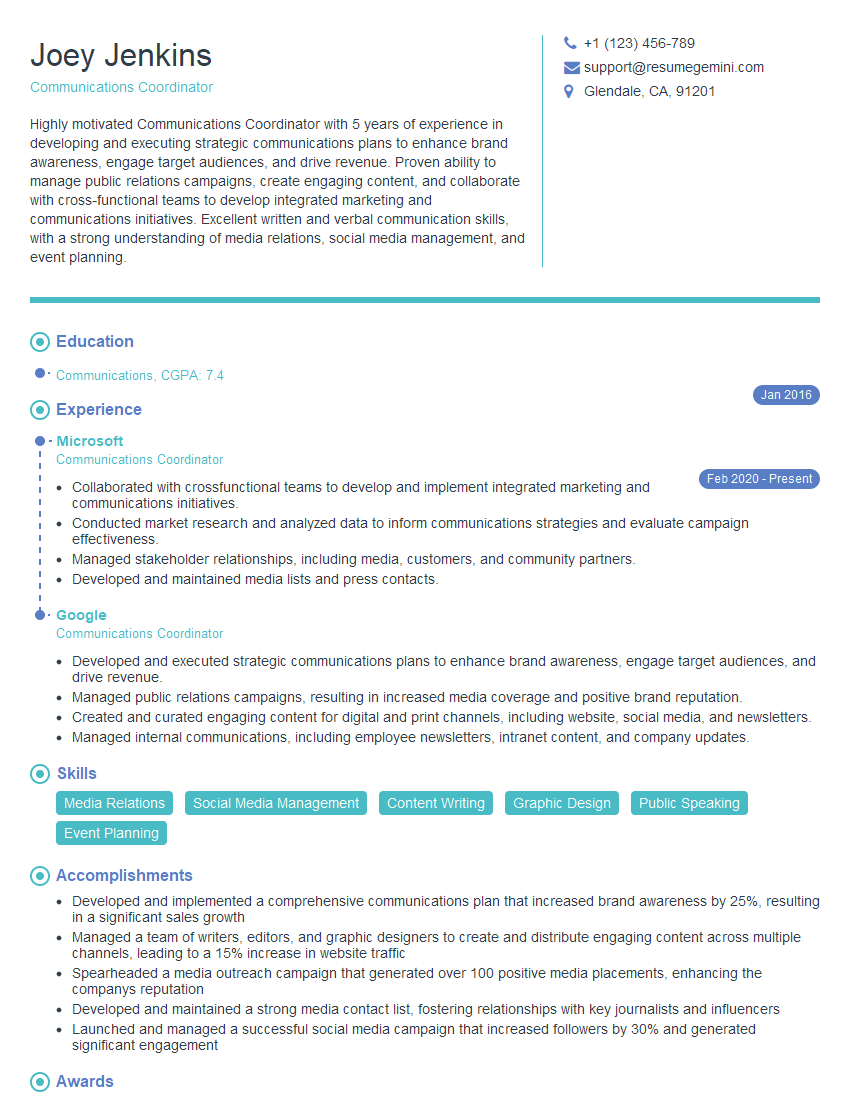
Communications Coordinator Resume Sample

Training Specialist Resume Sample

Social Media Manager Resume Sample

Information Architect Resume Sample
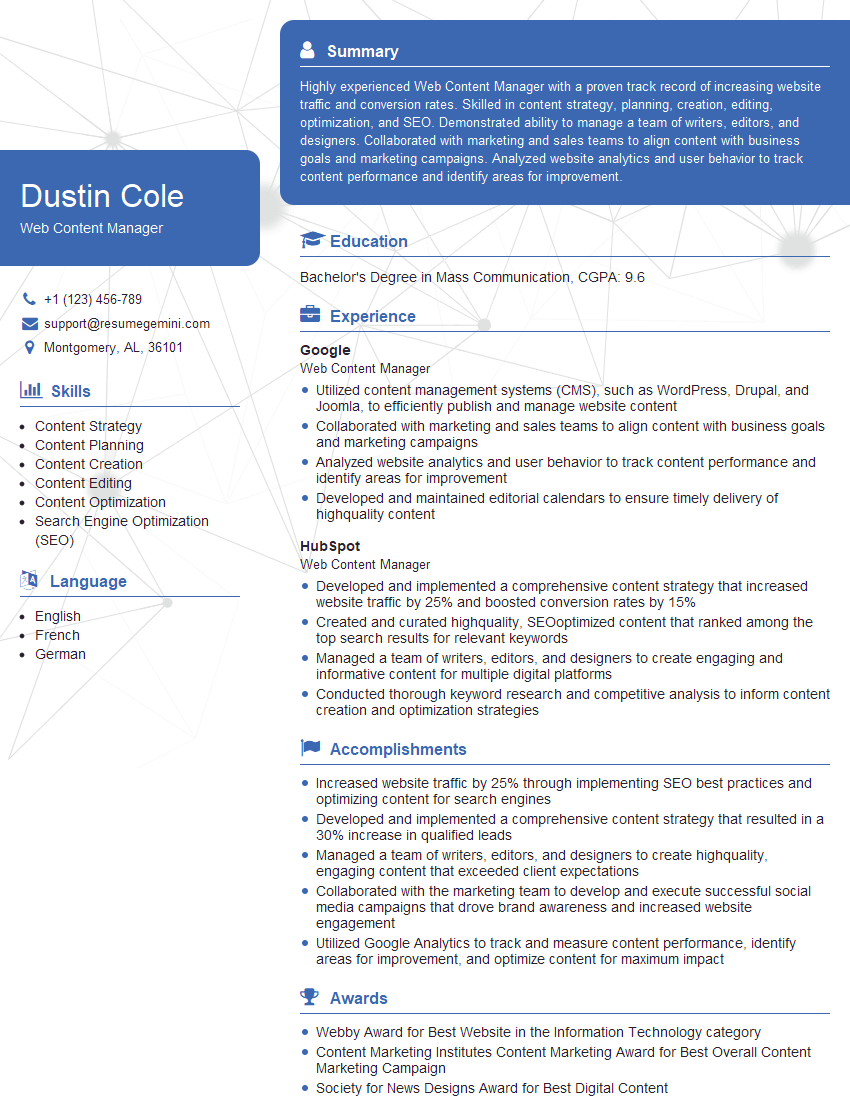
Web Content Manager Resume Sample

Instructional Designer Resume Sample
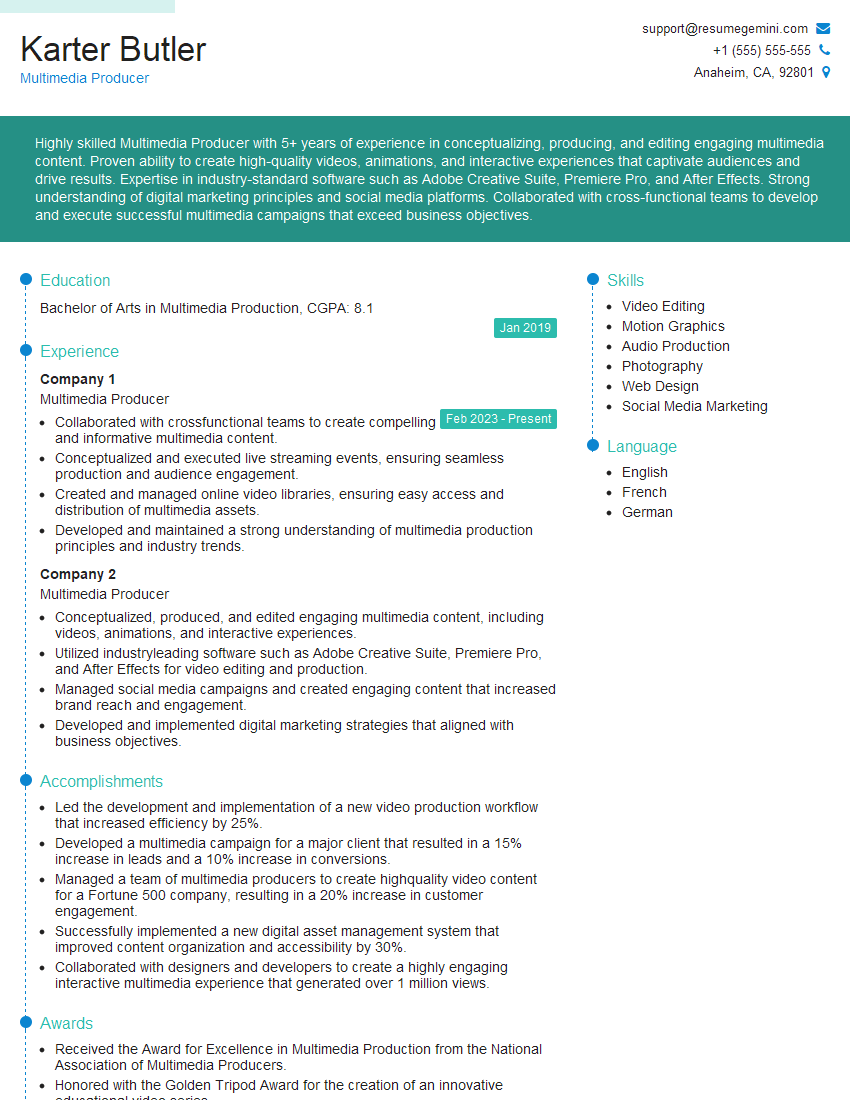
Multimedia Producer Resume Sample
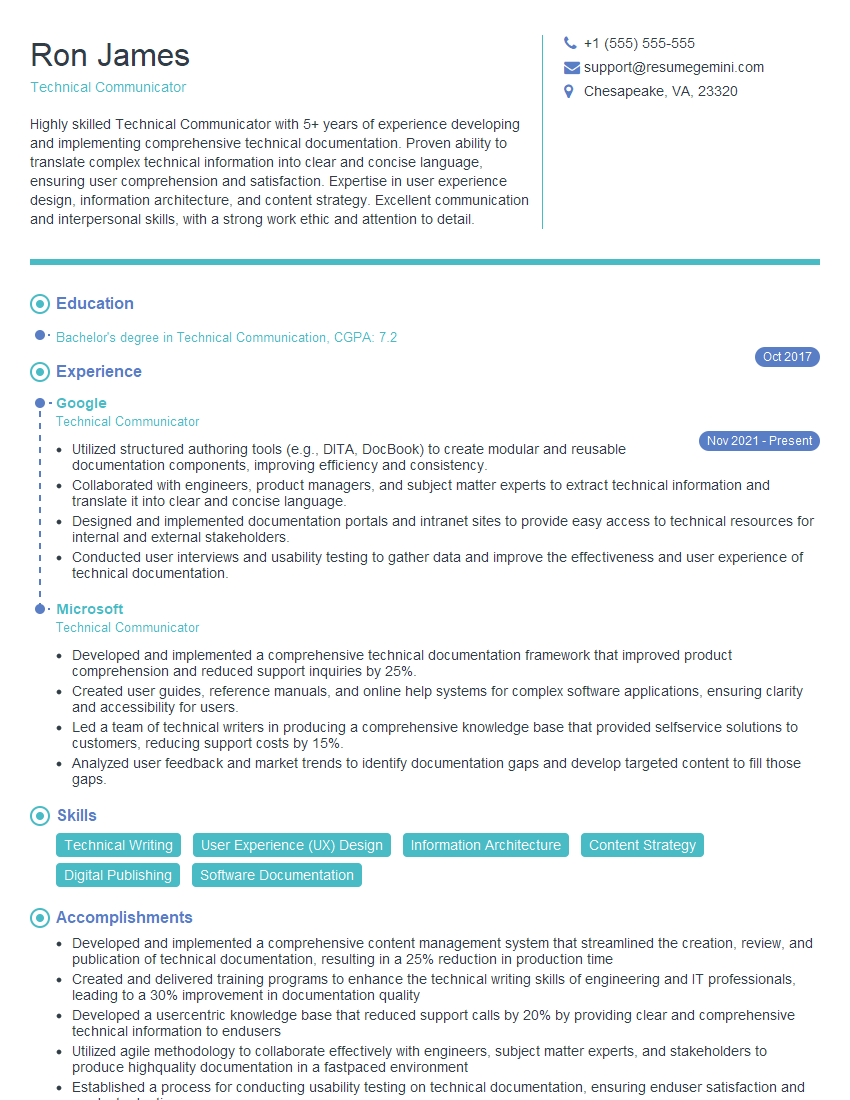
Technical Communicator Resume Sample

Technical Writer Resume Sample
Explore more articles
Users Rating of Our Blogs
Share Your Experience
We value your feedback! Please rate our content and share your thoughts (optional).
What Readers Say About Our Blog
To the interviewgemini.com Webmaster.
Very helpful and content specific questions to help prepare me for my interview!
Thank you
To the interviewgemini.com Webmaster.
This was kind of a unique content I found around the specialized skills. Very helpful questions and good detailed answers.
Very Helpful blog, thank you Interviewgemini team.