Every successful interview starts with knowing what to expect. In this blog, we’ll take you through the top WMS/ERP System Navigation interview questions, breaking them down with expert tips to help you deliver impactful answers. Step into your next interview fully prepared and ready to succeed.
Questions Asked in WMS/ERP System Navigation Interview
Q 1. Describe your experience with WMS/ERP system implementations.
My experience with WMS/ERP system implementations spans over eight years, encompassing roles from junior consultant to senior project manager. I’ve been involved in full lifecycle implementations, from initial requirements gathering and system selection to configuration, testing, go-live support, and post-implementation optimization. I’ve worked with diverse clients across various industries, including retail, manufacturing, and logistics. For instance, in a recent project for a large retail client, I led the implementation of a new SAP WM system, resulting in a 15% reduction in order fulfillment time and a 10% improvement in inventory accuracy. This involved close collaboration with cross-functional teams, including warehouse staff, IT, and business process owners, to ensure seamless integration and user adoption.
Another significant project involved migrating a client from a legacy WMS to a cloud-based Oracle WMS solution. This presented unique challenges due to data migration and system integration complexities. However, by implementing a phased rollout approach and focusing on thorough testing, we successfully migrated their data and operations with minimal disruption.
Q 2. Explain the differences between various WMS systems (e.g., SAP WM, Oracle WMS).
While both SAP WM and Oracle WMS are leading WMS solutions, they differ significantly in their architecture, functionality, and approach. SAP WM is typically tightly integrated with the broader SAP ERP landscape, offering a robust and deeply integrated solution for large enterprises with complex supply chains. Its strength lies in its sophisticated features, such as advanced warehouse management processes (e.g., putaway strategies, wave picking), but this comes with a steeper learning curve and higher implementation costs.
Oracle WMS, on the other hand, offers more flexibility and scalability, often deployed as a standalone solution or integrated with other ERP systems. It provides a more user-friendly interface and is often chosen by companies with less complex needs or those looking for a quicker and potentially more cost-effective implementation. Each system also has different strengths in specific areas; for instance, one might excel in handling specific types of inventory or warehouse operations. The best choice depends on the specific needs and resources of the organization.
Other WMS systems, like Blue Yonder or Manhattan Associates, possess their own unique strengths and weaknesses, with some focusing on specific industry verticals or offering advanced features like AI-driven optimization.
Q 3. How do you troubleshoot common WMS/ERP system errors?
Troubleshooting WMS/ERP errors requires a systematic approach. I typically begin by identifying the error type – is it a data error, a system error, or a user error? I use a combination of techniques to diagnose the root cause. This often includes:
- Reviewing system logs and error messages: These often provide valuable clues about the nature and location of the problem.
- Checking data integrity: Incorrect or missing data can cause various issues. I’ll examine database tables and transactional records to ensure data consistency.
- Verifying system configurations: Incorrect configurations can lead to functional issues. I’ll review settings and parameters to ensure they align with business requirements.
- Testing user interfaces and workflows: To identify errors in the user’s interaction with the system.
- Using debugging tools: Where applicable, I leverage debugging tools provided by the WMS/ERP vendor to step through code and identify the precise point of failure.
For example, if a picking process is failing, I might first check the system logs for any error messages. If the logs indicate a data problem, I might then investigate whether the relevant inventory data is accurate and complete. If the issue is related to a system configuration, I would review and adjust relevant settings. This step-by-step process allows me to systematically isolate and resolve the problem.
Q 4. What are the key performance indicators (KPIs) you monitor in a WMS/ERP system?
Key Performance Indicators (KPIs) in a WMS/ERP system are critical for monitoring efficiency and identifying areas for improvement. The specific KPIs monitored vary based on business objectives, but some commonly used metrics include:
- Order fulfillment cycle time: Time taken from order placement to shipment.
- Inventory accuracy: Percentage of inventory items correctly recorded in the system.
- Warehouse throughput: Number of units processed per unit of time.
- Inventory turnover rate: How quickly inventory is sold and replenished.
- Storage utilization rate: Percentage of available storage space being used.
- Picking accuracy: Percentage of orders picked correctly.
- Labor productivity: Output per labor hour.
- Order fulfillment cost: Total cost to process and ship an order.
Regular monitoring of these KPIs allows for proactive identification of bottlenecks and areas needing optimization. For example, consistently high order fulfillment cycle times might indicate a need for process improvement or additional resources in the picking area.
Q 5. Explain your understanding of inventory management principles within a WMS system.
Inventory management within a WMS system revolves around ensuring the right quantity of the right items are in the right place at the right time. Key principles include:
- Accurate inventory tracking: Maintaining precise records of inventory levels, location, and status (e.g., available, in transit, reserved).
- Efficient stock management: Optimizing storage locations, implementing effective putaway and picking strategies, and managing inventory replenishment.
- Demand forecasting: Predicting future demand to ensure adequate inventory levels without excessive stockholding.
- Cycle counting and stock takes: Regularly verifying physical inventory against system records to ensure accuracy.
- Inventory optimization techniques: Employing techniques such as ABC analysis (classifying inventory based on value and usage) to optimize storage and handling of high-value items.
Imagine a warehouse managing thousands of items. A WMS streamlines inventory management by automatically updating inventory levels after each transaction, providing real-time visibility into stock status, and optimizing storage space, ultimately reducing storage costs and preventing stockouts or overstocking.
Q 6. How do you ensure data accuracy and integrity within a WMS/ERP system?
Data accuracy and integrity are paramount in a WMS/ERP system. Ensuring this involves several crucial steps:
- Data validation rules: Implementing rules to check data input for errors before it’s stored in the system.
- Data cleansing and standardization: Regularly cleaning and standardizing data to remove inconsistencies and duplicates.
- Regular data backups and recovery procedures: To prevent data loss and ensure business continuity.
- User access controls: Limiting access to sensitive data based on roles and responsibilities.
- Automated reconciliation processes: Regularly reconciling data between the WMS/ERP system and other systems, such as the accounting system.
- Audit trails: Maintaining audit trails to track all data modifications and identify the source of any errors.
For example, implementing data validation rules to prevent the entry of negative inventory quantities helps ensure data integrity. Regular data backups ensure that if data corruption occurs, you have a copy of your data to restore to.
Q 7. Describe your experience with WMS/ERP system reporting and analytics.
My experience with WMS/ERP reporting and analytics is extensive. I’m proficient in using various reporting tools, including those built into the WMS/ERP systems themselves (like SAP BW or Oracle BI) as well as external business intelligence (BI) tools such as Power BI or Tableau. I understand how to create customized reports that provide insights into key business metrics and trends. This includes designing reports to visualize KPIs like inventory turnover, order fulfillment times, and warehouse productivity. I am also experienced in using data analytics to identify areas for process optimization and cost reduction.
In a past project, I used data analysis to identify seasonal demand patterns for a client, which enabled them to optimize their inventory levels, reduce storage costs, and prevent stockouts during peak seasons. I can create dashboards that provide real-time visibility into key performance indicators and also generate ad-hoc reports to answer specific business questions.
Q 8. Explain your experience with integrating WMS/ERP systems with other business applications.
Integrating WMS/ERP systems with other business applications is crucial for streamlining operations and improving data flow. This typically involves connecting the core WMS/ERP system to applications like e-commerce platforms, transportation management systems (TMS), and customer relationship management (CRM) systems. Successful integration relies heavily on understanding data structures, APIs (Application Programming Interfaces), and integration methodologies.
For example, in a previous role, we integrated our WMS with a leading e-commerce platform using a real-time API. This allowed orders placed on the e-commerce site to automatically trigger warehouse picking and packing processes within the WMS. This eliminated manual data entry, reduced errors, and accelerated order fulfillment. Another instance involved connecting our WMS to a TMS to optimize shipping routes and carrier selection based on real-time inventory availability and delivery deadlines. This resulted in significant cost savings and improved delivery times.
The integration process usually involves mapping data fields between systems, developing custom integration scripts or using middleware solutions (like MuleSoft or Informatica), and rigorous testing to ensure data integrity and system stability. Careful planning and collaboration between IT teams and business users are paramount to a successful integration.
Q 9. How do you handle discrepancies between physical inventory and system inventory?
Discrepancies between physical and system inventory are a common challenge in warehouse management. These discrepancies can stem from various sources including data entry errors, inaccurate scans, theft, damage, or simply human error. Addressing these discrepancies requires a systematic approach combining robust inventory control processes and potentially cycle counting or full physical inventory counts.
My approach typically involves a multi-step process: First, identifying the root cause of the discrepancy – is it a systematic issue or an isolated event? Second, implementing corrective actions – this may involve retraining staff, improving scanning procedures, or investing in better inventory tracking technology. Third, regularly conducting cycle counts – these are frequent partial inventory counts focusing on high-value or high-movement items to identify discrepancies early. Finally, performing a full physical inventory count periodically to verify the accuracy of the system inventory against the physical stock. Using variance analysis to identify patterns and trends can help in proactively addressing potential sources of error.
For instance, in one project, we discovered a significant discrepancy due to a faulty barcode scanner. Replacing the scanner and retraining staff on proper scanning techniques effectively resolved the issue. Using the data from the cycle counts, we could identify high-risk areas and focus on those zones for additional attention and improved control.
Q 10. What are your experiences with warehouse optimization techniques using WMS?
Warehouse optimization using WMS involves strategically leveraging the system’s capabilities to improve efficiency and reduce costs. This includes techniques like slotting optimization (arranging inventory strategically based on frequency of access), picking optimization (choosing the most efficient picking paths), and wave picking (grouping orders for simultaneous processing).
My experience with warehouse optimization includes implementing slotting optimization based on ABC analysis (categorizing items based on their value and usage). This resulted in a significant reduction in travel time for pickers, leading to faster order fulfillment. Another example involves implementing wave picking to consolidate orders by delivery route, improving picking efficiency and reducing shipping costs. This approach required configuring the WMS to automatically batch orders and allocate them to specific pickers and loading docks.
Data analytics play a critical role. WMS generates a wealth of data that, when analyzed, can reveal bottlenecks, inefficient processes, and areas for improvement. This data can inform decisions around layout, equipment selection, and staffing levels.
Q 11. Describe your experience with WMS/ERP system security and access control.
Security and access control in WMS/ERP systems are paramount to protecting sensitive data and ensuring operational integrity. This involves implementing a robust security framework that incorporates user authentication, authorization, and data encryption.
My experience includes implementing role-based access control (RBAC), where users are granted access privileges based on their job roles and responsibilities. This prevents unauthorized access to sensitive data and functions. We also implemented multi-factor authentication (MFA) to add an extra layer of security, requiring users to provide multiple forms of authentication (password and a one-time code) before accessing the system. Regular security audits and penetration testing were conducted to identify and address potential vulnerabilities. Data encryption both in transit and at rest was critical to safeguarding sensitive information, particularly customer data and financial transactions. Proper logging and monitoring of system activities were important to detect suspicious behavior and potential security breaches.
Compliance with industry regulations such as HIPAA or GDPR is also a key aspect of security management, ensuring that sensitive data is handled in accordance with the relevant regulations.
Q 12. How do you manage user training and support for a WMS/ERP system?
Effective user training and support are essential for a successful WMS/ERP implementation. Users need to understand how the system works and how to use it effectively. This requires a comprehensive training program that covers various aspects of the system, from basic navigation to advanced functionalities. Ongoing support is also crucial to address users’ questions and issues.
My approach to user training includes a blended learning approach that combines instructor-led training, online tutorials, and hands-on exercises. We tailor the training to different user roles, focusing on the specific features and functionalities relevant to each role. We also provide comprehensive documentation and online help resources. A dedicated support team is essential to provide prompt assistance when users encounter issues. This could involve creating a knowledge base, offering phone support, or providing on-site assistance. The feedback loop is crucial – gathering feedback regularly allows for continuous improvement of the training materials and support processes.
For instance, I developed a series of short, task-oriented videos that showed users how to perform common tasks within the WMS, which proved highly effective in improving user proficiency.
Q 13. Explain your experience with configuring and customizing WMS/ERP systems.
Configuring and customizing WMS/ERP systems allows businesses to tailor the system to their specific needs and processes. This involves adjusting system parameters, creating custom reports, and integrating with other business applications. This requires a deep understanding of the system’s functionality and the business processes it supports.
My experience includes configuring various aspects of the WMS, such as defining warehouse layouts, setting up inventory control parameters, and customizing picking rules. I also have experience developing custom reports to meet specific business reporting requirements. For example, I created a custom report that tracked inventory turnover rates by product category, which provided valuable insights for inventory management. Customization often involves working with the system’s configuration tools or writing custom code using the system’s APIs or extensions. Careful planning and testing are crucial to ensure that customizations do not negatively impact system stability or performance.
Understanding the limitations of the system is equally important. Not all customizations are feasible or cost-effective. Prioritizing the most impactful customizations is crucial for maximizing return on investment.
Q 14. Describe your experience with WMS/ERP system upgrades and migrations.
WMS/ERP system upgrades and migrations are complex undertakings that require careful planning and execution. Upgrades involve updating to a newer version of the existing system, while migrations involve moving from one system to another. Both processes can significantly disrupt operations if not managed effectively.
My experience includes managing both upgrades and migrations. The process typically starts with a thorough assessment of the current system and its limitations, along with the requirements of the new system. A detailed project plan is created, outlining timelines, resources, and potential risks. Data migration is a critical aspect, requiring careful planning and testing to ensure data integrity. Testing is critical – a comprehensive testing plan should be created and executed to identify and fix potential issues before going live. User training is also crucial, ensuring that users understand how to use the updated or new system. Post-implementation support is necessary to address any issues that may arise after the upgrade or migration.
One example includes a migration project where we successfully moved from a legacy WMS to a cloud-based solution. We used a phased approach, migrating data and functionalities in stages to minimize disruption to business operations. Thorough testing and a robust rollback plan were critical to the project’s success.
Q 15. What are your experiences with RF scanning and mobile technologies in WMS?
RF scanning and mobile technologies are integral to modern WMS operations, drastically improving efficiency and accuracy. Think of them as the nervous system of your warehouse, constantly relaying information in real-time. My experience spans various RF technologies, from barcode scanning to RFID (Radio-Frequency Identification) systems. I’ve worked with handheld scanners, wearable devices, and even voice-directed picking systems. In one project, we implemented a system using RFID tags on pallets, which automated inventory tracking and eliminated manual data entry, resulting in a 20% increase in picking accuracy and a 15% reduction in order fulfillment time. We also addressed challenges like signal interference and device management by implementing robust network infrastructure and a comprehensive training program for warehouse staff. This included regular system testing and troubleshooting to ensure optimal performance and minimal downtime.
- Barcode Scanning: The most basic form, widely used for tracking individual items or packages.
- RFID: Offers automated, contactless reading of multiple tags simultaneously, greatly improving speed and accuracy.
- Voice Picking: A hands-free system where workers receive instructions through headsets, freeing up their hands for faster and safer picking.
Career Expert Tips:
- Ace those interviews! Prepare effectively by reviewing the Top 50 Most Common Interview Questions on ResumeGemini.
- Navigate your job search with confidence! Explore a wide range of Career Tips on ResumeGemini. Learn about common challenges and recommendations to overcome them.
- Craft the perfect resume! Master the Art of Resume Writing with ResumeGemini’s guide. Showcase your unique qualifications and achievements effectively.
- Don’t miss out on holiday savings! Build your dream resume with ResumeGemini’s ATS optimized templates.
Q 16. How do you handle data backups and recovery in a WMS/ERP system?
Data backups and recovery are paramount in a WMS/ERP system. Imagine a scenario where your entire warehouse operation grinds to a halt due to data loss – the consequences can be catastrophic. My approach involves a multi-layered strategy. We use a combination of automated and manual backups. Automated backups are scheduled regularly, often daily or even hourly, to capture incremental changes. These are stored in a secure, geographically separate location, ideally in a cloud environment. We also perform manual backups at the end of each month, as a second line of defense. Crucially, we regularly test the recovery process – not just the backup itself, but the entire process of restoring data from the backup. This includes testing the recovery time objective (RTO) and recovery point objective (RPO) to ensure business continuity. This whole process is meticulously documented, following best practices to ensure compliance and auditability. We’ve successfully recovered from several unforeseen events, such as hardware failures and accidental data deletion, minimizing downtime and ensuring business continuity.
Example Backup Schedule: Daily incremental backups, weekly full backups, monthly manual backups to a geographically separate location.Q 17. Explain your experience with different types of warehouse layouts and their impact on WMS design.
Different warehouse layouts significantly impact WMS design. Think of the layout as the blueprint and the WMS as the operating system. A well-designed WMS must be tailored to the specific layout for optimal efficiency. I have experience with various layouts:
- U-shaped layout: Efficient for smaller warehouses with a single process flow.
- I-shaped layout: Simple and linear, suitable for operations with limited space and a straightforward workflow.
- L-shaped layout: Offers flexibility, often used in larger warehouses with multiple processes.
- Aisle-based layout: Common in large warehouses, requires careful planning for traffic flow and efficient aisle space management. This layout necessitates specialized WMS functionality for optimized picking routes and minimizing travel time.
In one project, we migrated a client from an inefficient I-shaped layout to an L-shaped layout. By customizing the WMS to reflect the new layout, including optimized pick paths and slotting algorithms, we achieved a 15% improvement in picking efficiency. This highlights the critical relationship between warehouse layout and WMS design. The WMS isn’t just a software; it’s a strategic tool that reflects the physical and operational realities of the warehouse.
Q 18. How do you ensure compliance with industry regulations within a WMS/ERP system?
Ensuring regulatory compliance within a WMS/ERP system is crucial, requiring a proactive and systematic approach. This involves understanding and adhering to relevant industry regulations, such as FDA, GMP, and others depending on the industry. This goes beyond simply installing software; it necessitates a deep understanding of the regulatory requirements and how the WMS can help achieve compliance. In my experience, this includes:
- Data Validation and Integrity: Implementing checks and balances to ensure data accuracy and prevent errors. This includes data validation rules within the WMS and regular audits of inventory records.
- Audit Trails: Maintaining detailed audit trails of all system activities, allowing for traceability and accountability.
- Access Control: Implementing strict access control measures to protect sensitive data and prevent unauthorized modifications.
- Documentation: Maintaining comprehensive documentation of all system configurations, processes, and regulatory compliance measures.
- Regular Audits: Performing regular internal audits and external audits to verify compliance and identify areas for improvement.
We’ve successfully implemented systems that meet stringent regulatory requirements, including those for pharmaceutical and food industries. We regularly review and update our systems to accommodate changes in regulations, ensuring continued compliance and minimizing risk.
Q 19. Describe your experience with cycle counting and its impact on inventory accuracy.
Cycle counting is a crucial inventory management technique for maintaining accuracy. Imagine trying to manage a warehouse without knowing exactly what you have – it’s chaotic. Cycle counting involves regularly counting a subset of your inventory rather than a complete physical count. This reduces downtime and allows for the identification of discrepancies early on. My experience includes implementing cycle counting programs across various warehouse sizes and industries. We utilize the WMS to schedule and manage the counting process, assign tasks to staff, and track discrepancies. The WMS then uses this data to update inventory records, improving the overall accuracy of inventory information. A well-executed cycle counting program results in better inventory control, reduced stockouts, minimized waste, and improved financial reporting accuracy. For example, we implemented a cycle counting program for a client resulting in a 5% increase in inventory accuracy and a 10% reduction in stockouts.
Q 20. What are the advantages and disadvantages of using cloud-based WMS/ERP systems?
Cloud-based WMS/ERP systems offer several advantages and disadvantages. Think of it as renting versus owning your software.
- Advantages:
- Cost-effectiveness: Reduced upfront investment and lower ongoing maintenance costs.
- Scalability: Easily adjust capacity based on business needs.
- Accessibility: Access data and functionality from anywhere with an internet connection.
- Automatic Updates: Benefit from automatic updates and feature enhancements.
- Disadvantages:
- Internet Dependency: Reliance on a stable internet connection.
- Security Concerns: Data security depends on the cloud provider’s security measures.
- Vendor Lock-in: Can become difficult to switch providers once committed.
- Integration Challenges: Potential integration challenges with legacy systems.
The choice between cloud and on-premise deployment depends on various factors, including budget, security requirements, and IT infrastructure. I have experience with both, and I can help clients choose the best option for their specific needs.
Q 21. Explain your experience with warehouse automation technologies and their integration with WMS.
Warehouse automation technologies, such as automated guided vehicles (AGVs), conveyor systems, and automated storage and retrieval systems (AS/RS), are transforming warehouse operations. Imagine a warehouse where robots do the heavy lifting—that’s the potential. My experience includes integrating these technologies with WMS systems. The integration process is complex, requiring careful planning and coordination. The WMS acts as the central nervous system, directing the automated equipment and providing real-time visibility into operations. For example, we integrated an AS/RS system with a WMS for a client, resulting in a 30% increase in storage capacity and a 20% improvement in order fulfillment speed. Successful integration requires expertise in both warehouse automation and WMS systems, as well as a deep understanding of the client’s specific needs. Key considerations include system compatibility, data exchange protocols, and robust error handling mechanisms.
Q 22. How do you optimize picking and packing processes within a WMS system?
Optimizing picking and packing processes within a WMS hinges on efficient order routing, optimized picking strategies, and streamlined packing procedures. Think of it like a well-oiled machine – every part needs to work smoothly and in sync.
Order Routing: WMS systems can intelligently route orders to the closest picker based on their location within the warehouse, minimizing travel time. For example, a system might prioritize orders with items located in the same zone, reducing picker movement. This is often done using algorithms like shortest path algorithms.
Picking Strategies: Different strategies exist, such as zone picking (dividing the warehouse into zones and assigning pickers to each), batch picking (grouping multiple orders with similar items), and wave picking (releasing batches of orders at specific intervals). The choice depends on order volume, product characteristics, and warehouse layout. For instance, a high-volume warehouse with similar products might benefit from batch picking for efficiency.
Packing Optimization: WMS can guide packers to use appropriate-sized boxes and packing materials, minimizing waste and shipping costs. It can also direct packers to specific packing stations based on order type or destination, improving workflow. Imagine a system automatically suggesting the smallest box that fits an order, reducing shipping expenses.
Technology Integration: Utilizing technologies like barcode scanners, voice picking, and pick-to-light systems significantly reduces errors and speeds up the process. These technologies enhance the accuracy and efficiency of picking and packing by providing real-time feedback and guidance to warehouse staff.
By strategically implementing these strategies and integrating appropriate technology, businesses can dramatically reduce picking and packing time, decrease errors, and lower operational costs.
Q 23. Describe your experience with using WMS/ERP systems to track and manage shipments.
My experience with WMS/ERP systems for shipment tracking and management spans several years and diverse industry settings. I’ve worked with systems like SAP, Oracle, and Infor WMS, managing everything from small-scale shipments to complex, multi-leg international deliveries. I’m proficient in using these systems to generate shipping labels, track packages in real-time using carrier APIs, manage freight costs, and handle returns efficiently.
For example, in a previous role, we implemented a system that automatically updated shipment status in the ERP system as soon as a carrier scanned a package. This provided real-time visibility into the delivery process and improved our customer service by allowing us to answer delivery queries quickly and accurately. We also utilized the system’s reporting capabilities to analyze delivery times, identify bottlenecks, and negotiate better rates with carriers.
I’m also experienced in integrating WMS with transportation management systems (TMS) for seamless end-to-end visibility, from order placement to final delivery. This integrated approach eliminates data silos and provides a holistic view of the entire supply chain. This helps predict potential delays, optimize delivery routes, and ultimately, improve customer satisfaction.
Q 24. How do you use WMS/ERP data to identify areas for improvement in warehouse operations?
WMS/ERP data is a goldmine for identifying areas for improvement in warehouse operations. It’s like having a detailed map of your warehouse’s performance, allowing for targeted improvements. My approach involves several key steps:
Data Extraction and Cleaning: The first step is extracting relevant data from the WMS/ERP system and cleaning it to ensure accuracy. This might involve using SQL queries to extract specific metrics or utilizing the system’s built-in reporting tools.
Key Performance Indicator (KPI) Analysis: I then focus on analyzing key performance indicators (KPIs) such as order fulfillment time, picking accuracy, inventory turnover rate, storage utilization, and labor productivity. A significant deviation from established benchmarks indicates potential areas for improvement.
Identifying Bottlenecks: By analyzing the data, I can pinpoint bottlenecks in the warehouse workflow. For example, consistently high order fulfillment times for a specific product line might suggest a problem with storage location or picking processes.
Root Cause Analysis: Once a bottleneck is identified, I conduct a root cause analysis to determine the underlying reasons. This often involves interviewing warehouse staff, reviewing operational procedures, and examining equipment performance.
Implementation of Solutions: Finally, I develop and implement solutions to address the identified problems. These solutions may include process improvements, technology upgrades, or changes in warehouse layout.
For example, in a previous project, data analysis revealed that a specific picking zone was consistently underperforming. Further investigation revealed inadequate lighting in that zone, leading to increased errors and slower picking times. Solving this simple issue resulted in a significant improvement in overall warehouse efficiency.
Q 25. Explain your understanding of different inventory costing methods and their implementation in WMS.
Understanding inventory costing methods is crucial for accurate financial reporting and effective inventory management within a WMS. Different methods provide different perspectives on the value of your inventory.
First-In, First-Out (FIFO): This method assumes that the oldest inventory items are sold first. It’s straightforward and often preferred for perishable goods, ensuring that older items are used before they expire. In the WMS, this would be implemented by tracking the inventory’s entry date and prioritizing the oldest items for fulfillment.
Last-In, First-Out (LIFO): This method assumes that the newest inventory items are sold first. This can be advantageous during periods of inflation as it lowers the cost of goods sold, resulting in higher reported profits (although tax implications should be considered). WMS implementation requires tracking the inventory entry date and prioritizing the latest items.
Weighted-Average Cost: This method calculates the average cost of all items in inventory. It’s simpler to manage than FIFO or LIFO, but it doesn’t reflect the actual cost of specific items. The WMS would need to calculate the weighted average cost periodically and use this value for inventory valuation and cost of goods sold calculation.
The choice of method impacts financial statements and tax liabilities. Therefore, choosing the right method and accurately implementing it within the WMS is critical for accurate financial reporting and sound business decisions.
Q 26. Describe your experience with order fulfillment processes within a WMS/ERP system.
My experience with order fulfillment processes within a WMS/ERP system is extensive. It encompasses all aspects, from order receipt to final delivery. It’s a coordinated effort involving multiple steps, and a smooth process is key to customer satisfaction.
Typically, the process begins with order entry into the ERP system, which triggers the order fulfillment process within the WMS. The WMS then generates picking lists, optimizes the picking route (as discussed earlier), manages the packing process, and generates shipping labels. Throughout the process, real-time tracking updates the order status, providing visibility to both internal teams and customers. WMS also manages inventory adjustments, including reductions for fulfilled orders and returns.
For instance, in one project, we integrated the WMS with a third-party logistics provider’s system for more efficient fulfillment of orders shipped directly to customers. This integration allowed for real-time updates on order status and improved tracking accuracy. We also implemented automated email notifications for order status updates, improving customer communication.
Effective order fulfillment depends on seamless integration between different systems, accurate inventory management, and efficient warehouse processes. My approach focuses on streamlining every aspect of the process to ensure timely, accurate, and cost-effective fulfillment.
Q 27. How do you ensure data synchronization between WMS and ERP systems?
Ensuring data synchronization between WMS and ERP systems is crucial for accurate inventory levels, financial reporting, and efficient order management. It’s like keeping two sets of books perfectly in sync, preventing discrepancies and ensuring everyone is working with the same information.
Methods for synchronization include:
Real-time Integration: This offers the highest level of accuracy, with data flowing between systems continuously. It requires a robust integration platform and often involves using Application Programming Interfaces (APIs) or middleware.
Batch Processing: Data is transferred in batches at regular intervals (e.g., hourly or daily). This is less resource-intensive than real-time integration but introduces a slight delay in data updates. This is a good compromise between cost and real-time accuracy.
File Transfer: Data is exported from one system and imported into the other using files (e.g., CSV or XML). This method is simpler to implement but can be prone to errors if not managed carefully and is generally slower than real-time or batch methods. It’s best for less frequent data updates.
Regardless of the method chosen, robust error handling and reconciliation processes are crucial. Regular data validation and reconciliation checks help ensure data integrity and identify any discrepancies early on. This often involves manual verification and possibly automated checks and alerts.
Q 28. Explain your experience with using SQL or other database query languages for WMS/ERP data analysis.
My experience with SQL and other database query languages for WMS/ERP data analysis is extensive. I use these skills to extract, transform, and analyze data to identify trends, improve operational efficiency, and enhance decision-making. It’s like being a detective, using data clues to solve operational puzzles.
I regularly use SQL to extract data on inventory levels, order fulfillment times, picking accuracy, and other KPIs. For example, I might use a query like this to identify slow-moving inventory:
SELECT product_id, product_name, SUM(quantity_on_hand) AS total_quantity, SUM(quantity_sold_last_year) AS total_sold FROM inventory GROUP BY product_id, product_name HAVING total_sold < 10 ORDER BY total_quantity DESC;This query retrieves information on the total quantity of each product in stock, as well as the total sold in the last year, for all products that were sold less than 10 times in the last year, ordered by quantity on hand. The results help identify potential candidates for markdowns or removal from the inventory.
Beyond SQL, I have experience using other data analysis tools and programming languages (like Python with libraries like Pandas and data visualization libraries) to perform more complex analyses and create insightful visualizations. These techniques enable a deeper understanding of warehouse performance and support data-driven decision-making.
Key Topics to Learn for WMS/ERP System Navigation Interview
- Mastering the User Interface: Understand the system’s layout, menus, and navigation tools. Practice efficient data entry and retrieval.
- Data Entry and Validation: Learn how to accurately input and verify data, understanding the implications of errors and how to correct them. Practice with different data types and formats.
- Reporting and Analytics: Explore the system’s reporting capabilities. Learn how to generate reports, interpret data, and identify trends. Understand key performance indicators (KPIs) relevant to WMS/ERP systems.
- Inventory Management Functions: Gain a firm grasp of how the system manages inventory – from receiving and putaway to picking, packing, and shipping. Understand stock levels, cycle counting, and inventory adjustments.
- Order Fulfillment Processes: Familiarize yourself with the entire order lifecycle within the system, from order placement to delivery confirmation. Understand order tracking and exception management.
- Security and Access Control: Understand the importance of data security and the various user roles and permissions within the system. Know how to maintain data integrity and confidentiality.
- Troubleshooting and Problem Solving: Develop your ability to identify and resolve common system issues, such as data discrepancies or workflow disruptions. Learn how to effectively utilize system documentation and support resources.
- System Integration (if applicable): If the role involves interaction with other systems, understand how the WMS/ERP system integrates with those systems and the data flow between them.
Next Steps
Mastering WMS/ERP system navigation is crucial for career advancement in logistics, supply chain, and operations management. Proficiency in these systems demonstrates valuable technical skills and problem-solving abilities highly sought after by employers. To maximize your job prospects, create a compelling and ATS-friendly resume that highlights your skills and experience. ResumeGemini is a trusted resource to help you build a professional resume that effectively showcases your qualifications. Examples of resumes tailored to WMS/ERP System Navigation roles are available to help guide you.

Operations Manager Resume Sample
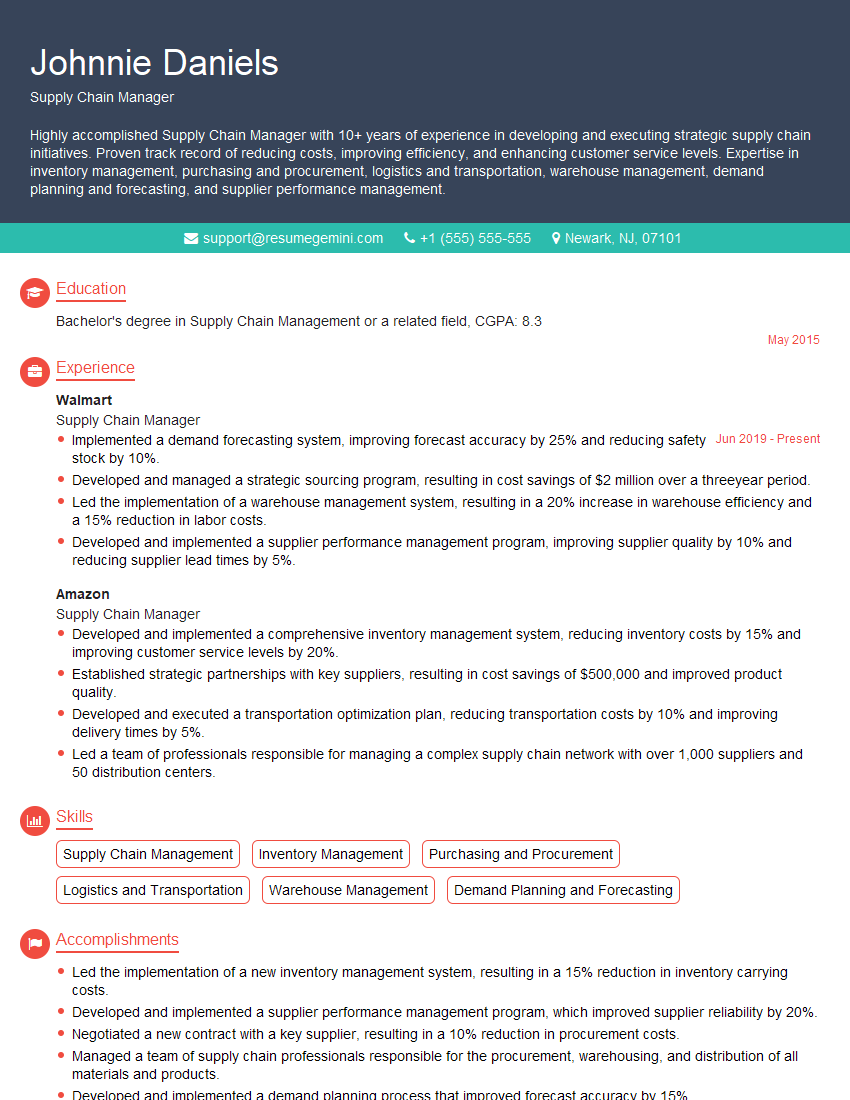
Supply Chain Manager Resume Sample
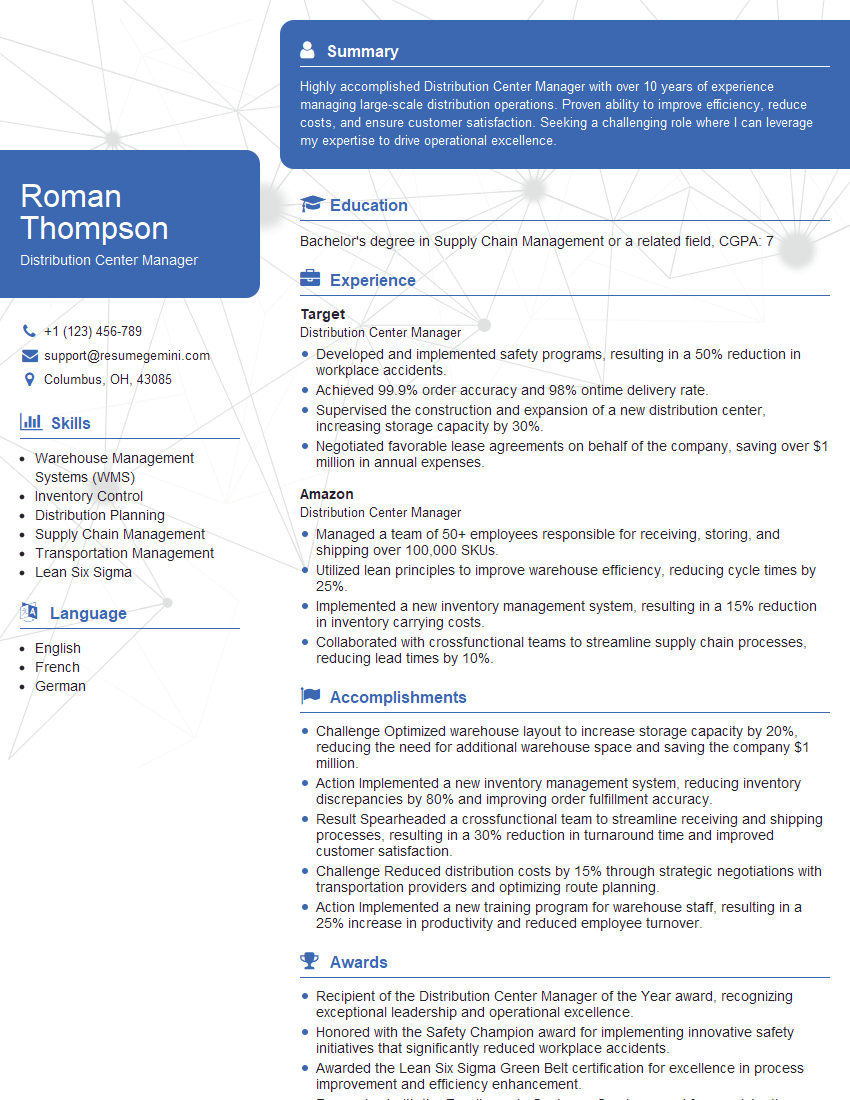
Distribution Center Manager Resume Sample
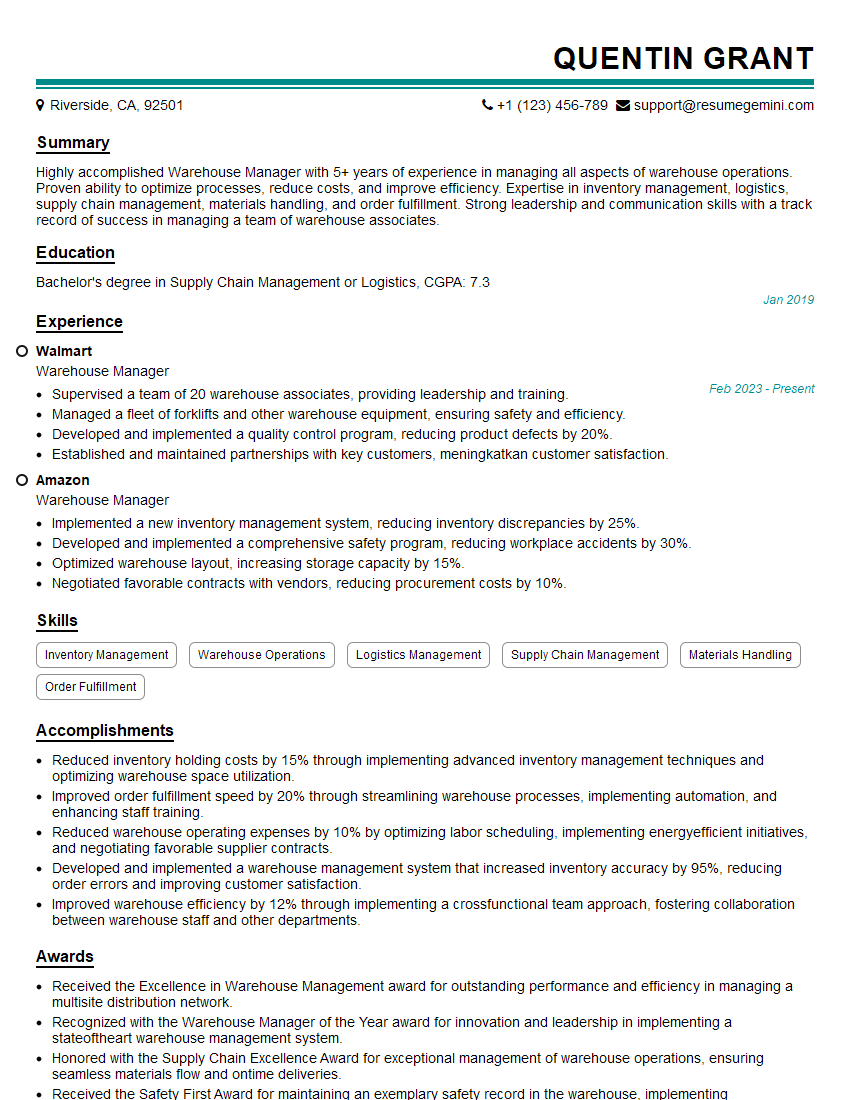
Warehouse Manager Resume Sample
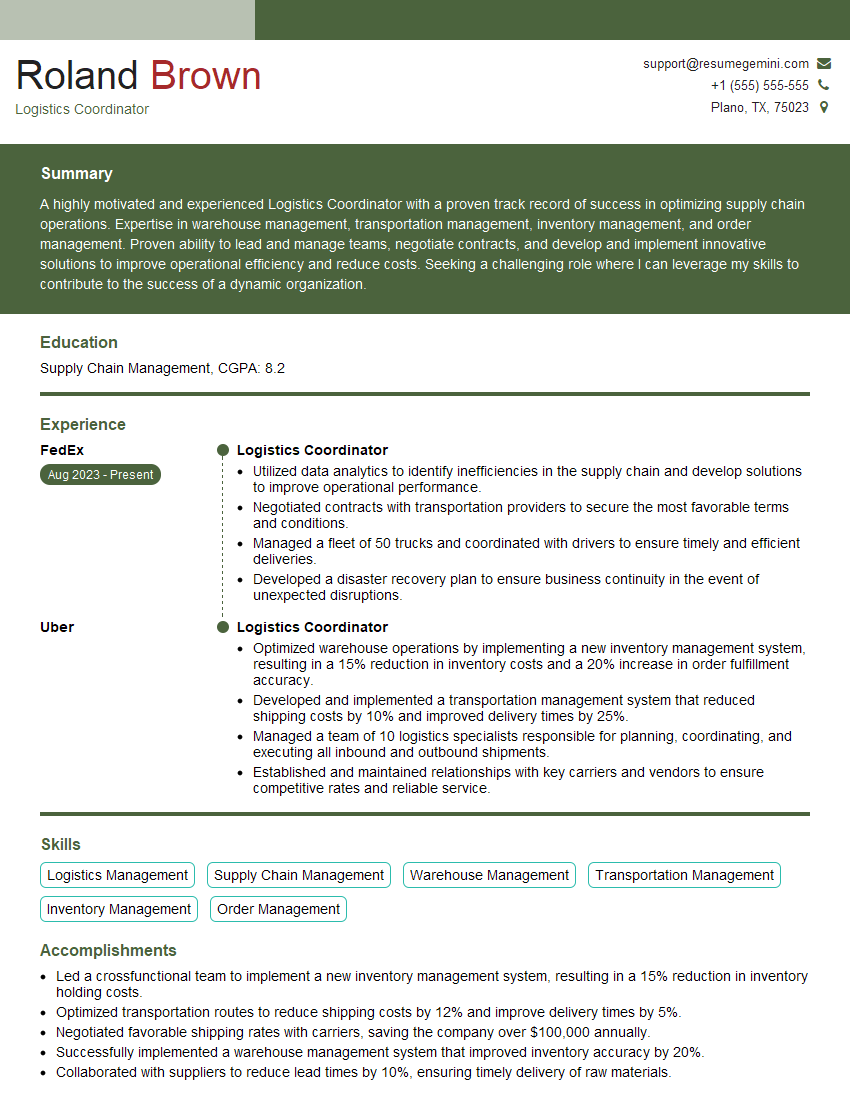
Logistics Coordinator Resume Sample
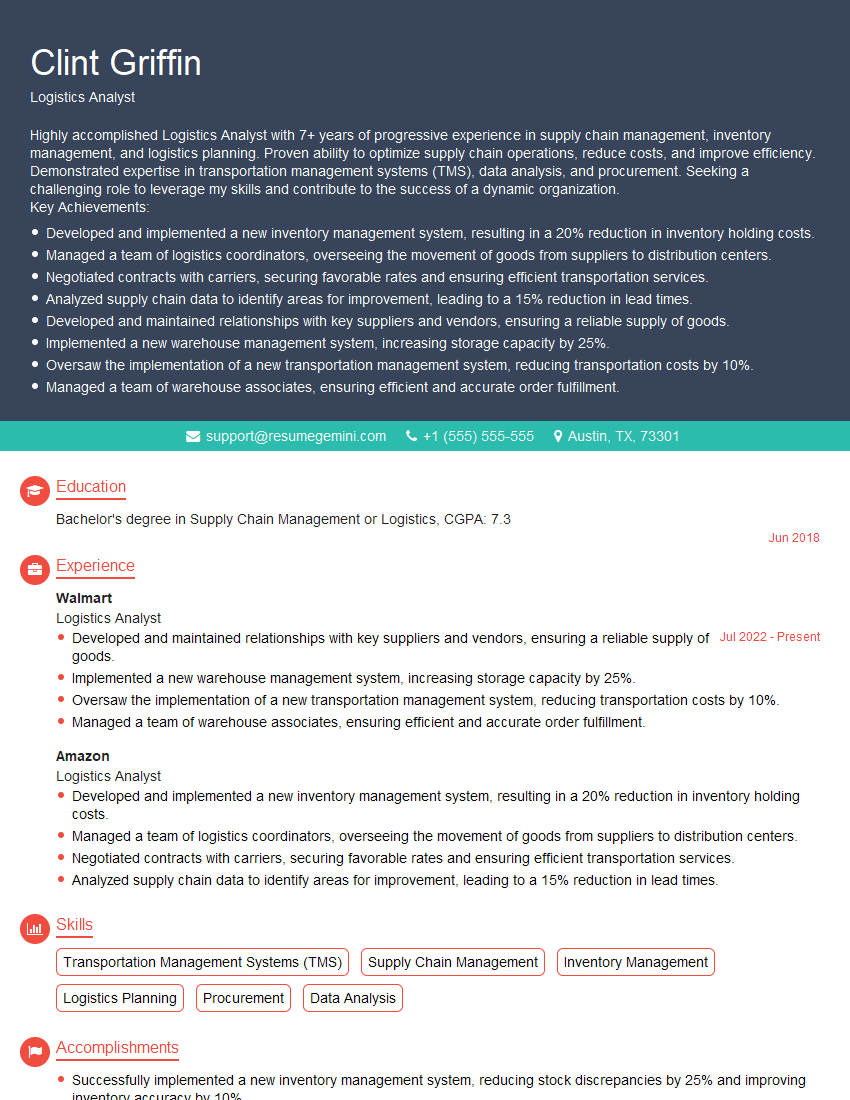
Logistics Analyst Resume Sample
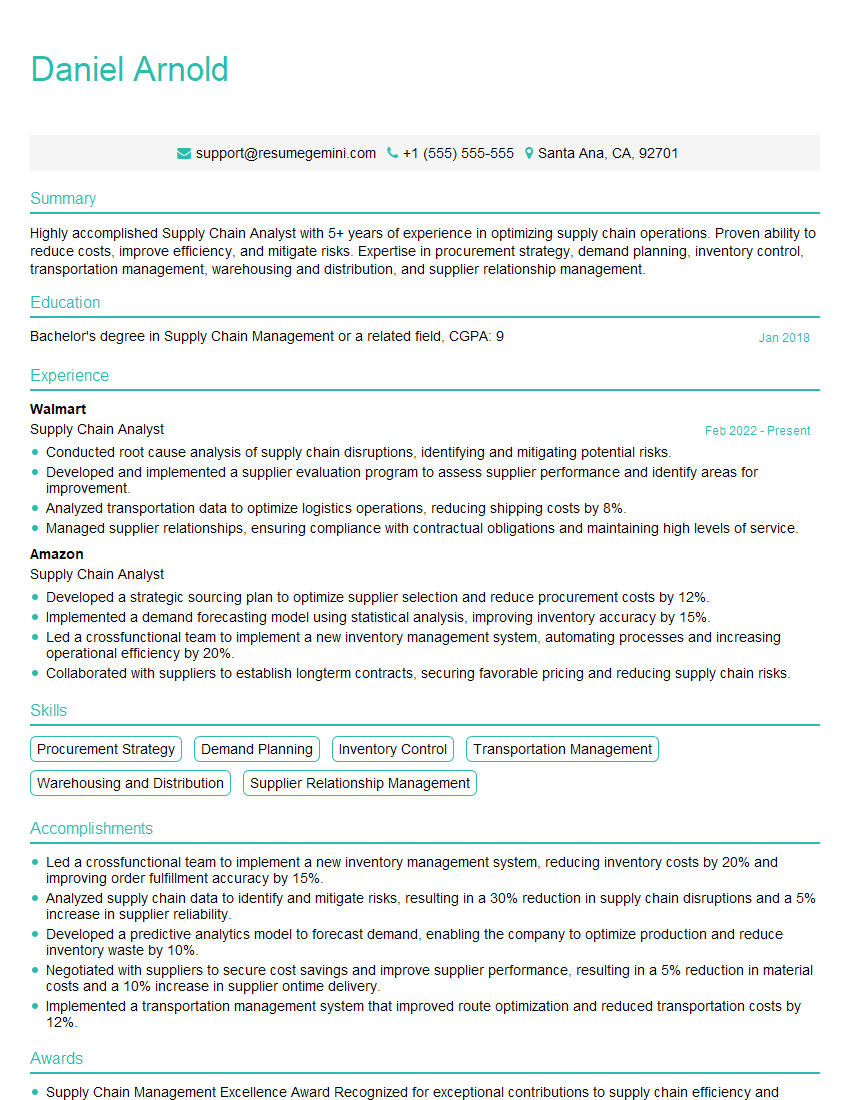
Supply Chain Analyst Resume Sample
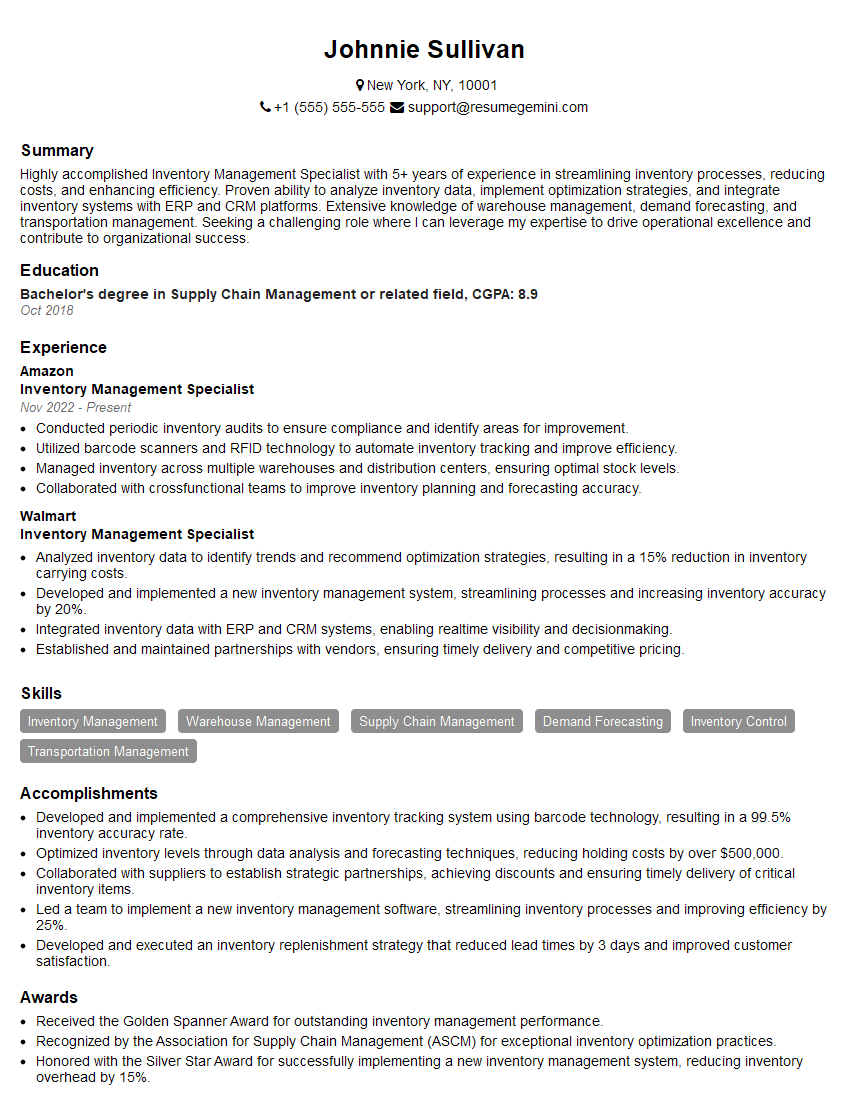
Inventory Management Specialist Resume Sample
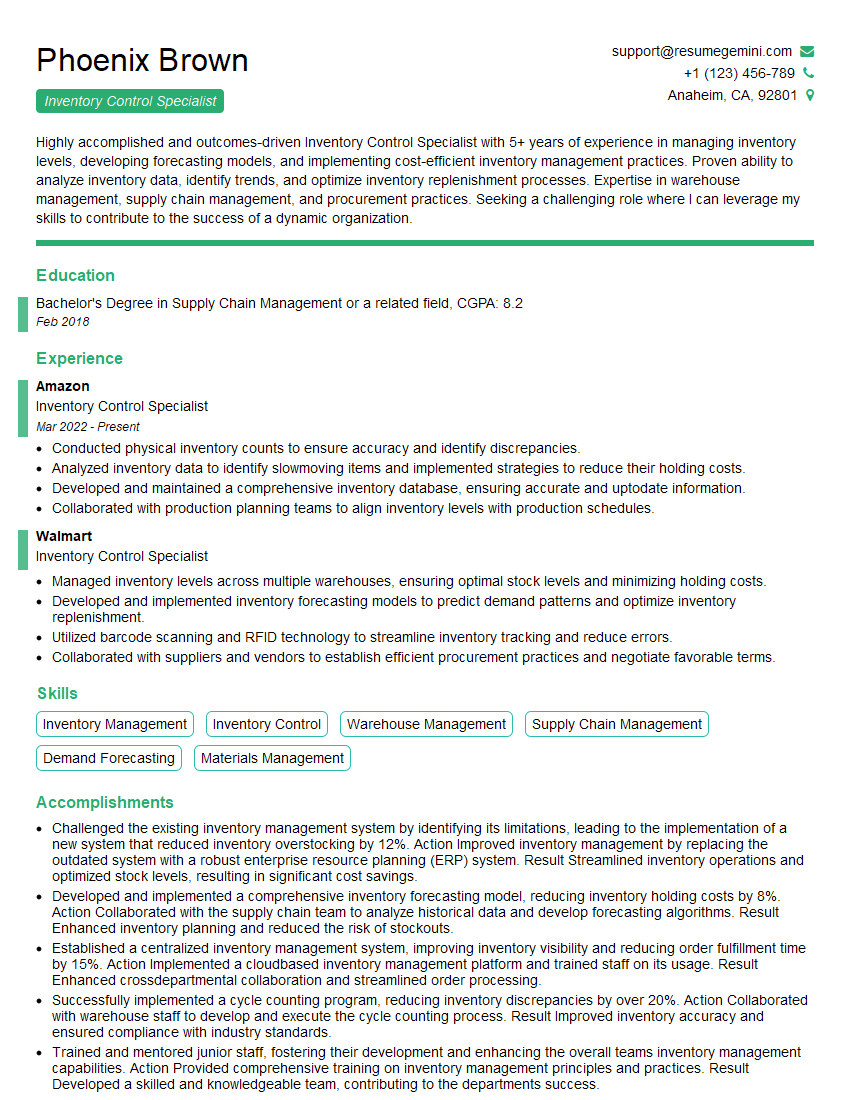
Inventory Control Specialist Resume Sample
Explore more articles
Users Rating of Our Blogs
Share Your Experience
We value your feedback! Please rate our content and share your thoughts (optional).
What Readers Say About Our Blog
To the interviewgemini.com Webmaster.
Very helpful and content specific questions to help prepare me for my interview!
Thank you
To the interviewgemini.com Webmaster.
This was kind of a unique content I found around the specialized skills. Very helpful questions and good detailed answers.
Very Helpful blog, thank you Interviewgemini team.