Interviews are more than just a Q&A session—they’re a chance to prove your worth. This blog dives into essential Knowledge of Java interview questions and expert tips to help you align your answers with what hiring managers are looking for. Start preparing to shine!
Questions Asked in Knowledge of Java Interview
Q 1. Explain the difference between `==` and `.equals()` in Java.
In Java, == and .equals() are both used for comparison, but they operate differently. == compares references (memory addresses), while .equals() compares the content of objects.
Think of it like this: == checks if two variables point to the same object in memory, while .equals() checks if the objects they point to have the same values.
Example:
String str1 = new String("hello"); String str2 = new String("hello"); String str3 = str1; System.out.println(str1 == str2); // Output: false (different memory addresses) System.out.println(str1.equals(str2)); // Output: true (same content) System.out.println(str1 == str3); // Output: true (same memory address)For primitive data types (int, float, etc.), == compares their values directly. For objects, it’s crucial to use .equals() to compare content unless you specifically want to check for reference equality. It’s also vital to override the equals() method in your custom classes to ensure it accurately reflects your object’s content comparison logic.
Q 2. What is the difference between `ArrayList` and `LinkedList`?
ArrayList and LinkedList are both implementations of the List interface in Java, but they differ significantly in their underlying data structures and performance characteristics.
ArrayList uses a dynamic array. Adding or removing elements at the end is efficient (O(1) on average), but inserting or deleting elements in the middle is slow (O(n)) because it requires shifting subsequent elements. Accessing elements by index is fast (O(1)).
LinkedList uses a doubly linked list. Adding or removing elements anywhere in the list is efficient (O(1)), regardless of position. However, accessing elements by index is slow (O(n)) because you need to traverse the list.
In short:
- Use
ArrayListwhen you need frequent random access (getting elements by index) and primarily add/remove at the end. - Use
LinkedListwhen you need frequent insertions or deletions at arbitrary positions.
Imagine a library: ArrayList is like a shelf where you can quickly find a book by its position. LinkedList is like a chain where you can easily add or remove links anywhere.
Q 3. What are Java Generics and why are they useful?
Java Generics allow you to write type-safe code by parameterizing classes, interfaces, and methods with types. This means you can create a single class or method that can work with different types without sacrificing type safety.
Why are they useful?
- Type safety: Generics help prevent runtime errors caused by type mismatches. The compiler checks type compatibility at compile time.
- Code reusability: You can write more general-purpose code that can handle various types without needing to create separate classes for each type.
- Readability: Generics make your code cleaner and easier to understand by explicitly stating the types involved.
Example:
List<String> stringList = new ArrayList<String>(); // List of Strings only List<Integer> intList = new ArrayList<Integer>(); // List of Integers onlyWithout generics, you’d have a raw List, which would allow you to add any type, leading to potential runtime errors when you try to retrieve something that’s not the expected type.
Q 4. Explain the concept of polymorphism in Java.
Polymorphism, meaning “many forms,” is a powerful feature that allows objects of different classes to be treated as objects of a common type. This is achieved through inheritance and interfaces.
Consider a scenario where you have different animal classes (Dog, Cat, Bird) that all inherit from an Animal class. The Animal class might have a method makeSound(). Each subclass can implement this method differently (barking, meowing, chirping).
You can then have an ArrayList<Animal> containing objects of various animal types. When you call makeSound() on each element, the appropriate method for that specific animal type will be executed. This is polymorphism in action. The same method call (makeSound()) results in different behavior depending on the actual object type.
Animal dog = new Dog(); Animal cat = new Cat(); dog.makeSound(); // Dog barks cat.makeSound(); // Cat meowsThis eliminates the need for conditional statements (if-else) to determine which action to perform based on the object type, leading to cleaner and more maintainable code.
Q 5. What are the different access modifiers in Java and their scope?
Java access modifiers control the accessibility of classes, methods, and variables. They determine which parts of your code can access a particular member.
public: Accessible from any other class.protected: Accessible within the same package and by subclasses, even if they are in a different package.private: Accessible only within the same class.default(package-private): Accessible only within the same package. (No keyword is needed to specify this.)
Example:
public class MyClass { public int publicVar; // Accessible from anywhere protected int protectedVar; // Accessible within the package and by subclasses private int privateVar; // Accessible only within MyClass int defaultVar; // Accessible only within the package containing MyClass }Careful use of access modifiers is essential for encapsulation, a core principle of object-oriented programming. It helps to protect your internal data and implementation details, making your code more robust and easier to maintain.
Q 6. What is the purpose of the `finally` block in a `try-catch` statement?
The finally block in a try-catch statement is guaranteed to execute, regardless of whether an exception is thrown or caught. It’s primarily used for cleanup tasks, such as closing files, releasing resources (database connections, network sockets), or resetting state.
Example:
try { // Code that might throw an exception FileInputStream fis = new FileInputStream("myfile.txt"); // ... process the file ... } catch (IOException e) { // Handle the exception System.err.println("Error: " + e.getMessage()); } finally { // Always close the file, whether an exception occurred or not fis.close(); // Assuming fis is declared outside the try block }Even if an exception occurs within the try block, the finally block ensures that the file is closed, preventing resource leaks. This is crucial for writing robust and reliable applications.
Q 7. Explain the difference between an interface and an abstract class.
Both interfaces and abstract classes support abstraction in Java, but they differ in several key aspects.
Interface:
- Can only contain method signatures (method declarations without implementation), constants (
static finalvariables), and default/static methods (Java 8 and later). - A class can implement multiple interfaces.
- Methods in an interface are implicitly
publicandabstract. - Provides a contract that classes must adhere to.
Abstract class:
- Can contain both method signatures and method implementations.
- A class can extend only one abstract class.
- Provides a partial implementation of common functionality.
In essence:
- Use an interface to define a contract – a set of methods that implementing classes must provide.
- Use an abstract class to provide a partial implementation and a foundation for subclasses, enforcing a certain structure while allowing for flexibility in implementation.
Think of an interface as a blueprint that specifies what features a class must have, while an abstract class acts as a base class with some common features already implemented.
Q 8. What is exception handling in Java? Explain different types of exceptions.
Exception handling in Java is a mechanism to gracefully manage errors that occur during program execution. Instead of the program crashing, exception handling allows you to catch and respond to these errors, preventing unexpected termination and potentially providing a better user experience. Java uses a try-catch block structure for this.
Exceptions are broadly classified into two categories:
- Checked Exceptions: These exceptions are checked at compile time. The compiler forces you to handle them (either using a
try-catchblock or by declaring them in the method signature using thethrowskeyword). Examples includeIOException,SQLException, andClassNotFoundException. Imagine you’re reading a file; if the file doesn’t exist, aFileNotFoundException(a checked exception) occurs, and you need to plan for that possibility. - Unchecked Exceptions (Runtime Exceptions): These exceptions are not checked at compile time. They are typically caused by programming errors (like
NullPointerException,ArrayIndexOutOfBoundsException,ArithmeticException). These often indicate logic flaws in your code. Think of accidentally trying to access an array element beyond its bounds – that’s an unchecked exception that crashes the program if not carefully handled.
Example:
try {
  int result = 10 / 0; // This will throw an ArithmeticException
} catch (ArithmeticException e) {
  System.out.println("Error: Division by zero!");
}
Q 9. How does garbage collection work in Java?
Garbage collection in Java is an automatic memory management system. Unlike languages like C or C++, where you manually allocate and deallocate memory, Java’s garbage collector automatically reclaims memory occupied by objects that are no longer being used by the program. This prevents memory leaks and simplifies development.
The process generally involves these steps:
- Marking: The garbage collector identifies objects that are still reachable (i.e., referenced by other active objects). Unreachable objects are marked for garbage collection.
- Sweeping: The garbage collector removes the marked objects from memory, freeing up the space for future use.
- Compaction (Optional): Some garbage collectors also compact the memory to reduce fragmentation, making it easier to allocate large blocks of contiguous memory.
Different garbage collection algorithms exist (like Serial, Parallel, Concurrent Mark Sweep, G1GC etc.), each with its own trade-offs between performance and pause times. The choice of algorithm often depends on the application’s specific needs and the JVM configuration.
Think of it like a cleaning crew in an office. They regularly go through each desk (memory space), checking if anything is still being used. If a document (object) hasn’t been touched for a while, they take it to the recycling bin (garbage collection) to keep the office tidy (memory efficient).
Q 10. What are Java streams and how do they improve code readability?
Java Streams provide a declarative way to process collections of data. Instead of using traditional loops (like for or while loops), streams allow you to express your data processing logic in a more concise and readable manner. They are functional in nature and encourage immutability.
Streams improve code readability by:
- Reducing boilerplate code: Streams often require significantly less code compared to traditional loops for common operations like filtering, mapping, and reducing.
- Improving code clarity: The declarative nature of streams makes it easier to understand the intent of the code without delving into the implementation details of the loops.
- Enabling parallel processing: Streams can easily be parallelized using the
parallelStream()method, allowing for significant performance improvements for large datasets.
Example:
List<Integer> numbers = Arrays.asList(1, 2, 3, 4, 5, 6, 7, 8, 9, 10);
List<Integer> evenNumbers = numbers.stream()
  .filter(n -> n % 2 == 0)
  .collect(Collectors.toList());
This concisely filters for even numbers, a task that would require more lines of code using traditional loops.
Q 11. Explain the concept of multithreading in Java.
Multithreading in Java is the ability to execute multiple parts of a program concurrently. This is particularly useful for improving performance, especially in applications that need to handle multiple tasks simultaneously (like a web server handling multiple client requests). Each part is called a thread; each thread has its own call stack.
Imagine a restaurant kitchen: you can have separate chefs (threads) preparing different dishes (tasks) at the same time. This lets you serve more customers faster than if just one chef did everything.
Benefits of multithreading include improved responsiveness (the application remains responsive even while performing long-running tasks), better resource utilization (multiple CPU cores can be used efficiently), and enhanced performance.
Q 12. How can you achieve synchronization in multithreaded applications?
Synchronization in multithreaded applications is crucial to prevent data corruption and ensure data consistency when multiple threads access and modify shared resources. Without synchronization, race conditions can occur, leading to unpredictable and incorrect results.
Several mechanisms can achieve synchronization:
synchronizedkeyword: This keyword can be used to make methods or blocks of code synchronized, ensuring that only one thread can access the synchronized code at a time. This is accomplished using an intrinsic lock on the object instance (or the class if you usestatic synchronized). It’s like having a single key to a room (shared resource), only one person can enter at a time.ReentrantLockclass: This class provides more flexible synchronization mechanisms than thesynchronizedkeyword, including features like tryLock and fairness policies. It’s a more advanced, programmatic approach to synchronization.volatilekeyword: This keyword ensures that changes to a variable are immediately visible to all threads. It’s suitable for simple scenarios where only read/write access is needed and avoiding complex locking mechanisms.
Q 13. What are the different ways to create threads in Java?
There are primarily three ways to create threads in Java:
- Extending the
Threadclass: You create a new class that extends theThreadclass and override itsrun()method. This method contains the code that will be executed by the thread. - Implementing the
Runnableinterface: You create a class that implements theRunnableinterface and implement itsrun()method. You then pass an instance of this class to theThreadconstructor to create a new thread. This approach is generally preferred as it promotes better code organization and allows you to use a singleRunnableinstance with multiple threads. - Using Executor Framework: This provides a high-level API for managing threads, offering features like thread pools (a set of worker threads ready to handle tasks), simplifying thread management, and improving performance.
Example (Runnable):
class MyRunnable implements Runnable {
  @Override
  public void run() {
    // Code to be executed by the thread
  }
}
Runnable task = new MyRunnable();
Thread thread = new Thread(task);
thread.start();
Q 14. Explain the concept of deadlock in Java.
Deadlock in Java occurs when two or more threads are blocked indefinitely, waiting for each other to release the resources that they need. It’s like a traffic jam where two cars are blocking each other’s path, neither able to move.
The four necessary conditions for a deadlock to occur are:
- Mutual Exclusion: Only one thread can access a resource at a time.
- Hold and Wait: A thread holding at least one resource is waiting to acquire additional resources held by other threads.
- No Preemption: Resources cannot be forcibly taken away from a thread; they must be released voluntarily.
- Circular Wait: A circular chain of two or more threads exists, where each thread is waiting for a resource held by the next thread in the chain.
Example scenario: Two threads, Thread A and Thread B, each need access to two resources, Resource X and Resource Y. Thread A holds X and waits for Y, while Thread B holds Y and waits for X. Neither can proceed, resulting in a deadlock.
Preventing deadlocks involves careful resource management, avoiding circular dependencies, and using techniques like acquiring locks in a consistent order.
Q 15. What is a deadlock and how can it be prevented?
A deadlock in Java (and other concurrent programming environments) occurs when two or more threads are blocked indefinitely, waiting for each other to release the resources that they need. Imagine two people holding onto a key each needs to unlock the other’s door – neither can proceed, creating a standstill. This situation commonly arises when multiple threads access shared resources simultaneously without proper synchronization.
Preventing Deadlocks: Preventing deadlocks involves careful management of resource access. Here are some common strategies:
- Avoid Nested Locks: Avoid acquiring locks in a nested manner where Thread A holds Lock X and tries to acquire Lock Y, while Thread B holds Lock Y and tries to acquire Lock X. This creates a cyclical dependency.
- Acquire Locks in a Consistent Order: Establish a strict order for acquiring multiple locks. If multiple locks are needed, always acquire them in the same sequence to prevent circular dependencies. For example, always acquire Lock A before Lock B, regardless of the thread.
- Use Timeouts: When requesting a lock, implement a timeout mechanism. If a thread cannot acquire a lock within a certain time, it can release any held locks and retry later, preventing indefinite blocking.
- Try-Lock: Utilize
tryLock()instead oflock().tryLock()attempts to acquire the lock without blocking. If the lock is unavailable, it returnsfalseimmediately, allowing the thread to proceed with alternative actions. - Proper Resource Management: Ensure resources are released promptly, even if exceptions occur. Use
finallyblocks to guarantee resource cleanup in the event of errors.
Example (Illustrative – not production-ready):
public class DeadlockExample {
    private final Object lock1 = new Object();
    private final Object lock2 = new Object();

    public void method1() {
        synchronized (lock1) {
            System.out.println("Thread 1: Holding lock1");
            try { Thread.sleep(100); } catch (InterruptedException e) { /*Handle*/ }
            synchronized (lock2) {
                System.out.println("Thread 1: Holding lock1 and lock2");
            }
        }
    }

    public void method2() {
        synchronized (lock2) {
            System.out.println("Thread 2: Holding lock2");
            try { Thread.sleep(100); } catch (InterruptedException e) { /*Handle*/ }
            synchronized (lock1) {
                System.out.println("Thread 2: Holding lock2 and lock1");
            }
        }
    }
}
This example demonstrates a potential deadlock scenario. To avoid it, a consistent locking order should be enforced.
Career Expert Tips:
- Ace those interviews! Prepare effectively by reviewing the Top 50 Most Common Interview Questions on ResumeGemini.
- Navigate your job search with confidence! Explore a wide range of Career Tips on ResumeGemini. Learn about common challenges and recommendations to overcome them.
- Craft the perfect resume! Master the Art of Resume Writing with ResumeGemini’s guide. Showcase your unique qualifications and achievements effectively.
- Don’t miss out on holiday savings! Build your dream resume with ResumeGemini’s ATS optimized templates.
Q 16. What are design patterns? Explain a few commonly used design patterns in Java.
Design patterns are reusable solutions to commonly occurring problems in software design. They provide a general template for solving a specific design issue, allowing for cleaner, more maintainable, and more efficient code. They’re not ready-to-use code but rather blueprints that guide you.
Common Java Design Patterns:
- Singleton Pattern: Ensures that only one instance of a class is created. This is useful for managing resources that should be shared globally, like a database connection pool. It often involves a private constructor and a static method to retrieve the single instance.
- Factory Pattern: Provides an interface for creating objects without specifying their concrete classes. This allows for decoupling and flexibility; the creation logic is encapsulated within the factory, making it easy to switch between different implementations.
- Observer Pattern: Defines a one-to-many dependency between objects. When one object (the subject) changes state, all its dependents (observers) are notified and updated automatically. Think of a stock ticker – many clients (observers) are interested in price updates (subject).
- Decorator Pattern: Dynamically adds responsibilities to an object. It’s like adding toppings to an ice cream sundae – each topping is a decorator that modifies the base ice cream object without changing its core functionality.
Example (Singleton):
public class Singleton {
    private static final Singleton INSTANCE = new Singleton();
    private Singleton() {}
    public static Singleton getInstance() { return INSTANCE; }
    // ... other methods ...
}
This Singleton implementation ensures only one instance exists throughout the application’s lifecycle.
Q 17. Describe your experience with Spring Framework.
I have extensive experience with the Spring Framework, leveraging it in various projects over the past [Number] years. My experience spans across different modules of Spring, including:
- Spring Core: Dependency Injection (DI) and Inversion of Control (IoC) are core to my workflow, resulting in highly decoupled and testable applications. I’m proficient in using annotations like
@Autowired,@Component, and@Serviceto manage beans and their dependencies. - Spring Data Access: I’ve used Spring’s data access abstractions, such as
JdbcTemplateand Spring Data JPA, simplifying database interactions and reducing boilerplate code. This experience allows me to easily integrate with various databases and manage transactions efficiently. - Spring MVC: I have extensive experience building RESTful web services and web applications using Spring MVC. I’m familiar with controllers, view resolvers, and request handling mechanisms. I understand how to leverage features like request mapping annotations for efficient routing.
- Spring AOP: I have used Aspect-Oriented Programming (AOP) to implement cross-cutting concerns, such as logging, security, and transaction management, in a modular and clean manner. This significantly improves code maintainability and reduces duplication.
- Spring Security: I have integrated Spring Security into several projects, implementing authentication, authorization, and securing web applications and REST APIs. This includes implementing different authentication mechanisms and managing access control based on roles and permissions.
In one recent project, I used Spring to build a microservice architecture, leveraging Spring Cloud for service discovery, configuration management, and circuit breaking. This project highlighted the framework’s scalability and robustness for complex applications.
Q 18. What are Spring Boot features and benefits?
Spring Boot builds upon the Spring Framework to simplify the development process by providing several key features and benefits:
- Auto-Configuration: Spring Boot automatically configures many aspects of your application based on the dependencies you include, reducing the need for extensive XML configuration or tedious boilerplate code. This speeds up development significantly.
- Embedded Servers: It includes embedded servers like Tomcat, Jetty, or Undertow, simplifying deployment as the application can be packaged as a single executable JAR file and run without external dependencies.
- Starter Dependencies: Spring Boot offers ‘starter’ dependencies that provide pre-packaged sets of libraries for common functionalities. For example, the
spring-boot-starter-webdependency automatically includes all the necessary libraries to build a web application. - Actuator: This module provides endpoints for monitoring and managing your application’s health, metrics, and other operational aspects, making troubleshooting and diagnostics significantly easier.
- Simplified Development: Spring Boot simplifies the development process by reducing boilerplate code and providing tools for easy testing and deployment. This allows developers to focus on building business logic instead of infrastructure concerns.
In essence, Spring Boot streamlines Spring development, making it faster and easier to build production-ready applications without sacrificing flexibility or power. It’s particularly beneficial for microservices and rapidly-prototyping applications.
Q 19. What is JDBC and how is it used to connect to a database?
JDBC (Java Database Connectivity) is a Java API that provides a standard way to connect to and interact with relational databases. It acts as a bridge between your Java application and the database management system (DBMS).
Connecting to a Database using JDBC:
- Load the JDBC Driver: The first step is to load the appropriate JDBC driver for your database. This driver translates Java calls into database-specific commands. This is typically done using
Class.forName(). - Establish a Connection: Use
DriverManager.getConnection()to create a connection to the database. This requires providing the database URL, username, and password. - Create a Statement: Create a
Statementobject to execute SQL queries. You can also use aPreparedStatementfor parameterized queries to prevent SQL injection vulnerabilities. - Execute the Query: Execute your SQL query using
Statement.executeQuery()(forSELECTstatements) orStatement.executeUpdate()(forINSERT,UPDATE,DELETEstatements). - Process the Result Set: If the query returns data (
SELECTstatement), aResultSetobject is returned, allowing you to iterate through the results. - Close Connections: Always close the
ResultSet,Statement, andConnectionobjects to release resources.
Example (Illustrative):
Class.forName("com.mysql.cj.jdbc.Driver"); // Load MySQL driver
Connection connection = DriverManager.getConnection("jdbc:mysql://localhost:3306/mydb","user","password");
Statement statement = connection.createStatement();
ResultSet resultSet = statement.executeQuery("SELECT * FROM mytable");
// ... process resultSet ...
resultSet.close();
statement.close();
connection.close();
Remember to replace placeholders with your actual database details and handle potential exceptions appropriately.
Q 20. What is Hibernate and what are its advantages over JDBC?
Hibernate is an Object-Relational Mapping (ORM) framework for Java. It simplifies database interactions by mapping Java objects to database tables and vice versa. Instead of writing raw SQL, you work with Java objects, making development faster and easier.
Advantages of Hibernate over JDBC:
- Object-Oriented Approach: Hibernate allows you to interact with the database using Java objects, eliminating the need to write SQL queries manually. This makes code more readable, maintainable, and easier to understand.
- Abstraction of Database Details: Hibernate abstracts away many database-specific details, allowing you to write portable code that can work with different databases with minimal changes. Switching databases is significantly simpler than with JDBC.
- Simplified Data Access: Hibernate handles complex data access tasks like fetching, inserting, updating, and deleting data automatically, simplifying your application logic.
- Transaction Management: Hibernate provides robust transaction management, ensuring data consistency and integrity. JDBC requires manual transaction handling which is more error-prone.
- Caching: Hibernate uses caching to improve performance by storing frequently accessed data in memory. This significantly reduces the number of database queries.
In short, Hibernate provides a higher-level abstraction over JDBC, simplifying database interactions and increasing developer productivity. However, it introduces an additional layer of complexity, and direct SQL queries may be necessary in some advanced scenarios.
Q 21. Explain RESTful APIs and their importance in web development.
RESTful APIs (Representational State Transfer Application Programming Interfaces) are a style of software architecture for building web services. They utilize HTTP methods (GET, POST, PUT, DELETE, etc.) to perform operations on resources, identified by URLs. Imagine a library: Each book is a resource; you use different HTTP methods to borrow (GET), add (POST), update (PUT) details, or remove (DELETE) a book.
Importance in Web Development:
- Scalability: RESTful APIs are highly scalable because they are stateless, meaning each request contains all the necessary information to be processed independently. This allows for easy horizontal scaling by adding more servers to handle increased load.
- Flexibility: They can be used with various programming languages and platforms, promoting interoperability between different systems. This is crucial in modern interconnected applications.
- Simplicity: The reliance on standard HTTP methods and data formats like JSON makes them relatively easy to understand and implement.
- Maintainability: Well-designed RESTful APIs are easier to maintain and update compared to other web service architectures, as changes are typically isolated to specific resources or operations.
- Client-Server Architecture: REST APIs follow the client-server architecture, separating concerns and improving modularity.
RESTful APIs are essential in modern web development for creating web services and enabling communication between different applications, including mobile apps, web applications, and backend systems. They are the backbone of many modern applications, allowing seamless data exchange and integration.
Q 22. What is your experience with testing frameworks like JUnit or Mockito?
JUnit and Mockito are indispensable tools in my Java development arsenal. JUnit is a widely-used unit testing framework that allows me to write automated tests for individual components of my code, ensuring they function as expected. I use it extensively to test methods, classes, and interactions between different parts of my application. For example, I might use JUnit to verify that a method correctly calculates a sum or that a data structure behaves as designed.
Mockito, on the other hand, is a mocking framework that simplifies testing by allowing me to create mock objects. These mock objects simulate the behavior of real dependencies, like databases or external services, which are often difficult or time-consuming to test directly. This allows for isolated unit testing, focusing on the specific behavior of the component under test without the complexities of interacting with external systems. For instance, if I’m testing a service that interacts with a database, I might use Mockito to mock the database interaction, returning predefined results to allow focused testing of the service’s logic. I regularly employ both frameworks in a Test-Driven Development (TDD) approach, writing tests *before* implementing the actual code, guiding the development process and ensuring high code quality.
Q 23. How do you handle different types of exceptions in your code?
Exception handling is crucial for writing robust and reliable Java applications. I prioritize a layered approach, combining checked and unchecked exceptions to handle different situations effectively. For checked exceptions, which are compile-time errors, I typically use try-catch blocks to handle predictable issues like IOException when working with files or SQLException when interacting with databases.
try {
 // Code that might throw an exception
} catch (IOException e) {
  // Handle the IOException
} catch (SQLException e) {
  // Handle the SQLException
}
Unchecked exceptions, or runtime exceptions like NullPointerException or IllegalArgumentException, are usually handled using a combination of careful coding practices to prevent them (e.g., null checks) and logging mechanisms to record their occurrence for debugging and analysis. In some cases, I might also wrap unchecked exceptions in a custom checked exception to enforce handling at a higher level in the application. For instance, I could define a custom exception BusinessLogicException to indicate errors arising from business rule violations. Finally, for critical sections of code, I employ a logging strategy that includes detailed exception information including stack traces, to aid in post-mortem analysis and debugging.
Q 24. Describe your experience with version control systems (e.g., Git).
Git is my primary version control system, and I’m proficient in using it for both individual and collaborative projects. I’m comfortable with branching strategies, such as Gitflow, for managing features and bug fixes, ensuring a clean and organized project history. I understand the importance of frequent commits with meaningful messages, making it easy to track changes and revert to previous versions if needed. I’m experienced in using pull requests (or merge requests) to facilitate code review and collaboration within a team, promoting code quality and reducing errors. Furthermore, I’m familiar with using Git for resolving merge conflicts, employing strategies that both preserve the changes from all branches while maintaining the integrity of the codebase. My experience extends to using Git on both local and remote repositories, utilizing services such as GitHub or GitLab for collaborative development and code hosting.
Q 25. Explain your approach to debugging complex Java code.
Debugging complex Java code involves a systematic approach. I start by reproducing the bug consistently, then examine the stack trace (if available) to identify the point of failure. I leverage the debugger in my IDE (usually IntelliJ or Eclipse) to step through the code line by line, inspecting variable values and program flow.
I often use logging strategically to track the state of variables and method executions at various points in the code. This allows me to pinpoint where unexpected behavior occurs, even if the debugger is not practical or the issue is intermittent. If the problem involves multithreading, I utilize tools to analyze thread interactions and identify potential race conditions or deadlocks. When dealing with memory-related issues, I might employ memory profiling tools to identify memory leaks or excessive memory consumption. Ultimately, my approach combines technical skills with a methodical and patient investigative process, starting with the simplest checks and progressively refining my analysis until the root cause is identified and resolved.
Q 26. What are your preferred IDEs and tools for Java development?
My preferred IDEs are IntelliJ IDEA and Eclipse. Both offer excellent features for Java development, including intelligent code completion, debugging tools, and integration with version control systems. IntelliJ IDEA, with its robust refactoring capabilities and advanced code analysis features, is generally my go-to choice for larger projects. However, Eclipse is an equally capable IDE, and its lightweight nature makes it ideal for quick tasks or less resource-intensive machines.
In addition to IDEs, I frequently use tools like Maven or Gradle for project management and dependency handling, ensuring efficient build processes and consistent environments across different development setups. For static code analysis, I utilize tools like FindBugs or SonarQube to identify potential issues and improve the overall quality and maintainability of my code.
Q 27. Describe your experience with any Java-based frameworks besides Spring.
Beyond Spring, I have experience with several other Java-based frameworks. I’ve worked with Jakarta EE (formerly Java EE) technologies, including servlets, JSPs, and EJBs, for building enterprise-level applications. This experience gave me a solid foundation in building robust and scalable web applications. I’ve also utilized Struts, a web application framework, for developing web applications with a more structured approach than servlets alone. In more recent projects, I have used frameworks like Dropwizard for building RESTful APIs, appreciating its focus on simplicity and speed of development. The choice of framework often depends on project requirements – for example, a microservices architecture might benefit from a lightweight framework like Dropwizard or Spring Boot, while enterprise applications might require the features and robustness of Jakarta EE.
Q 28. What are your strengths and weaknesses as a Java developer?
My strengths as a Java developer include a deep understanding of core Java concepts, proficiency in testing frameworks, and a practical approach to problem-solving. I’m a quick learner, adapting readily to new technologies and frameworks as needed. I also value collaboration and appreciate working in teams to deliver high-quality software. I actively participate in code reviews and contribute to improving the coding practices within my team.
One area where I continue to focus on improvement is my knowledge of advanced concurrency patterns. While I’m competent in using basic threading concepts, I aim to enhance my expertise in handling complex multithreaded scenarios and optimizing performance in highly concurrent applications. This ongoing learning aligns with the increasingly important role of concurrent programming in modern applications. I’m actively engaging with online resources and pursuing opportunities to apply these advanced concurrency concepts in real-world projects.
Key Topics to Learn for Your Java Interview
- Core Java Fundamentals: Mastering object-oriented programming (OOP) principles like encapsulation, inheritance, and polymorphism is crucial. Understand data types, control structures, and exception handling.
- Data Structures and Algorithms: Practice implementing common data structures (arrays, linked lists, trees, graphs) and algorithms (searching, sorting) in Java. This demonstrates problem-solving skills vital for any developer role.
- Collections Framework: Become proficient with Java’s built-in collections (ArrayList, LinkedList, HashMap, HashSet). Understand their strengths and weaknesses to choose the right tool for the job.
- Multithreading and Concurrency: Grasp the concepts of threads, synchronization, and thread safety. Learn to handle concurrent operations efficiently and avoid common pitfalls like deadlocks.
- Input/Output (I/O) Operations: Understand file handling, streams, and different ways to read and write data. This is essential for many real-world applications.
- Java Database Connectivity (JDBC): Familiarize yourself with connecting Java applications to databases. Learn to execute SQL queries and manage database interactions.
- Testing and Debugging: Learn how to write unit tests using frameworks like JUnit and effectively debug your code. This showcases your attention to detail and commitment to quality.
- Design Patterns: Understanding common design patterns (e.g., Singleton, Factory, Observer) helps create more robust and maintainable code. Knowing when and how to apply them is a valuable asset.
Next Steps
Mastering Java opens doors to exciting and rewarding career opportunities in software development. A strong foundation in Java significantly enhances your employability and paves the way for career advancement. To maximize your chances of landing your dream job, invest time in creating an Applicant Tracking System (ATS)-friendly resume that highlights your skills and experience effectively. ResumeGemini is a trusted resource to help you build a professional and impactful resume. We offer examples of resumes tailored to Java developers to help guide you. Let ResumeGemini help you present your Java expertise in the best possible light!
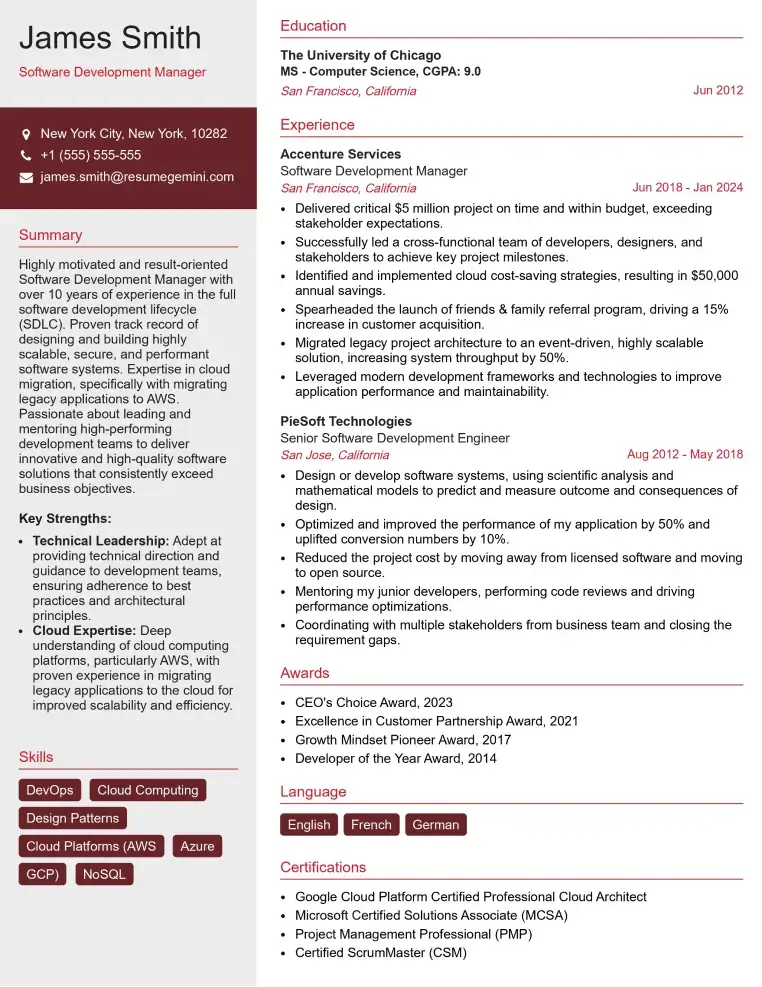
Check Out Resume Samples at ResumeGemini
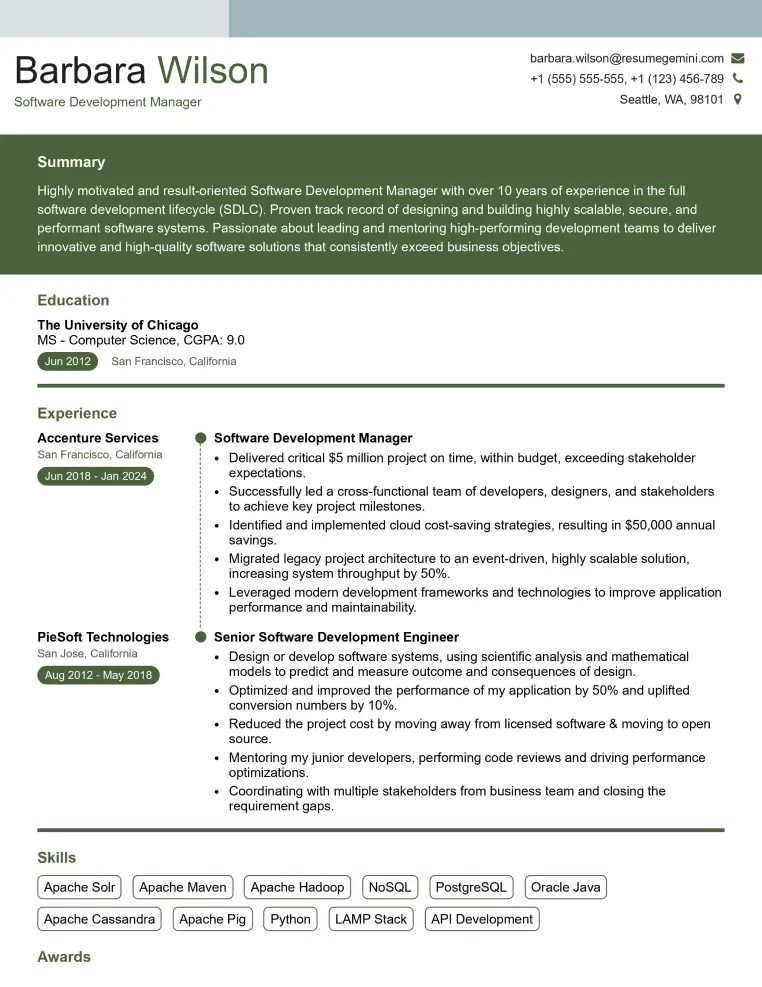
Check Out Resume Samples at ResumeGemini
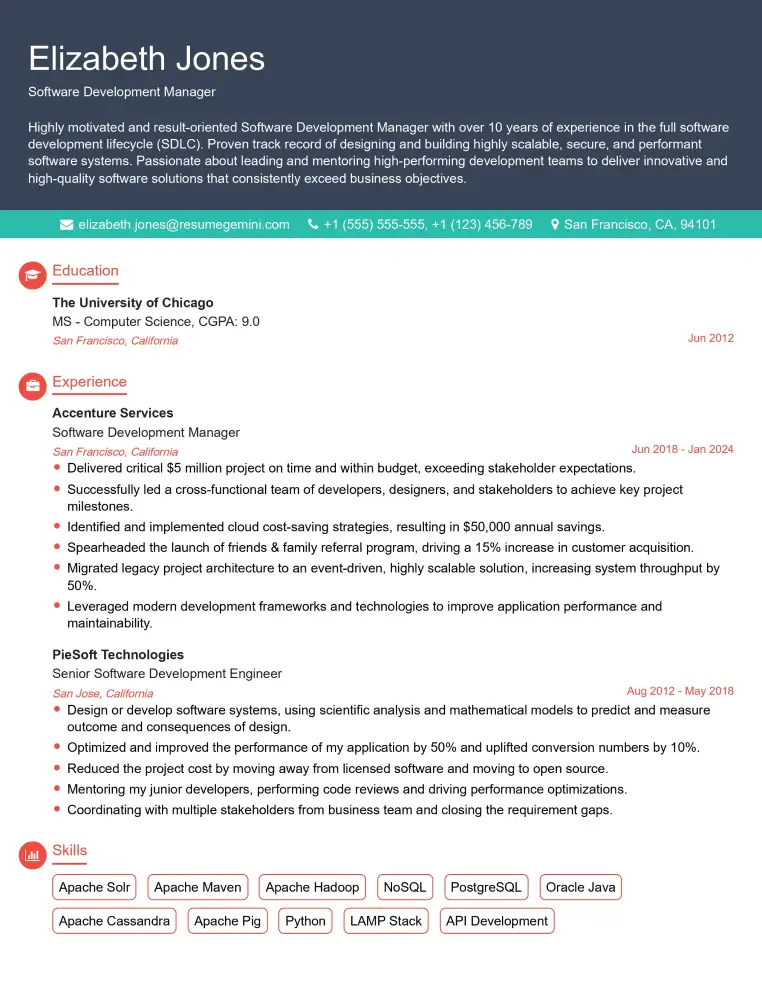
Check Out Resume Samples at ResumeGemini

Check Out Resume Samples at ResumeGemini
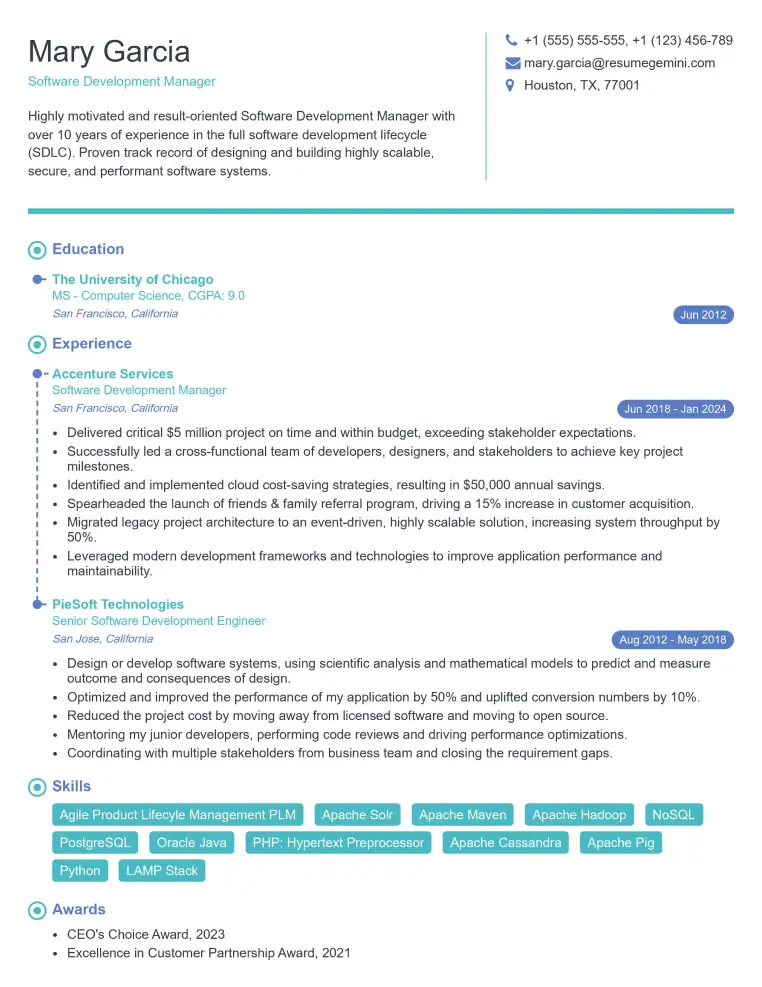
Check Out Resume Samples at ResumeGemini
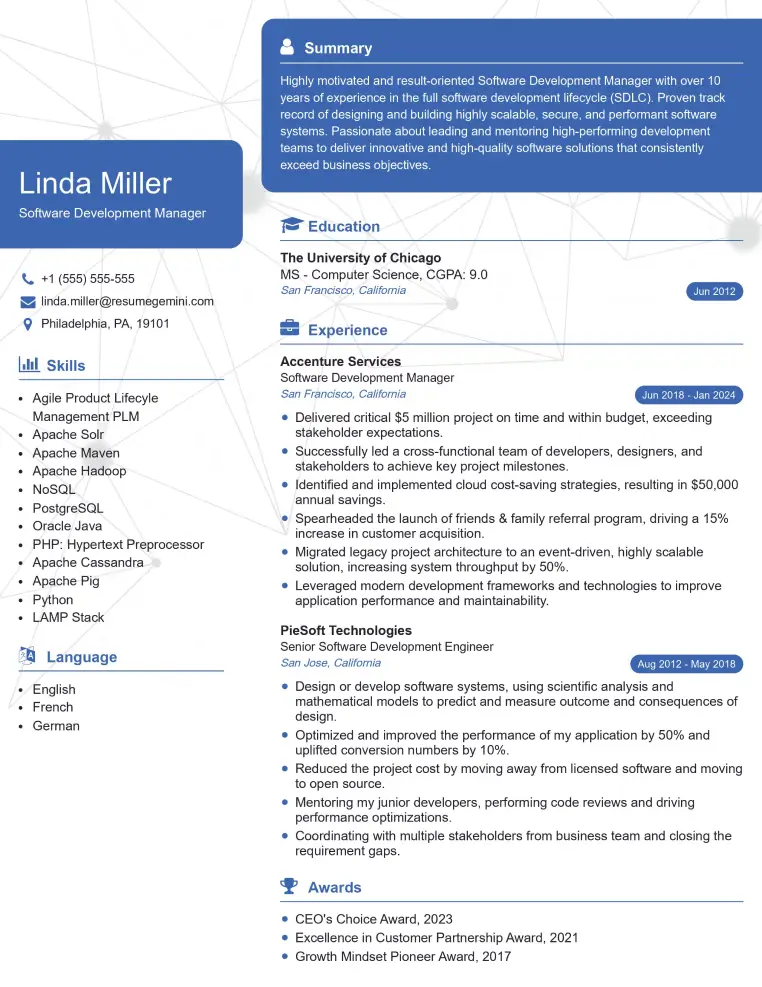
Check Out Resume Samples at ResumeGemini
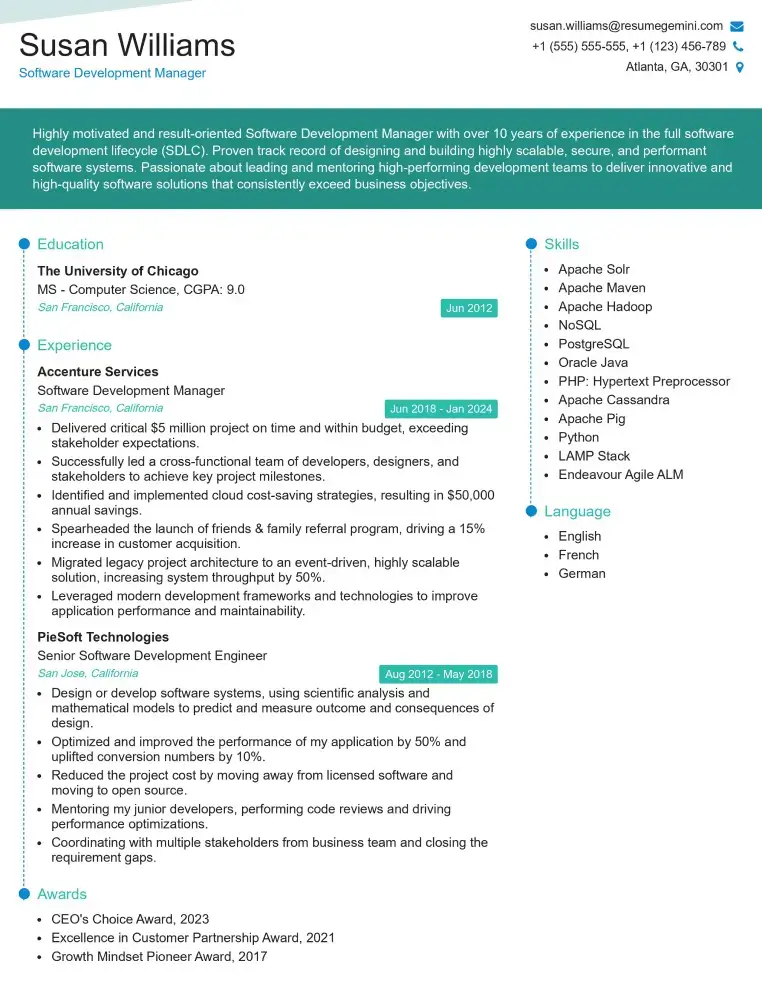
Check Out Resume Samples at ResumeGemini
Explore more articles
Users Rating of Our Blogs
Share Your Experience
We value your feedback! Please rate our content and share your thoughts (optional).
What Readers Say About Our Blog
To the interviewgemini.com Webmaster.
Very helpful and content specific questions to help prepare me for my interview!
Thank you
To the interviewgemini.com Webmaster.
This was kind of a unique content I found around the specialized skills. Very helpful questions and good detailed answers.
Very Helpful blog, thank you Interviewgemini team.